
What is Wix Harmony?
Wix Harmony is the editor Wix now uses for new websites. Wix launched it in January 2026. It works like a normal…
Yes. Wix has more than 270 portfolio templates. Some of them come with Wix Portfolio, Wix's app for showing your work as projects. Both work on the free plan. You only pay when you want your own domain or a site without the Wix bar.
For my Wix review, I built a whole website for a made-up dance school on the free plan. This time I opened a portfolio template for a textile designer and let Wix turn six photos of textile work into portfolio projects.
I tested it on October 24, 2026.
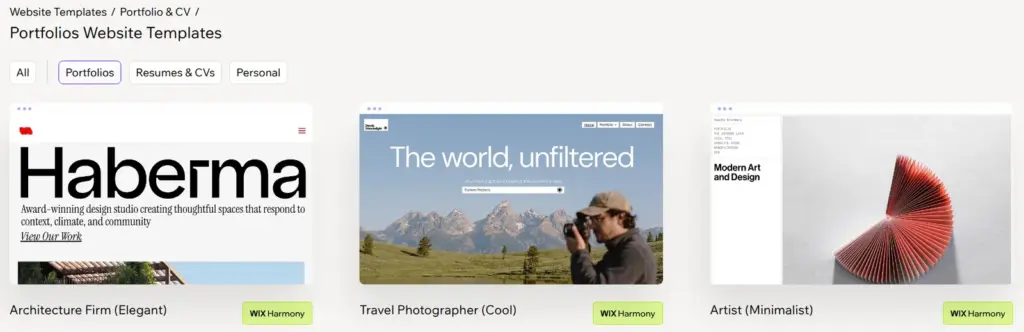
Wix's template gallery has its own group for portfolios, called Portfolio & CV. It held 347 templates, and 274 of them were portfolios. The others are for a CV or a personal site. The names tell you who a template is made for, like "Wedding Photographer (Pastoral)" or "Architect Portfolio (Simple)".
Only 60 of the portfolio templates have the Wix Harmony label. They open in Wix Harmony, the new editor with the AI helper Aria. The others are older designs for the classic Wix Editor, and a site can't move from one editor to the other later.
The Info button on a template says what it's for and which apps come with it. For 21 of the 60 Harmony templates, the description names Wix Portfolio. Wix's help center still lists Wix Portfolio among the apps that aren't in Wix Harmony yet. In my test it was there and worked.
I picked "Textile Designer (Earthy)", one of the templates with Wix Portfolio. Its preview is a working website, and the portfolio is the page called Collection.
You can also skip the template and describe your work to Aria, which then builds a first version of the site. That's how my dance school site started, and Can Wix build your website with AI? shows how that went.

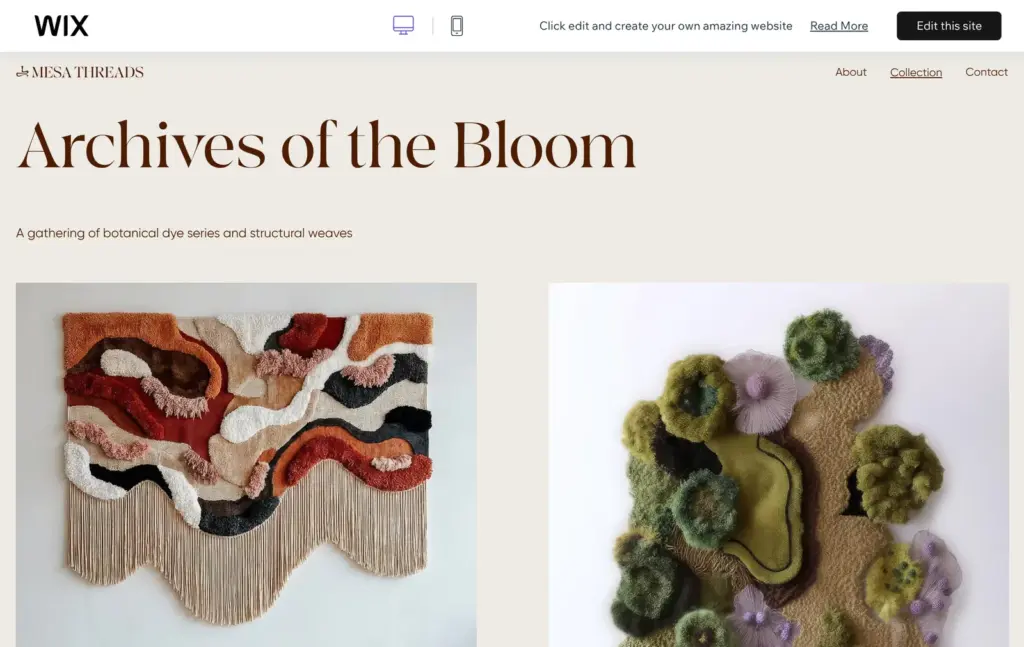
Clicking "Edit this site" copied the template into my account as a new site on the free plan. Wix didn't ask for a payment. The editor has its own menu for the portfolio, and the template came with the portfolio pages already set up. Each project gets its own page in the template's design. You don't build those pages yourself.
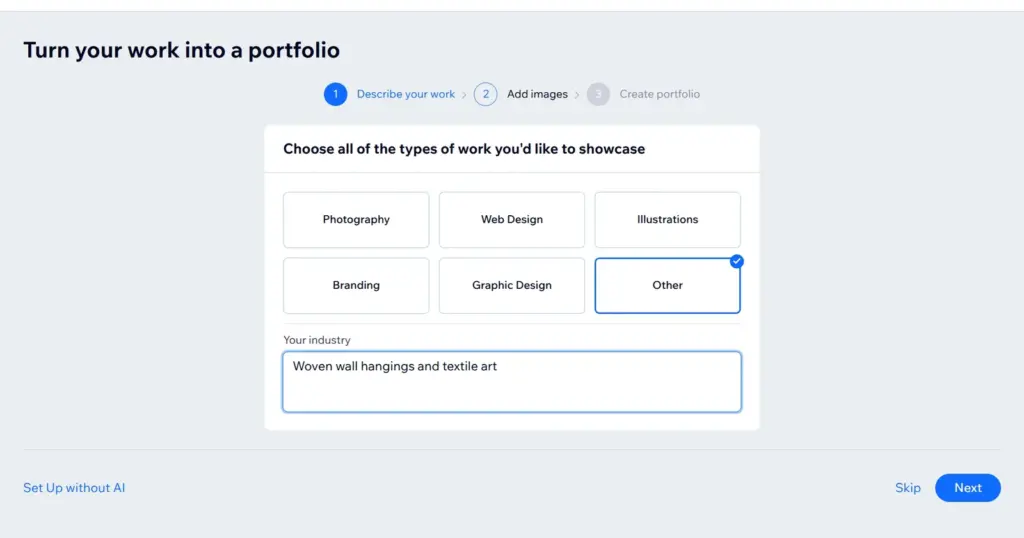
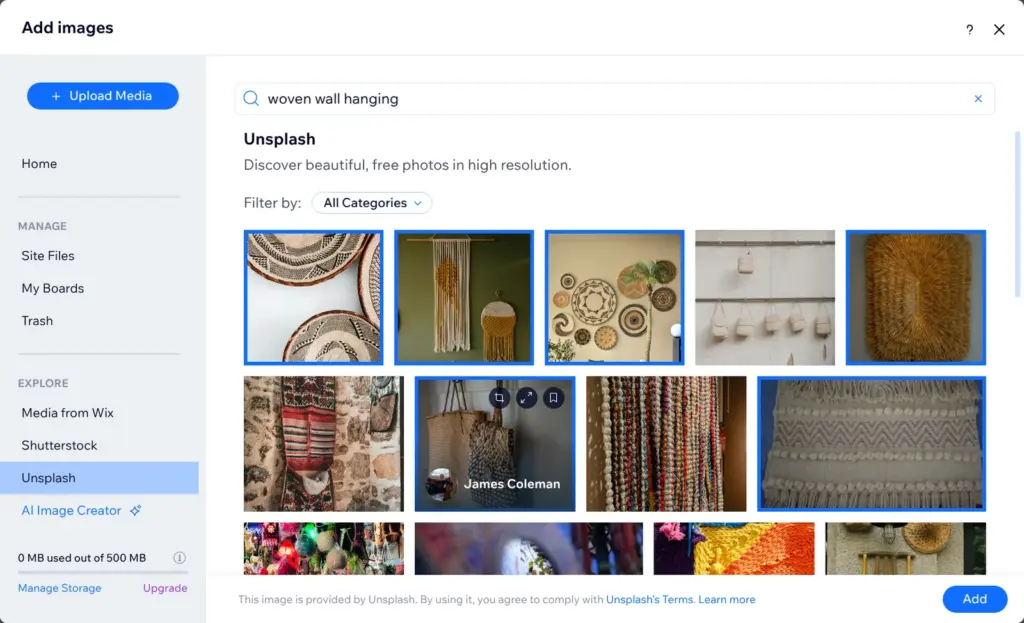
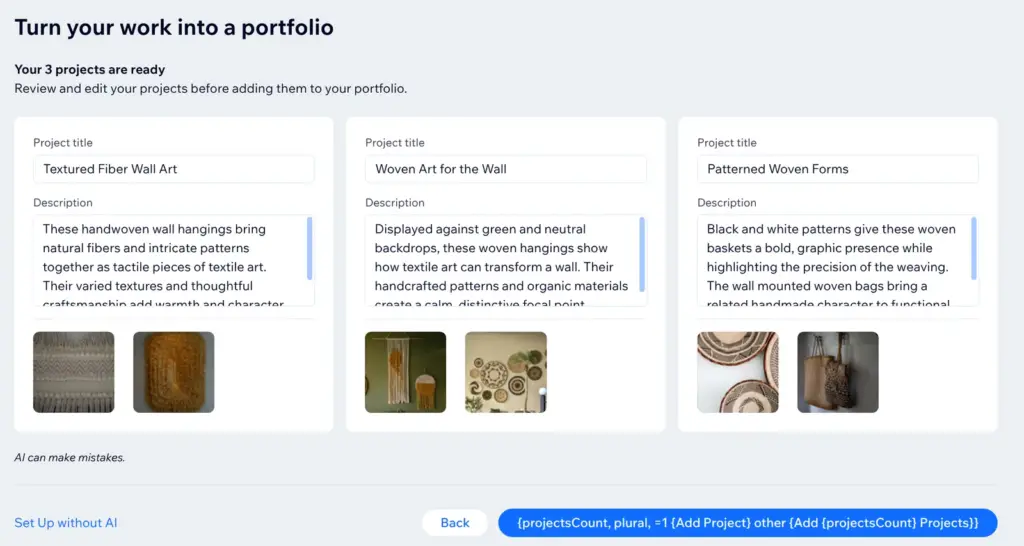
When I added the first project, Wix started an AI setup called "Turn your work into a portfolio". You pick the kind of work, for example photography or branding, or type in your own. Then you add photos from your computer or from Wix's media library. I used six free photos of textile work from Unsplash, which is built into the media library.
About six seconds later, the AI had made three projects with two photos each. It gave each project a title and a short description. The texts sounded like advertising, for example "Their varied textures and thoughtful craftsmanship add warmth and character to interior spaces." They don't say who made the pieces or how.
The button that adds the projects showed a piece of code instead of its label. My first click on it did nothing, and the second one worked.
Wix's help center says you can use the AI setup only once. After that you add projects one by one. Each step also has a link to set up the portfolio without AI.
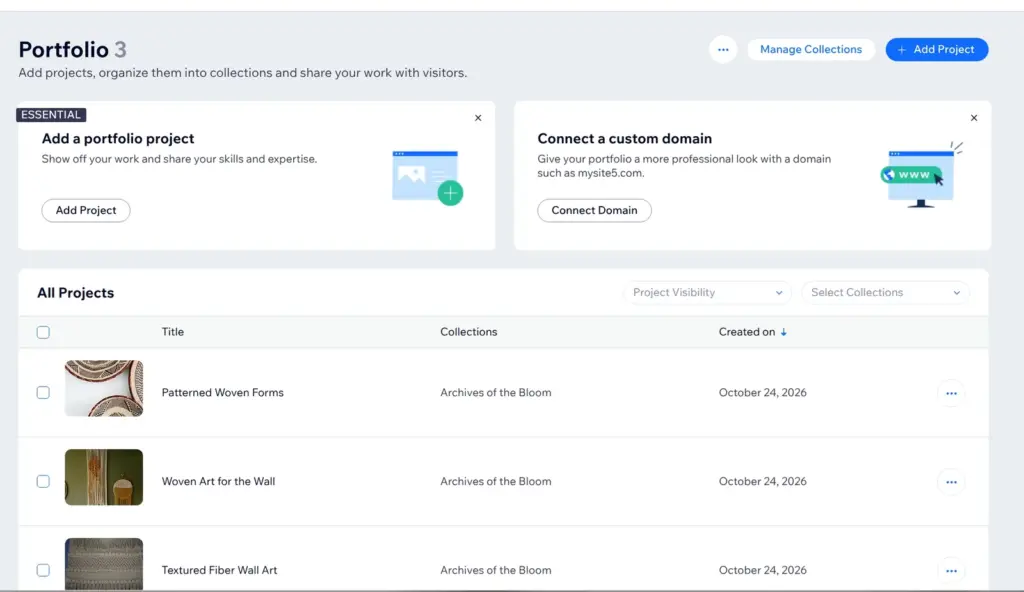
The projects are in the site's dashboard, under Portfolio. The four sample projects of the template were gone, and my three projects were in the template's collection. You can group projects into collections like that.
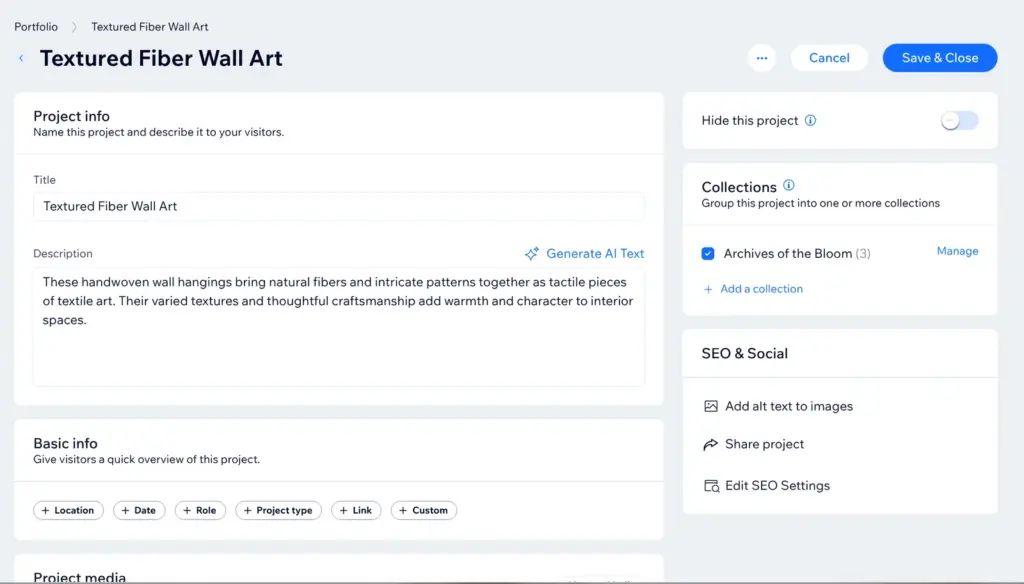
In a project you can change the title and the text, or let the AI write the text again. You can also add details like the date or your role. The first photo is the cover.
Wix's help center says a project can hold as many photos and videos as you like. In Wix Harmony, a video can't be the cover yet. With more than one collection, the main portfolio page shows the collections instead of the projects. And once the site is live, a project you save in the dashboard goes online right away, without publishing the site again.
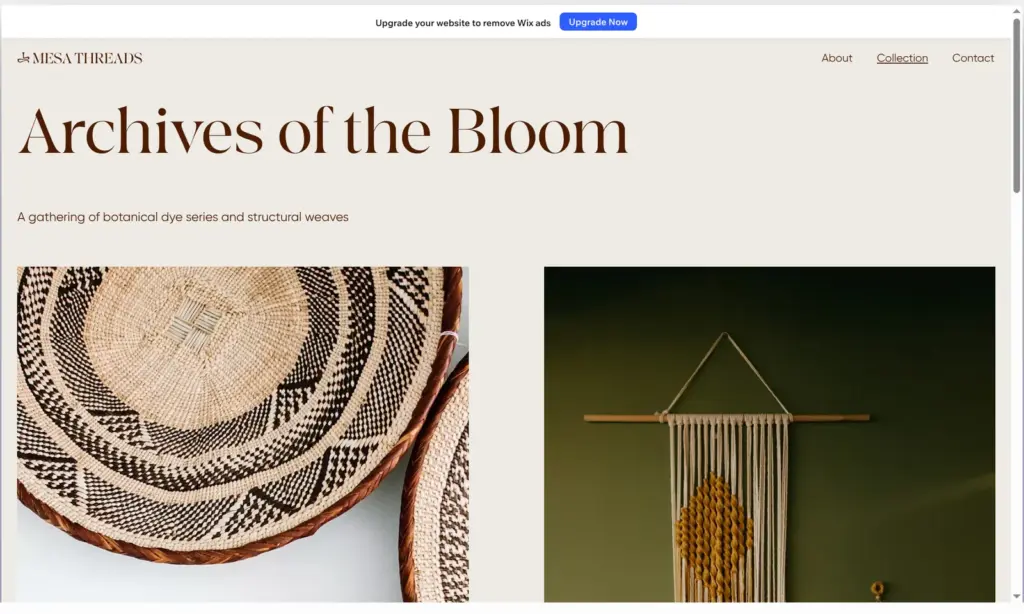
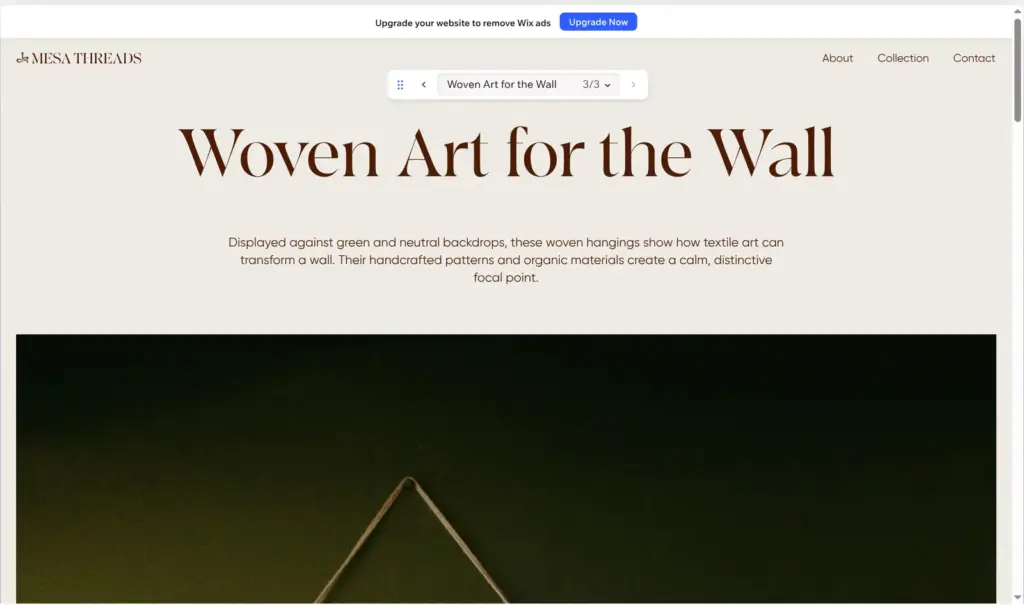
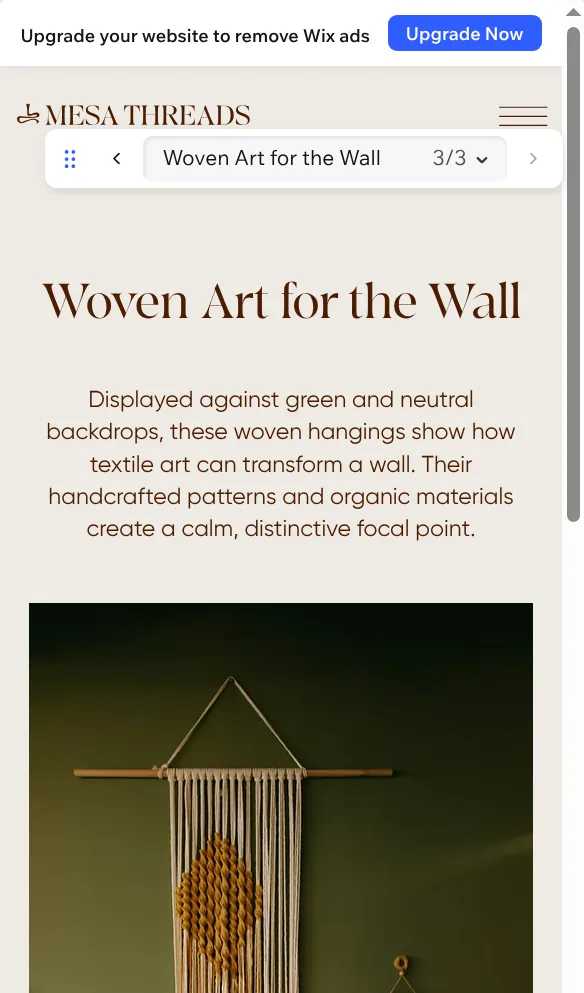
In the preview, the collection page showed my three projects in the template's design. They sit two side by side, each with a number. A project page has the title in big letters, then the text and the photos at full width.
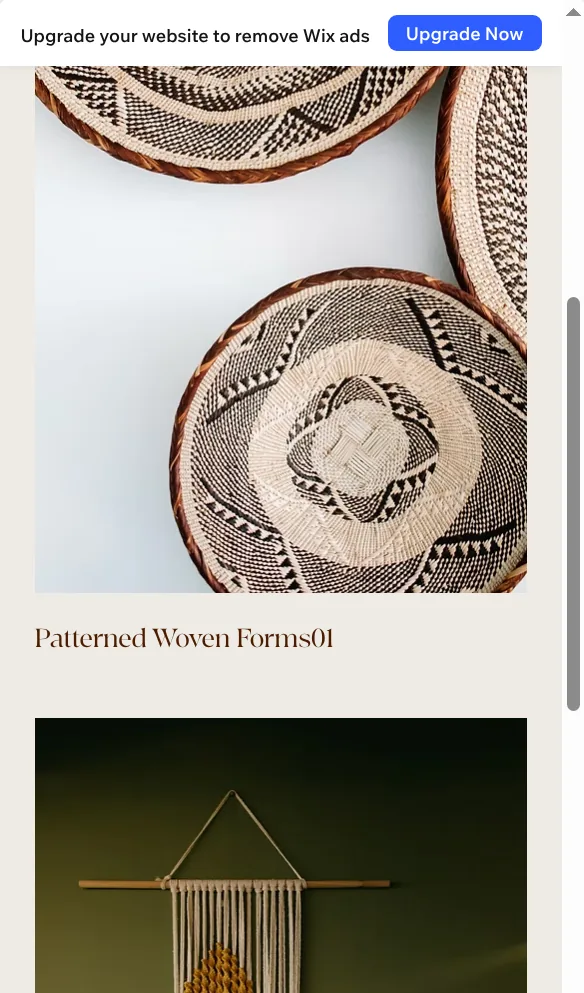
On a phone, the photos stack up under the text. On the phone version of the collection page, the number runs into the title, as in "Patterned Woven Forms01". The template's own demo does the same, so it comes from the template.
You can also publish the site on the free plan. In my Wix review, the dance school went live with one click on a free wixsite.com address. Free sites show a "Built on Wix Harmony" bar at the top of every page.
The free plan has 500 MB of storage, and the media library shows how much of it you use. Light has 2 GB, and Core has 50 GB.
Your own domain and a site without the Wix bar need a paid plan. When I checked from Germany on October 24, 2026, Light cost €16.66 a month on yearly billing, VAT included. The domain is free for the first year. To sell your work through the site, you need Core or a bigger plan. Core cost €29.75 a month on yearly billing.
For a portfolio of pictures, yes. The templates look good, and you can build and check the whole portfolio before you pay.
If clients will see the portfolio, plan for Light. You'll want your own domain for that. And write your own project texts before you publish.
 What I'm building
Give Vroni a GitHub issue, bug report, spec, or rough idea. It reads the repo, plans the change, writes code, runs checks, and works toward a review-ready pull request.
Take a look at vroni.com