
Can you make a portfolio website with Wix?
Yes. Wix has more than 270 portfolio templates. Some of them come with Wix Portfolio, Wix's app for showing your work as…
Wix has a free QR code generator. It's part of Wixel, Wix's design tool, and it makes a code for any web address, including your Wix site. Making and downloading the code costs nothing, but you have to log in with a Wix account first. The code holds your site's address itself, so it doesn't expire.
I tried it on October 24, 2026 with the dance school site from my Wix review. The site runs on the free plan at cobblewaydance.wixsite.com/dance-school, and I made a code for it in the school's colors.
The generator isn't in your site's dashboard. When I searched the dashboard of the dance school for "QR code", it listed three QR code apps from other companies in the Wix App Market and a help article about Wix's own generator.
The generator is at wix.com/tools/qr-code-generator, and that address opens a page on Wixel.
Wix's help center describes a second way, where you ask Wixel's AI chat for a code. I didn't try that one. The classic Wix Editor also shows a QR code. It only opens your published site on your own phone, as a quick check.
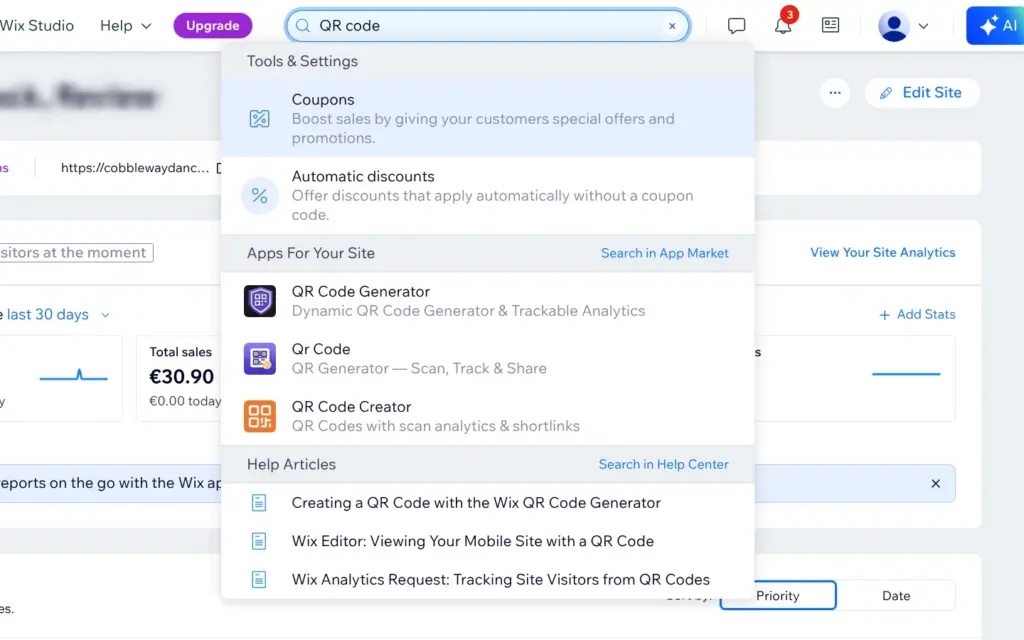
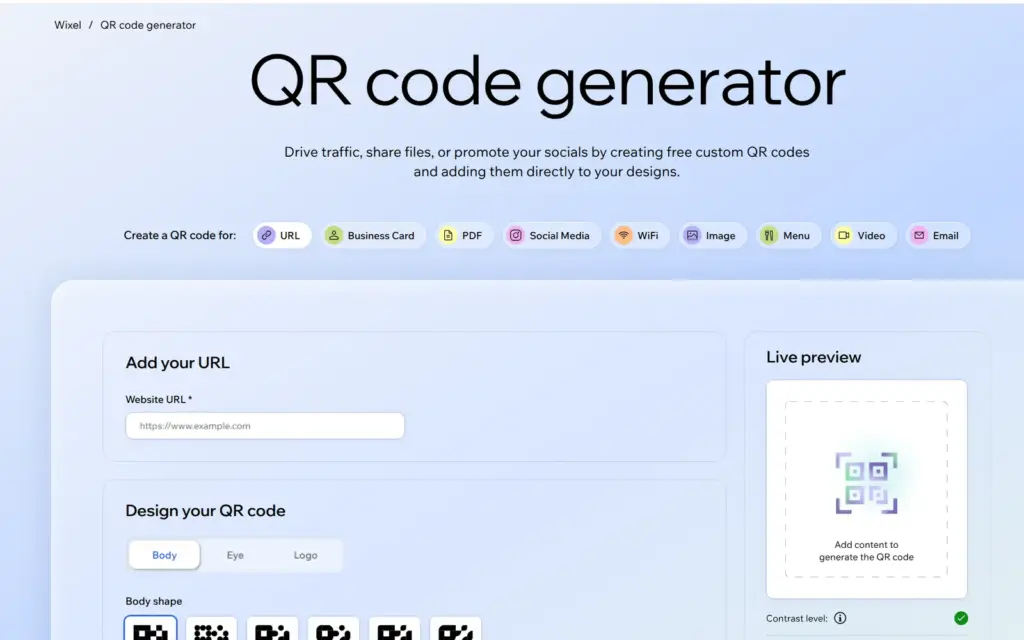
The generator makes codes for nine kinds of content, for example a PDF or a WiFi login. For a website you pick URL and enter the full address, starting with https://. On the free plan that's your wixsite.com address. Wix shows it at the top of the dashboard and right after you publish the site.
The preview shows the code as soon as the address is in. It's a real code, and you can test it with your phone before you download anything.
The Body tab sets the shape of the dots and their color. I used the raspberry red of the dance school site. On the Eye tab you change the three squares in the corners, and mine got the dark green of the site's headings. You can also put a small icon like "Scan me" or your own logo in the middle. I left that out.
Below the preview, a contrast check tells you whether phones can still read your colors. With mine it showed a green check.
Then you name the file and pick the format and the size. PNG works for websites and flyers. For big prints like posters, Wix recommends SVG, because it stays sharp at any size. The large PNG I downloaded was 1,200 by 1,200 pixels.
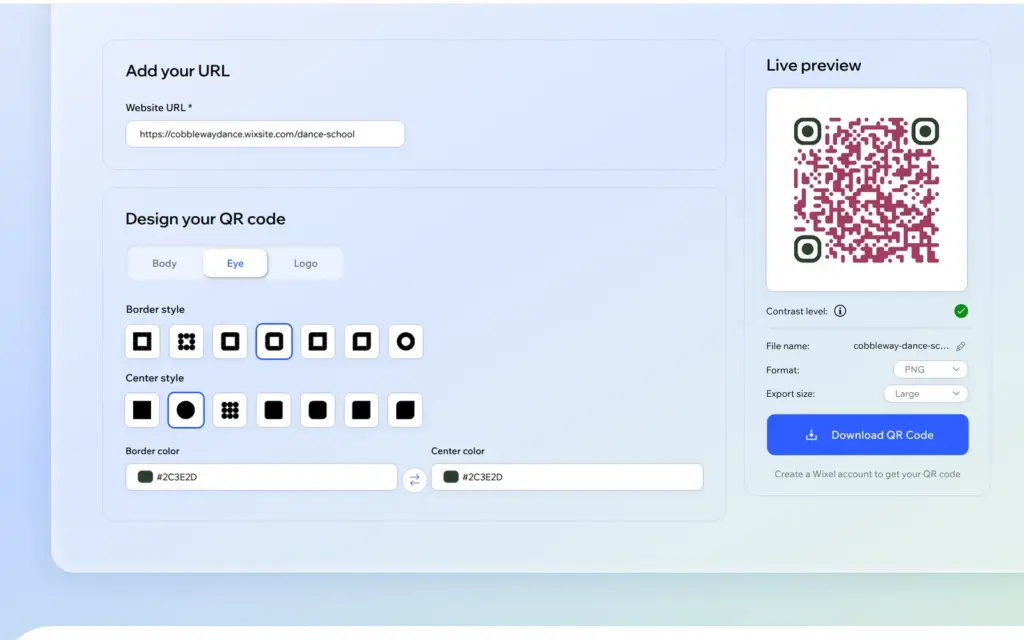
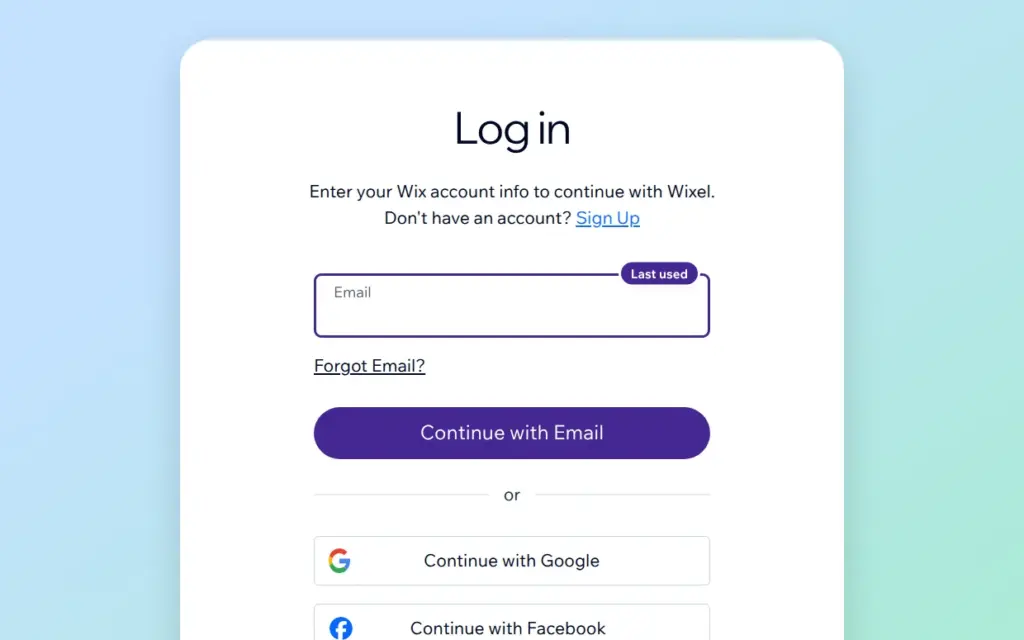
The download button sent me to a Wixel login page, although the generator already showed my Wix account at the top. That happened each time I clicked it. After I logged in with my Wix email and password, the file downloaded right away.
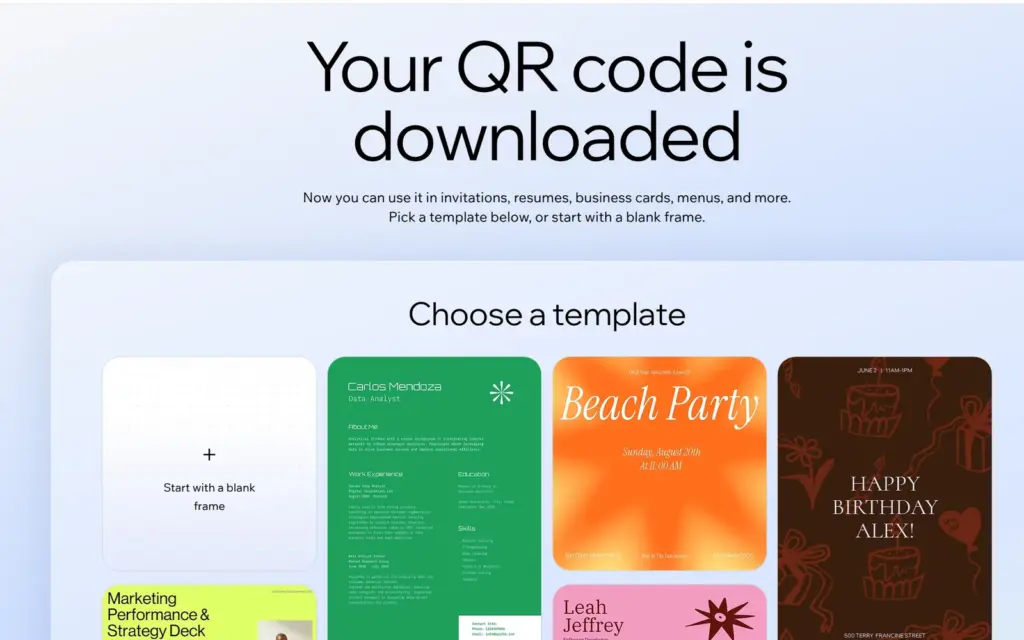
Wixel then showed a page with templates, for example for a flyer or a menu, in case you want to put the code into a design there.
My site is on the free plan, and Wix didn't ask for a paid one. The file has no Wix logo or watermark.
No. I checked the downloaded file with a QR reader, and it holds the full address of the site, https://cobblewaydance.wixsite.com/dance-school. There's no Wix link in between that could stop working.
Wix says these codes don't expire and that there's no limit on how often they are scanned. A code only stops working when the page behind it is gone or its address changes. You also can't change where a printed code leads. For another page, you make and print a new code.
If you connect your own domain later, which needs a paid plan, Wix forwards the old wixsite.com address to the new domain, according to its help center. So a code with the free address still works. If you plan to get a domain anyway, make the code after you connect it.
This is the code I made. Scan it with your phone, and it opens the dance school site.

Wix can't tell you how often a code was scanned. Its analytics count visits from a QR code as direct traffic, together with people who typed the address, according to Wix's help center.
Wixel suggests adding a tag like ?utm_source=flyer to the address in the code and looking for it in Google Analytics. On Wix, Google Analytics only works on a paid plan with your own domain.
The QR code apps in the App Market mention scan counts in their descriptions. They come from other companies, and I didn't try them.
For a flyer or a business card that points to your Wix site, the free generator is enough. You need something else only if you want to count scans or change where a printed code leads. Wix's own generator does neither.
 What I'm building
Give Vroni a GitHub issue, bug report, spec, or rough idea. It reads the repo, plans the change, writes code, runs checks, and works toward a review-ready pull request.
Take a look at vroni.com