
Can you make a portfolio website with Wix?
Yes. Wix has more than 270 portfolio templates. Some of them come with Wix Portfolio, Wix's app for showing your work as…
Mostly, yes. Wix's logo maker is now part of Wixel, Wix's AI design tool. On Wixel's free plan I made a logo and downloaded it without paying, as an SVG file and as a PNG with a transparent background. But making logos with AI uses credits. The free plan gets 30 a day, and one round of four logo ideas used 16 of them. Wix's older Logo Maker also still works, but there the logo files cost money, starting at €23.80.
The logo is for the made-up dance school from my Wix review, where I built its whole website on the free plan. When Wix's AI built that site, it also gave it a simple logo. This time I made a logo in each of Wix's two logo tools and looked at what each of them charges. I tested both on October 24, 2026.
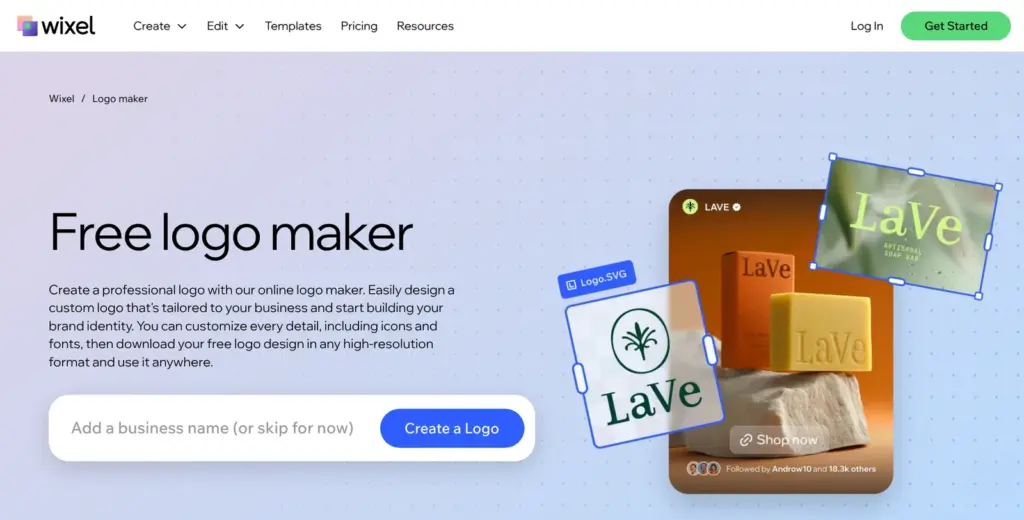
The address wix.com/logo/maker now belongs to Wixel. Without a login it shows a page called "Free logo maker", which promises a free download in any high-resolution format. When you're logged in, it opens Wixel itself.
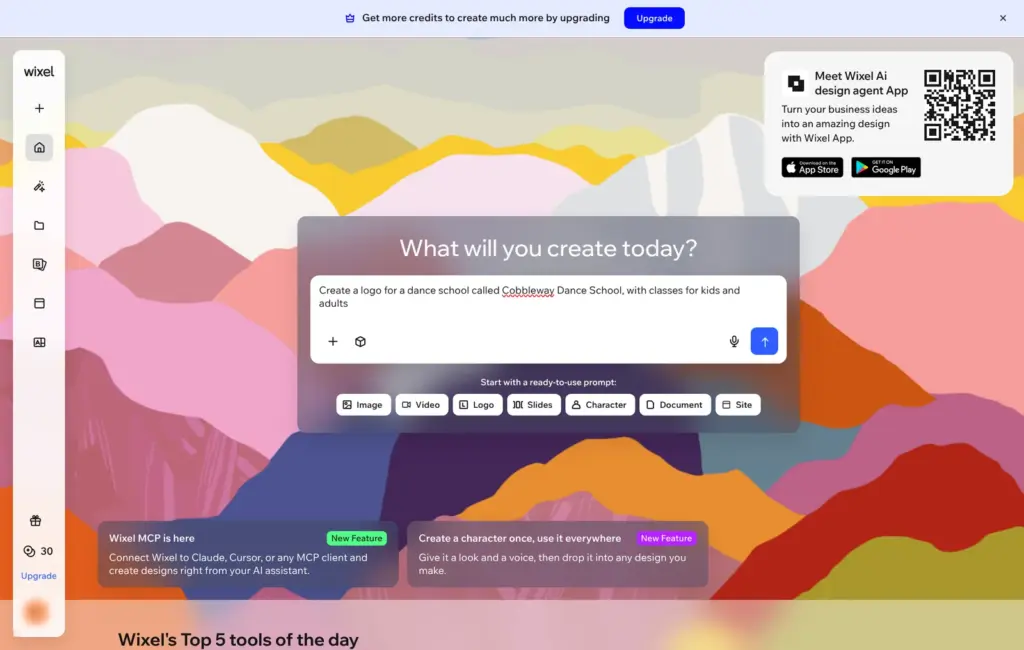
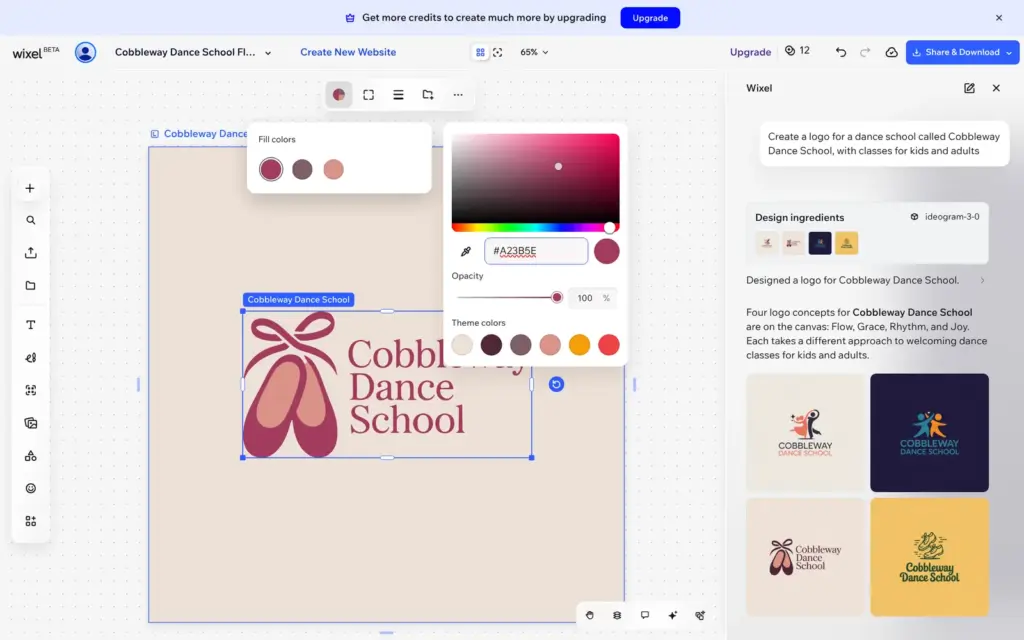
Wixel works like a chat. The Logo button on its home page fills in an example prompt, and I replaced it with my own:
Create a logo for a dance school called Cobbleway Dance School, with classes for kids and adults
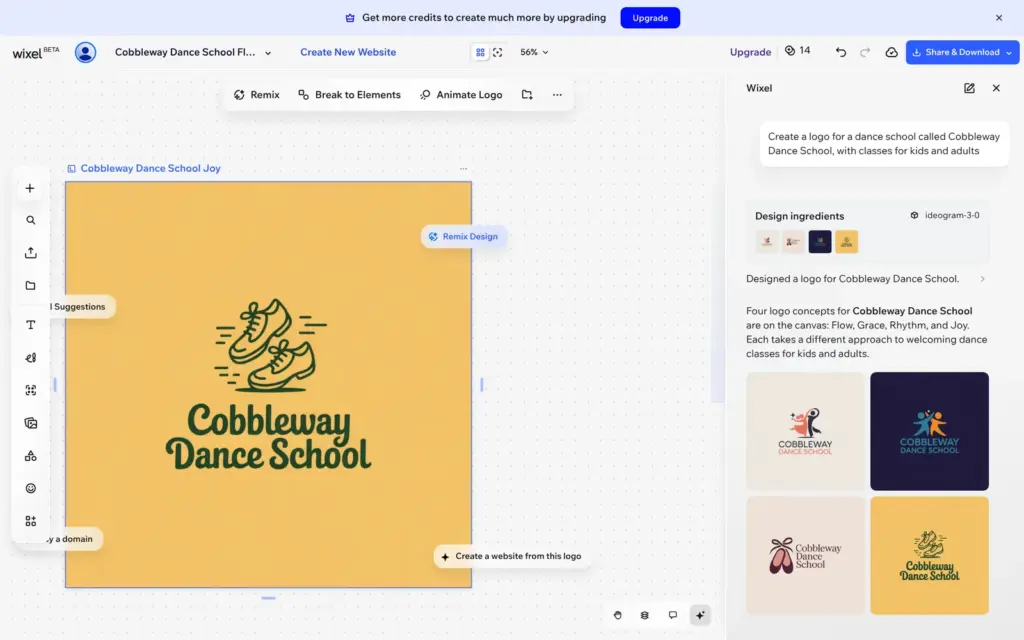
Less than a minute later, Wixel showed four different logos with the school's name. It made them with an image model, Ideogram 3.0, so they come out as pictures.
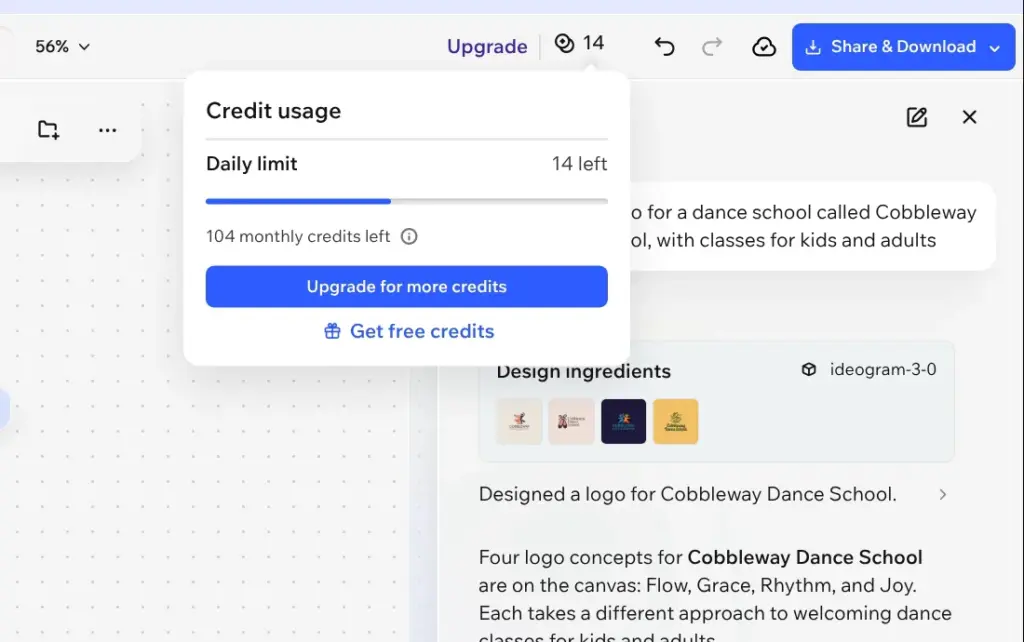
Those four logos used 16 of my 30 credits for the day. The free plan also stops at 120 credits a month. If each round costs about the same, that's one round of logos a day and seven a month.
Because the logos are pictures, you can't change the text or a color right away. First you click Break to Elements. Wixel then puts an editable copy next to the original, and that cost me 2 more credits. After that, changes by hand are free. I changed the darkest color of the logo to the raspberry of the dance school website, and the counter stayed at 12.
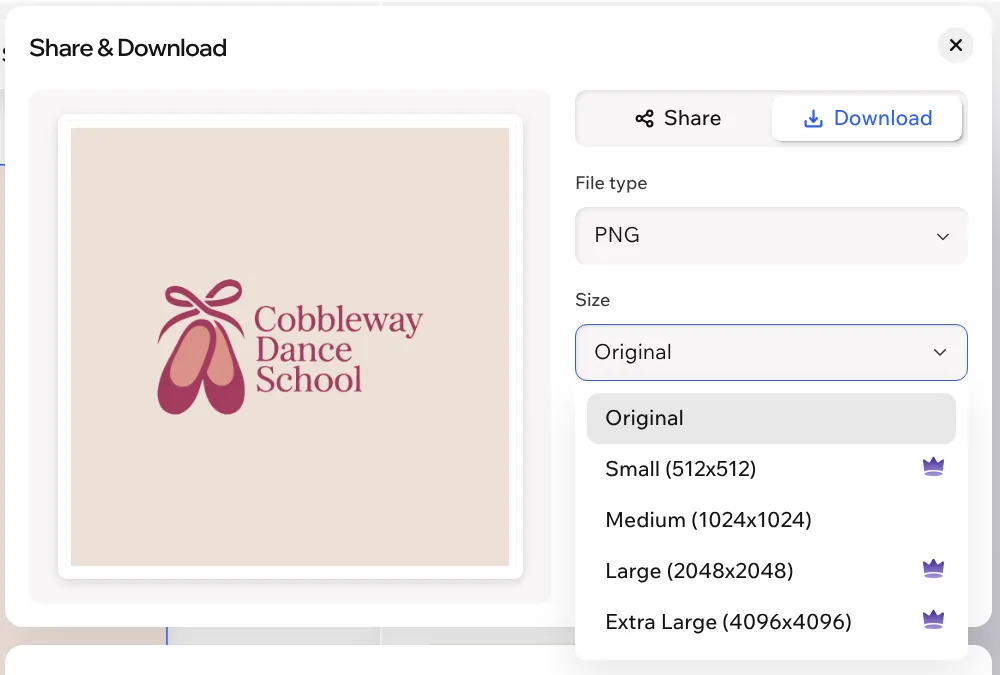
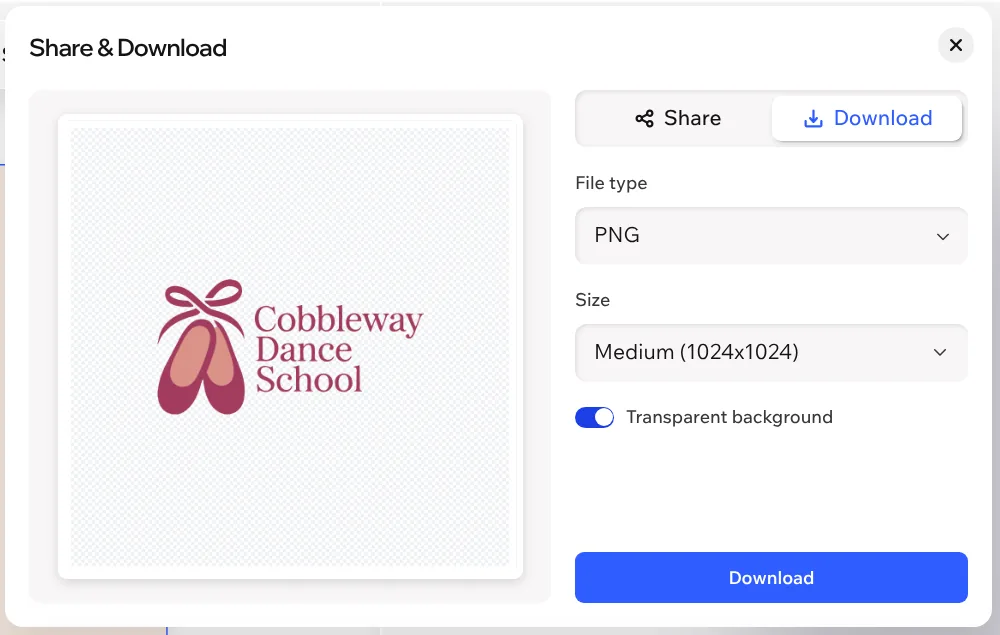
Share & Download is in the top right corner. Wixel suggests SVG, and you can also pick PNG or JPEG. Only two sizes are free, Original and Medium. For my logo, both were 1024 by 1024 pixels. The other sizes go from 512 to 4096 pixels. They have a crown, which means they need a paid Wixel plan. A switch makes the background transparent.
My downloads had no watermark. The SVG file was made of vector shapes, so it stays sharp at any size and also works for print. The PNG had a transparent background. The logo itself only filled about 620 pixels of its width, with empty space around it.
For the AI logo itself, Wixel recommended PNG. Its background was part of the picture, so there was no transparent version. For an SVG of it, Wixel offered to vectorize the logo first. I didn't try that.
Wix's help center says that downloading a finished logo from Wixel is free. In my test that was true for the SVG and for PNG files up to 1024 pixels.
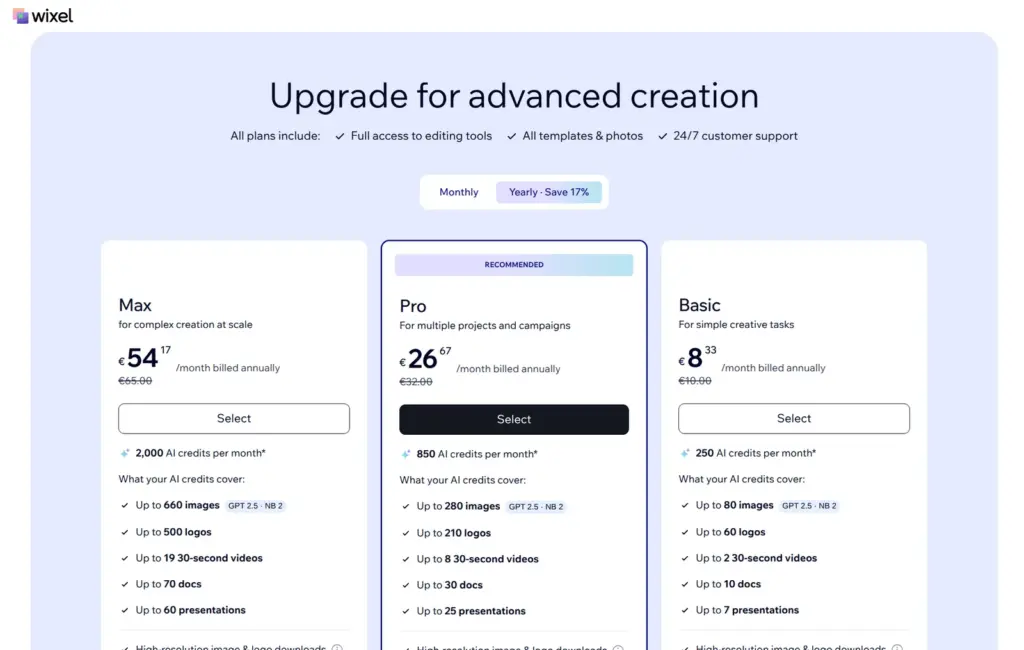
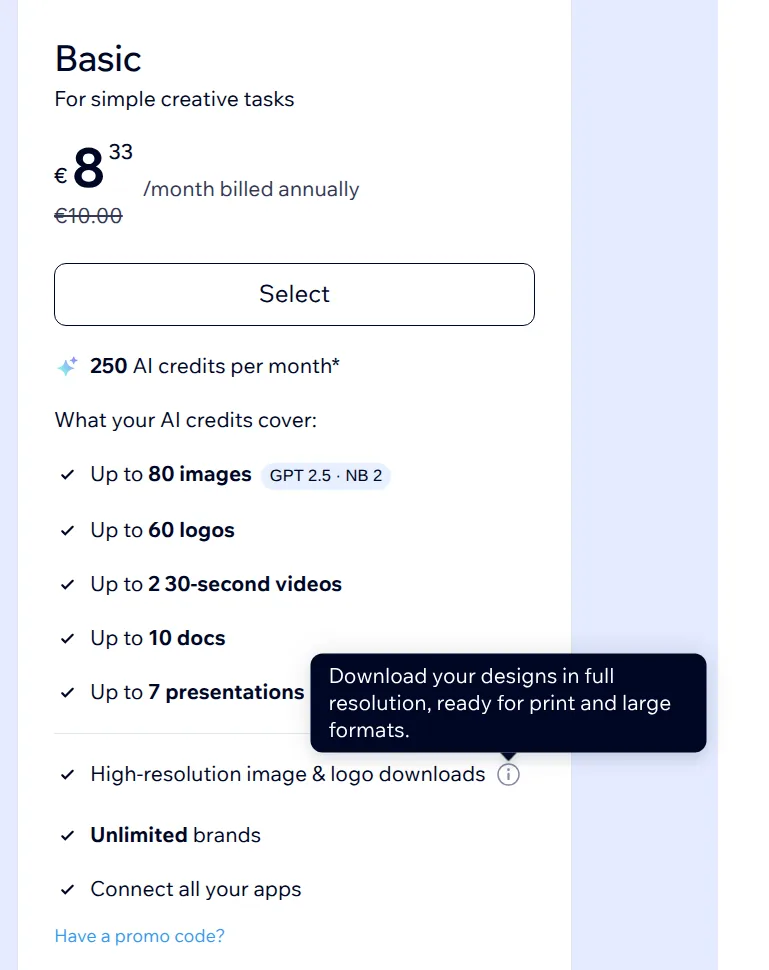
Right after my download, a pop-up offered Wixel's paid plans. They allow downloads in any size and come with more credits. I checked the prices on October 24, 2026, from Germany. Wixel showed them in euros, and the page didn't say whether VAT was included.
| Wixel plan | Billed yearly | Billed monthly | AI credits |
|---|---|---|---|
| Free | €0 | €0 | 30 a day, at most 120 a month |
| Basic | €8.33a month | €10a month | 250 a month |
| Pro | €26.67a month | €32a month | 850 a month |
| Max | €54.17a month | €65a month | 2,000 a month |
Wixel estimates that Basic is enough for up to 60 logos a month. If you cancel within 14 days of your first upgrade, Wixel says you get your money back.
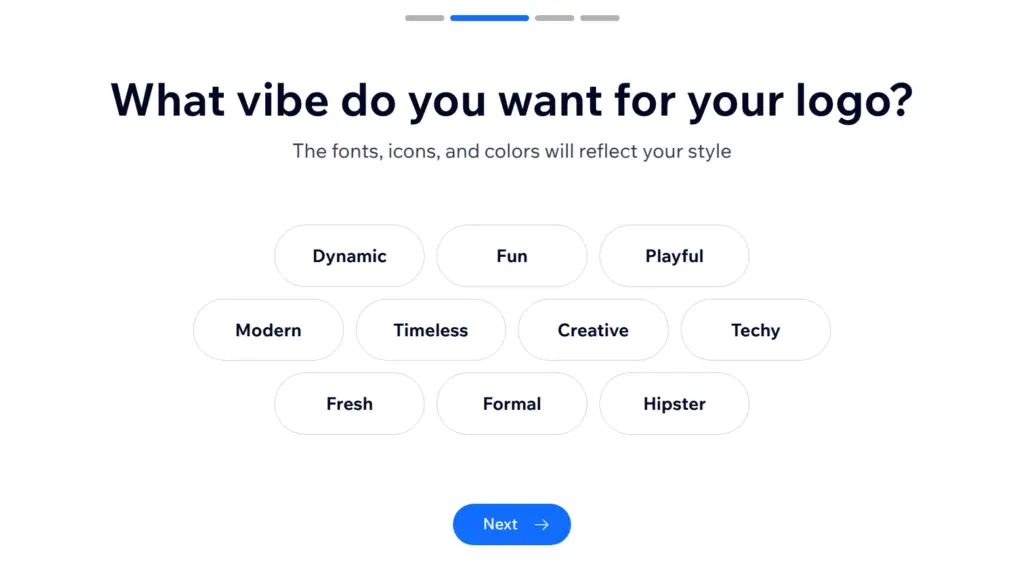
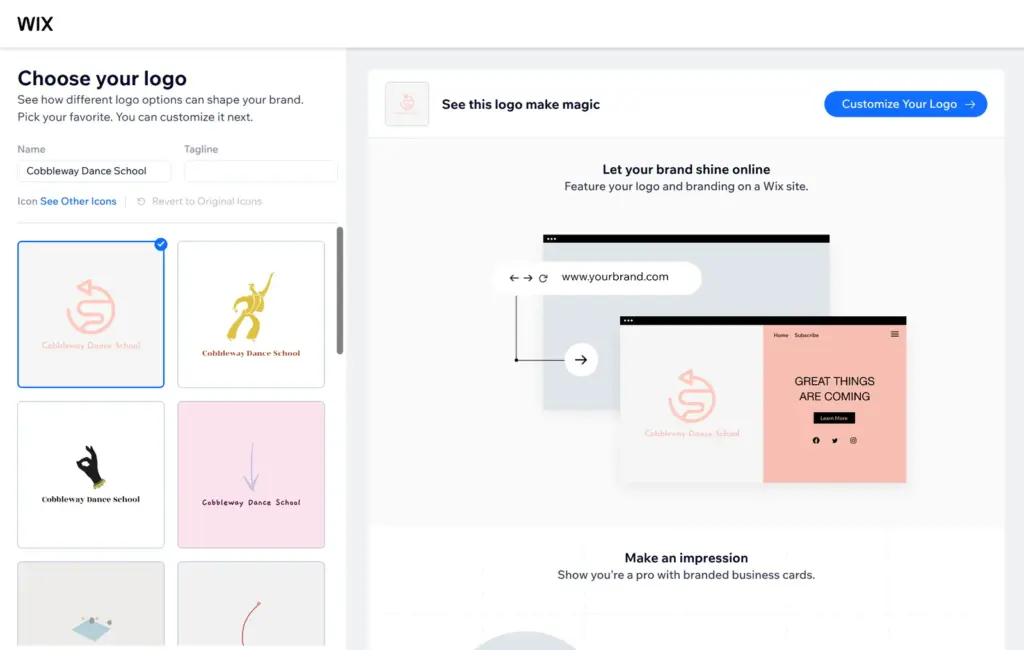
The older tool is still there, at manage.wix.com/logo/maker/esh and in each site's dashboard under Logo & Brand. It asks a few questions about your business and the style you want. It also has an AI chat for this, which I didn't try. After my answers, it showed a page full of logos within a few seconds. Each was made of an icon and the school's name, and they used no AI credits.
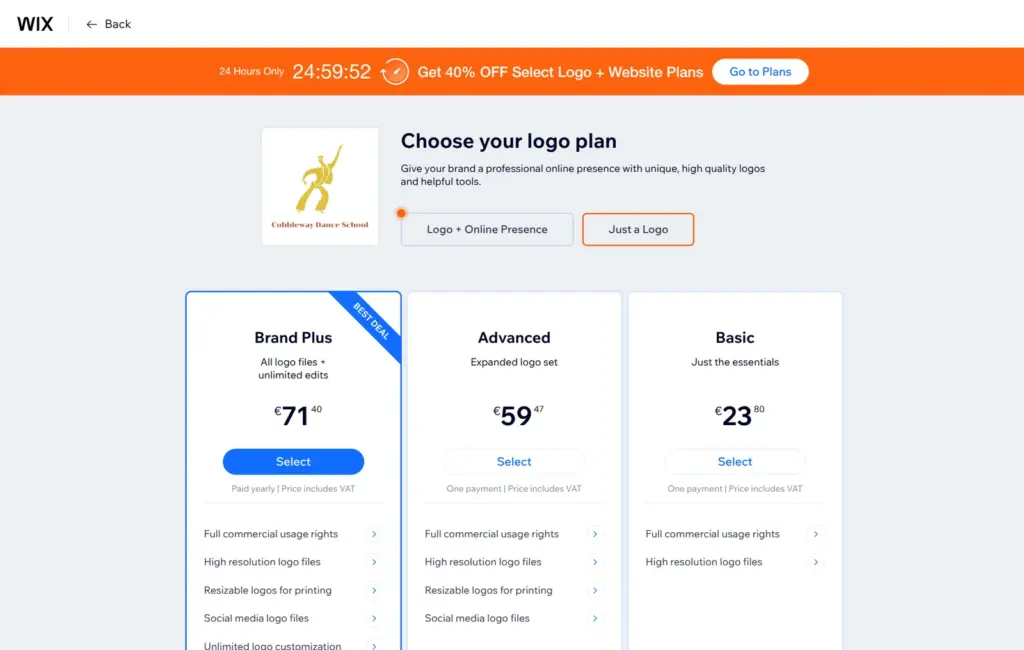
Making the logo and opening it in the editor cost nothing. You pay for the files. When I clicked Next, Wix first offered a website and social media tools with the logo. After I chose "I just need a logo", Wix showed three packages.
| Package | Price | What you get |
|---|---|---|
| Basic | €23.80one payment | High-resolution logo files and commercial usage rights |
| Advanced | €59.47one payment | Also resizable files for printing and logo files for social media |
| Brand Plus | €71.40a year | Also unlimited changes to the logo and a brand kit |
Wix also sells the logo files together with a yearly website plan, from €11.41 a month during a sale on October 24.
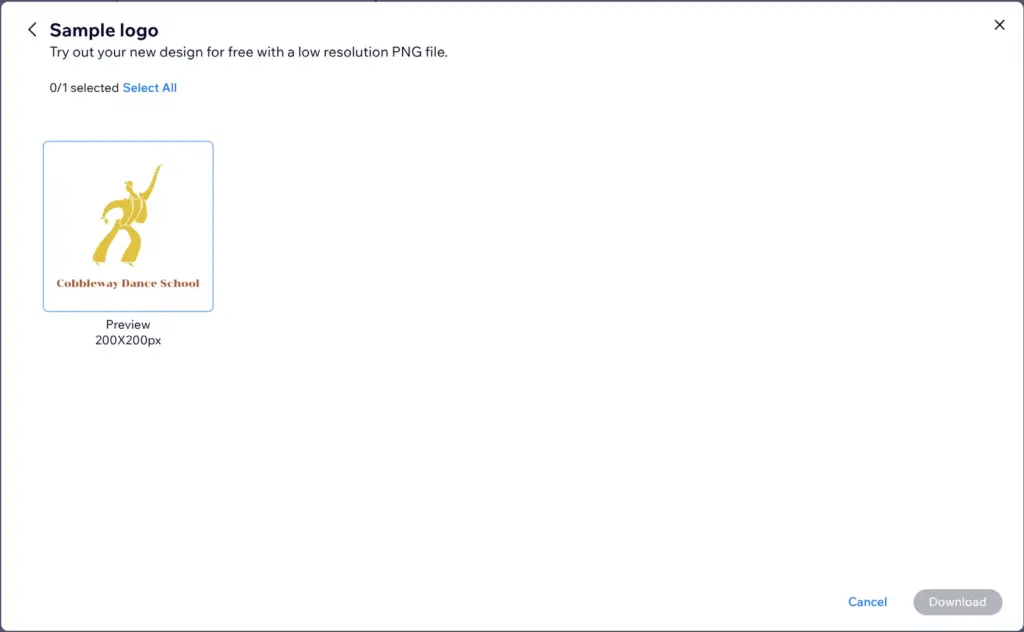
The only free download is a sample. Wix calls it a low resolution file, and it's a PNG of 200 by 200 pixels. Full commercial usage rights only come with a package. According to the same page, the logo files can't be refunded. With Basic and Advanced, you can change the logo only until your first download.
A logo from Wixel doesn't go onto your site by itself. Wix's help center says you download it and then upload it to your site. On the free plan, the browser tab also shows Wix's icon instead of your own. Your own icon needs a paid plan, like your own domain. In Is Wix free? I go through what else the free plan leaves out.
For a small business, Wixel's free plan is enough to get a logo. You can make a new round of logos each day until you like one. Then you break it into parts and download the SVG. It stays sharp at any size, so for most uses you don't need the paid sizes. For a large PNG, you need a paid Wixel plan.
The older Logo Maker only makes sense if you like its simple icon logos better and don't mind paying for the files.
The older Logo Maker builds your logo around an icon from its library, and other users can pick the same icon. Wixel also says its icons and fonts aren't exclusive to you. It warns that AI results may include copyrighted content. If your logo should be yours alone, a designer is the safer choice.
 What I'm building
Give Vroni a GitHub issue, bug report, spec, or rough idea. It reads the repo, plans the change, writes code, runs checks, and works toward a review-ready pull request.
Take a look at vroni.com