
Can you make a portfolio website with Wix?
Yes. Wix has more than 270 portfolio templates. Some of them come with Wix Portfolio, Wix's app for showing your work as…
You sign up on wix.com for free and answer a few questions about your business. Wix's AI, Aria, then builds a first version of the site, or you start from one of Wix's free templates. After that you change the texts and photos in the editor. When the site looks right on a computer and on a phone, you click Publish.
I made a website for a made-up dance school this way for my Wix review. Aria's first version was ready about eight minutes after I clicked Generate Site. Building and publishing the site didn't cost anything.
I built the site on October 12, 2026, and checked the prices again on October 22, 2026.
Wix's home page sends new users to Wix Harmony, the editor Wix launched in January 2026. You sign up with an email address and a password, or with an account you already have, for example at Google. Wix didn't ask me for a card, and it didn't send a code to confirm my email address.
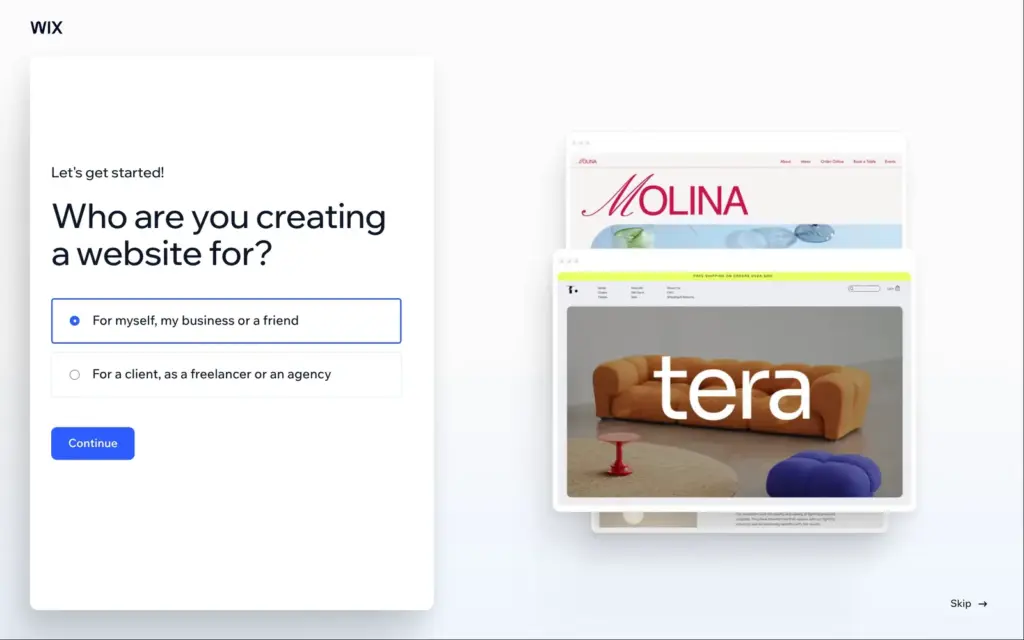
Next, Wix asks whether the site is for you or for a client. It also offers Wix Studio, its separate tool for agencies and web designers. I stayed with the normal Wix, which is made for business owners who build their own site.
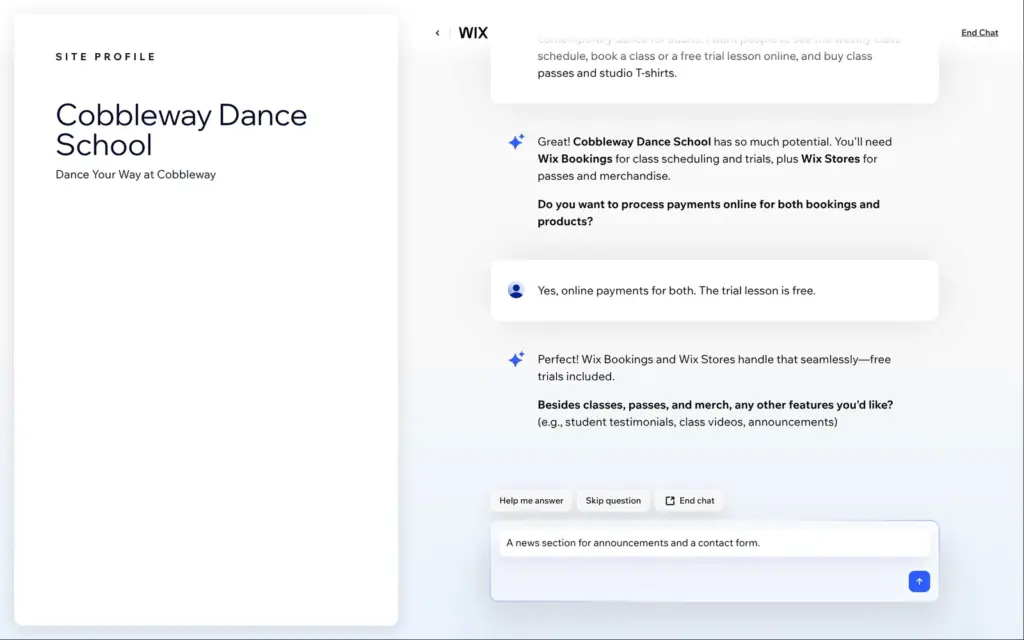
The main button starts a chat with Wix's AI. If you skip the chat, Wix asks about your business in a form with five short steps instead. I described the school in three sentences. I named the dance styles and asked for online booking with a free trial lesson. I also wanted to sell class passes and T-shirts.
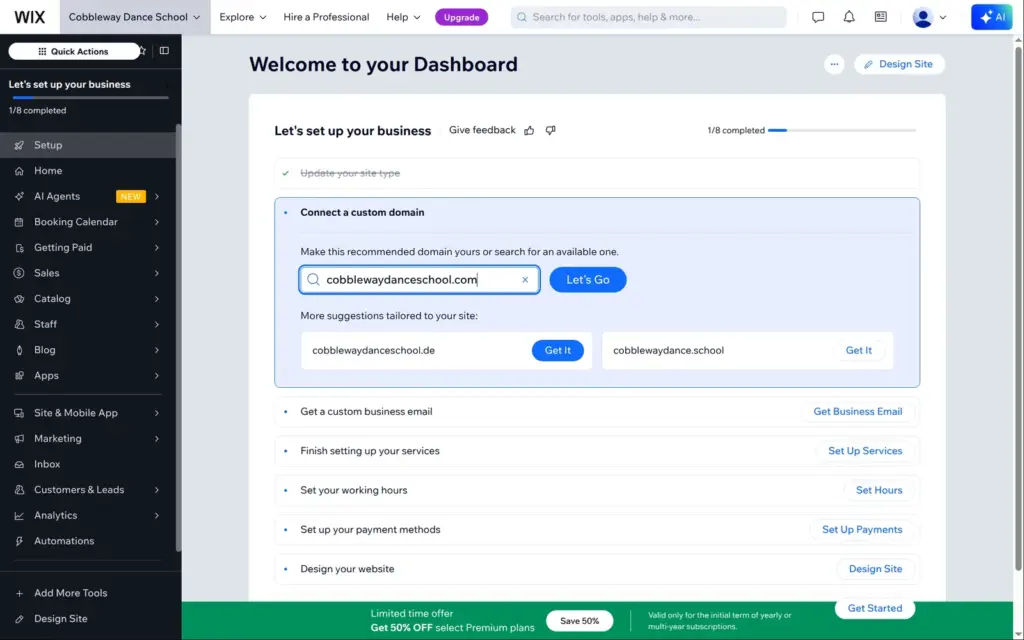
The AI asked about online payments and other features. From my answers it picked five Wix apps, with Bookings for the classes among them. It also offered matching domains, but those cost money, so I skipped that step. The chat ends in the dashboard, where Design Site opens the editor.
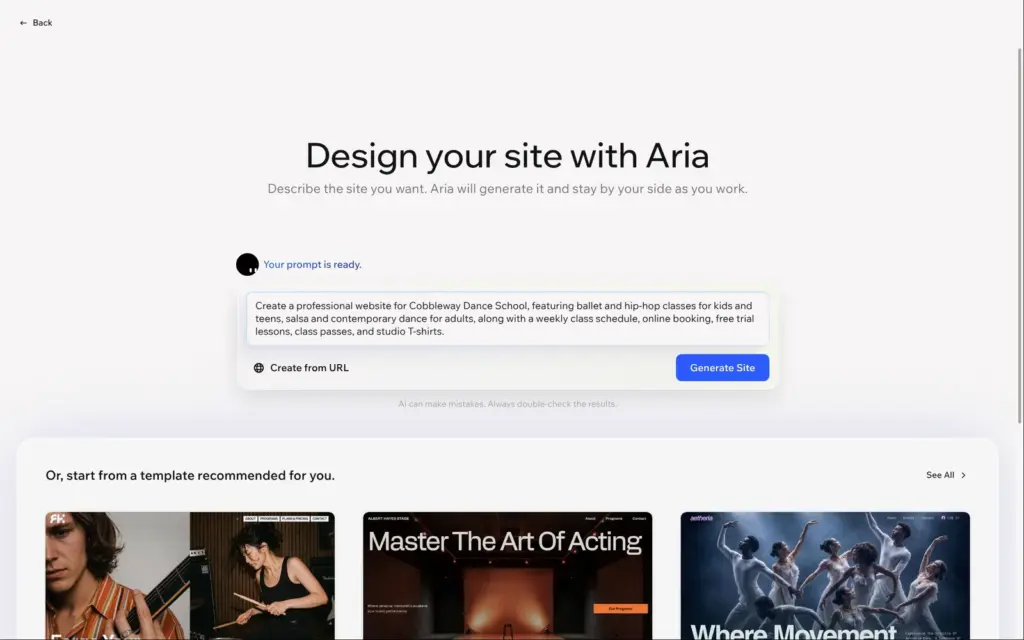
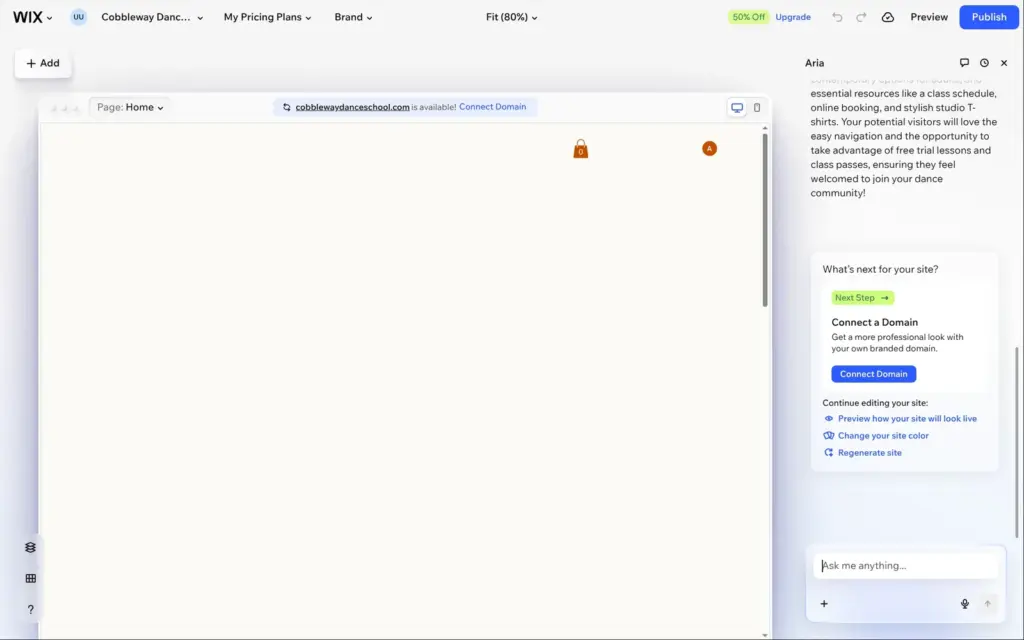
The editor opens with your answers as a prompt for Aria, and Wix suggests a few matching templates below it. I clicked Generate Site. Aria planned the home page section by section and said the site was ready after about five and a half minutes. The page in the editor then stayed empty for more than two minutes before the content showed up.
Aria wrote the texts and made the photos with AI. It also set up class bookings and a small shop with sample products. Some parts were placeholders. The schedule showed sample classes called "Service Name", and the section for class passes was empty. Aria's three blog posts invented "expert instructors" who "bring years of experience", so I deleted them.
If you'd rather start from a design, you can pick a template instead. Wix's templates are free, and the gallery listed 2,994 of them on October 22, 2026. Only the 465 templates with the Wix Harmony label open in Wix Harmony, the editor with Aria. The others open in the classic Wix Editor. Once you start editing, you can't switch the site to another template. I opened one template of each kind when I looked into whether Wix templates are free.
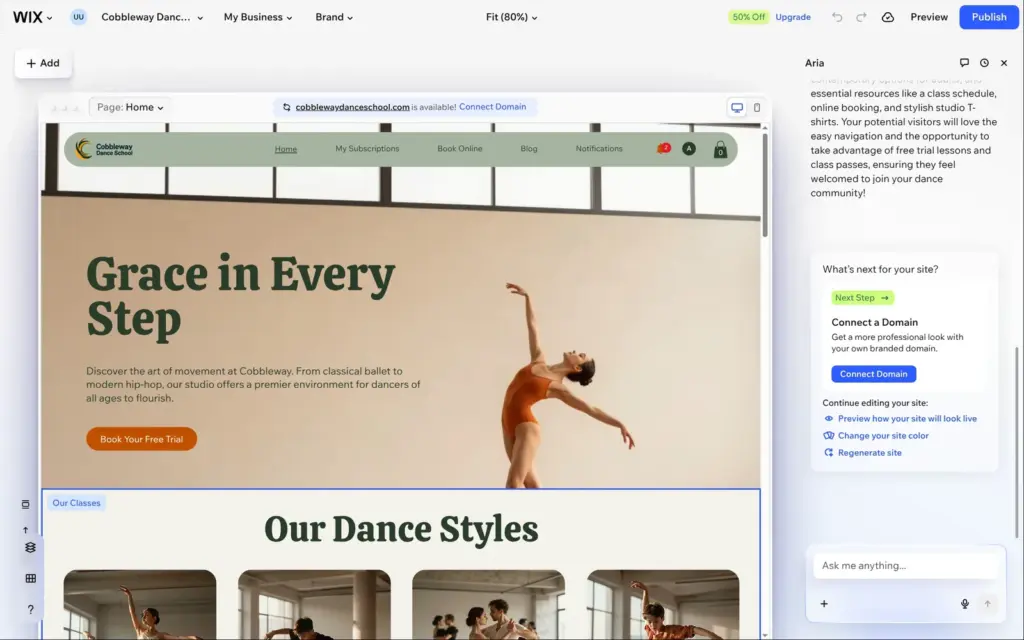
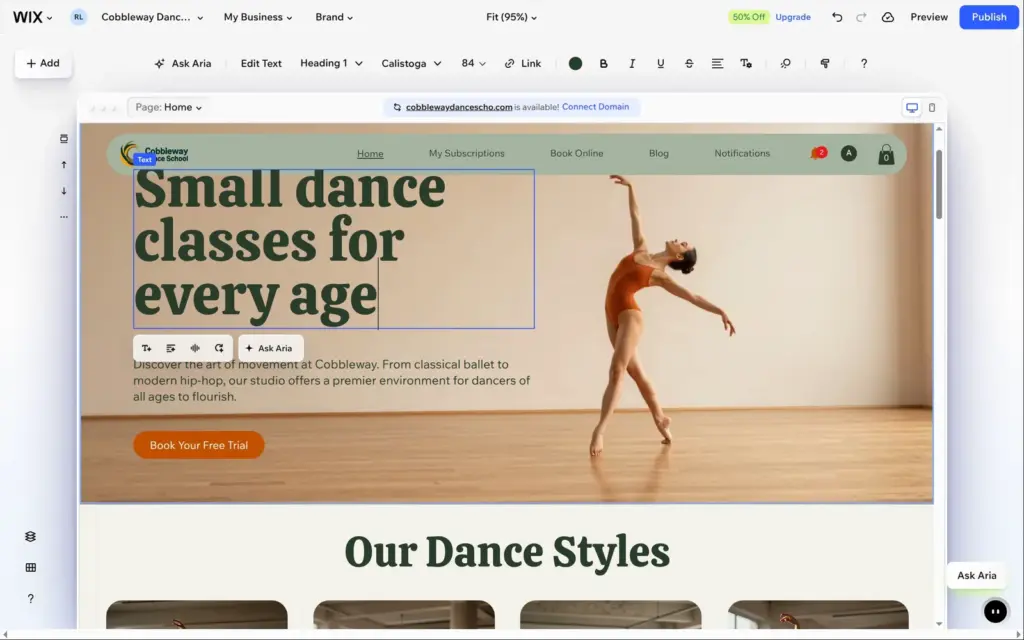
To change a text, you click it and type. Aria's heading said "Grace in Every Step", and I replaced it with "Small dance classes for every age". The longer heading ran into the menu, so I made the font smaller.
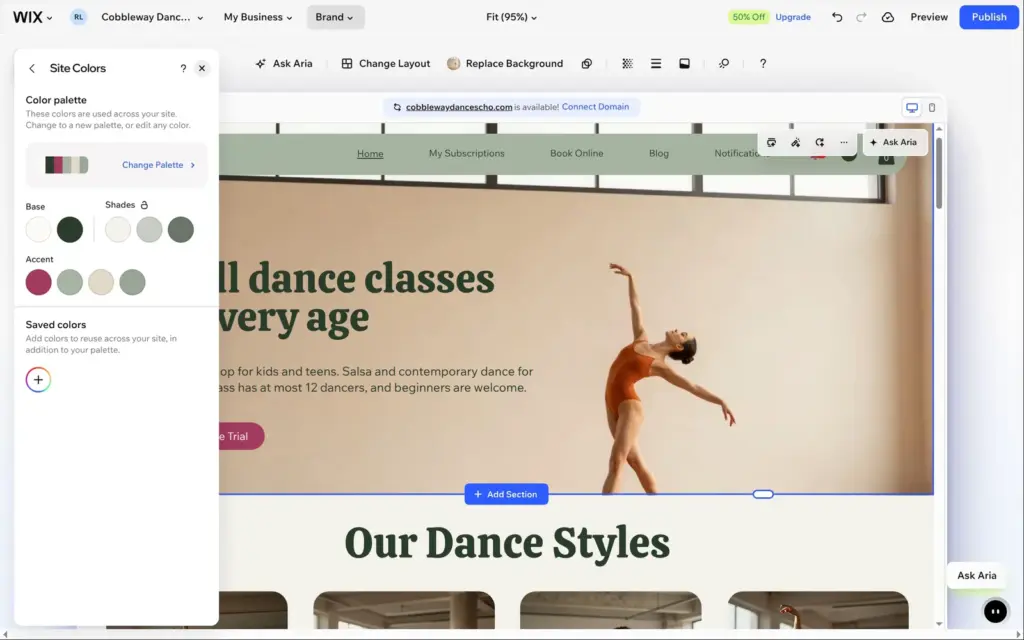
Colors and fonts are in the Brand panel. I changed the orange accent color to a raspberry red, and every button on the site followed.
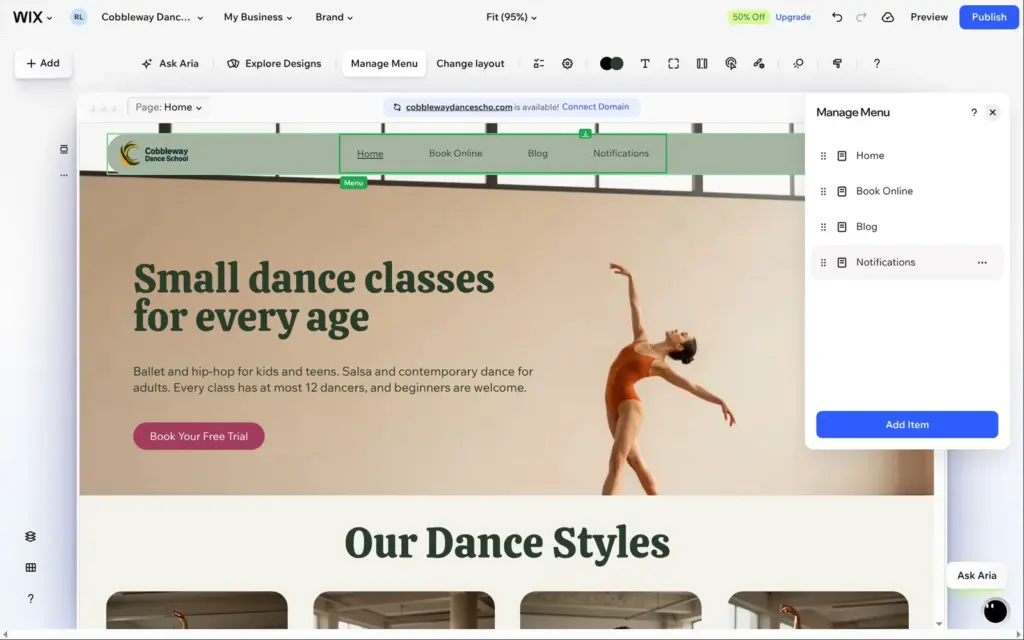
Aria's menu had two links to the members area that new visitors don't need, and no link to the shop. In Manage Menu I removed the two links and added the shop.
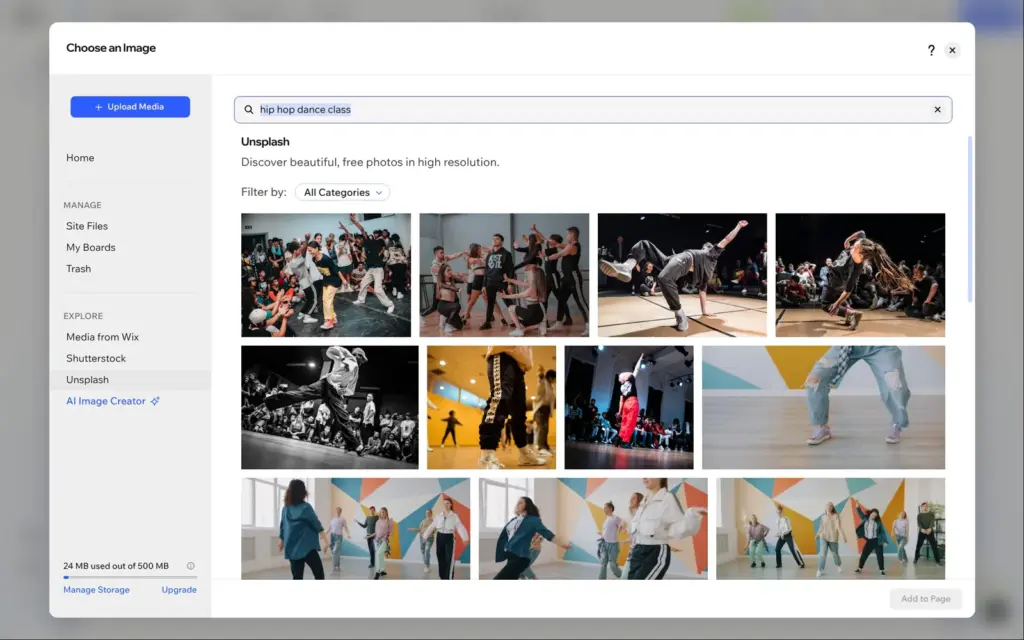
The media library has photos from Wix and Unsplash built in. I replaced Aria's hip-hop photo with a real one from Unsplash. On the free plan you get 500 MB of storage for your files.
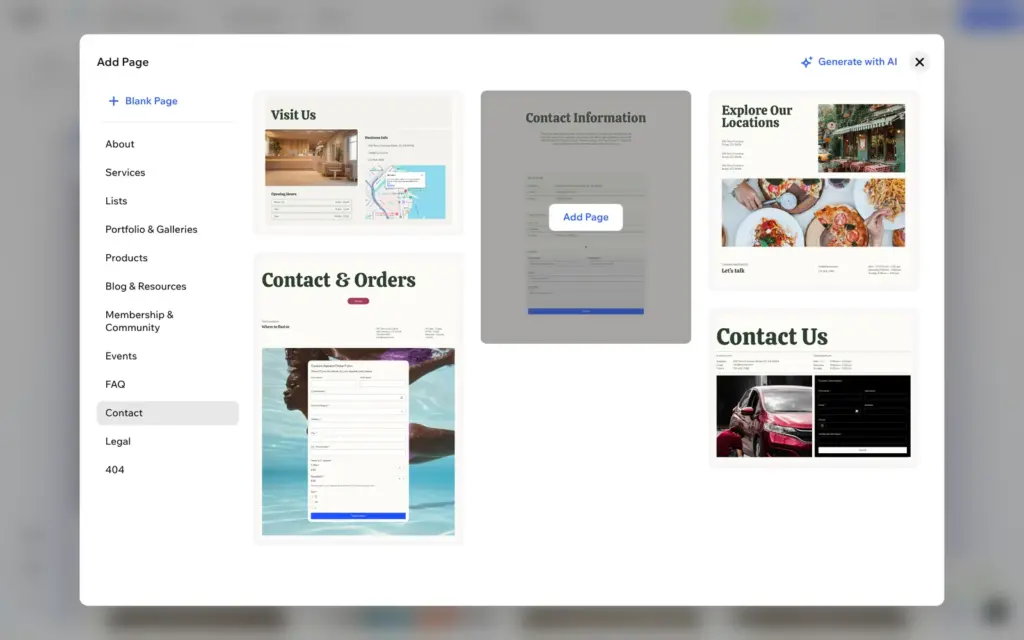
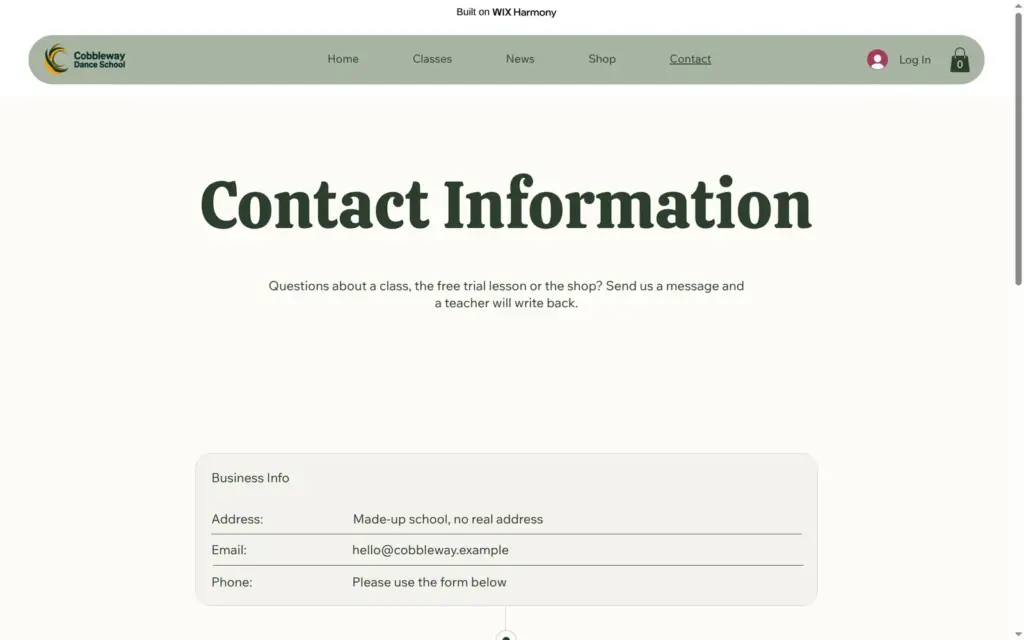
Aria made no contact page, so I added one from Wix's page designs. The design I picked came with a contact form and sample contact details, like an address in San Francisco. I replaced the sample details. The new page went into the menu by itself.
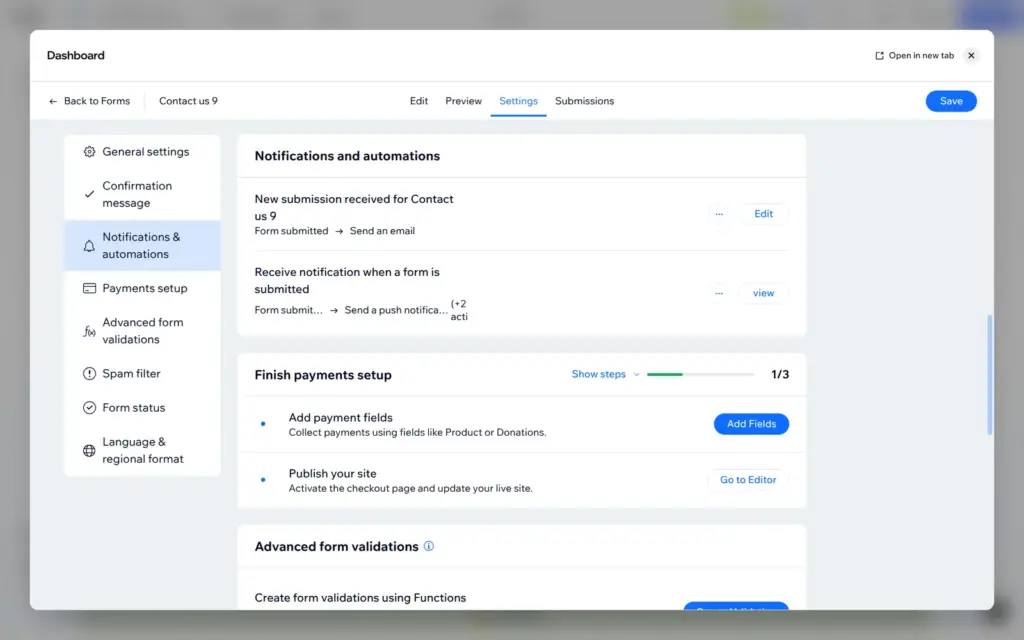
Messages from the form go to the email address of your Wix account. On the free plan, my test message arrived about a minute after I sent it.
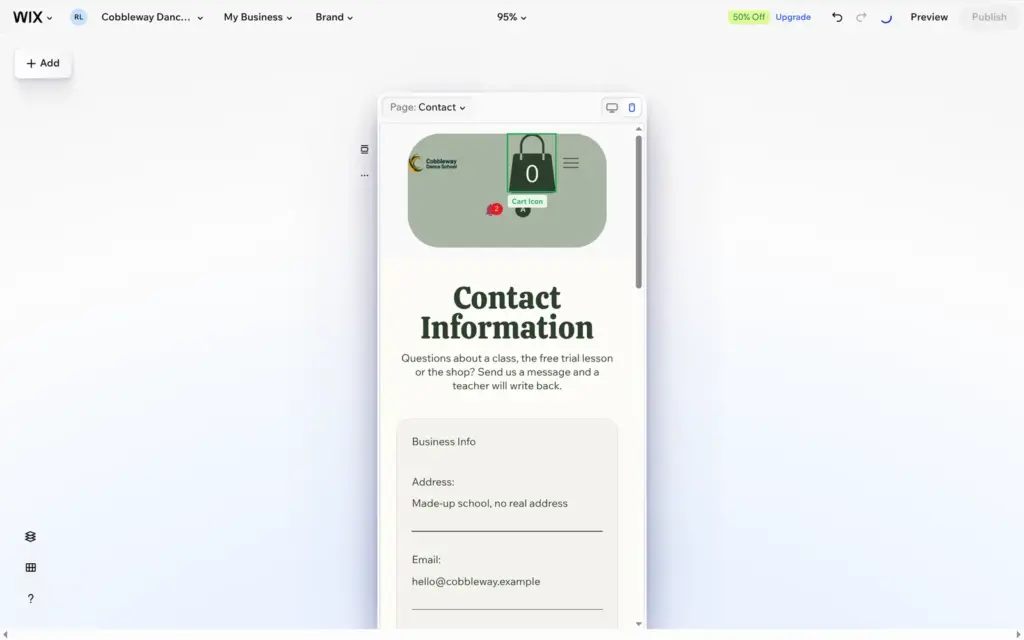
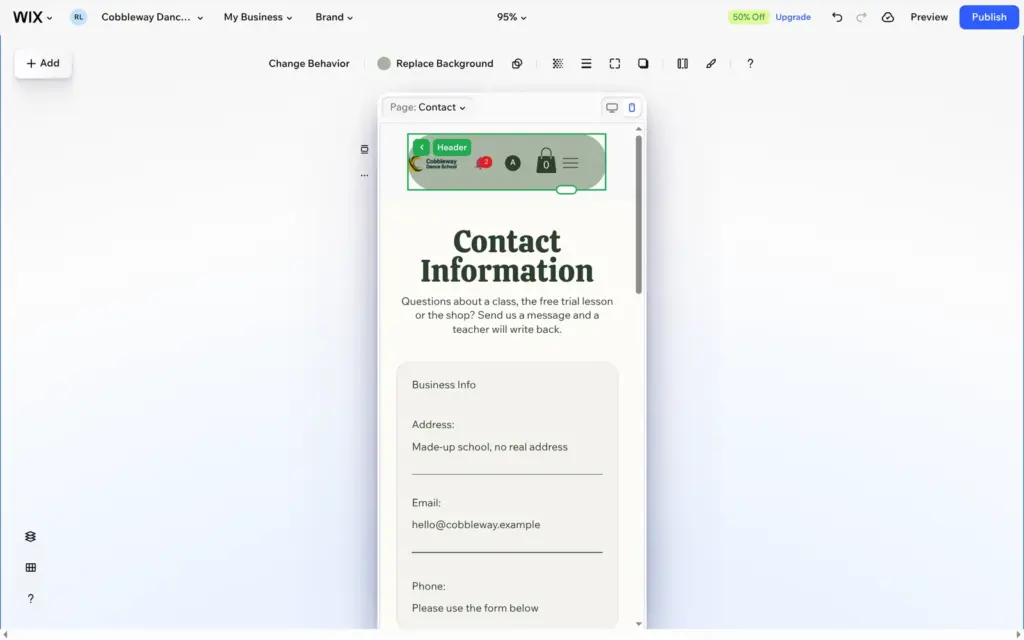
Wix keeps a separate layout for phones. Sizes and positions you change there only affect the phone.
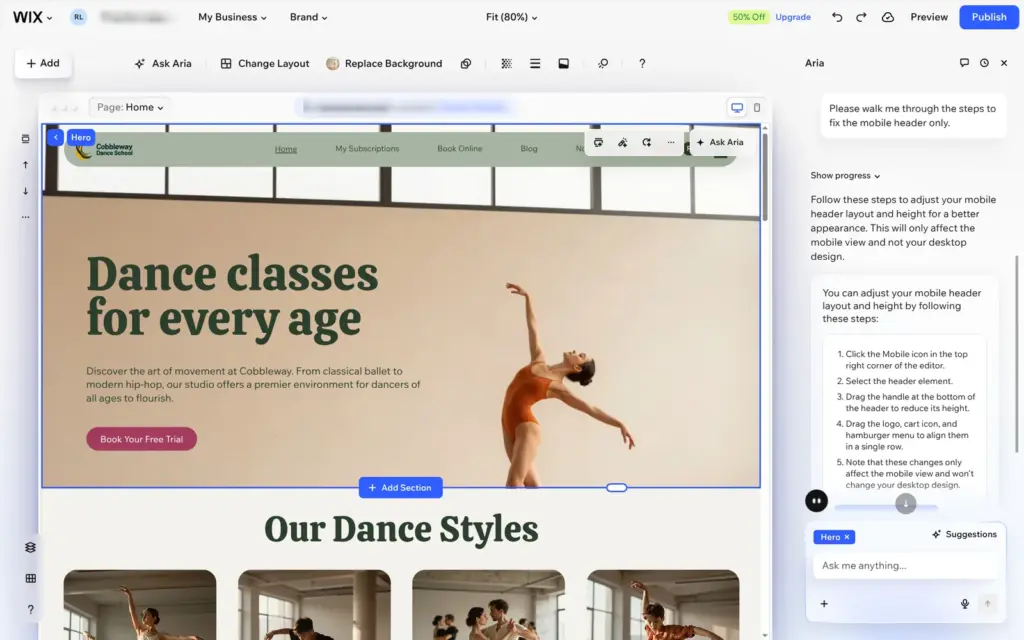
Aria's phone header was broken. The cart icon was huge, and the bell and the login button sat in a second row. I made the cart smaller and moved the icons into one row. The header is shared by all pages, so one fix was enough. Aria can't do this for you. When I asked it, it said it can only edit the desktop view.
The big photos also need a check. On the phone, the crop of the top photo cut off the dancer. Moving the photo's focal point fixed that, but it also moved the photo on the desktop.
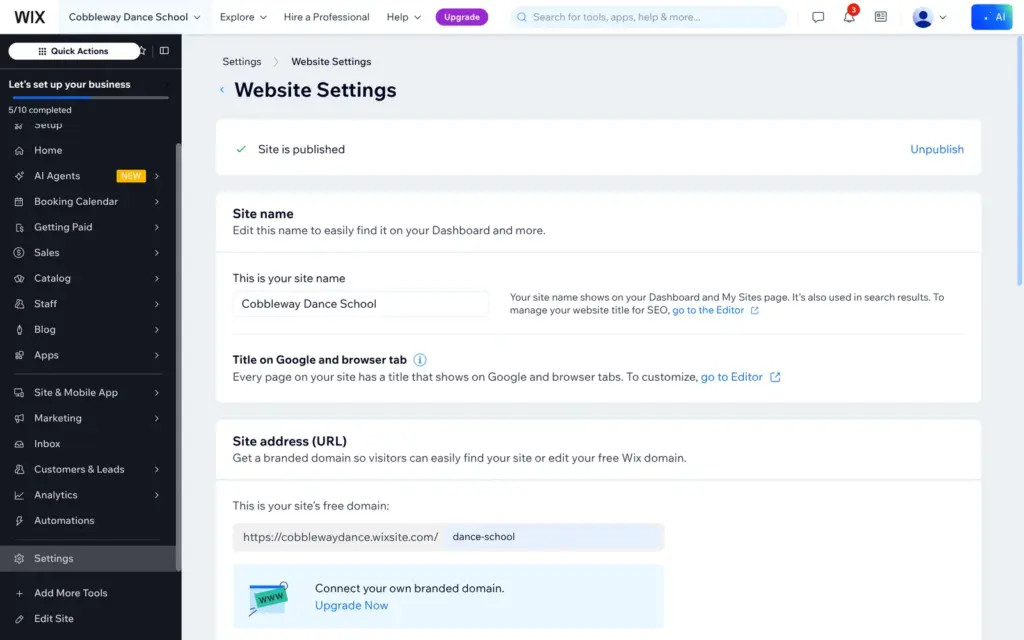
Before you publish, check the site name in the website settings. Wix puts it in the title of every page, and the onboarding had cut the school's name to "Cobbleway Dance Scho". In the same place you choose the end of the free address. I changed it to /dance-school.
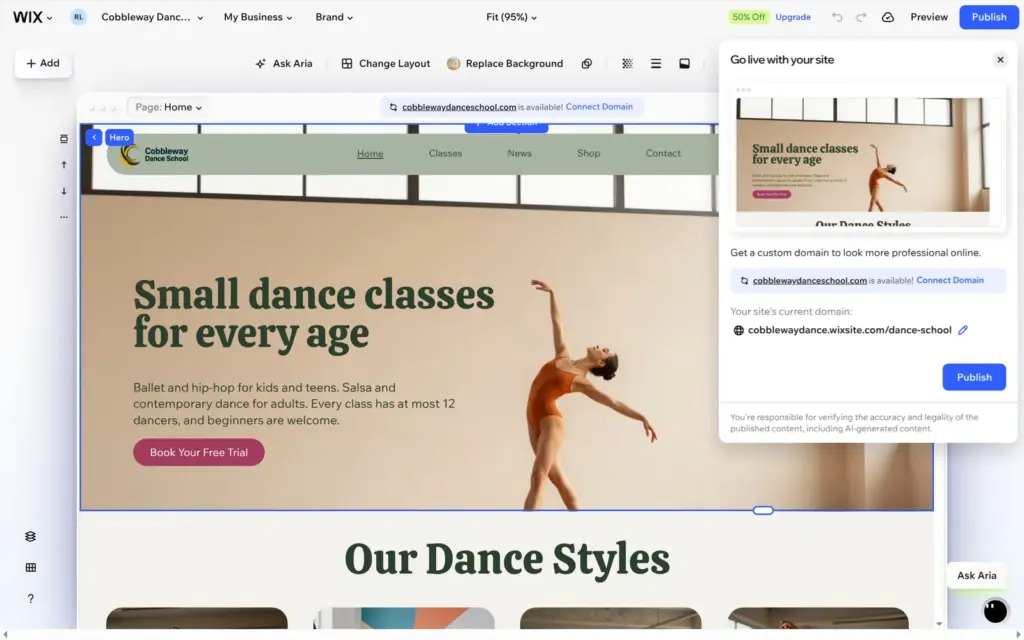
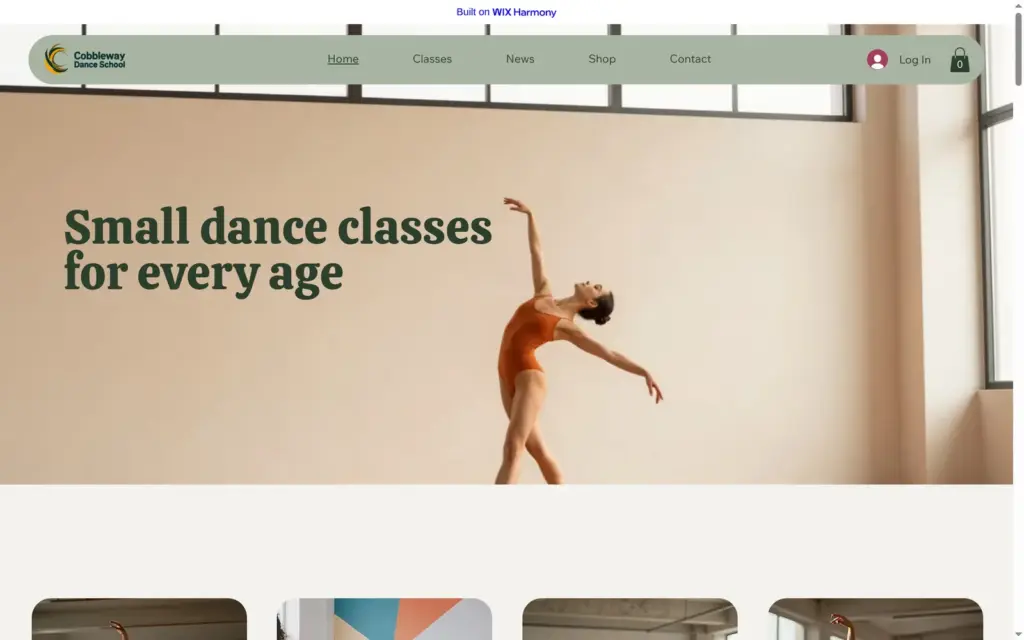
Publish is at the top right of the editor. Wix first offers to connect a domain of your own. Without one, my site went live at cobblewaydance.wixsite.com/dance-school a few seconds later. Free sites show a "Built on Wix Harmony" bar at the top of every page.
On the live site I found two more leftovers. The footer icons linked to the home pages of Facebook and the other networks, not to accounts of the school. And the class schedule named every teacher "Business Owner", the default name of the account's staff member.
Wix says there is no time limit on free sites. Your own domain and a site without the Wix bar need a paid plan. The cheapest one is Light. When I checked from Germany on October 22, 2026, it cost €16.66 a month on yearly billing, VAT included. Online bookings and shop checkout need Core at €29.75 a month. On the free plan, visitors to the dance school could see the classes, but they couldn't book one. I compared all plans when I checked whether Wix is free.
If your site should take bookings or sell things, my Wix review shows how I set up the classes and a small shop for the dance school.
 What I'm building
Give Vroni a GitHub issue, bug report, spec, or rough idea. It reads the repo, plans the change, writes code, runs checks, and works toward a review-ready pull request.
Take a look at vroni.com