
Can you make a portfolio website with Wix?
Yes. Wix has more than 270 portfolio templates. Some of them come with Wix Portfolio, Wix's app for showing your work as…
You can change a Wix site whenever you like after it goes live. Find the site in your Wix account or open its dashboard, and click Edit Site. Wix saves your changes in the editor by itself, but visitors only see them after you click Publish again. Blog posts and shop products work differently. They change on the live site as soon as you publish or save them in the dashboard.
For my Wix review, I built a website for a made-up dance school on the free plan and put it online. For this article I made a live copy of that site and changed the heading on its home page.
I tested this on October 24, 2026, in the Wix Harmony editor on the free plan.
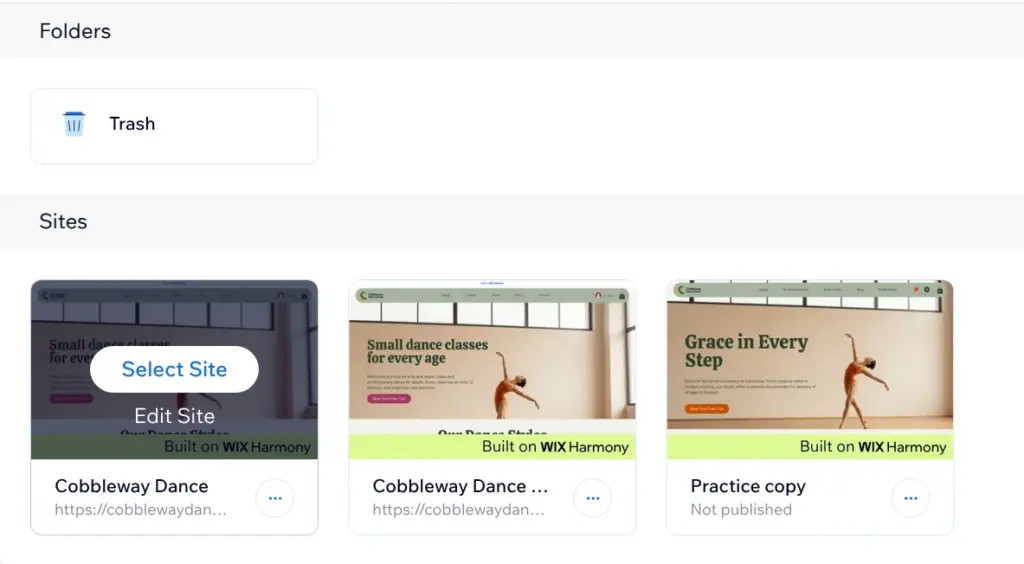
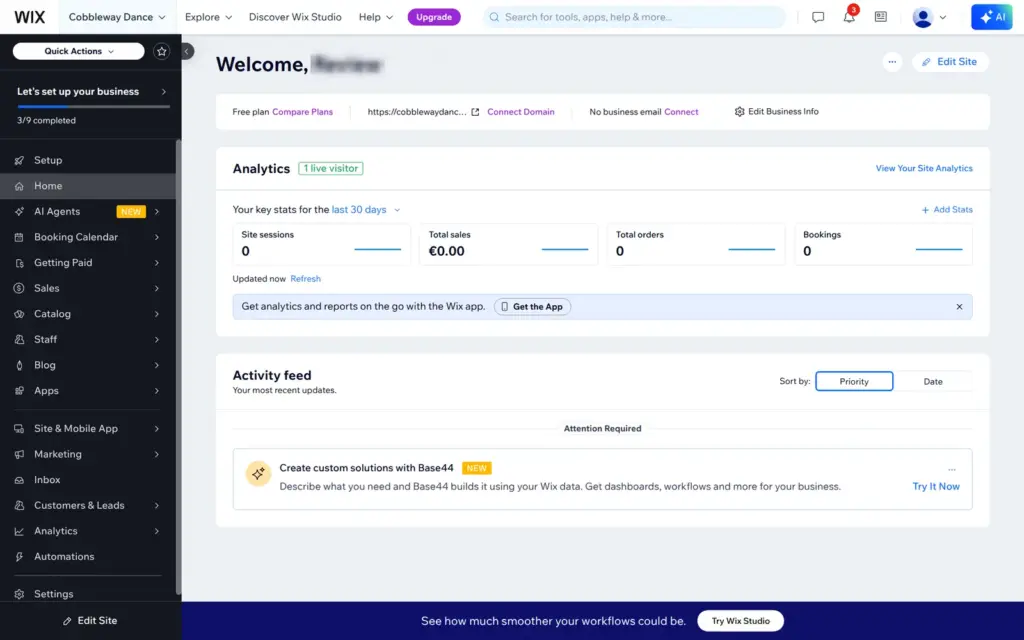
On the Sites page of your Wix account, point at a site and click Edit Site. The same button sits at the top right of the site's dashboard and at the bottom of the dashboard's menu. For a site you haven't opened in the editor yet, the button can say Design Site instead. From the Sites page, the editor opened in a new browser tab and took about half a minute to load.
Aria, the AI in the Wix editor, can also make changes for you. I tried that when I checked whether Wix can build your website with AI.
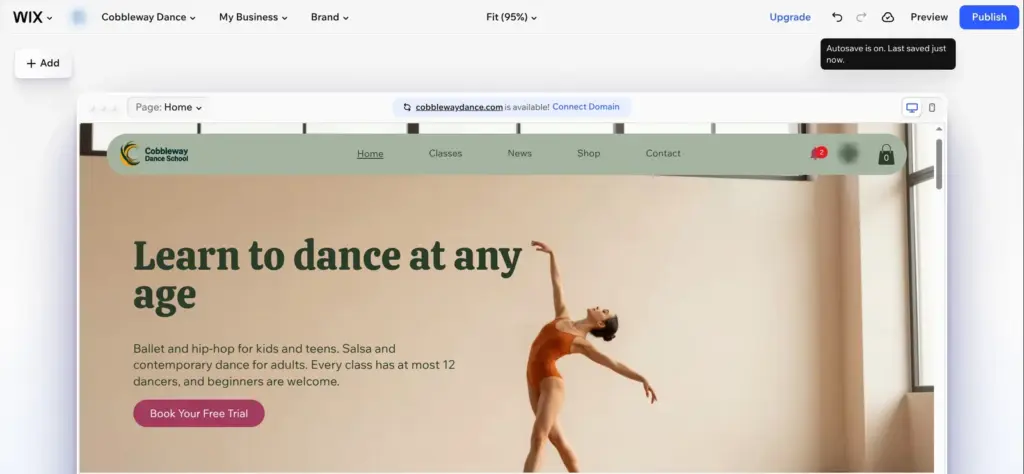
To change the heading, I double-clicked it and typed a new one. Wix saves changes by itself. When you point at the cloud icon next to Preview, it says "Autosave is on" and when it last saved.
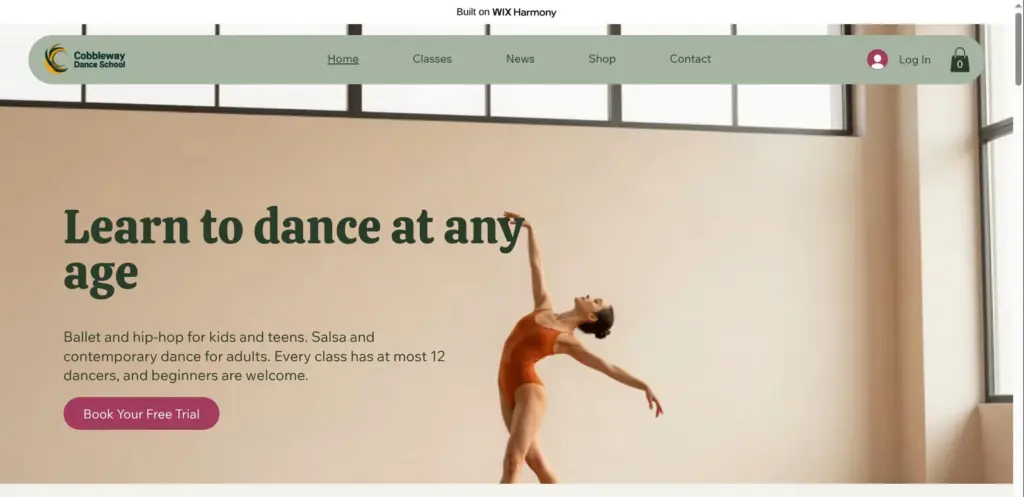
The live site still showed the old heading. Visitors see the old version until you publish, even if you work on a page for days. Preview, at the top right of the editor, shows the page the way visitors will see it.
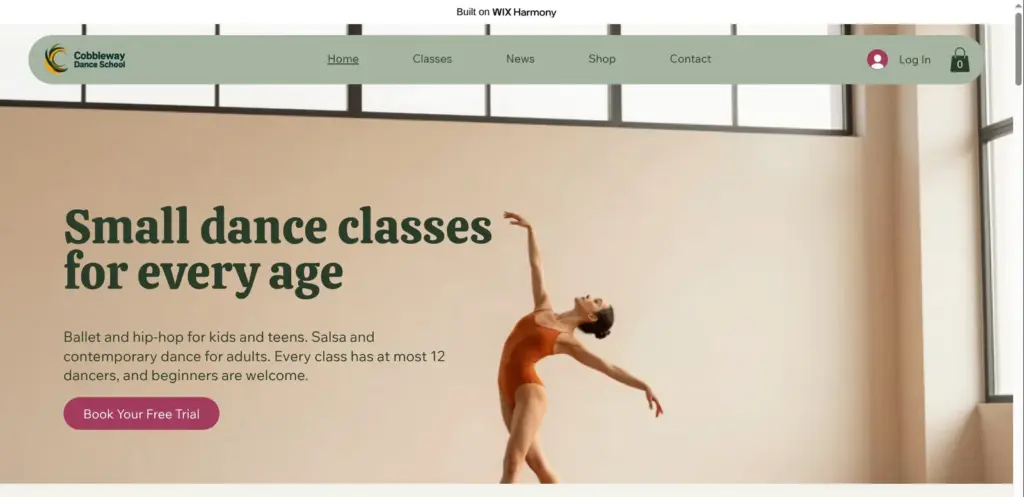
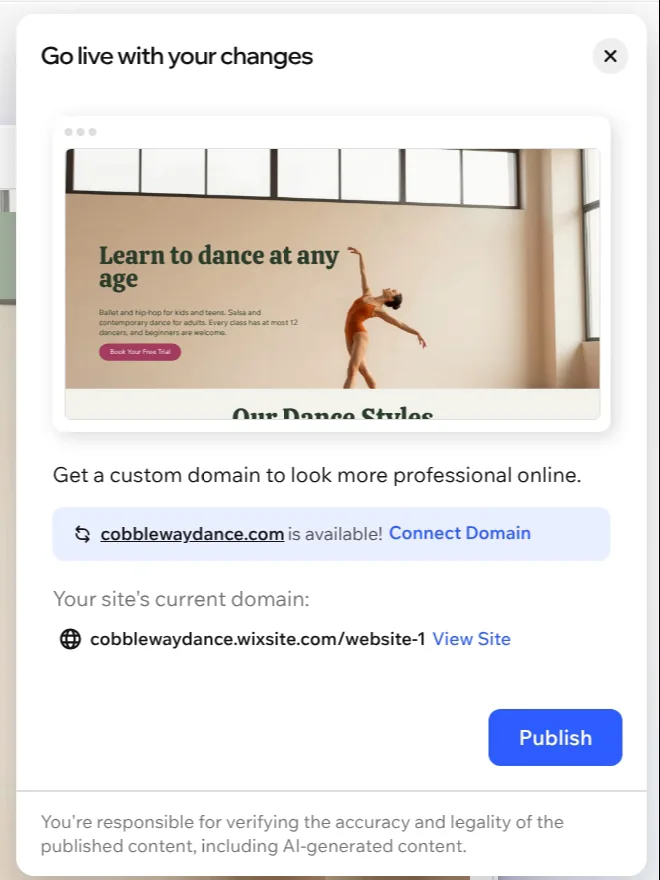
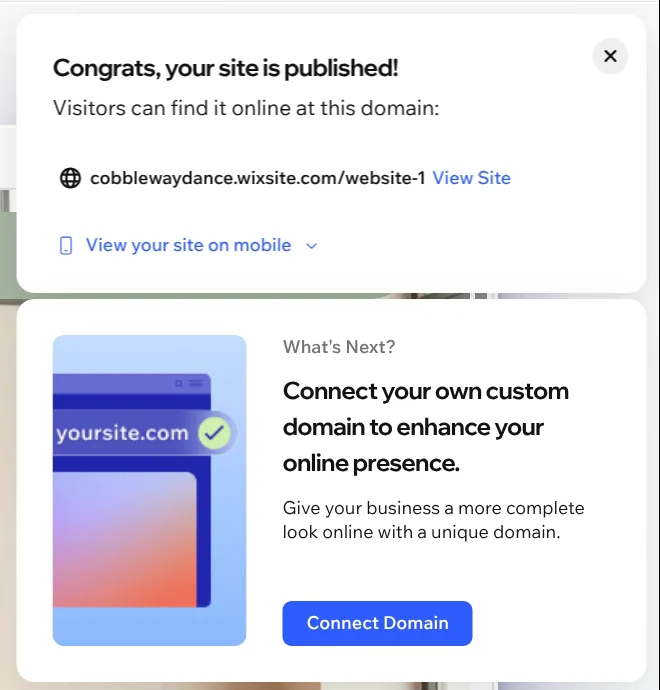
On a site that's already live, Publish first opens a panel called "Go live with your changes". It shows a small preview of the page and offers a custom domain again. I published on the free address. That took a few seconds, and then the live site showed the new heading.
Publish takes all the changes you made since you last published. For a page that isn't ready yet, Wix's help center suggests leaving it out of the menu or adding a password until it is. If the live site still shows the old version after you publish, Wix suggests clearing the browser cache or opening the site in a private window.
Editing and publishing again cost nothing on the free plan. The site stays on its wixsite.com address with the Wix bar at the top. Your own domain needs a paid plan, and I listed the prices when I checked whether Wix is free.
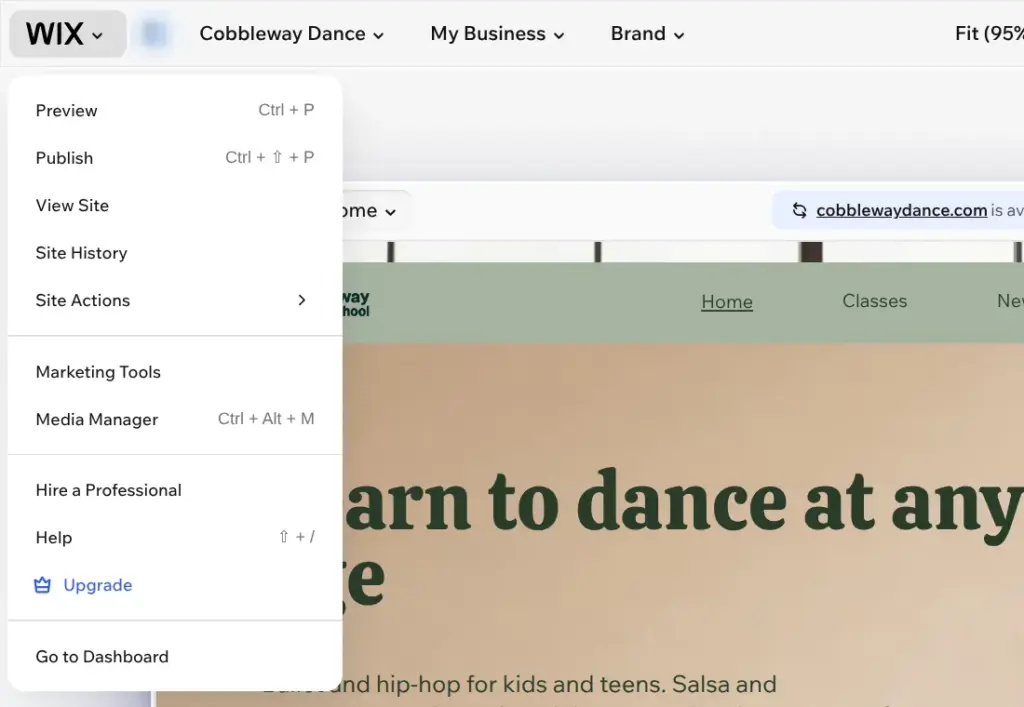
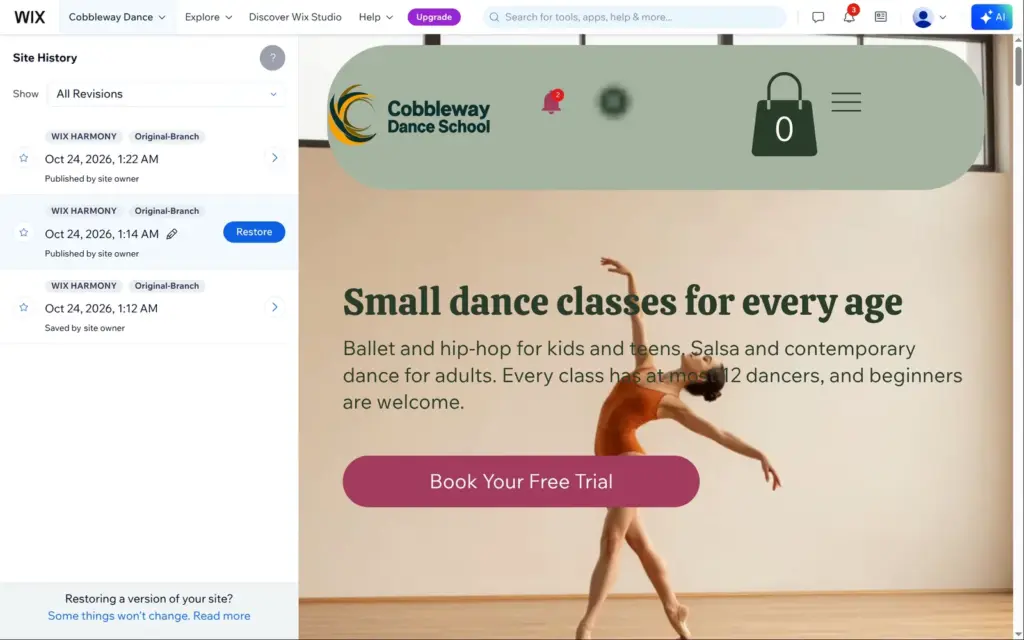
Site History is in the Wix menu at the top left of the editor. It opens in the dashboard and lists the versions you saved or published, with the date and time. When I clicked the version from before my change, its preview showed the old heading, and a Restore button appeared. I didn't restore it.
According to Wix's help center, a restore undoes the changes made after that version, but only for your pages and their design. Content from Wix's apps, such as blog posts and shop products, stays as it is.
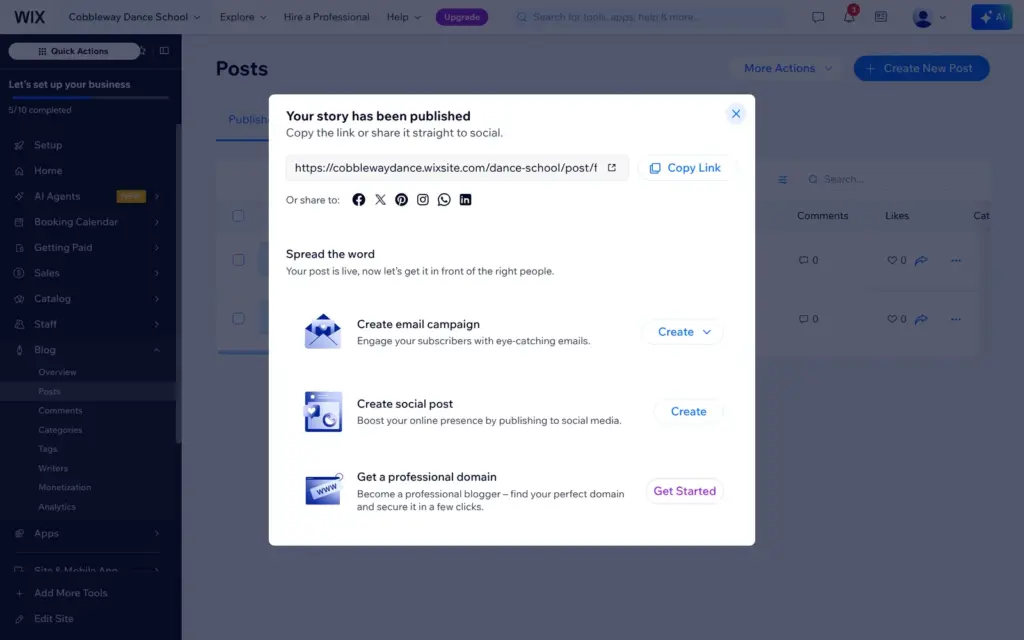
Some content of a Wix site is managed in the dashboard, not in the editor. Blog posts have their own Publish button. In my review I published a news post after the site was live, and it was online at once with its own address. I didn't publish the site again for that.
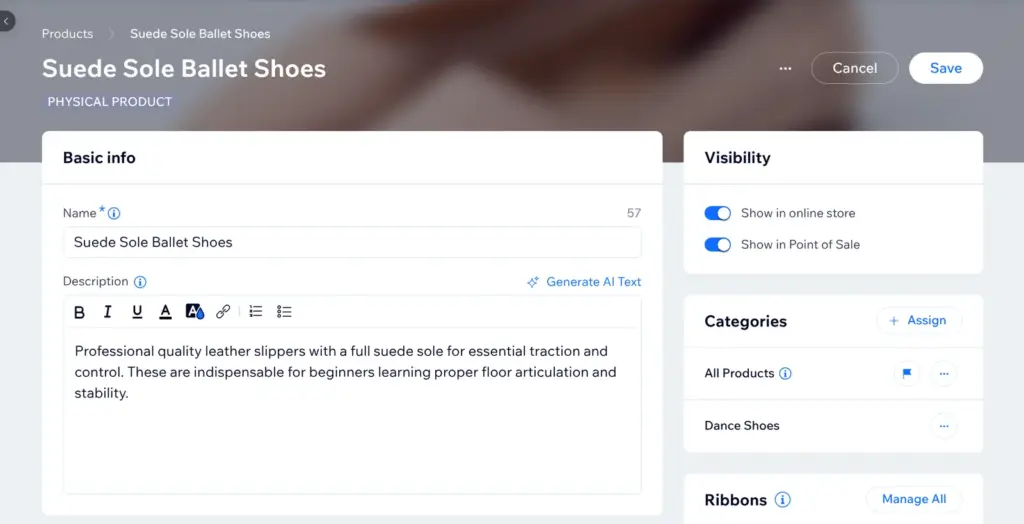
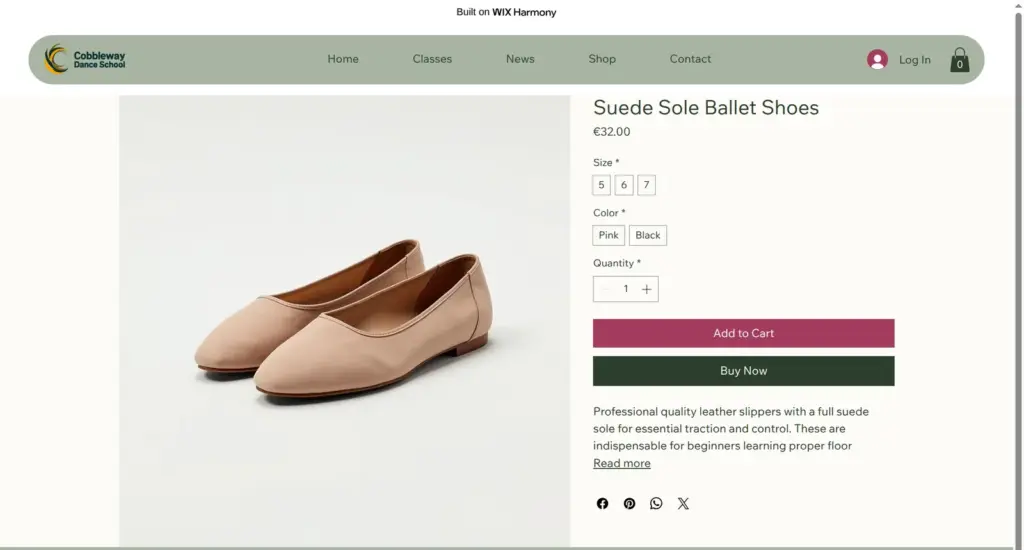
Shop products change as soon as you save them. I renamed the ballet shoes in the dashboard, and half a minute later the live product page already showed the new name. I didn't open the editor for that.
 What I'm building
Give Vroni a GitHub issue, bug report, spec, or rough idea. It reads the repo, plans the change, writes code, runs checks, and works toward a review-ready pull request.
Take a look at vroni.com