
WebStarts review
WebStarts is a website builder with a free plan. You drag text and photos onto a page wherever you like, and WebStarts…
Yola is a website builder for small businesses. You describe your business in a few sentences, and its AI writes the first version of your website. There is also a free plan. If you are thinking about Yola for your business, you probably want to know how good the AI's version is and what the free plan gets you.
To find out, I built a website for a made-up bed and breakfast on the free plan. Yola's AI made the home page and a page for the rooms. I fixed the text and the photos by hand and changed the colors and fonts. I added two fields to the contact form and repaired the links. I also set up Yola's online store with three products and placed two test orders.
The AI had a first version ready in about half a minute, and the editor made it easy to fix. But the AI made up facts about the house and picked photos of a modern villa with a pool. And the free plan never puts the site online. To publish it, you need a paid plan, from $9.95 a month on yearly billing.
Yola suits you if you want a simple business site with a few pages and you would like an AI to write the first version. You need to be fine with paying for the Personal plan, because the free plan does not publish.
Look elsewhere if you want a website that is online for free. Yola also has no booking system that knows which rooms are free. And the free store allows only three products.
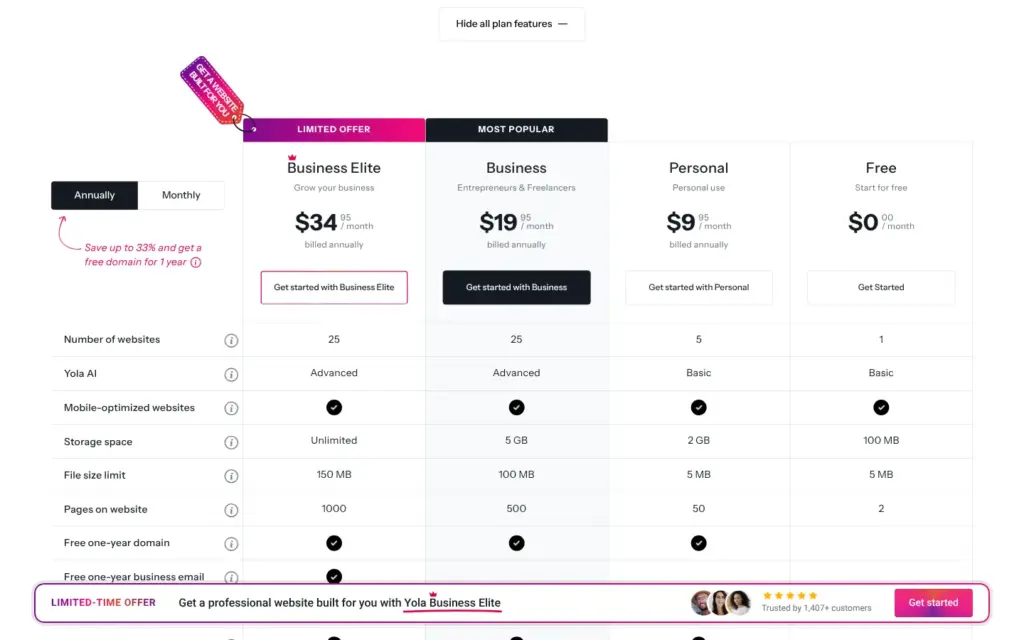
Price: you can build and preview a site for free. Publishing starts with Personal at $9.95 a month on yearly billing ($119.40 a year) or $14.95 month to month. The store's limits go away with separate store plans, from $14.95 a month on yearly billing. I checked the prices on November 1, 2026.
What I tested: I built the site on the free plan on November 1, 2026. I did not pay for a plan, so I could not test a published site. Yola did not pay for this review, and there are no affiliate links.
The shop in short: Yola's store has its own admin. On the free store plan, I set up three products with pickup and shipping, and both test orders went through with cash payment. Stock tracking and more than three products need a paid store plan. Because the free plan does not publish, a free Yola store can't take real orders.
What I liked:
What bothered me:
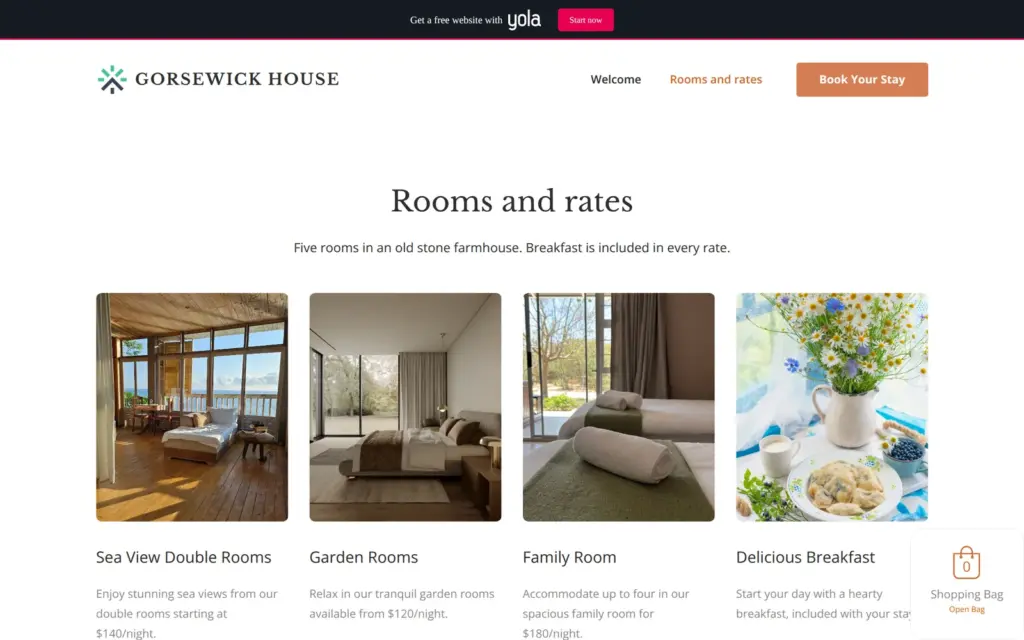
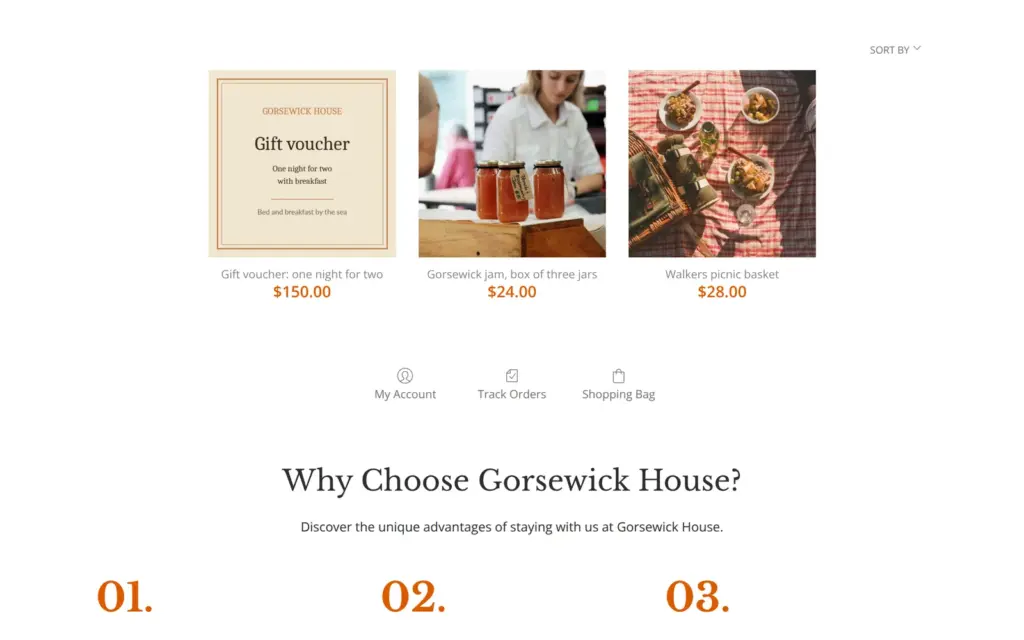
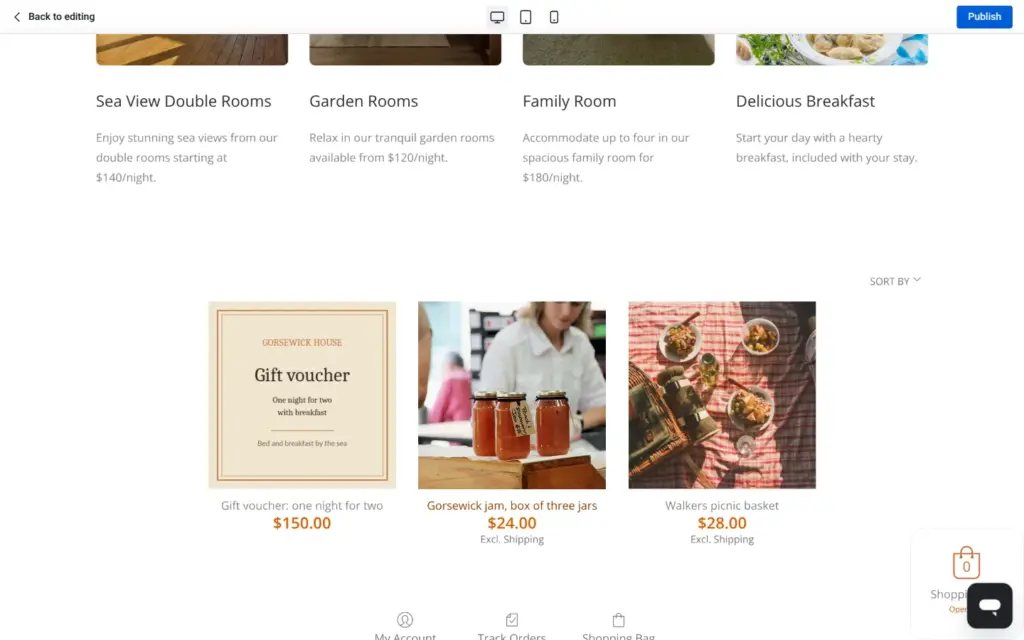
Gorsewick House is a made-up bed and breakfast in an old stone farmhouse by the sea. The site has two pages, the most the free plan allows. The home page introduces the house and the hosts and ends with a contact form and a map. The second page has the rooms with their prices and the online store with three products.
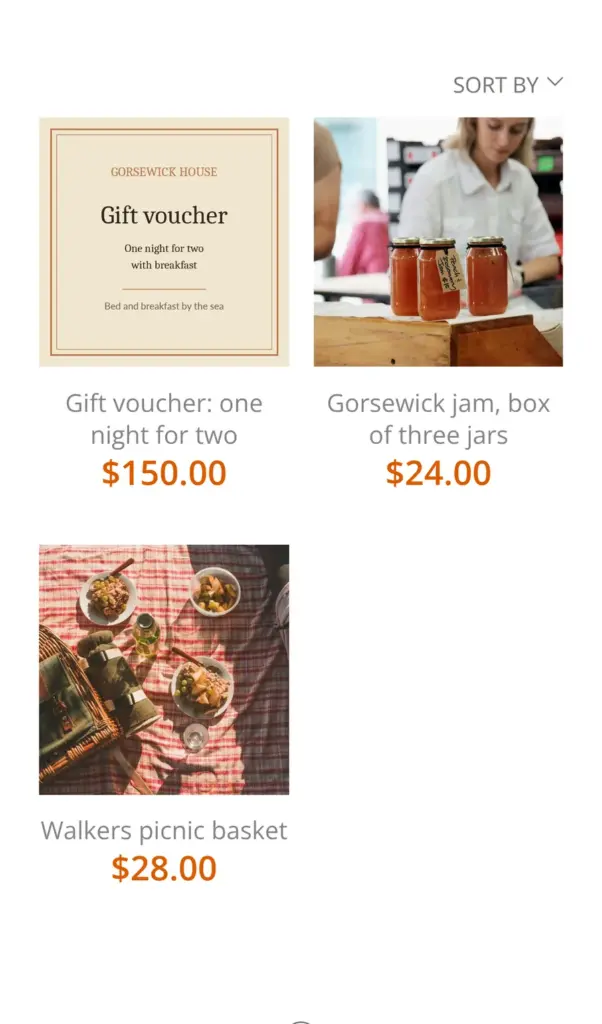
Yola's AI wrote the first version of both pages. The photos on the pages come from the free stock library inside Yola. The preview shows a bar at the top that advertises Yola, which the paid plans remove. I made the gift voucher image for the store myself, and the photos of the jam and the picnic basket come from Unsplash.
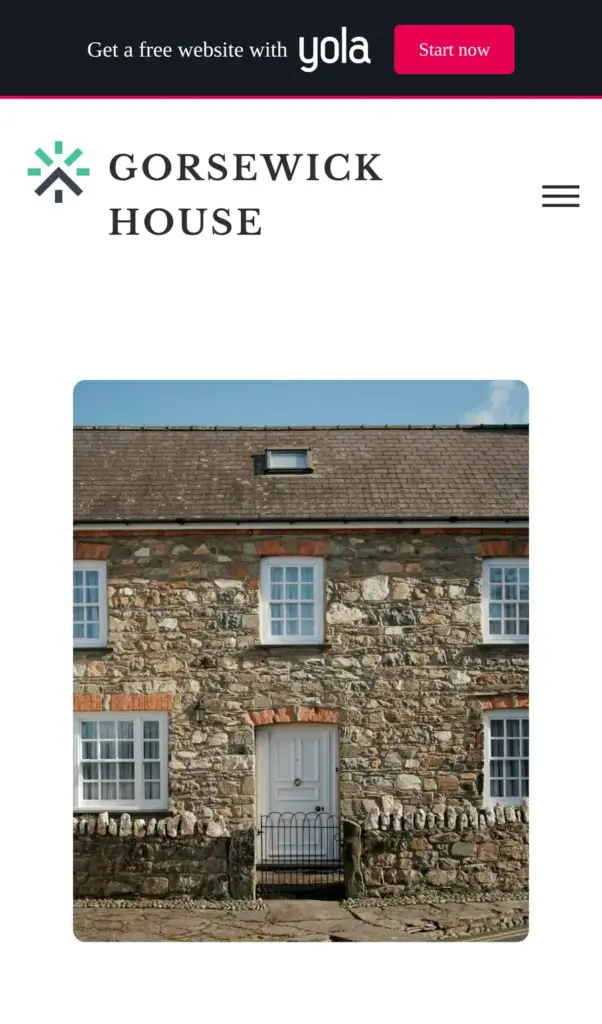
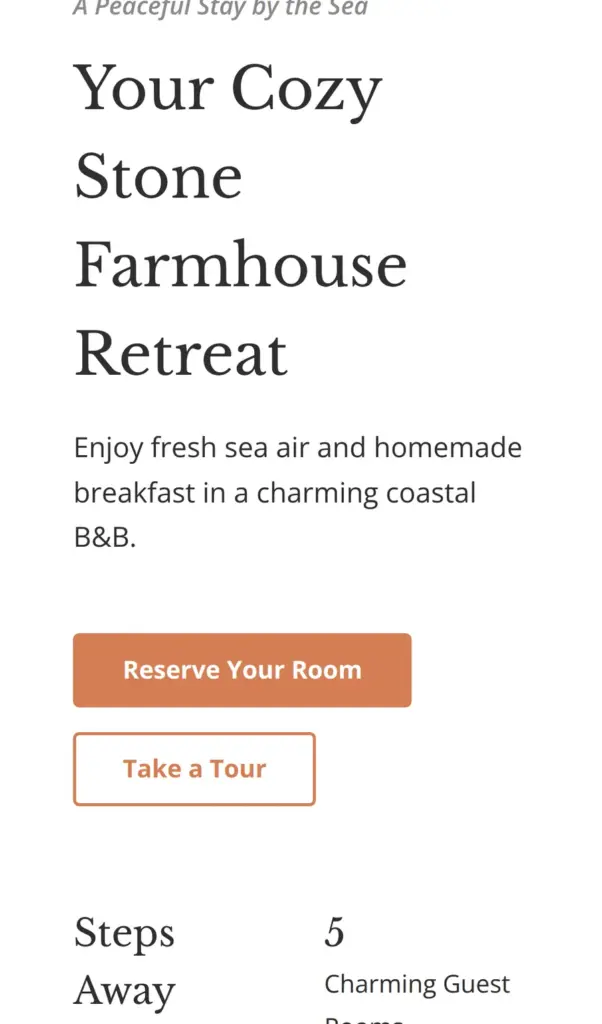
There is no live demo to link to, so these screenshots come from Yola's preview.
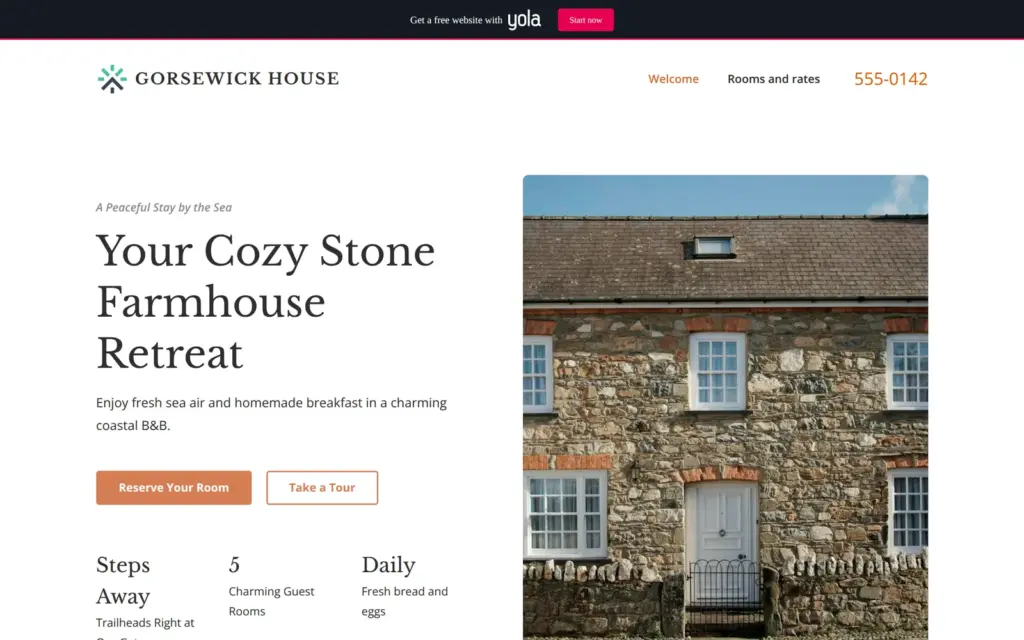
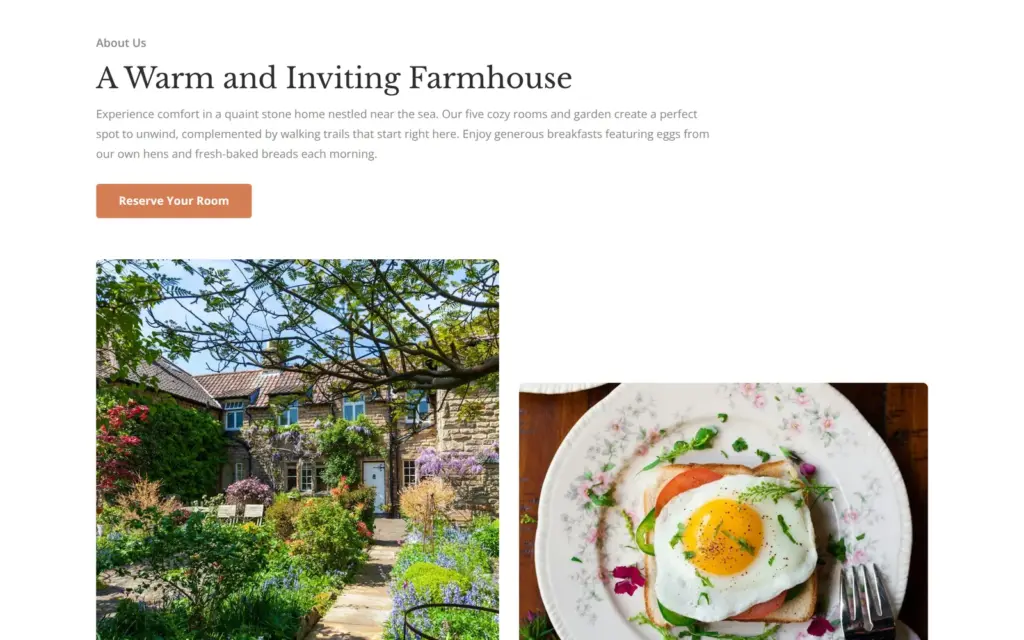
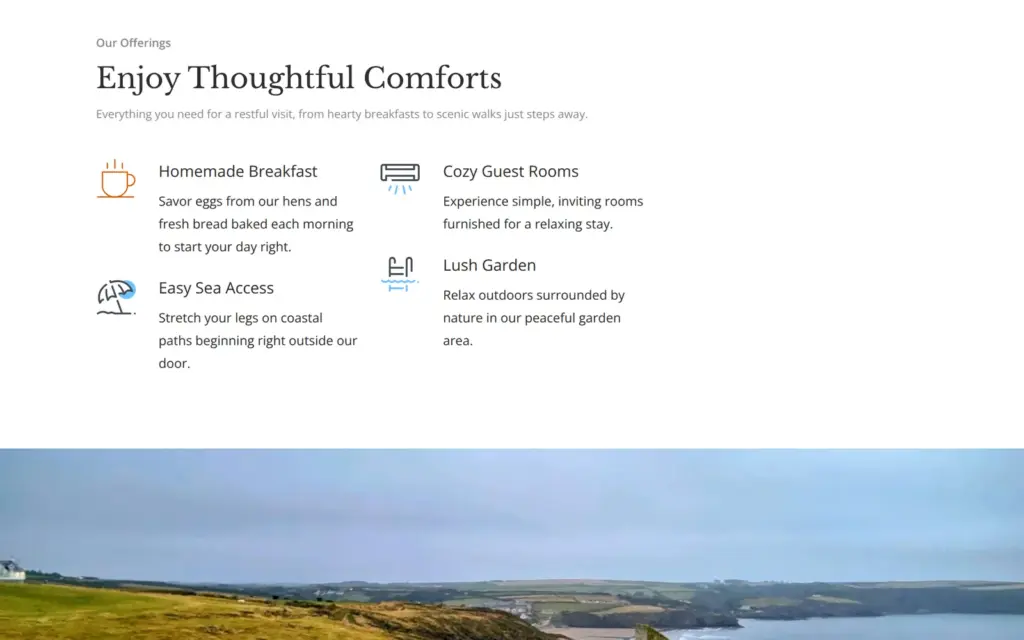
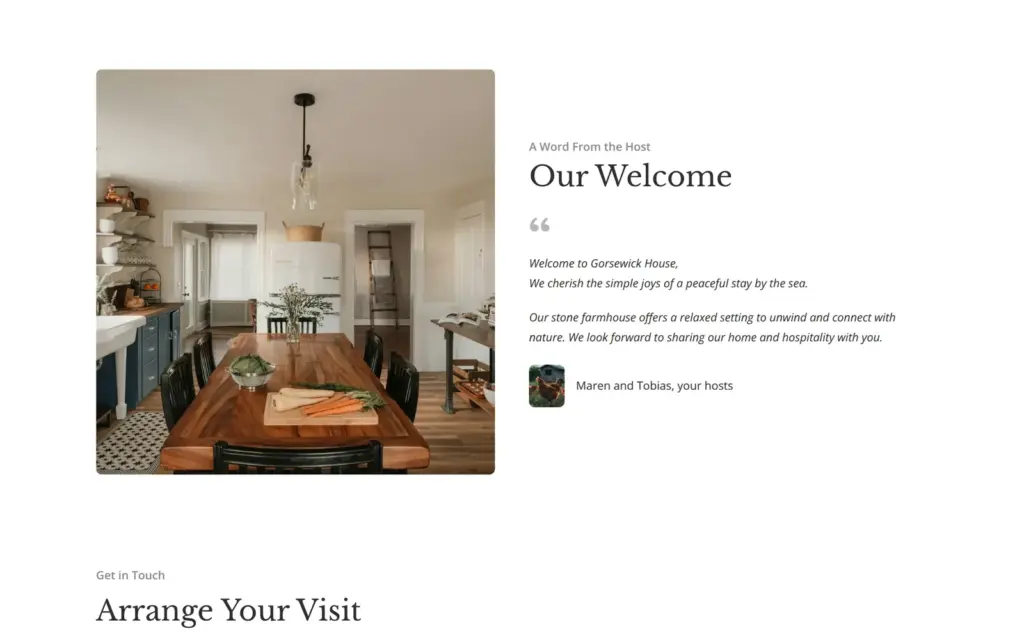
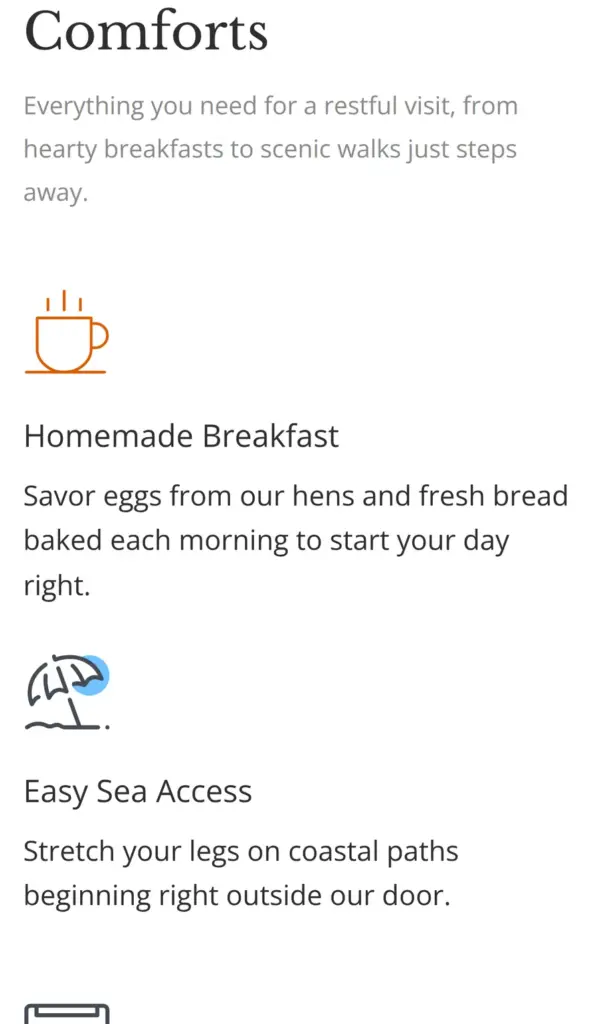
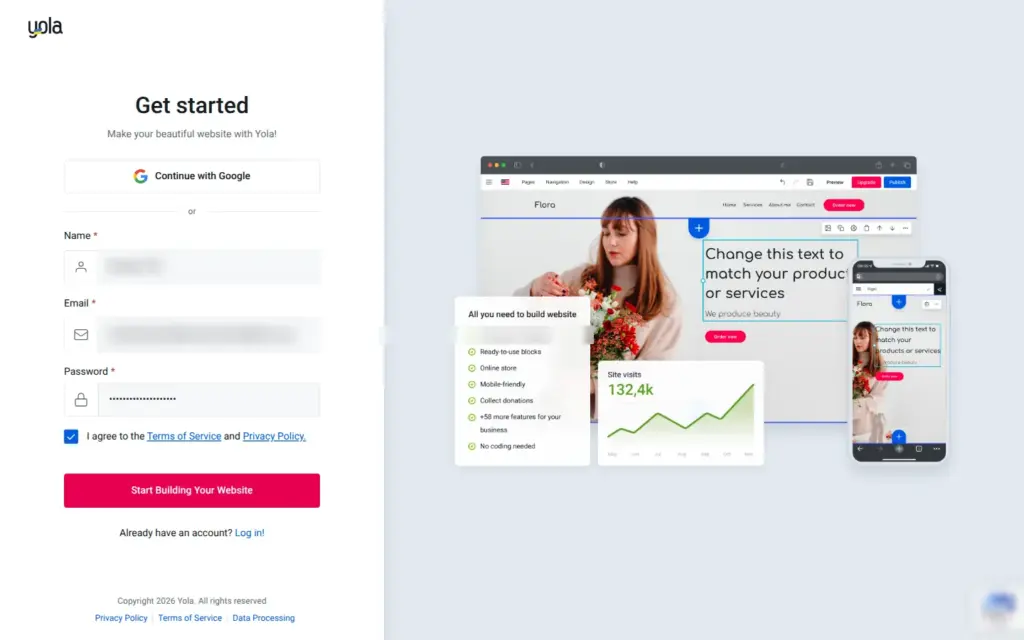
Yola's home page starts with a box where you describe your business. I wrote four sentences about the house and what guests get there. Then comes the sign-up form. It needs a name and an email address, or you sign up with Google.
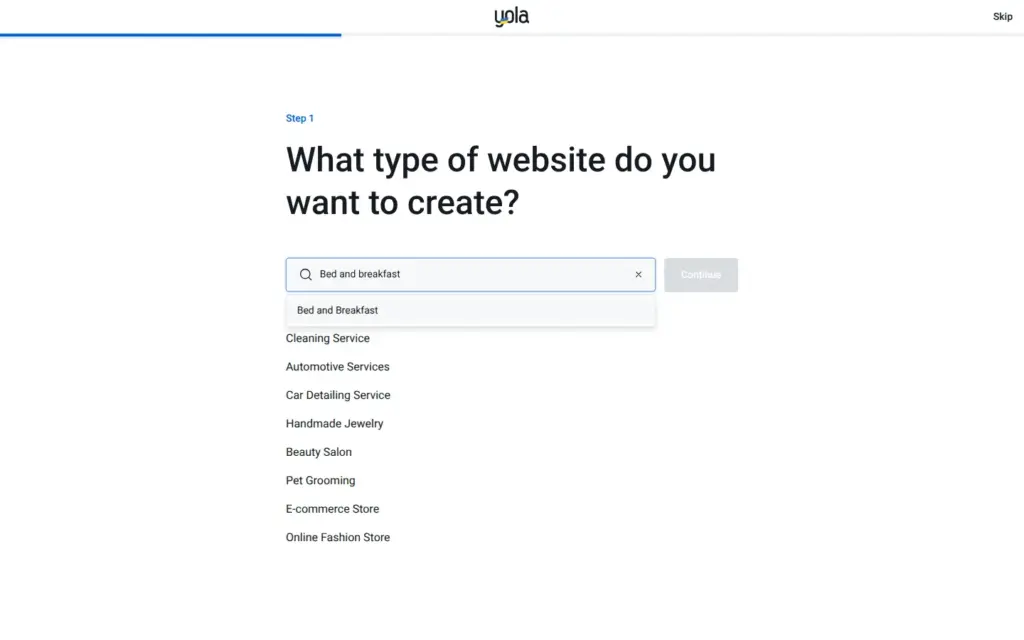
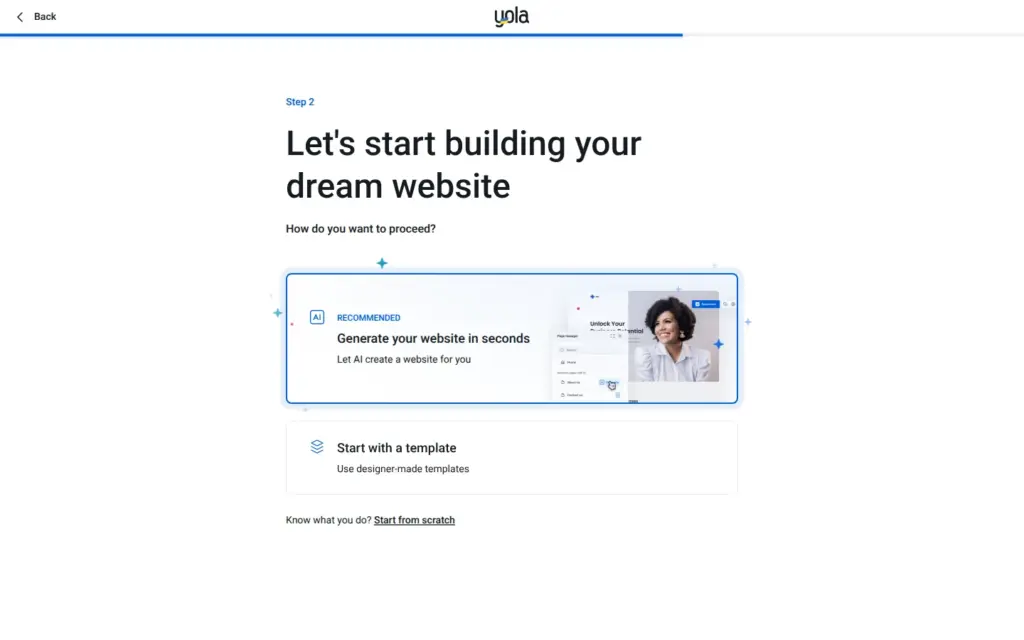
Yola then asks what kind of website you want, and I found bed and breakfast in its list. Next, you choose how to start. Yola recommends letting its AI build the site. You can also start from a template or from scratch. I went with the AI.
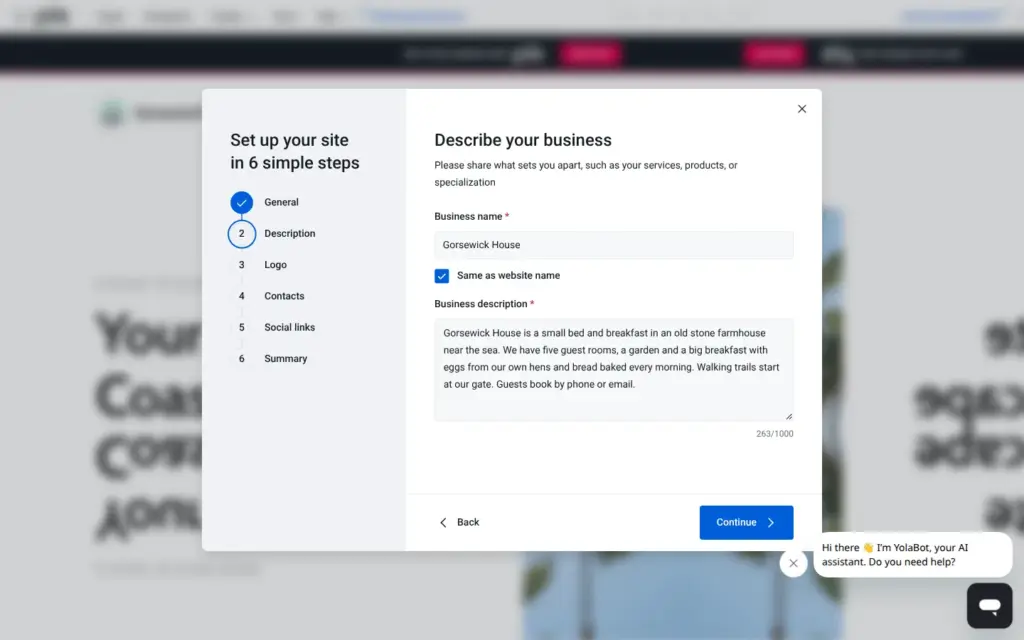
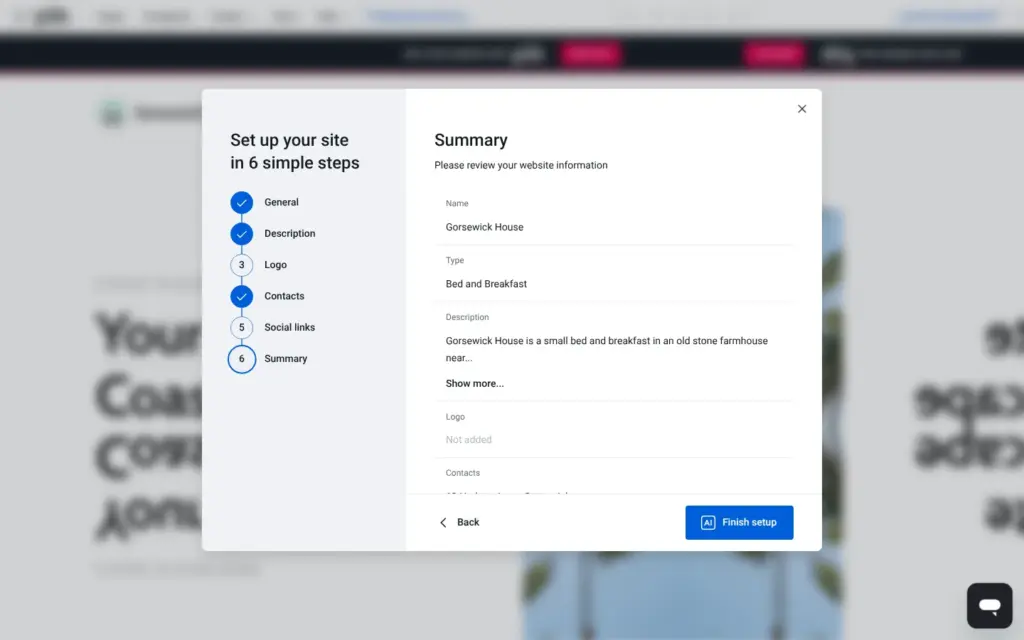
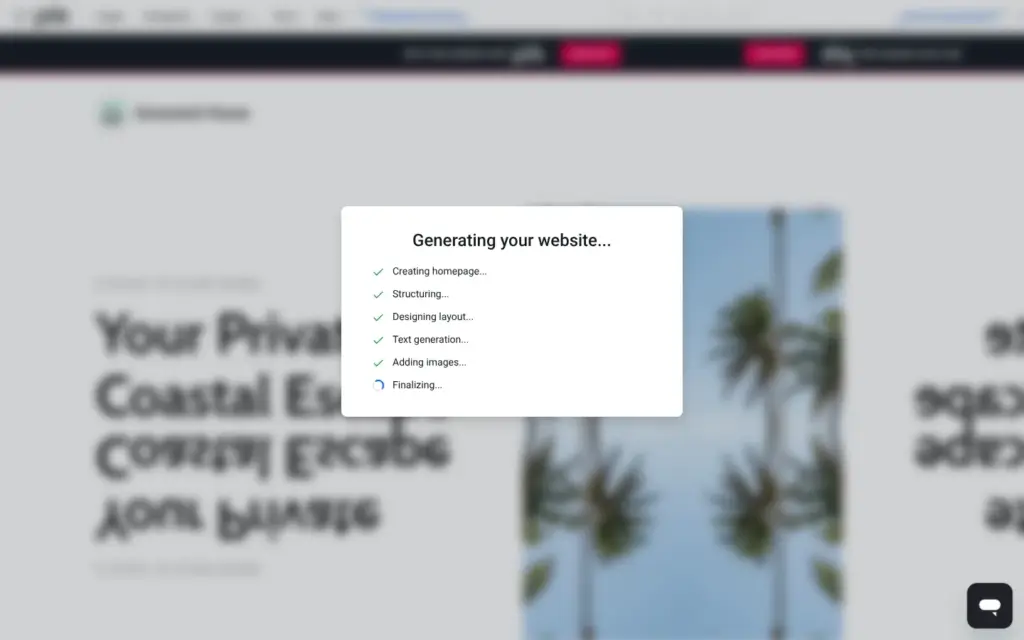
The editor opened with six short setup steps. My description from the home page was already in the first one. The contact step had my login email filled in as the email of the business, so I replaced it. After the last step, the AI built the site in about half a minute.
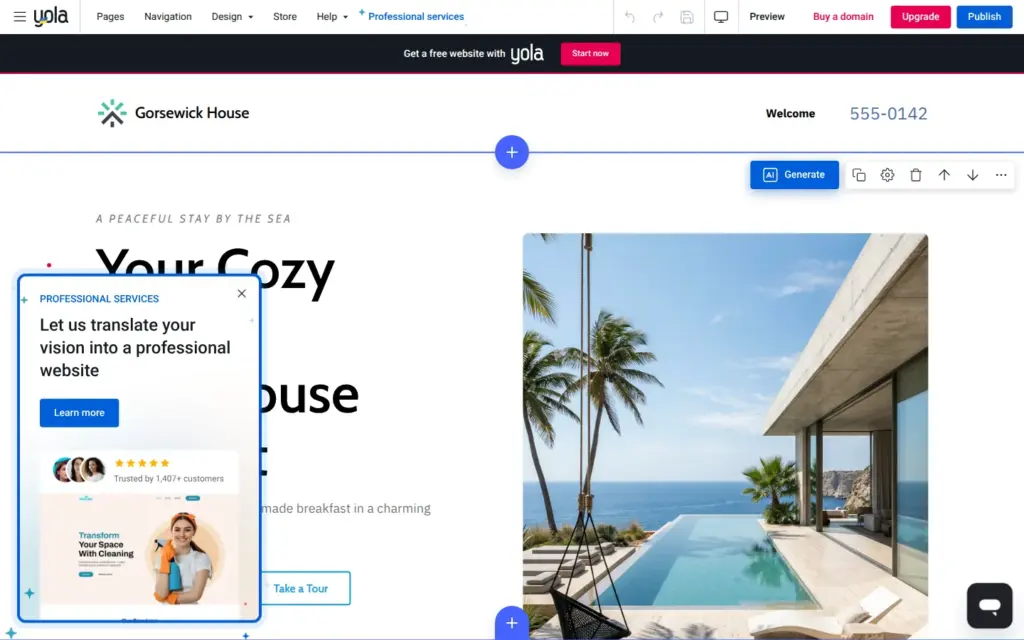
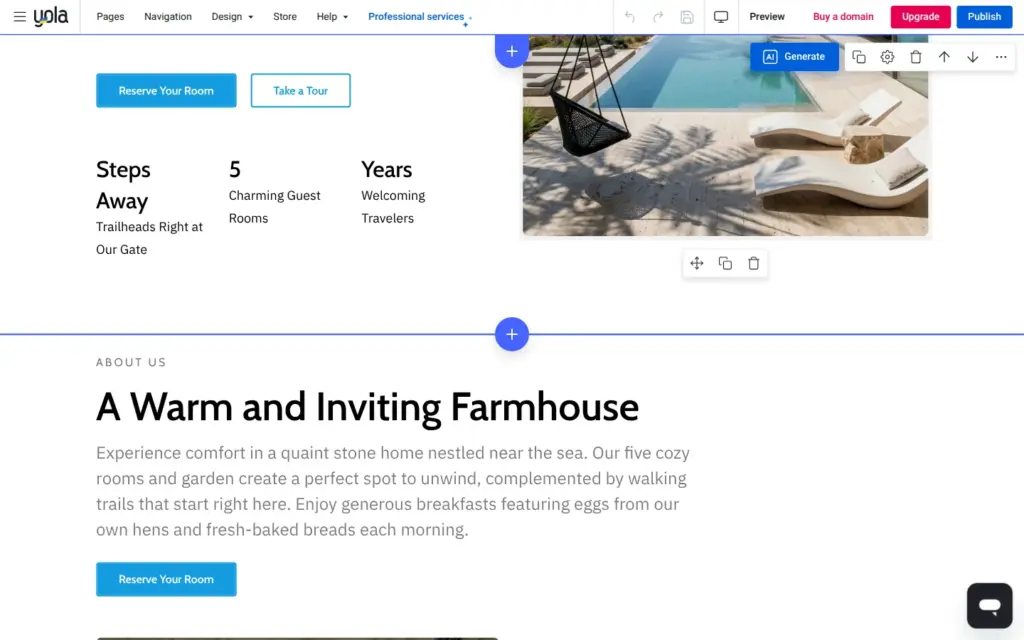
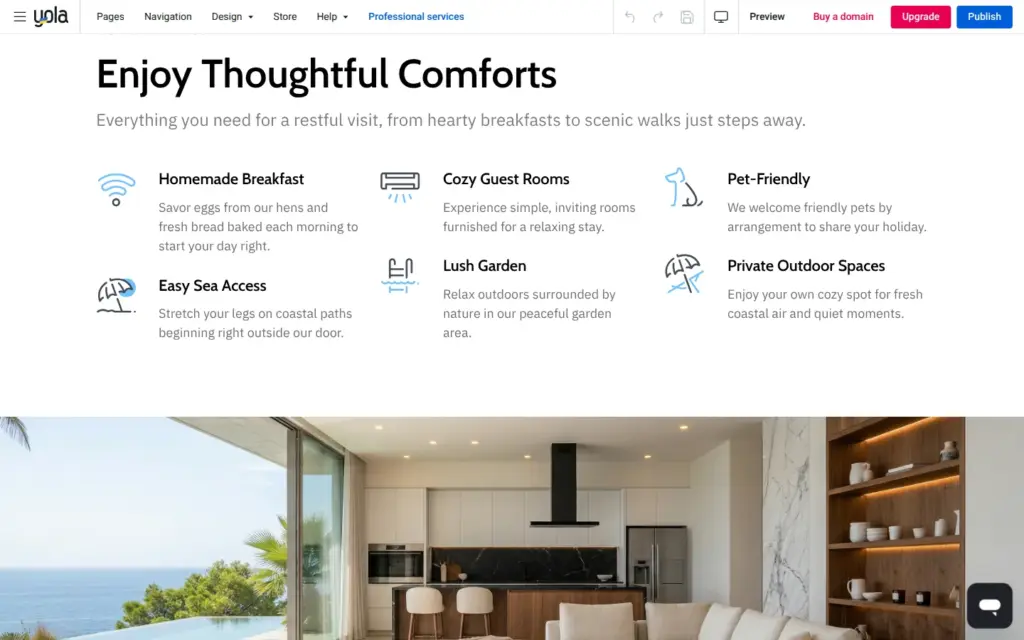
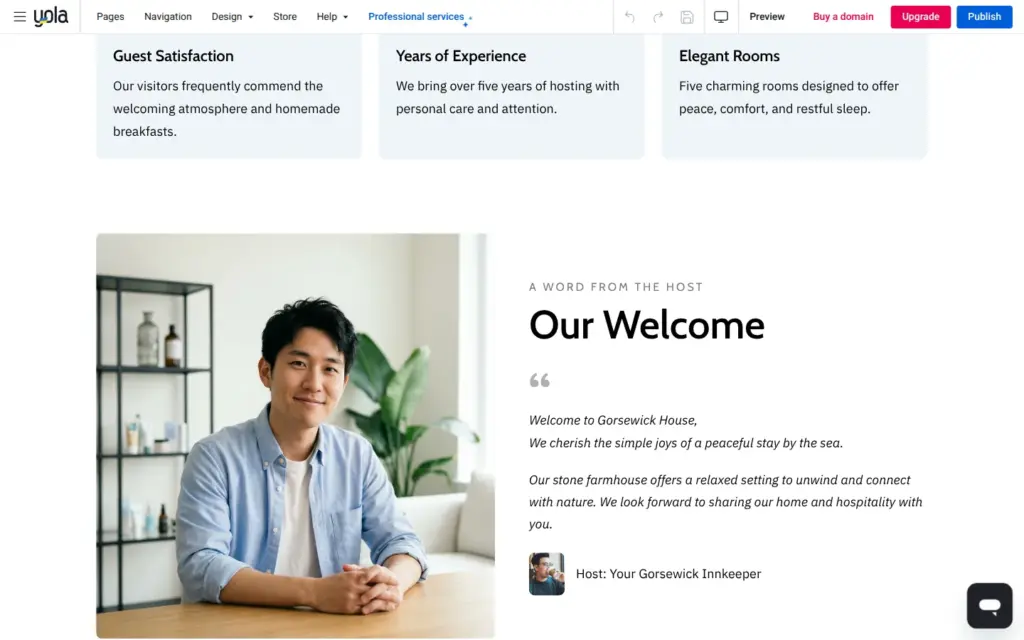
The AI made one long home page. The text was about my bed and breakfast, and my phone number and address showed up where they belong. But some of it was made up. One section said that pets are welcome, which I never wrote. Another one claimed 95 percent satisfied guests and five years of hosting. In a row of three numbers, one item only said "Years", without a number. The host was a stock photo of a man called "Your Gorsewick Innkeeper".
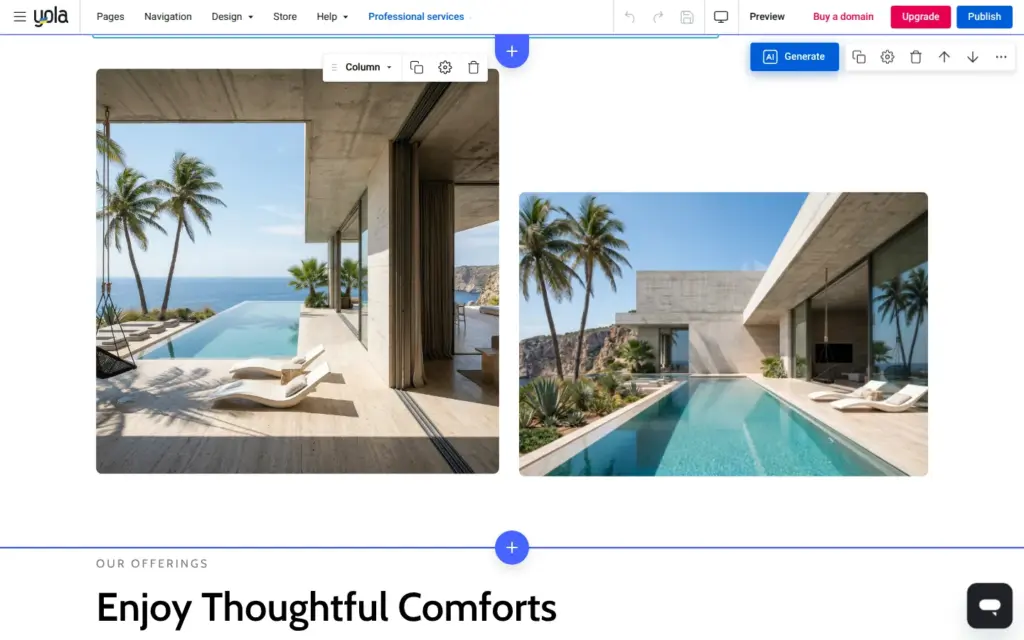
The photos did not fit. All the others showed the same modern villa with an infinity pool, and I had described an old stone farmhouse. The map at the bottom showed the whole world, because its location was a placeholder address.
The page manager shows how many pages you have. The free plan allows two, and the home page counts as one.
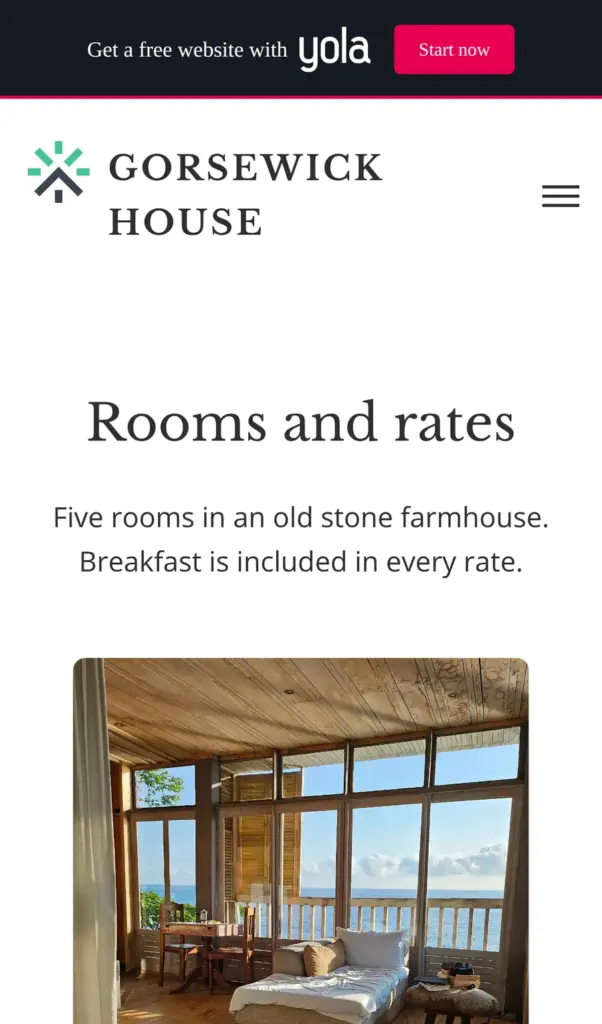
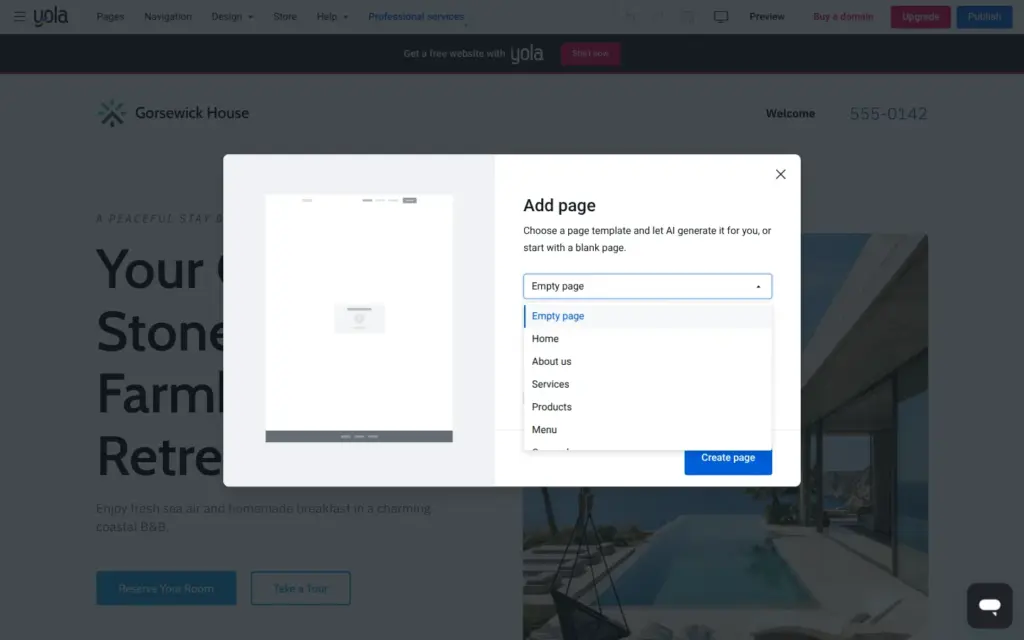
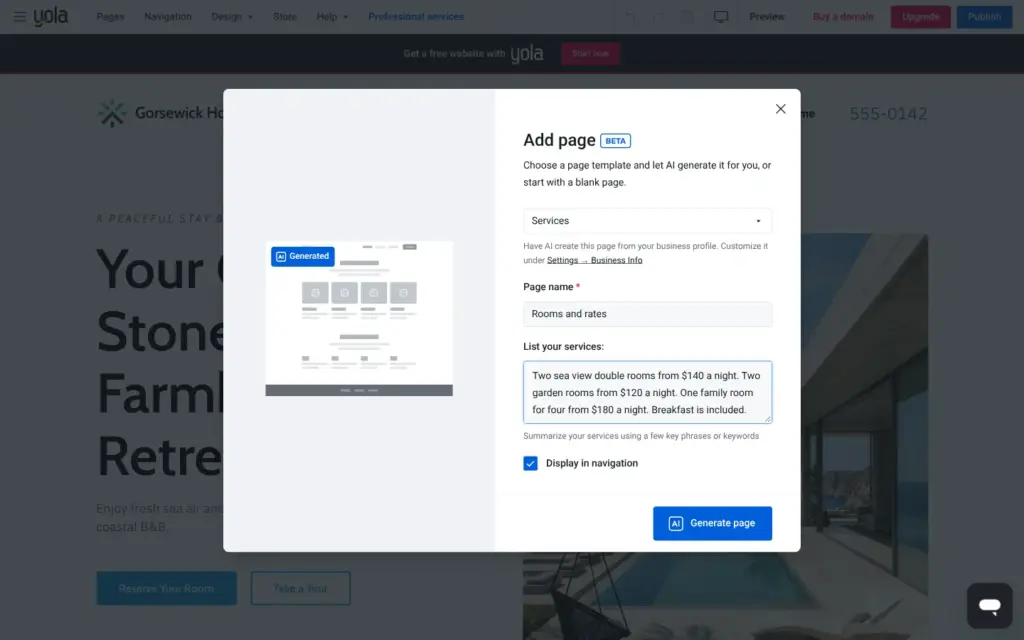
A new page can start empty, or the AI writes it from one of Yola's page templates. There is no template for rooms, so I took Services and named the page Rooms and rates. The AI then asks for a list of your services. I typed the five rooms with their prices and that breakfast is included.
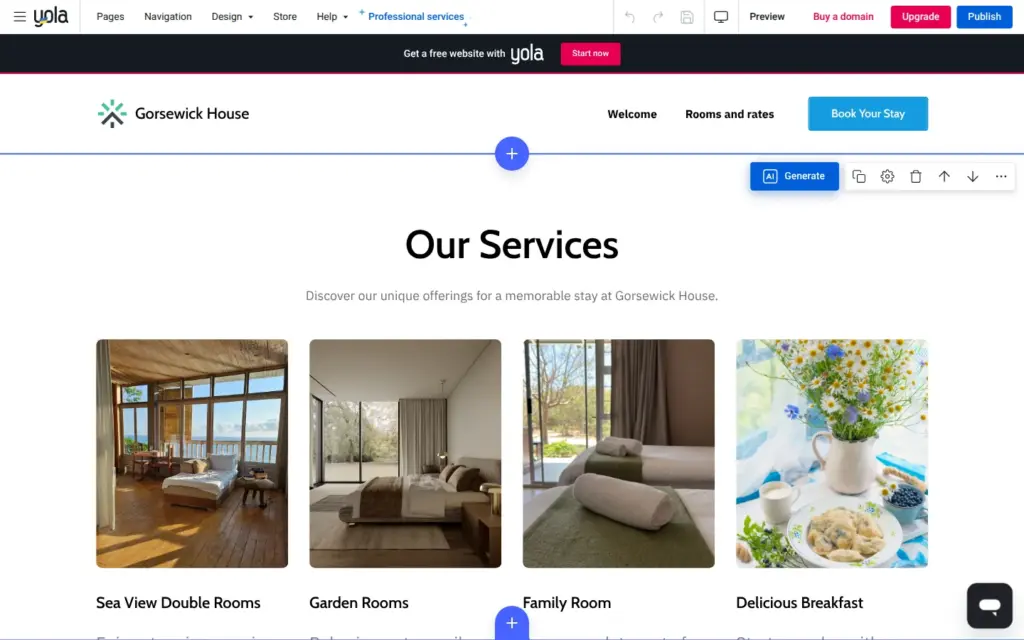
About 20 seconds later, the page was ready. It fit much better than the home page. The photos showed bedrooms, and the prices were the ones I typed. Only the heading still said Our Services.
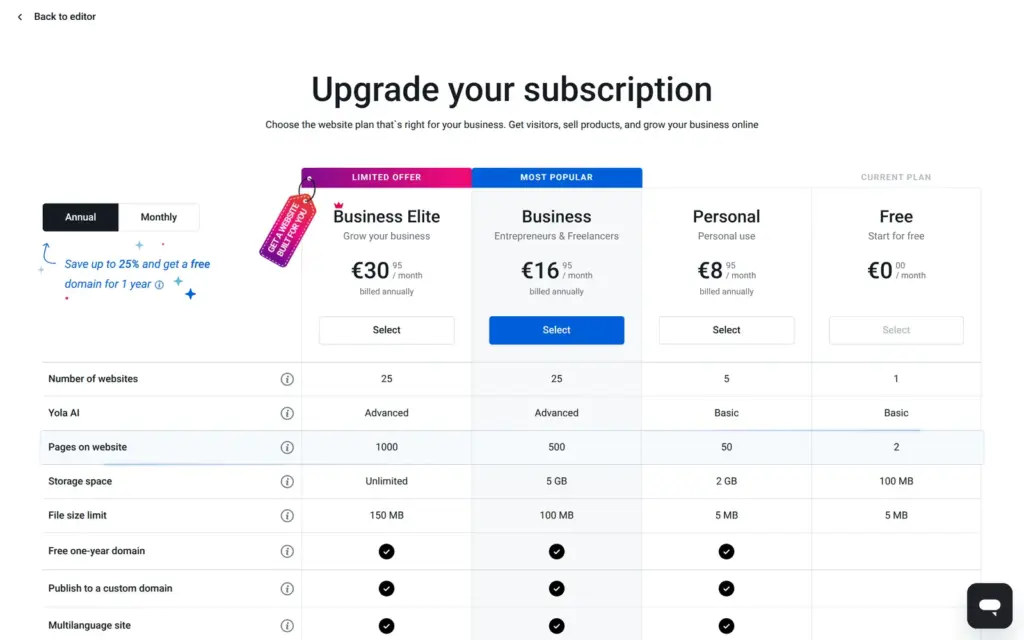
When I tried to add a third page, Yola went straight to the upgrade page. The cheapest paid plan, Personal, allows 50 pages.
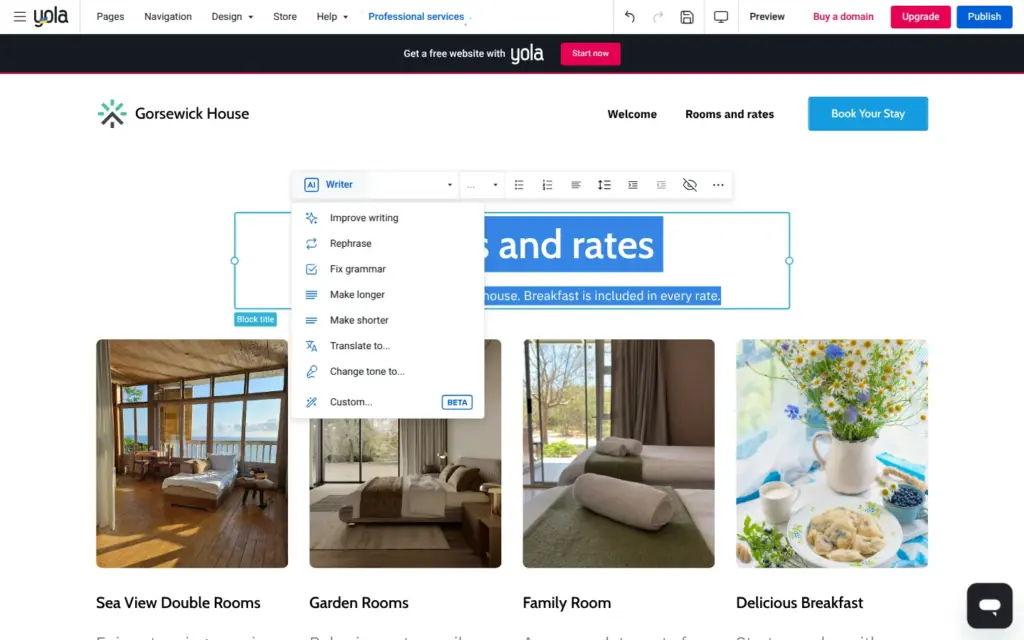
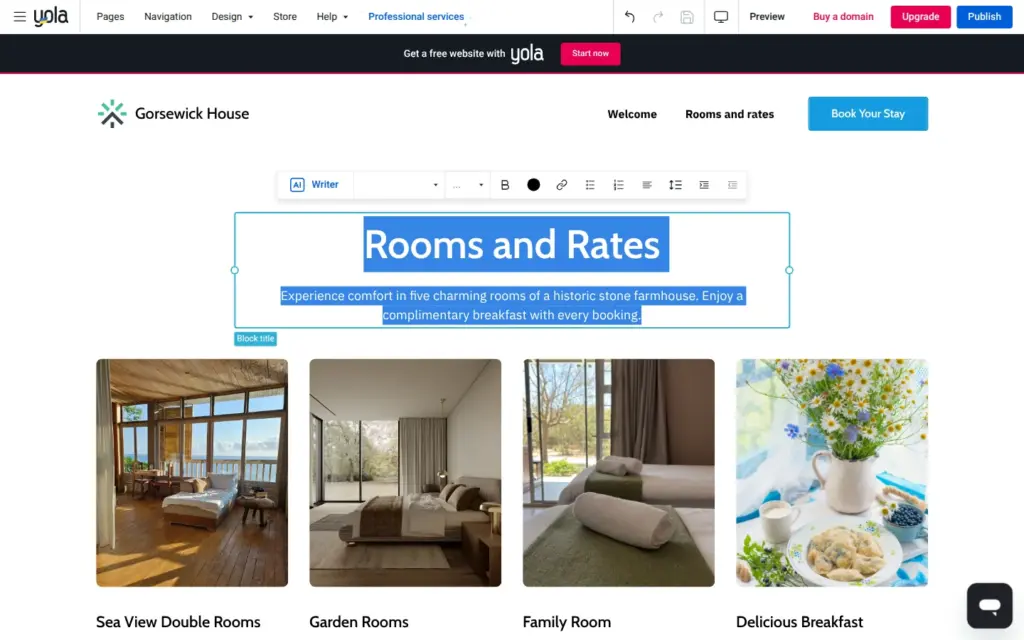
To change text, you click it and type. A toolbar appears with the formatting buttons and an AI Writer menu that rewrites the selected text, for example shorter or in another tone.
I tried "Improve writing" on the subtitle of the rooms page. It worked on the free plan, although the pricing page lists the AI text assistant only for the two bigger plans. My sentence "Breakfast is included in every rate" came back as "Enjoy a complimentary breakfast with every booking", and the rooms became charming rooms in a historic farmhouse. I undid it. The undo button also took back my own edit from a minute earlier, so I typed it again.
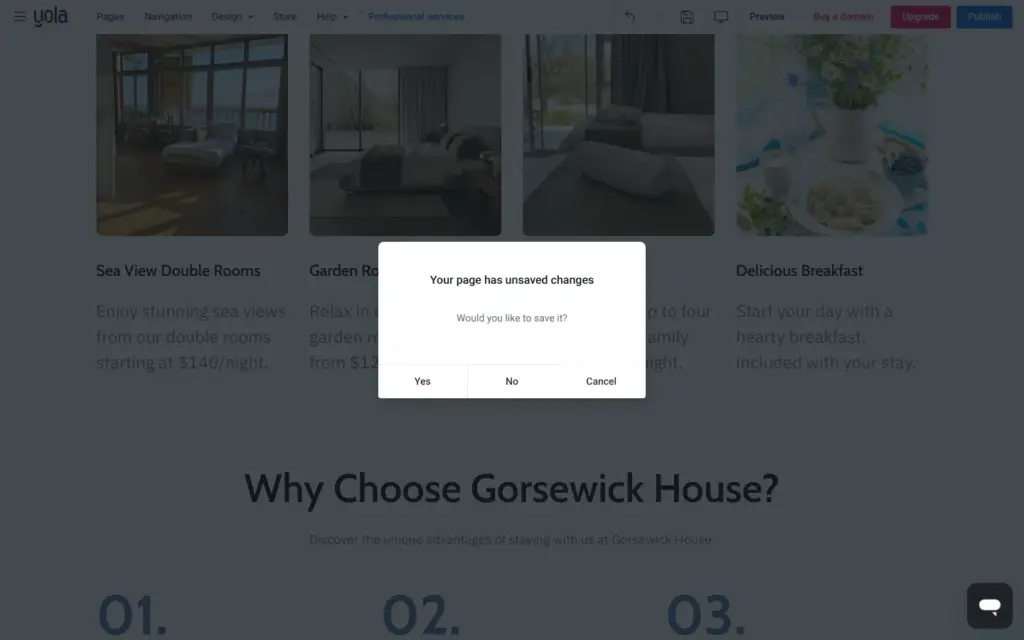
Yola did not save my changes on its own. When I switched pages, it asked whether to save first. There is a save button in the top bar.
On the home page, I fixed the made-up parts one by one. The number row got a third item that makes sense. I deleted the column with pets and private outdoor spaces and then the whole block with the satisfied guests and the five years. Deleting a block takes one click on the trash icon, and Yola doesn't ask first.
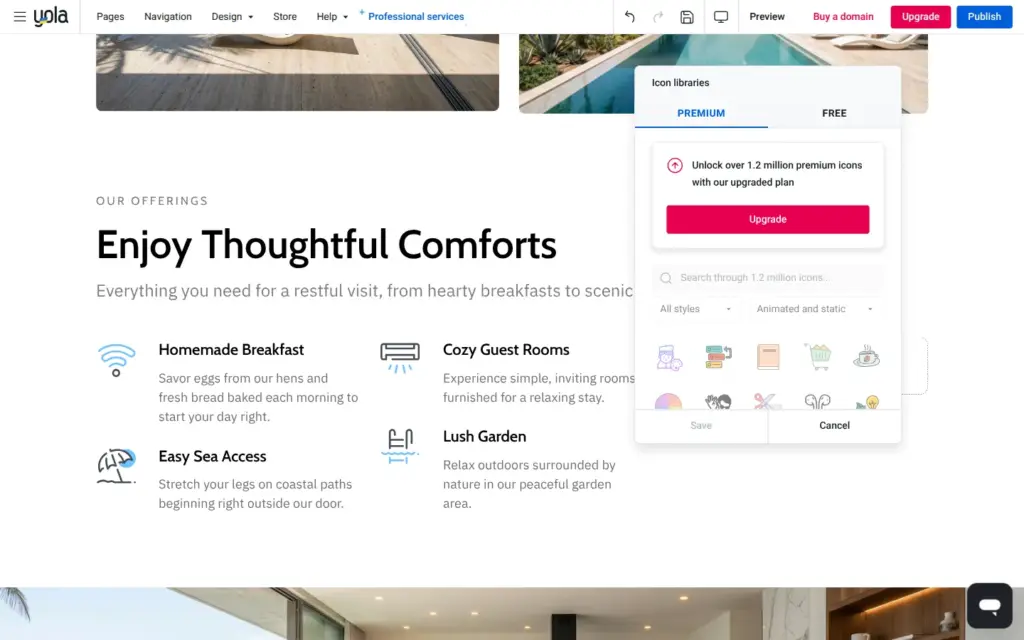
Breakfast had a Wi-Fi icon. The icon library has a free set and a premium set. The premium set has 1.2 million icons and needs a paid plan. The free set had a cup.
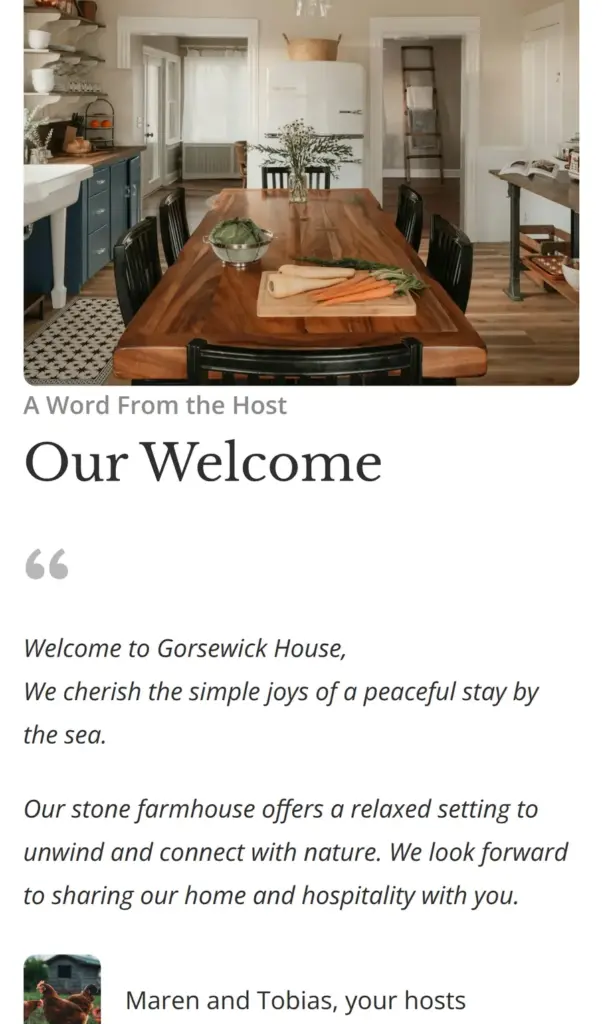
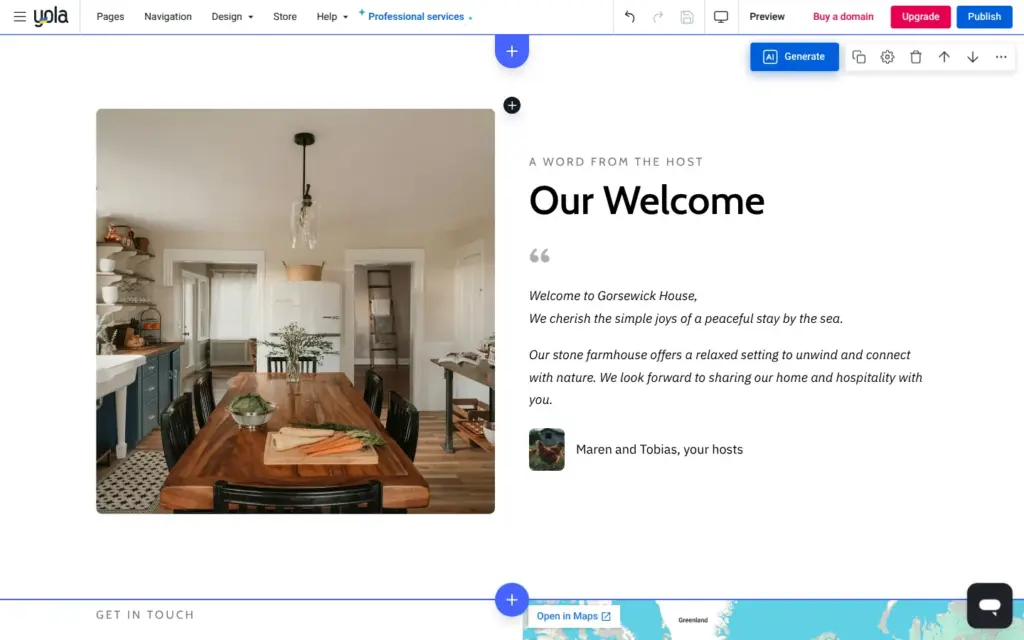
The host got the names Maren and Tobias. Then I tried to hide the small portrait next to the names. The hide option removed the whole quote, so I undid that and replaced the portrait instead.
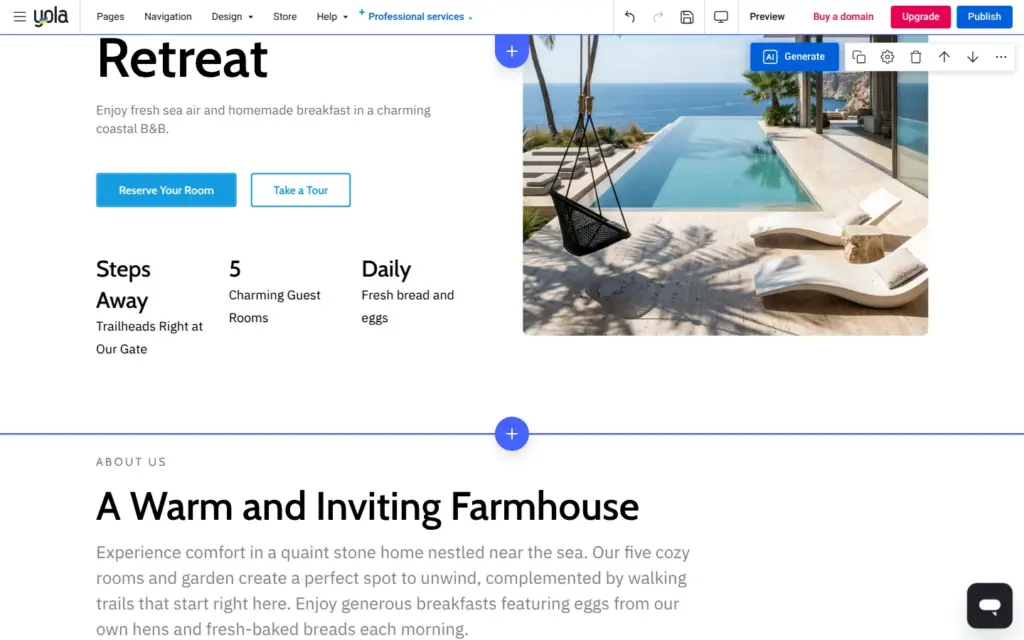
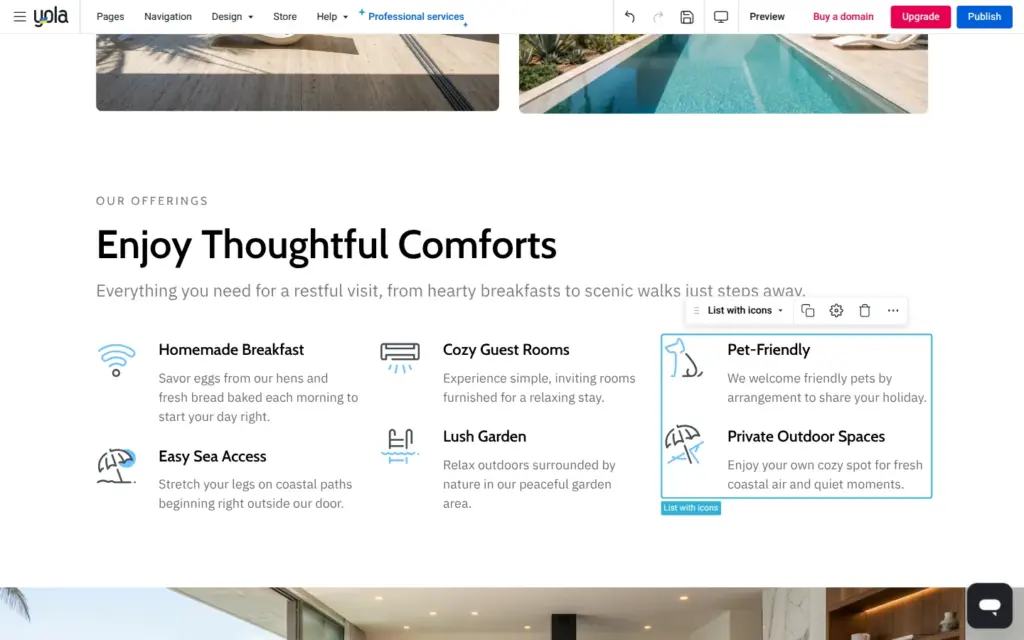
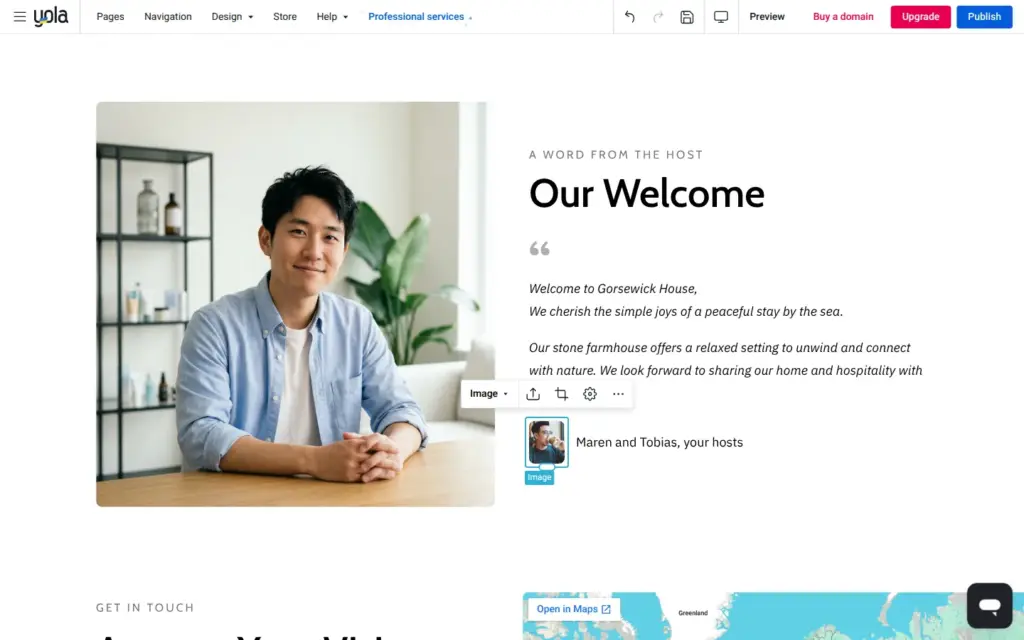
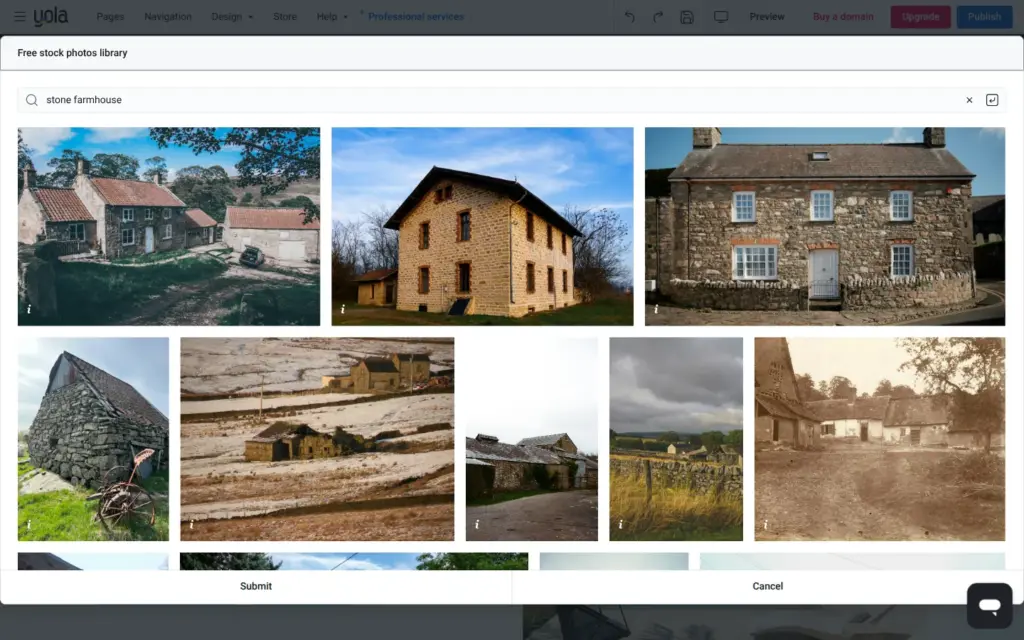
Every image has a replace button. It opens your uploads or Yola's free stock photo library. I searched for stone farmhouse and found several good photos of old stone houses.
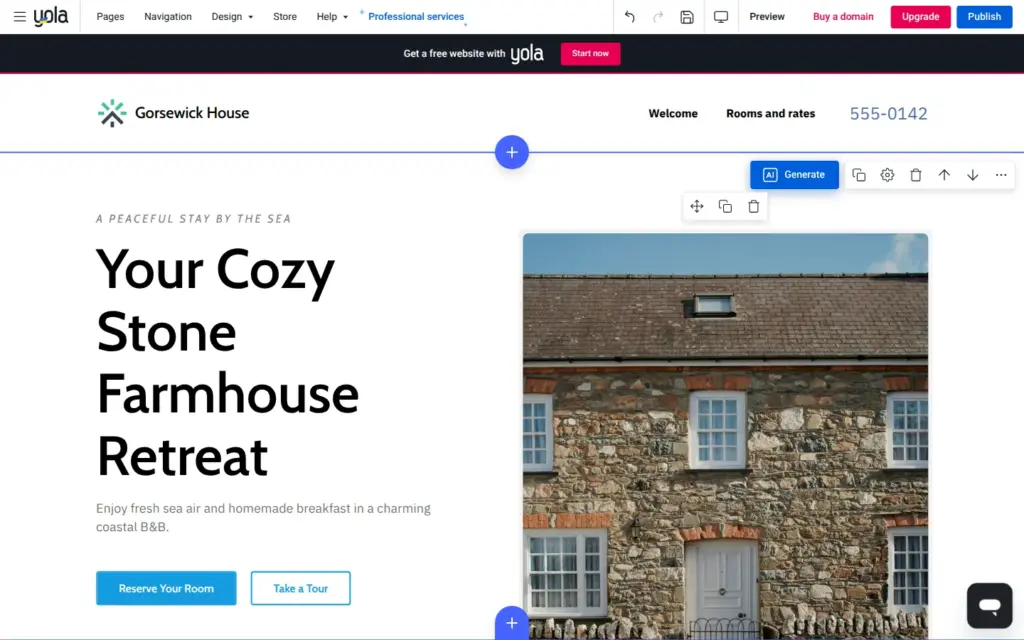
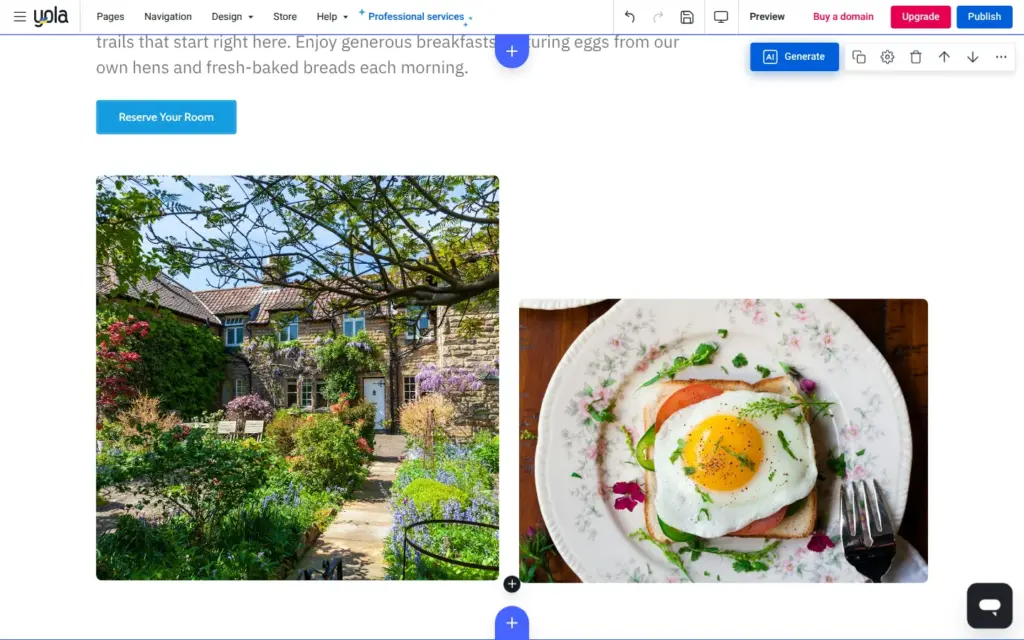
I replaced the four villa photos and both photos of the stock host. The top of the page now shows a stone house. The two smaller photos became a cottage garden and a fried egg on toast. The wide photo shows a coast path, and the host photo became a farmhouse kitchen. The small portrait next to the names became a hen.
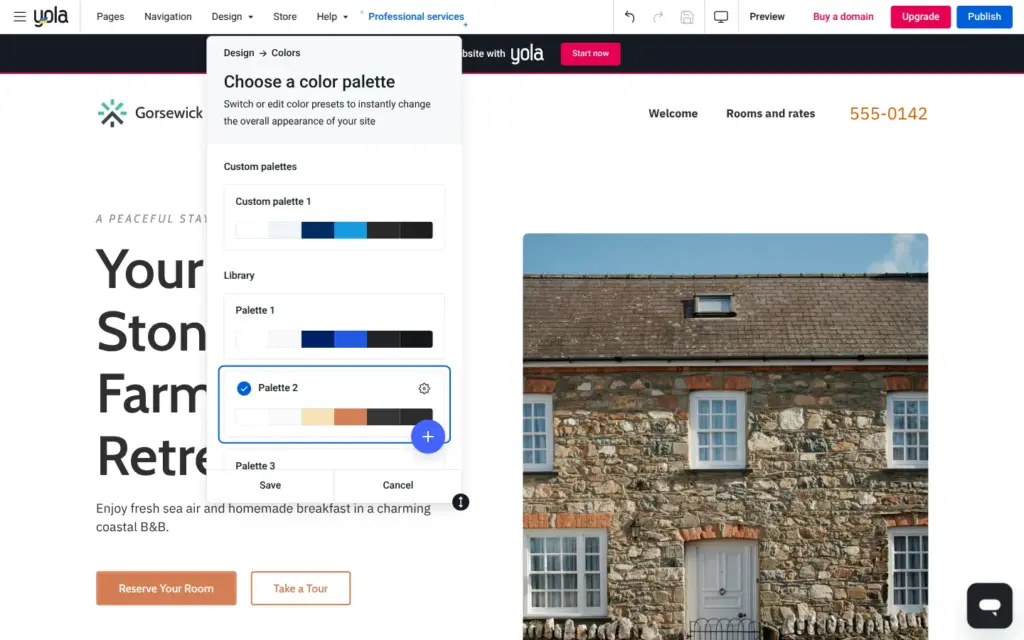
Under Design, Yola has ready-made color palettes and font pairs. The AI had picked blue, which does not suit a farmhouse. One click on a warm palette changed every button and link.
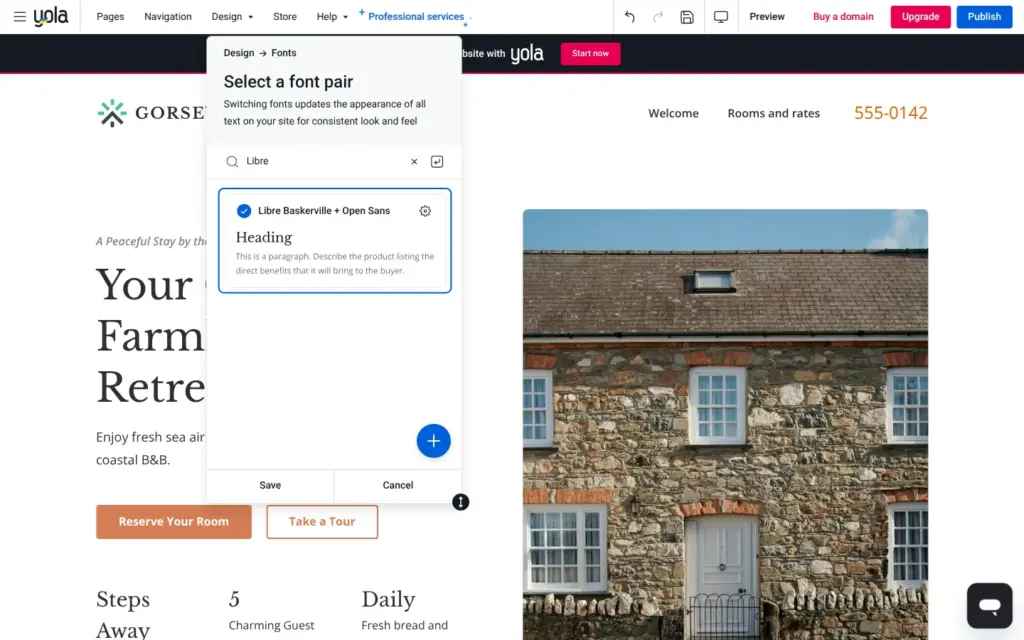
Fonts come as more than 40 ready-made pairs of a heading font and a text font. I picked Libre Baskerville with Open Sans. A search for Lora found nothing.
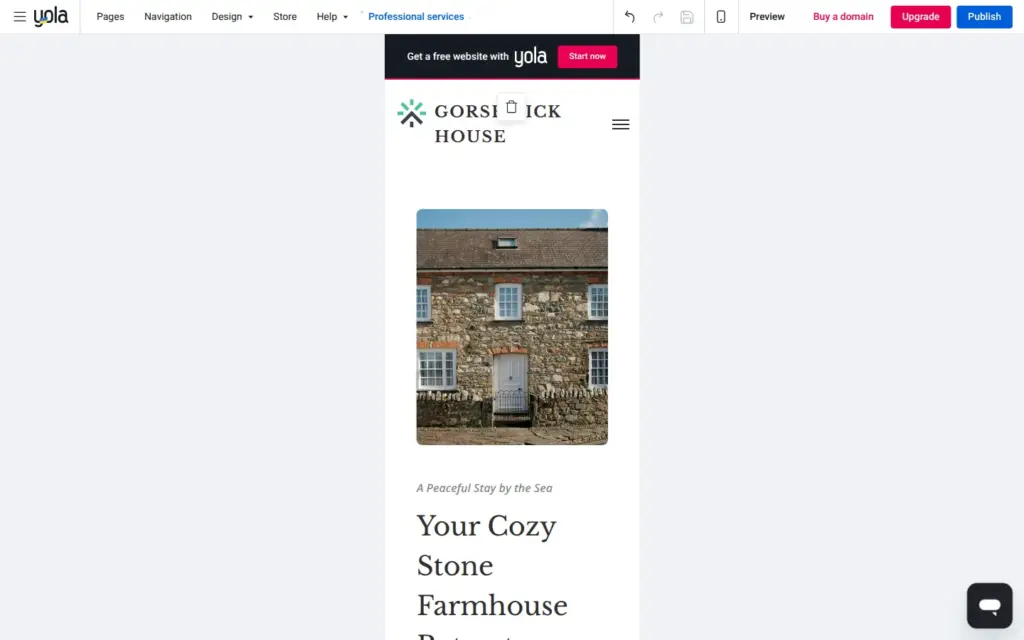
The editor can switch to a tablet and a phone view. On the phone, the photo moves above the heading and the menu becomes a button. I didn't have to fix anything there. The Design menu also has a button to switch to another template, which I didn't try.
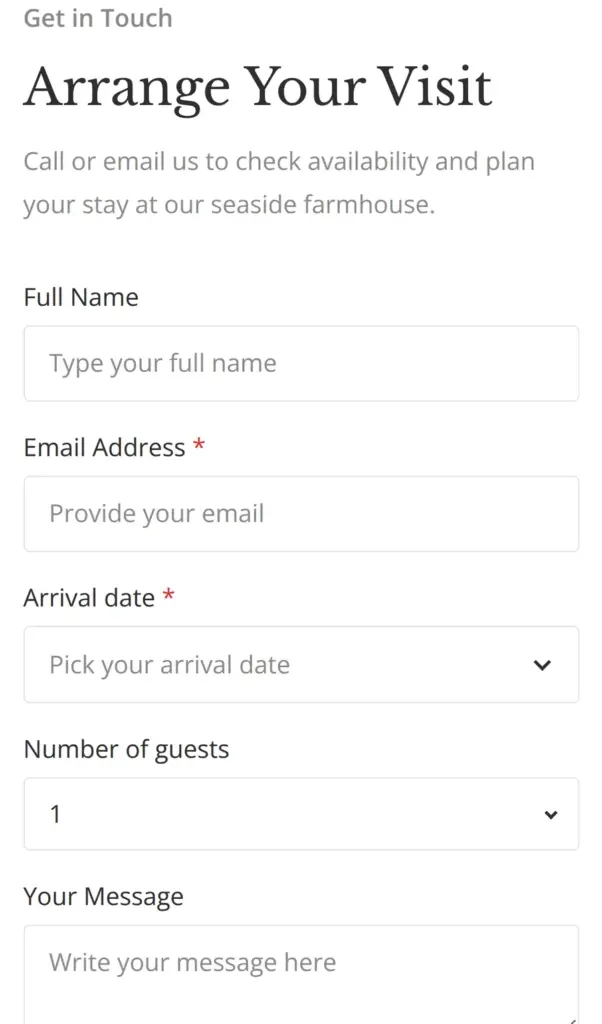
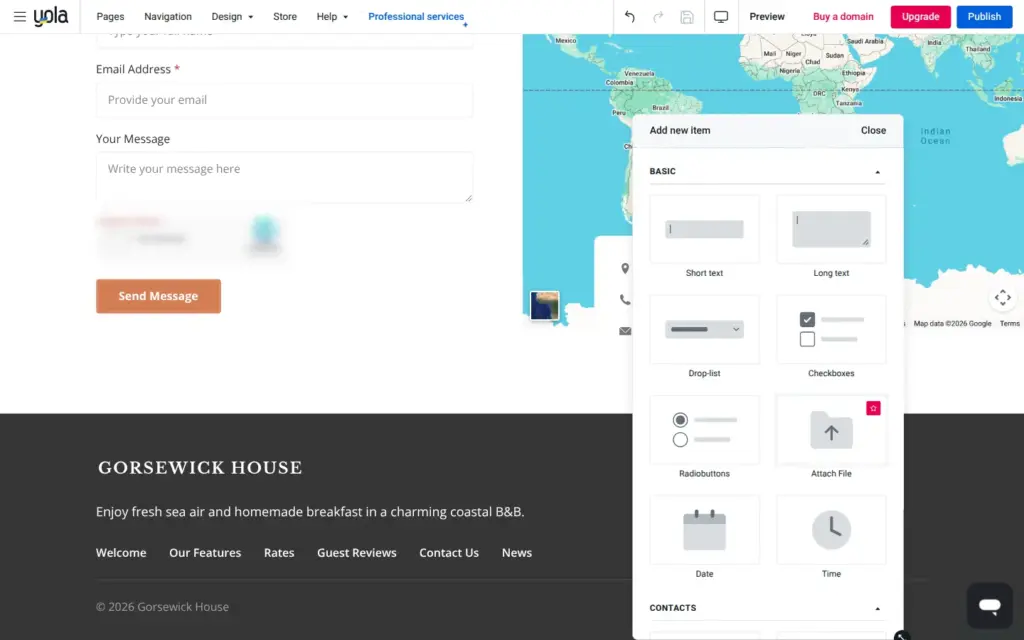
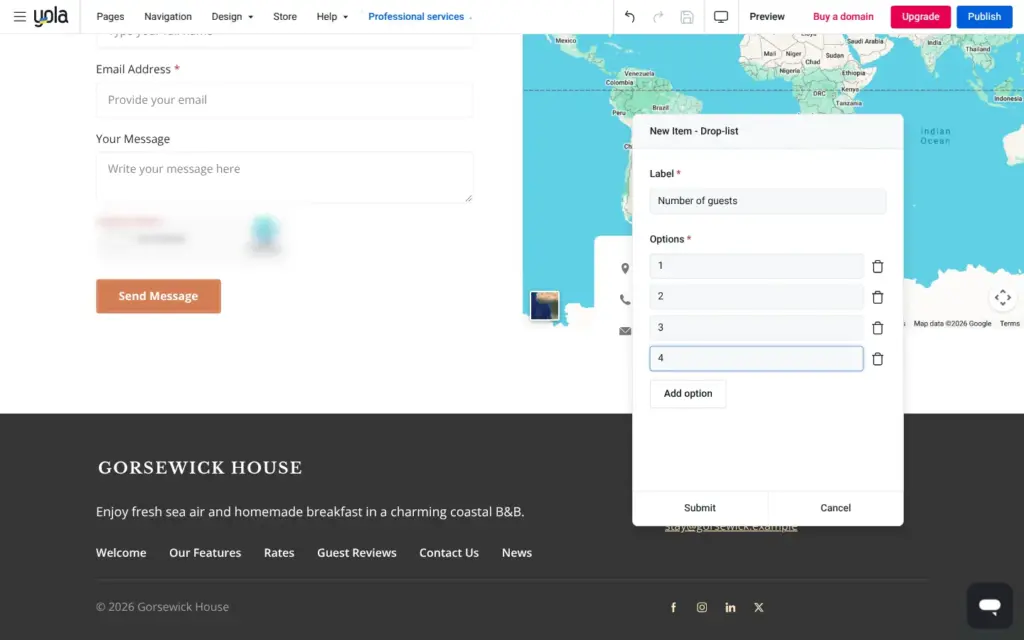
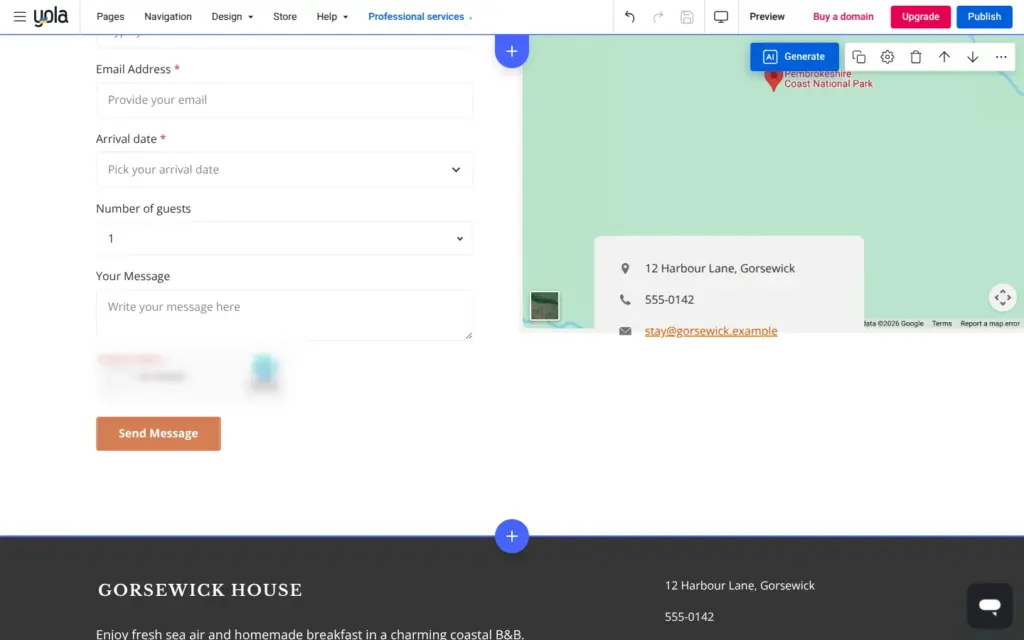
The AI's contact form had three fields. For a bed and breakfast, I added a date field for the arrival day and a drop-down list for the number of guests. New fields land at the bottom, so I dragged them above the message. Besides text fields, there are check boxes and date fields. File uploads need the Business plan.
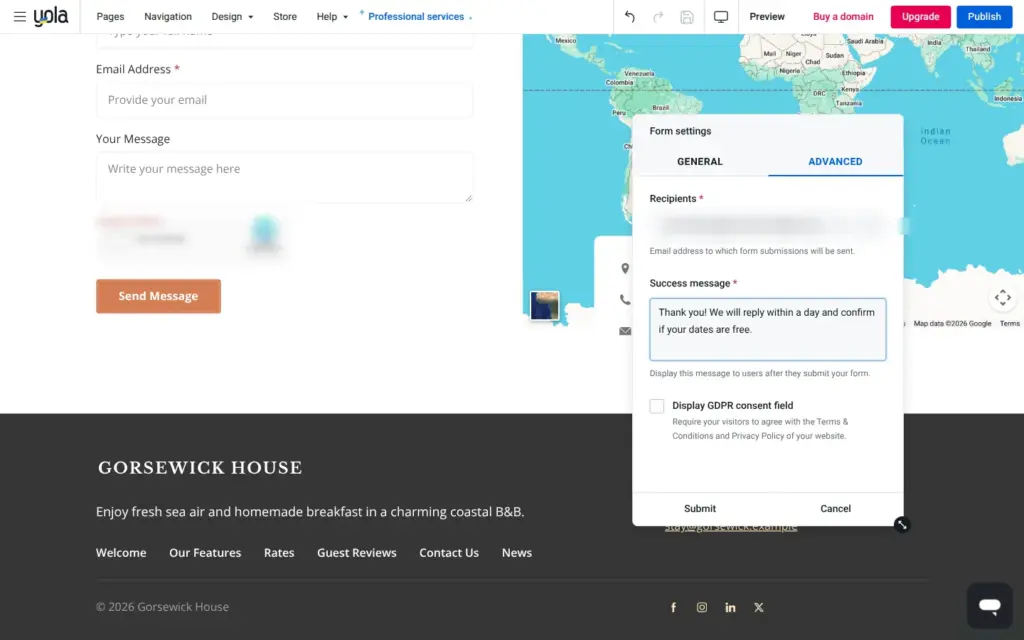
Messages go to the email address of the account, and you can add more addresses. I also changed the thank-you text, so guests know when to expect a reply. I could not send a test message, because the site never went online.
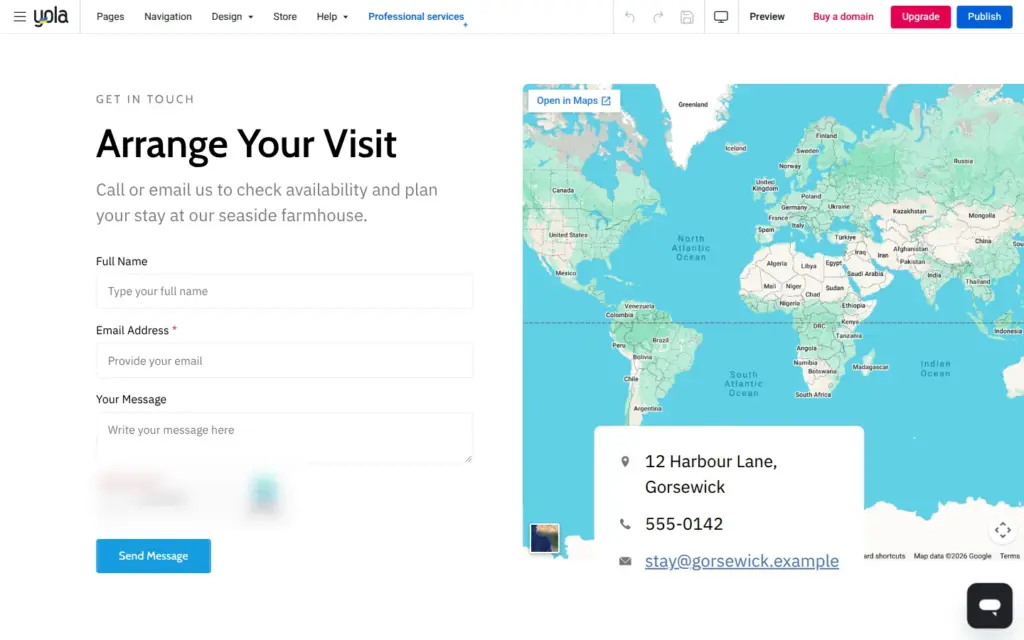
The map still had a placeholder address. My address is made up, so I pointed the map at a stretch of coast in Wales.
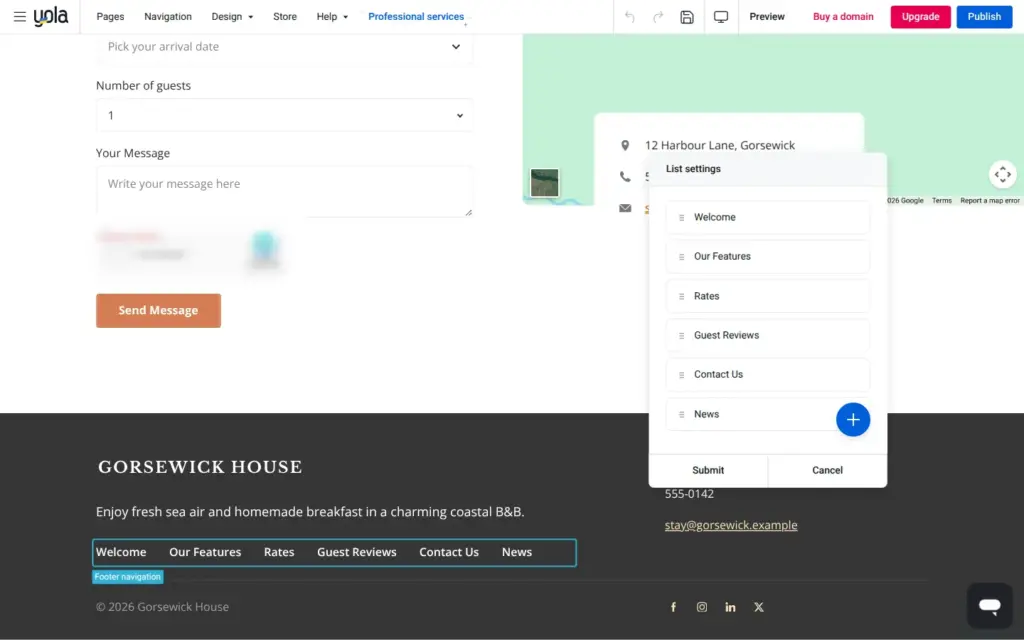
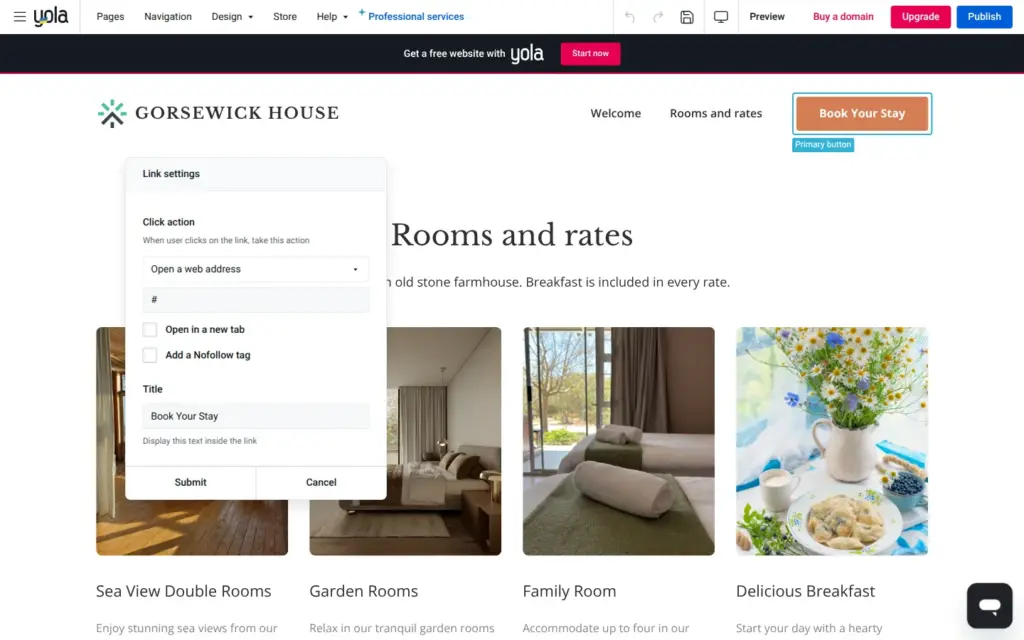
In Yola's preview, I checked where each link on both pages goes. Eleven of them led nowhere. The footer had six menu links from the AI, mostly for pages that don't exist, like Guest Reviews. Four social media icons and the Book Your Stay button on the rooms page also had no target.
Each link has a click action, for example open a page or send an email. I deleted the footer links to pages that don't exist. Welcome now opens the home page, and I added a link to the rooms page. The social icons went away with a checkbox in the footer settings. The Book Your Stay button now opens an email, because guests book by email.
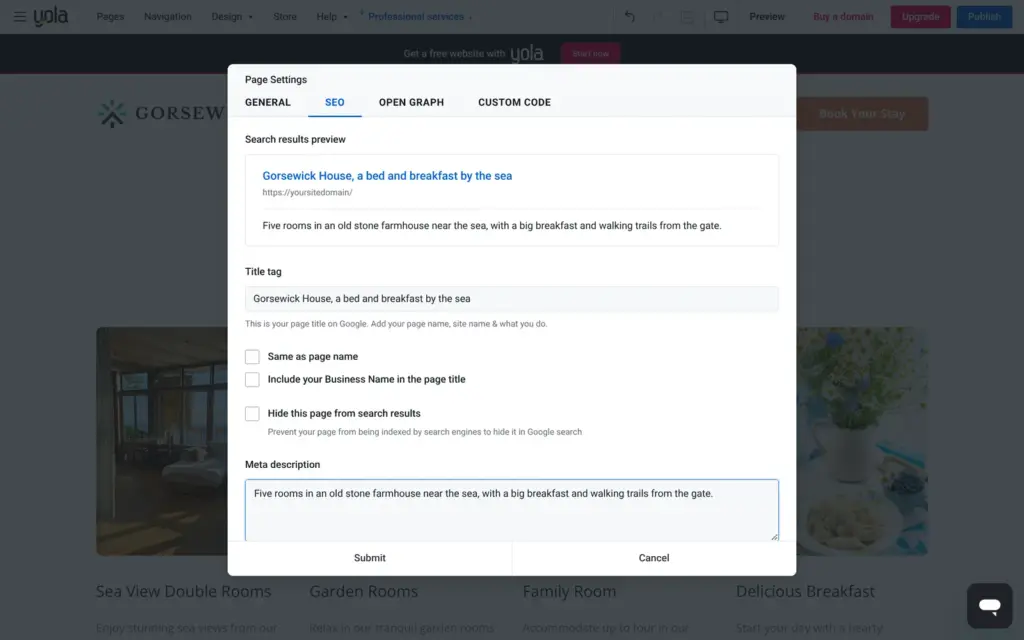
Each page has its own title and description for search engines, with a preview of the Google result. The title starts out as the page name, so my home page was only called Home. I wrote a title with the name of the house and a short description. A switch hides a page from search results. The pricing page lists redirects and sitemap settings for the Business plan and up.
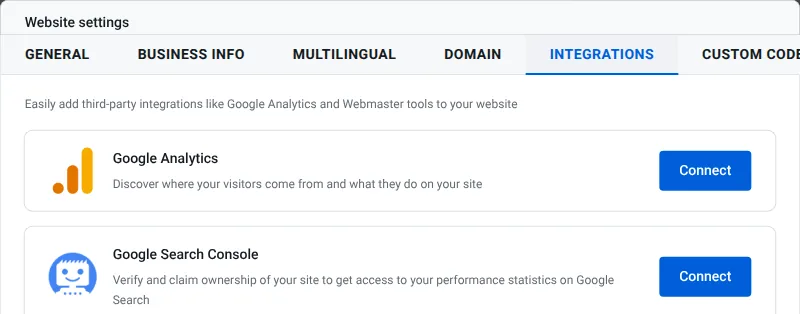
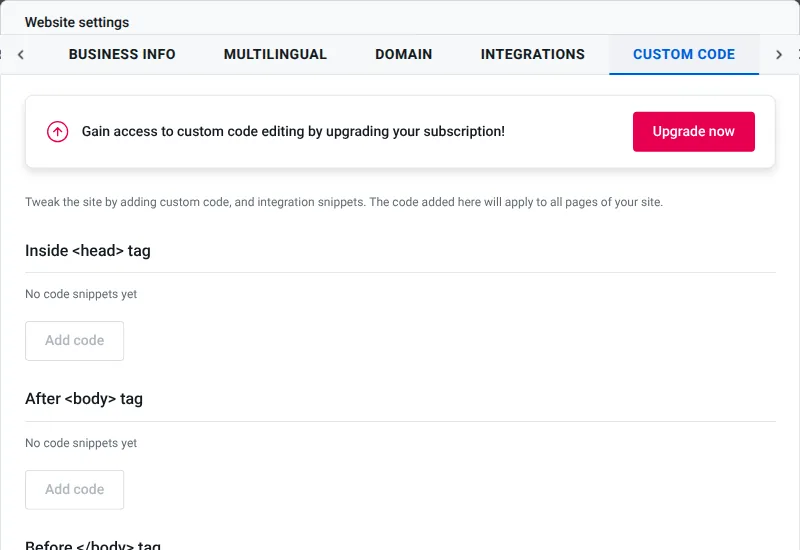
The site settings connect Google Analytics and Google Search Console. Custom code needs the Business plan.
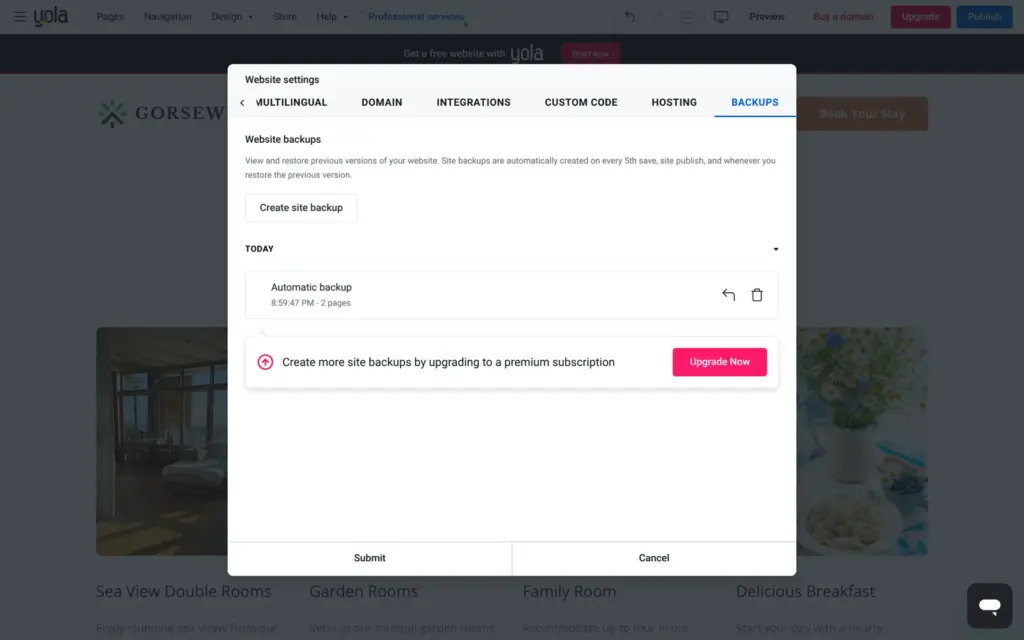
Under Backups, the free plan has one manual and one automatic backup. Yola makes an automatic backup on every fifth save and on each publish.
I could not check the speed or the page titles on a live site, because the site never went online.
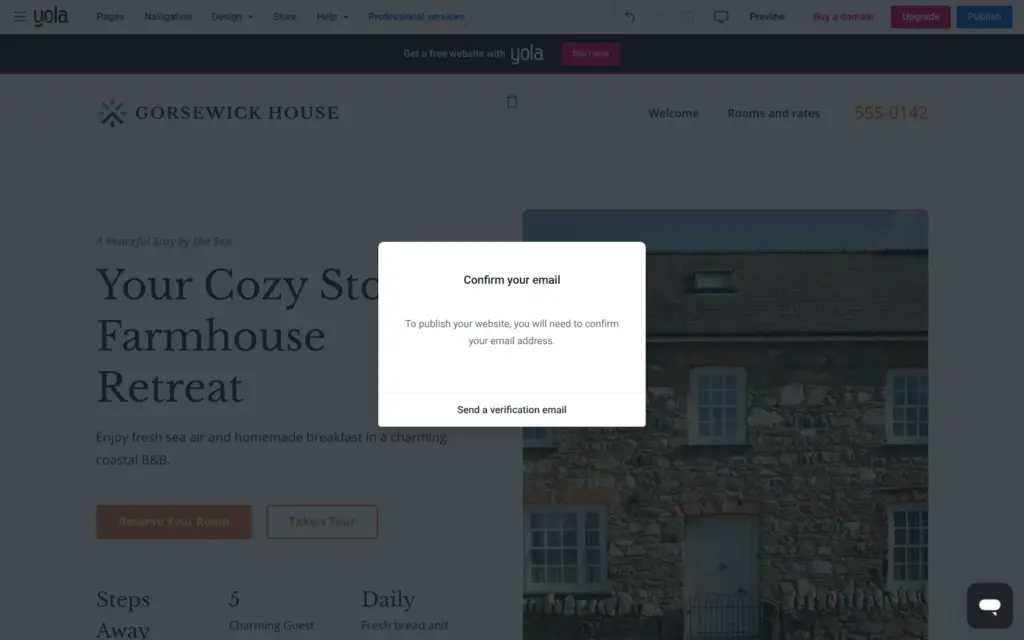
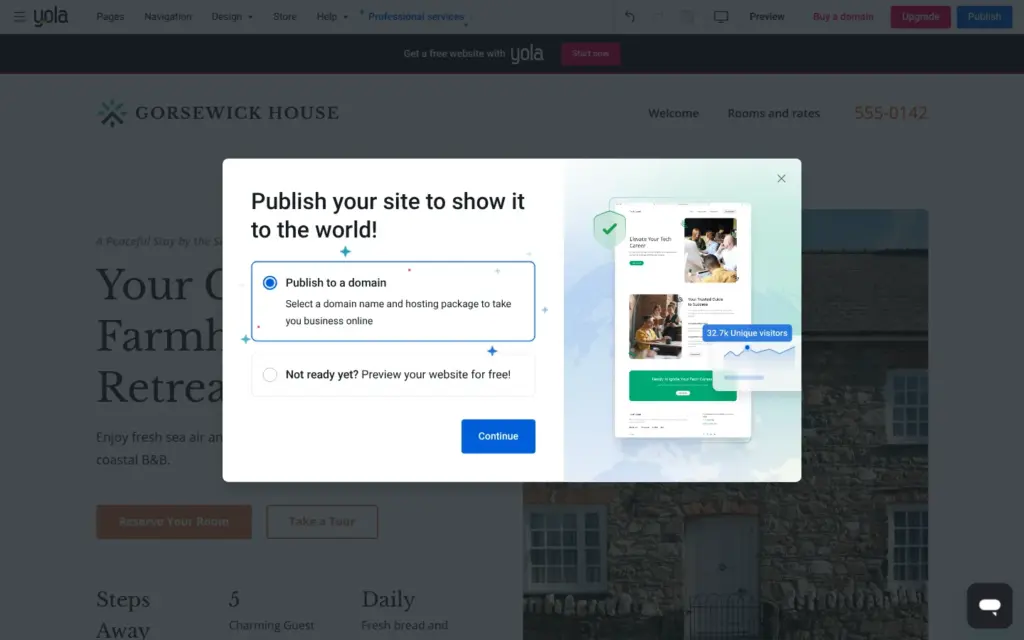
Before the first publish, Yola asks you to confirm your email address. After that, the Publish button offers two choices. The first one is Publish to a domain, and it is selected. The second one says "Not ready yet? Preview your website for free!"
The free choice opens a preview inside the editor, and nothing goes online. The preview's own Publish button leads back to the same two choices.
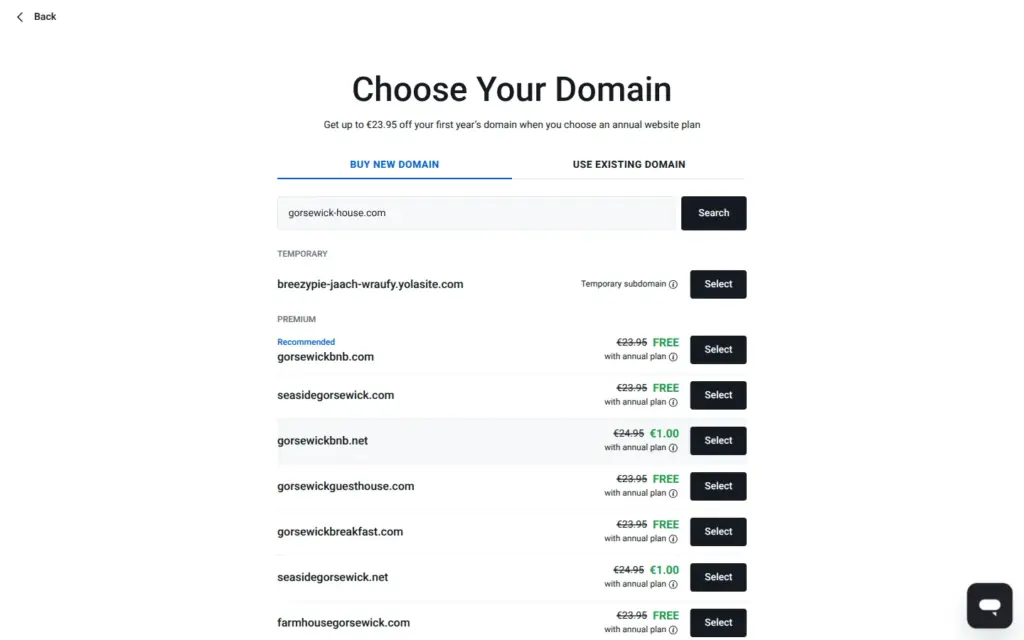
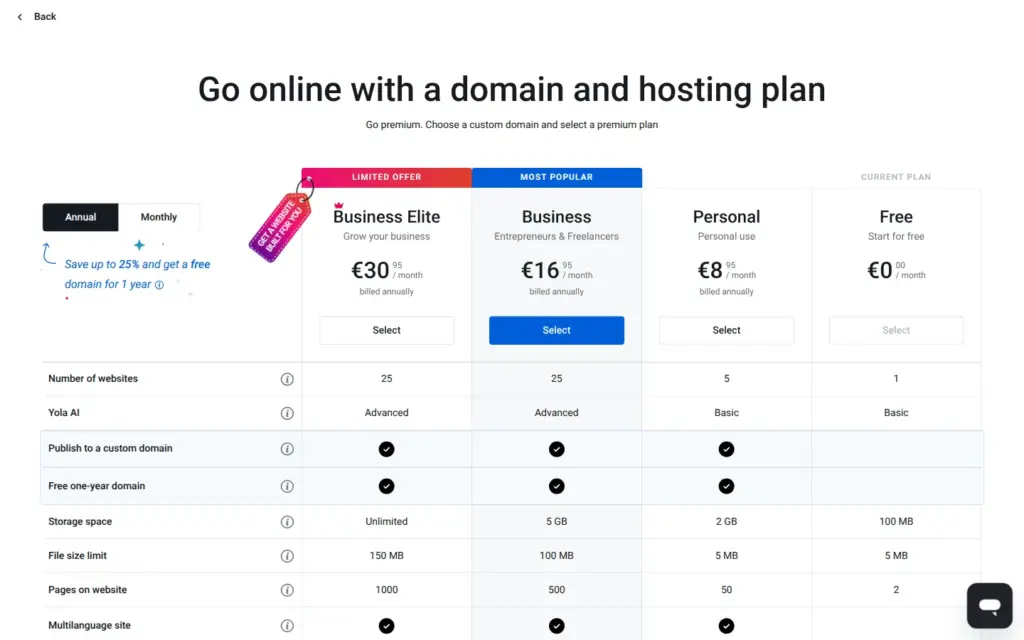
Publish to a domain opens a domain search. At the top of the list is one free entry. It's a temporary address with a random name, breezypie-jaach-wraufy.yolasite.com. Choosing it opens the plans instead. Free is marked as my current plan, and its button is gray.
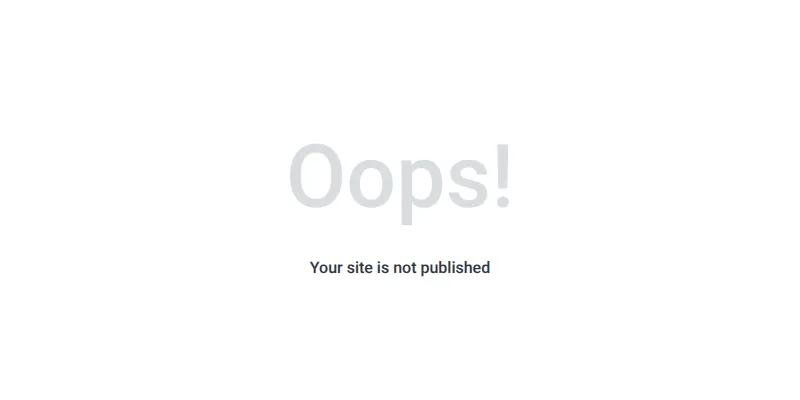
In the menu, View published website stayed gray. When I opened the temporary address in a browser, it said "Oops! Your site is not published".
Yola's help article on publishing says that free plan users might need to upgrade their subscription to publish, and that the temporary address comes with a yearly hosting plan. Yola's home page says you can create a professional, free website in minutes. You can build one for free, but you can't put it online.
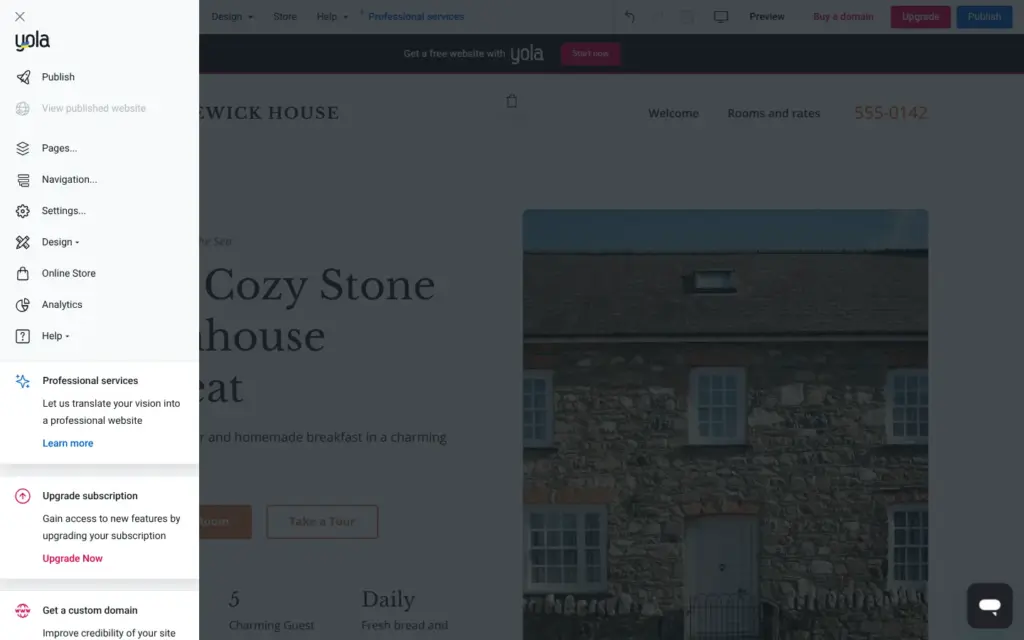
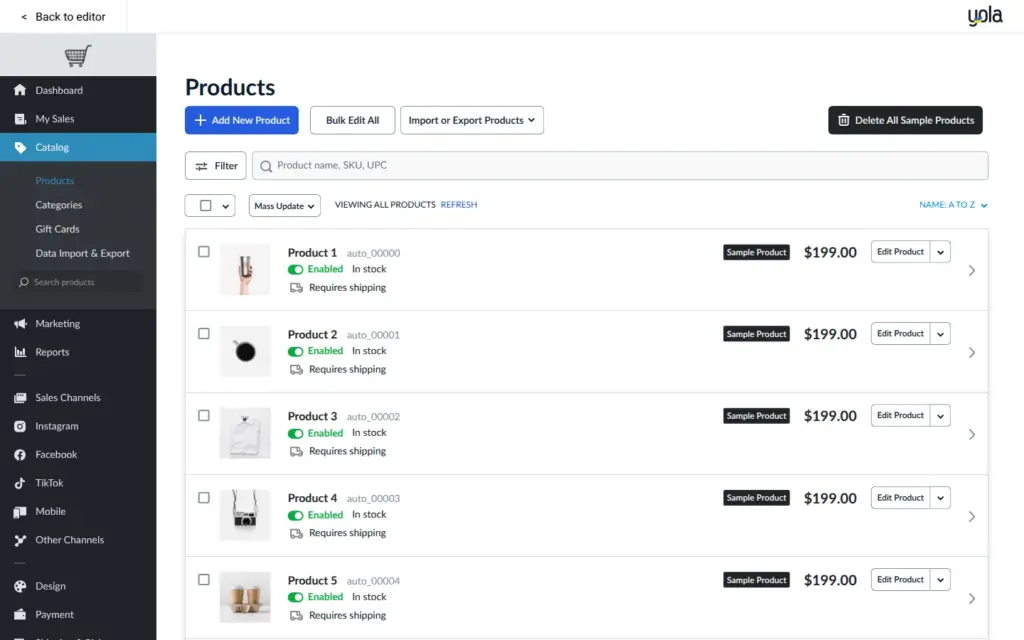
The Store button in the editor opens a separate store admin with its own menus. The store started with sample products, and its currency was euros. I switched the currency to US dollars, to match the room prices, and deleted the samples.
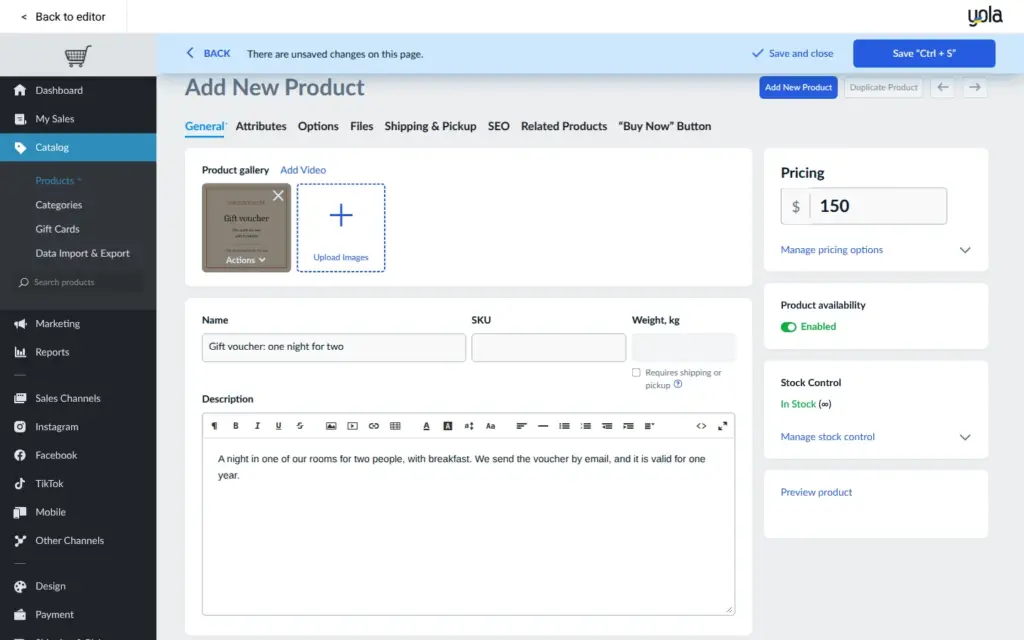
The free store plan allows three products in one category. I added these:
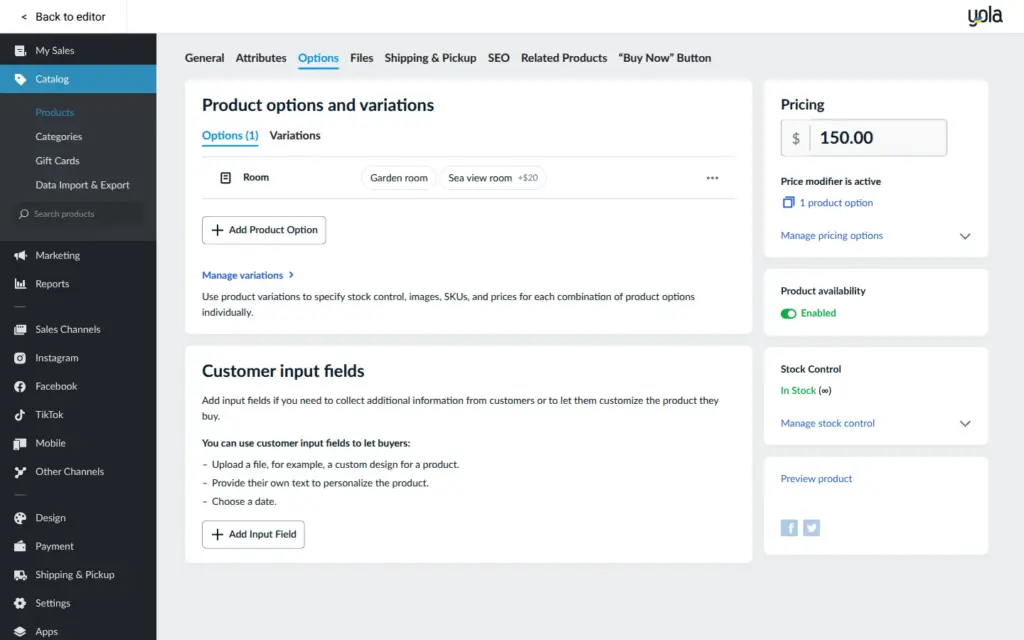
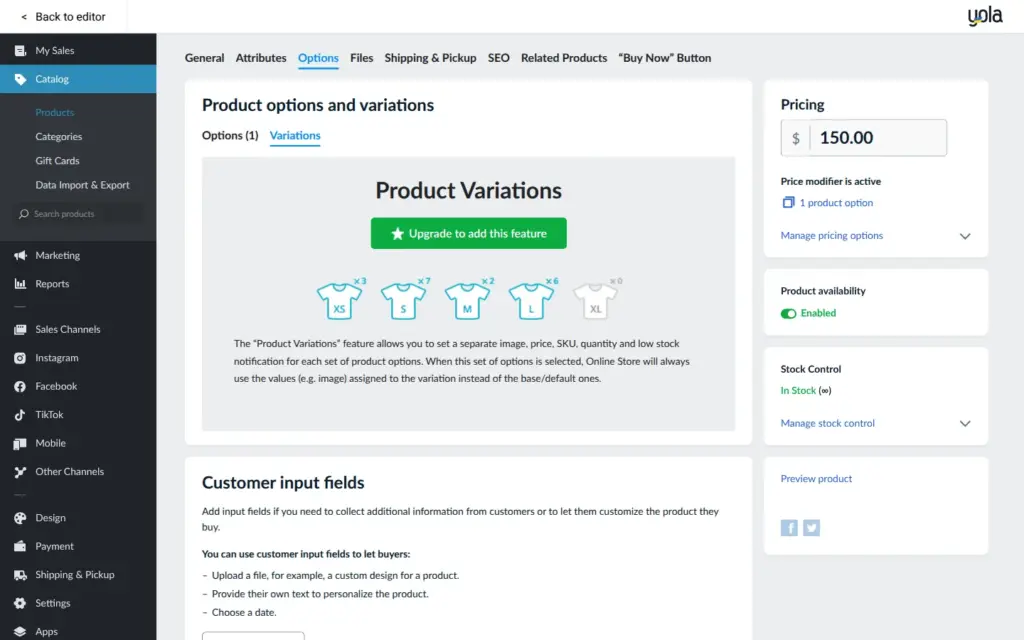
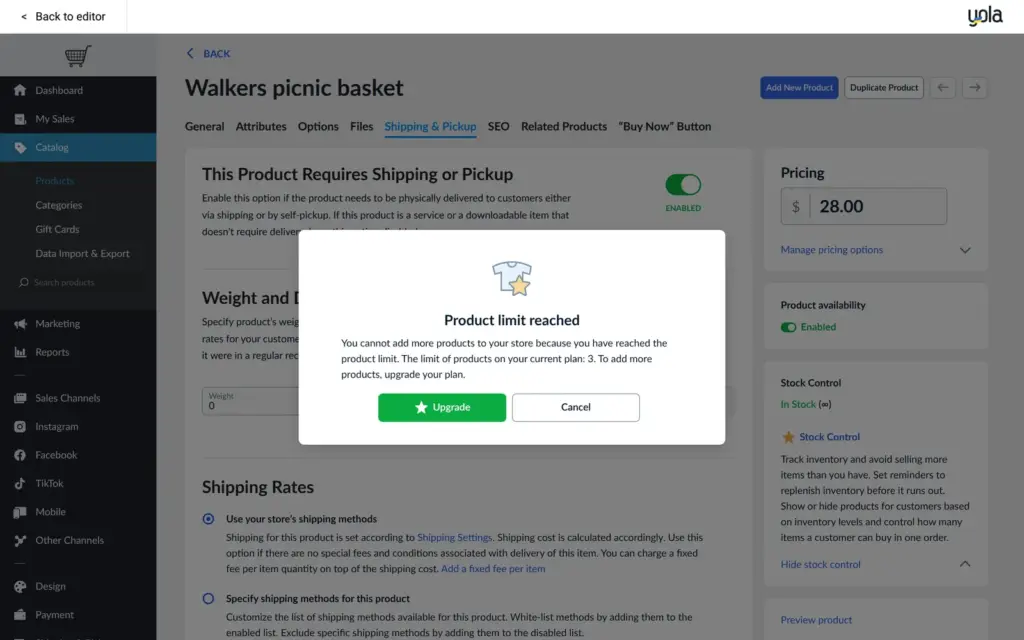
Options with a price difference work on the free plan. Variations with their own stock need a paid store plan, and so does stock tracking. When I tried a fourth product, the store said that the limit was reached.
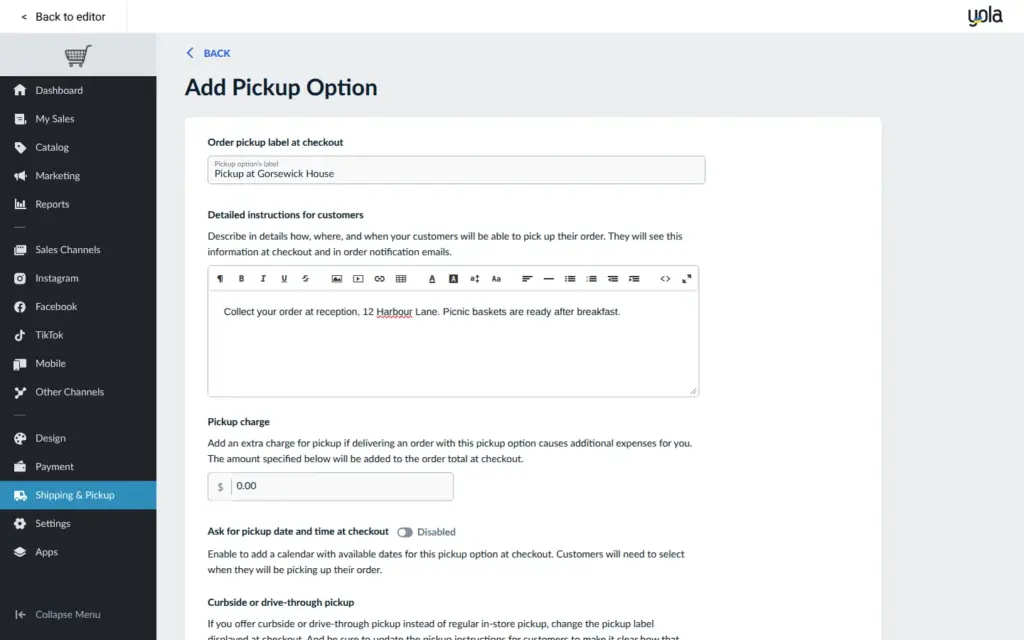
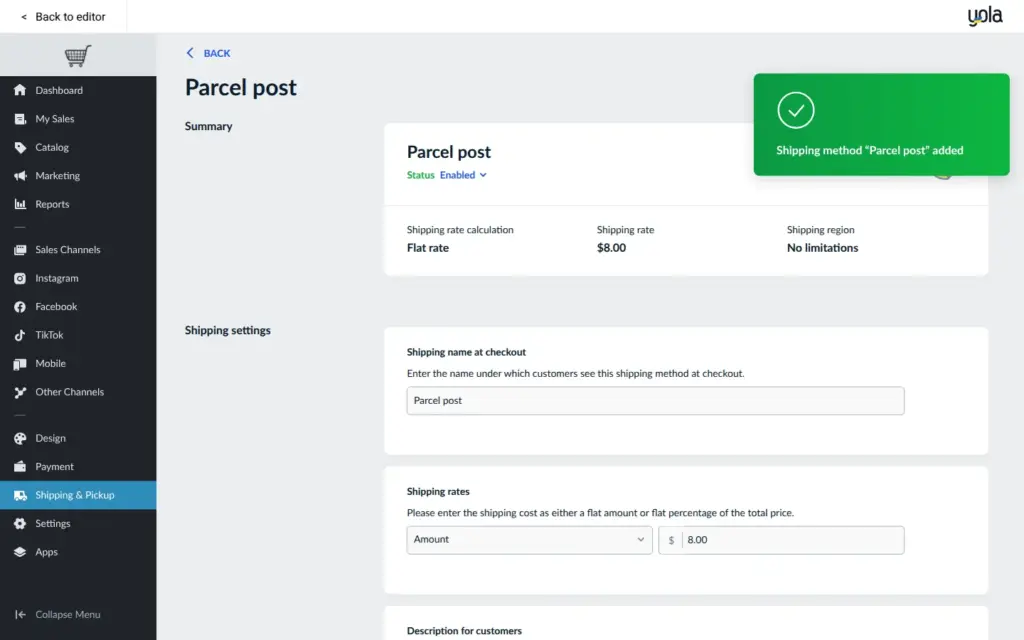
The store started without any shipping methods. I added pickup at the house with instructions for the guests, and a flat rate of $8 for parcels.
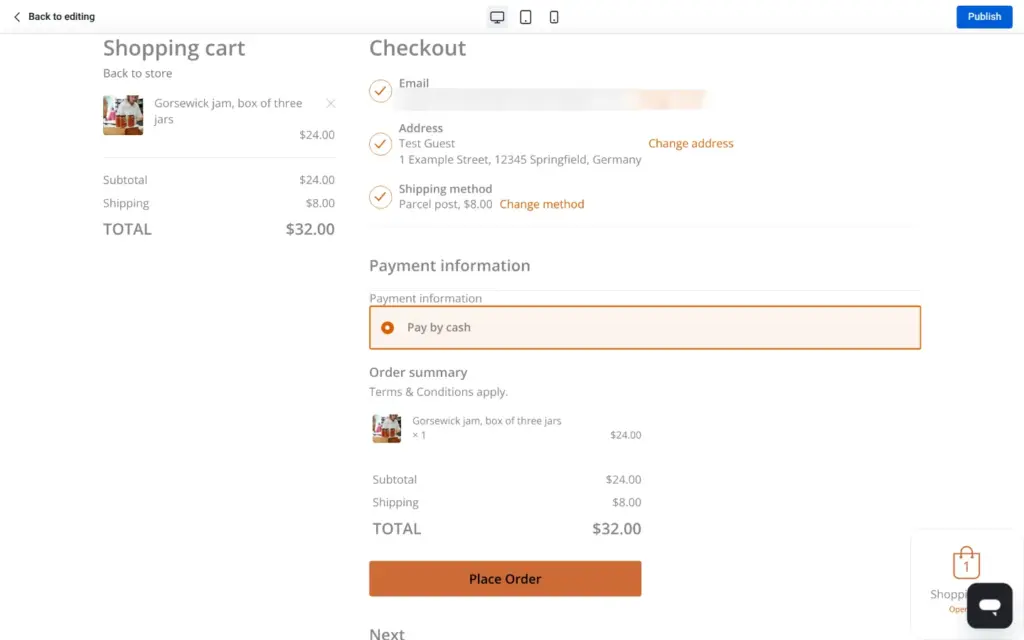
For payment, "Pay by cash" was already set up. The store lists more than 120 payment providers, among them Stripe and PayPal. The Stripe box said 1.5 percent plus €0.25 per payment with standard European cards. Yola's pricing page says that its store plans add no transaction fees of their own. I didn't connect a payment provider, so my test orders used cash.
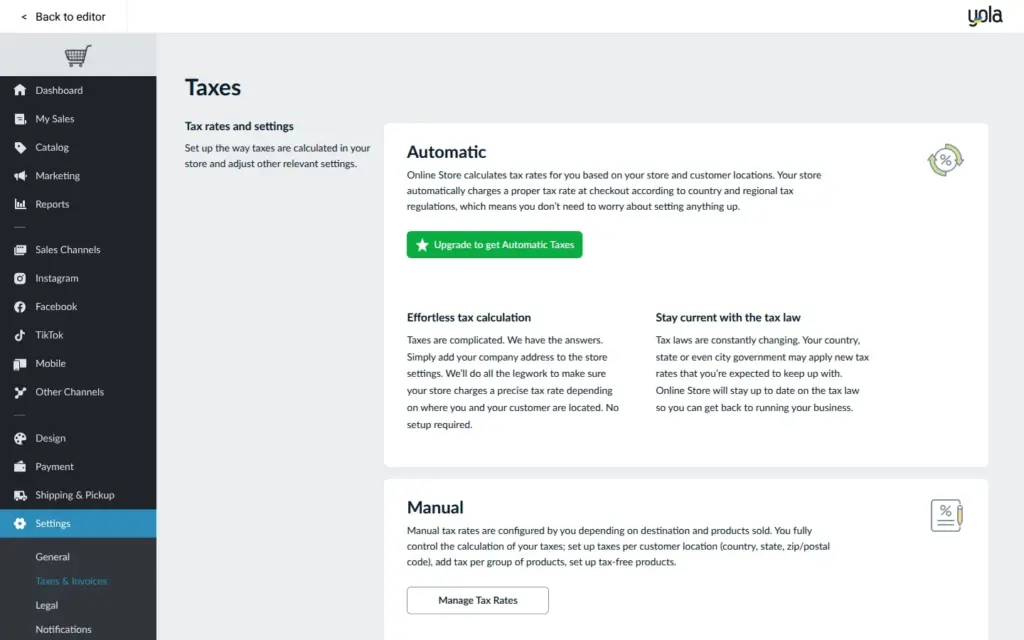
Taxes can be set by hand on the free plan. Automatic taxes need the Professional store plan.
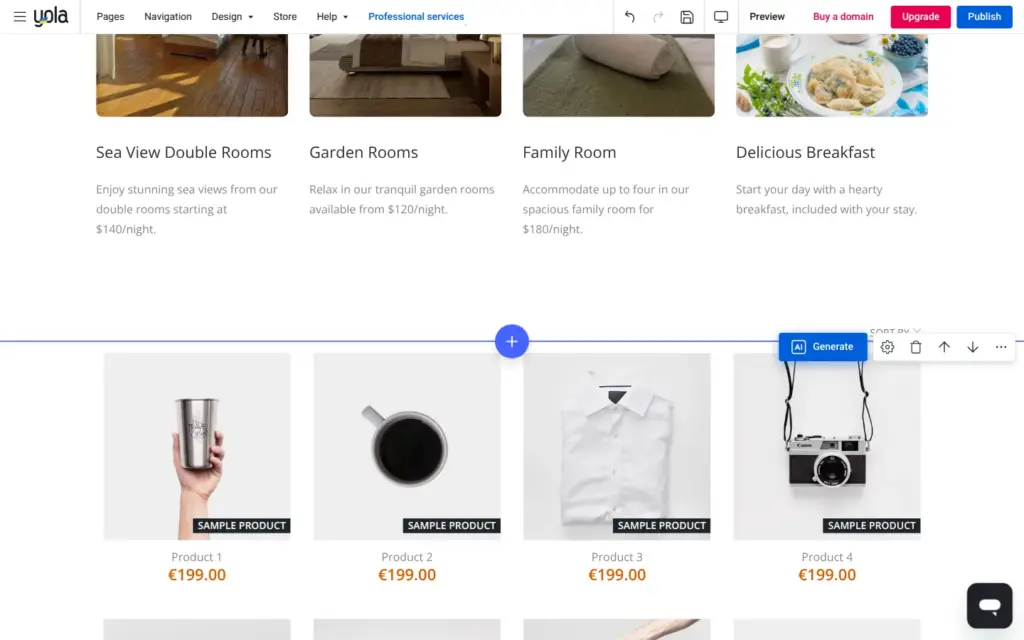
The store goes onto a page as a block, and I added it to the rooms page. In the editor, the block showed sample products in euros instead of my three products. The preview showed my products.
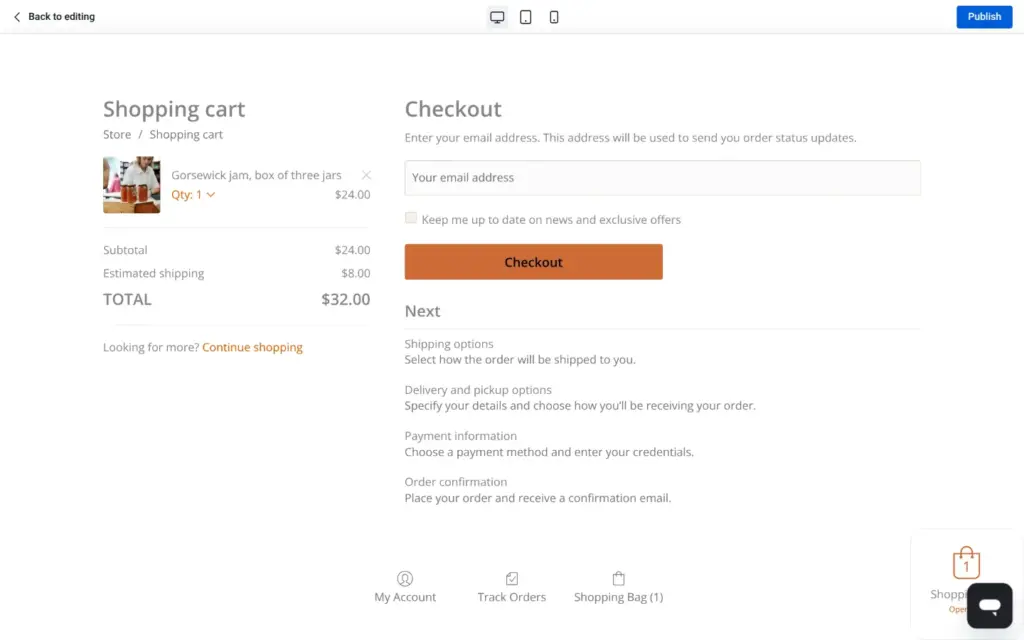
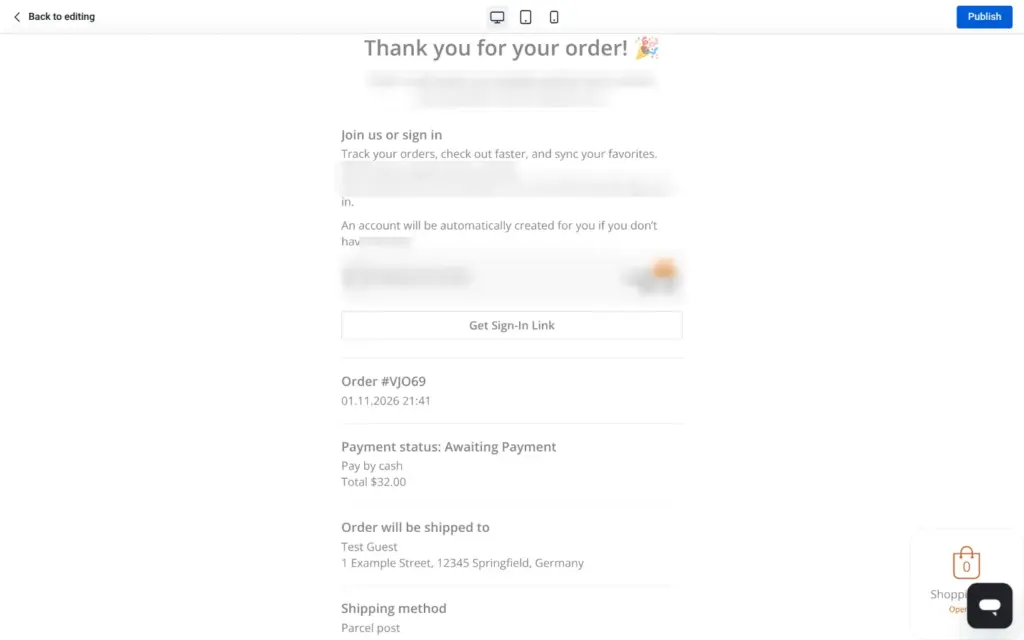
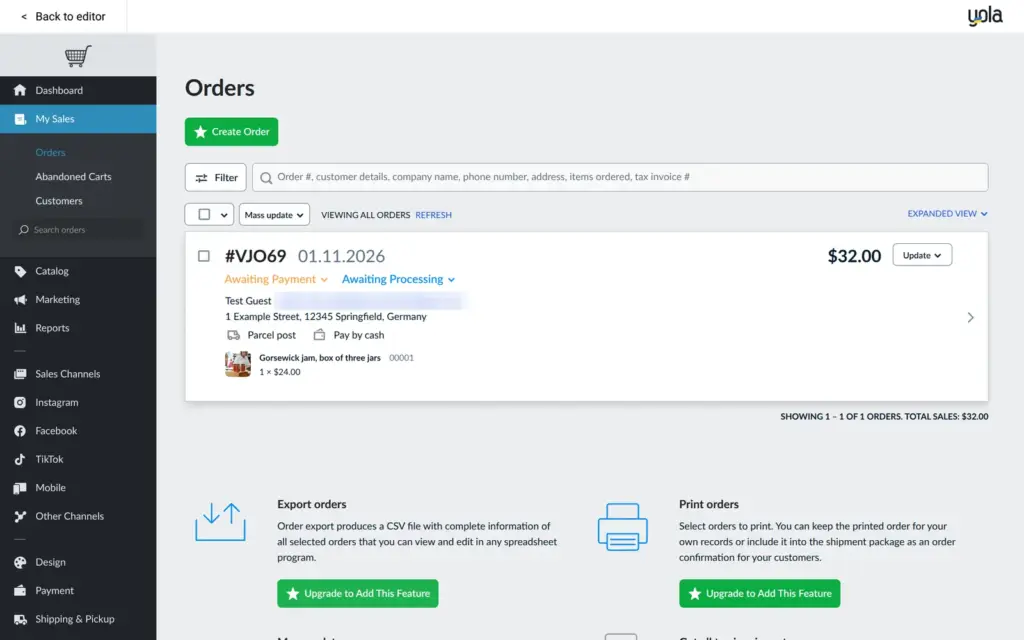
I placed two test orders in the preview, with a second email address of mine as the customer. The first was the jam with shipping, $24 plus $8. The second was the picnic basket with pickup and no shipping fee. Both went through with cash payment. The first one showed up in the store admin as waiting for payment, with the address and the shipping method. Exporting and printing orders need a paid store plan.
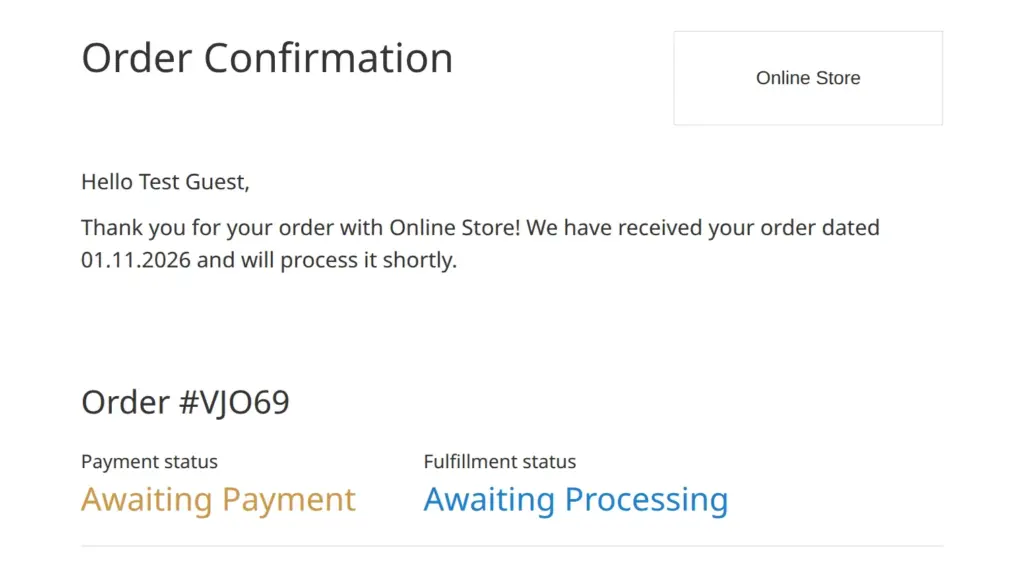
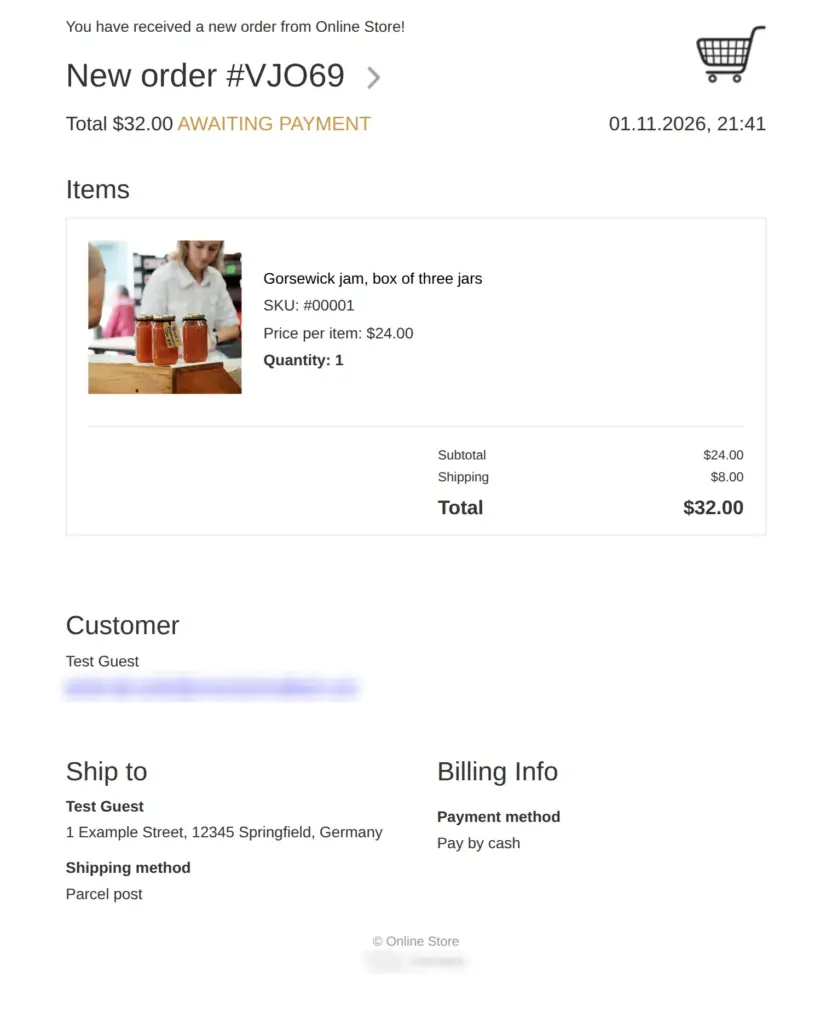
For each order, the customer got a confirmation, and I got a notice of the new order and a copy of the customer's email. All of them arrived within a minute.
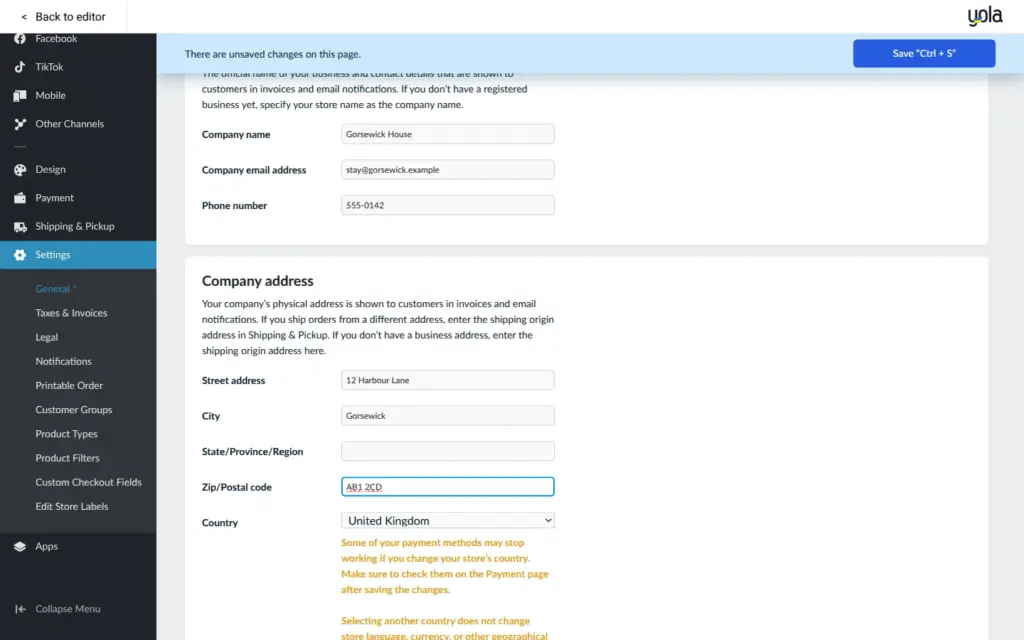
The first emails came from "Online Store" and listed my login email as the contact address. The notice for me also showed a region that the store had guessed from my connection. All of this comes from the store's own profile, which is separate from the site's settings. I filled in the profile with the details of the bed and breakfast, and the emails for the second order looked right.
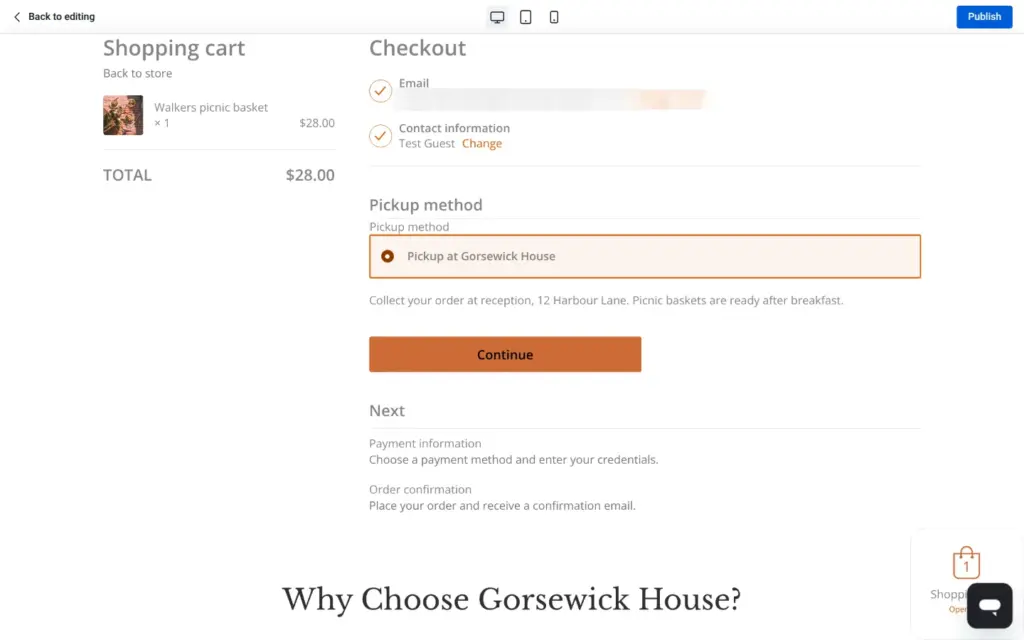
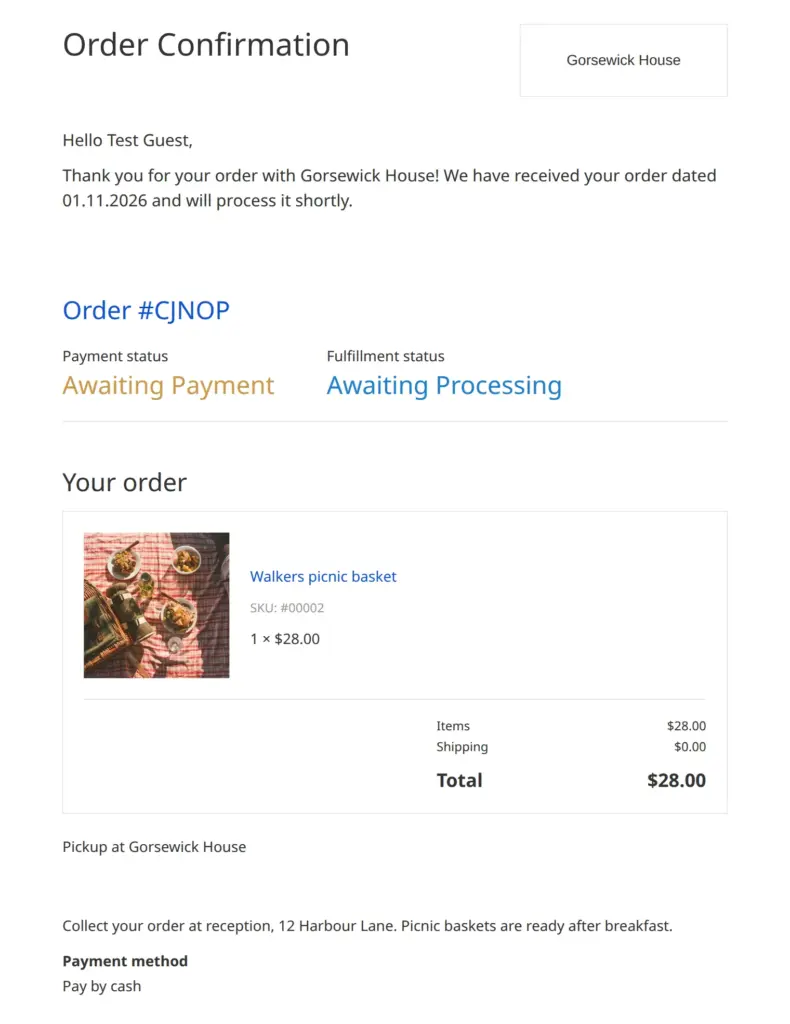
As a store, it does more than I expected from a free plan. Pickup and shipping worked, and so did the order emails. But nobody can buy from a free Yola site, because it never goes online. To sell, you need a paid site plan to publish. With more than three products or with stock tracking, you also need a store plan.
I checked Yola's pricing page on November 1, 2026. You can pick US dollars or one of six other currencies there, and the amounts differ by currency. The tables below have the prices in three currencies.
| Free | Personal | Business | Business Elite | |
|---|---|---|---|---|
| Price a month on yearly billing | ||||
| US dollars | $0 | $9.95billed as $119.40 a year | $19.95billed as $239.40 a year | $34.95billed as $419.40 a year |
| Euros | €0 | €8.95 | €16.95 | €30.95 |
| Pounds | £0 | £7.95 | £14.95 | £25.95 |
| Price a month on monthly billing | ||||
| US dollars | $0 | $14.95 | $24.95 | $44.95 |
| Euros | €0 | €11.95 | €21.95 | €39.95 |
| Pounds | £0 | £9.95 | £18.95 | £32.95 |
| What you get | ||||
| Publishes the site | No | Yes | Yes | Yes |
| Your own domain | No | Yes, free for the first year on yearly billing | Yes, free for the first year on yearly billing | Yes, free for the first year on yearly billing |
| Yola bar on the site | Yes | No | No | No |
| Pages | 2 | 50 | 500 | 1,000 |
| Websites | 1 | 5 | 25 | 25 |
| Storage | 100 MB | 2 GB | 5 GB | Unlimited |
| Visitor statistics | No | Yes | Yes | Yes |
| Custom code | No | No | Yes | Yes |
| Website export | No | No | No | Yes |
| Support | Limited | 24/7 | 24/7 | Priority |
In the domain search, a .com address was listed at €23.95. With a yearly plan, the first year of the domain is free. With Business Elite, a limited offer, Yola builds and manages the site for you. Yola offers a 30-day money-back guarantee on the paid plans.
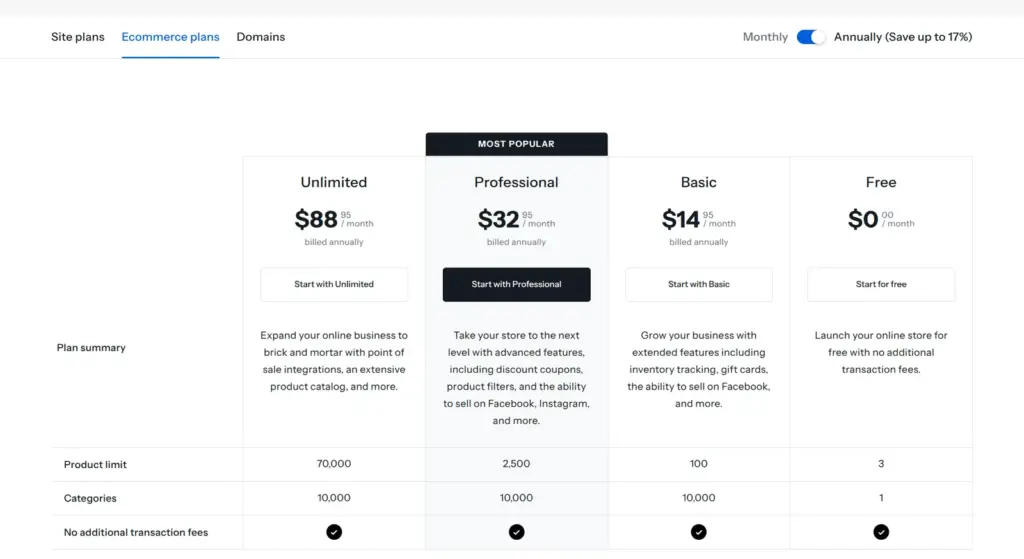
The store plans are listed separately from the site plans.
| Free | Basic | Professional | Unlimited | |
|---|---|---|---|---|
| Price a month on yearly billing | ||||
| US dollars | $0 | $14.95billed as $179.40 a year | $32.95billed as $395.40 a year | $88.95billed as $1,067.40 a year |
| Euros | €0 | €12.95 | €30.95 | €76.95 |
| Pounds | £0 | £11.95 | £27.95 | £67.95 |
| Price a month on monthly billing | ||||
| US dollars | $0 | $17.95 | $38.95 | $99.95 |
| Euros | €0 | €15.95 | €36.95 | €91.95 |
| Pounds | £0 | £13.95 | £32.95 | £80.95 |
| What you get | ||||
| Products | 3 | 100 | 2,500 | 70,000 |
| Categories | 1 | 10,000 | 10,000 | 10,000 |
| Stock tracking | No | Yes | Yes | Yes |
| Variations with their own stock | No | No | Yes | Yes |
| Automatic taxes | No | No | Yes | Yes |
| Discount coupons | No | No | Yes | Yes |
| Transaction fees from Yola | None | None | None | None |
For the bed and breakfast, Personal on yearly billing costs $119.40 a year. That gets the site online with its own domain and without the Yola bar at the top. With three products or fewer, the free store plan is enough. With more products or stock tracking, the Basic store plan costs $179.40 a year on yearly billing.
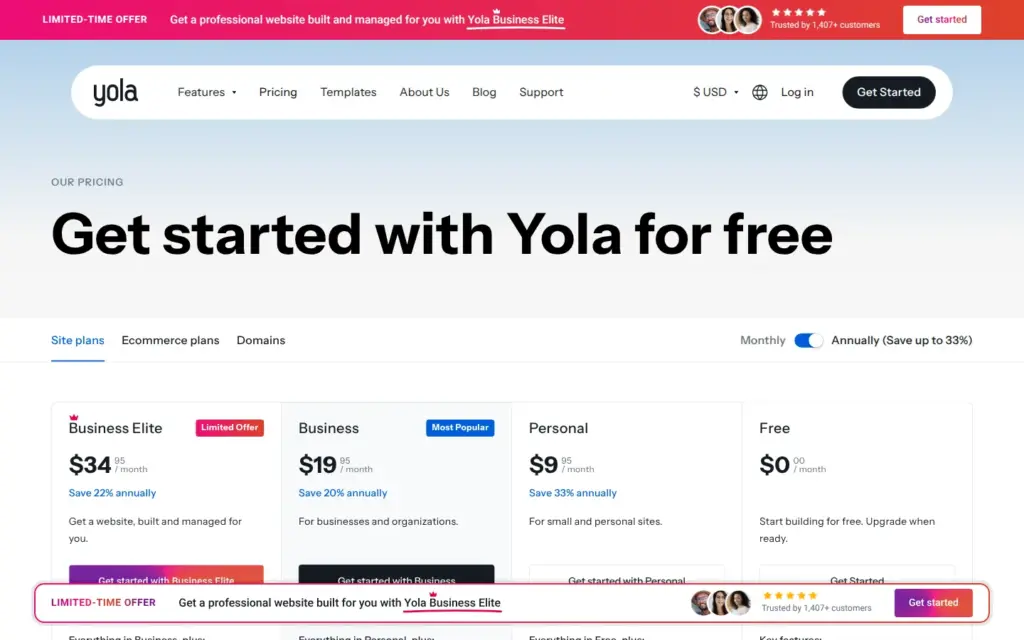
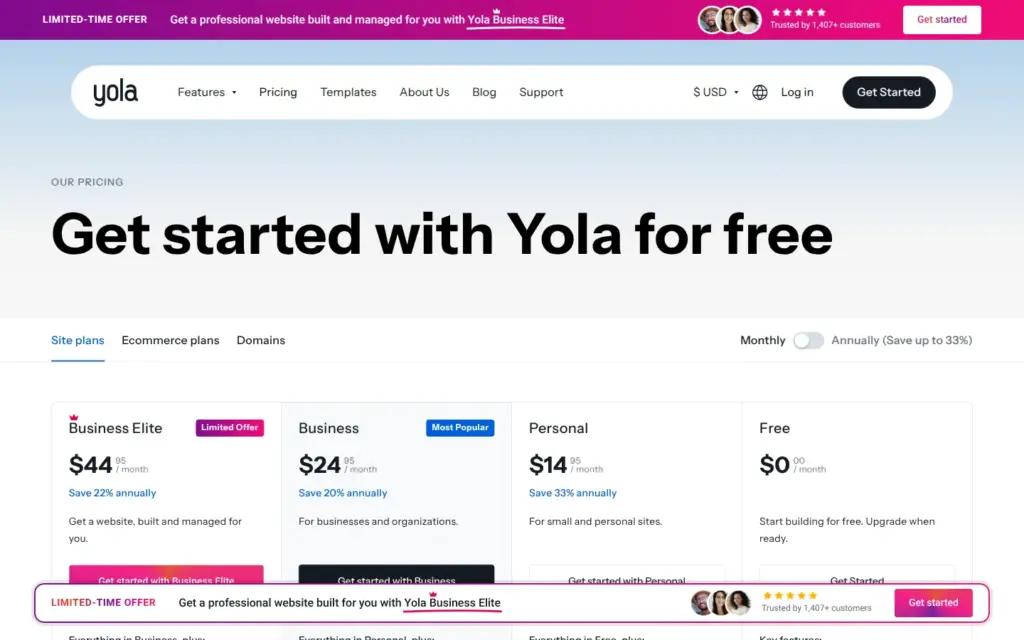
Visitor statistics need the Personal plan, and I didn't see them. YolaBot, an AI chat assistant, sits in the corner of the editor. I didn't use it. Each block also has a Generate button for the AI, which I didn't try. Yola's help center says that the free plan includes a second language. I didn't translate the site.
Yola hosts the site, so there is no separate web host to pay. If you want to leave, the pricing page lists a website export only for Business Elite, the most expensive plan. The backups on the free plan stay inside Yola. The store has an import and export for products, which I didn't try.
Yola fits a small business that wants a simple site with a few pages, and an owner who would like an AI to write the first version. The AI gets you a complete page in about half a minute. The editor is easy, and the free stock photos are good. But you need to check everything the AI writes, because it makes up facts and leaves links that lead nowhere.
It fits less well if you want a free website, because the free plan only lets you build and preview. It also fits less well for a bed and breakfast that wants online bookings. I found no booking system, and Yola's help center suggests a form with date fields instead. A store with more than three products needs a store plan in addition to the site plan.
If you try it, build the whole site on the free plan first and check every fact and link the AI wrote. Pay for a plan only when you are ready to publish.
 What I'm building
Give Vroni a GitHub issue, bug report, spec, or rough idea. It reads the repo, plans the change, writes code, runs checks, and works toward a review-ready pull request.
Take a look at vroni.com