
WebStarts review
WebStarts is a website builder with a free plan. You drag text and photos onto a page wherever you like, and WebStarts…
Ucraft is a website builder with a free plan and an online shop on its paid plans. If you are thinking about it for your business, you probably want to know how much work it takes and what it costs.
To find out, I built a website for a made-up law firm on the free plan and published it on a free ucraft.site address. I tested it on a computer and on a phone. Then I started a second site on a free trial of a shop plan. On that site I sold a first meeting with a lawyer as a fixed-price service and placed a test order.
On the free plan I could publish the site. But the contact form doesn't work on the free address. The header I added also showed no menu on phones until I found the right setting. The shop worked. The test order showed up in the dashboard and by email within half a minute. But the checkout and all the emails were in German, because the shop took its language from my location.
Ucraft suits you if you want a simple site with a few pages and your own domain for a few dollars a month. It also fits if you want to sell a handful of fixed-price services and don't mind cleaning up a template by hand.
Look elsewhere if your clients should book a time in a calendar. Ucraft has no booking calendar of its own. Also look elsewhere if you want to collect messages through a form without paying, because forms only work on your own domain.
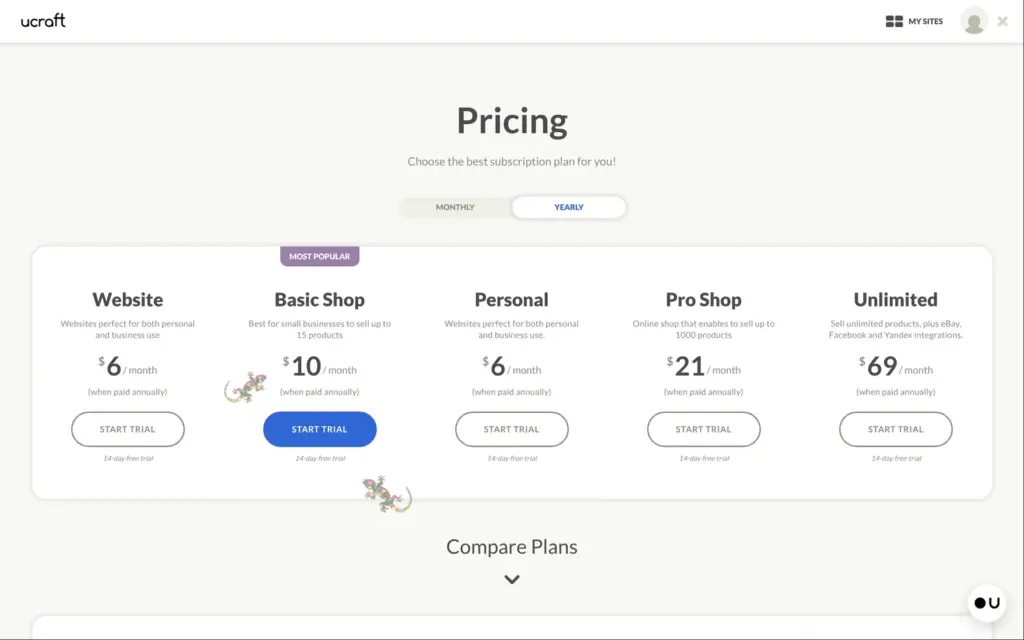
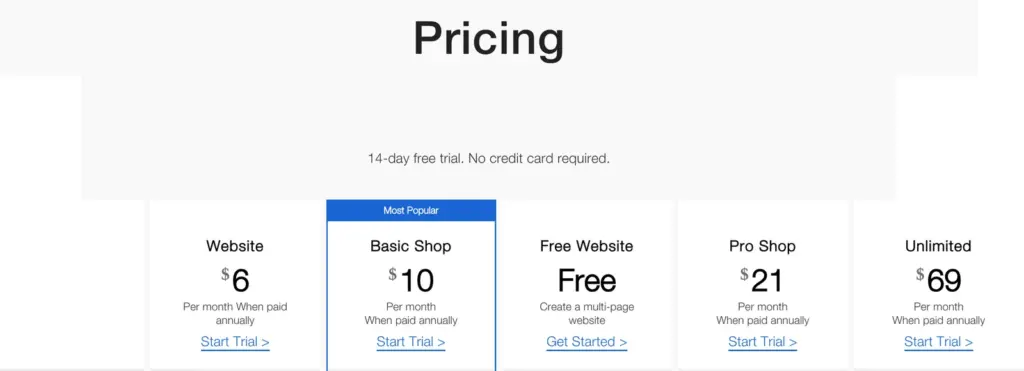
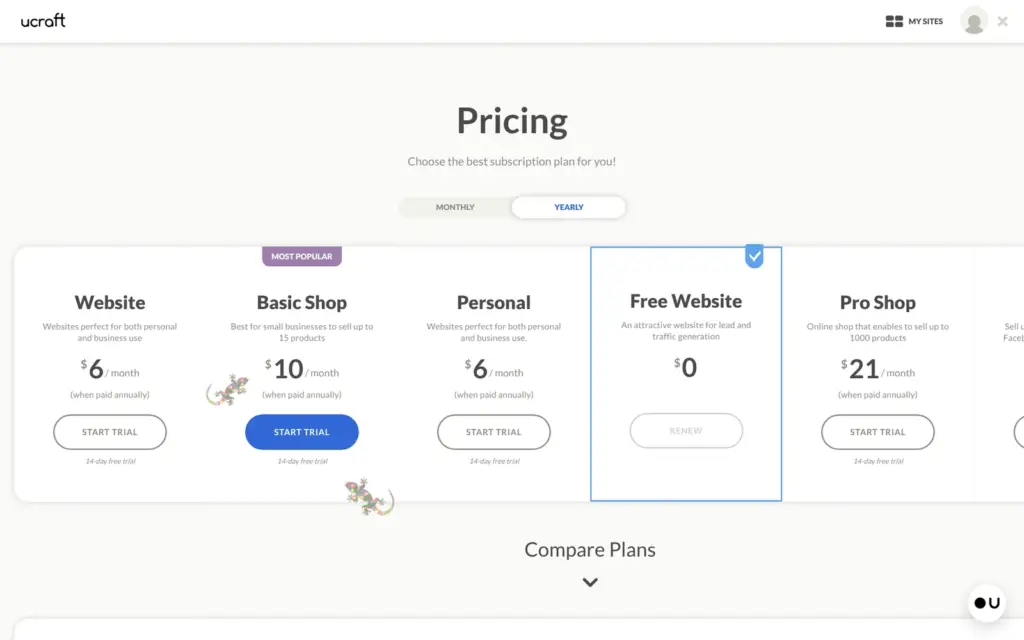
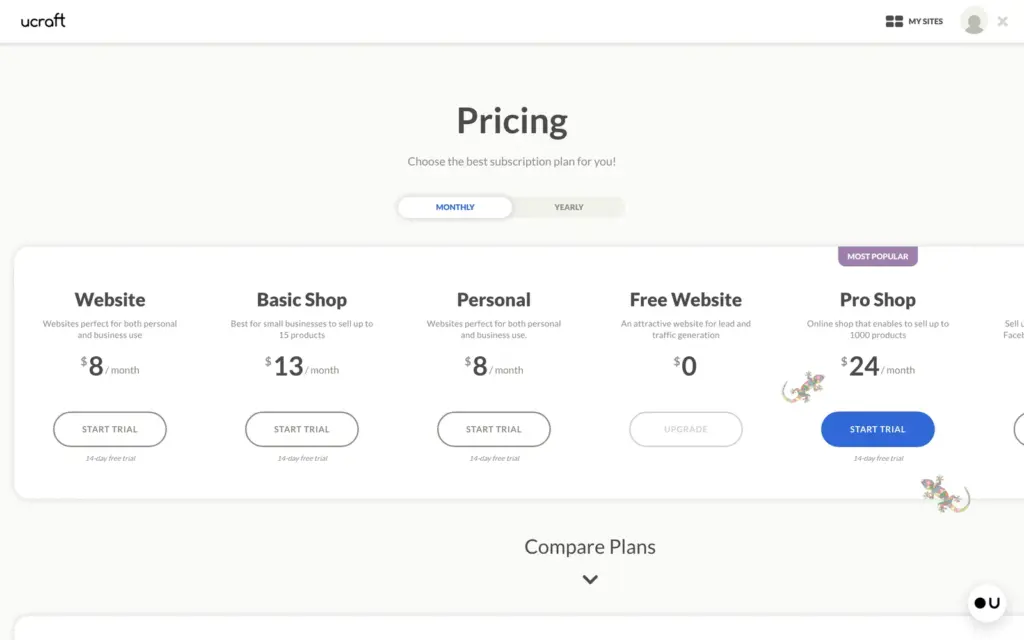
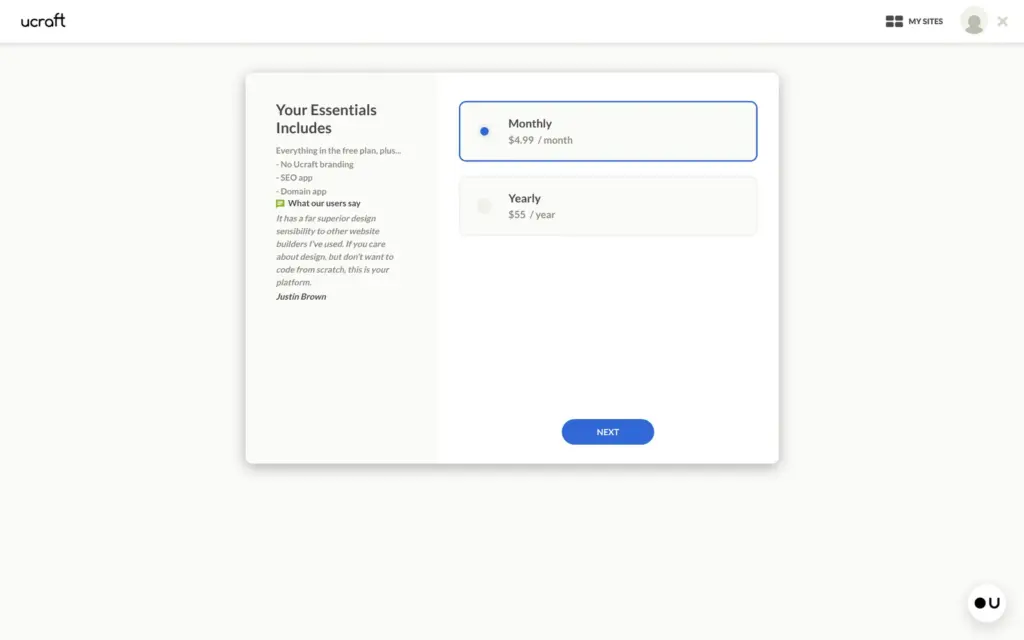
Price: The free plan costs nothing and shows a Ucraft bar on every page. For your own domain you need at least the Essentials plan, which costs $4.99 a month. The Website plan costs $6 a month on yearly billing and $8 on monthly billing. Shops start at $10 a month on yearly billing. I tested Ucraft and checked the prices on November 3, 2026.
Shop: Selling a fixed-price service worked on the 14-day trial. Check the shop's language and region before the first client buys, because mine came out in German.
Not tested: a custom domain and Ucraft's support chat. I also did not try card payments through Stripe or PayPal. Ucraft did not pay for this review, and there are no affiliate links.
What I liked:
What bothered me:
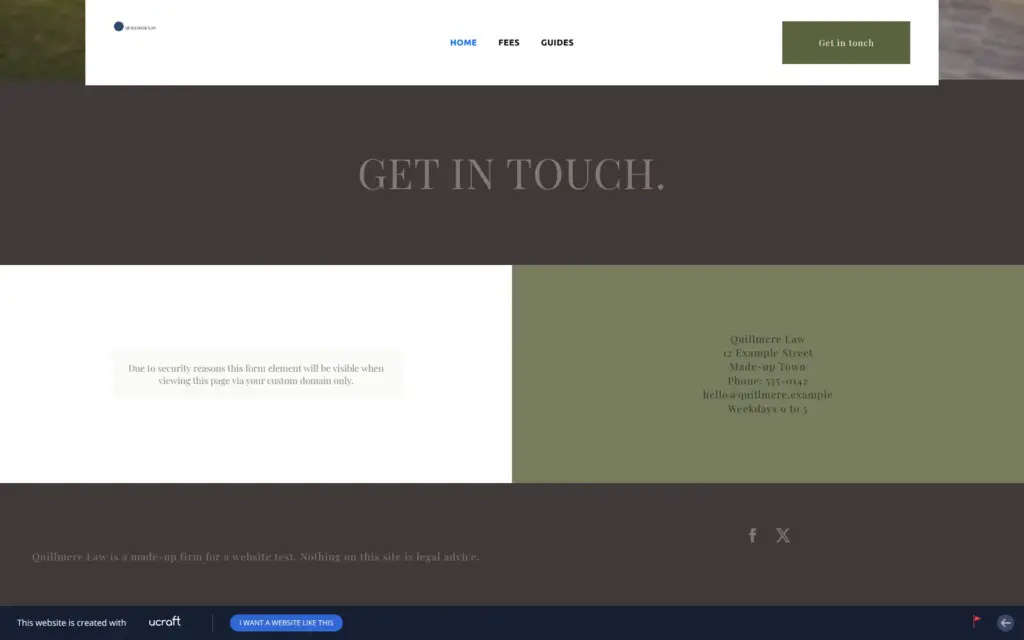
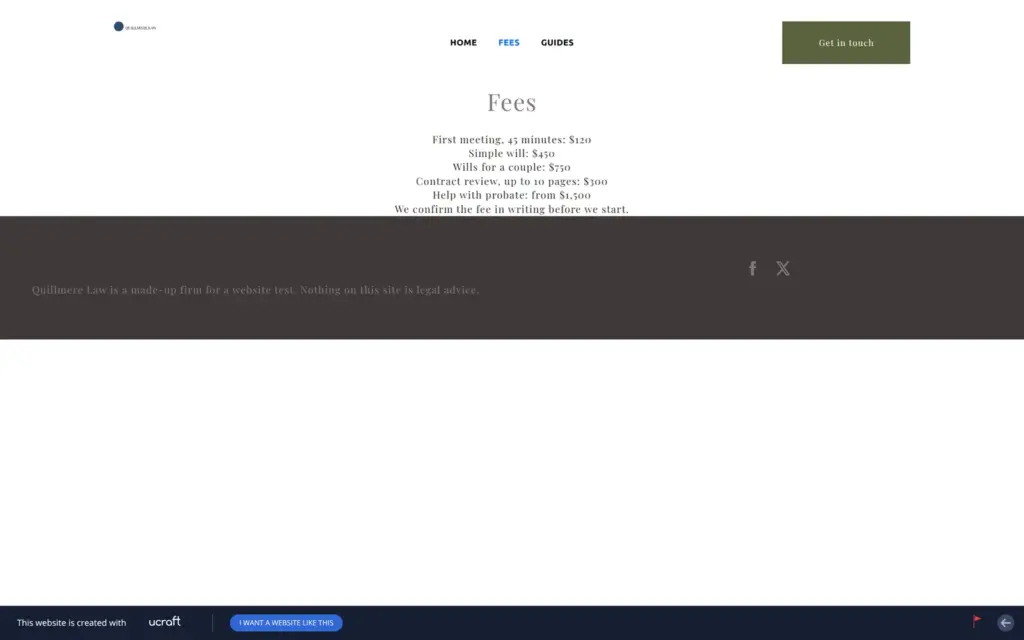
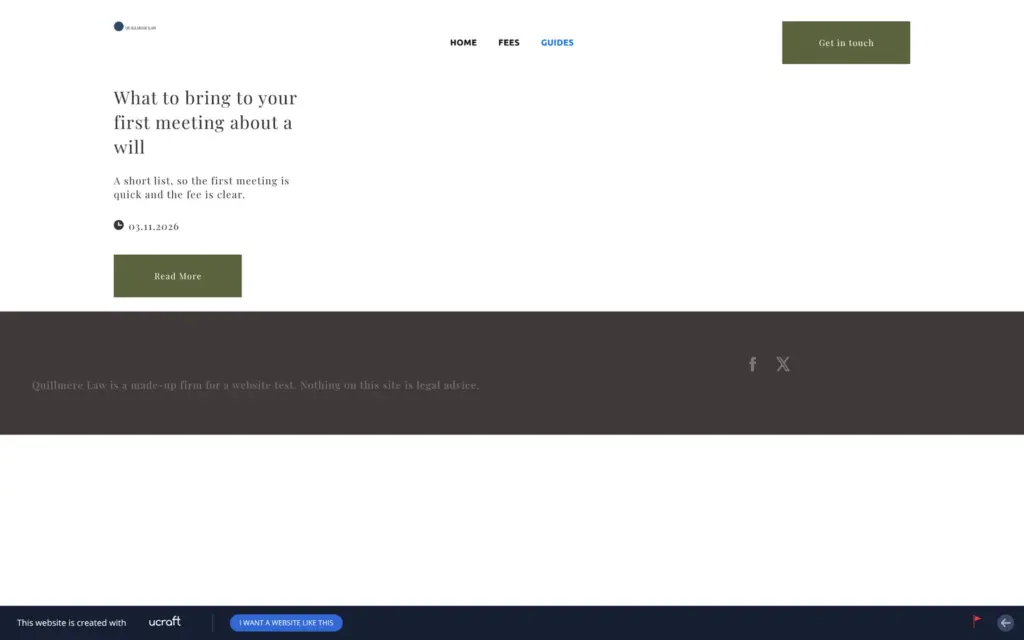
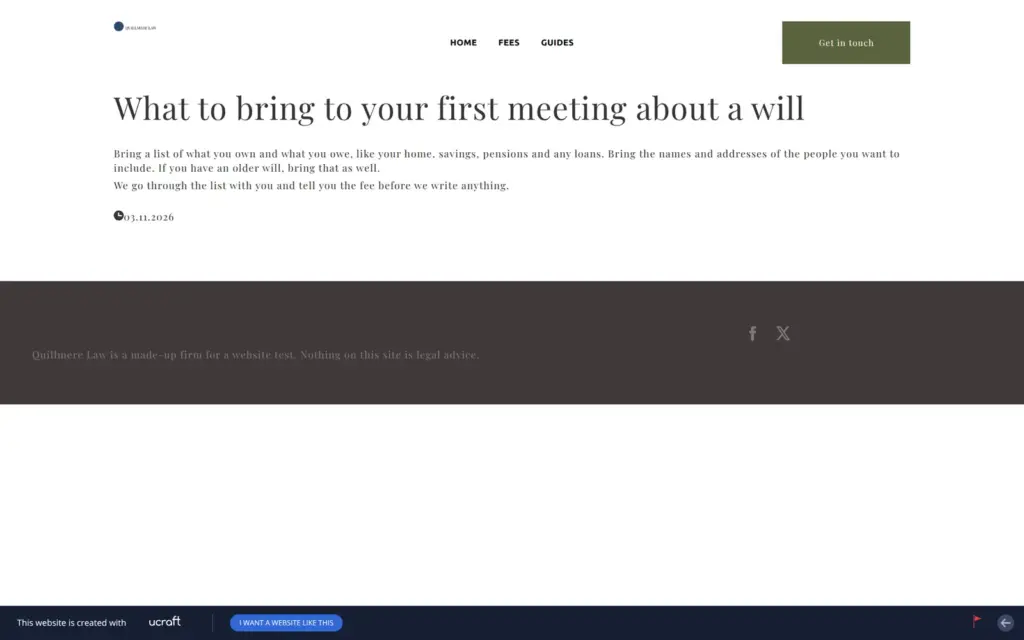
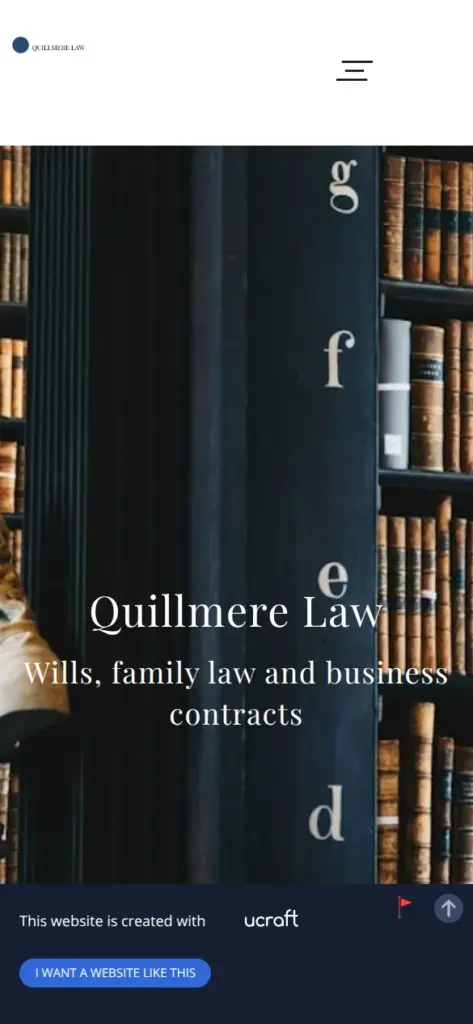
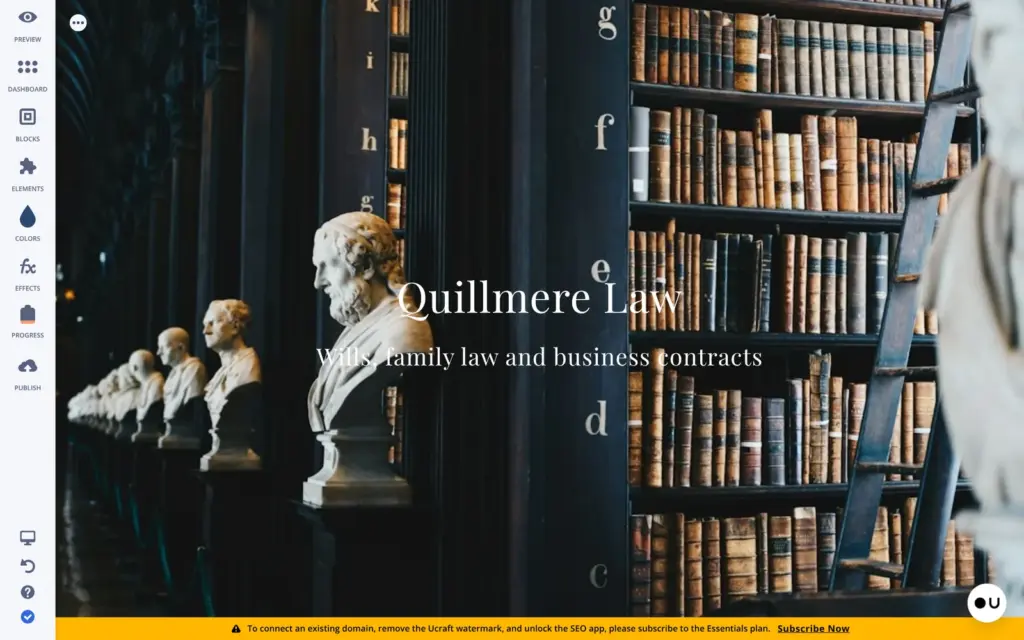
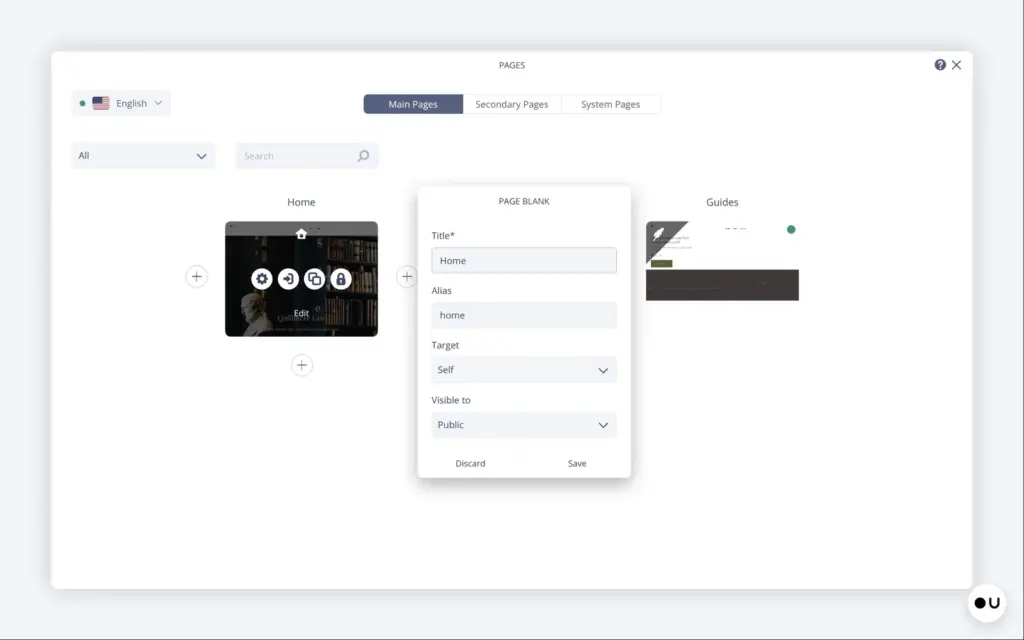
Quillmere Law is a made-up law firm for wills and family matters. The footer says it is made up and that nothing on the site is legal advice. The site has three pages. The home page comes from the template, and I added a page with fees and a blog page with one post.
The design is Bardem, the only free template for lawyers I found in Ucraft. I replaced all of its text and removed two sections. The photo of a library comes from Unsplash, through the image picker in the editor. The header with the menu comes from Ucraft's block library.
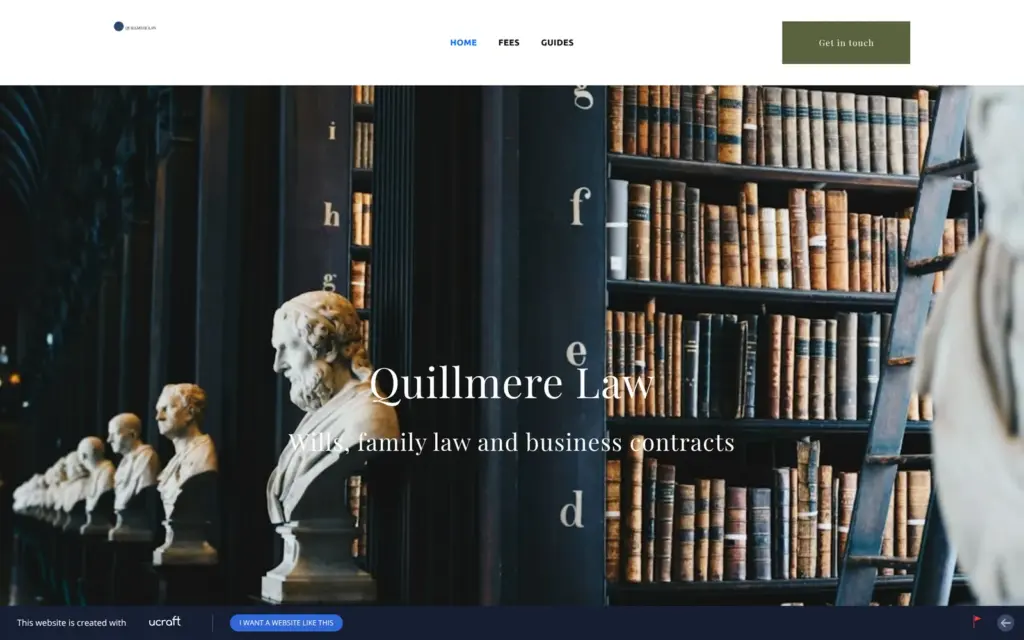
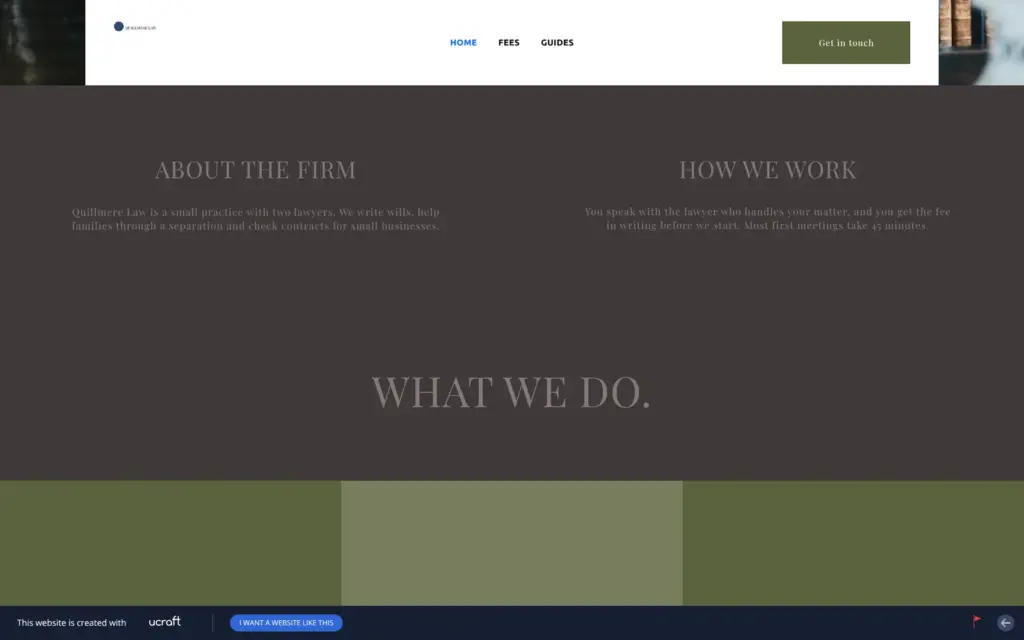
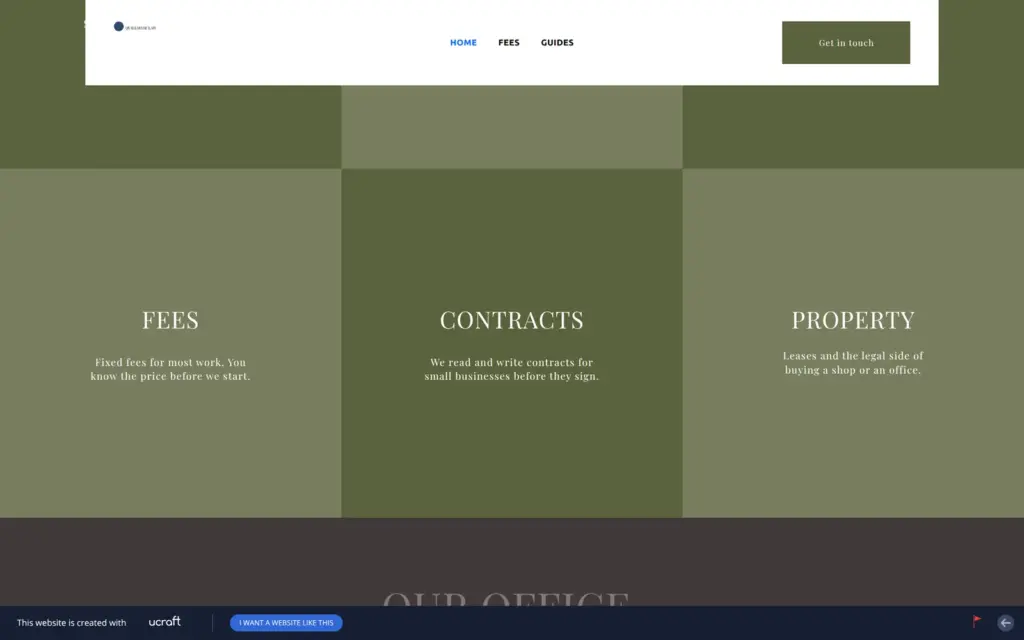
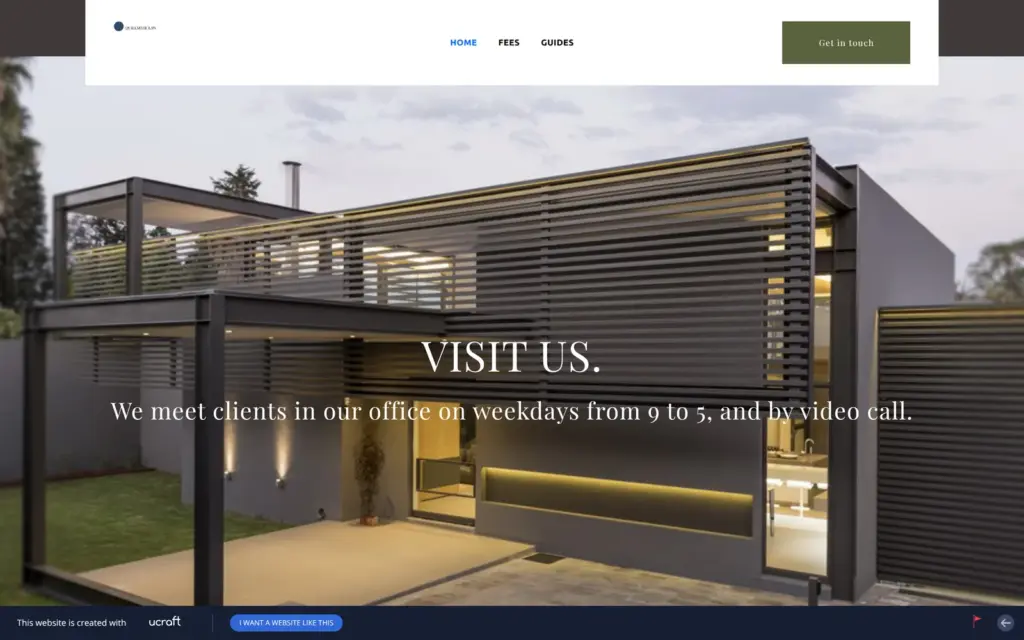
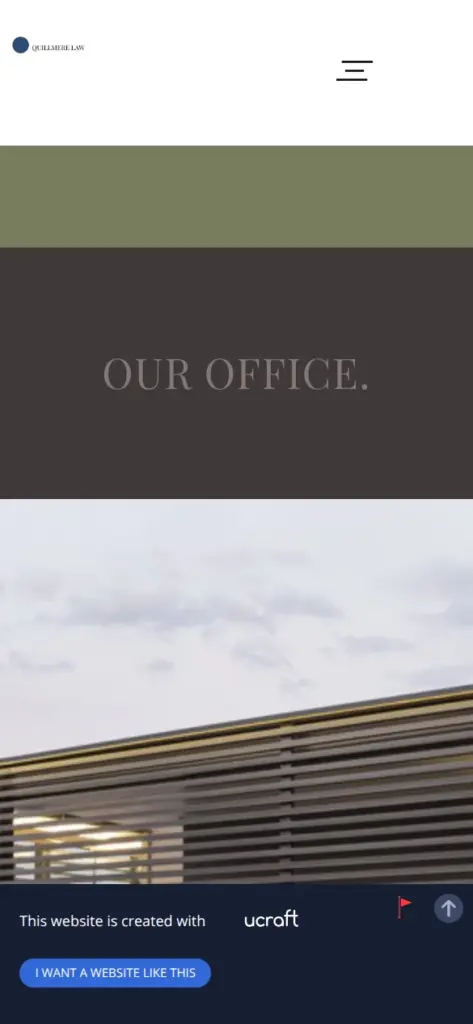
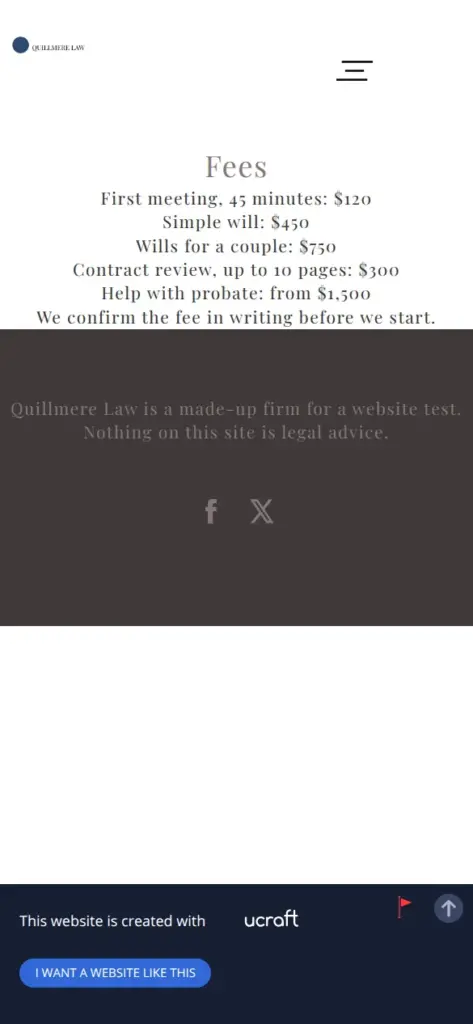
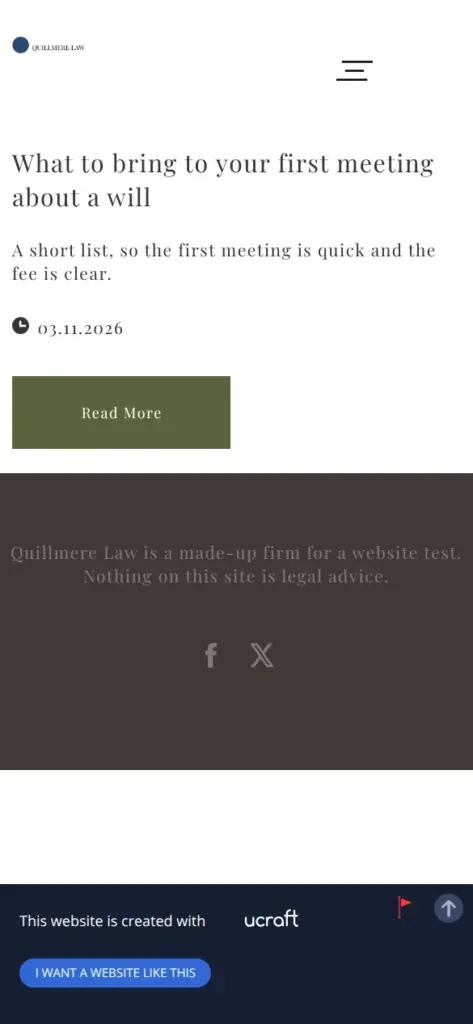
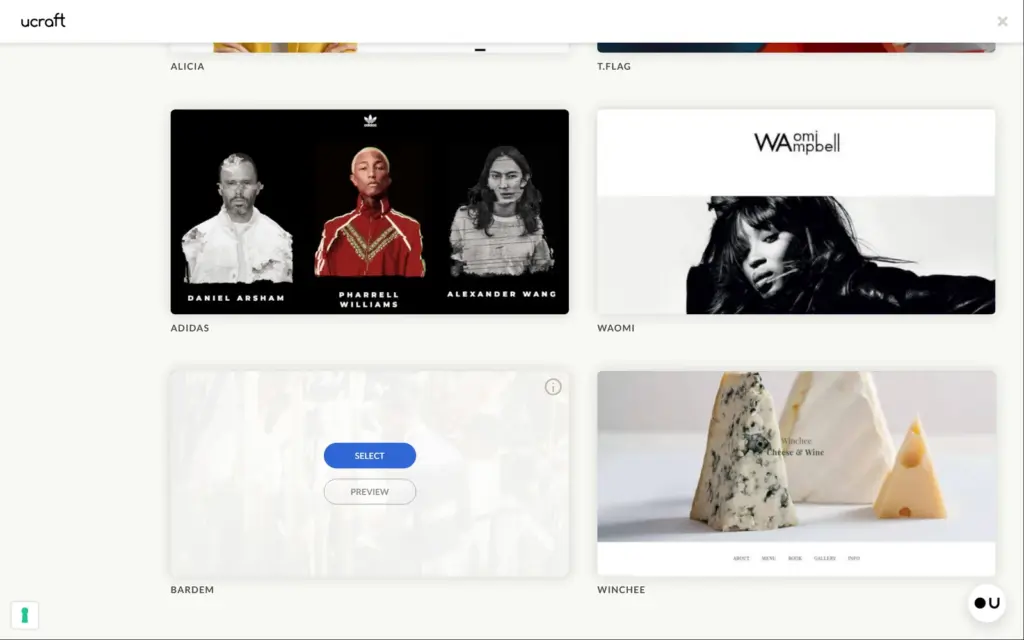
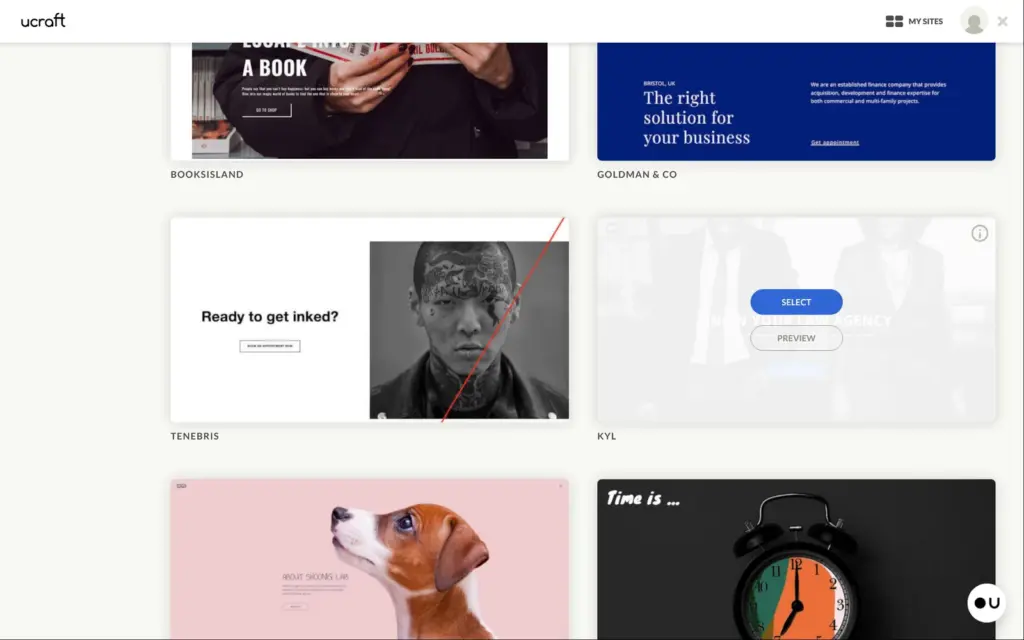
I started on the pricing page, under the free plan. Ucraft asks for a template before it asks for an account. The list had 28 templates and two blank pages, and one of the templates is made for a lawyer.
The preview of the lawyer template opened a page that said "404 Not Found". The preview of a second template did the same, so I picked the lawyer template without seeing it first. When I later created a second site for the shop, the list was much longer. The preview I opened there worked.
Next comes the free web address, then the account with an email address and a password. You can also sign up with Facebook or Google. Ucraft sent a link to confirm the email address, but the editor worked before I clicked it.
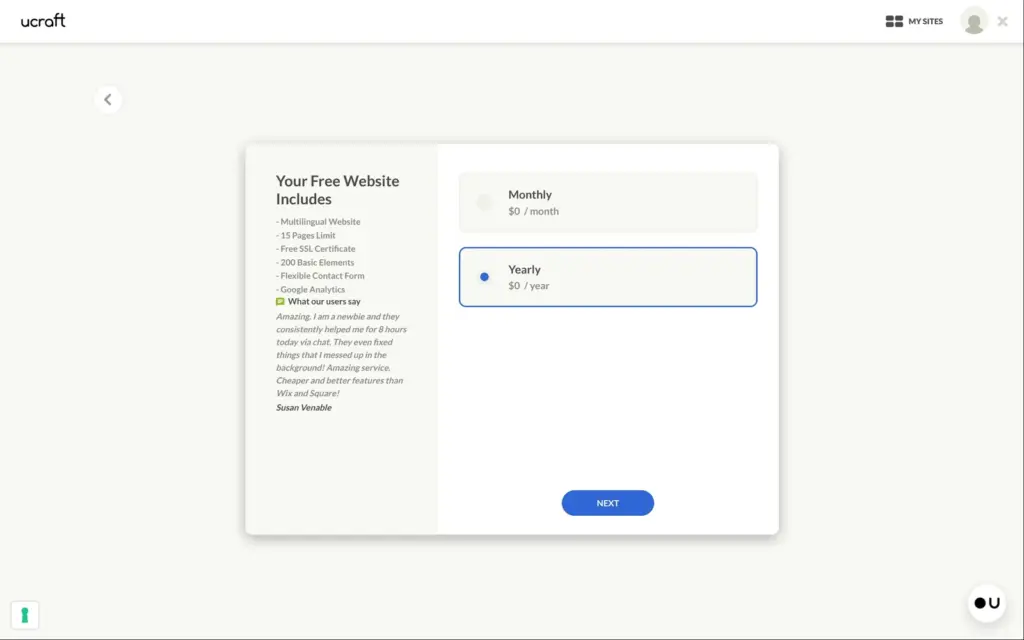
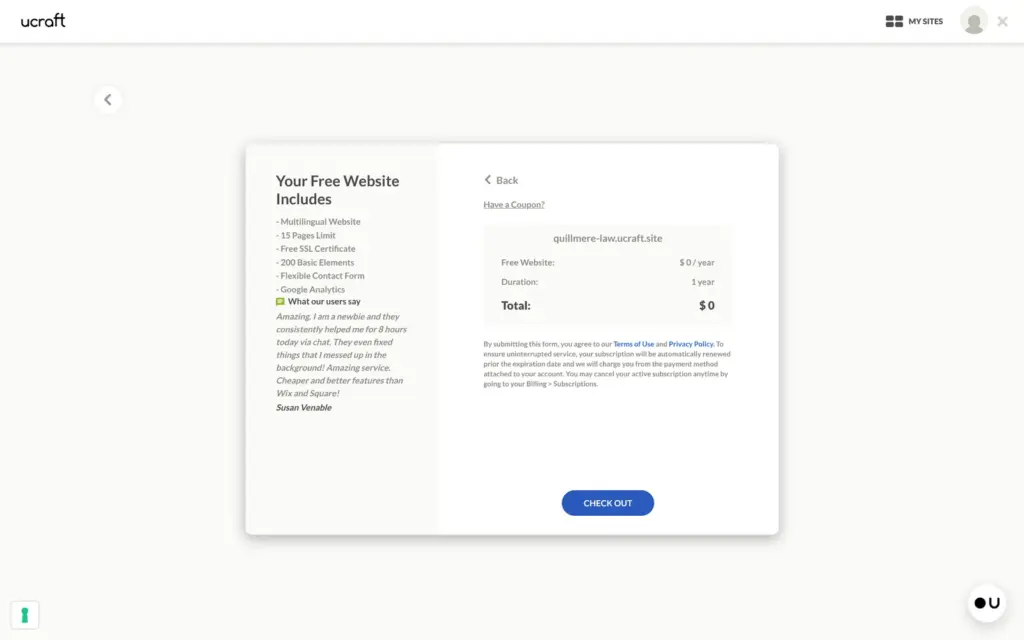
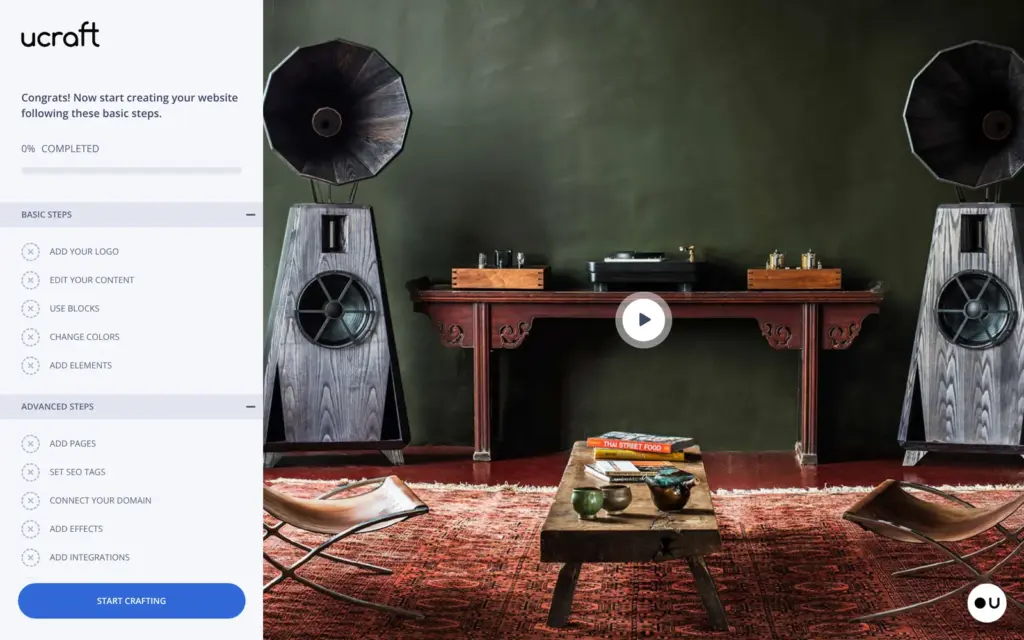
Then comes a checkout, even for the free plan. It asks if I want to pay $0 a month or $0 a year and shows a total of $0, without a card form. The editor opens with a checklist of first steps and a tutorial video. A yellow bar at the bottom of the editor advertises the Essentials plan, and it never goes away.
To change text, you click it once to select it and a second time to type. Sometimes my second click only selected the box again, and what I typed went nowhere. A text box also stays as wide as the old text. After I replaced the lawyer's name with a longer line, it broke into three short lines until I dragged the box wider.
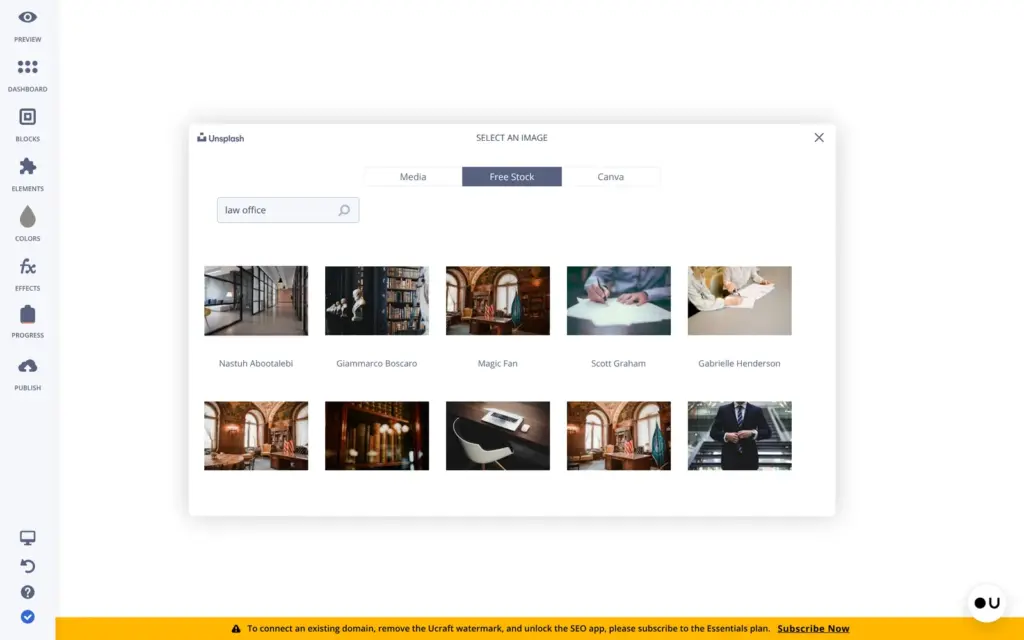
The template's main photo showed a man in a suit between cactuses. You change the photo in the block settings, under the background. Besides your own uploads, the image picker offers free stock photos from Unsplash and a link to Canva.
The stock photos take more steps than they should. The plus button only copies a photo into your own images. You then pick it there and press save. My first pick got lost when the panel closed, and the second try worked.
The template had a green square as a placeholder logo. Ucraft has a free logo maker without AI.
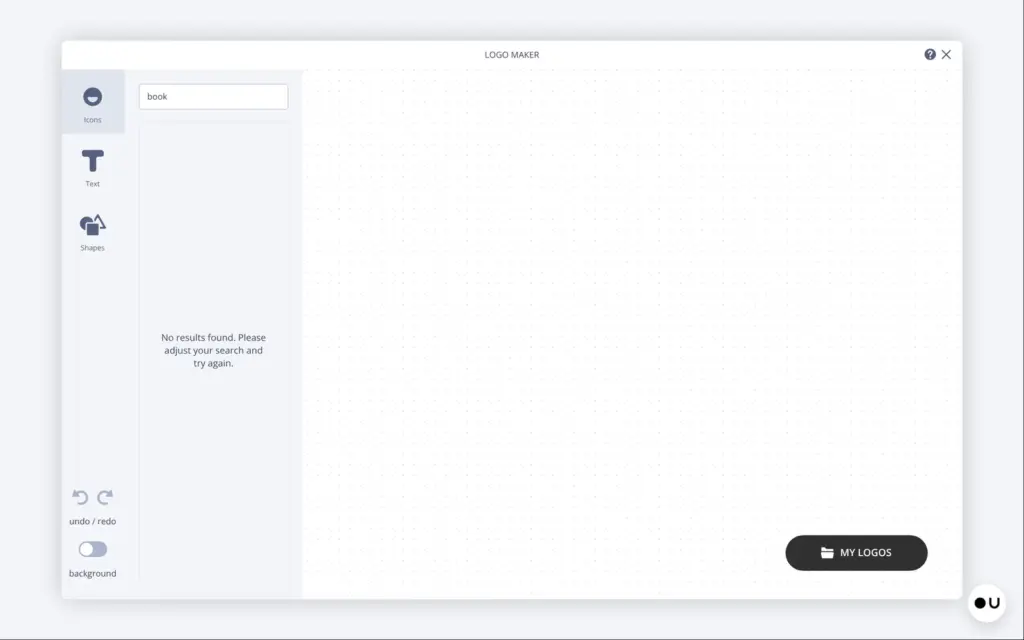
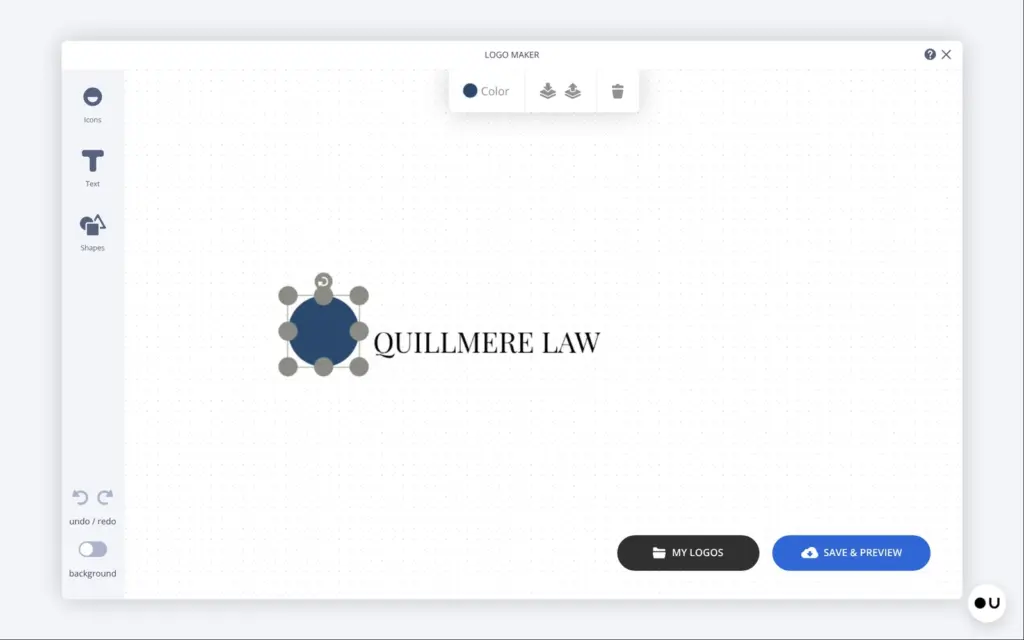
The icon search promises more than a million icons. It found nothing for "quill" or "feather". A search for "book" also found nothing, so I built the logo from a navy circle and the firm's name. Saving it took about 40 seconds. Then it showed the logo on a few mockups and offered a download.
On the site, the logo came out tiny, and its black text disappeared on the dark photo. I removed it from the main photo. The header I added later picked up the logo by itself.
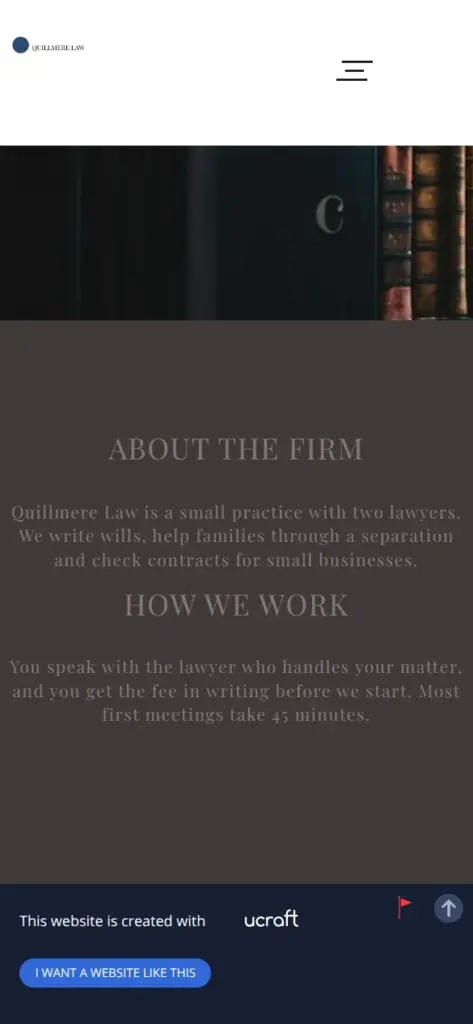
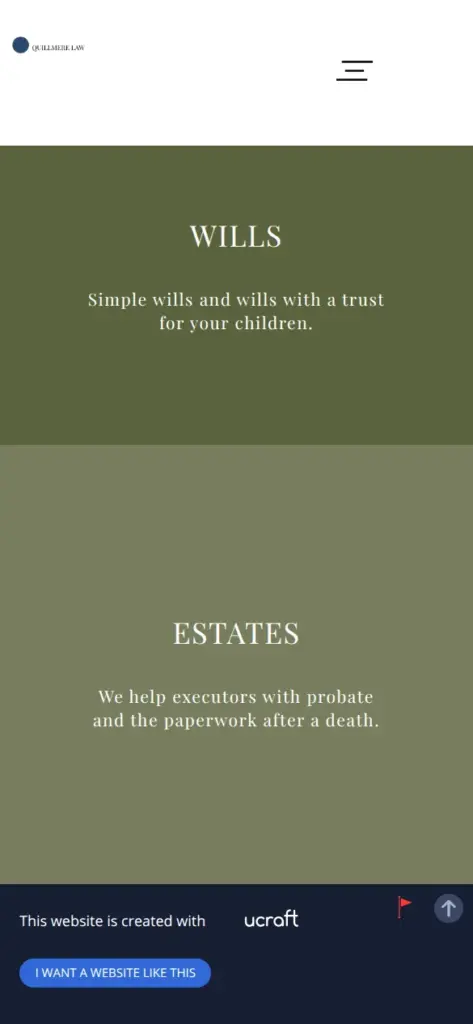
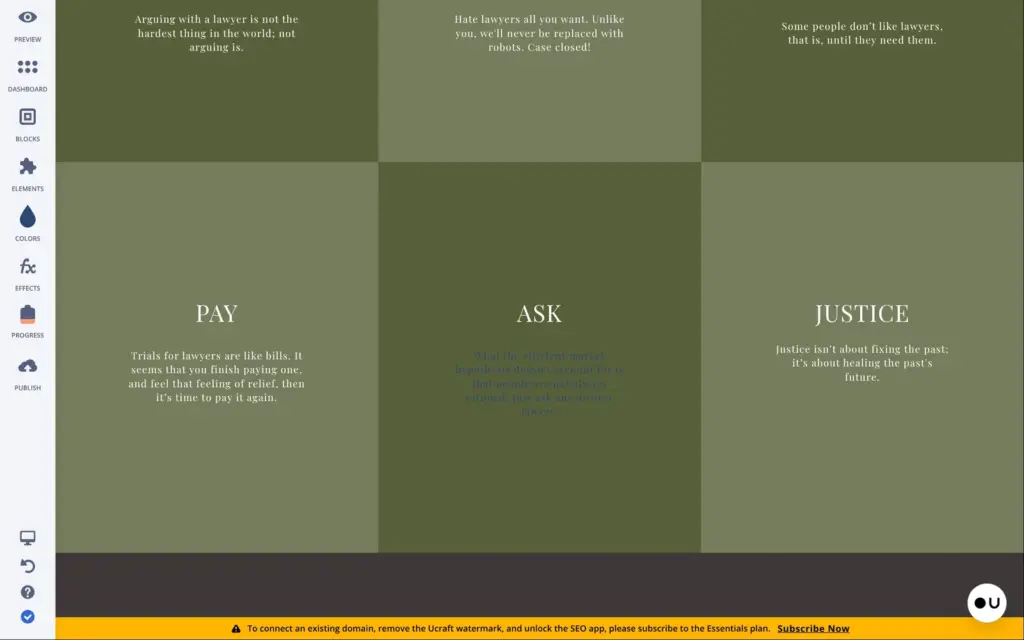
The template is olive green and dark gray. On the dark parts, the gray text is hard to read. I wanted a navy look, so I opened the colors panel. It holds a few color swatches. When I dragged one onto a paragraph, only that paragraph changed color. I found no setting that changes a color across the whole site, so I undid it and stayed with the green.
Removing a section is easy. Each block has a menu with a delete button. I removed the client logos, because a law firm doesn't show off its clients. I also removed a slider with quotes.
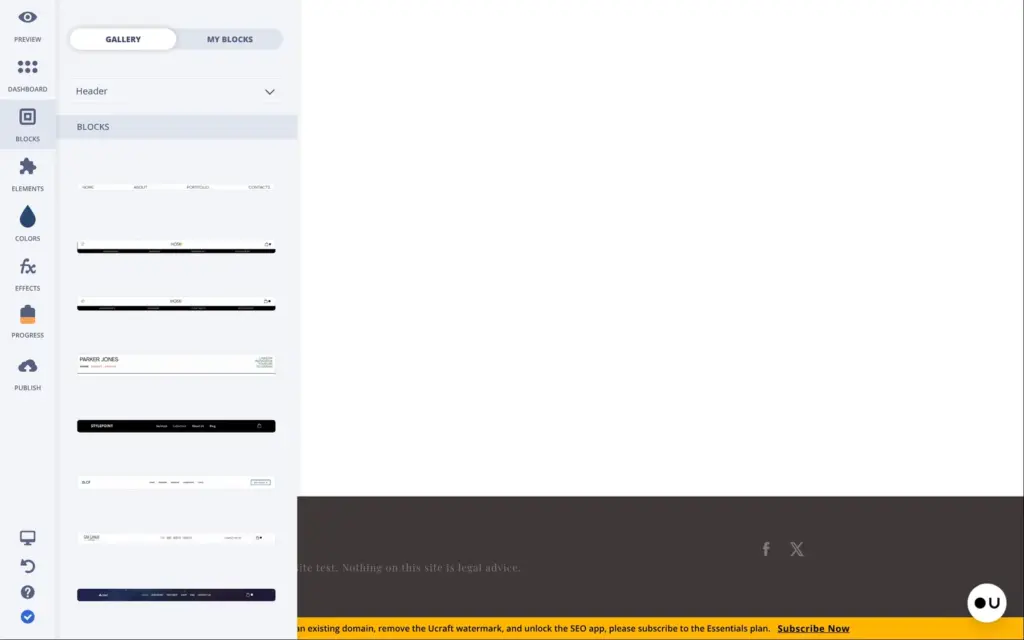
New sections come from the block library. Many blocks there are locked on the free plan, for example 8 of the 10 header blocks. Fonts are also locked, so the template's font stays.
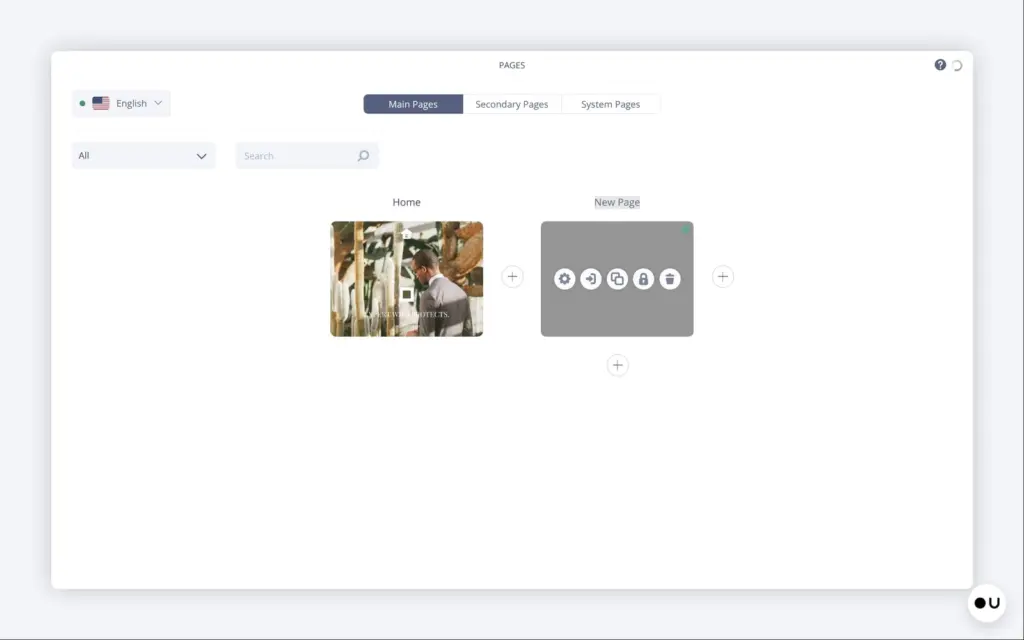
The template is a single page, and it has no menu. I added a blank page for the fees. It only had the shared footer, so I dragged a title and a paragraph onto it and typed the prices.
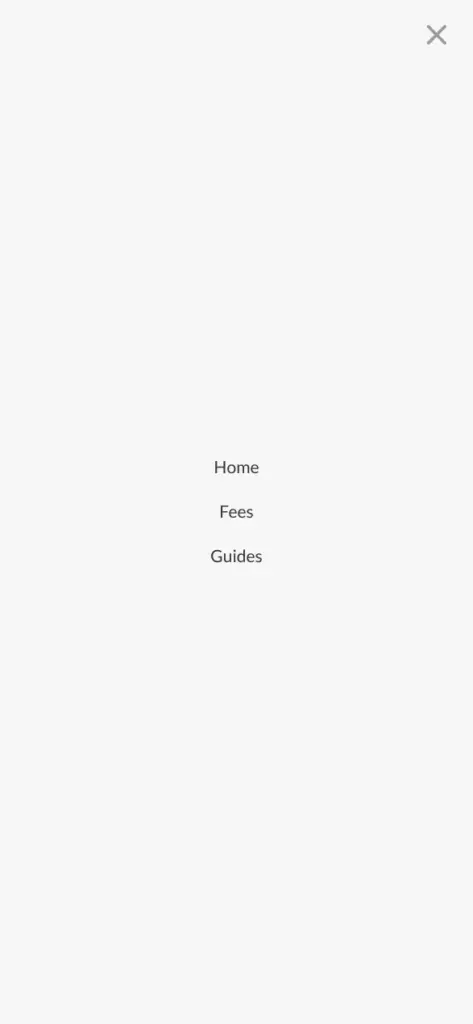
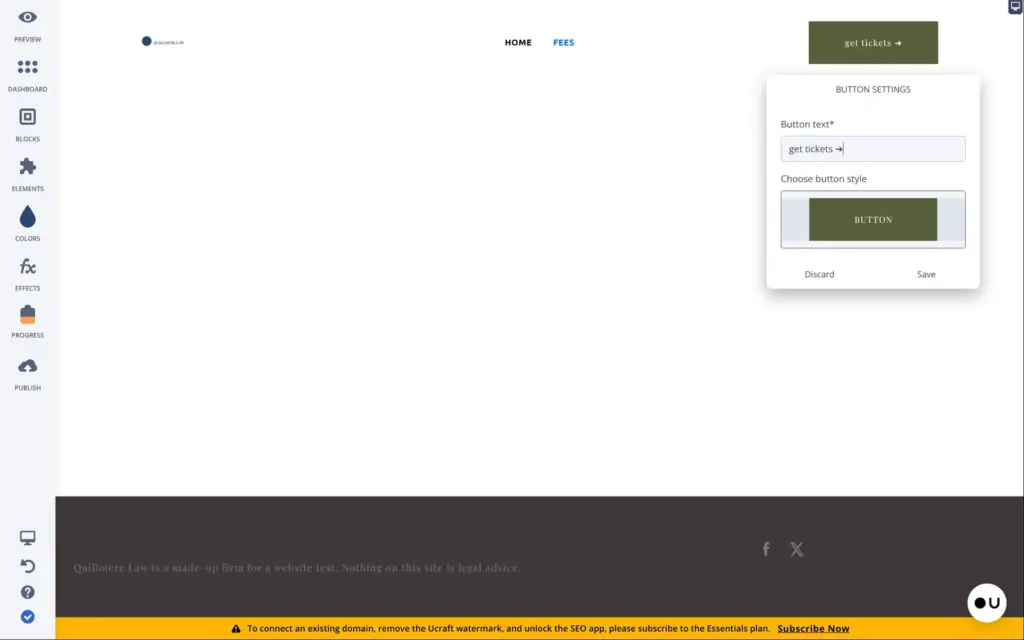
The menu comes with a header block. The free header I picked had a "get tickets" button from some event template. I renamed it to "Get in touch". Its menu starts empty, and you pick the pages it should show.
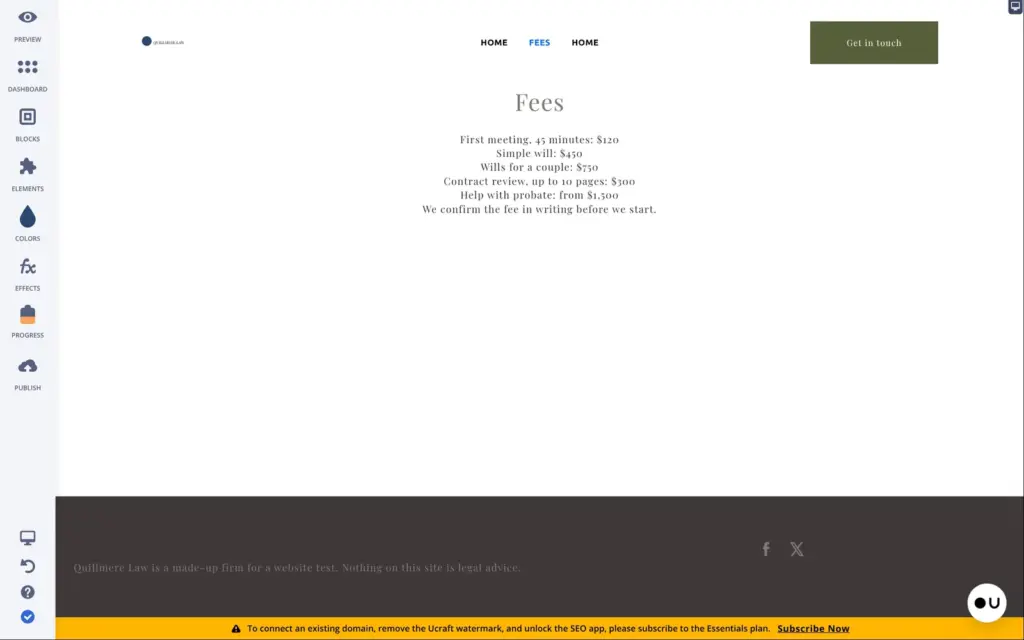
When I linked that button to the home page, Ucraft also put a second "Home" into the menu. I found no setting to remove a single menu item, so I deleted the header and dropped it in again. This time I dropped it at the very top of the page. There it goes into the shared header area, and every page shows it. New pages appear in the menu by themselves.
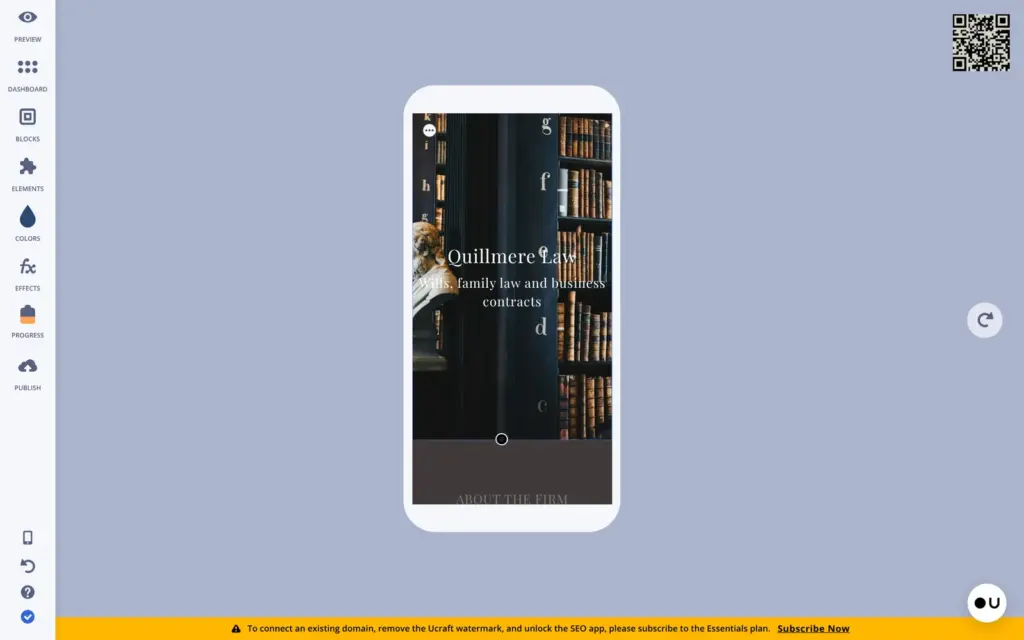
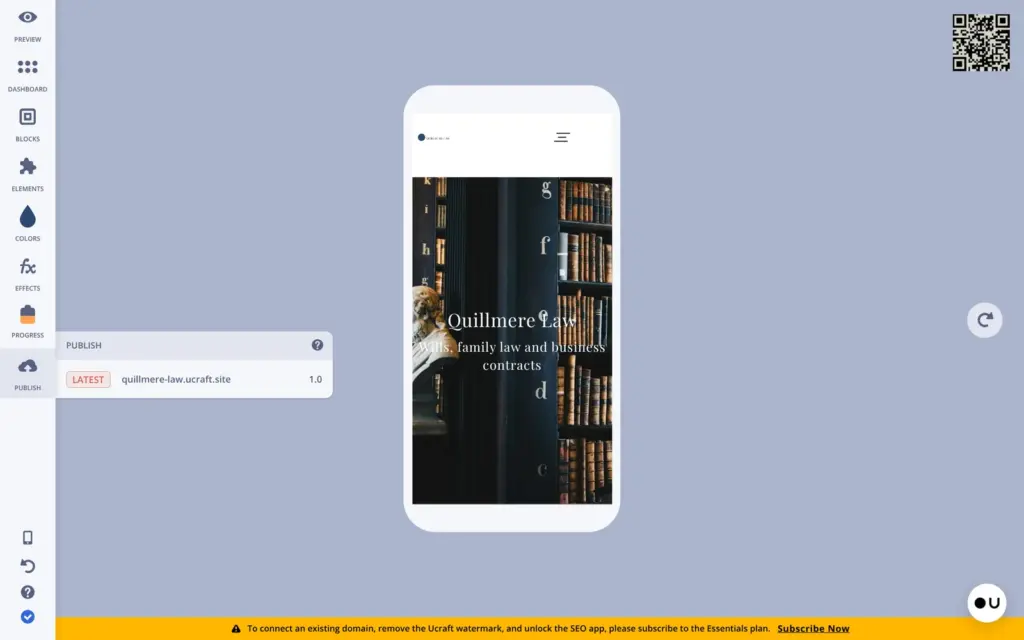
Ucraft gives phones a separate layout. A switch at the bottom of the left bar shows the phone version, and a QR code opens the page on your own phone.
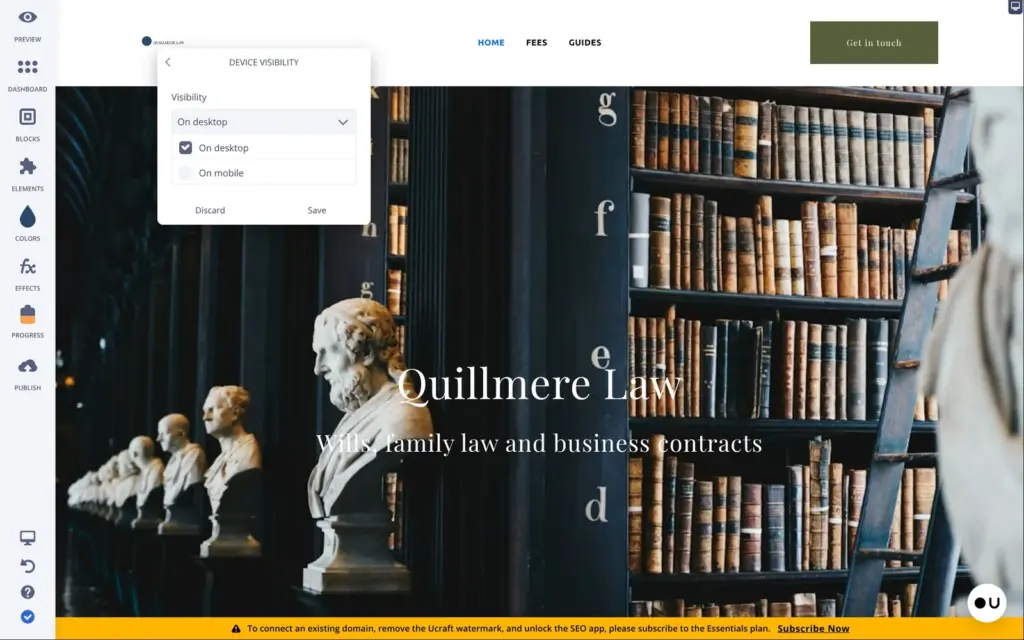
In the editor's phone view, the header with the menu was missing, and dropping it in again did nothing. On the live site, a phone showed no header and no menu, so visitors could not reach the fees page or the blog. The cause was a setting on the header block. Its device visibility was set to desktop only.
After I ticked "On mobile" and saved, phones got the header with a menu button. The "Get in touch" button then ran off the right edge of the screen, so I set that button to desktop only. Tablets get the phone layout by default.
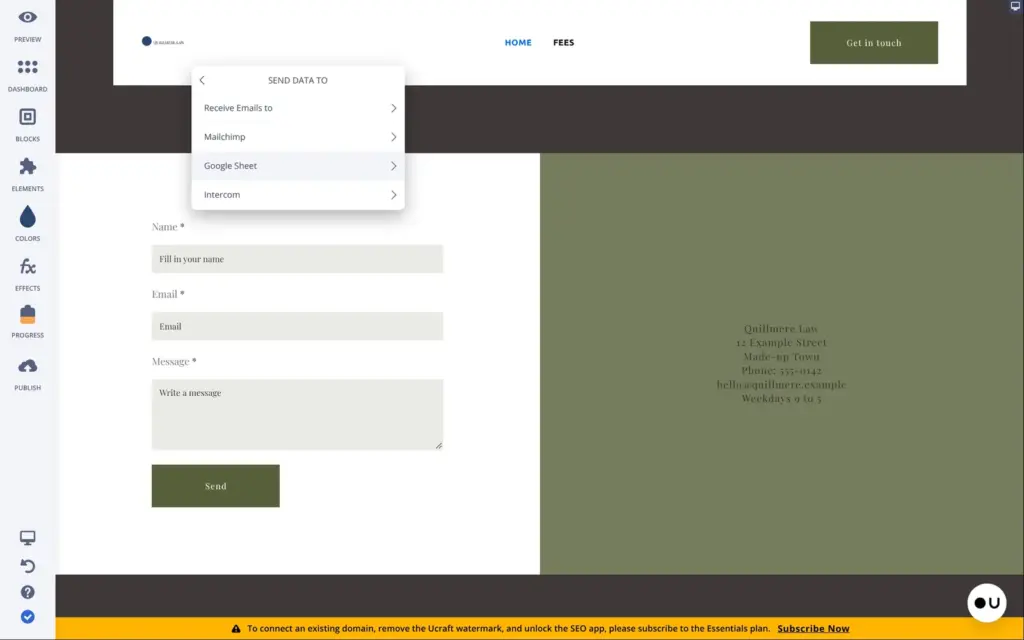
The template came with a contact form. In its settings you choose the fields and where messages go. That can be an email address or a tool like Mailchimp. The address for the messages was empty in the template.
The publish button puts the site online at once, without asking. On the free plan, every page has a Ucraft bar at the bottom with a button that says "I want a website like this". On a phone, it takes up about a seventh of the screen.
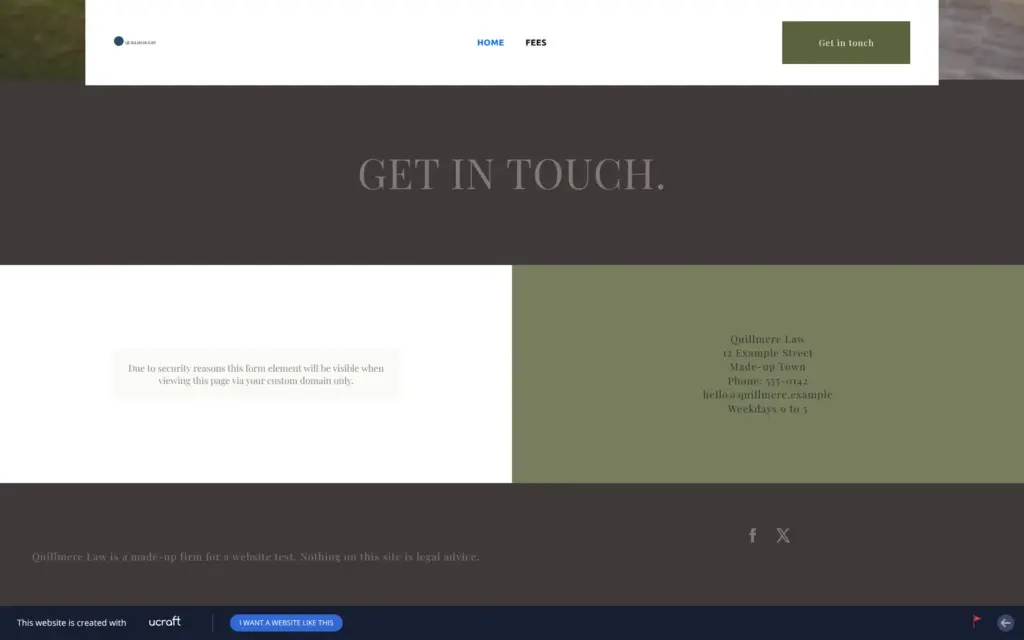
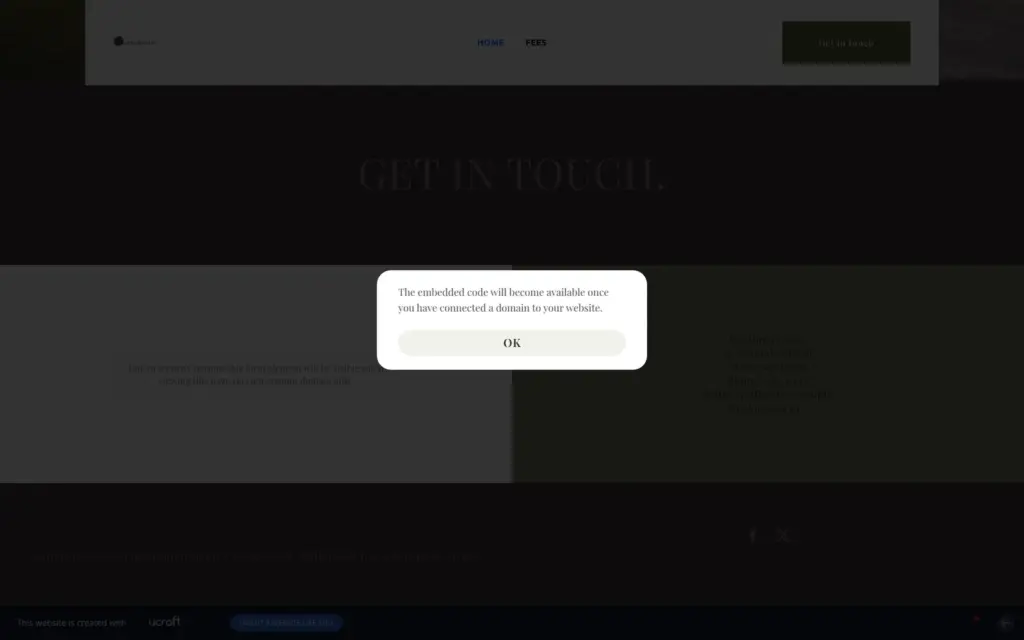
The contact form doesn't work on a free address. Where the form should be, visitors read "Due to security reasons this form element will be visible when viewing this page via your custom domain only." The email button in the header also doesn't work. A click shows a message that embedded code needs a domain. The email address in the contact text did work as a normal link.
So I could not test whether messages arrive. For your own domain you need a paid plan, starting with Essentials. The shop's trial site showed the same message, because it also ran on a ucraft.site address.
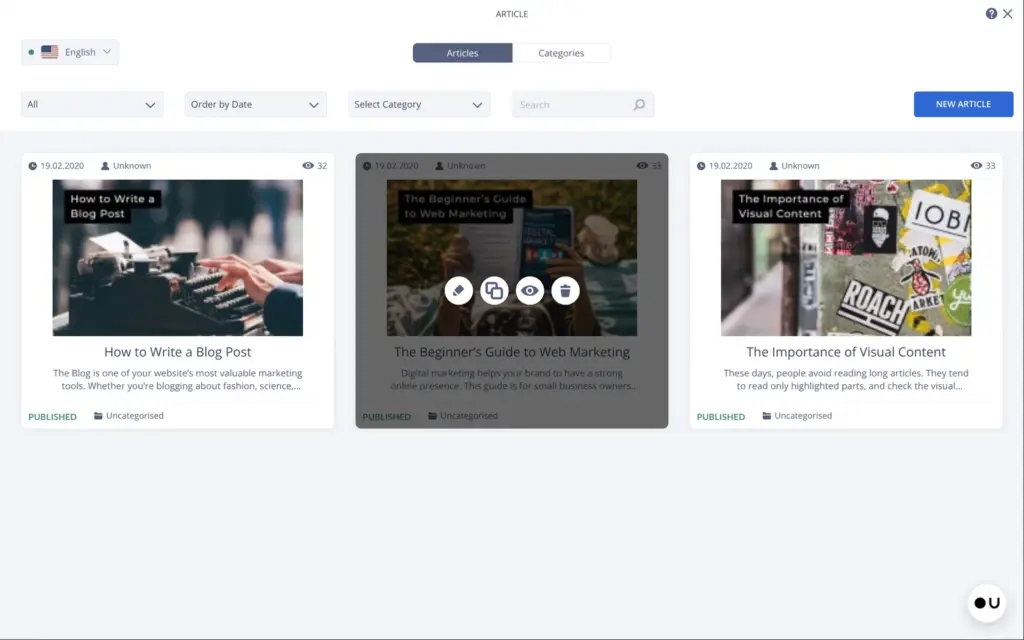
I tried the blog, because a law firm could post short guides there. It sits in the Articles app, and it comes with three sample posts from 2020 that are already published. They showed up on my blog page until I moved them to the trash.
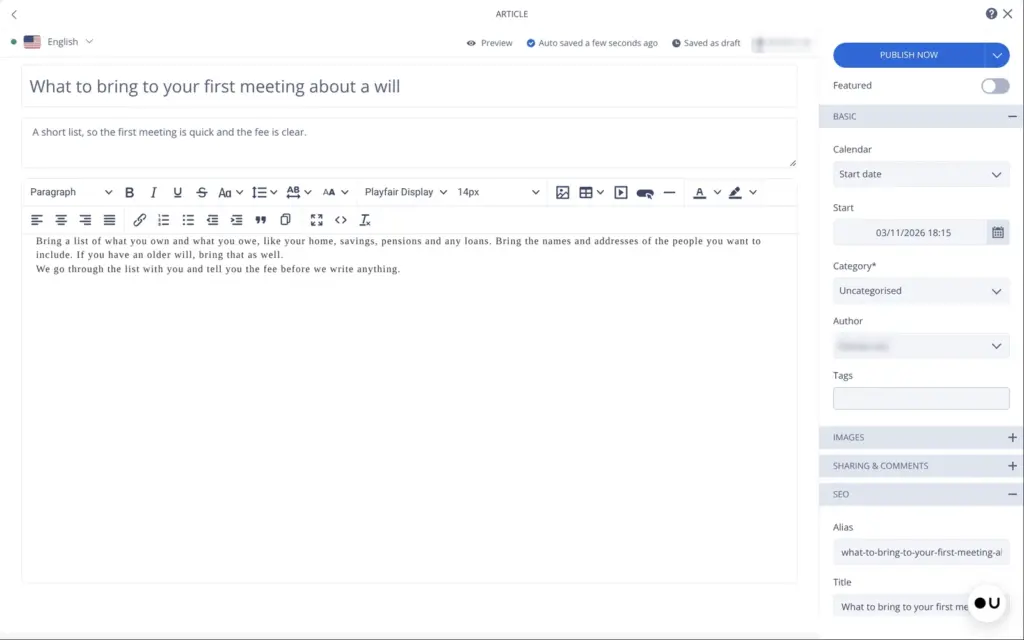
You write a post in a normal text editor. Each post also gets its own search title and description, even on the free plan. The blog list shows the author's name and the category under each post. The author's name is the name of your Ucraft account. I switched off both the name and the category.
The first click on "Publish now" did nothing, and the second published the post.
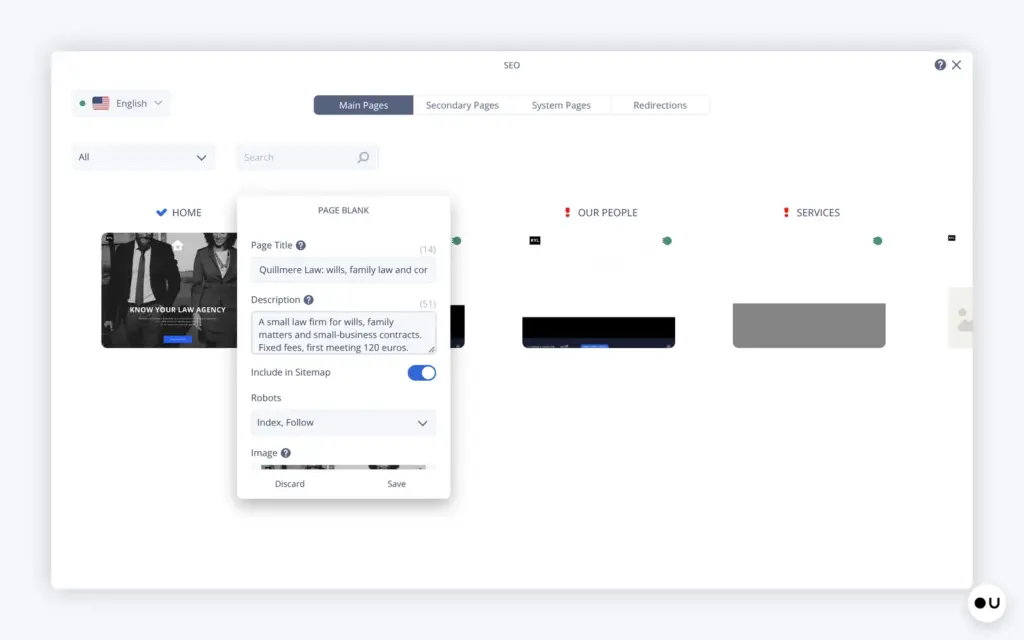
On the free plan, the SEO app is locked, and the page settings only hold the menu name and the web address. I could only change the site name, which Ucraft adds after each page title. The home page still had the template's title, "Free Lawyer Landing Page".
Free sites are hidden from search engines. Each page tells Google not to list it, and the free plan offers no switch for that. The sitemap also lists legal pages that Ucraft created by itself. Their text is a placeholder, for example "the use of Company Name's Website, located at Website.com".
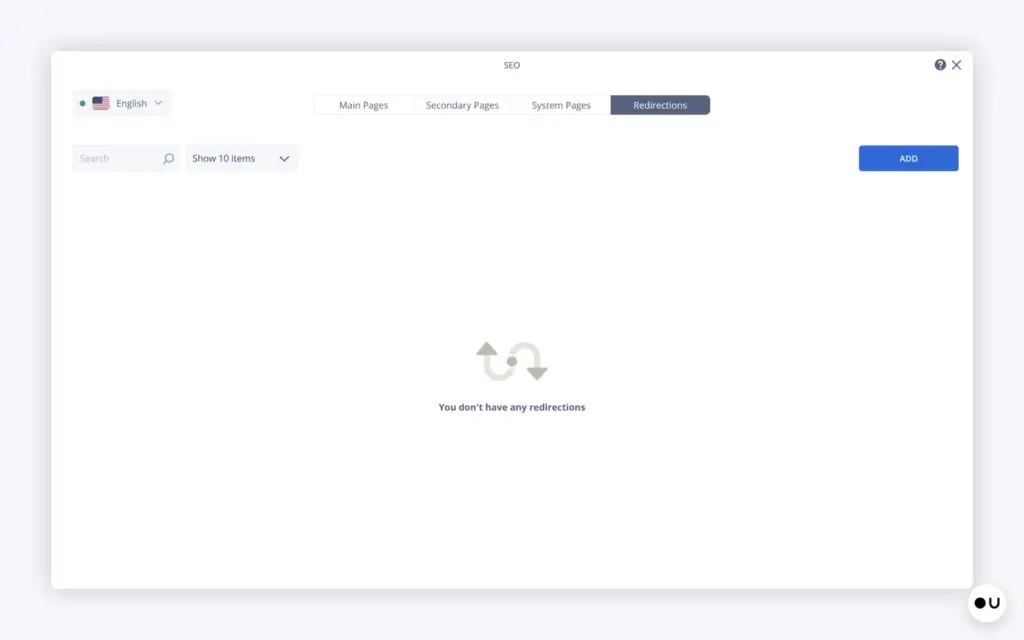
On a paid plan, you can use the SEO app. There each page gets its own search title and description, and you can set up redirects for old web addresses.
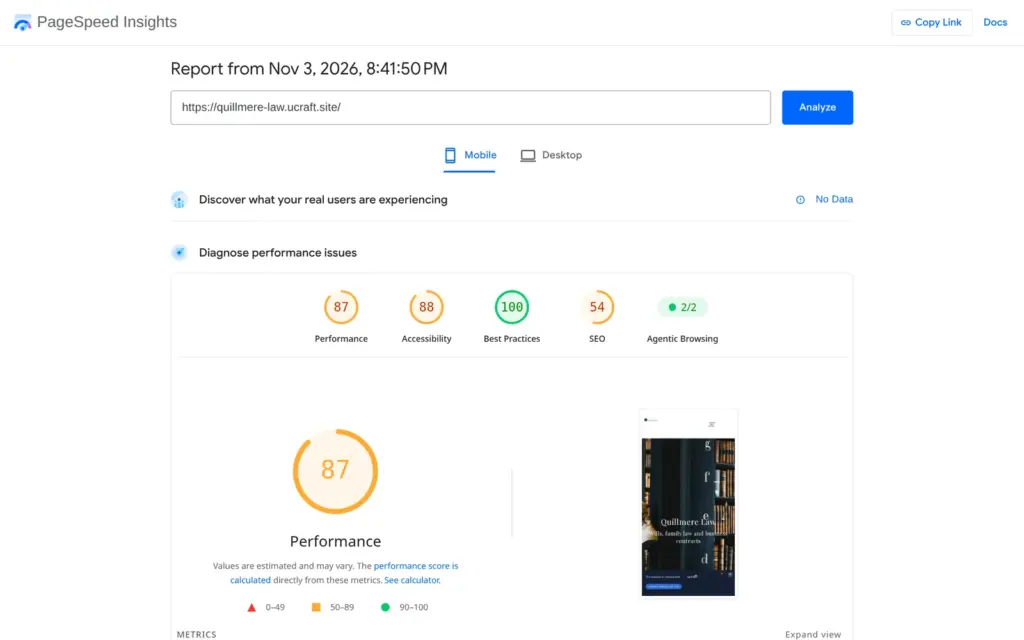
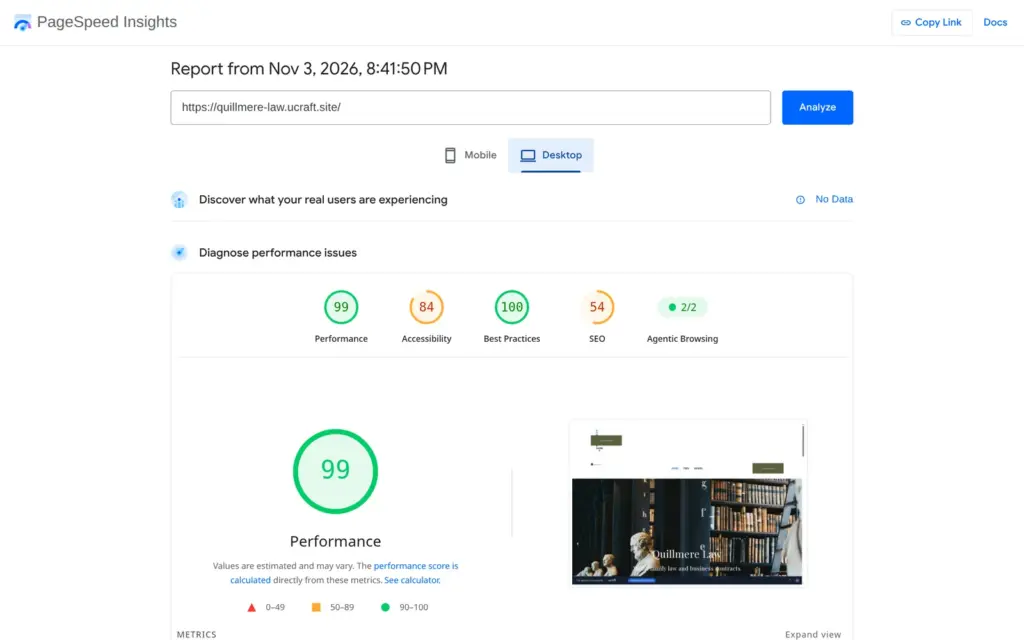
I ran the live home page through Google's PageSpeed Insights once. On a simulated phone it scored 87 out of 100, and the main photo took 4.1 seconds to appear. On desktop it scored 99, and the photo appeared after 0.9 seconds.
Accessibility scored 88 on the phone. The page blocks zooming, and some text has too little contrast. That is the gray text on dark gray from the template. The search score was 54, because the free plan blocks search engines and the page has no description.
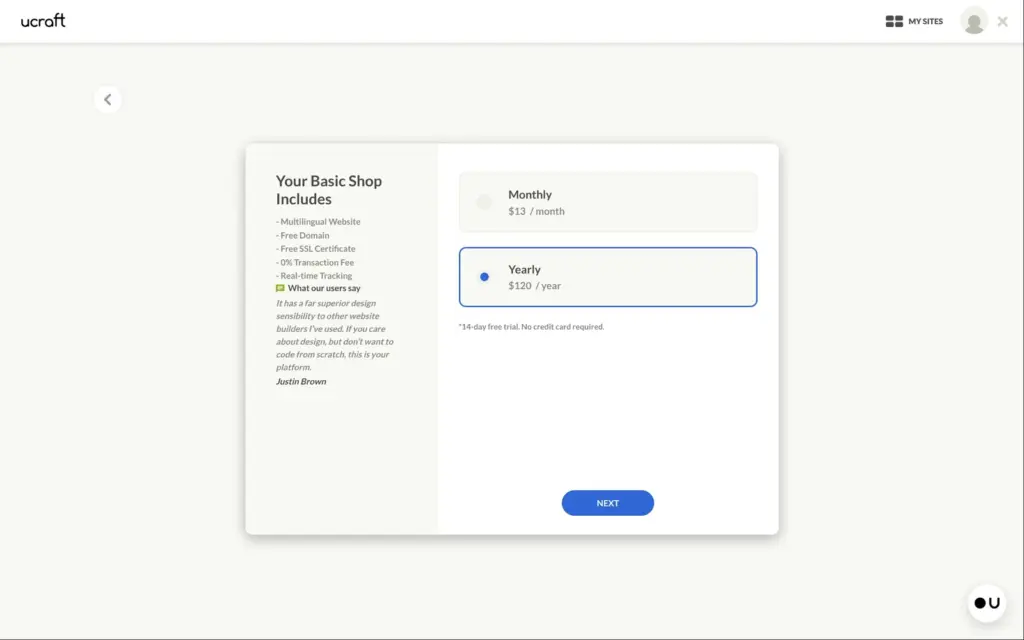
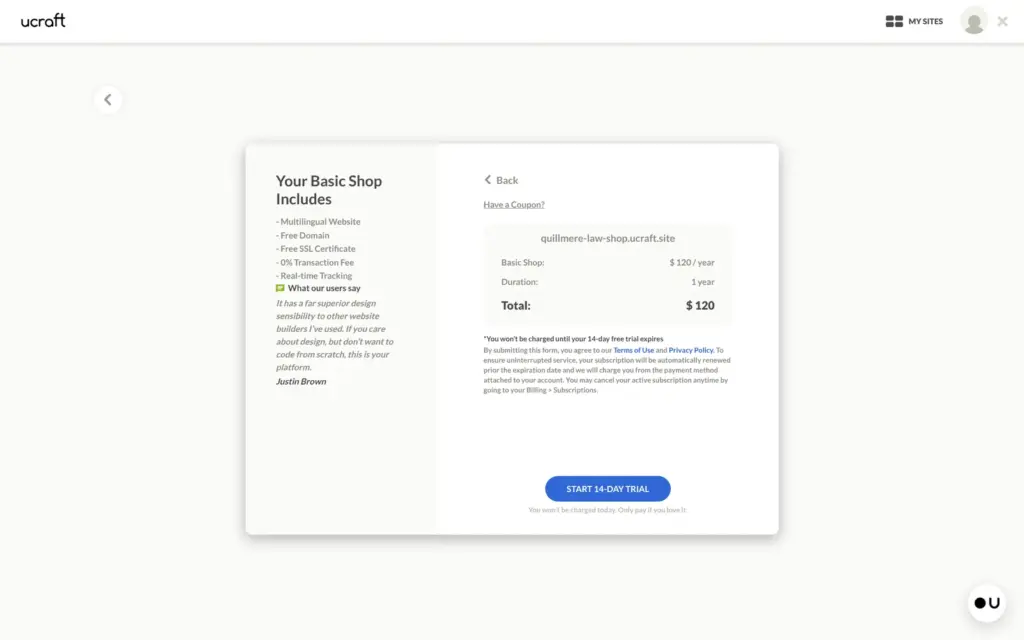
The free plan has no shop, so I created a second site and started the 14-day trial of the Basic Shop plan. The trial asked for no card. The checkout showed $120 for the first year and the line "You won't be charged until your 14-day free trial expires". Ucraft says a site is suspended after the trial until you pay.
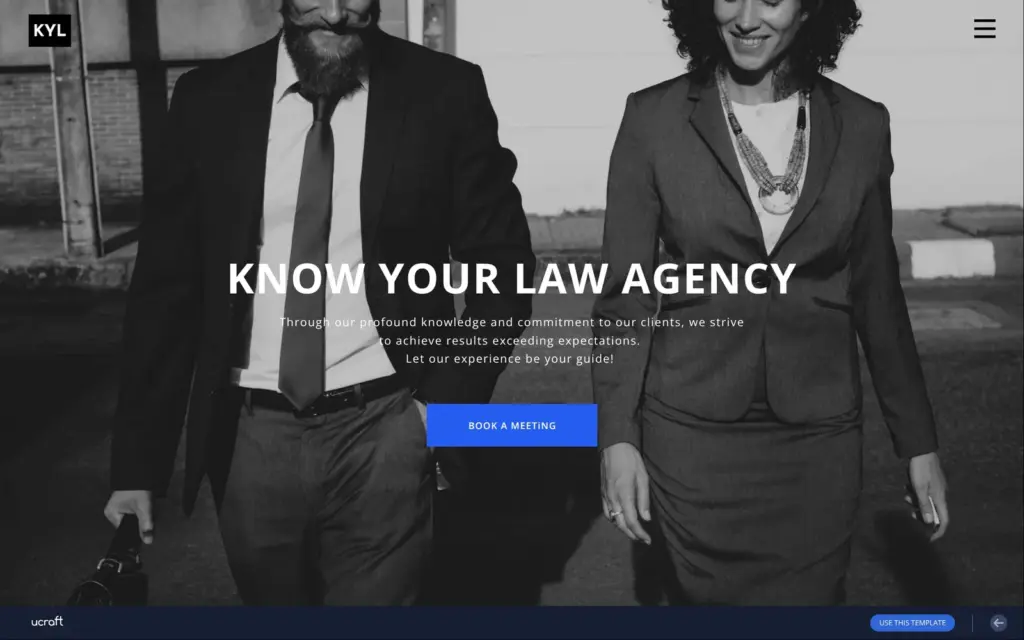
This second site came with a much longer template list. It had a template for law firms, KYL, with eight pages and a button to book a meeting. Its preview worked, so I took it.
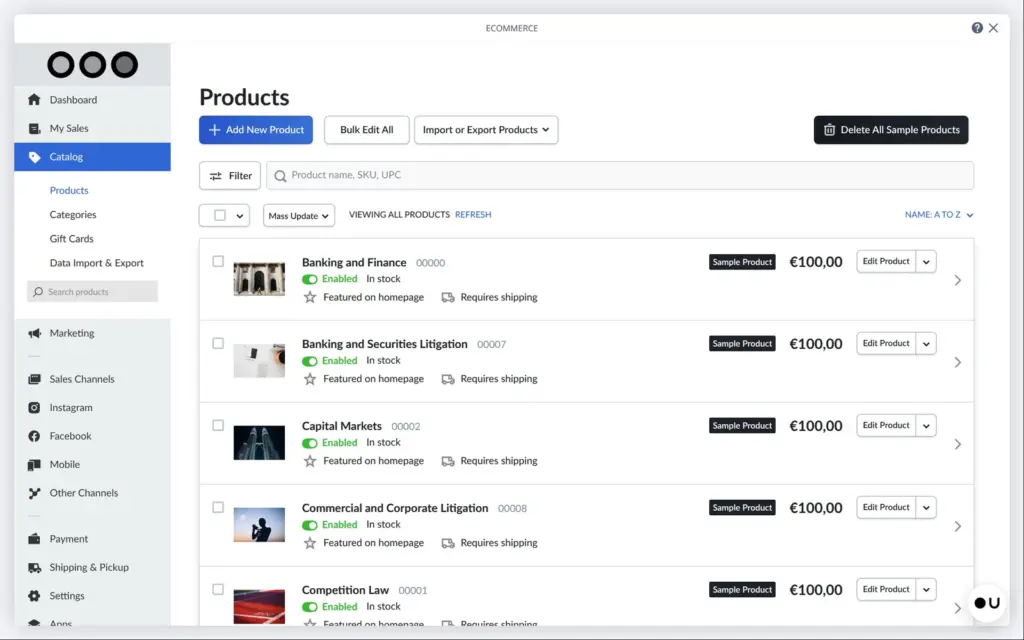
The shop settings open in a panel of their own. The store inside comes from Ecwid, another shop company. The law template came with 12 sample services at €100 each, and every one of them was set to need shipping. A button deletes all sample products at once. The shop had used my location to set its currency to euros and its weights to kilograms.
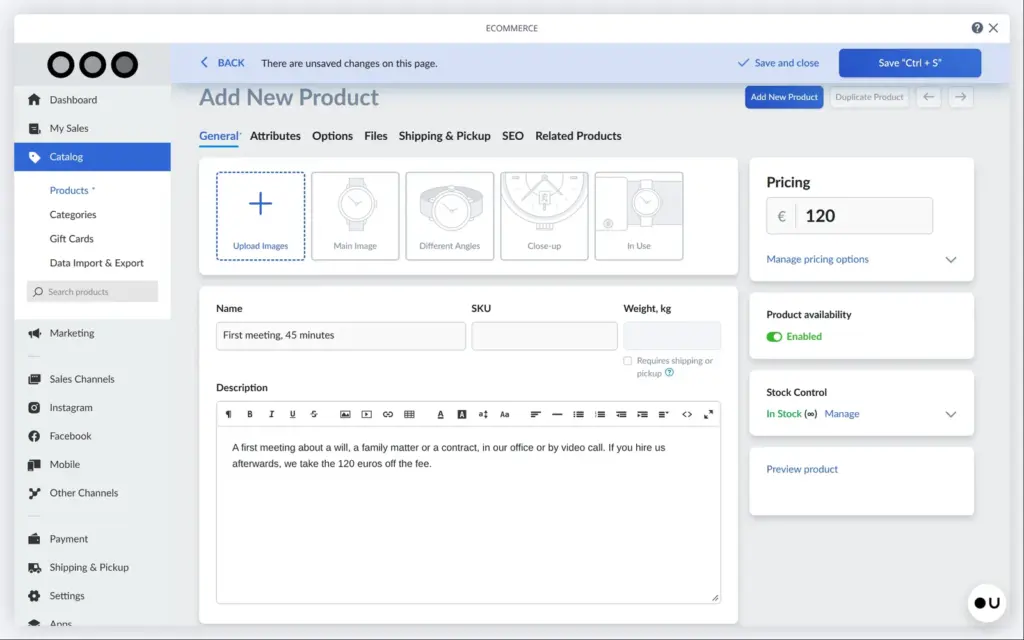
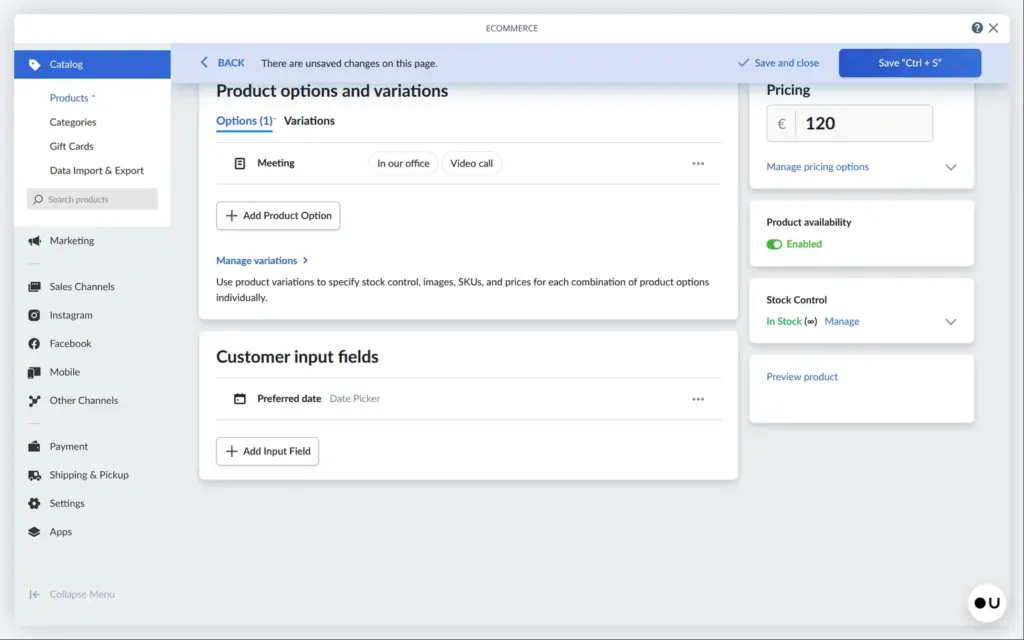
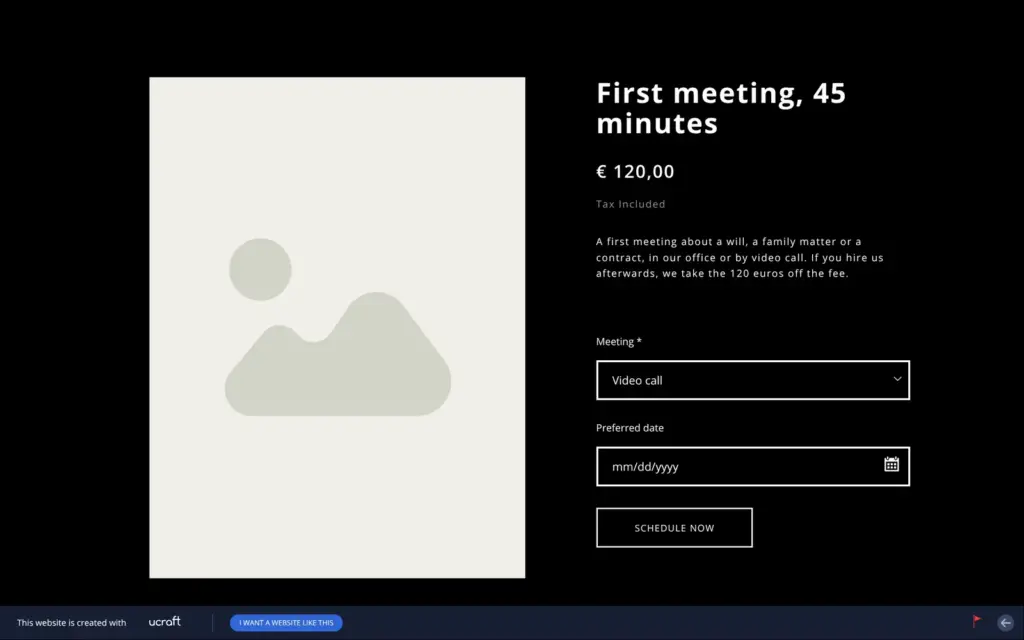
I added a first meeting of 45 minutes for €120 and a simple will for €450, both without shipping. The first meeting got an option, so a client can choose the office or a video call. It also got a date field, so a client can suggest a day.
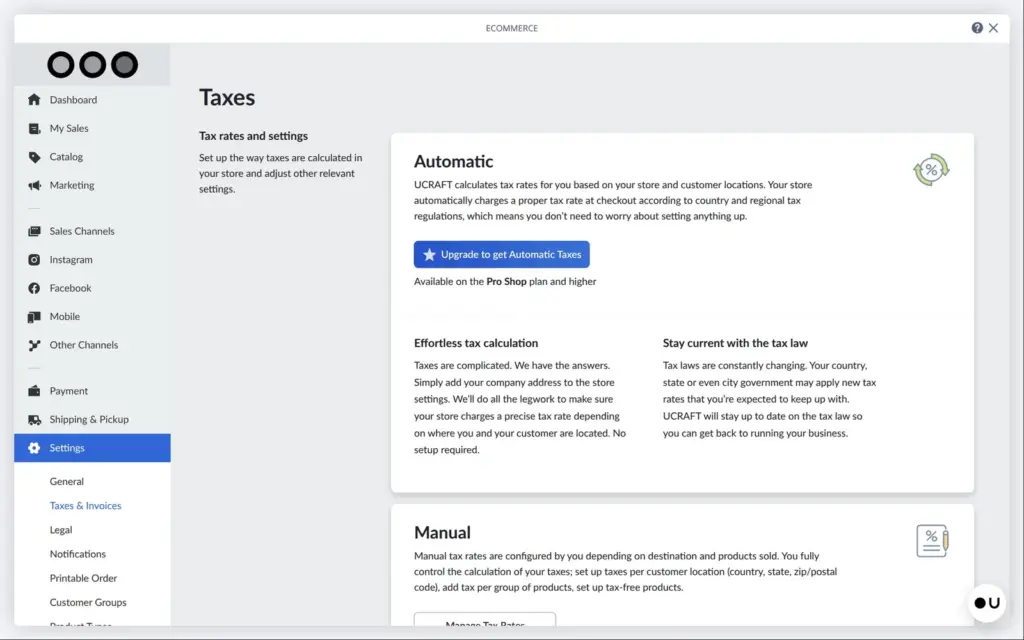
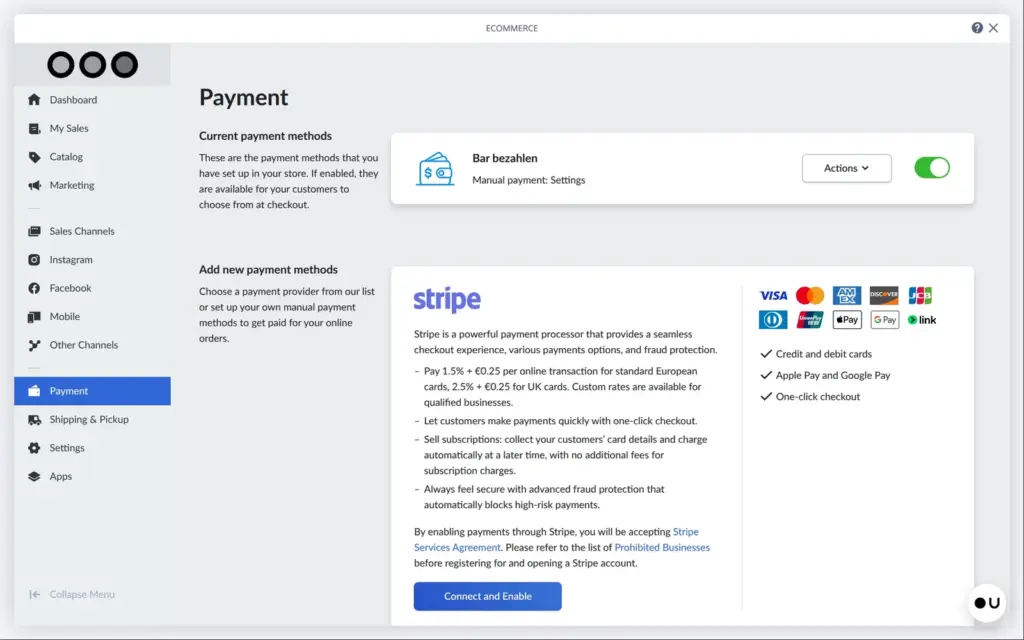
Automatic taxes need the Pro Shop plan. On Basic Shop you set tax rates yourself, and by default the prices include tax. One payment method was already switched on. It was a manual payment for cash, and its name was in German, "Bar bezahlen". I renamed it to "Pay at our office". Card payments need a Stripe or PayPal account. The Stripe box in the panel listed 1.5% plus €0.25 per payment with a standard European card. Ucraft adds no fee of its own.
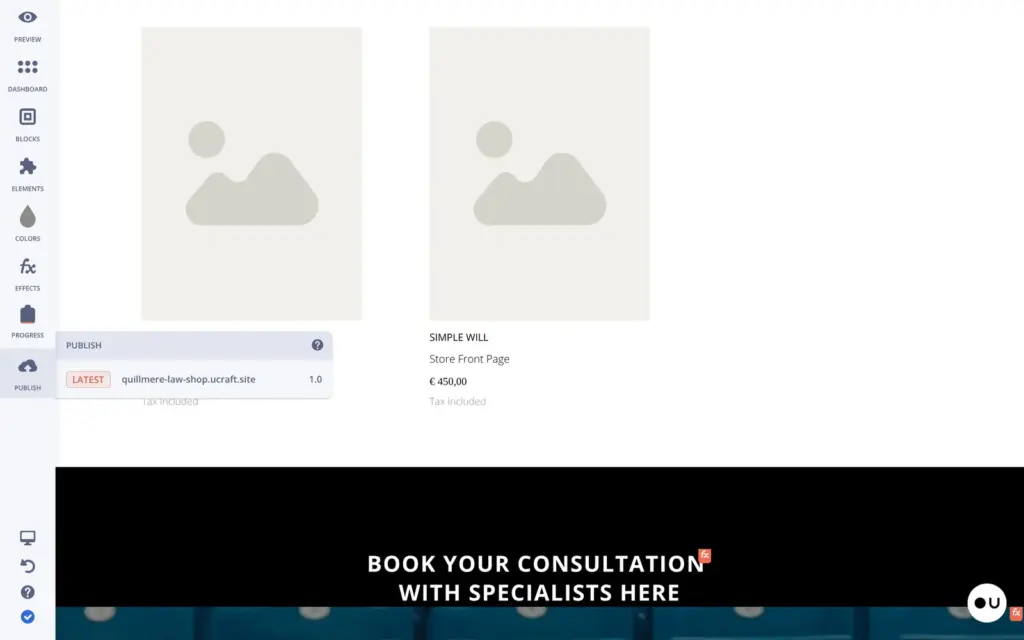
To show the services on the site, you drag the products element onto a page. My first try landed in a black section, so the names and prices were black on black. In a white section it worked. Each product card also shows the name of the shop's default category, "Store Front Page".
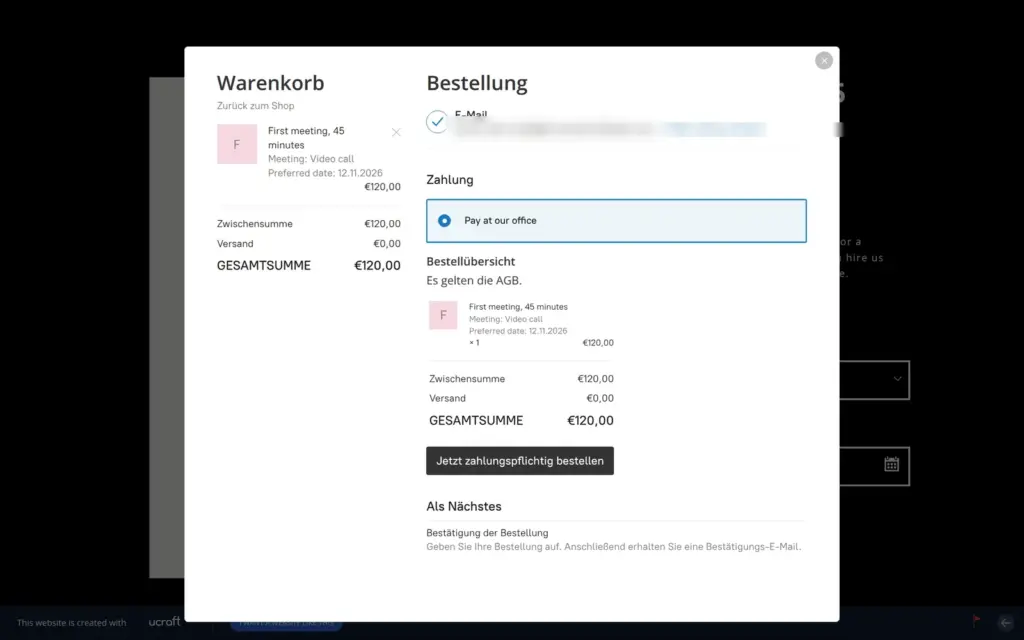
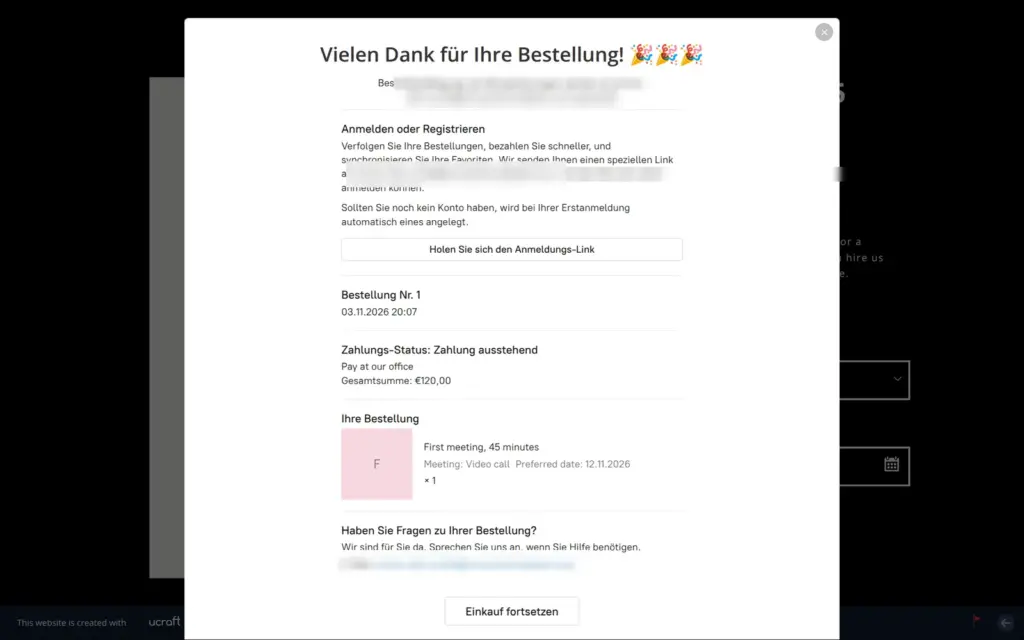
Then I ordered the first meeting on the live site. I typed a date into the date field. The template had labeled the buy button "Schedule now". The cart and checkout opened as a popup. They were in German, although the site is in English. There was no address step, because the service needs no shipping. "Pay at our office" was the only payment method. The order went through as number 1, with the payment still open.
Three emails arrived within half a minute. One told the firm about the new order. The other two were the client's confirmation and a copy of it for the firm. All three were in German. Their footer said "Berlin, Deutschland", although I never entered an address. The shop had set its language to German by itself. You can change it in the shop's settings and add more languages there.
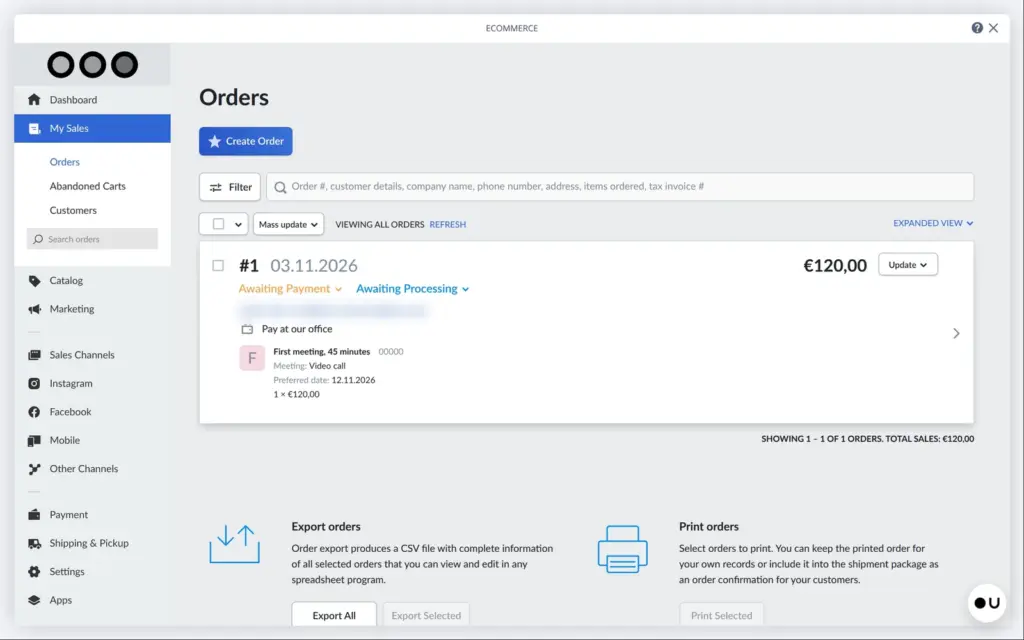
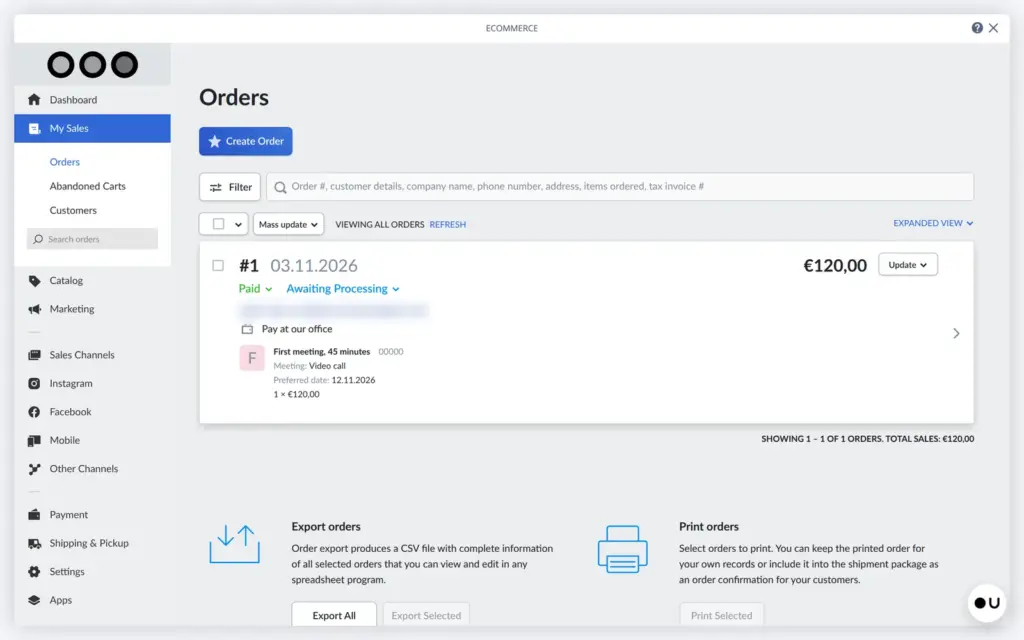
In the panel, the order showed the meeting type and the date. When I marked it as paid, the client got another email, again in German. Orders can be exported as a spreadsheet file or printed.
The shop works for a law firm that sells a first meeting or a will at a fixed fee. Basic Shop allows 15 products, which is plenty for that. Before the first client buys, check the shop's language and region. Connect Stripe or PayPal if clients should pay by card.
Ucraft has no booking calendar. I searched the shop's app market for a booking app and found none. The editor has an element for Calendly, an outside booking service.
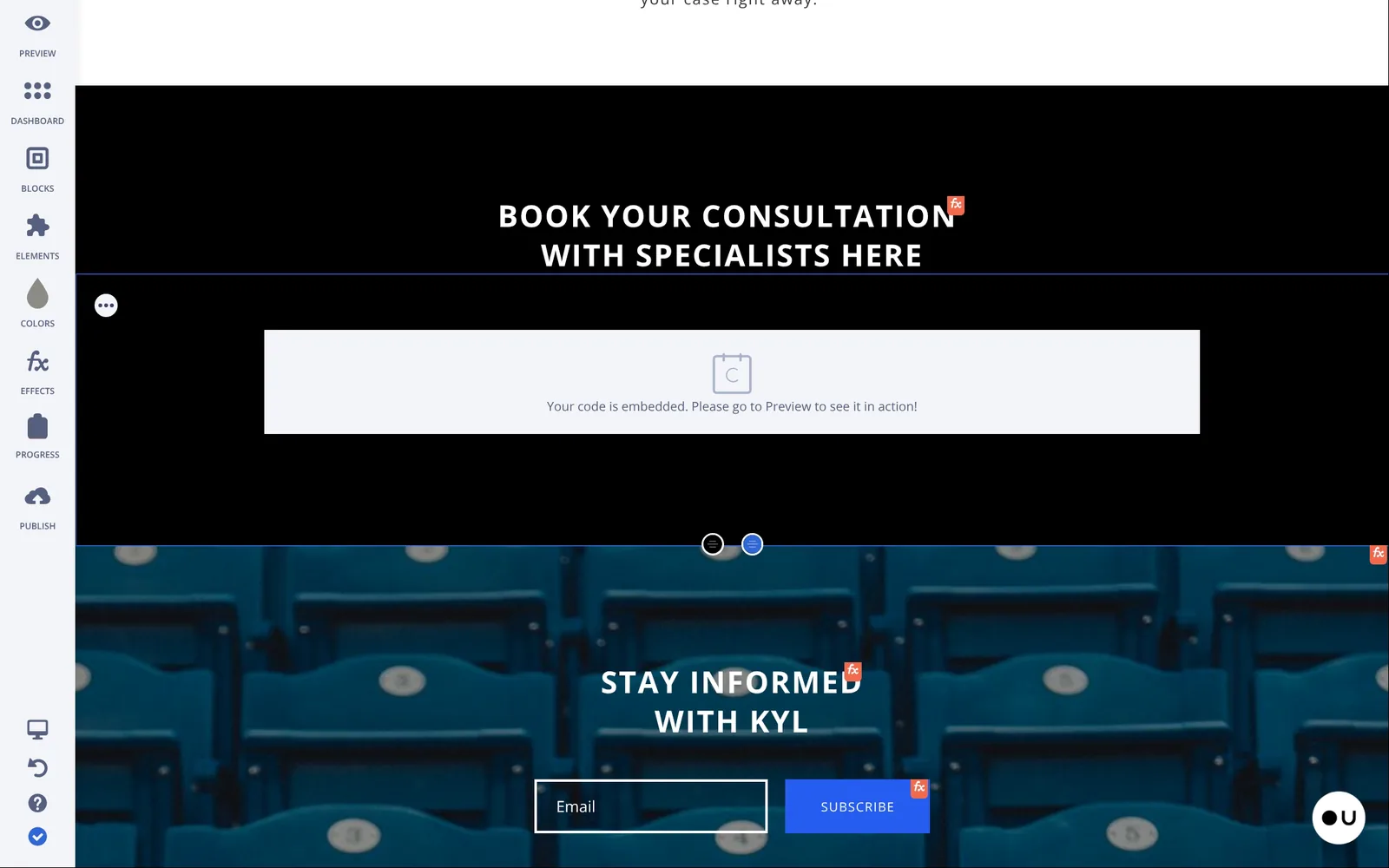
The law template's booking section was a Calendly embed. It was still set to a Calendly account from the template. Embedded code only runs on your own domain, so on the trial address it showed nothing. I put the products there instead.
The date field on a product is the closest thing to a booking. A client can suggest a day, but there is no calendar and no check for free times. You confirm the time yourself after the order.
Other languages are locked on the free plan. On the trial site I added Spanish. The Spanish home page showed the English text, and another Spanish page answered with "page not found". Ucraft does not translate anything for you.
The builder has no AI that builds a site. Ucraft Next is a newer Ucraft product with an AI assistant. Its help center is still online. But the address of Ucraft Next leads back to the classic builder, and its AI builder page is gone.
I checked the prices on November 3, 2026, on the pricing page and in the plan picker inside the editor. Ucraft showed US dollars only. The shop's own prices can be in another currency, in my case euros.
| Plan | Billed yearly | Billed monthly | What you get |
|---|---|---|---|
| Free Website | $0 | $0 | A ucraft.site address with a Ucraft bar. Up to 15 pages, no shop. |
| Essentials | $55a year | $4.99a month | Your own domain and the SEO app, without the Ucraft bar. |
| Website | $6a month, $72 a year | $8a month | Your own domain and other languages. No shop. |
| Basic Shop | $10a month, $120 a year | $13a month | A shop with up to 15 products. Stripe and PayPal. |
| Pro Shop | $21a month, $252 a year | $24a month | Up to 1,000 products and automatic taxes. |
| Unlimited | $69a month, $828 a year | $75a month | Unlimited products and larger digital downloads. |
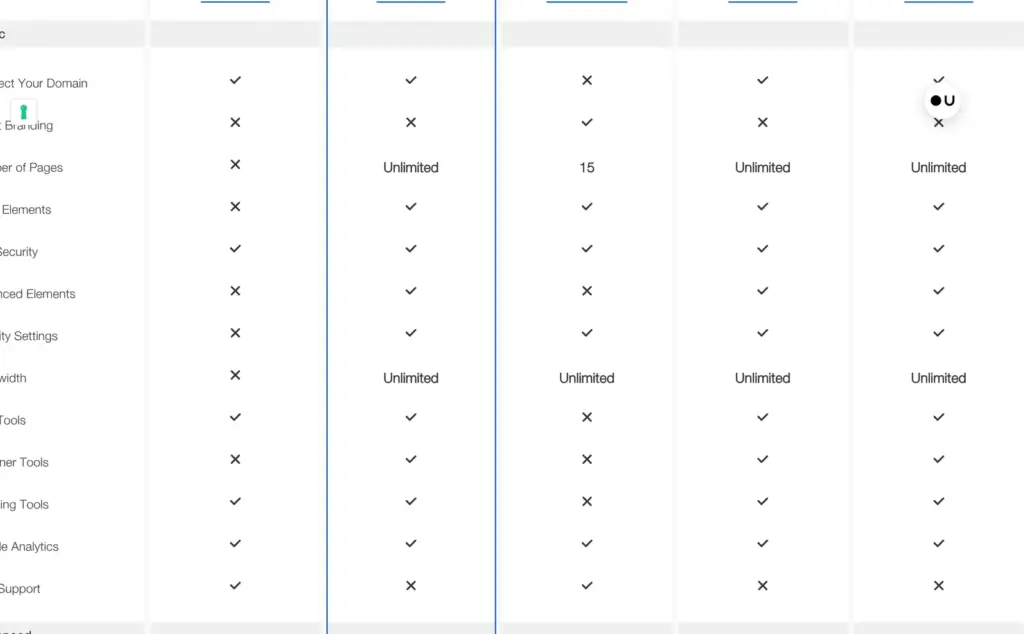
The Essentials plan only shows up in the yellow bar of the free editor and in a short text on the pricing page. It removes the Ucraft bar. With it you can also use the SEO app and connect your own domain. The plan picker in the editor also lists a Personal plan at the same price as Website, with a longer list of features. The public pricing page doesn't mention it. The pricing page's comparison table is cut off on the left at a normal laptop width, and some marks look wrong. It says the free plan has no blog, but the blog worked on my free site.
For the law firm, the Website plan on yearly billing costs $72 a year. To sell a first meeting and a will online, the firm needs Basic Shop at $120 a year. The trial checkout showed no tax line.
You can't move to a cheaper plan. Ucraft's pricing page says the site goes offline if you don't continue the plan you have. Plans renew by themselves, and the site goes offline when a payment fails.
The Domain app can connect a domain you own or sell you a new one. I searched for quillmerelaw with five endings, and each one was "not available". A public lookup the same evening showed that the .com and .info names were still free. So I could not see a price for a new domain.
Ucraft hosts the site, so you need no separate web host. I found no way to download the site itself. The shop can export products and orders as spreadsheet files. If you move to another builder, you take your text and photos with you and rebuild the pages.
Ucraft fits a small business that wants a simple site with its own domain for a few dollars a month. A law firm can also sell a first meeting or a will through the shop, and my test order went through.
It fits less well if you want to start for free. The free plan hides the contact form and blocks search engines. It also fits less well if clients should book times in a calendar, or if you want to set colors and fonts once for the whole site.
If you plan to pay anyway, start the free trial and build your site there. The trial has the full template list. Then open every page on a phone before you pay.
 What I'm building
Give Vroni a GitHub issue, bug report, spec, or rough idea. It reads the repo, plans the change, writes code, runs checks, and works toward a review-ready pull request.
Take a look at vroni.com