
Ucraft review
Ucraft is a website builder with a free plan and an online shop on its paid plans. If you are thinking about…
WebStarts is a website builder with a free plan. You drag text and photos onto a page wherever you like, and WebStarts hosts the site. If you're thinking about it for a club or a small business, you probably want to know what you get for free and what you'd have to pay for.
To find out, I built a four-page website for a made-up youth soccer club on the free plan. It started as a free baseball template and ended up with a calendar of training days and a contact form for new players. I tested the form on the published site and fixed the phone version. I also tried to sell online and let WebStarts' AI build the same club site a second time.
The club site came together, but the template needed a lot of manual fixing, and the free plan is more limited than it first looks. The contact form sends you an email when someone writes, but you can't read the message without paying. The store and the blog are locked. The AI built a site in about 40 seconds, with made-up customer reviews and a shop full of skin creams.
WebStarts suits you if you want a simple site with a few pages and like to place things freely on the page. You also need to be fine with paying once you want your own domain or want to read what visitors send through your form.
Look elsewhere if you want to sell online or take bookings without a big monthly bill, or if you want a free plan that works for a business. The store has its own plans from $30 a month, and bookings need the Business plan.
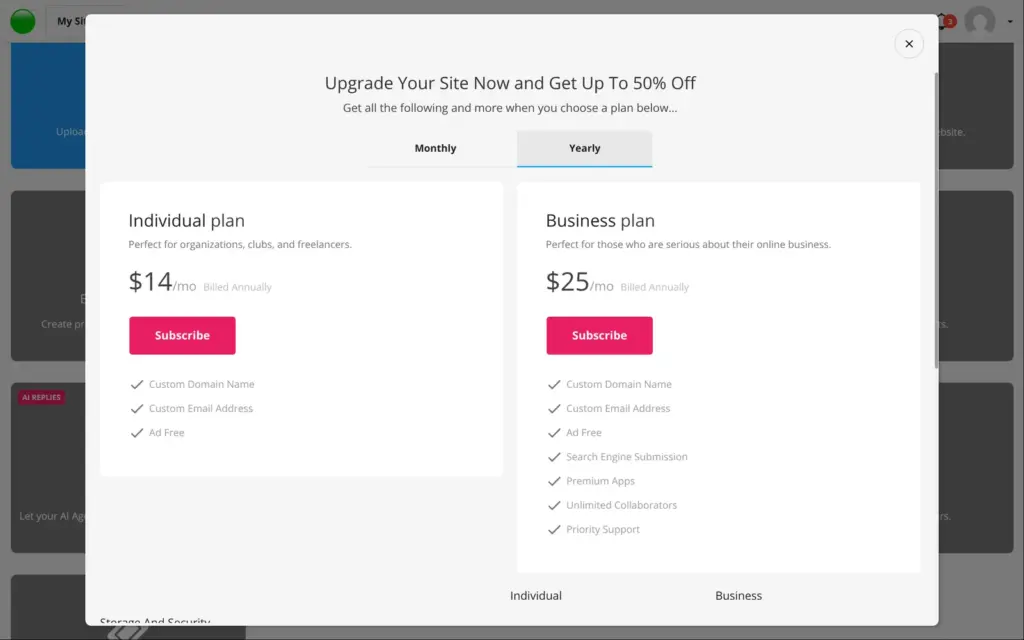
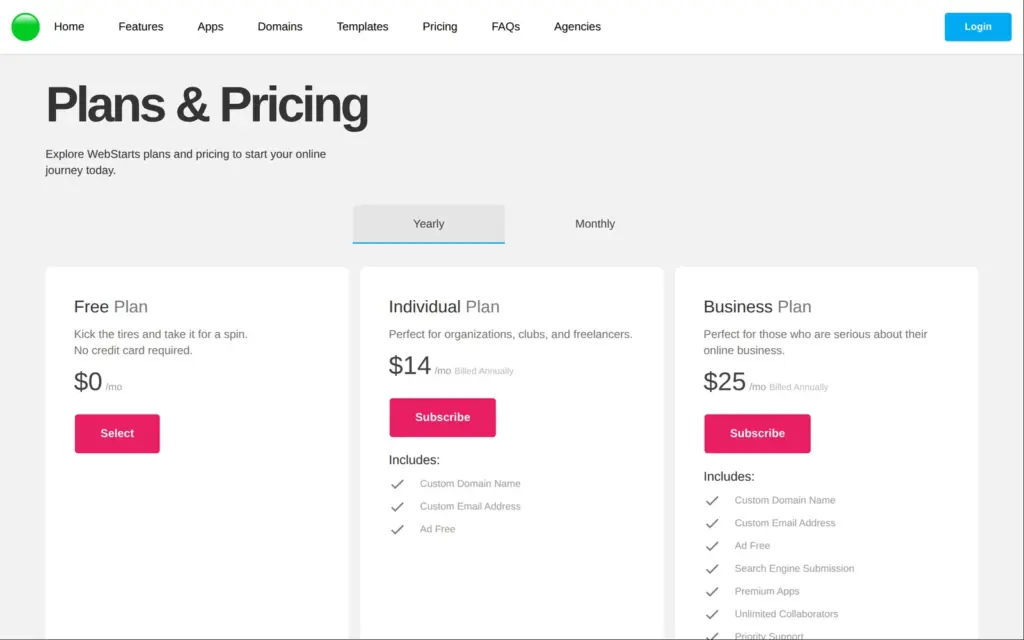
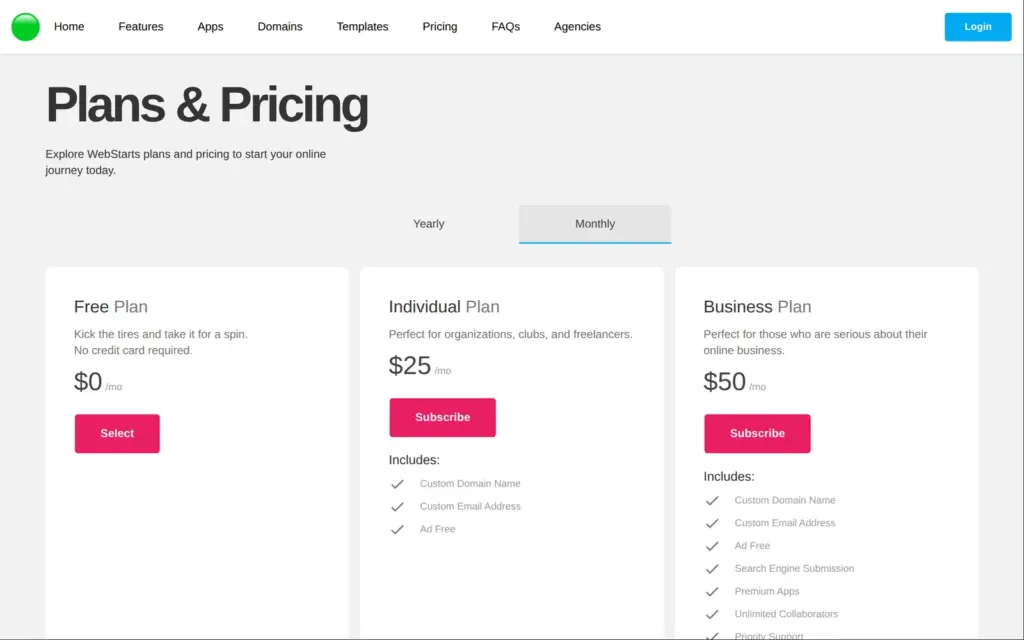
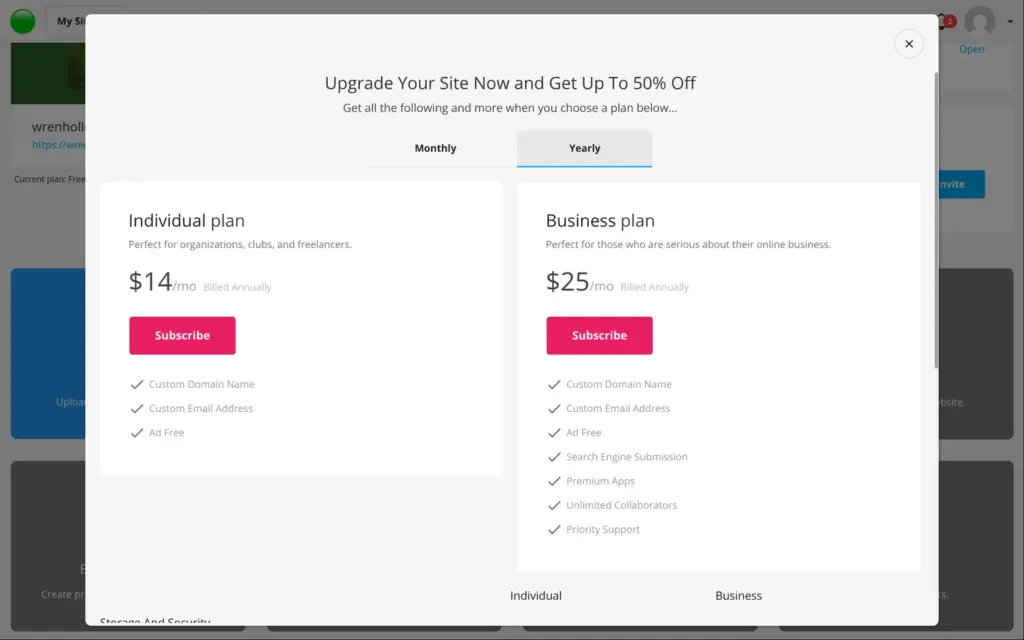
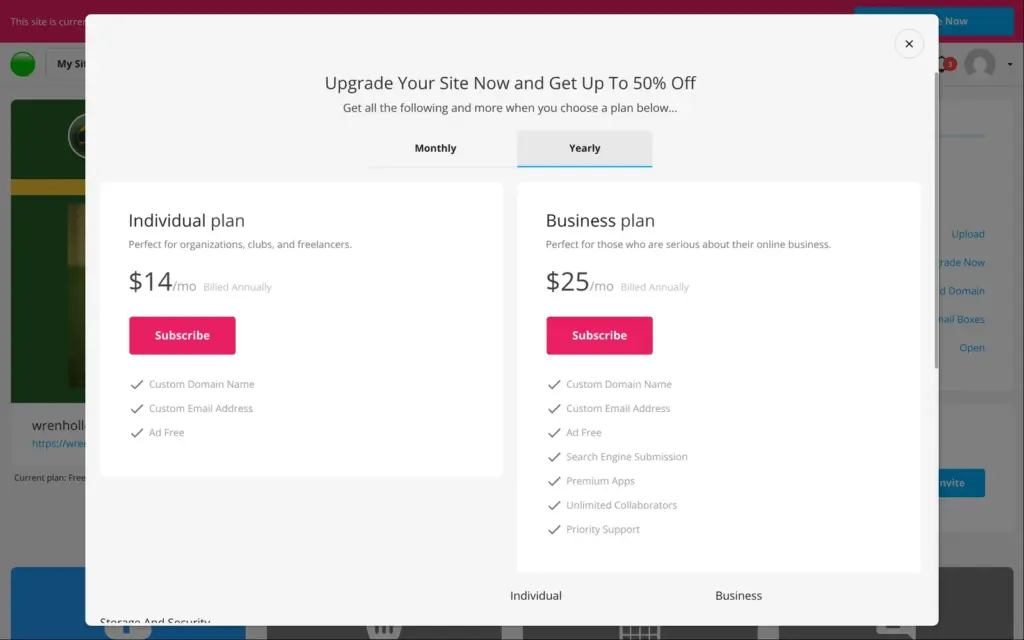
Price: the free plan shows a WebStarts ad on every page and uses a yourwebsitespace.com address. Individual costs $14 a month on yearly billing and $25 on monthly billing. Business costs $25 a month on yearly billing and $50 on monthly billing. I tested WebStarts and checked these prices on November 3, 2026. The prices are in US dollars.
Selling online: the store is locked on the free plan and has its own plans for $30 to $80 a month. A PayPal payment field in a form did send visitors to PayPal on the free plan.
Not tested: anything that needs a paid plan, like the store and bookings. WebStarts did not pay for this review, and there are no affiliate links.
What I liked:
What bothered me:
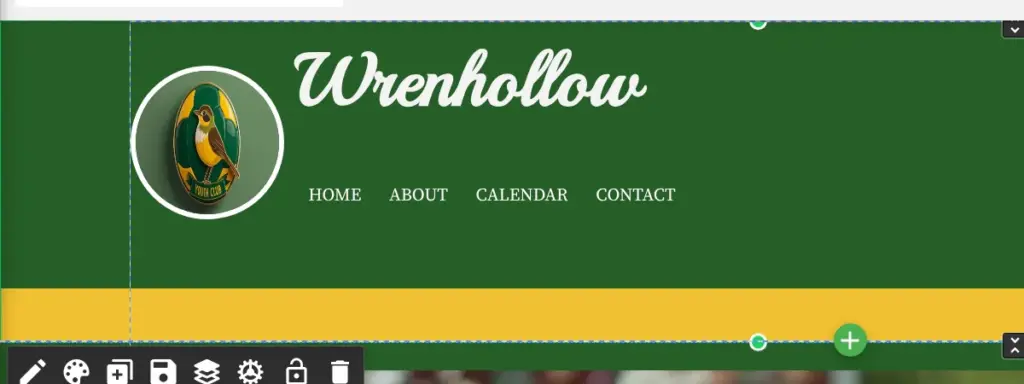
Wrenhollow Youth Soccer Club is a made-up club, and its home page says so. It keeps the four pages of Sluggers, one of WebStarts' free sports templates. I replaced the baseball photos and texts, and the club badge comes from WebStarts' AI image tool.
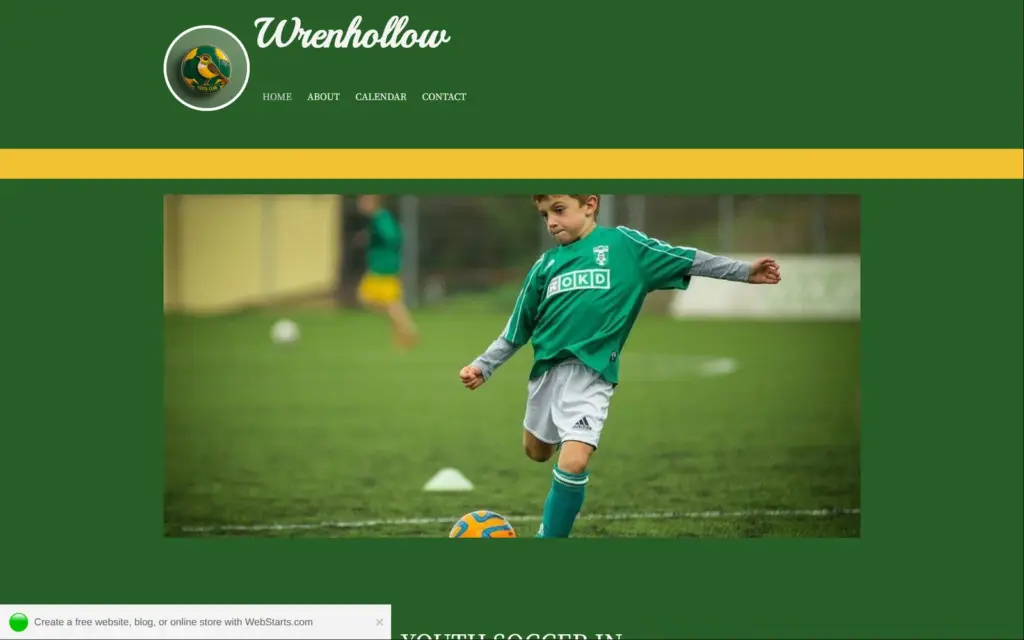
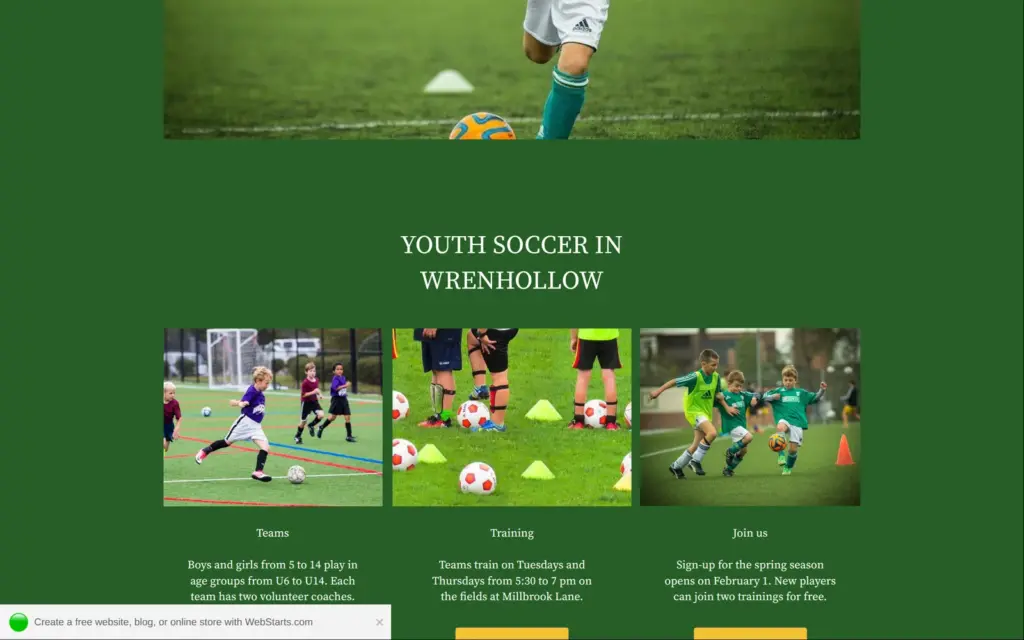
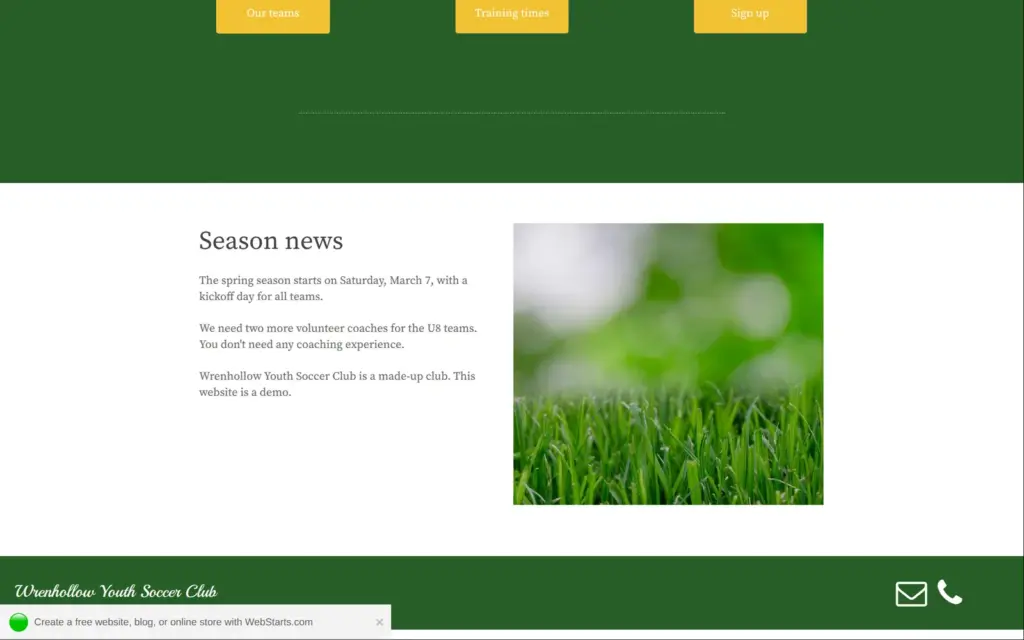
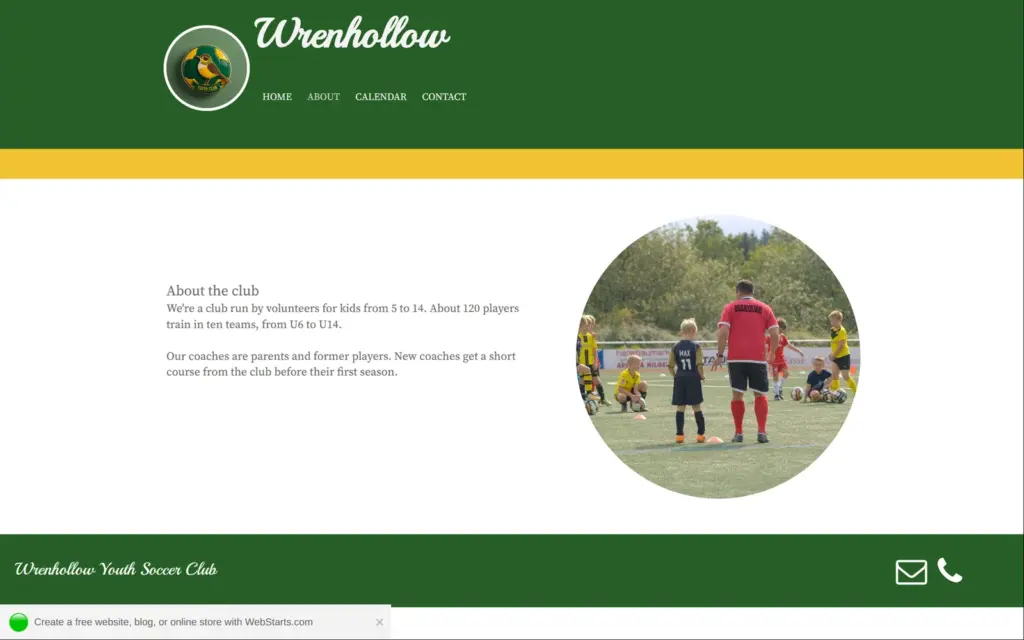
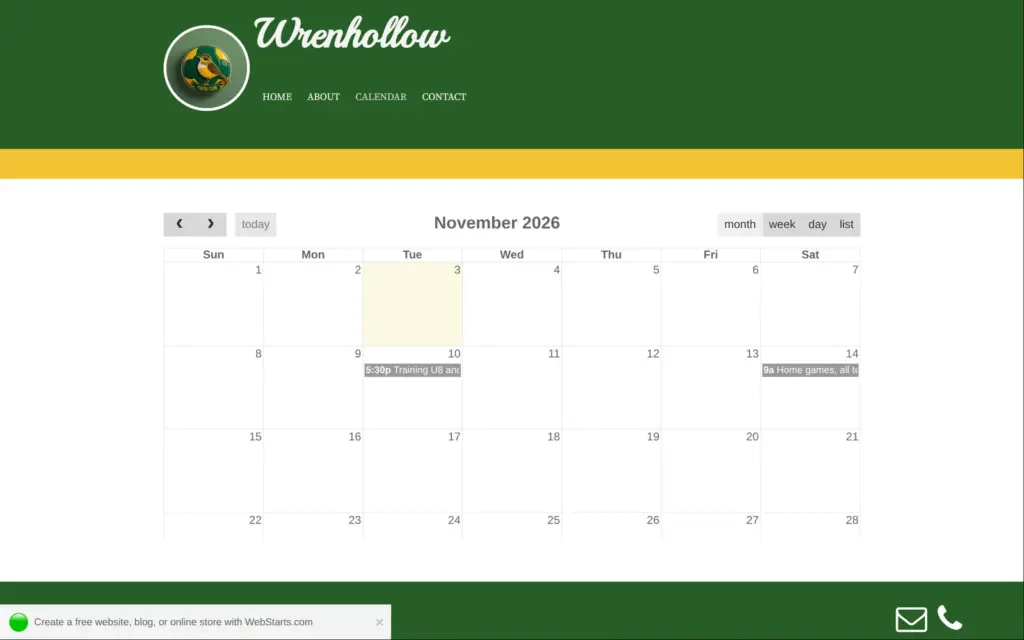
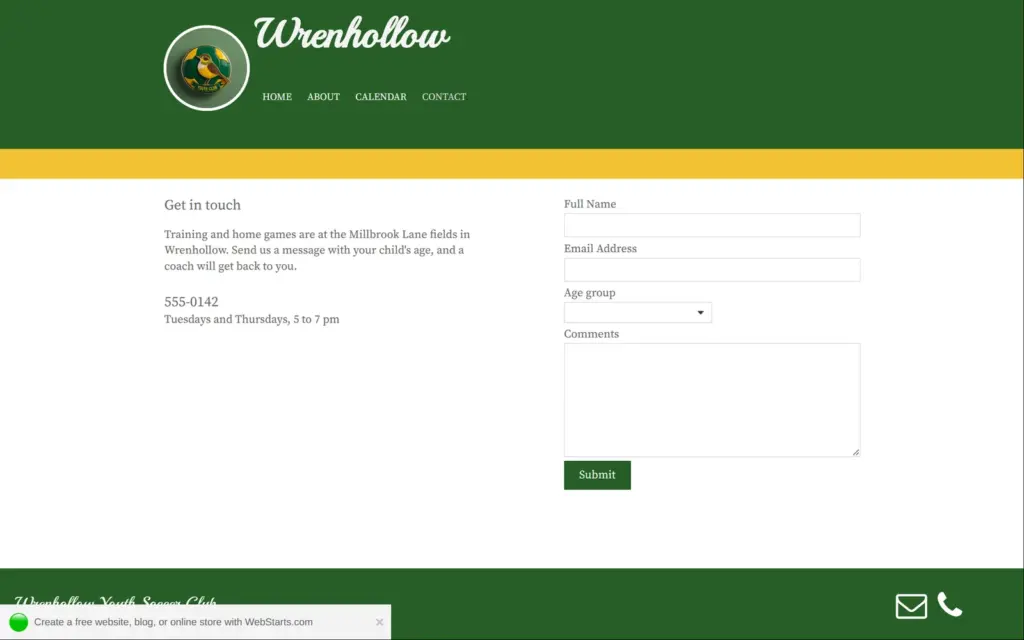
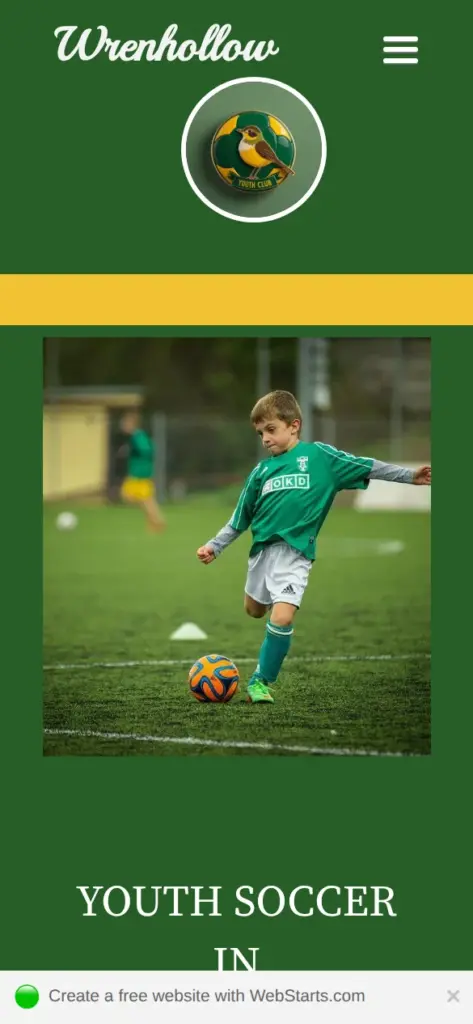
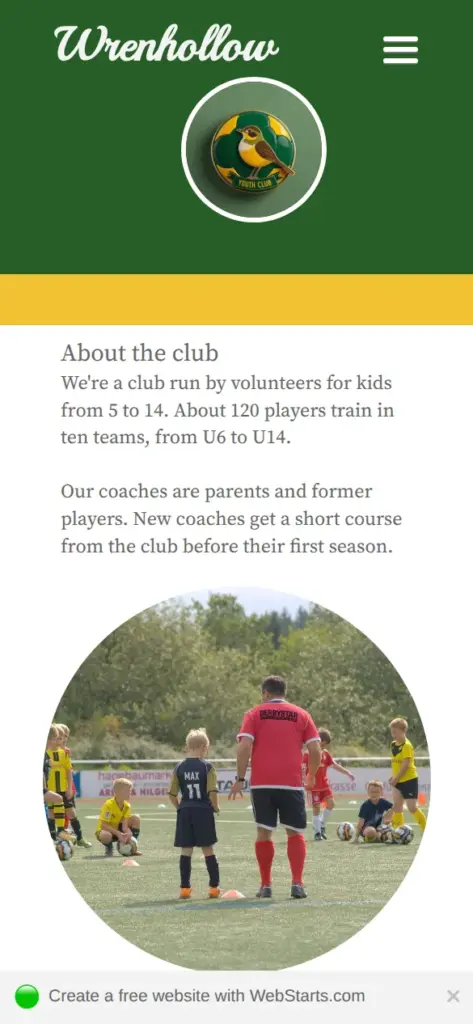
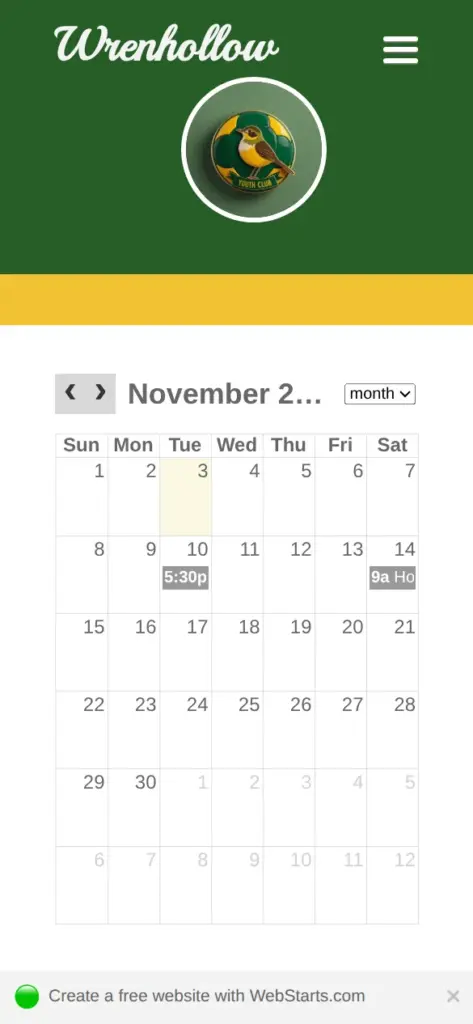
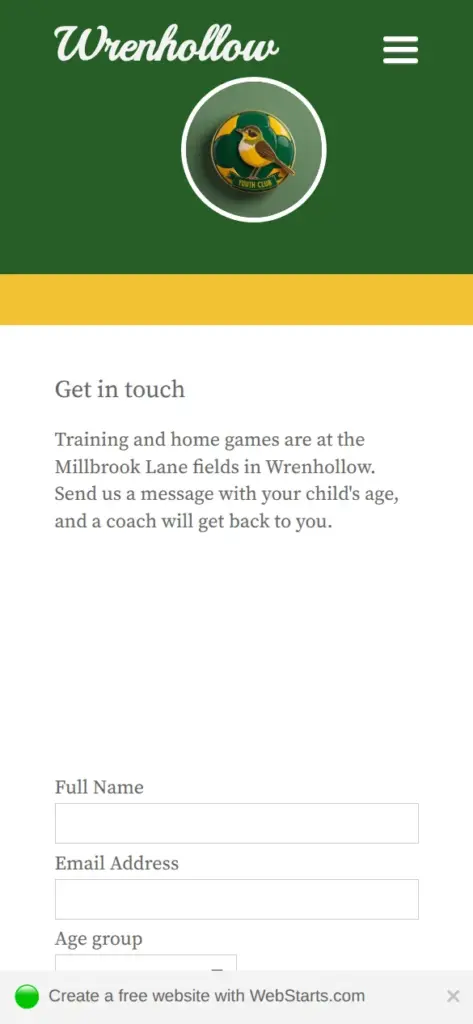
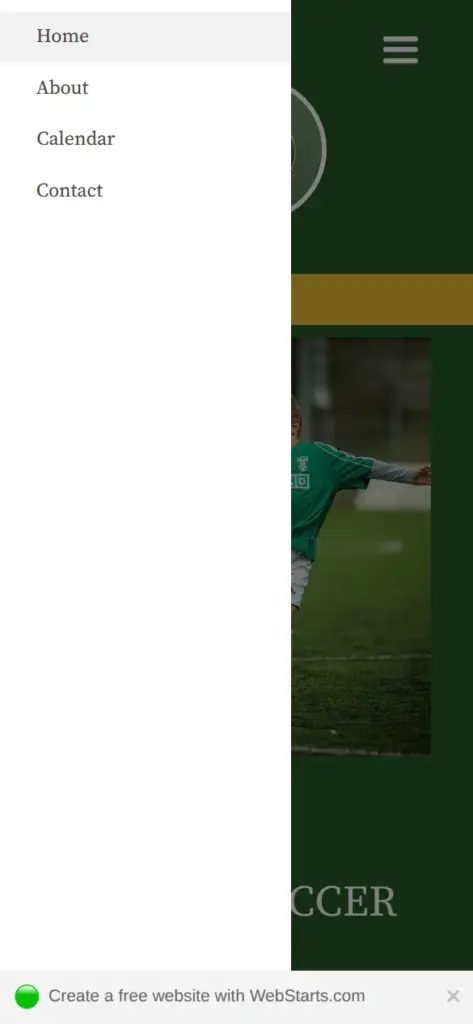
Open the club site. It's a demo, so please don't send personal information through its form.
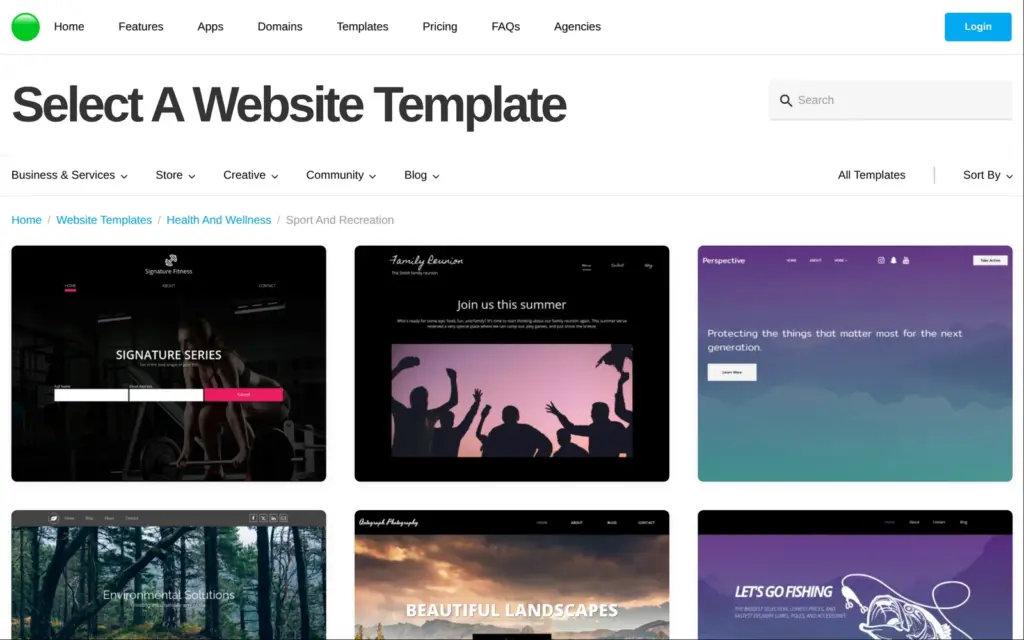
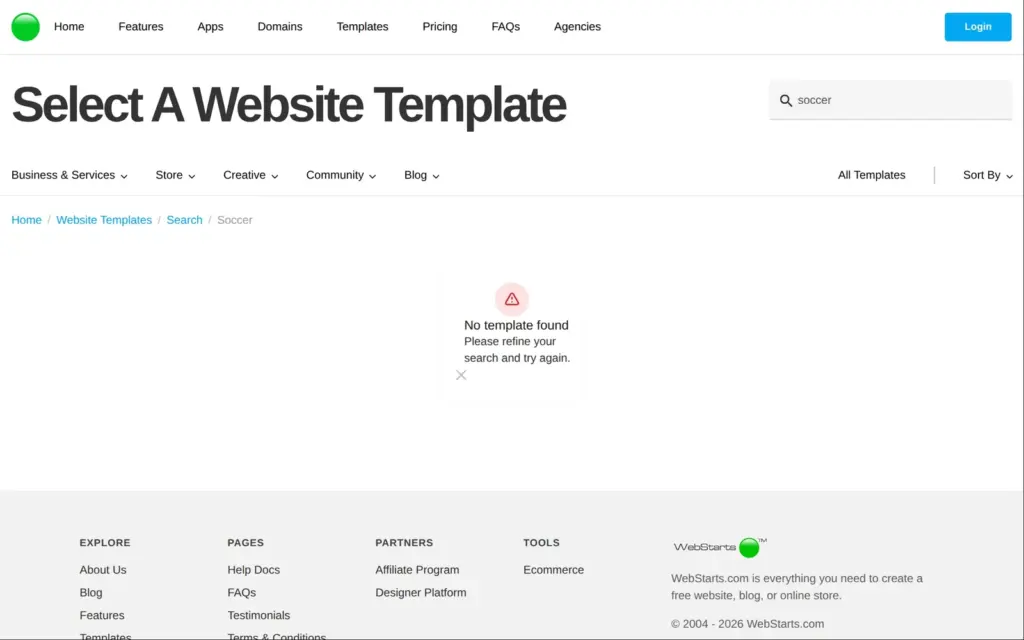
The "Sign Up - It's Free" button on the home page doesn't open a form. It opens the template gallery first. The templates are sorted into categories, and there is a search box.
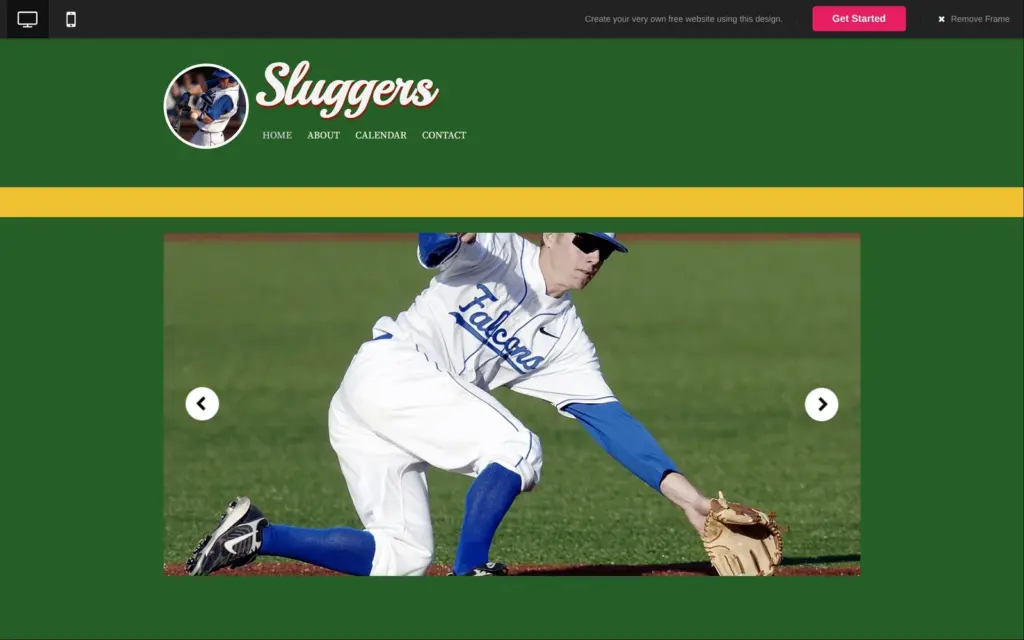
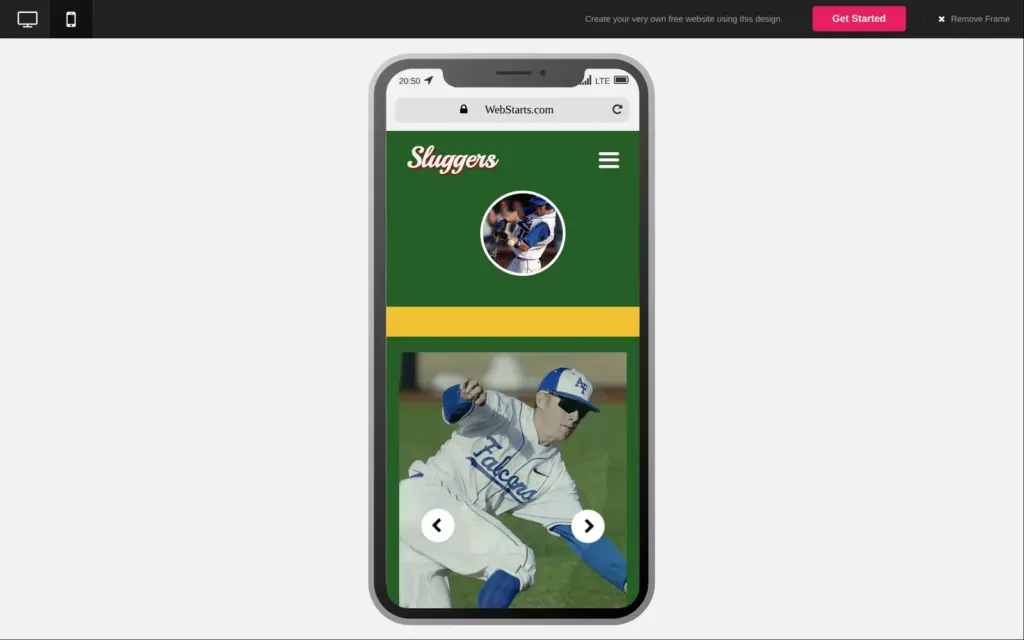
There is no soccer template. A search for "soccer" found nothing, and "sports" found five templates. The sports category has 13, and a baseball one is the only template for a team sport. I picked it. It's called Sluggers, and it has a calendar page. The design looks a bit dated, but its four pages are what a club needs. The preview shows the template on a computer and on a phone, and the phone version has its own layout with a menu button.
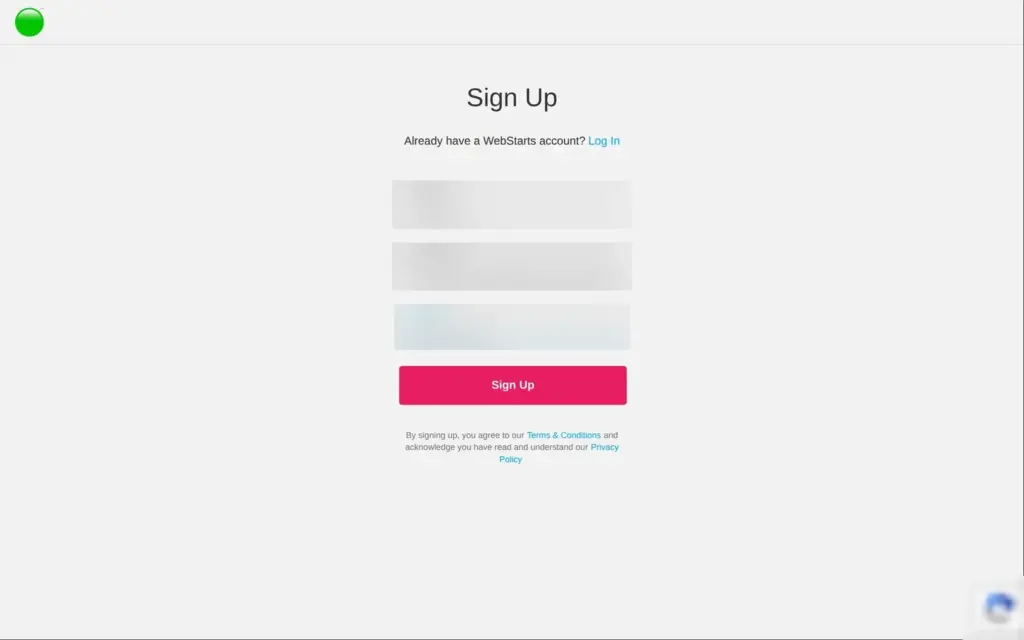
The sign-up form only has three fields, and it doesn't ask for a card or a phone number. A few seconds later the dashboard opened with a welcome video and a checklist, and my site was already online at a random address on yourwebsitespace.com.
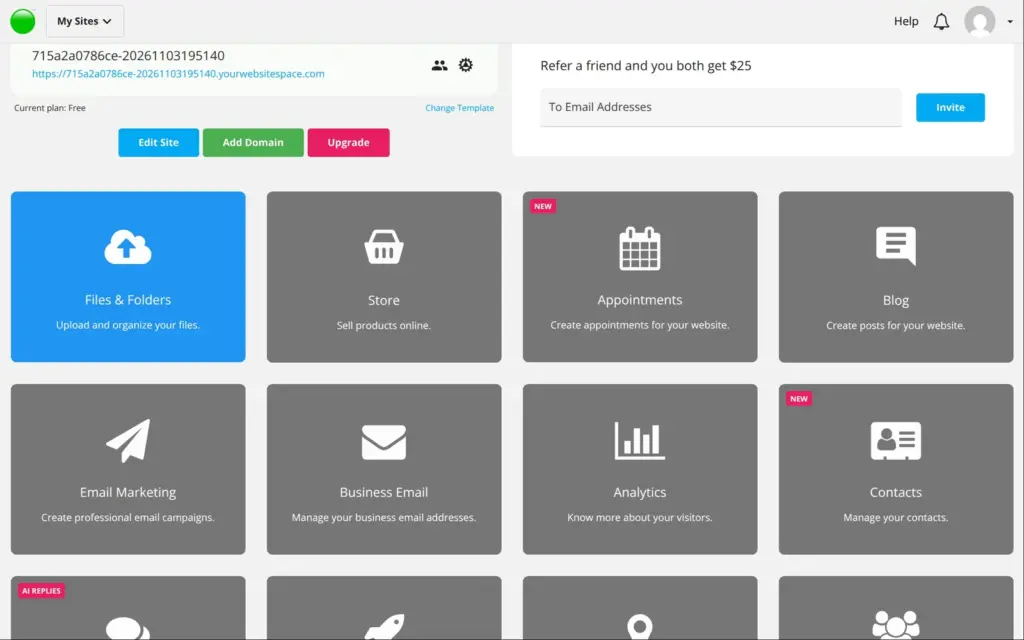
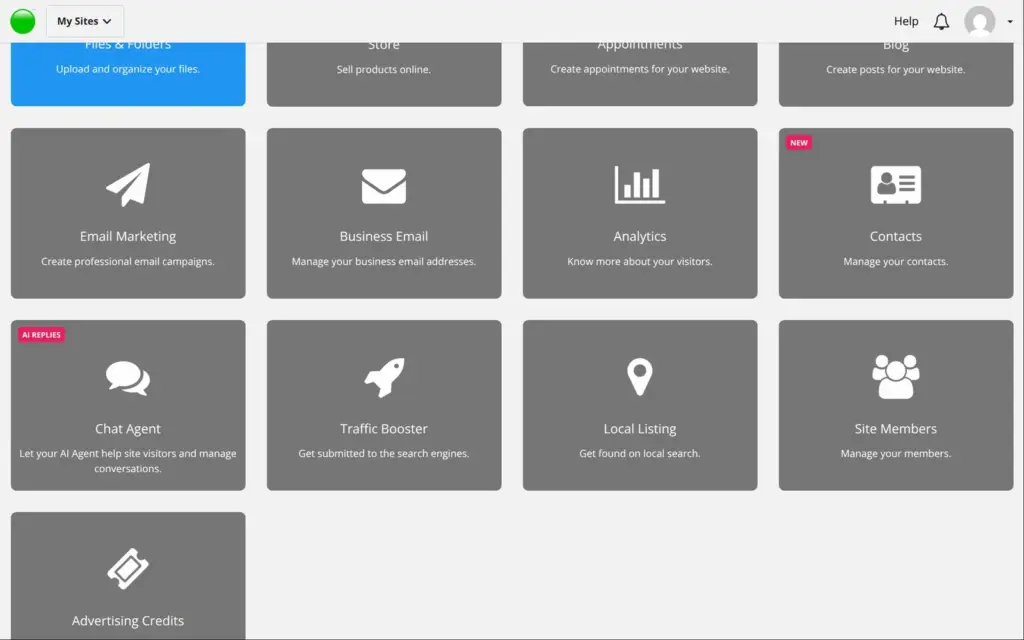
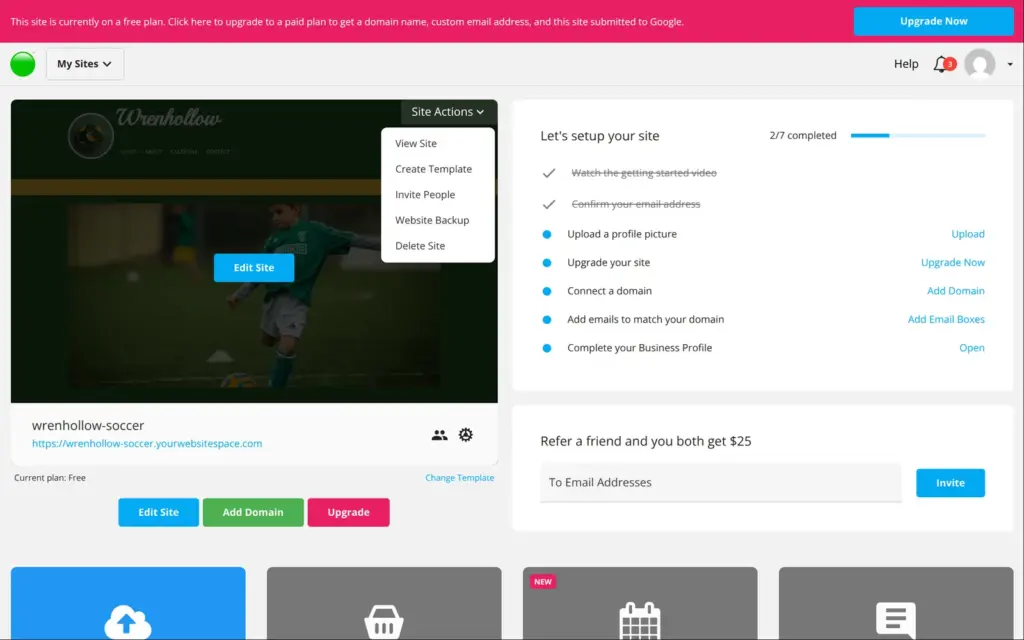
Below the site, the dashboard lists 13 apps, including a store and a blog. On the free plan, all of them are gray except "Files & Folders".
In the editor, elements sit at fixed positions, and you drag them wherever you want. Text is edited by double-clicking it.
The club name was the first problem. "Wrenhollow" is longer than "Sluggers", so the name wrapped onto two lines, and a red "Sluggers" showed up behind it. The template fakes a shadow with a second text box behind the first. When the name grew, the boxes below it moved down, and they didn't move back when I fixed the name. I reloaded the editor to start over, and all my unsaved changes were gone. WebStarts doesn't save in the background.
On the second try I deleted the red copy first and made the font smaller before typing the new name. That worked.
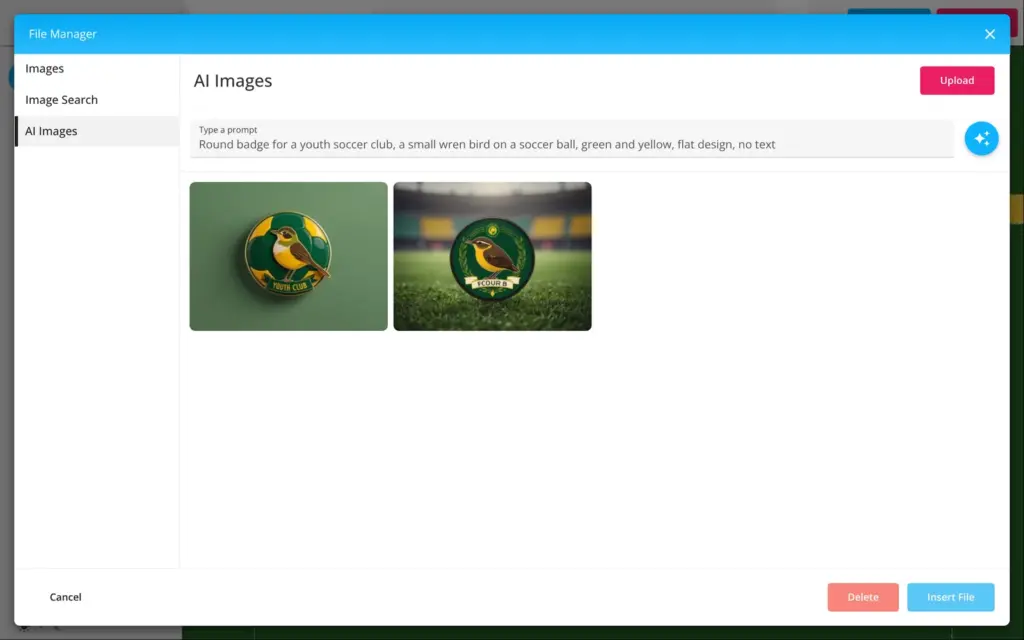
For the badge, I used the AI button on the round photo. It opens WebStarts' AI image generator. I asked for a round badge with a wren on a soccer ball in green and yellow, with no text. After about half a minute I got two images. Both had text on them, "YOUTH CLUB" on one and a made-up word on the other, and neither showed a soccer ball. I took the first one.
The badge then looked squeezed, like an egg. WebStarts had used the shape of the old photo. Changing the image scaling didn't help. After I saved and opened the editor again, the badge was round, in the editor and on the live site.
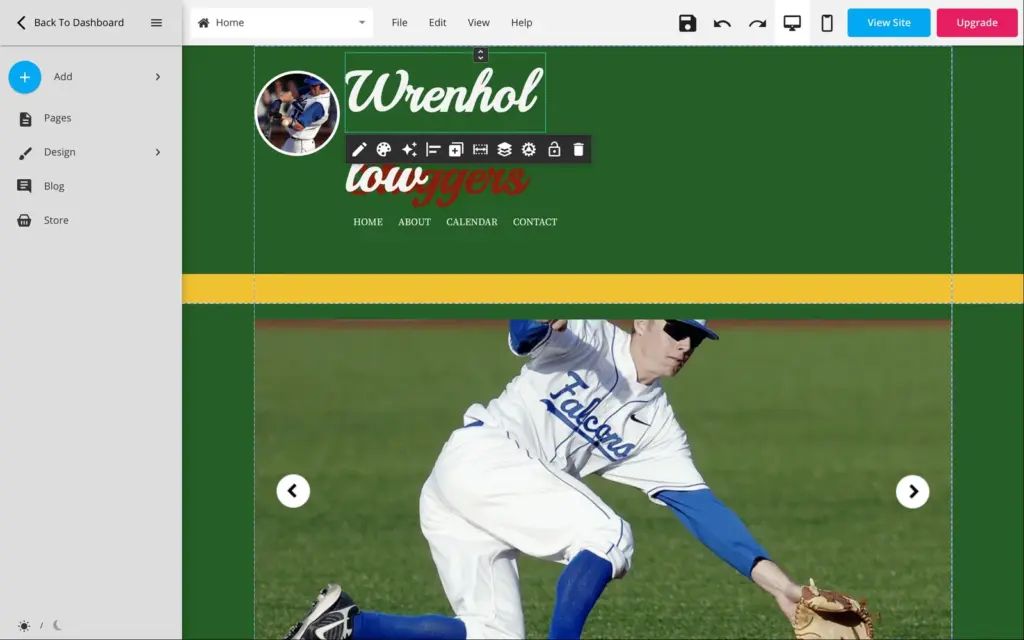
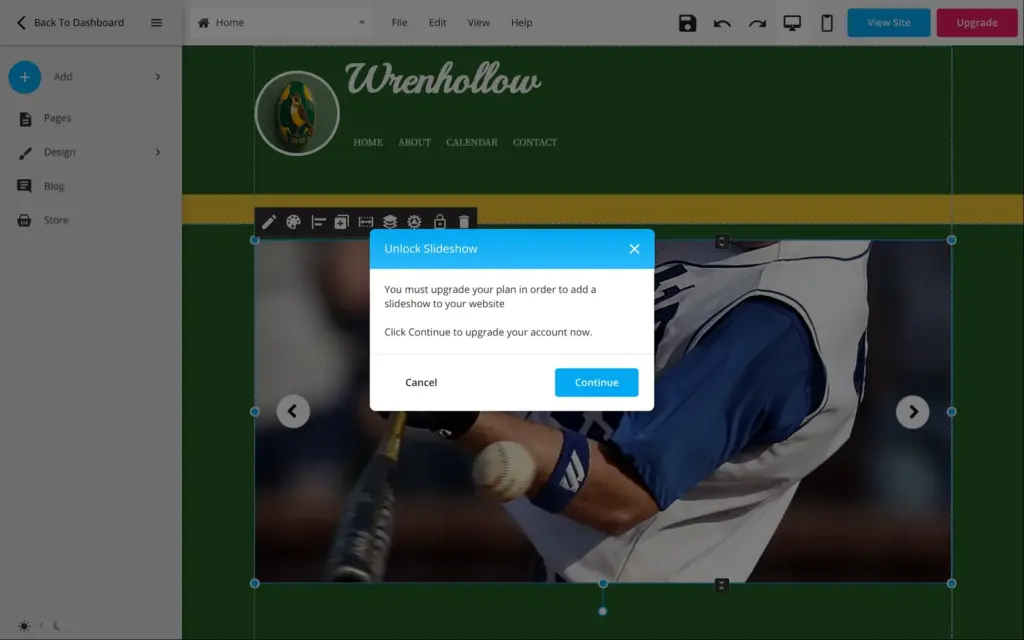
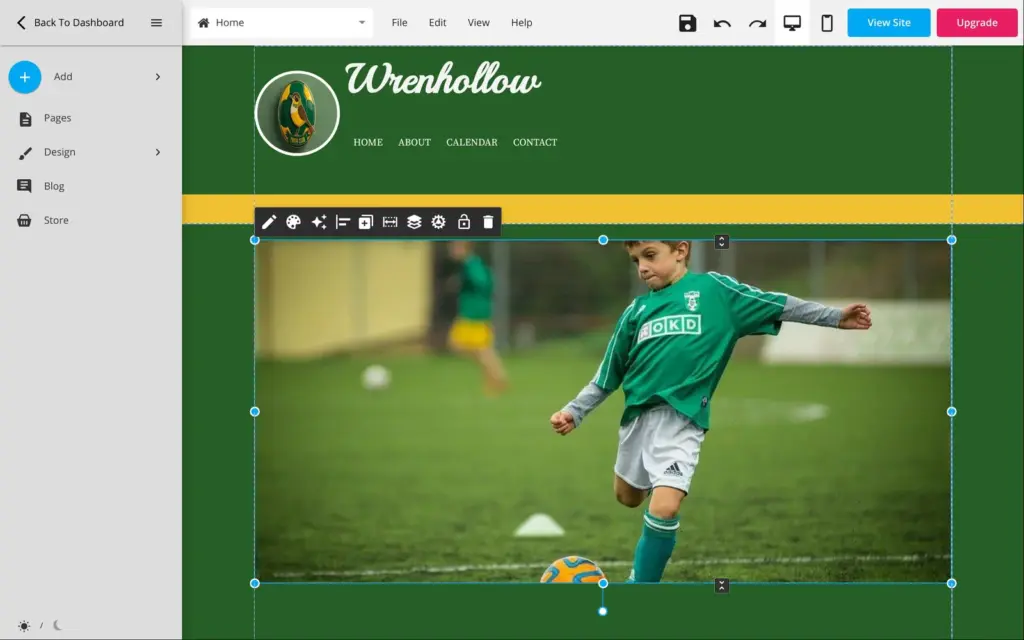
The template opens with a slideshow of baseball photos. Changing it needs a paid plan. The editor says "You must upgrade your plan in order to add a slideshow to your website." On the free plan I could only delete it, so I put a single photo in its place.
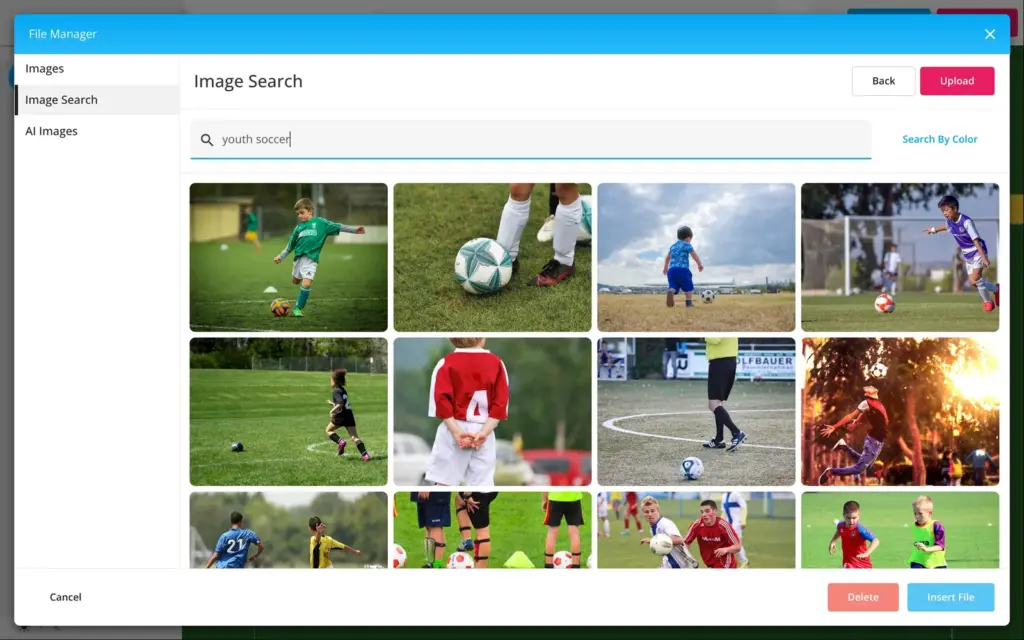
The image picker has a search for free stock photos. "Youth soccer" and "kids soccer team" found plenty of good photos, and the green shirts matched the club colors. Each image has a field for a short description for screen readers. To make the new photo as big as the old slideshow, I typed its width and height into the image settings.
Saving takes a few seconds, and it publishes the site at the same time.
I wrote most texts myself. The home page got a new headline and short texts about the club. The news box has the season start and a call for volunteer coaches. Even the shorter headline "YOUTH SOCCER IN WRENHOLLOW" didn't fit on one line, so it wraps to two.
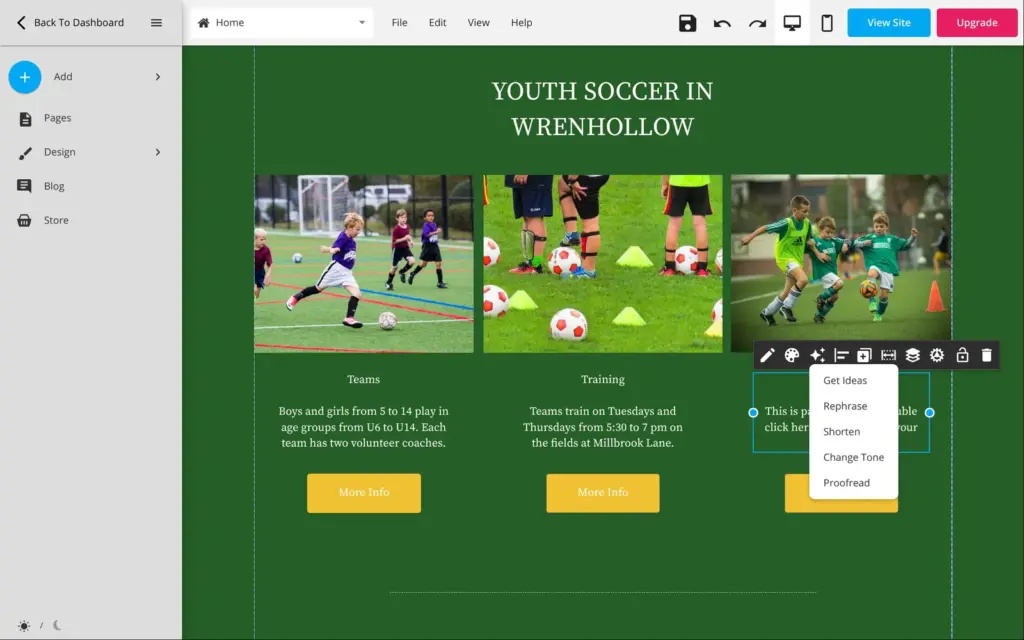
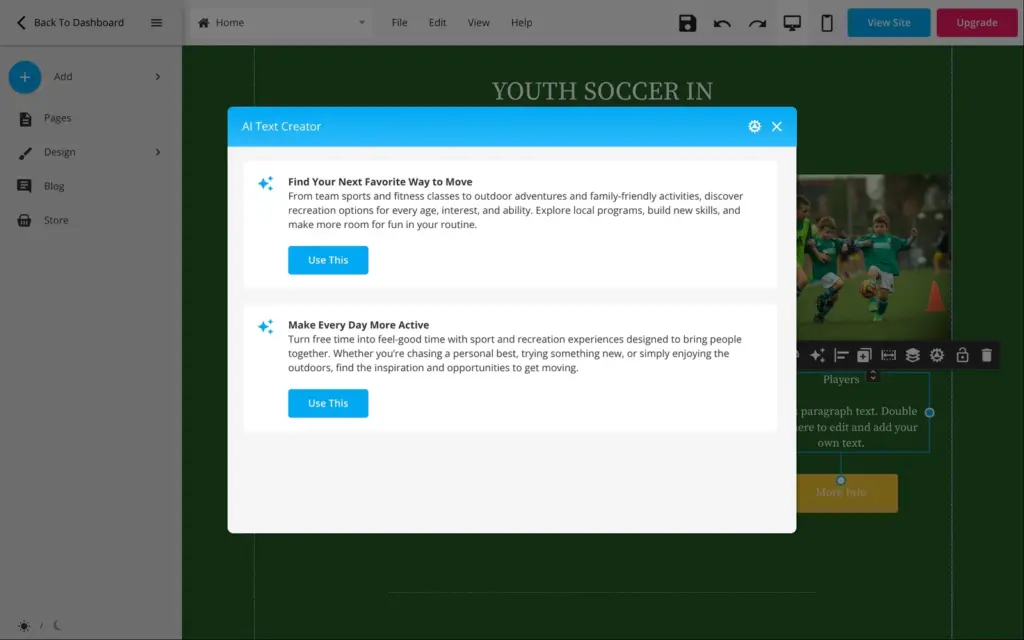
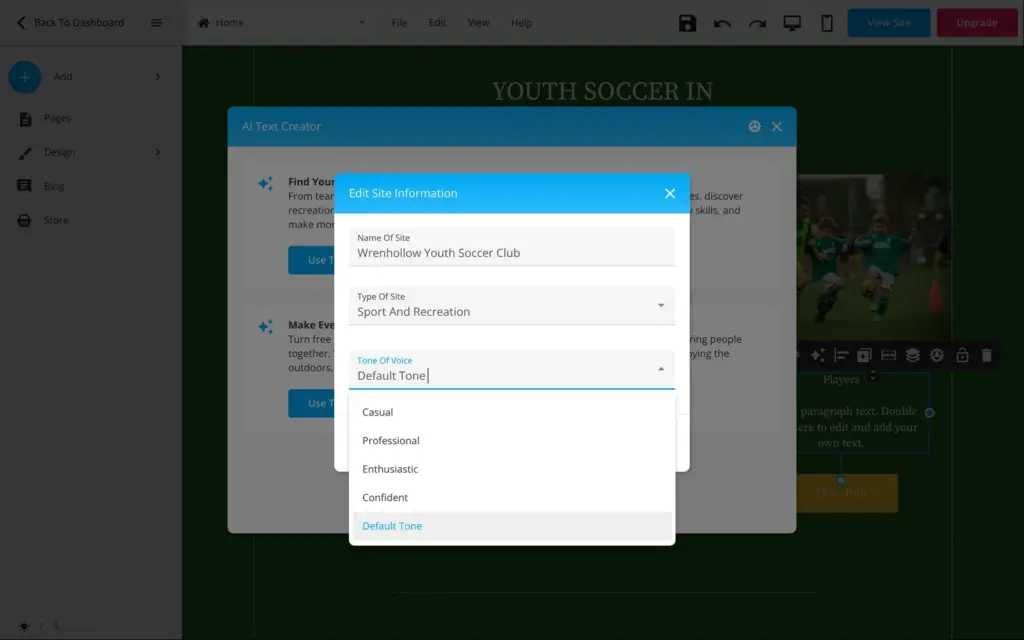
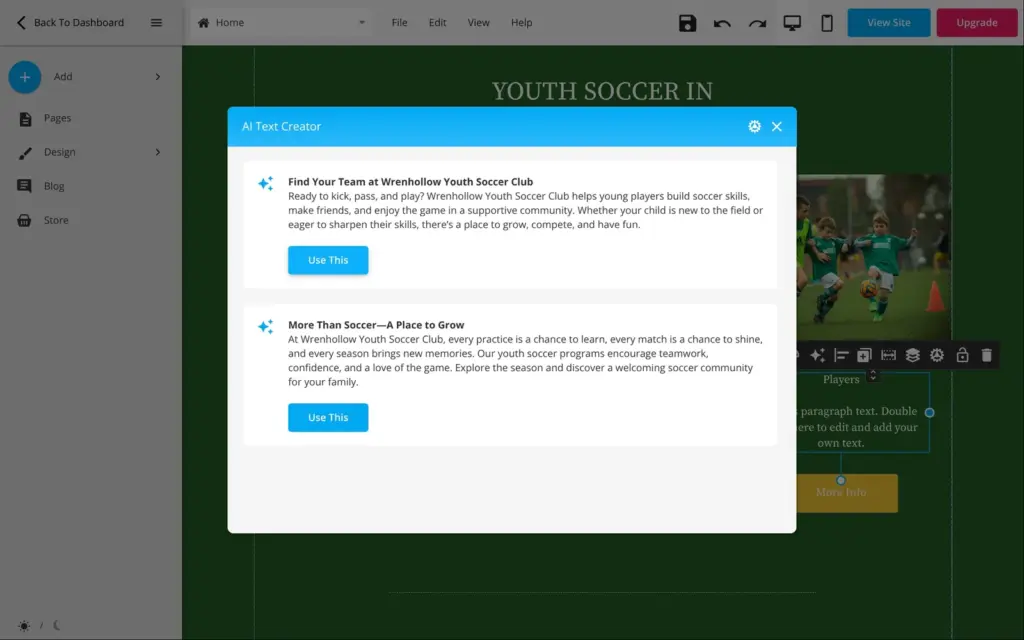
For one column I tried WebStarts' AI text tool. Selected text gets an AI button with five options. "Get ideas" first gave me two general texts about sports and recreation, with nothing about soccer or the club. The AI only knew the type of site. In its settings I added the club's name and picked a casual tone. The next ideas were about the club, but they read like an advert ("Ready to kick, pass, and play?").
"Use This" then replaced the whole column. It put the headline in the site's biggest heading style and added it twice, so the column grew to over a thousand pixels. I undid it and wrote the text myself.
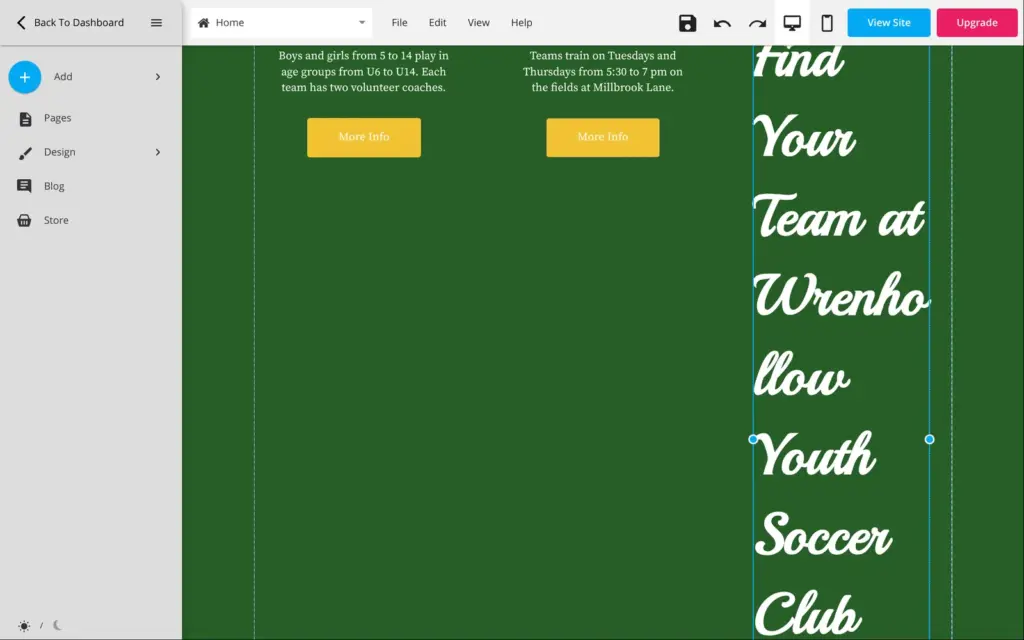
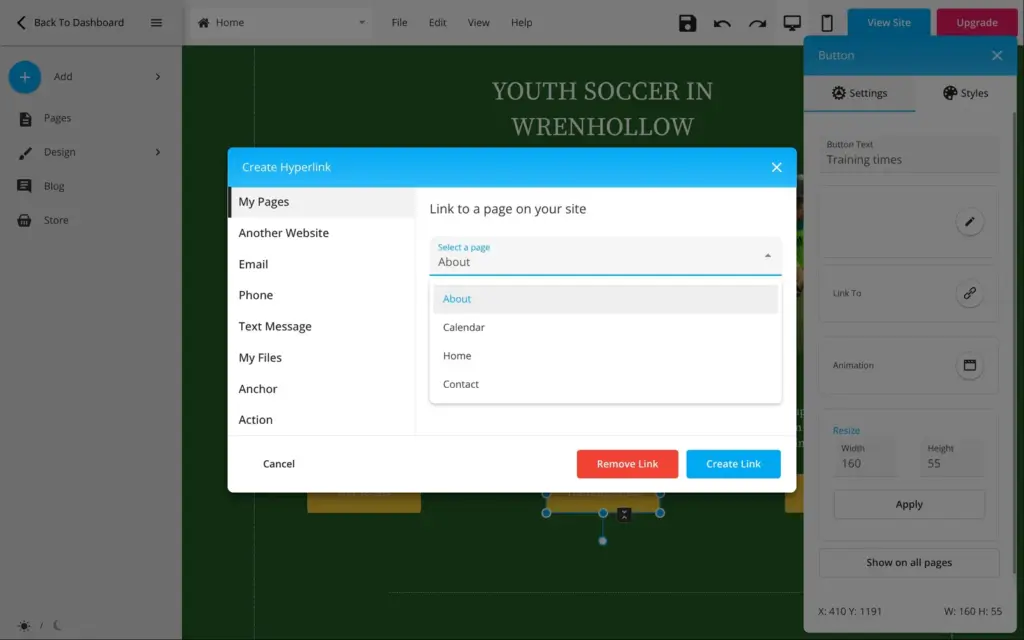
All three "More Info" buttons of the template linked to the about page. I gave each one its own label and page.
In the footer, the club name was the next leftover. It said "Sluggers" twice. Narrow text boxes in the header and footer have no side handles, so I typed the new width into the settings.
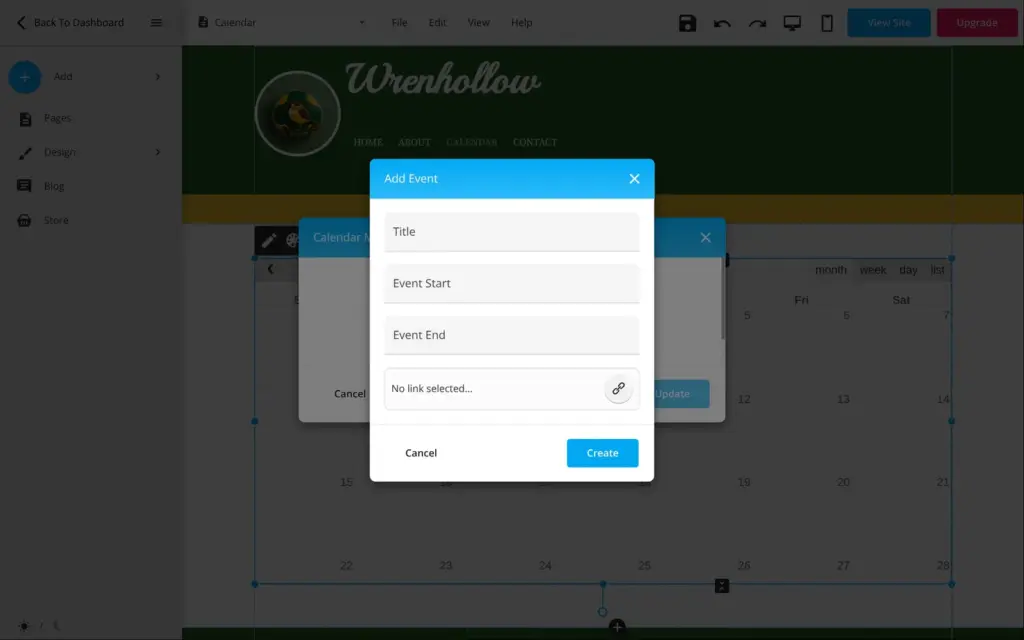
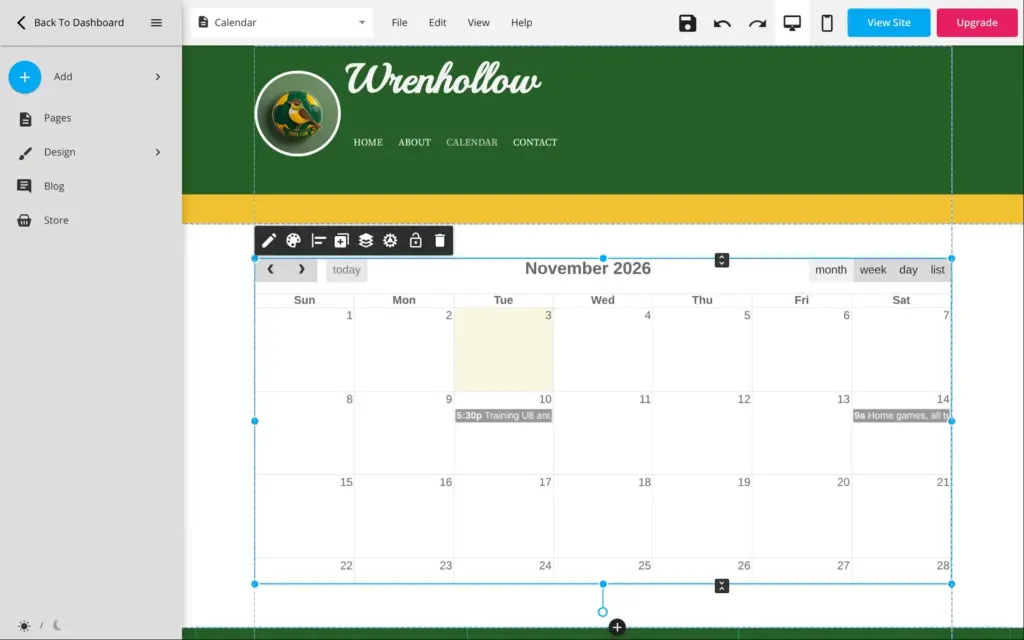
The template's calendar page holds a month calendar, which visitors can also switch to a week or a list view. Each event gets a title and a start and end time.
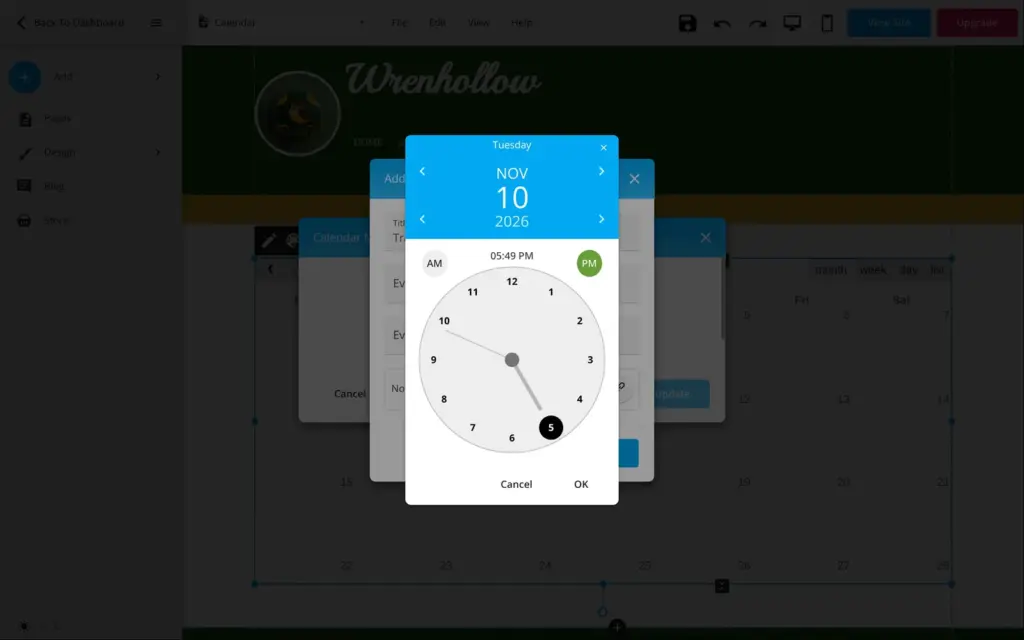
Setting a time is slow. You pick the date first. Then you set the hour and the minutes on two separate clocks, each with its own OK button. There's no option to repeat an event, so weekly training would mean one event per date. I added one training and one home game day. In the month view, the event names are cut off after a few letters.
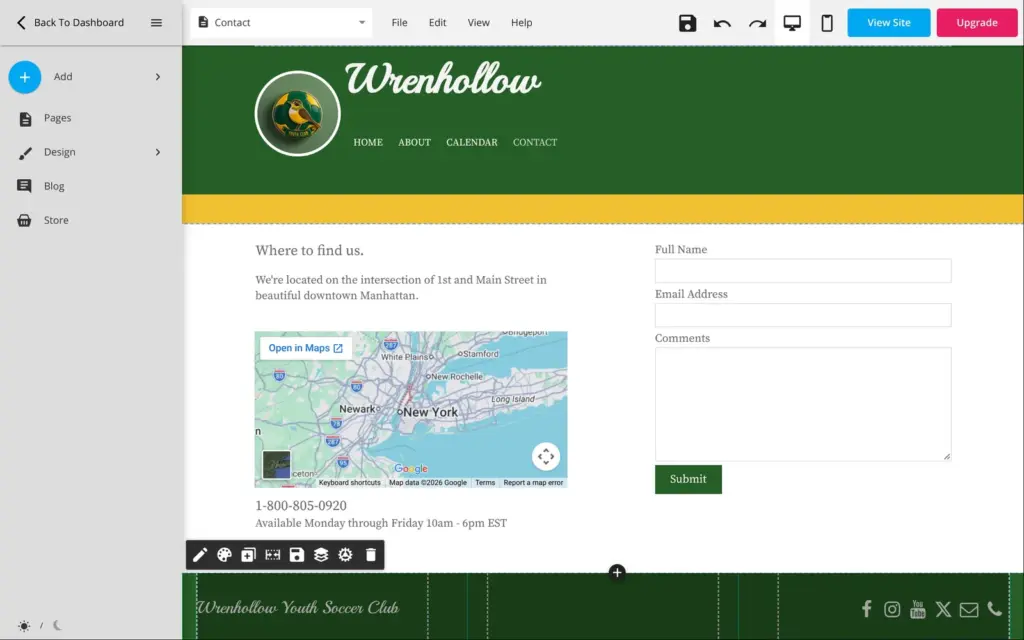
The contact page still had the template's address in Manhattan, with a Google map of New York. I deleted the map and put in placeholder details.
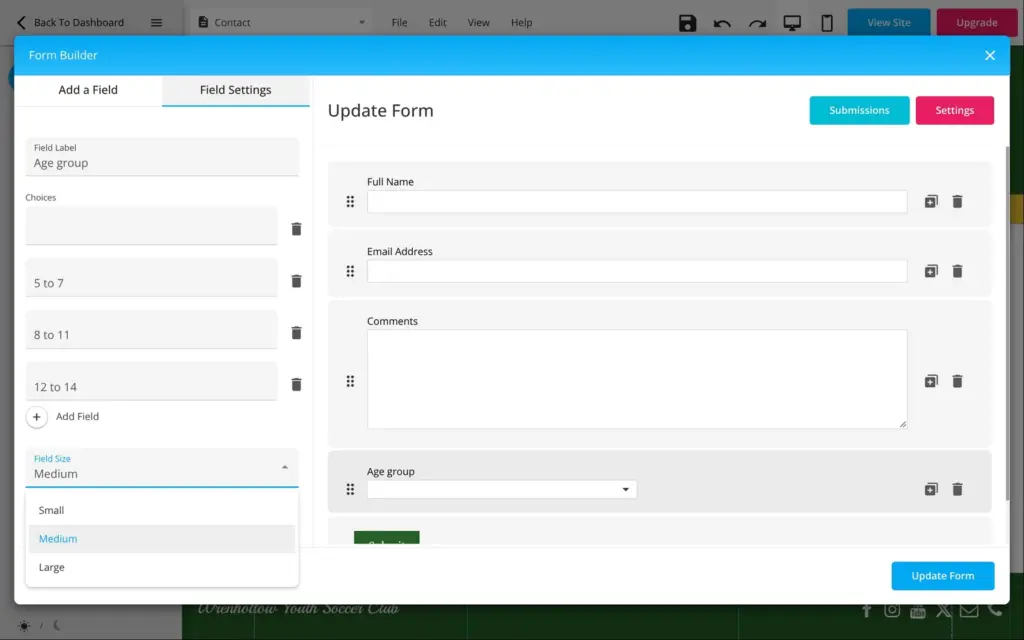
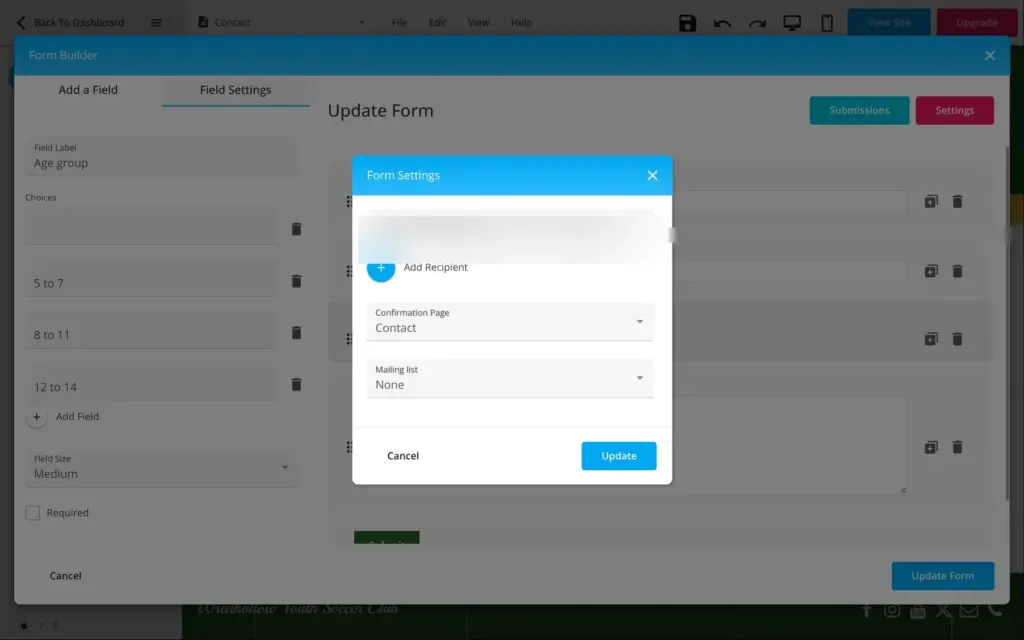
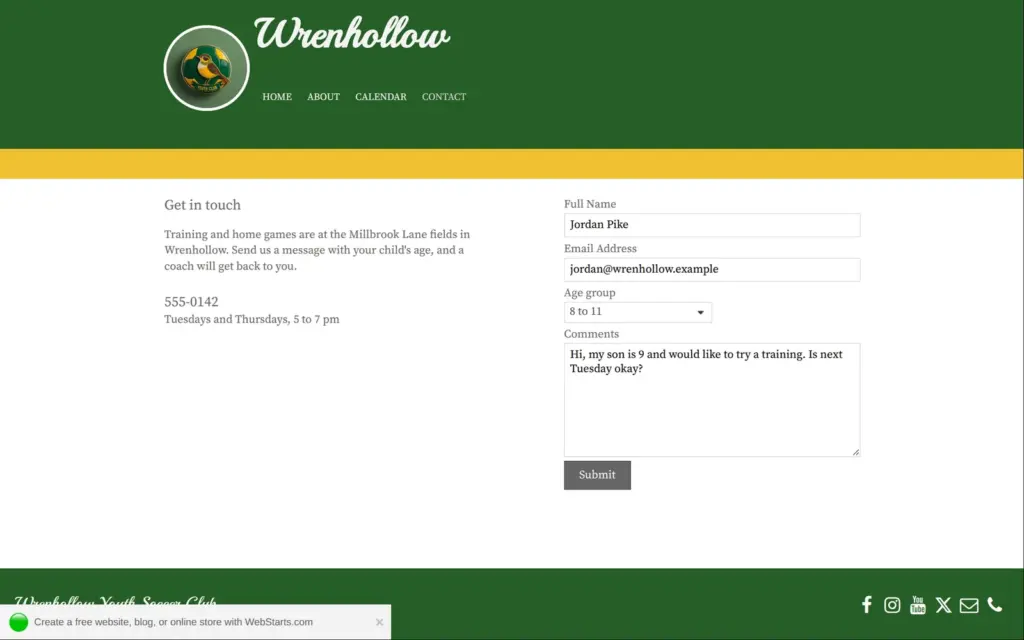
The template's form had three fields. In the form builder I added a dropdown for the child's age group. The form settings send each message to the account's email address, and you can add more people.
On the published site I sent the form empty first, then with a test message like a parent would write. Both times, nothing on the page changed. There was no thank-you message, and the filled-in form stayed as it was.
Both messages did arrive, 8 and 10 seconds after sending, from "WebStarts". But the email only says "Someone just submitted a form response at your website" and has a "View Response" button. The message itself isn't in the email.
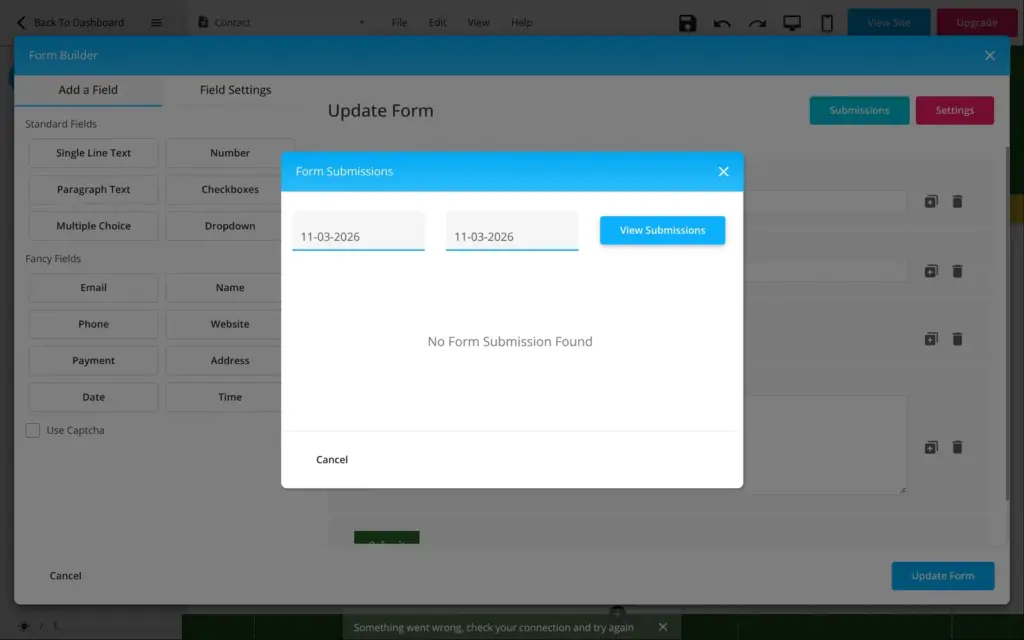
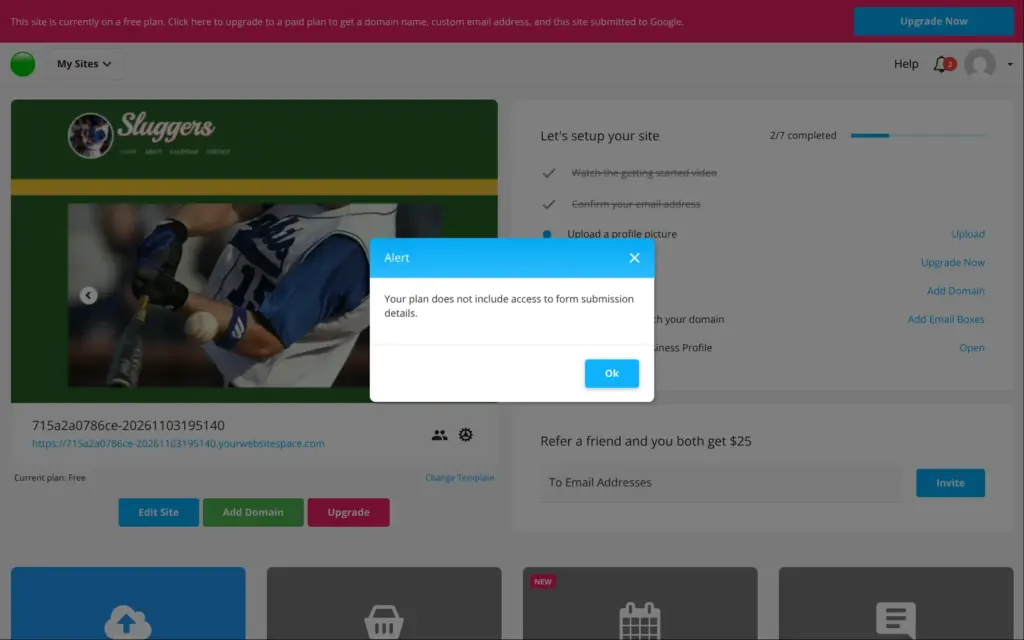
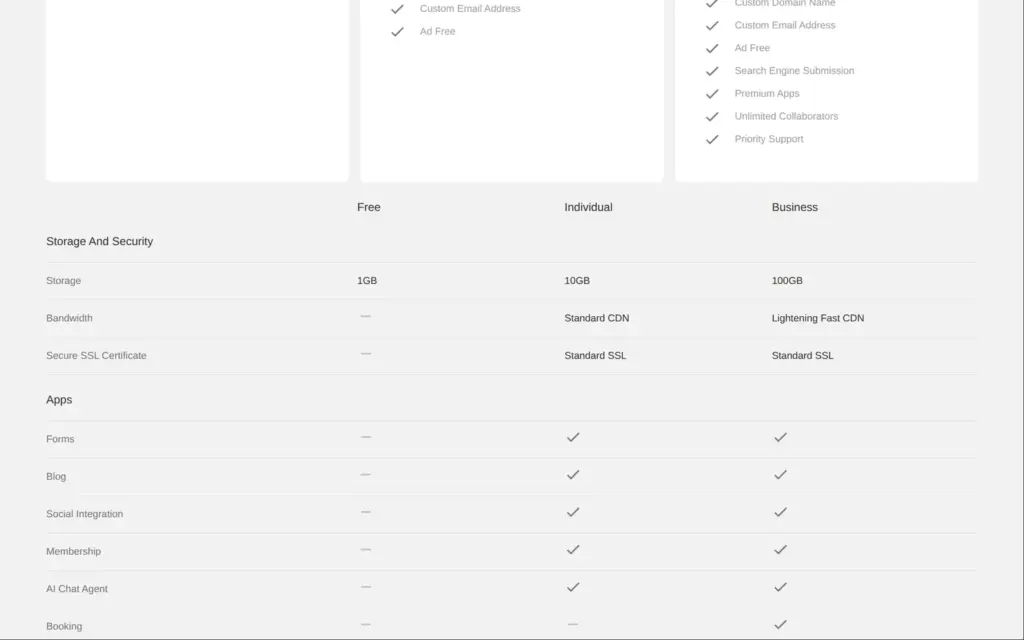
In the editor, the form's submissions list showed "No Form Submission Found" and an error, twice. The "View Response" button in the email led to the dashboard and this note: "Your plan does not include access to form submission details." So on the free plan, the form collects messages that you can't read. The pricing page lists forms under the paid plans, but the form stays on the free site and still sends these emails.
The form has an invisible spam check from Google, so visitors don't have to click anything.
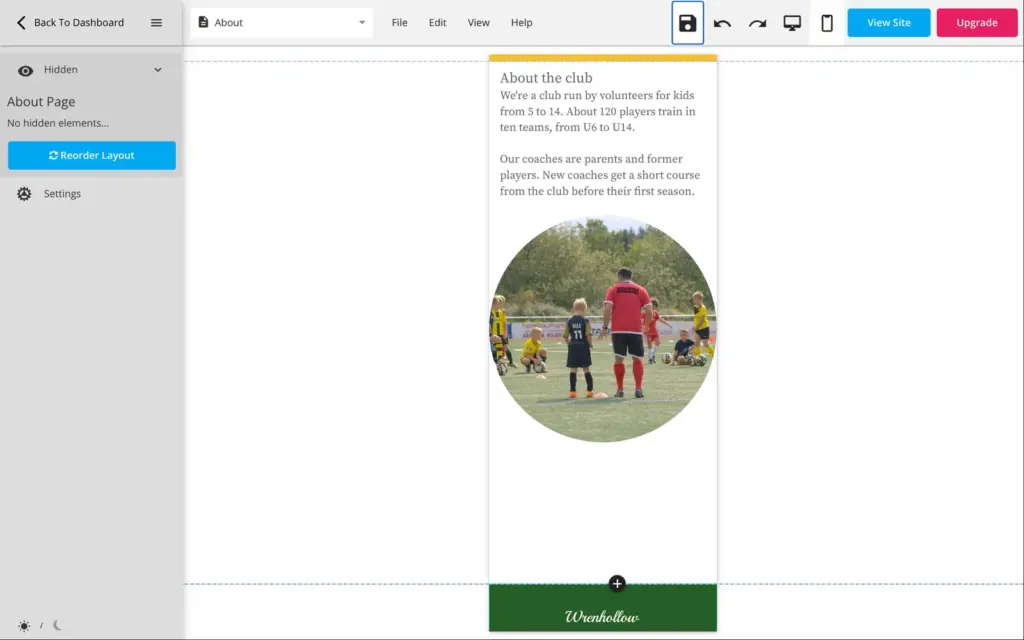
The about page got two short paragraphs about the club and a photo of a coach with kids from the stock photo search.
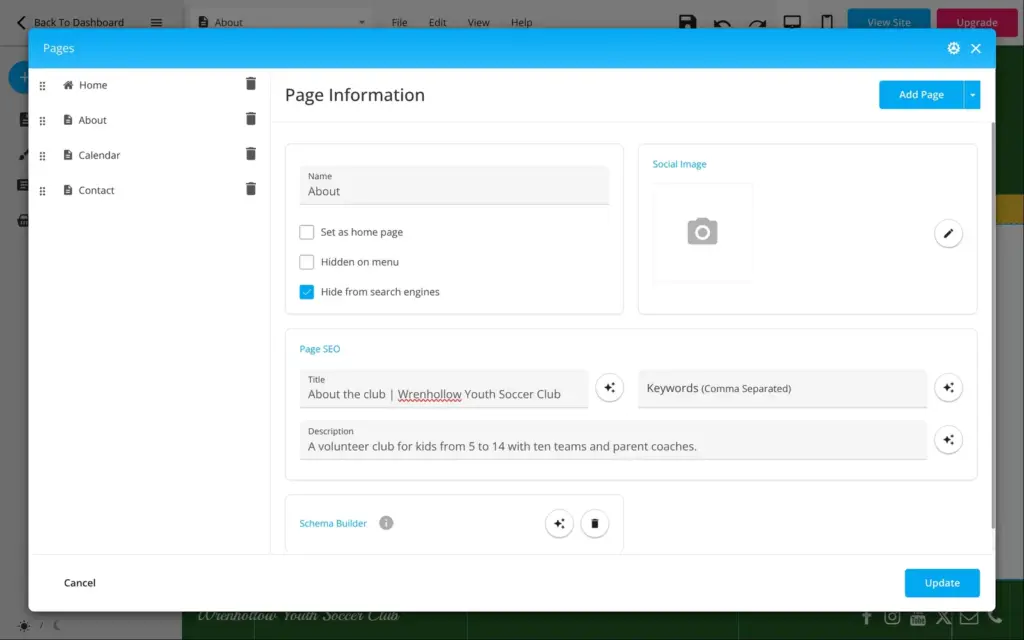
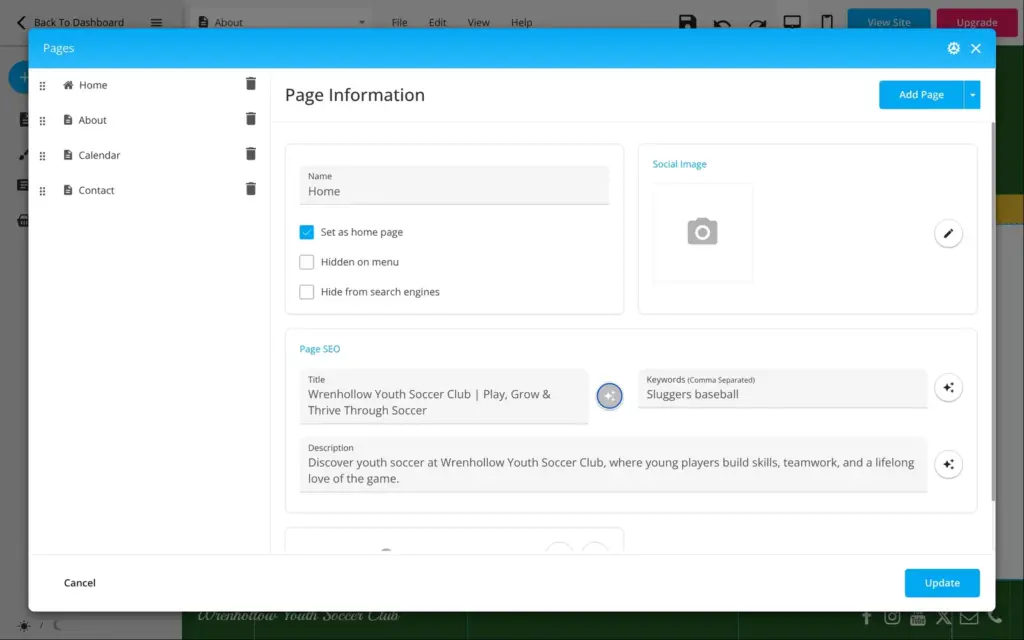
In the "Pages" dialog, each page has its own search title and description, and both fields have an AI button. For the home page, the AI wrote "Wrenhollow Youth Soccer Club | Play, Grow & Thrive Through Soccer" and a matching description. The keywords still said "Sluggers baseball" from the template, and the calendar page had the search title "Contact". I fixed both.
There is also a "Hide from search engines" box for each page. I ticked it on all four pages, because the club is made up. On the live site, this didn't add a noindex tag to any page. It only added lines to the site's robots.txt that block addresses ending in ".html", while the menu links to the same pages without ".html". Google's PageSpeed test called this robots.txt invalid. The site also has no sitemap and no language tag.
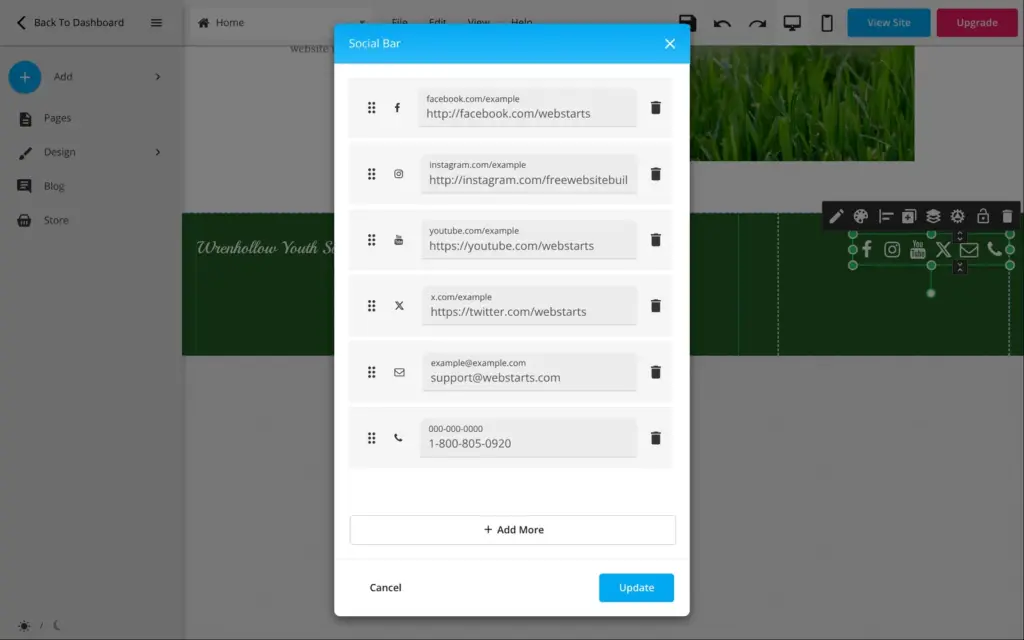
Some leftovers only showed up when I checked the links on the published site. The social icons in the footer led to WebStarts' own social media pages. The email and phone icons opened WebStarts' support address and phone number. I removed the social links and gave the email and phone icons the club's placeholders.
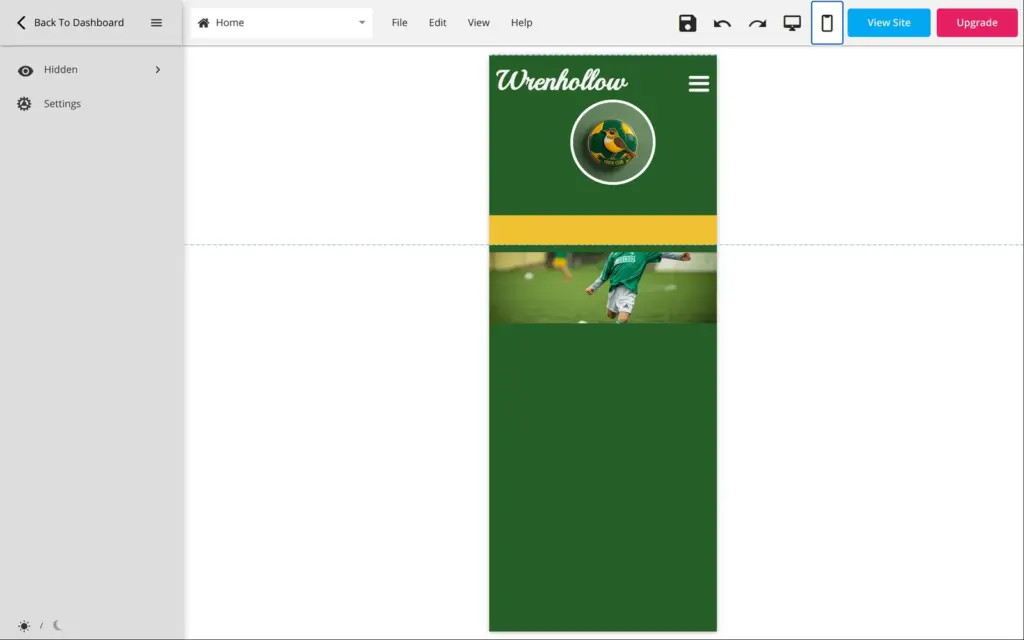
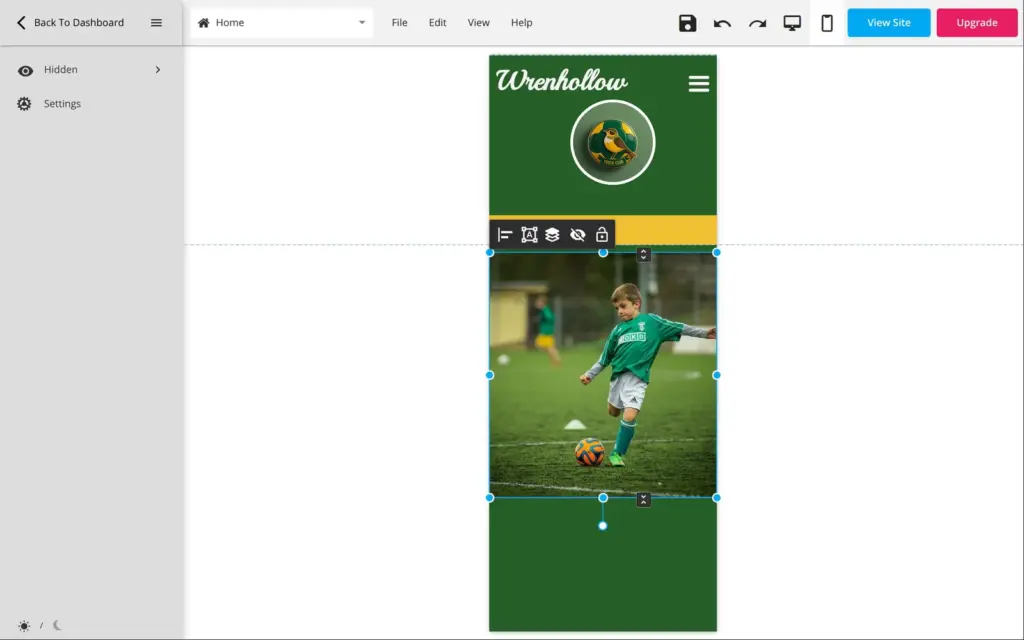
The phone version has its own layout, and it needed more work than the desktop. My new home page photo had become a thin strip that cut off the player's head, with a big empty space below. The headline ran into the first photo, and two buttons covered the last line of their texts. None of this was visible in the desktop view. I fixed each one by dragging the elements in the phone editor.
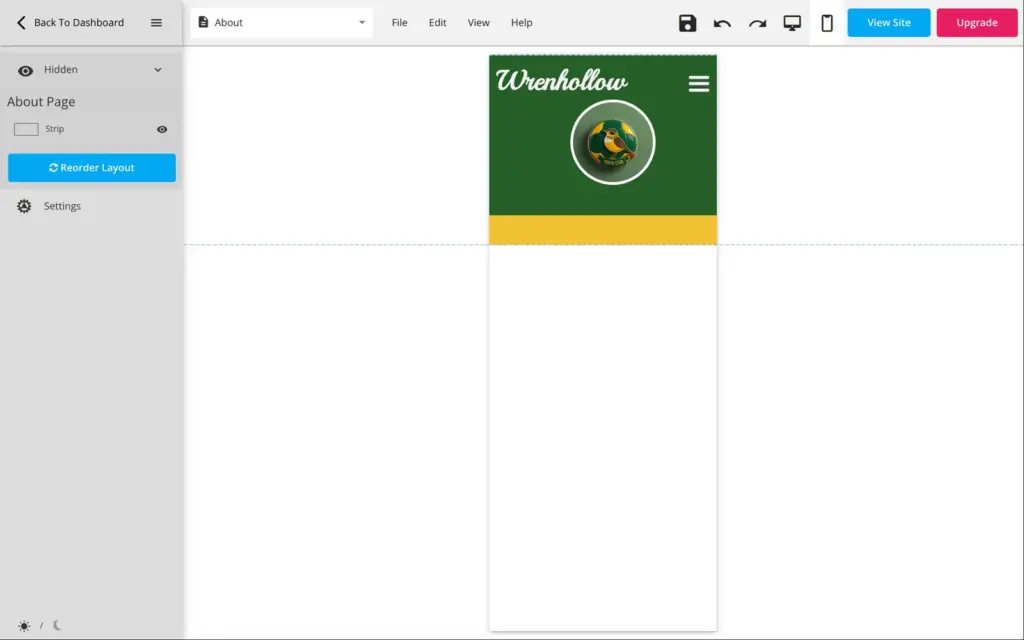
The about page was the worst case. On a phone it showed nothing but the header and the footer. The template had hidden the whole section on phones. The phone editor lists hidden elements in a "Hidden" panel, and one click brought the text and the photo back.
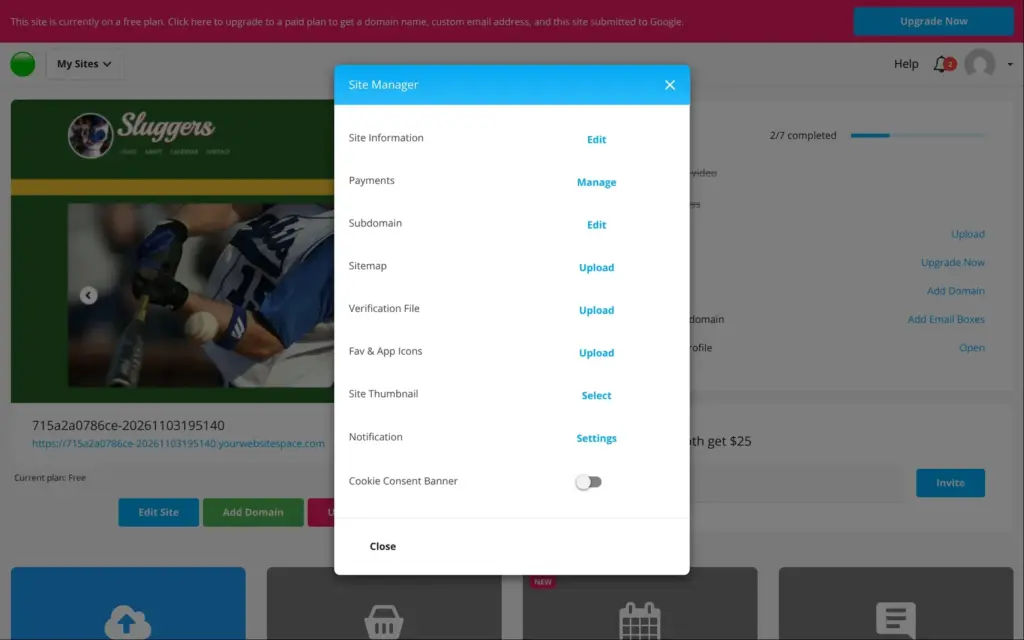
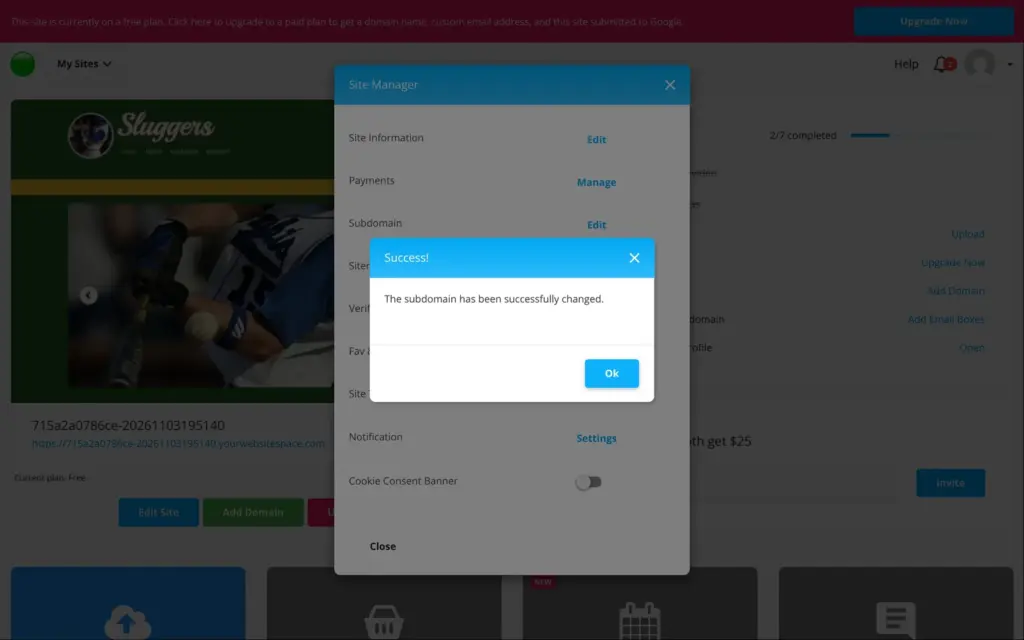
A new free site gets a random address like 715a2a0786ce-20261103195140.yourwebsitespace.com. In the site settings I changed it to wrenhollow-soccer.yourwebsitespace.com. The new address worked right away, and the old one stopped working without a redirect.
Free sites show a small WebStarts ad in the bottom left corner of every page. It says "Create a free website, blog, or online store with WebStarts.com", and visitors can close it. The site worked over https, although the pricing table lists SSL only for the paid plans. Your own domain needs a paid plan, and so do visitor statistics.
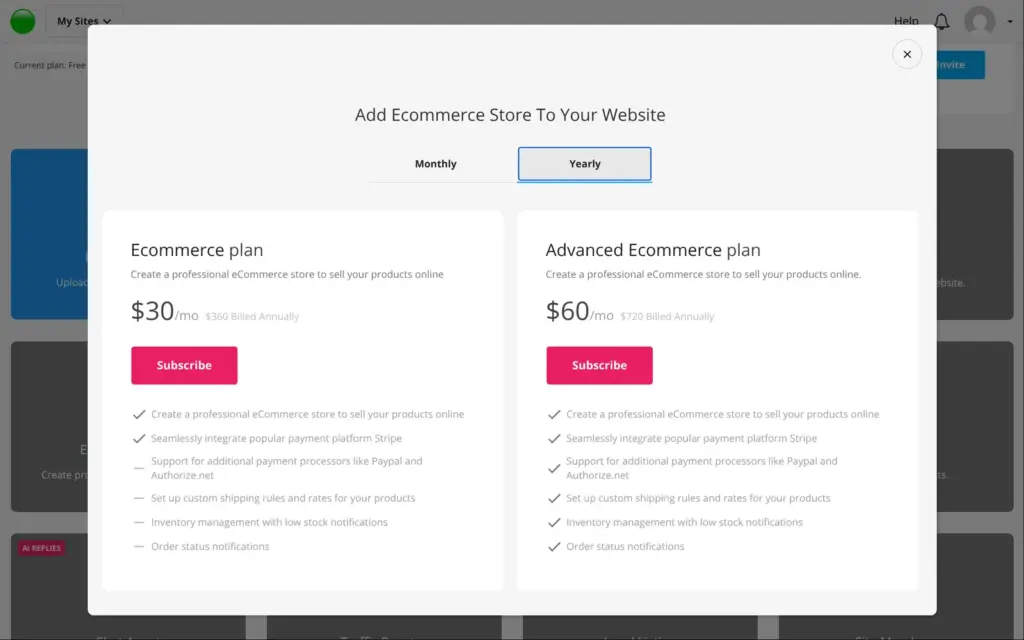
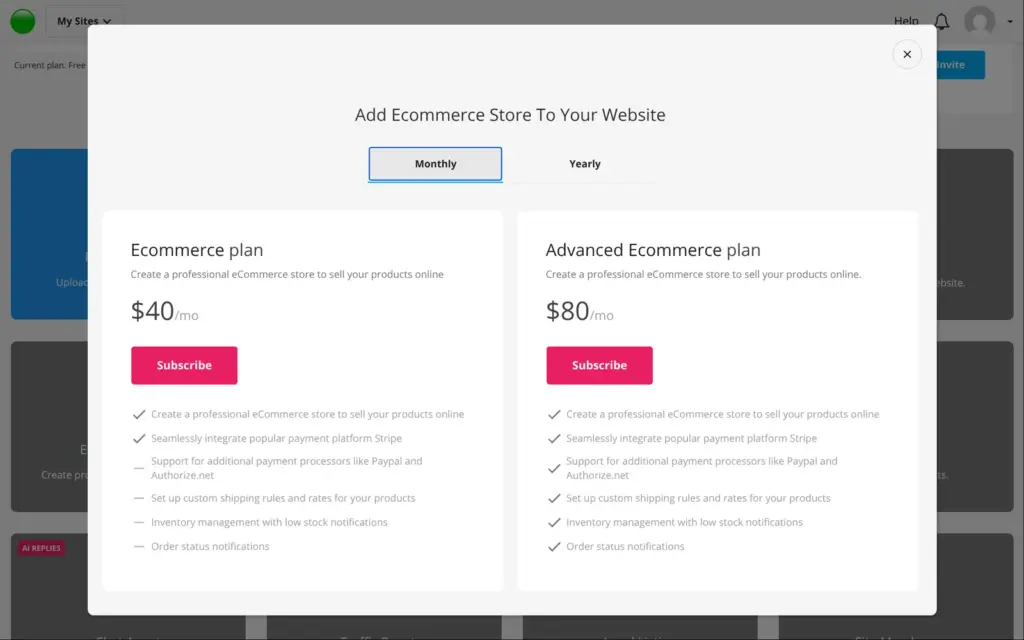
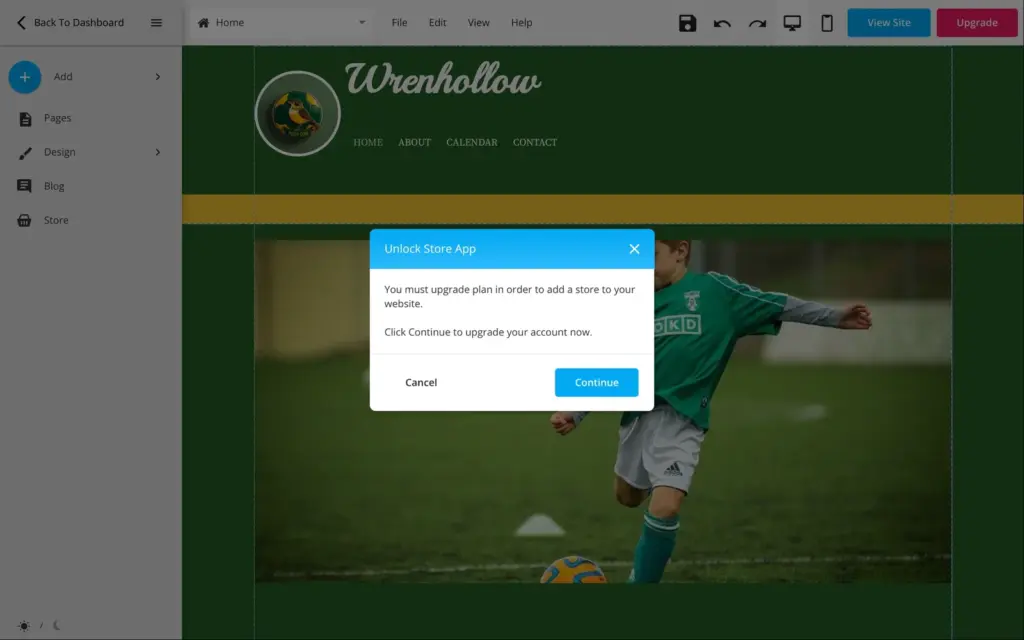
A club could sell kits or collect season fees online, so I tried the store. It's locked on the free plan. In the editor, the store button says "You must upgrade plan in order to add a store to your website." On the dashboard, the store tile offers two store plans of their own.
| Ecommerce | Advanced Ecommerce | |
|---|---|---|
| Billed yearly | $30a month, $360 a year | $60a month, $720 a year |
| Billed monthly | $40a month | $80a month |
| Payment providers | Stripe | Stripe, PayPal and Authorize.net |
| Custom shipping rules | No | Yes |
| Stock tracking with low-stock emails | No | Yes |
| Order status emails | No | Yes |
The Ecommerce plan only connects to Stripe. PayPal and custom shipping rules need Advanced Ecommerce. I didn't buy either plan, so I couldn't add products or place a test order.
According to WebStarts' help center, the store has a test mode that accepts any card number. Products can have options like size or color. Tax rates are entered by hand per country or state, and I found nothing about prices that include VAT. I didn't test any of this.
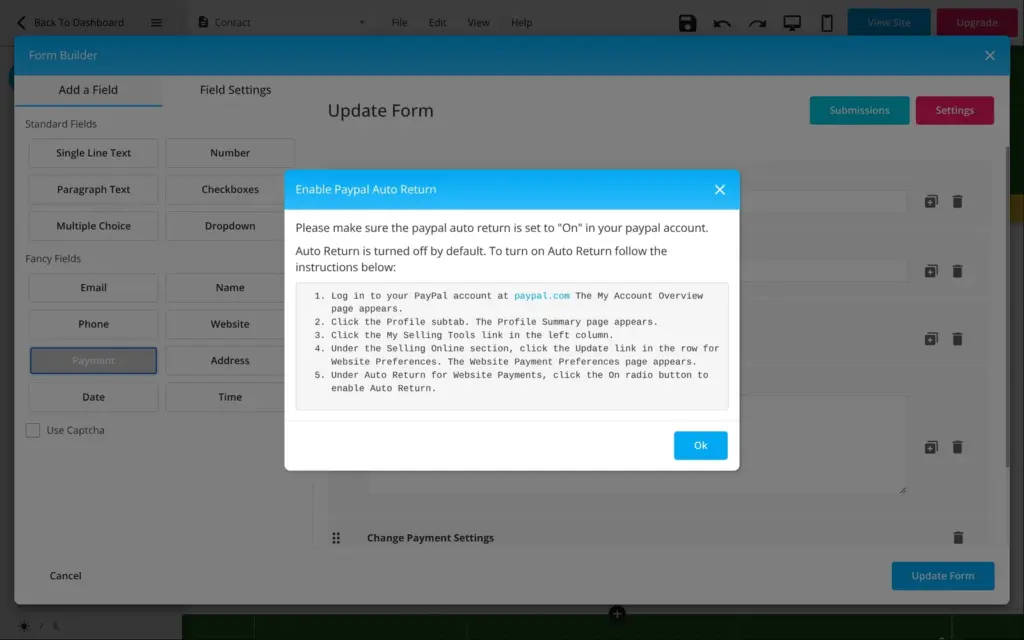
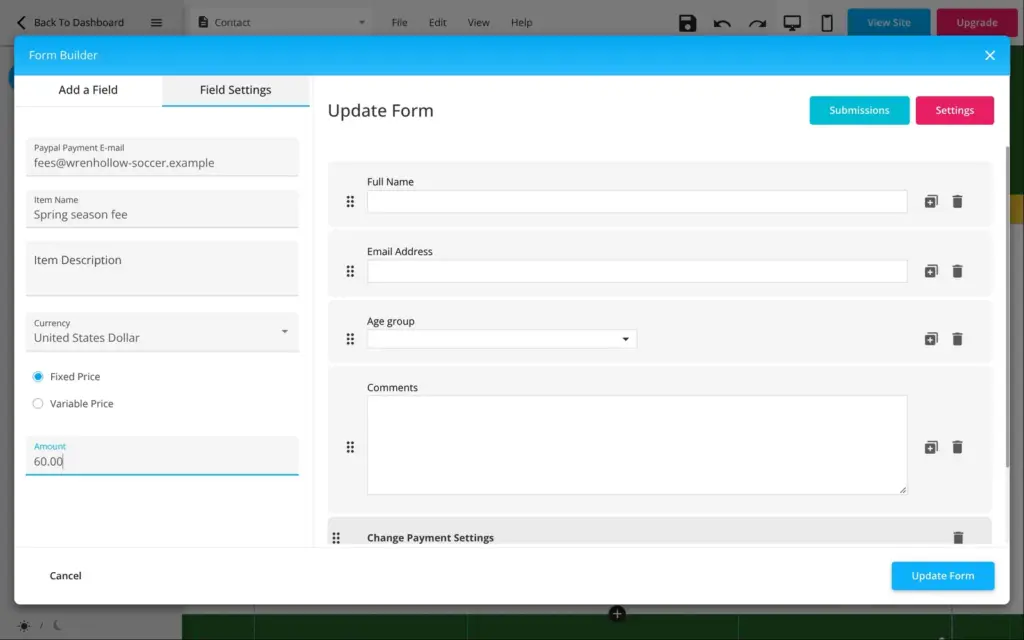
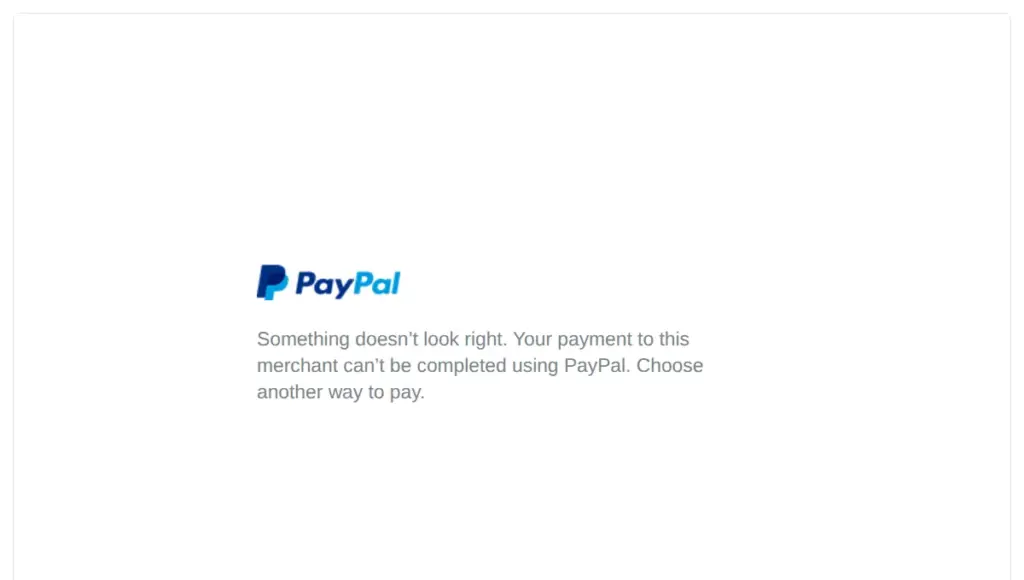
The form builder has a payment field that works on the free plan. It works with PayPal, and you enter your PayPal email and the amount. On the live form, visitors don't see the price or any sign of PayPal. After clicking Submit, they land on PayPal to pay. The PayPal address in my test was a placeholder, so PayPal stopped there. With a real PayPal account, this is a simple way to collect a season fee on the free plan.
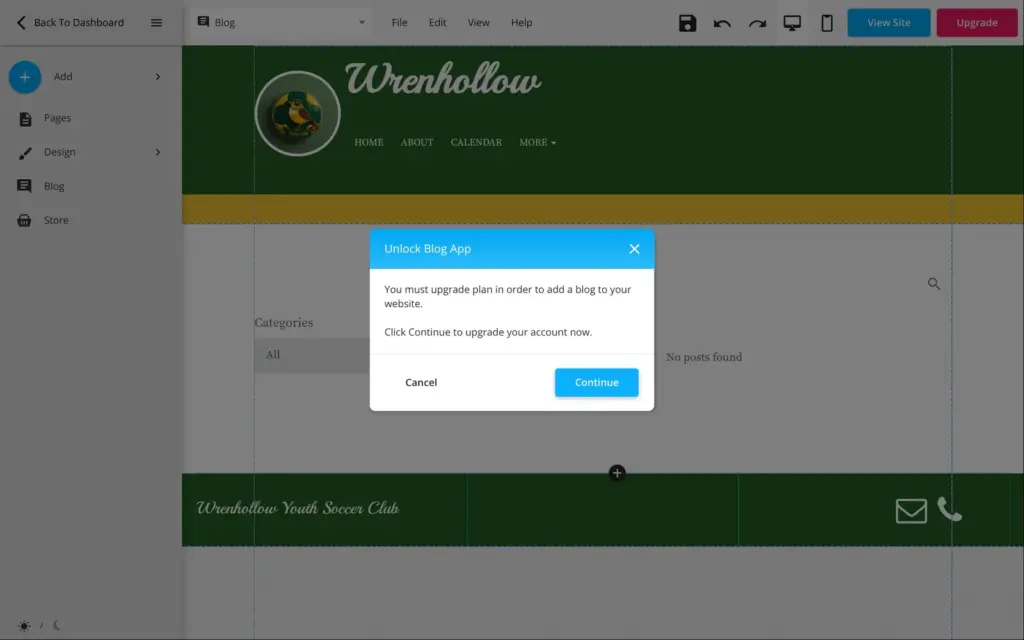
Bookings for appointments need the Business plan. The blog is locked on the free plan as well, which rules out a news section with separate posts.
On the free plan, WebStarts can only collect payments through a PayPal field in a form. A real store costs $30 to $80 a month, which is a lot for a club or a small shop. The store dialog doesn't say whether you also need a website plan.
WebStarts can also build a site with AI. Under "Create New Site" you choose between a template and "Start with AI". The AI asks three short questions about the business and the apps you want. I gave it the same club and ticked the store and the blog.
About 40 seconds later it showed a finished design. It was a dark one-page site with real soccer photos and a big headline with the club's name. The texts were less convincing.
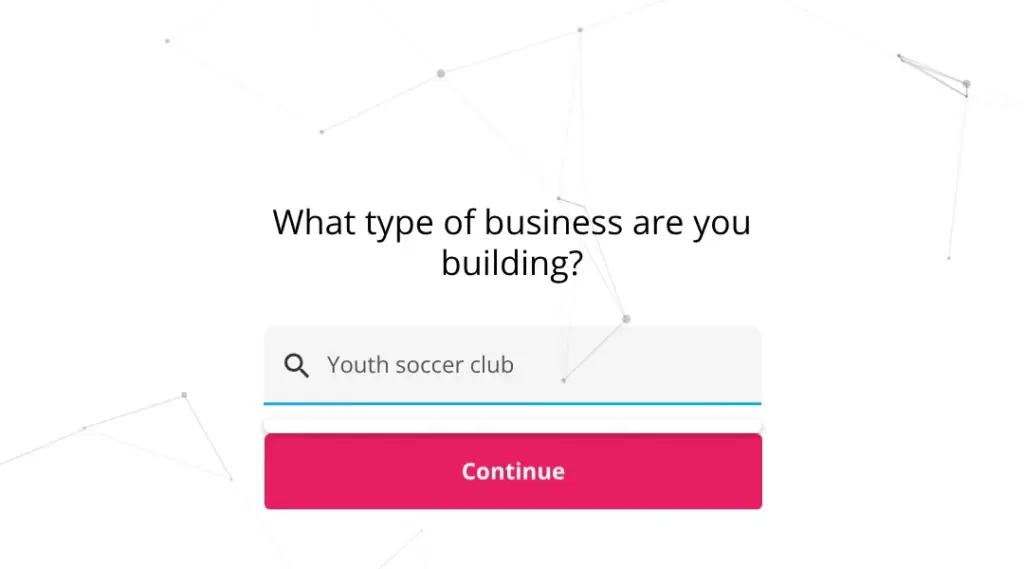
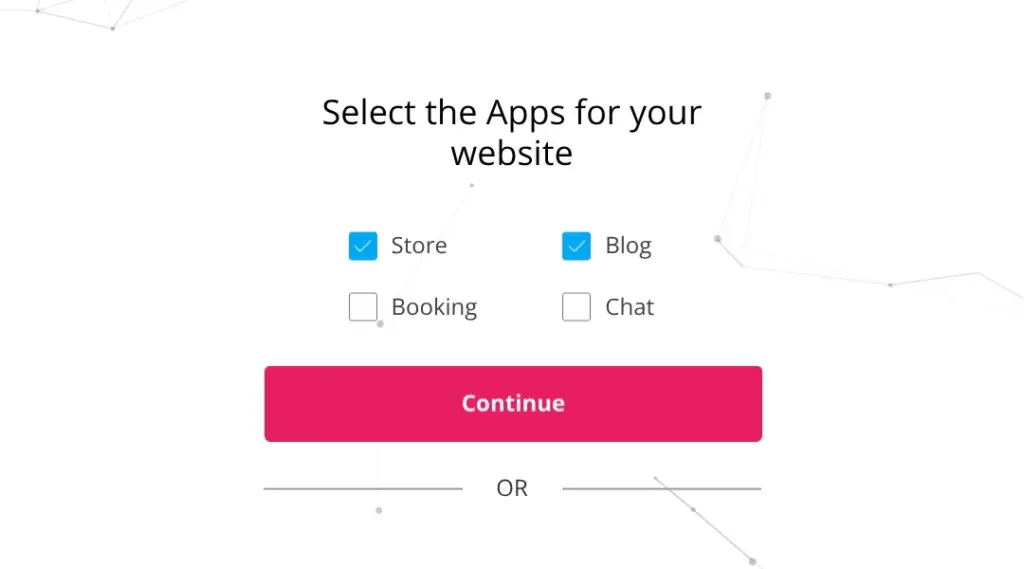
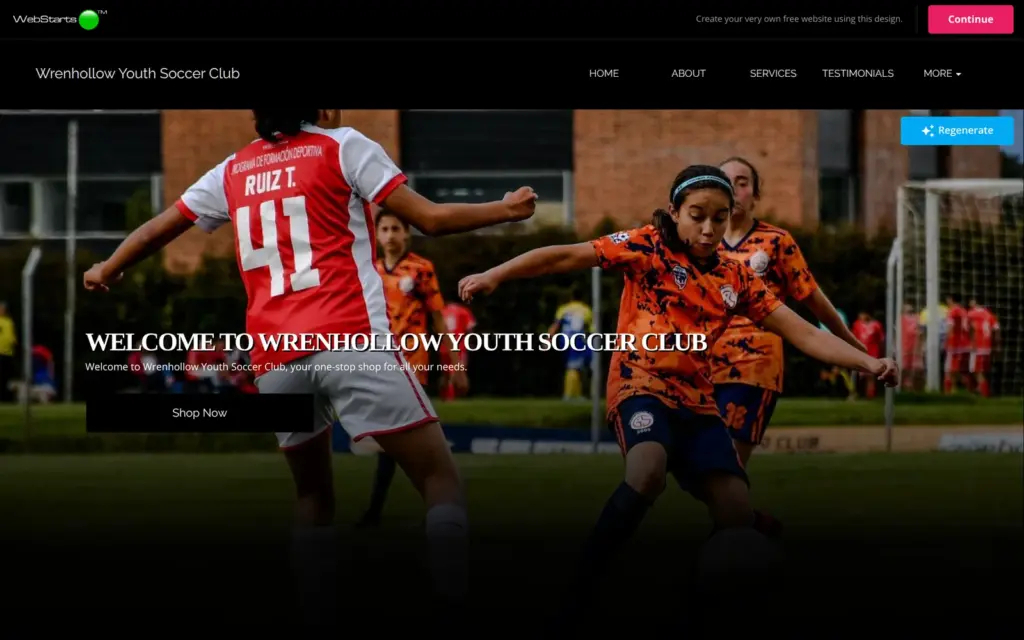
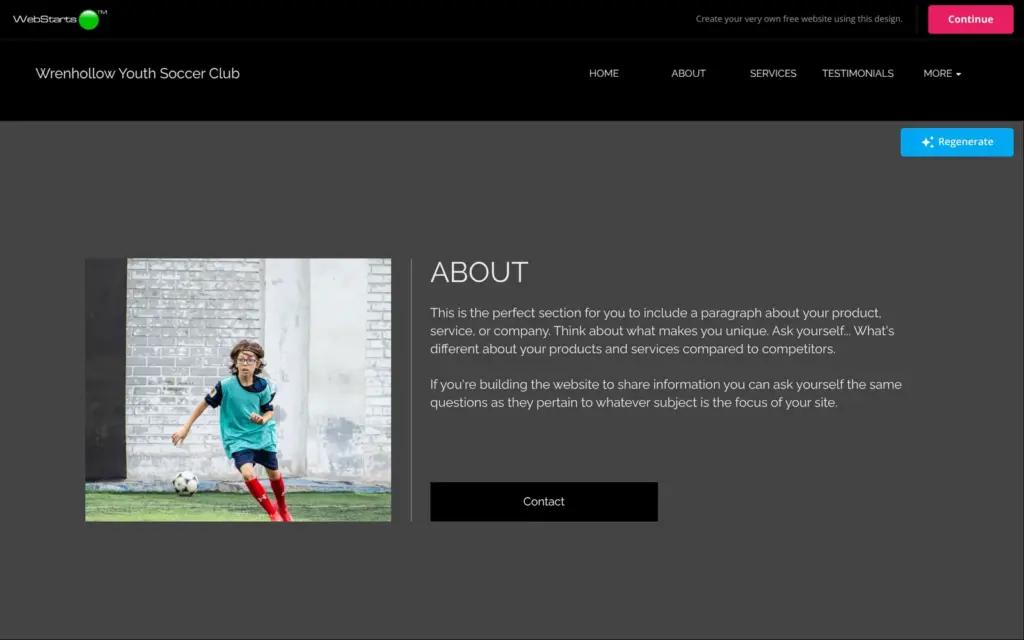
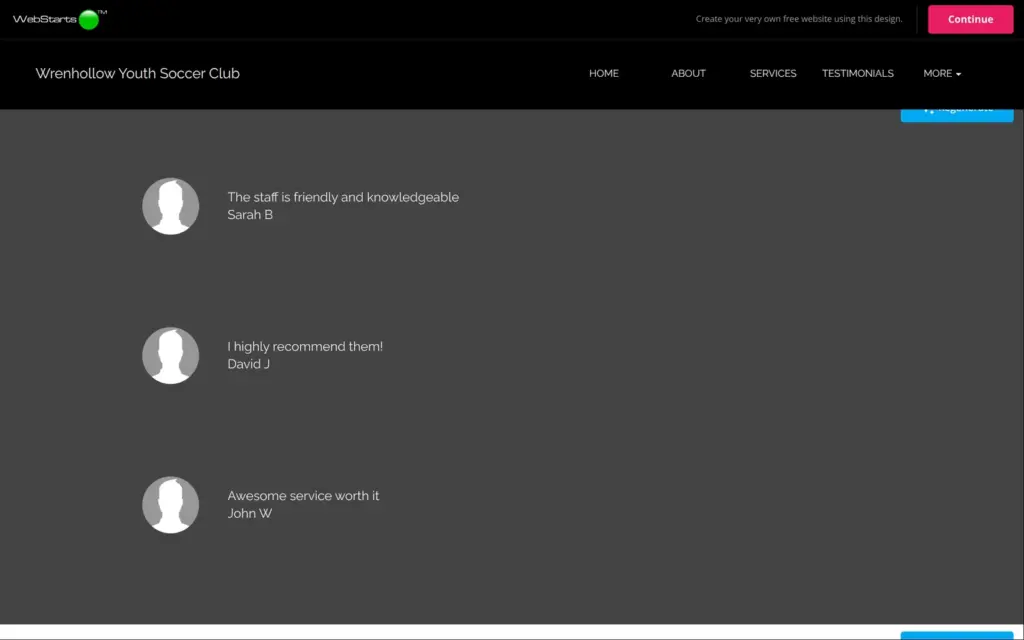
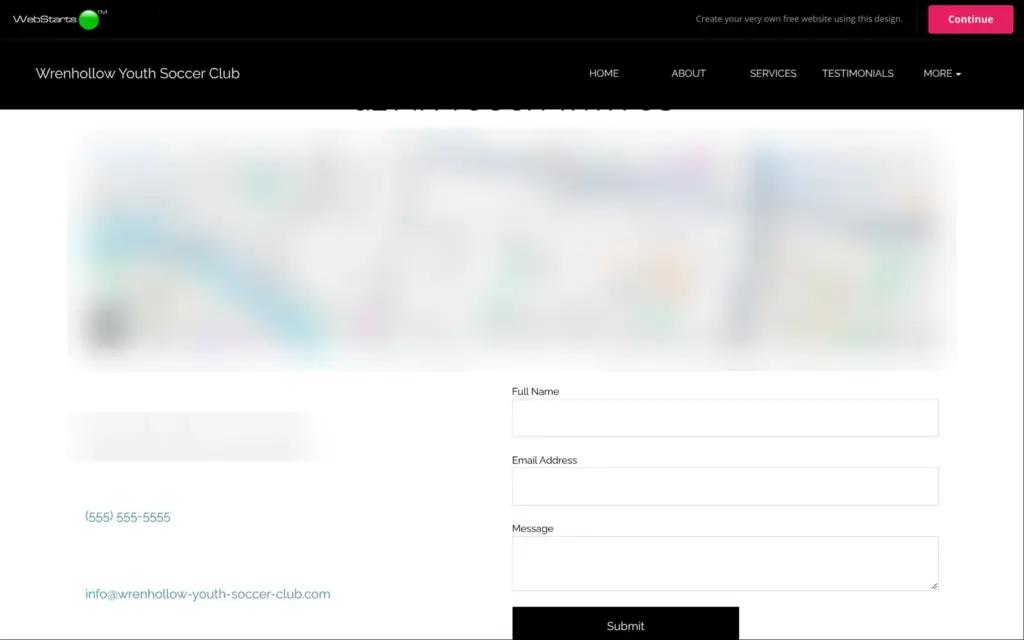
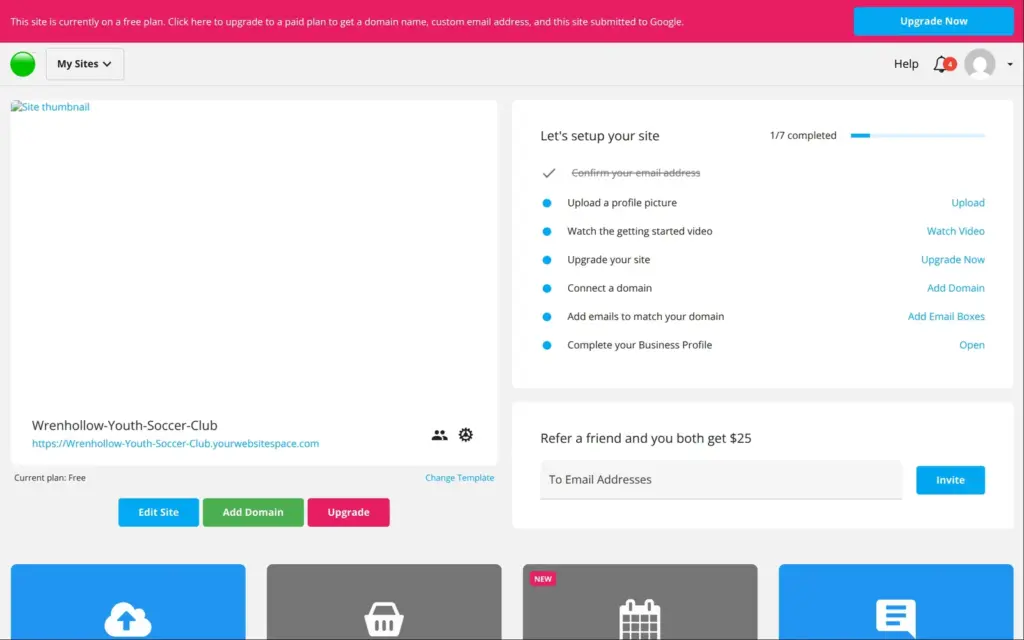
"Continue" turned the design into a second free site in my account, at wrenhollow-youth-soccer-club.yourwebsitespace.com. The setup took about 50 seconds. On this site, the blog app was switched on, although it is locked on my first site.
The "Shop Now" button led to a store page that was already live, with eight sample skin-care products from $10 to $125. Visitors could pick a size, add a leg cream to the cart and go to the checkout. The checkout page was titled "High Fashion Secure Checkout" and called the shop "My Website". I stopped there. On the dashboard, the store app for this site was still locked behind the same $30 store plan, so I couldn't change or remove those products.
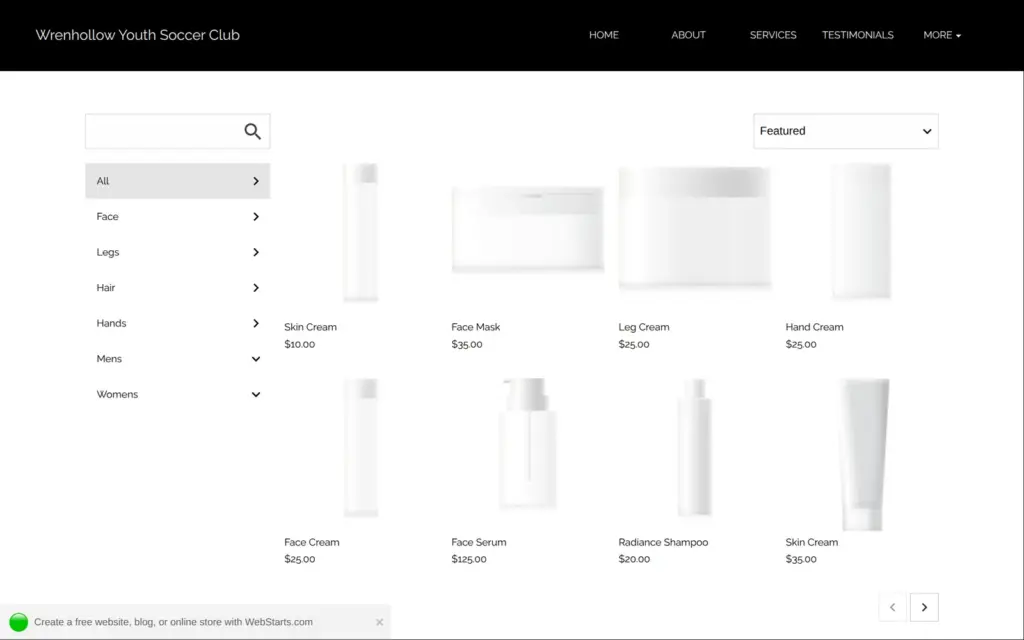
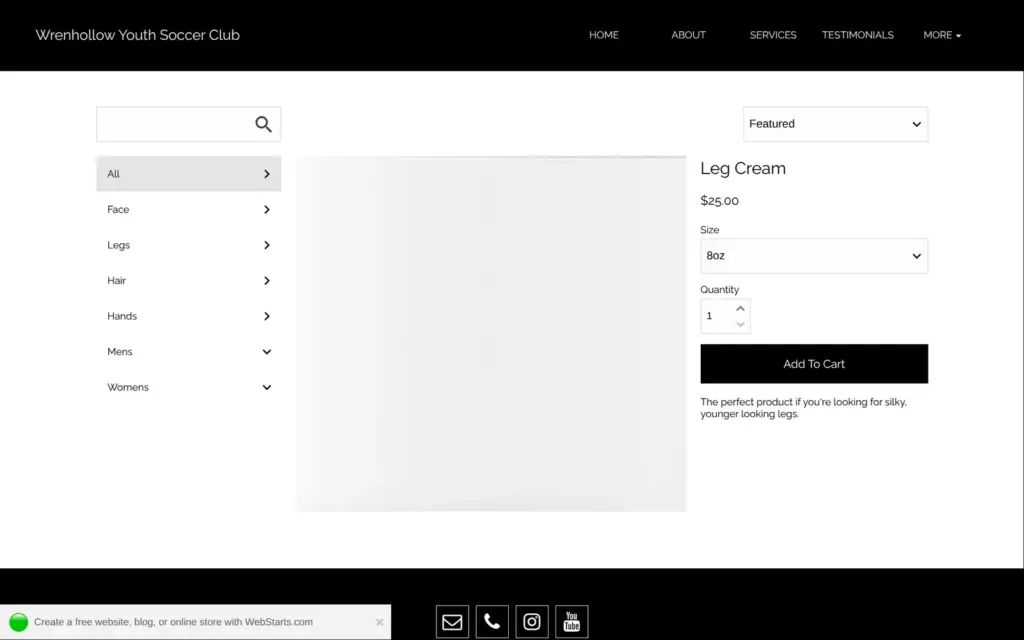
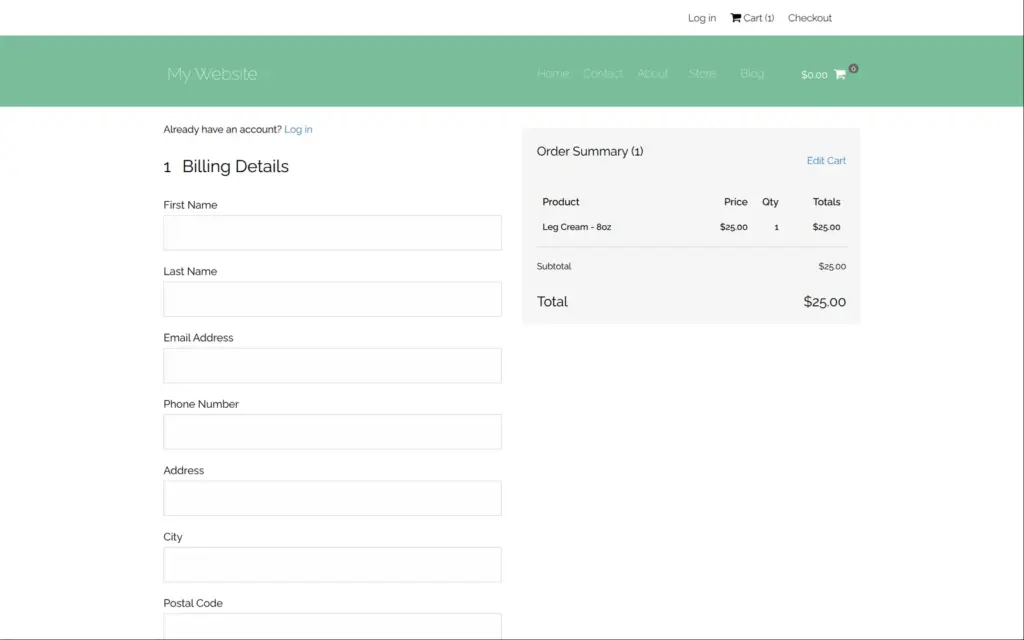
The AI is quick, and the photos it picked fit. But almost every text needs rewriting, and the store it added can't be changed on the free plan.
I ran the club's home page through Google's PageSpeed Insights once. On a simulated phone it scored 86 out of 100, and the largest element on the page appeared after 3.9 seconds. On desktop it scored 99, and the largest element appeared after 0.9 seconds. Accessibility scored 61 on the phone, mostly because of low contrast and images without a description.
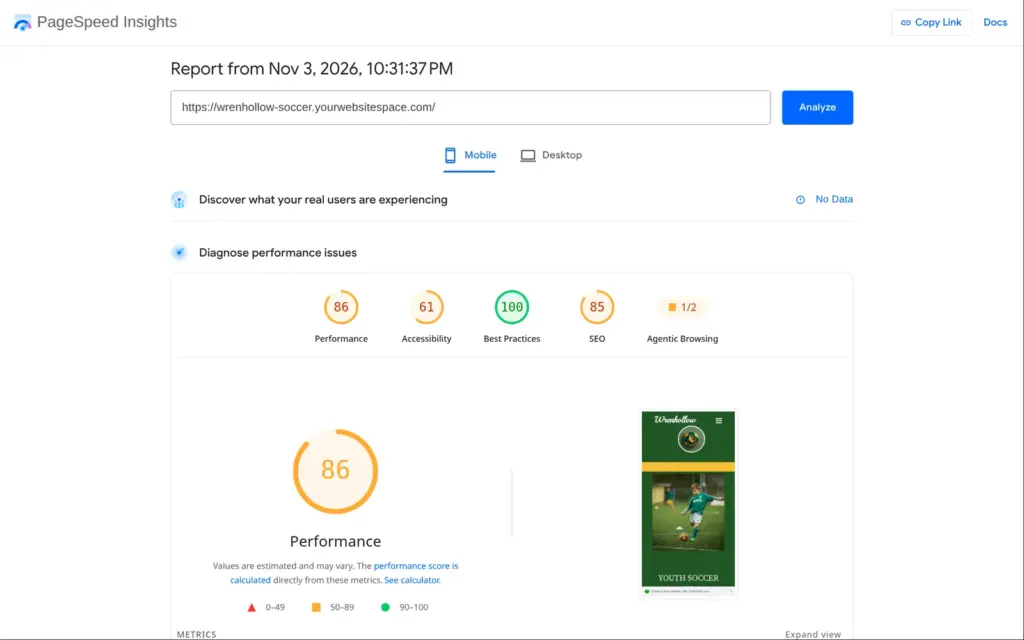
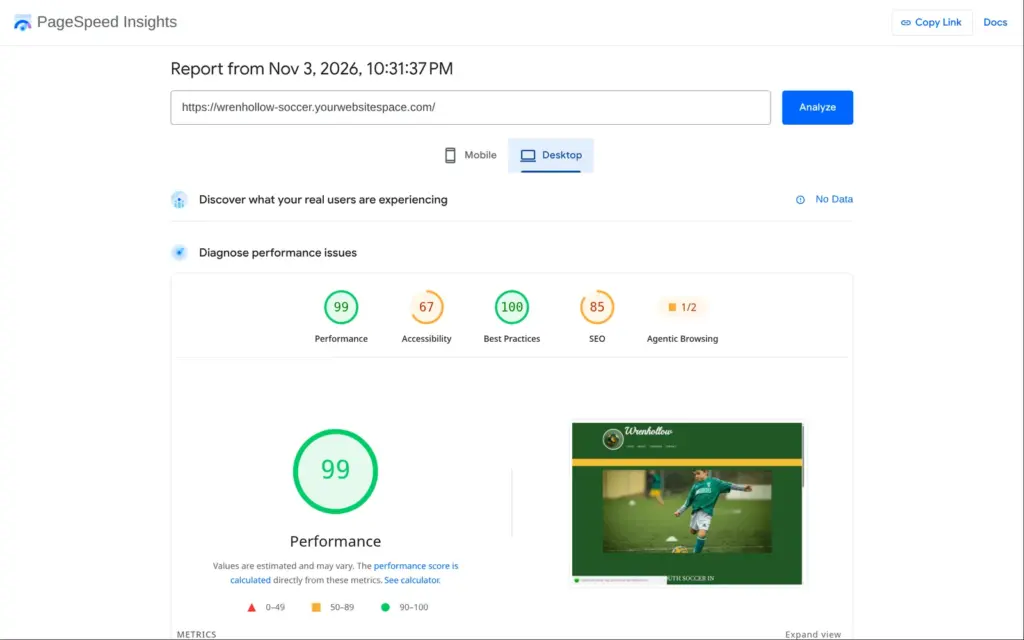
I checked the pricing page on November 3, 2026. WebStarts shows its prices in US dollars, and from Germany it also showed dollars.
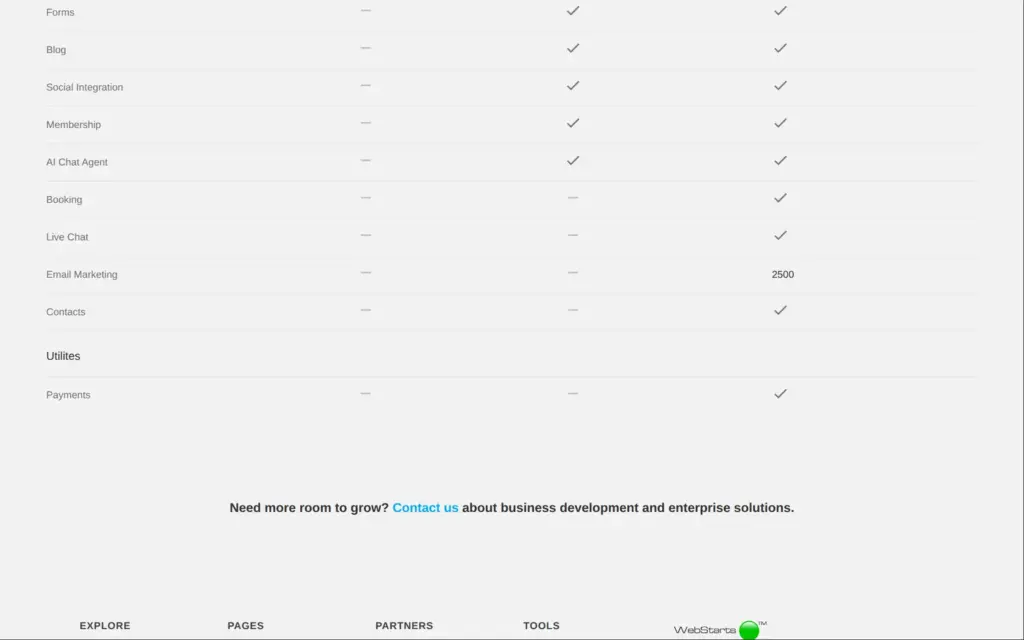
| Free | Individual | Business | |
|---|---|---|---|
| Billed yearly | $0 | $14a month, $168 a year | $25a month, $300 a year |
| Billed monthly | $0 | $25a month | $50a month |
| Web address | name.yourwebsitespace.com | Your own domain | Your own domain |
| WebStarts ad on every page | Yes | No | No |
| Storage | 1 GB | 10 GB | 100 GB |
| Forms and blog | No | Yes | Yes |
| Members-only pages | No | Yes | Yes |
| Bookings and payments | No | No | Yes |
| Email marketing | No | No | 2,500 |
The yearly price is paid for 12 months in advance. WebStarts' own FAQ pages disagree on whether tax is included. According to WebStarts' terms, payments are not refundable, and renewals are charged automatically.
For the club, Individual on yearly billing costs $168 a year. That brings its own domain and removes the ad. According to the pricing table, it also unlocks forms and the blog. A store would cost $360 a year for the Ecommerce plan. I couldn't tell whether that comes on top of a website plan. Bookings would need Business at $300 a year.
WebStarts' FAQ says you can move your whole website to another host. I found no way to do it. There is no export or download in the dashboard or the editor, and the backup option in "Site Actions" needs a paid plan. According to the help center, backups are kept and restored inside WebStarts. WebStarts' terms say its templates may not be hosted anywhere else. If you leave, you take your texts and photos with you and rebuild the site.
WebStarts fits someone who wants a simple site with a few pages, likes to place things freely and plans to pay for the Individual plan soon. For the club, the free baseball template turned into a usable site, and the photo search helped a lot.
It fits less well if you want to stay on the free plan with a business. The form collects messages you can't read, and the store and the blog are locked. It also fits less well if you want to sell online, because the store has separate plans from $30 a month. And it fits less well if you want the AI to do the work, because its first version needs nearly every text replaced.
If you try it, check every page on your phone and click every link on the published site before you share the address. Most of what I had to fix only showed up there.
 What I'm building
Give Vroni a GitHub issue, bug report, spec, or rough idea. It reads the repo, plans the change, writes code, runs checks, and works toward a review-ready pull request.
Take a look at vroni.com