
WebStarts review
WebStarts is a website builder with a free plan. You drag text and photos onto a page wherever you like, and WebStarts…
Notion Sites turns a Notion page into a public website. You write the page in Notion like any other document. When you click Publish, it goes online on a notion.site address. If you run a small business and already use Notion, you probably want to know whether that is enough for a business website and what can go wrong.
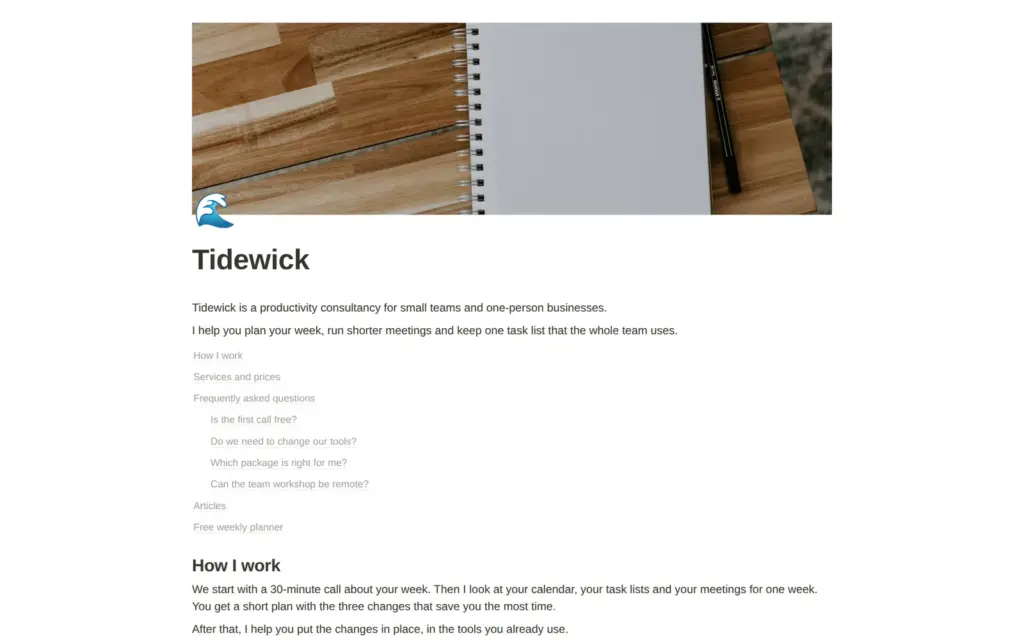
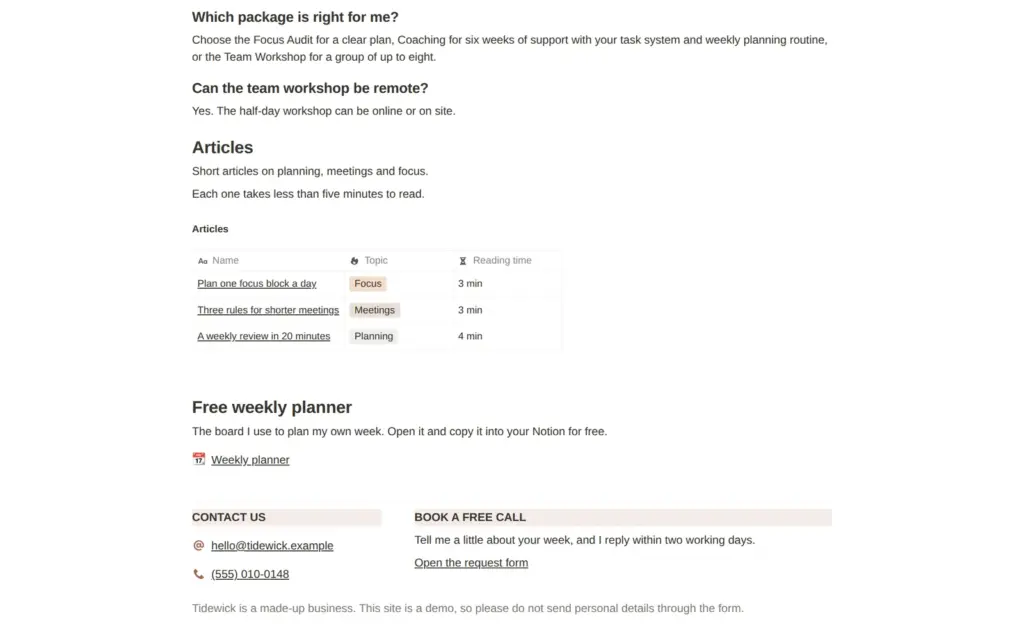
To find out, I built a one-page website for a made-up productivity consultant called Tidewick on Notion's free plan. It has services with prices and three short articles. Visitors can copy a free planner, and a form takes requests for a first call. I published the site and tested it as a visitor on a computer and a phone. I also asked Notion AI to build a page and looked for ways to sell and take bookings. I tested Notion Sites on November 3, 2026.
Building the page was quick. On the free plan, the site has no menu, and the plain notion.site address shows an error page. The biggest problem was the contact form. Form requests were readable on the public site until I moved the form out of it. Notion also never told me when a request came in.
Notion Sites suits you if you already work in Notion and want a simple page on the web without paying, for example your services with prices or a free template to give away.
Look elsewhere if you need a contact form you can rely on or want to sell online.
Price: publishing is free on a notion.site address. Notion Plus costs $10 or €9.50 per member per month on yearly billing, or $12 or €11.50 on monthly billing. Plus adds the menu and the homepage for your address. It also lets you set your own search title. Your own domain costs another $8 a month on yearly billing or $10 on monthly billing.
Selling and bookings: there is no shop or payment block. Notion Sites also has no booking calendar. A Notion form can collect requests, but the free plan sends you no message when one arrives.
Not tested: the paid plans and Notion's support. I also did not try the booking links, because they need an outside calendar. Notion did not pay for this review, and there are no affiliate links.
What I liked:
What bothered me:
Tidewick is a made-up productivity consultancy for small teams and one-person businesses. The site is one long page. It explains how the work goes and lists three packages with fixed prices. Below that come questions and answers and three short articles. A free weekly planner and the contact details close the page. The articles and the planner open as pages of their own. A line at the bottom says that the business is made up. Notion AI wrote the questions and answers.
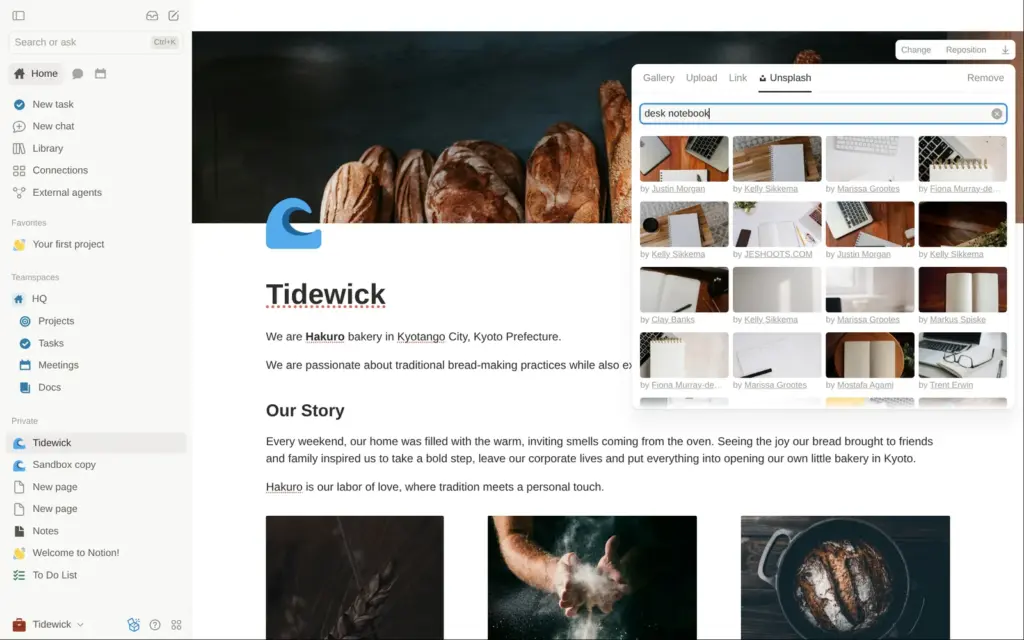
The design comes from Notion's free Small Business Website template, which is a bakery page. I replaced the text and the photos. The new photos come from Unsplash, through the picker inside Notion.
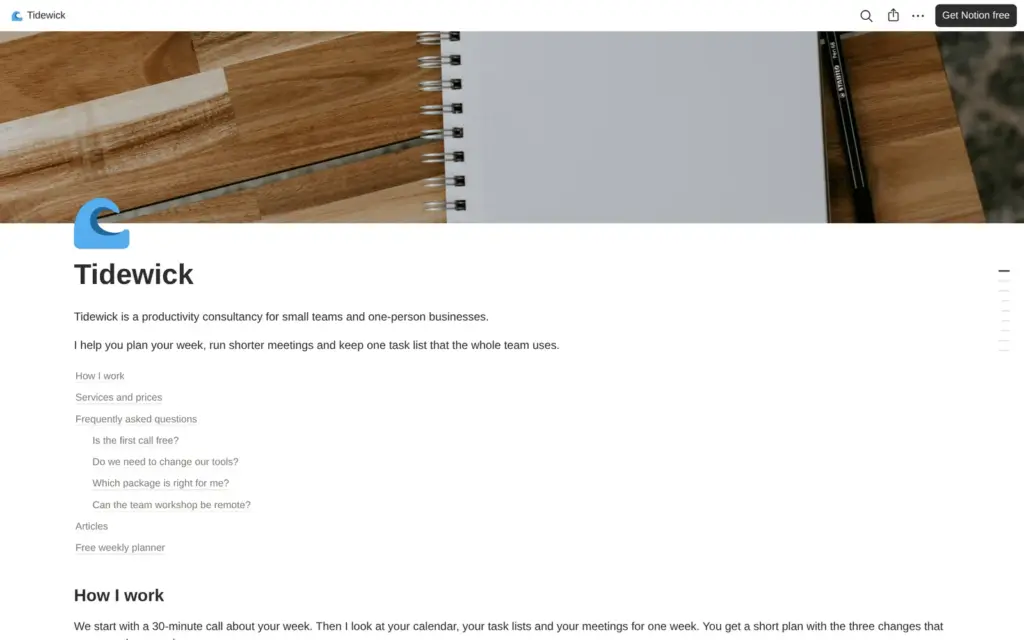
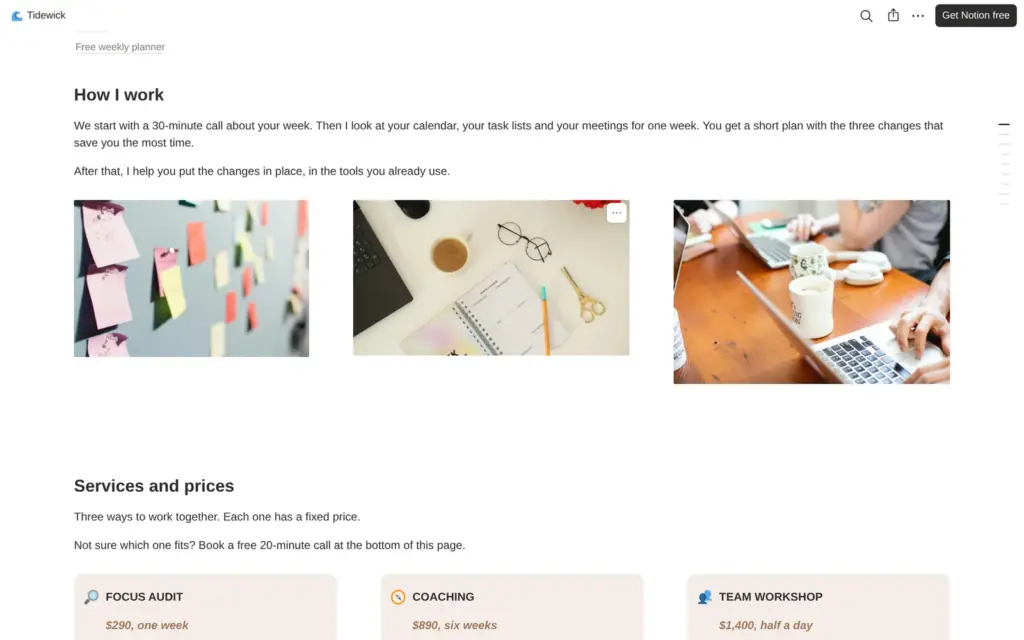
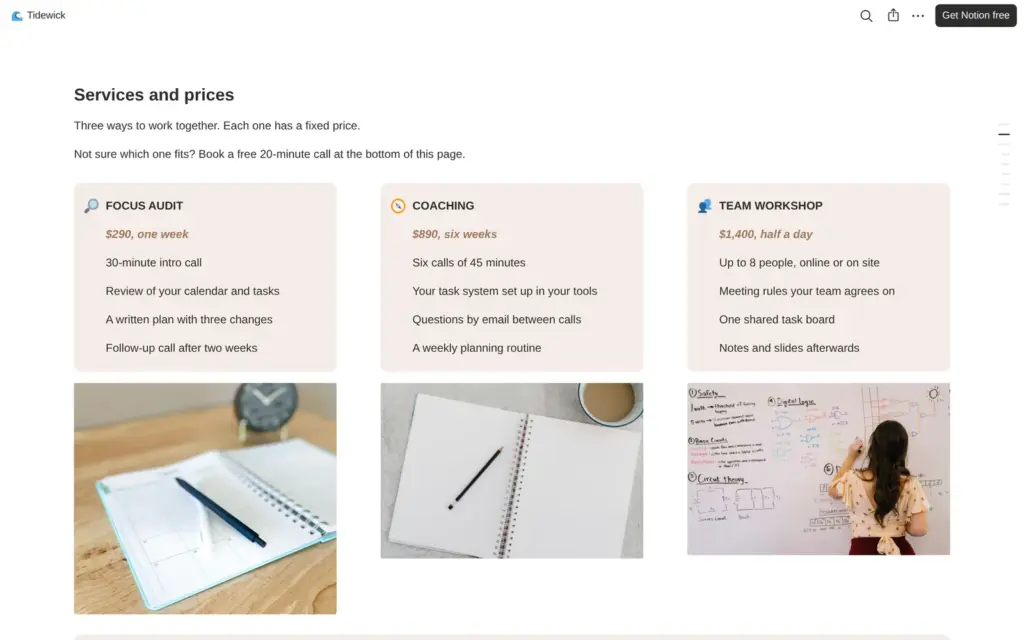
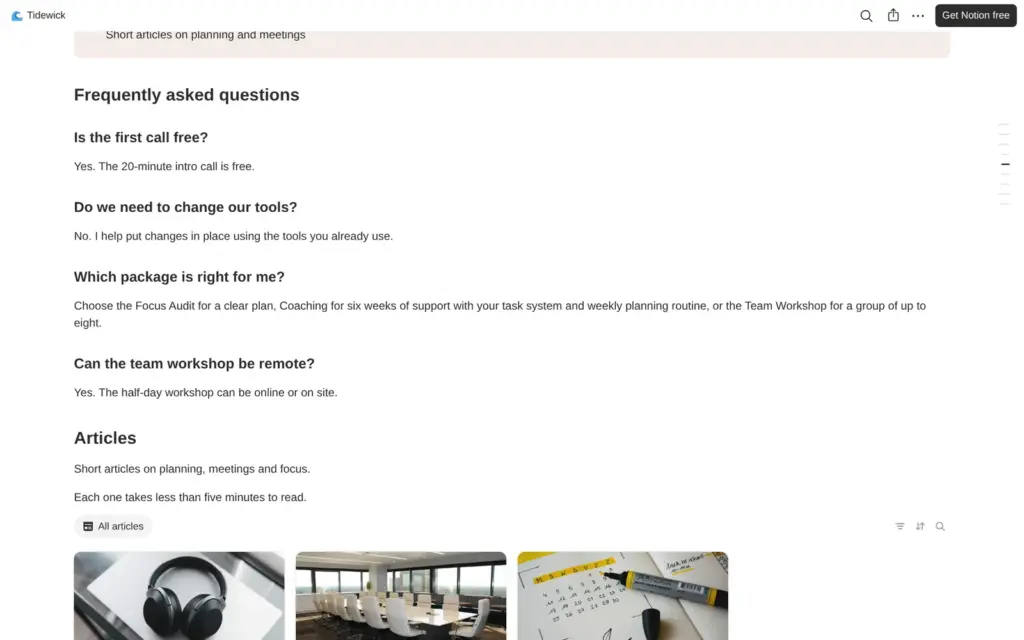
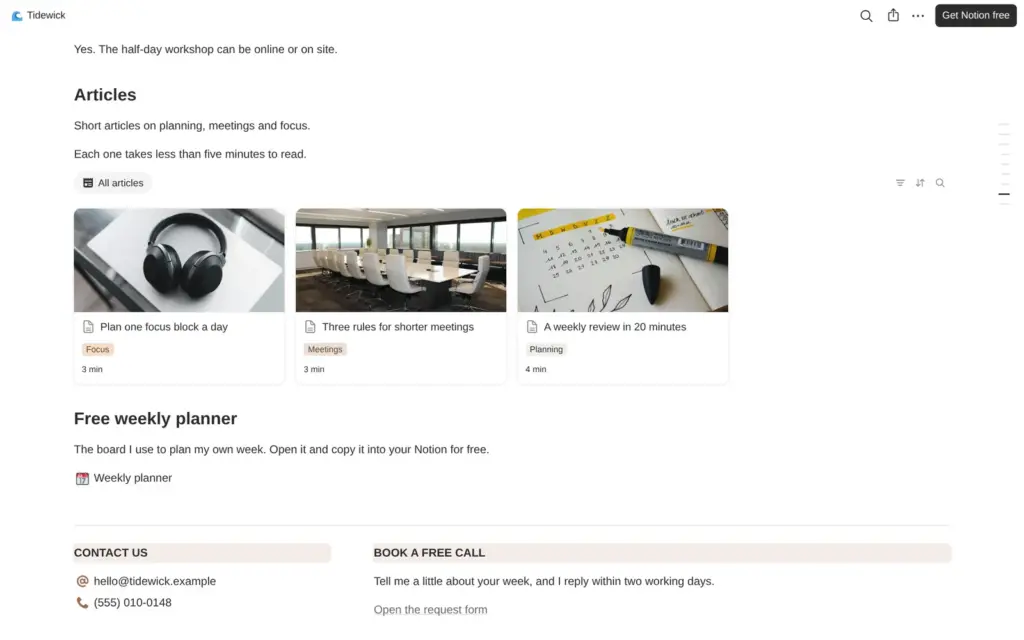
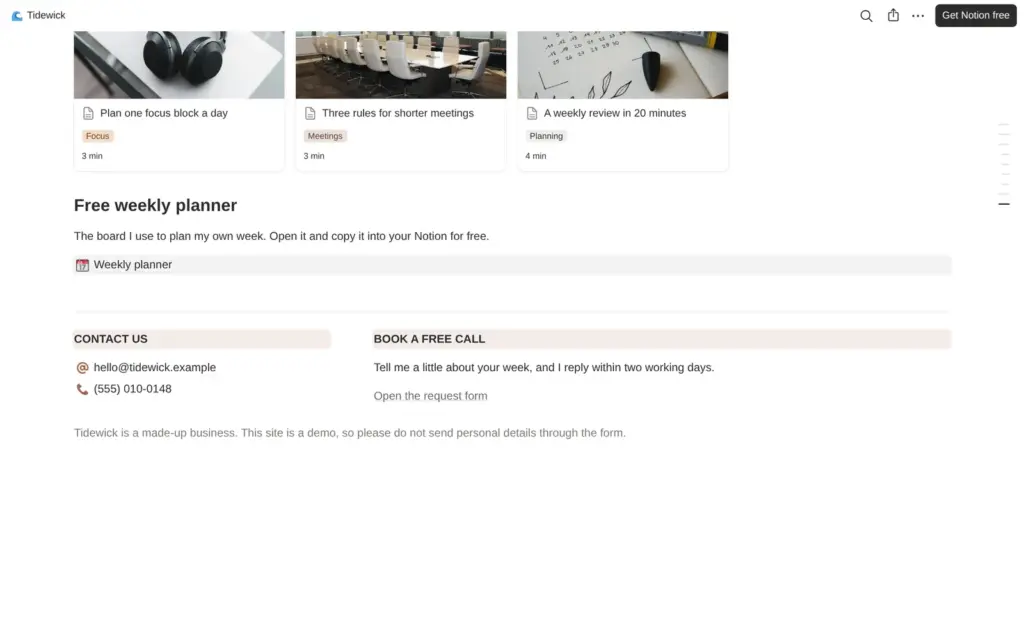
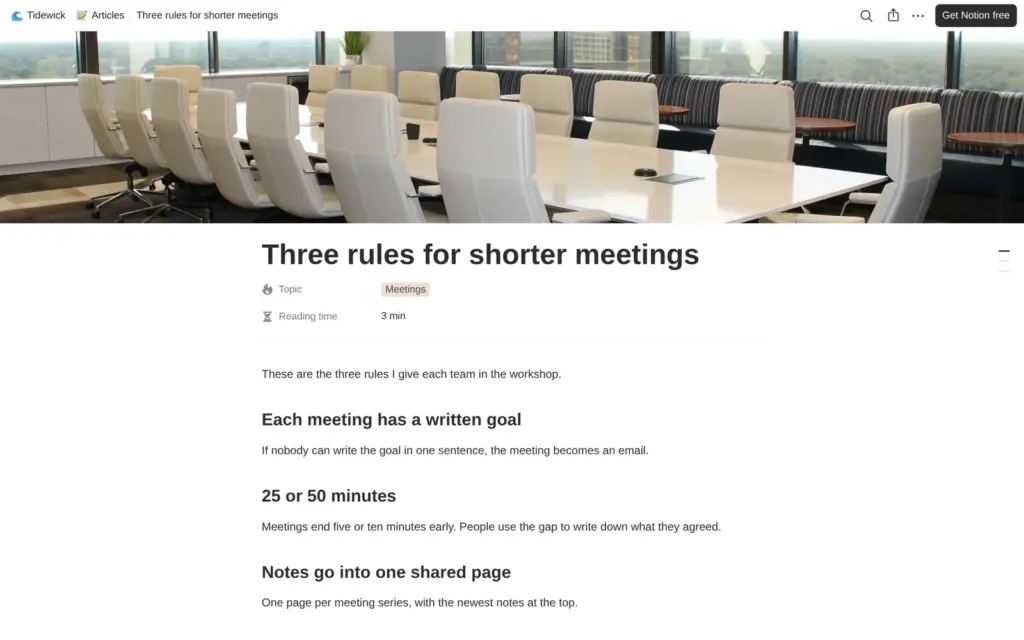
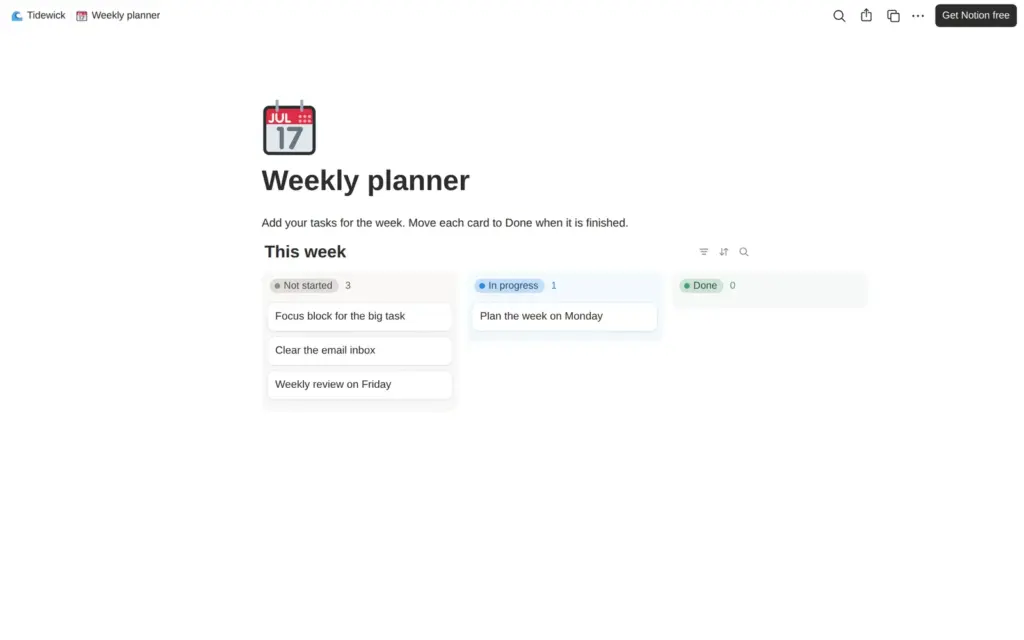
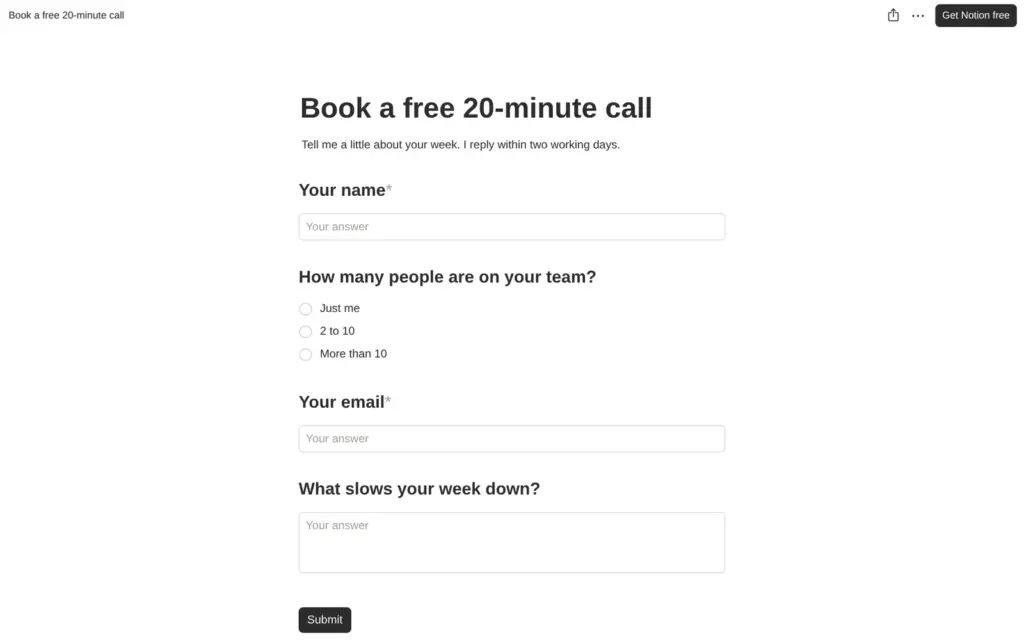
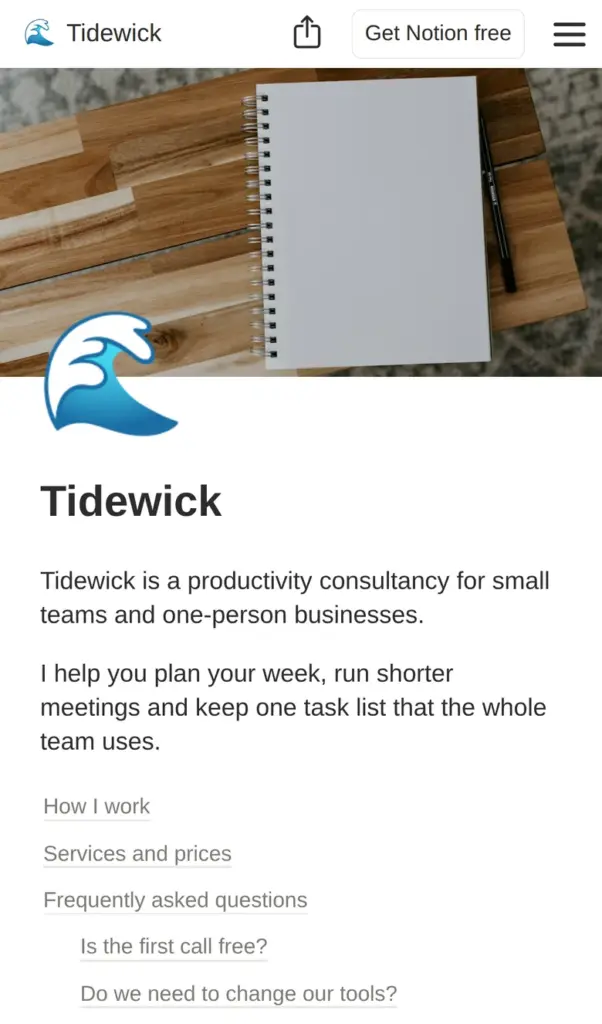
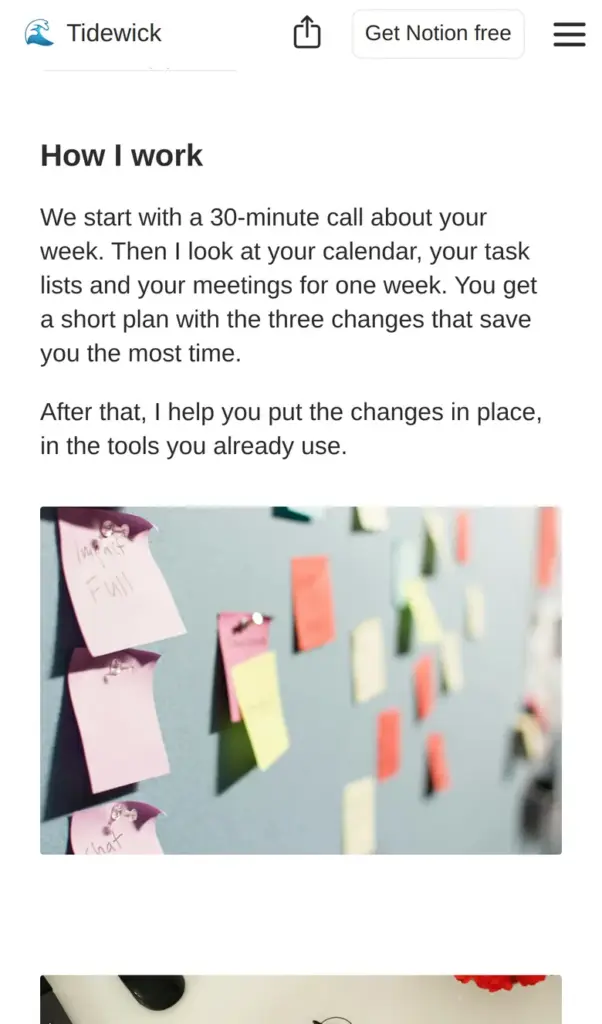
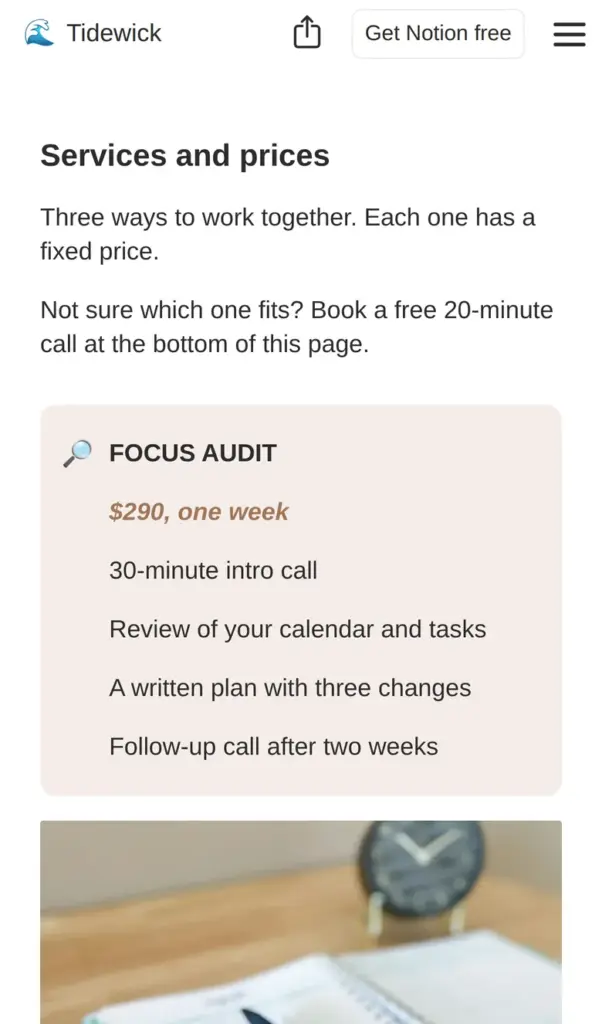
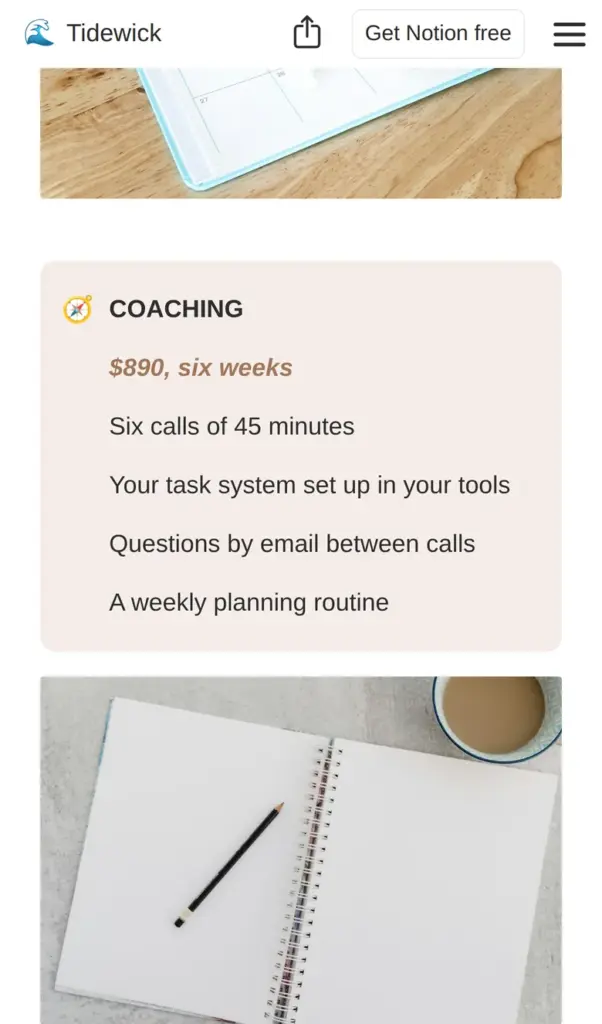
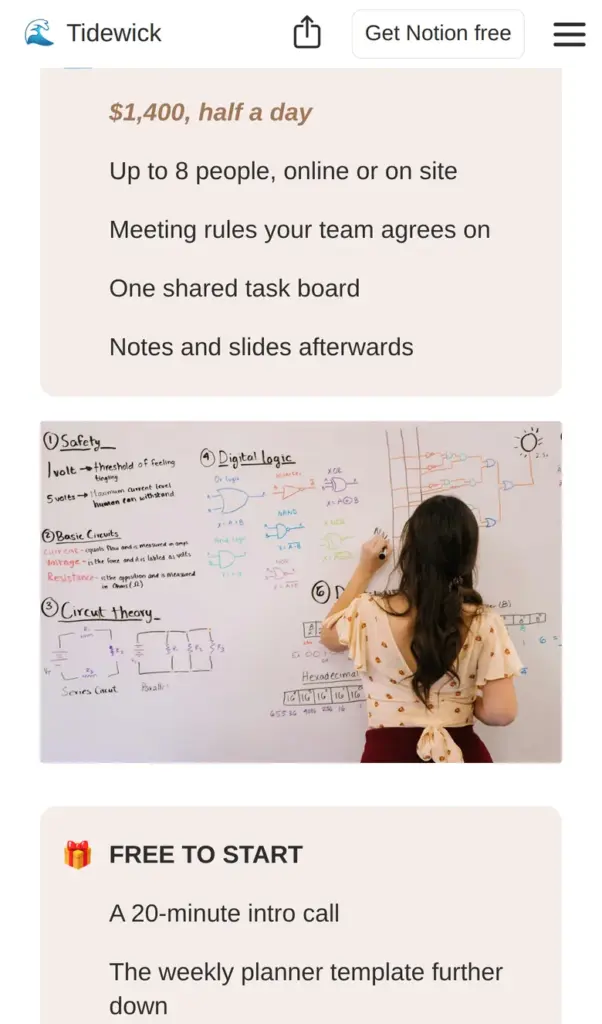
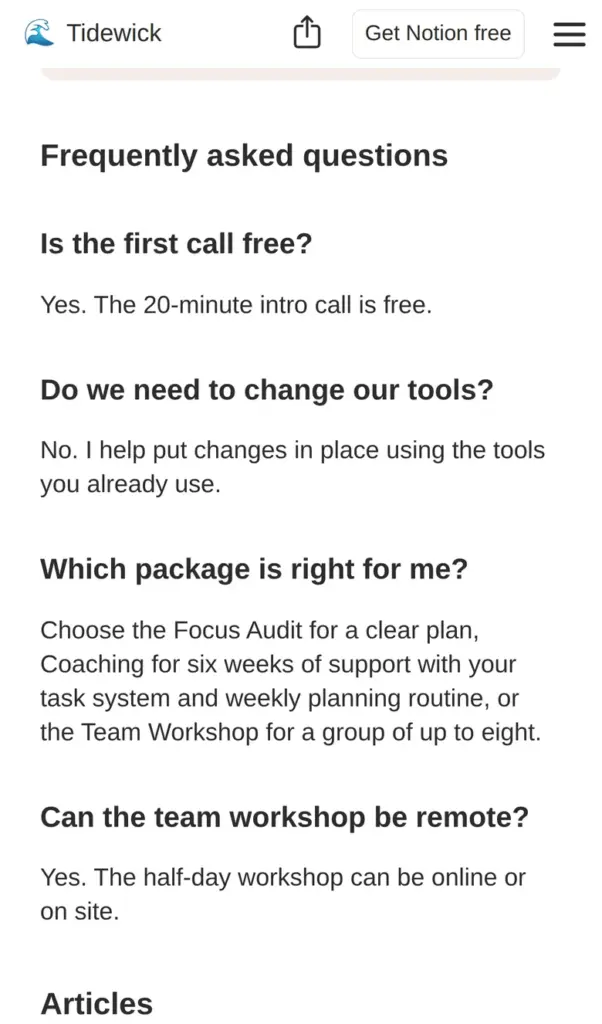
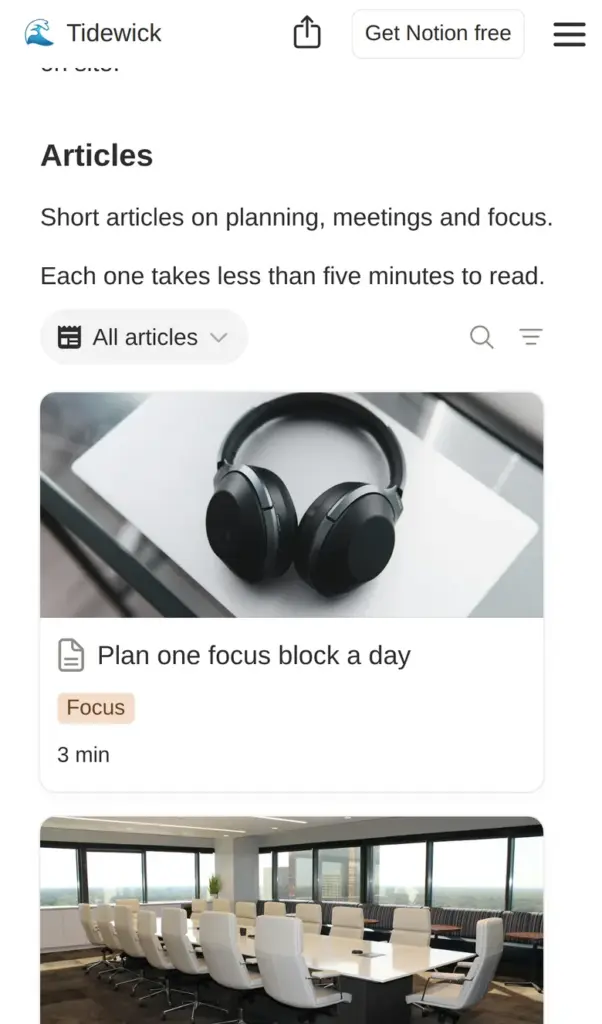
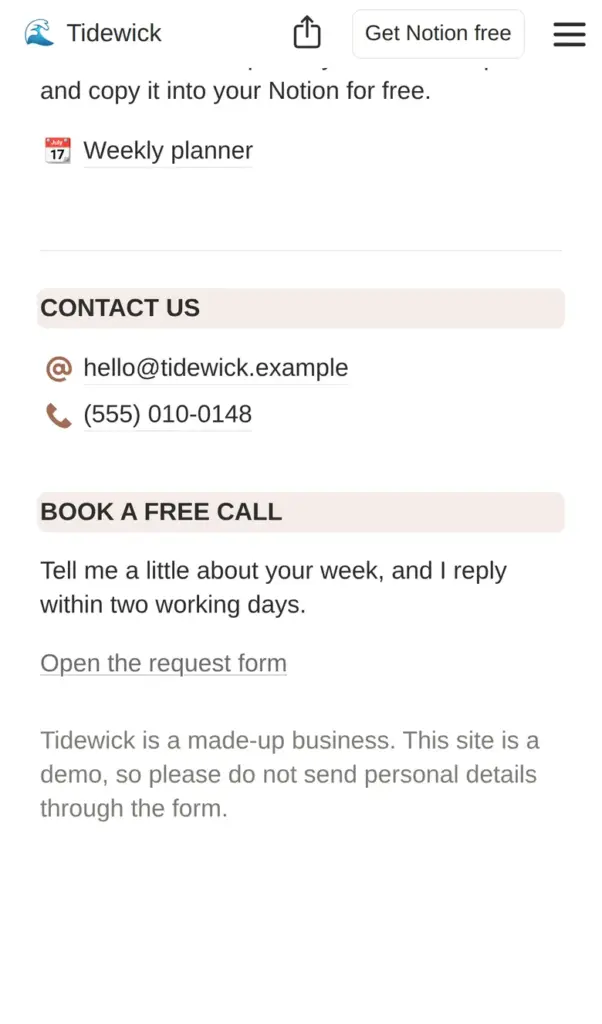
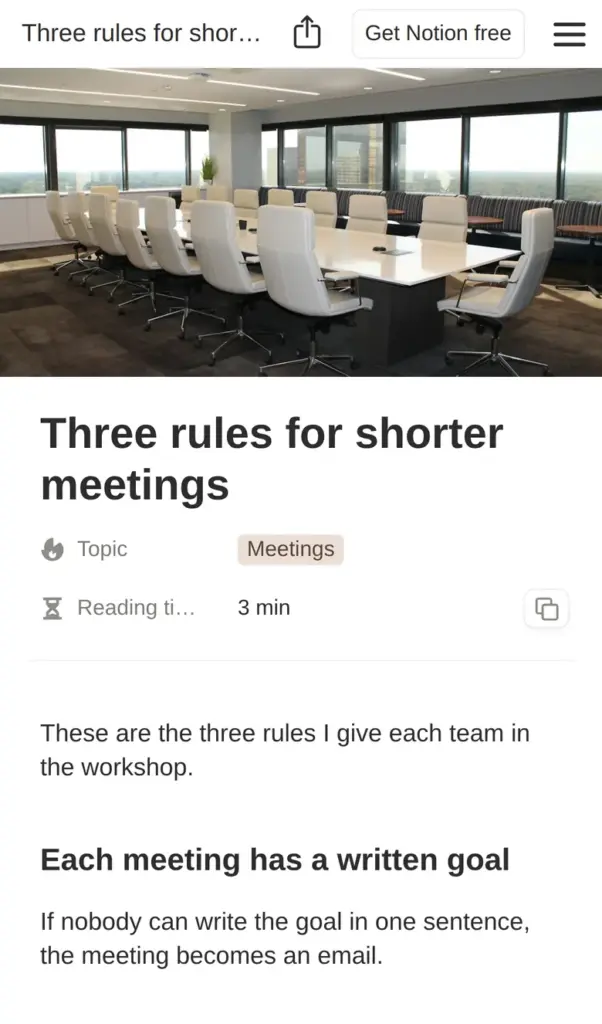
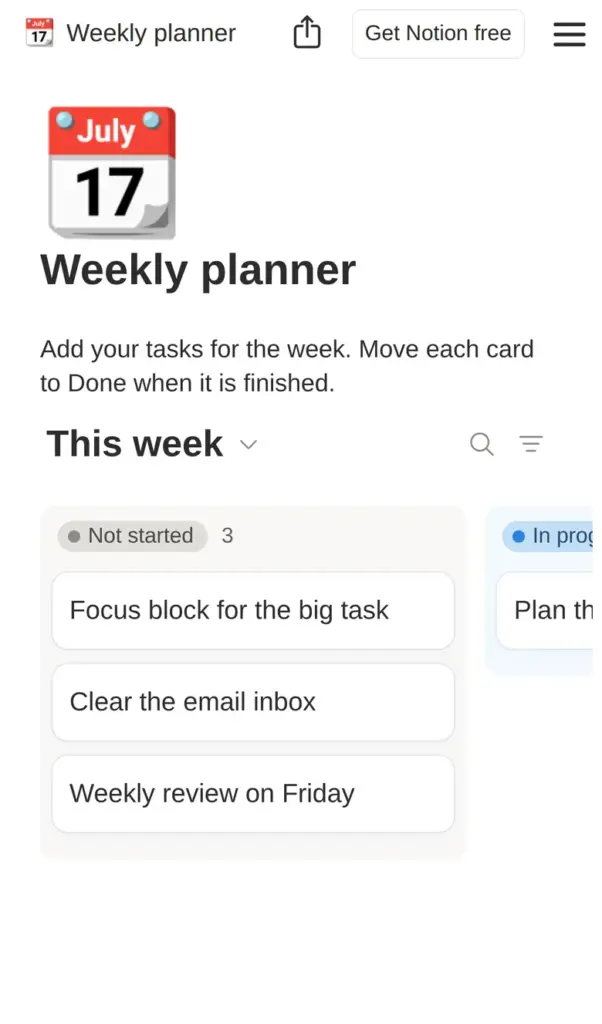
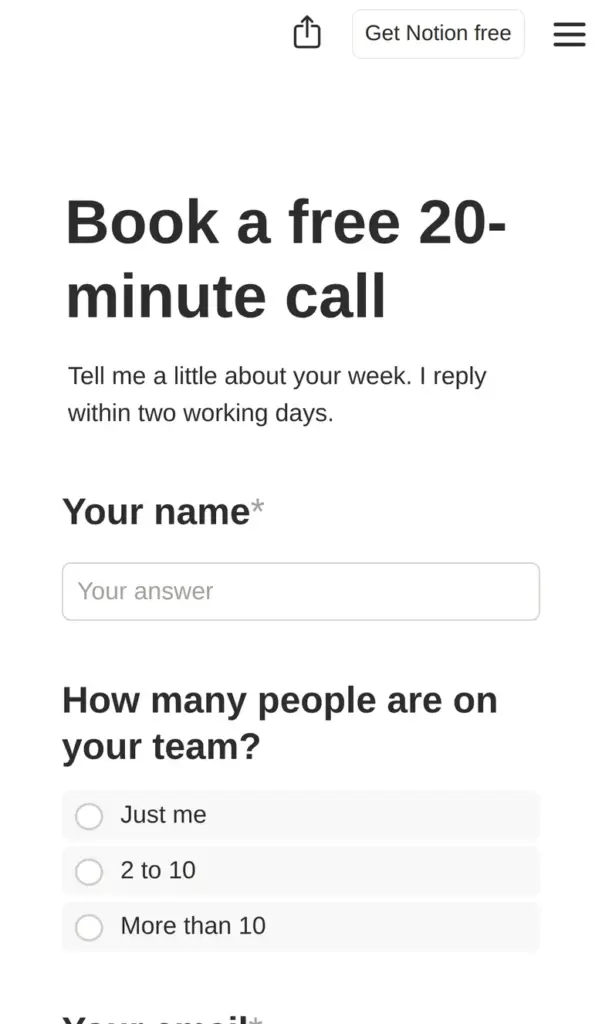
Open the Tidewick site. It is a demo, so please do not send personal information through its form.
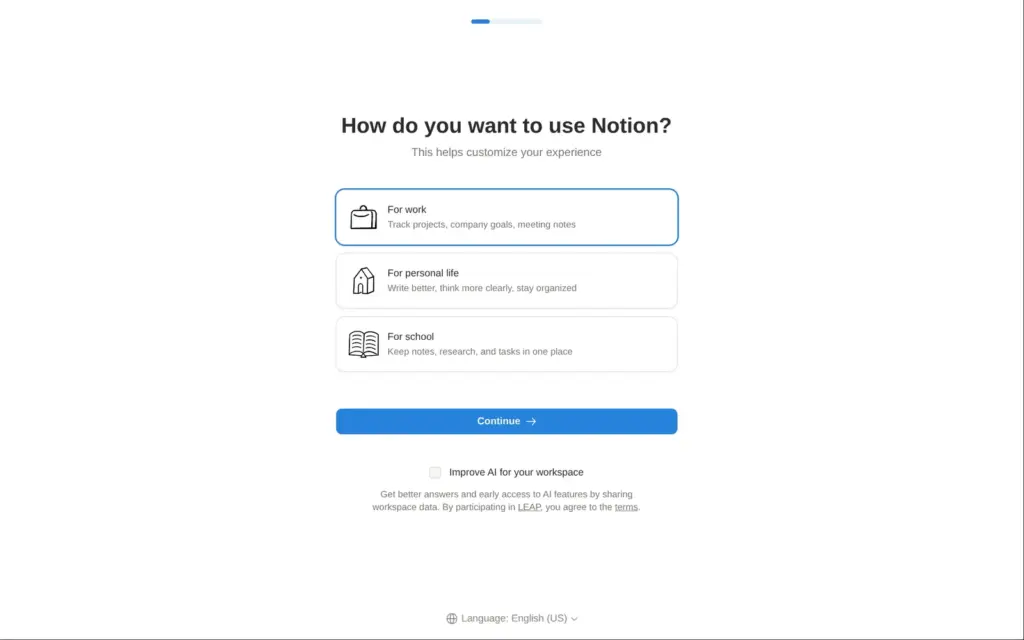
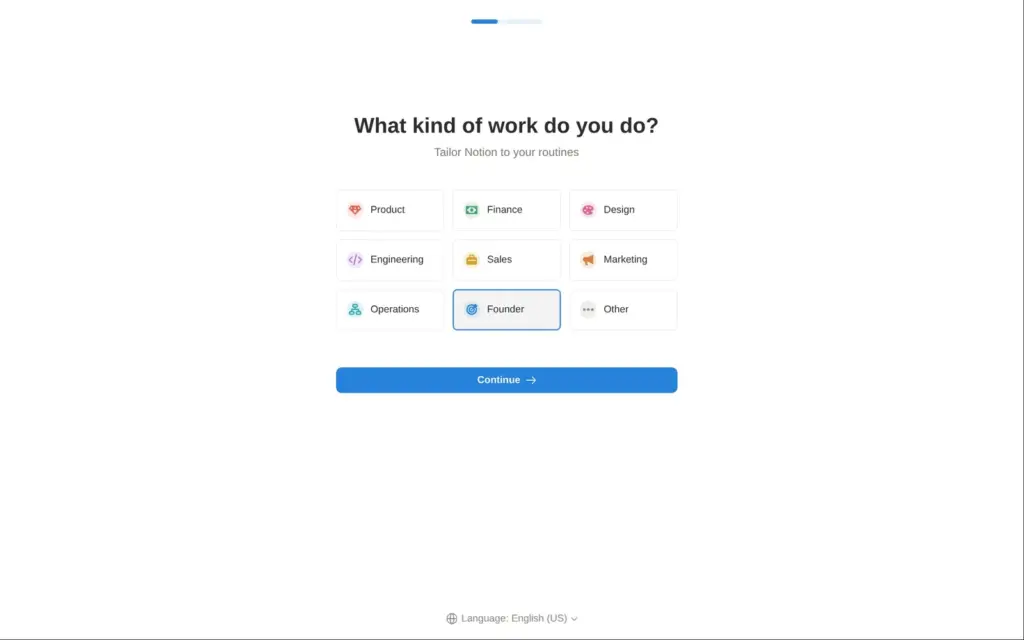
The sign-up asks for an email address and then a six-digit code from an email. Notion also offers other logins, including one with ChatGPT. I did not have to solve a puzzle or give a phone number.
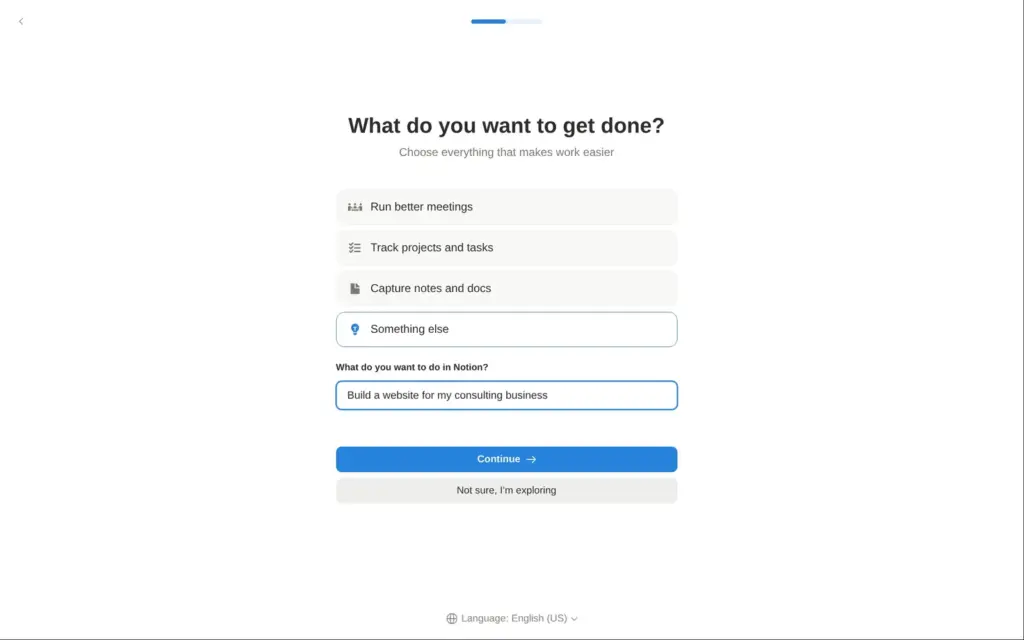
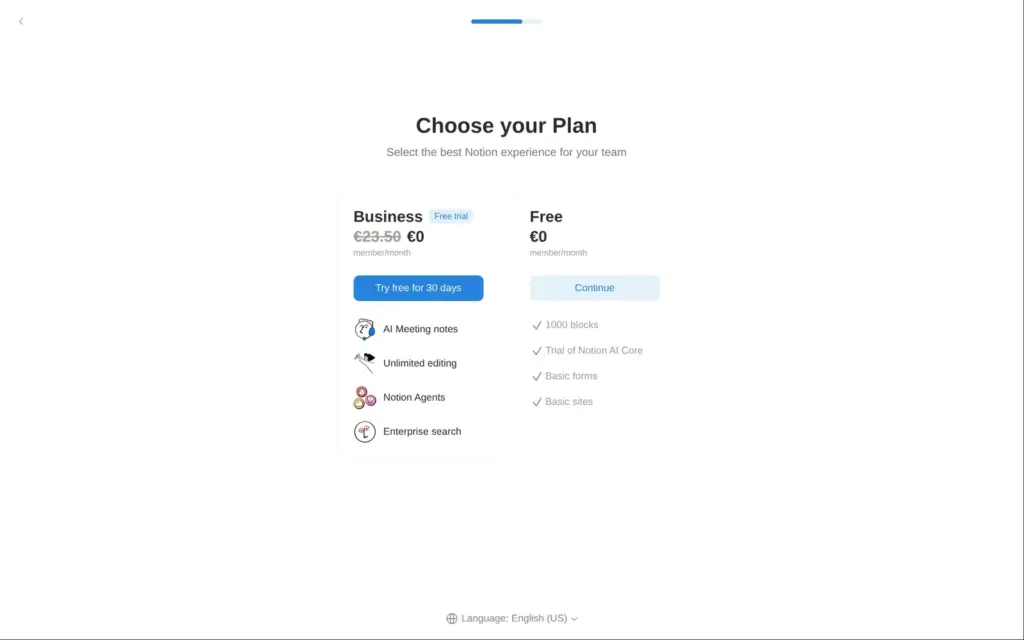
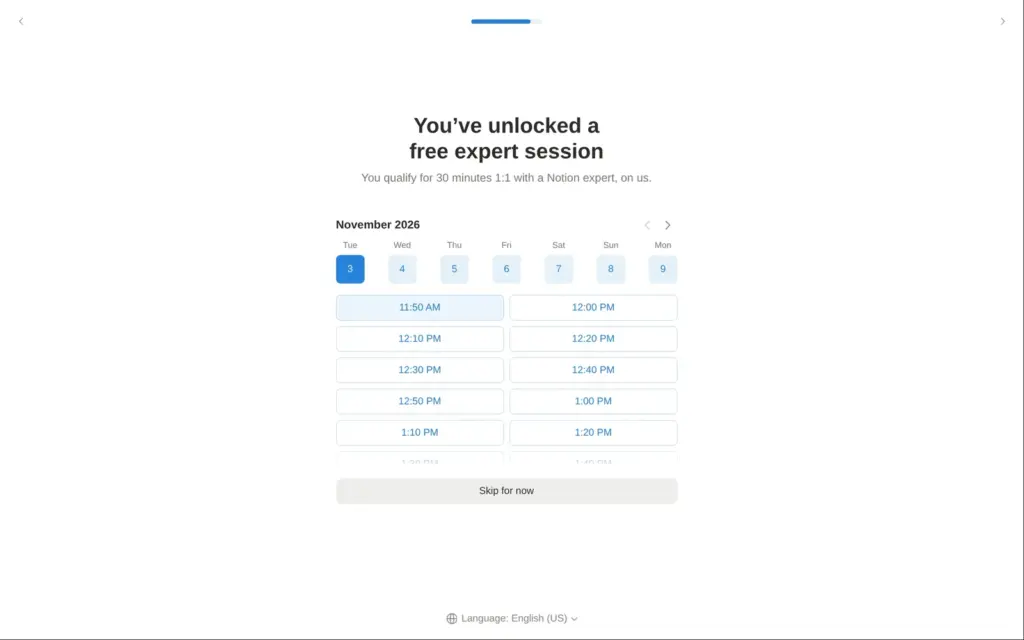
Next, Notion asks for a name and a photo. Then it asks what you use Notion for and what kind of work you do. A website is not one of the answers to "What do you want to get done?", so I typed it in. After that, Notion offered a 30-day trial of its Business plan and a free 30-minute call with one of its experts. I stayed on the free plan.
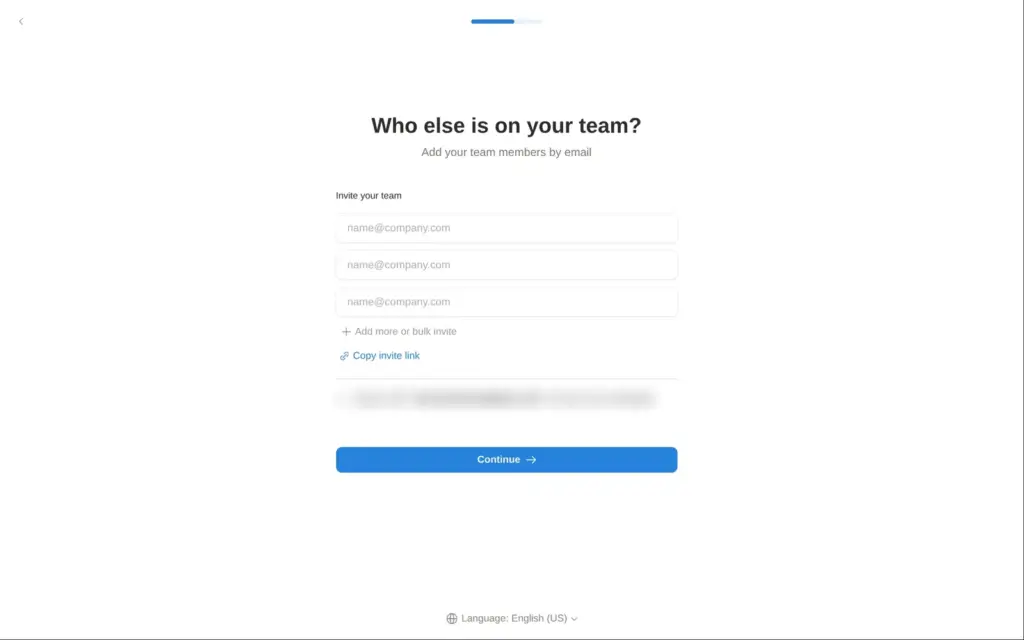
On the invite screen, Notion had ticked a box that lets anyone with an email address at my domain join the workspace. If staff or helpers share your domain, you probably want to untick it.
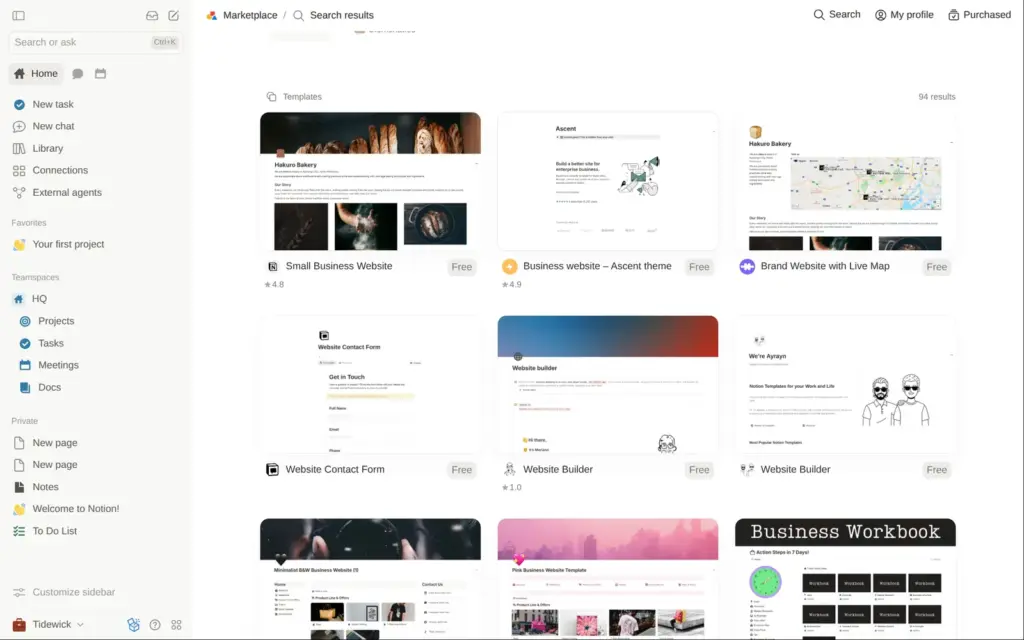
Notion has no separate website editor, so the page itself is the design. Templates come from the Notion Marketplace, which opens from a new page.
A search for "business website" first showed AI agents and skills. The templates came further down, 94 of them. Some are free, and the paid ones I saw started at $2.99. I picked Small Business Website, a free template that Notion made itself. It is a bakery page with a menu and a recipe collection, and it has been added more than 3,000 times.
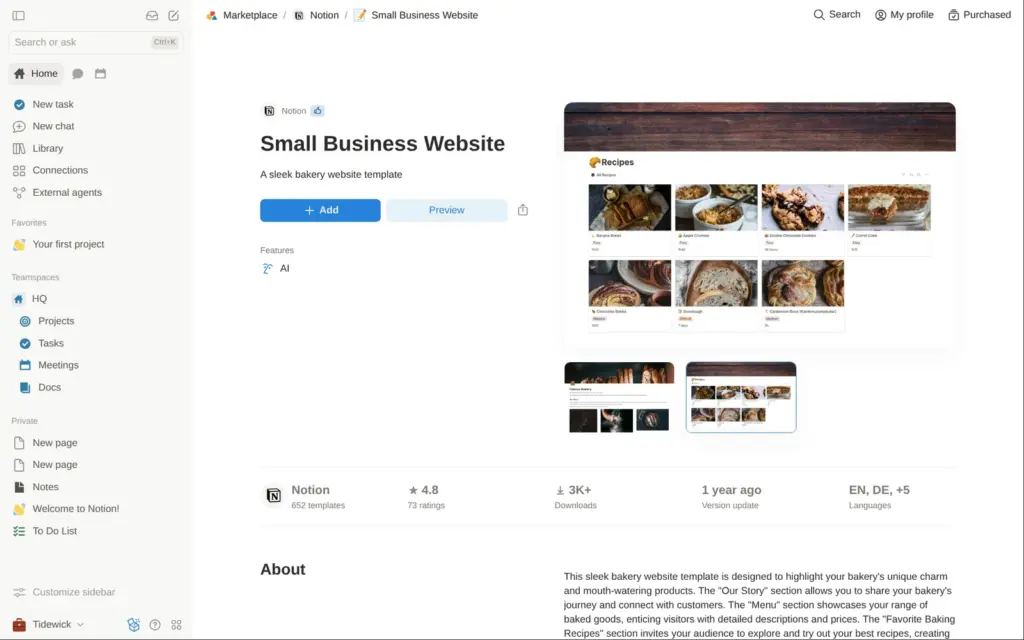
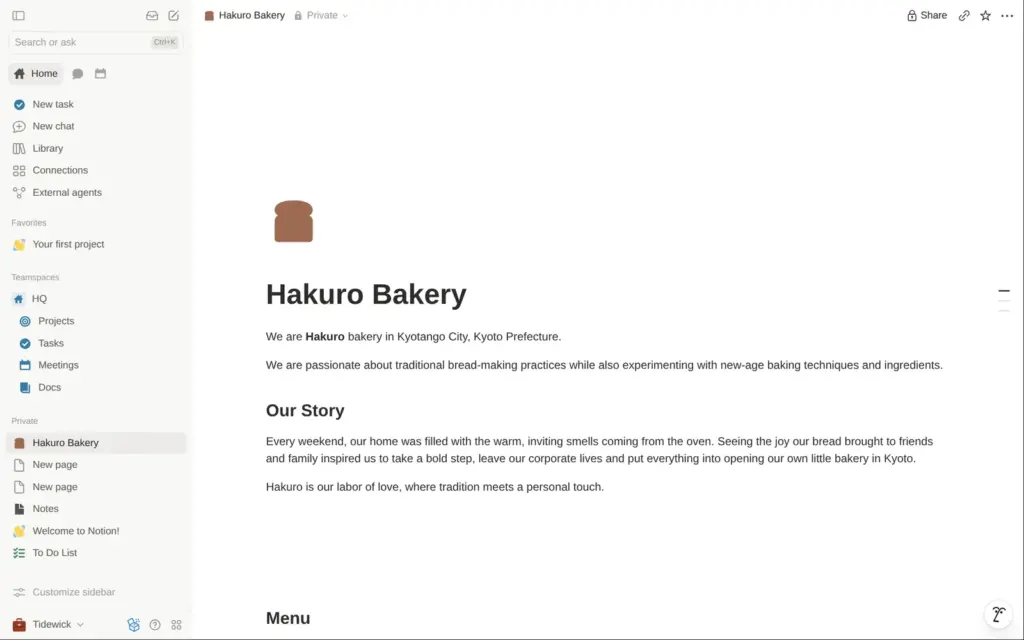
"Add" copied the page into my private pages within a few seconds. The bakery's recipes came along as a Notion database with seven recipe pages. So did a Google map of Kyoto and the bakery's email address.
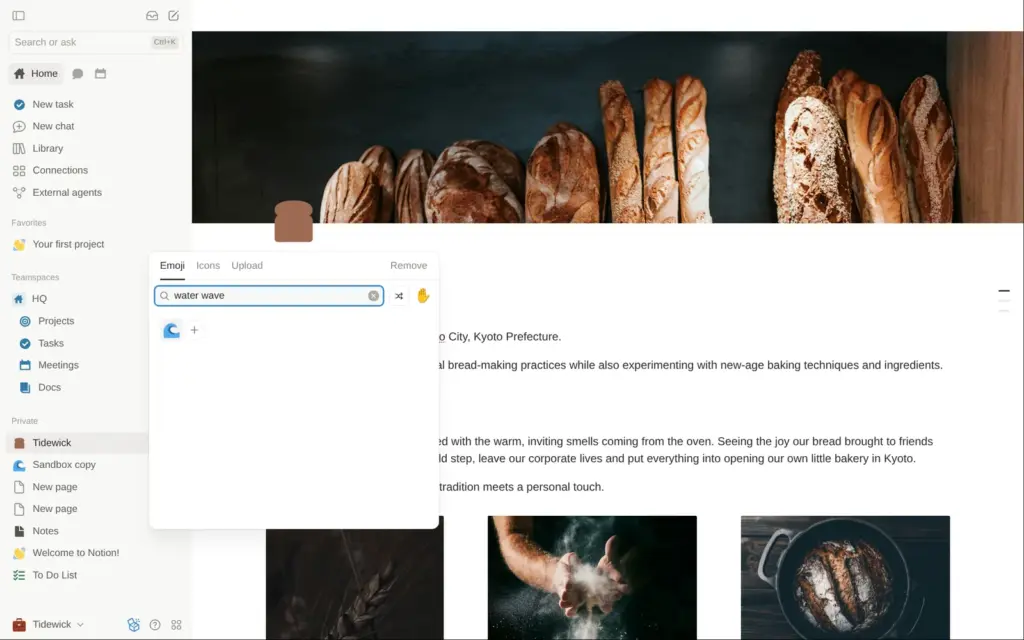
To change text, you click into a line and type. The cover photo and the icon sit above the title. The icon can be an emoji or an image, and I picked a wave for Tidewick.
The cover picker and the image blocks both have Unsplash built in, so I searched for free photos without leaving the page. The three bakery photos sat in columns next to each other. Notion shows each photo in its own shape, so a tall photo next to two wide ones makes the row uneven. I found no setting to crop them to the same height and swapped the tall photos for wider ones.
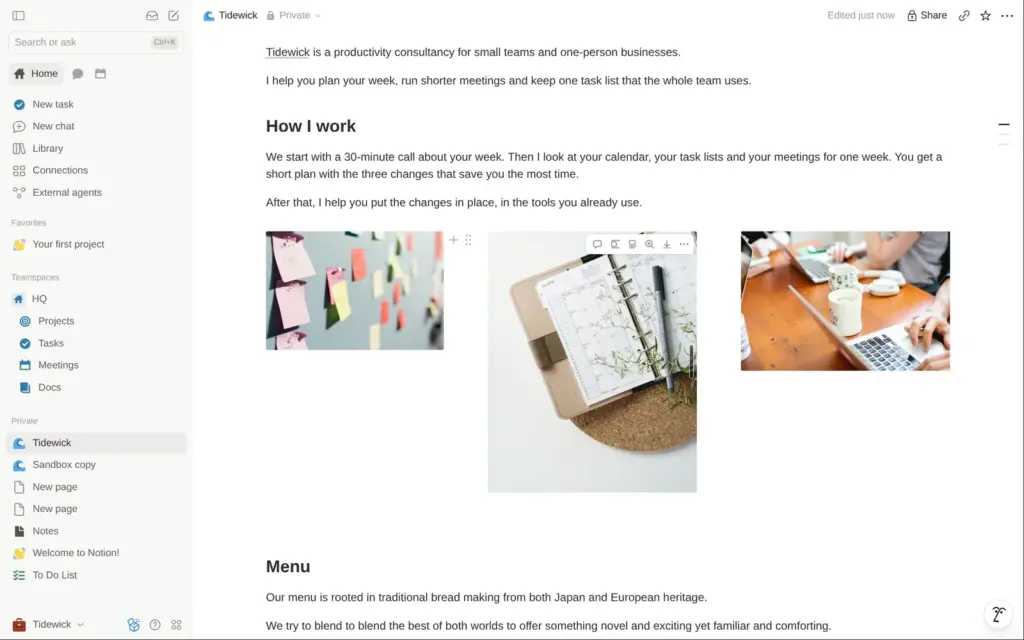
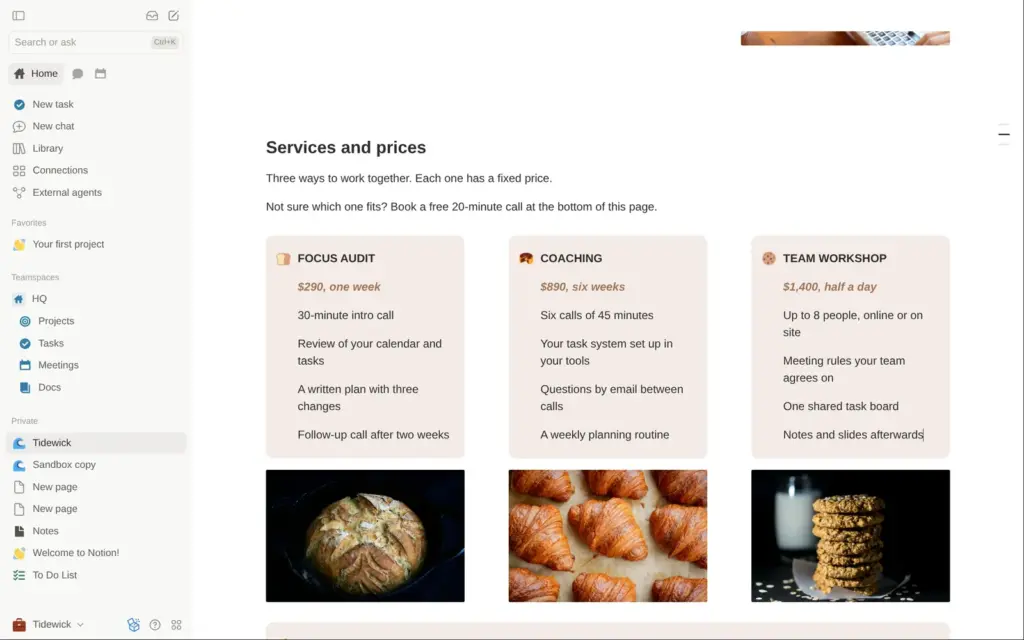
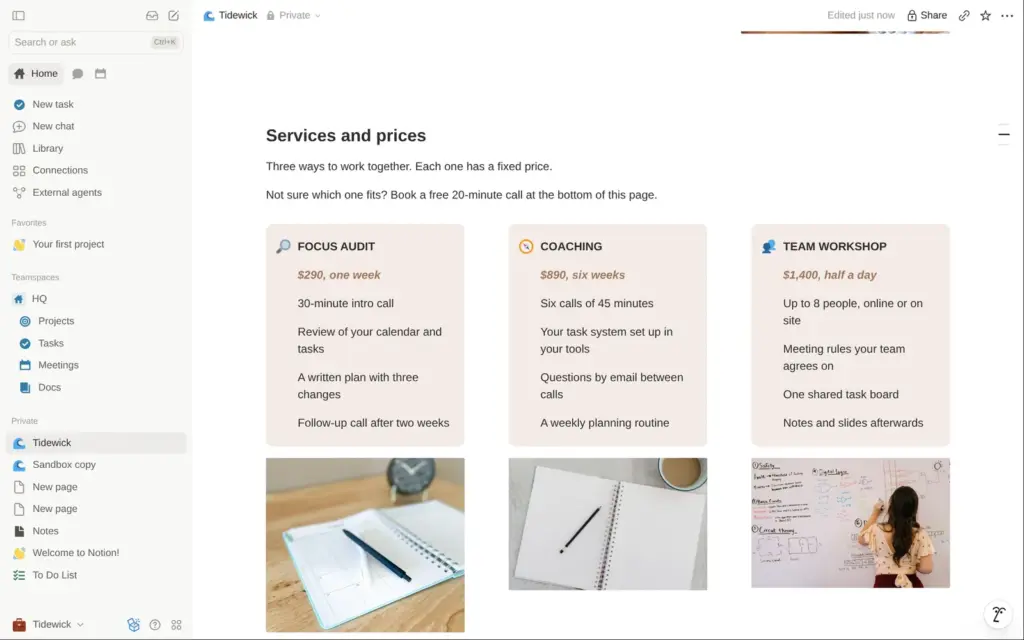
The bakery menu became my price list. Each of its colored boxes, which Notion calls callouts, now holds one package and its price. A fourth box lists what is free.
Replacing the text was easy, but the new text came out plain. I set the bold headings and the brown prices again with keyboard shortcuts. The bakery icons and the photos under the boxes also had to change.
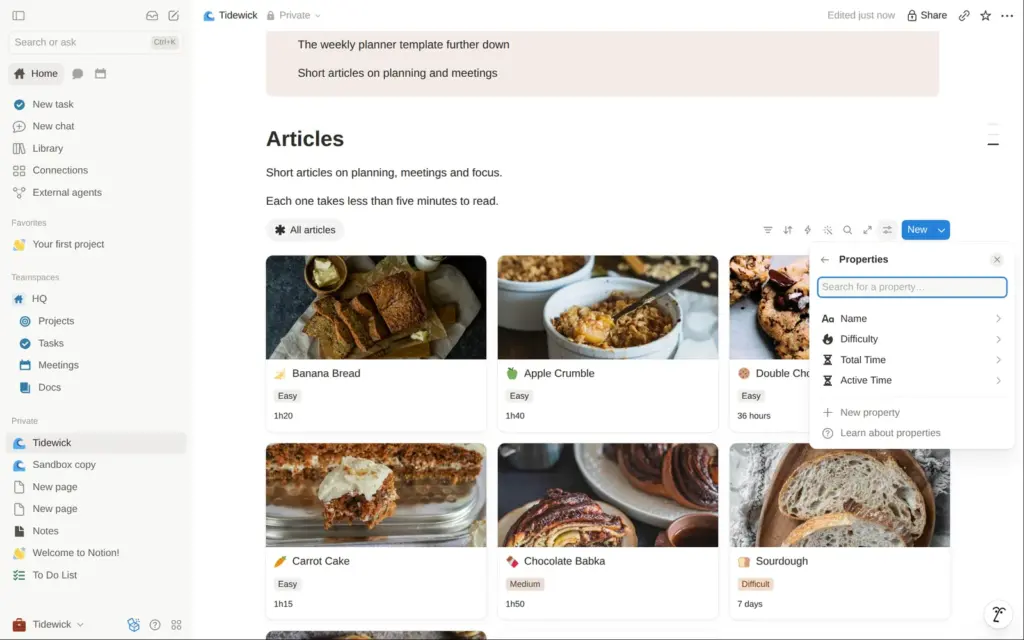
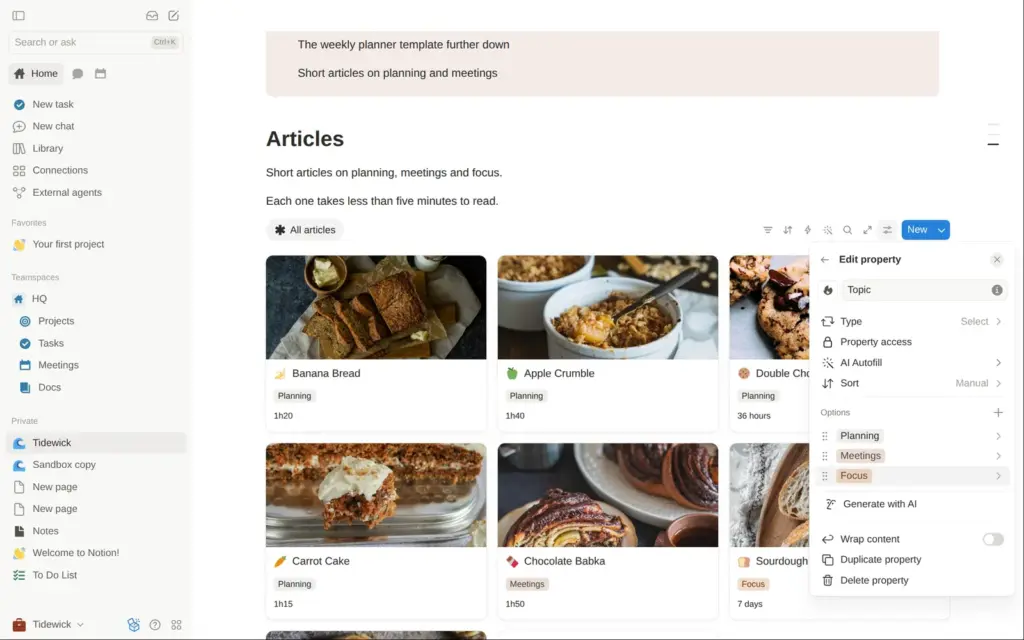
The recipe collection became the article section. It is a Notion database, shown as a gallery of cards. In its settings I renamed the view and the fields. The recipe difficulty became a topic field, and the total time became the reading time. Then I deleted the seven recipes.
A new article is a new page in that database. I pasted my text, and Notion turned the headings and the checklist into its own blocks. A cover photo per article fills the card on the site. New pages first started from the template's recipe layout, so I had to pick an empty page instead.
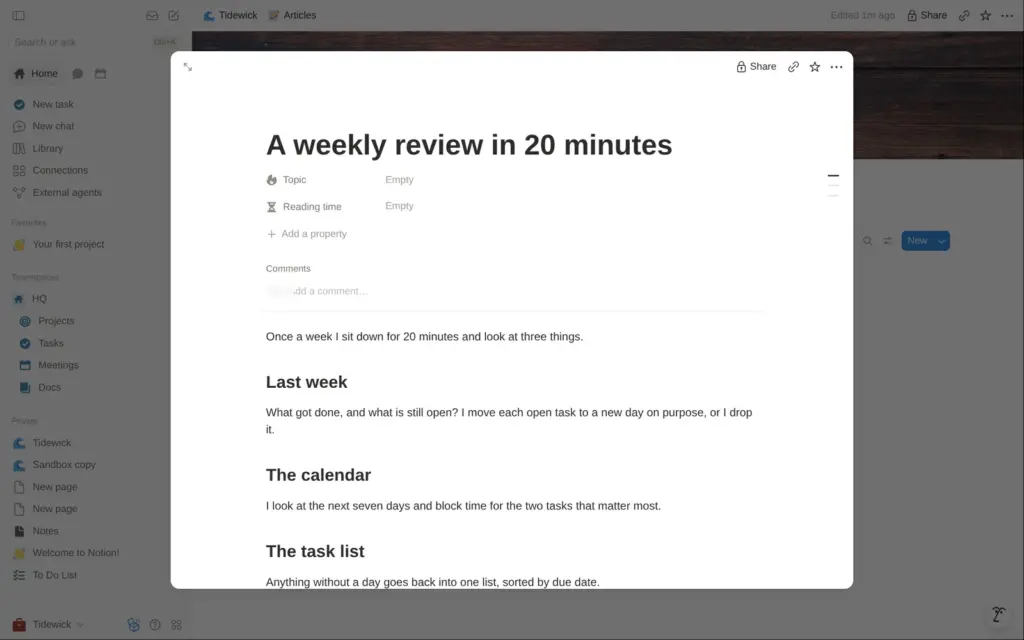
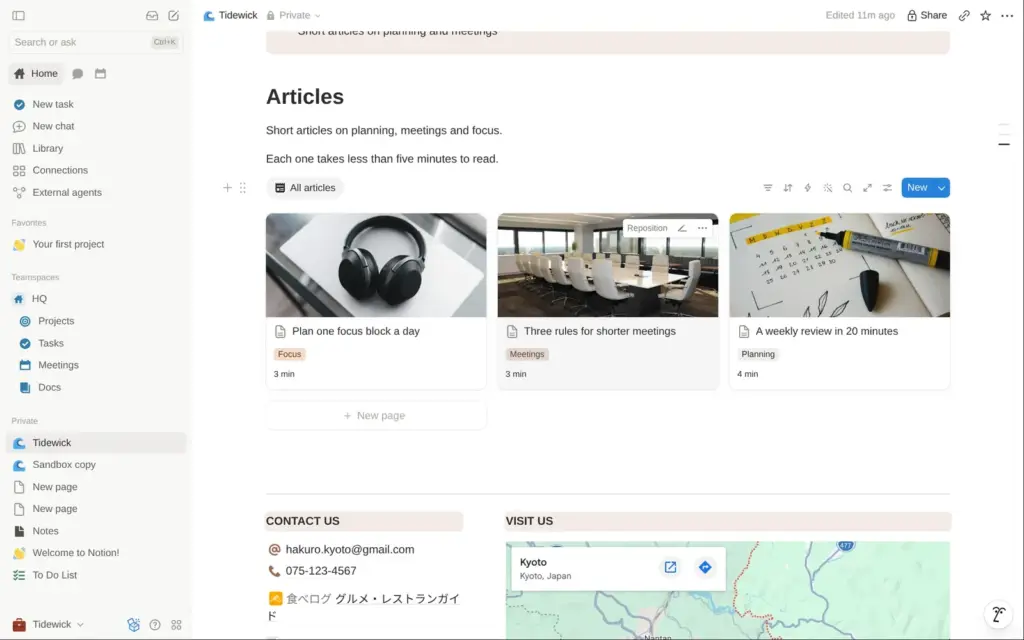
On the site, each card opens its article in a window over the page, and each article has its own link. That is enough for a few articles a month.
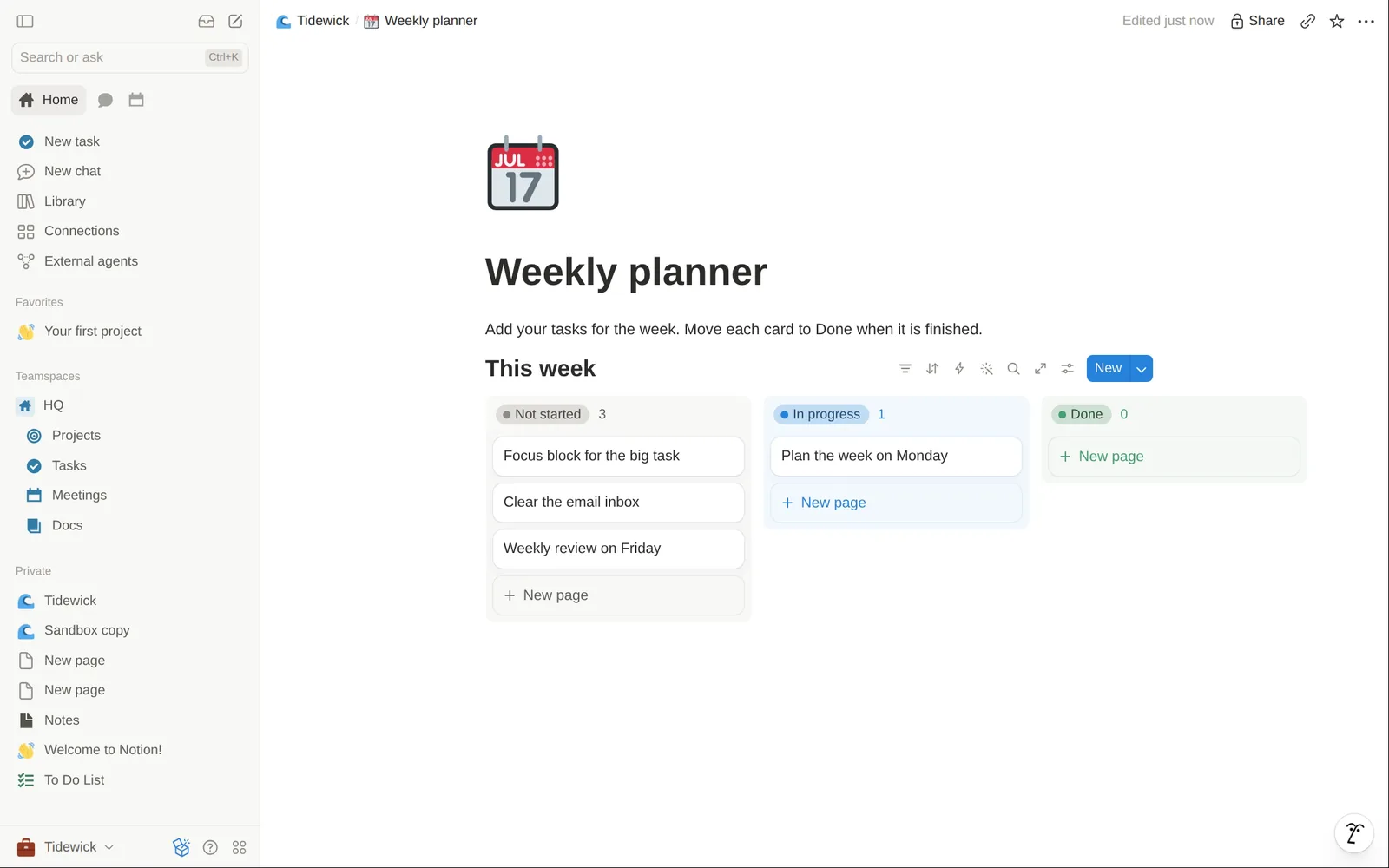
I added a subpage with a weekly planner, a board with one column for each status. Cards move between the columns by drag and drop.
Each published page has a switch called "Duplicate as template". I switched it on for the planner, so visitors see a copy icon in the top bar. When I clicked it as a visitor, Notion first asked me to log in, because the copy goes into the visitor's own Notion.
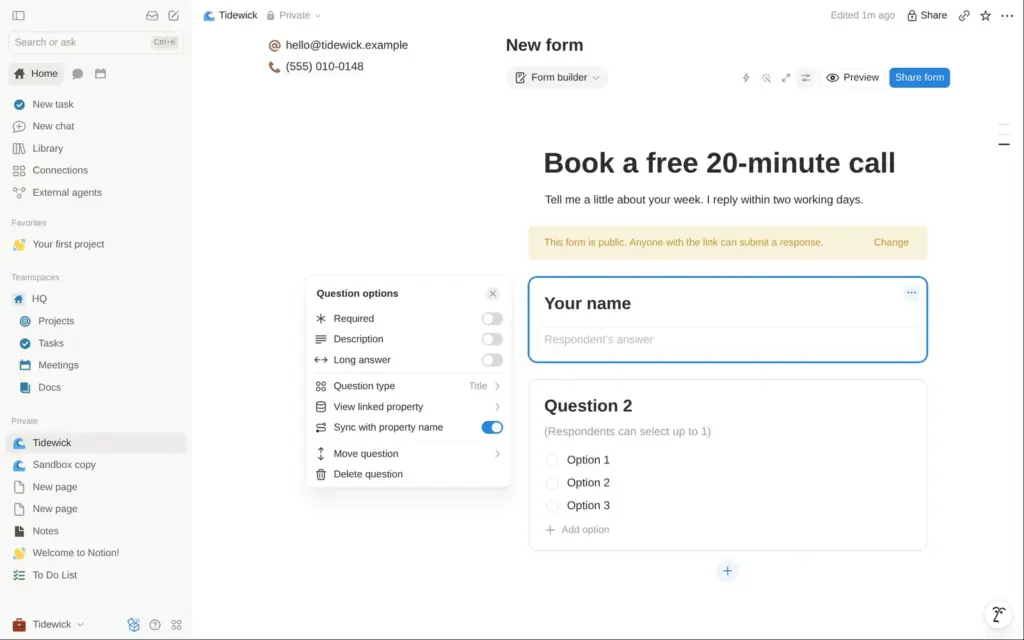
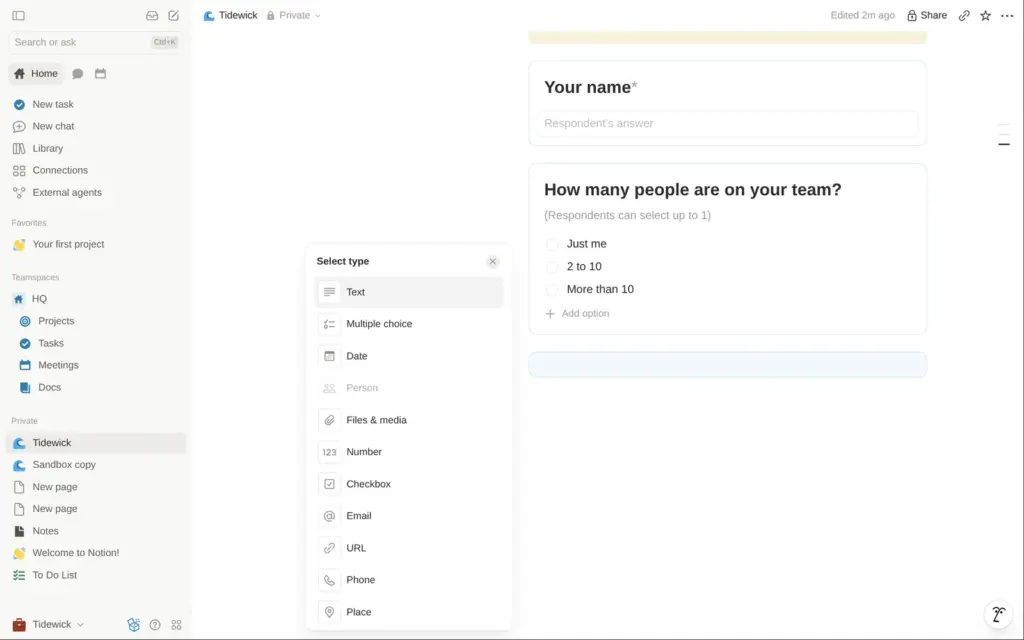
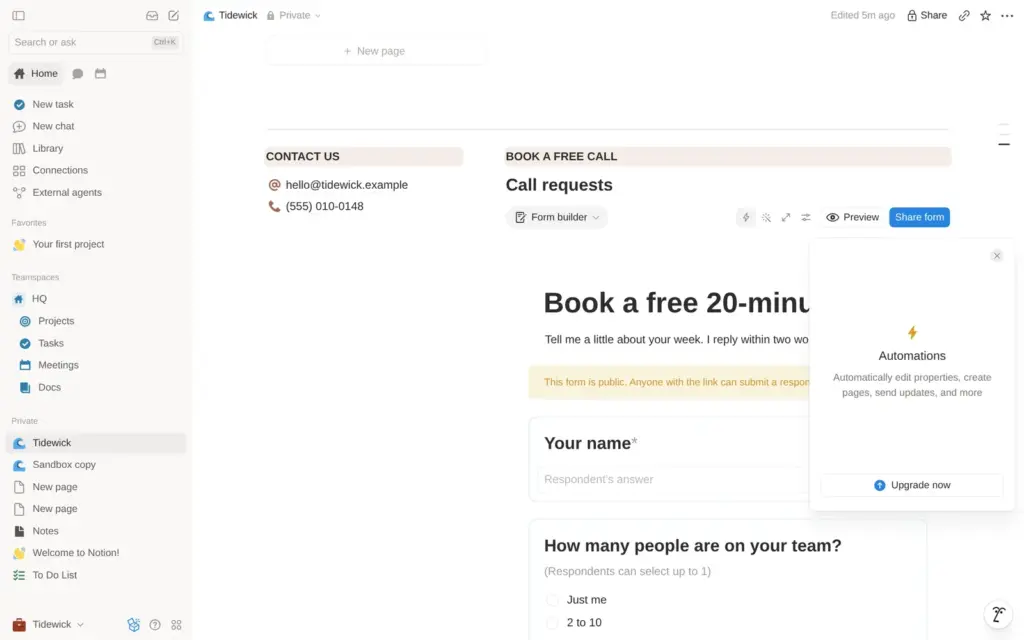
Notion has its own forms. Typing "/form" on the page inserted one with two sample questions. There are eleven question types, among them email and file upload. Each question can be required, and text answers can get a large box.
New forms only accept people from your own workspace. I switched mine to "Anyone on the web with link", which makes the answers anonymous. Then I named the questions and made the name and the email address required.
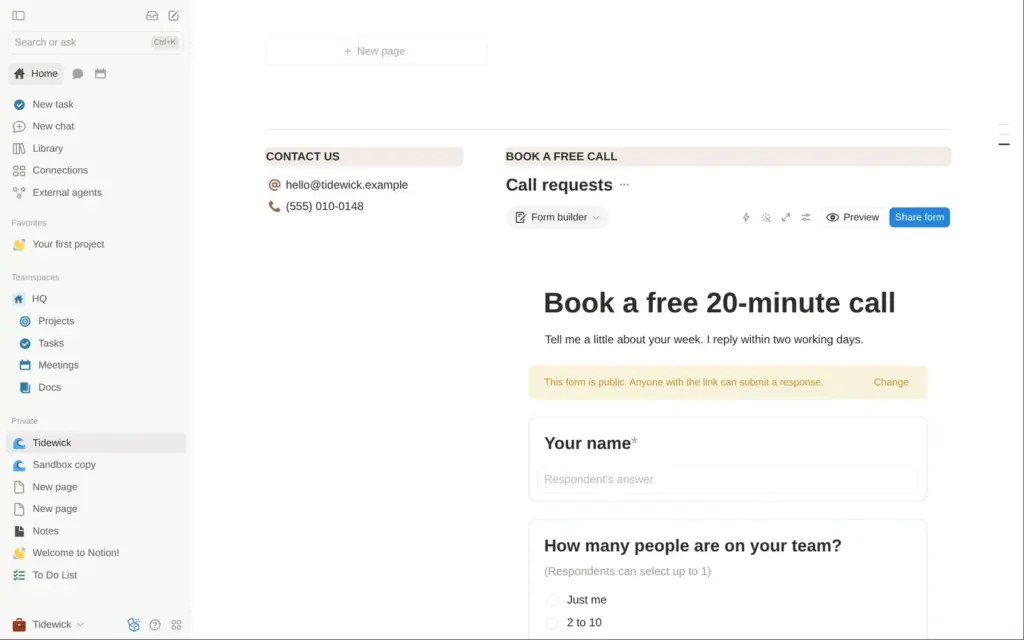
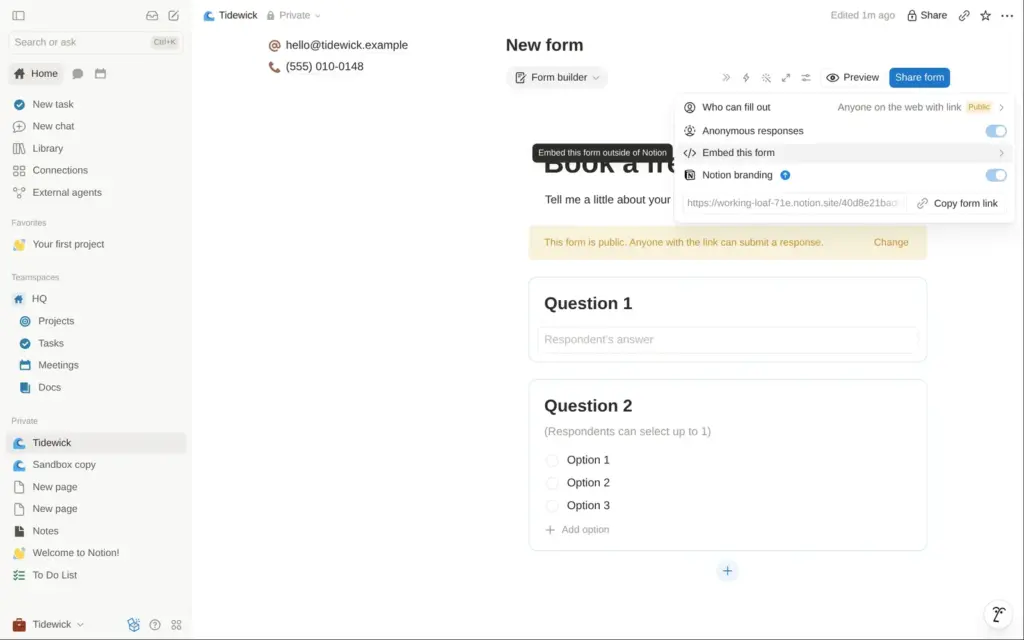
Some form settings need a paid plan. The switch for the Notion logo on the form opened the list of plans. So did the settings for the page after sending. According to the help center, that is also where you turn on email copies of the answers. Automations, which could send a message for each new request, showed an upgrade box.
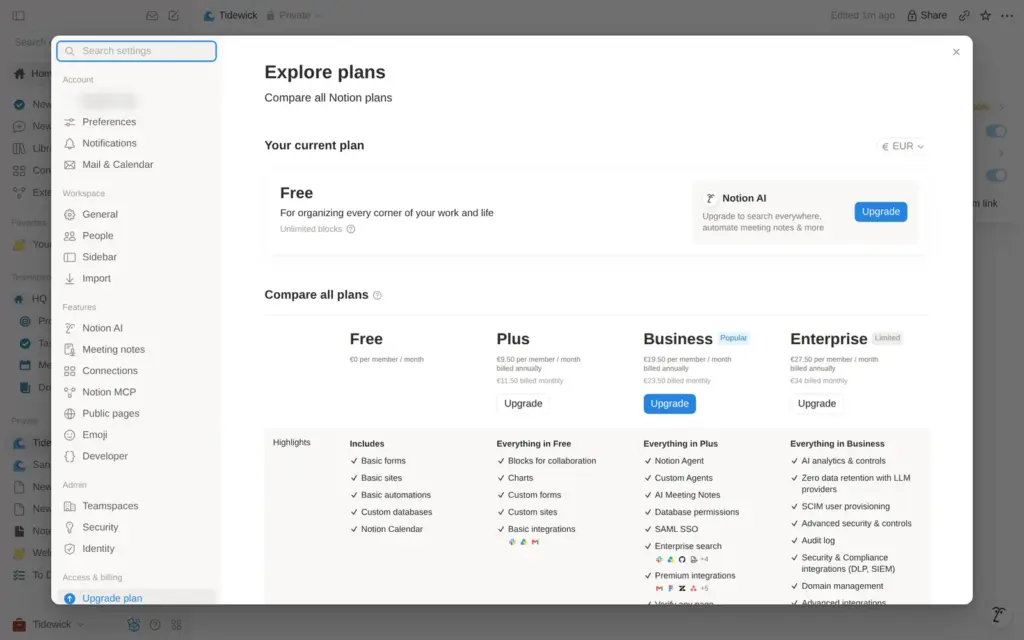
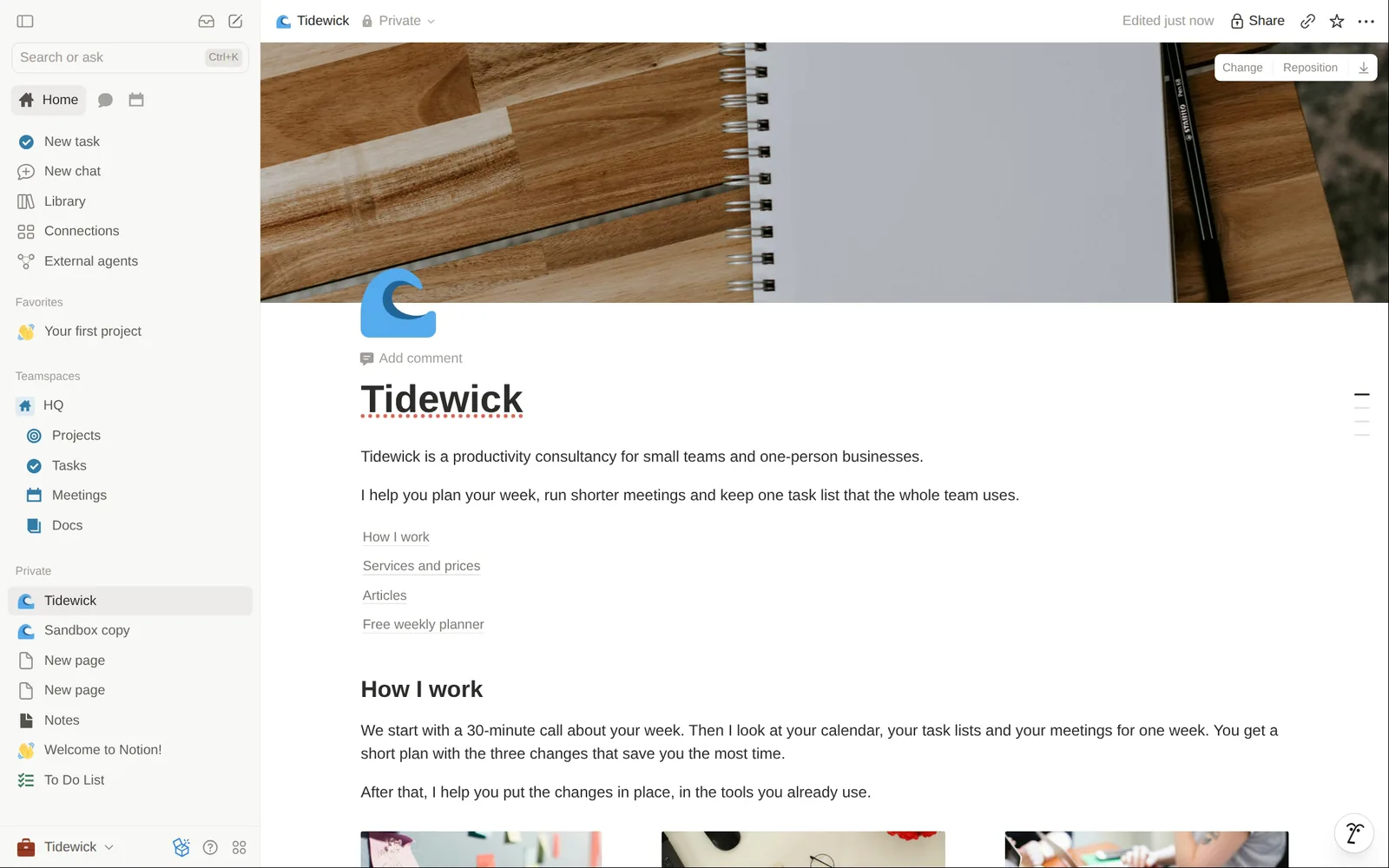
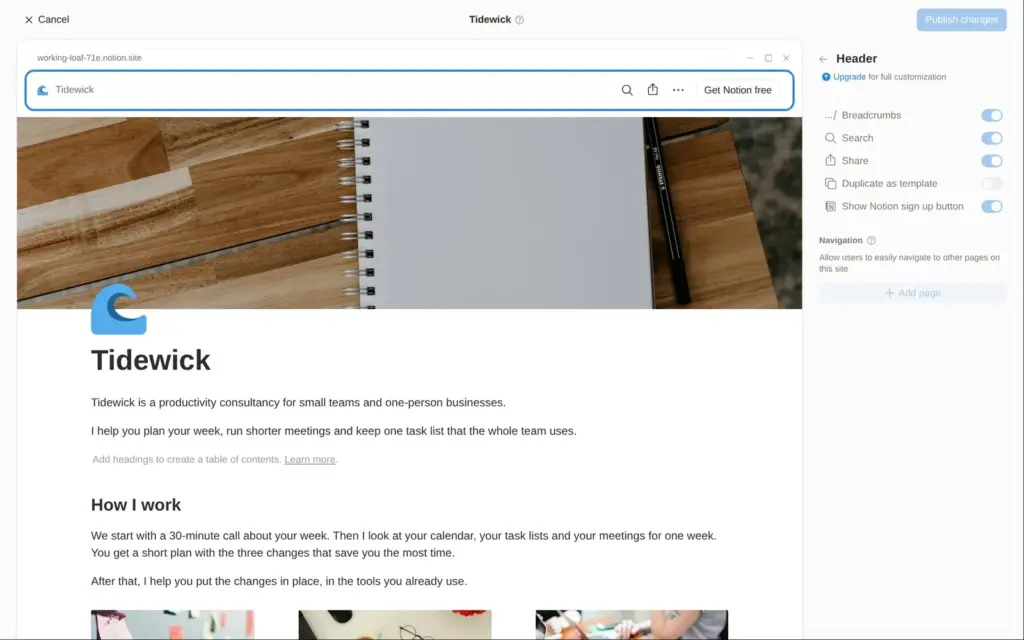
On the free plan, a Notion site has no menu bar. The setting for menu links exists, but it is grayed out. A table of contents block at the top of the page lists the headings and jumps to each section. On a one-page site that works as a small menu.
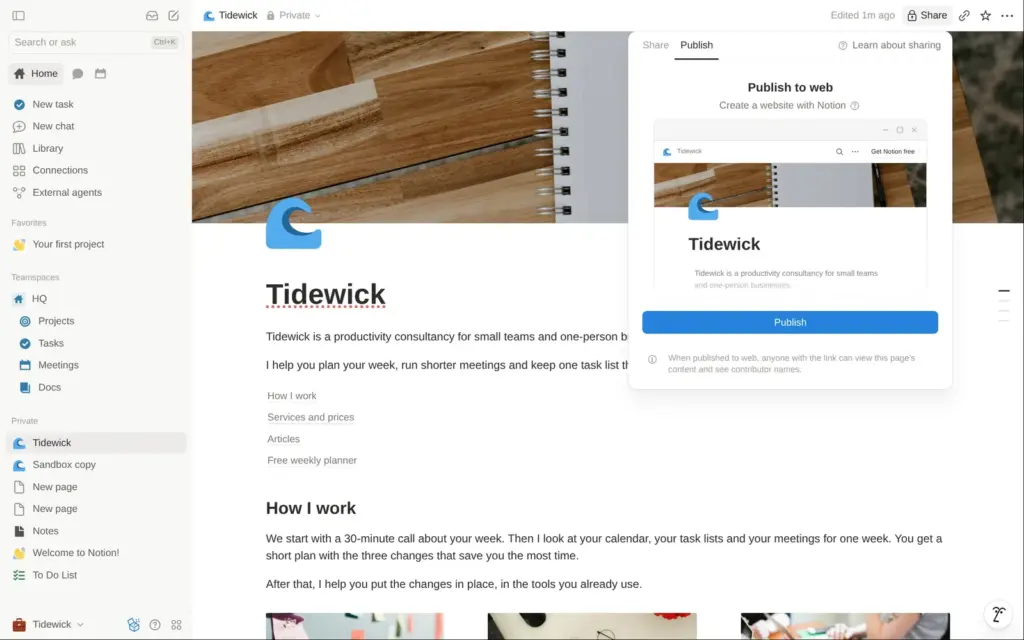
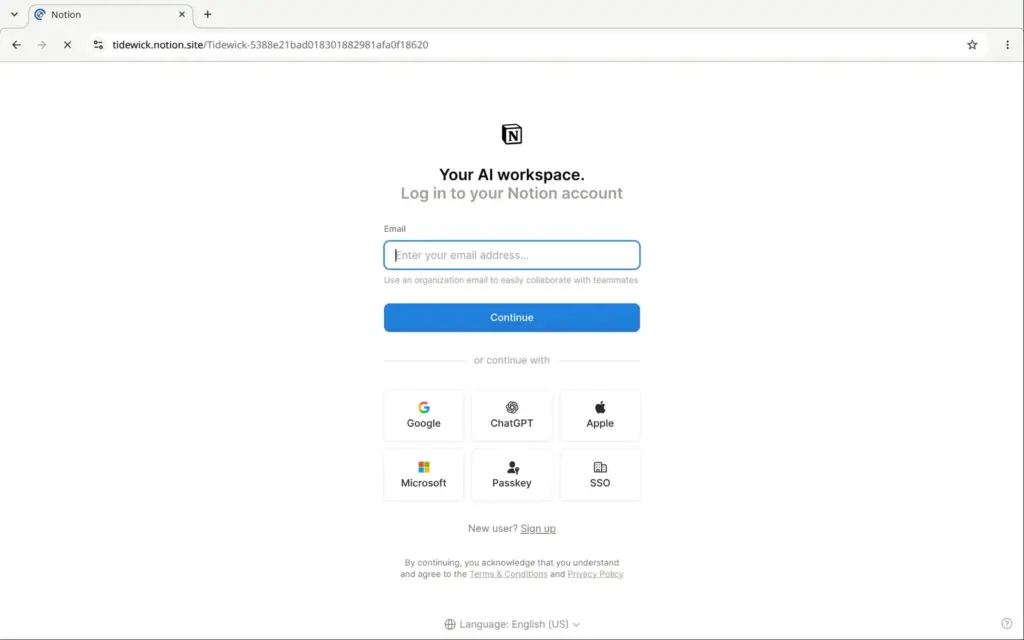
Publishing starts from the Share button, on its Publish tab. Notion warns that visitors can see the names of the people who worked on the page. One click on Publish put the page and all its subpages online, on a random address, working-loaf-71e.notion.site. Later changes to the page reach the site by themselves.
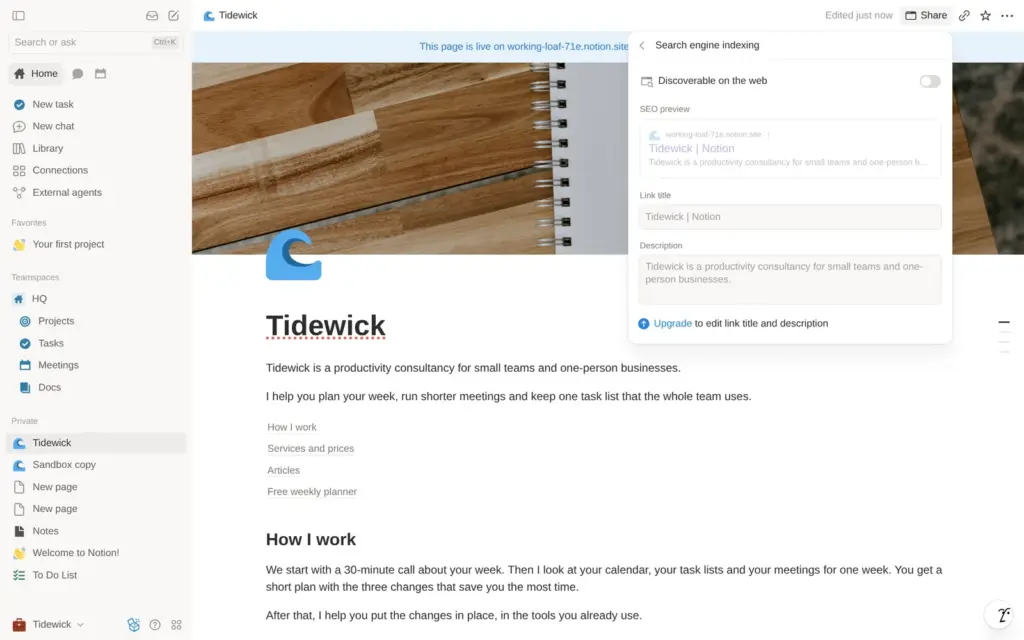
"Duplicate as template" was on for the whole site, so any visitor could have copied all of Tidewick into their own Notion. I turned it off and switched it on only for the planner. The switch for search engines was off, so Google would not list the site. Turning it on is free, but the title and description that Google shows need a paid plan.
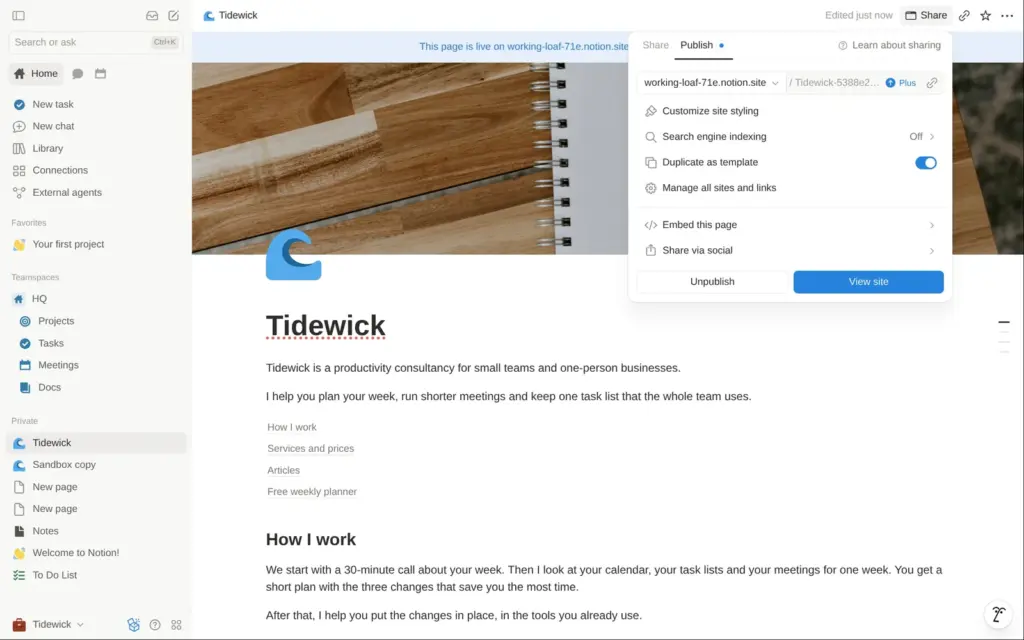
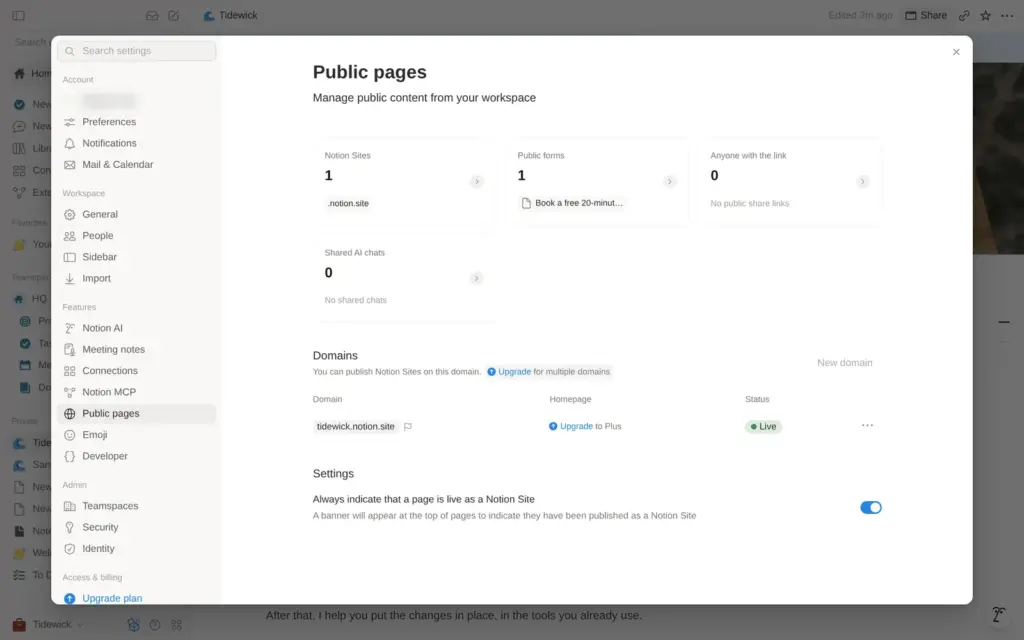
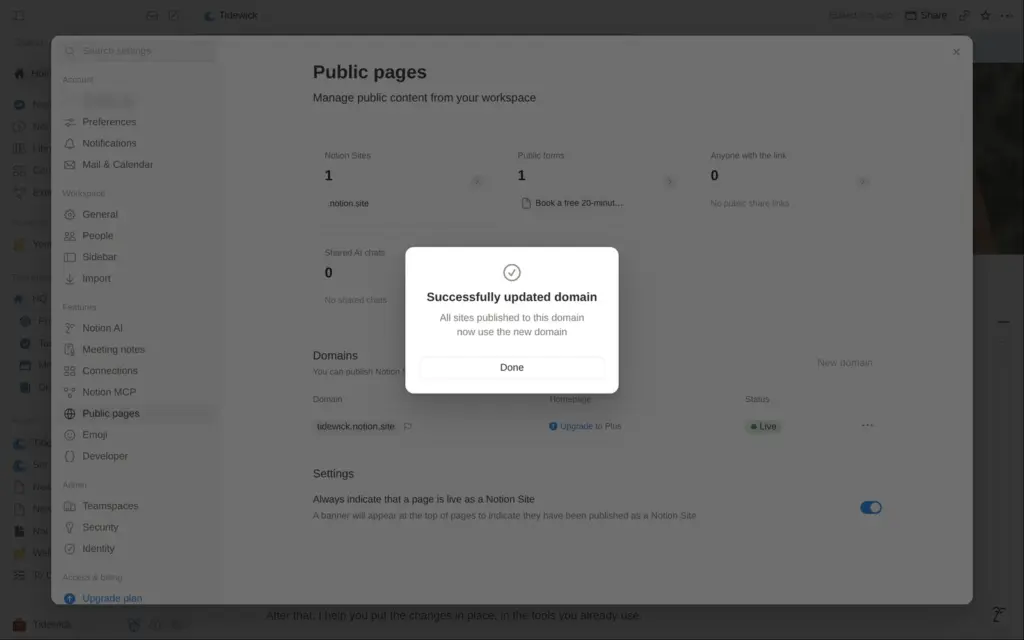
The random address can be renamed for free. In the settings under Public pages, I changed working-loaf-71e to tidewick, and the site moved to tidewick.notion.site. The free plan includes one such address.
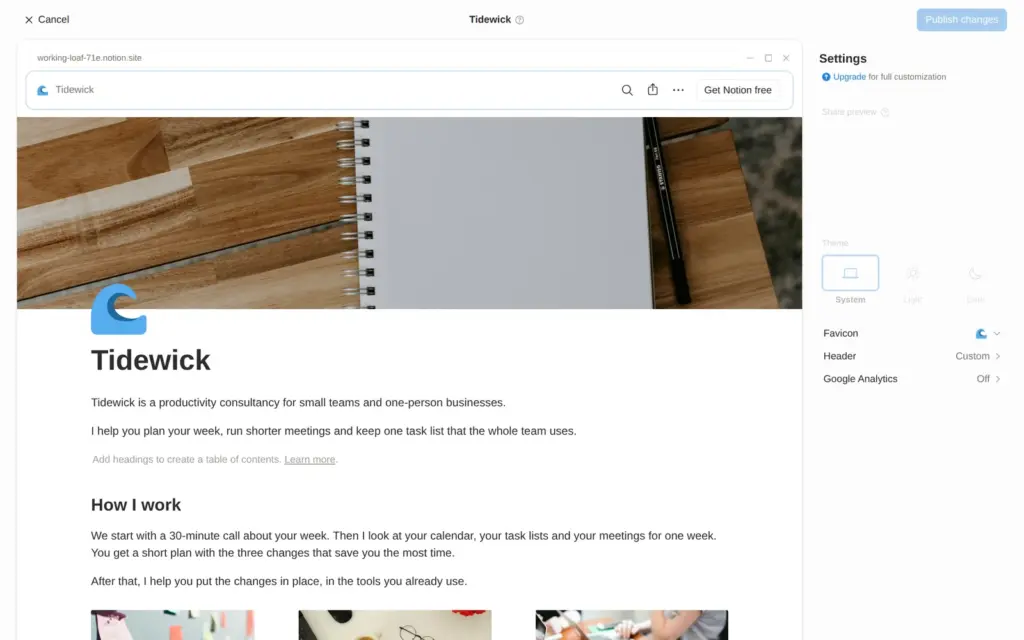
The site styling page shows a preview of the site, but on the free plan almost every setting is grayed out. These need a paid plan:
The favicon is the page icon. Notion's help center says that its branding can only be switched off on a site with your own domain.
When I opened tidewick.notion.site logged out, it showed "This page couldn't be found". Without the homepage setting, the site only opens with the long link that ends in the page ID. That is the link you would print on business cards and put in your email signature.
With the long link, the site loaded with Notion's top bar. It shows the page name on the left and a black "Get Notion free" button on the right. The table of contents and the article cards worked.

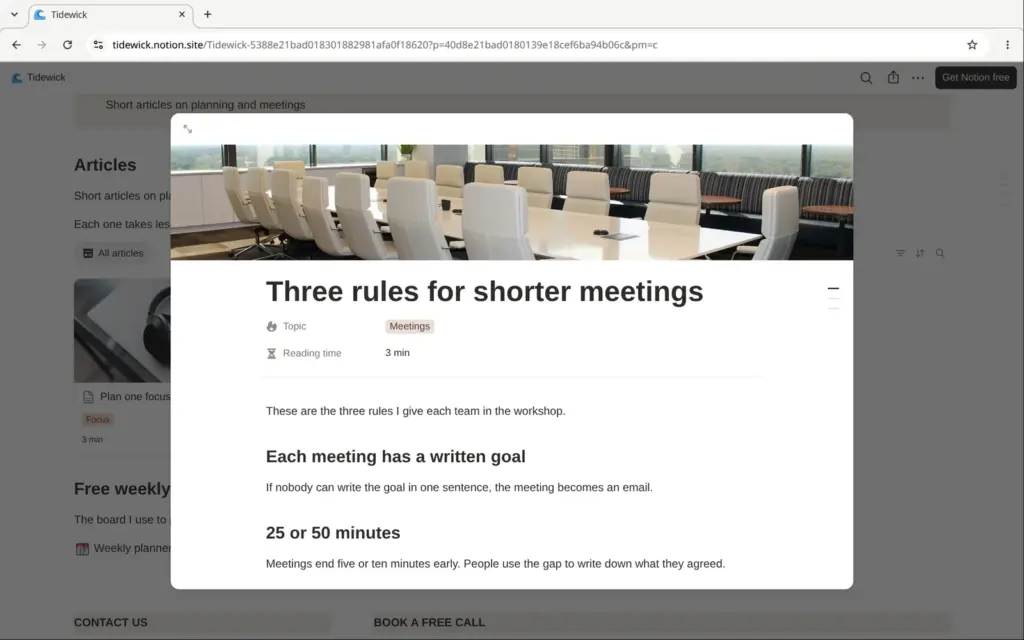
On a phone, the columns and the three price boxes stack under each other. Only the planner board is wider than the screen and gets cut off on the right.
The page's title is the page name, Tidewick. The description tag of the live page held Notion's own line, "Made in Notion, the connected workspace where AI agents and teams organize docs, projects and knowledge together." Social networks often show that text when someone shares a link.
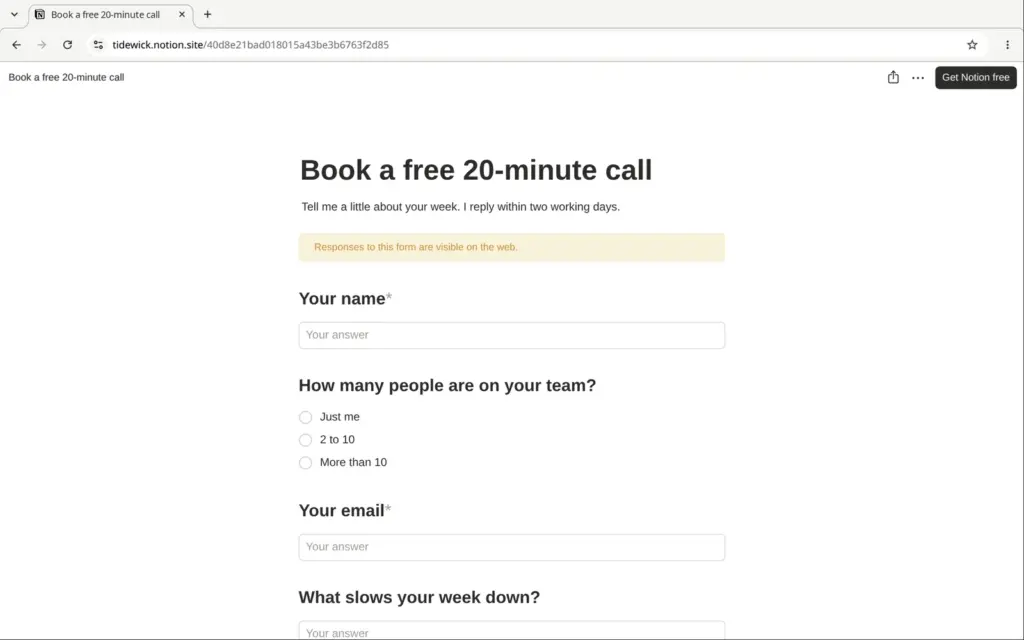
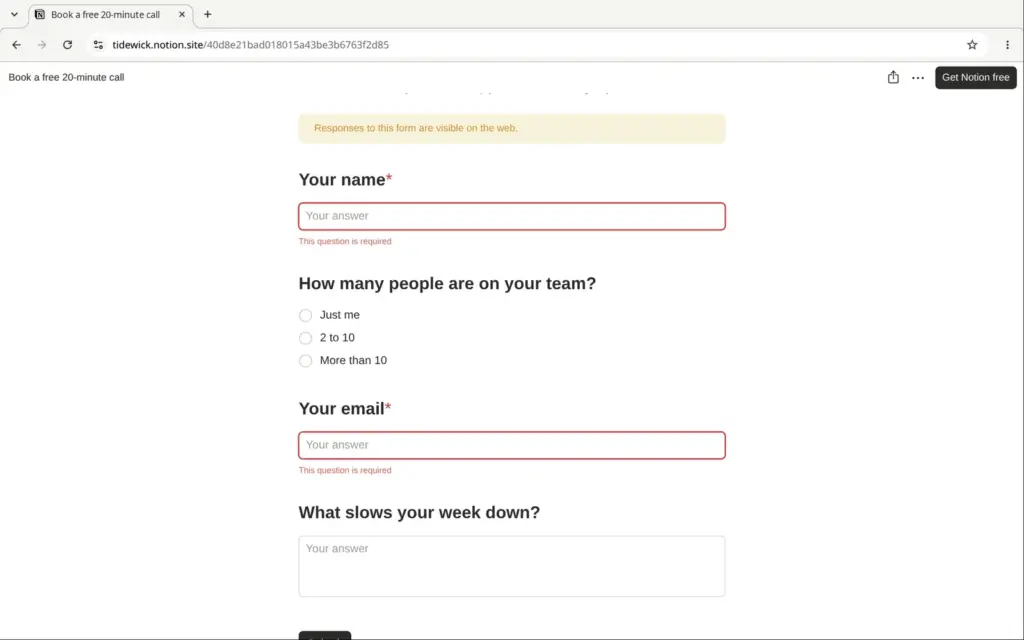
On the published page, the form showed its questions, but the fields were grayed out and there was no send button. Typing did nothing, and the Preview button did nothing for visitors. The form only worked on its own link, which I copied in the editor.
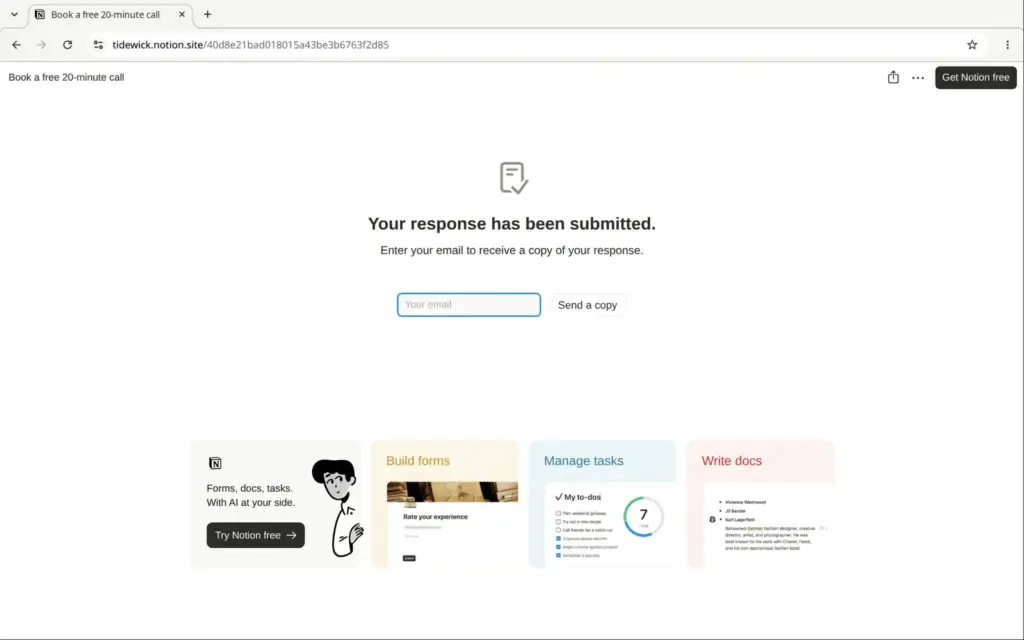
That form page showed a yellow warning, "Responses to this form are visible on the web." I sent it empty first, and the two required questions stopped it. Then I sent a test request with a made-up name and email address. The thank-you page advertised Notion to my visitor with four cards and a "Try Notion free" button.
Back on the published site, there was a Responses tab under the form. Any visitor could open it and read my test request, including the email address and the message. In the editor, the request sat in the same table. Notion did not tell me about it. No email arrived, and Notion's inbox said "You're all caught up".
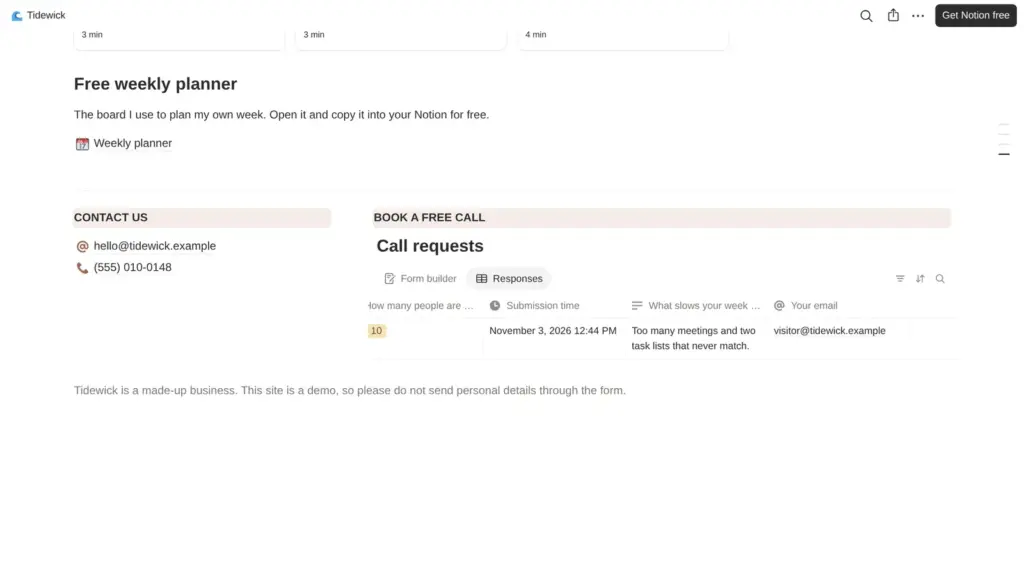
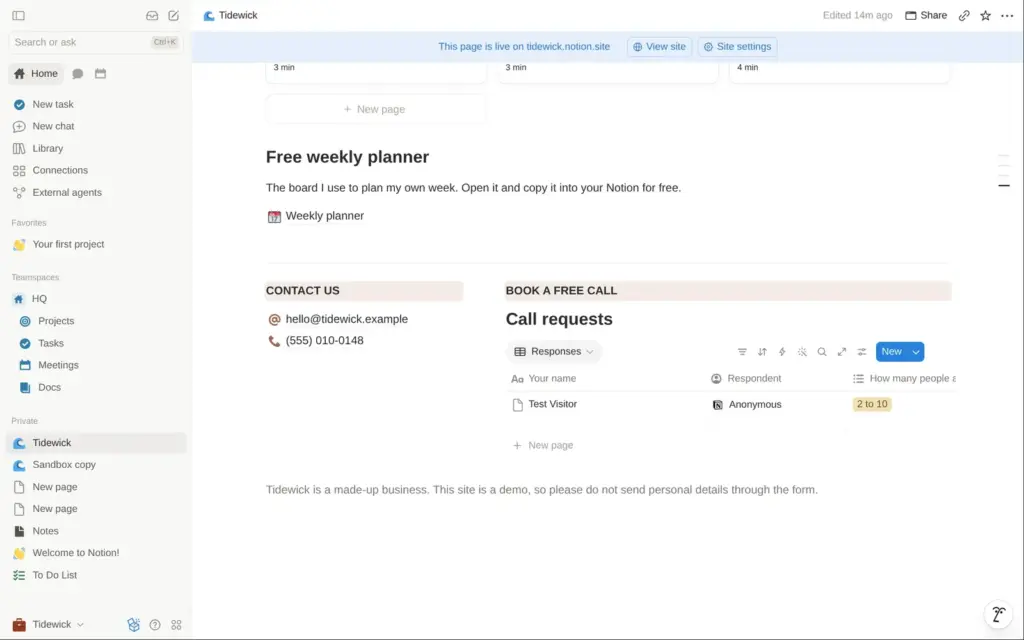
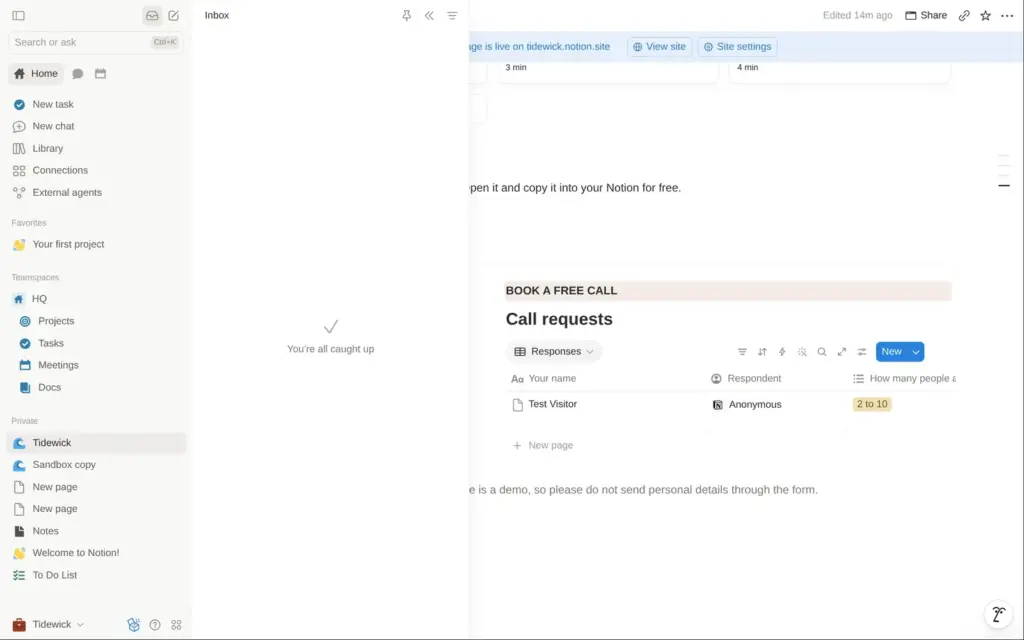
The reason is that the answers are stored in a database on the published page, and everything on a published page is public. The fix was to move the form's database out of the site, into my private pages, and to put a plain link to the form on the site instead. After that, the form still worked and the yellow warning was gone. The Responses tab disappeared from the site. The live page needed about a minute to show the change.
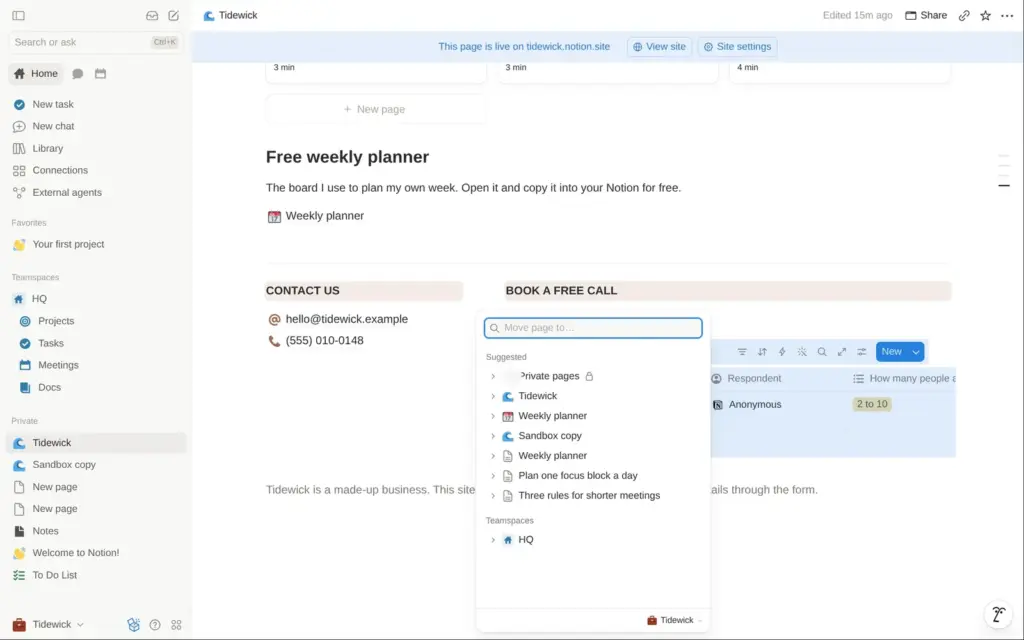
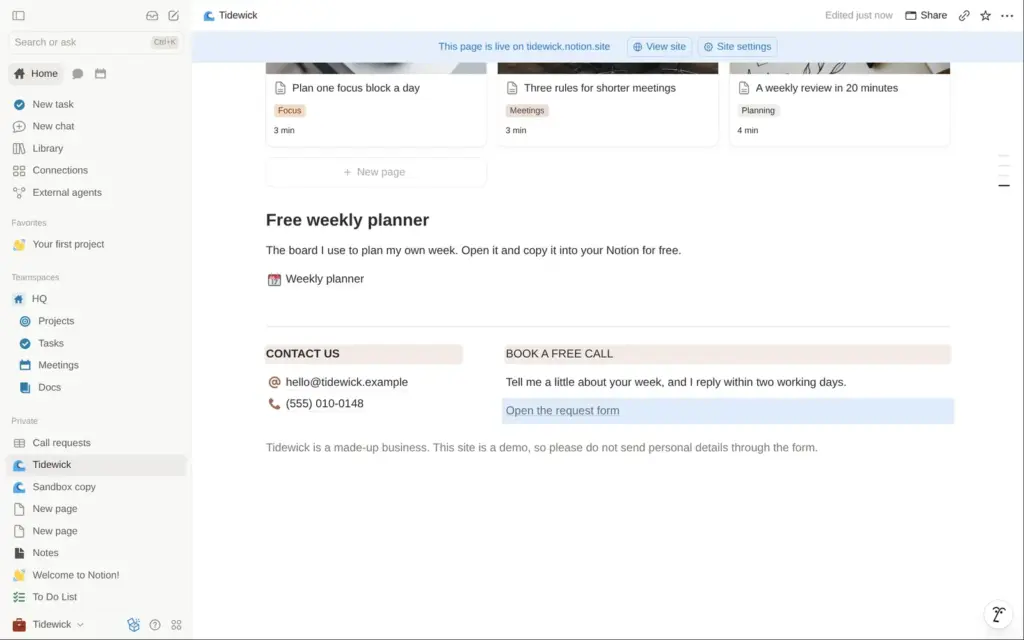
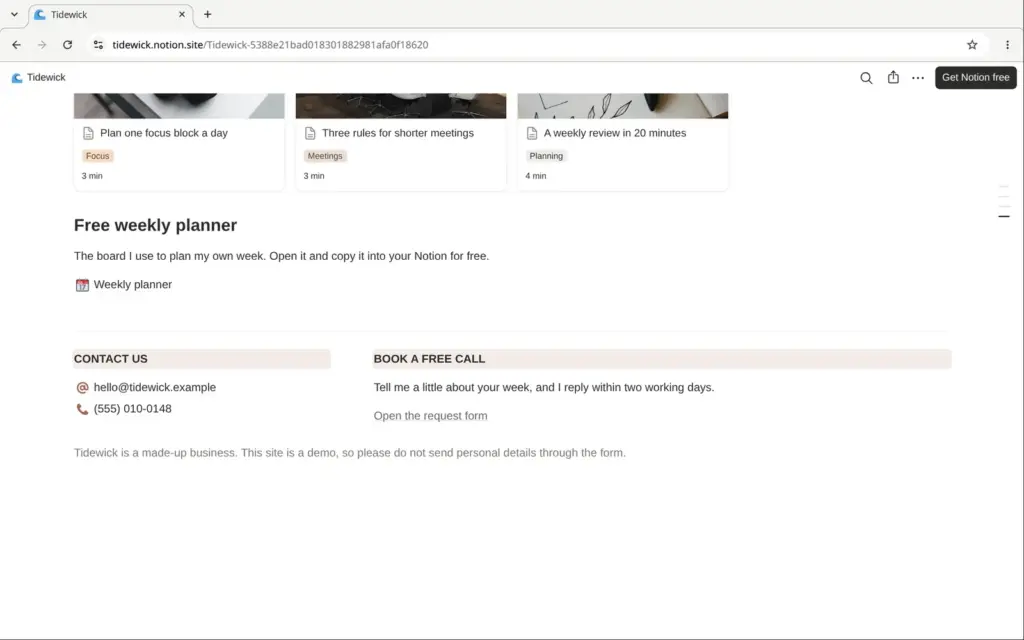
If you use a Notion form for real customers, put its database outside the published pages. And check the responses yourself.
The free plan includes a trial of Notion AI. I gave it this request in a new chat:
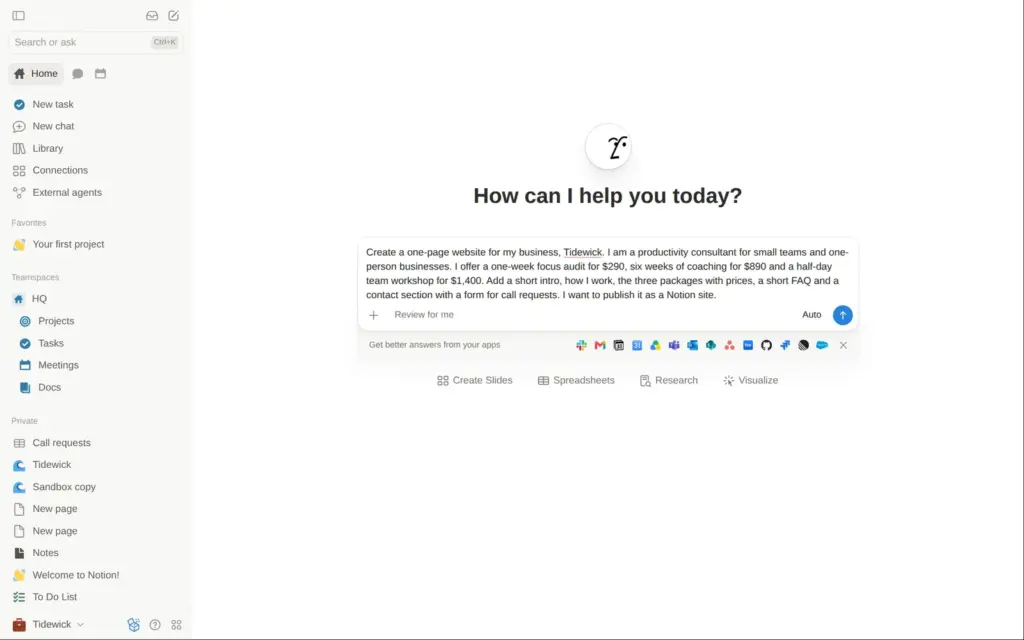
Create a one-page website for my business, Tidewick. I am a productivity consultant for small teams and one-person businesses. I offer a one-week focus audit for $290, six weeks of coaching for $890 and a half-day team workshop for $1,400. Add a short intro, how I work, the three packages with prices, a short FAQ and a contact section with a form for call requests. I want to publish it as a Notion site.
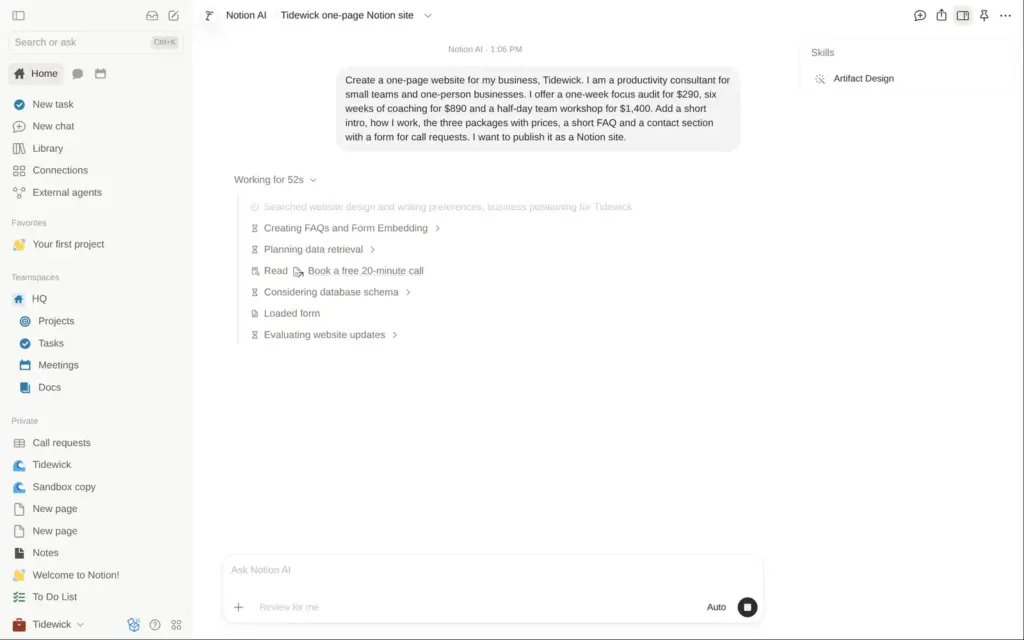
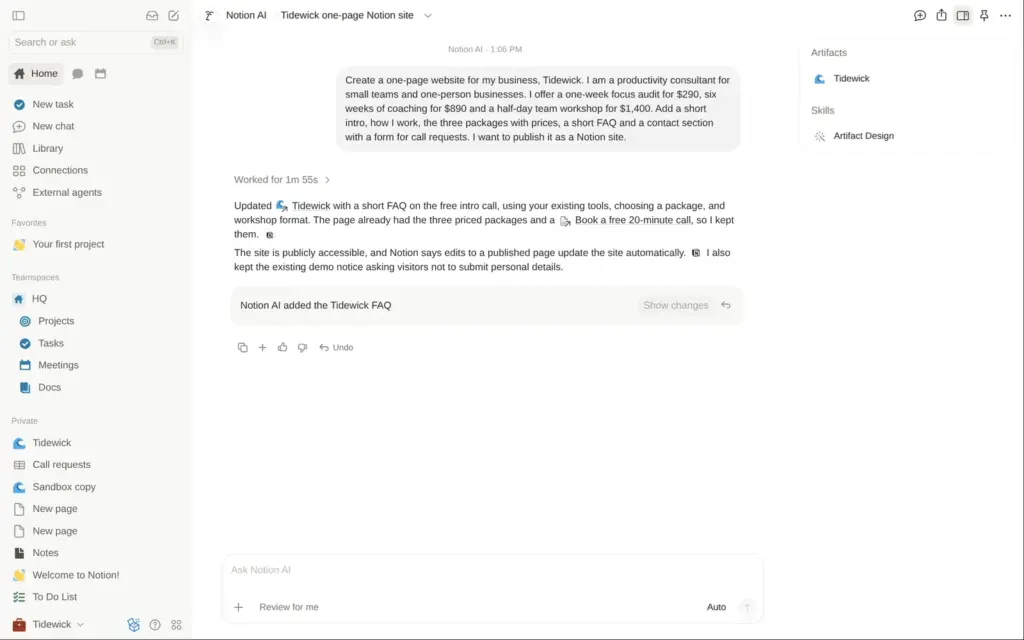
The AI did not build a new page. It found my Tidewick site in the workspace and added four questions and answers to it, which took 1 minute and 55 seconds. Because the page was published, the new section also went onto the live site, without a step where I could check it first. The answers were correct and matched my prices.
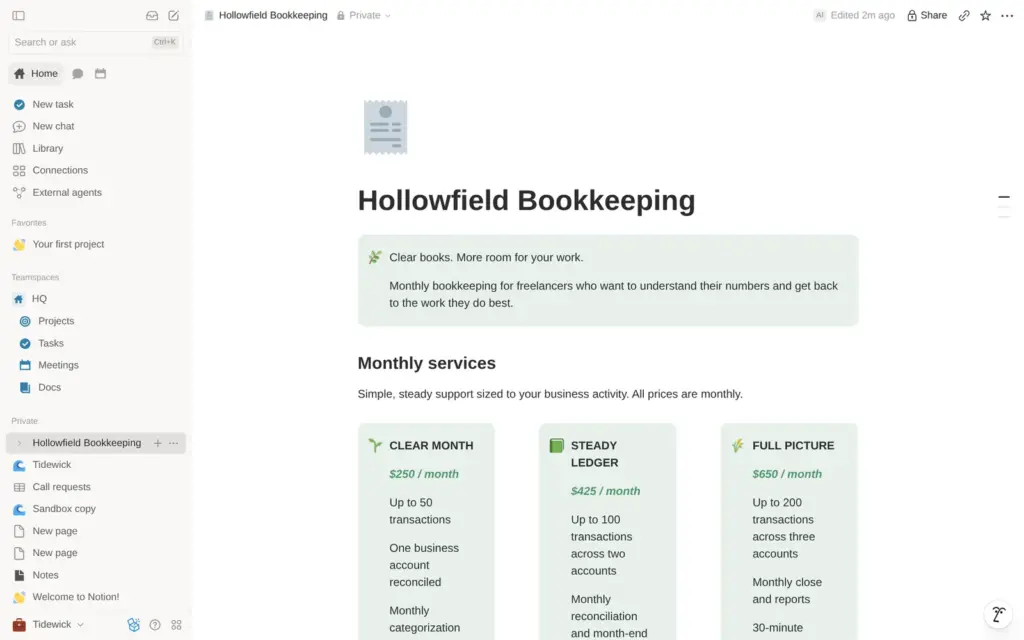
So I asked again, this time for a separate page about a different made-up business, Hollowfield Bookkeeping, with three monthly services and a form. After 5 minutes and 13 seconds it had built a private page. It copied the layout of my Tidewick page and made up its own monthly prices. It said that it could not set up the form and could not make images. The form had only one question, "Title", and only members of my workspace could fill it in.
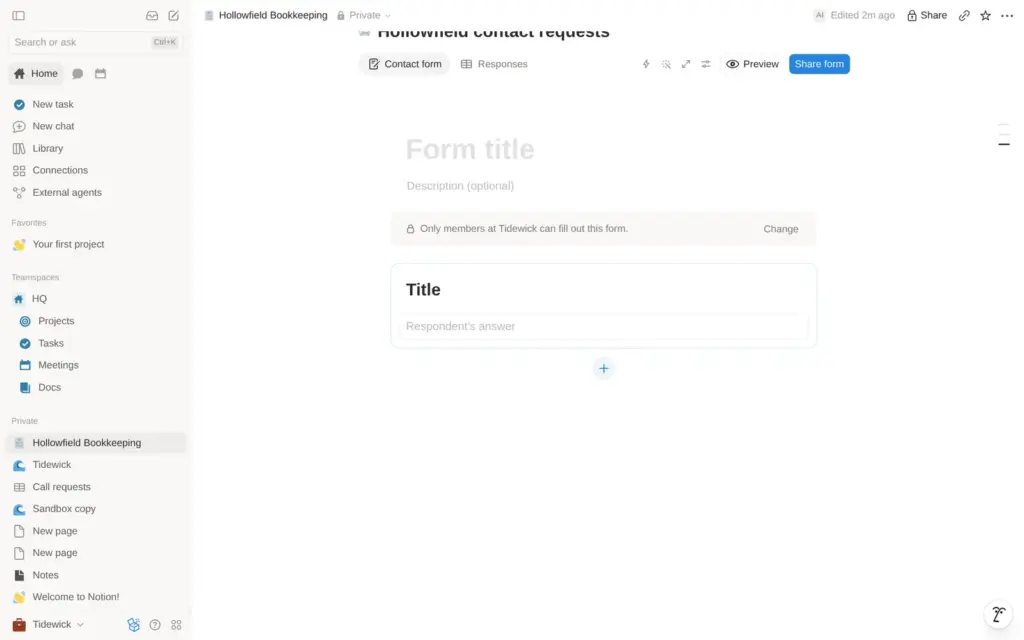
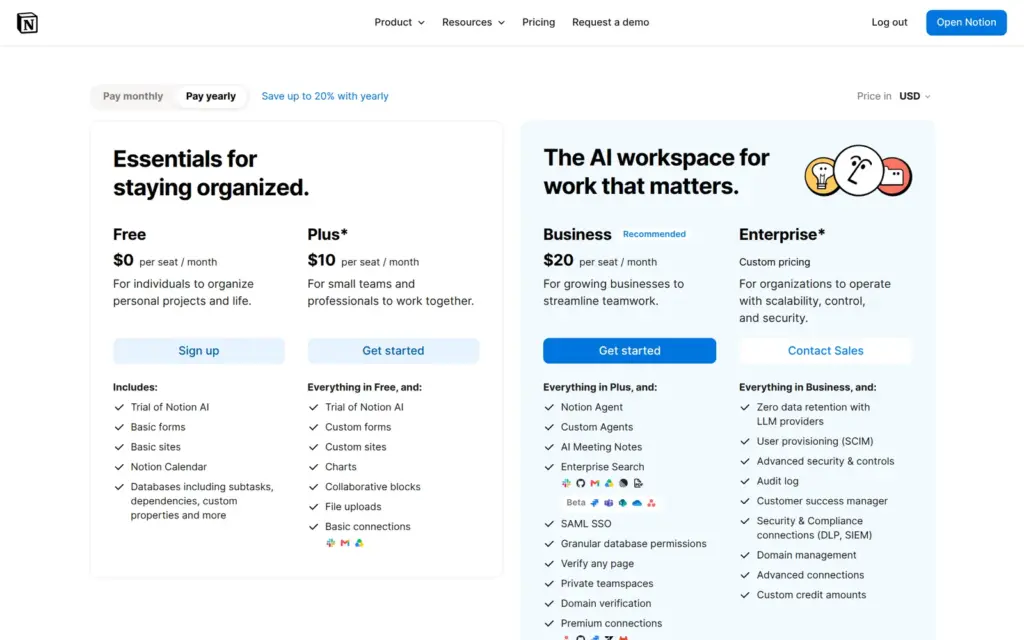
The AI can write a first version of the text. I would still have to set up the form and check every price. The AI settings did not show how much of the free trial I had used. On the pricing page, Free and Plus get a "Limited Trial" of Notion AI, and Business includes 1,500 credits per member each month.
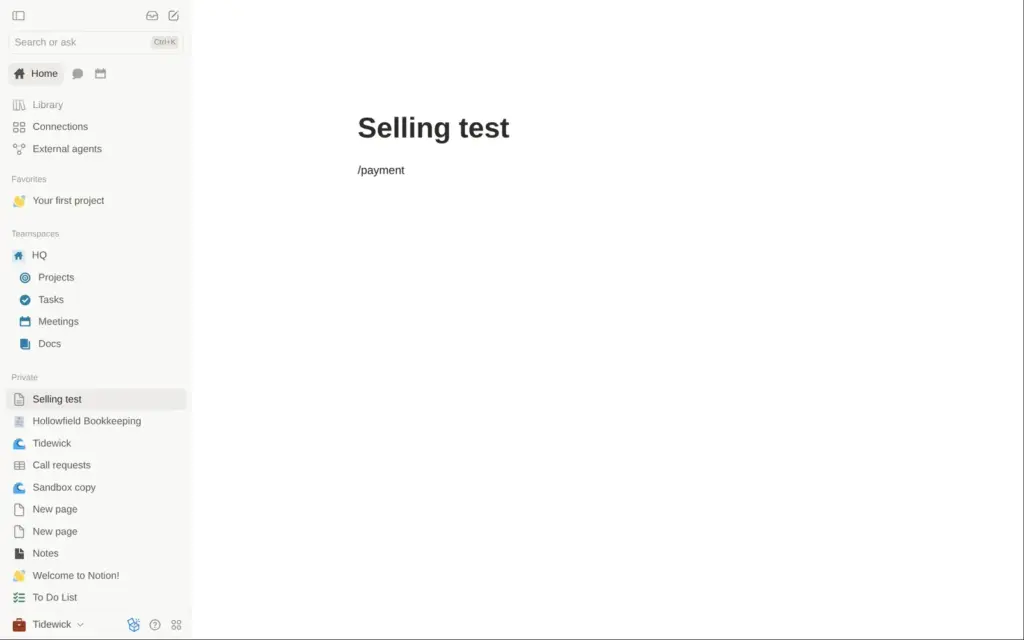
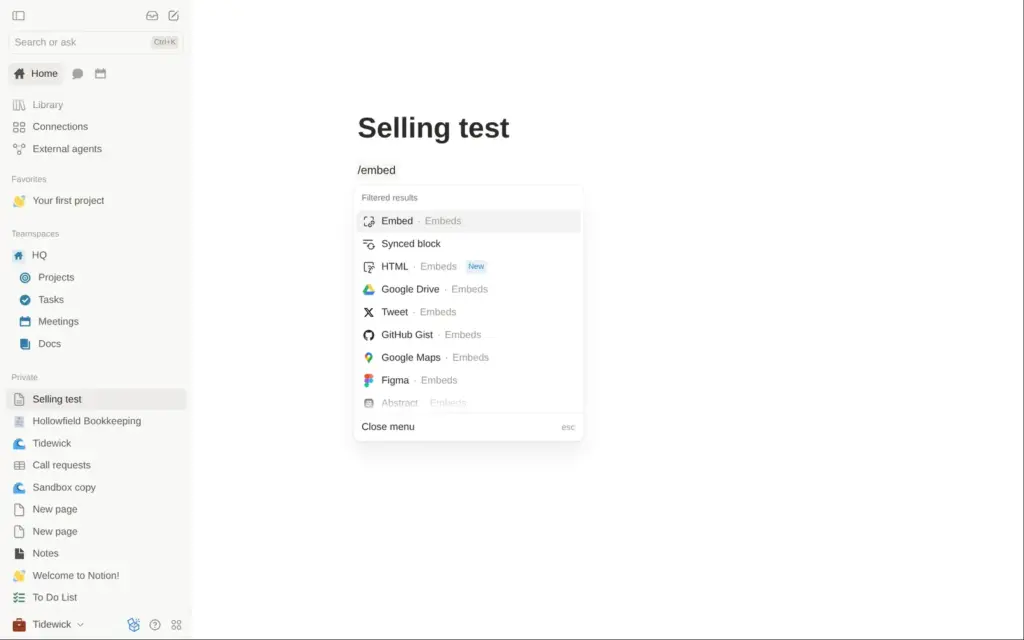
Notion Sites has no shop. I looked for a way to sell in the editor itself. Typing "/payment" or "/shop" in a page found nothing, and "/book" only found a web bookmark. The embed menu lists outside services like Google Drive and Figma, but no payment or booking tools by name.
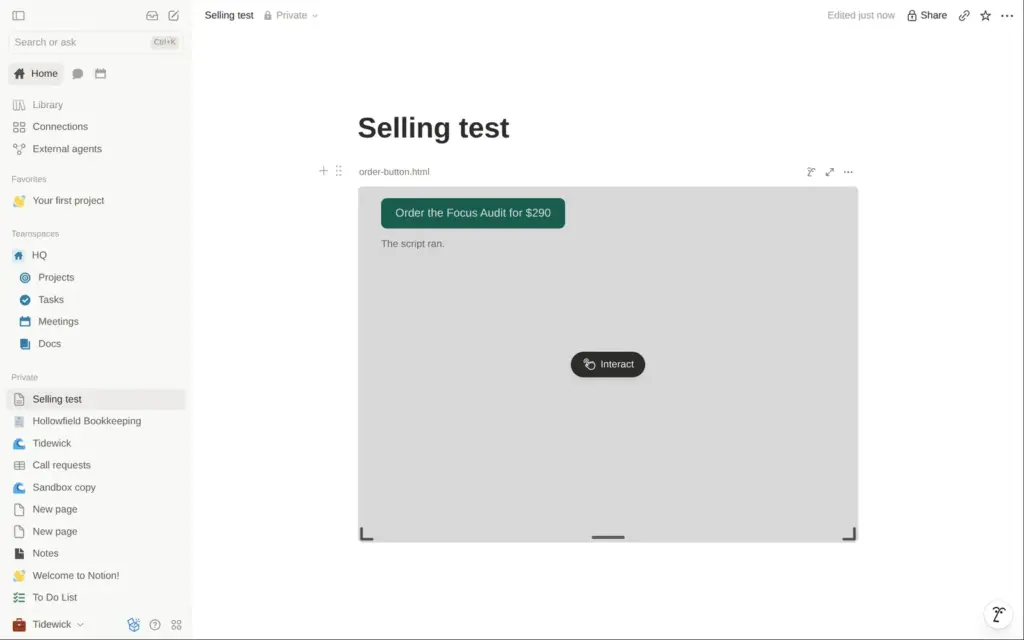
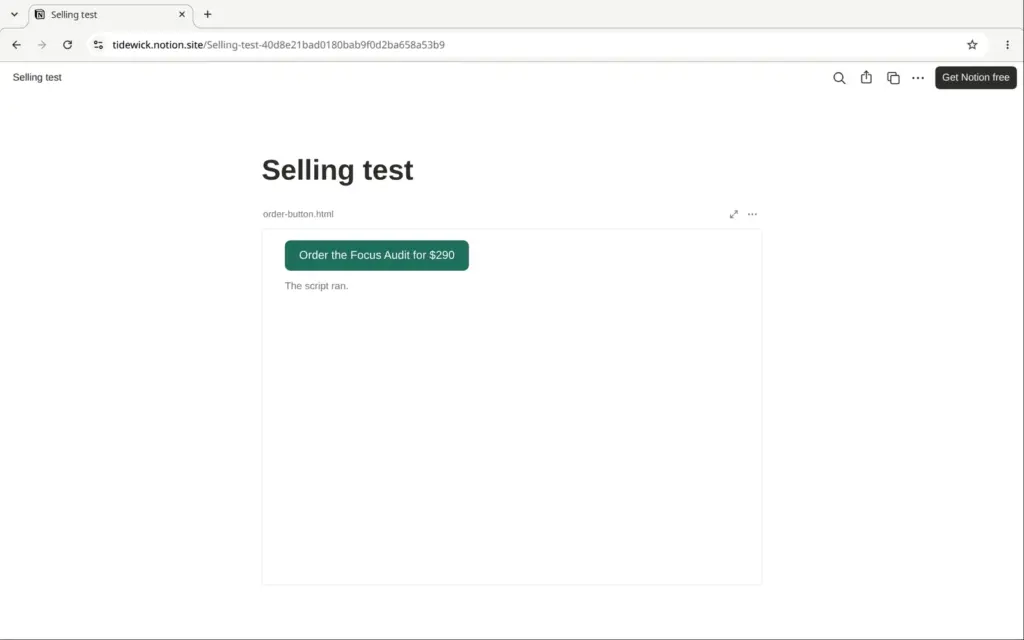
Notion has a new HTML block, so I tried a payment button there. I uploaded a small HTML file with an order button and a line of script. The button showed in the editor and, after about a minute, on a published page, and its script ran in both places. But clicking the button did nothing. A normal Notion link is the safer way to send people to an outside checkout, such as a payment link from Stripe or PayPal.
Inside Notion, you can only sell Notion templates, on the Notion Marketplace. A productivity consultant could sell planner templates there. According to Notion's help center, sellers first go through a waitlist and a review. Notion pays them through Stripe and takes 10% plus $0.40 per sale. I did not try it.
For bookings, Notion has a calendar app with booking links. It needs an outside calendar account to work. I did not connect a calendar, so I could not test the booking links. On the site itself, the form is the only way to ask for a meeting.
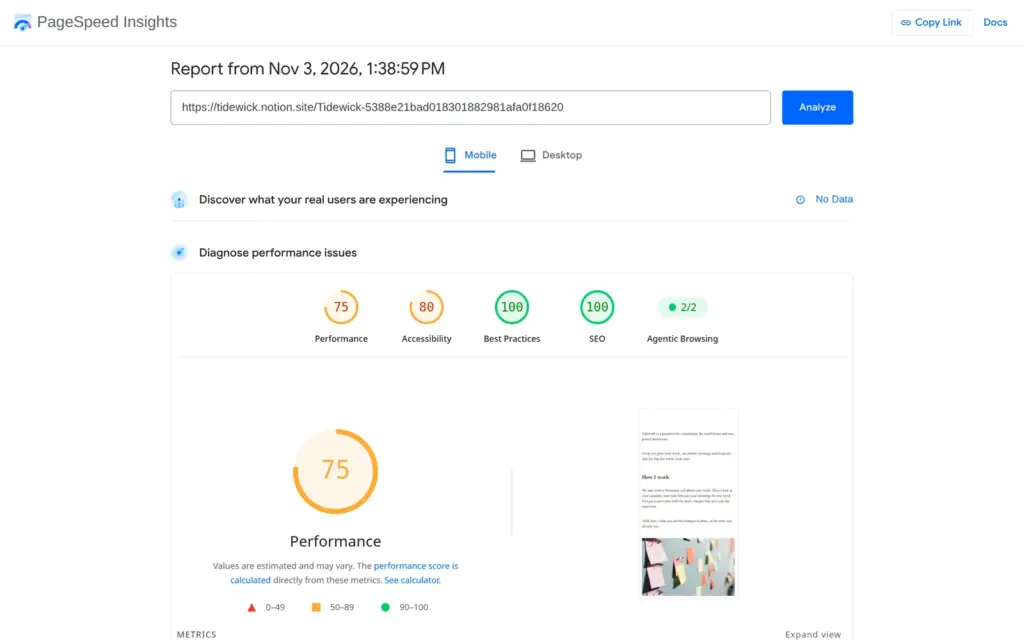
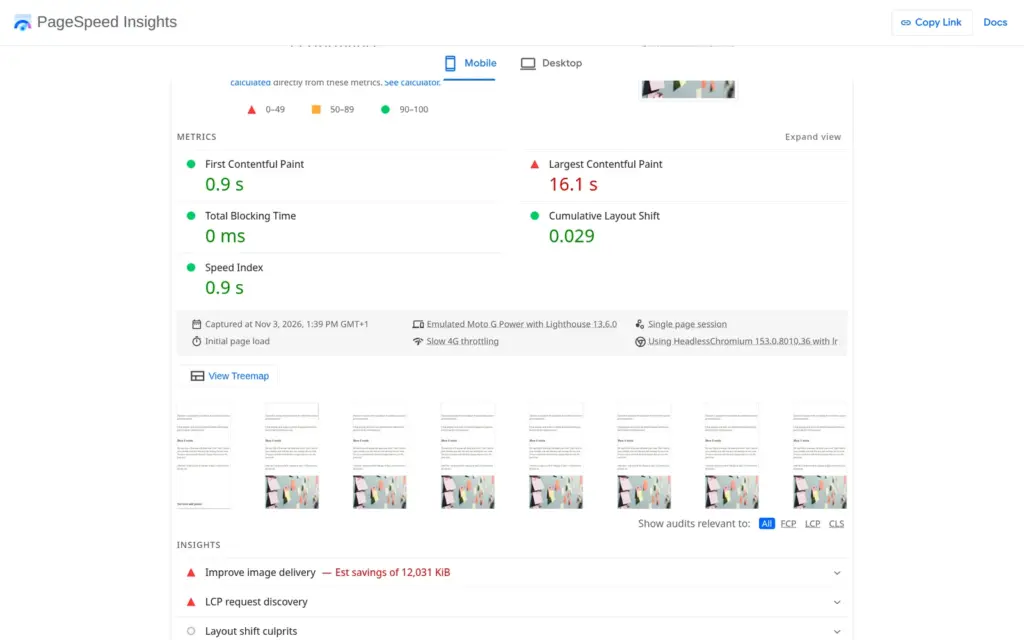
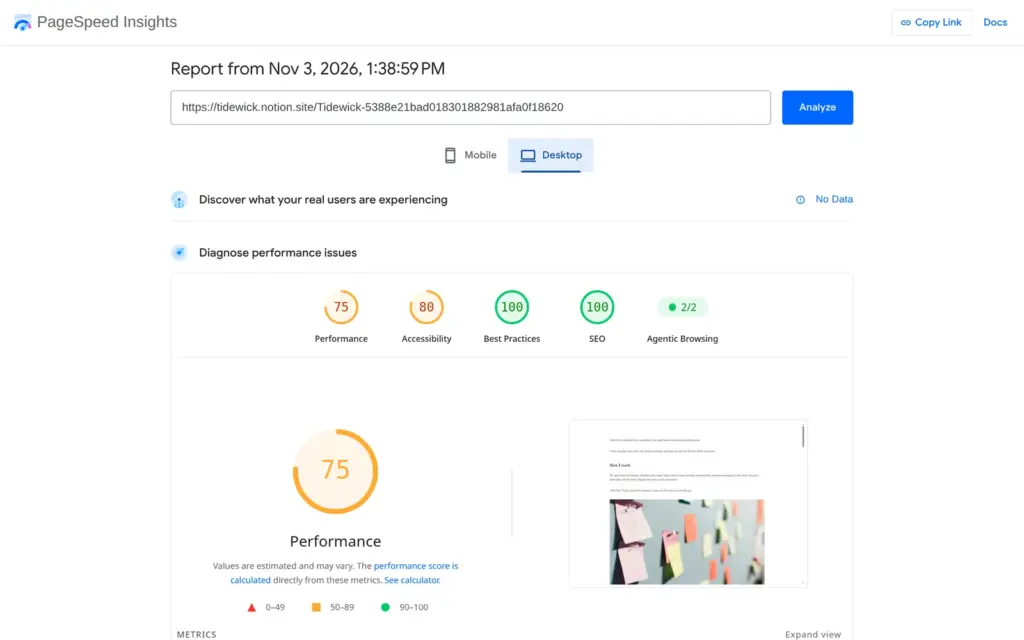
I ran the published page through Google's PageSpeed Insights once. On a simulated phone it scored 75 out of 100. The first text appeared after 0.9 seconds, but the largest image took 16.1 seconds. The report blamed the photos and said they could be about 12 MB smaller. On desktop the page also scored 75, and the largest image appeared after 6.9 seconds.
Accessibility scored 80. The report found that the page stops visitors from zooming in on a phone, and that the page has no main landmark, a tag that helps screen readers jump to the content.
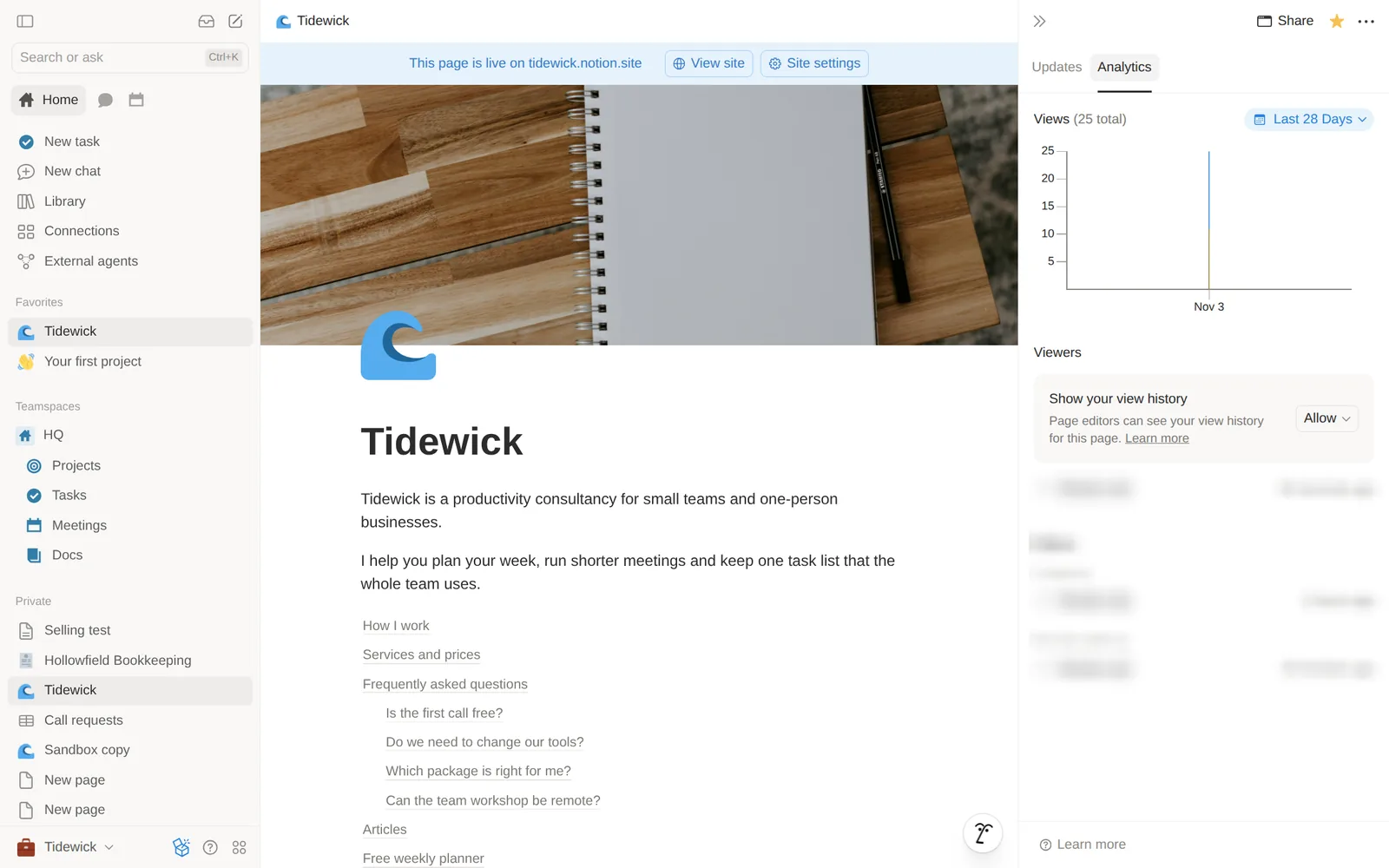
Each page has a small Analytics tab with a view count and a chart for the last 28 days. On my test day it counted 25 views. It does not show where visitors came from.
Notion saves a page history for 7 days on the free plan. Plus saves 30 days and Business 90. I found no setting to offer the site in several languages.
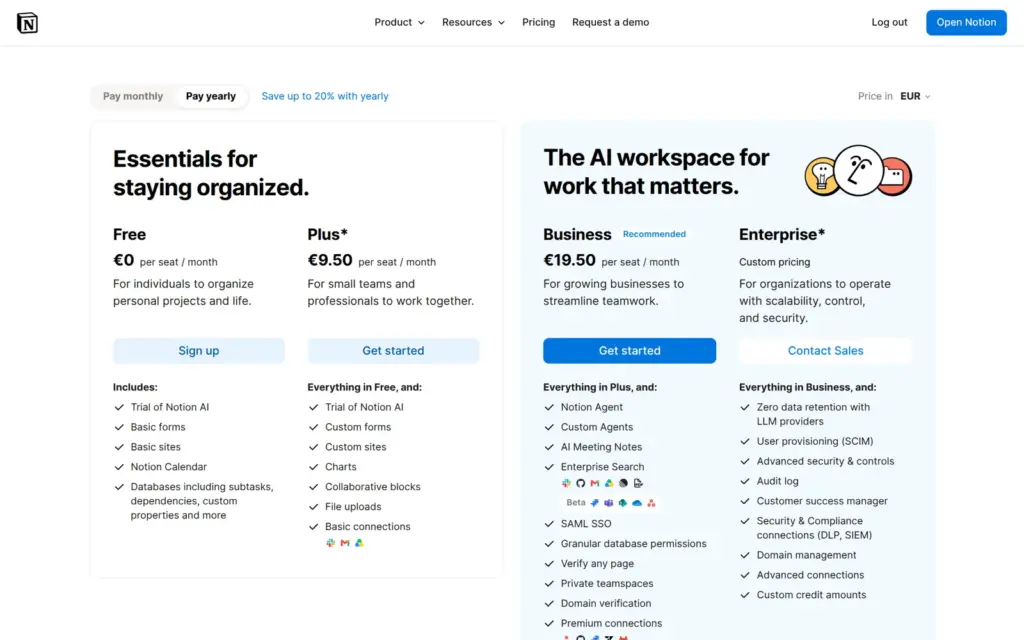
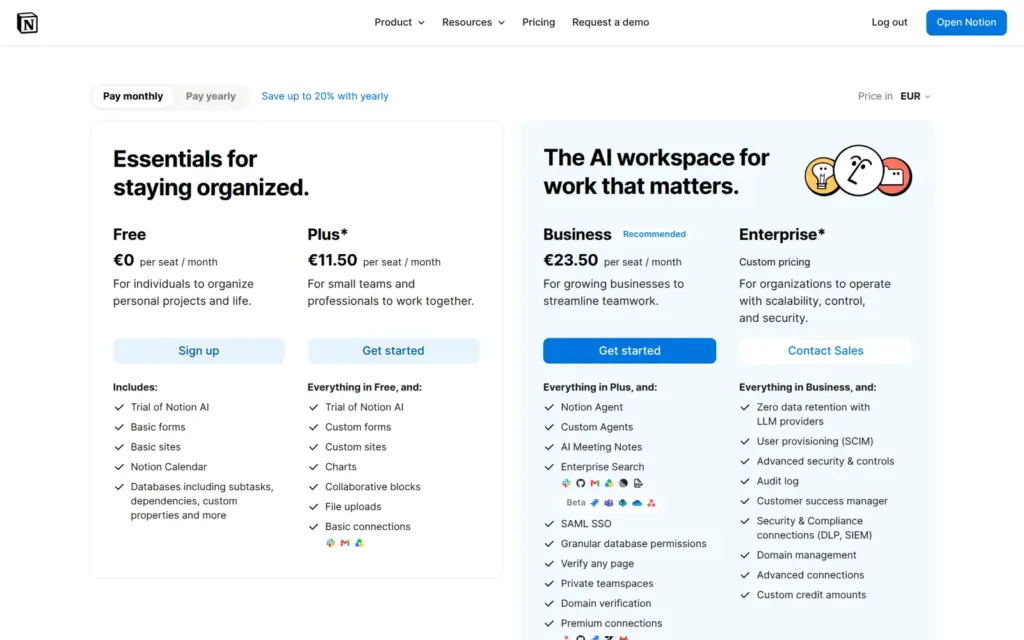
I checked Notion's pricing page on November 3, 2026. From Germany it showed euros, and a switch on the page showed US dollars. Notion prices its plans per member, so a one-person business pays for one member. Sites are not sold on their own. They come with the Notion plan.
| Free | Plus | Business | |
|---|---|---|---|
| Billed yearly | $0 | $10 / €9.50per member and month | $20 / €19.50per member and month |
| Billed monthly | $0 | $12 / €11.50per member and month | $24 / €23.50per member and month |
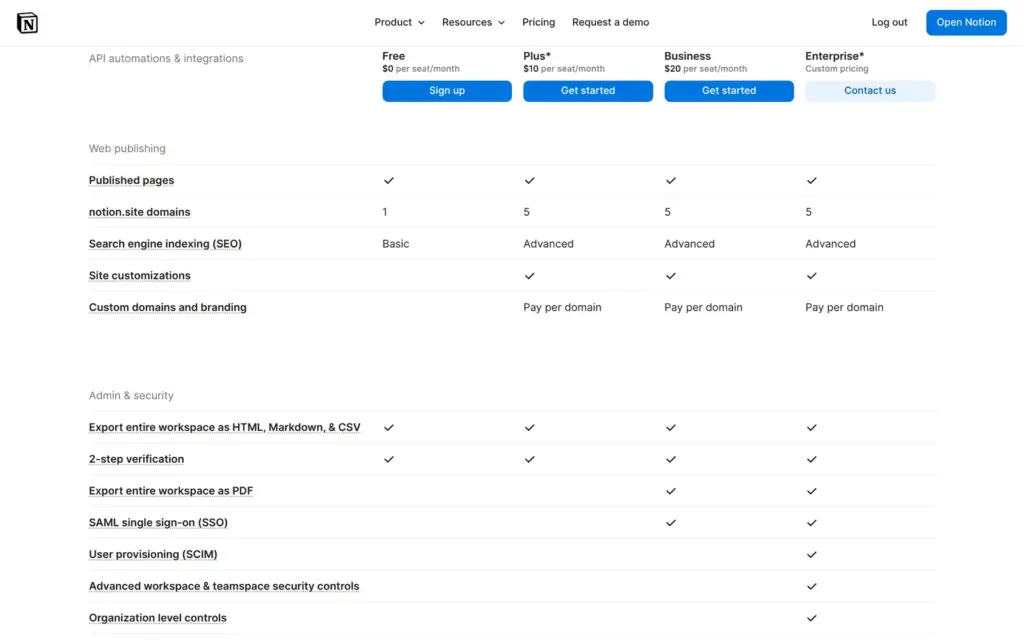
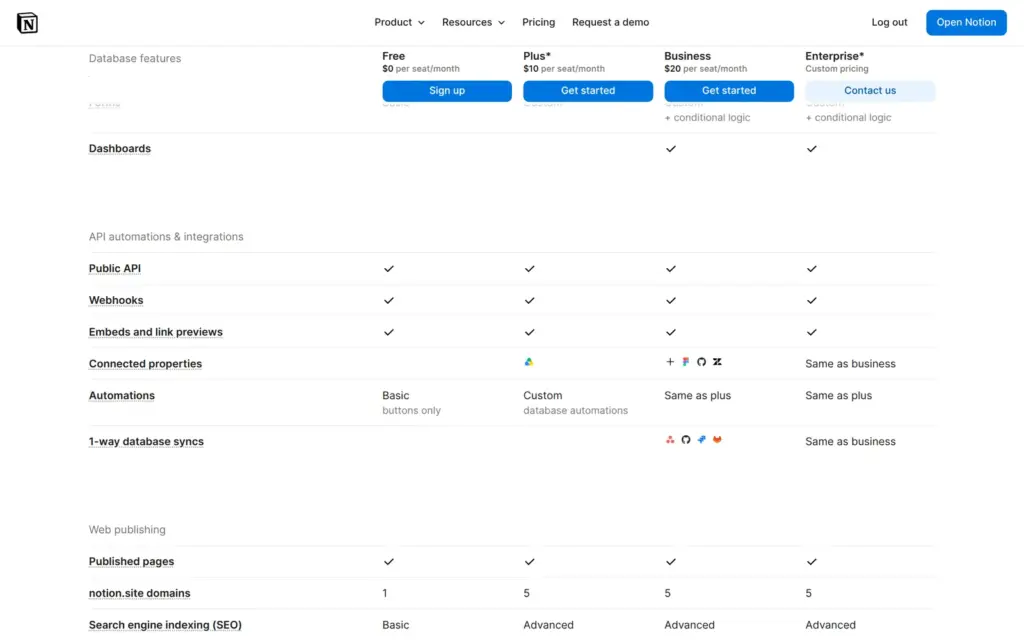
| notion.site addresses | 1 | 5 | 5 |
| Homepage for the address | No | Yes | Yes |
| Menu, theme and share image | No | Yes | Yes |
| Search title and description | No, only the on/off switch | Yes | Yes |
| Your own domain | No | Add-on | Add-on |
| Forms | Basic | Custom | Custom, with conditional logic |
| Notion AI | Limited trial | Limited trial | 1,500 credits per member and month |
| Page history | 7 days | 30 days | 90 days |
| File uploads | Up to 5 MB | Up to 5 GB | Up to 5 GB |
The custom domain is an add-on for workspace owners on a paid plan. Notion's help center lists it in US dollars. Notion does not sell domains, so you buy the address elsewhere and connect it.
| Billed yearly | Billed monthly | Notes | |
|---|---|---|---|
| Custom domain | $8per domain and month | $10per domain and month | Needs a paid plan. Up to 25 domains. You buy the domain elsewhere. |
For Tidewick alone, Plus on yearly billing costs $120 or €114 a year. A custom domain adds $96 a year, plus the price of the domain itself.
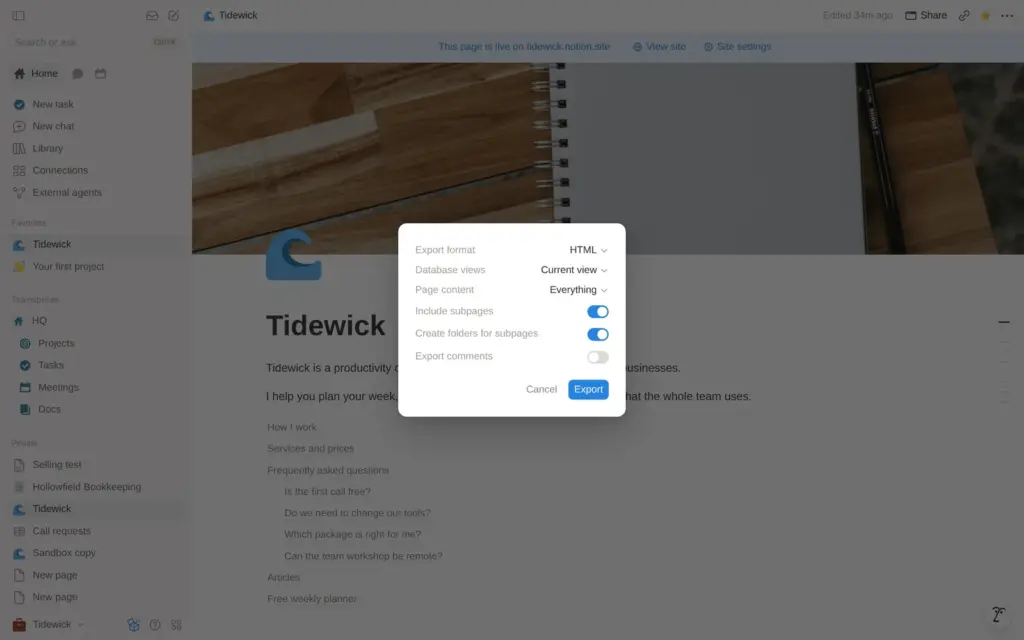
Notion can export a page and its subpages as HTML or Markdown files. I exported the Tidewick page as HTML. The zip file held 14 files, one HTML file per page and a CSV file for each database. The text and the links came through. The article cards became a plain table, and the photos were not in the file but still loaded from Unsplash.
You can take your text with you. If you move to another builder, you rebuild the pages there.
Notion Sites fits a small business that already uses Notion and wants to put a simple page online for free. For Tidewick, a free template gave me a tidy one-page site with articles and a planner that visitors can copy.
It fits less well as the main website of a business. Without Plus there is no menu and no homepage address. Form answers can end up on the public site, and selling or bookings need another service.
If you try it, check every switch on the Publish tab before you share the link. Then send yourself a test request from a logged-out browser and look at the site the way a customer would.
 What I'm building
Give Vroni a GitHub issue, bug report, spec, or rough idea. It reads the repo, plans the change, writes code, runs checks, and works toward a review-ready pull request.
Take a look at vroni.com