
WebStarts review
WebStarts is a website builder with a free plan. You drag text and photos onto a page wherever you like, and WebStarts…
Dorik is a website builder that starts with AI. You describe your business, and Dorik's AI writes a first version of the site. Then you change it in a drag-and-drop editor. If you are thinking about Dorik for your business website, you probably want to know how much work the AI saves you and what Dorik costs.
To find out, I built a website for a made-up dental practice called Sorrelbrook Dental. Dorik's AI made the first version from a short description, and I fixed it by hand. The site got a treatments page with prices and a contact page with a form to ask for an appointment. I also wrote a blog post. Then I published the site on Dorik's free address and tested it on a computer and on a phone. I tested Dorik on November 3, 2026.
Dorik's AI built one page instead of the six I asked for, and that page needed a lot of fixing. The editor gave me enough control to fix it, and the contact form delivered a test request in seven seconds. But almost nothing works until you start a seven-day trial, and the trial asks for a payment method. Dorik also has no online shop and no booking tool of its own.
Dorik suits you if you want a simple business site with a blog and plan to pay from the start. The editor lets you change almost everything, and you will need that, because the AI leaves a lot to fix.
Look elsewhere if you want to build and test your site before you give a payment method. Dorik is also the wrong choice if you need to sell products or take online bookings on your site.
Selling: Dorik has no online shop. A payment button can send visitors to a Stripe or PayPal payment, which works for a gift voucher or a deposit. There's no shopping cart and no order list.
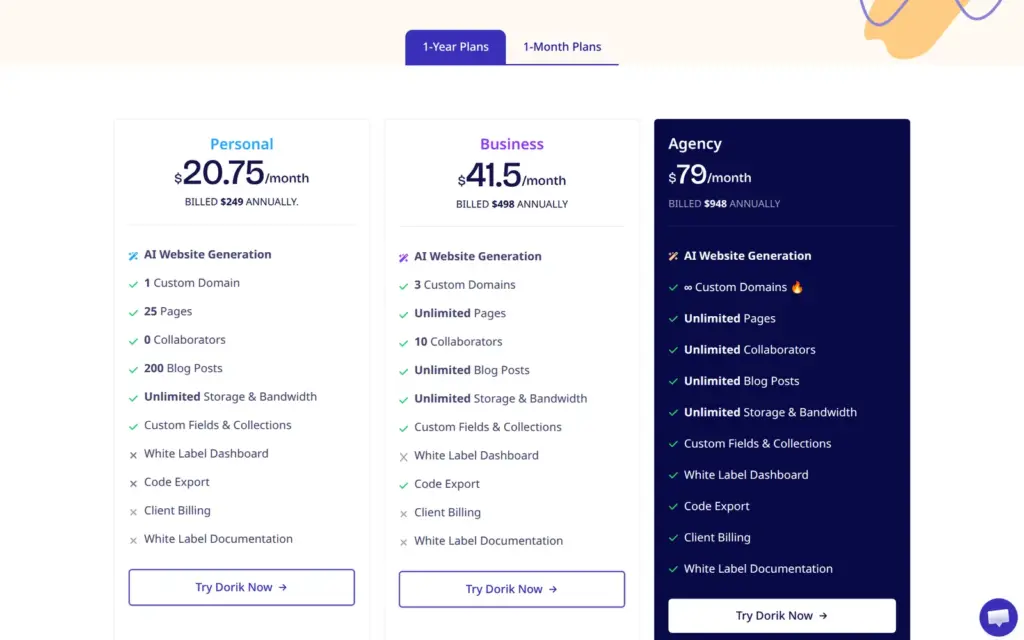
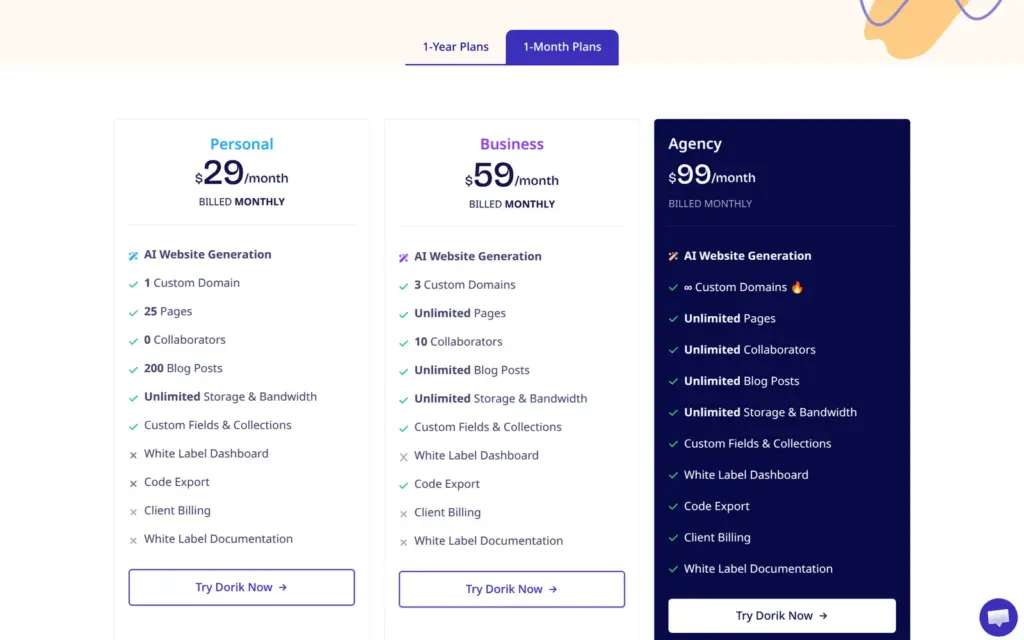
Price: A new account is on a free plan, but creating a site needs the seven-day trial, and the trial asks for a payment method. Personal costs $20.75 a month on yearly billing ($249 a year) or $29 on monthly billing. Business costs $41.50 a month on yearly billing or $59 on monthly billing. Prices are in US dollars, and VAT or sales tax comes on top. I checked them on November 3, 2026.
Not tested: anything that needs a paid plan, like a custom domain or taking a real payment. Dorik did not pay for this review, and there are no affiliate links.
What I liked:
What bothered me:
Sorrelbrook Dental is a made-up family dental practice with two dentists and a hygienist. Its footer says that it is made up. The site has three pages and a blog post. The home page introduces the practice and the team. The treatments page lists prices, and the contact page has a form to ask for an appointment.
Dorik's AI wrote the first texts and picked most photos. I rewrote most of the texts and gave the practice its own logo and colors. The team photos come from Unsplash.
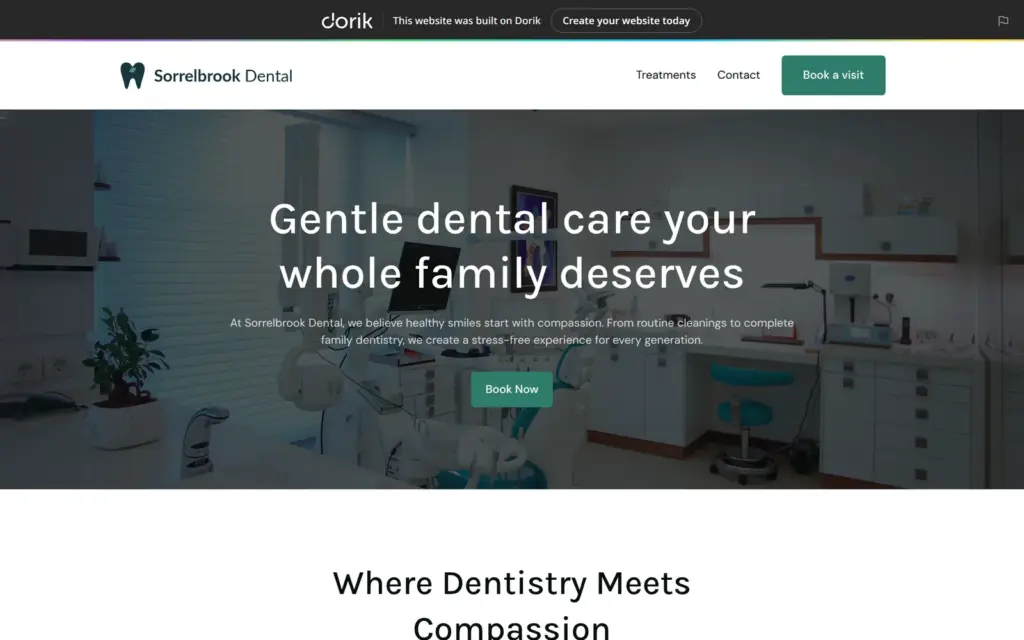
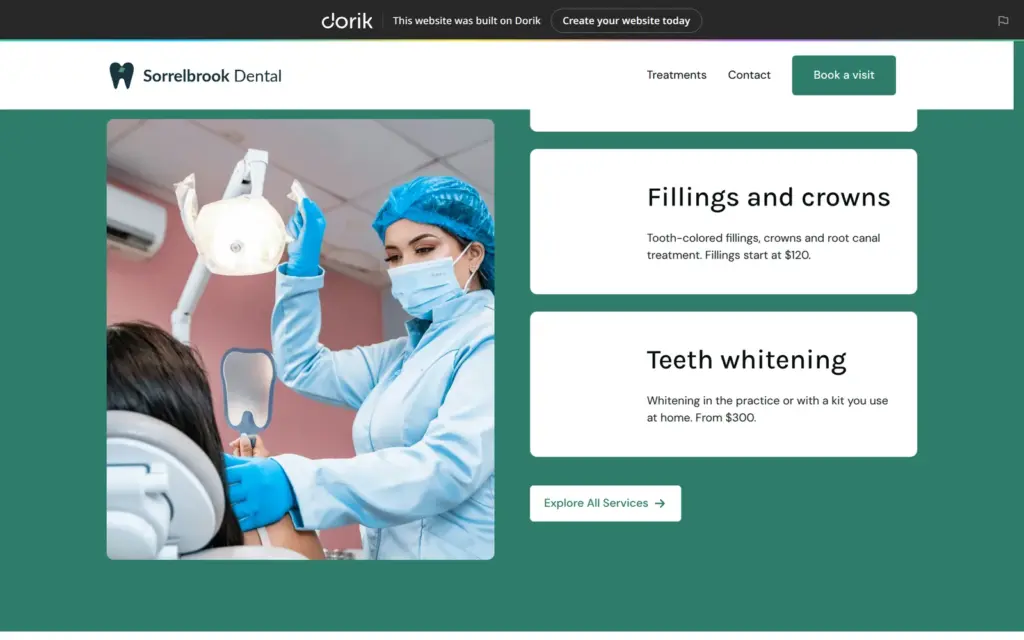
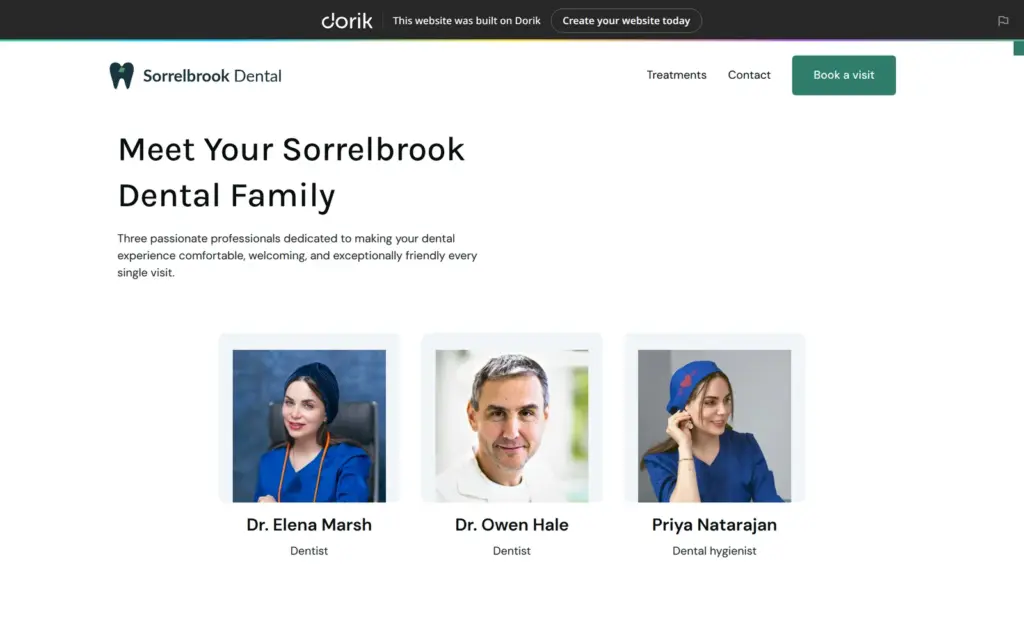
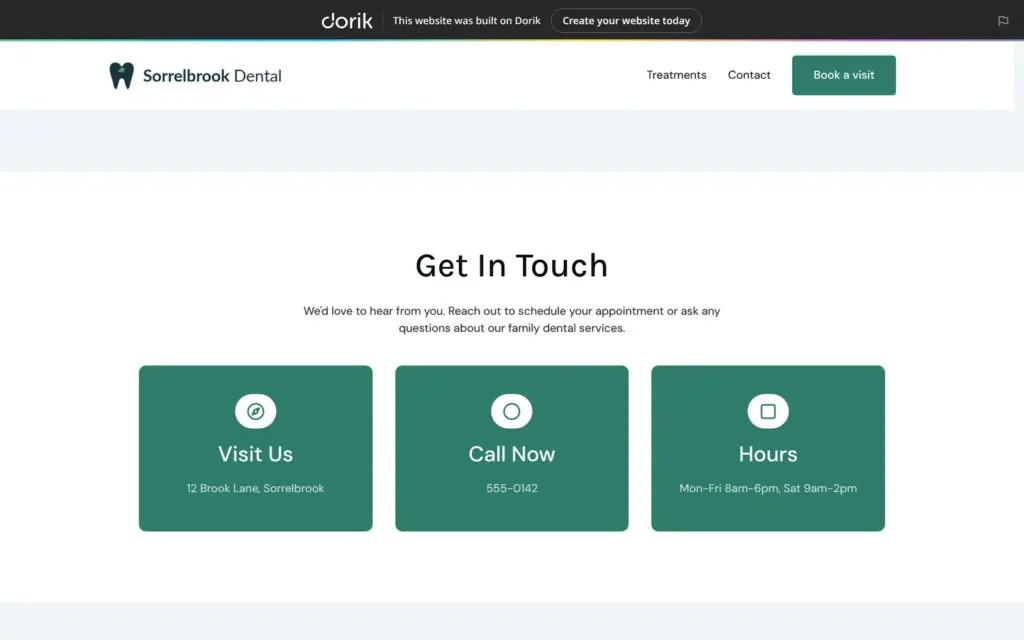
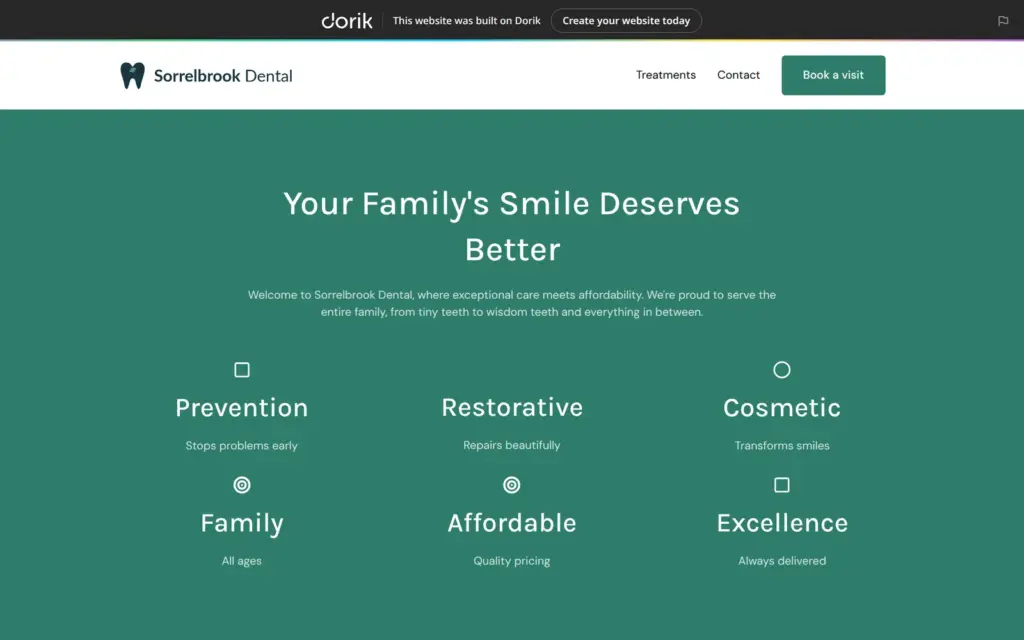
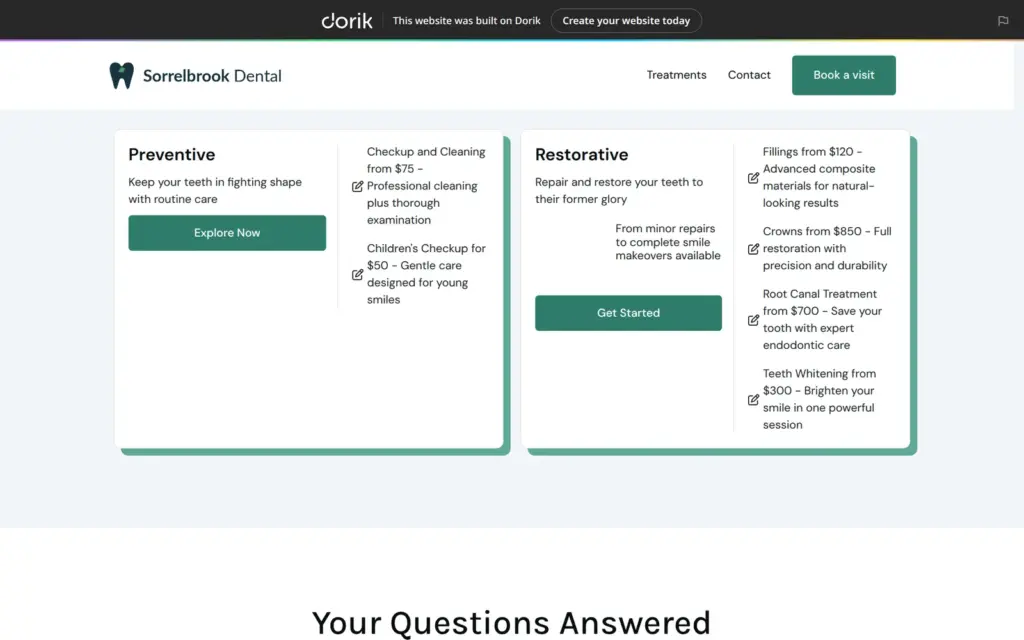
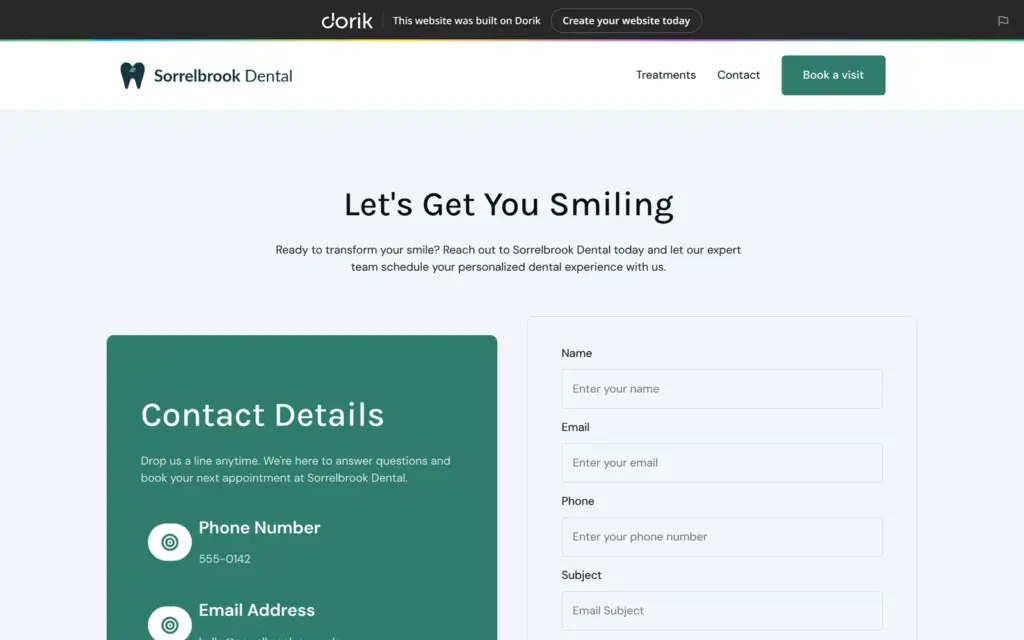
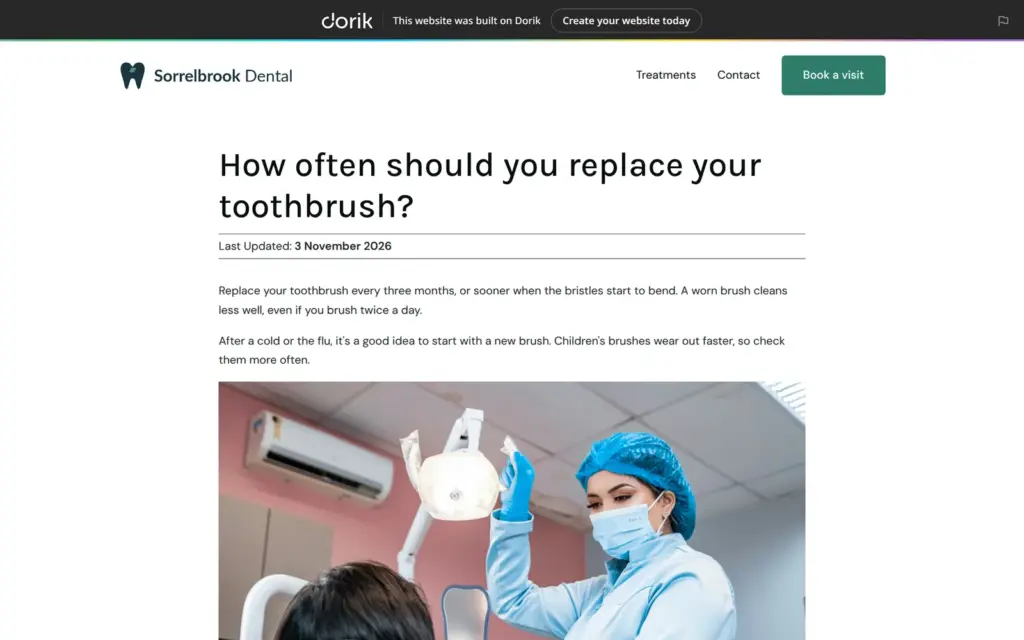
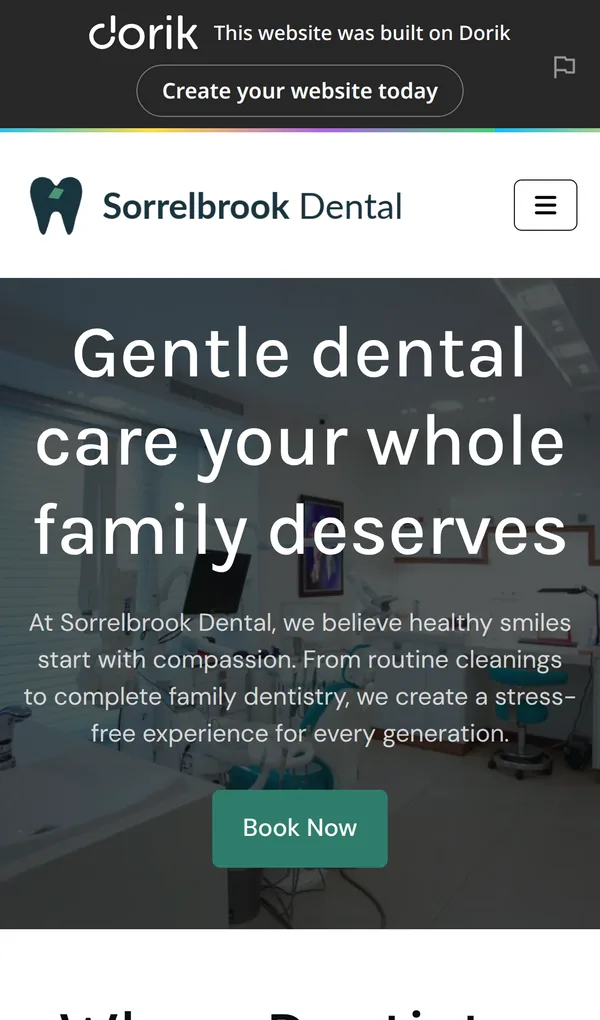
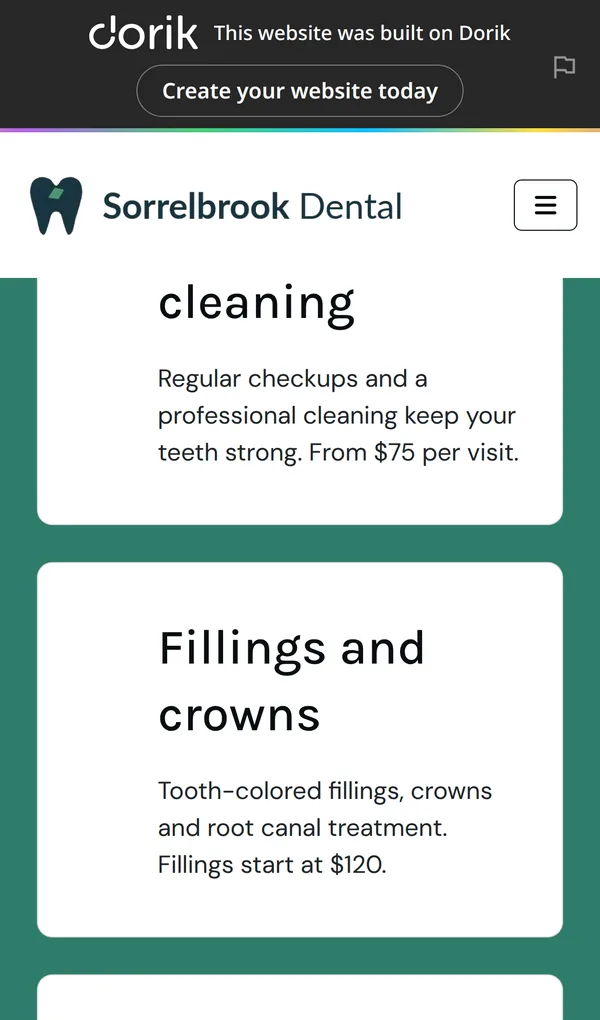
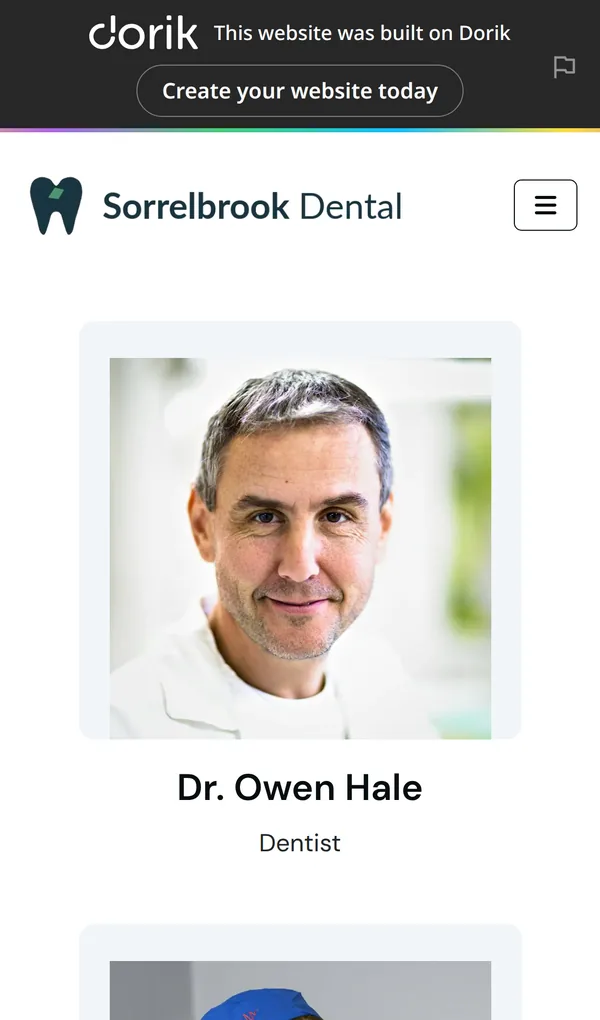
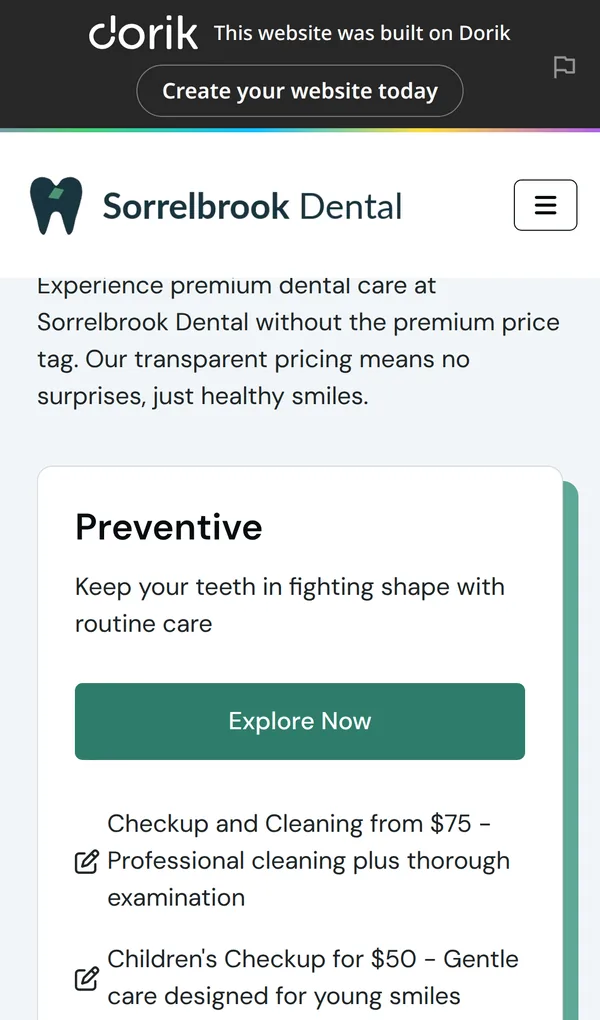
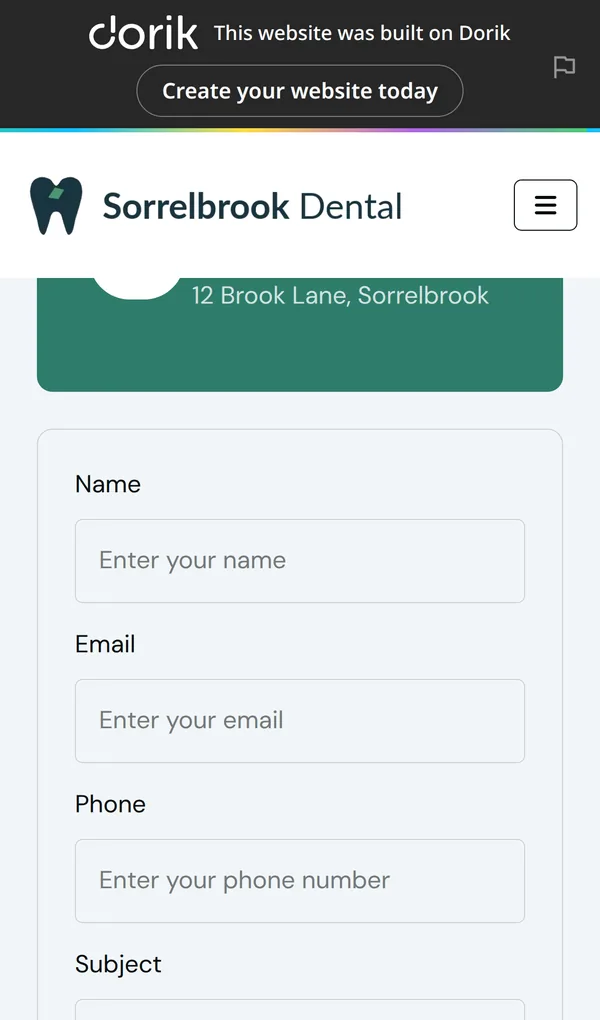
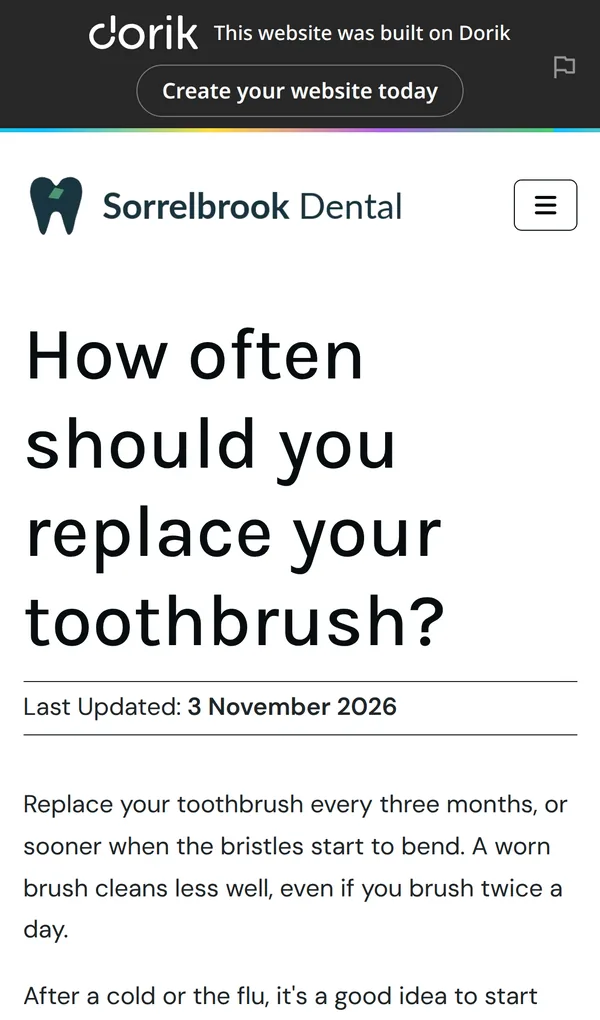
Open the Sorrelbrook Dental site. It is a demo, so please do not send personal information through its form.
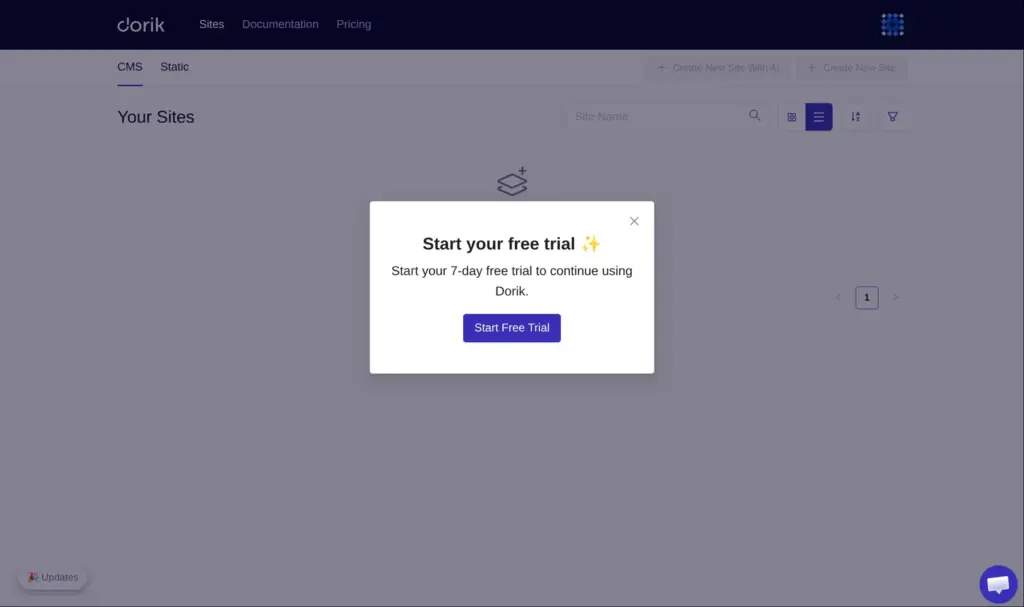
Signing up takes an email address and a password. Dorik sent an email to verify the address, but the account worked without it. Dorik asked no questions about my business. Right after sign-up, it showed its three paid plans and asked me to start a seven-day free trial.
The trial asks for a payment method. With the Personal plan, the checkout showed $0.00 due today and then asked for payment details. For the Business plan, the same "Start 7-day free trial" button led to a checkout with $592.62 due today. That's the yearly price plus German VAT, and the checkout said nothing about a trial.
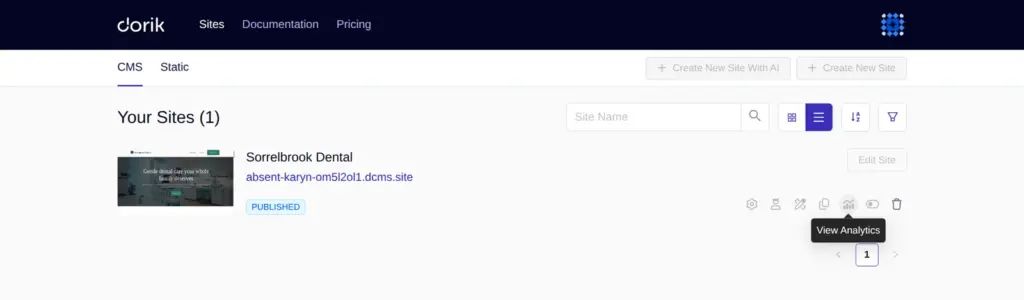
My account still said "Free Plan", but the buttons to create a site were switched off. Most icons in the site list were greyed out, and the templates opened a box that asked me to start the trial.
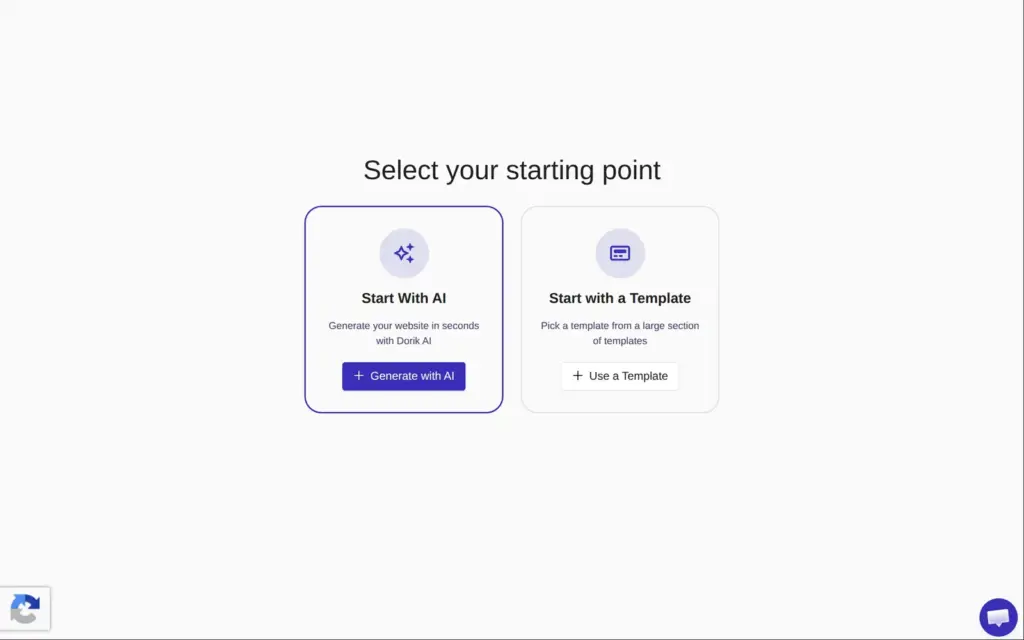
One thing still worked. Dorik's start page, app.dorik.com/create-site, let me generate one site with the AI, and I could edit and publish that site. The whole site in this review comes from that one AI build.
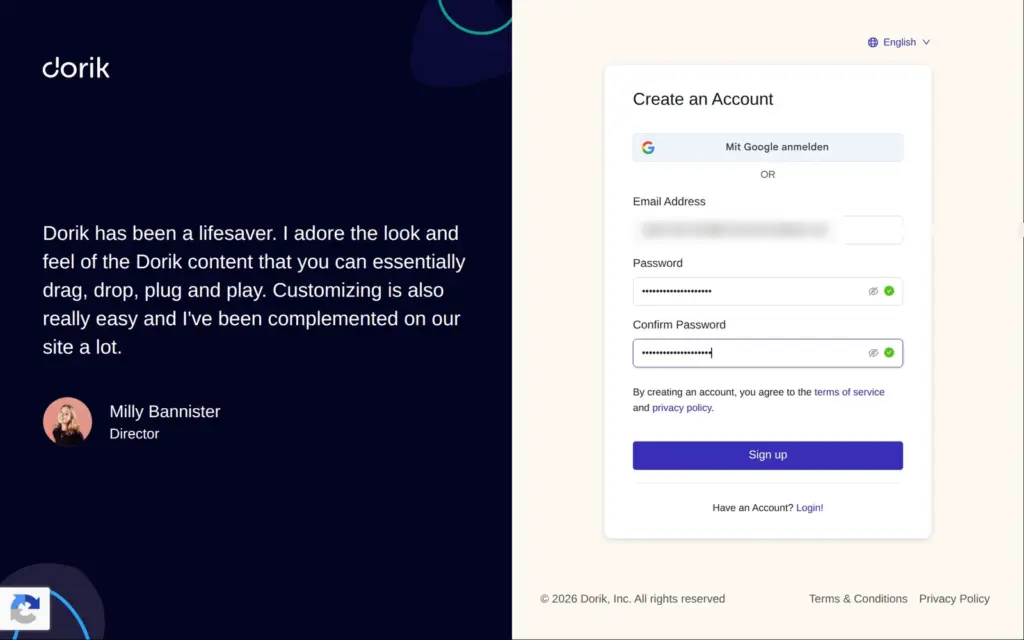
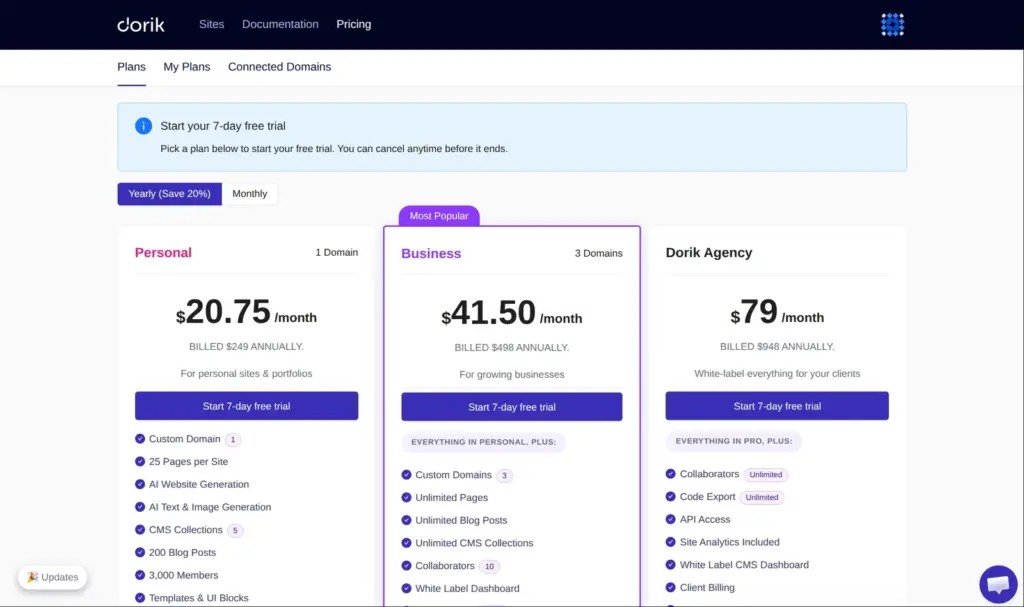
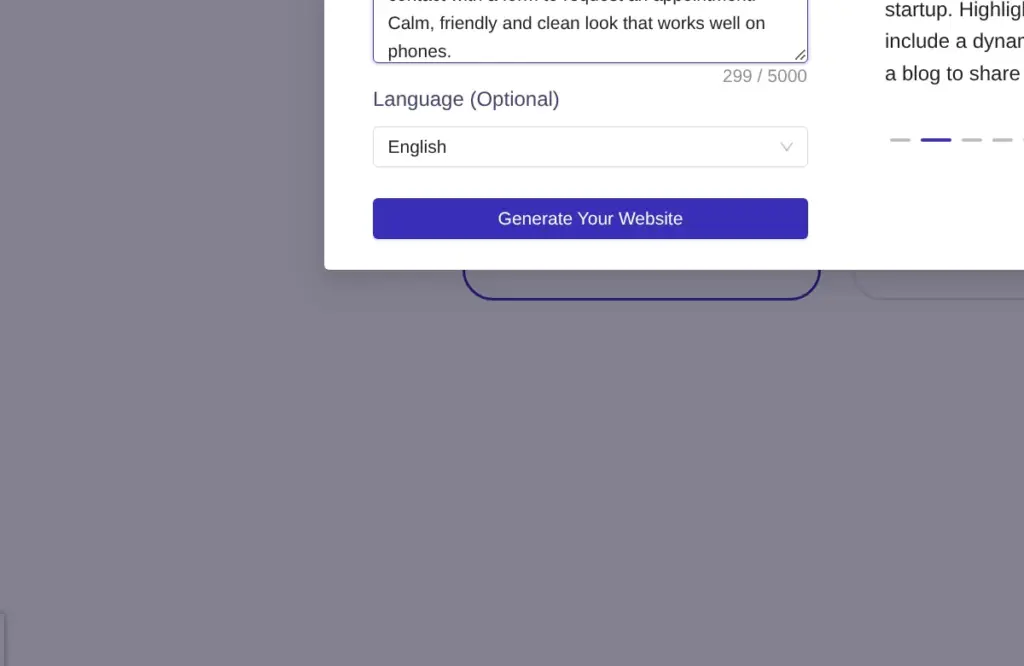
The start page offers two ways in, with AI or from a template. I picked the AI and wrote this description:
Build a website for Sorrelbrook Dental, a small family dental practice with two dentists and a hygienist. Pages: home, treatments with prices, our team, new patients, a blog with dental tips, and contact with a form to request an appointment. Calm, friendly and clean look that works well on phones.
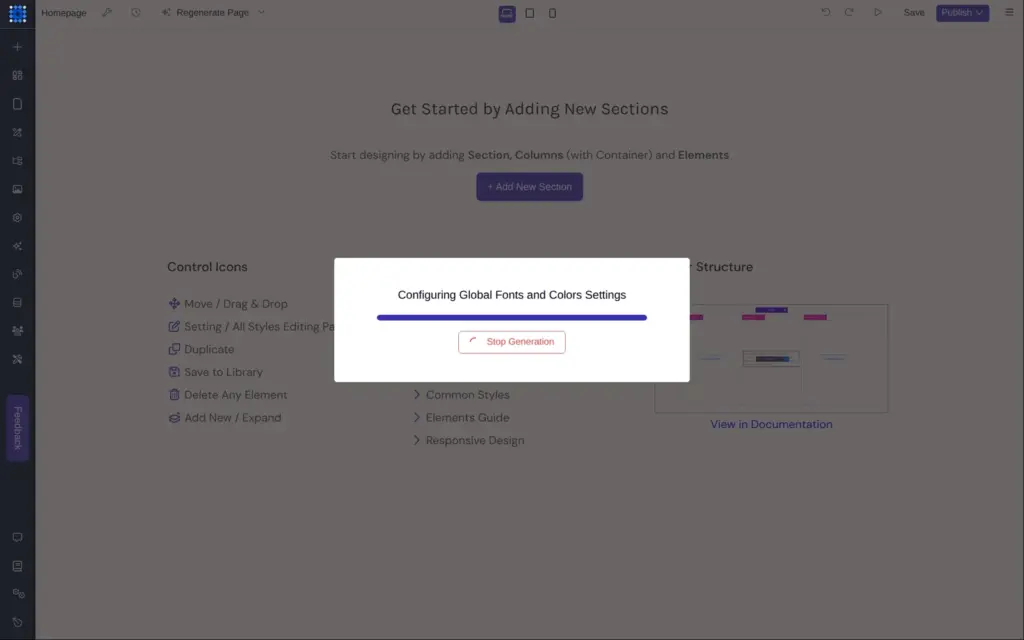
About 20 seconds later, the site existed and had its own dashboard on a random address ending in dcms.site. In the editor, the AI worked for about another minute, so the whole build took about a minute and a half. It asked no questions.
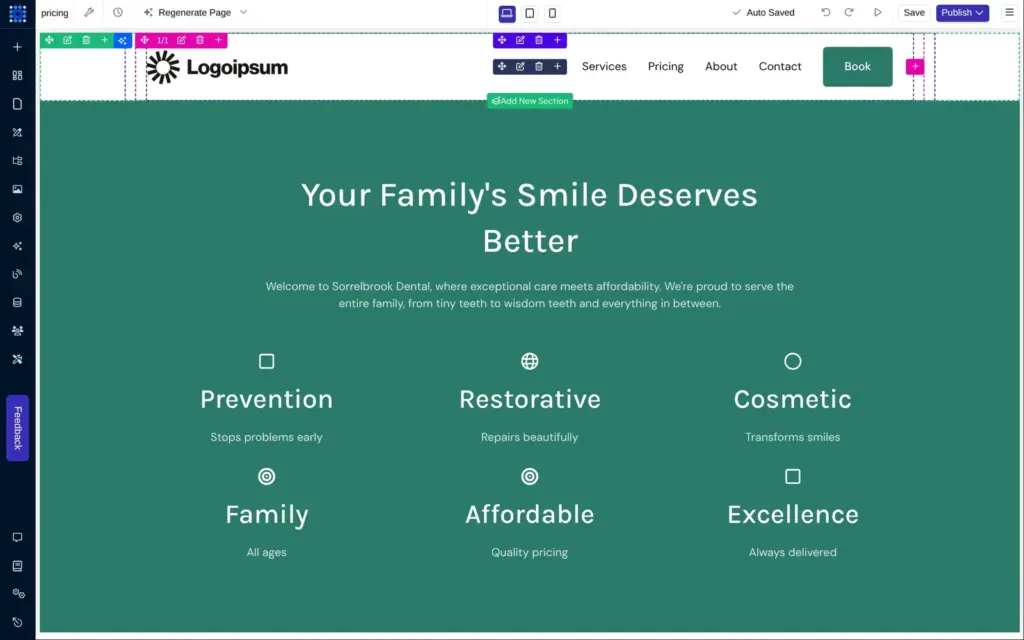
The result was one page. The home page looked tidy at first, with calm teal colors and photos of dental work. Much of it was placeholder text or wrong.
Dorik also published the site right away.
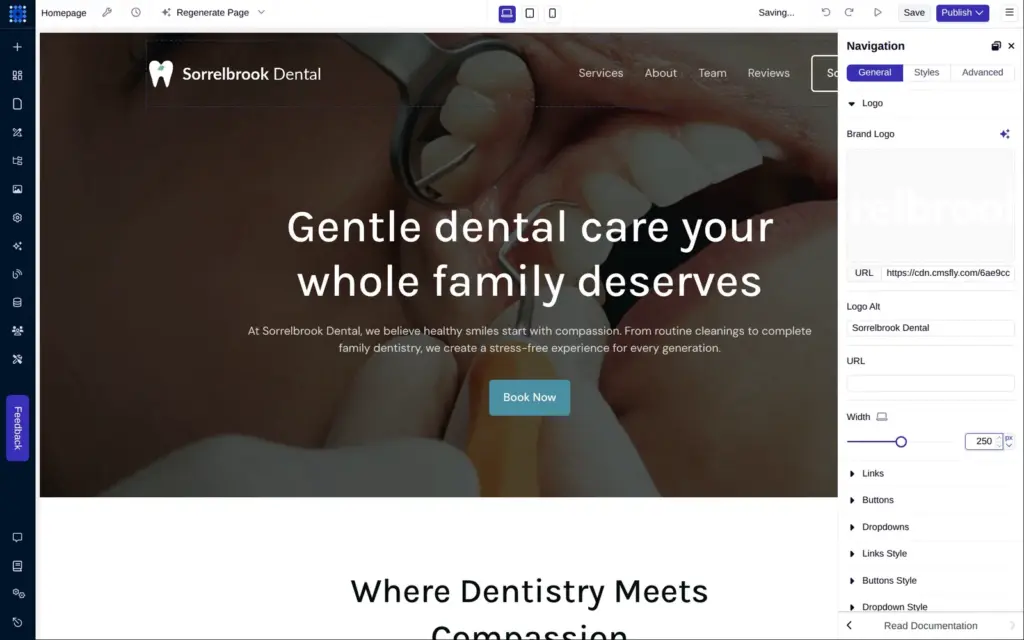
The logo sits inside the navigation element. Its settings let me upload a new image and set the width. There's also a field for the alt text, which screen readers read out.
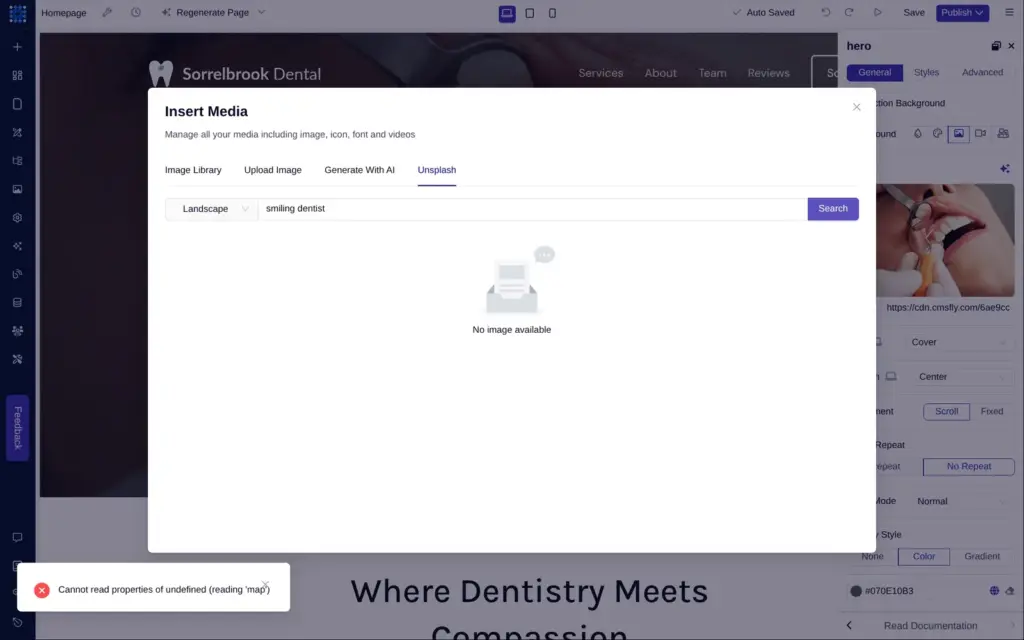
The hero photo was a close-up of an open mouth. Dorik's media window has a tab for Unsplash, the free photo library, but its search failed both times I tried it. It showed the error "Cannot read properties of undefined" and no photos. AI images are locked on the free plan, and the library tab only holds the site's own files. So I used the photo of a bright treatment room that the AI had already put in the footer.
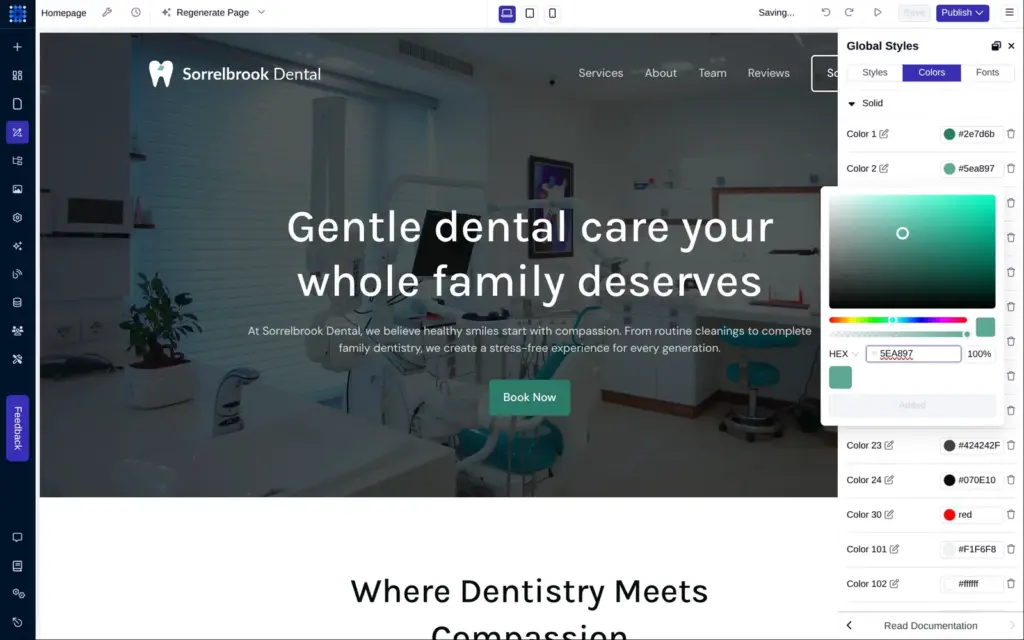
The AI had saved its colors as numbered global colors. I changed the three teal shades to greens. Everything that used them turned green at once, the section backgrounds included. A check of the page's code found none of the old teal left.
In Dorik's editor, each element shows a small toolbar when you point at it. The pencil in it opens the settings on the right, and that's also where you change the text. Double-clicking didn't let me type on the page itself.
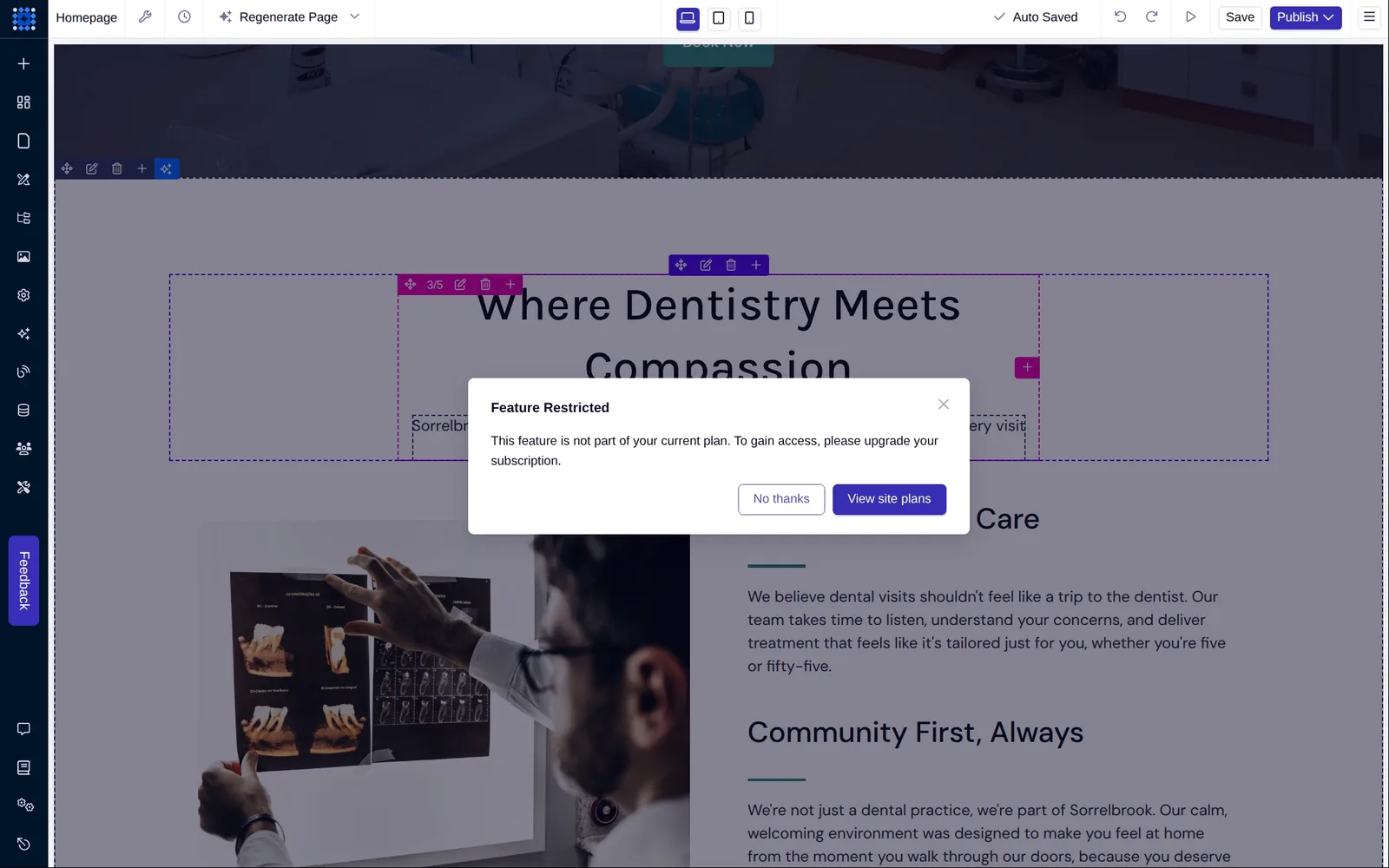
Each text block also has a button for Dorik's AI writing tools, like Shorten or Rephrase. On the free plan, they only showed a box saying that the feature is restricted.
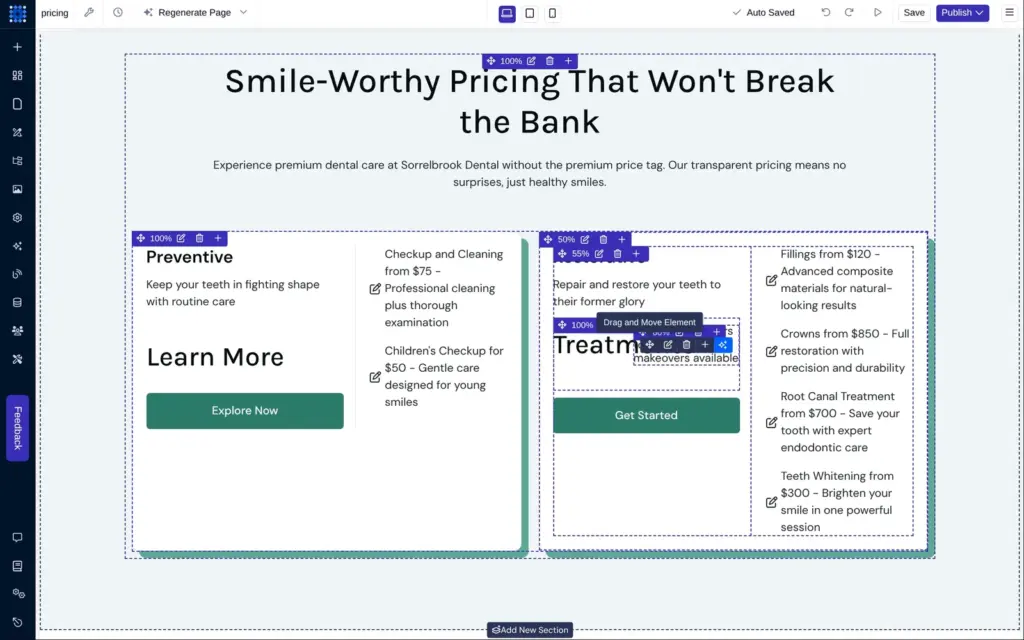
First I deleted the big labels that ran into the headings. Then I named each card after a treatment and wrote the prices as numbers. The team section got three made-up names with real job titles, and I deleted the fourth card.
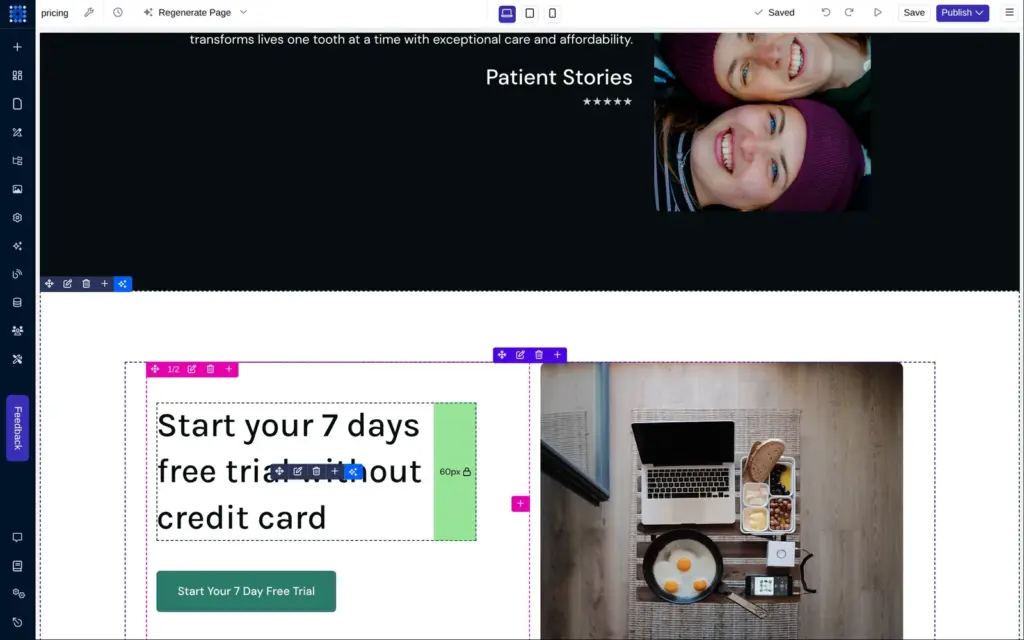
For photos of dental staff, I tried the Unsplash search again. It failed again, so I downloaded three photos from unsplash.com and uploaded them. I also deleted the six identical reviews and the row of sample logos. The footer text now says that the practice is made up.
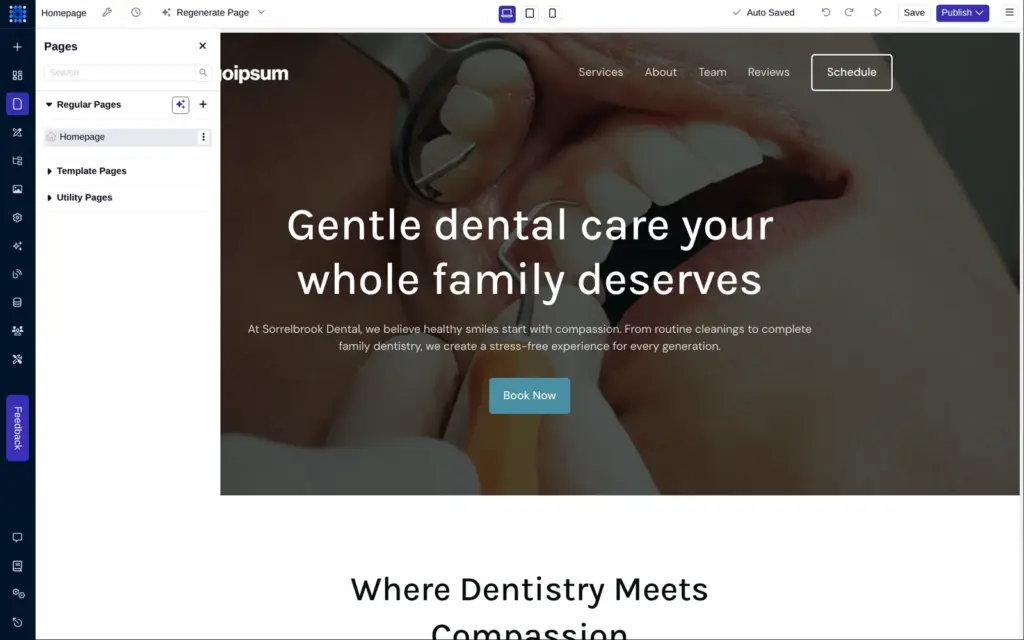
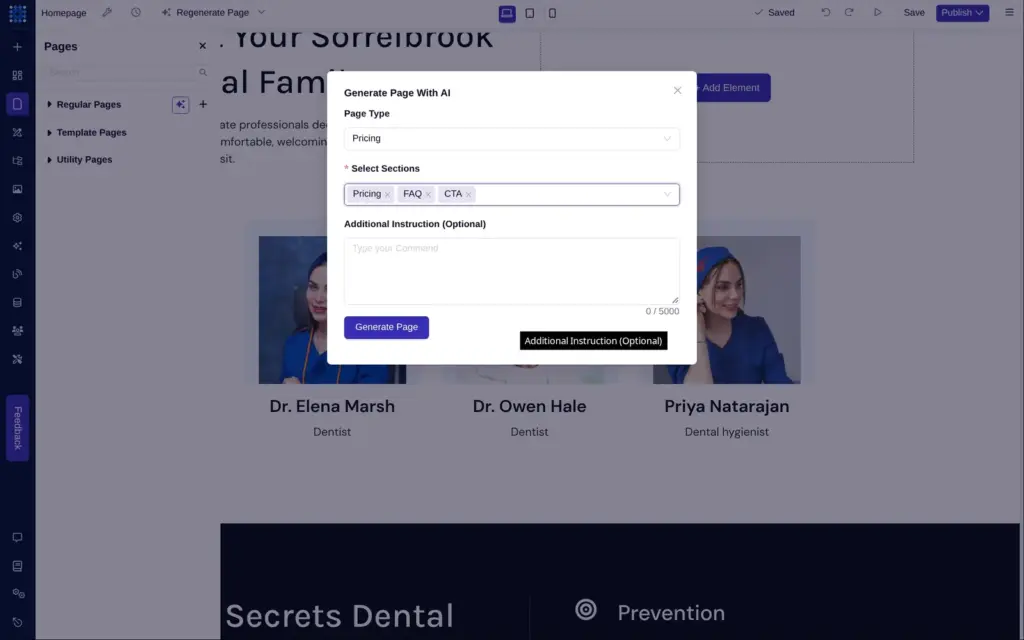
For the treatments page I used the AI again. The pages panel has its own AI button that builds a single page. You pick a page type and the sections, and you can add an instruction. I asked for a pricing page and listed six treatments with their prices.
This worked on the free account and took about a minute and a half. All six prices were right. The rest had the same kind of problems as the first page.
That page did come with a contact form, which the home page never got.
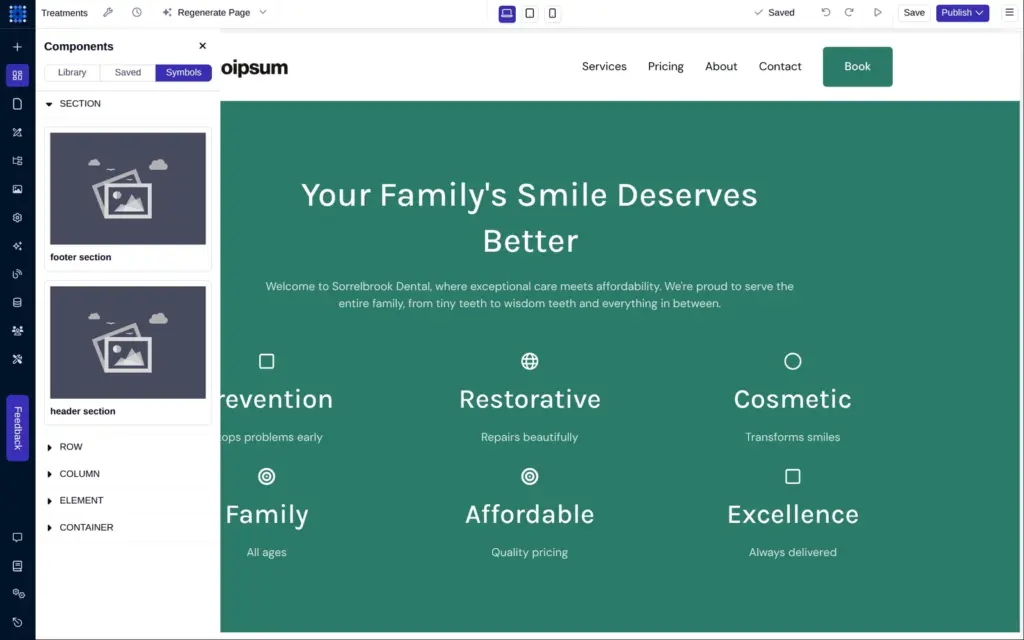
Pages in Dorik don't share a header by default. Dorik's way to share one is a symbol. A symbol is a part you save once and place on several pages, and a change to it reaches every page that uses it. The AI had already saved the treatments page's header as a symbol, so I fixed that one. It got the practice logo and a shorter menu.
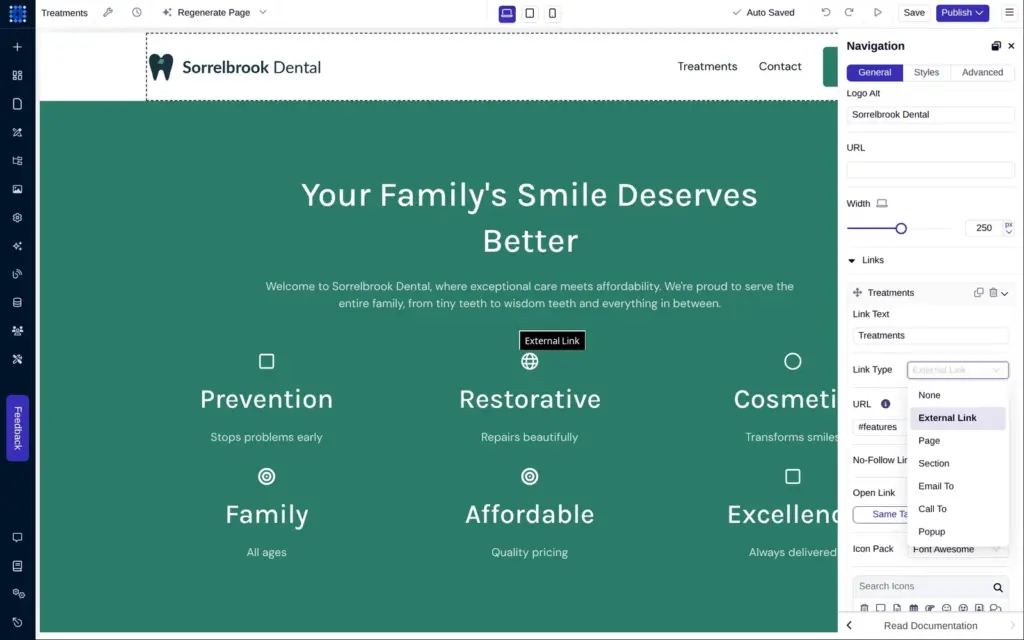
Each link in Dorik has a type, for example a page of the site or a phone number. The AI had left all of them pointing to the home page or to nothing, so I set each one by hand. I also gave the page a proper name and the web address /treatments.
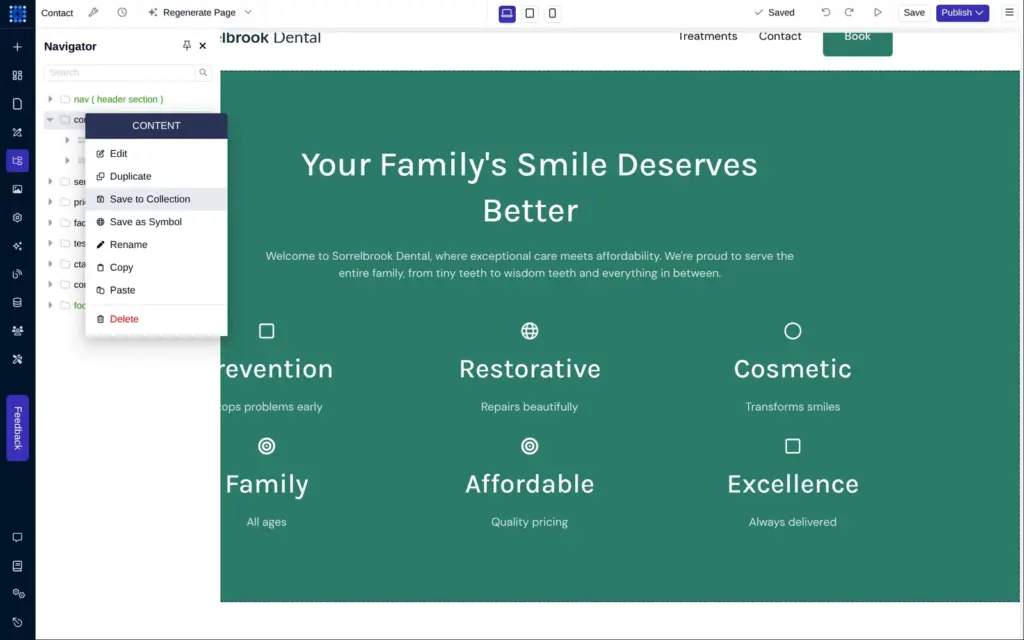
For the contact page, I duplicated the treatments page and deleted everything except its contact section. The navigator, a list of all sections on a page, made that quick.
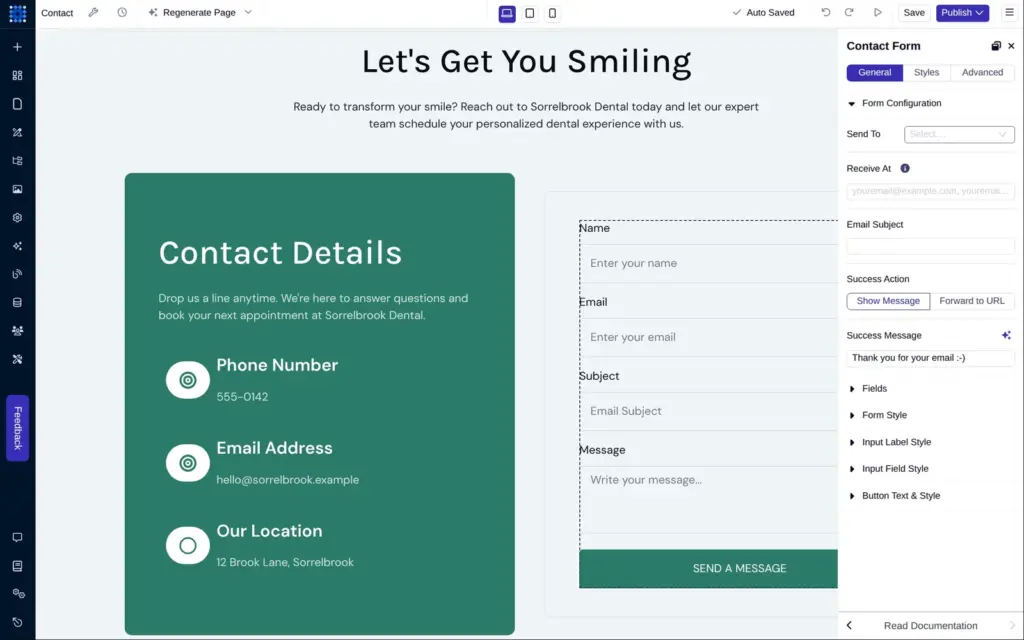
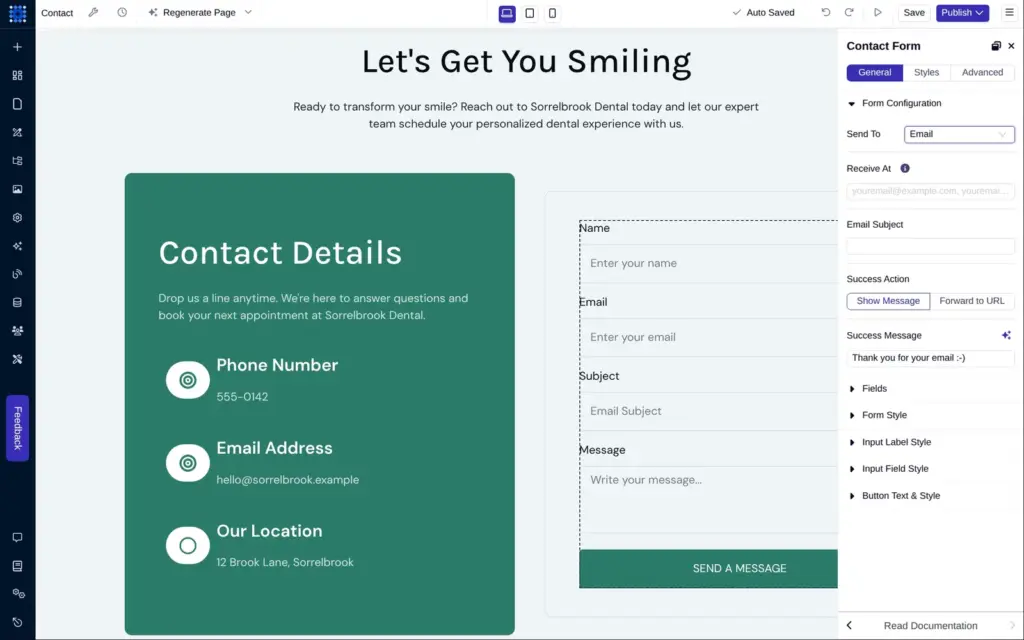
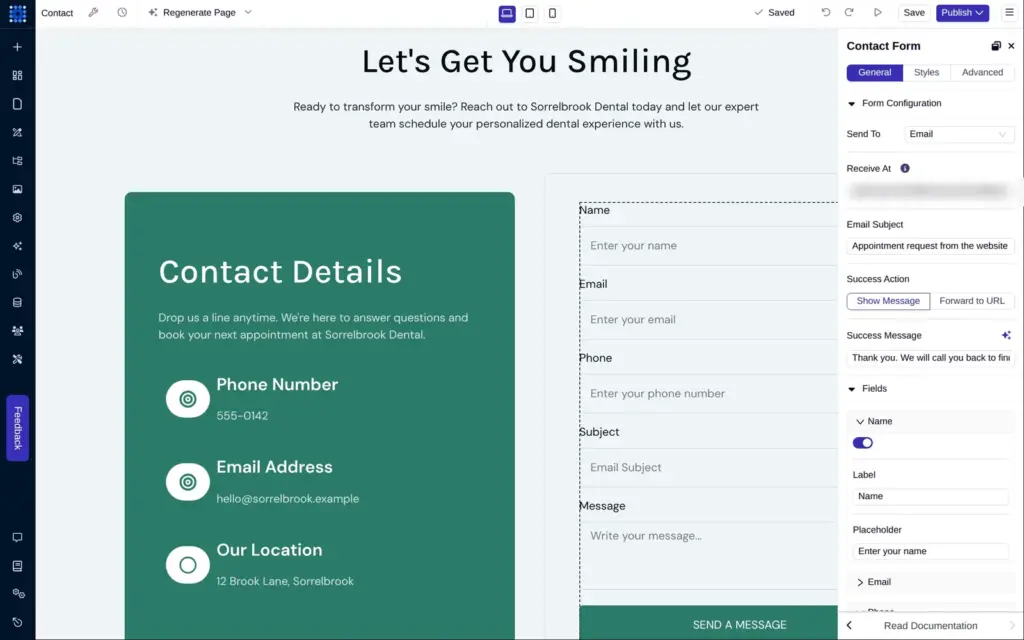
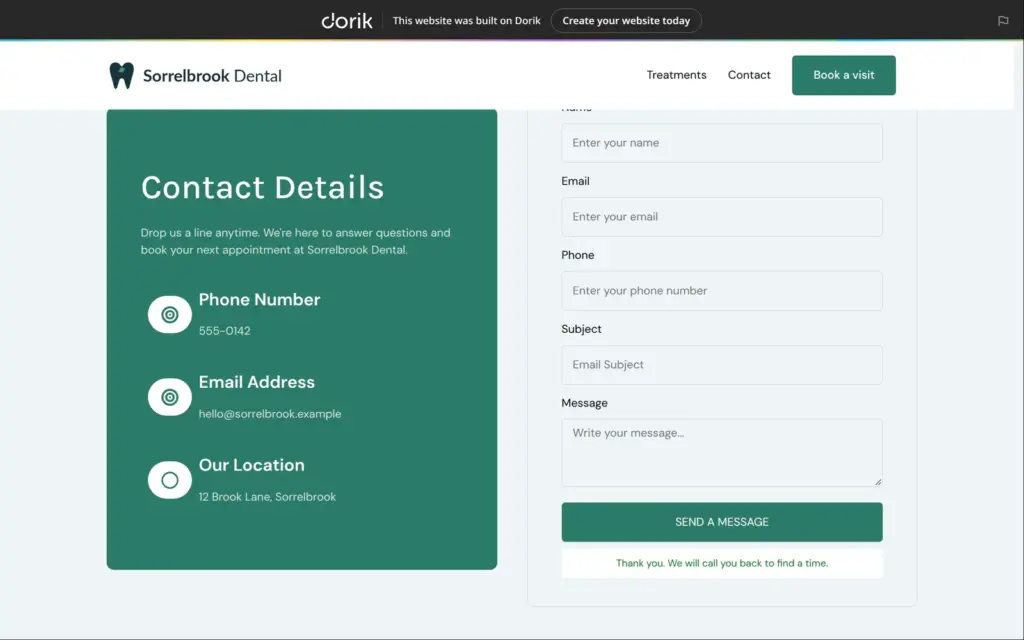
The form needed setting up. The AI had left "Send To" and the receiving address empty, so messages would have gone nowhere. Dorik can send form messages by email or pass them to automation tools like Zapier. I chose email and set a subject line and a thank-you message.
The contact form comes with fixed fields that you switch on or off. The phone number was off, so I switched it on. Each field has a label and a placeholder text, and that's all. Only the email is required, and I found no way to make the name or the message required. Dorik's custom forms with your own fields need the Business plan.
Then I linked the contact page from the shared header and put the header on the home page, with a drag from the list of symbols.
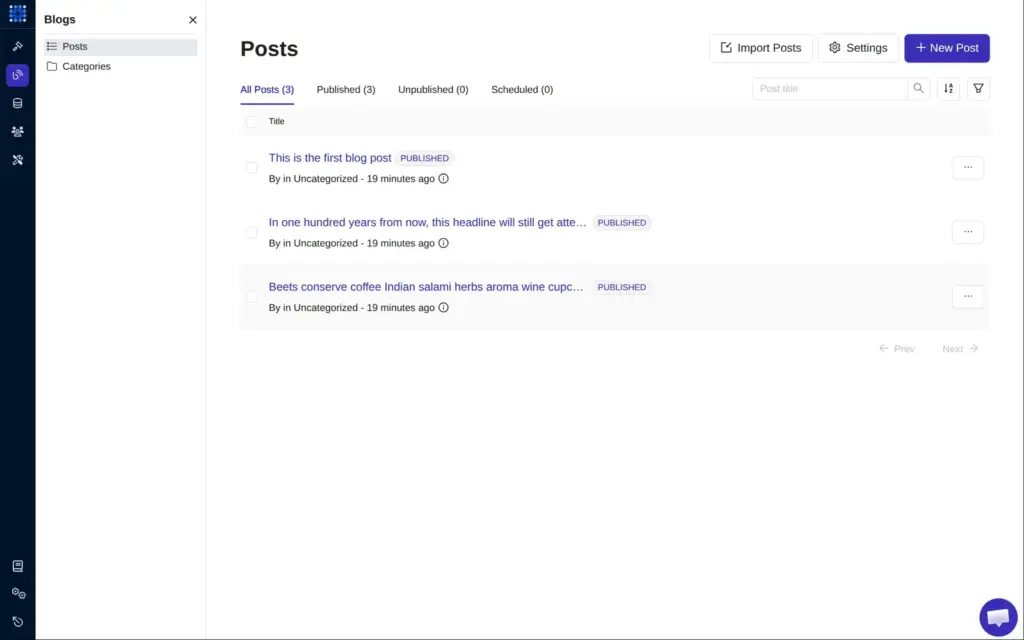
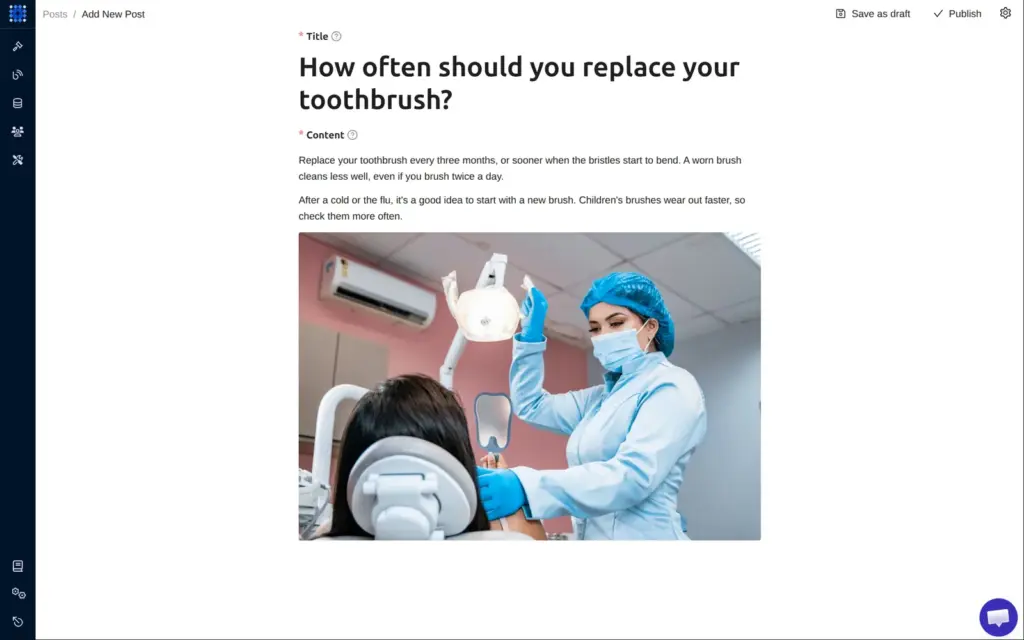
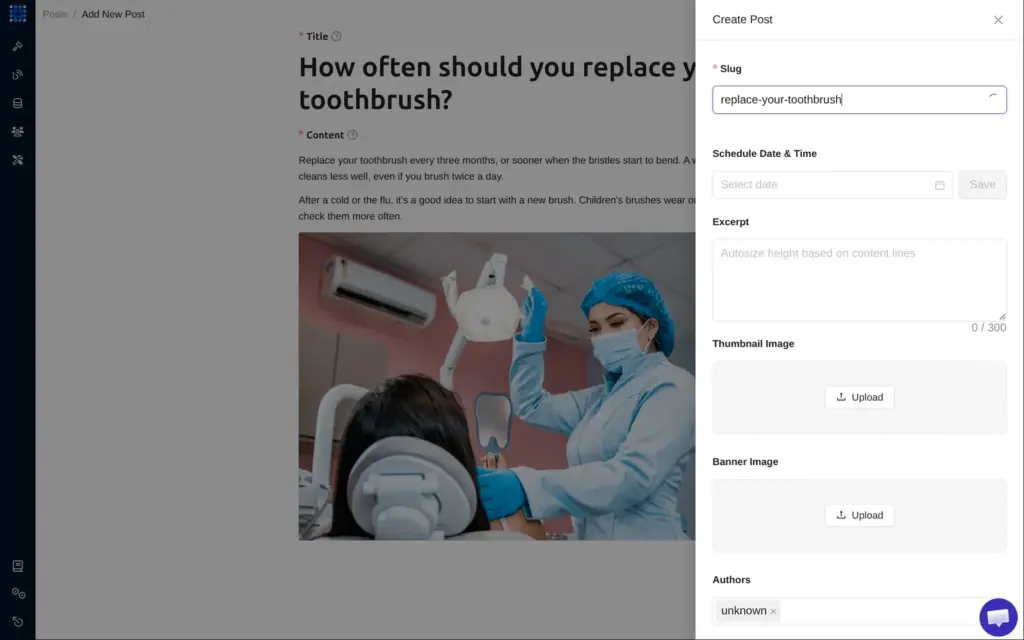
Blog posts are written in the site's dashboard, outside the page editor. The post editor is plain and works well. You write in blocks and add images or tables with a plus button. The post settings ask for a web address, which Dorik calls a slug, and Dorik doesn't fill it in from the title. Each post also has its own search settings.
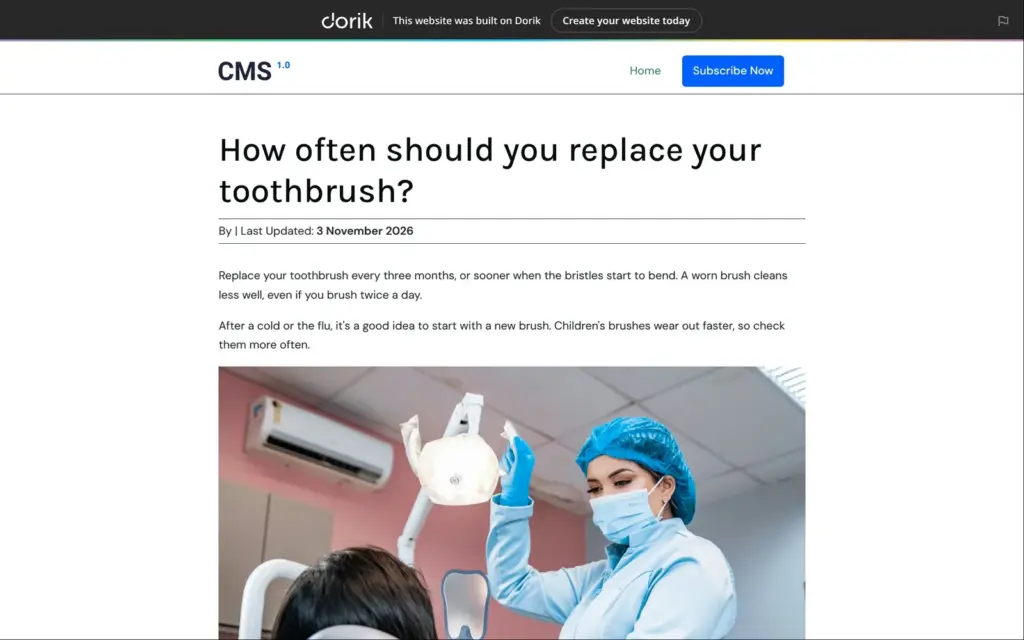
The published post looked like it belonged to another site. It used a demo design with a logo that said "CMS 1.0". The byline said "By" with no name after it, and a newsletter box below the post had filler text.
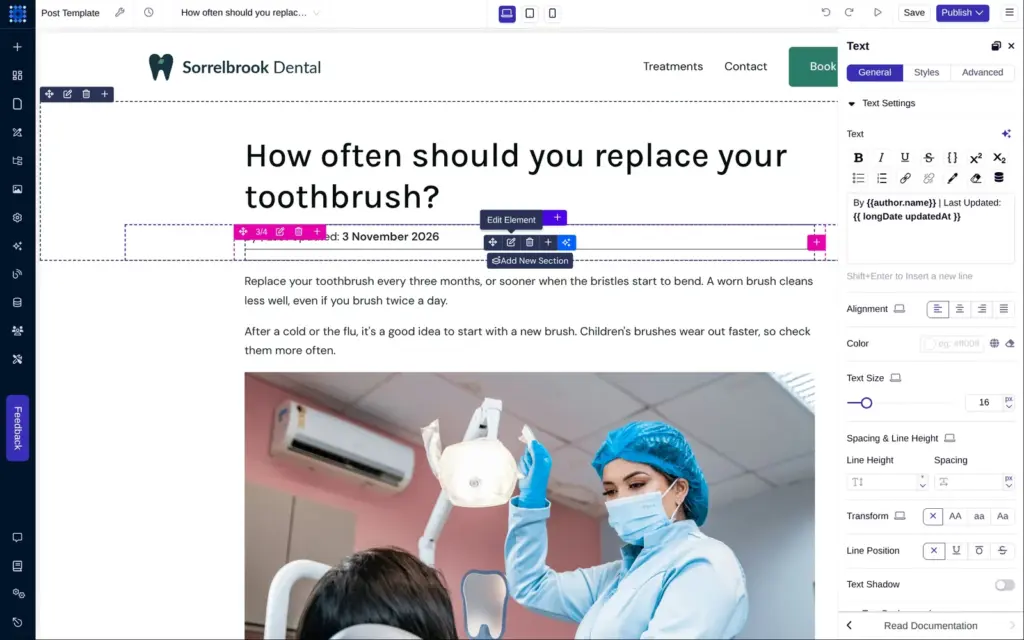
Posts use a template page that you edit in the builder. I put the shared header and footer on it and removed the empty author from the byline. After I published, the live post still had the old design for several minutes, and once it showed an error. The new design only appeared after I published again, about seven minutes after the first try. The post's page title also ended in "| CMS 1.0" until I changed it in the template's settings.
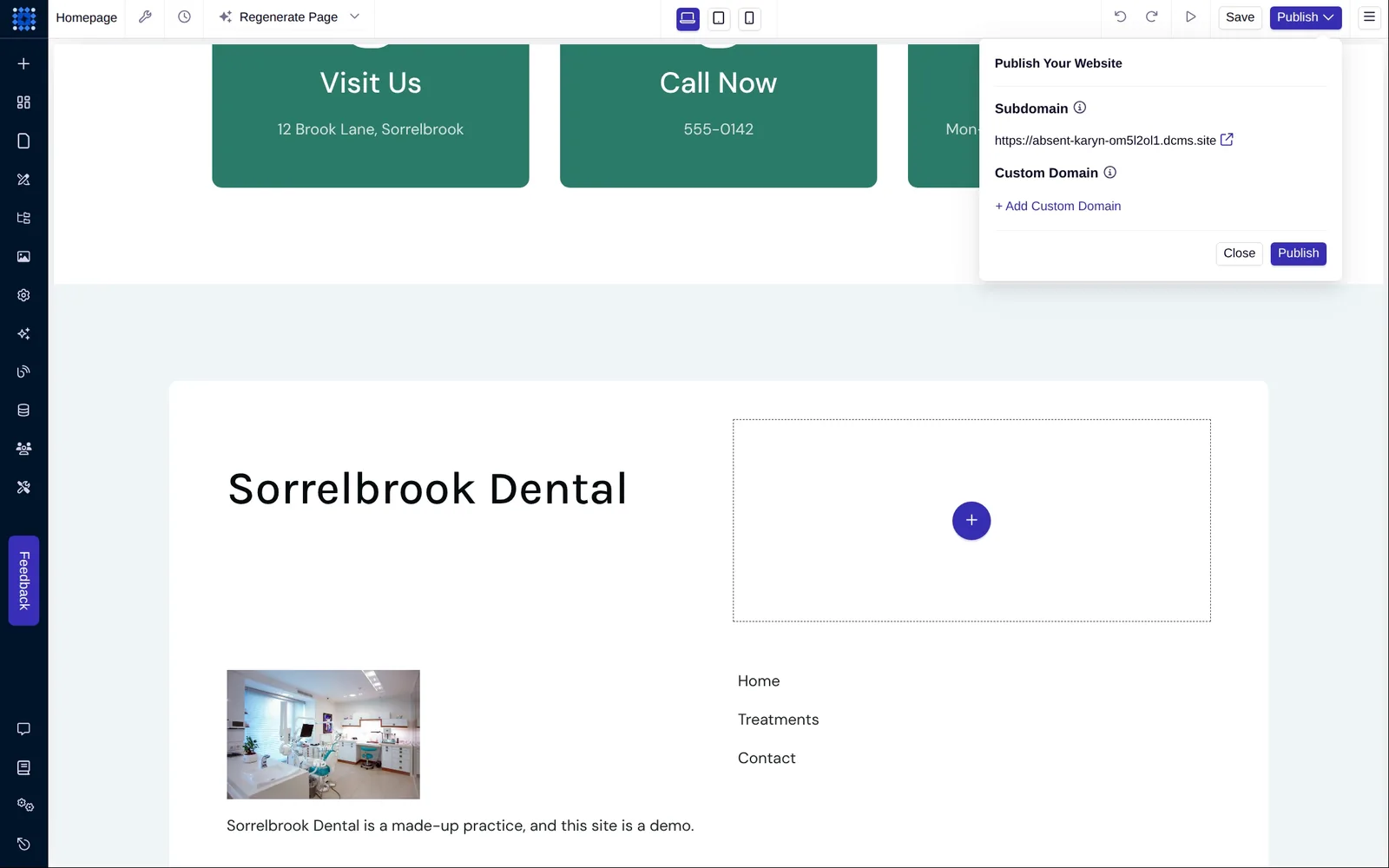
Publishing puts the site on Dorik's free address. Mine is absent-karyn-om5l2ol1.dcms.site, and I found no way to change it. A custom domain needs a paid plan.
Free sites have a bar at the top of every page that says "This website was built on Dorik" and links to Dorik. The free address also tells search engines not to list the site. Every page sent a "noindex, nofollow" header, whatever the page settings said.
After a publish, the plain home page address sometimes showed the old version for a few minutes. Dorik's servers deliver a stored copy for up to five minutes.
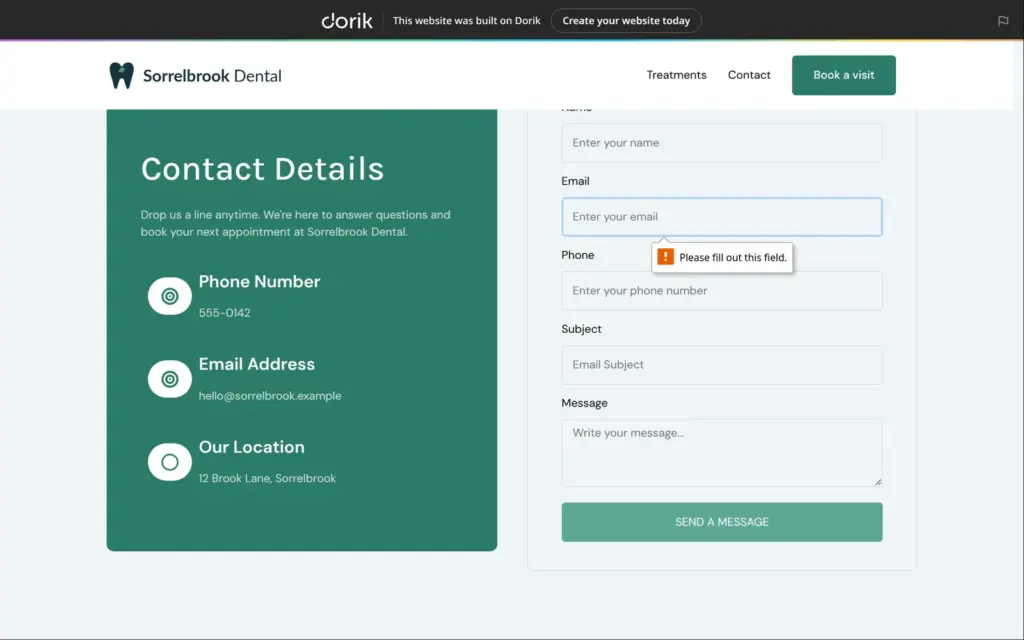
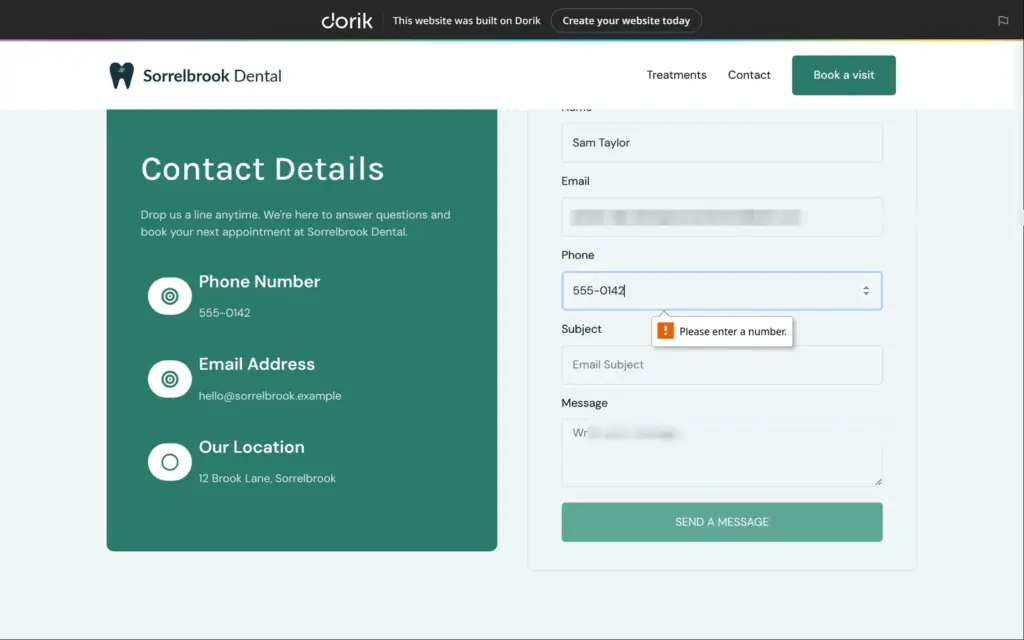
I opened the published contact page as a visitor. When I sent the form empty, the browser stopped at the email field. The phone field only takes digits, so with "555-0142" in it the form showed "Please enter a number." and didn't send.
With the phone number in digits, the page showed my thank-you message. The email arrived seven seconds later. It came from "Visitor" at no-reply-user@cmsfly.com, with my subject line and a short code like #gwrr00 at the end. It listed the five fields with their values. Its reply address was the visitor's, so you can answer by replying.
I checked every link on the published pages, and that turned up more of the AI's leftovers.
I fixed the footer once in its symbol, and the change reached every page. Deleting something inside a symbol comes with a warning that it can't be undone.
These were quick fixes, but only once I had found them. If you start from Dorik's AI, click every link on the published site and read every text before you share the address.
I left the phone layout as the AI made it, and it worked. On a 390-pixel-wide phone screen, the menu becomes a button that opens the shared links below the header. Texts and prices were easy to read, and the contact form fills the width of the screen. On a phone, the Dorik bar takes two lines.
One problem came from my own fix. Where I had deleted a label that ran into a heading, its empty column still pushed the text next to it to the right.
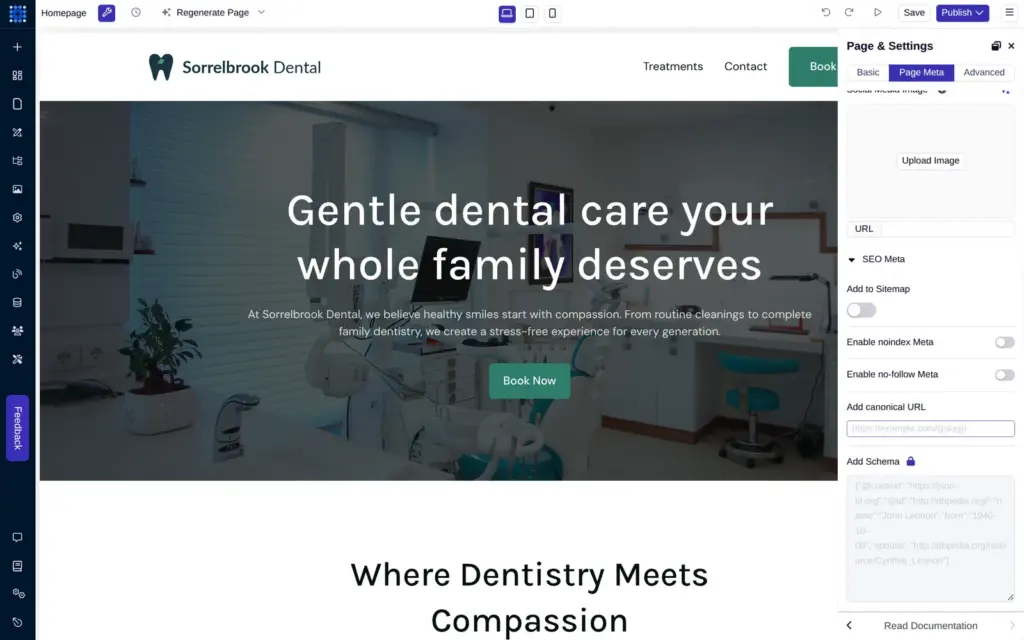
Each page has a search title and a description, and separate texts for social media. Switches let you leave a page out of the sitemap or hide it from search engines, and you can set a canonical address. Structured data for search engines needs the Business plan.
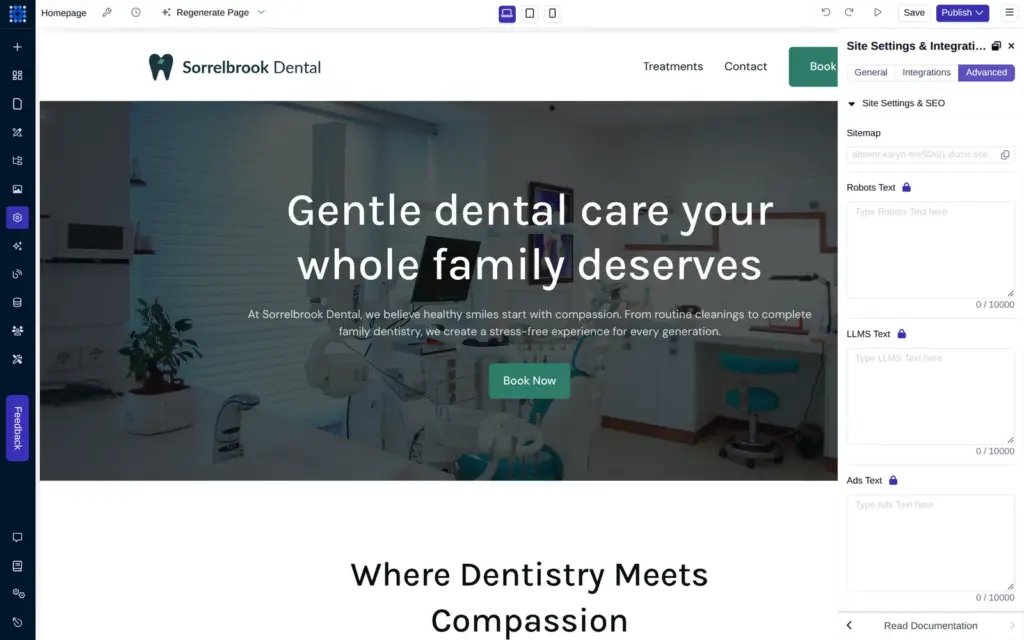
The site settings have fields for Google Analytics and other tracking tools. Editing robots.txt is locked on the free plan, and the pricing page lists it for Business and Agency. My site's robots.txt was empty.
Since the free address hides the whole site from search engines, these settings only matter once you pay for a custom domain.
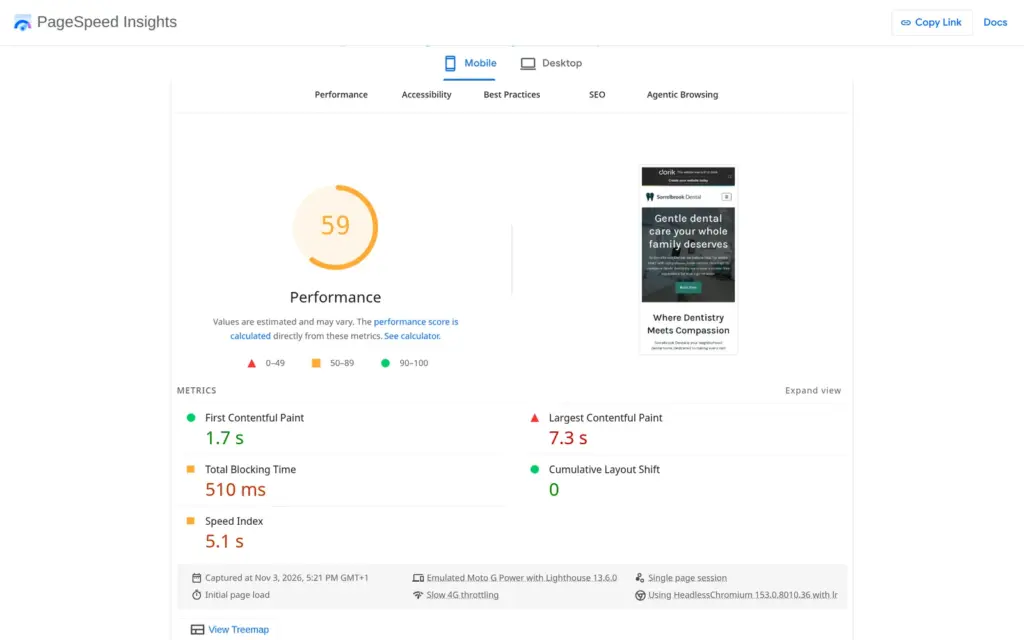
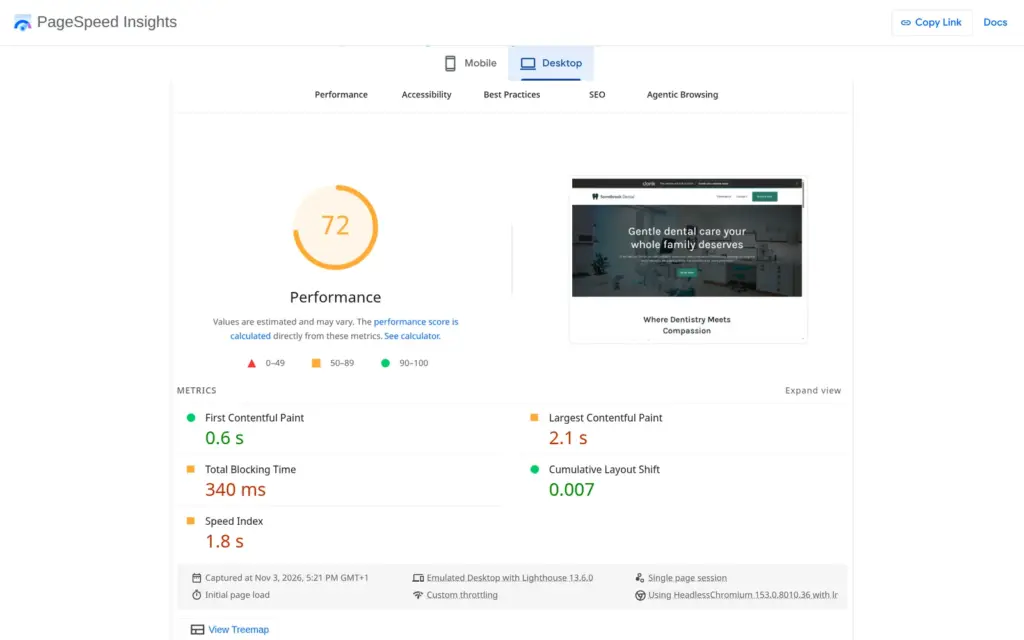
I ran the published home page through Google's PageSpeed Insights once. On a simulated phone it scored 59 out of 100, and the largest image took 7.3 seconds to appear. On desktop it scored 72, with the largest image after 2.1 seconds. The report said the images could be about 560 KB smaller.
Accessibility scored 93 on both. The search score of 66 comes from the noindex header of the free address.
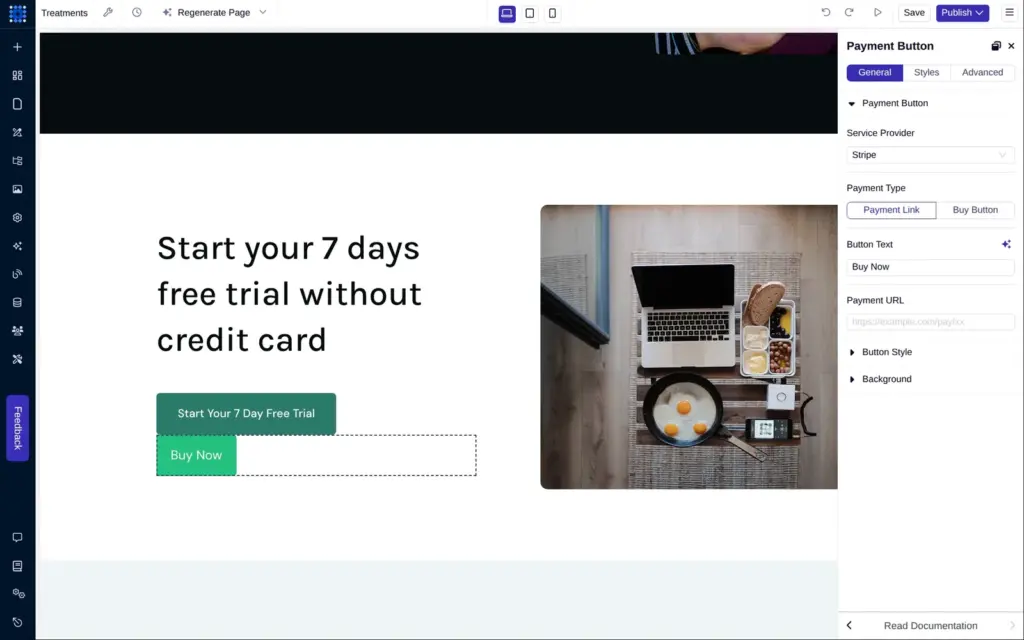
Dorik has no online shop. For selling, its element list has a payment button, and that's all. The button works with four payment services, among them Stripe and PayPal.
With Stripe, you paste the address of a Stripe payment link into the button. Or you give it the ID of a Stripe buy button and a key from your Stripe account. Either way, you create the product and its payment page in your Stripe account, outside Dorik.
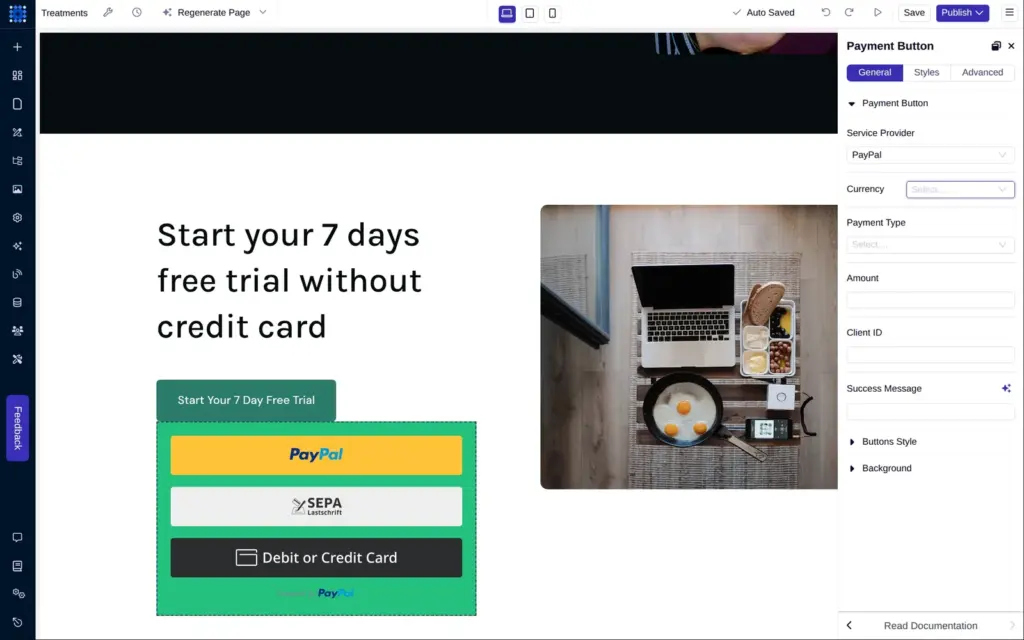
With PayPal, you set a fixed amount in one of six currencies, and the button needs the client ID from your PayPal account. The payment can be one-time or a subscription. In the editor, the button showed PayPal's own payment buttons, including one for cards.
That's enough for a gift voucher or a deposit. Dorik has no shopping cart and no order list. It also doesn't track stock or calculate shipping. For a full shop, Dorik's feature page points to an Ecwid store that you embed, or to Shopify's buy buttons. I didn't test those. I also couldn't test a payment, because that needs a Stripe or PayPal business account.
Shop verdict: Dorik can't run a shop. It can take a single payment that you set up at Stripe or PayPal.
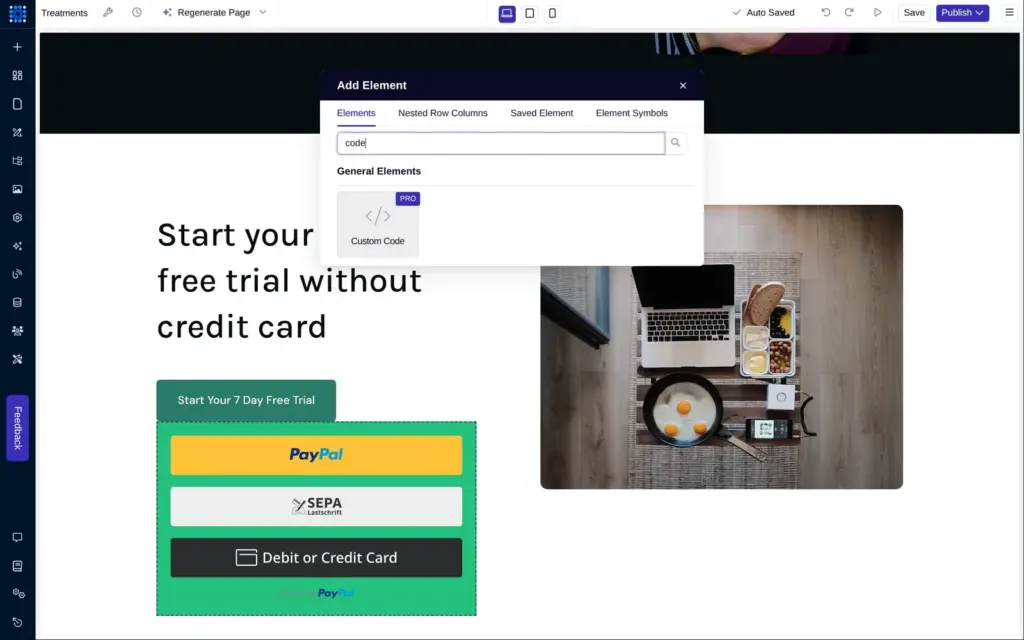
For a dental practice, online booking matters. Dorik has no booking feature of its own. Its guide for booking websites embeds Calendly with a custom code element, and custom code needs a paid plan. On the free plan, clicking it opened the plans page.
The iframe element is free. It shows another web page inside yours, so a booking page from another service could go there. I didn't test that with a booking service.
On the free plan, the contact form is the closest thing to booking. Visitors ask for an appointment, and the practice calls them back.
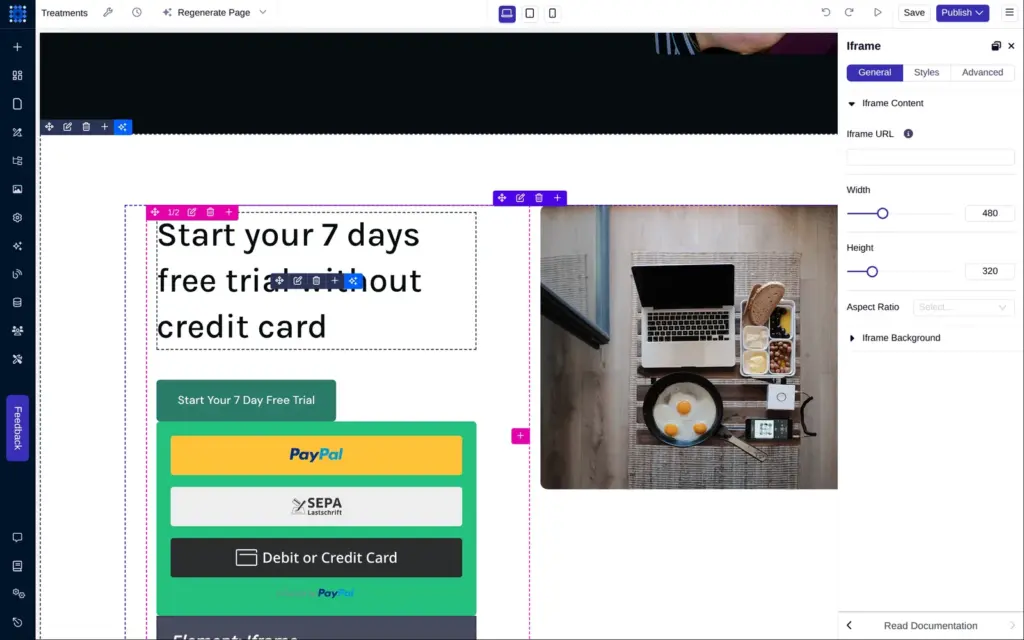
Dorik's plans include memberships, with up to 3,000 members on Personal and 10,000 on Business. Visitor statistics are part of the Agency plan, and the analytics button was switched off on the free plan. Translations work through Weglot, a separate translation service with its own key. I didn't test any of these features.
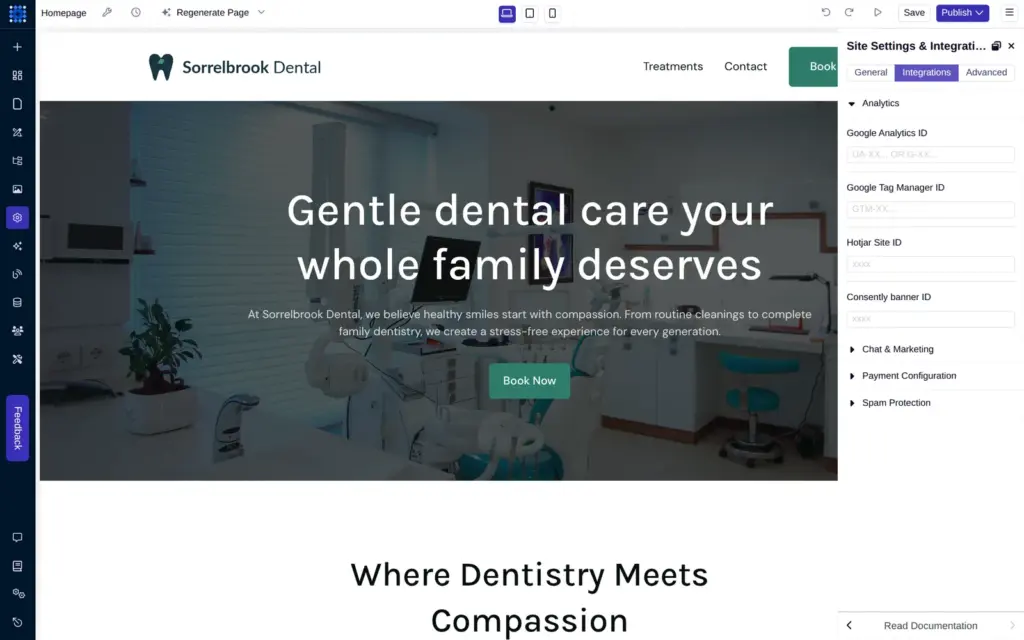
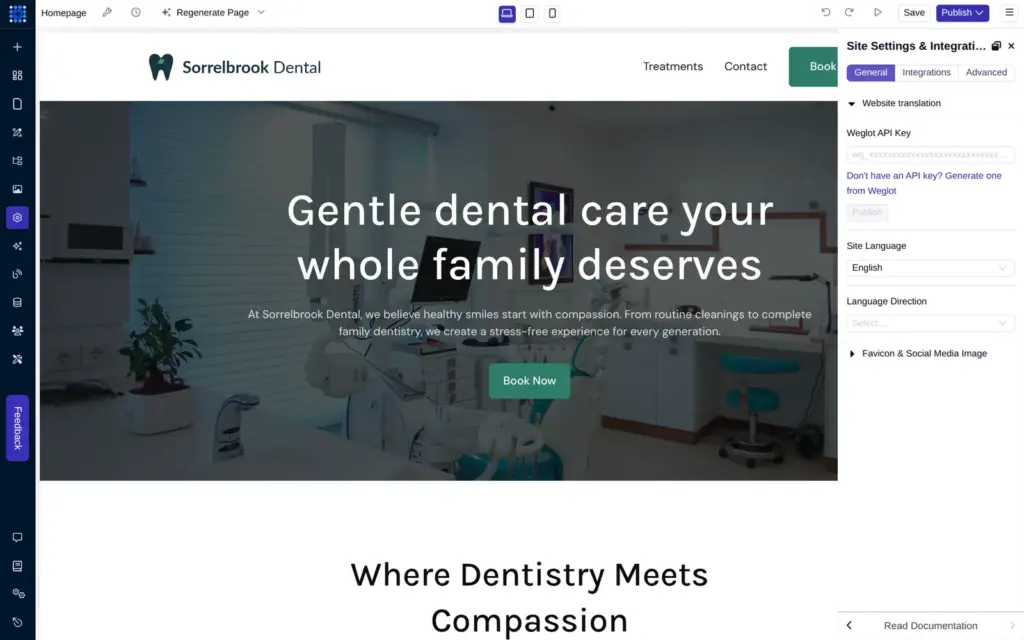
I checked Dorik's pricing page and the plans in the dashboard on November 3, 2026. Dorik lists its prices in US dollars, also from Germany. VAT or sales tax comes on top, and from Germany the checkout added 19% VAT.
| Personal | Business | Agency | |
|---|---|---|---|
| Billed yearly | $20.75a month, $249 a year | $41.50a month, $498 a year | $79a month, $948 a year |
| Billed monthly | $29a month | $59a month | $99a month |
| Custom domains | 1 | 3 | Unlimited |
| Pages per site | 25 | Unlimited | Unlimited |
| Blog posts per site | 200 | Unlimited | Unlimited |
| CMS collections per site | 5 | Unlimited | Unlimited |
| Collaborators | None | 10 | Unlimited |
| Password-protected pages and custom forms | No | Yes | Yes |
| Code export, static sites only | No | 15 a month | Unlimited |
| Dorik bar removed | Yes | Yes | Yes |
The pricing page doesn't list a free plan. Its questions section only mentions the seven-day trial.
For the dental practice, Personal on yearly billing costs $249 a year plus tax. It allows one custom domain and 25 pages, which is enough for a small practice.
Two limits are easy to miss. Personal allows no collaborators, so nobody else can log in to change the site. And password-protected pages and custom forms need Business.
Dorik hosts the site, so you don't need a separate web host. Code export, which downloads a site as HTML files, is part of Business and Agency. But Dorik says that code export works with static sites only, and my AI site was a CMS site. If you move such a site to another builder, you take your text and photos and rebuild the pages.
Dorik fits a small business that wants a simple site with a blog and is ready to pay from the start. Its editor gave me the control I needed to fix the AI's first version, and the form and the blog worked once they were set up.
It fits less well if you want to try first. Almost nothing works without the trial, and the trial asks for a payment method. It also fits less well if you want to sell online or take bookings, because Dorik has neither. And the AI saves less time than Dorik's start page suggests. For my practice, it built one page instead of six, with a placeholder logo and made-up reviews.
If you start the trial, note the date. The checkout showed the first yearly payment seven days later, unless you cancel before then.
 What I'm building
Give Vroni a GitHub issue, bug report, spec, or rough idea. It reads the repo, plans the change, writes code, runs checks, and works toward a review-ready pull request.
Take a look at vroni.com