
How do you make a website with Weebly?
You sign up on weebly.com with a free Square account. When Weebly asks what kind of website you want, you pick "I…
Weebly is a website builder that belongs to Square, the payments company. If you are thinking about it for your business website, you probably want to know what the free plan gives you and if you can sell with it.
To find out, I built a complete website for a made-up independent bookshop on the free plan. It has six pages with a blog and a contact form, and a small shop with two products. I published it and tested it on a computer and a phone. Then I tried to order from the shop. I did all of this on November 1, 2026.
Building the pages went quickly, and the free plan lets you edit the theme's code. But the themes look old, and the template left traps behind. The worst one was a contact form that sent all messages to a Weebly address. The shop could not take a single order without a payment provider. Weebly's Stripe setup asked for a phone number first, and I stopped there.
Weebly suits you if you want a simple site with a blog and a contact form on a small budget, and you don't mind a weebly.com address with Weebly branding.
Look elsewhere if you want a modern design, or if the online shop is the main reason you are looking. When I said I wanted a store, Weebly sent me to Square Online, a different builder.
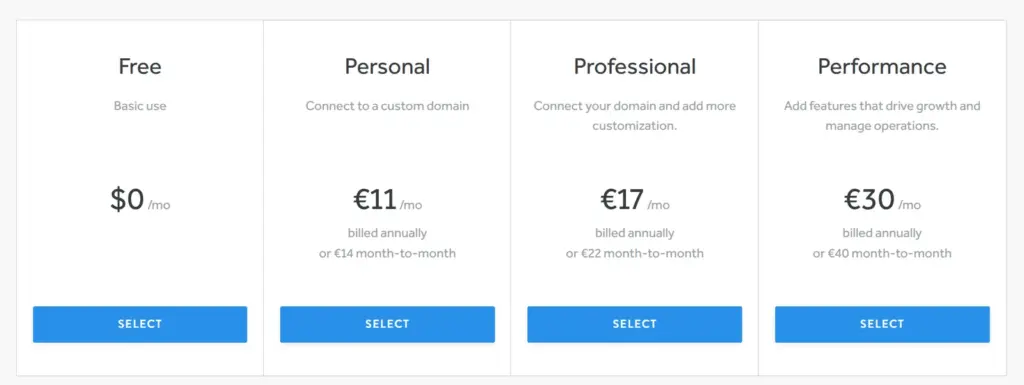
Price: the free plan costs nothing. Your own domain needs Personal for €11 a month on yearly billing or €14 month to month. According to the pricing page, Personal still shows Square ads on your site. Removing them needs Professional for €17 a month on yearly billing or €22 month to month. I checked the prices on November 1, 2026, from Germany.
The shop: the free plan lets you add products with variants and stock, and set up shipping and taxes. Payments need Stripe, or PayPal on the top plan. I stopped at Stripe's sign-up, so the shop refused my test order.
Not tested: paid plans and a real payment through Stripe. I also did not contact Weebly's support. Weebly did not pay for this review, and there are no affiliate links.
What I liked:
What bothered me:
Wrenfold Books is a made-up independent bookshop with new and second-hand books. It also runs readings and a book club. The site has six pages, including a shop and a news blog.
The design comes from Bayside Inn, one of Weebly's free themes, made for a bed and breakfast. I replaced all of its text and photos. The photos come from Unsplash.

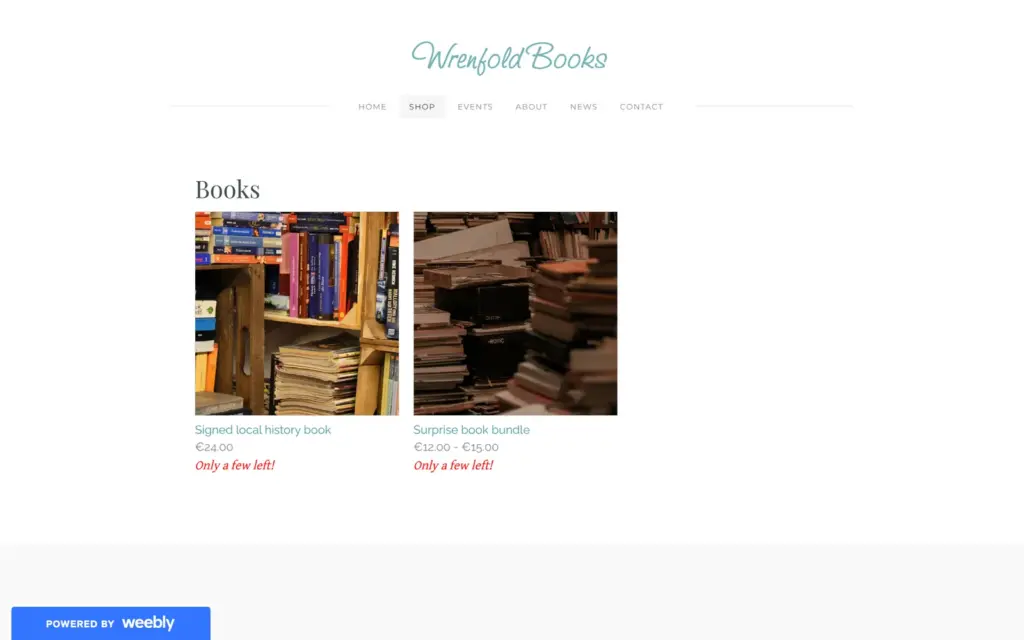
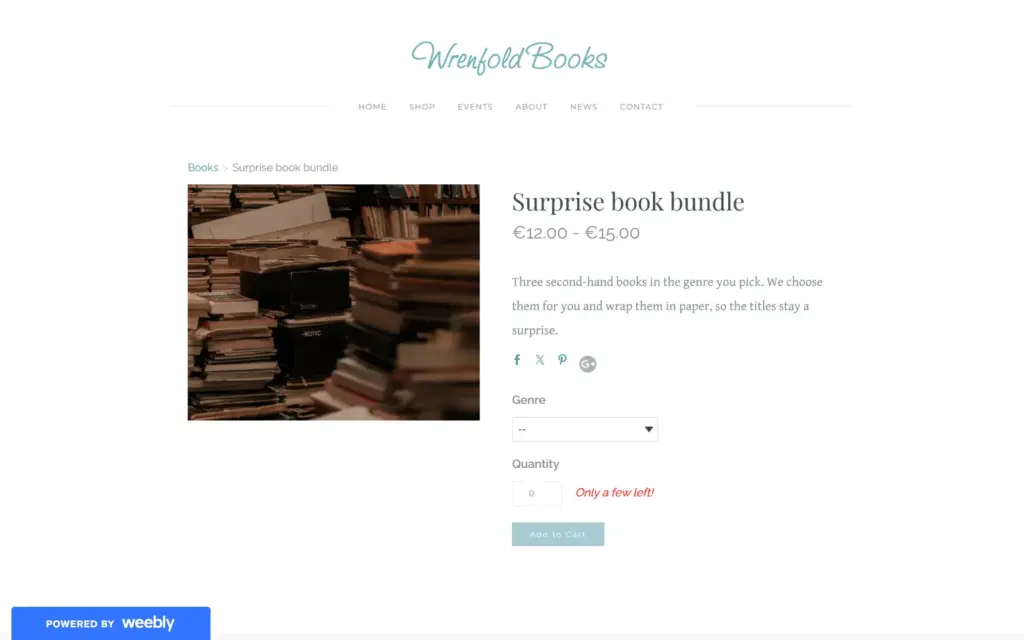
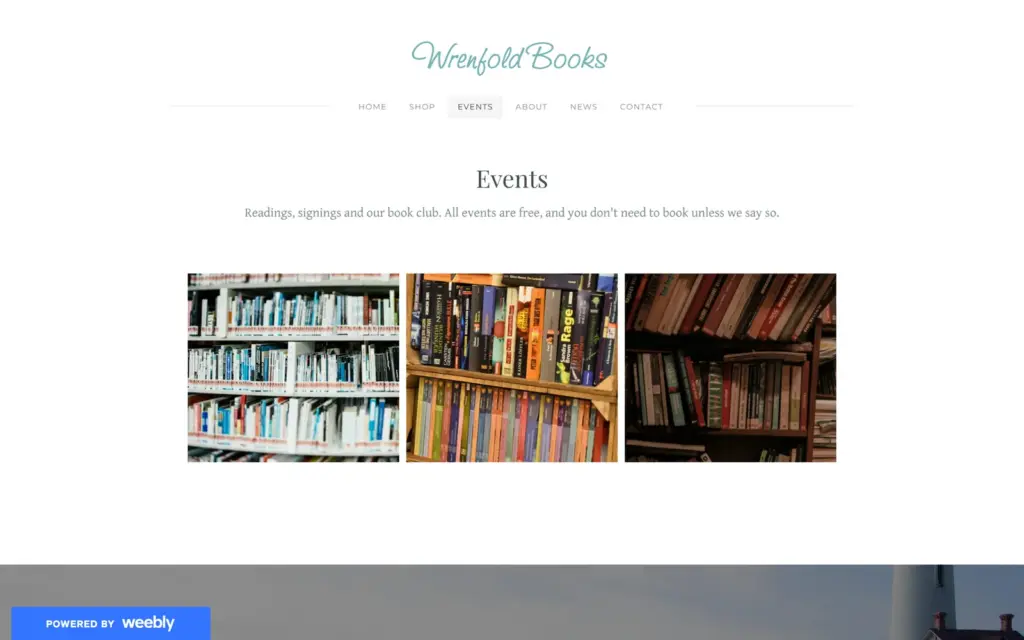
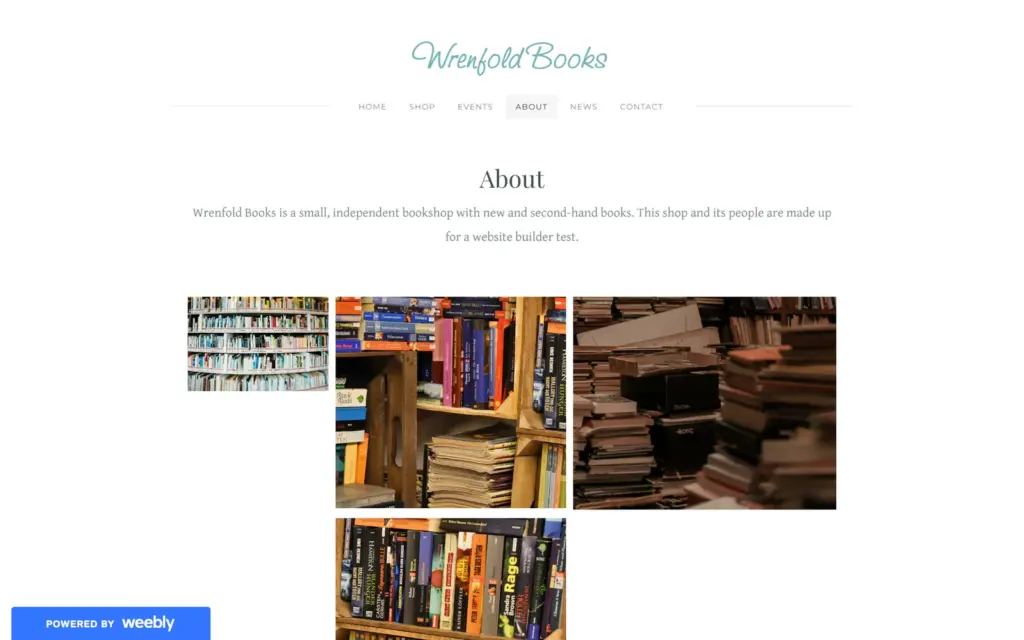
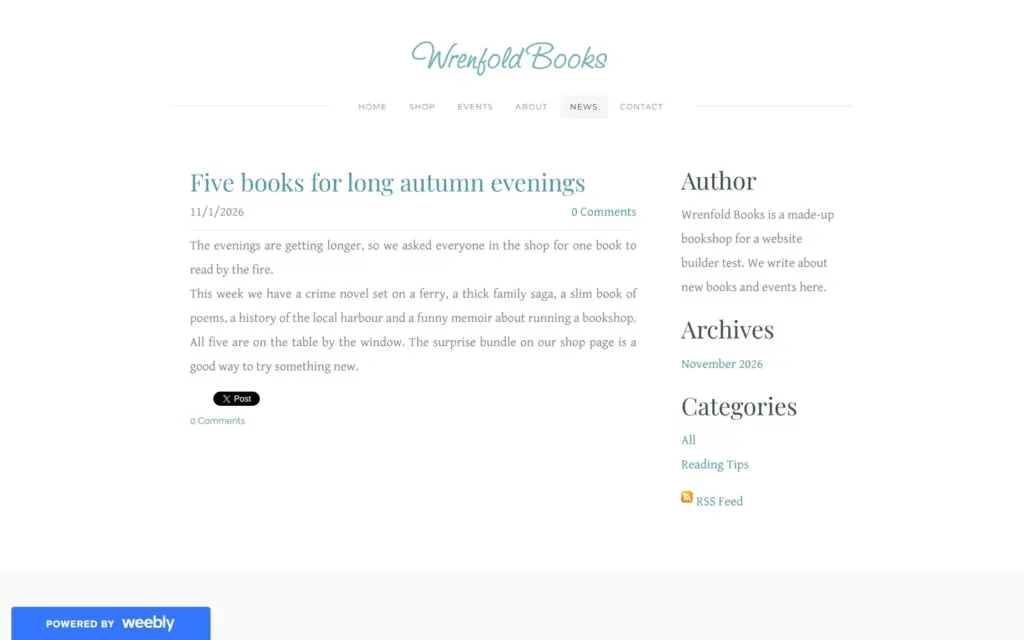
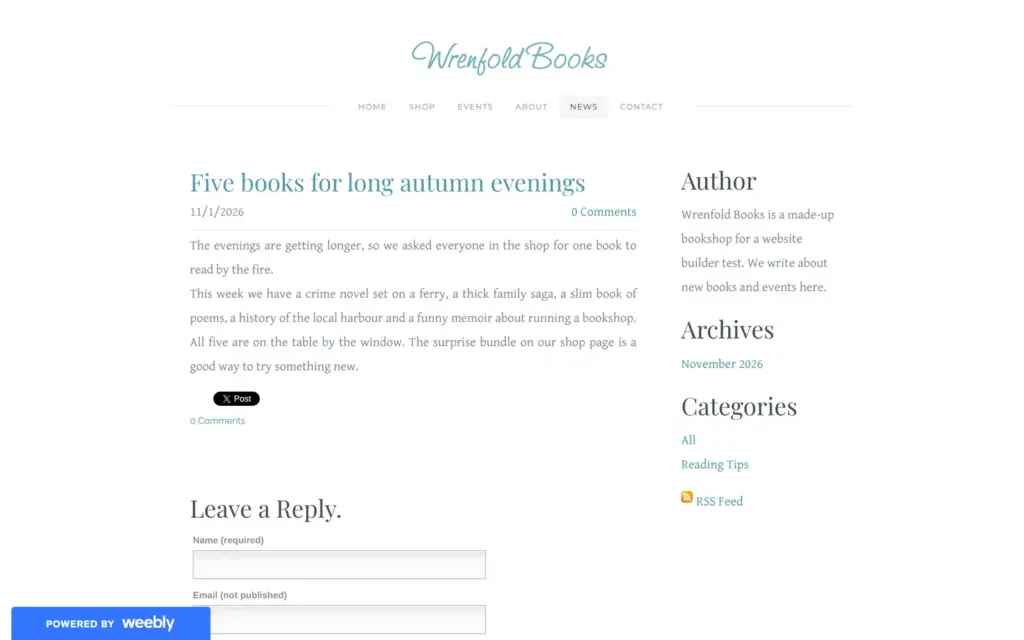
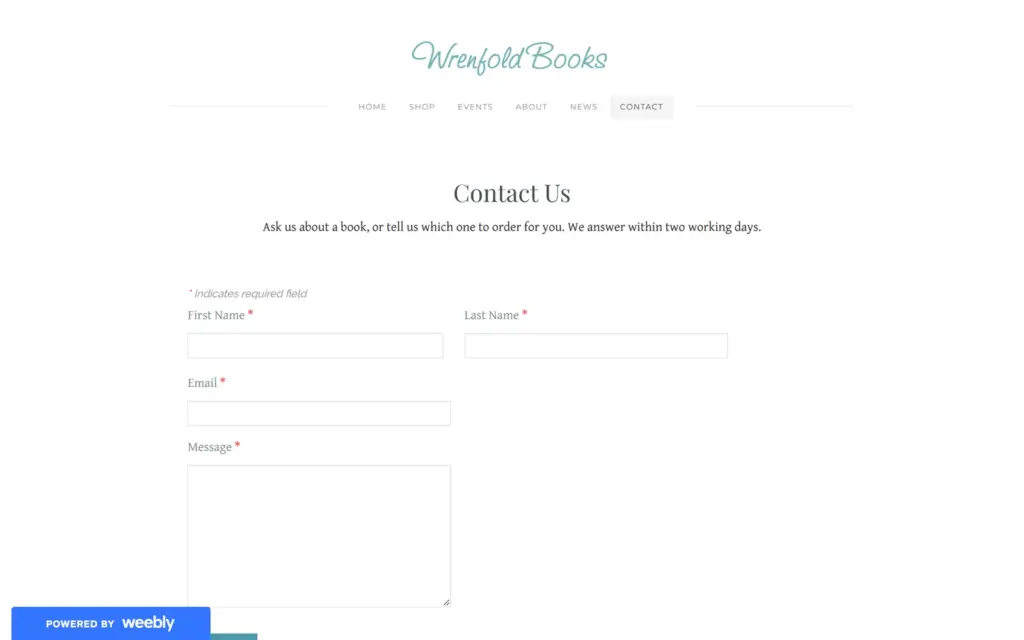

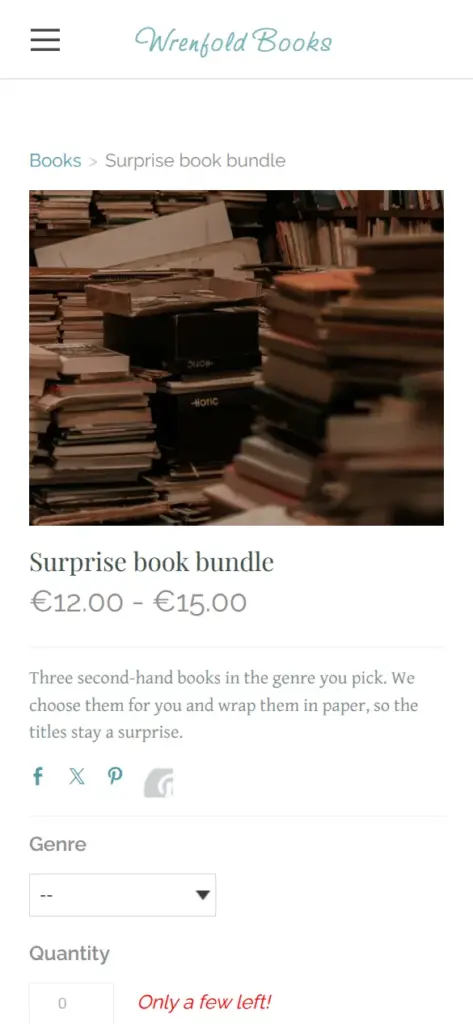
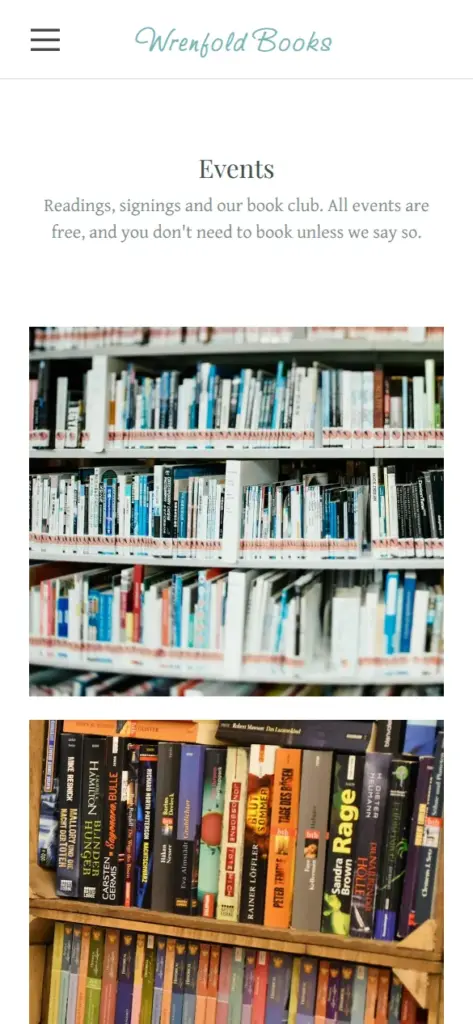
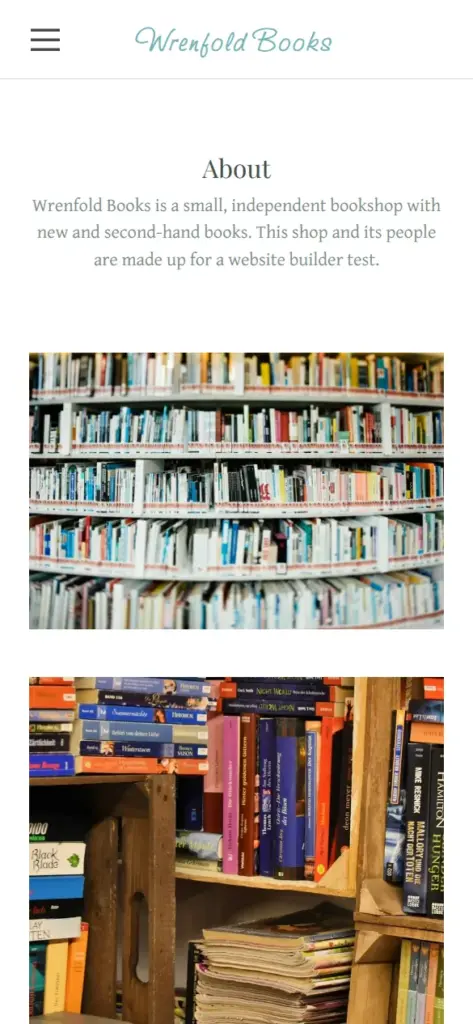
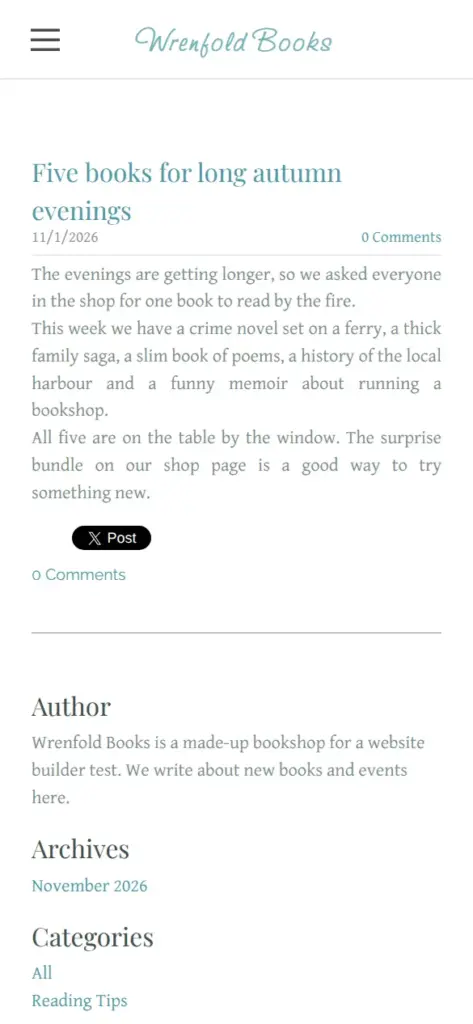
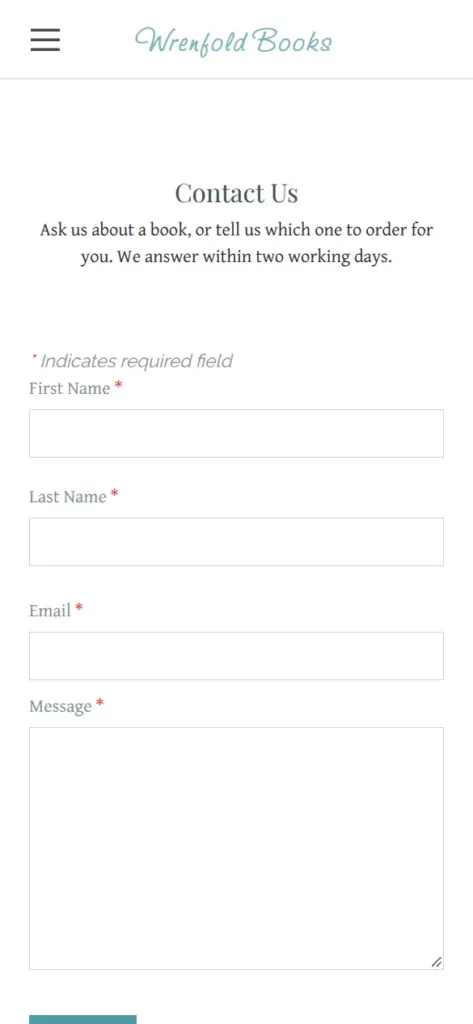

Open the bookshop site. It is a demo, so please do not send personal information through its form.
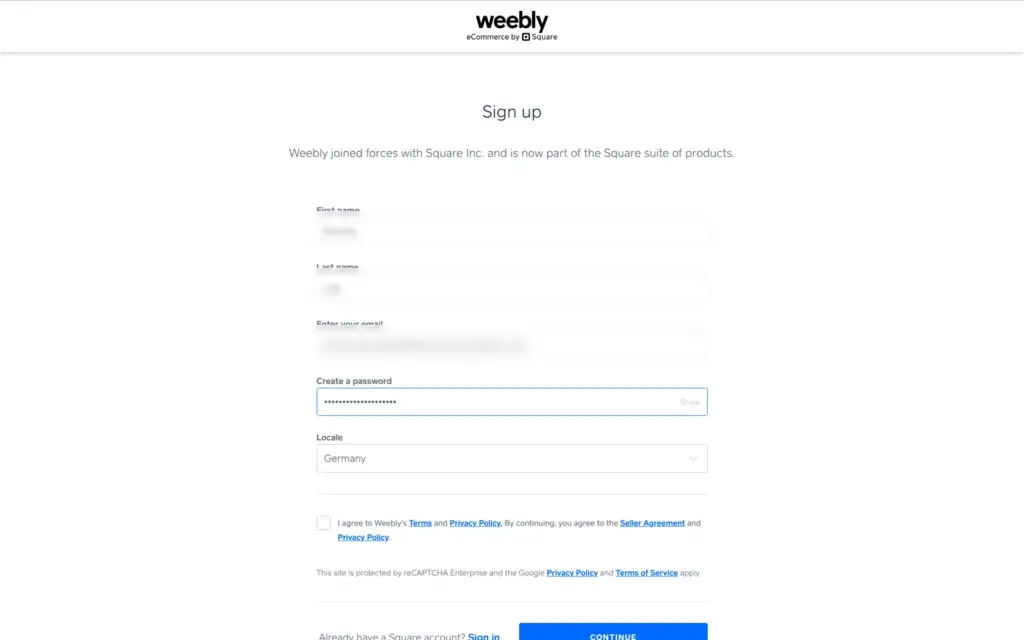
You sign up for Weebly with a Square account. The form is short and had Germany filled in as the country. I agreed to the terms and was in.
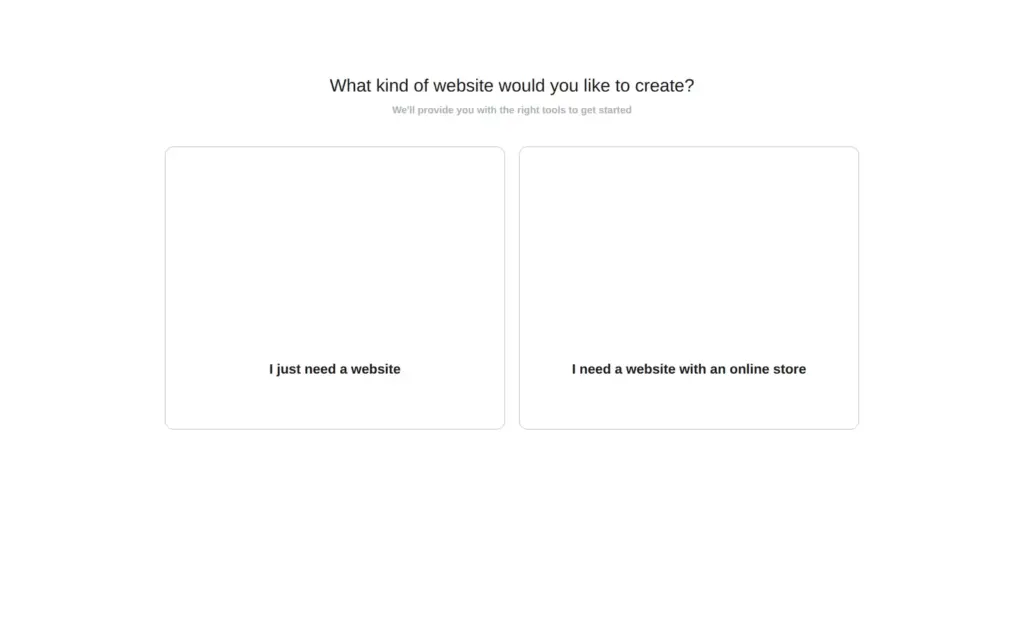
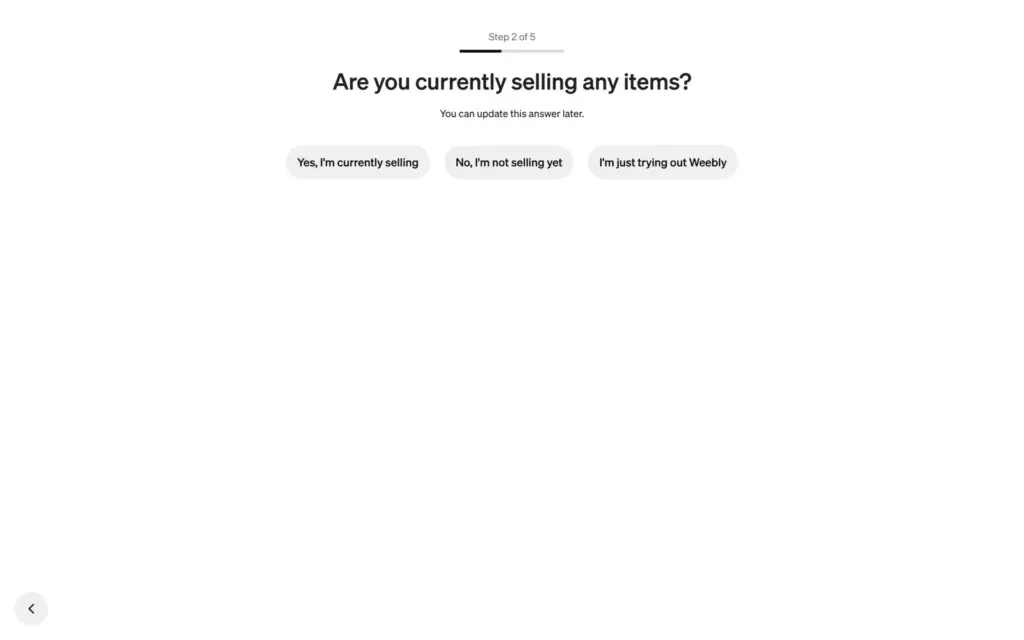
The first question is what kind of website you want, a website or a website with an online store. I picked the store first, because a bookshop wants to sell books. Five short questions about the shop followed. The list of things to sell had no books, so I took Other.
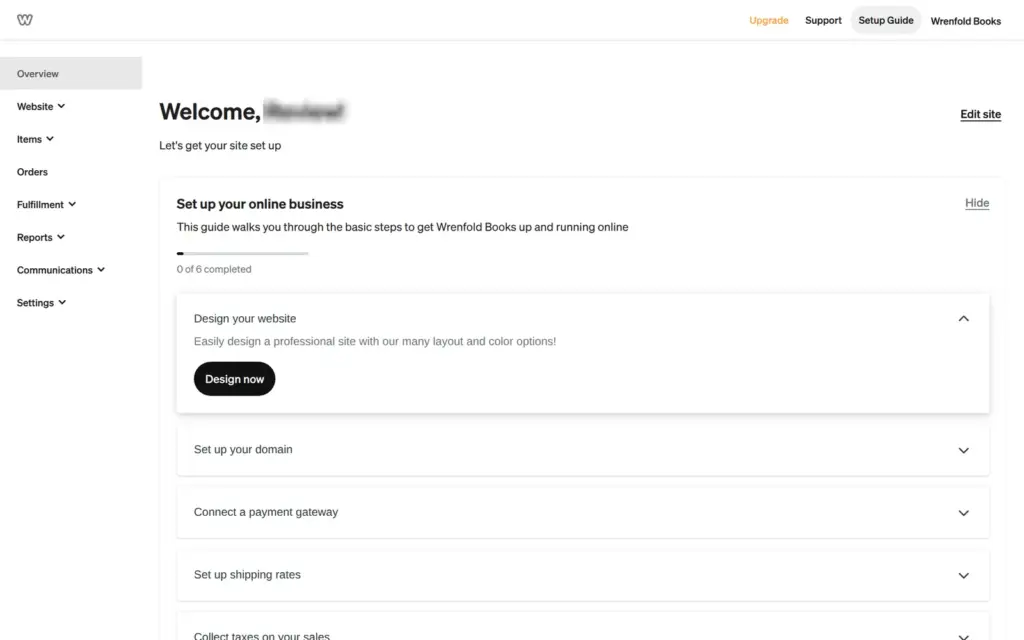
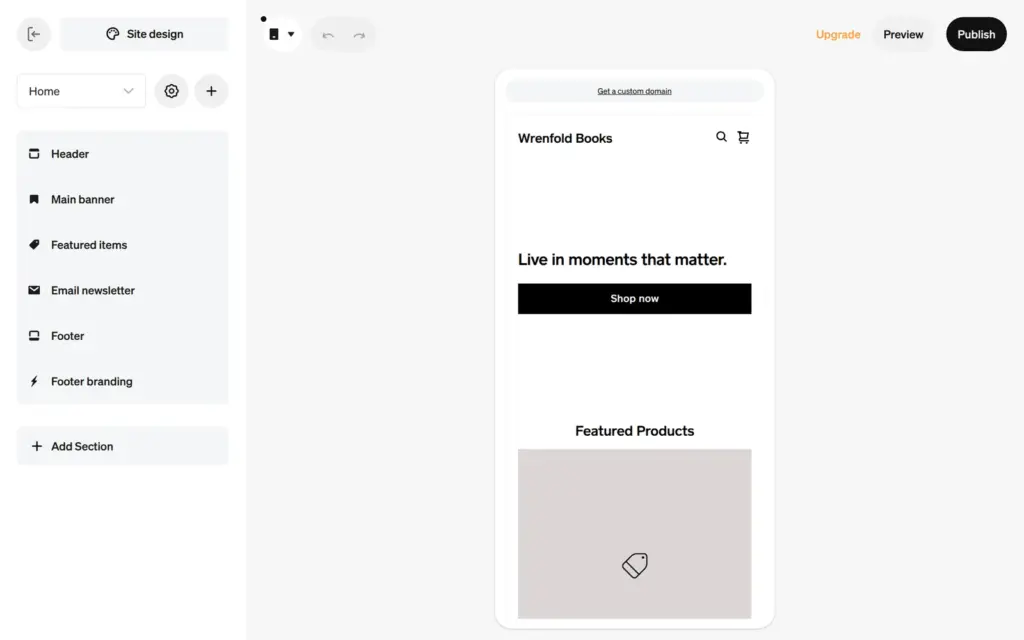
That answer led to a dashboard for Square Online, Square's own store builder, with its own editor. The site menu called it "Square Online builder". When I tried to add a second site to that account, Weebly went straight back to the store questions. So I signed up again and picked "I just need a website". That path leads to the classic Weebly editor.
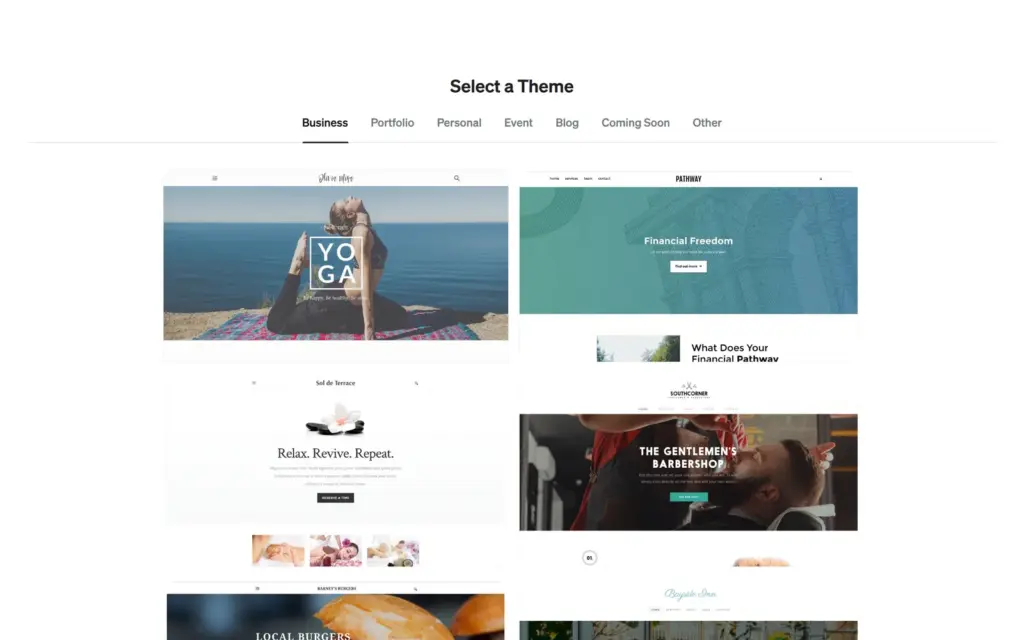
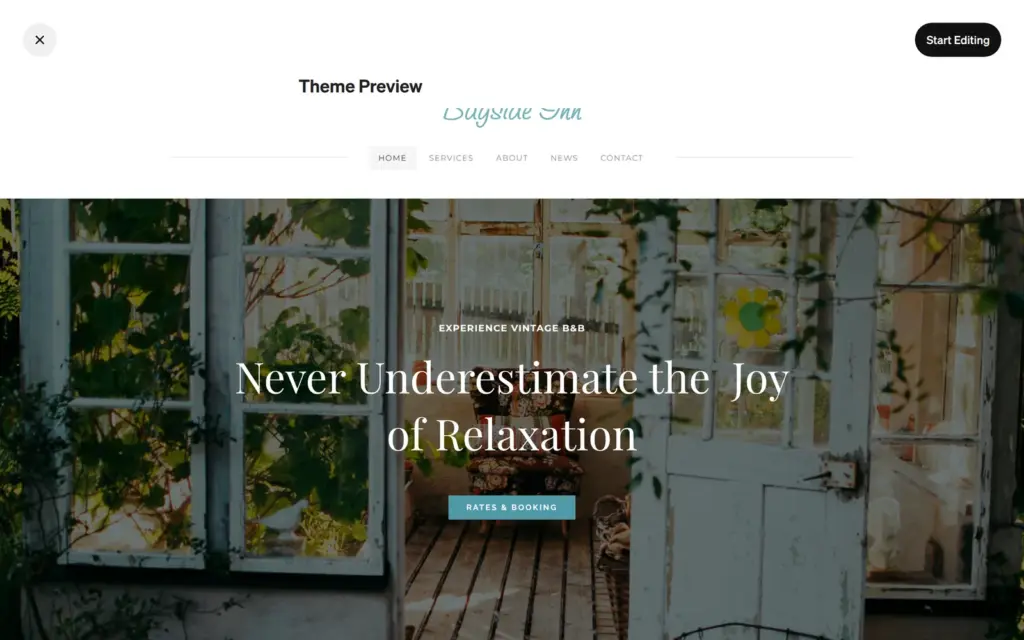
The website path starts with a theme. The business tab had 14 themes, and the other tabs had six to eight each. All of them are free, and none is made for a shop. To me, the previews look like websites from about ten years ago. One preview stayed blank. I picked Bayside Inn, because its pages fit a bookshop with news and a contact page.
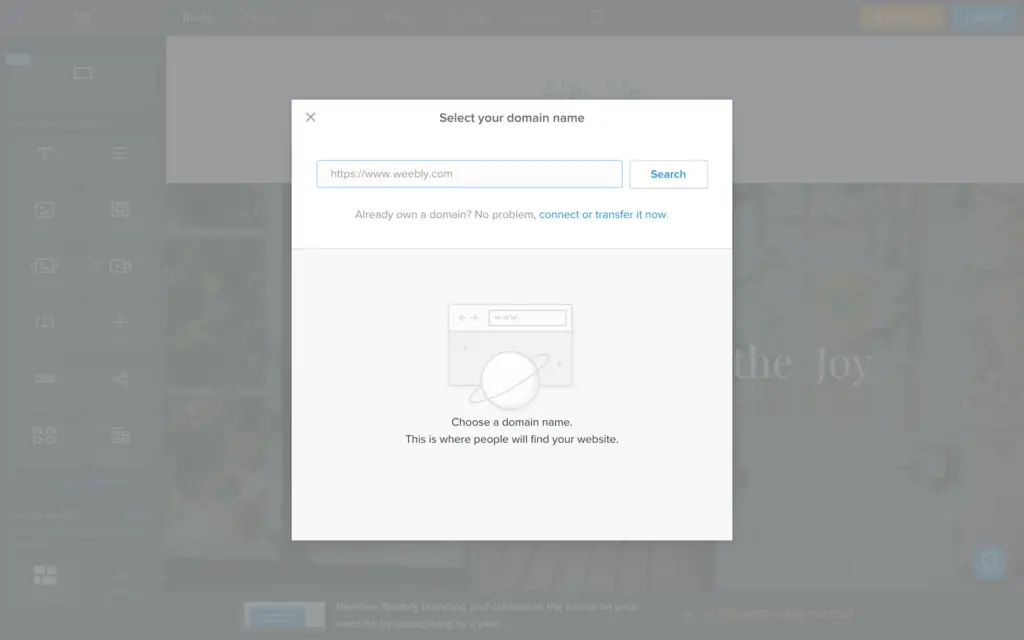
The editor opened with a domain search on top. Behind it, a second box said that "some of your apps need to be re-connected", on a site that was a minute old. A third box only offered to reload the editor. After the reload, the domain search was back.
You click a text on the page and type. Sometimes the first click only selected the box, and I had to click a second time. The site name sits in the header and changes on all pages at once.
The theme's texts were about a bed and breakfast with valet parking, so I rewrote all of them. One placeholder text asked me to keep it under 100 words.
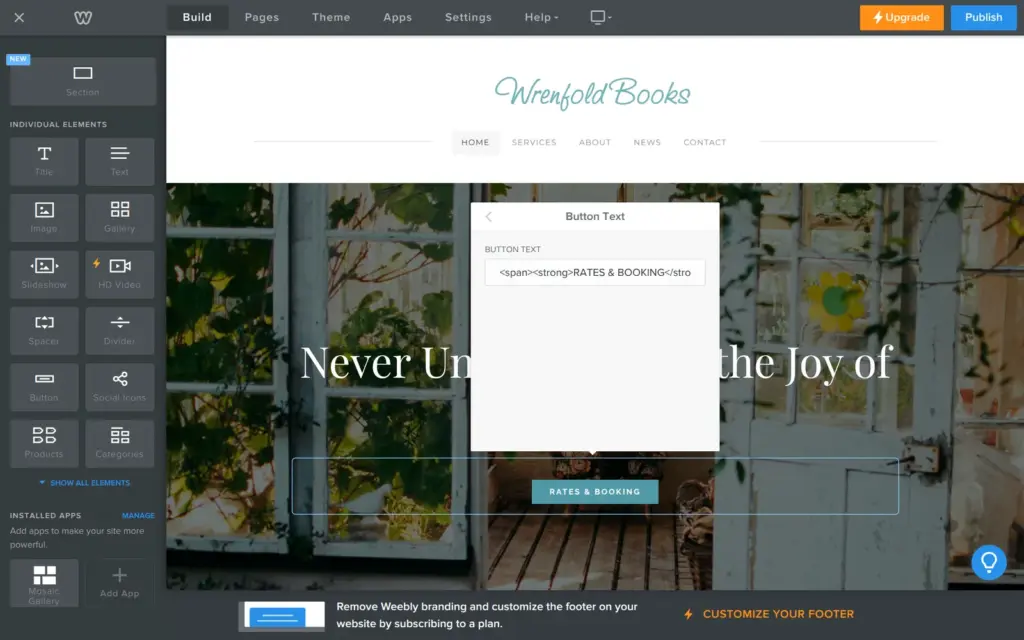
Buttons have their own settings, including the text and the link. The text box of the first button contained HTML code from the template, <span><strong>RATES & BOOKING</strong></span>. I replaced it with plain words.
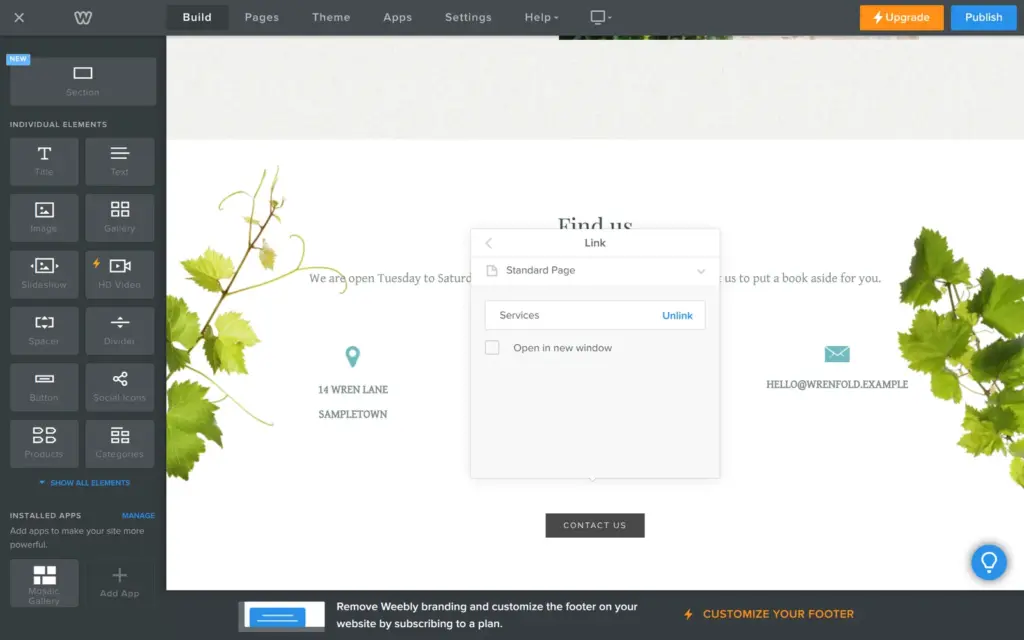
The links came from the template too. The main button was set to call a phone number, and the number field was empty. The button at the bottom of the home page still went to the old Services page. I pointed them to the shop and the contact page.
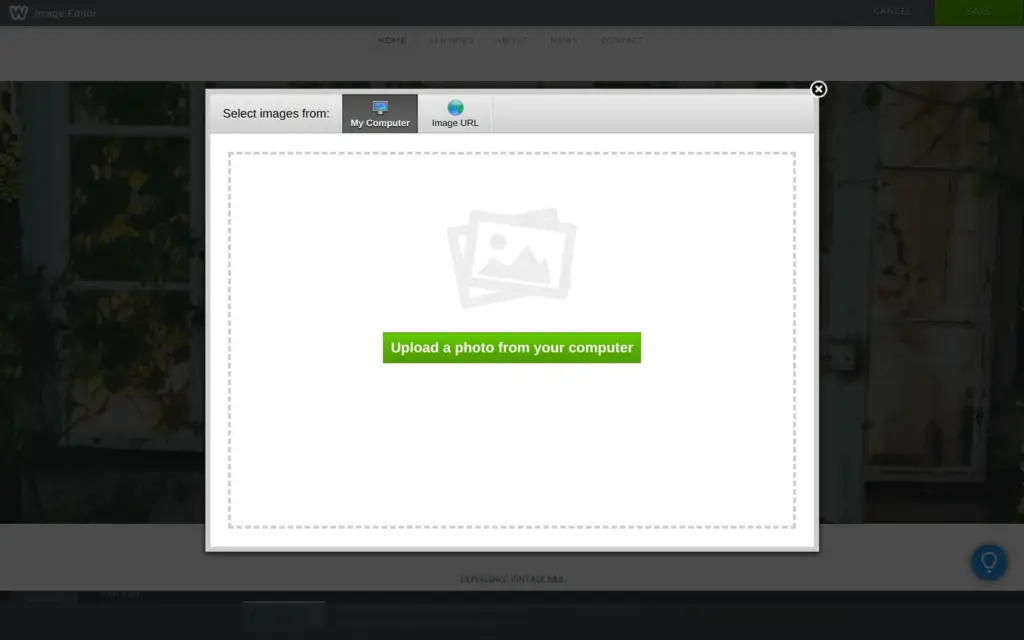
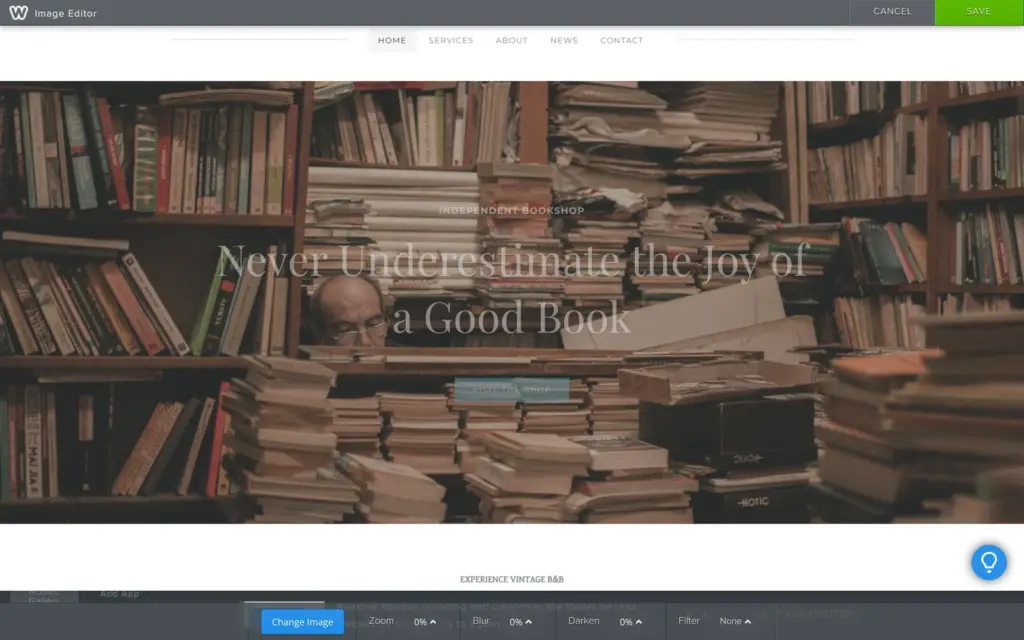
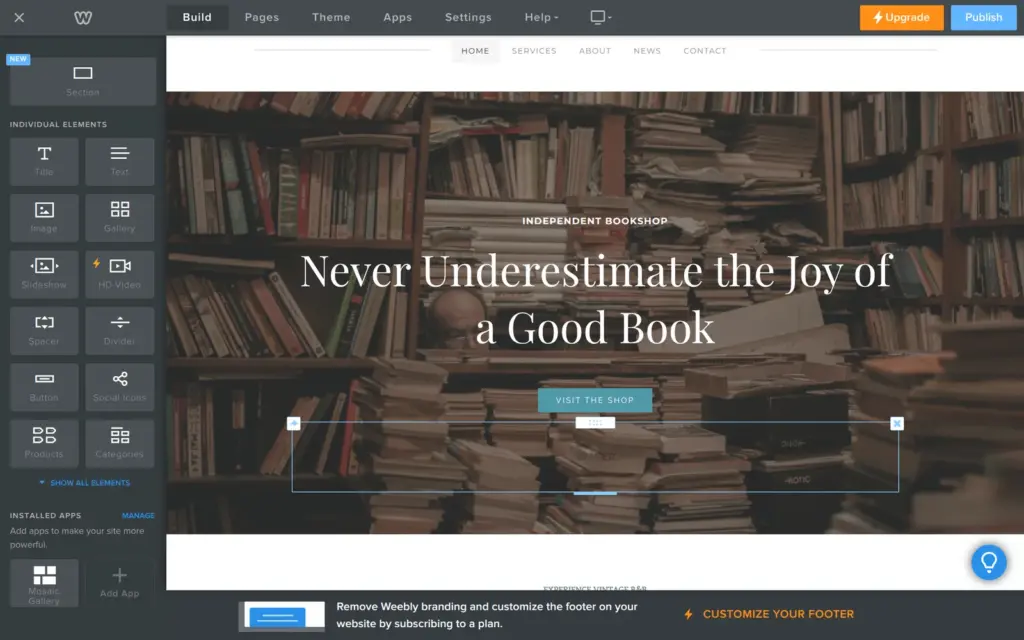
For photos, Weebly offers an upload from your computer or a link to an image. I found no free photo library. After the upload, a small image editor can blur or darken the photo. I darkened the main photo so the headline stays readable.
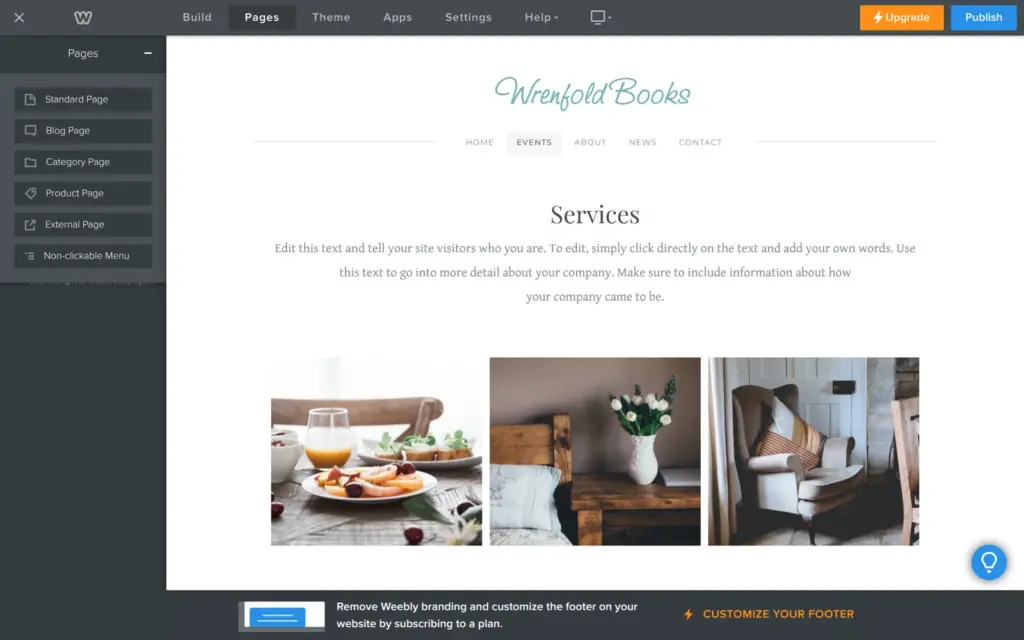
Pages have their own tab, and each page has its own settings. You drag pages to change the order, and to the right to make a subpage. Besides normal pages, you can add blog pages and pages for products. A category page lists all products of one category.
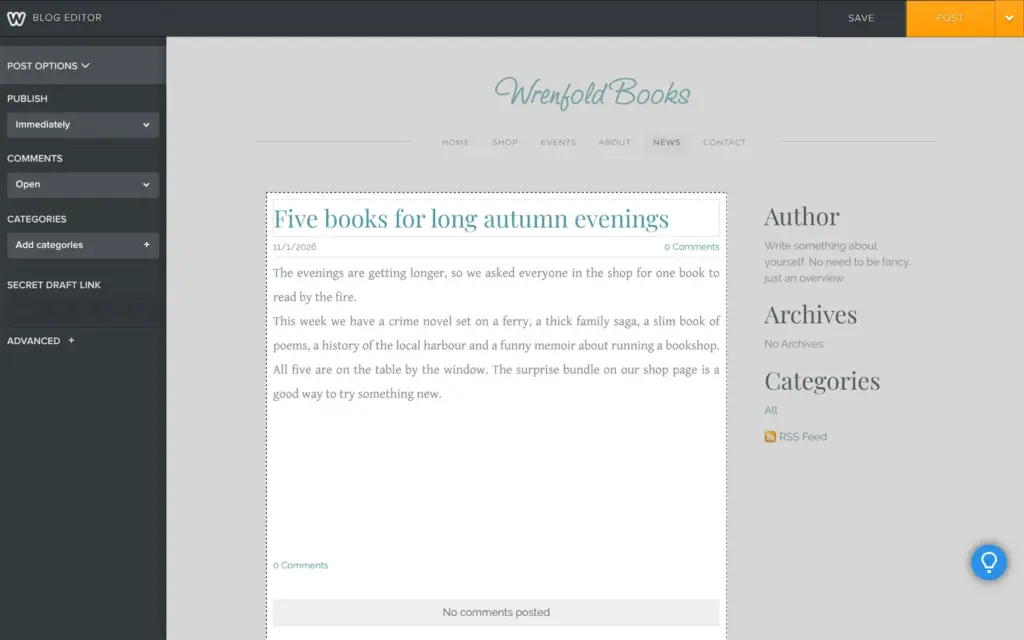
The theme's News page is a blog. A post is built like a page, with a title and elements you drag in. In the post options, you can publish a post later at a set date. Each post also gets categories and its own search title and description.
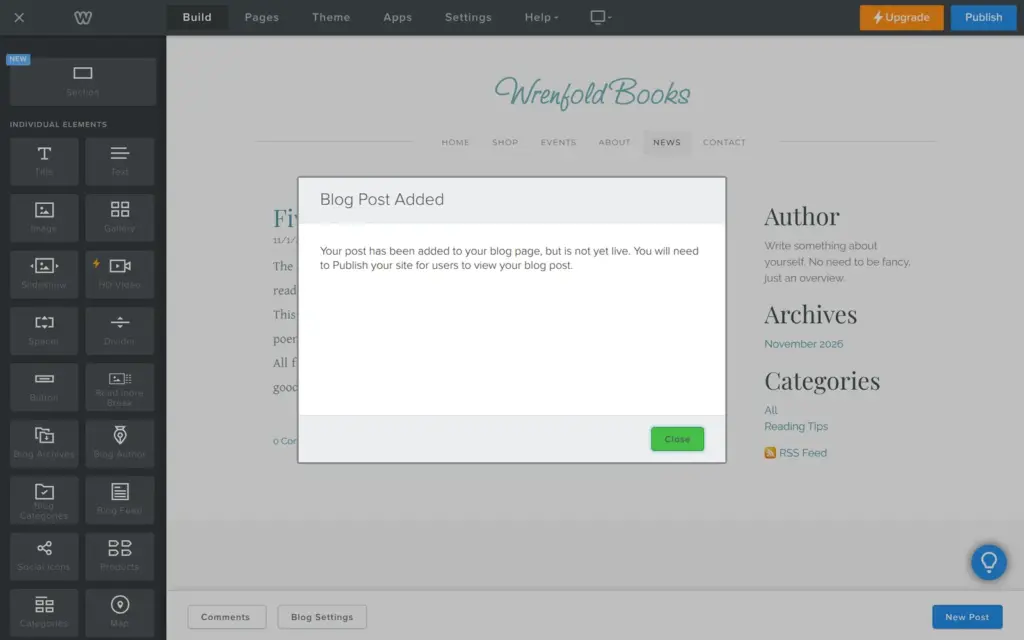
When I clicked Post, Weebly said the post was added but not live. Posts only go online when you publish the whole site. The blog sidebar still had the template's placeholder text about the author, which I changed later.
Weebly has no separate phone layout to edit. The editor can show the page in a phone frame. A side panel says that mobile options do not apply to this theme, because it adapts on its own.
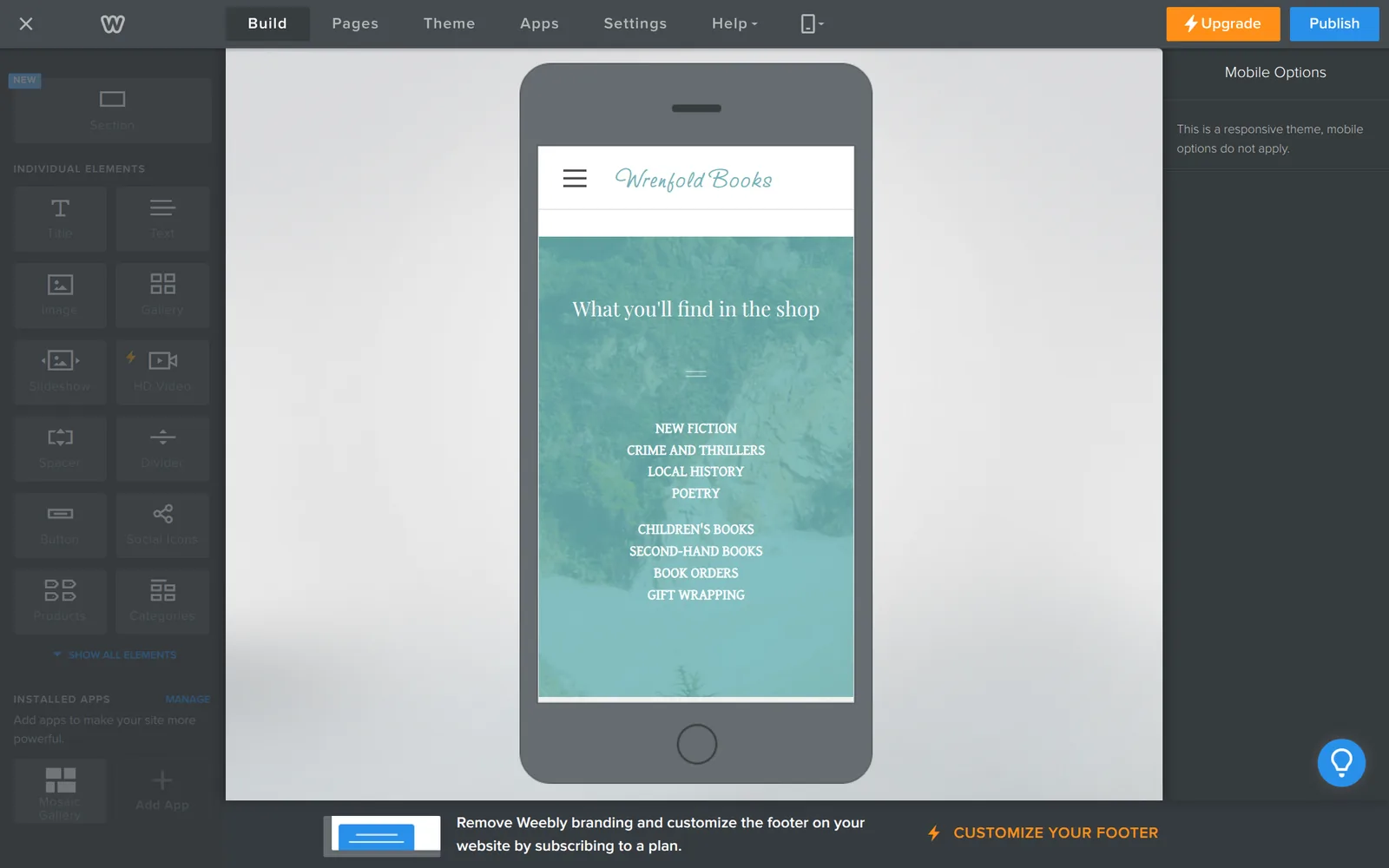
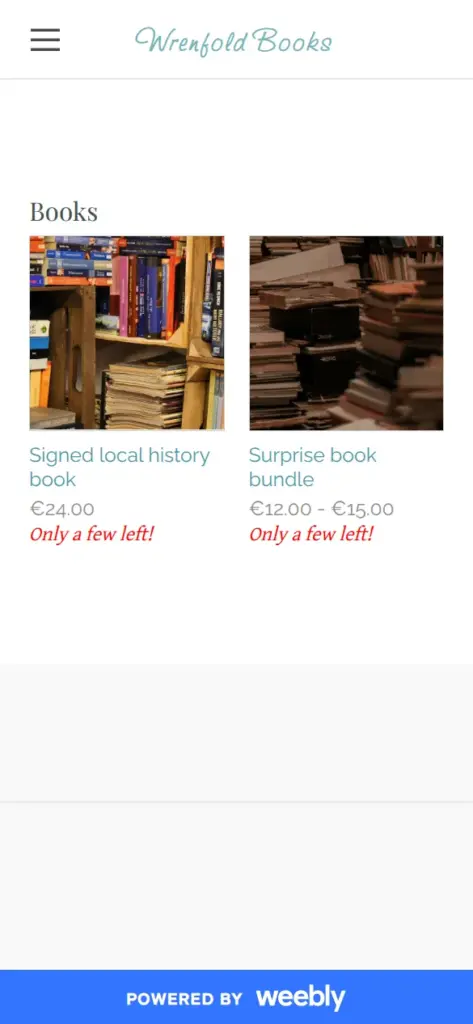
At phone width, the theme put the columns under each other and moved the menu behind a button. All pages worked, and the shop showed the products in two columns. On a computer, the free plan's "Powered by Weebly" badge sits in the bottom corner. On a phone, it covers the bottom of the screen as a blue bar.
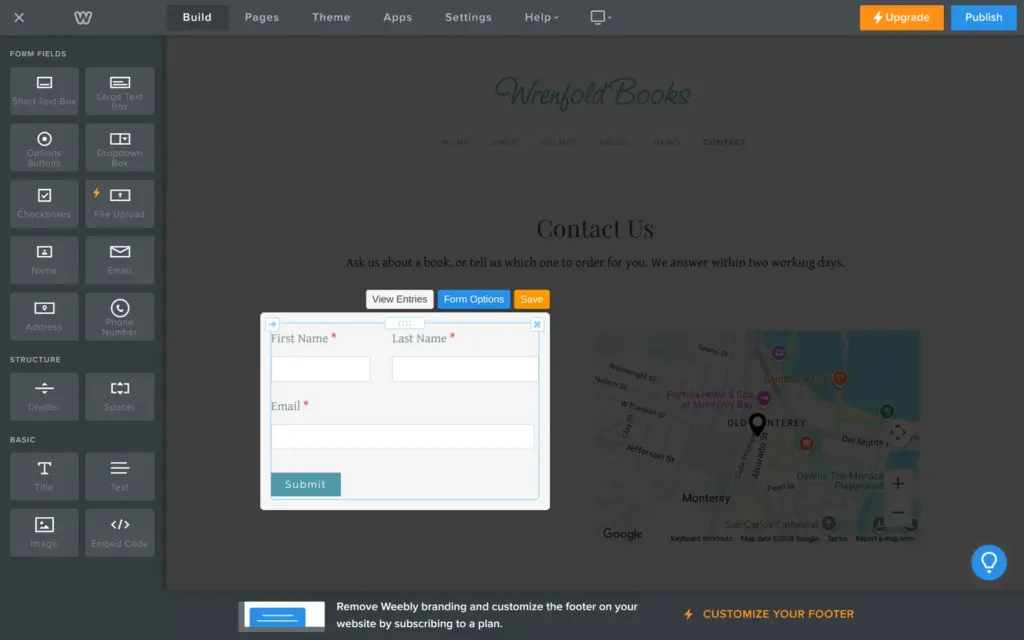
The template's contact form asked for a name and an email address, but it had no field for the message itself. Weebly forms have their own set of fields, and a file upload field needs a paid plan. I dragged in a large text box for the message.
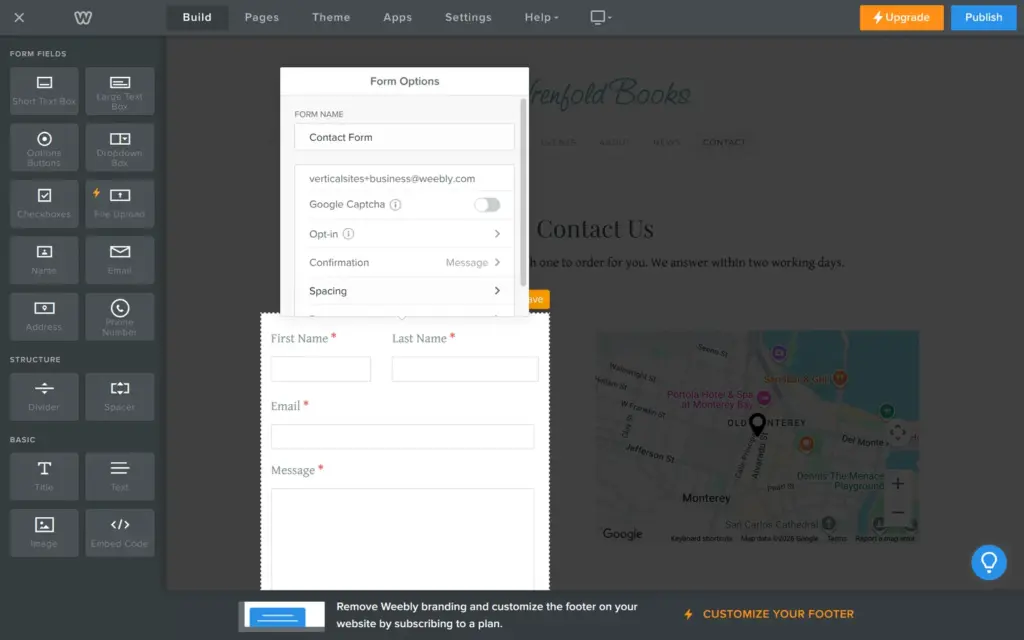
The form options held the biggest trap of the template. Messages went to verticalsites+business@weebly.com, a Weebly address from the template. A shop owner who never opens these options would never see a message. I changed it to my own address. My first change was lost when the box closed, and it only stuck after I pressed Enter in the field.
There is also a switch for Google's CAPTCHA against spam, which is off by default. The form has its own Save button, and saving brought up an ad for Weebly's email marketing tool. The template's map showed Monterey in California, so I removed it.
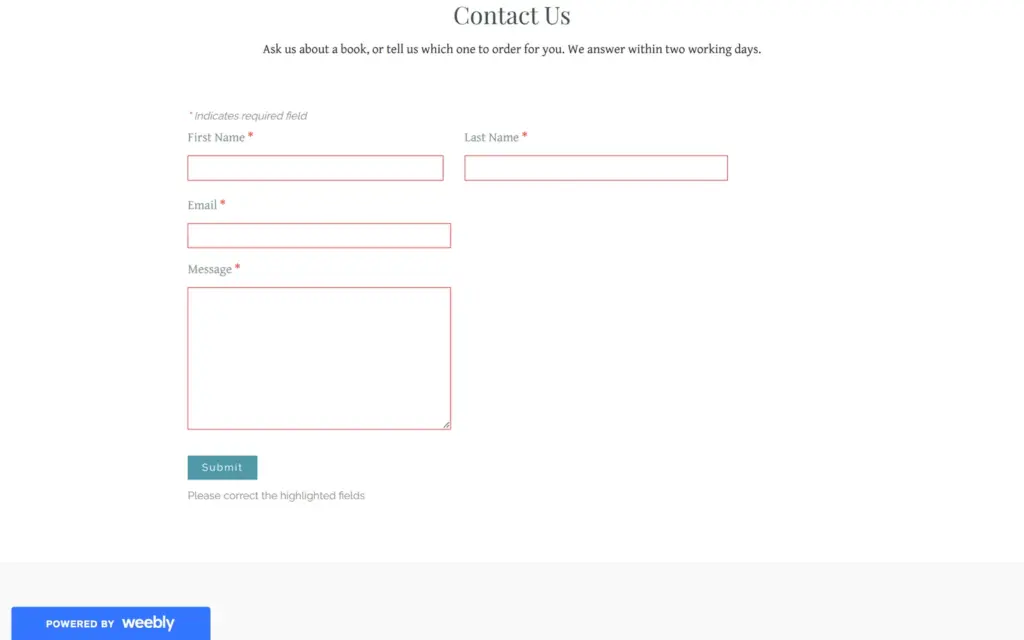
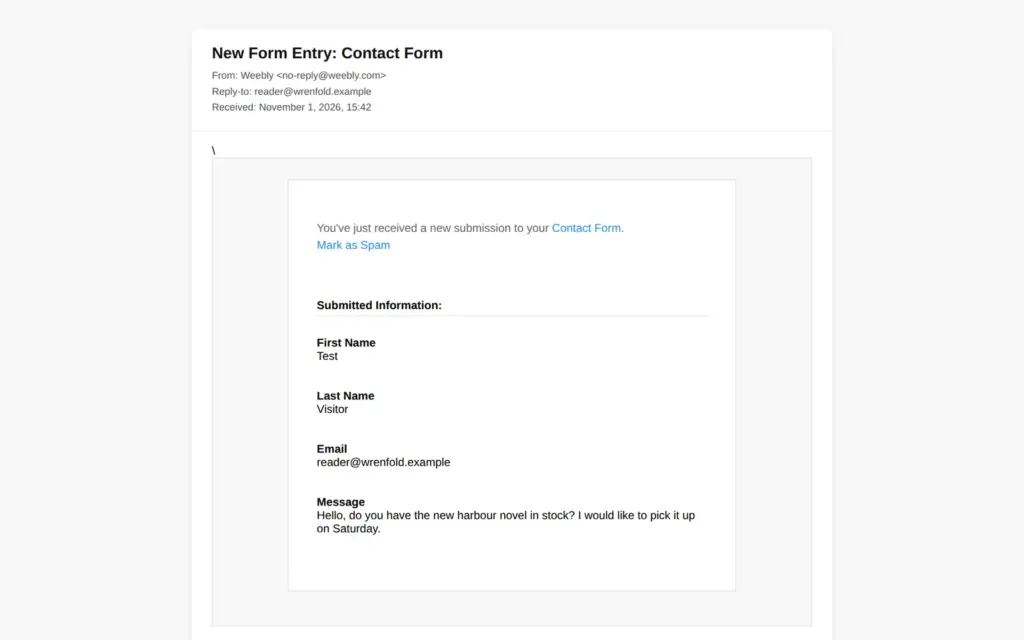
On the published site, an empty form stopped with the missing fields marked in red. My test message showed "Thank you. Your information has been submitted." The email arrived 10 seconds later from no-reply@weebly.com with the subject "New Form Entry: Contact Form". It listed each field with its label, and a reply goes to the visitor's address.
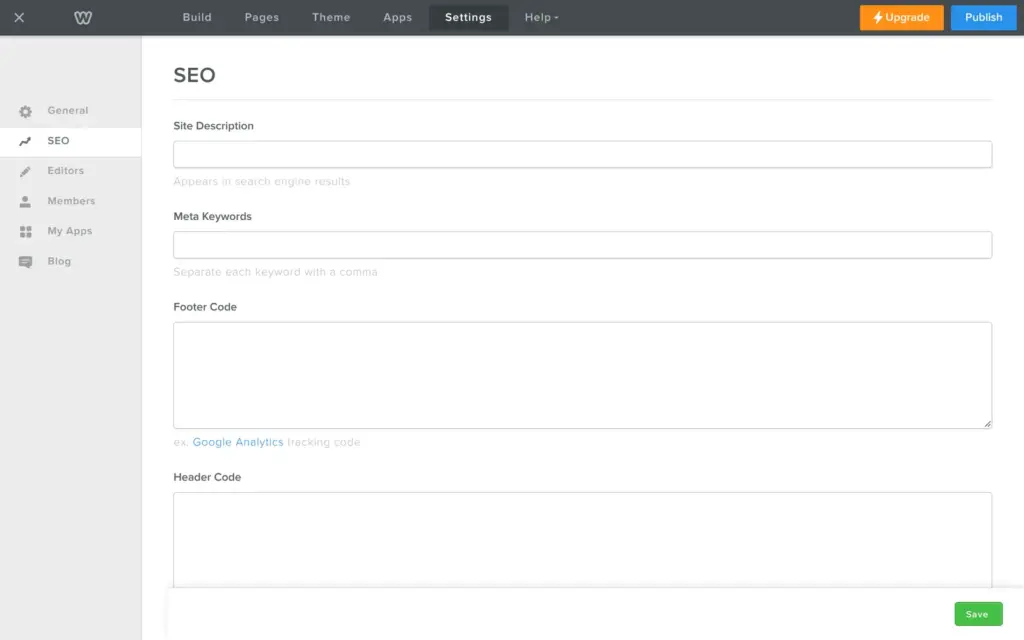
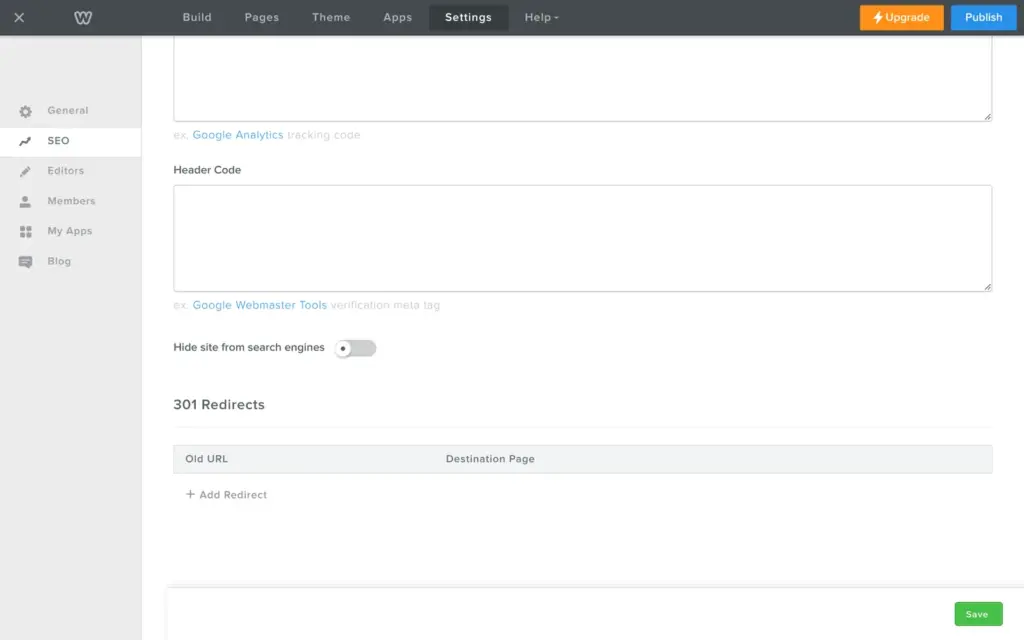
Under Settings, SEO, you set a description for the whole site. There are fields for your own code, for example for a statistics tool. A switch hides the whole site from search engines. I turned it on, because the shop is made up. The free plan also has a section for redirects from old addresses.
Each page has its own search title and description, and a box to hide only that page. Blog posts have their own search title and description.
The published titles were a bit odd. Weebly adds the site name to each title by itself. My News page title already ended with the shop's name, so it came out as "Wrenfold Books - News and reading tips | Wrenfold Books". The blog post had the name twice at the end. The shop pages had no site name at all, only "Books" or the product name.
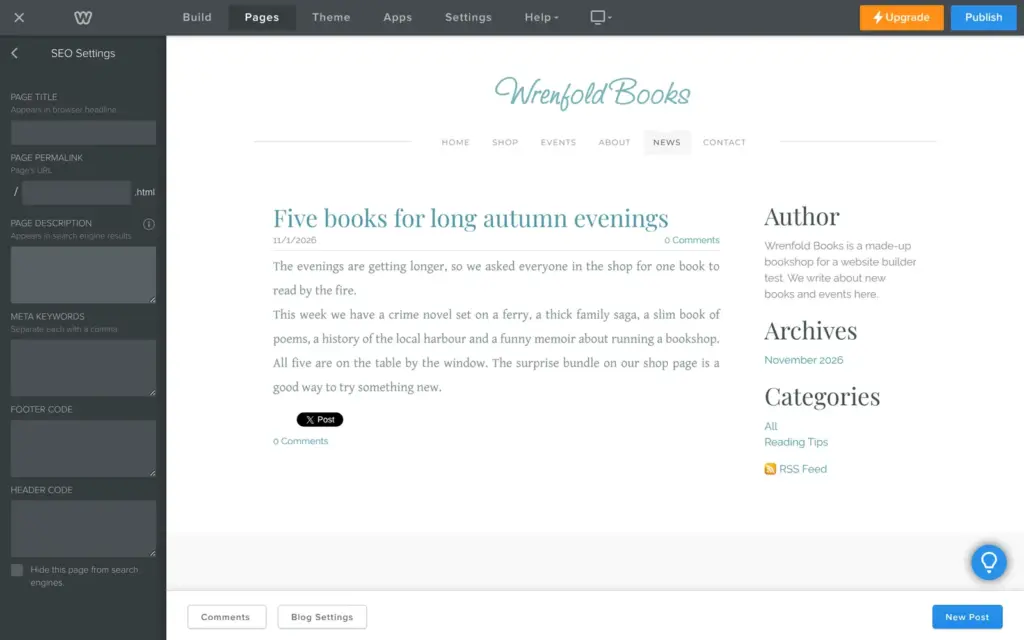
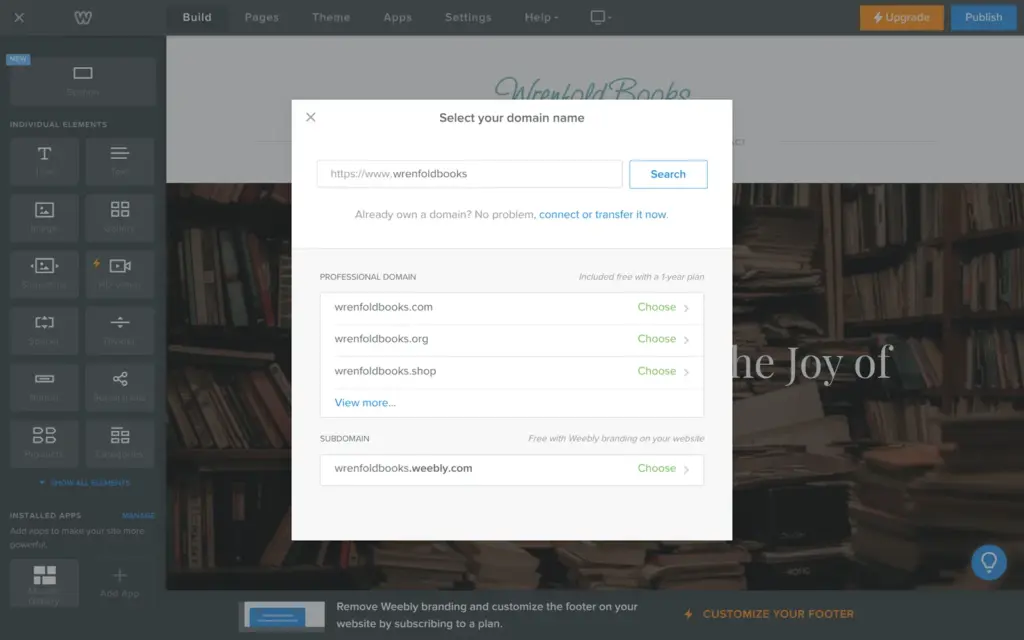
The first time you publish, Weebly asks for the address. With a yearly Professional or Performance plan, a domain of your own is free for the first year. The free choice is an address like wrenfoldbooks.weebly.com, with Weebly branding on the site. The site was online a few seconds later.
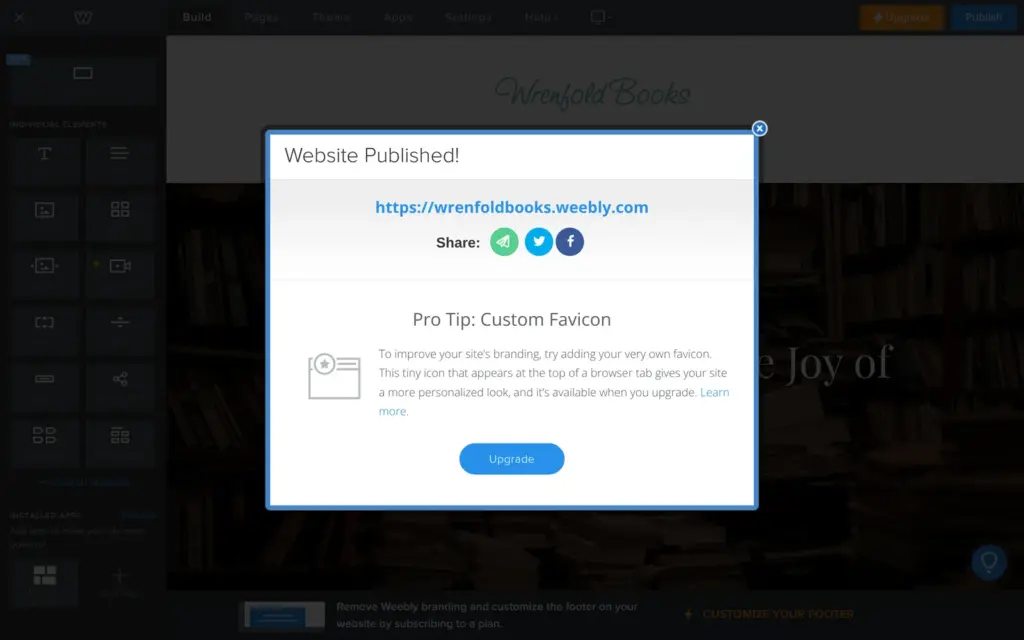
The "Website Published!" box came with an ad for a paid feature. The first time it was a custom browser tab icon, the next time it was more detailed visitor statistics.
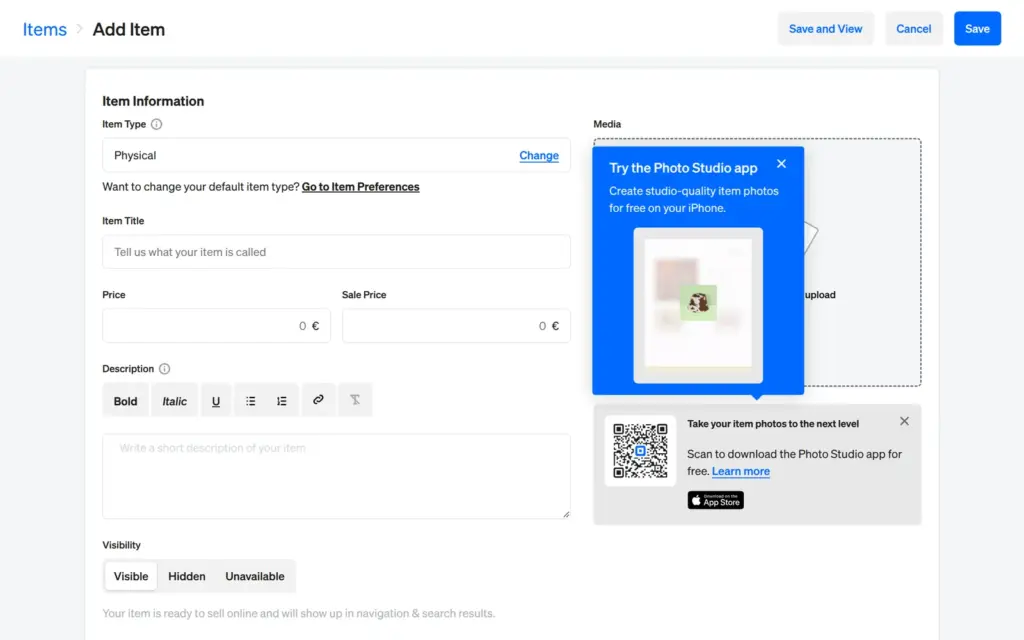
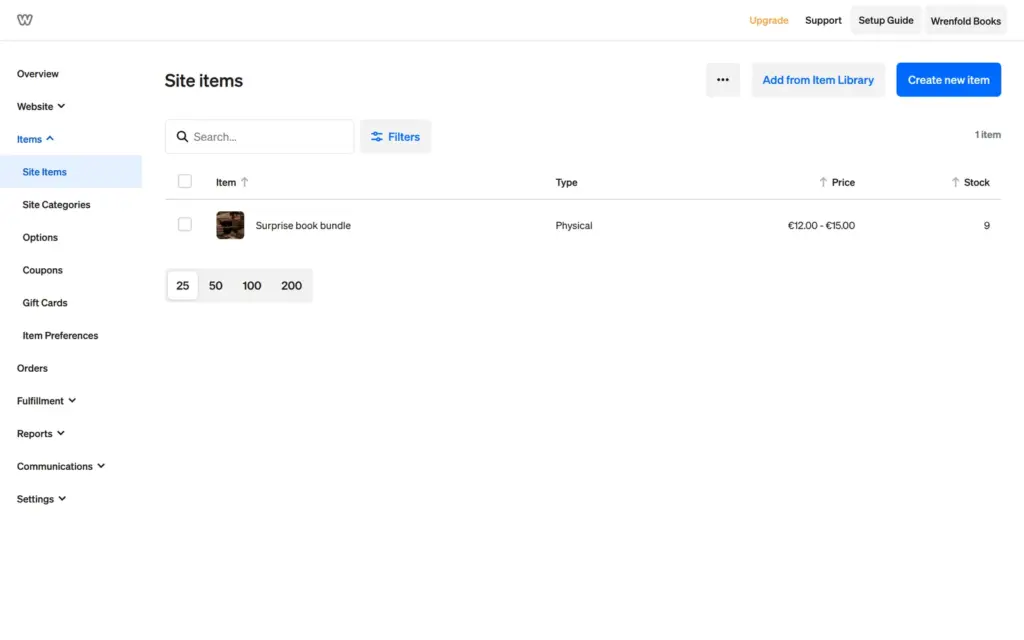
Products are not managed in the editor. They live in the dashboard, which Weebly shares with Square Online. I added two products for the bookshop. The first was a surprise bundle of three second-hand books in a genre the customer picks. The second was a signed local history book.
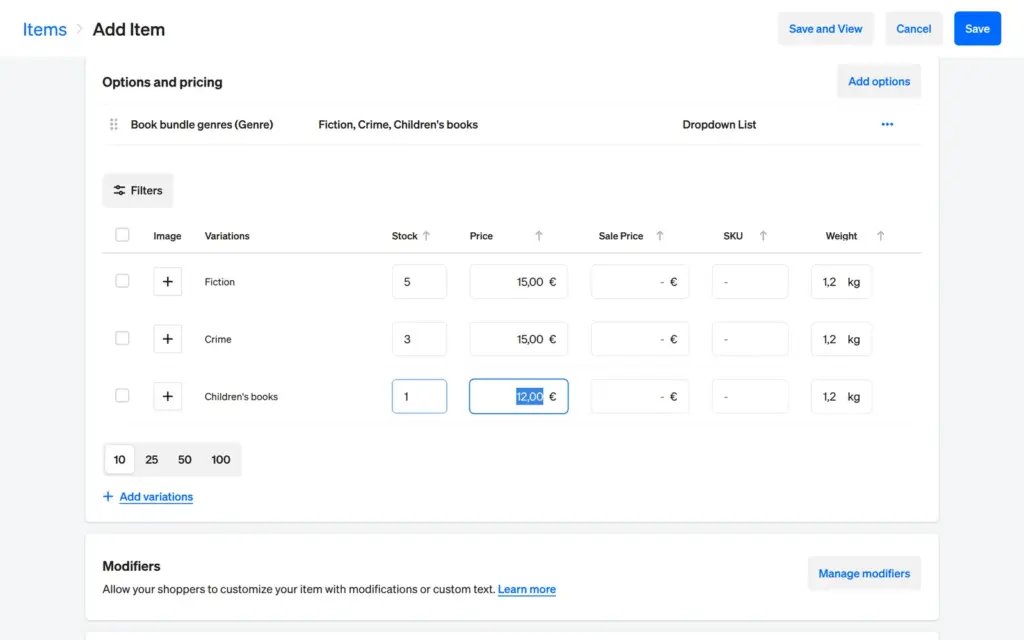
The product form starts with the usual name and price. Below that you choose shipping or pickup and turn on stock tracking. The genres became an option set called "Book bundle genres", which I could reuse on other products. Each genre then became a variant with its own price and stock. Children's books got a lower price and only one copy.
One thing went wrong. I typed a weight of 1.2 kilos in the product form, and the variant table showed 12. My account was German, so the form probably read the dot as a thousands separator. With a comma, it worked.
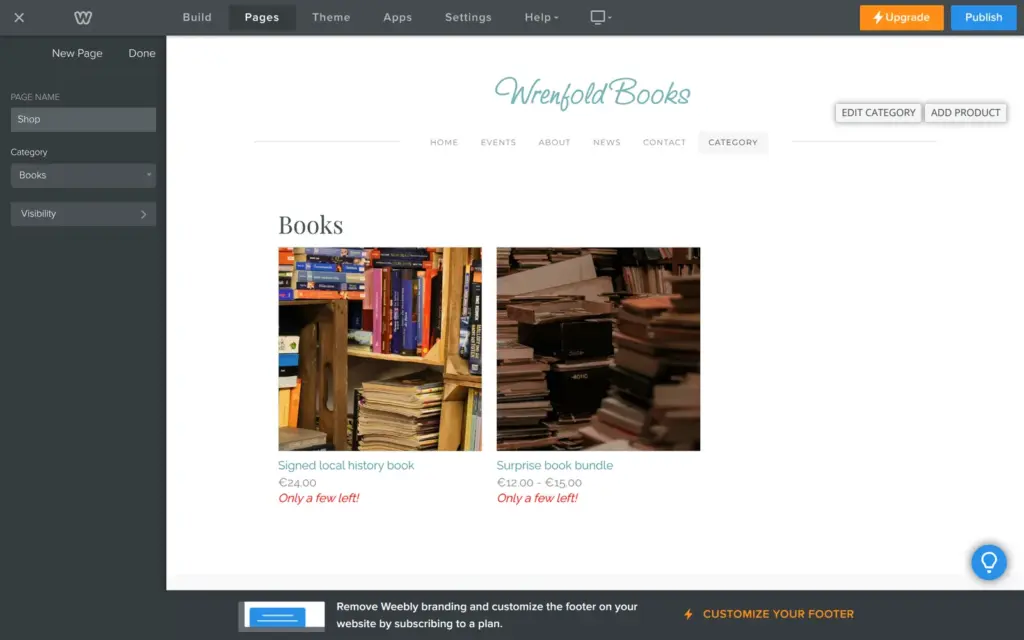
Both products went into a category called Books. A category page on the site then listed them, and Weebly added "Only a few left!" under each one.
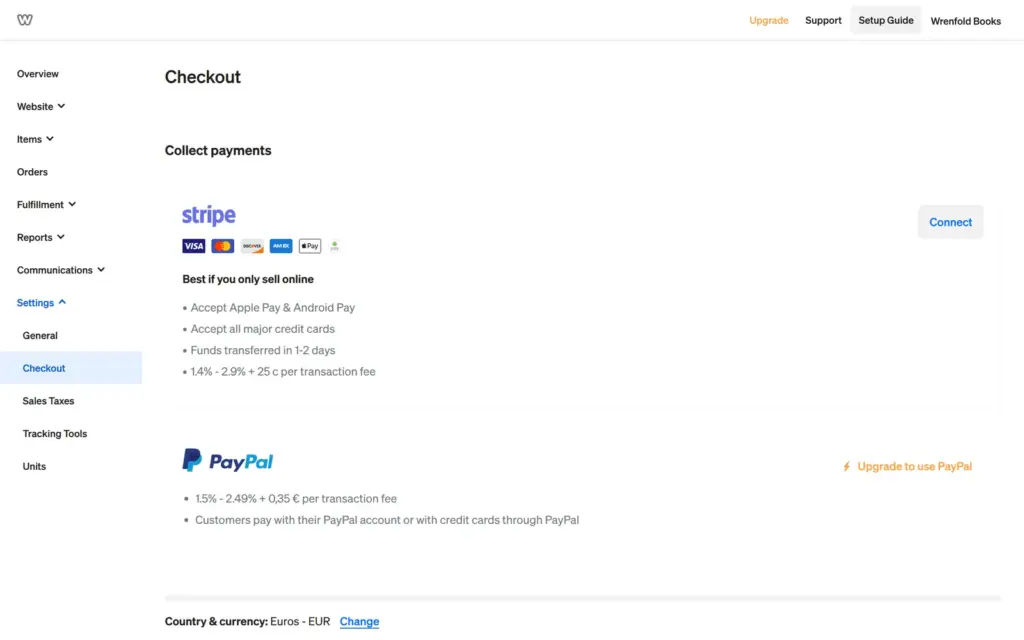
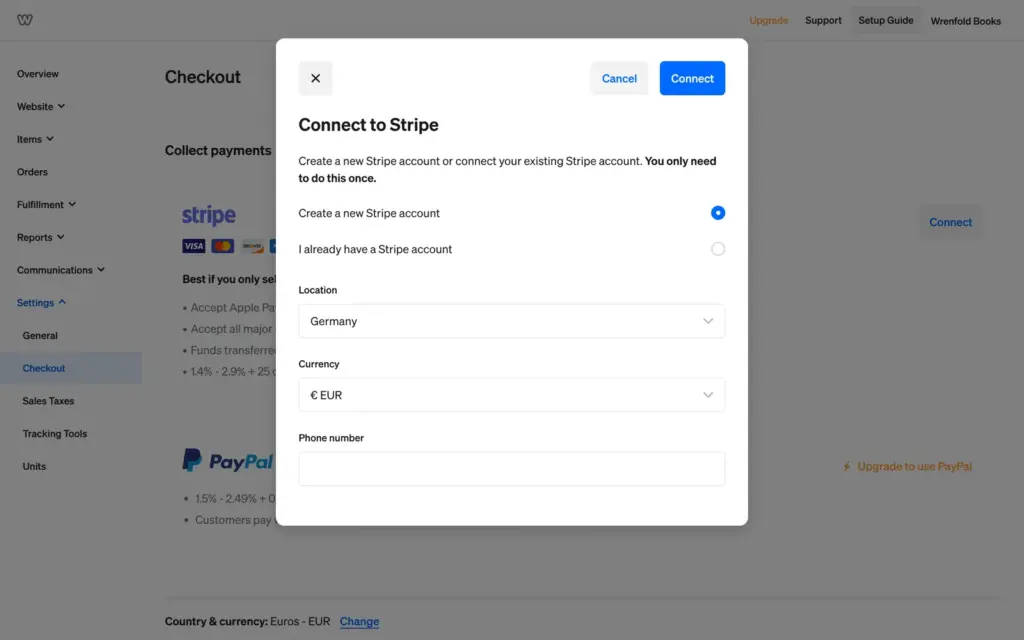
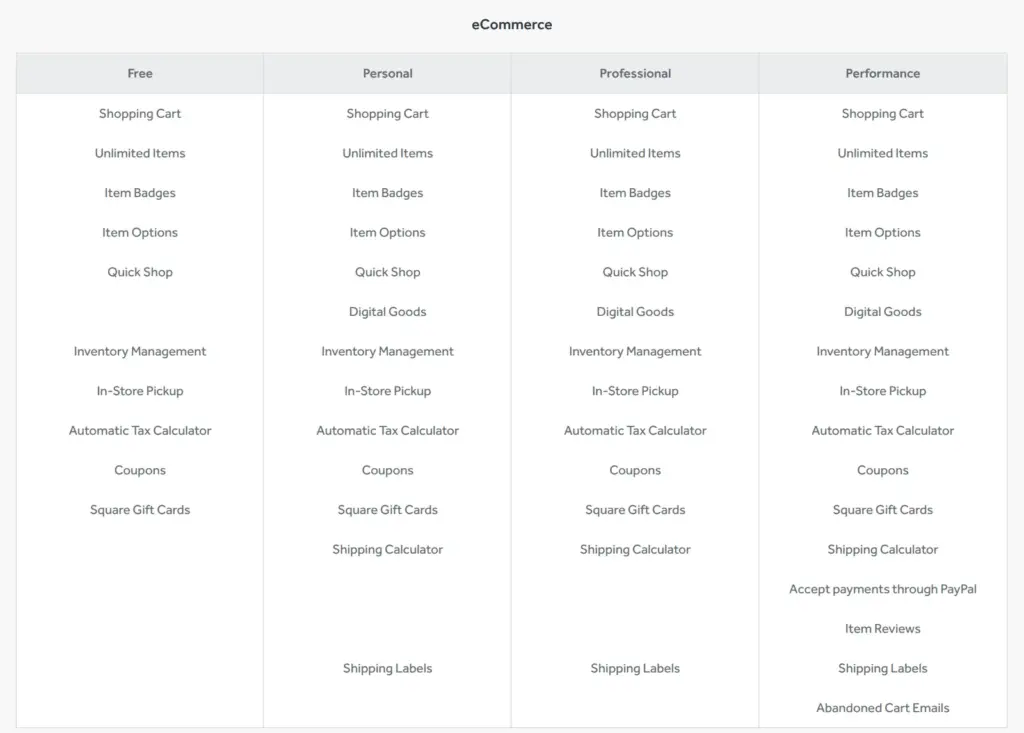
To take money, the shop needs a payment provider. On my German free account, the checkout settings offered Stripe, with a fee of 1.4% to 2.9% plus 25 cents per sale. PayPal needed an upgrade, and the pricing page lists it only for the top plan, Performance. Weebly can create a Stripe account for you, but it wanted a phone number first. I stopped there.
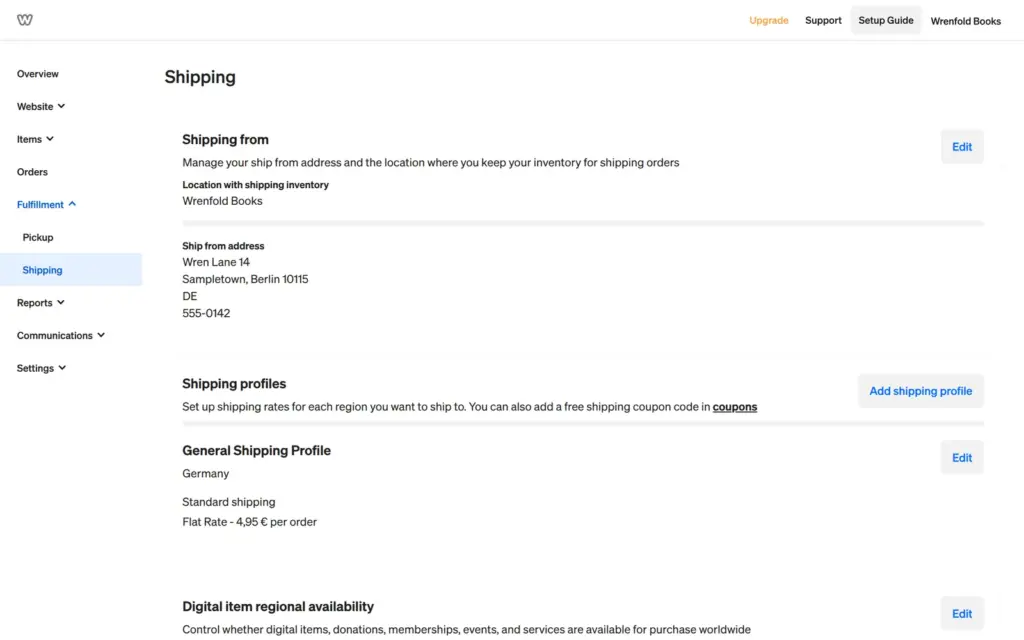
Shipping needs a ship-from address. Weebly checked it and could not find my made-up street, but it let me use it anyway. Rates can be flat or depend on the weight or the order total. I set €4.95 per order for Germany. Pickup needs the same address a second time. Its questions sound like they were written for a restaurant, with prep times and pickup slots. Square suggested pickup hours from 9 to 5 on all seven days.
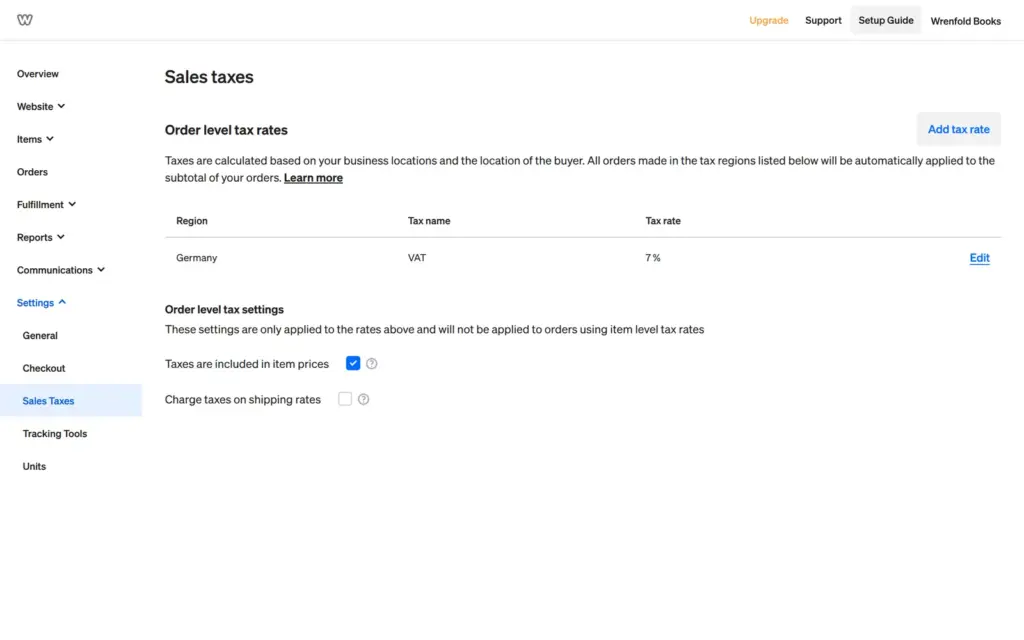
Taxes are set per country. Germany was already in the list with 0%. I entered 7%, the VAT rate for books in Germany, and ticked that prices include tax.
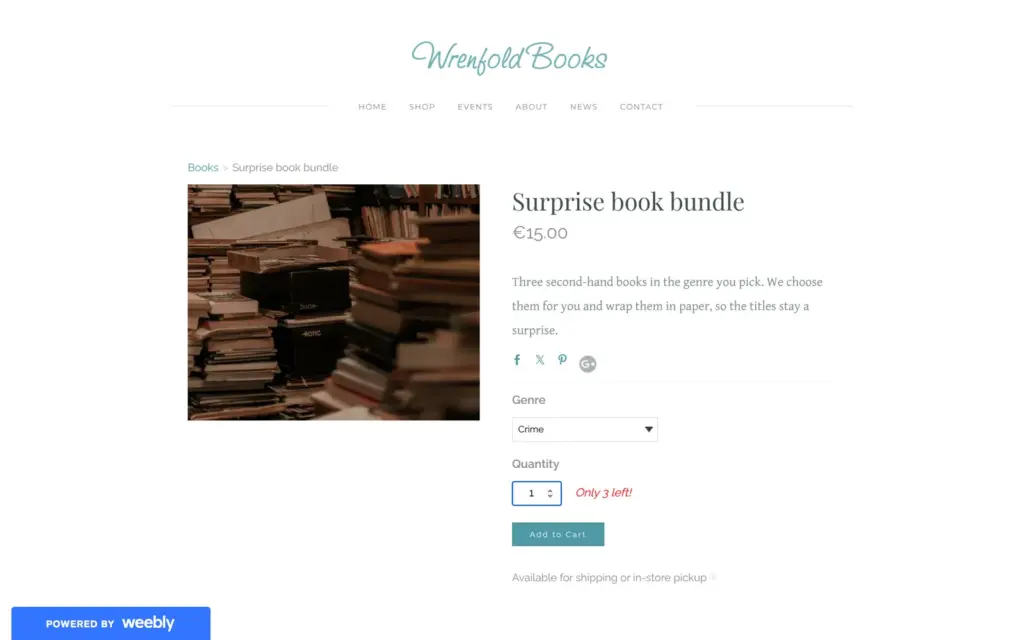
On the published site, the product page worked. When I picked the crime genre, the price changed to €15 and the page showed "Only 3 left!". When I clicked Add to Cart, a dark box said "Payments are not enabled for this site." Nothing went into the cart. I found no test mode, so without a payment provider there was no way to try the checkout or the order emails.
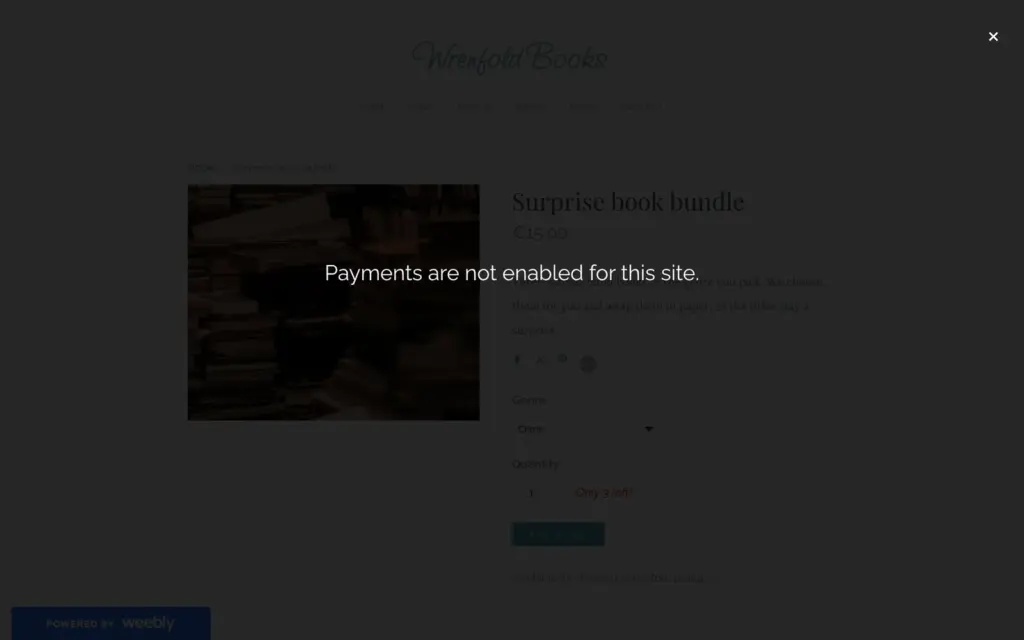
So the shop parts are there on the free plan. Whether the checkout works for you depends on Stripe accepting your business, and PayPal needs the top plan.
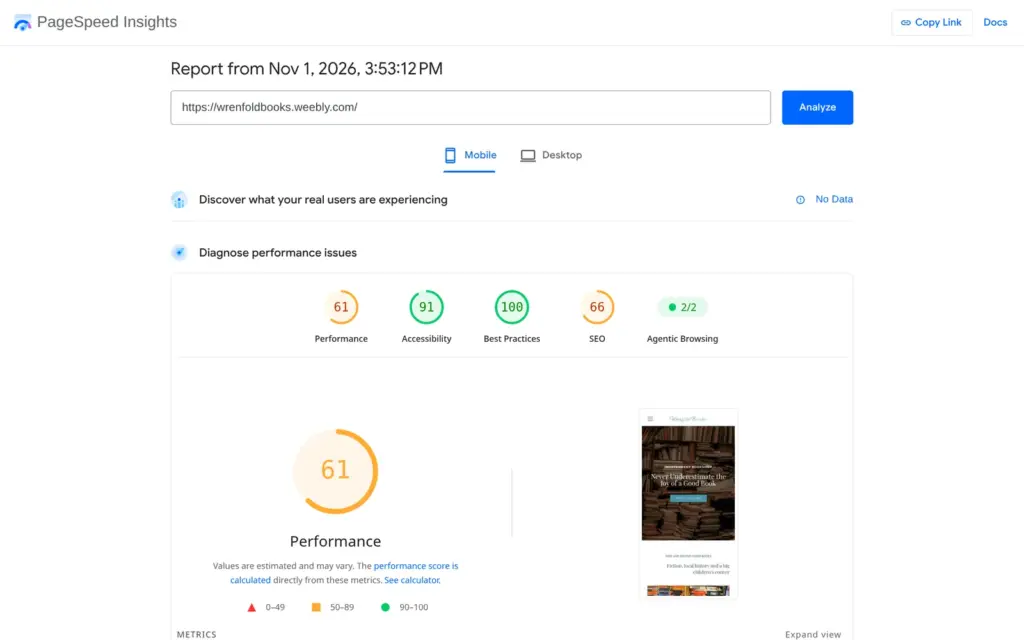
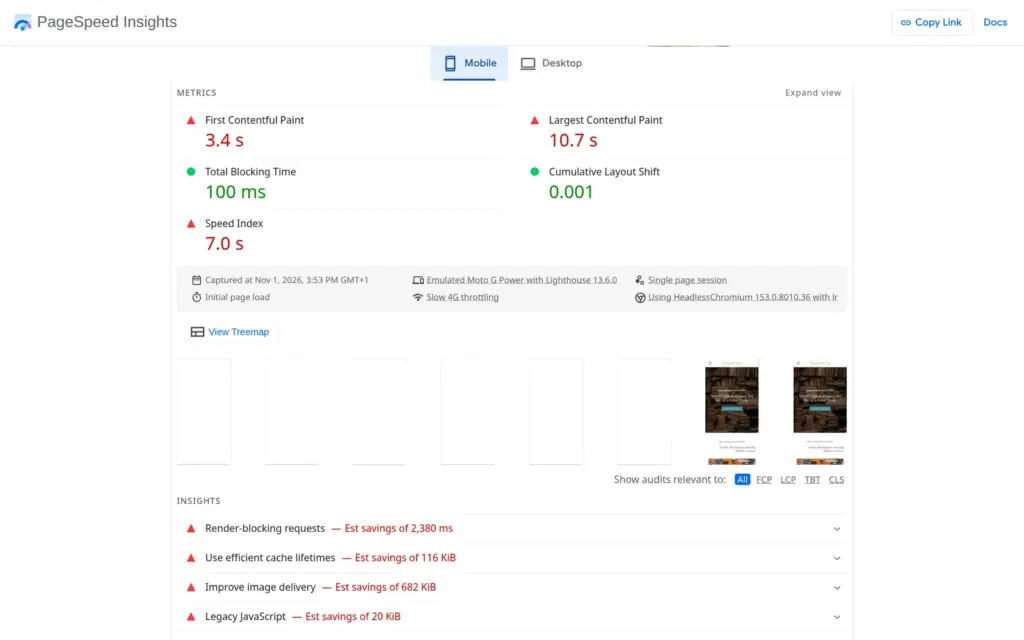
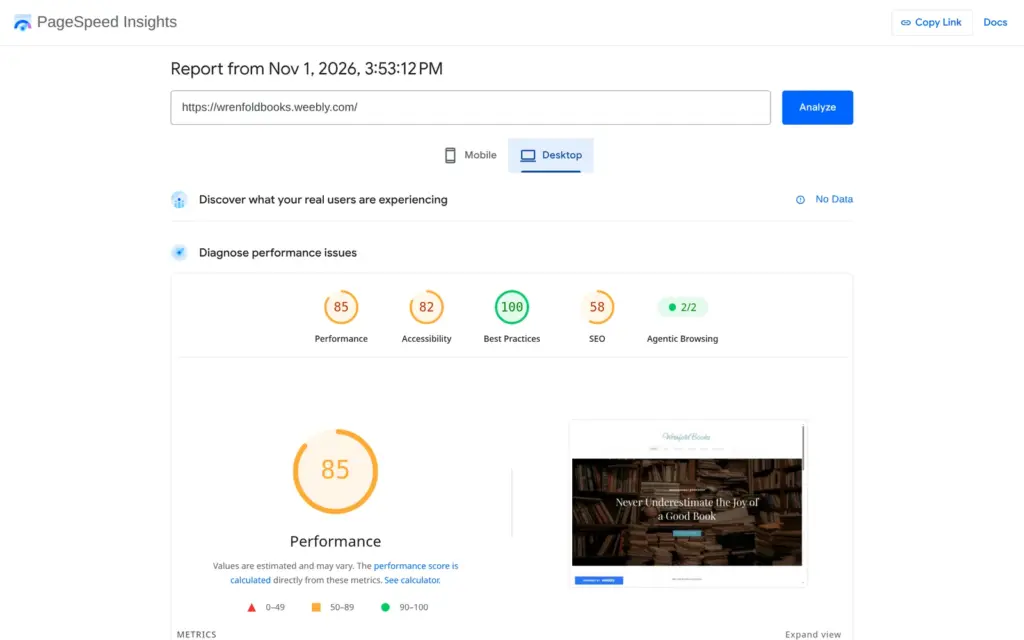
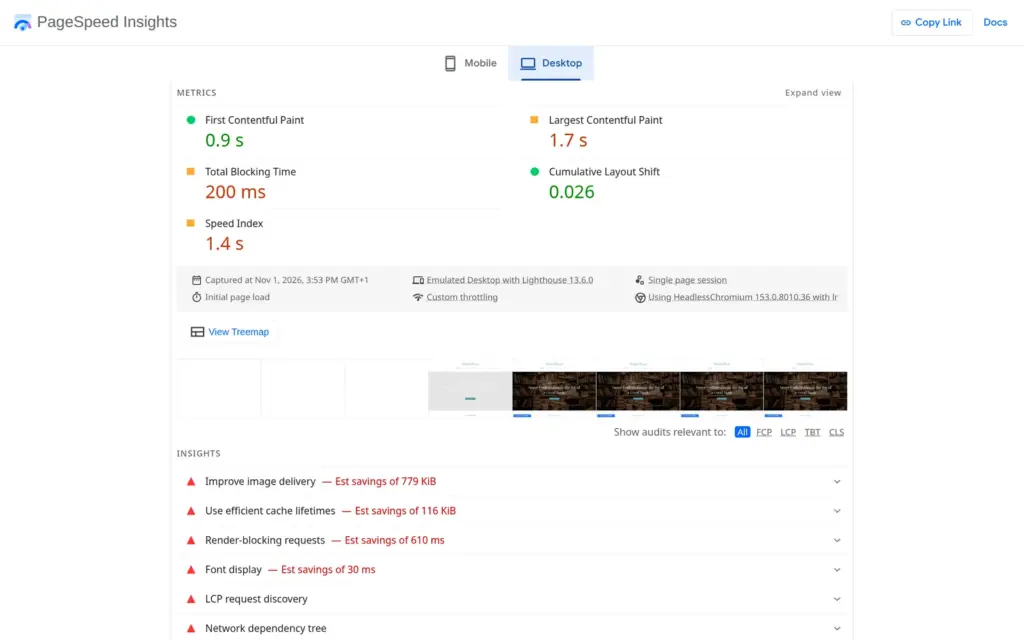
I ran the published home page through Google's PageSpeed Insights once. On a simulated phone it scored 61 out of 100. The first content appeared after 3.4 seconds, and the largest image after 10.7 seconds. On desktop it scored 85, and the largest image appeared after 1.7 seconds.
The report blamed files that block the page from showing, with an estimated 2.4 seconds to save on phones. It also said the photos could be about 680 KB smaller. Weebly served my photos at the full size I uploaded, so smaller photos would help. Accessibility scored 91 on phones and 82 on desktop, mainly for low text contrast and photos without descriptions.
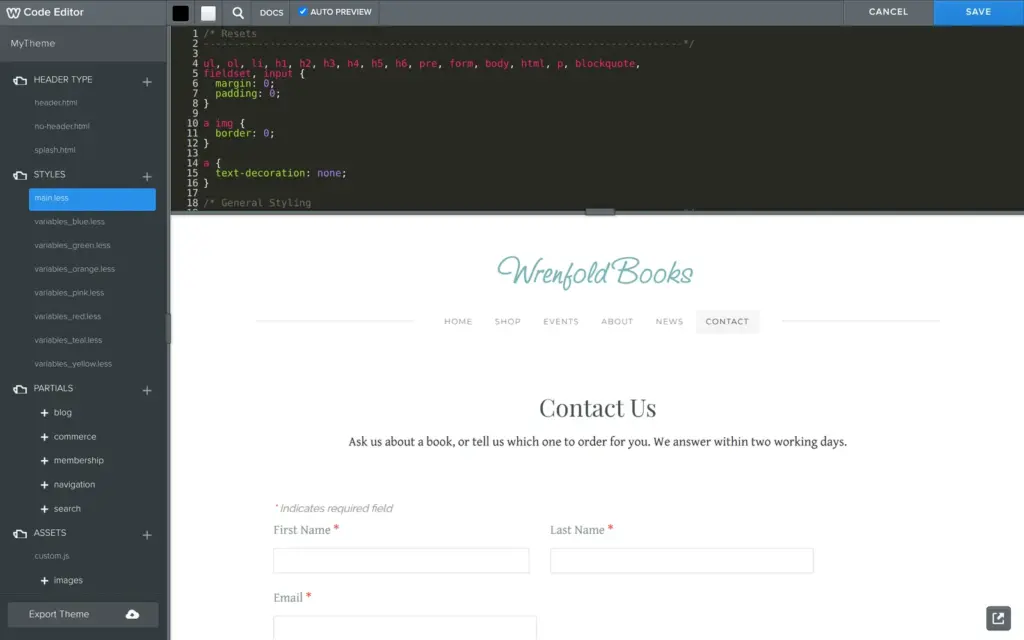
The Theme tab has a code editor for the theme's HTML and CSS, and it works on the free plan. When I clicked Save after a change, Weebly asked me to name my own version of the theme. There is also a button to export the theme.
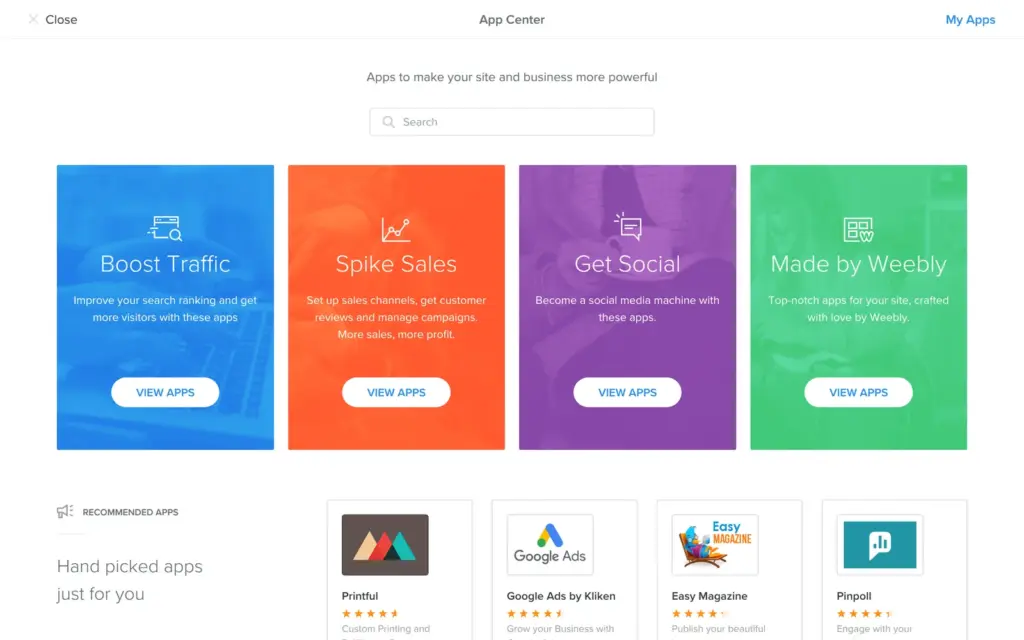
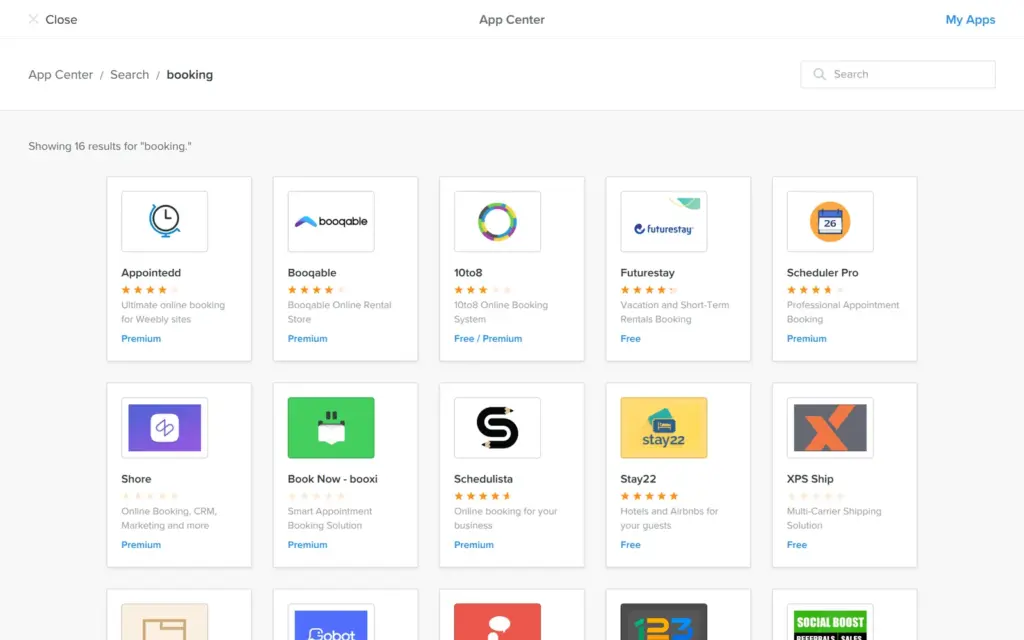
The App Center has apps from other companies. A search for booking apps found 16, most of them marked Premium. Weebly has no booking feature of its own. I did not install any apps.
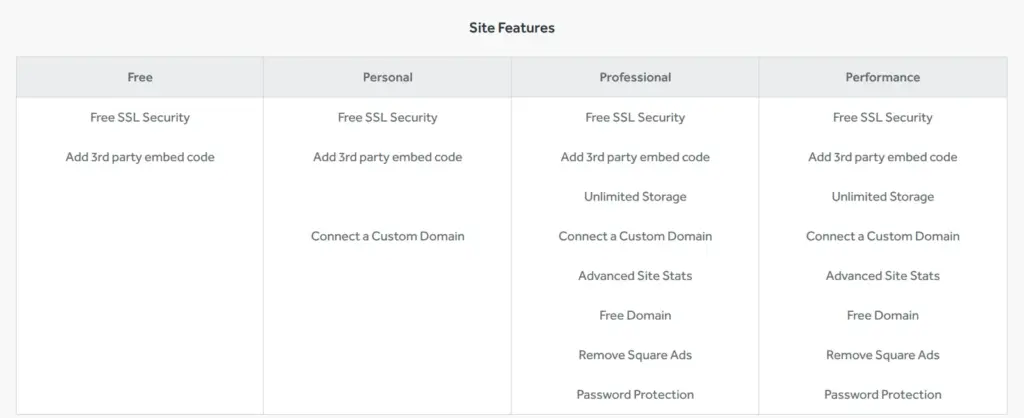
The settings show a field for a site password, while the pricing page lists password protection for Professional and Performance. I did not try it. A custom browser tab icon needs a paid plan.
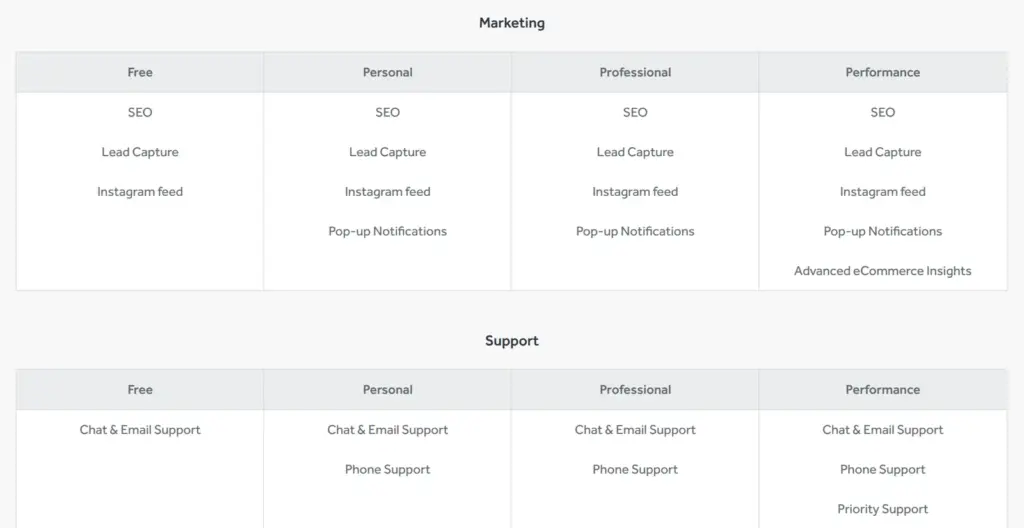
I checked Weebly's pricing page on November 1, 2026. From Germany it showed the paid plans in euros and the free plan as $0. The page did not say if VAT is included.
| Free | Personal | Professional | Performance | |
|---|---|---|---|---|
| Billed yearly | €0free | €11a month, €132 a year | €17a month, €204 a year | €30a month, €360 a year |
| Billed monthly | €0free | €14a month | €22a month | €40a month |
| Web address | name.weebly.com | Your own domain | Your own domain, free for the first year on yearly billing | Your own domain, free for the first year on yearly billing |
| Square ads and branding | Yes | Yes | No | No |
| Storage | Not listed | Not listed | Unlimited | Unlimited |
| Visitor statistics | Basic | Basic | Advanced | Advanced |
| Password protection | No | No | Yes | Yes |
| Support | Chat and email | Chat, email and phone | Chat, email and phone | Chat, email, phone and priority |
The shop features below are what the pricing page lists. On the free plan, I set up products and shipping but no payments. The pricing page lists the shipping calculator from Personal up. The free dashboard still let me save a flat shipping rate, which I could not test at checkout.
| Free | Personal | Professional | Performance | |
|---|---|---|---|---|
| Shopping cart and unlimited items | Yes | Yes | Yes | Yes |
| Item options and stock tracking | Yes | Yes | Yes | Yes |
| In-store pickup | Yes | Yes | Yes | Yes |
| Coupons and Square gift cards | Yes | Yes | Yes | Yes |
| Automatic tax calculator | Yes | Yes | Yes | Yes |
| Digital goods | No | Yes | Yes | Yes |
| Shipping calculator and labels | No | Yes | Yes | Yes |
| PayPal | No | No | No | Yes |
| Item reviews | No | No | No | Yes |
| Abandoned cart emails | No | No | No | Yes |
For the bookshop, the plan that makes sense is Professional. It removes the Square ads and includes a domain for the first year. On yearly billing it costs €204 a year. From the second year, a .de or .com domain costs €18 a year, according to Weebly's own domain prices. Personal is cheaper at €132 a year plus the domain, but the site still shows Square ads. Card fees come on top on all plans.
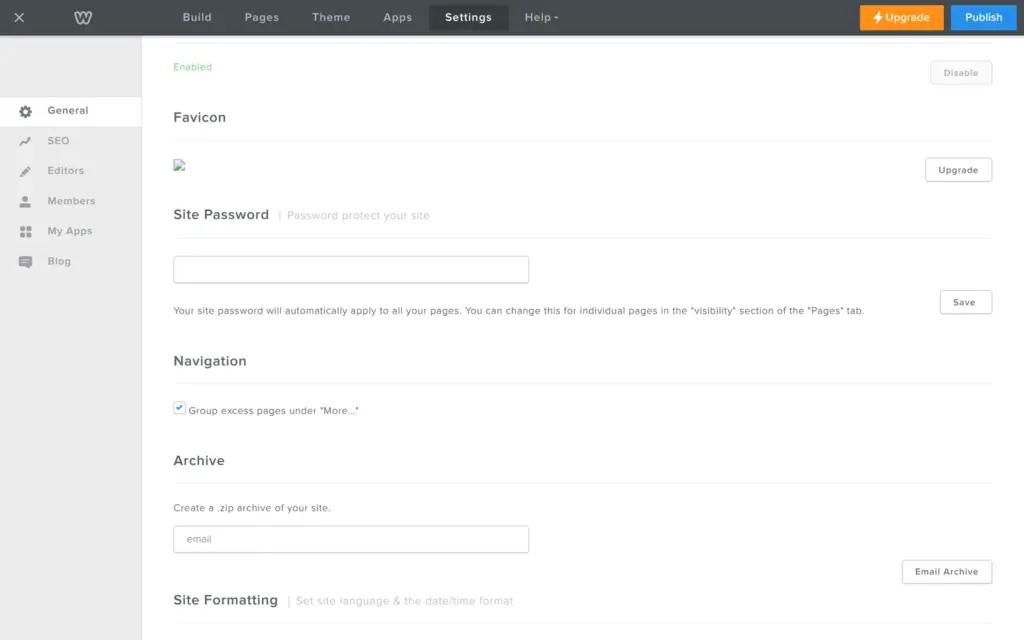
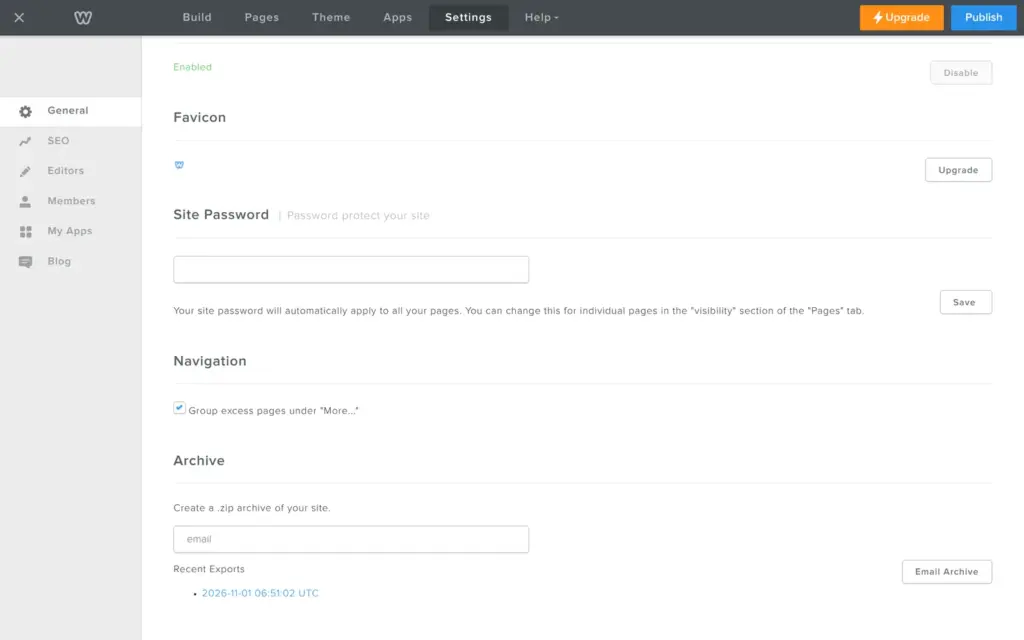
Under Settings, General, Weebly offers to "Create a .zip archive of your site" and send it by email. The button gave no confirmation, and more than an hour later the email still had not arrived. When I opened the settings again later, the archive was listed under Recent Exports, and I could download it there.
The zip had 87 files. It held five pages as HTML, with their photos and the theme's files. The shop page and the product pages were missing, although the menu still linked to the shop. The blog post was only on the news page, without a page of its own. The contact form still sent its messages to Weebly, so it would not work anywhere else.
So the archive works as a backup of your text and photos. If you move to another builder, you still rebuild the pages and the shop.
Weebly fits someone who wants a simple website on a small budget and is fine with an older look. The free plan is generous, and it includes the theme's code. For the bookshop, a free theme gave me a decent site.
It fits less well if you want a modern design, or if selling is the main reason for your site. The shop features are there, but the checkout depends on Stripe or the top plan. Square also points new store owners to Square Online.
If you try it, open the link settings of each button and the form options before you publish.
 What I'm building
Give Vroni a GitHub issue, bug report, spec, or rough idea. It reads the repo, plans the change, writes code, runs checks, and works toward a review-ready pull request.
Take a look at vroni.com