
Is Weebly free?
Yes. Weebly has a free plan, and you don't need a credit card to sign up. For my Weebly review, I built…
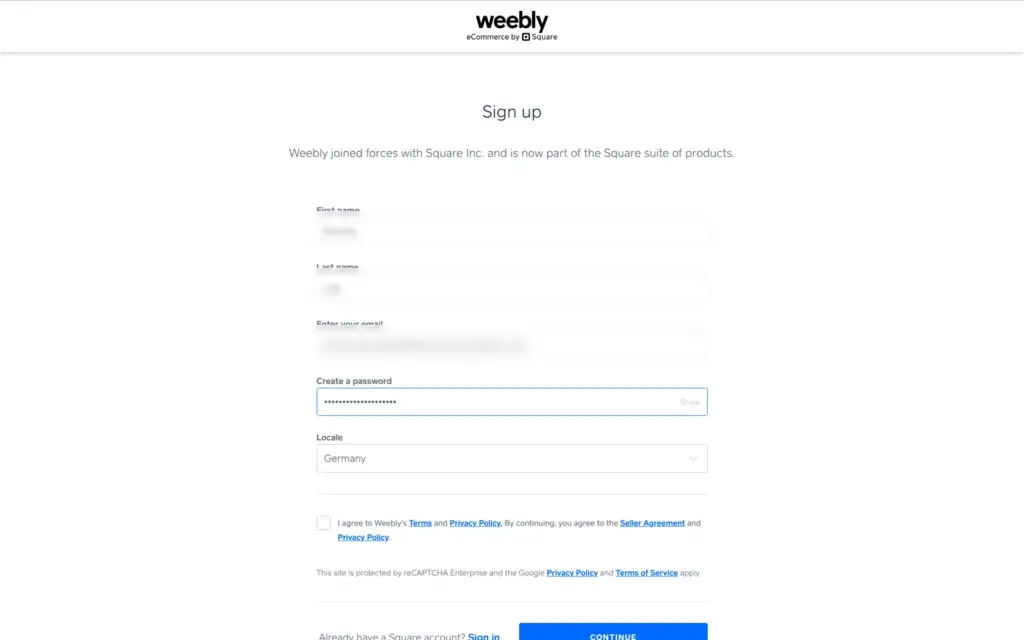
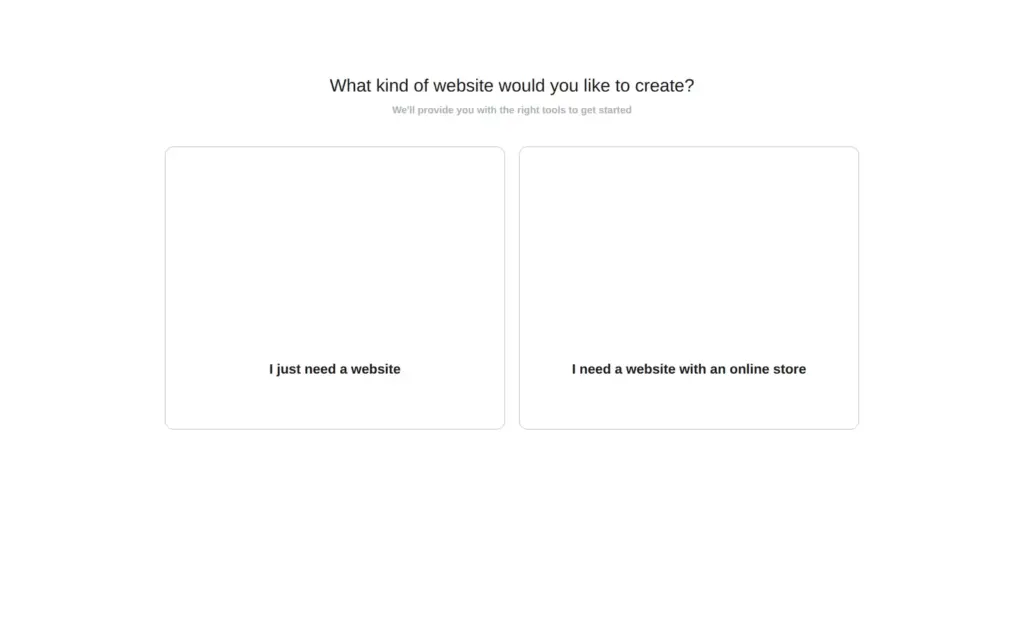
You sign up on weebly.com with a free Square account. When Weebly asks what kind of website you want, you pick "I just need a website". Then you choose one of Weebly's free themes, and the classic Weebly editor opens. In the editor, you click a text to change it, and you drag new elements onto the page. When you've checked the buttons and the contact form, you click Publish, and the site goes online on a free weebly.com address.
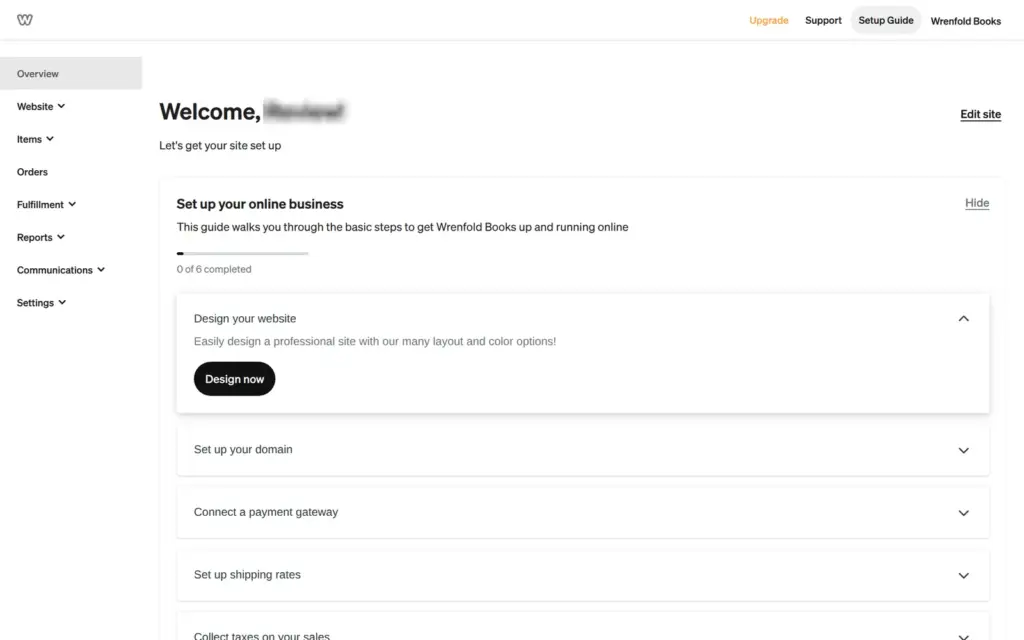
For my Weebly review, I made a website for a made-up bookshop this way. It has six pages with a blog and a contact form, and I published it on the free plan.
I built the site on November 1, 2026, and checked the prices again on November 3, 2026.
On Weebly's home page, Create Your Website opens the sign-up form. Weebly belongs to Square, so you sign up with a Square account. Square didn't ask me for a card or a phone number, and it didn't check my email address.
The first question decides which builder you get. "I just need a website" leads to the classic Weebly editor. "I need a website with an online store" leads to Square Online, Square's own store builder with a different editor. The answer sticks to the account. After I had picked the store, "Add site" in that account only led back to the store questions. So I signed up a second time.
You can also sell with the classic editor. I added a small shop to the bookshop site later, and my review shows how that went.
Weebly's help center says there are no plans to end the Weebly builder for now. But it recommends Square Online for new sites. Weebly also shut down in 67 countries in 2026. The US and Germany are not among them.
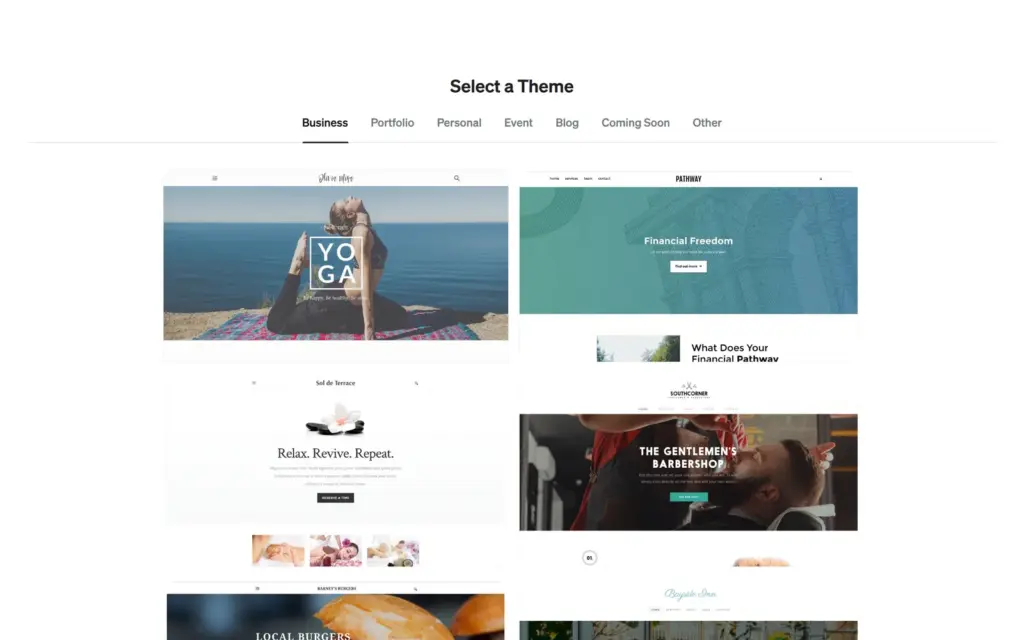
The website answer leads to Weebly's themes. They are in seven tabs, like Business and Portfolio. The Business tab had 14 themes, and most of the others had six to eight. All of them are free. None is made for a shop, and to me they look like websites from about ten years ago.
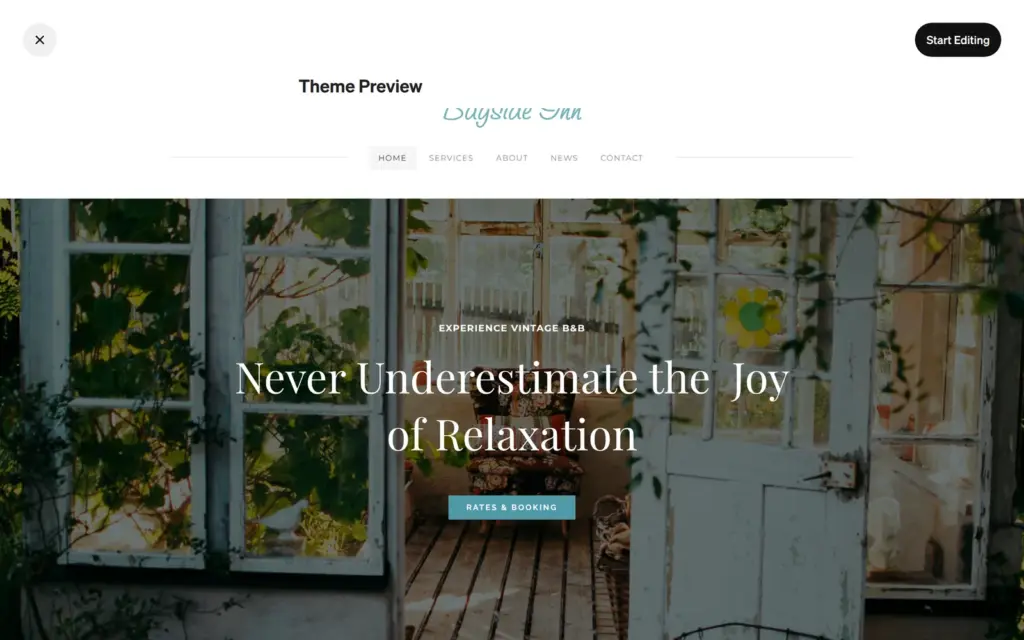
When you click a theme, you see a preview. One preview stayed blank for me. I picked Bayside Inn, a theme for a bed and breakfast. It has a news page and a contact page, and a bookshop needs both. Start Editing opens the editor.
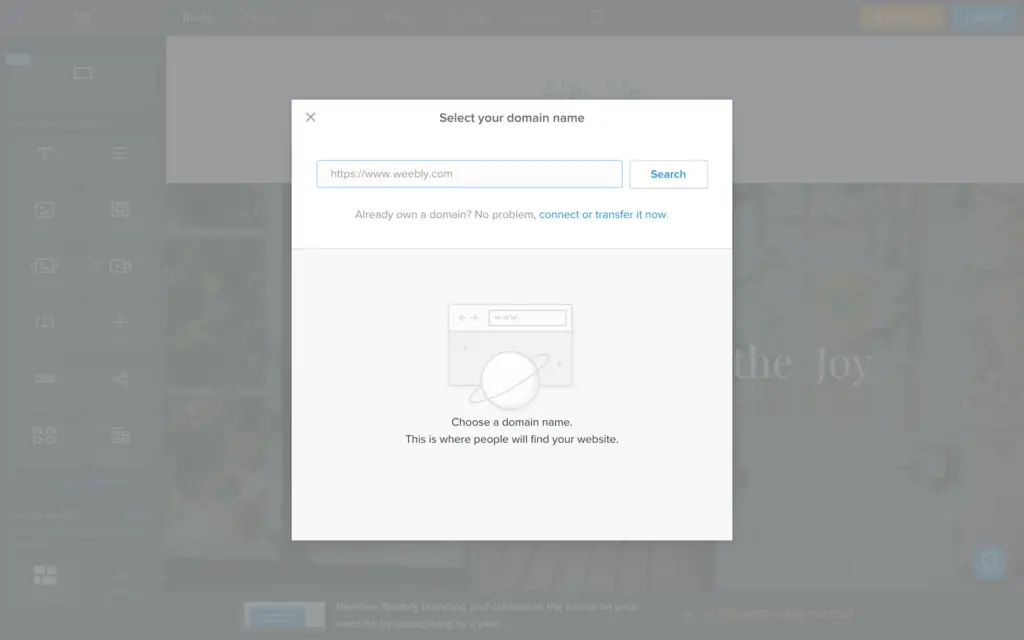
The editor opened with a domain search. Behind it were two more boxes, one about apps that needed to be re-connected and one that only offered to reload the editor. The domain search came back each time I opened the editor.
You change a text by clicking it on the page and typing. Sometimes the first click only selected the box, and I had to click a second time. The site name sits in the header and changes on all pages at once. Buttons have their own settings for the text and the link.
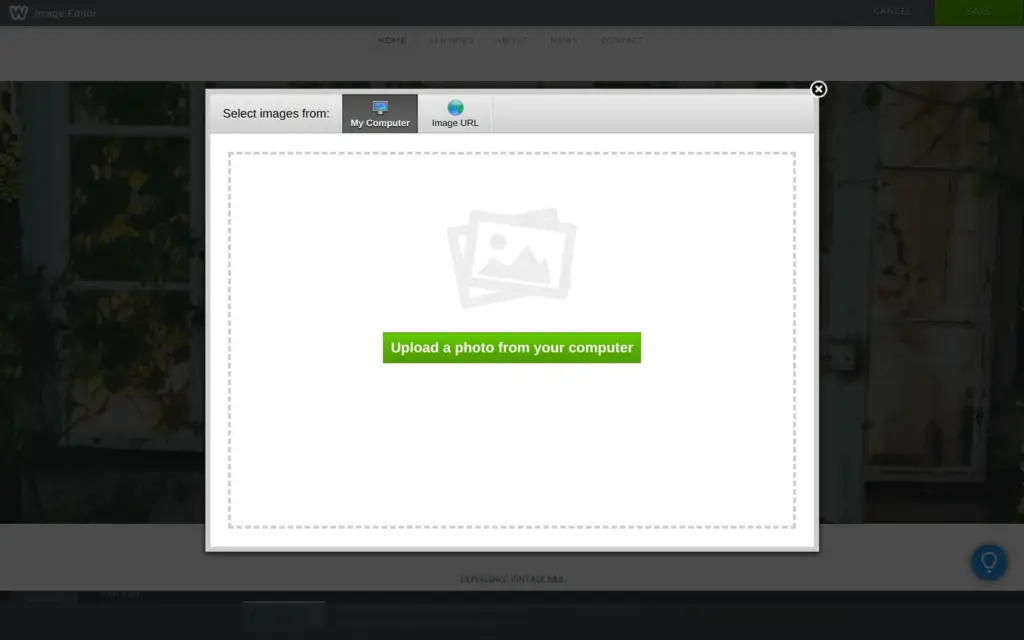
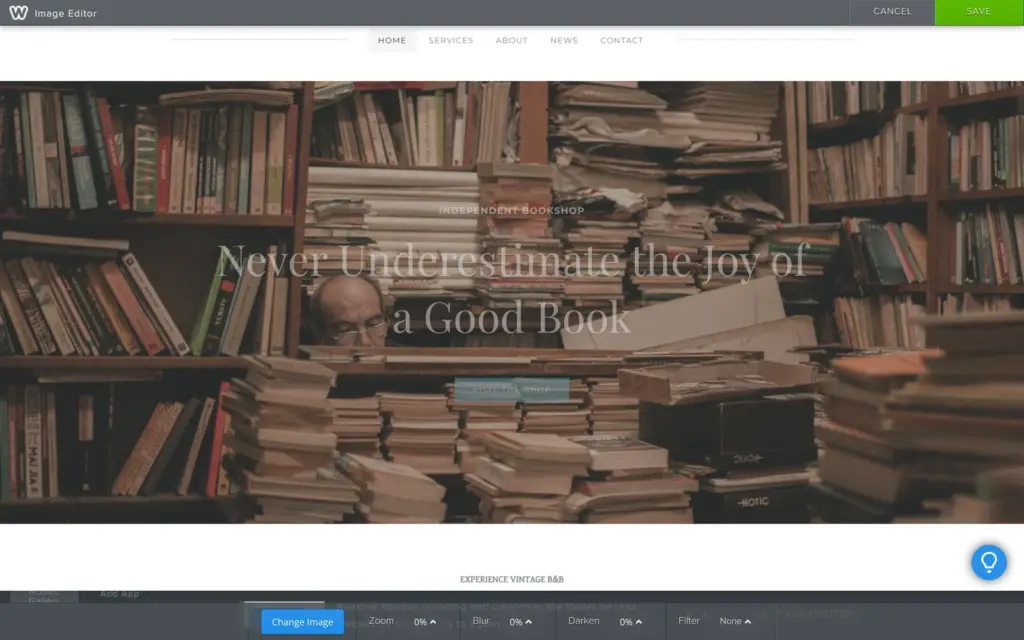
For photos, Weebly offers an upload from your computer or a link to an image. I found no photo library. After the upload, an image editor can blur or darken the photo. I darkened the main photo so the headline on top of it stays readable.
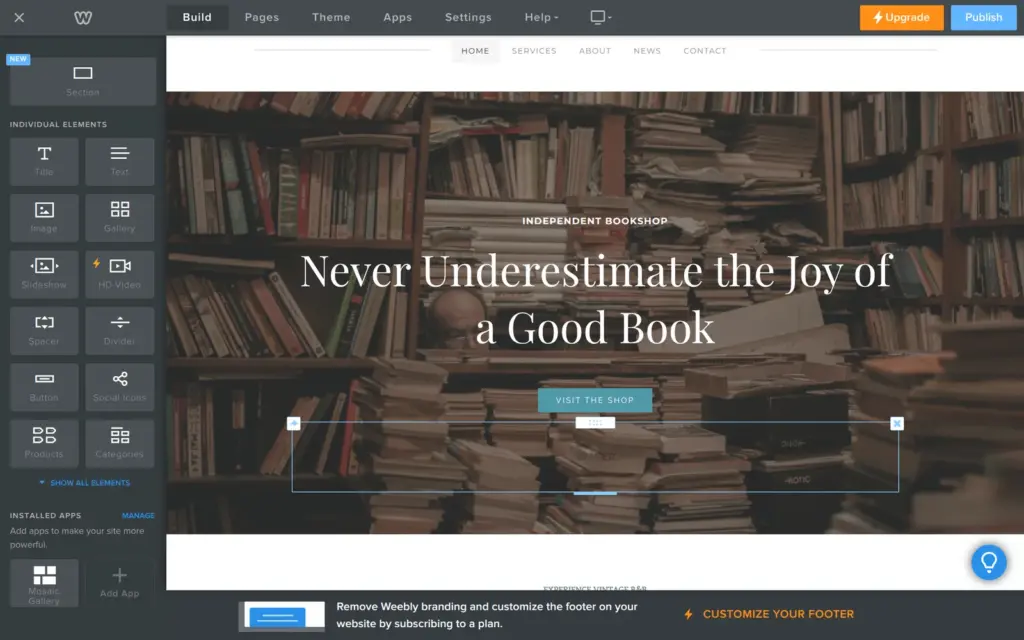
Under Build at the top, a panel on the left lists the elements you can add. You drag one onto the page. Elements with a lightning bolt, like HD Video, need a paid plan.
Pages have their own tab. The theme came with five pages, and each page has its own settings, like its name and its search title. You drag pages to change the order, and to the right to make a subpage. I renamed the theme's Services page to Events. The heading on the page itself still said Services, because it's a separate text.
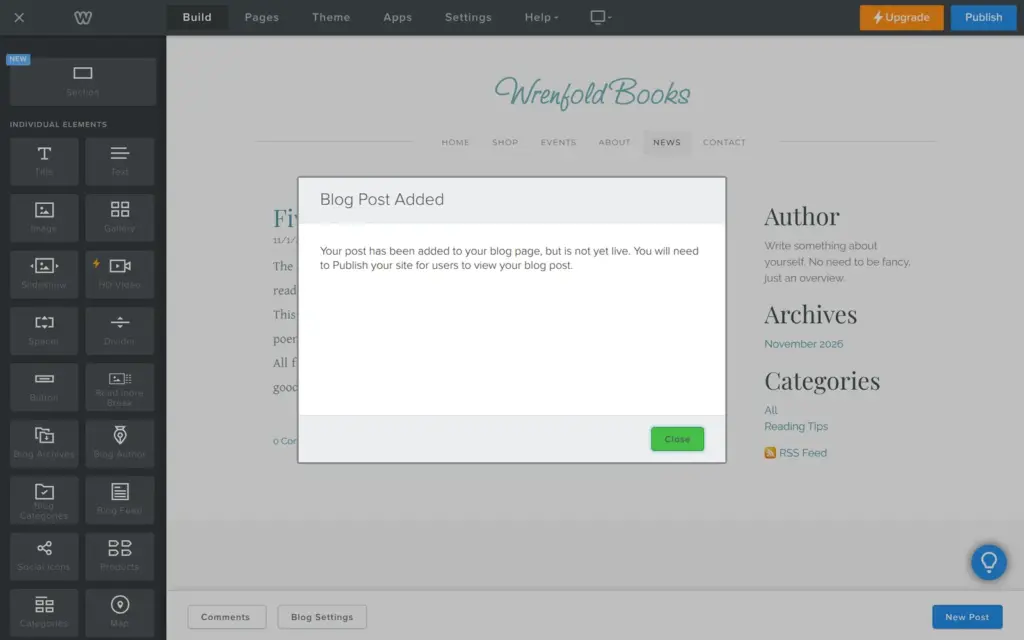
The plus button adds a new page. Besides standard pages, there are blog pages and pages that show products. The theme's News page was already a blog. A post is built like a page, with elements you drag in. Posts only go online when you publish the whole site.
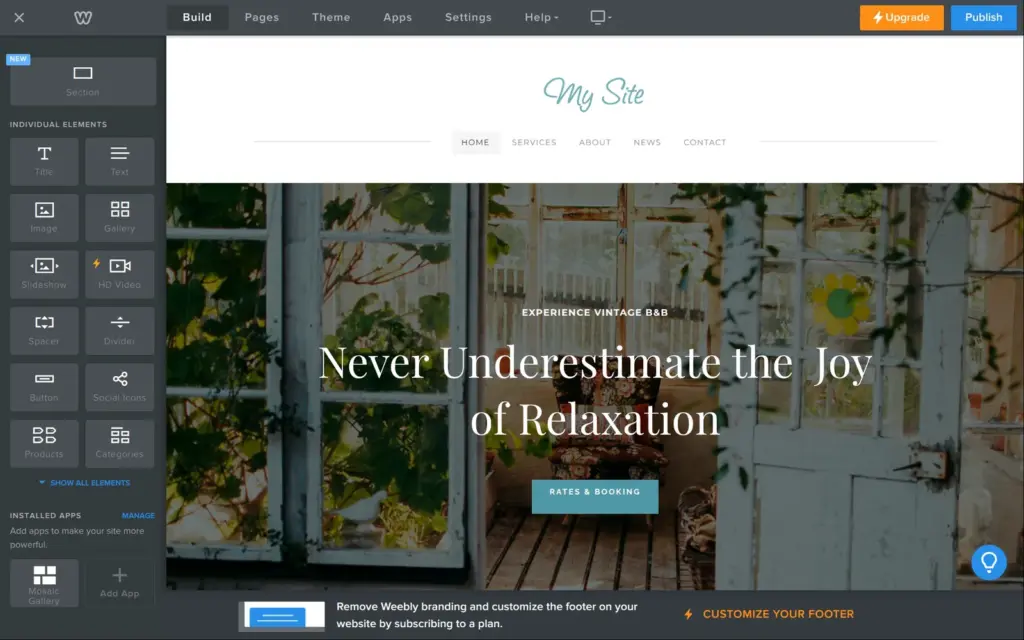
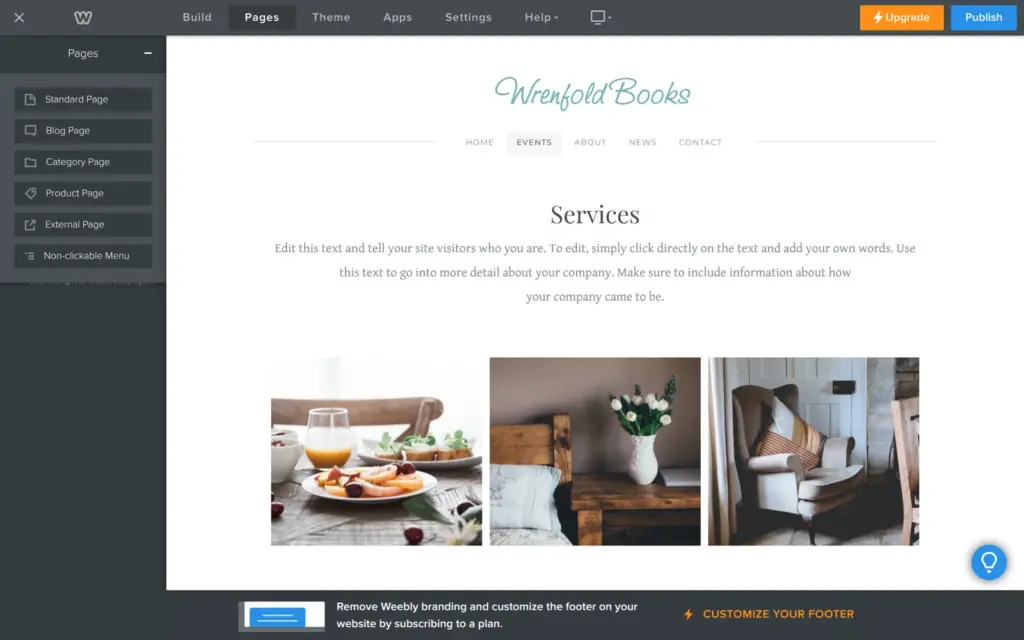
Weebly has no separate phone layout to edit. A switch at the top of the editor shows the page in a phone frame. For my theme, a side panel said that mobile options don't apply, because the theme adapts on its own. On a phone, the columns go under each other, and the menu moves behind a button.
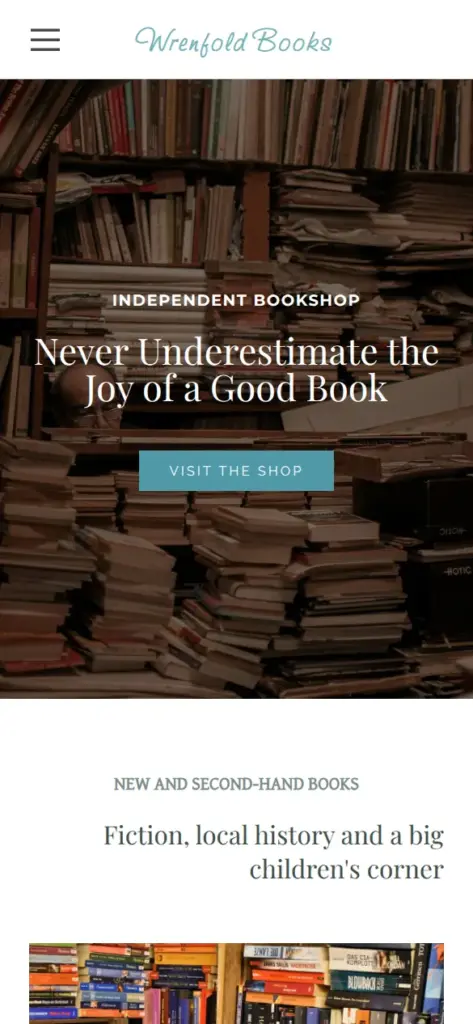
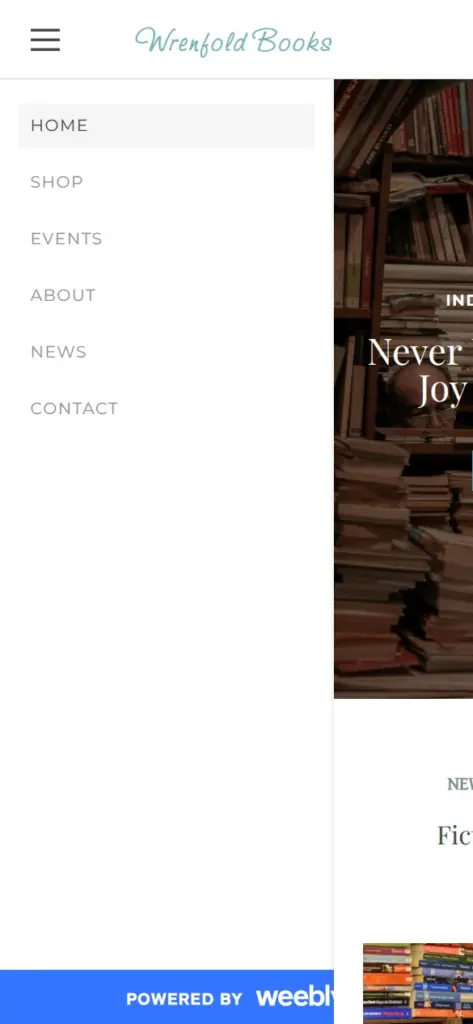
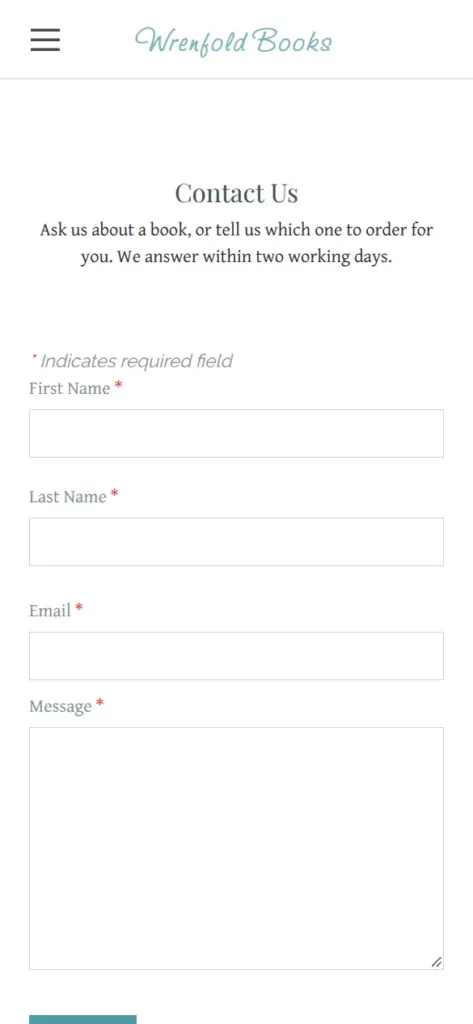
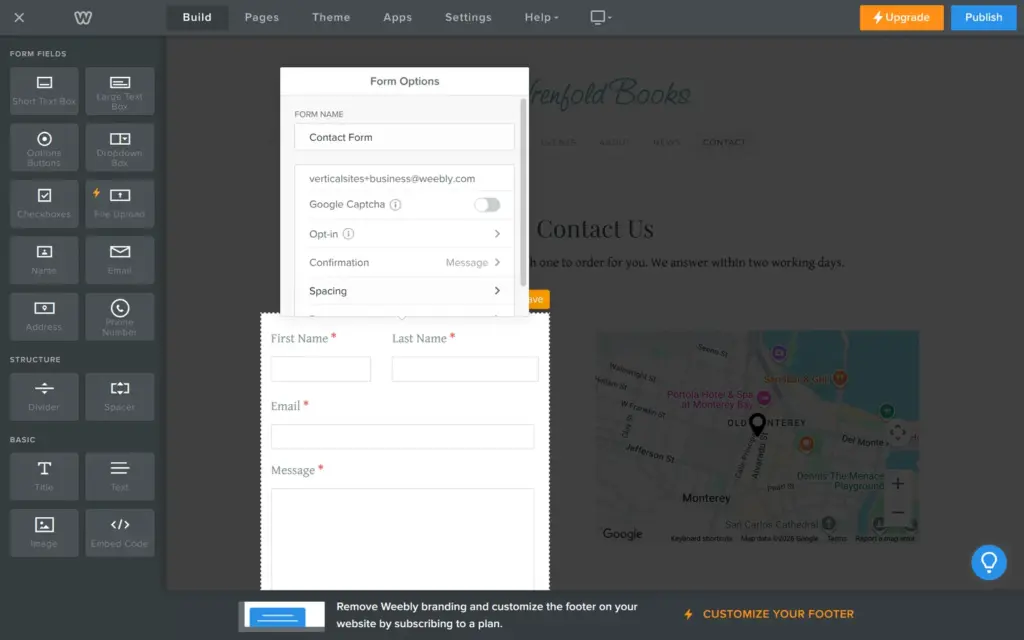
Before you publish, open the settings of each button and the contact form. Some leftovers from the template only show up there.
My theme's contact form sent all messages to verticalsites+business@weebly.com, a Weebly address from the template. Without the change, I would never have seen a message. I changed it to my own address in the form options, and the change only stuck after I pressed Enter in the field. The form also had no field for the message, so I dragged in a large text box.
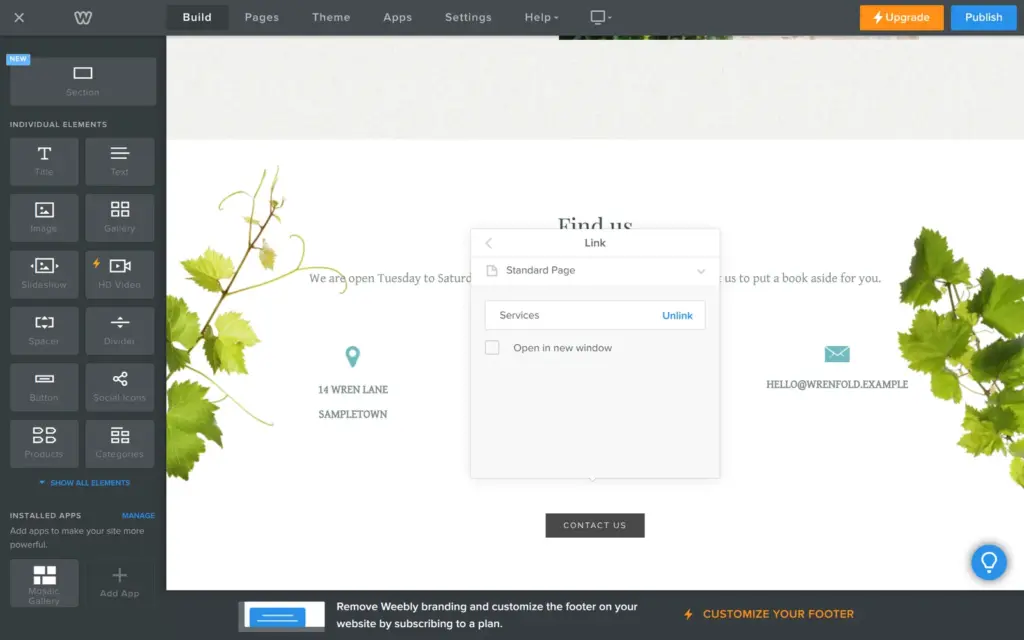
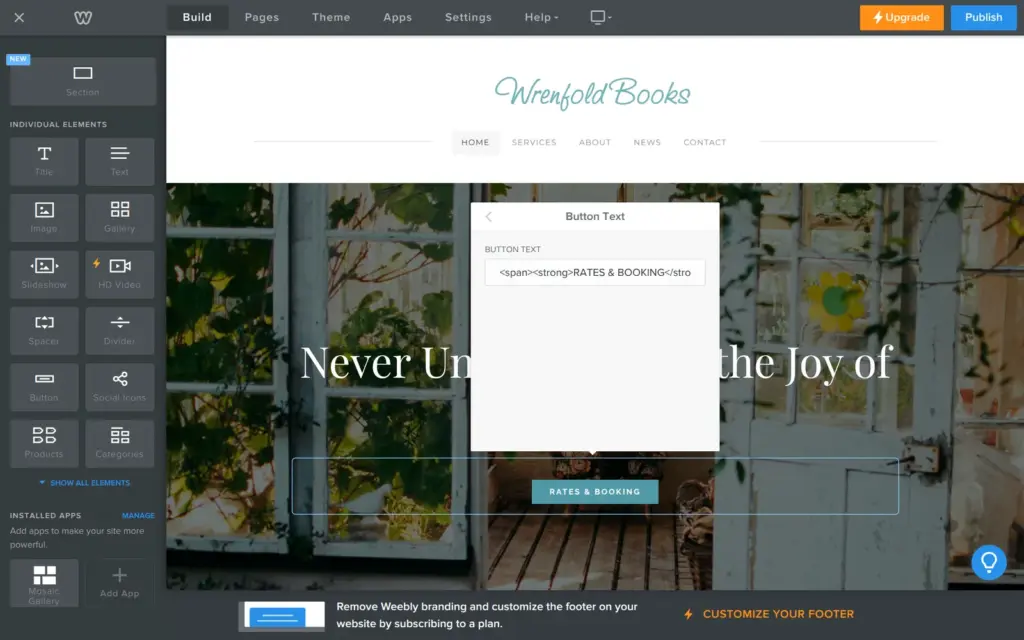
Two buttons linked to the wrong places. The main button was set to call a phone number, and the number field was empty. The button at the bottom of the home page still went to the template's Services page. The main button's text field also held HTML code from the template.
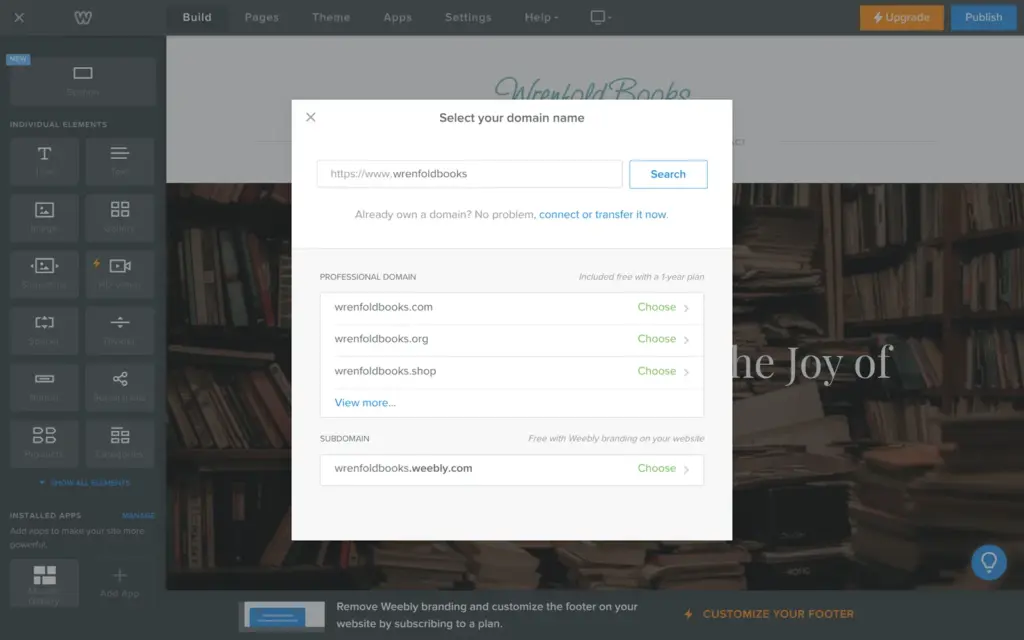
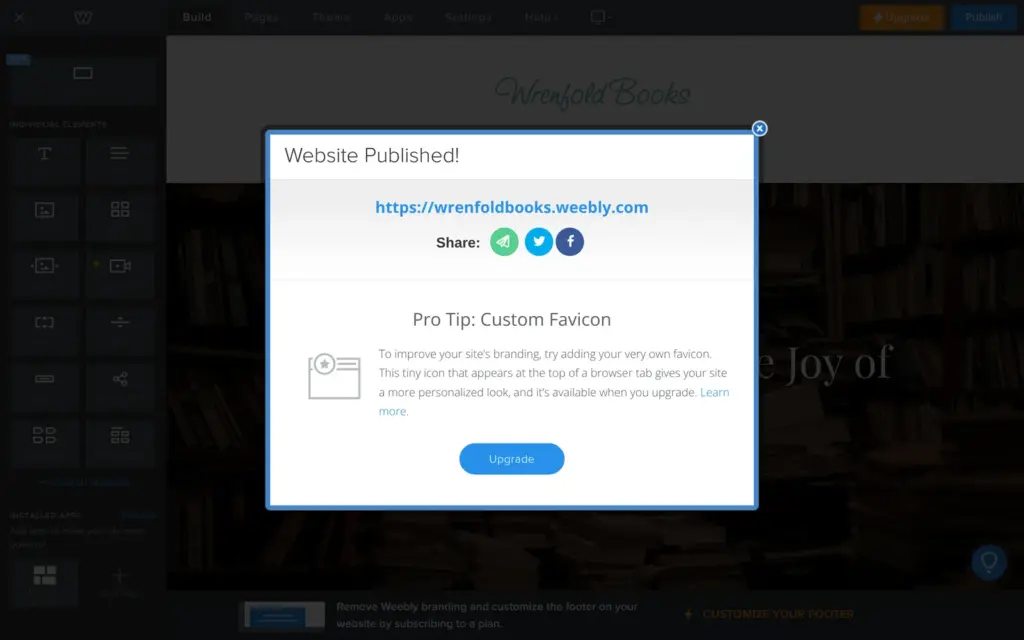
The first time you click Publish, Weebly asks for the site's address. Yearly plans from Professional up include a domain of your own for the first year. The free choice is an address on weebly.com, like wrenfoldbooks.weebly.com. My site was online a few seconds later.
Free sites show a "Powered by Weebly" badge in the bottom corner. On a phone, it's a blue bar across the bottom of the screen.
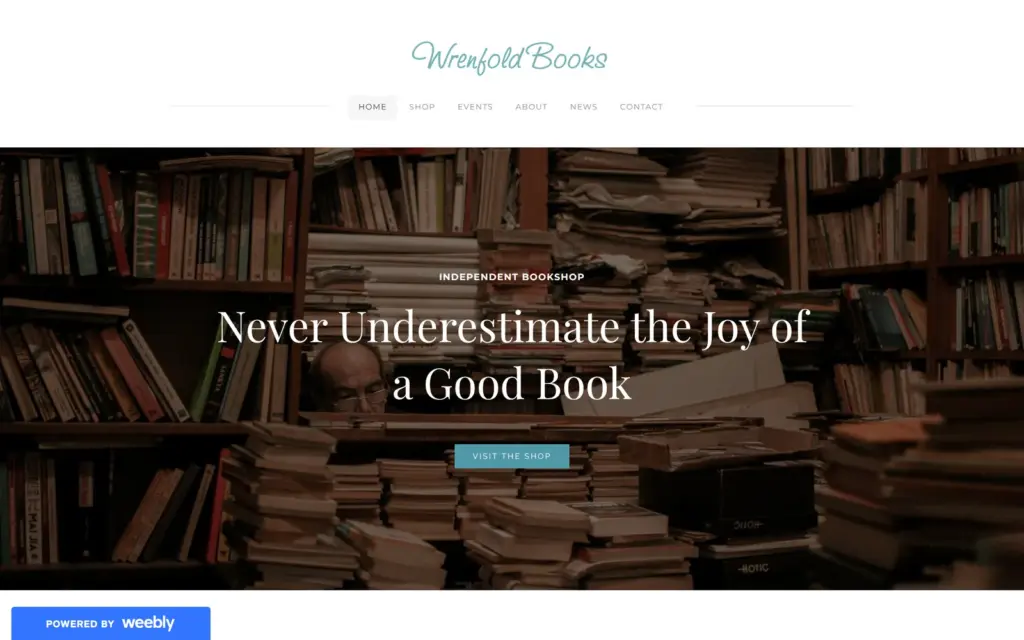
Open the bookshop site. It's a demo, so please don't send personal information through its form.
I found no time limit for the free plan. Your own domain needs Personal, at €11 a month on yearly billing. According to Weebly's plan pages, the "Powered by Weebly" badge stays on Personal. Removing it needs Professional, at €17 a month on yearly billing. I compared all plans when I checked whether Weebly is free.
 What I'm building
Give Vroni a GitHub issue, bug report, spec, or rough idea. It reads the repo, plans the change, writes code, runs checks, and works toward a review-ready pull request.
Take a look at vroni.com