
WebStarts review
WebStarts is a website builder with a free plan. You drag text and photos onto a page wherever you like, and WebStarts…
Webador is a website builder for small businesses. You answer a few questions, and its AI writes a first version of your site. Then you change the rest by clicking on the page. If you are thinking about it for your business, you probably want to know how good that first version is and what it costs to go live.
To find out, I signed up on the free plan and built a website for a made-up piano teacher. The AI wrote the home page from my answers and a short price list, and two more pages after a few extra questions. I made the fees page from a page template and built the about page by hand. I also added a news post and set up a lesson card in the online store.
The AI's first version looked good and used my prices. It also made up three student reviews and showed a map of a city that had nothing to do with the studio. Editing was easy. But the free plan is only for trying. The site stays in preview mode on a long random address, and search engines are told not to list it. The store also can't take orders.
Webador suits you if you want a simple website for a small business and you would like the AI to write the first version. You edit by clicking on the page, and phones get a fitting layout on their own.
Look elsewhere if you want a free website that people can find on Google. Webador's free plan only gives you a preview. It also has no booking calendar, and a site in two languages means two websites with two subscriptions.
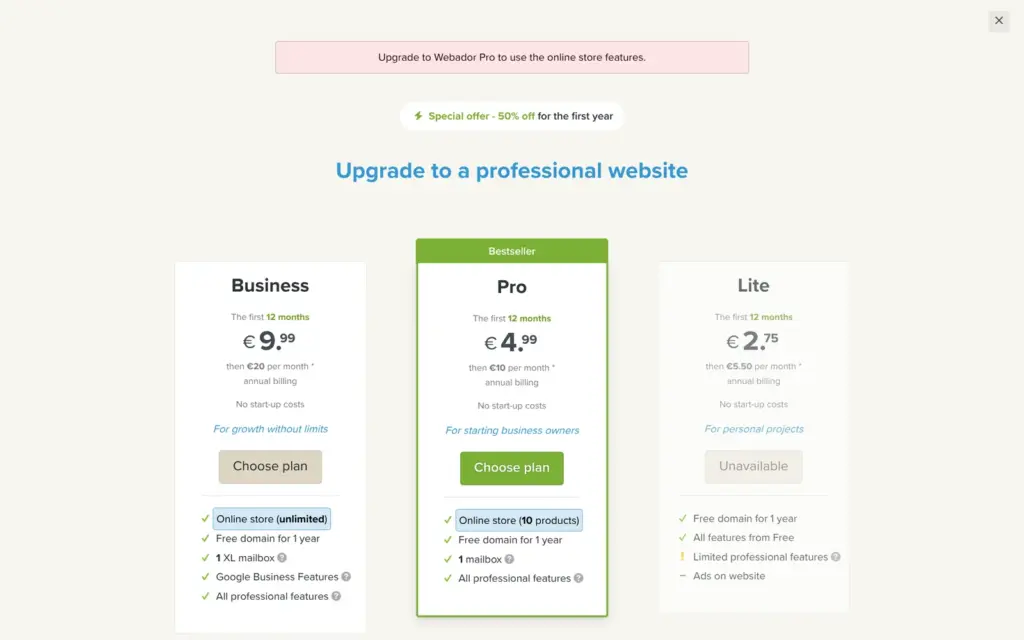
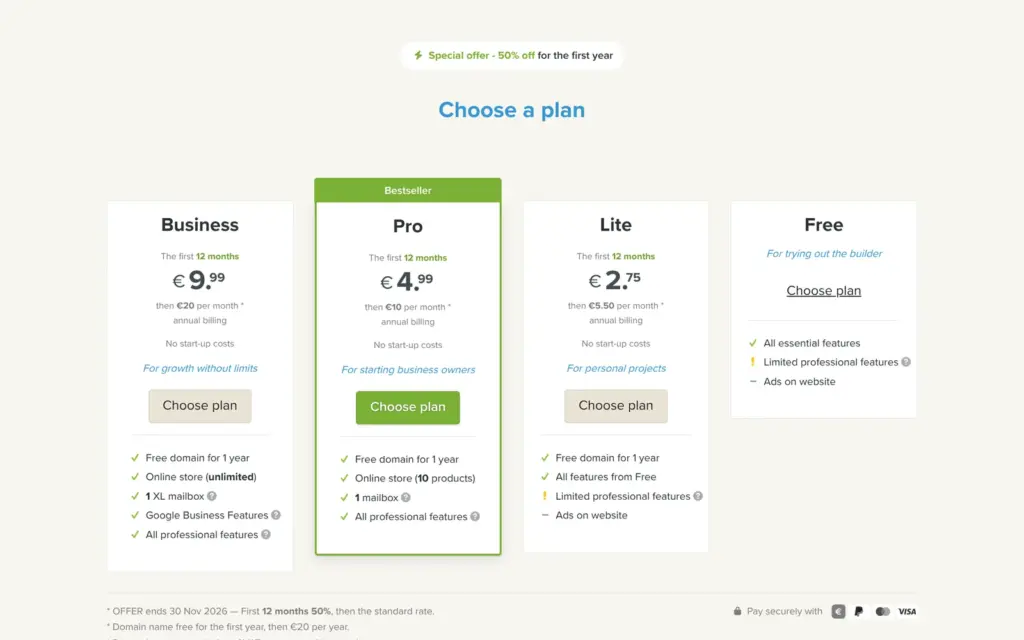
Price: building is free, and going live needs a paid plan with your own domain. Pro costs €10 a month on yearly billing, plus VAT. It removes Webador's ad and includes a small store. Lite costs €5.50 but still shows the ad, and Business costs €20. Until November 30, 2026, the first year costs half.
The shop: I could add a product and set up the store on the free plan, but checkout stays off until you pay. Pro sells up to 10 products. Lessons sold as a service and downloads need Business.
Tested: on November 1, 2026, on the free plan. Prices checked on November 1, 2026.
Not tested: anything that needs a paid plan, like my own domain or a real order. I also did not follow a form message into the inbox, and I did not contact support. Webador did not pay for this review, and there are no affiliate links.
What I liked:
What bothered me:
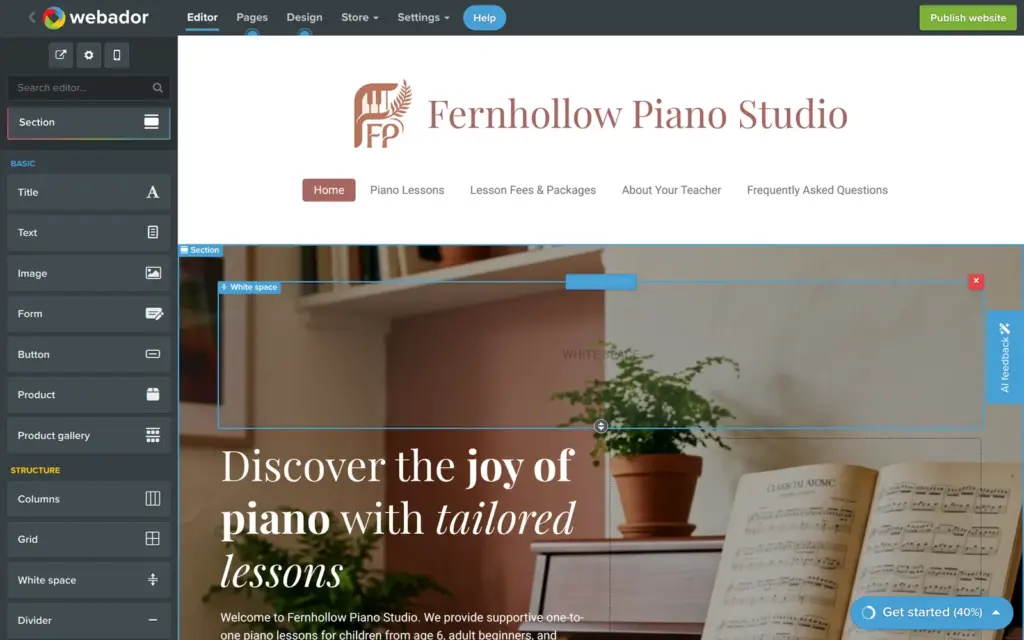
Fernhollow Piano Studio is a made-up piano teacher, and the footer says so. The site has six pages, including a page with the lesson fees and a news page. The AI wrote three of the pages from my answers. I wrote the fees page and the about page myself and added one news post. The photos come from the stock library inside Webador, and the AI drew the logo.
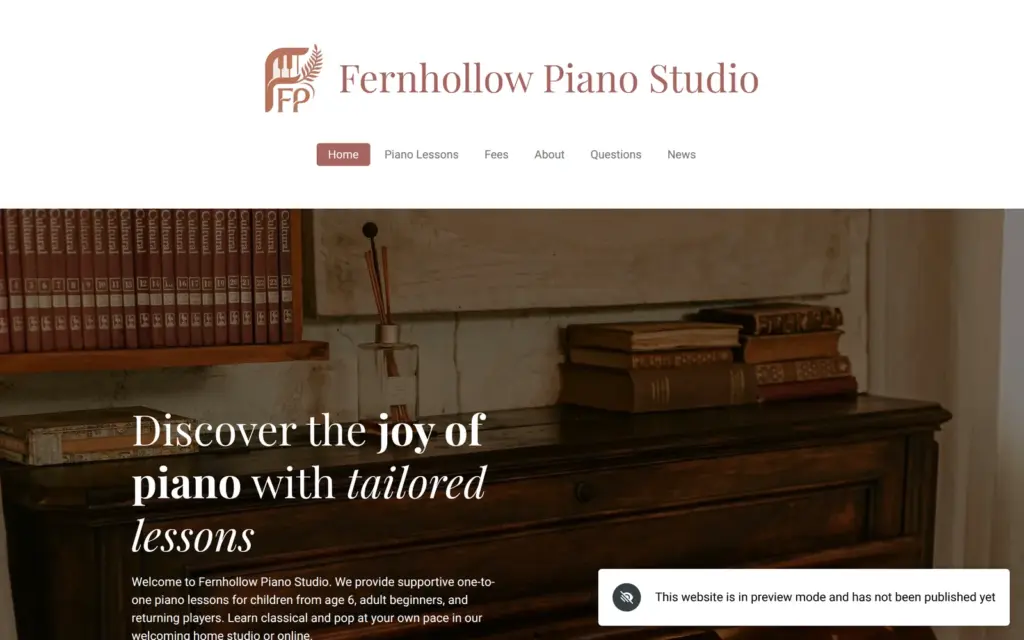
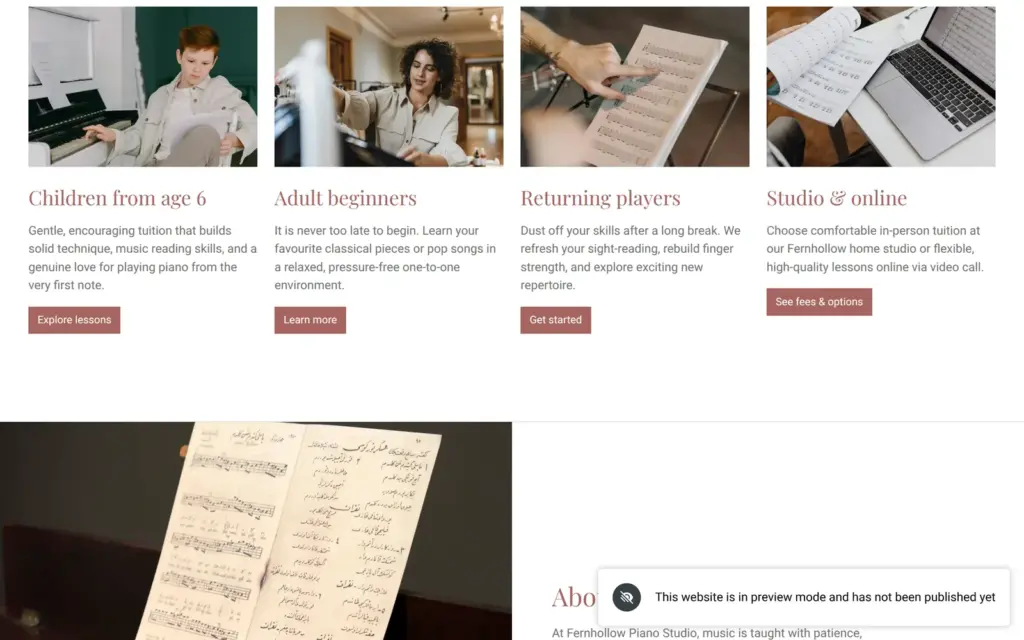
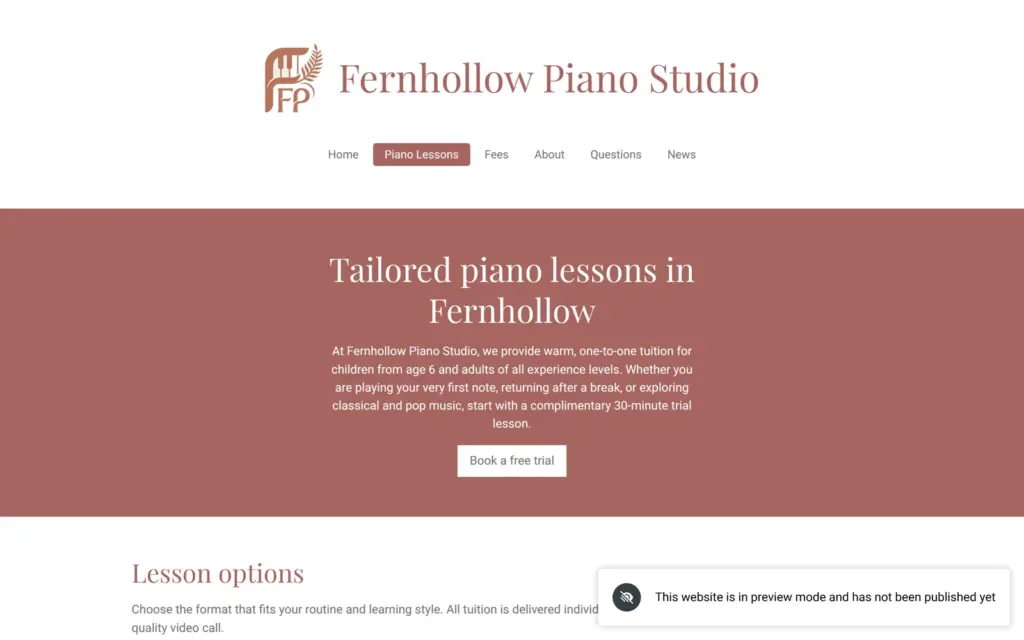
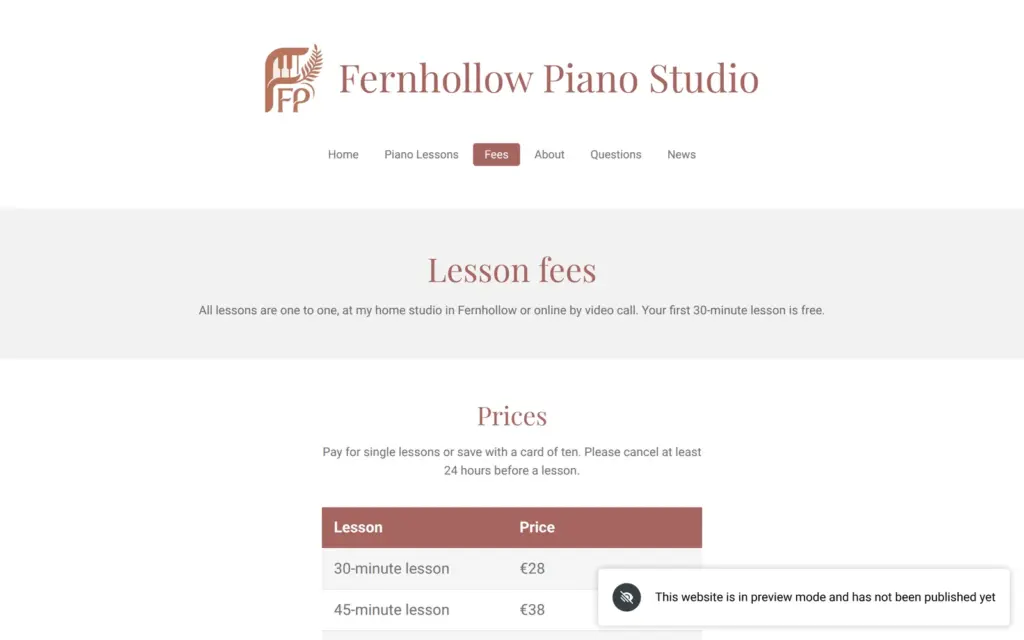
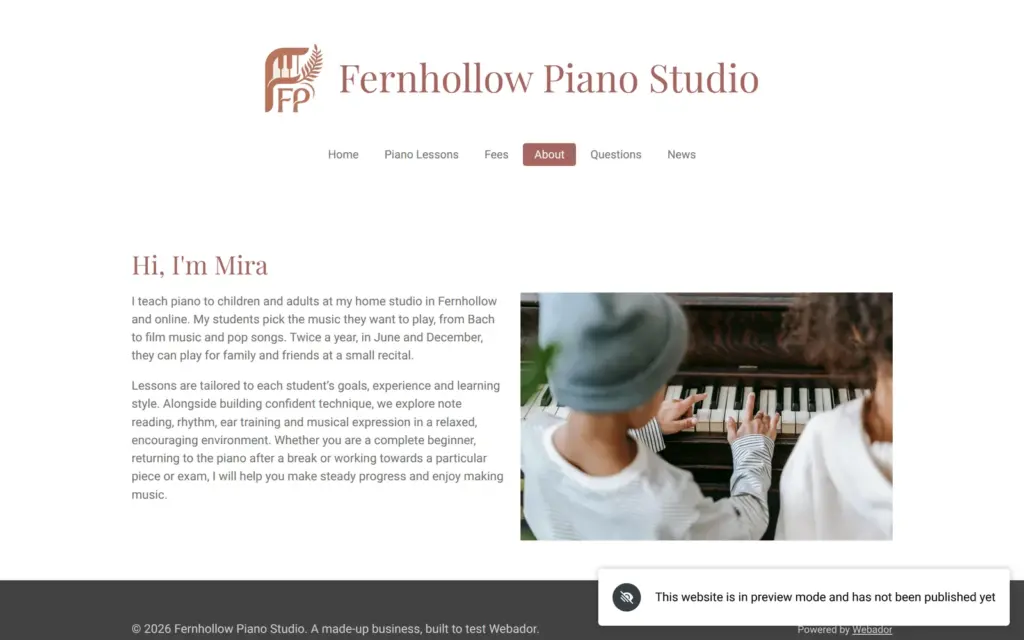
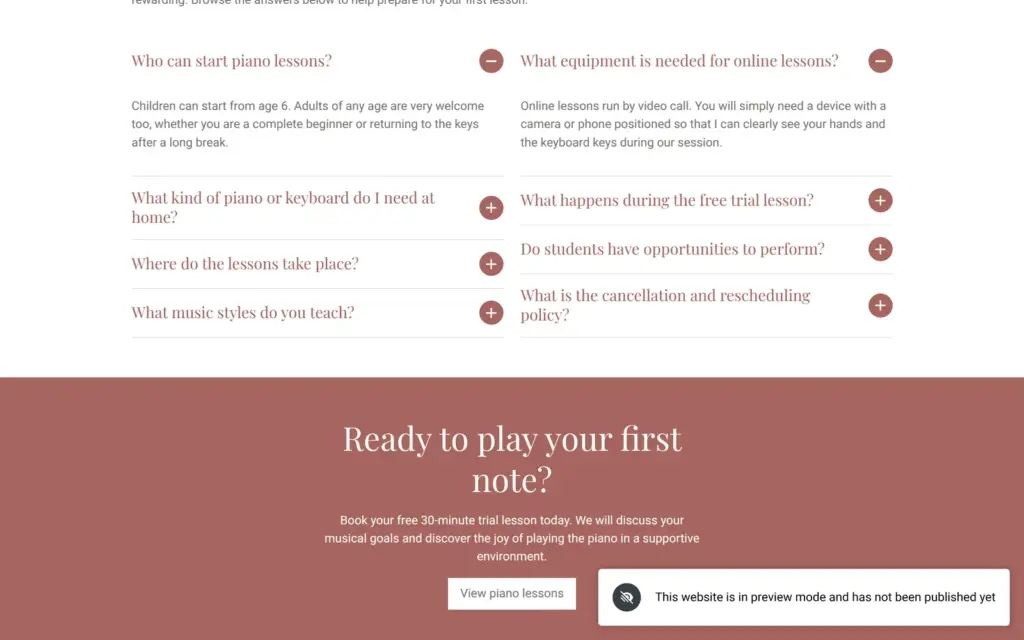
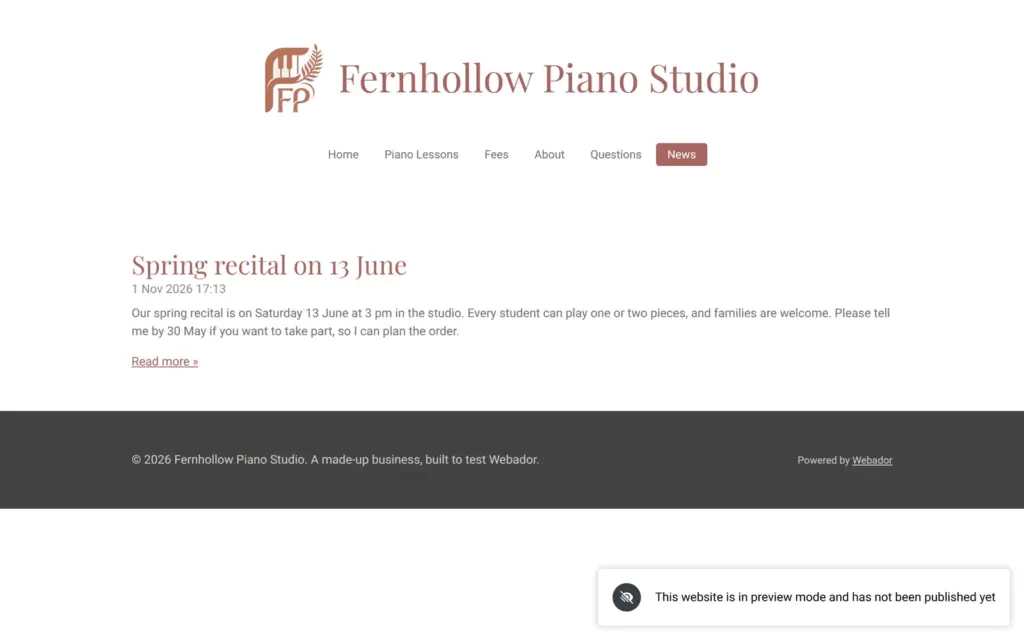
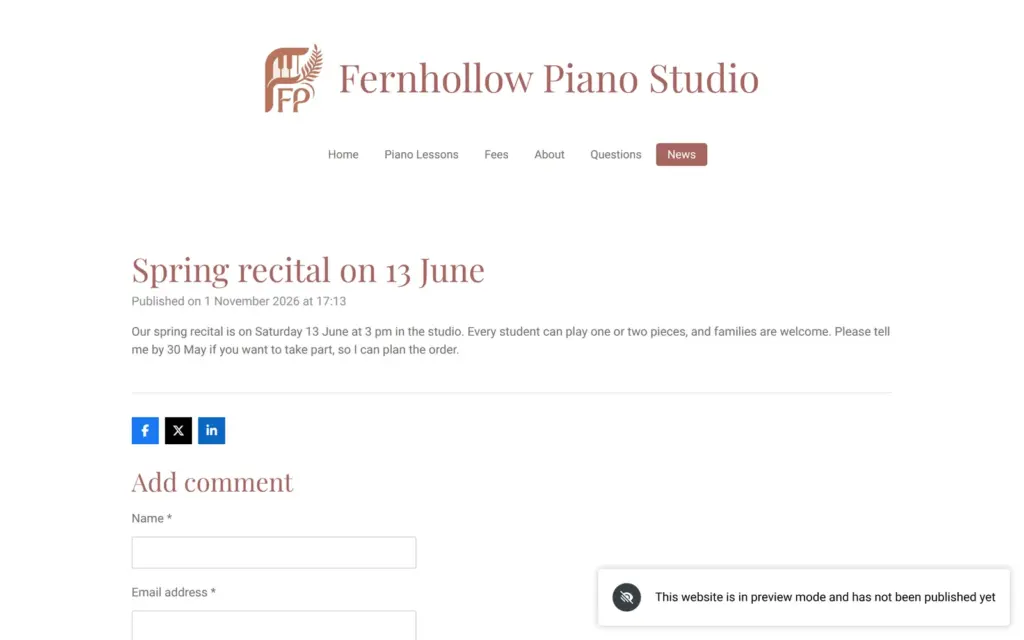


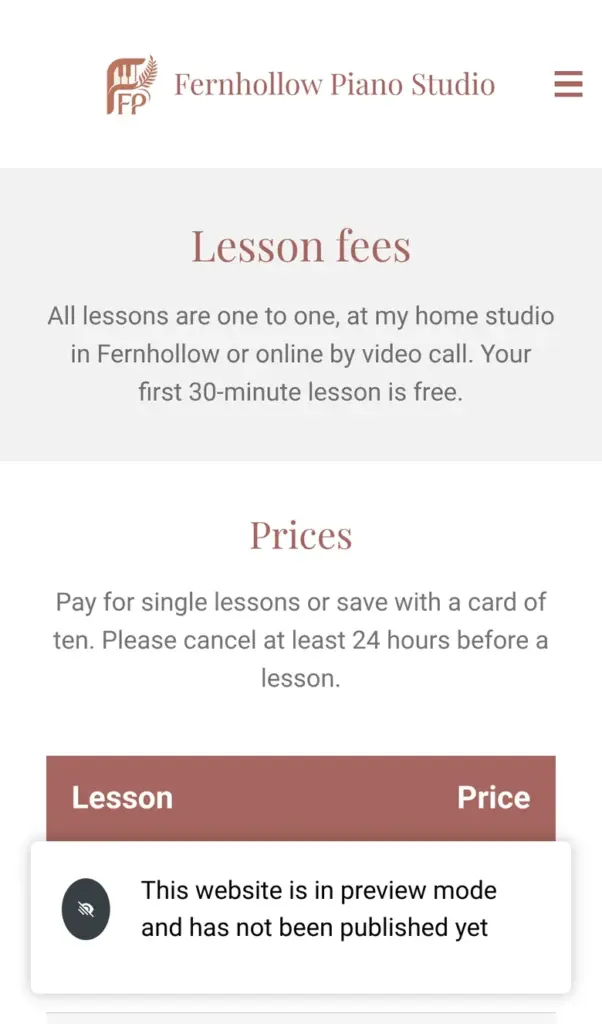
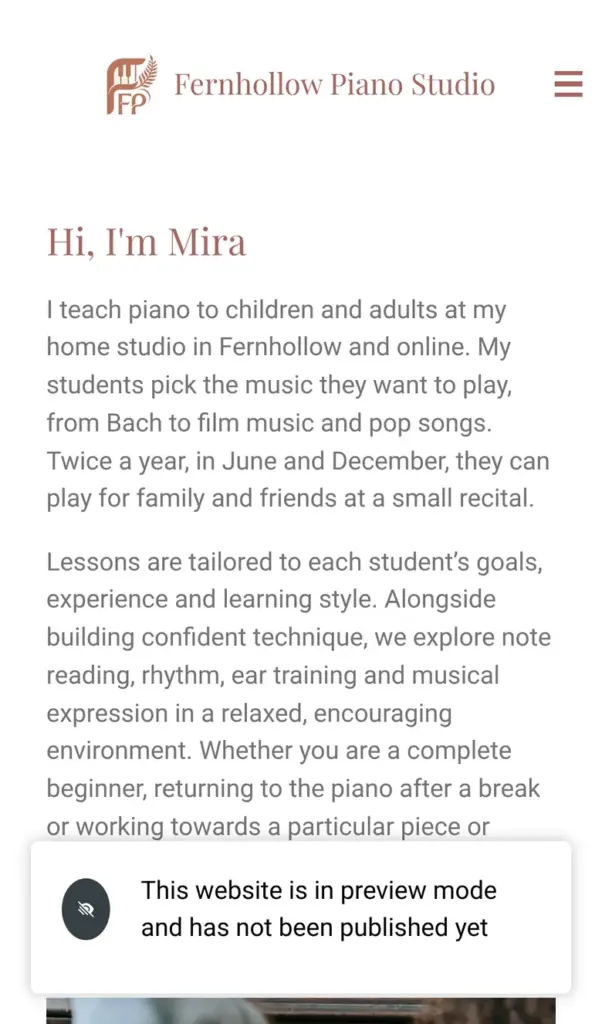
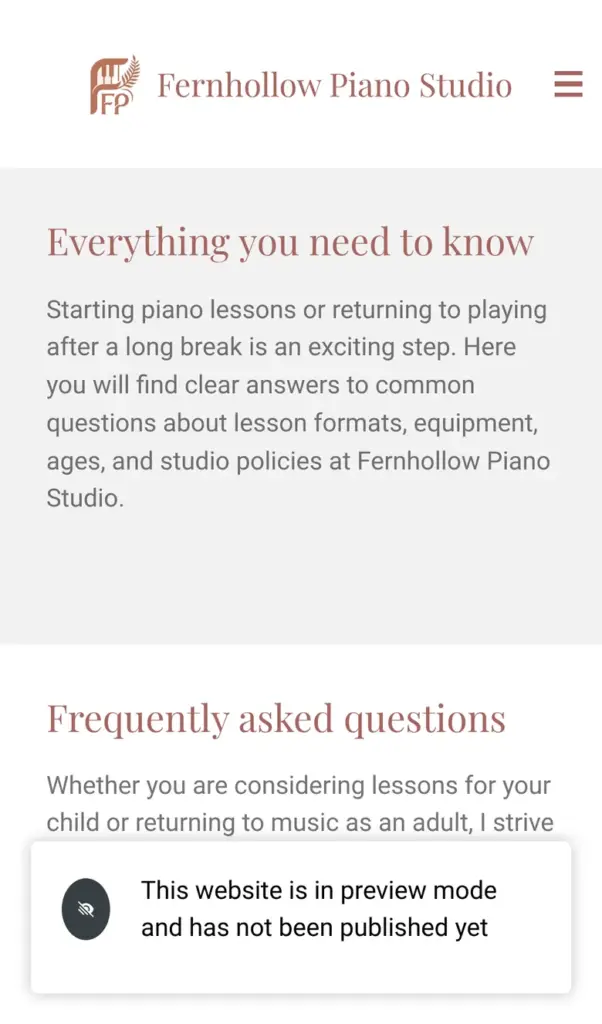
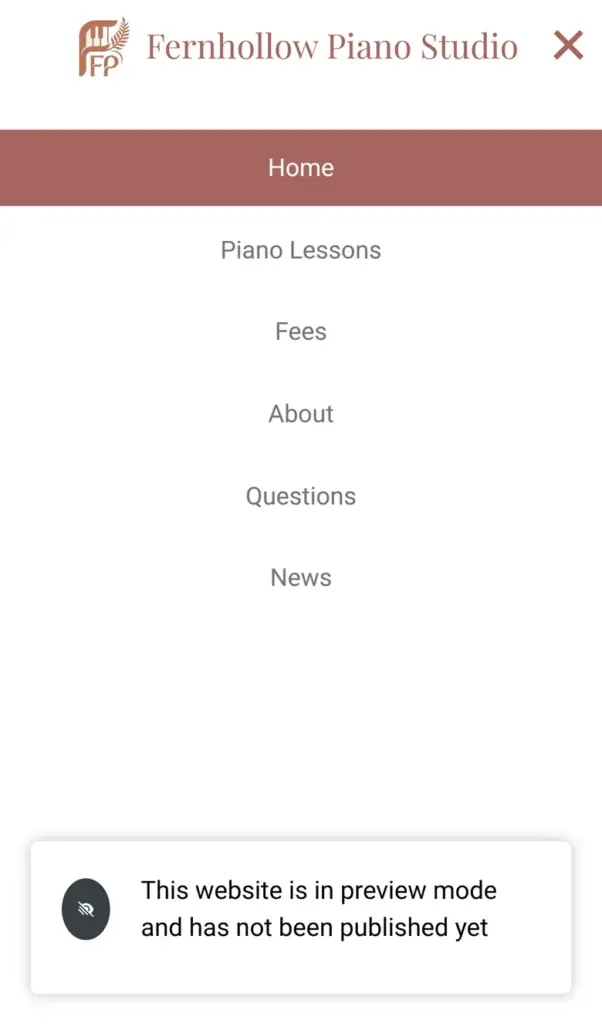
Open the piano studio site. It is a demo on Webador's free address, so please do not send personal information through its form.
Webador's home page starts with one question, what your business is about, and a button to generate the website. Before the AI starts, you create an account in three short steps. Webador asks what kind of site you want and what it should be called. The last step is an email address and a password. It asked for nothing else, and it sent a mail to confirm the address.
Then a setup assistant asks questions in a chat window:
After that comes a summary of all answers, which you can still change. Webador then offers to read up to three files, such as a price list or a brochure. I gave it a short text file with my lesson prices.
Next, the AI suggested pages for the site. The suggestions fit a piano teacher, and the fees page already mentioned the free trial lesson and the ten-lesson card from my price list. I took five of the six pages.
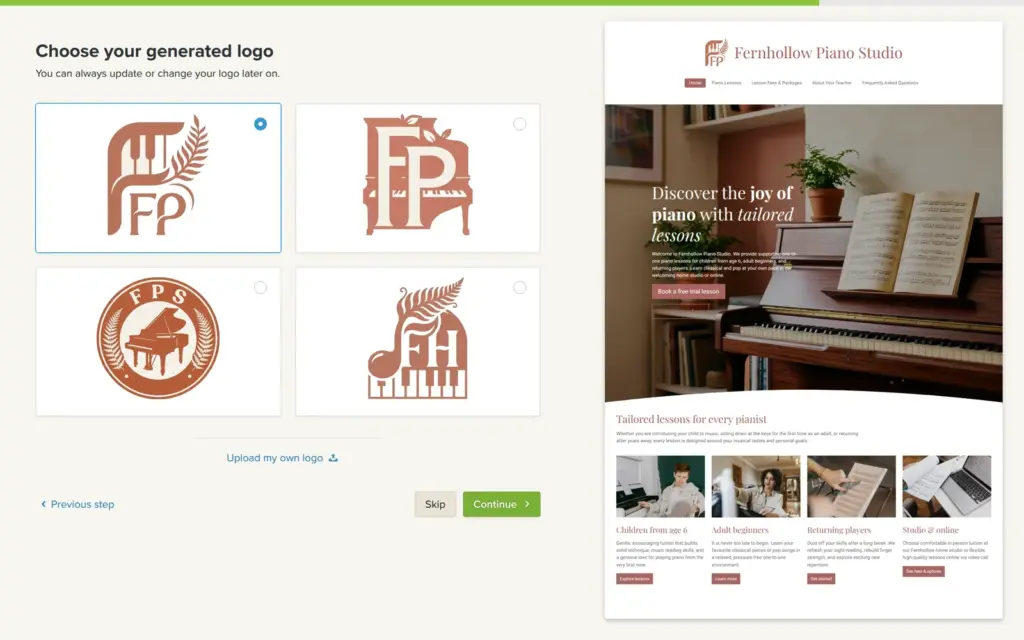
The next steps are about extra features and the look. Three of the features were already ticked, including my own domain and a mailbox. I added blog posts and picked a warm brown and a serif font. Then the AI built the home page. After that, Webador showed four logos the AI had drawn. Then it offered a domain and asked for a plan. I stayed on the free plan, and Webador showed one more sales pitch before the editor opened.
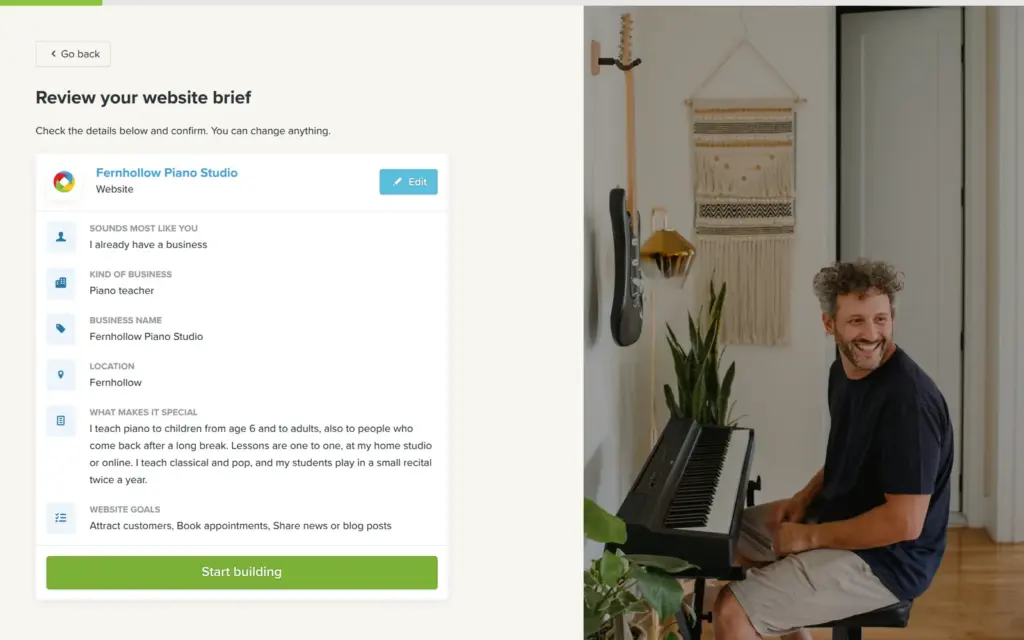
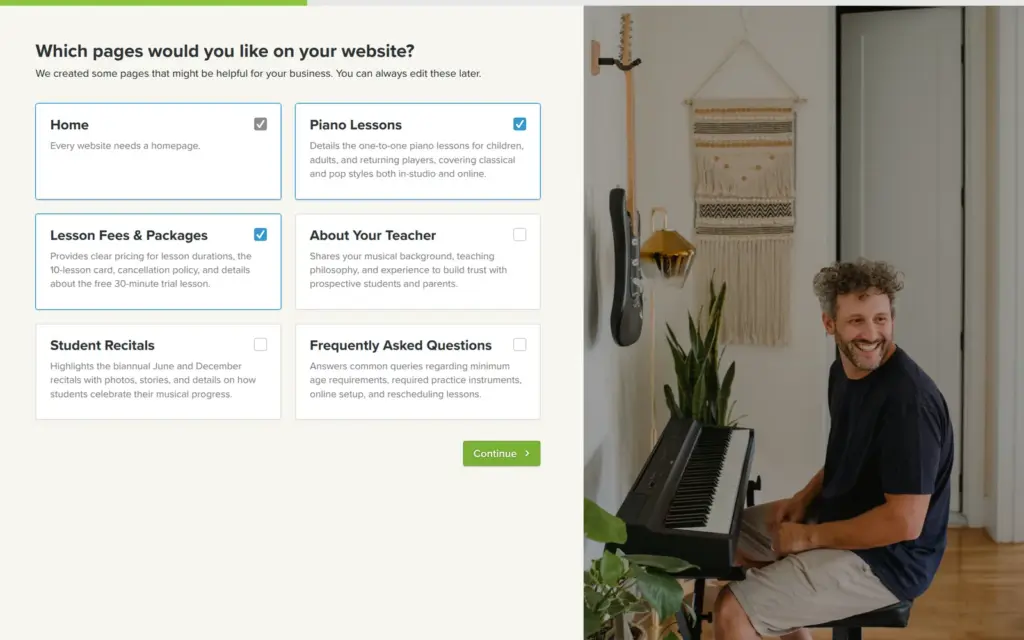
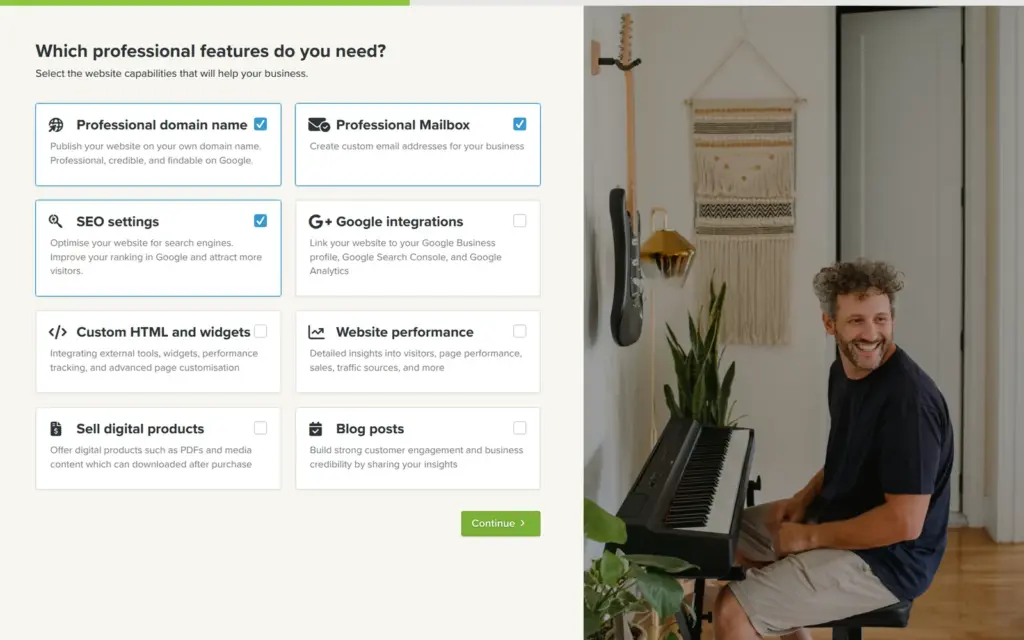
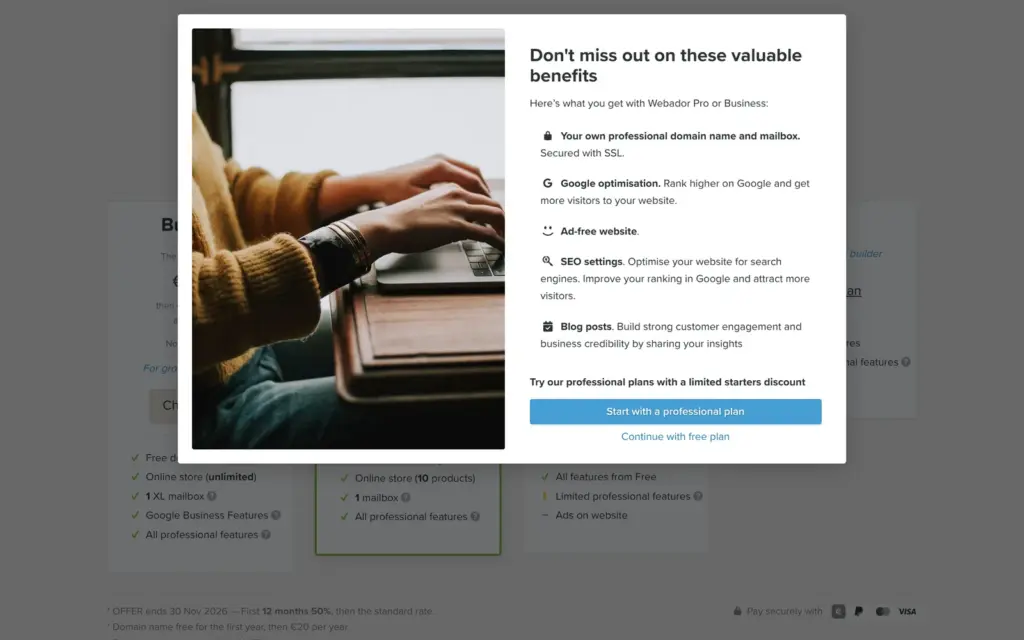
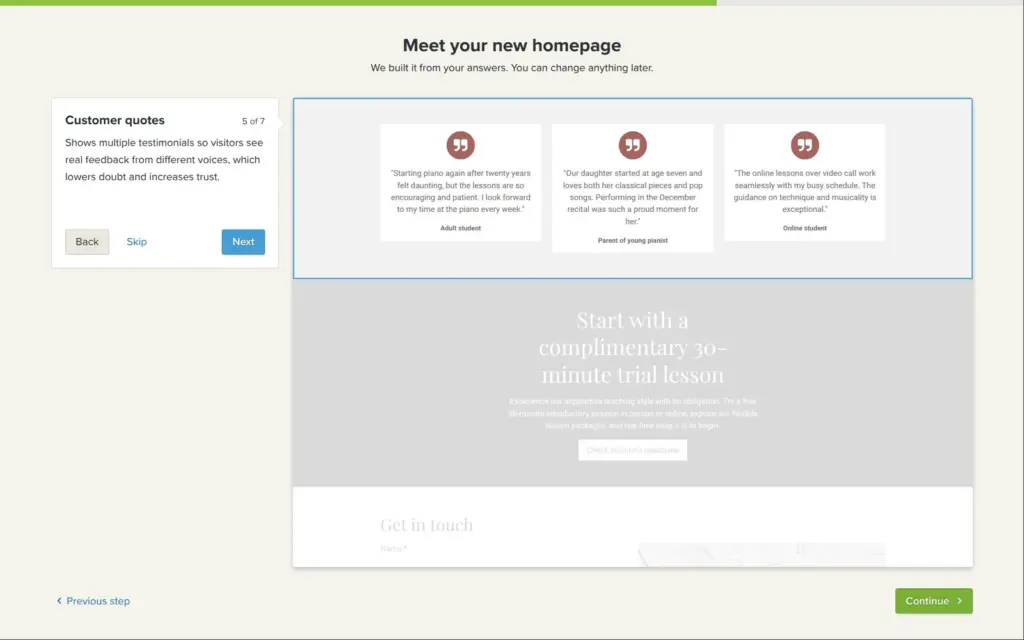
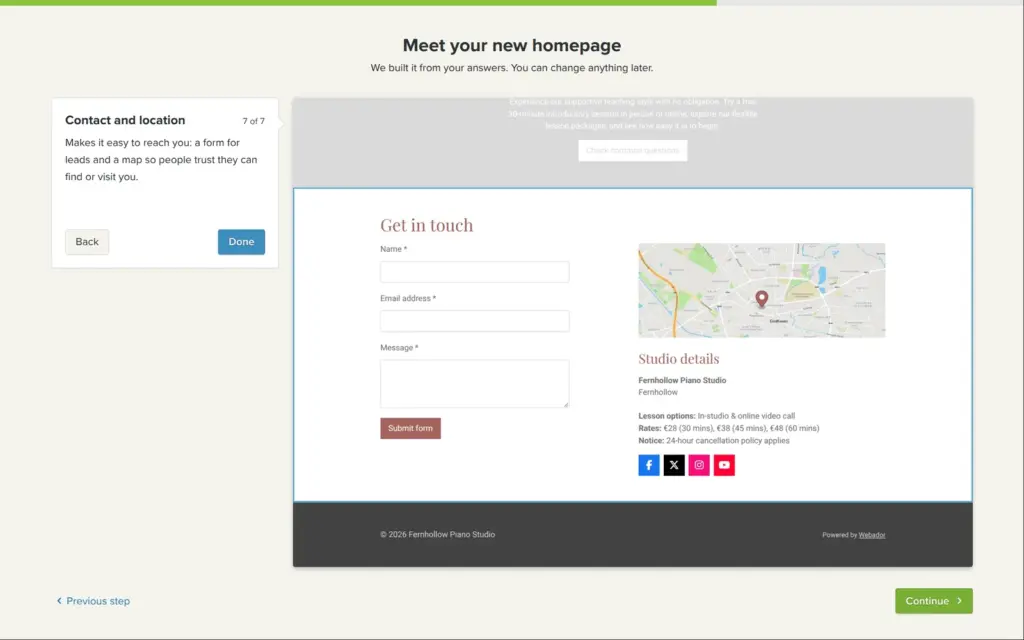
The home page took about fifteen seconds. Webador then offers a short tour of the seven sections it made. They describe the lessons and the teacher, and the page ends with a contact form.
Most of it is useful. The texts use my facts, and the prices come from my price list. The header photo was made by the AI, and the sheet music in it has a title that is gibberish.
Some parts had to go:
The AI also drew four logos. I took the one with piano keys and a fern.
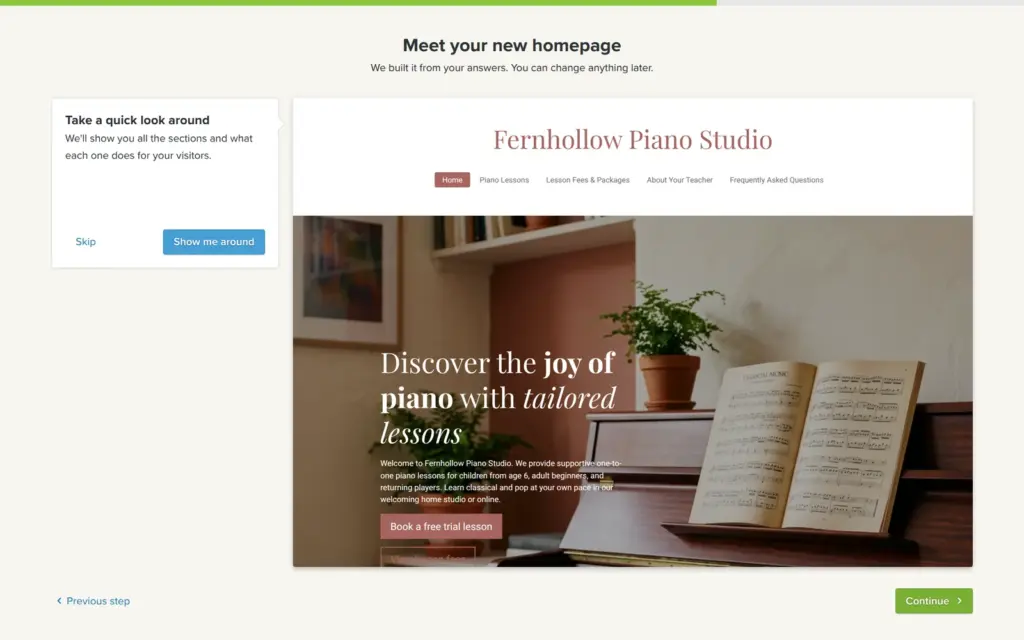
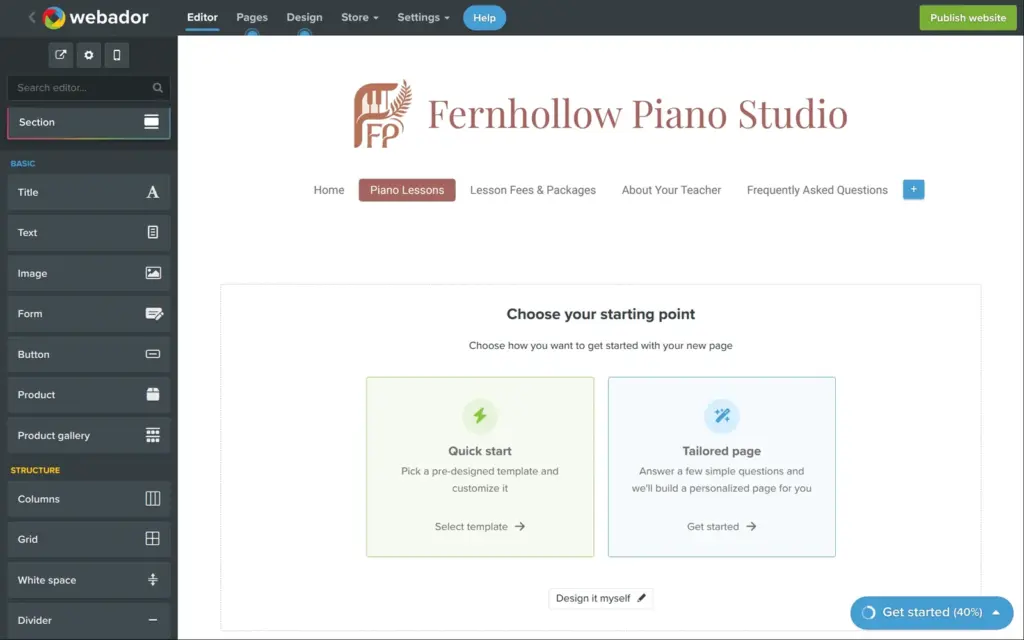
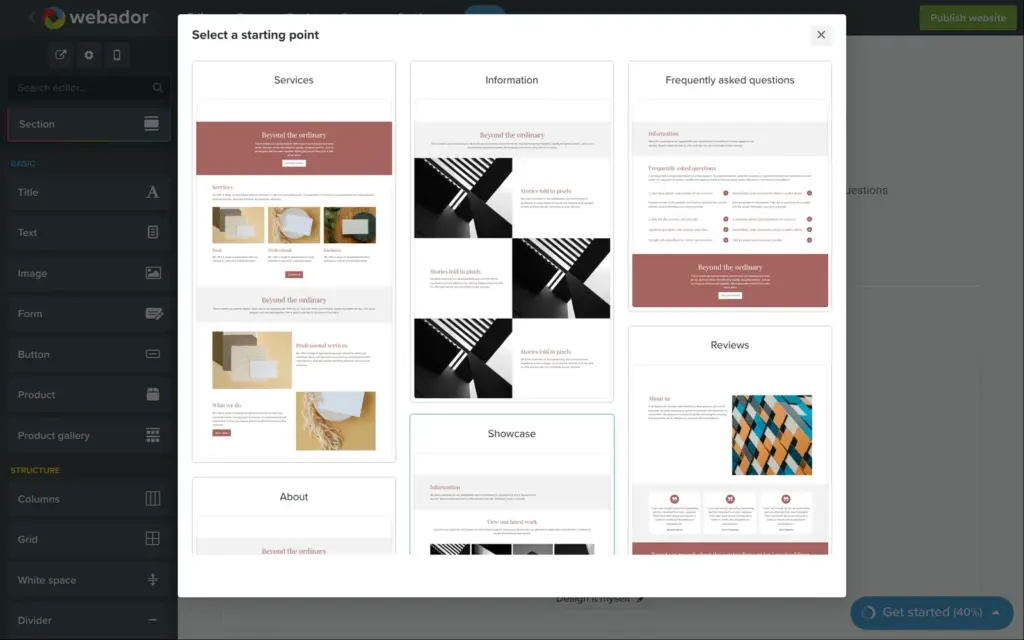
Only the home page had content. The other four pages from the setup were empty, and each one asked how I wanted to start. It offers a page template or more questions from the AI. The third option is to design the page yourself.
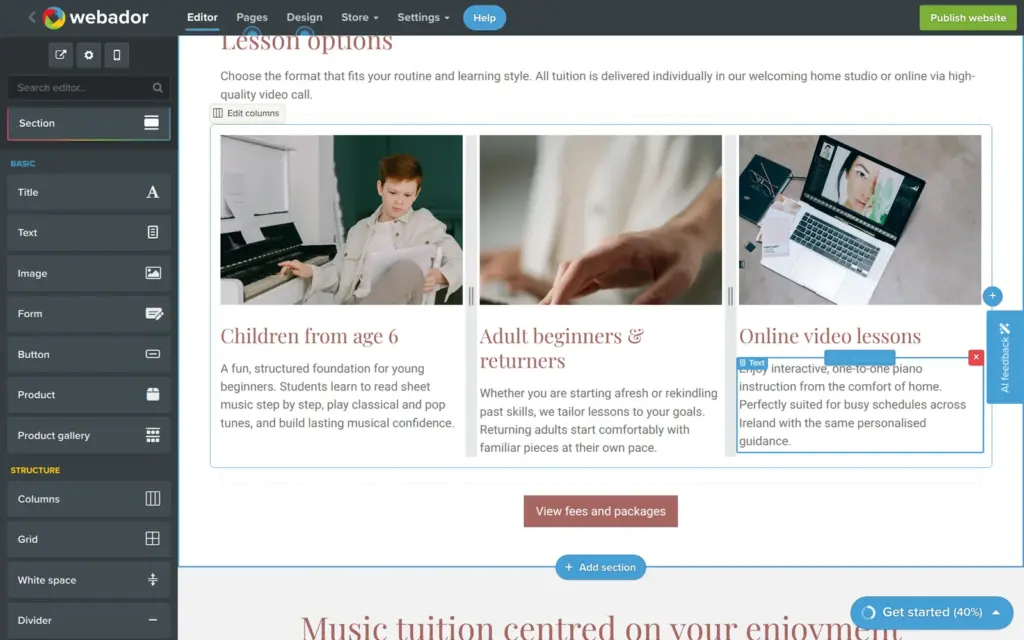
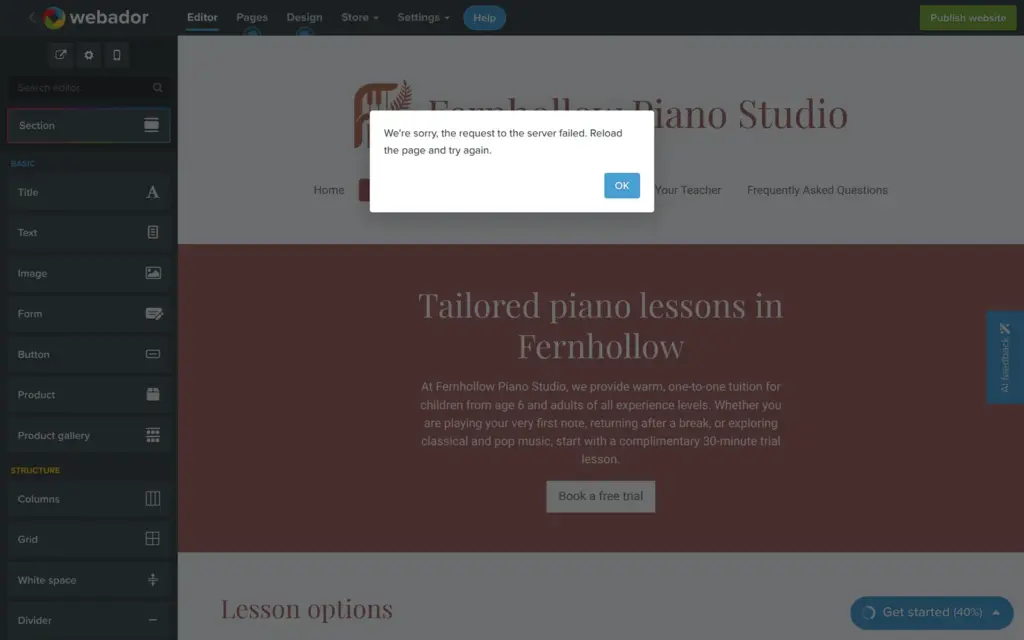
For the lessons page I let the AI ask. It asked me four more questions, for example what happens in the trial lesson. It then built a page about the lesson options and the trial lesson. This took about forty seconds, and an error said that a request to the server had failed. After a reload, the page was there. The AI had also added a sentence about "busy schedules across Ireland". I never mentioned Ireland, but I had signed up on Webador's Irish site. And the photo for online lessons shows a laptop with a photo editor.
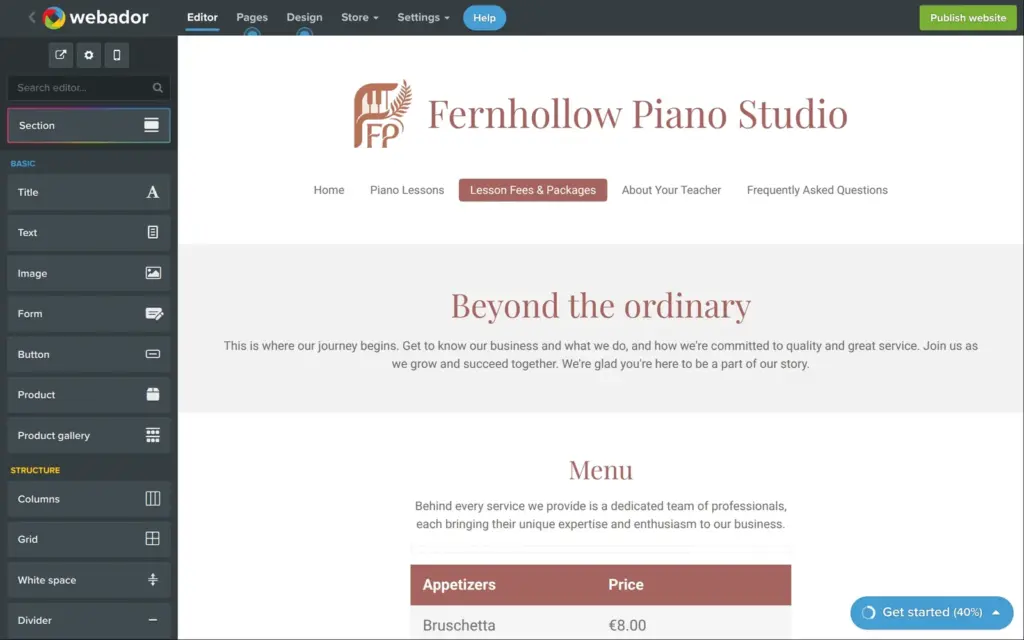
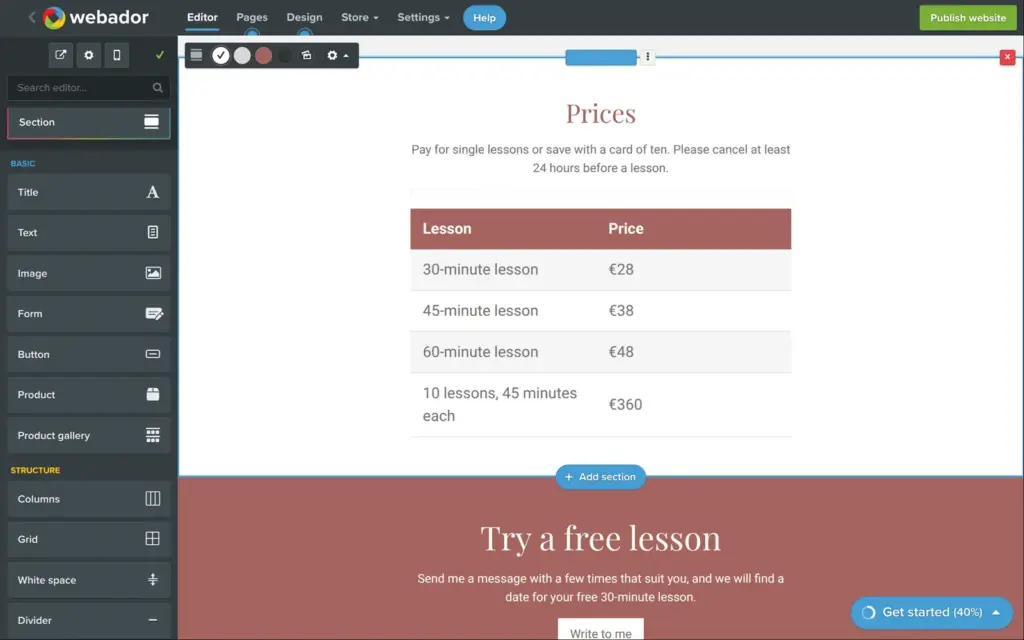
For the fees page I tried a page template. There are eight of them, for common pages like prices or reviews, all with sample text. The price template is a restaurant menu. I typed my lesson prices into its table and deleted the rest of the menu. Then I rewrote the box at the end.
Later I let the AI ask its questions once more, for the questions page. It turned my answers into eight questions with short answers and invented nothing this time.
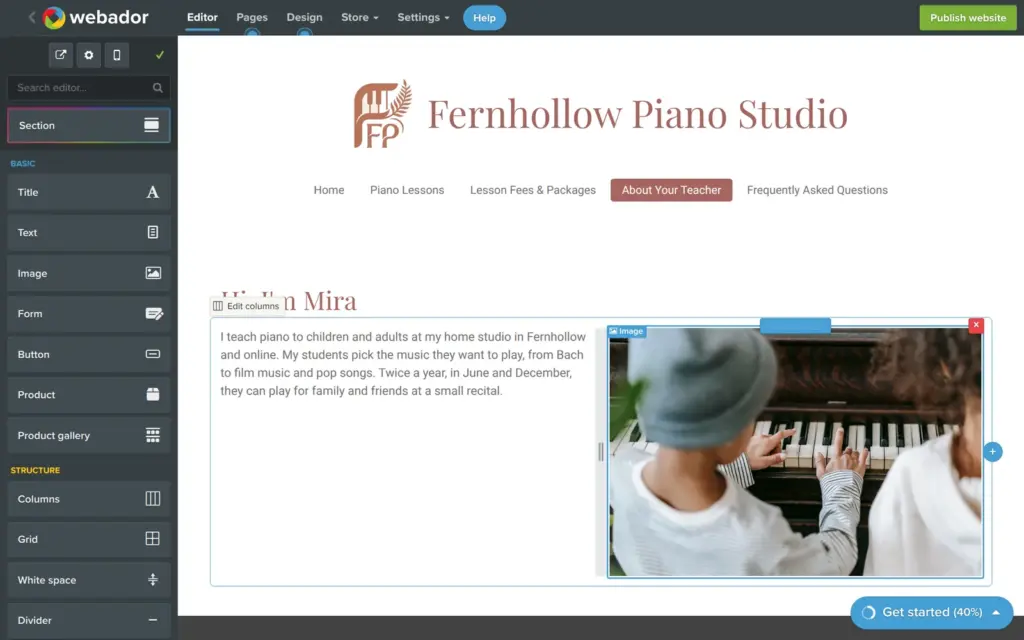
For the about page I chose to design it myself. You drag elements such as a title or an image from the left side onto the page. I started with a title and a text, then added an image.
The image element opens a stock photo library from Pexels with free photos. It already suggested searches for my business, like "Piano lessons at home". Each image has a field for alt text, the description that screen readers use. I made the photo smaller with its corner handle and dragged it next to the text. Webador turned that into two columns.
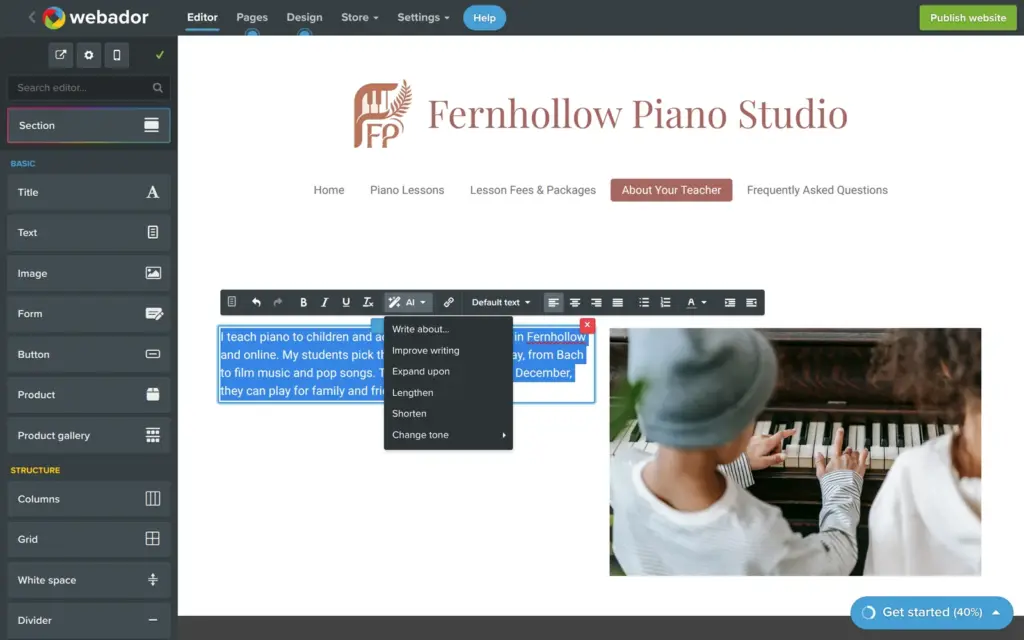
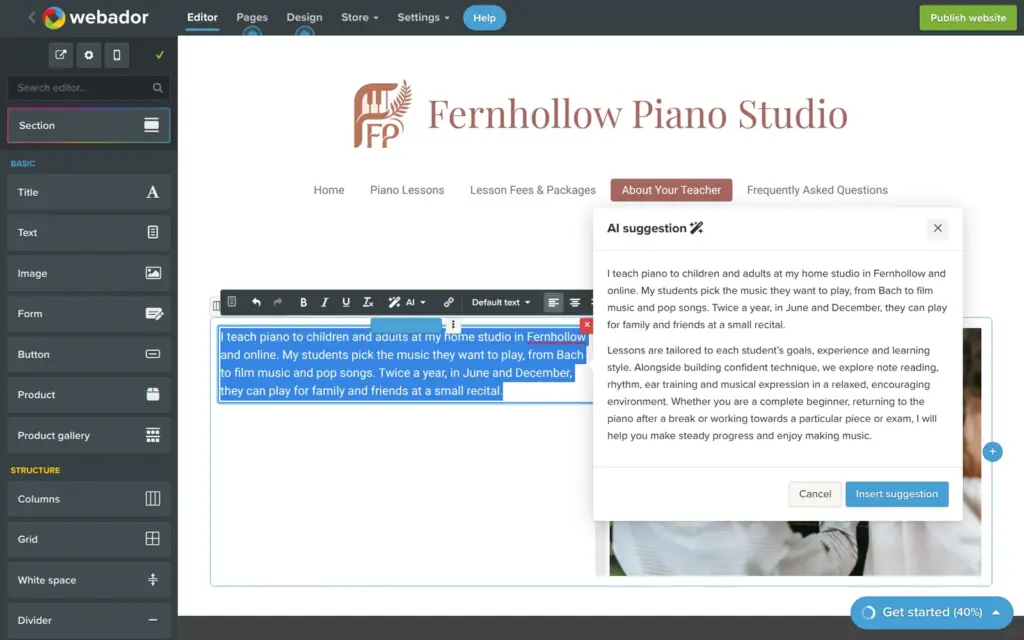
The text toolbar has an AI button. It can write new text or rework mine, for example make it longer or change the tone. I tried "Expand upon" on my paragraph. It showed the result in a preview first. My text stayed as it was, and it added a paragraph about how lessons work, which mixed "we" with my "I". The text was usable, but I would read every word before I use it.
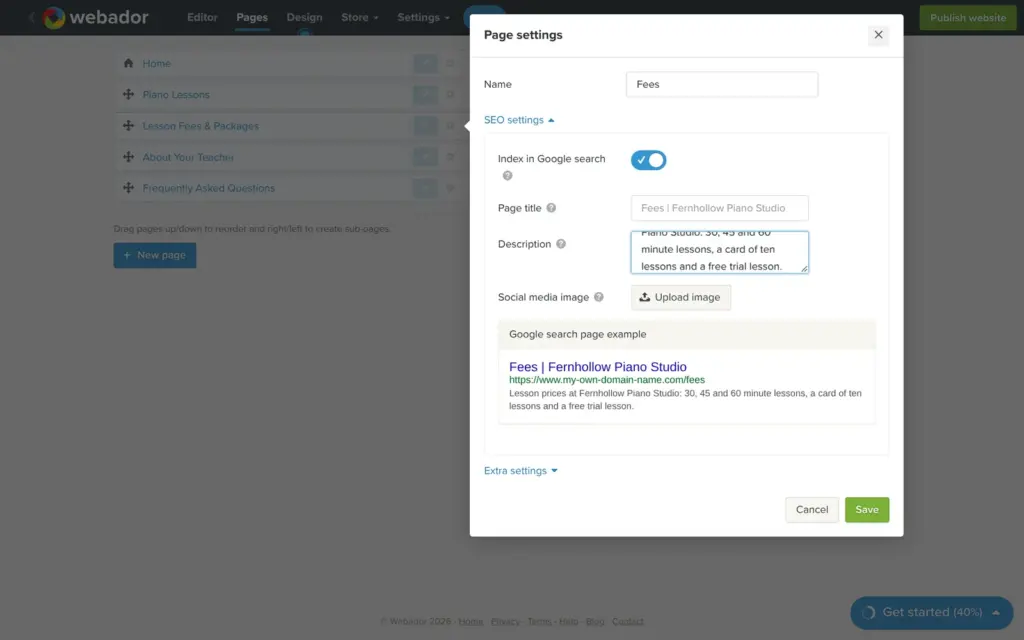
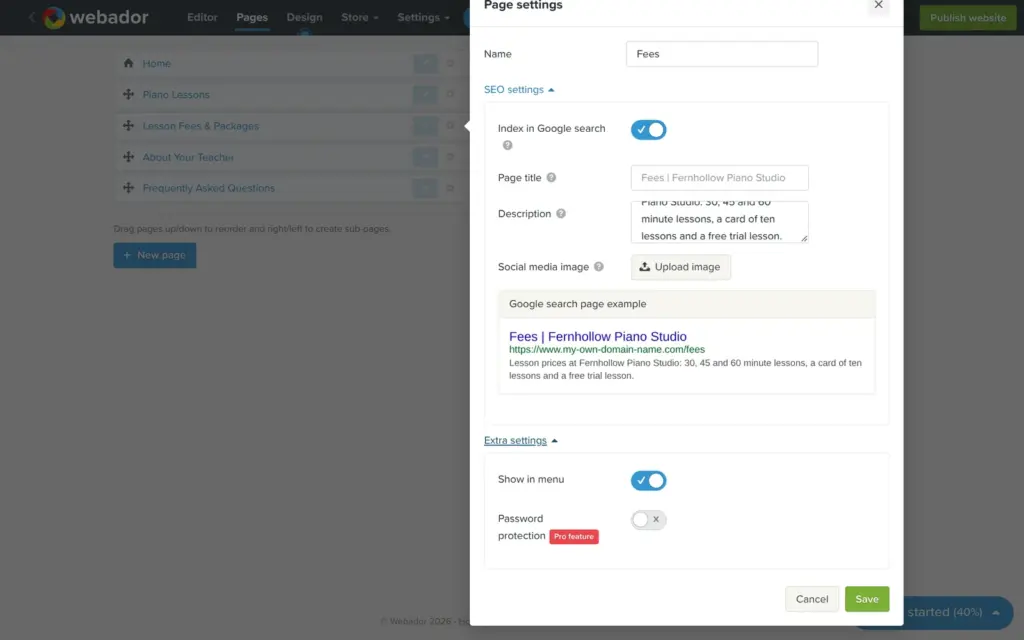
The AI had given the pages long names like "Lesson Fees & Packages", and the menu showed them all. Pages are managed in their own tab. The gear next to a page opens its settings, where I gave the pages short names like Fees and About. When I renamed a page, its web address also changed, and the old address forwarded visitors to the new one.
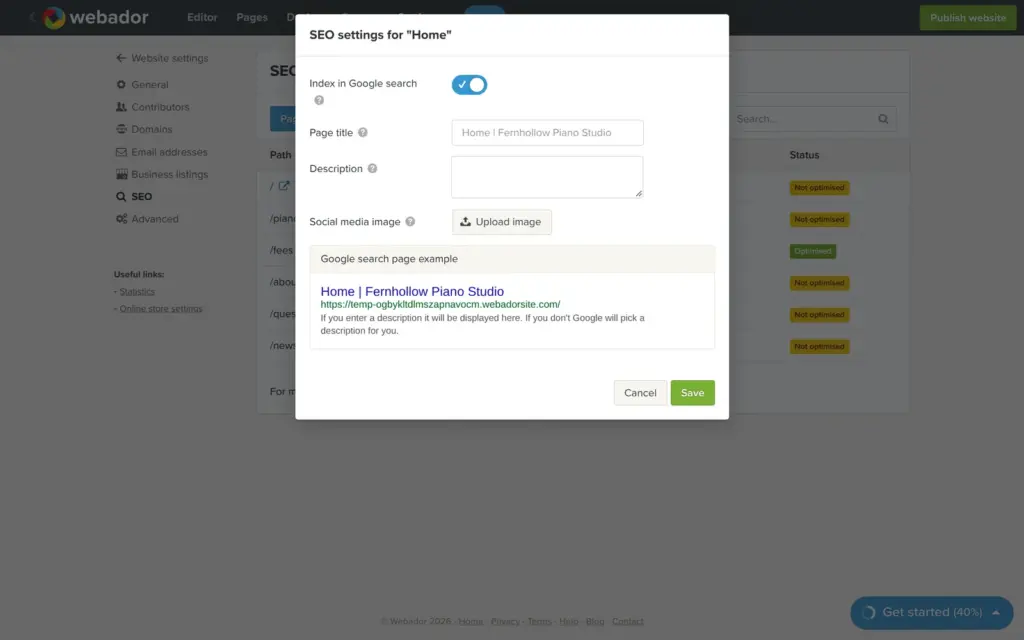
The same window has the search settings of the page. You can write a page title and a description for Google. You can also add an image for social media or hide the page from search engines. All of this is on the free plan, although the setup had listed search settings as a paid feature. Password protection for a page needs Pro.
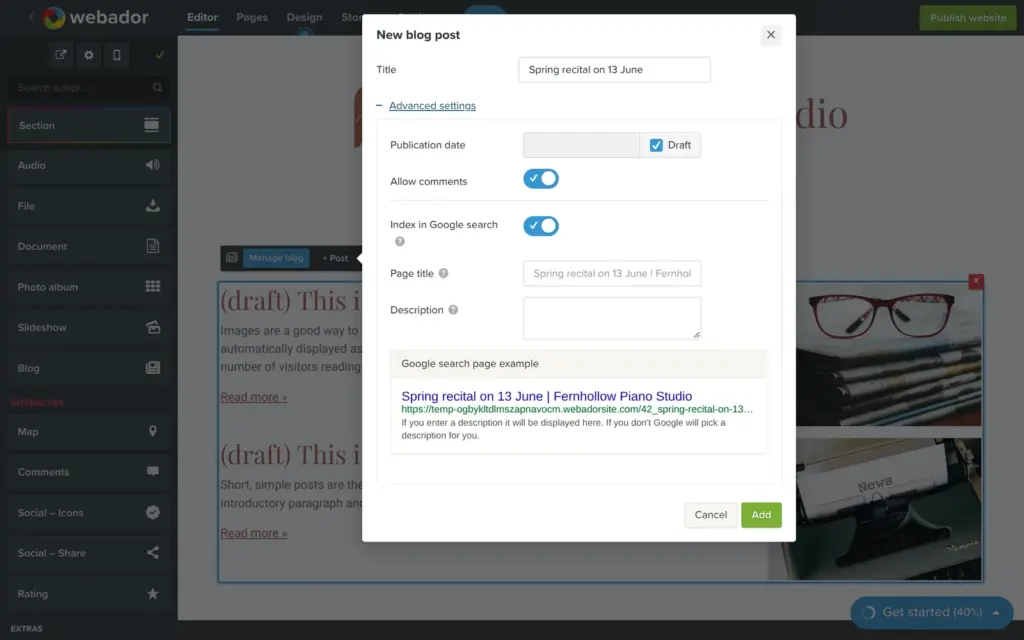
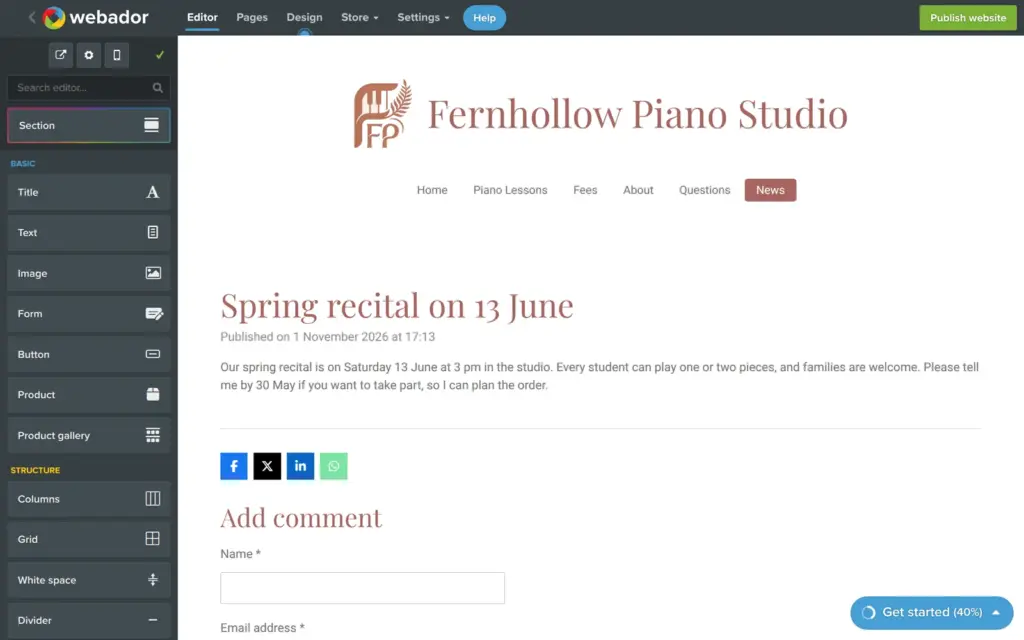
For news I added a page and dragged the blog element onto it. It came with two sample posts that only I could see. A new post also starts hidden, so I unticked that box before saving. Comments are switched on, and each post has its own search settings. The post itself is built from the same elements as a page. Below each post, visitors see share buttons and a comment form.
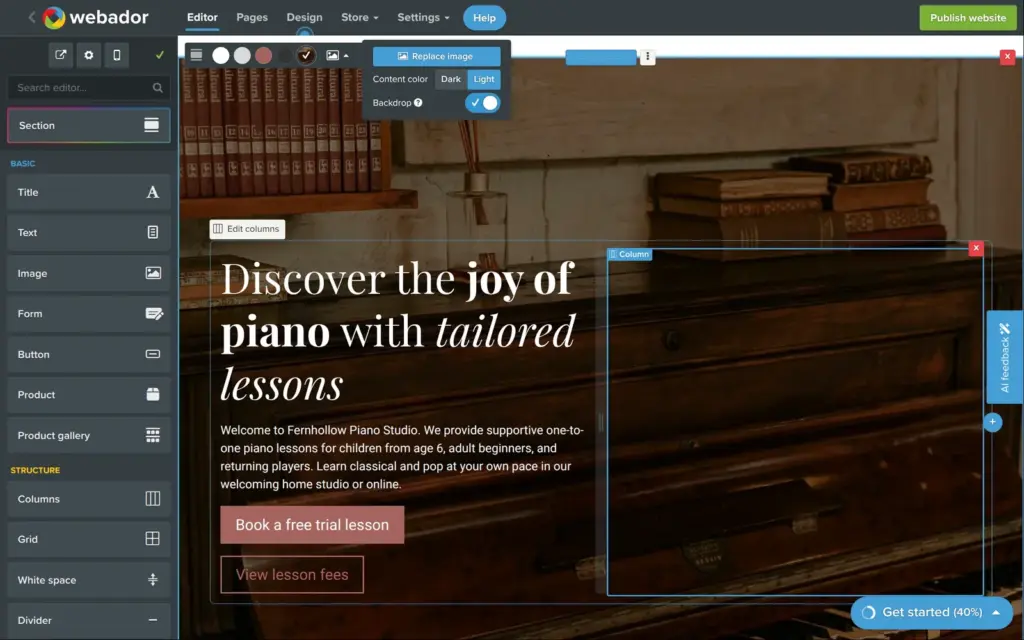
Back on the home page, I replaced the AI's header photo with a photo of an old upright piano from the stock library. Then I deleted the section with the three made-up quotes. A new studio has no real reviews yet, and invented ones should not go online.
I also removed the map and the social icons. A teacher who works from home does not want a map anyway, and a link to the start page of Facebook helps nobody.
Each of these took a few clicks. The hard part is noticing them, because the AI's version looks finished at first sight.
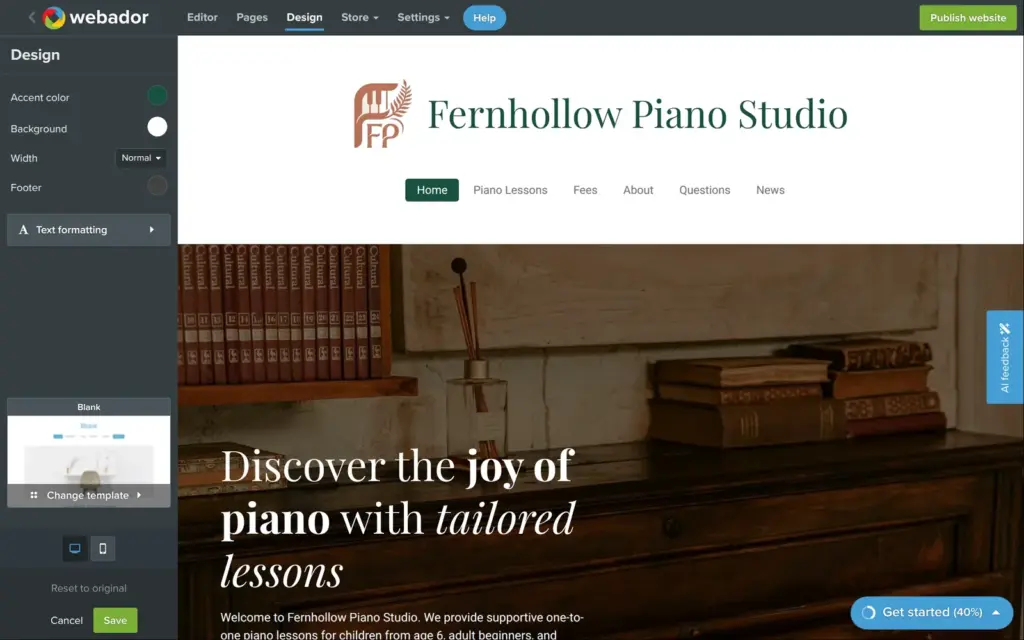
The design tab holds the colors and the template, plus a few layout settings. When I picked a dark green accent color, the titles and the menu changed at once. The AI logo stayed brown, because it is an image. Nothing changes until you click Save, so Cancel brings back the old colors.
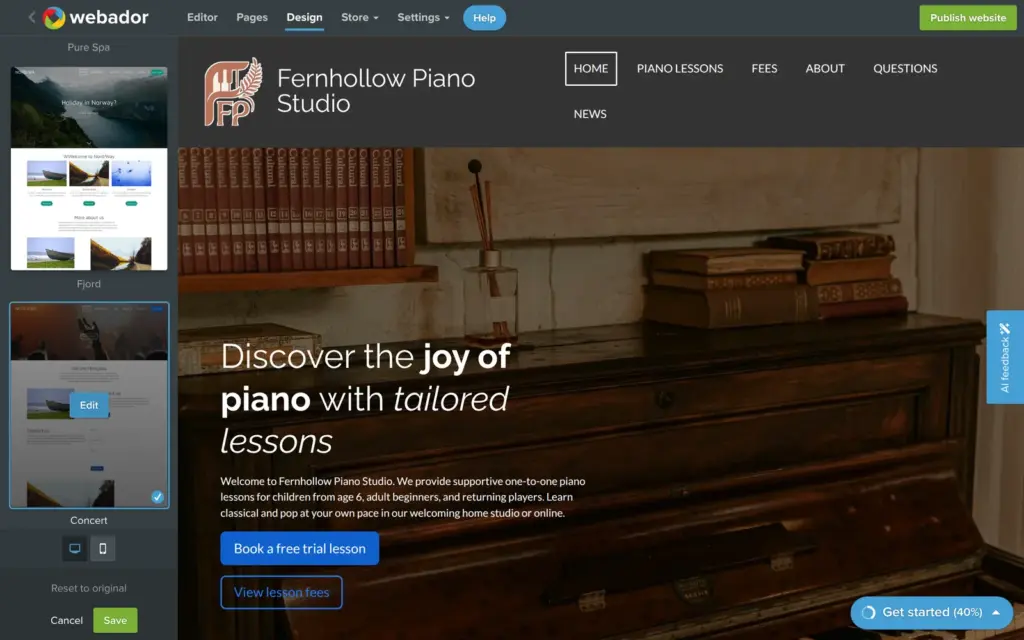
Webador has 54 templates, and a new template changes only the look. I tried "Concert". My text stayed, but the colors and fonts from the setup were gone. The menu also no longer fit on one line. I went back to the first design.
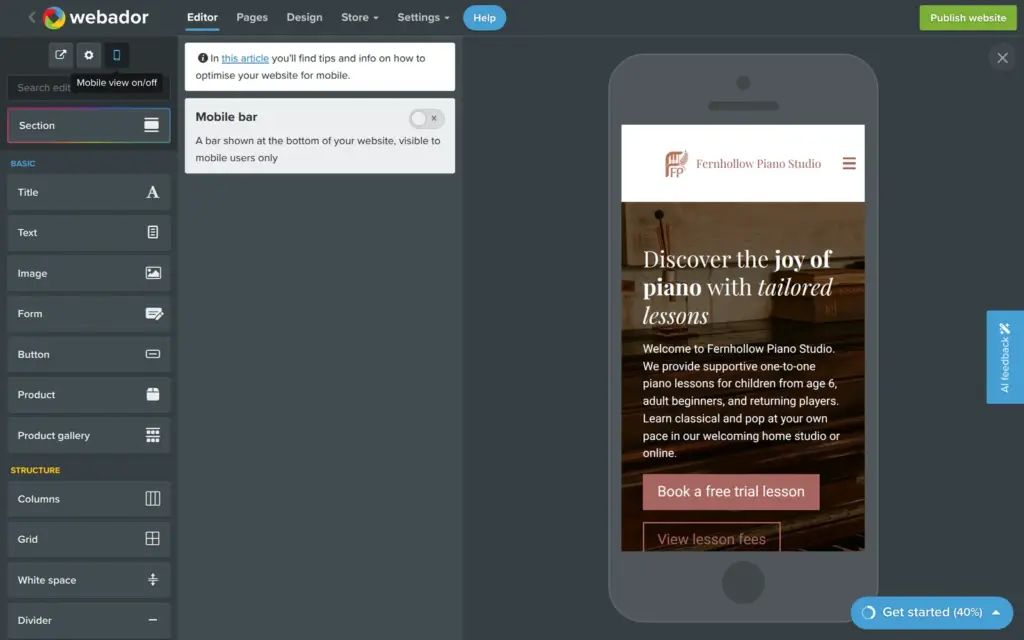
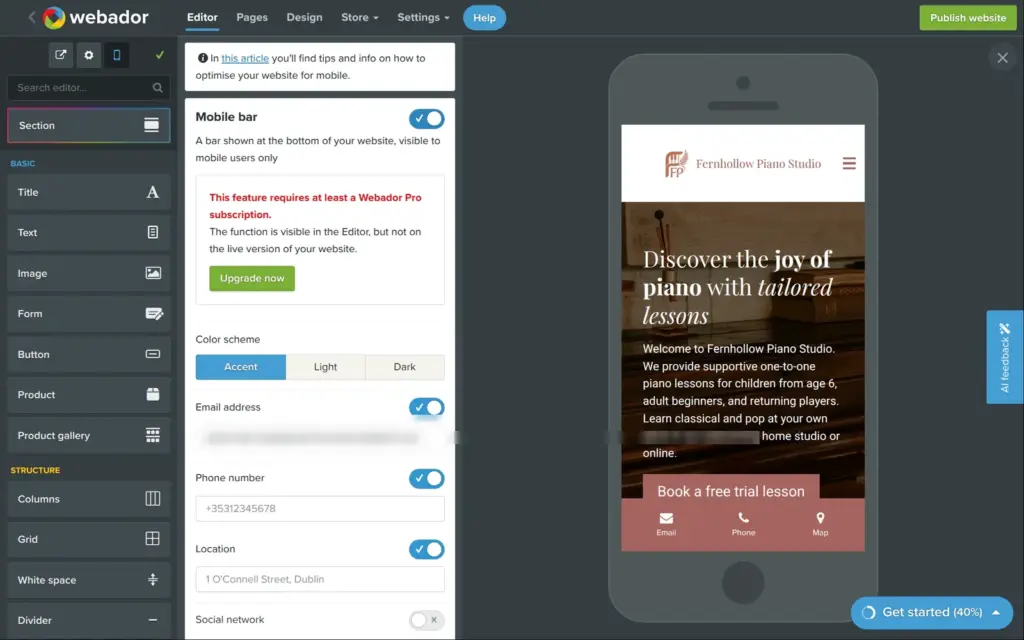
The phone button shows the page at phone width inside the editor. Sections stack under each other on their own, and I did not have to fix anything. I found no setting to change the phone layout on its own. The mobile bar adds contact buttons at the bottom of a phone screen, and it is a Pro feature. It filled in the email address of my account and a made-up phone number and address in Dublin. On the free site it does not show.
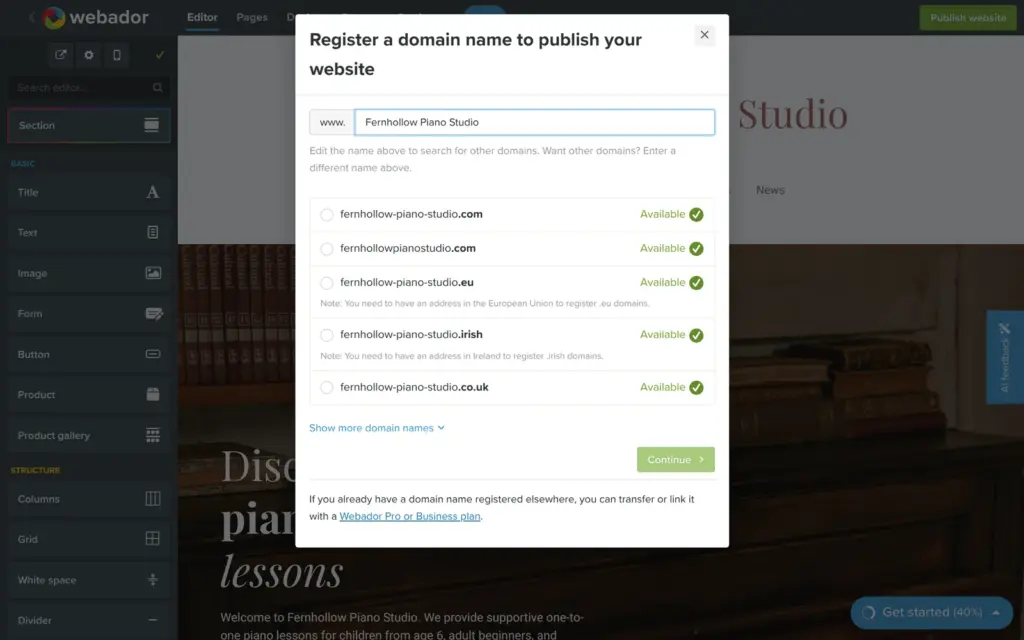
The green Publish website button opens a window that asks for a domain. A domain needs a paid plan, and the window has no free option. Webador's help center says that free websites are published automatically on a private address and that you can't choose a free address.
My free site lives at temp-ogbykltdlmszapnavocm.webadorsite.com. Anyone with the link can open it, but every visitor sees a notice that the website is in preview mode and not published yet. Every page also carries a tag that tells search engines not to list it. The footer has a "Powered by Webador" link. On the paid plans, Lite still shows a Webador ad, and Pro and Business remove it.
You can build the whole site on the free plan and show it to a friend, but you can't run a business website on it.

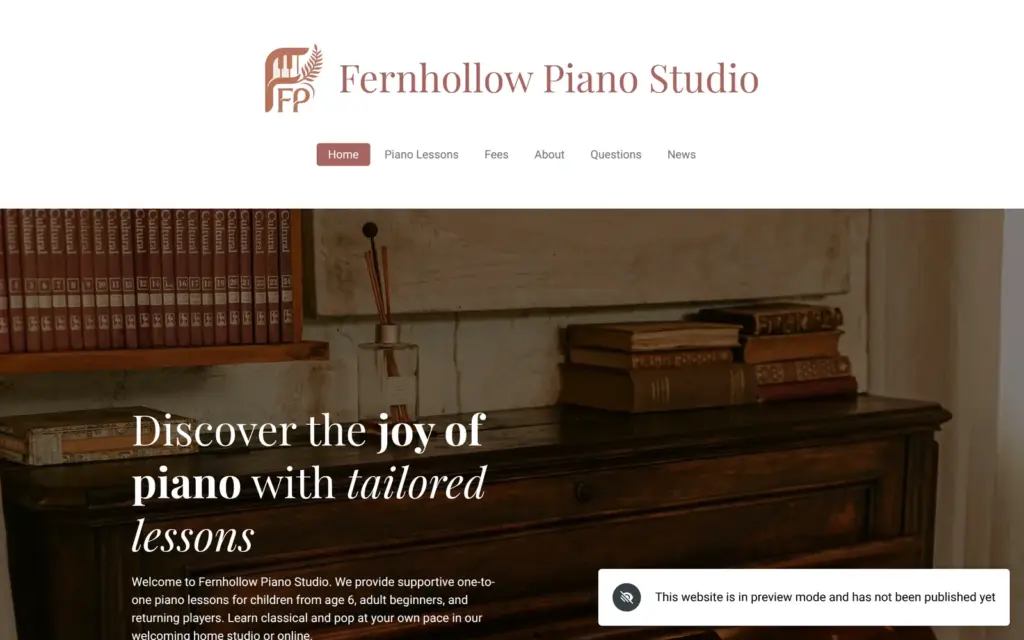
I opened the site in a browser where I was not logged in. The pages and the menu worked, and the news page showed only my real post. On a phone, the menu opens as a full list of the pages.
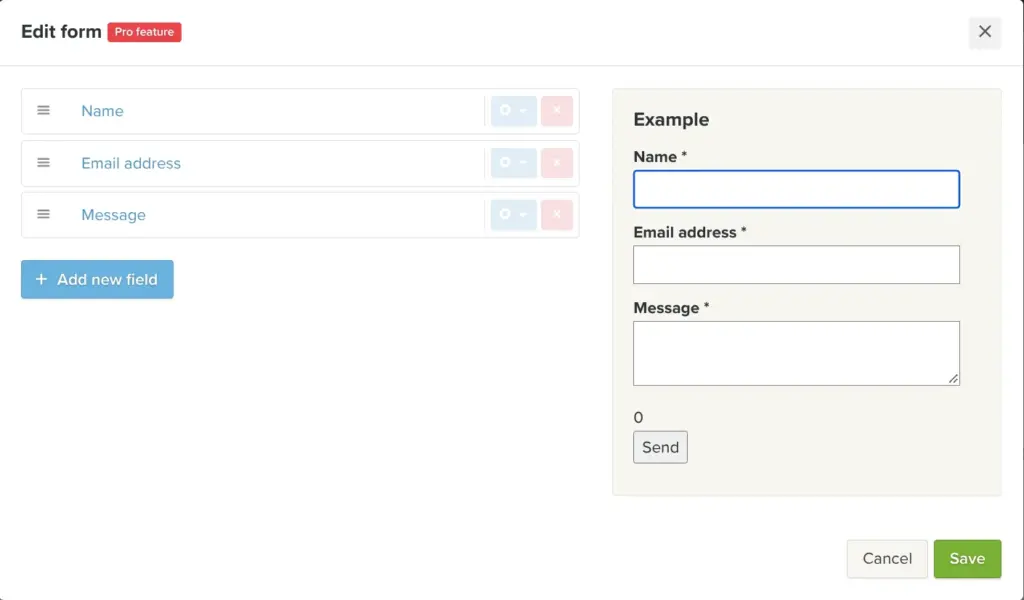
The AI's contact form has the usual three fields. On the free plan you can't add more, because custom forms are a Pro feature. Messages go to the email address of the Webador account, and the form settings can send the visitor a copy. According to the help center, you can also read all messages in the editor.
Each page has its own title and description, and Webador makes a sitemap with all pages and the news post. A settings page lists all pages as "Not optimised" until you add a description. On the free plan this has no effect, because of the tag on every page that tells search engines to stay away.
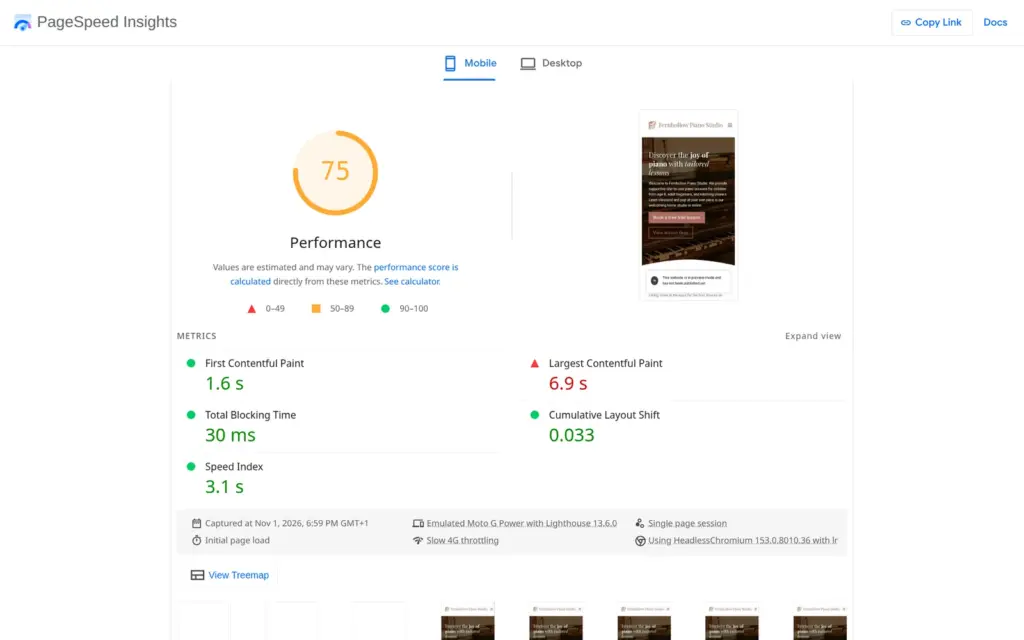
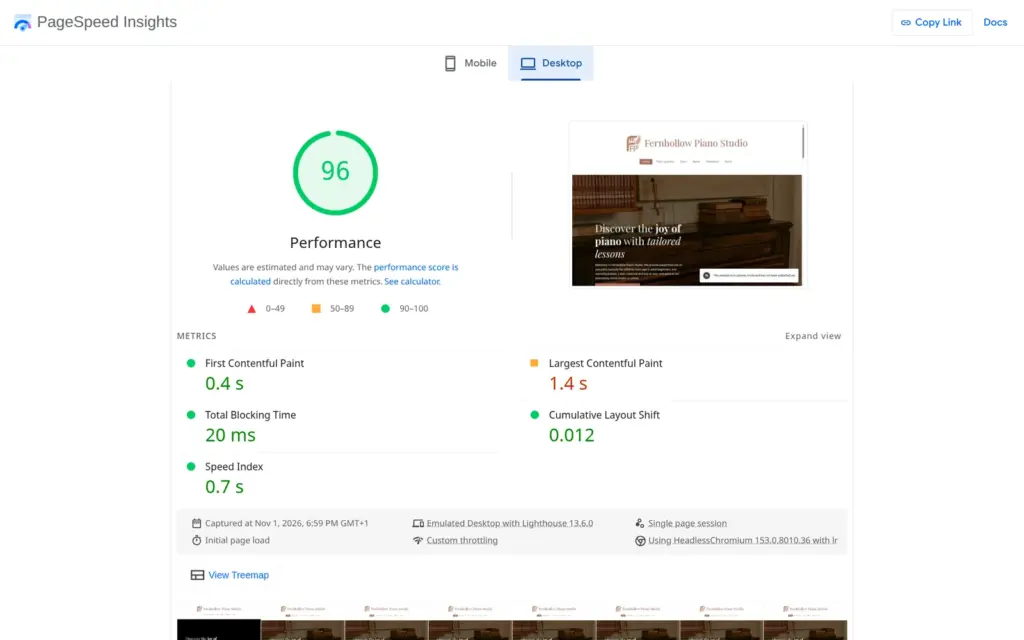
I ran the free site's home page through Google's PageSpeed Insights once. On a simulated phone, it scored 75 out of 100, and the largest image took 6.9 seconds to appear. On desktop, it scored 96, and the largest image appeared after 1.4 seconds. The report said the images could be about 490 KB smaller. Accessibility and best practices scored 100 on both. The search score of 54 comes mainly from that tag.
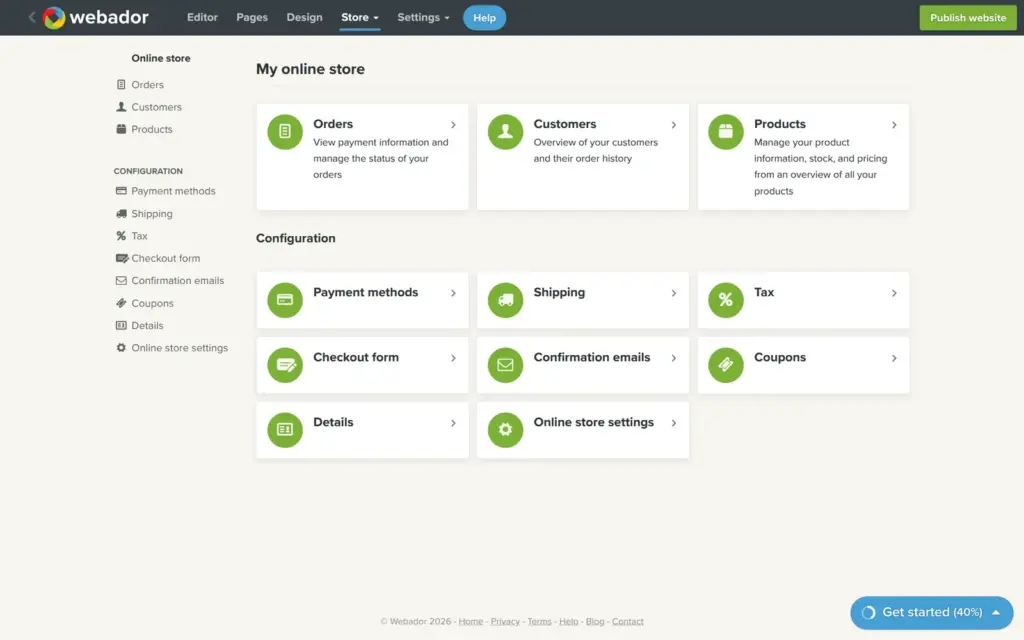
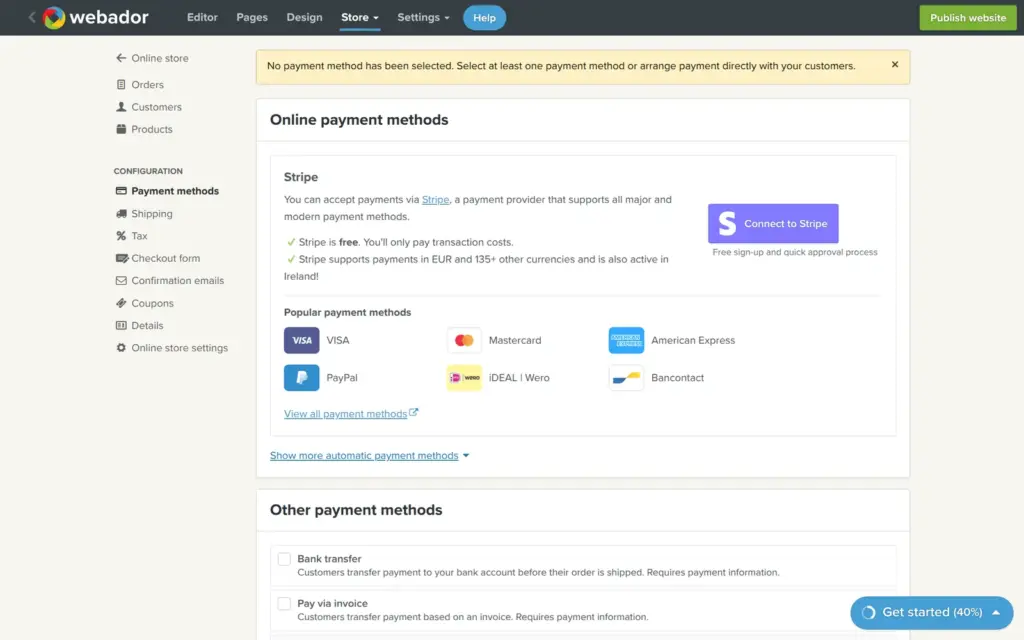
A piano teacher could sell lesson cards online, so I tried Webador's store. The Store tab holds a complete back office for a small shop, even on the free plan. Products can have variants and stock. Card payments and PayPal run through Stripe, and customers can also pay by bank transfer or on pick-up. Shipping costs can depend on the country and the weight. There are also settings for coupons and for tax.
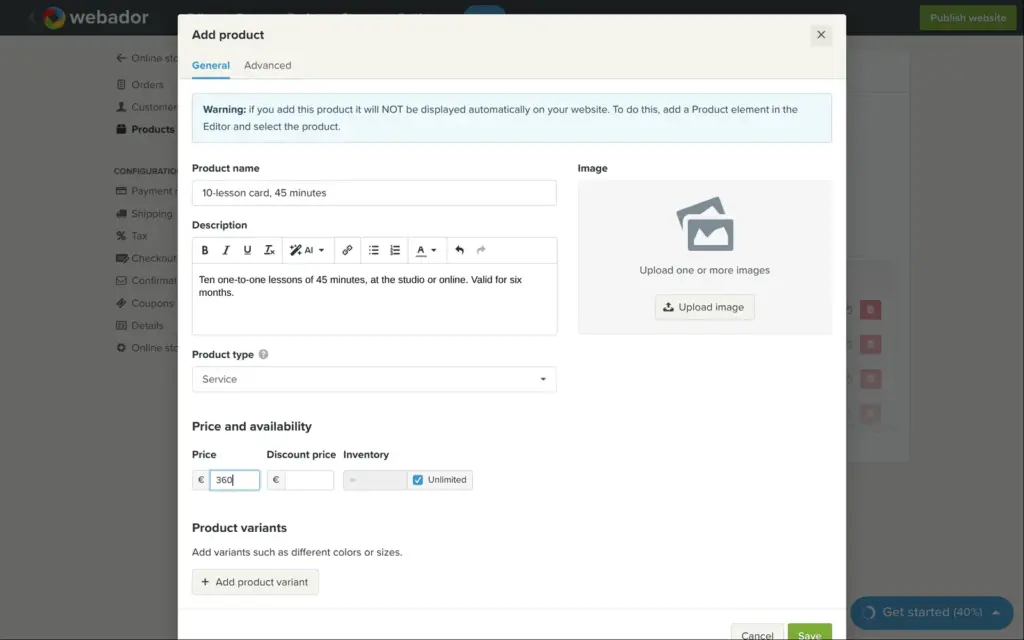
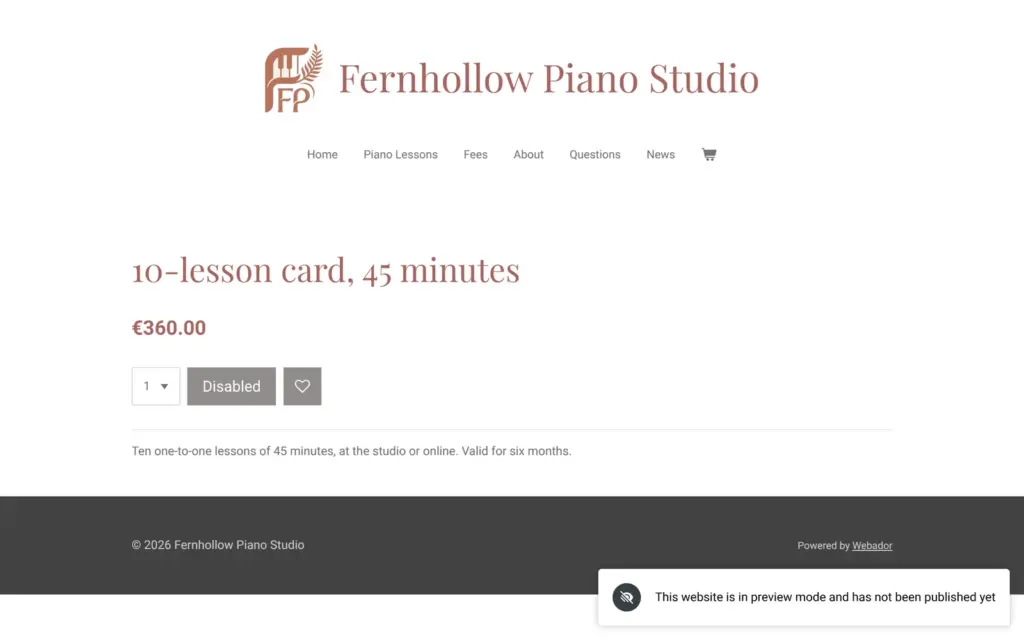
I added a ten-lesson card for €360. Besides physical products, Webador also sells digital downloads and services. I first picked digital download by mistake, and Webador asked for the Business plan. With "Service", the shipping field went away, and the free plan let me save the product. I put it on the fees page with the product element, and it also got its own product page.
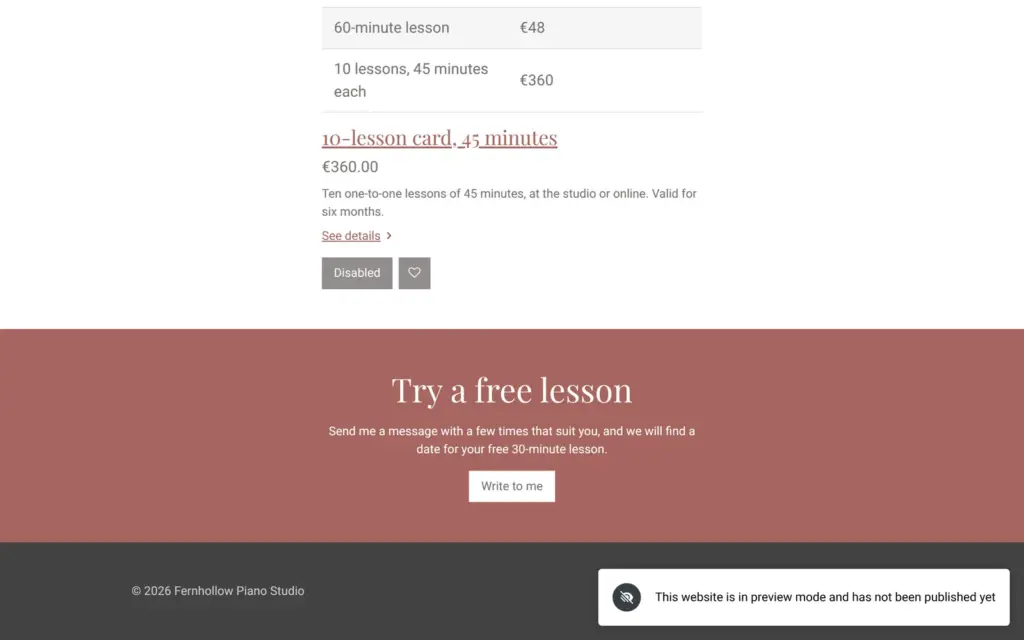
Selling is where the free plan stops. When I switched on payment on pick-up, Webador showed its plans and said that the store needs Pro. The shopping cart can be switched on, but then the settings say that the store is in preview mode and checkout needs Pro or Business. Visitors see the lesson card with a grey "Disabled" button.
According to Webador's pricing page and help center:
The store has the settings a small shop needs, and the product looks tidy on the page. I could not place a test order on the free plan, so I can't say how checkout and the order emails work. On Pro, a lesson card would have to be a normal product with pick-up instead of shipping. Selling lessons as a service, or sheet music as a download, needs Business.
Webador has no booking calendar. In the setup I said that the site should book appointments, but the AI only added "Book a free trial lesson" buttons that lead to the lessons page. The help center suggests outside booking tools like SuperSaaS or Setmore, which you add with the embed code element or an app. Both need Pro. The "service" product in Business is sold like any other product, and I saw no fields for dates or times.
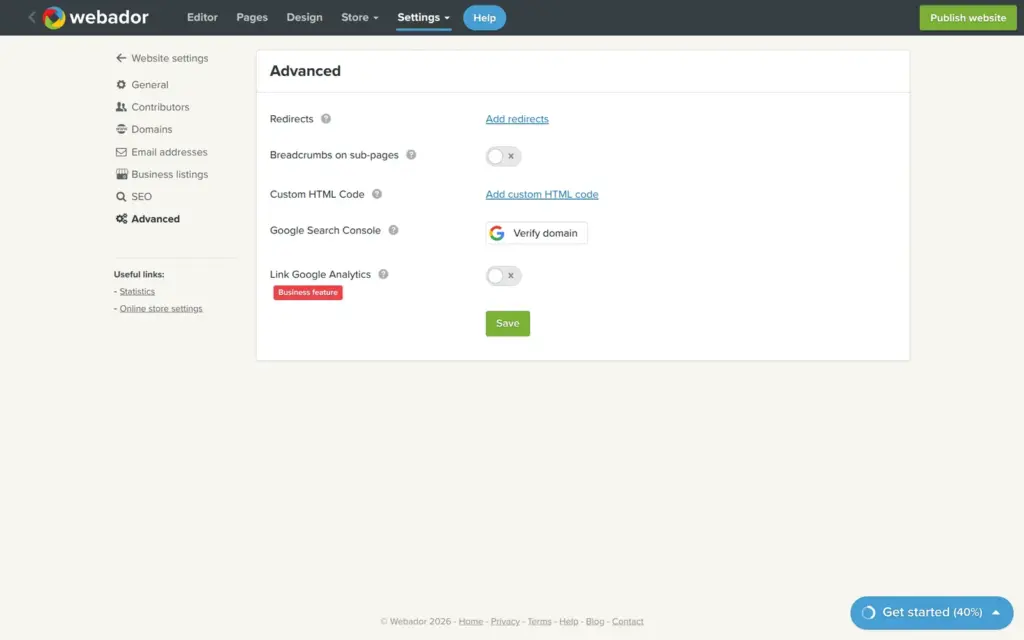
The free plan also leaves out these features, which start with Pro:
Google Analytics needs Business. One website has one language. For a second language, the help center recommends a second website with its own subscription. Support works by email. Webador's help center says there is no phone support and that they try to answer within 24 hours.
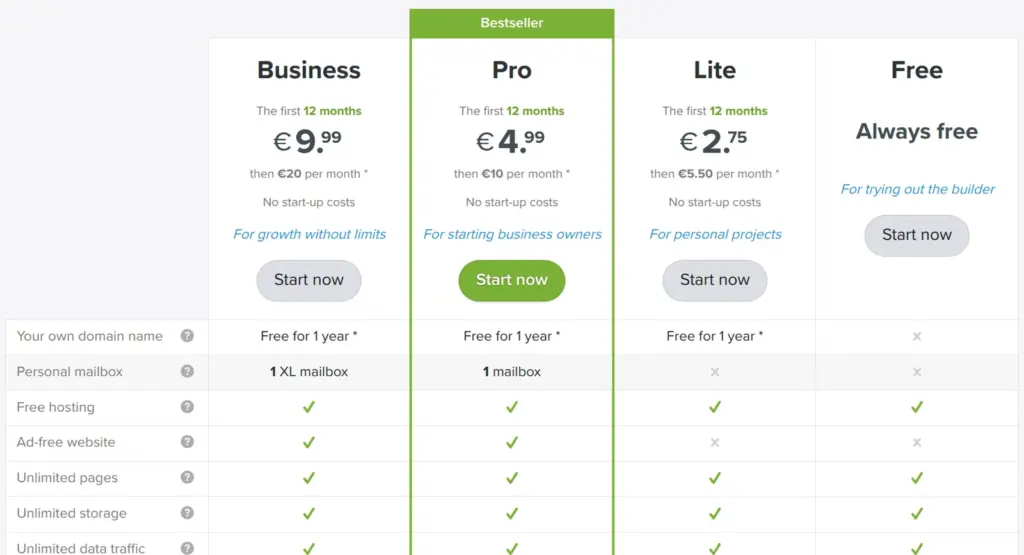
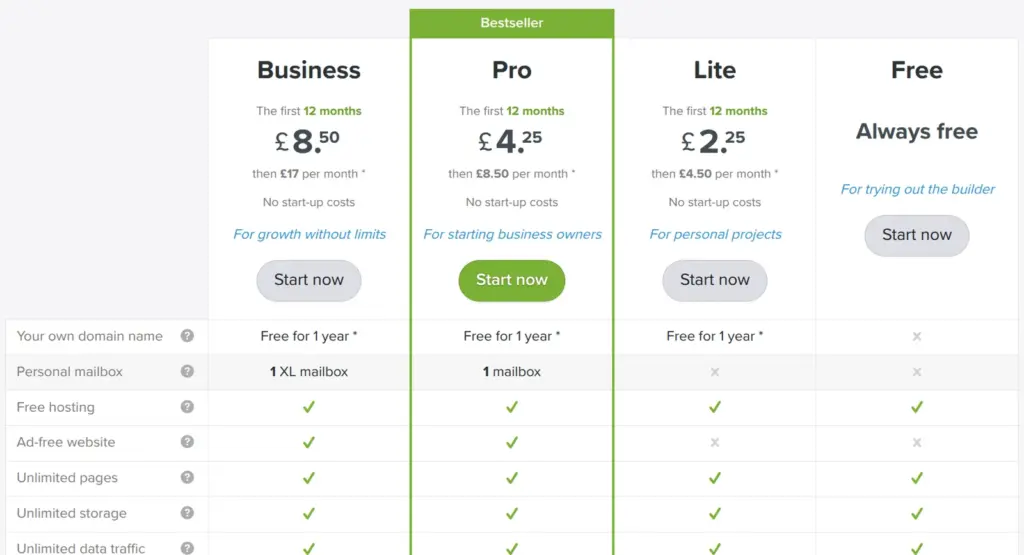
I checked the prices on Webador's Irish site and its UK site on November 1, 2026. Webador has a separate site for each country with its own prices. Webador.com sent me to the German site, so I could not check the prices there. All prices exclude VAT. Until November 30, 2026, Webador offers half price for the first year on yearly billing and lower prices for the first three months on monthly billing.
| Free | Lite | Pro | Business | |
|---|---|---|---|---|
| Yearly billing | €0 | €5.50a month | €10a month | €20a month |
| First year on yearly billing, offer until November 30, 2026 | €0 | €2.75a month | €4.99a month | €9.99a month |
| Monthly billing | €0 | €7a month | €12a month | €24a month |
| First 3 months on monthly billing, offer | €0 | €3.50a month | €5.99a month | €11.99a month |
| Web address | Random preview address | Your own domain | Your own domain | Your own domain |
| Webador ad | Yes | Yes | No | No |
| Online store | No checkout | No checkout | 10 products | No limit |
| Downloads and services | No | No | No | Yes |
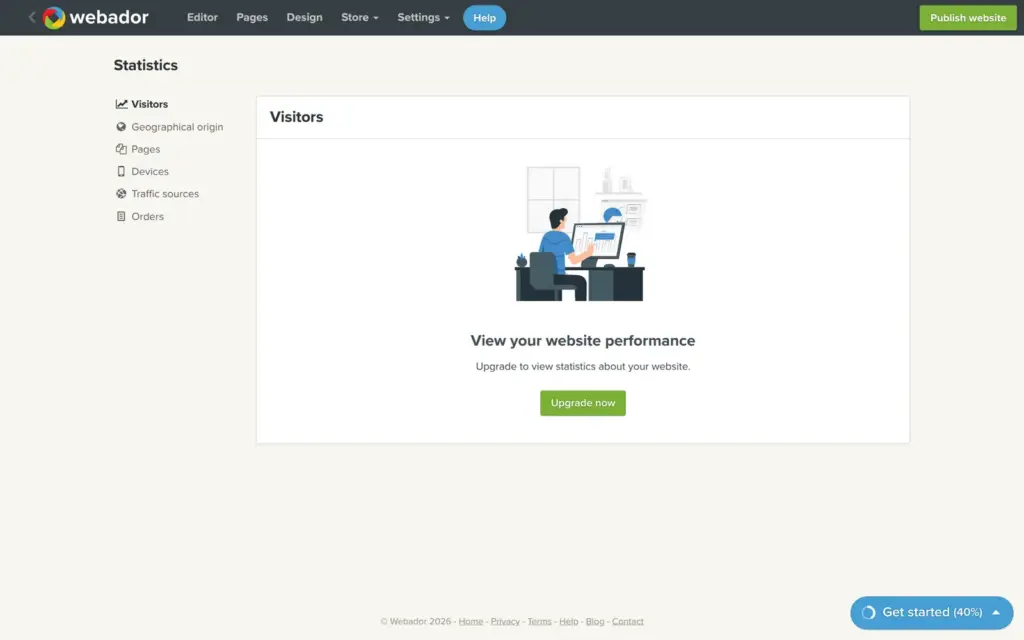
| Visitor statistics | No | No | Yes | Detailed |
| Mailbox | No | No | 1 mailbox | 1 large mailbox |
| Lite | Pro | Business | |
|---|---|---|---|
| Yearly billing | £4.50a month | £8.50a month | £17a month |
| First year on yearly billing, offer until November 30, 2026 | £2.25a month | £4.25a month | £8.50a month |
For the piano studio, Pro makes the most sense. It removes the ad and allows a store with up to 10 products, which is enough for a few lesson cards. On yearly billing, Pro costs €59.88 in the first year with the current offer and €120 a year after that, plus VAT. The domain is free for the first year and then costs €20 a year. If I wanted to sell lessons as a service, Business would cost €119.88 in the first year and €240 a year after that.
Every website needs its own subscription. A second site for another language or another business means a second plan.
I found no way to export the site. The dashboard's menu for a site only offers statistics and a preview. Webador's help center says that it backs up all websites every day, but it can't restore a single website or give you a backup of it. If you leave, you take your text and photos with you and rebuild the pages somewhere else.
A domain that you register through Webador is registered in your name, and Webador says you can move it to another provider at any time.
Webador fits a small business owner who wants a tidy website quickly and doesn't want to learn a design tool. For the piano studio, the AI gave me a good-looking home page with my own prices in a few minutes, and editing it was easy. The store has what a small shop needs, and Pro costs less than €5 a month before VAT in the first year.
It fits less well if you want to use the free plan for real. A free Webador site is a preview that search engines are told to ignore. It also fits less well if you need bookings with a calendar or a site in several languages.
If you try it, read every sentence the AI writes and click every link before you pay. In my test, the AI's mistakes were small, but they looked finished. And you don't want invented reviews on your business website.
 What I'm building
Give Vroni a GitHub issue, bug report, spec, or rough idea. It reads the repo, plans the change, writes code, runs checks, and works toward a review-ready pull request.
Take a look at vroni.com