
WebStarts review
WebStarts is a website builder with a free plan. You drag text and photos onto a page wherever you like, and WebStarts…
Site.pro is a website builder with a free plan and paid plans that start at €1.25 a month. The company also sells its builder to web hosting companies, so you may already have seen it in a hosting control panel. If you are thinking about Site.pro for your business website, you probably want to know what you get for free and what can go wrong.
To find out, I built a four-page website for a made-up tutoring center on the free plan. I started from a free template and published the site on a free web address. I also set up a small shop with a workbook and a lesson pass. Then I let Site.pro's AI build a second version of the site from a short description.
The editor was quick to learn, and the paid plans are cheap. On the free plan, the contact form and the buttons need an upgrade, and every page carries two Site.pro ad bars. The shop needs the Standard plan. The AI built four pages in six or seven minutes, but two of them were unreadable on the published site.
I tested Site.pro hands-on in November 2026 and checked the prices on November 2, 2026.
Site.pro suits you if you want a simple business website for very little money and you are fine with paying for a plan. Starter costs €15 a year and removes the ads. Standard costs €36 a year and adds the shop and a blog.
Look elsewhere if you want to run your business website on the free plan. On Free, visitors can't send you a message, and search engines are told not to list the site. Site.pro also fits less well if you need card payments in the shopping cart. In my account, the cart offered neither Stripe nor PayPal.
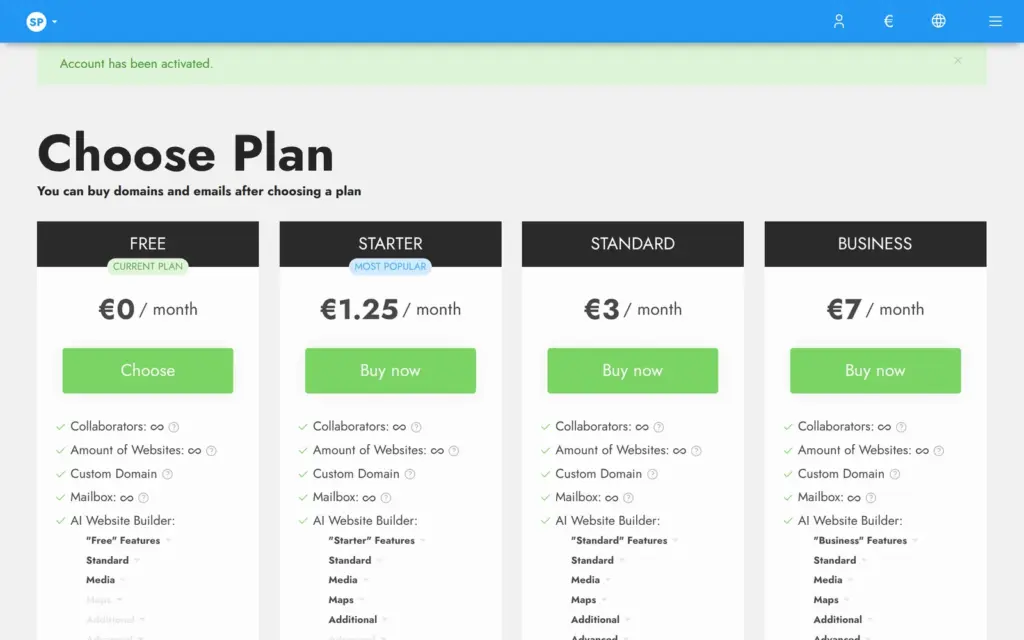
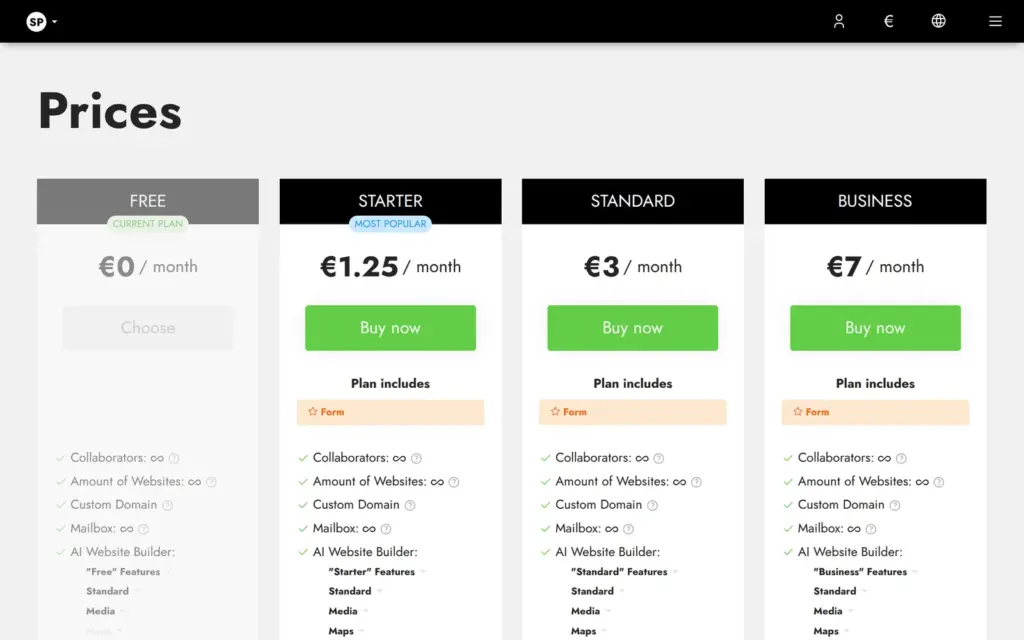
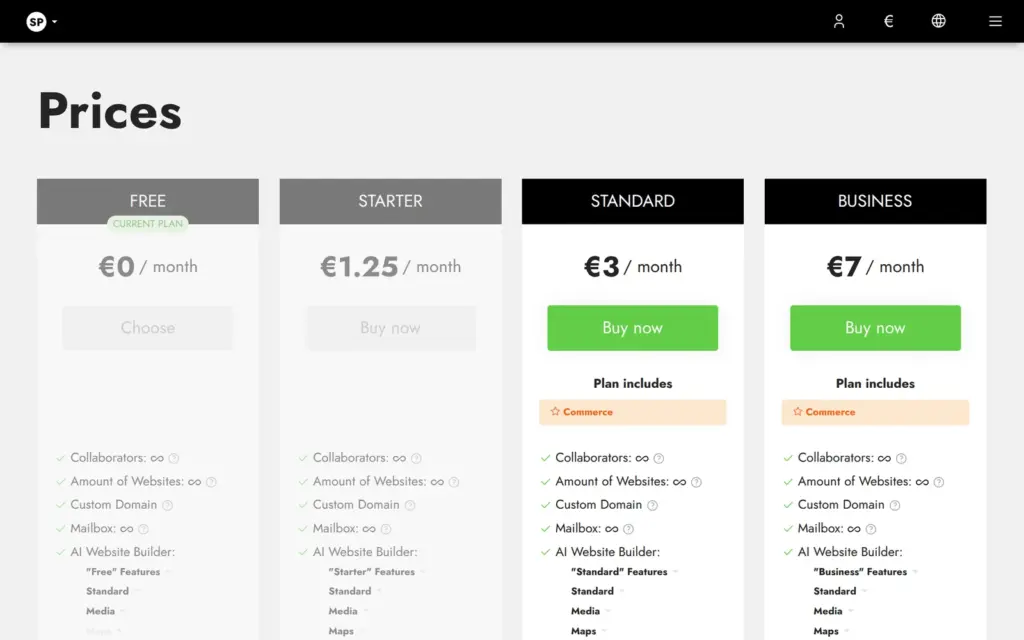
Price: The free plan costs nothing. Starter costs €15 a year, which works out to €1.25 a month. The shop needs Standard at €36 a year, and Business costs €84 a year. Plans are sold for a year at a time and renew automatically. One plan covers all websites in the account.
Shop verdict: The store has more settings than I expected for the price. Products have stock and weight, and the cart has shipping methods and tax rules. It needs the Standard plan. On the free plan, visitors who click a product land on Site.pro's price page, so I couldn't place a test order.
Not tested: paid plans and a custom domain. Site.pro's support and working on a site with other people also stayed untested. Site.pro did not pay for this review, and there are no affiliate links.
What I liked:
What bothered me:
Tallbrook Tutoring is a made-up tutoring center for students in grades 3 to 12, and its footer says so. The site has four pages. One lists the subjects and prices, and another one has the contact details. The phone number 555-0142 and the address hello@tallbrook.example are placeholders.
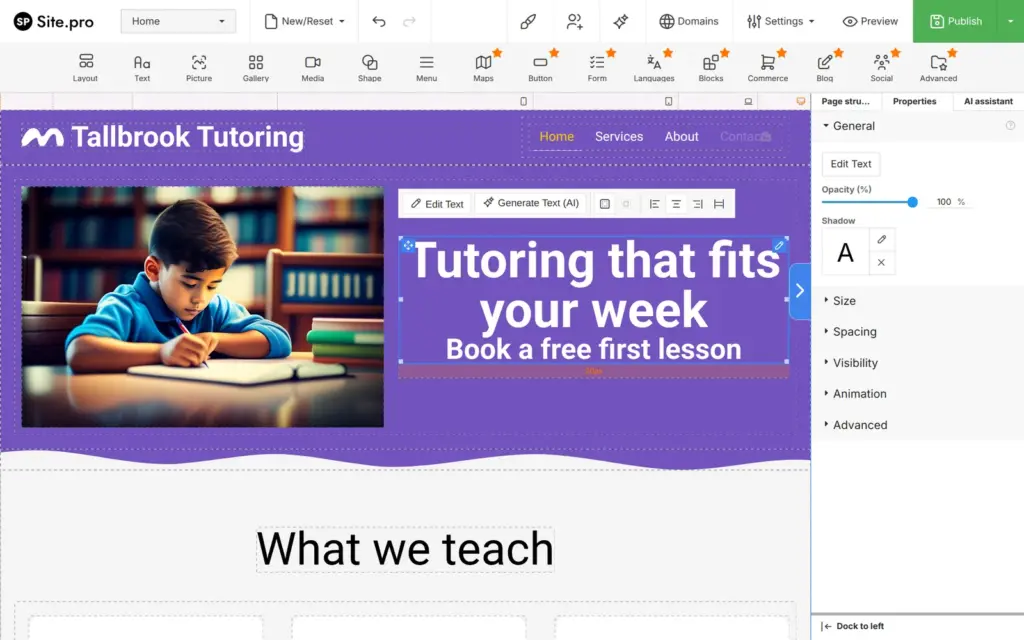
The design comes from Moby, one of Site.pro's free templates. I replaced the text and photos and took out everything the free plan doesn't publish. The new photos come from the free photo library in the editor.
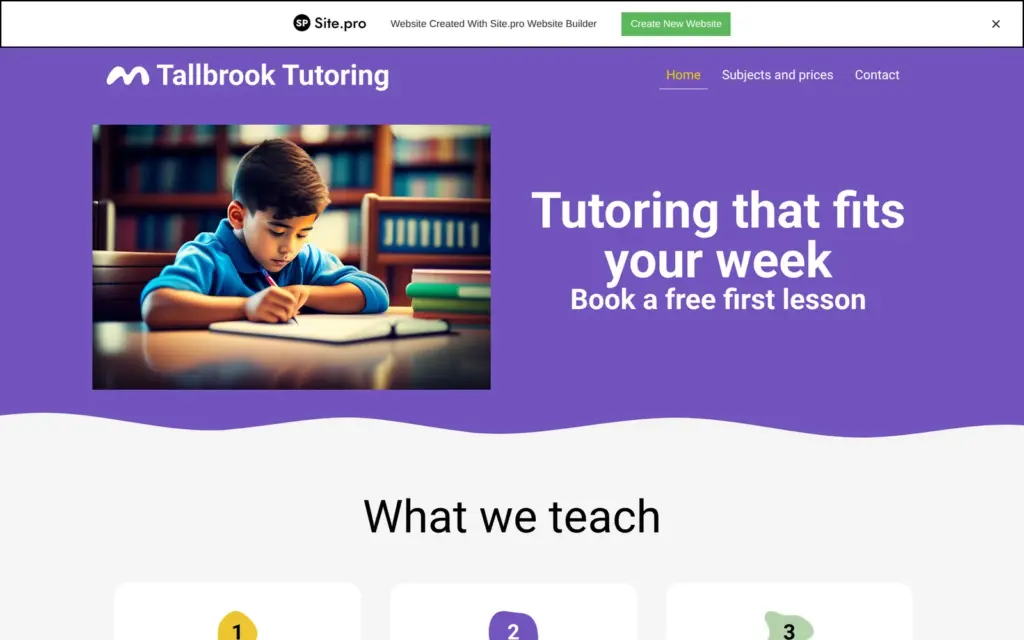
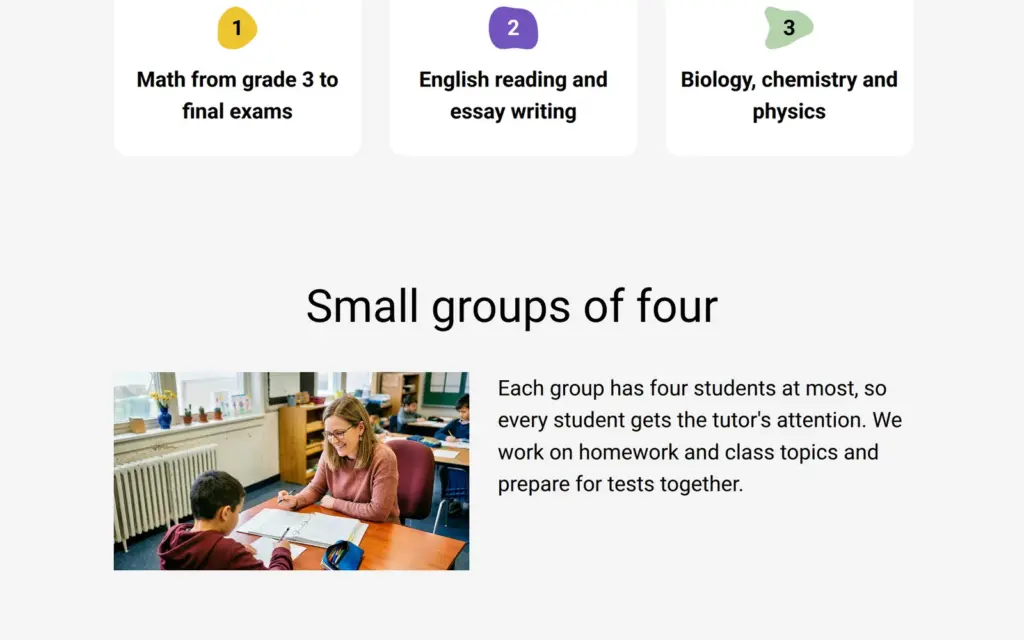
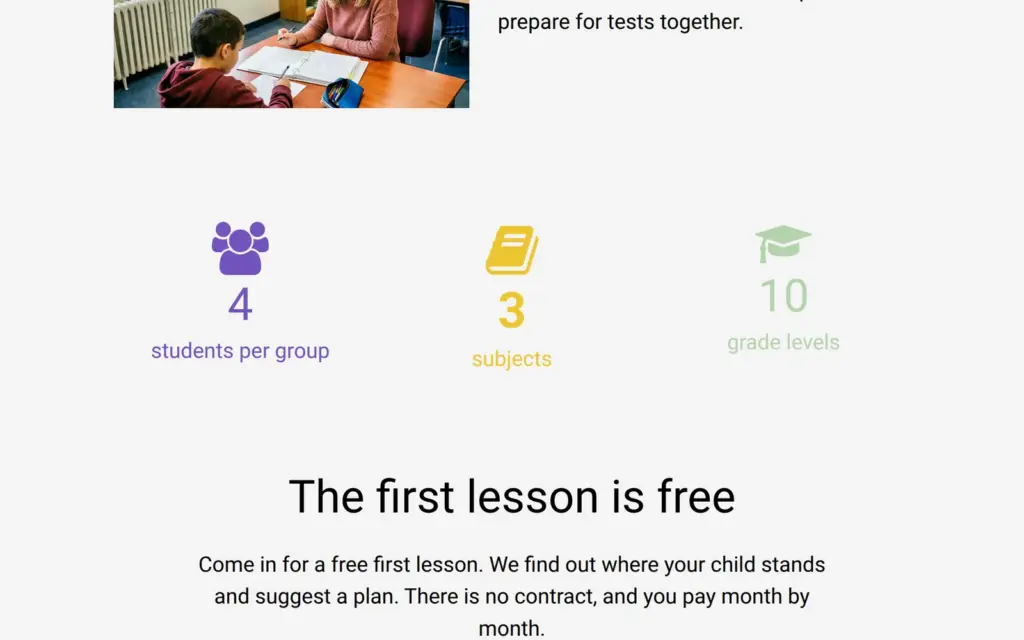
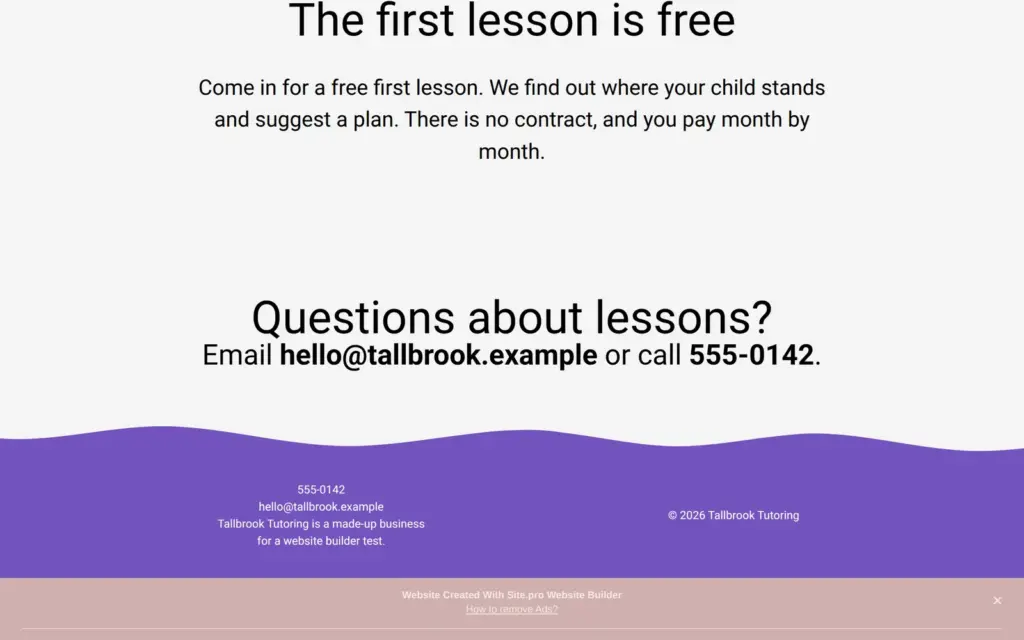
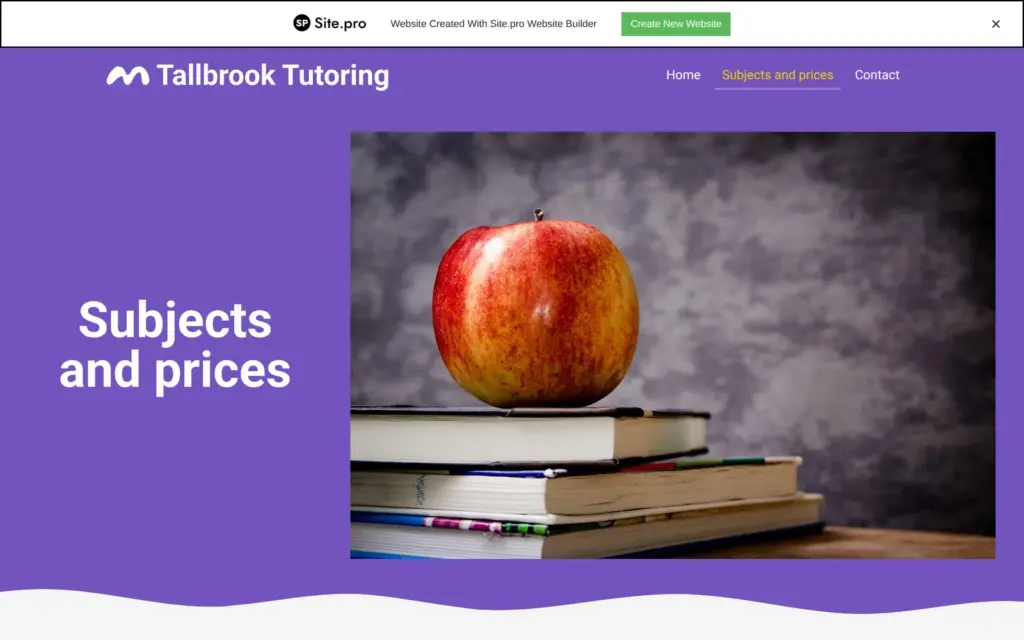
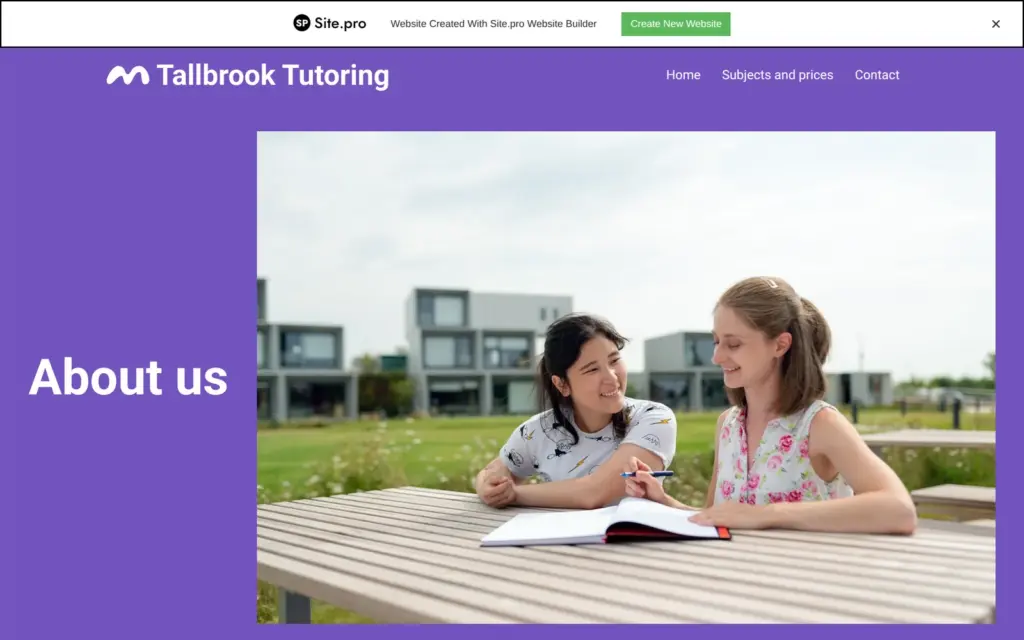
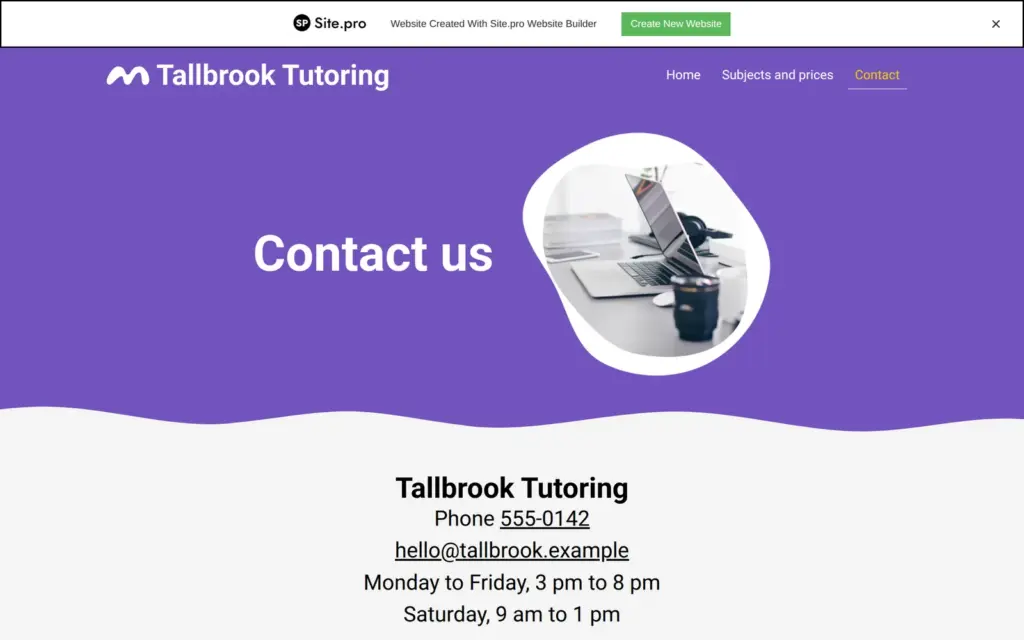

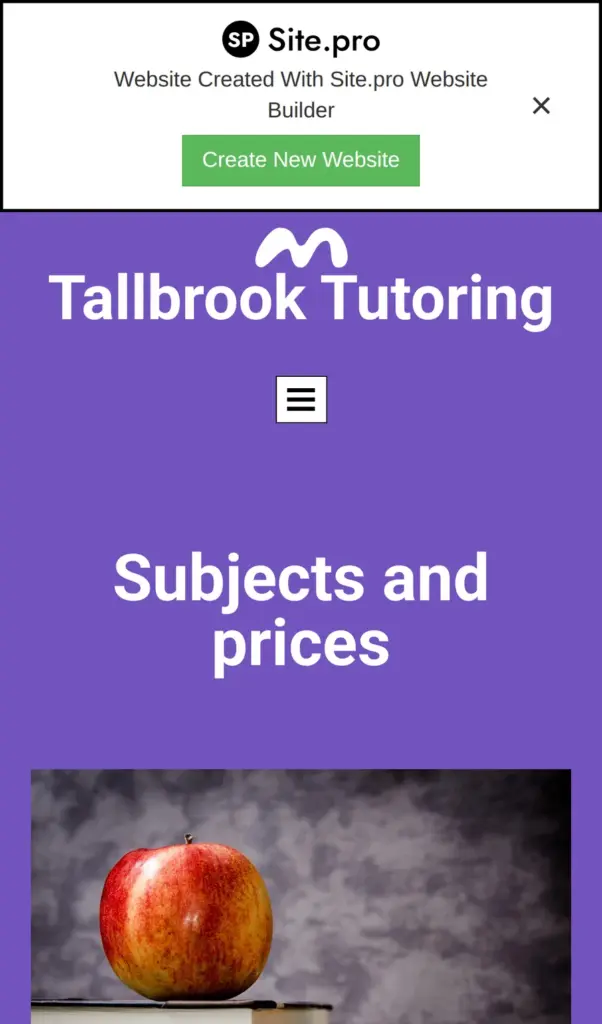
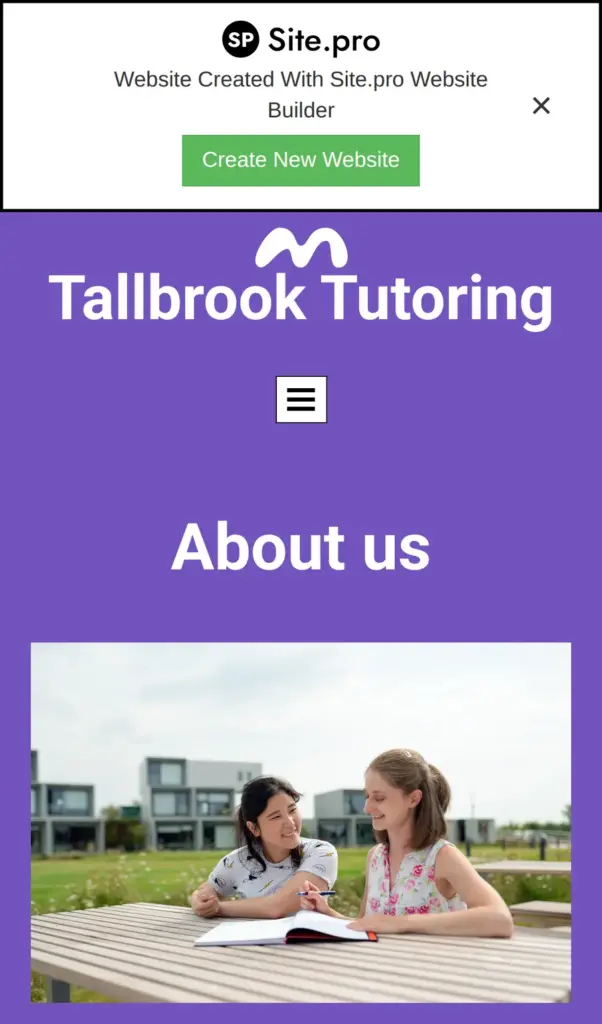

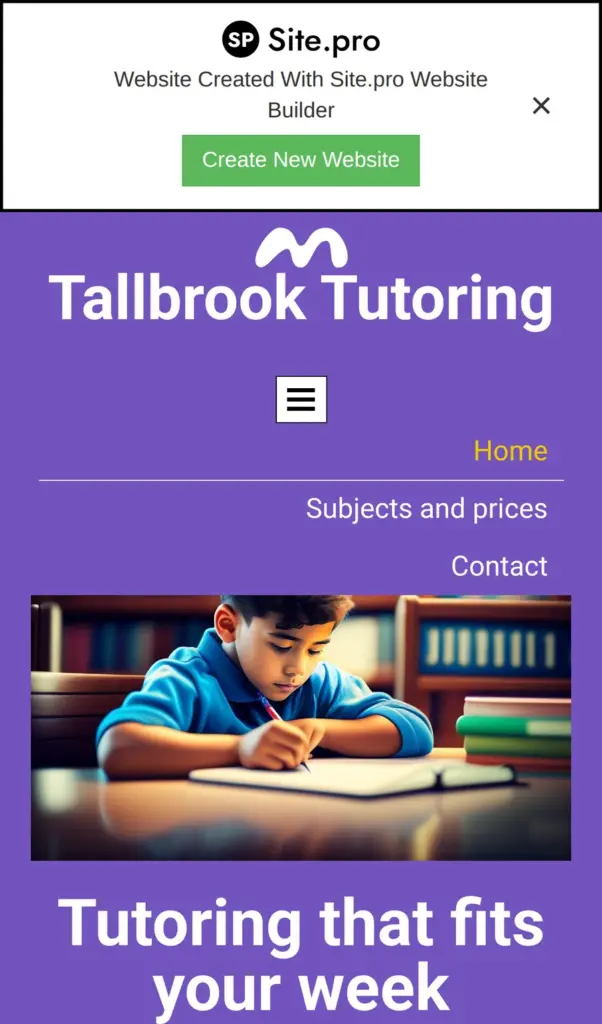
Open the Tallbrook site. It runs on the free plan, so it shows the Site.pro bars.
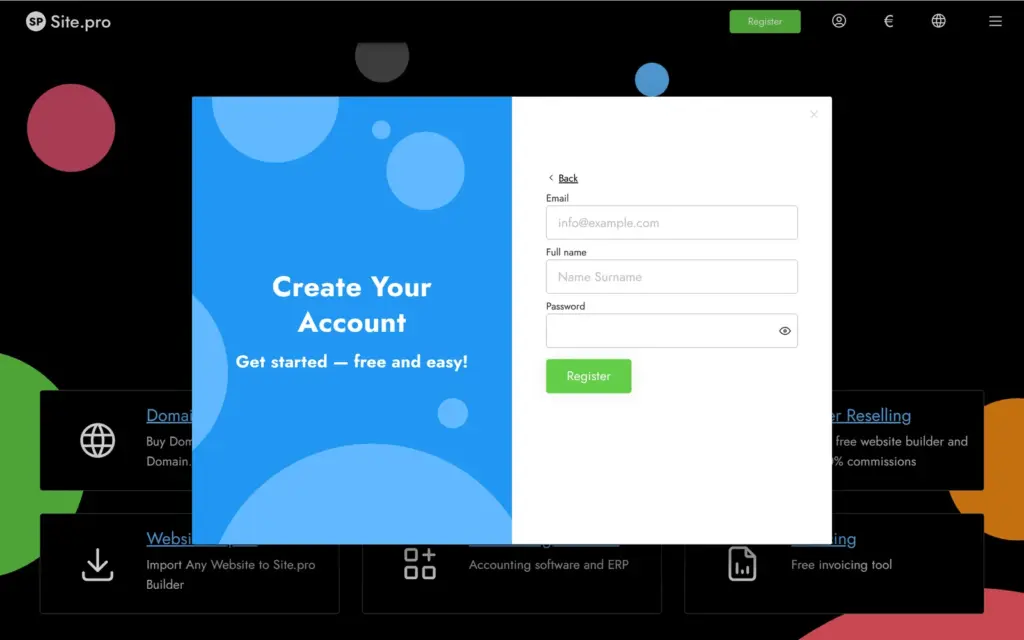
Site.pro asks for an account before you can open the editor. Google and Facebook logins are offered. I registered with an email address and a password, and Site.pro sent a six-digit code to confirm the address.
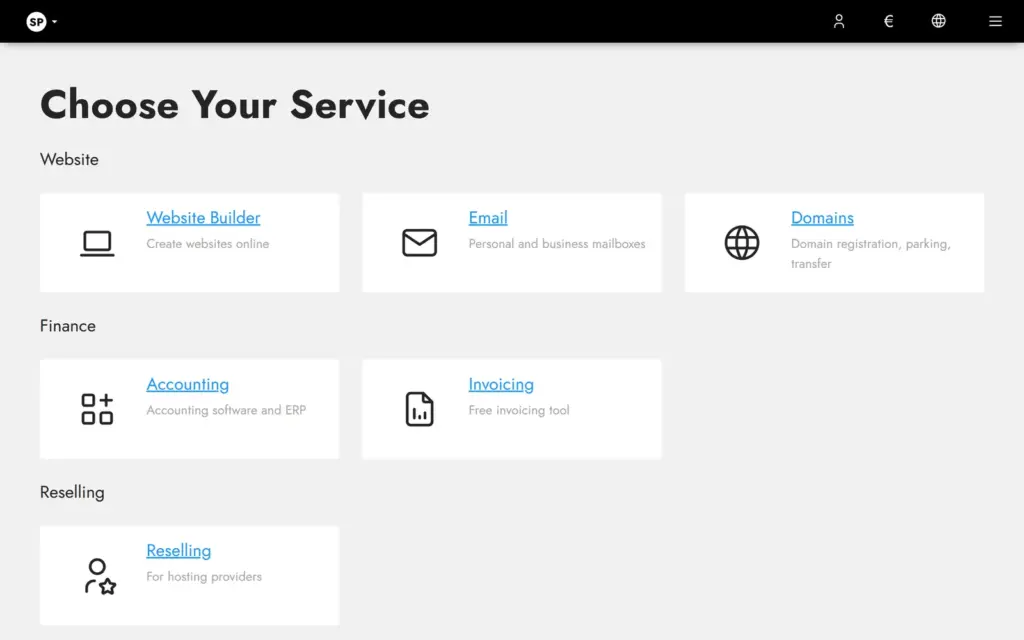
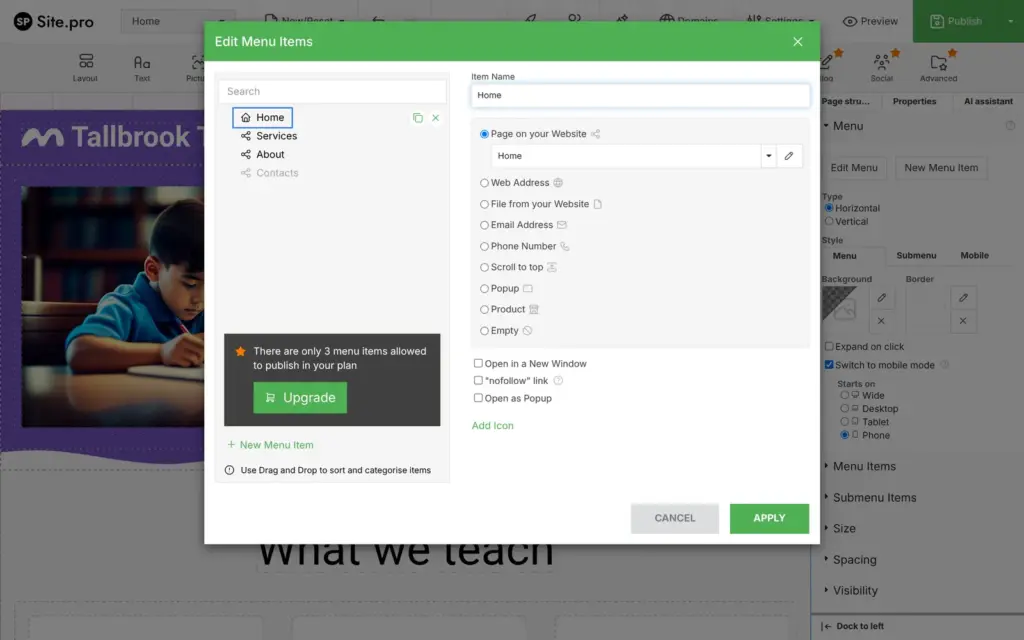
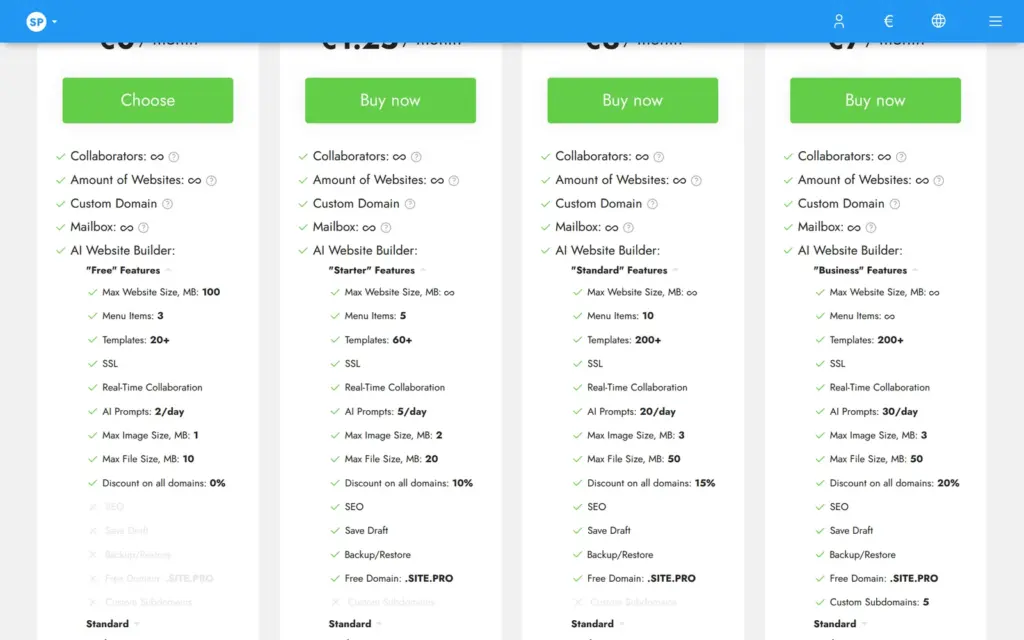
Site.pro sells more than websites. Its first question is which product you want, and I picked the website builder. Then it asked for a plan, with Free already selected. Each plan opens into a long list of limits. The free plan allows three menu items. Images can be one megabyte at most, and the AI takes two prompts a day.
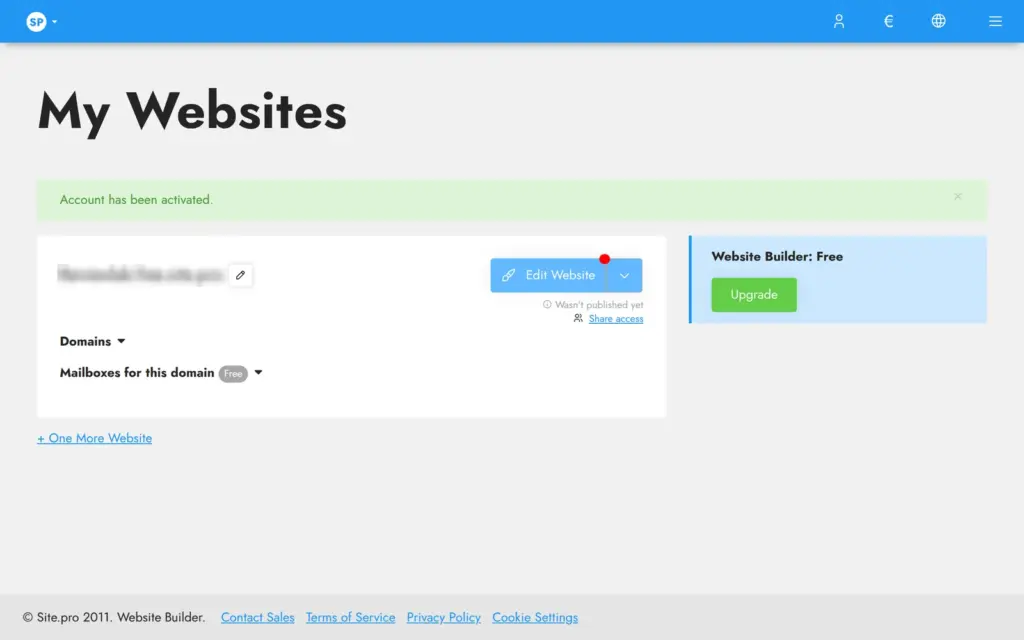
After I picked Free, Site.pro had already made an empty website for me. Its free web address ended in free.site.pro and used the name I had given at sign-up. Edit Website opens the editor in a new browser tab. The editor starts with a choice. You can describe your business to the AI or pick one of 226 templates. I started with a template and tried the AI later on a second site.
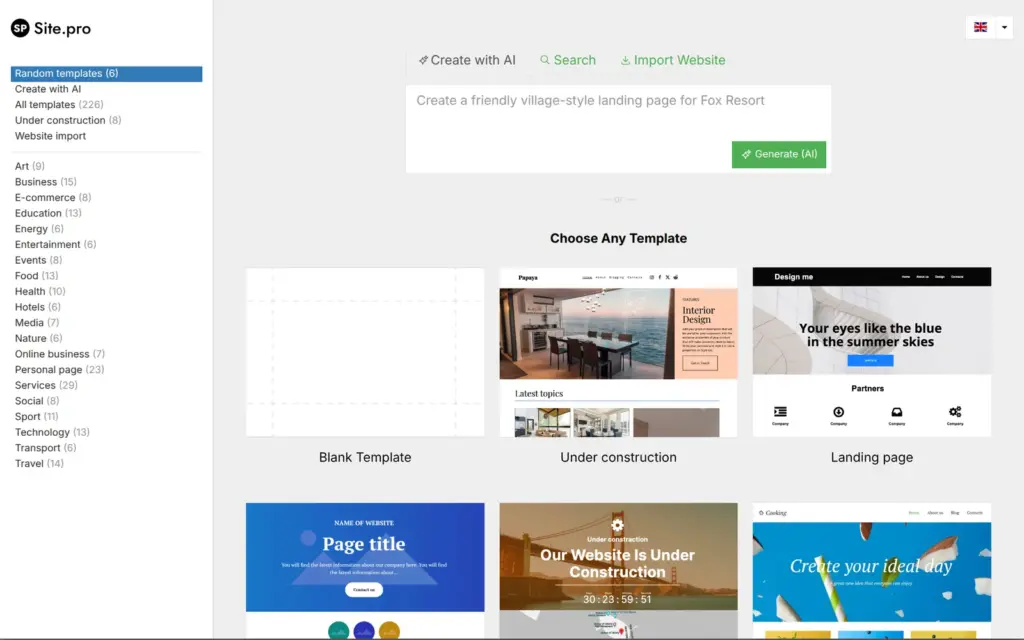
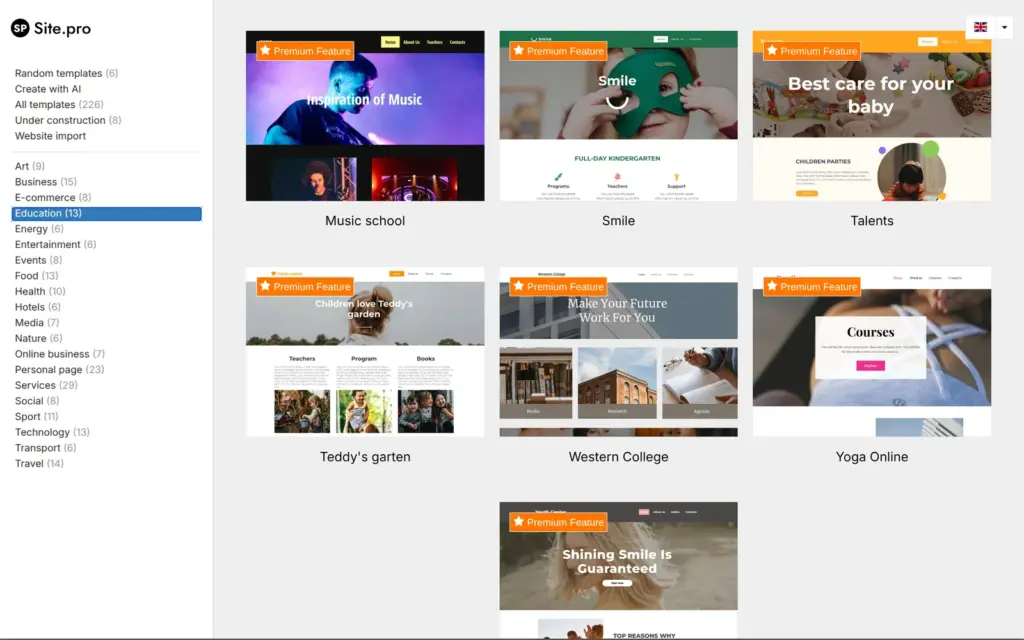
Only 28 of the 226 templates are free. The others carry a "Premium Feature" label. In the Education category, 12 of the 13 templates are premium, and the free one is called Books.
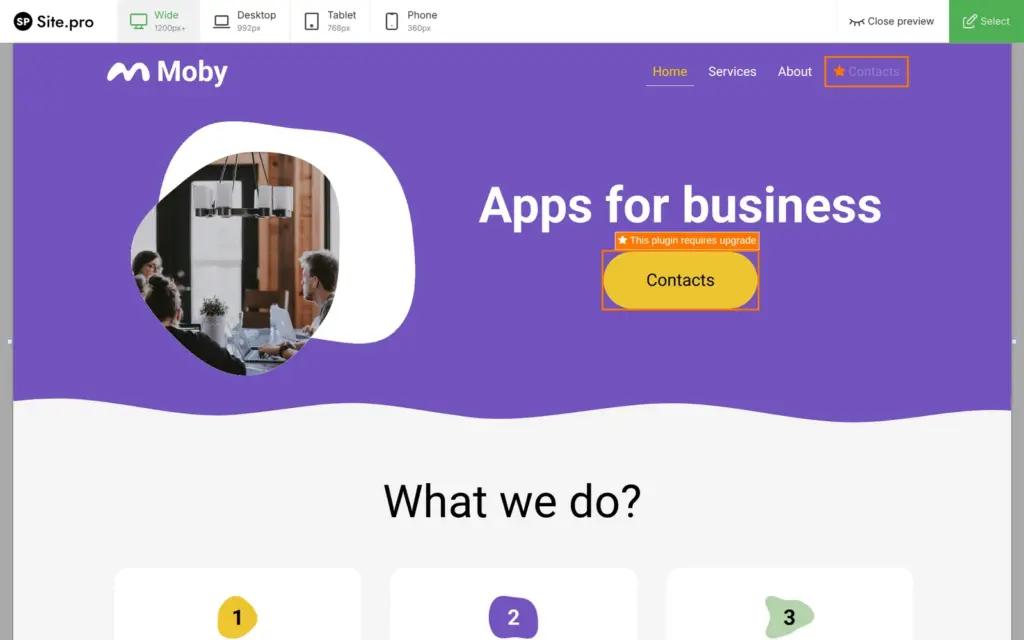
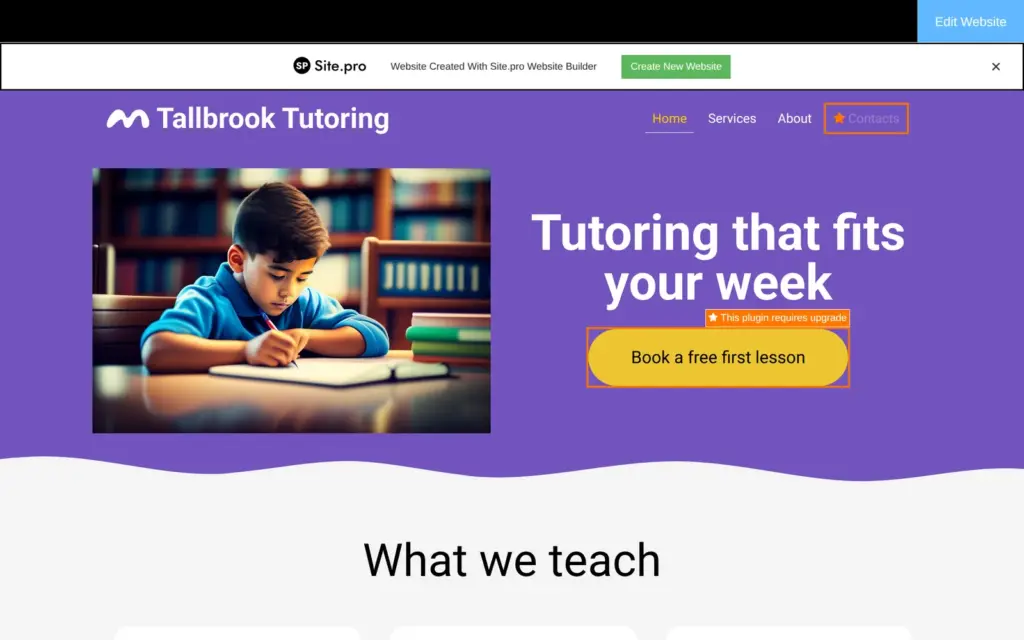
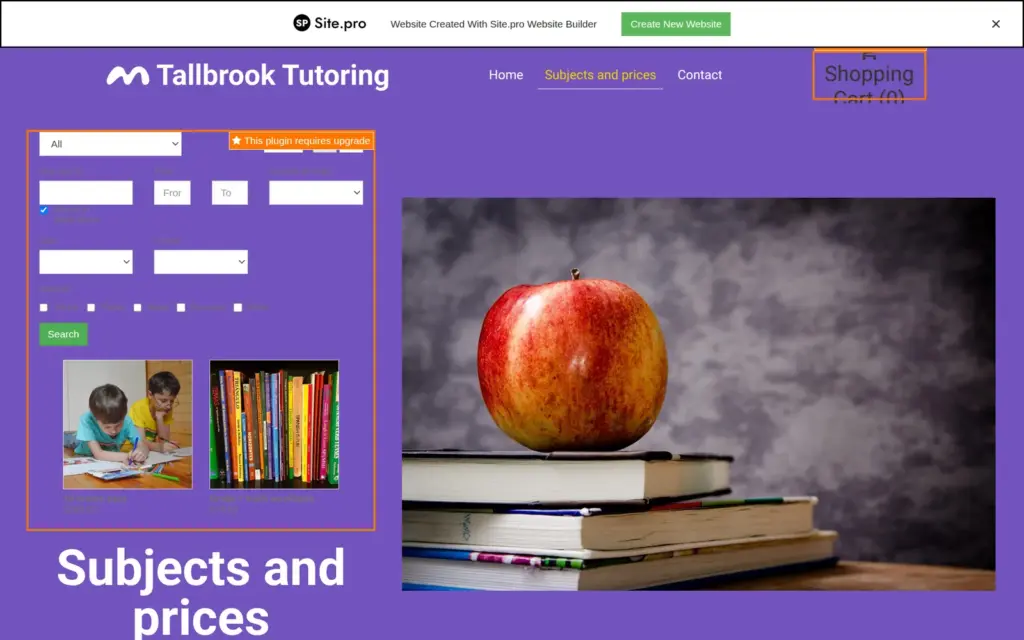
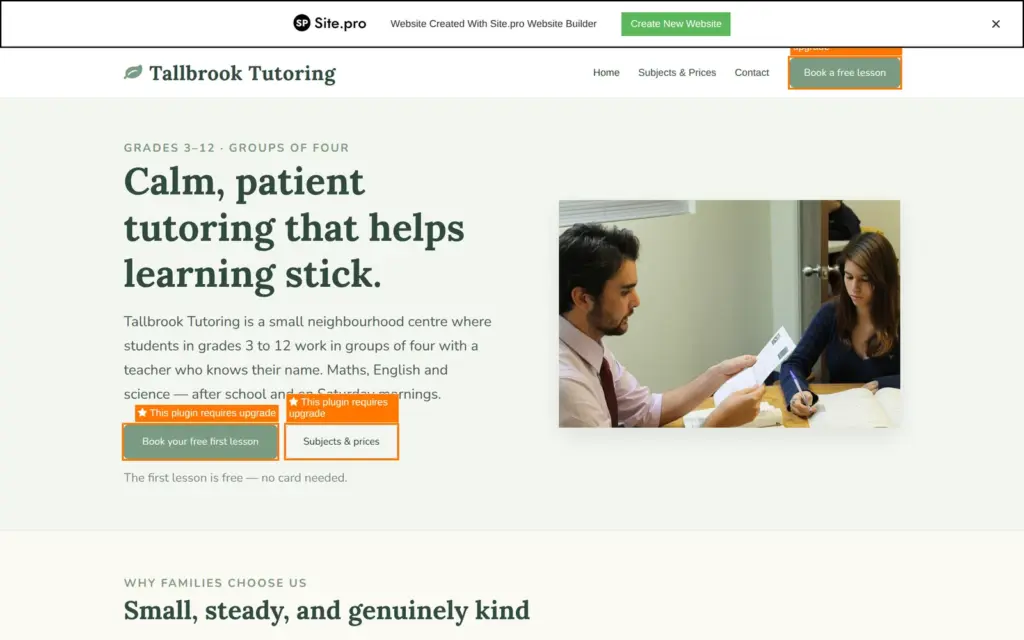
I picked Moby, a free template in bright purple and yellow with a section for what the business does. Its preview already showed orange labels that said "This plugin requires upgrade". One was on the yellow button and one on the fourth menu item.
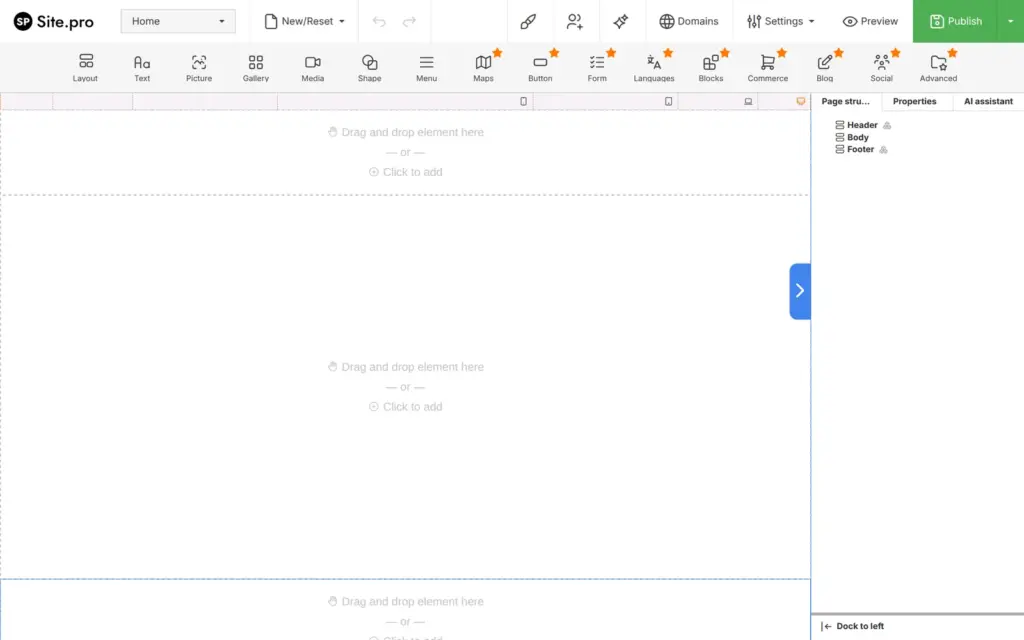
In the editor's toolbar, 9 of the 16 tools carry an orange star, which means they need a paid plan. Buttons and forms are among them.
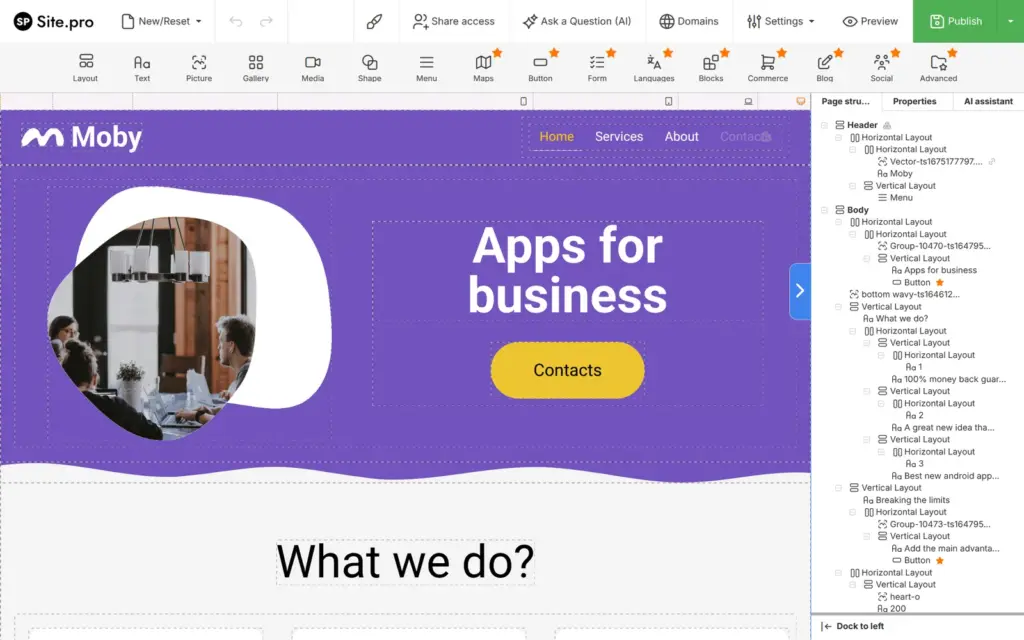
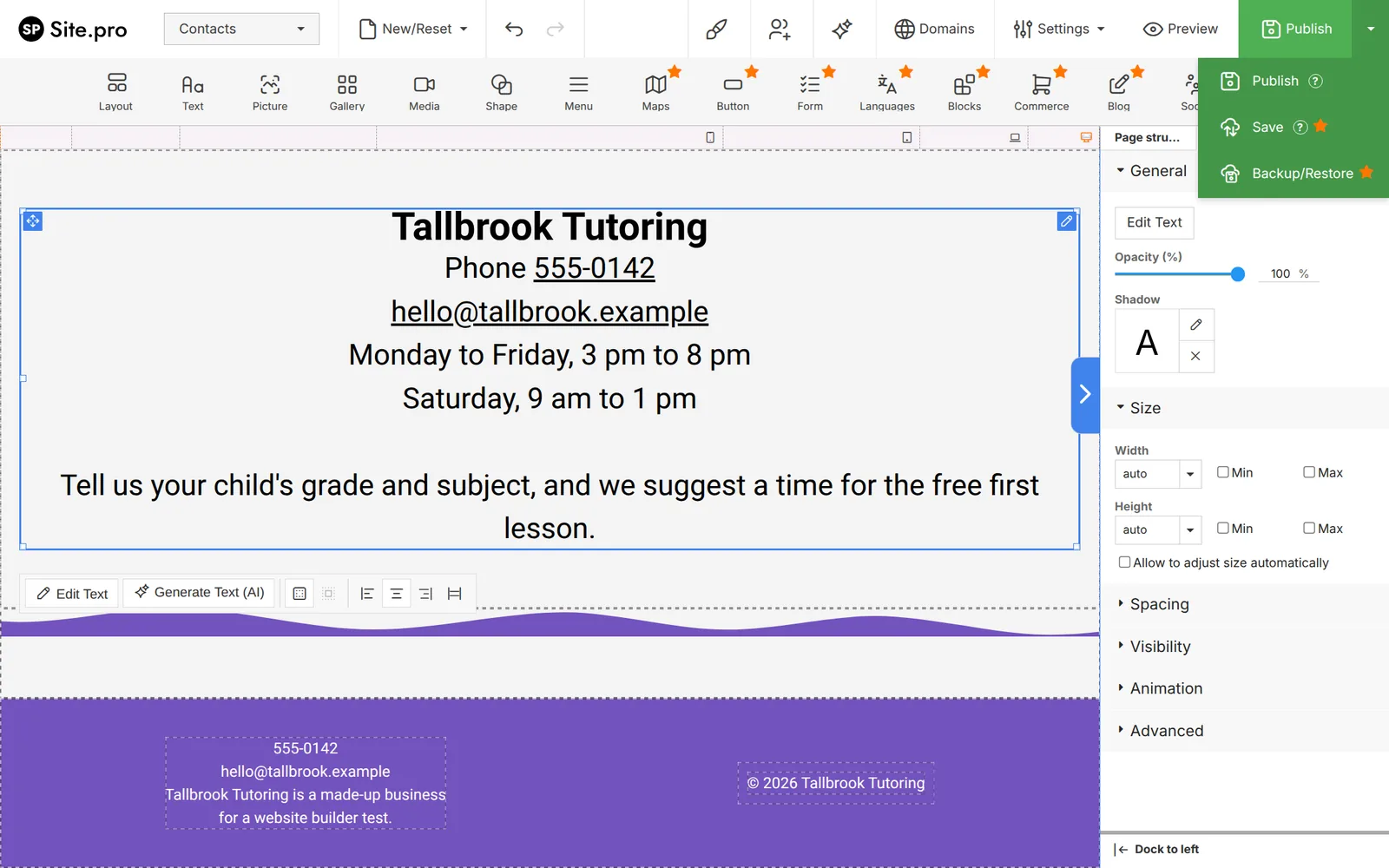
The header is shared by all pages. I changed the name in it once, and every page showed it. To change text, you double-click it and type. A toolbar comes up with text styles and a "Generate Text (AI)" button.
The template's yellow button was one of the paid parts. Its settings panel said so in orange, but it still let me change the label.
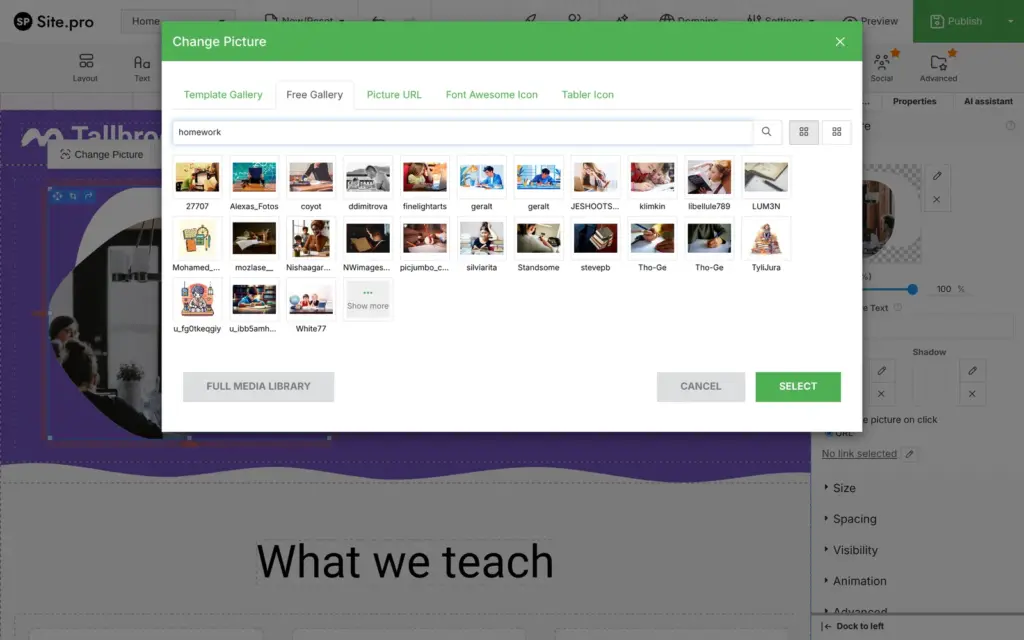
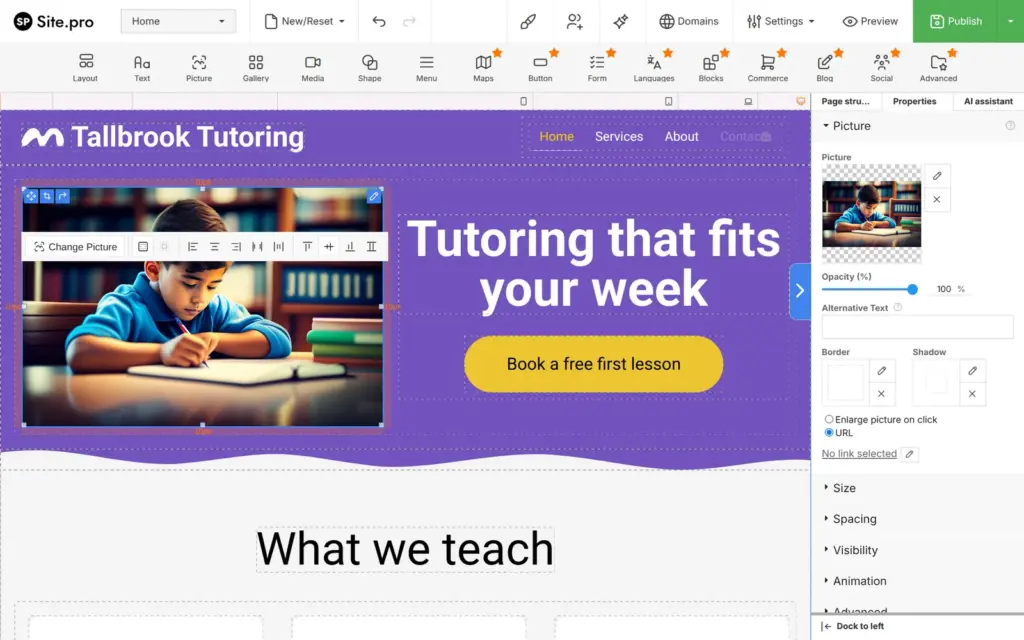
For photos, the editor has a free photo library with the photographer's name under each photo. I searched for homework and replaced the large photo at the top. The template's round photo shape was part of the old image file, so my photo came in as a plain rectangle. Each photo has a field for a short description for screen readers.
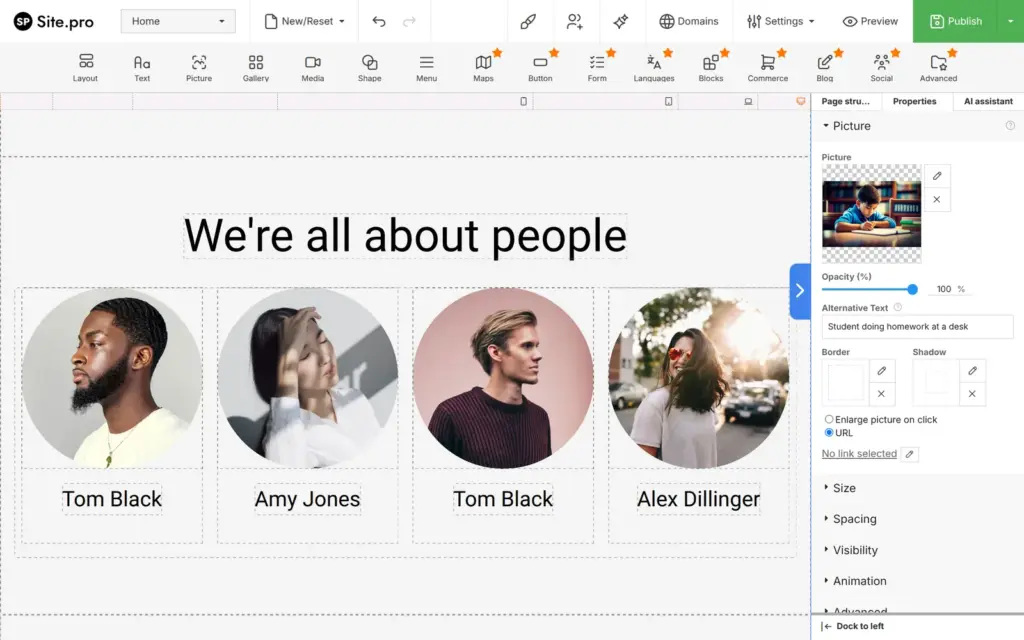
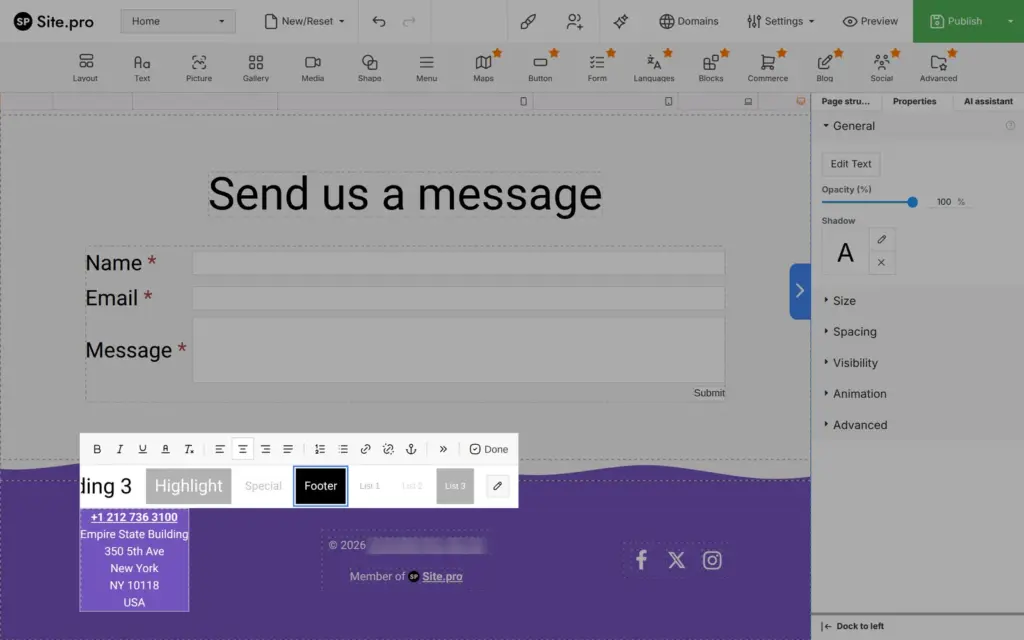
Moby also came with things a business doesn't want to publish by accident. The about section showed four team members with stock photos and made-up names. The footer had a New York phone number and the address of the Empire State Building. Its social icons for Facebook and X linked to the home page. I deleted the team section and the icons and wrote Tallbrook's details into the footer.
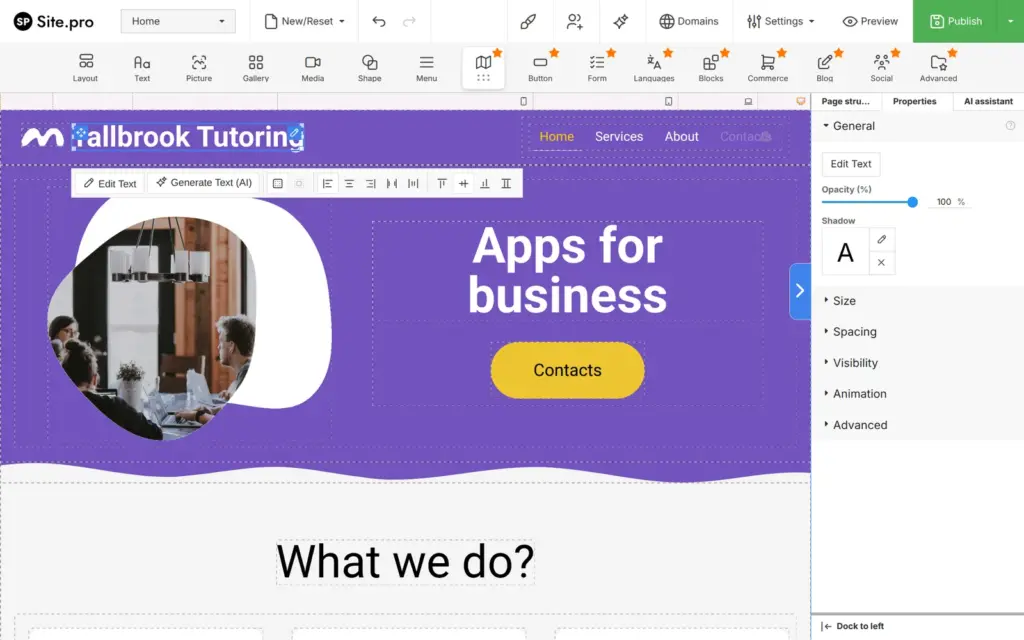
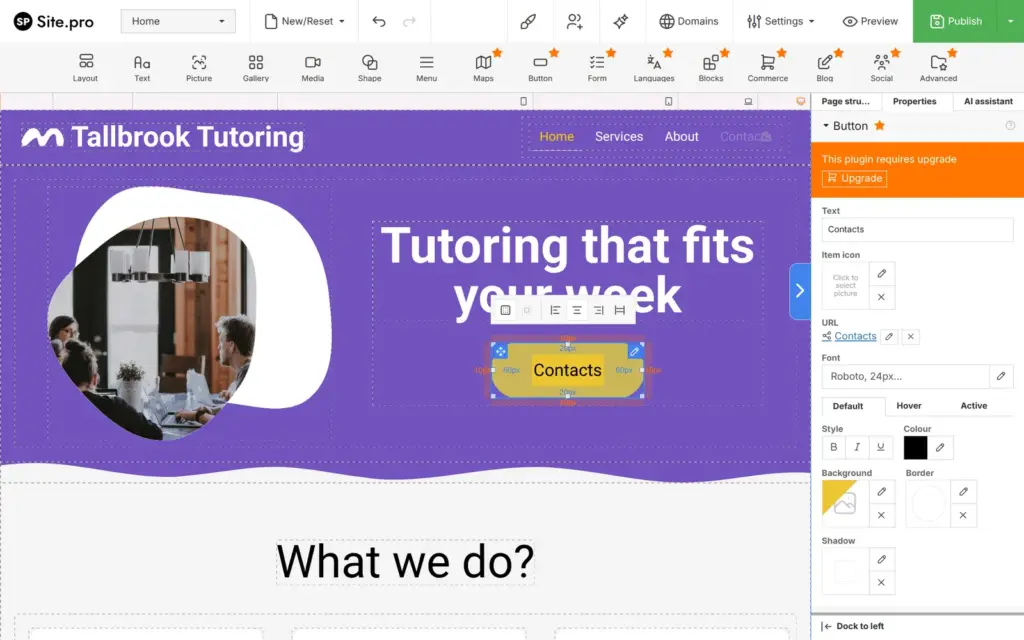
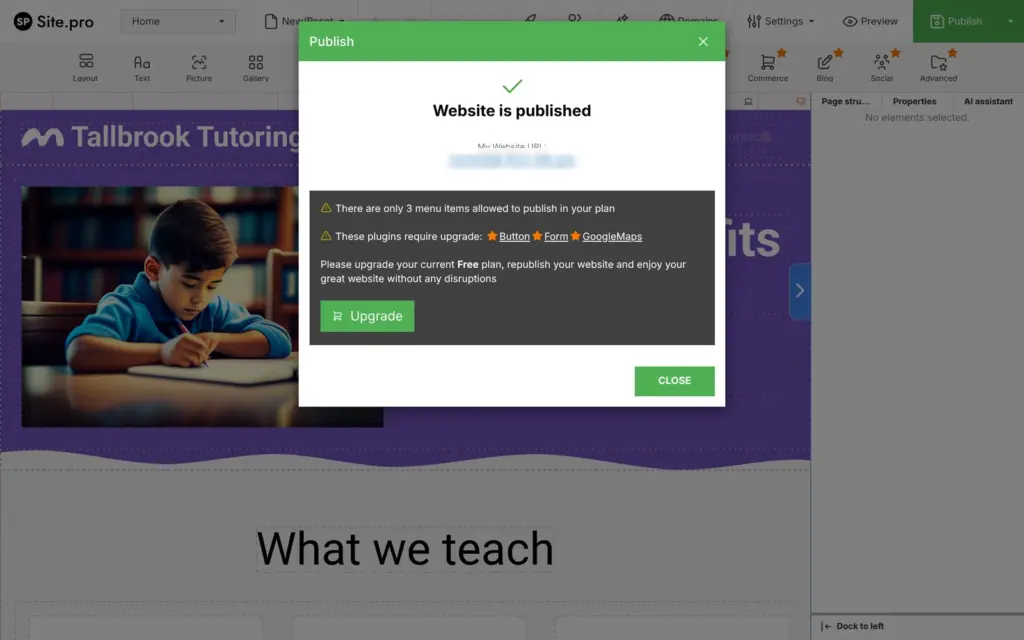
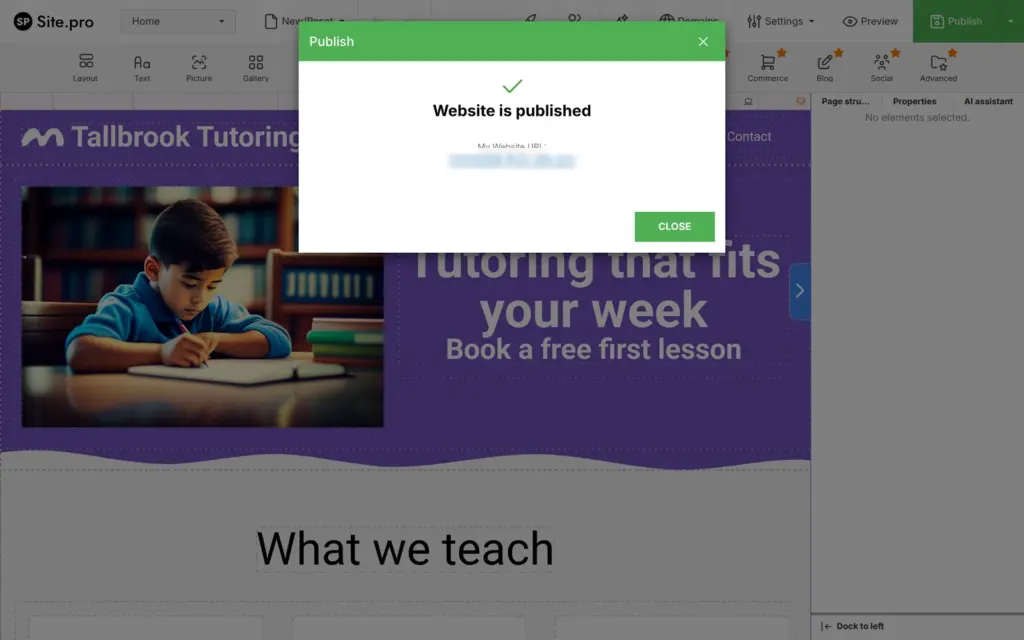
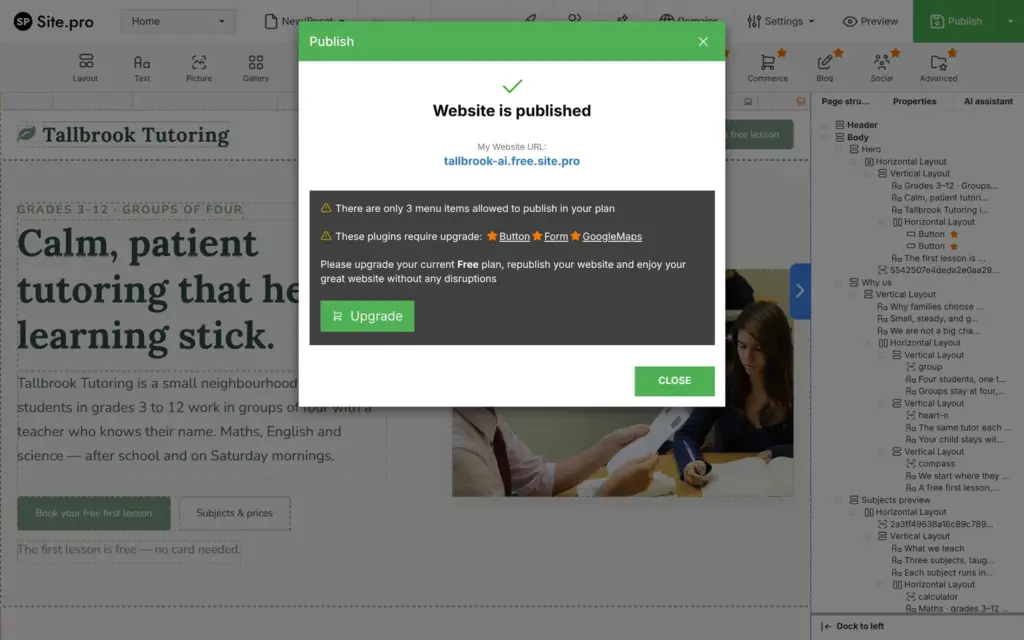
Publish puts the site online right away. After that, Site.pro listed what the free plan doesn't publish. My site had four menu items, but the free plan publishes only three. The contact form and the buttons needed an upgrade. The map on the contact page also needed one.
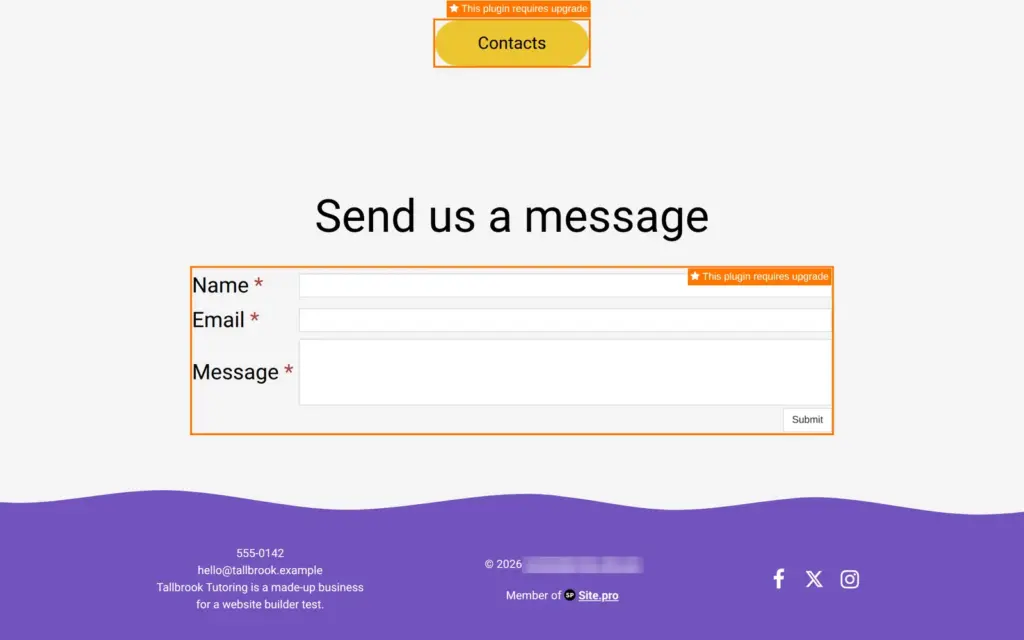
On the published site, each paid part carried an orange label that said "This plugin requires upgrade", and each label linked to Site.pro's price page. At the top of every page sat a Site.pro bar with a "Create New Website" button.
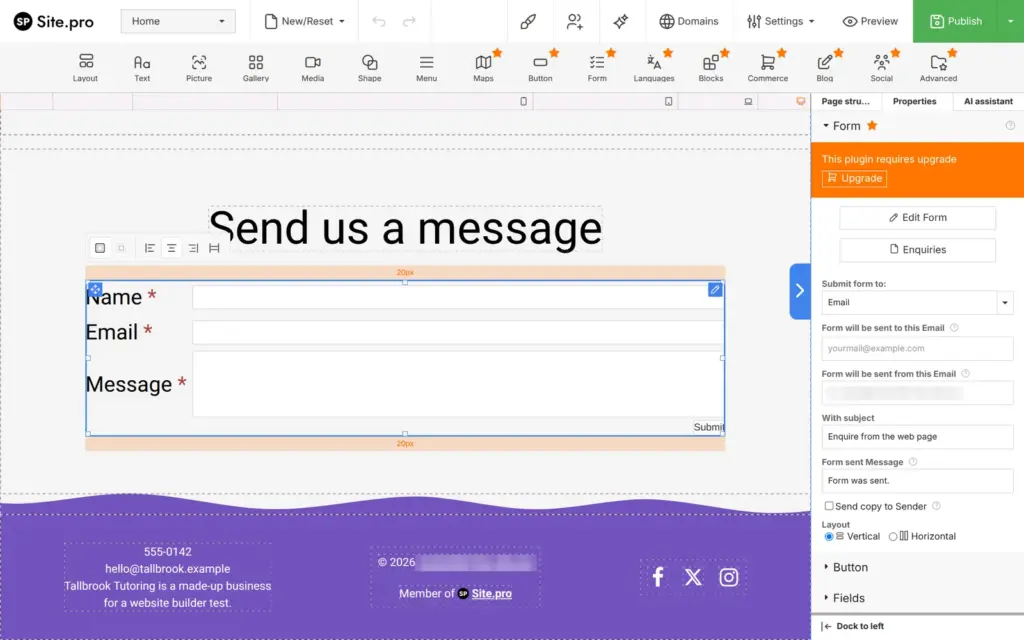
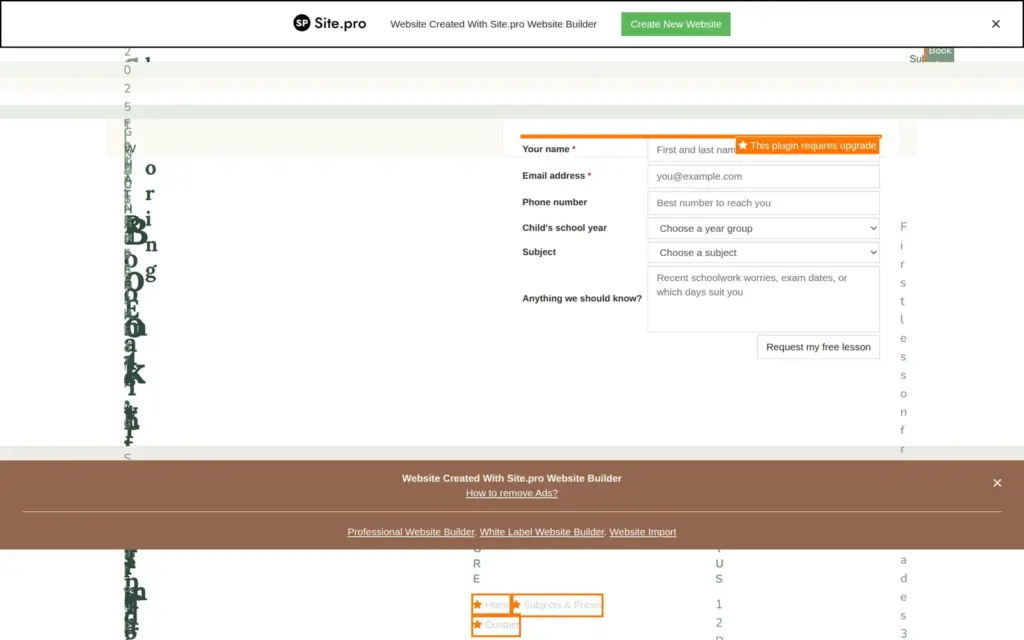
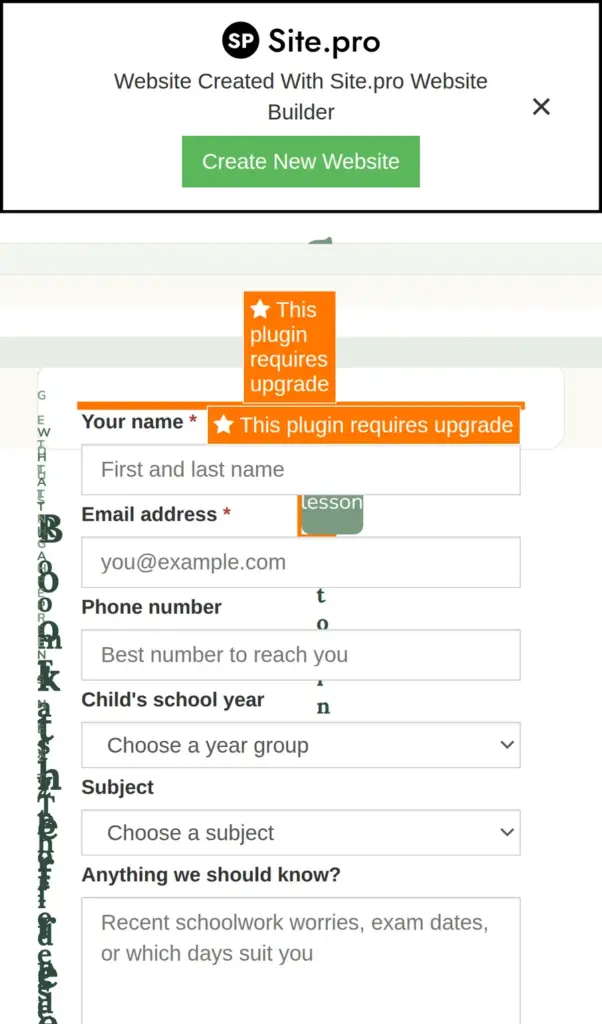
I tried to send a test message. Clicking into the form's first field opened Site.pro's price page in a new tab, so a visitor can't type a message at all. In the editor, the form can send its messages by email or to Telegram, and it keeps a list of them under Enquiries.
To get a clean site on the free plan, everything paid had to go. I deleted the buttons and put a text link under the headline instead, because links in text are free. I took About out of the menu. The page still exists, but the menu now has three items.
I also deleted the two forms and the map. The contact page now shows the phone number and the email address as text, with links that start a call or an email.
After that, Publish showed no more warnings, and the orange labels were gone. The Site.pro bars stay on the free plan. There's one at the top and one at the bottom of every page. The close button on the top bar doesn't close it. It opens Site.pro's price page in a new tab.
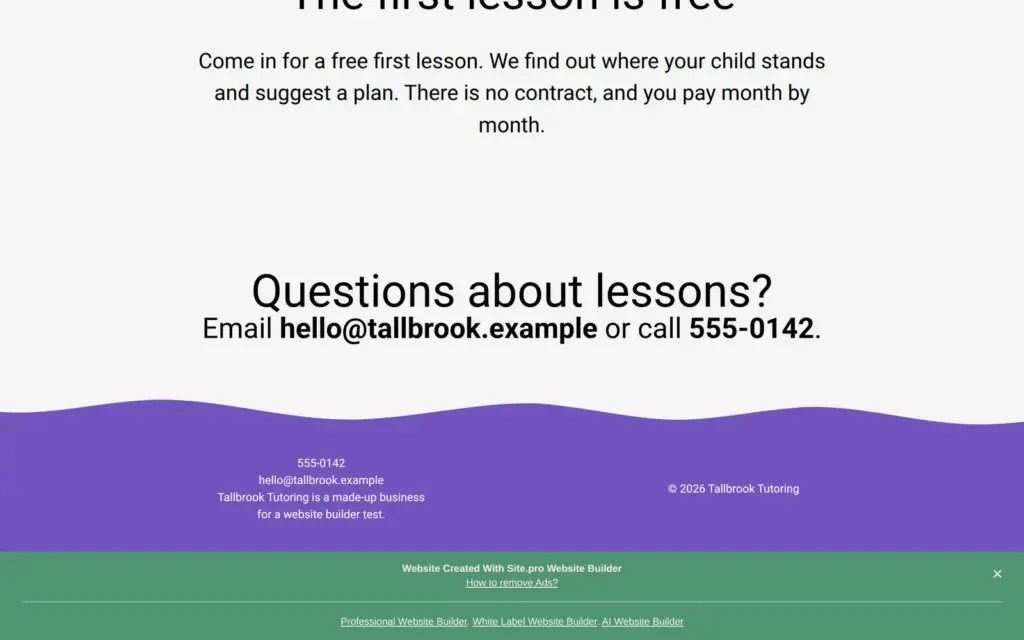
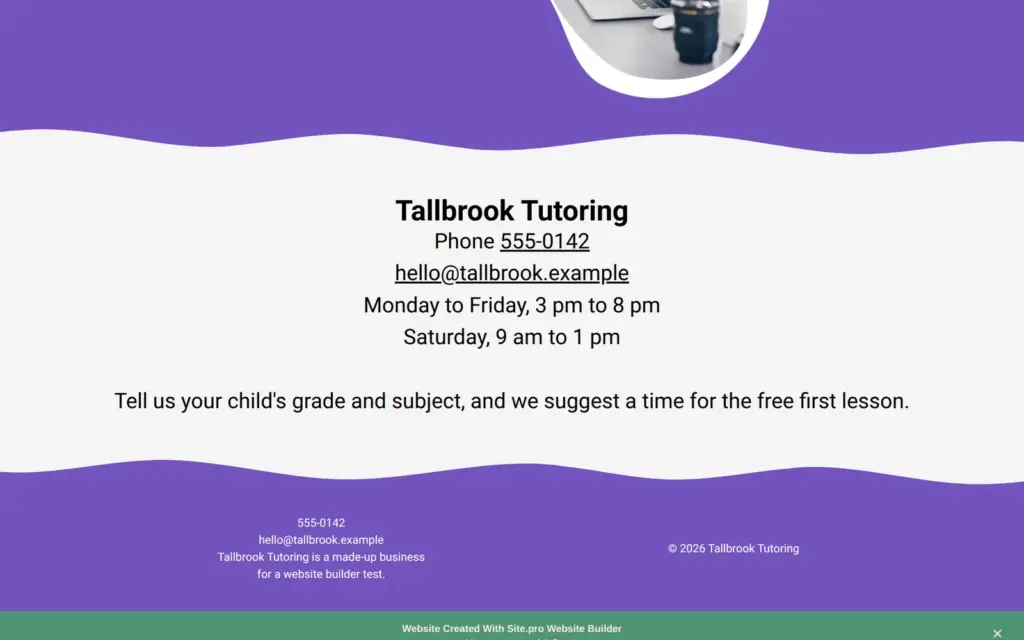
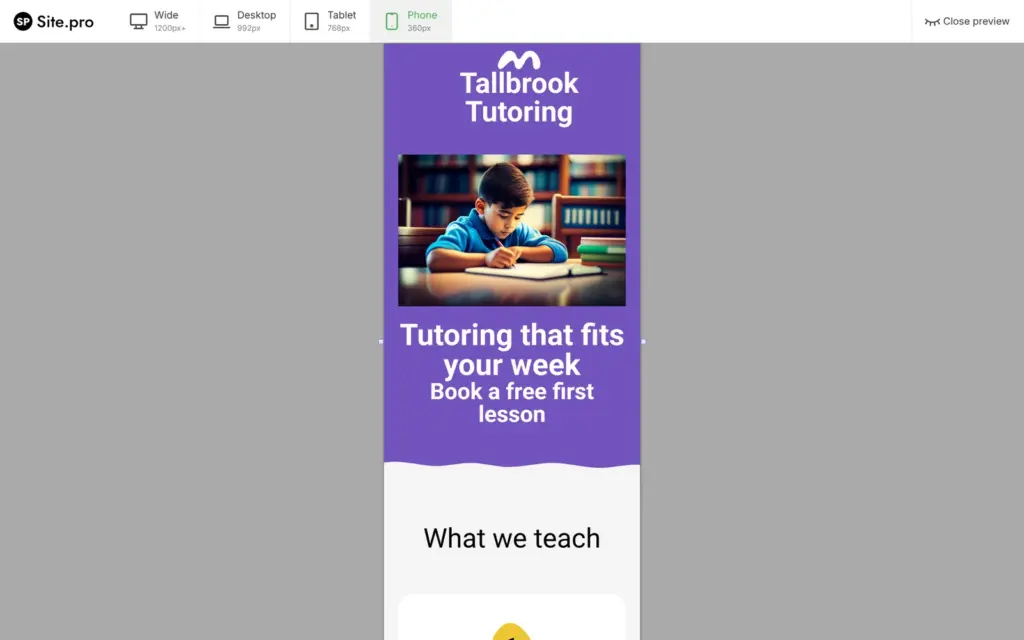
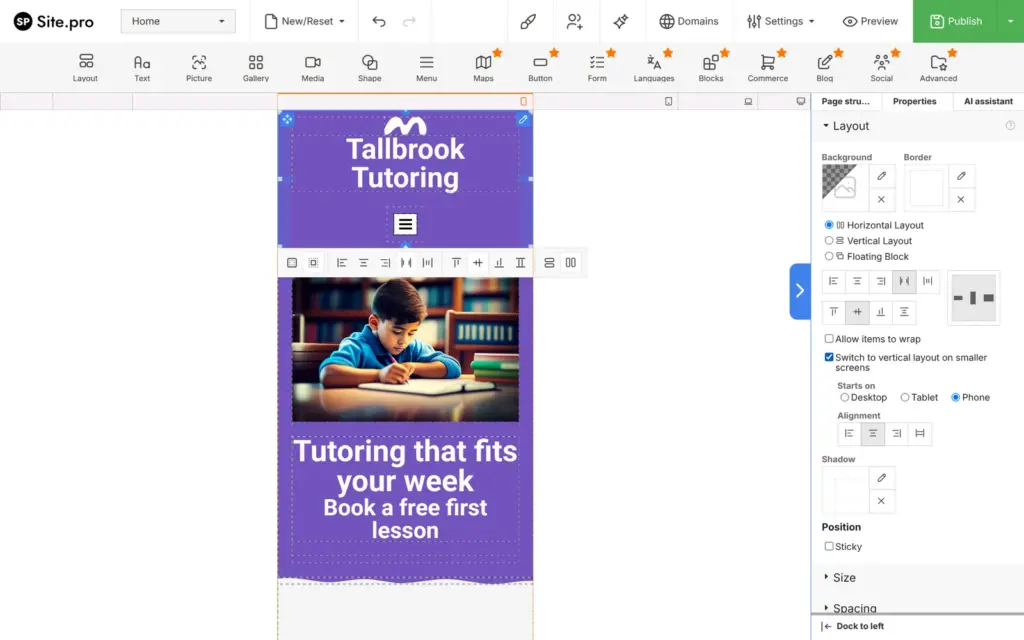
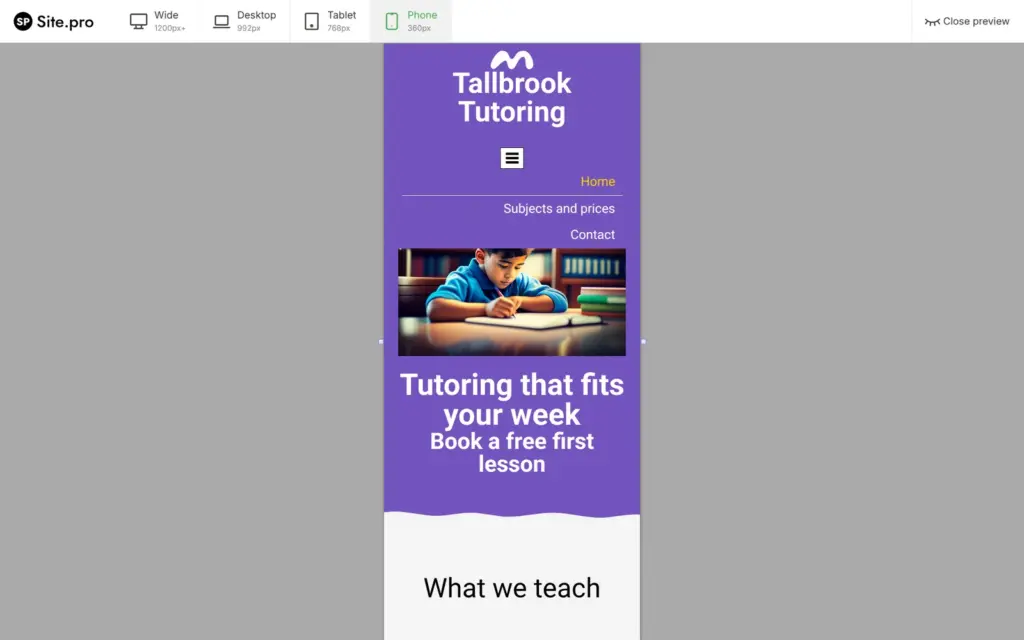
The preview shows the site at four widths. The narrowest is a phone at 360 pixels. On the phone, I couldn't see a menu button. It was there, but it sat outside the screen. The page could also be moved sideways. The header row put the name and the menu next to each other at every width.
The fix was a setting on that row. I selected it in the page structure and ticked "Switch to vertical layout on smaller screens", starting at phone width. The menu button then sat under the name, and the menu opened with the three pages. The header is shared, so this fixed every page.
I also checked the published pages in a 390-pixel browser window. Nothing moved sideways, and the sections stacked in one column.
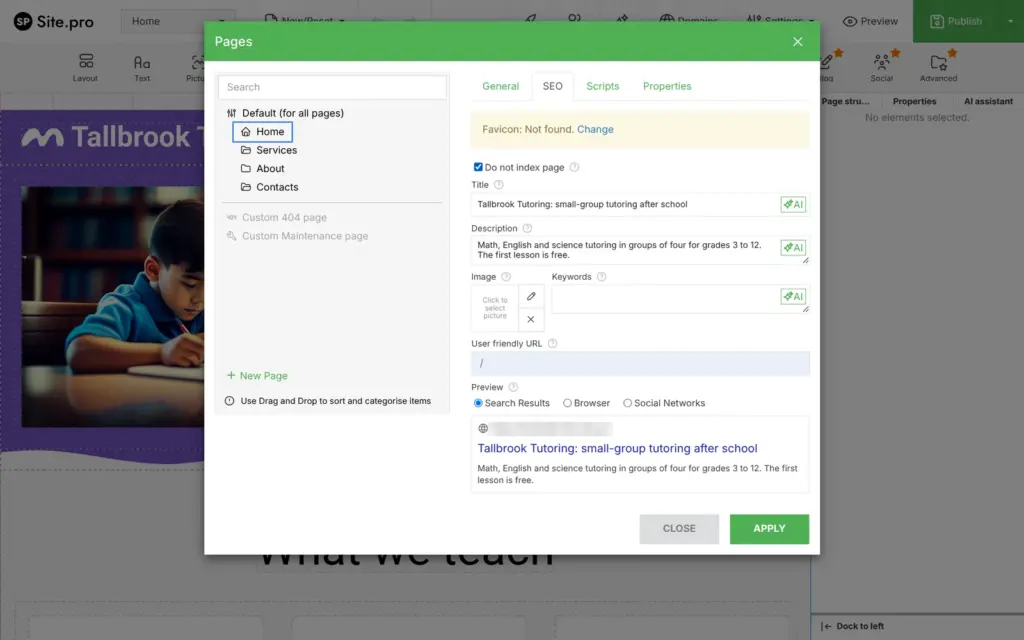
Each page gets a search title and a description in the page list, with an AI button next to each field. A preview shows how the page might look on Google. Site.pro's price table lists SEO as a paid feature, but my titles and descriptions appeared in the published pages on the free plan.
Tallbrook is made up, so I ticked "Do not index page" on every page. On a free site this makes no difference. Every page on a free.site.pro address comes with a header that tells search engines not to index it or follow its links. So a site on the free plan won't show up on Google. I also found no sitemap at the usual address.
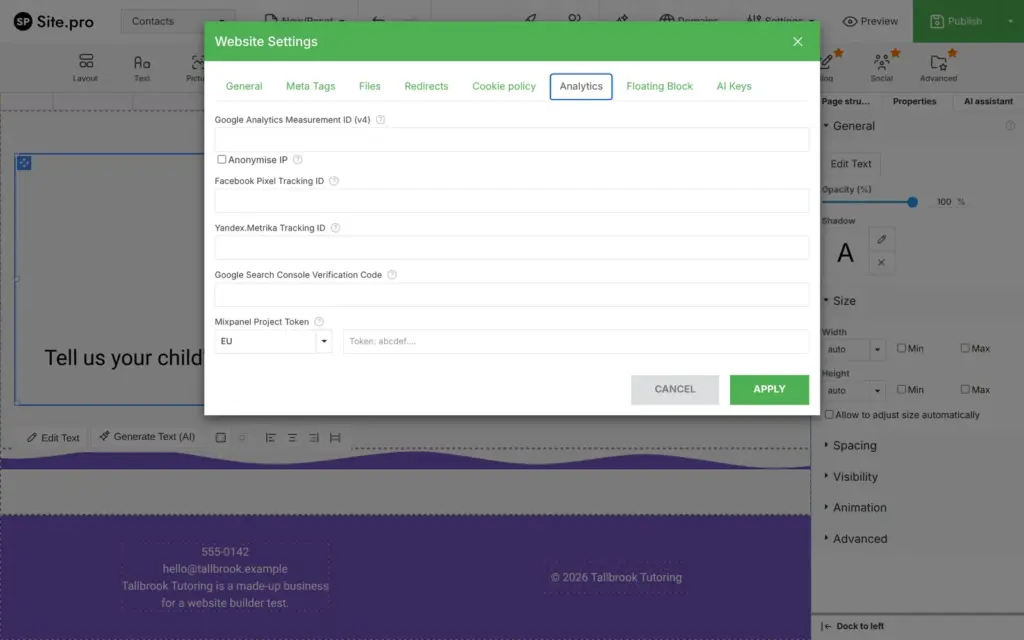
The site settings have places for analytics tools and for redirects. I didn't test them.
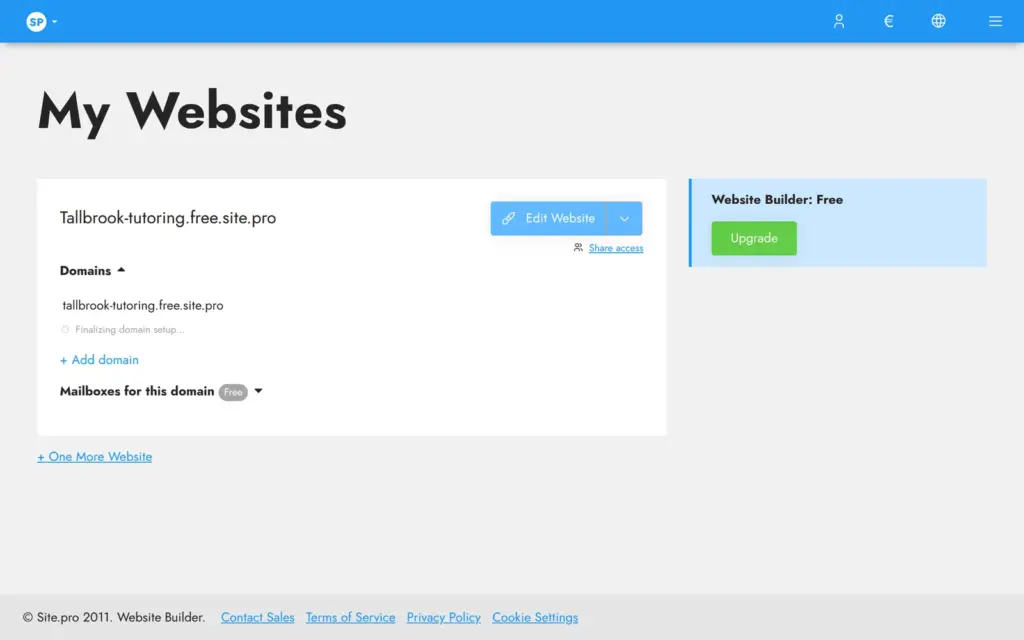
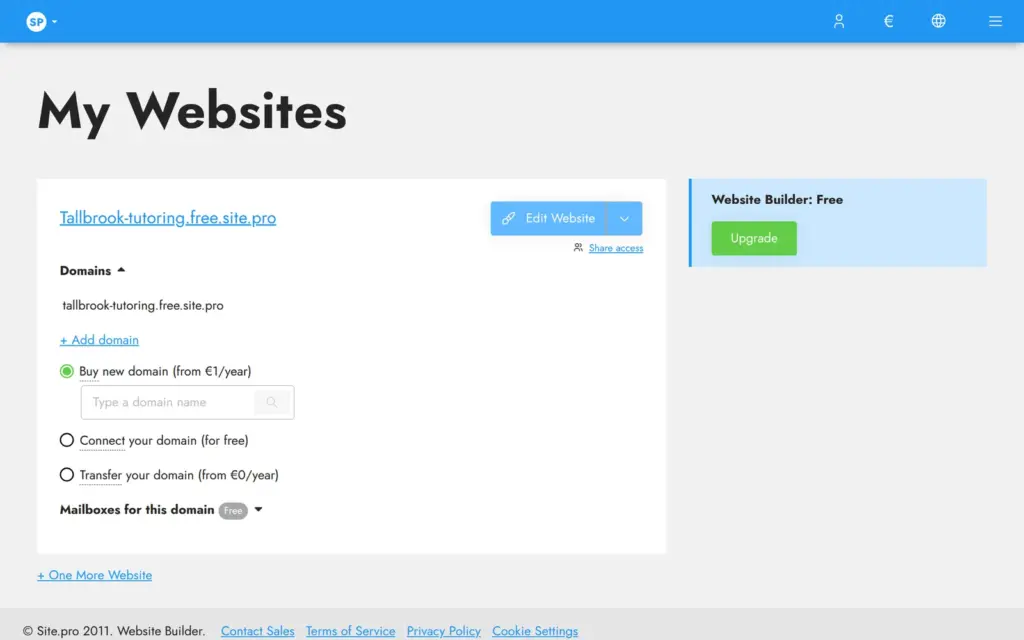
The free web address comes from the name you give at sign-up. On the My Websites page, a pencil next to the address lets you change it. I renamed mine to tallbrook-tutoring.free.site.pro, and it worked right away. An editor tab that I had opened before the rename still published to the old address. After I reopened the editor from My Websites, it published to the new one.
For your own domain, My Websites offers to buy one from Site.pro or to connect one you already have. The price table lists a custom domain on every plan, including Free. I didn't connect one.
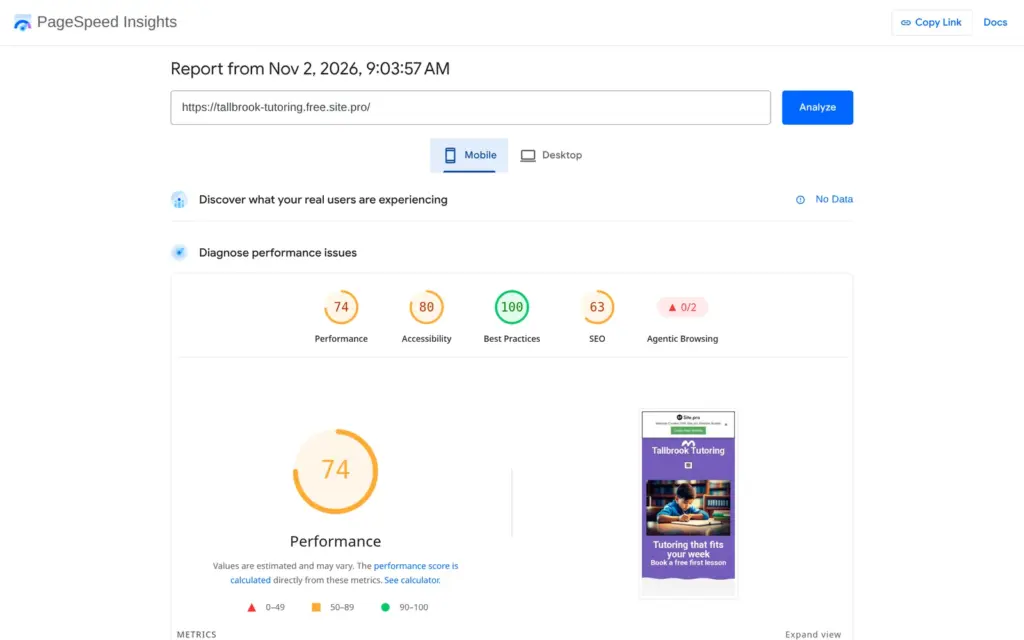
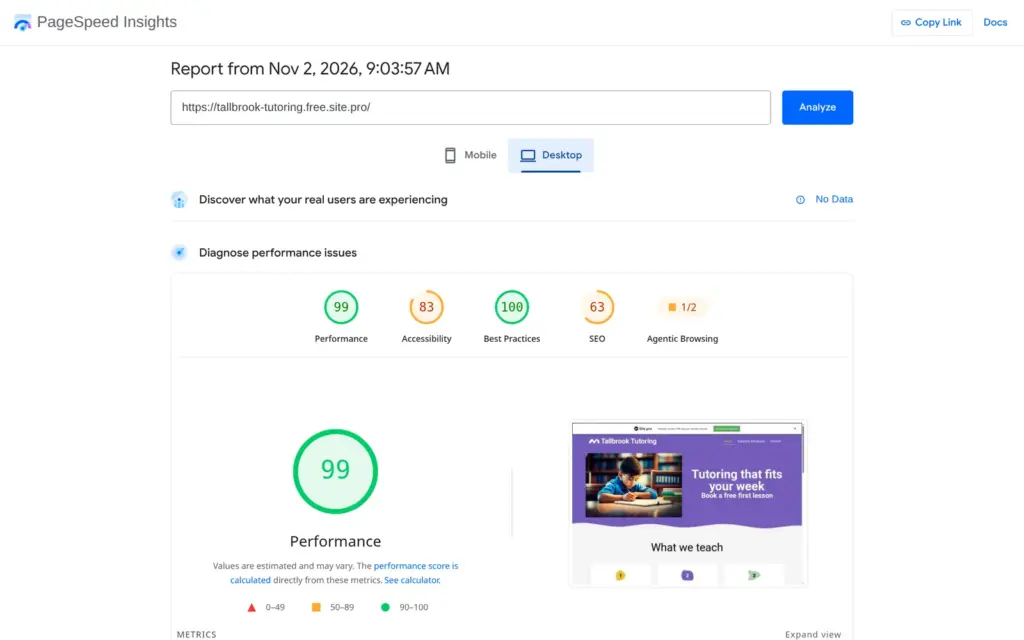
I ran the published home page through Google's PageSpeed Insights once. On a simulated phone it scored 74 out of 100, and the largest element appeared after 4.4 seconds. On desktop it scored 99, and the largest element appeared after 1.0 seconds. The report suggested smaller images and fewer files that hold up the first view of the page.
Accessibility scored 80 on the phone, mostly because of low contrast and links without a readable name. The search score of 63 comes from the blocked indexing.
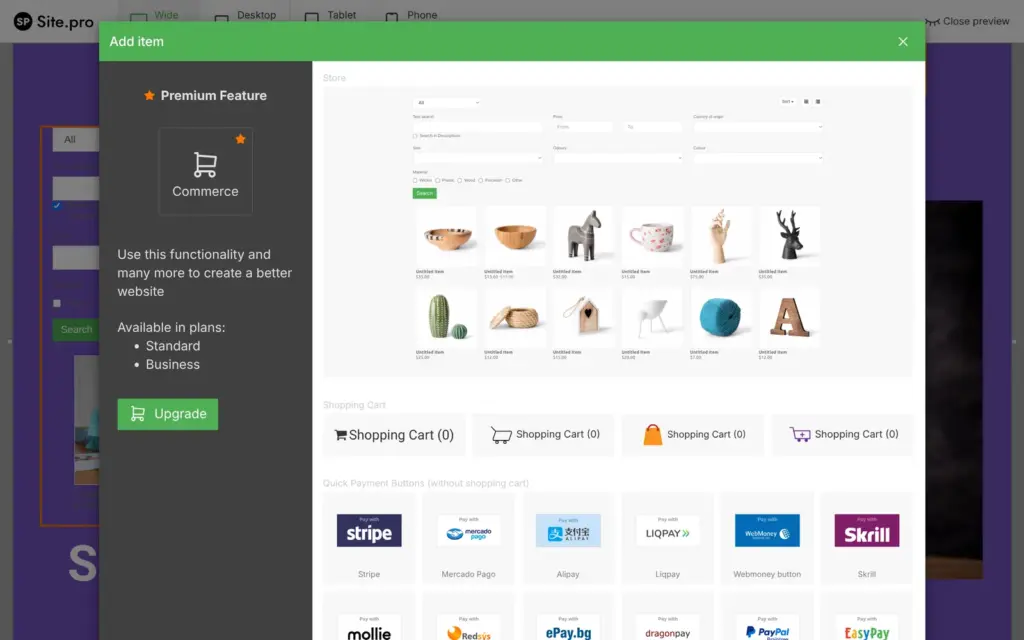
A tutoring center could sell lesson packs or workbooks, so I tried Site.pro's store. Commerce is one of the premium tools. The editor says it needs the Standard or Business plan, but it lets you add the store anyway.
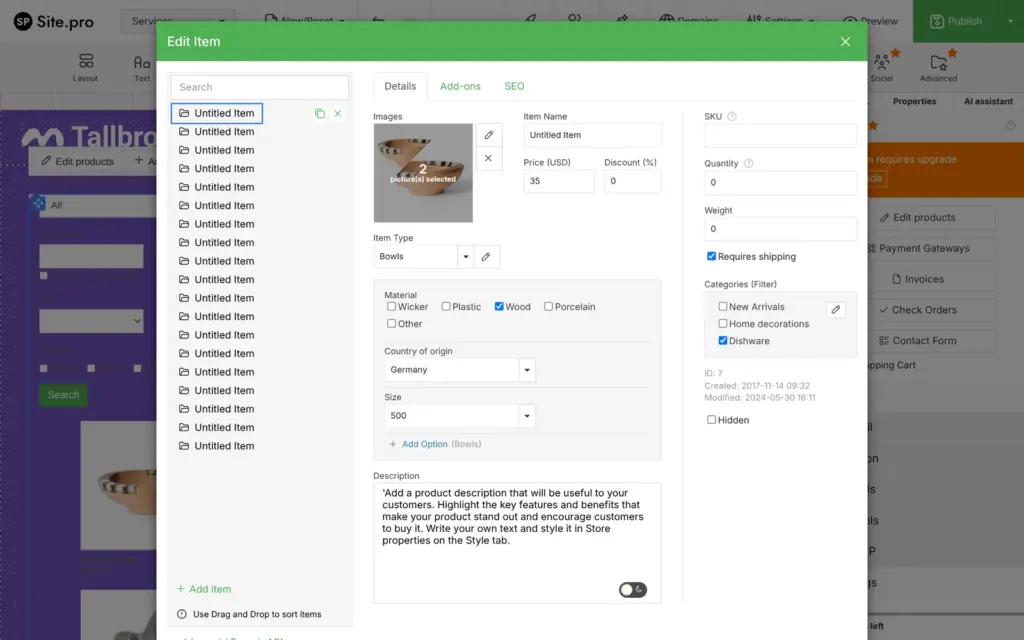
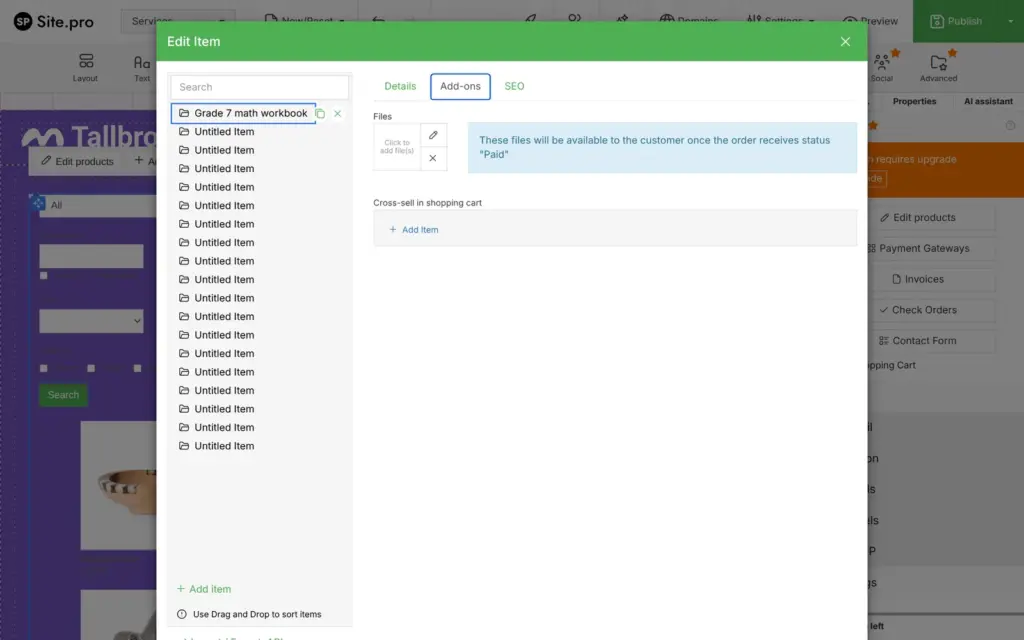
The store came with 20 sample products like bowls and candles. Each product has a price and a stock count. It also has a weight for shipping and its own search title. Products can come with files that the buyer gets once the order is marked as paid.
I turned one sample into a grade 7 math workbook for $18, with 25 in stock. Another one became a pass for ten lessons for $280, which needs no shipping. Prices start in US dollars, and the store can switch to euros or many other currencies.
Site.pro's homepage lists product variants among the shop features. In my test, Add Option opened the product types, which hold filter fields like material or size. I didn't find out how to give a variant its own price.
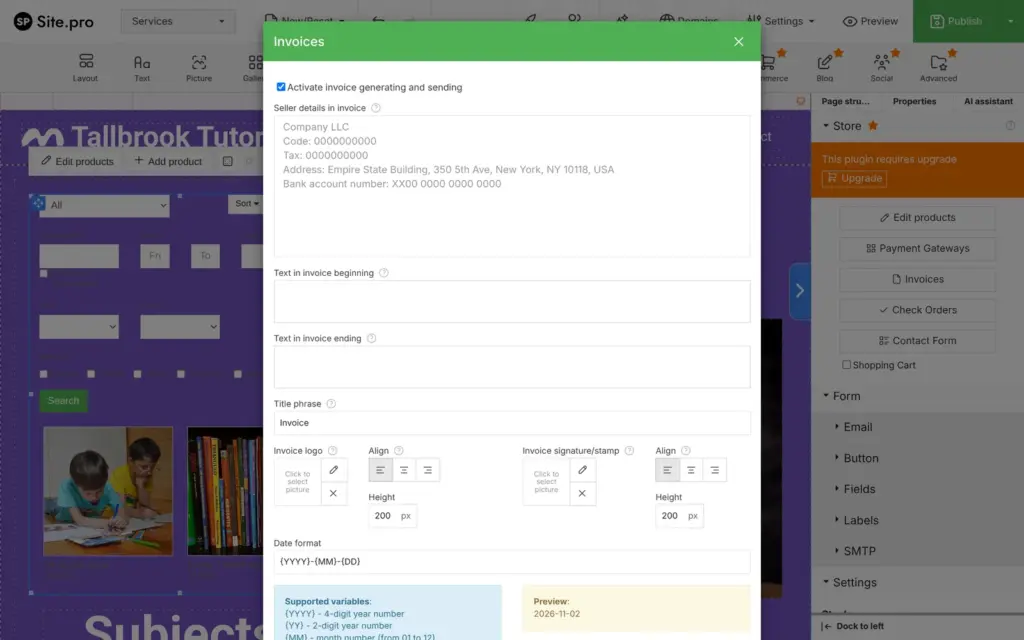
The sample data needs cleaning up. The store's filter bar still offered the sample materials, like wicker and porcelain, after I had changed the products. The invoice settings came with a sample seller called Company LLC at the Empire State Building.
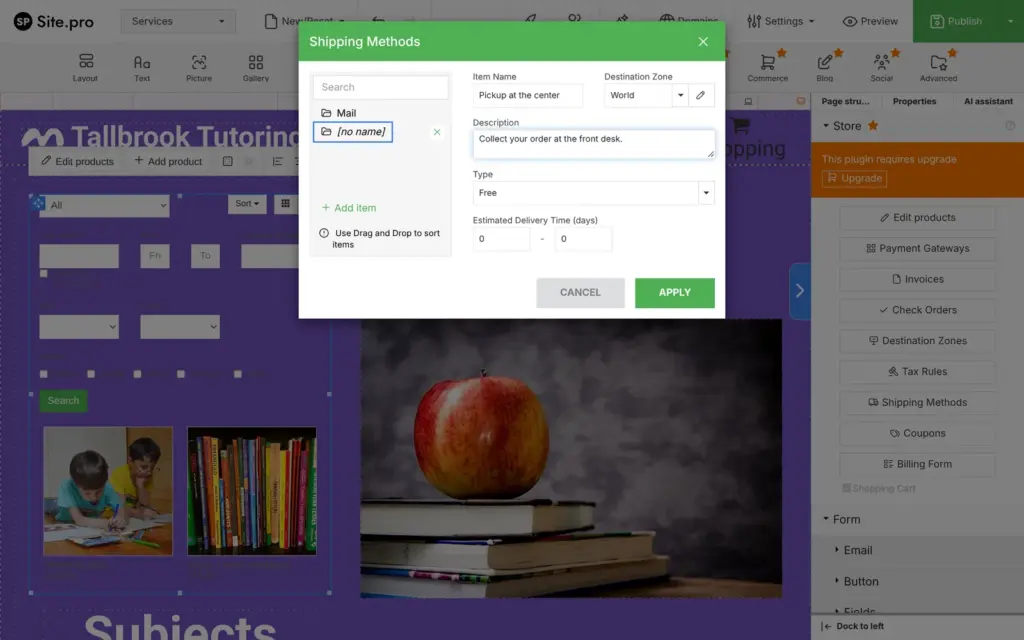
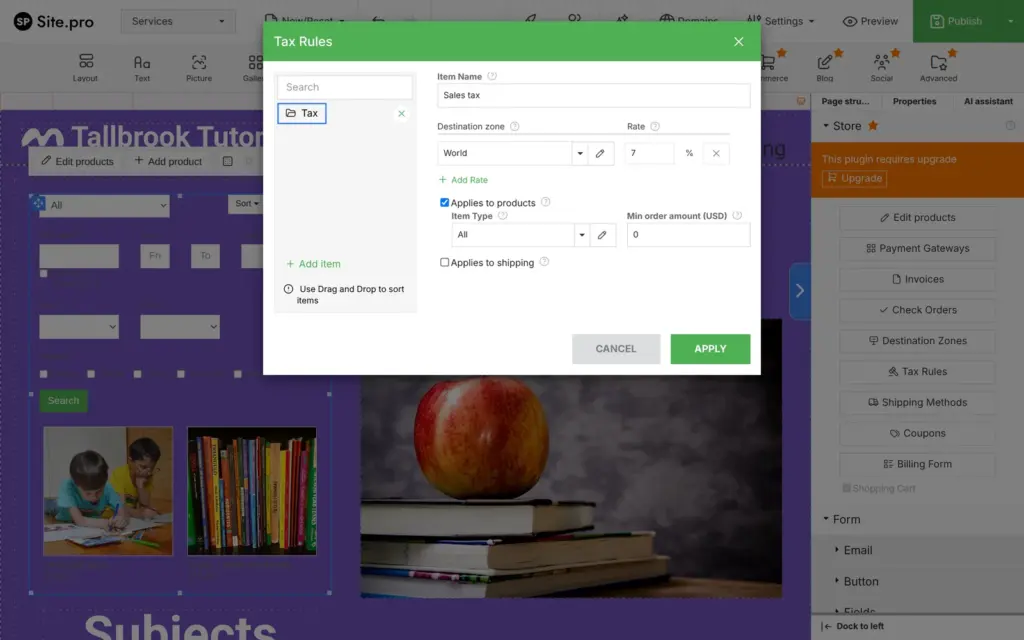
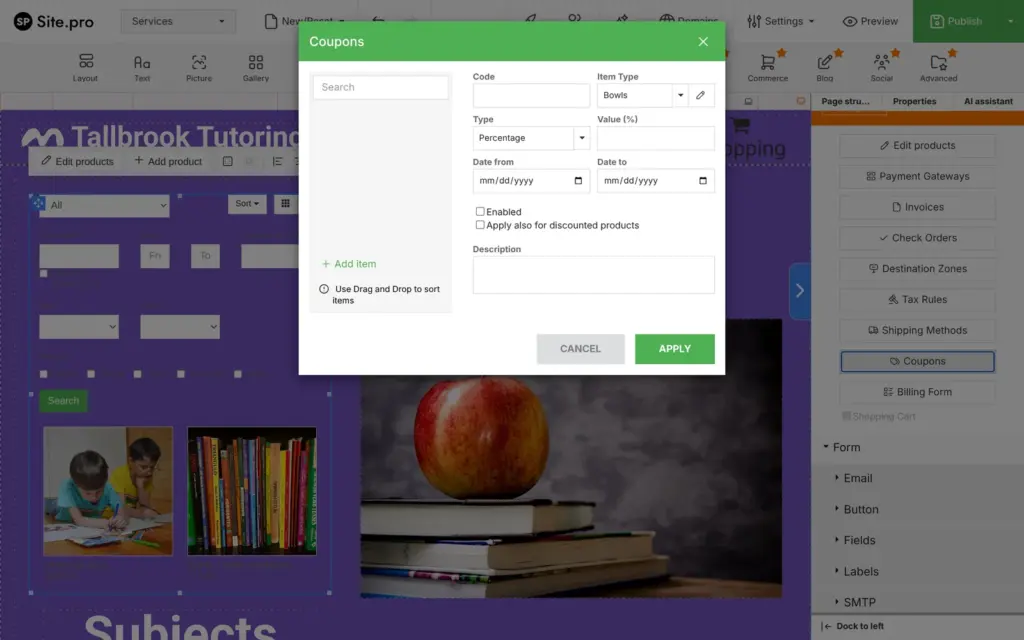
With the shopping cart switched on, the store gets more settings. I added mail for a flat $4.50 and free pickup at the center as shipping methods. Shipping can also be priced by weight or by order total. I added a sales tax of 7 percent on products. The cart also has coupons and invoices, and its billing form can ask companies for a VAT number.
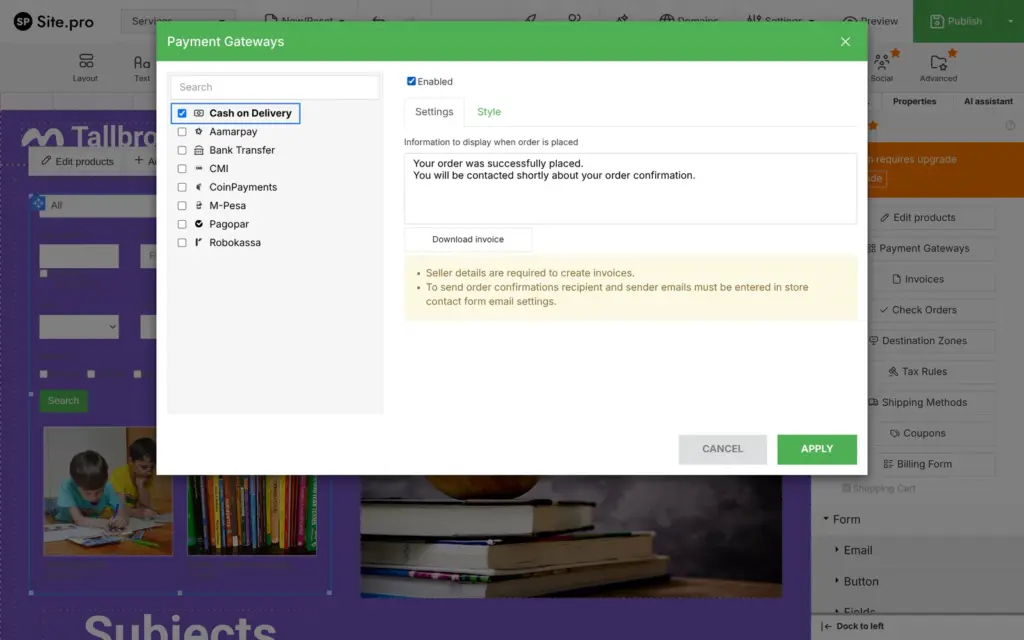
For payment, the cart in my account offered eight options. Two were bank transfer and cash on delivery. The others were regional providers from other parts of the world and one for cryptocurrency. Stripe and PayPal were not in the list, neither in euros nor in dollars. Site.pro's help pages describe both for the cart, and both appear as single payment buttons in the Commerce panel. I don't know why my account didn't offer them. I switched on cash on delivery, so a test order would need no payment account.
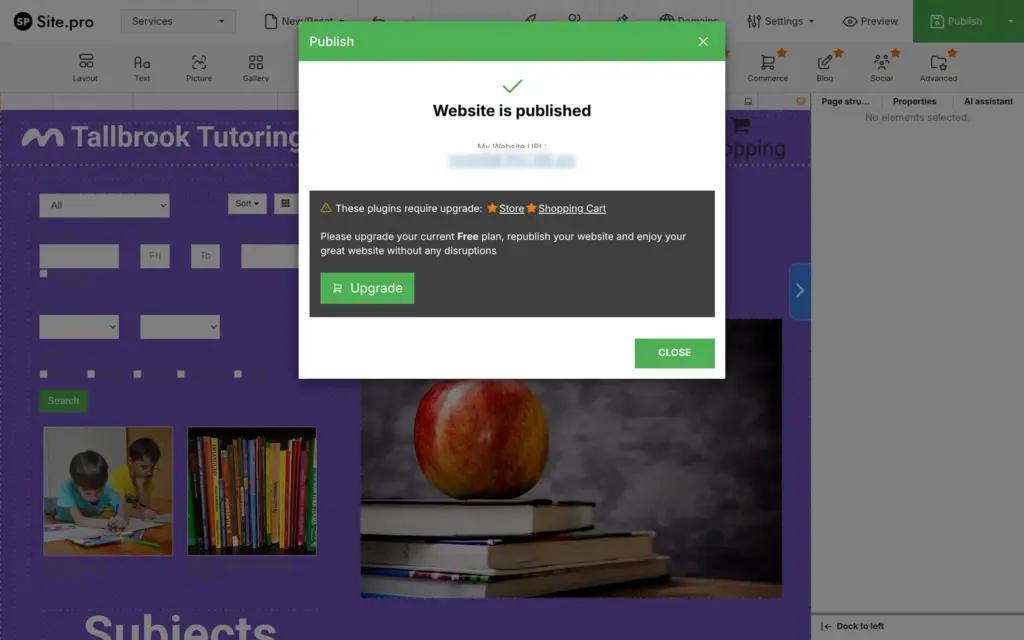
Then I published. Site.pro put the store online and said the store and the shopping cart need an upgrade. On the live site, the products showed with the orange label. Clicking the workbook opened Site.pro's price page with Commerce marked in Standard and Business. On the free plan nobody can buy anything, so I couldn't place a test order.
Shop verdict: Site.pro's store has the settings a small shop needs, and Standard costs €36 a year. I couldn't test a real order, so check which payment providers your account offers before you pay.
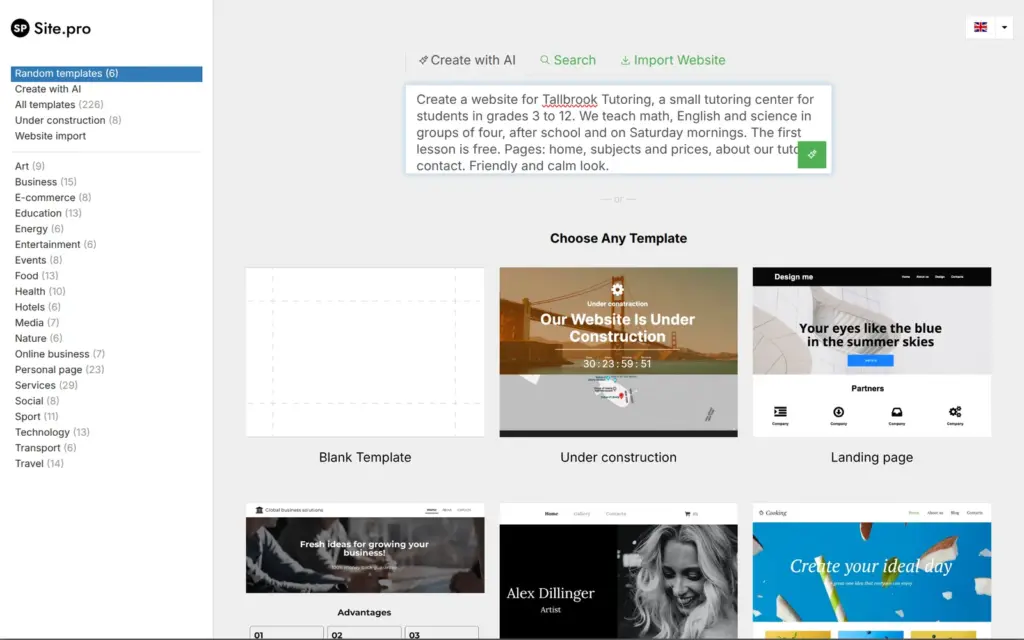
Free accounts get two AI prompts a day. I added a second website and gave the AI this description:
Create a website for Tallbrook Tutoring, a small tutoring center for students in grades 3 to 12. We teach math, English and science in groups of four, after school and on Saturday mornings. The first lesson is free. Pages: home, subjects and prices, about our tutors, contact. Friendly and calm look.
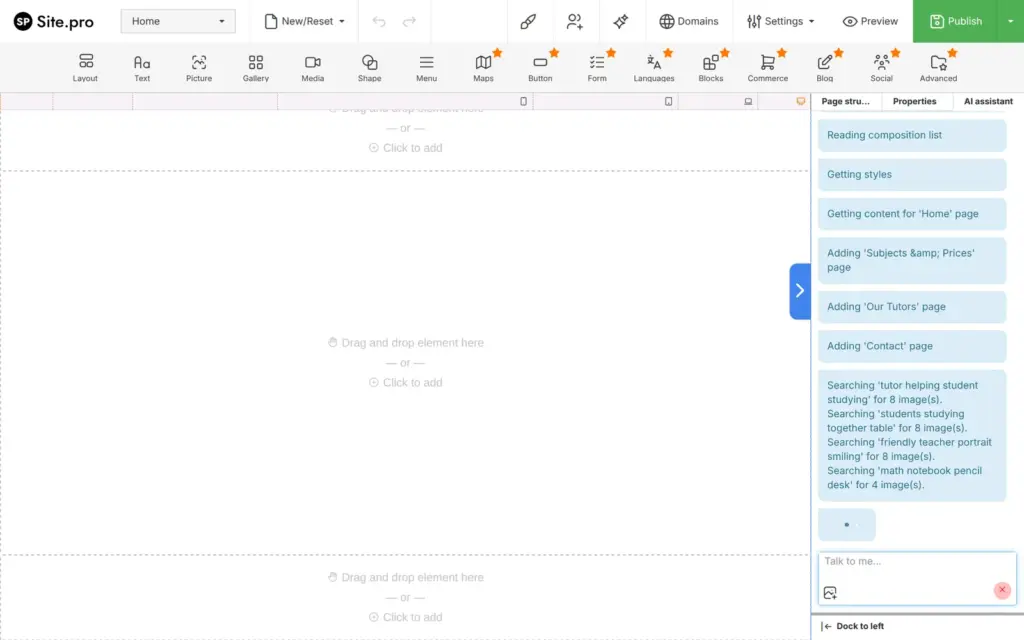
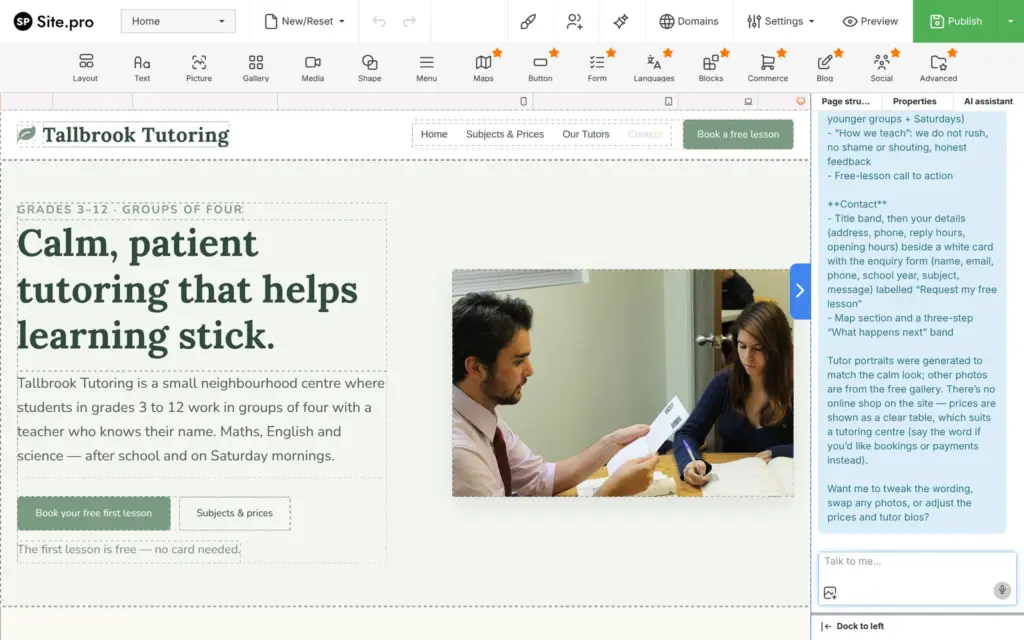
The first try, from the editor's start screen, ended with an empty page. Then I gave the same description to the AI assistant in the editor's right panel. It listed each step while it worked, like adding a page or searching the photo library. After six or seven minutes it had built four pages in sage green, with a serif font for the headings.
The AI made up a lot. It set prices between $32 and $65 and wrote opening hours. It invented a street address in New Hampshire and an email address. It wrote four tutors with names and life stories, and it generated portraits of them. The footer says © 2025, and the text uses British spelling like "maths" and "centre".
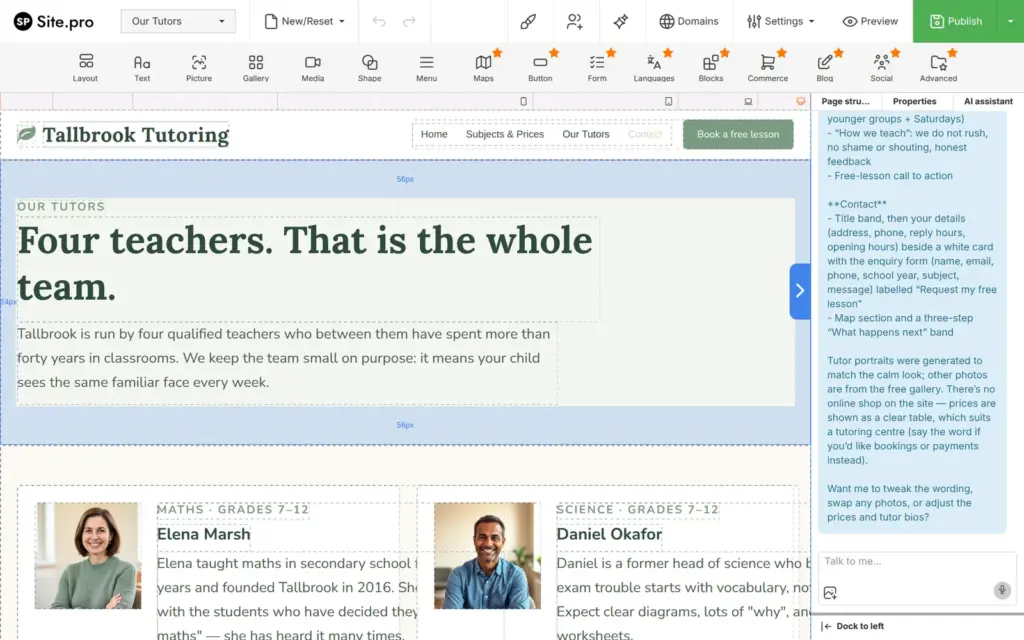
It also used parts the free plan doesn't publish. All its buttons need an upgrade, and so do its contact form and map. The menu had four items, and in the editor the tutor texts ran past the edge of their cards.
I asked the AI to take Our Tutors out of the menu, and the fix took about half a minute. Counting the empty first try, that was my third request of the day, and it still went through. The publish warning about the menu items stayed.
On the published AI site, every button carries the orange label. The home page reads fine, and on the tutors page the life stories are cut off at the edge of their cards. The subjects page and the contact page are broken. Most of their text runs down the page one letter per line, on a computer and on a phone.
The site settings also have a place for your own OpenAI key. I didn't try it.
The AI site looks good as a first version. Before visitors see it, you would have to replace every made-up fact and rebuild the two broken pages.
I didn't test these, because they need a paid plan. The price table puts the blog in Standard. Bookings come from outside services like Bookingmood, and their widgets are also part of Standard. A second language needs Starter.
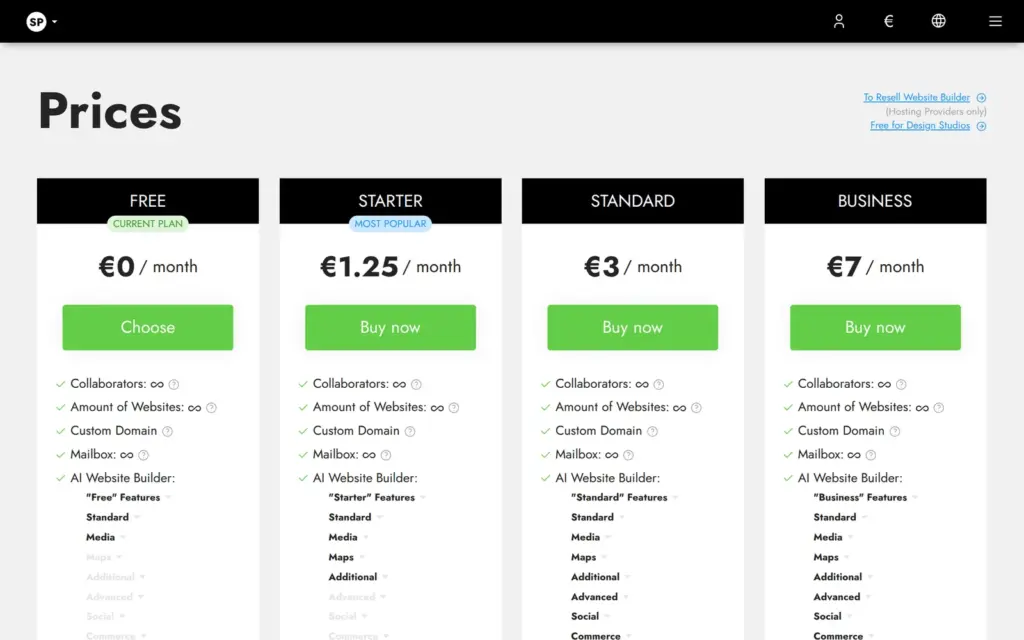
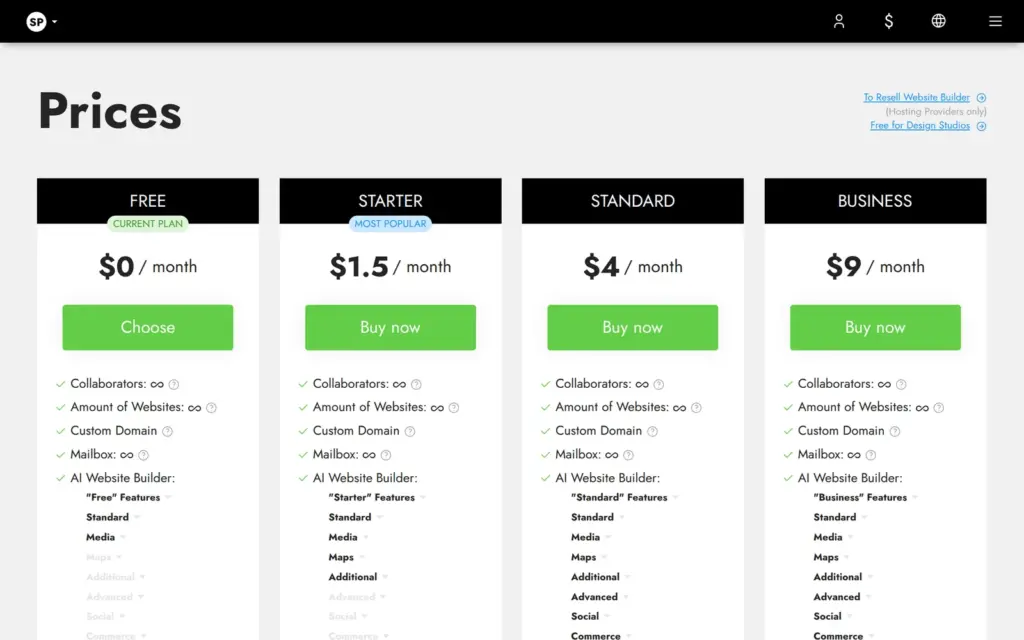
I checked Site.pro's price page on November 2, 2026, from Germany. It showed euros, and the currency switch also showed US dollars with different numbers. Each paid plan is sold for twelve months at a time. One plan covers every website in the account, and every plan allows as many websites as you like. The page doesn't say whether VAT is included, and I didn't go to the checkout.
| Free | Starter | Standard | Business | |
|---|---|---|---|---|
| Price in euros | €0 | €15a year, €1.25 a month | €36a year, €3 a month | €84a year, €7 a month |
| Price in US dollars | $0 | $18a year, $1.50 a month | $48a year, $4 a month | $108a year, $9 a month |
| Site.pro bars on every page | Yes | No | No | No |
| Menu items | 3 | 5 | 10 | No limit |
| Templates | 20+ | 60+ | 200+ | 200+ |
| AI prompts a day | 2 | 5 | 20 | 30 |
| Largest image | 1 MB | 2 MB | 3 MB | 3 MB |
| Size of the website | 100 MB | No limit | No limit | No limit |
| Contact form and buttons | No | Yes | Yes | Yes |
| Maps and other languages | No | Yes | Yes | Yes |
| Blog and booking widgets | No | No | Yes | Yes |
| Online store | No | No | Yes | Yes |
| Drafts and backups | No | Yes | Yes | Yes |
| Automatic backups | No | No | No | Yes |
| Support | No | No | No | Yes |
| Discount on domains | 0% | 10% | 15% | 20% |
For Tallbrook, Starter at €15 a year would bring back the contact form and the buttons, according to the price table. It also removes the Site.pro bars. Selling the workbook needs Standard at €36 a year. A domain comes on top. Site.pro's homepage lists a .com domain at €11, and the paid plans get 10 to 20 percent off domains.
The terms say paid plans renew automatically unless you cancel at least 15 days before the renewal date. They also say Site.pro doesn't refund paid plans.
Site.pro hosts your site, and you can't download its files. Its help center says that it doesn't give access to the files of a published website. On paid plans, the Publish menu has a backup download, which the help center describes as something you restore in the Site.pro editor. If you move to another builder later, you take your text and photos with you and rebuild the pages.
Site.pro fits a small business that wants a simple website and doesn't mind paying for a plan. For Tallbrook, Starter at €15 a year would be enough, and Standard would add the shop.
It fits less well if you want to stay on the free plan. The free plan can't take messages, and it keeps the site out of Google. It also fits less well if you need a well-known card payment provider in the shopping cart. Mine offered bank transfer and cash on delivery, and the other providers came from other parts of the world.
If you try it, build the site on the free plan first and publish it once. The upgrade warnings show you which paid parts your design uses before you pay.
 What I'm building
Give Vroni a GitHub issue, bug report, spec, or rough idea. It reads the repo, plans the change, writes code, runs checks, and works toward a review-ready pull request.
Take a look at vroni.com