
WebStarts review
WebStarts is a website builder with a free plan. You drag text and photos onto a page wherever you like, and WebStarts…
Pixpa is a website builder made for photographers and other creative people. Besides the website, it gives you private galleries for your clients and an online store in the same subscription. If you photograph weddings, you probably want to know whether it does the job for a photographer and what it costs.
To find out, I built a website for a made-up wedding photographer on Pixpa's 15-day free trial. I started from a wedding template and replaced the text and photos. I set up an inquiry form and a shop with a print and an engagement session. Then I placed a test order. I also made a private client gallery for a made-up couple and picked favorites the way a couple would.
The template looked like a real wedding photographer's site from the start, and the client galleries are the strongest part of Pixpa. The test order and the inquiry form worked. But the template left a lot of its own content behind, and some of Pixpa's defaults need changing. On the trial, couples can't open an album, and the shop can't take card payments.
Pixpa suits you if you photograph weddings or portraits and want your website and your client galleries in one subscription.
Look elsewhere if couples should book a date on a calendar, or if you sell many products and need stock tracking on a cheaper plan.
Price: Basic costs $9 or €8.23 a month on monthly billing. Yearly and two-yearly billing cost less, but part of that discount only applies to the first period. Basic is too small for a working wedding photographer. Its contact form has no date field, and it has 3 GB of storage for client photos. Professional, with 25 GB, costs $20 or €18.28 a month on monthly billing. Prices are without VAT or sales tax. I tested Pixpa and checked the prices on November 2, 2026.
The shop: It works for a handful of prints and sessions.
Not tested: The trial blocks card payments and shared albums. It also blocks your own domain and a public site, which rules out a speed test. I didn't contact Pixpa's support. Pixpa did not pay for this review, and there are no affiliate links.
What I liked:
What bothered me:
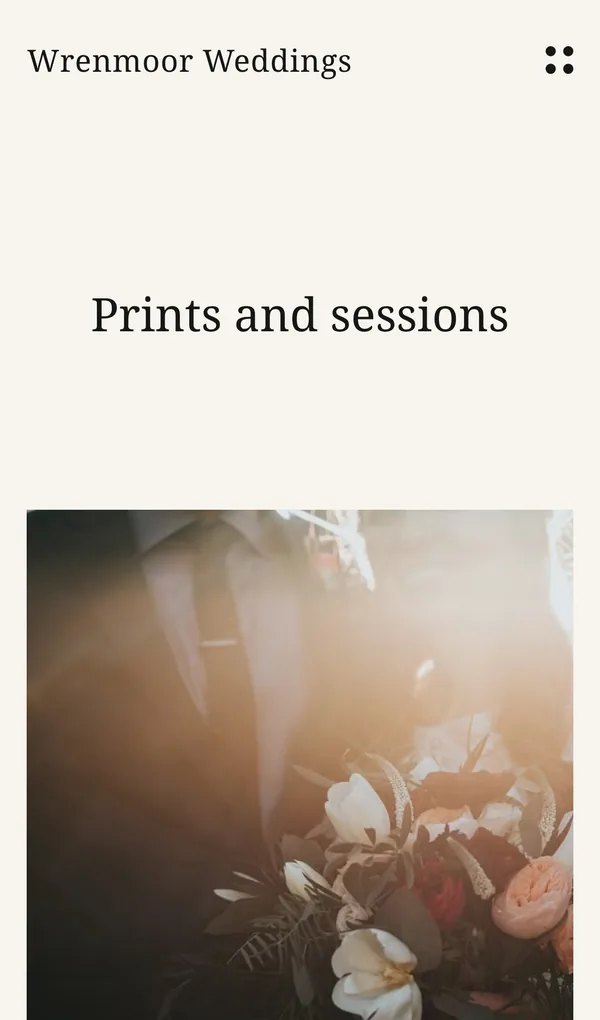
Wrenmoor Weddings is a made-up wedding photographer, and its About page says so. I used the five pages of the Starling template and added a shop and a blog. Starling is one of Pixpa's wedding templates, and all templates are included in all plans.
The photos come from Unsplash, a library of free photos. Pixpa has no stock photo library of its own, so I uploaded them from my computer.
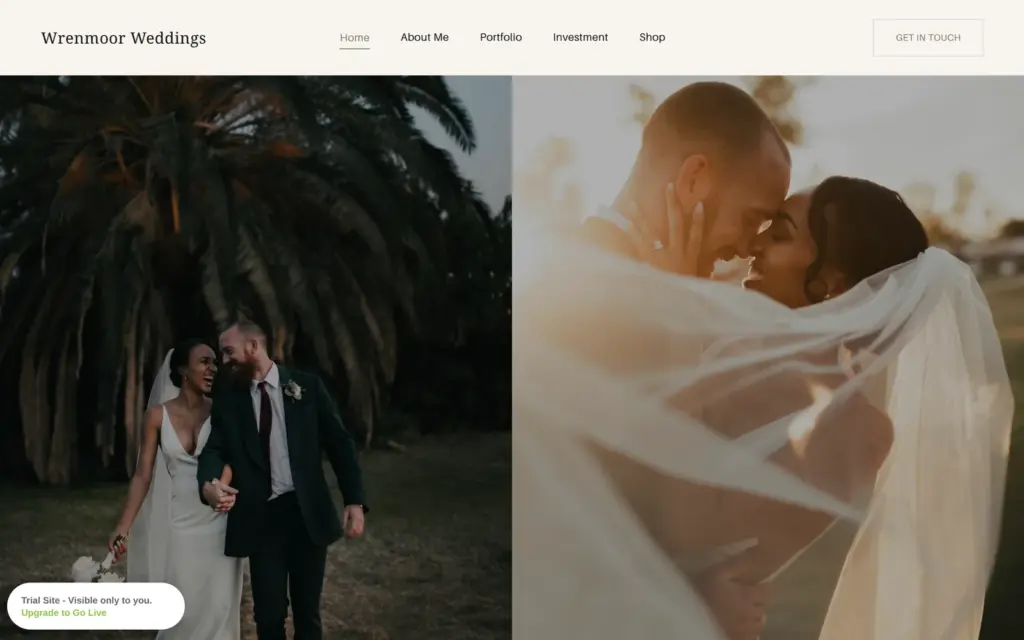
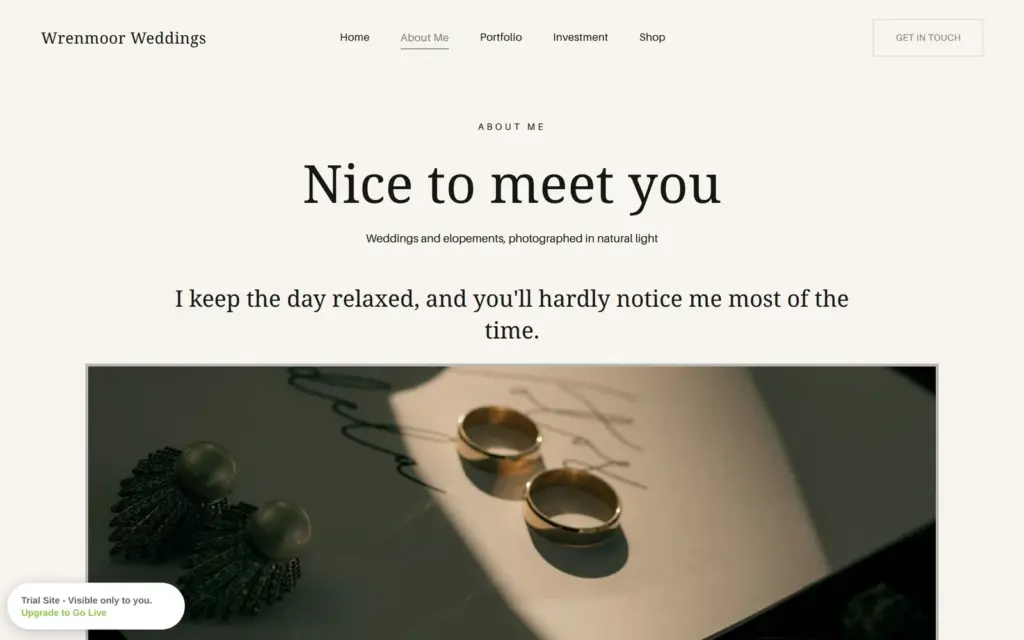
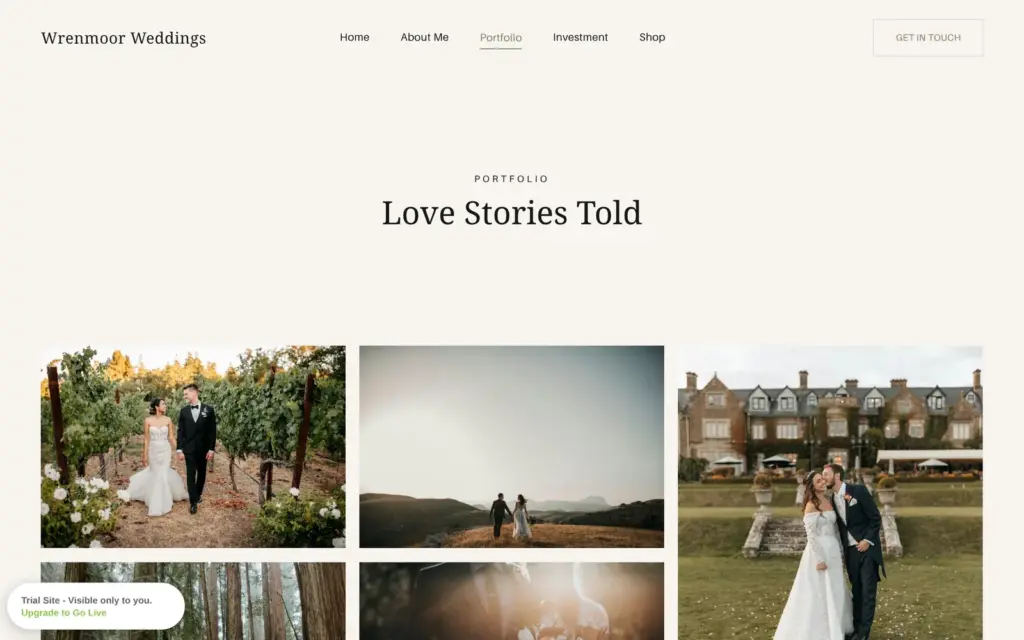
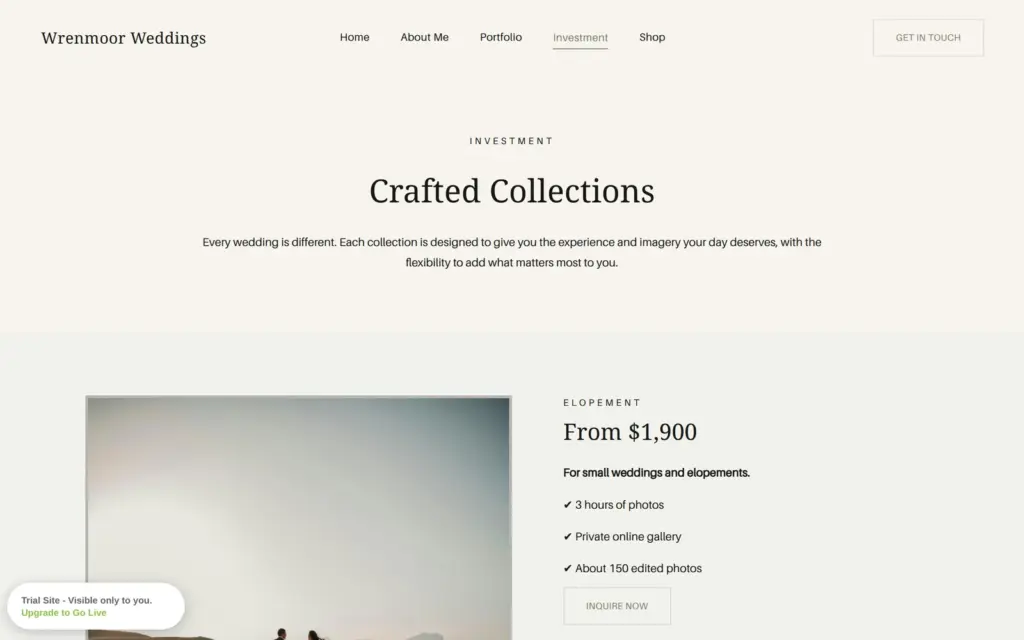
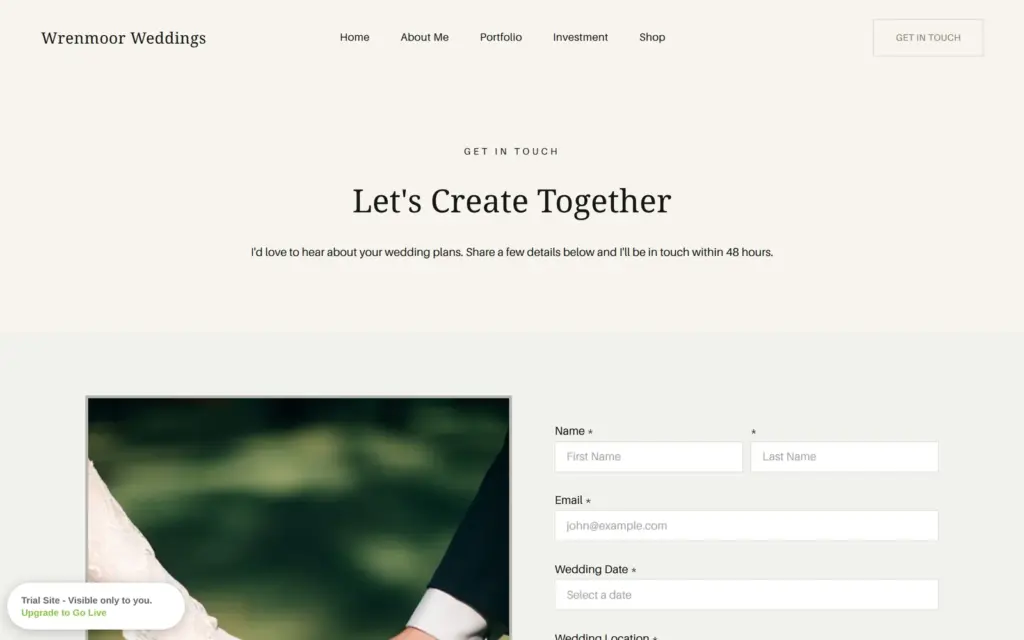
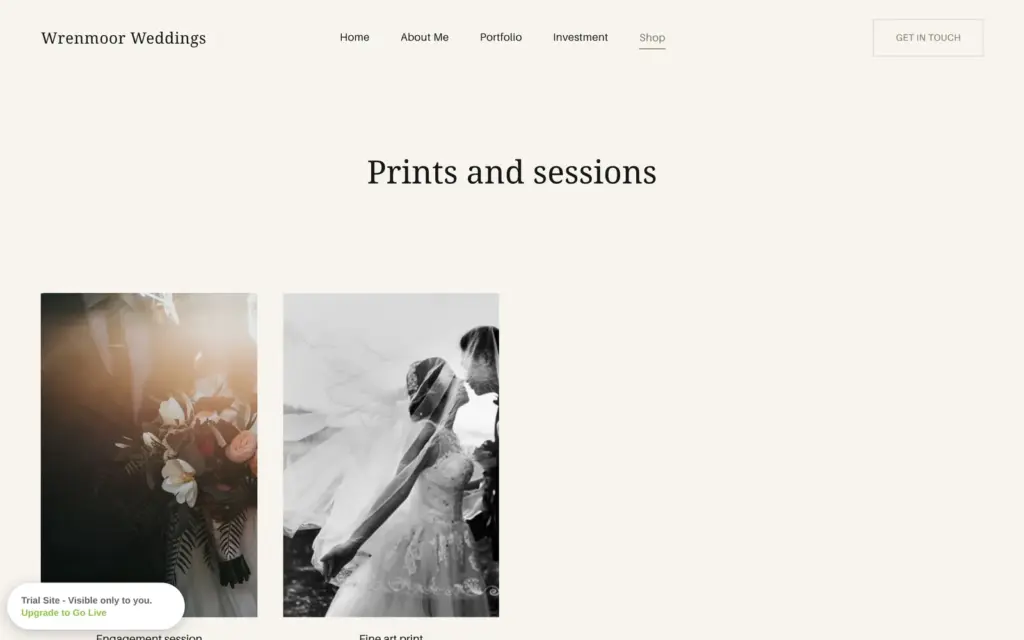
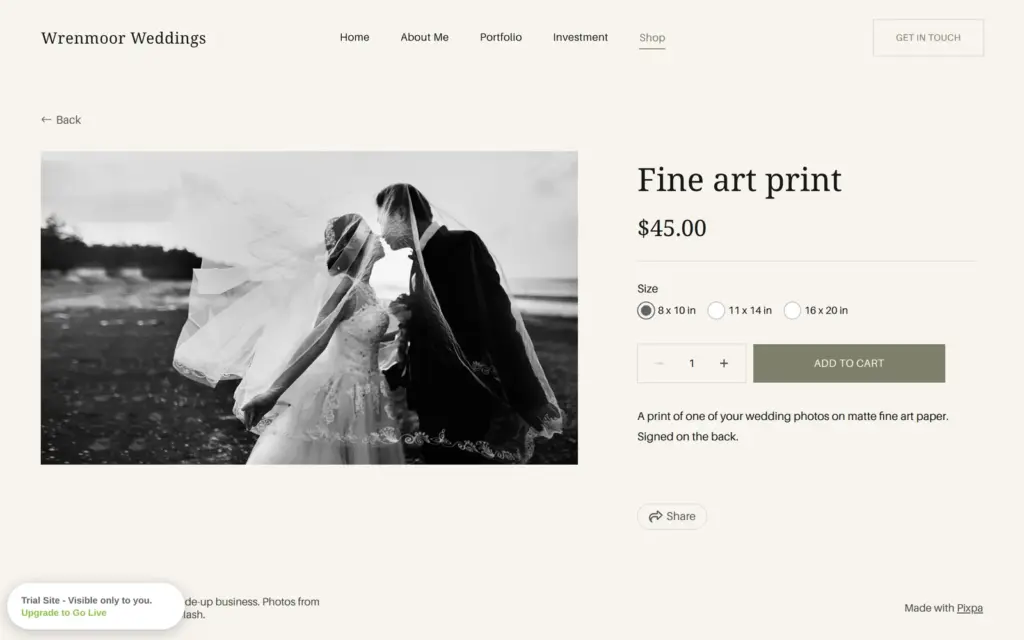
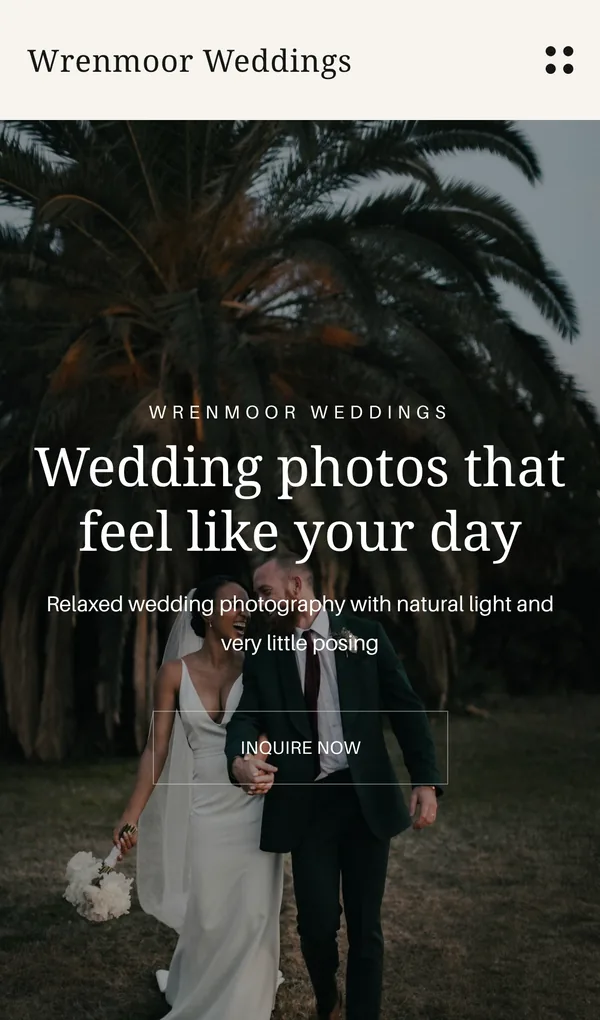
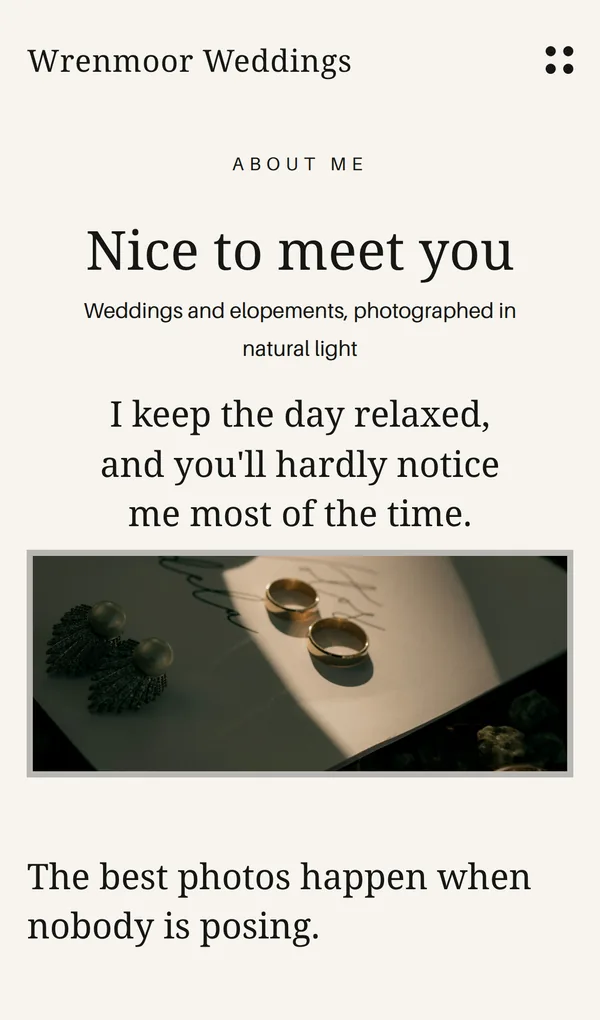
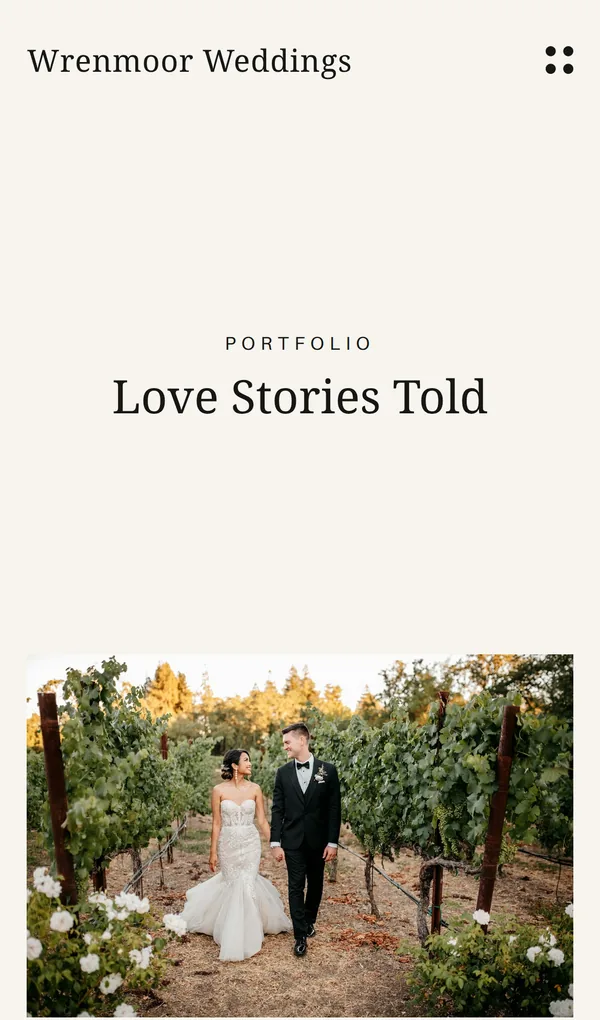
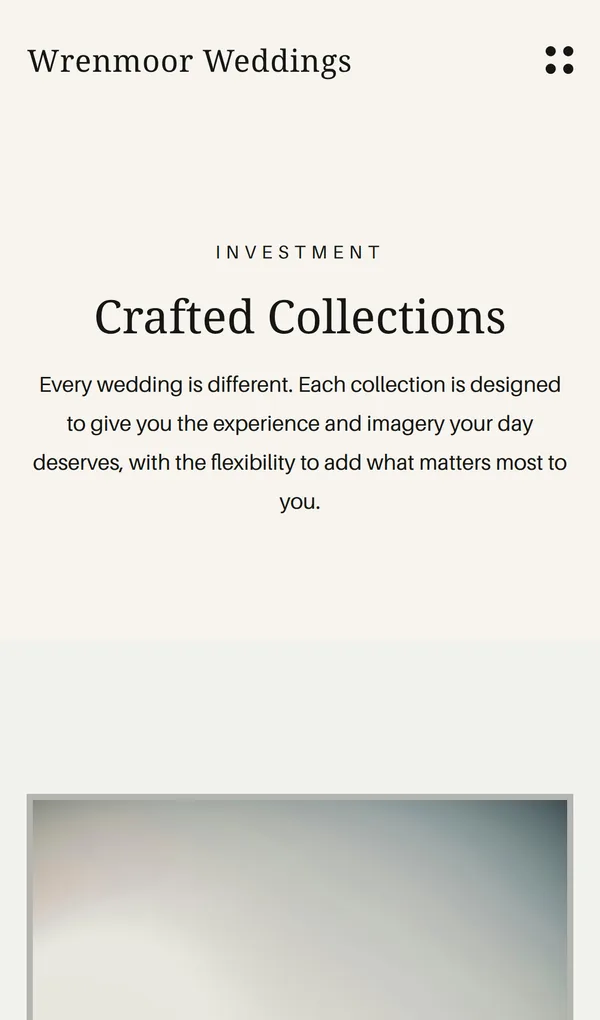
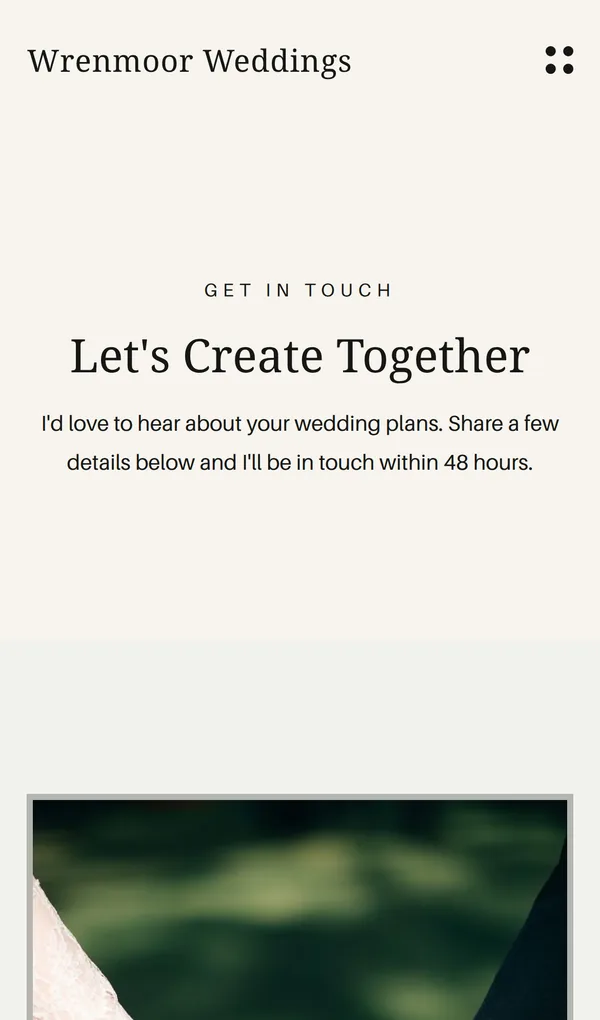

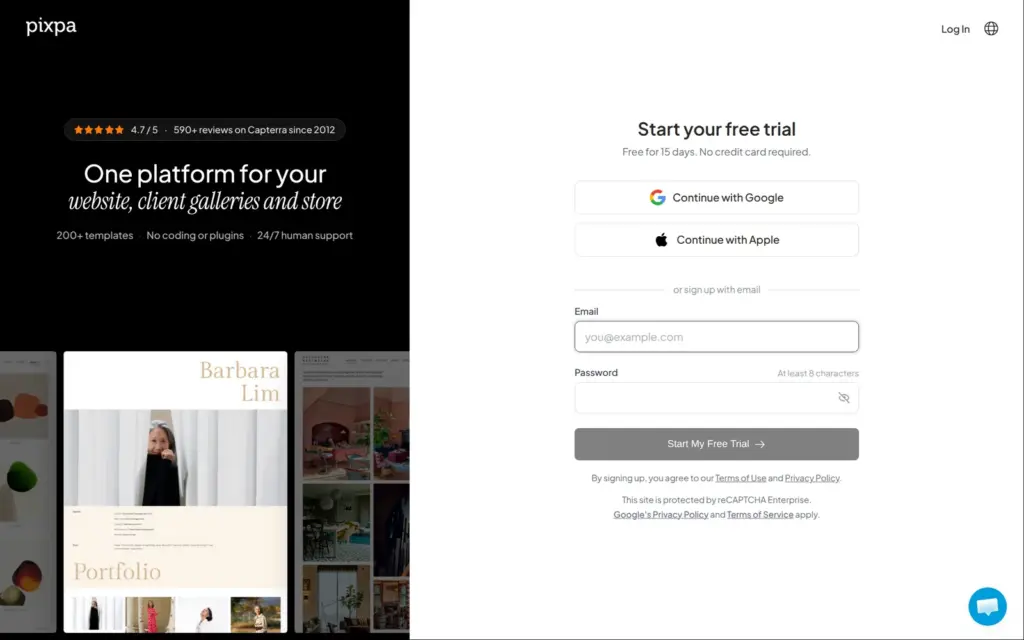
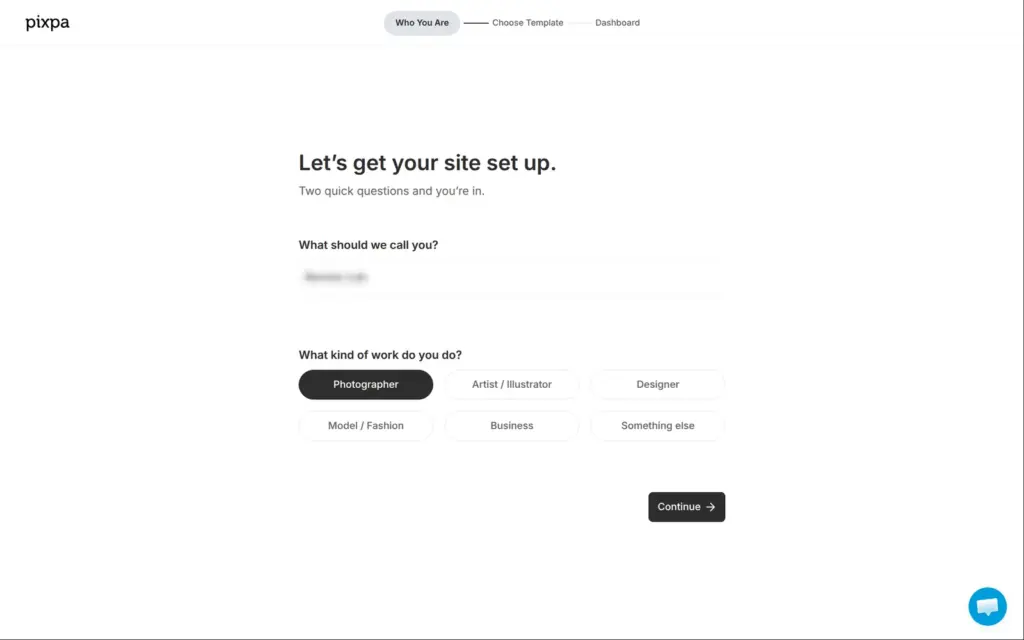
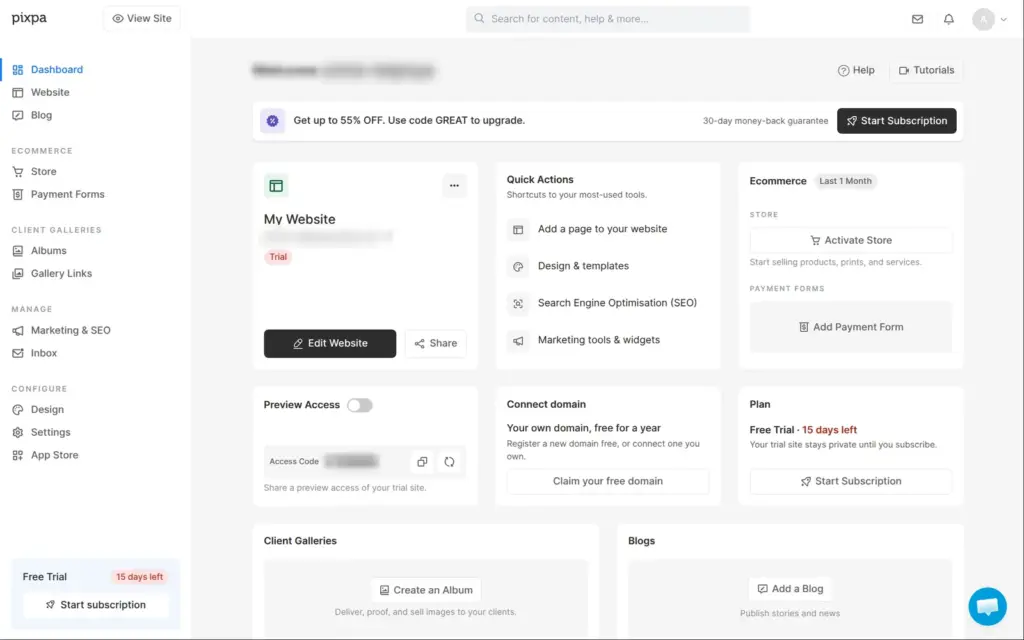
The trial runs for 15 days and needs no card. You sign up with an email address and a password, or with a Google or Apple account. Pixpa then asks what it should call you and what kind of work you do. I picked Photographer.
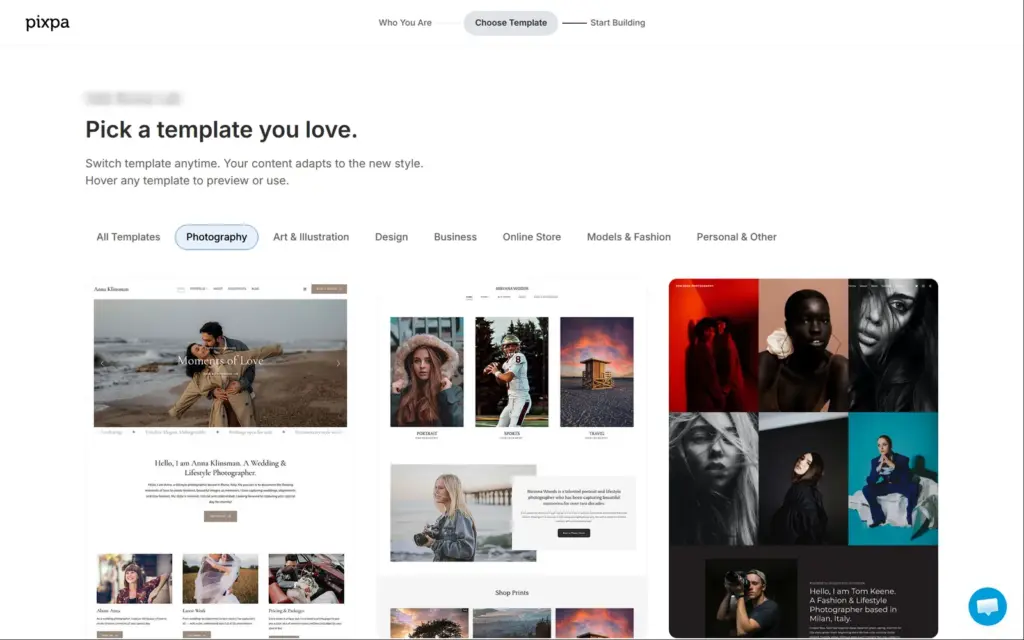
The template picker opened on the photography templates. Pixpa's website lists 17 templates for weddings. I looked at the preview of Starling and chose it for its wedding stories and its page for prices. Pixpa says you can switch templates later and your content adapts to the new style. I didn't try that.
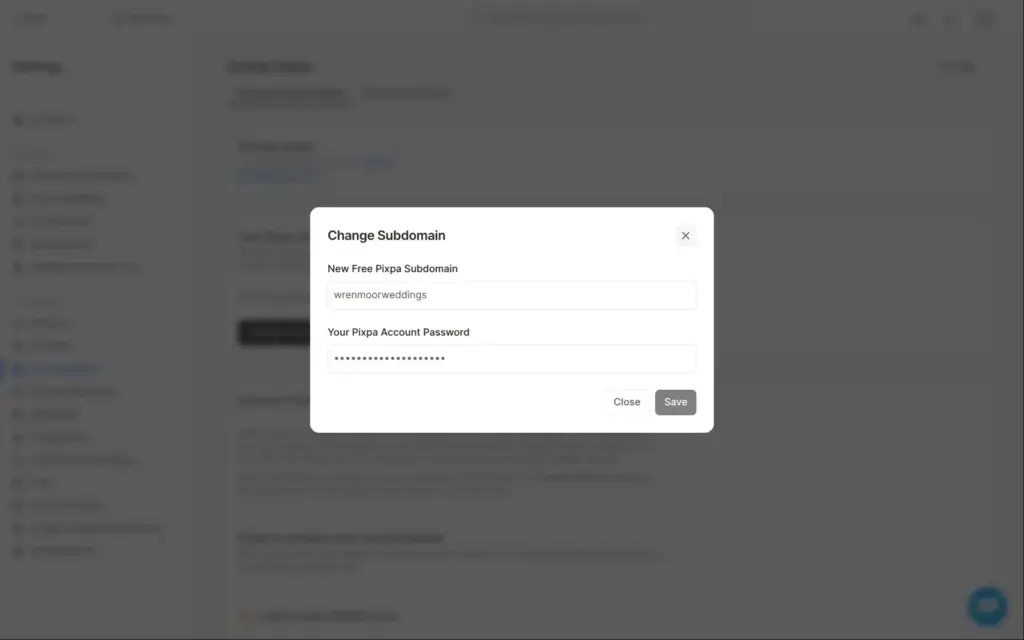
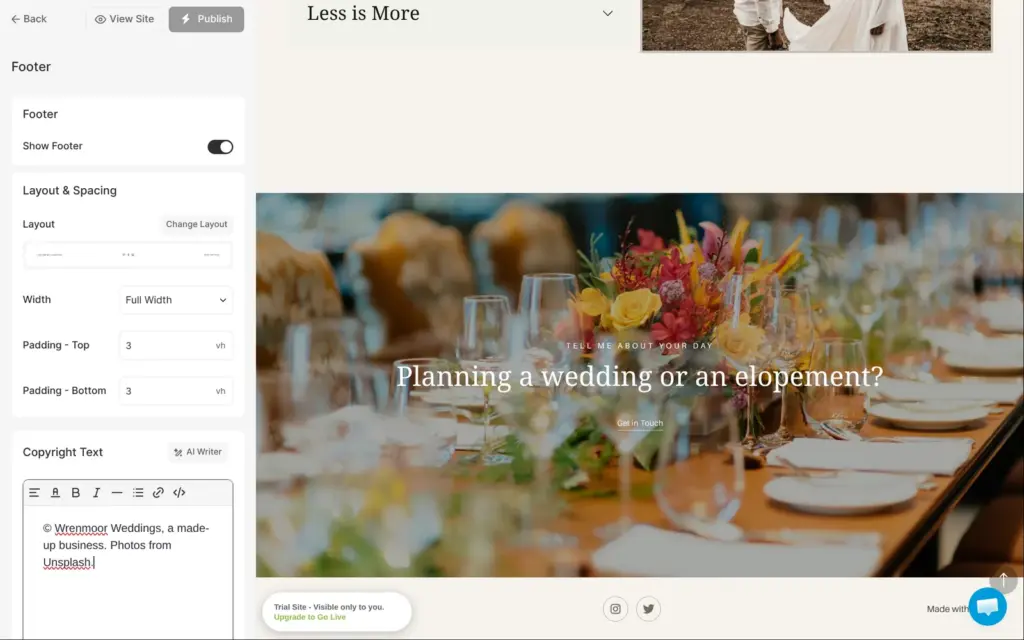
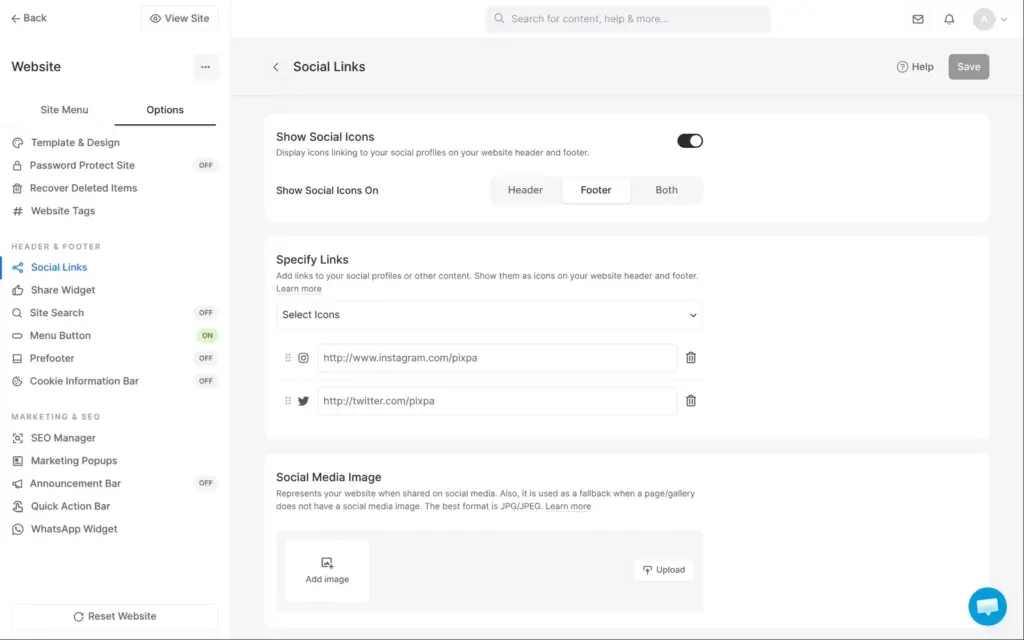
Pixpa made the free web address from the first part of my email address. I changed it in the settings to wrenmoorweddings.pixpa.com, which needs the account password. And the name I typed for "What should we call you?" turned up in three places, including the site title and the footer.
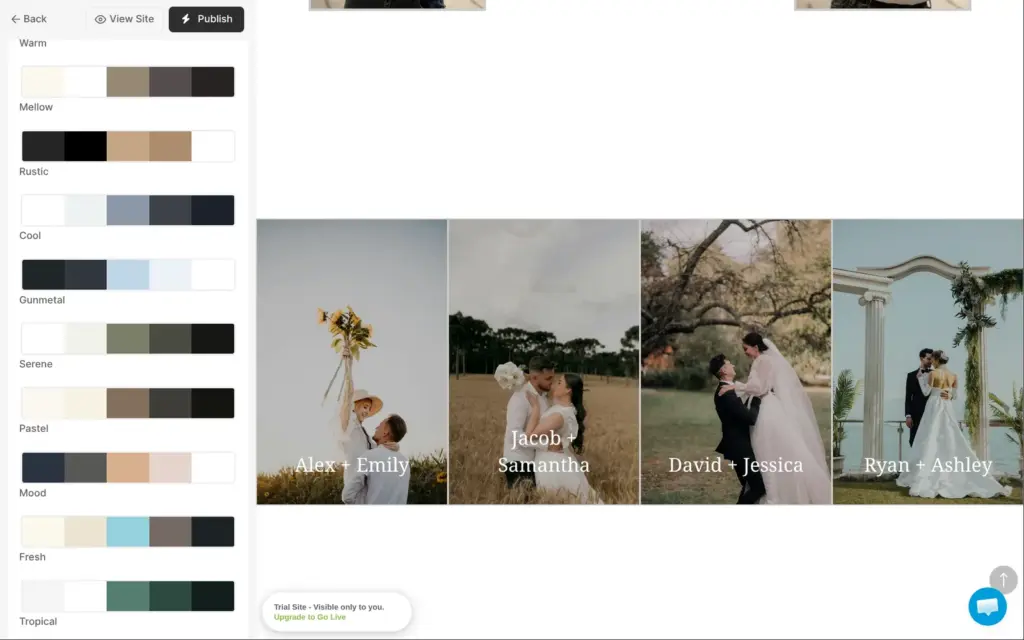
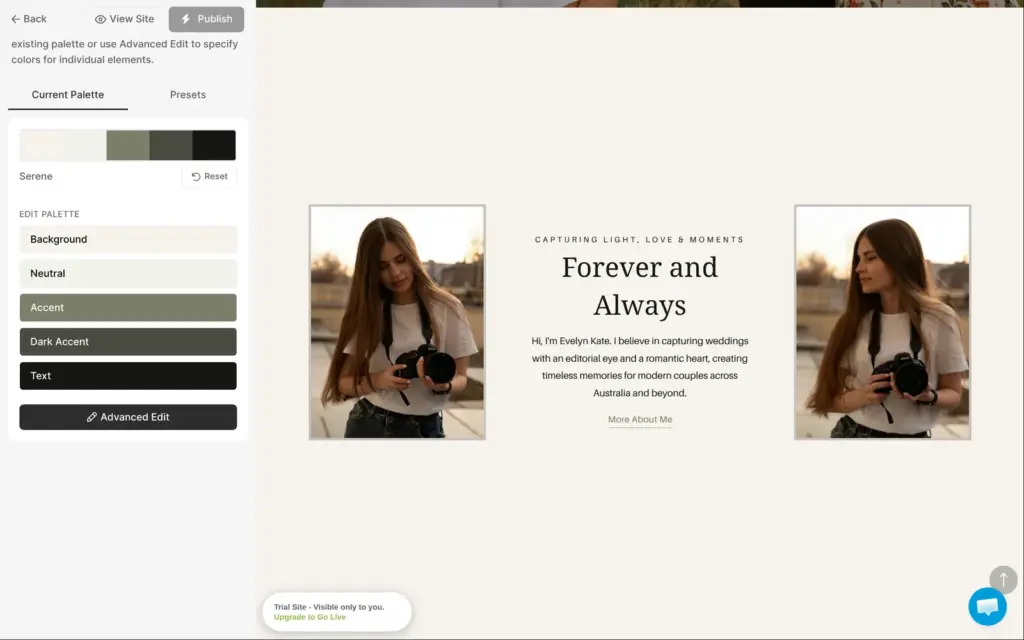
Colors and fonts sit in a separate design editor, together with the site title and the logo. The colors work as a palette of five that the whole site uses.
Pixpa has a list of preset palettes. I tried Warm, which adds a terracotta color, and then took Serene, a soft green. I changed the background to a cream by hand.
Design changes only go live when you click Publish in the design editor. Changes on the pages don't need that.
The pages are built from sections. You click a section, and its photos and text open in a panel on the right.
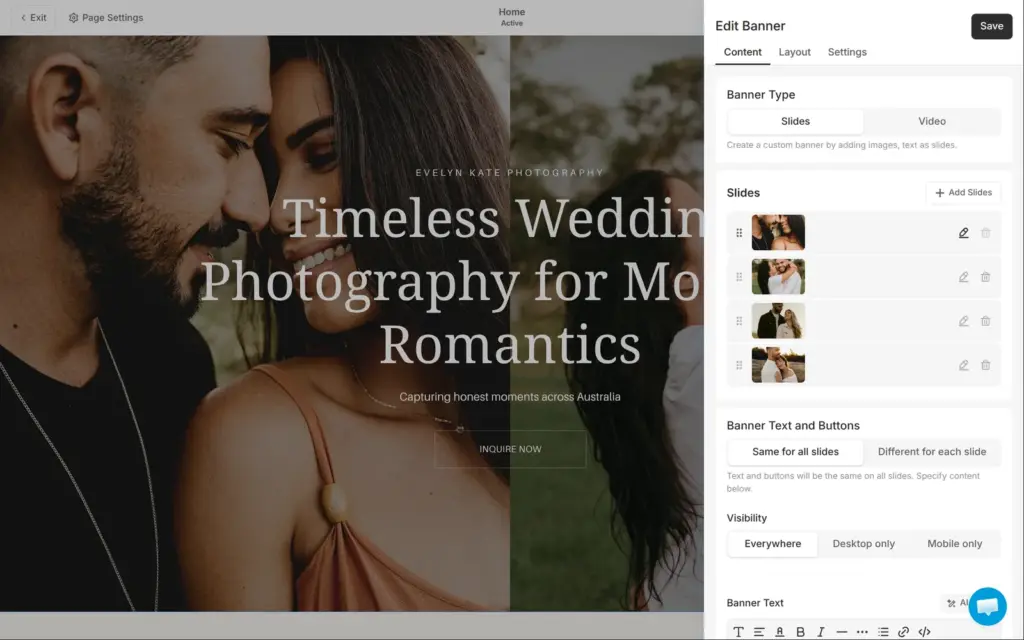
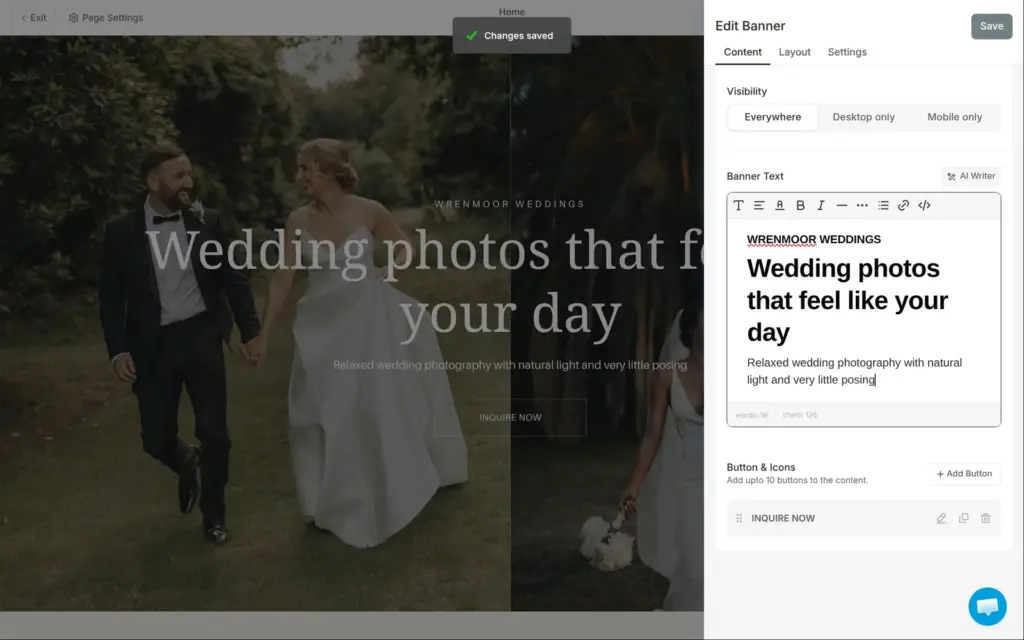
The welcome area on the home page is a slider with four photos. New photos come from your computer, and each slide can get a separate photo for phones. Text sits in a normal text editor with headings and formatting. Changes inside a section save on their own. Section settings, like a background photo, need the Save button at the top of the page.
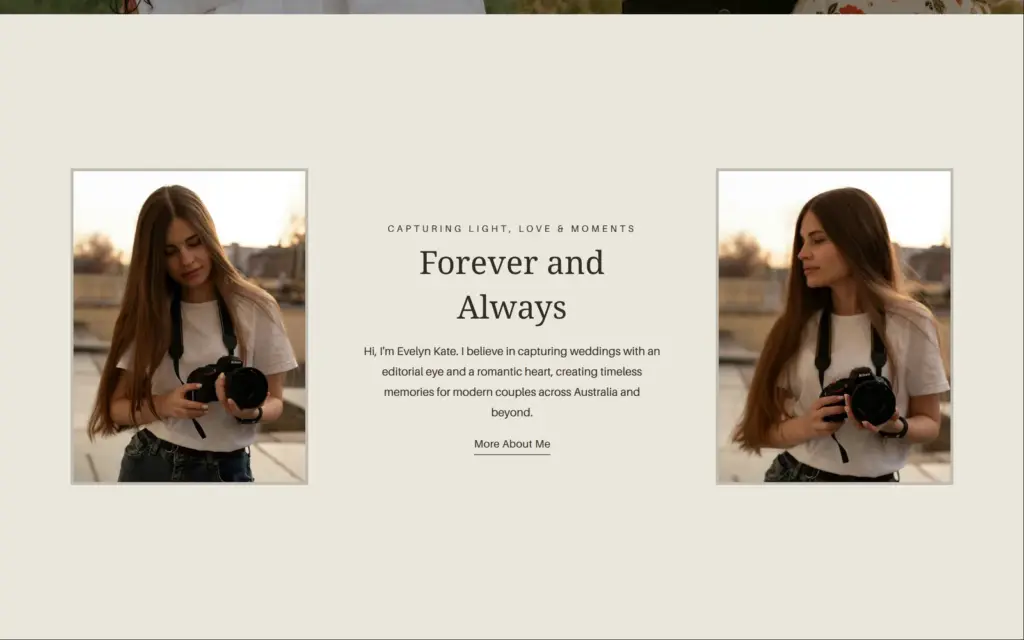
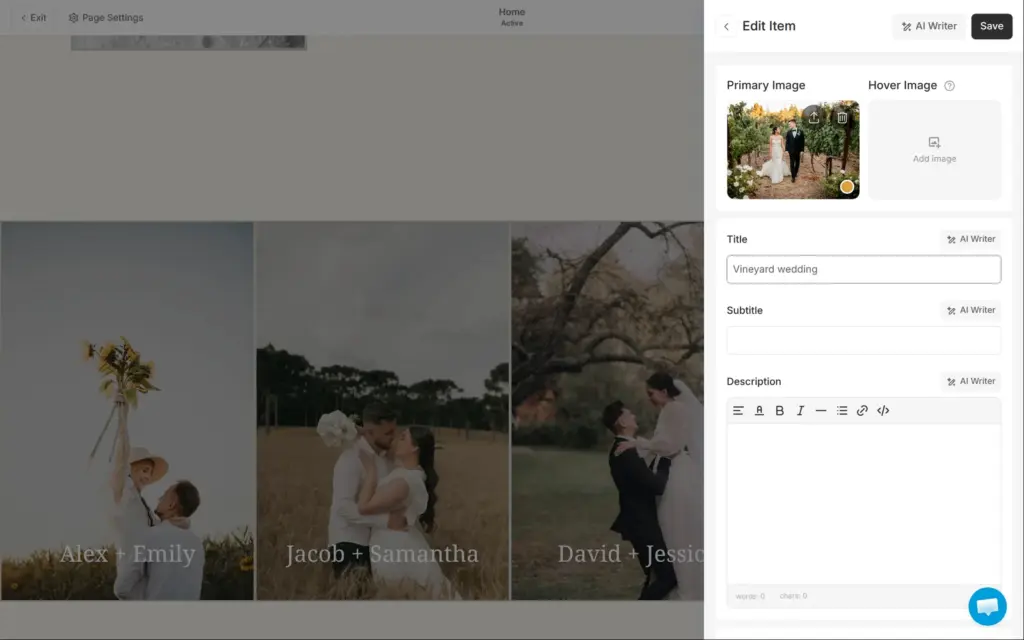
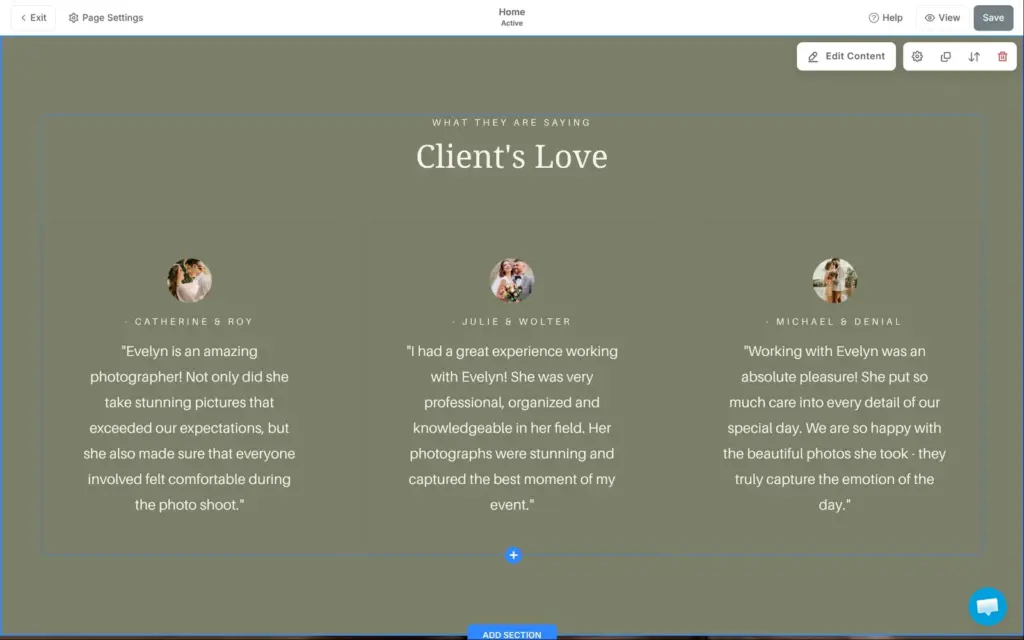
Most of the work was replacing the template's content. Starling belongs to a made-up photographer called Evelyn Kate from Sydney. Her name and photos were on three of the five pages. The home page also had four wedding stories named after made-up couples, and three client quotes with names. I renamed the stories and deleted the quotes, because a new business has no reviews yet.
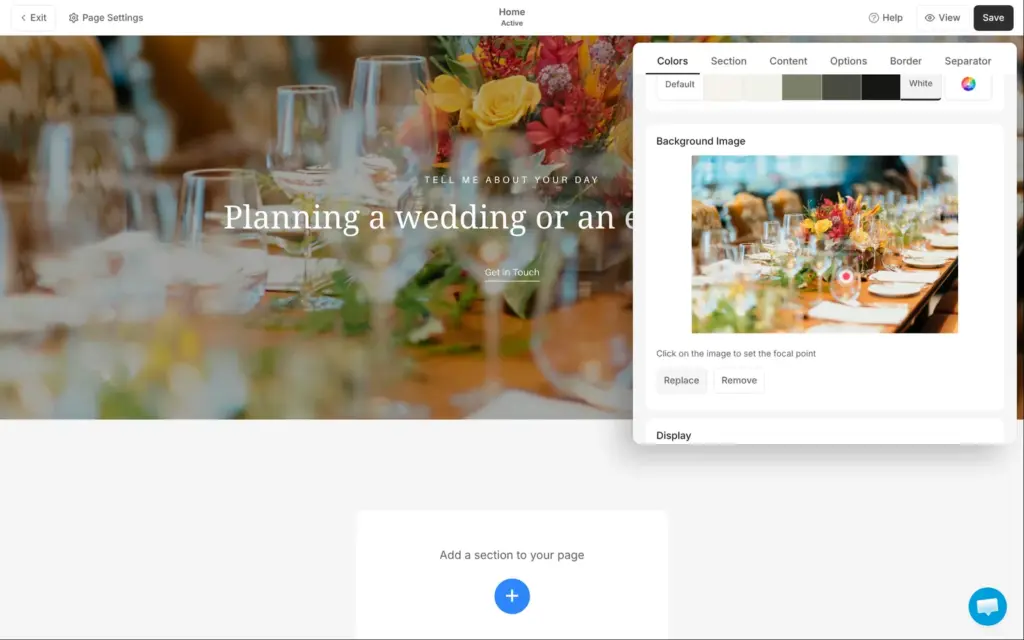
Each page has its own copy of the closing section that asks visitors to get in touch. I changed the same text on the home page and again on the About page.
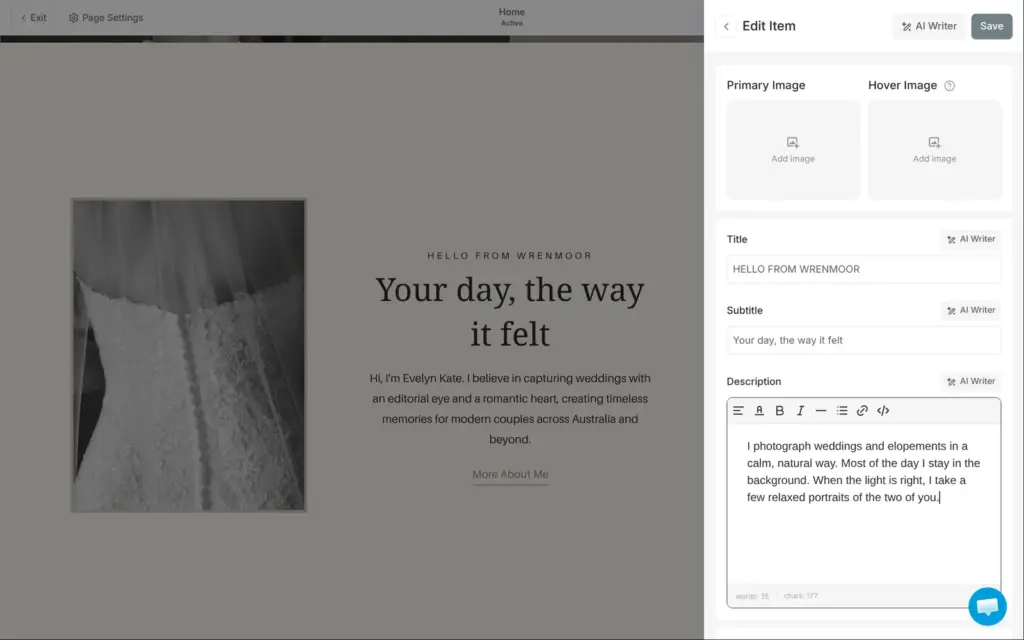
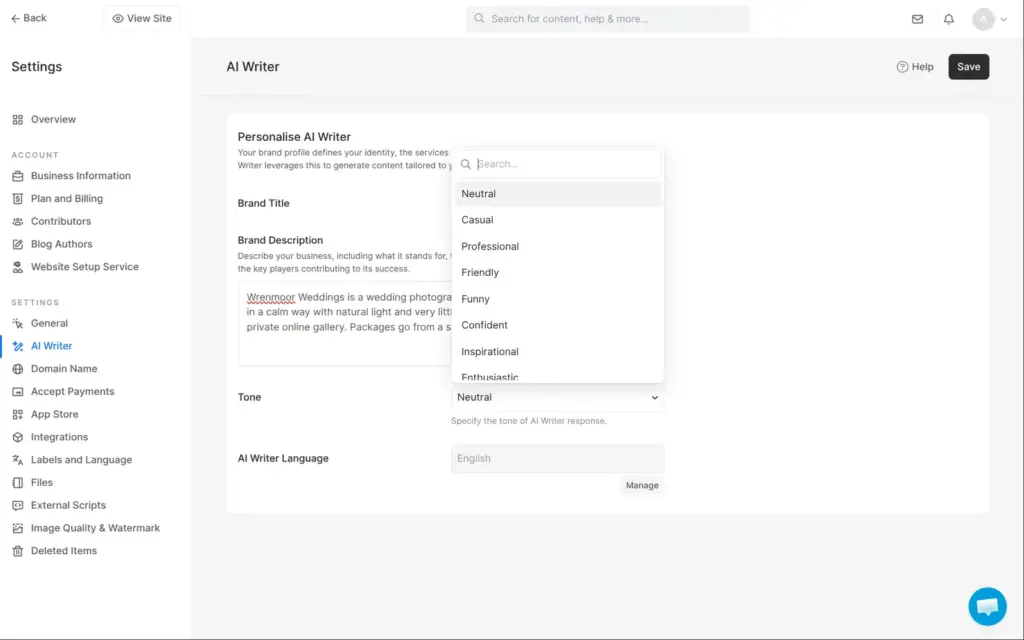
Pixpa's AI is a text writer. It sits next to most text fields and writes from a short brand profile in the settings. I described the business in four sentences and picked the tone Friendly out of nine.
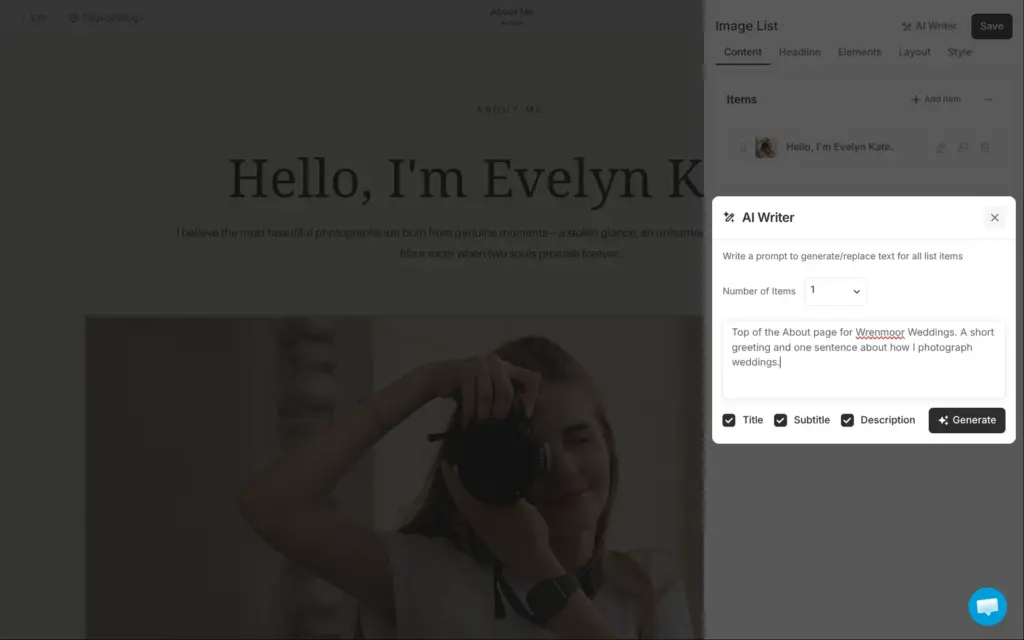
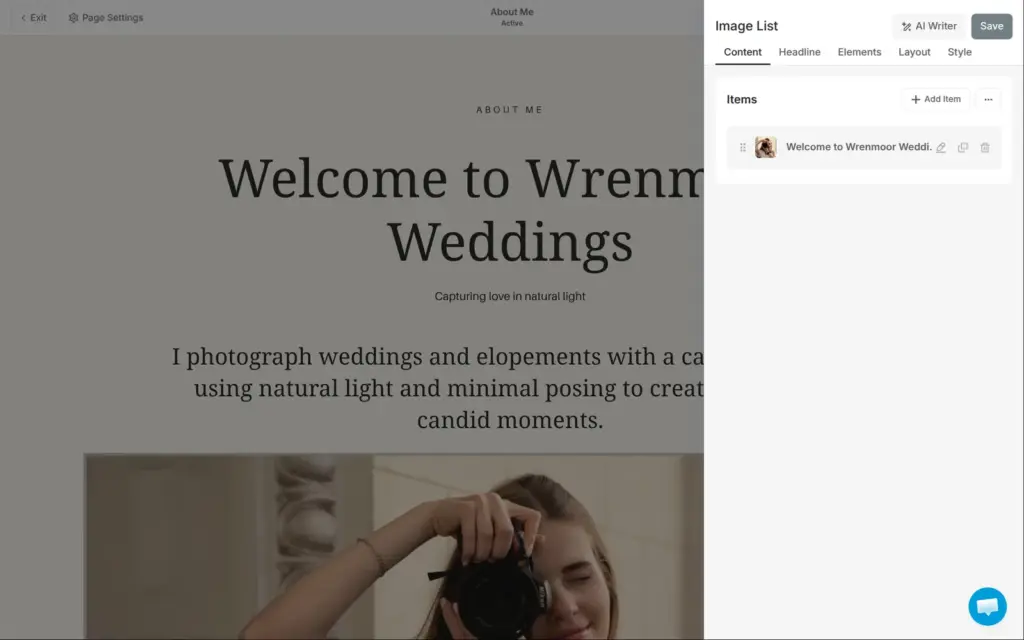
On the About page, I asked it for a short greeting and one sentence about how I photograph weddings. About ten seconds later, it had replaced the heading and the text:
Welcome to Wrenmoor Weddings
Capturing love in natural light
I photograph weddings and elopements with a calm approach, using natural light and minimal posing to create beautiful, candid moments.
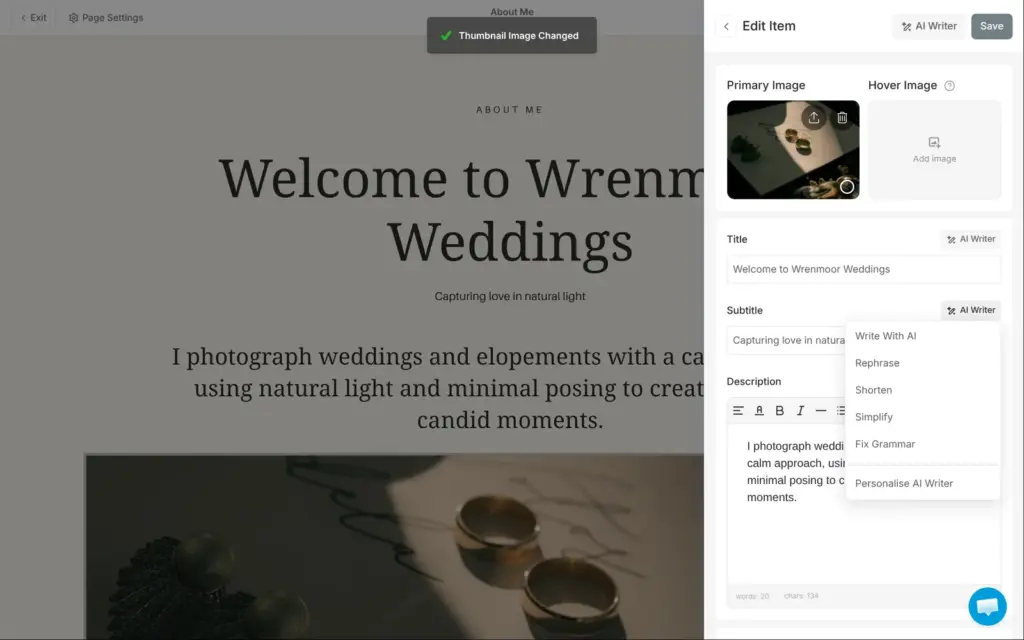
It used my profile, and the facts were right. But the wording is generic. Each field also has quick commands, for example Shorten and Rephrase. Rephrase turned "Capturing love in natural light" into "Embracing love through the beauty of natural light". I wrote the text myself in the end.
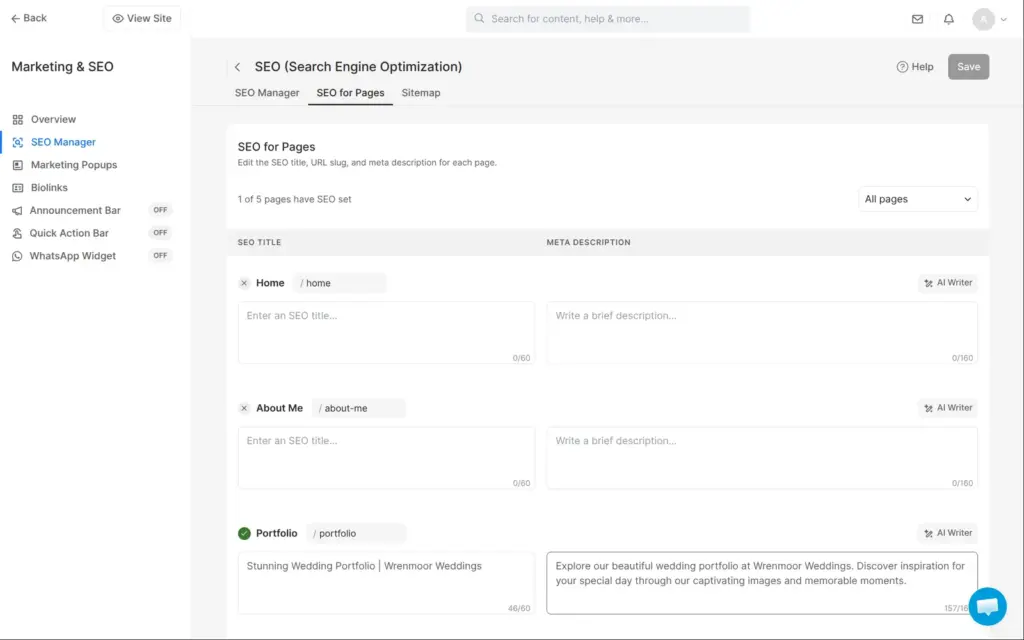
In the search settings, it wrote "Stunning Wedding Portfolio | Wrenmoor Weddings" as the title of the portfolio page. Its description promised "captivating images and memorable moments". I shortened both. I saw no credits or limits for the AI writer during the trial.
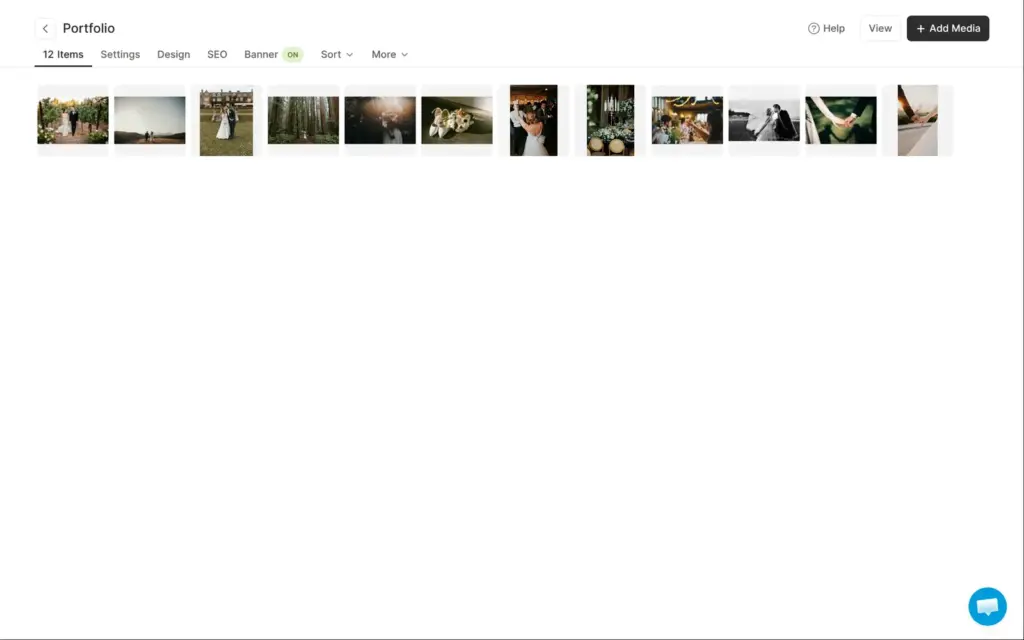
The portfolio page is a gallery. I deleted the template's twelve photos and uploaded twelve of mine at once. Each file can be up to 50 MB.
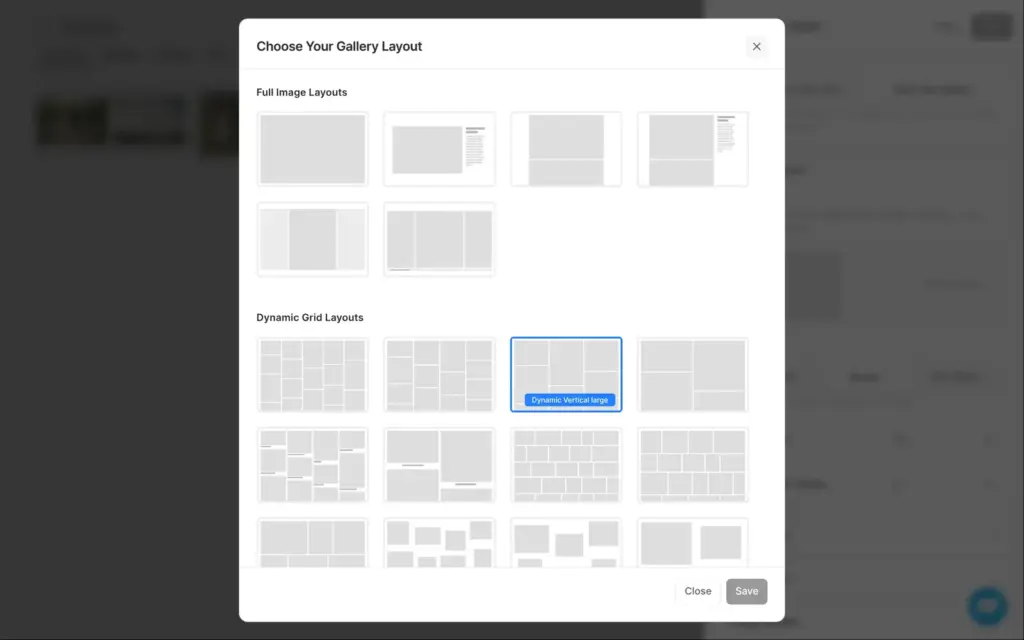
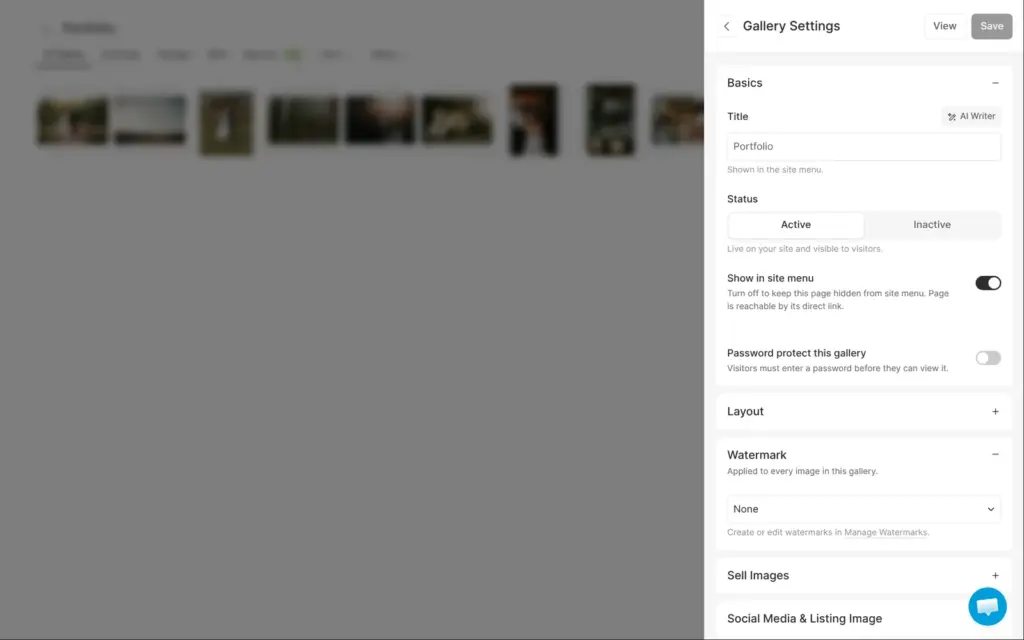
The layouts come in four groups. Some show one large photo at a time, and others show grids. Each gallery can have its own password. Its photos can also get a watermark or be sold as prints. Watermarks need Creator or higher.
On a phone, the portfolio shows the photos in one column. The phone preview in the editor showed them at half the width, but on the live site at phone size they filled the screen.
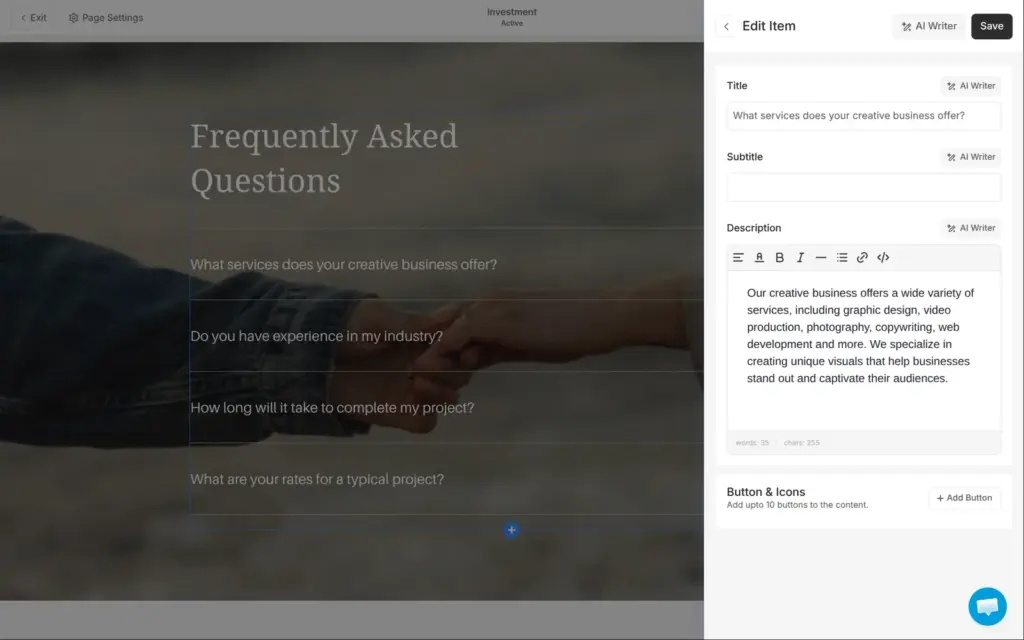
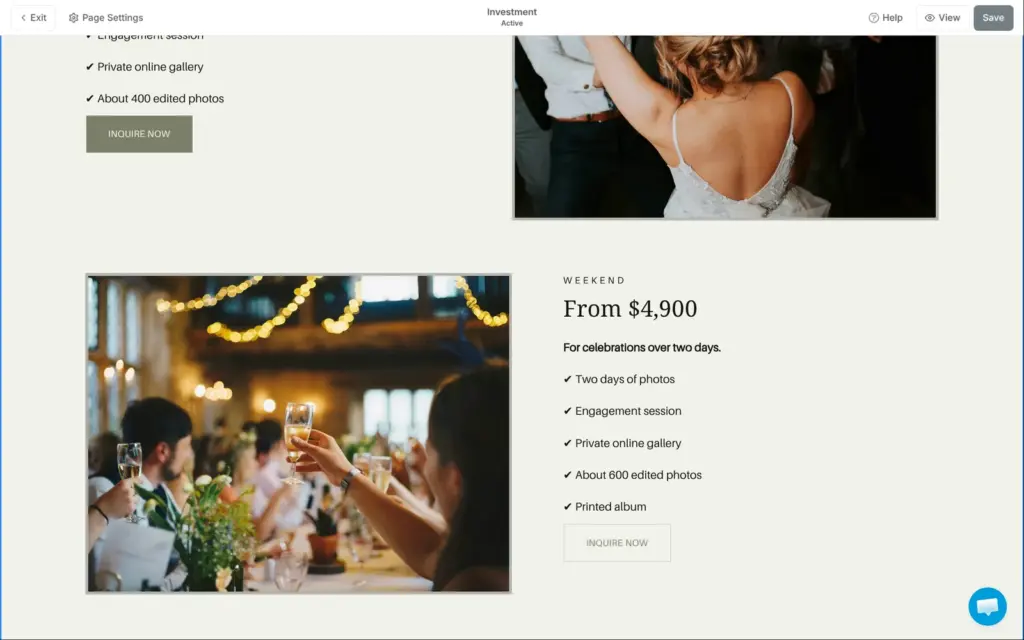
Starling's Investment page has three packages with prices and a FAQ. The FAQ was written for a design business, with questions like "Do you have experience in my industry?" I replaced the questions and the packages with my own. The buttons under the packages lead to the contact page.
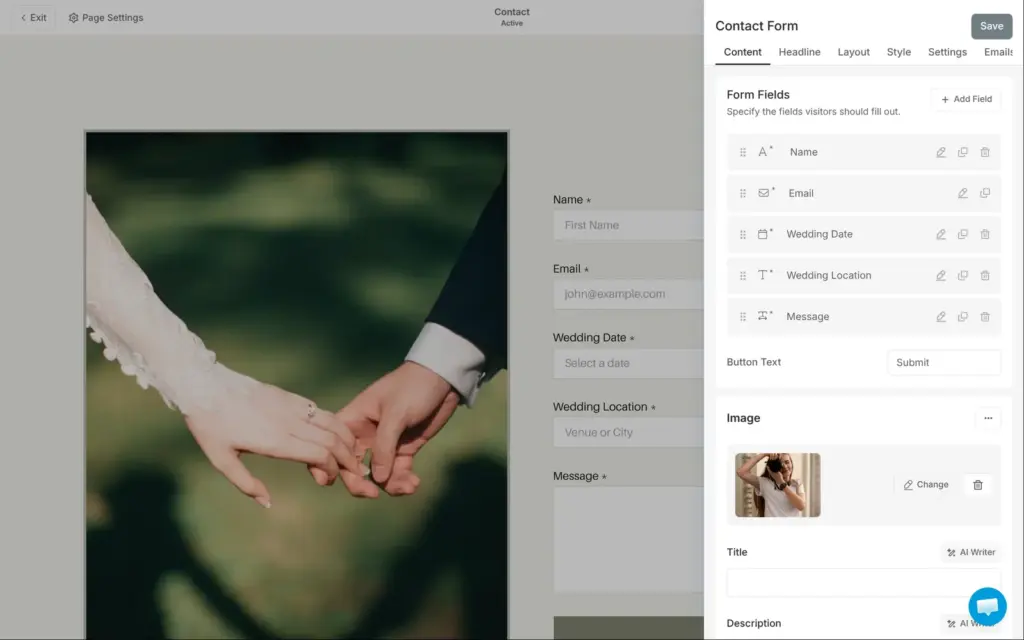
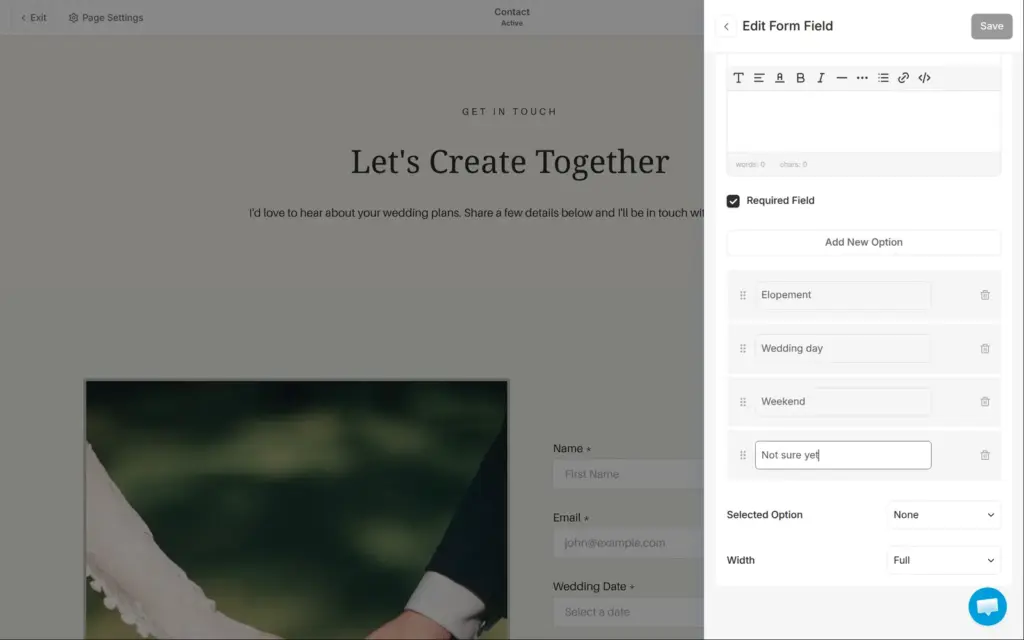
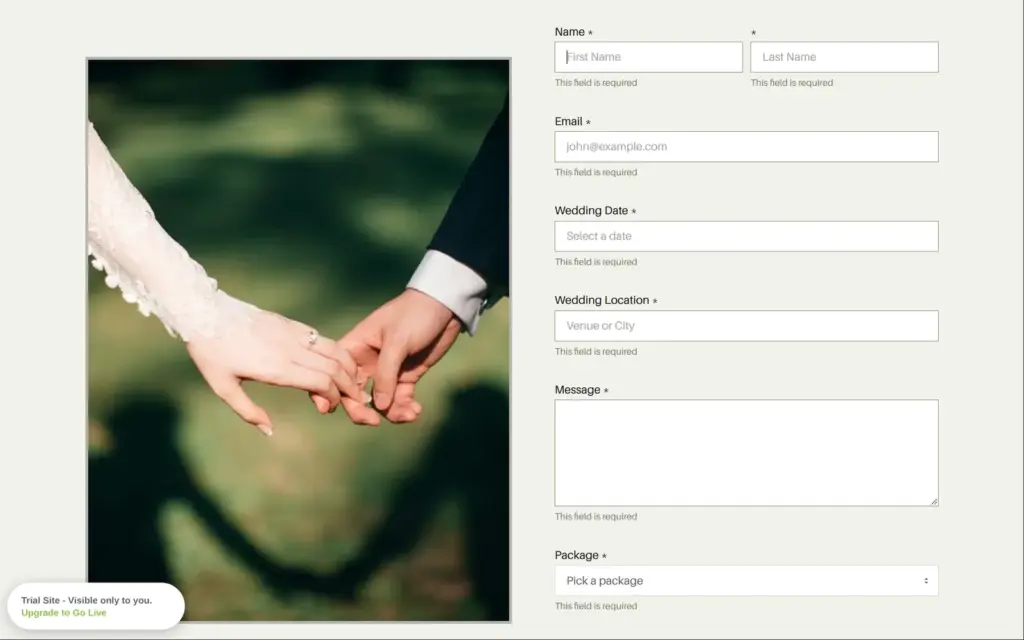
The contact page came with an inquiry form for weddings, with fields for the wedding date and the place. I added a dropdown for the package. There are 19 field types, for example short text and rating scales.
A new field needs its own Save button. When I went back without saving, the dropdown was gone, and I added it again.
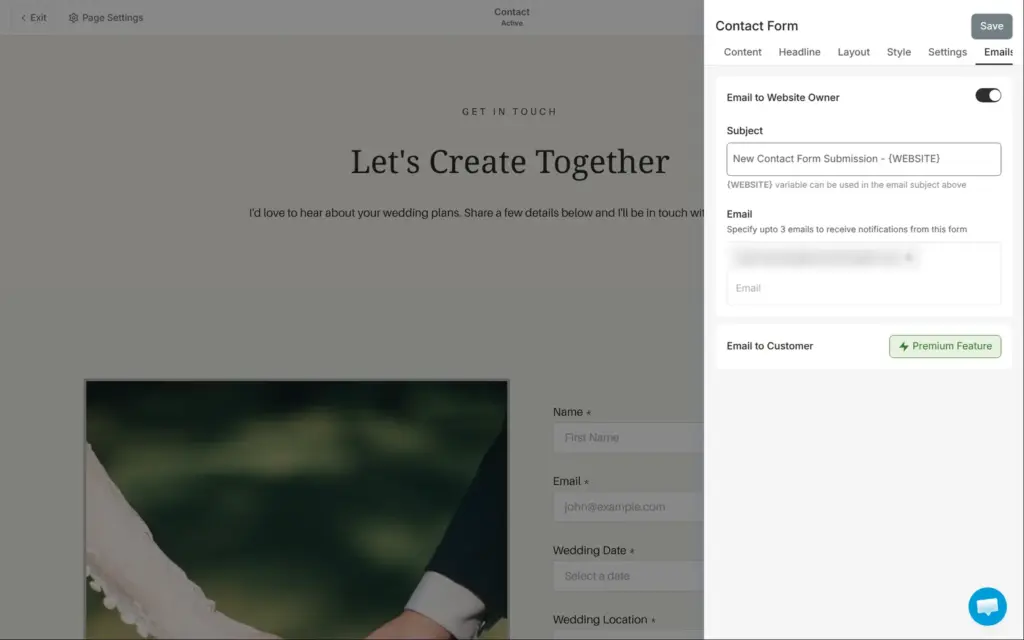
Messages go to the account's email address, and you can add two more addresses. An automatic reply to the couple needs the Professional plan. On Basic, the form only has simple fields, according to Pixpa's pricing page. A date field or a dropdown needs Creator.
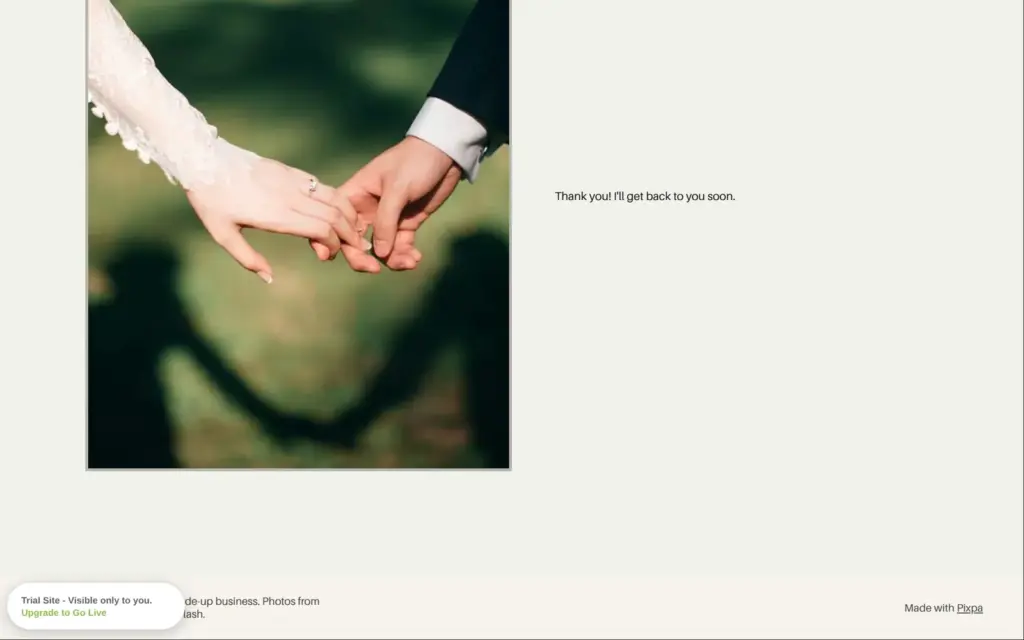
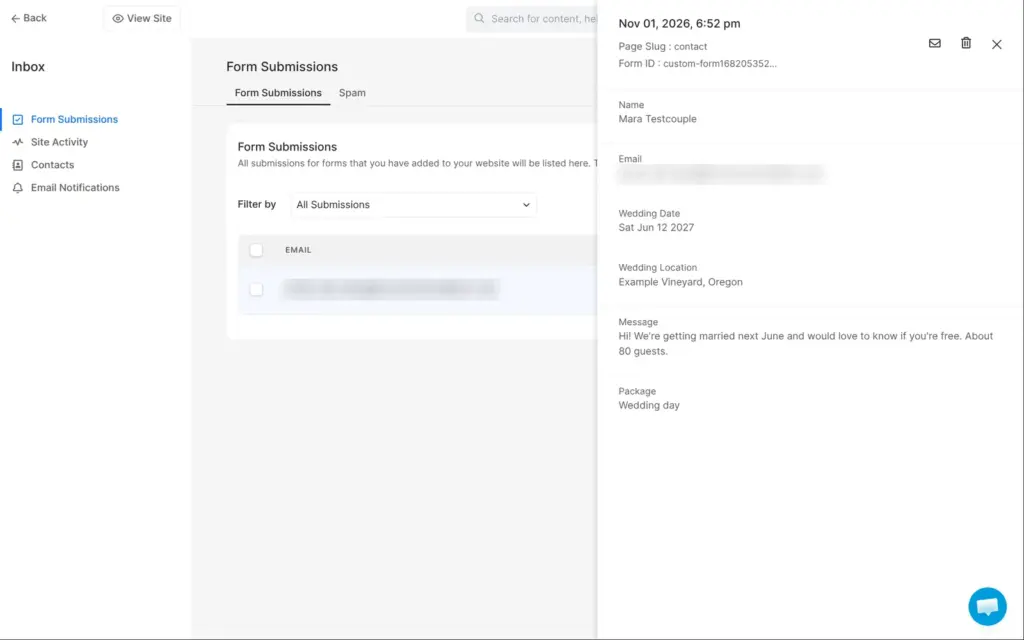
On the live trial site, I sent the form empty first, and each field showed "This field is required". Then I sent a test inquiry. The form showed my thank-you text. The message appeared in Pixpa's inbox, and an email with the subject "New Contact Form Submission" arrived within a minute. Both listed each field with its label.
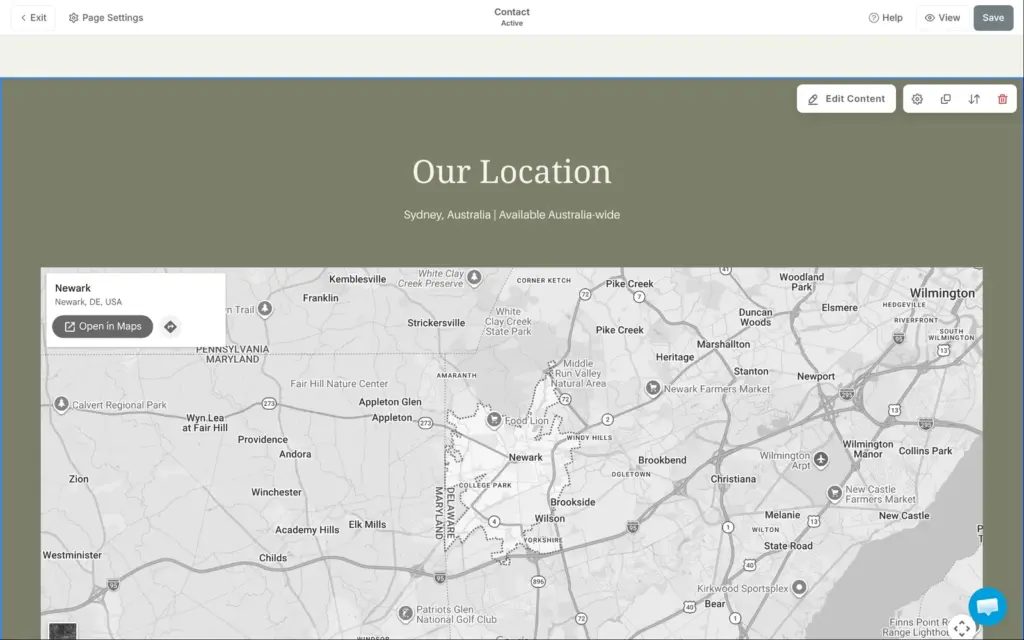
Each fix took a minute. Finding them took longer, because the editor doesn't point to any of it.

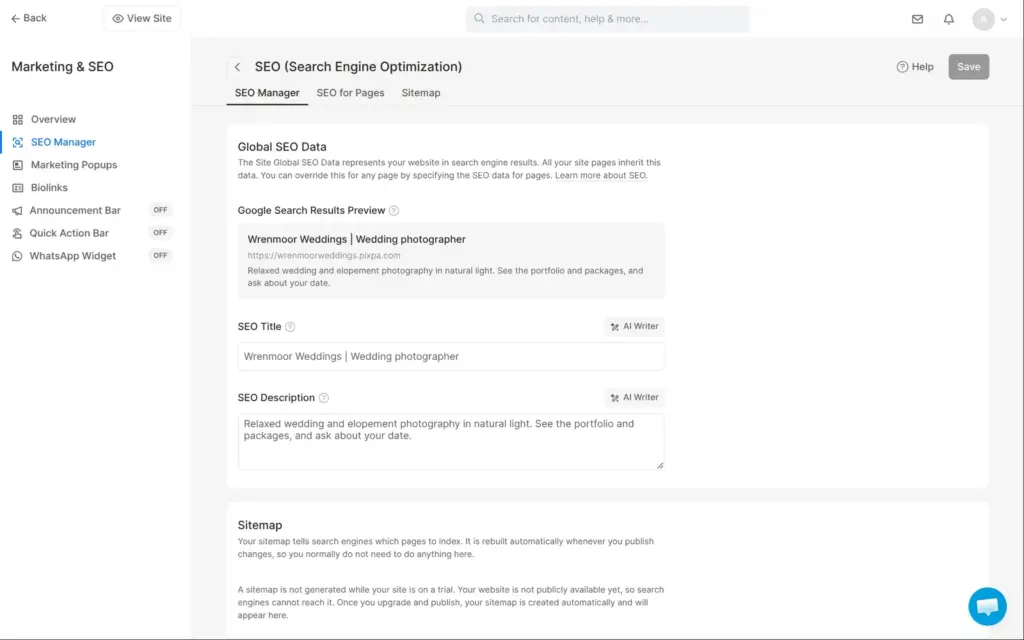
The SEO Manager has a search title and description for the whole site and for each page, with a preview of the Google result. Pixpa builds the page title from a pattern. With the default pattern and my first title, the business name appeared twice in the title.
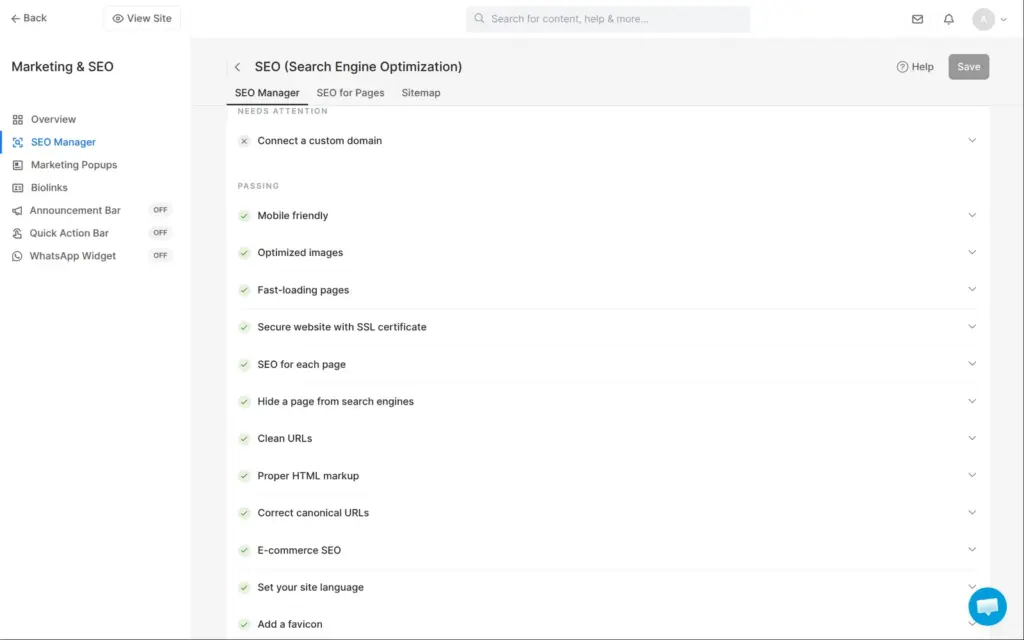
During the trial, each page tells search engines not to list it, and Pixpa builds no sitemap. A checklist in the SEO Manager shows what Pixpa handles itself, like clean web addresses and the SSL certificate.
I couldn't measure the speed. Outside visitors only see the access code page of a trial site, so Google's PageSpeed Insights can't load it. Pixpa says it renders pages on its servers and serves images in modern formats.
I found no visitor statistics in the studio. You can add Google Analytics or StatCounter instead.
According to Pixpa, the trial includes all features of all plans. Some of them still don't work until you pay:
When the trial ends, the site goes offline. Pixpa says your data stays saved for 90 days after that.
Pixpa's store can sell physical products and digital downloads. It also sells services, like a photo session, and your photos as prints from a gallery. Pixpa takes no commission on sales. Stripe or PayPal charge their usual fees, which Pixpa gives as about 2.9% plus 30 cents per payment.
On the trial, Pixpa doesn't let you connect Stripe or PayPal. Test orders can only use offline payment, where the customer pays later by bank transfer or cash. Offline payment was already switched on.
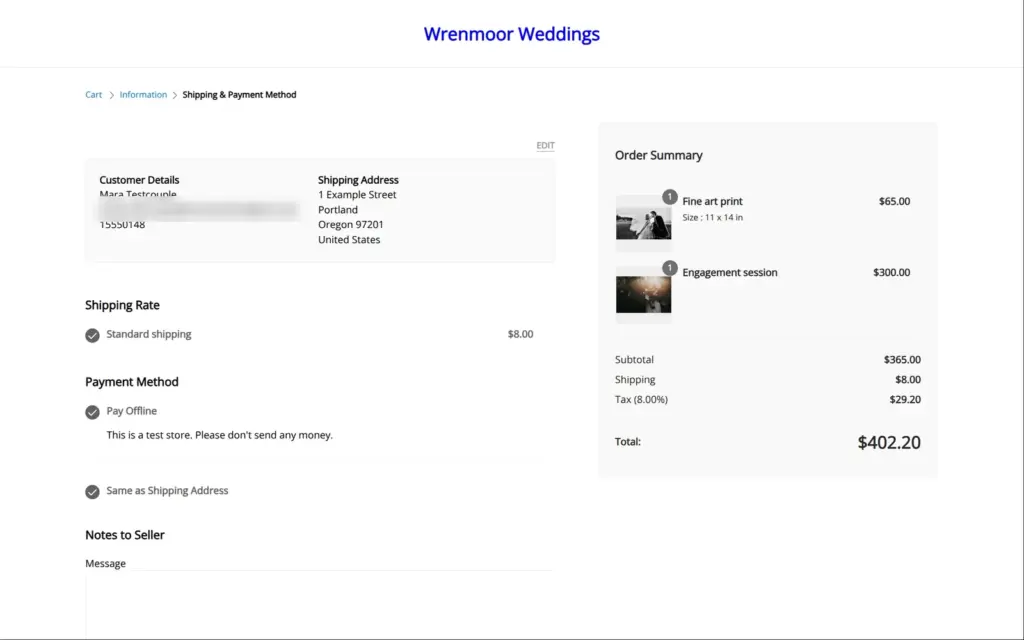
Shipping works with regions and rates. There are six kinds of rates, for example by weight or by order total. I added the United States with a flat rate of $8 per order. Taxes start as included in the prices, as is usual in Europe. For a store in the US, I switched to adding the tax at checkout and set 8% for the United States. You can also set rates for single states.
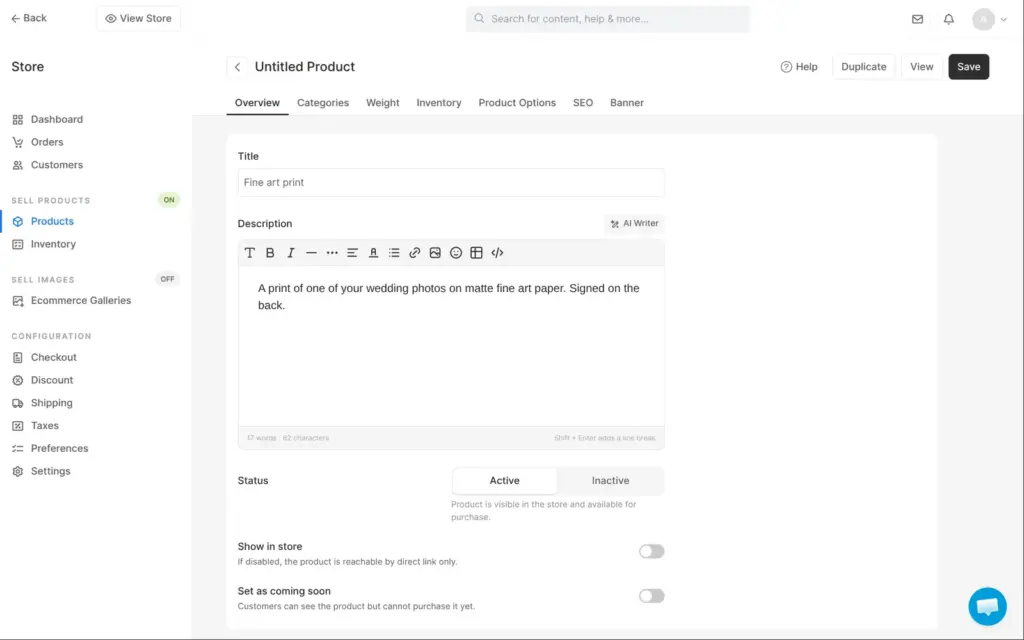
I added two products. The first was a fine art print in three sizes, with its own price and stock for each size. The second was a one-hour engagement session as a service, for $300. A few things in the product editor are easy to miss:
I added a required date field to the checkout for the wedding date. Extra checkout fields need Creator or higher. The shop page in the menu came with the headline "Honest ceramics for everyday beauty." It comes from Pixpa's store settings, and I changed it there.
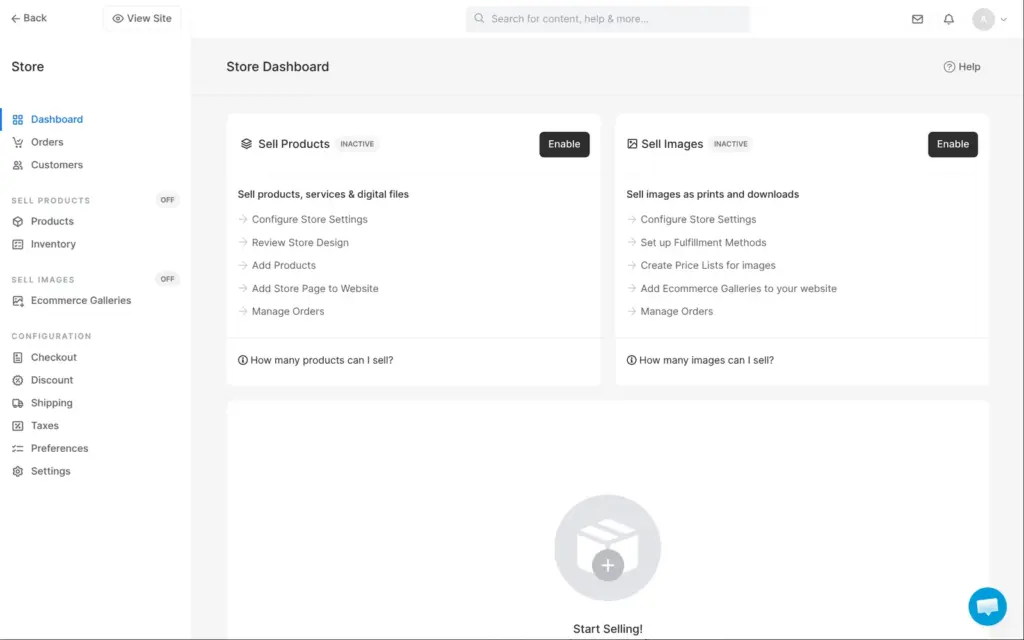
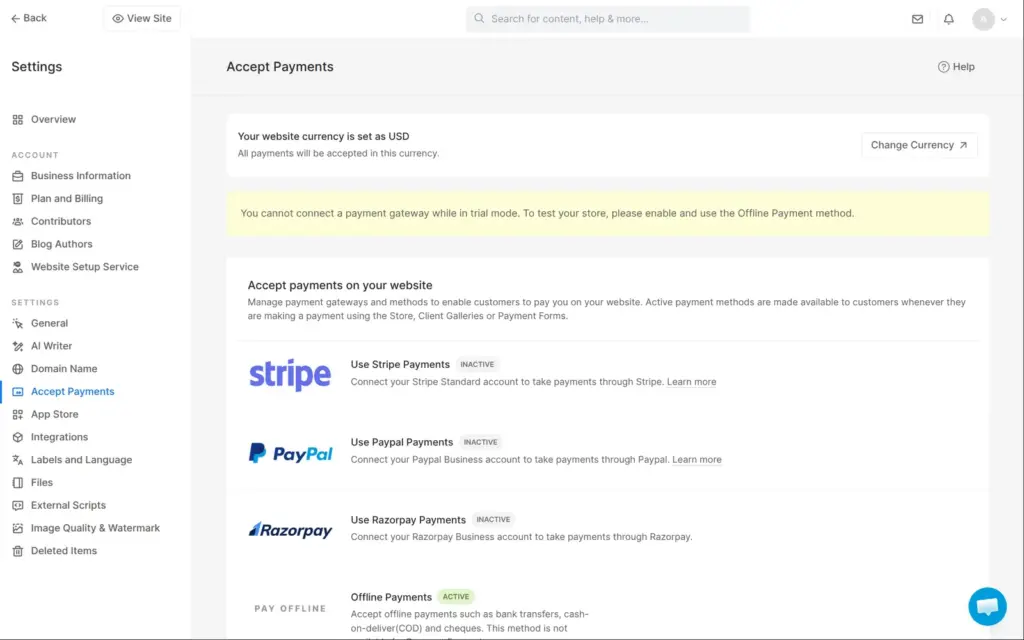
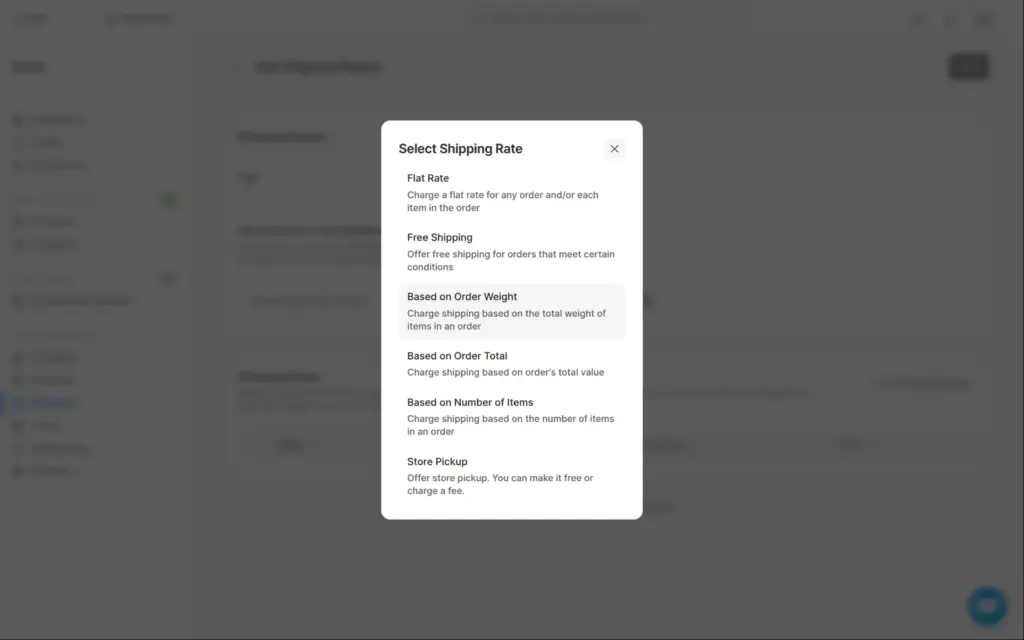
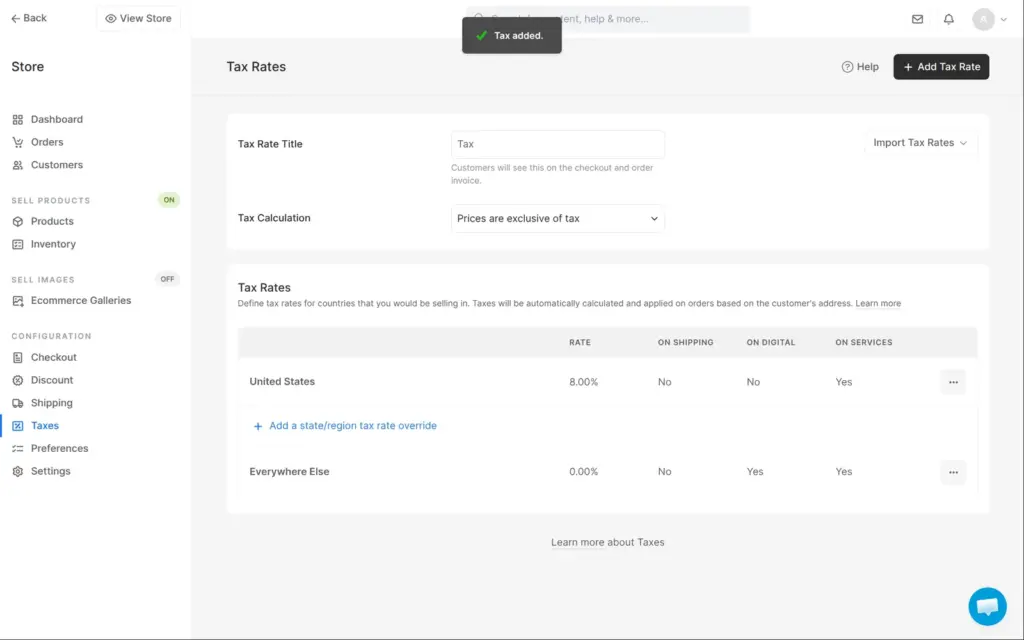
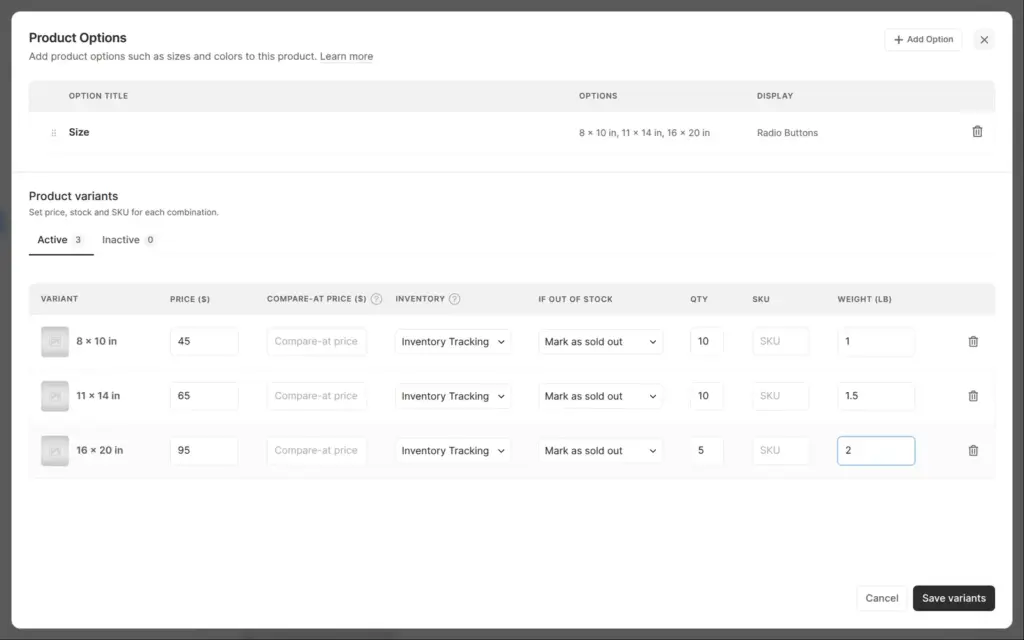
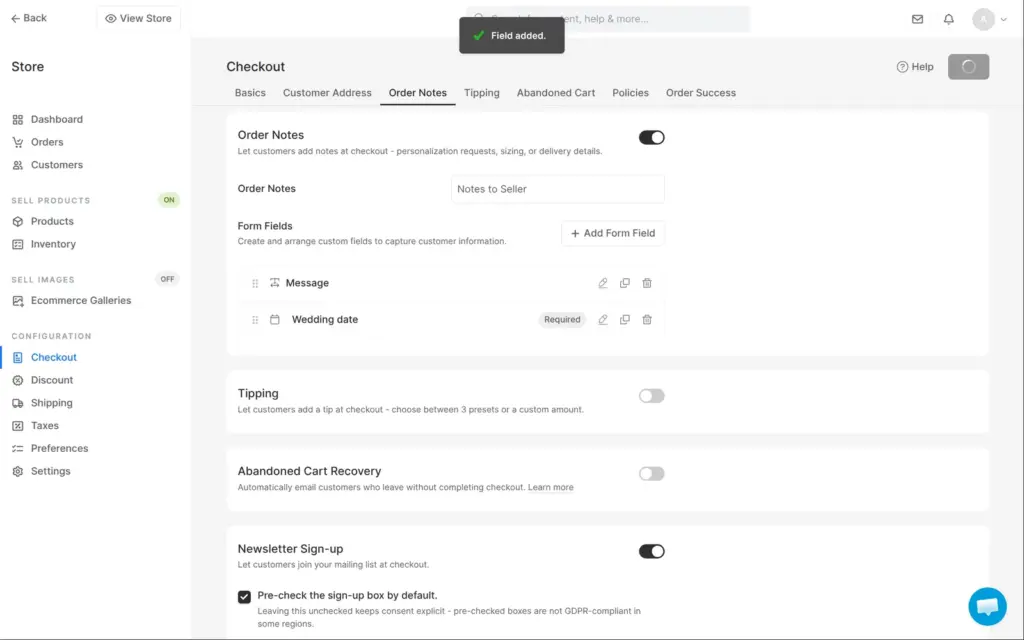
For the test order, I opened the shop as a customer. I picked the 11 x 14 inch print for $65 and added the session. The checkout asked for an email and a postal address. It also asked for a phone number. The newsletter box was ticked from the start. Pixpa's own setting for it warns that pre-ticked boxes are not GDPR-compliant in some regions, so I'd switch it off.
The totals were right. The two items cost $365. Shipping added $8 and the tax $29.20, so the total was $402.20. The checkout asked for the wedding date, and I finished the order with offline payment.
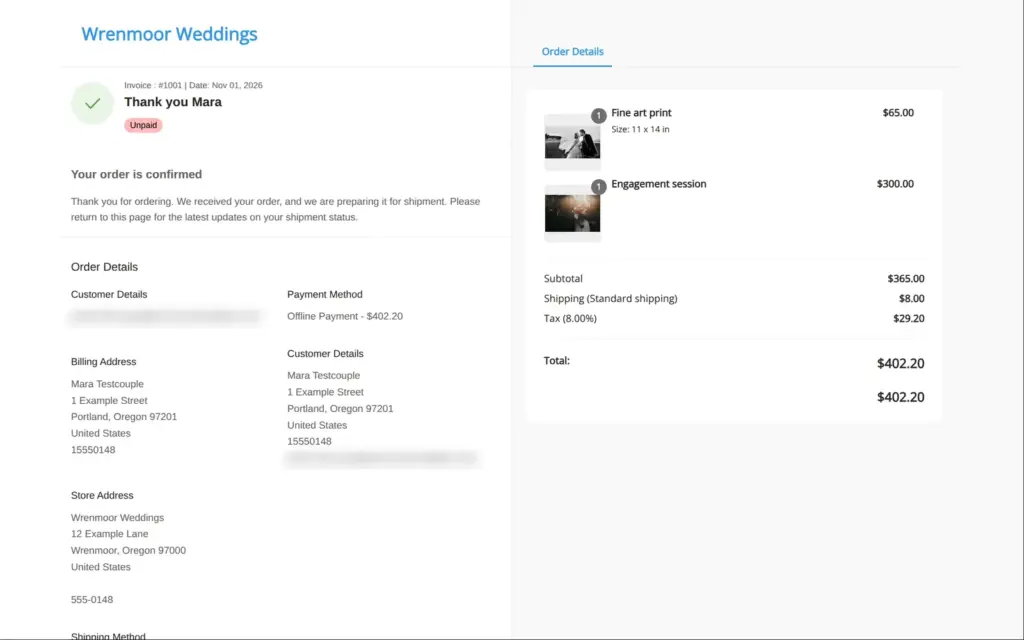
The confirmation page showed the order as unpaid, with the payment instructions. The order email arrived within a minute. It listed the items and the wedding date. It also had the payment instructions. It called the tax "Inclusive of Tax (8.00%)", although the tax had been added on top.
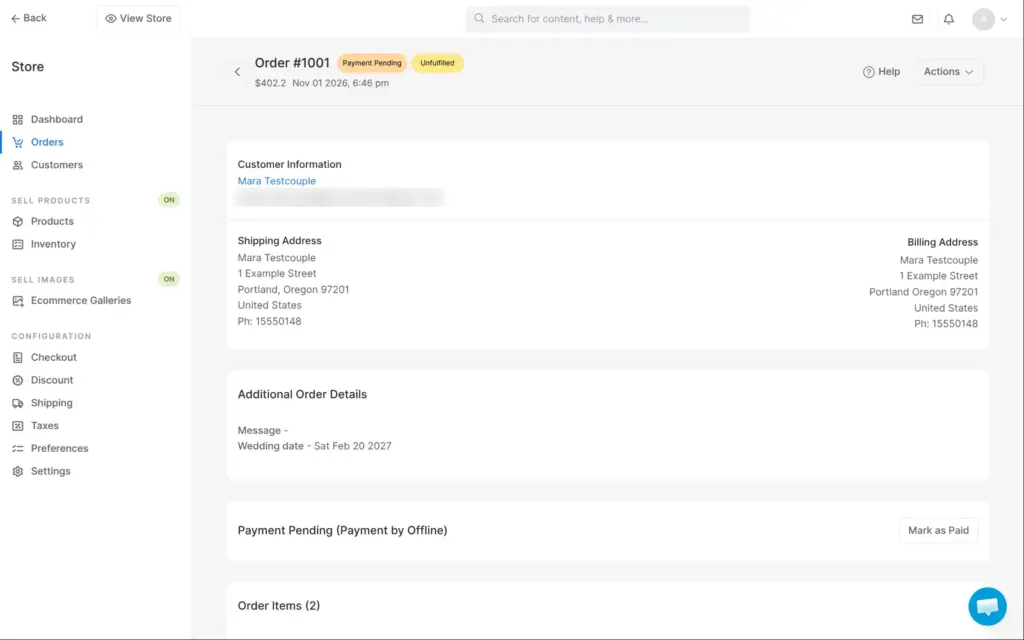
In the studio, the order showed the wedding date under Additional Order Details. I marked it as paid. Marking it as shipped was locked on the trial. The order can be downloaded as a PDF invoice or a CSV file.
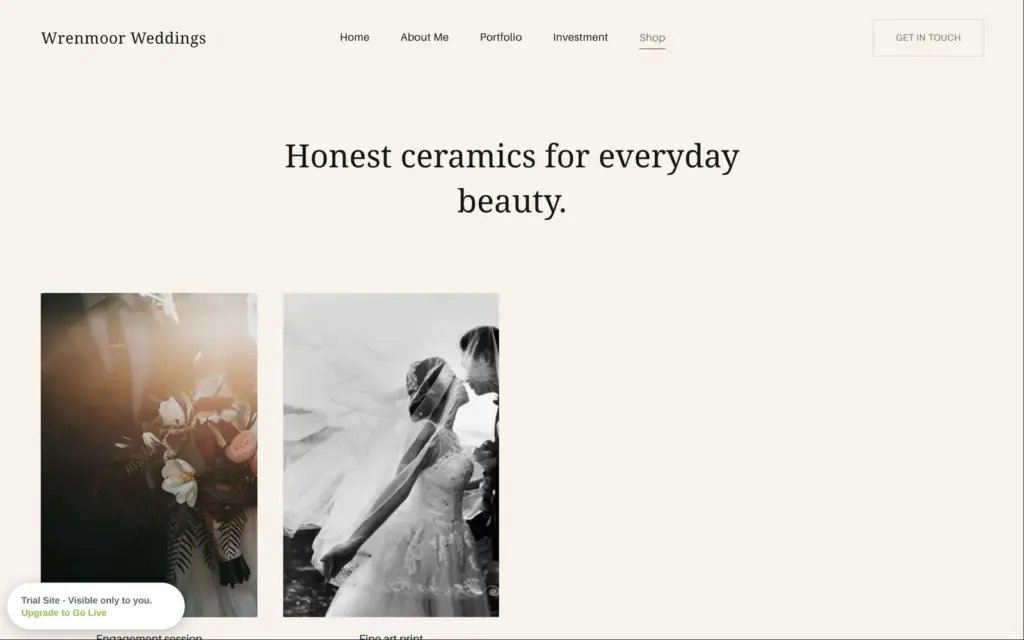
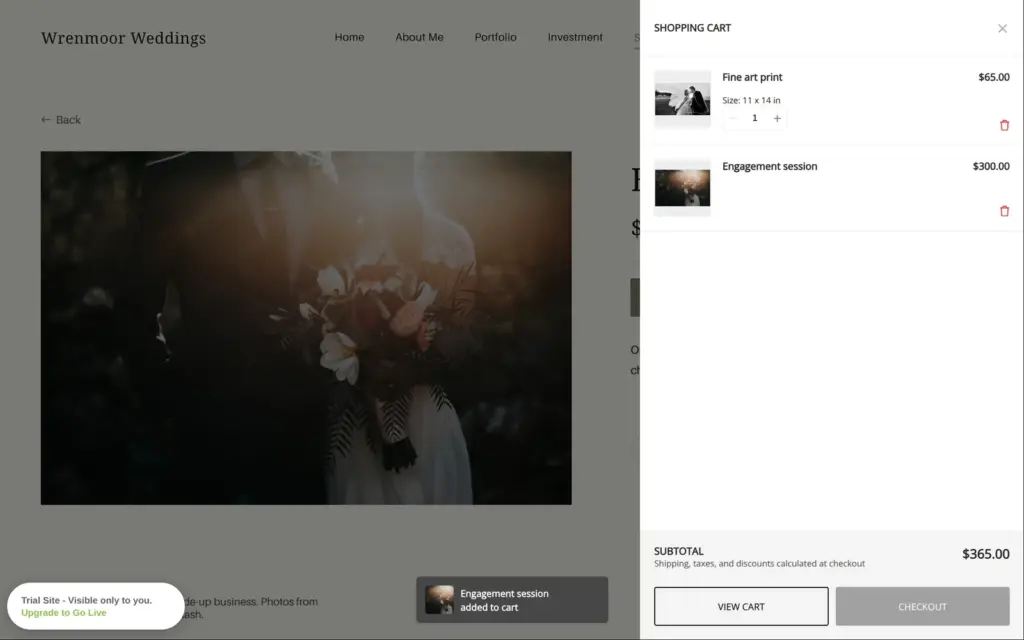
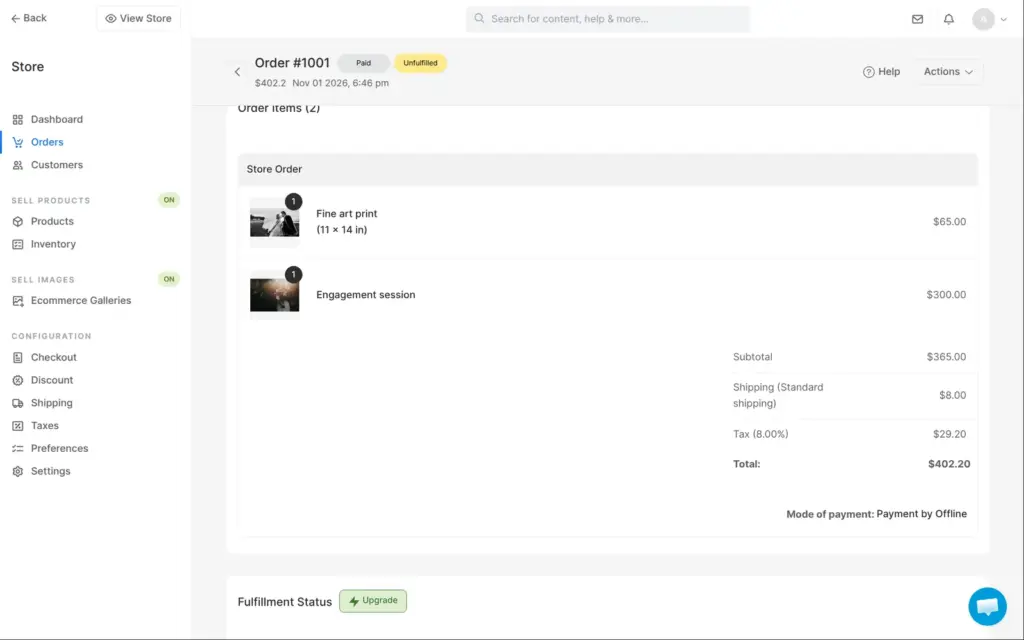
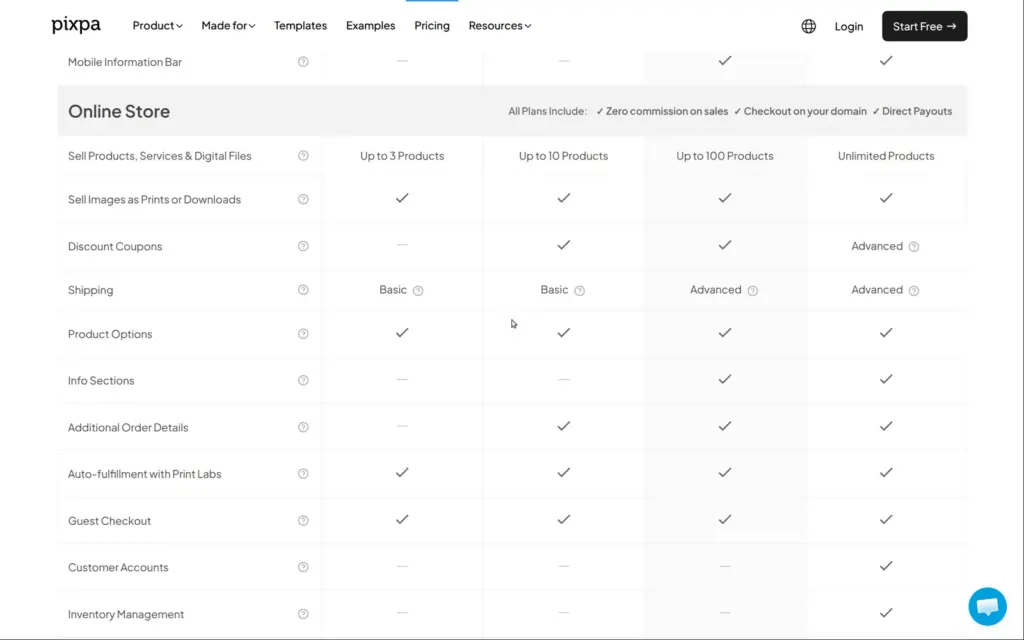
The shop is enough for a photographer who sells a few prints and sessions. Basic allows three products and Creator ten. Advanced adds customer accounts and emails for abandoned carts.
Pixpa has no booking calendar. A service product lets couples pay for a session, and a checkout field can ask for the date. Pixpa doesn't check that date against anything, so two couples could pick the same day. For a calendar, Pixpa's app list has booking widgets from other companies like SimplyBook and Setmore. You add them as embedded code. I didn't test them.
Client galleries are Pixpa's main feature for photographers. Each couple gets an album with one or more galleries. In the album, a couple can mark favorites and download their photos. You can also sell prints from it.
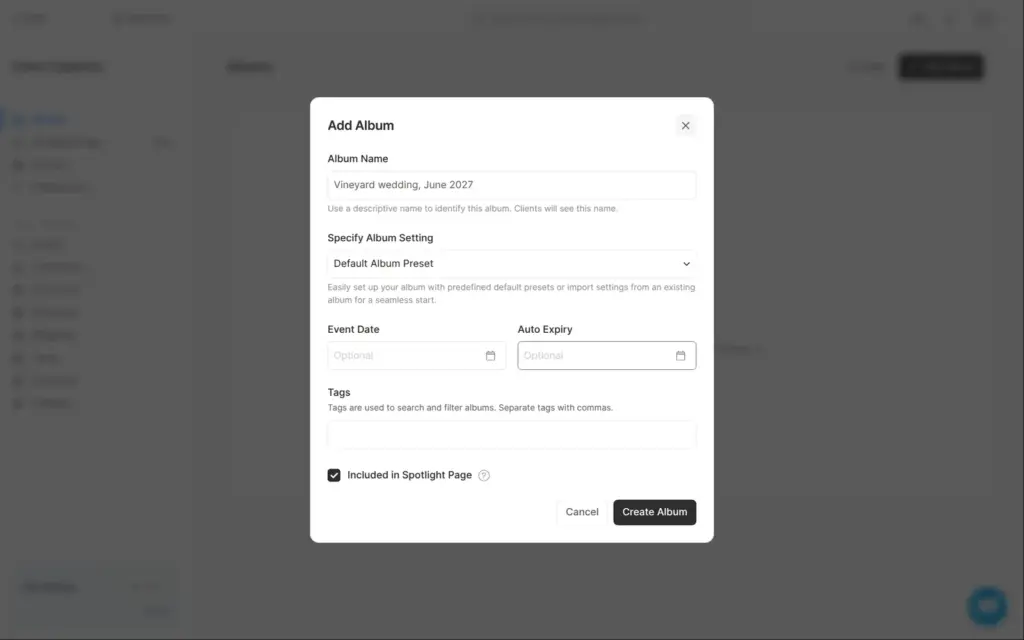
Creating an album asks for a name. An event date and an expiry date are optional. "Included in Spotlight Page" is ticked by default. That page is a public showcase of albums, so I unticked it for a private wedding. Client galleries take files up to 100 MB each, so full-size originals fit.
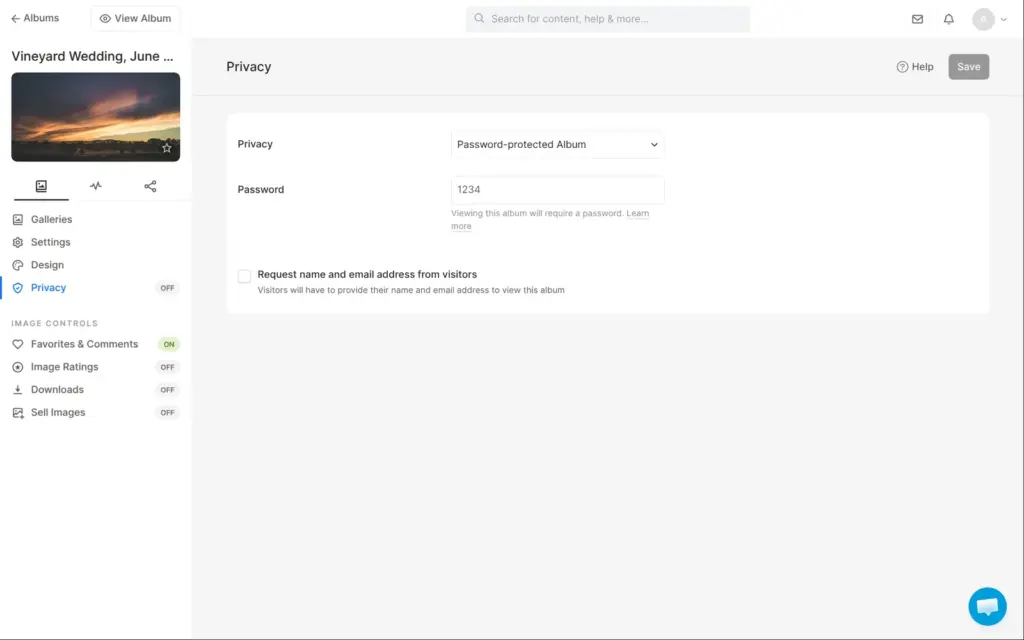
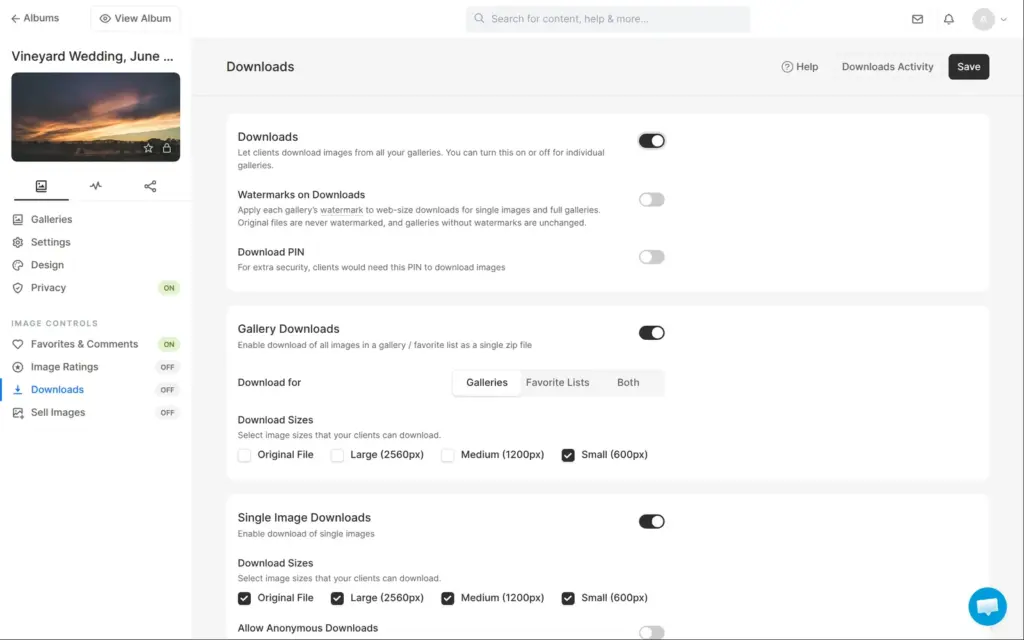
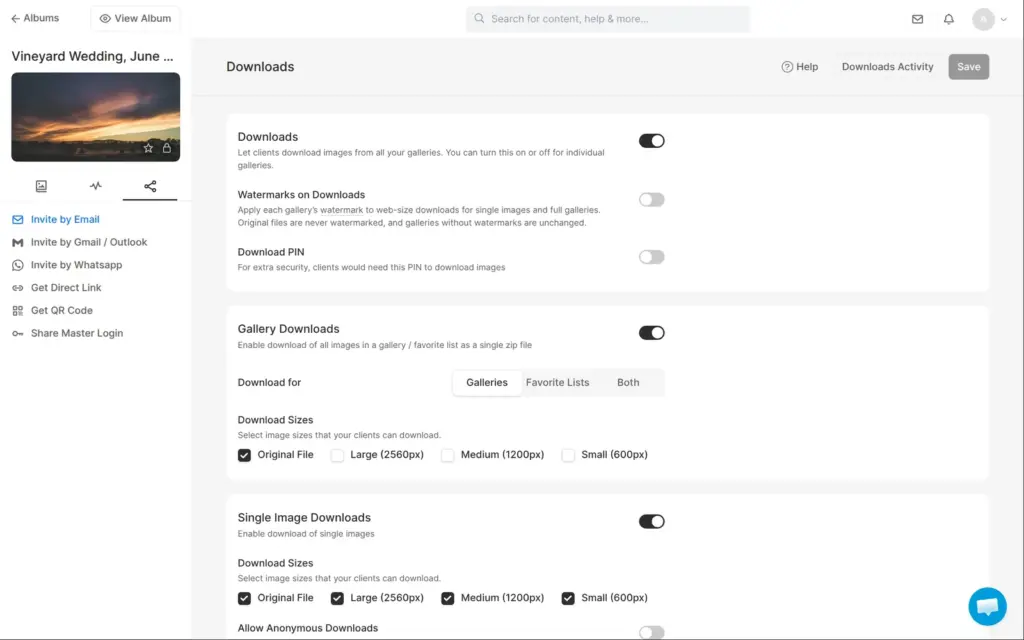
New albums start as public. When I switched the album to a password, Pixpa filled in 1234 as the password. Downloads start switched off. Once they're on, single photos can be downloaded in four sizes up to the original file. But the zip of a whole gallery was set to 600-pixel files only, so I ticked the originals.
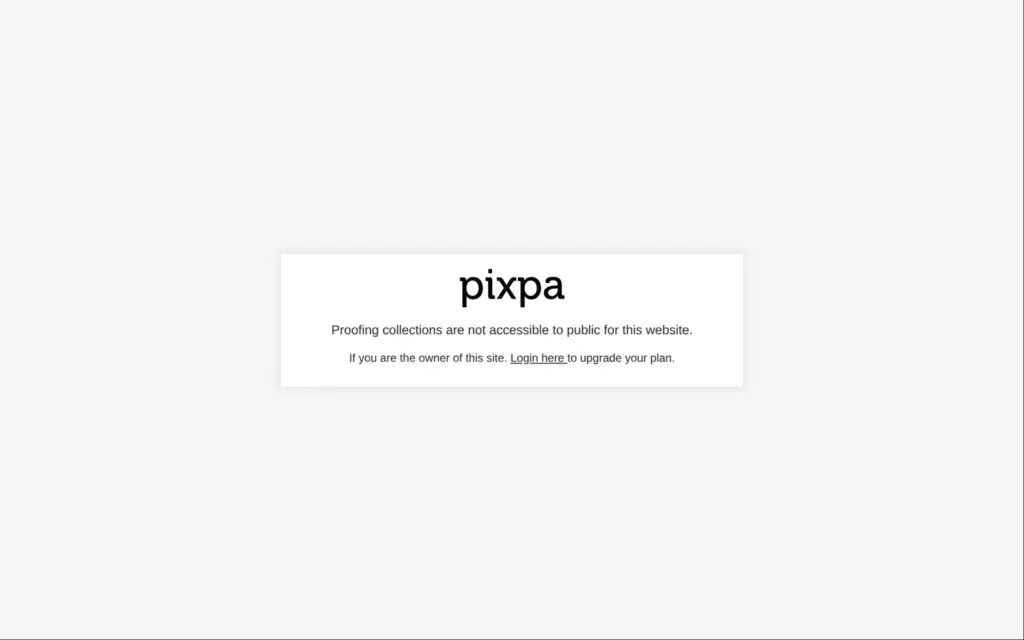
Pixpa can share an album by email or with a direct link. I tried the link, and on the trial it doesn't work for couples. After the site's access code, Pixpa showed "Proofing collections are not accessible to public for this website." So I opened the album as the owner instead.
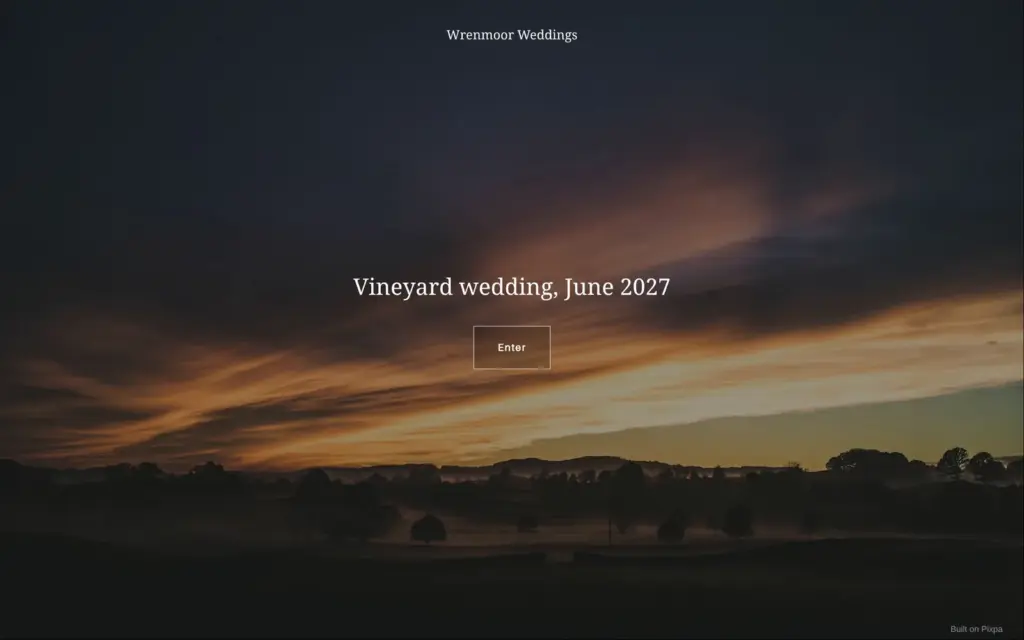
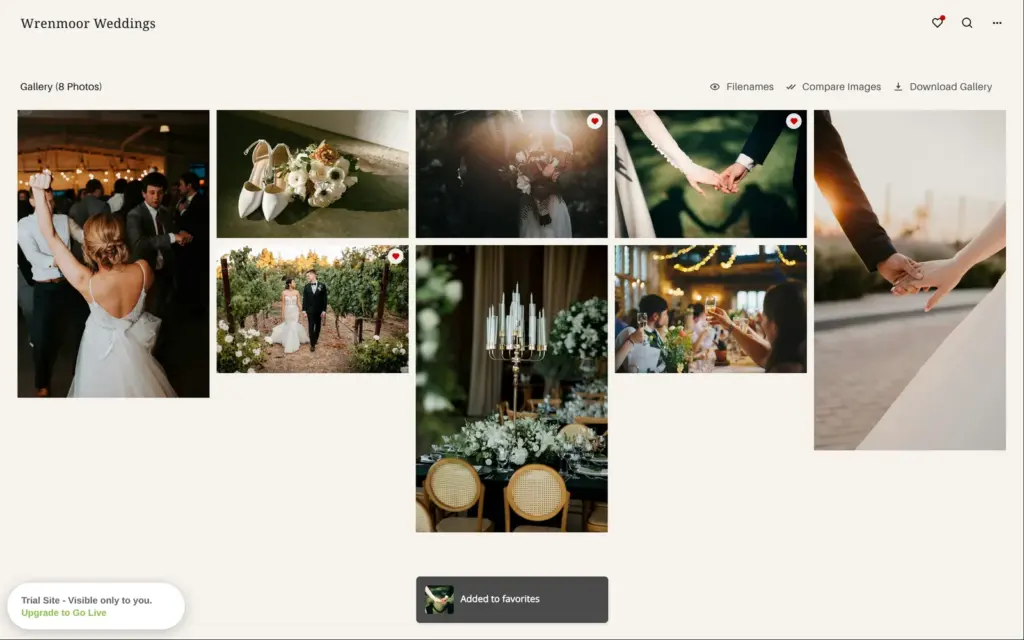
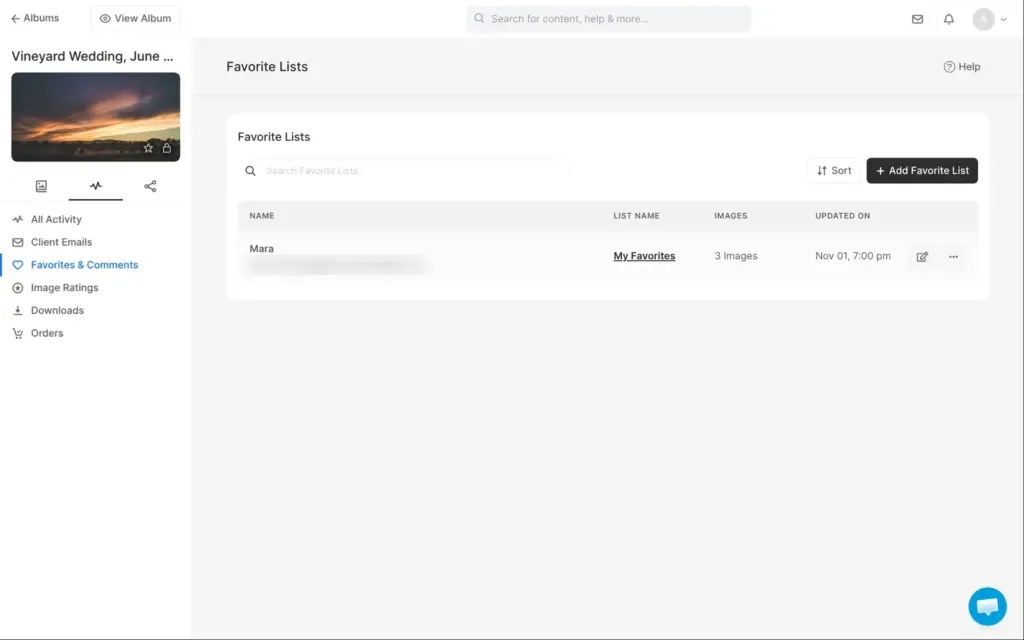
The album opens with a cover page. Its sunset photo is Pixpa's own placeholder, which I'd replace before sharing. After the password, the couple sees all photos in a grid. There are buttons to compare photos and to download the whole gallery. To save favorites, they give a name and an email address. I marked three favorites, and the studio showed the list with the name and the number of photos.
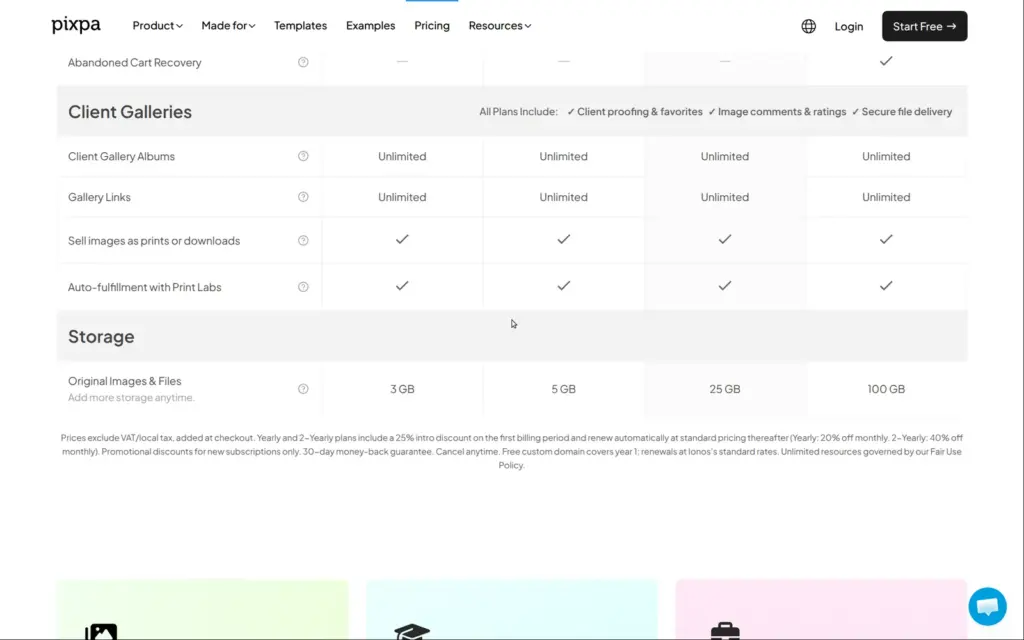
Client photos count against the plan's storage, from 3 GB on Basic to 100 GB on Advanced. By Pixpa's own estimate for its gallery plans, 20 GB hold about 6,000 photos. That puts Basic at about 900 photos, or one or two weddings.
Pixpa also sells client galleries on their own, for photographers who already have a website elsewhere.
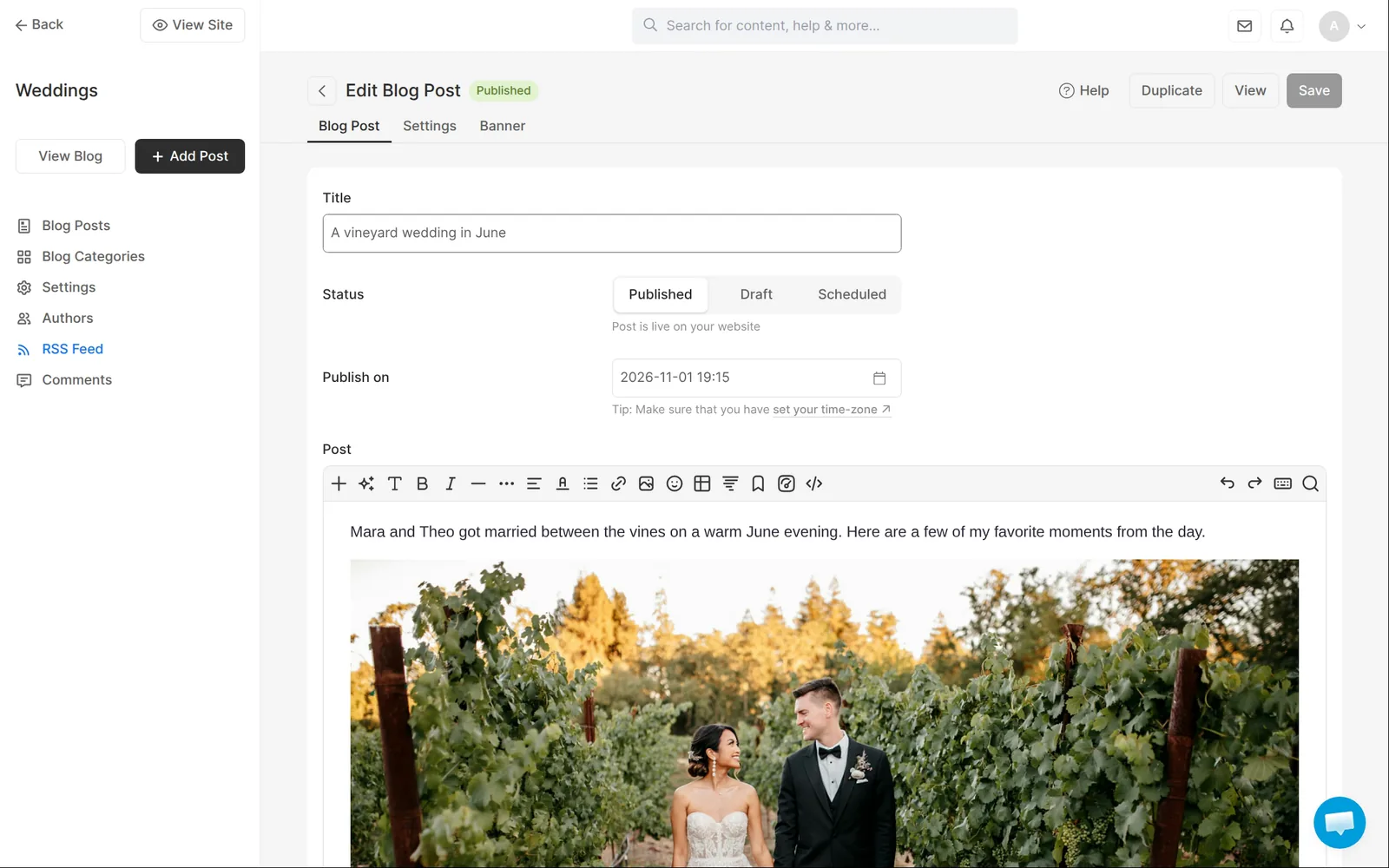
Pixpa has a blog. A post has a title and a text editor where you add photos. You can also schedule posts. When I created the blog, Pixpa added it to the site menu. Creating the blog and opening the first post were slow, about a minute each.
I saw these features but didn't test them:
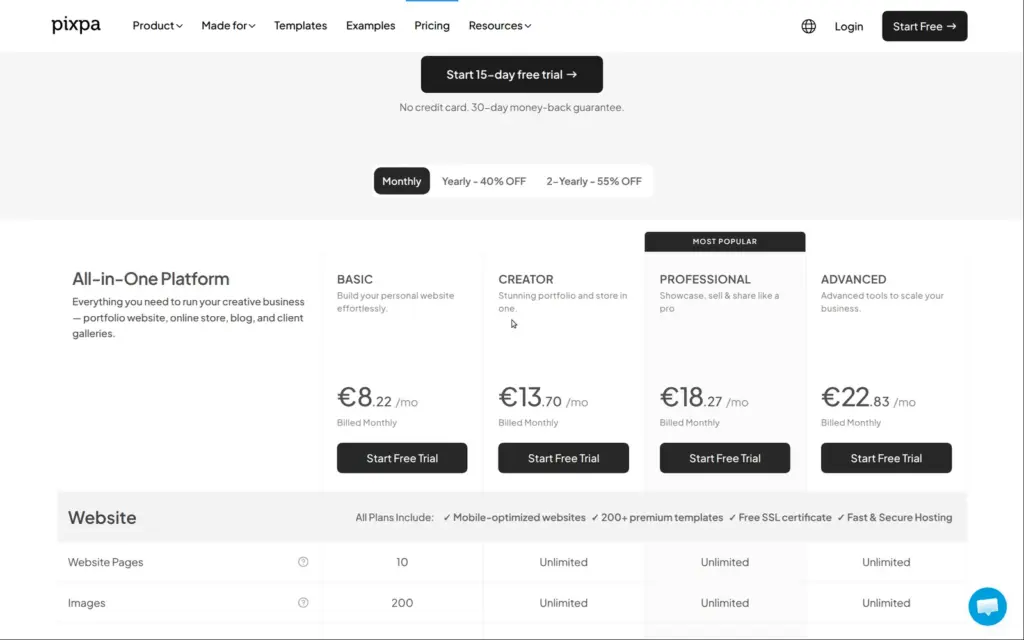
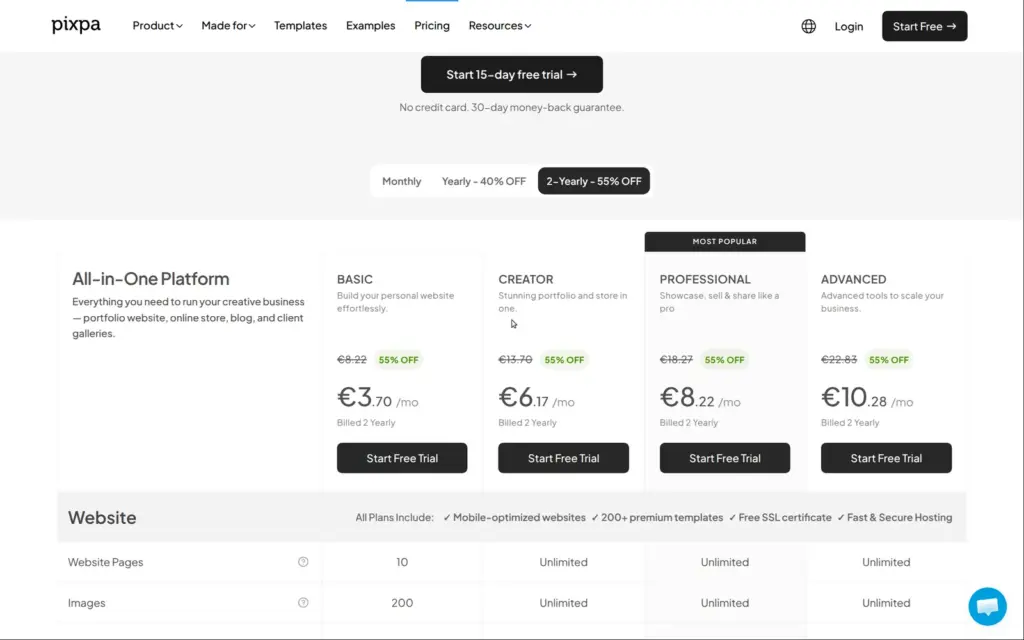
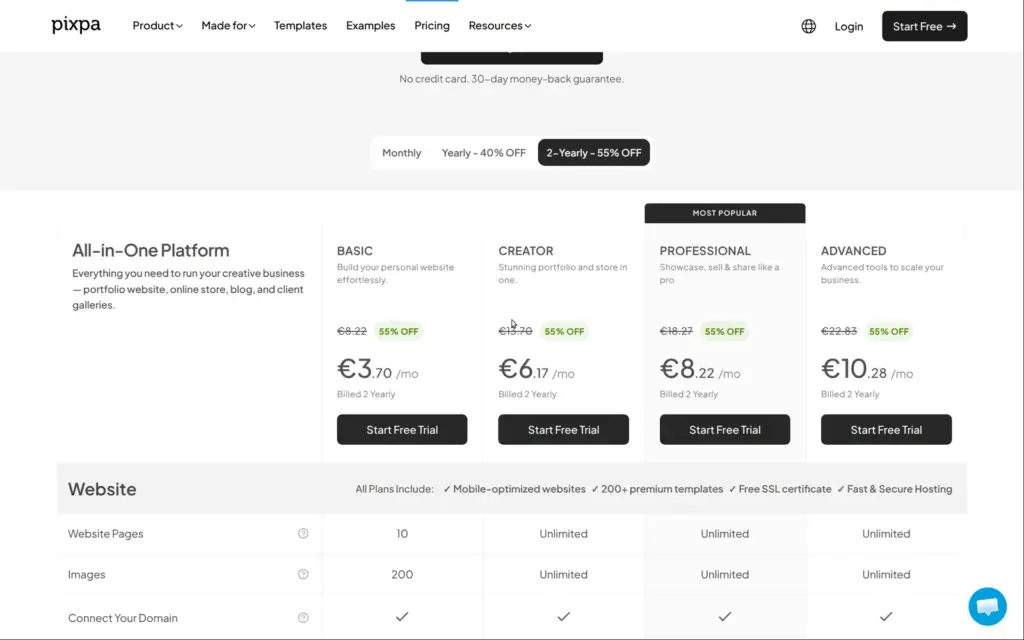
I checked Pixpa's pricing page on November 2, 2026. Pixpa shows prices in your local currency. The table has the US prices in dollars and the German prices in euros. Both are without VAT or sales tax, which Pixpa adds at checkout.
There are four plans. Yearly billing is shown as 40% off and two-yearly billing as 55% off. Part of that is a limited-time offer for the first period only. After that, yearly plans renew at 20% off the monthly price and two-yearly plans at 40% off.
| Basic | Creator | Professional | Advanced | |
|---|---|---|---|---|
| Billed monthly | $9 / €8.23a month | $15 / €13.71a month | $20 / €18.28a month | $25 / €22.85a month |
| Billed yearly | $5.40 / €4.94a month in the first year, then $86.40 / €78.97 a year | $9 / €8.23a month in the first year, then $144 / €131.61 a year | $12 / €10.97a month in the first year, then $192 / €175.48 a year | $15 / €13.71a month in the first year, then $240 / €219.36 a year |
| Billed every two years | $4.05 / €3.70a month in the first two years, then $129.60 / €118.45 every two years | $6.75 / €6.17a month in the first two years, then $216 / €197.42 every two years | $9 / €8.23a month in the first two years, then $288 / €263.23 every two years | $11.25 / €10.28a month in the first two years, then $360 / €329.03 every two years |
| Pages on the website | 10 | Unlimited | Unlimited | Unlimited |
| Images on the website | 200 | Unlimited | Unlimited | Unlimited |
| Products in the shop | 3 | 10 | 100 | Unlimited |
| Storage for client photos and downloads | 3 GB | 5 GB | 25 GB | 100 GB |
| Form fields | Name, email and text only | All field types | All field types | All field types |
| Extra checkout fields | No | Yes | Yes | Yes |
| Automatic reply to form messages | No | No | Yes | Yes |
| Stock tracking | No | No | No | Yes |
| Image watermarks | No | 1 | Unlimited | Unlimited |
| Extra people with access | No | 2 | Unlimited | Unlimited |
All plans can use your own domain. Yearly and two-yearly plans include a domain for the first year, and after that you pay the registrar IONOS at its normal prices.
For Wrenmoor Weddings, Creator is the smallest plan that fits the site I built. Creator costs $108 or €98.71 for the first year on yearly billing, then $144 or €131.61 a year.
At Pixpa's estimate of about 300 photos per gigabyte, Creator's 5 GB hold about 1,500 photos. If you deliver 400 photos per wedding and leave the albums online, there's room for three weddings. Professional's 25 GB hold about 7,500 photos. It costs $144 or €131.61 for the first year on yearly billing, then $192 or €175.48 a year. Pixpa sells extra storage, but the trial didn't show its prices.
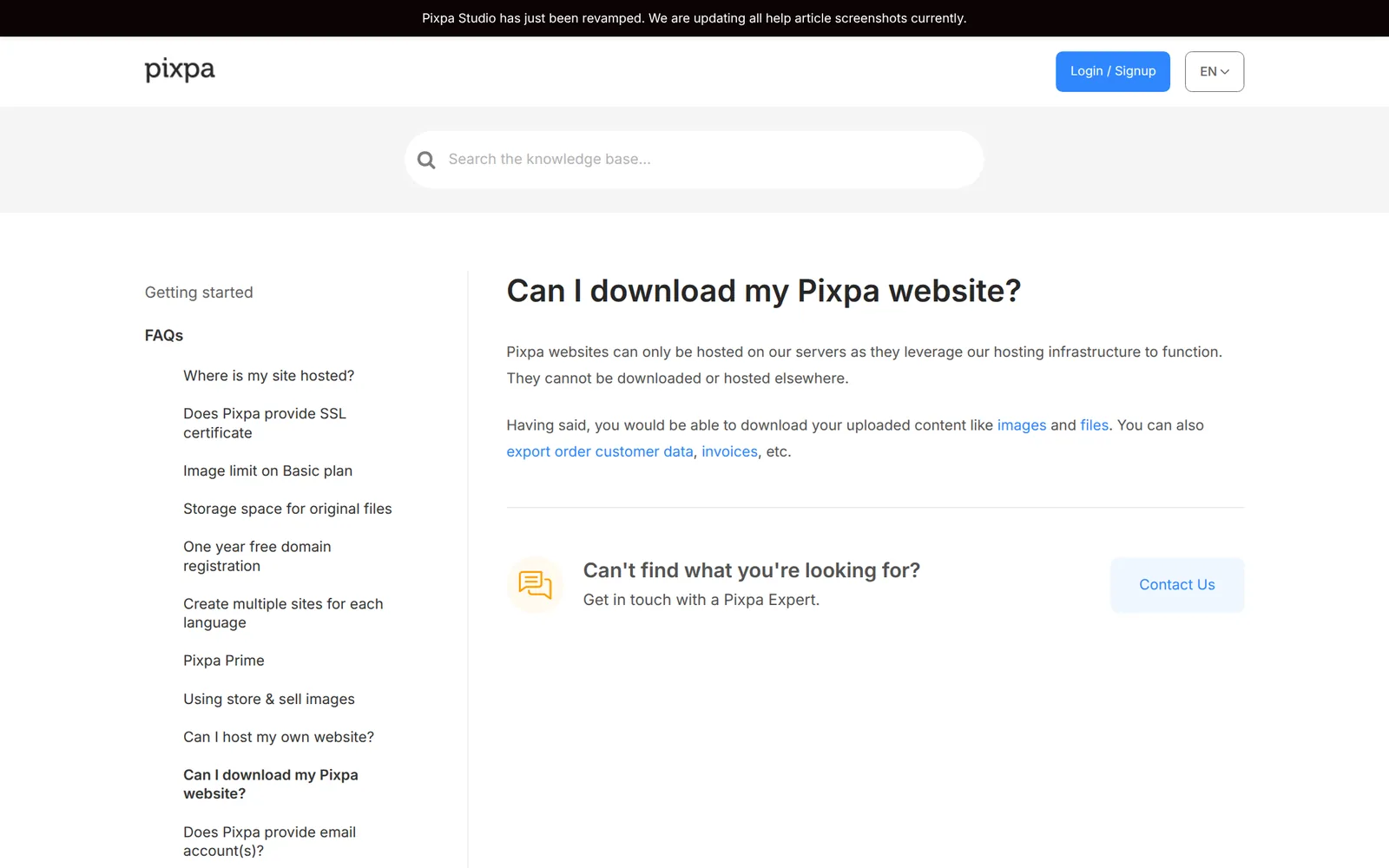
Pixpa hosts the site, and you can't download it to host it elsewhere. Its help center says so. You can download the images you uploaded and export orders and customers as CSV files. If you move to another builder, you rebuild the pages there.
Pixpa fits a wedding or portrait photographer who wants the portfolio site and the client galleries in one subscription. For a site like mine, I'd start with Creator and move to Professional once the client albums need more space.
It fits less well if you need online booking, or if you sell many products.
If you try it, go through each page and link of the template on the live site before you share it, and check the defaults of your first album. The trial doesn't let a couple open an album or pay by card. Pixpa offers a 30-day money-back guarantee on new subscriptions, so you could test card payments and shared albums in the first month.
 What I'm building
Give Vroni a GitHub issue, bug report, spec, or rough idea. It reads the repo, plans the change, writes code, runs checks, and works toward a review-ready pull request.
Take a look at vroni.com