
Wix review
Wix is a website builder with business tools for bookings, a shop, a blog and forms, and it hosts the site for…
Jimdo is a website builder for small businesses. You answer a few questions, and Jimdo writes the first version of your website. The same account can also take appointments, sell products and send invoices. If you are thinking about Jimdo for your business, you probably want to know whether the free plan is enough, what you pay once it isn't, and whether the site it writes is ready to show customers.
To find out, I built a website for a made-up bike repair shop on the free plan. I let Jimdo write the first version from my answers. Then I changed the text, photos, colors and pages, added opening hours and a price list, and set up online booking for repair drop-offs. After publishing, I booked an appointment and sent a message as a customer. I also set up a product in the shop and asked Jimdo's AI helper for advice.
Jimdo had a first version ready about twenty seconds after the last question, and the free online bookings worked well. Five buttons on the home page led nowhere, which I only noticed on the published site. The contact page showed a map of Hamburg, and the legal pages were placeholders. Selling products needs a paid store plan, so on the free plan the shop never takes an order.
Jimdo suits you if you run a small local business and want a simple website with your services, opening hours, a contact form and online appointments, without learning a design tool.
Look elsewhere if you need a blog, want to change the phone layout separately from the desktop, or want to take your site with you to another provider one day.
Online bookings: the free plan takes unlimited bookings for one type of appointment, with confirmation emails for both sides. Reminders, breaks between appointments and more appointment types cost extra.
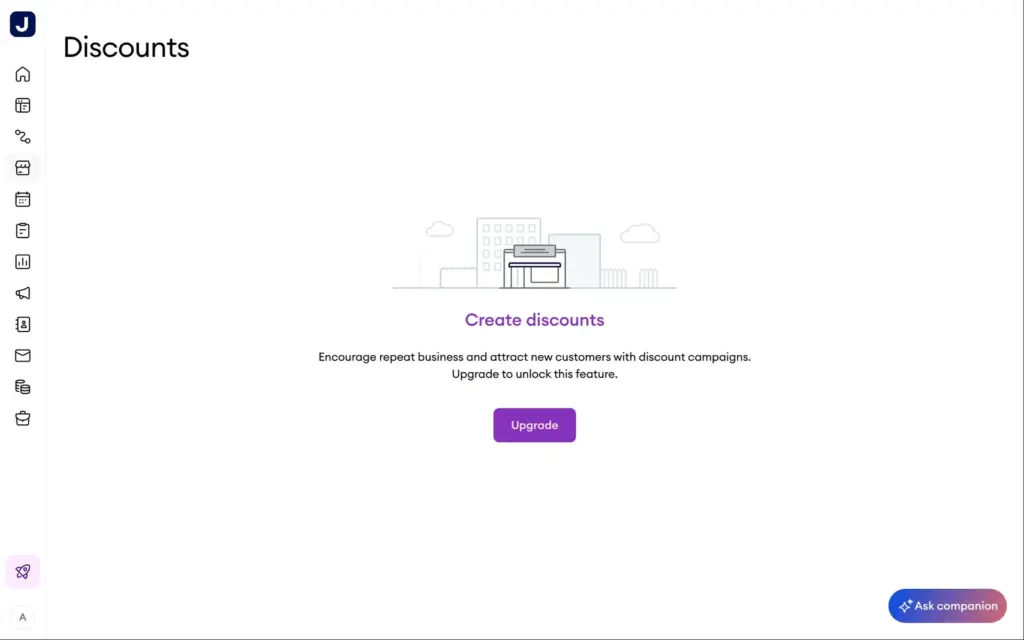
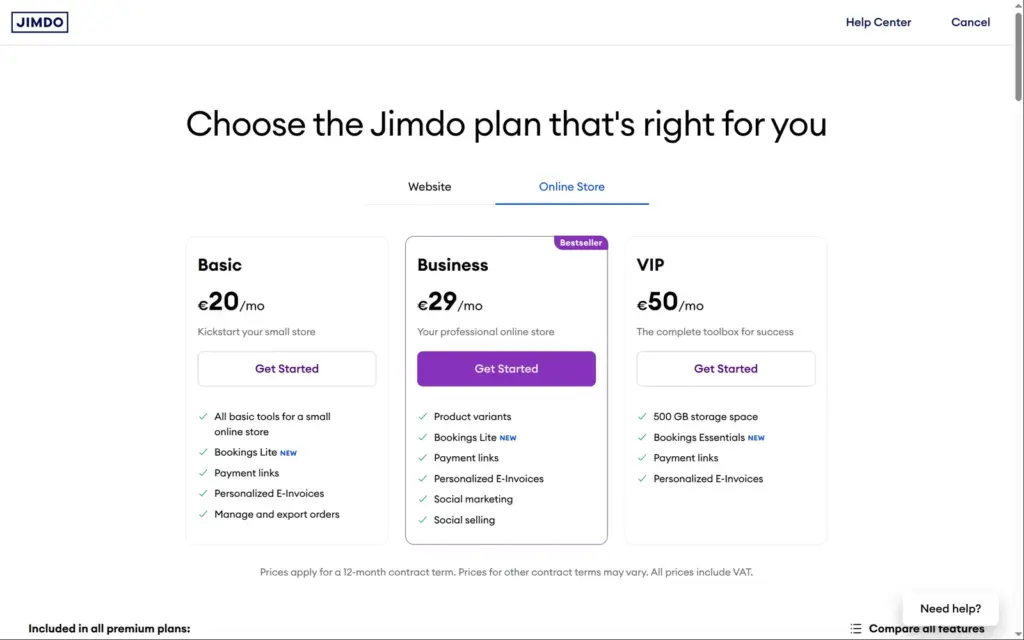
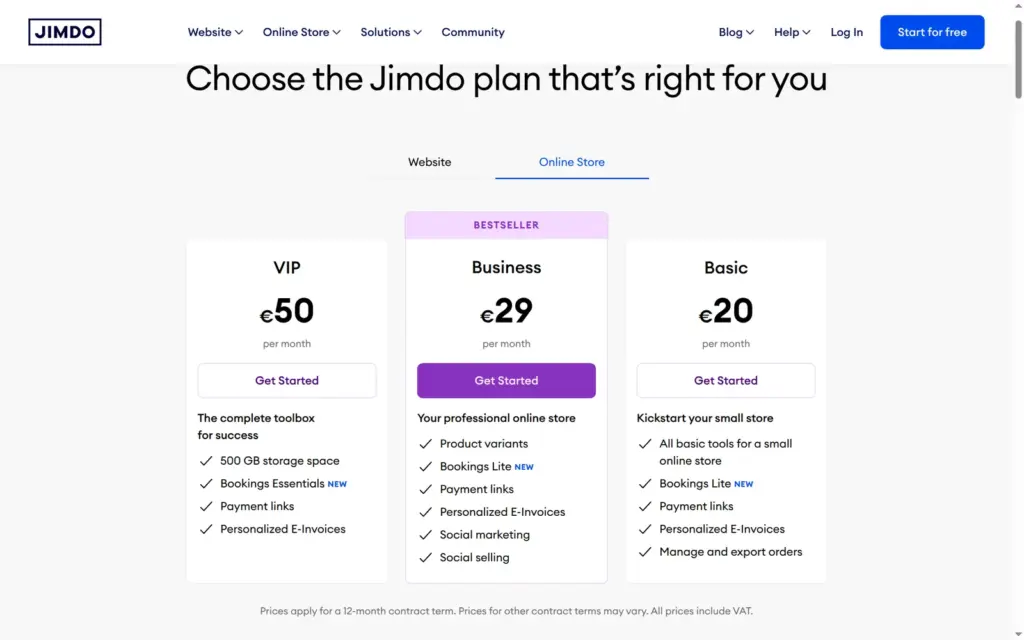
Online shop: Jimdo's shop suits a small range of products with pickup or simple shipping. Selling starts with the Basic store plan at €20 a month. Sizes, colors and discount codes need Business at €29. On the free plan you can prepare a product and shipping, but nobody can buy.
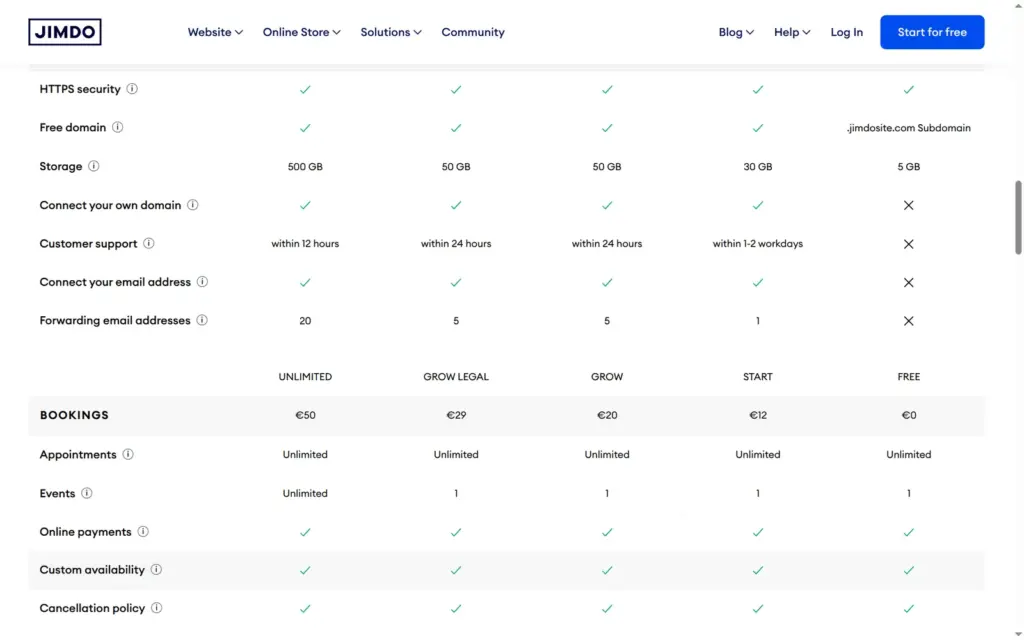
Price: the free plan publishes your site on a jimdosite.com address, with Jimdo's ads. Website plans cost €12, €20, €29 or €50 a month on a 12-month contract, store plans €20, €29 or €50. All prices include VAT.
Tested: in October 2026 on the free plan, from Germany. Prices checked on October 12, 2026.
Not tested: paid plans and what they unlock, such as your own domain, the search settings, visitor statistics and the legal text generator. I also didn't test a checkout or a test order, invoices, payment links or Jimdo's support. Jimdo did not pay for this review, and there are no affiliate links.
What I liked:
What bothered me:
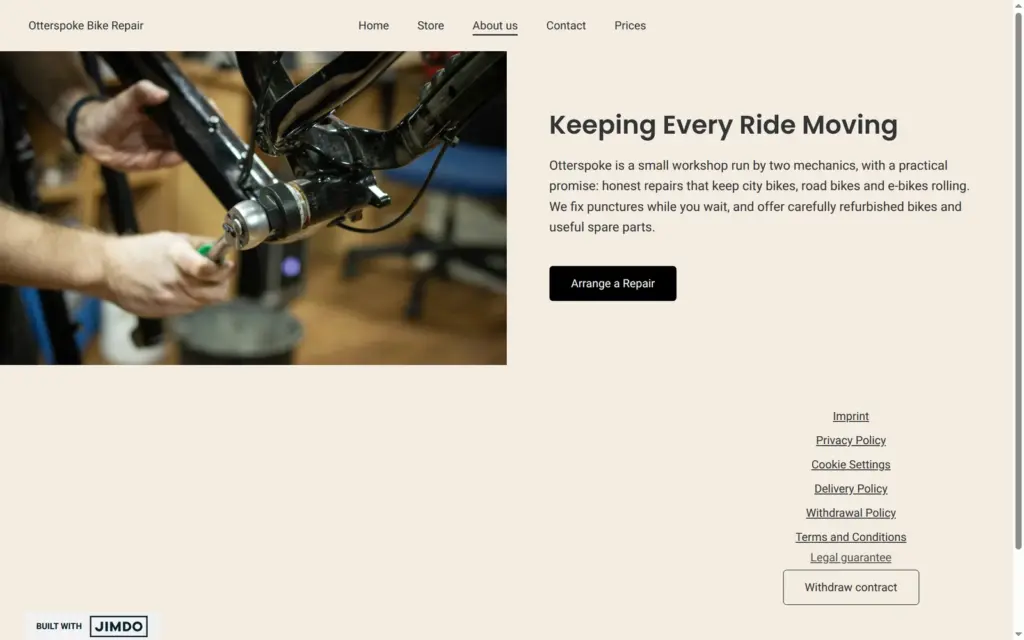
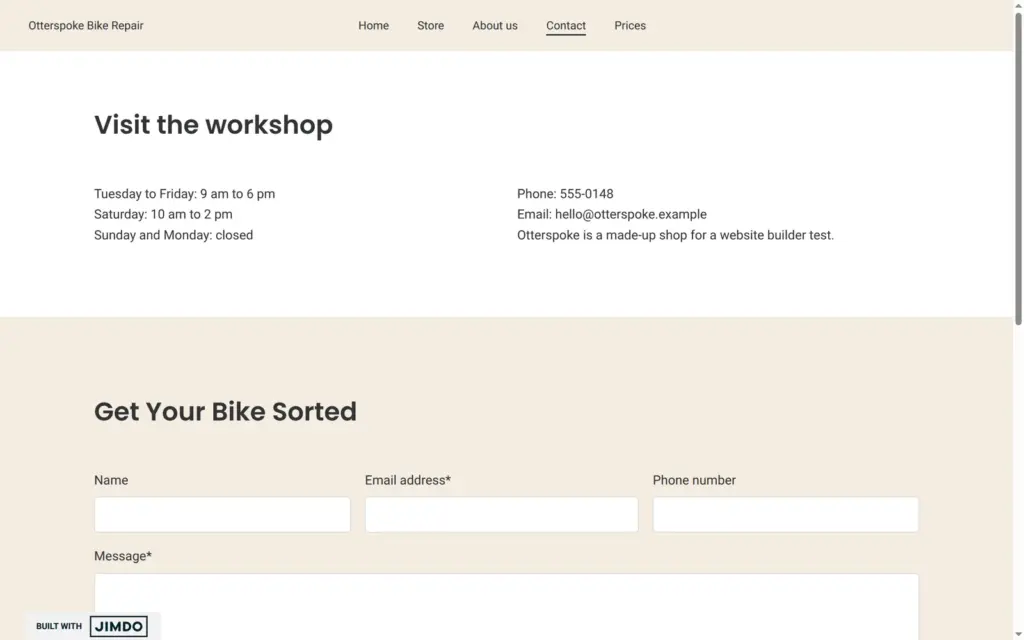
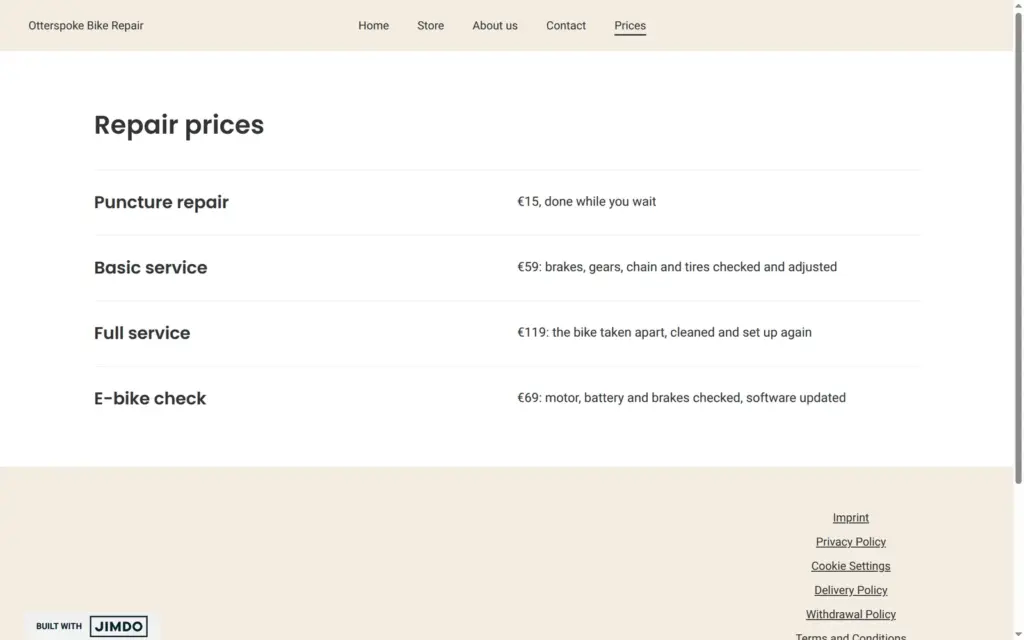
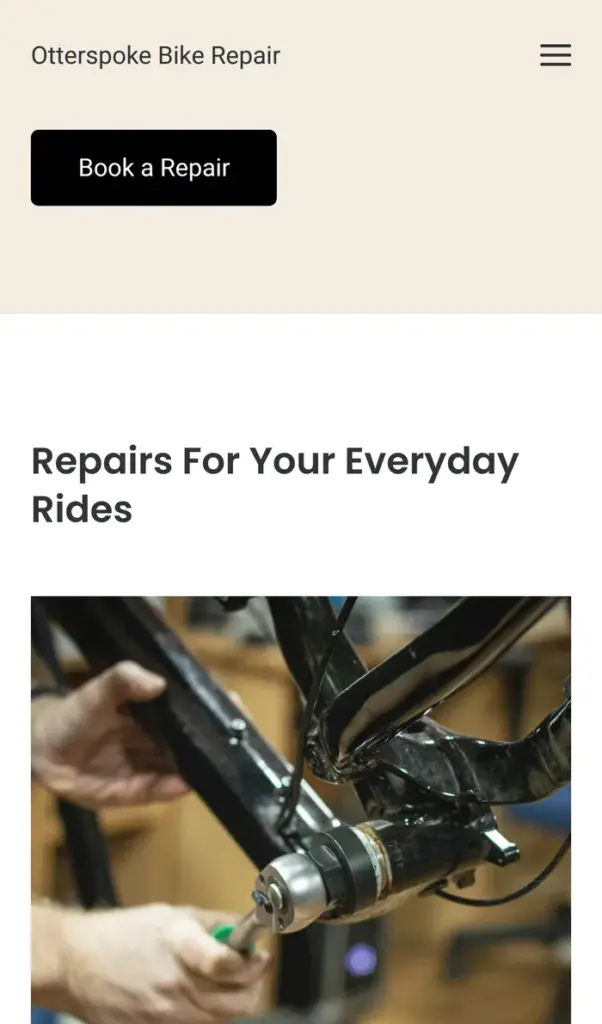
Otterspoke Bike Repair is a made-up workshop with two mechanics, and its contact page says it is made up. The site has five pages, the most the free plan allows. The home page shows the services and the booking, the store has one product, and the contact page has the opening hours and a form. There is also an about page and a price list. All photos are free stock photos from Jimdo's image library.
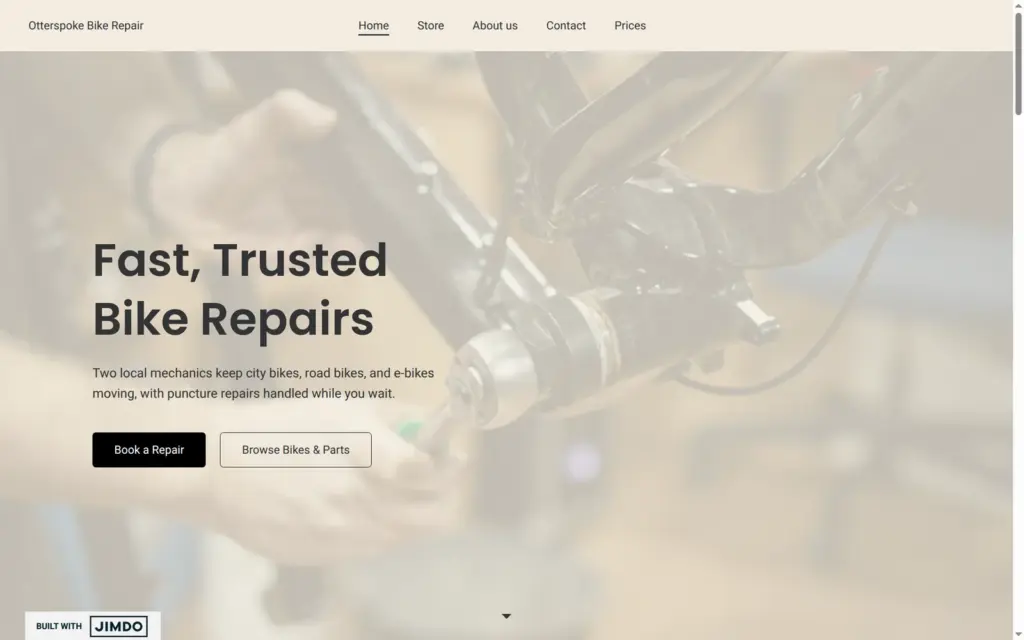
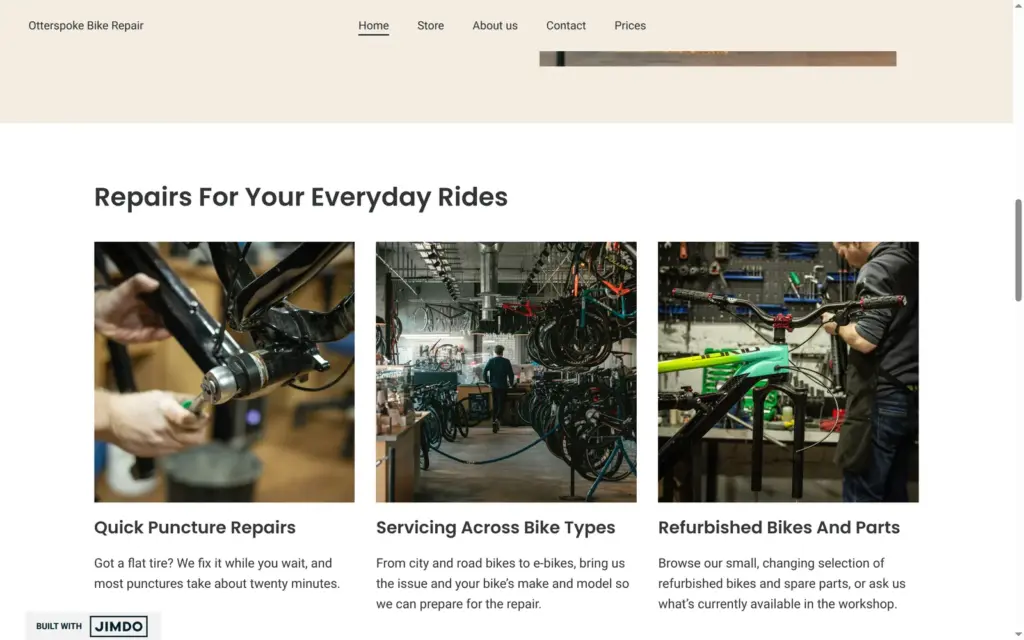
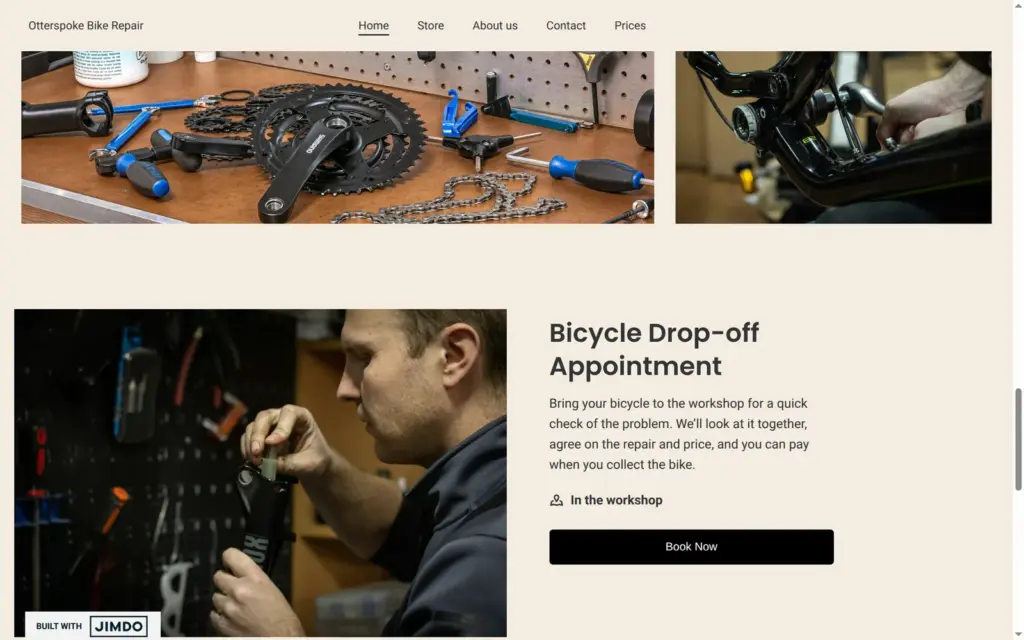
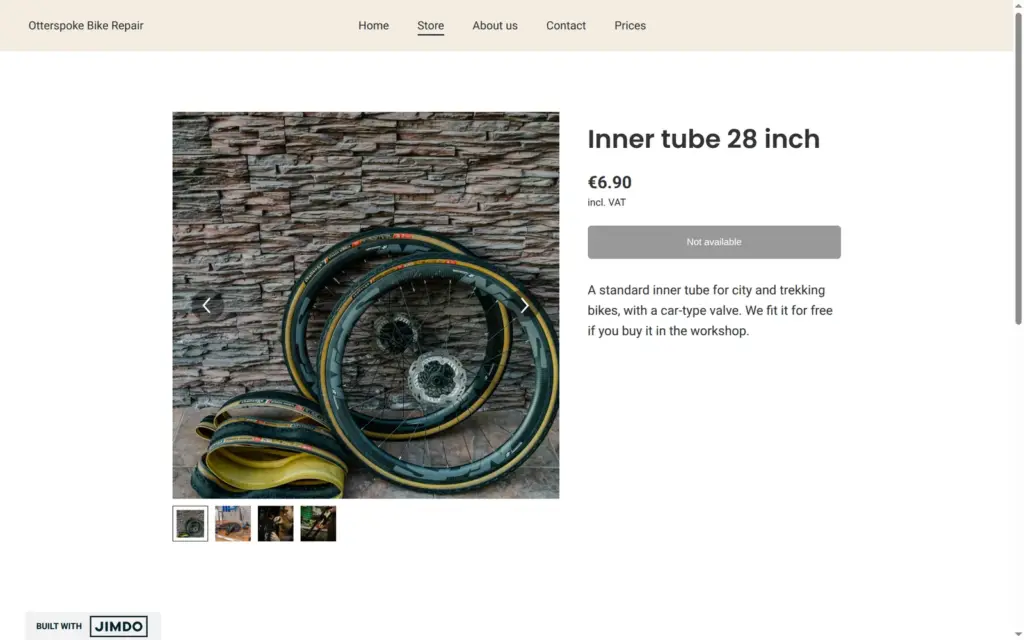
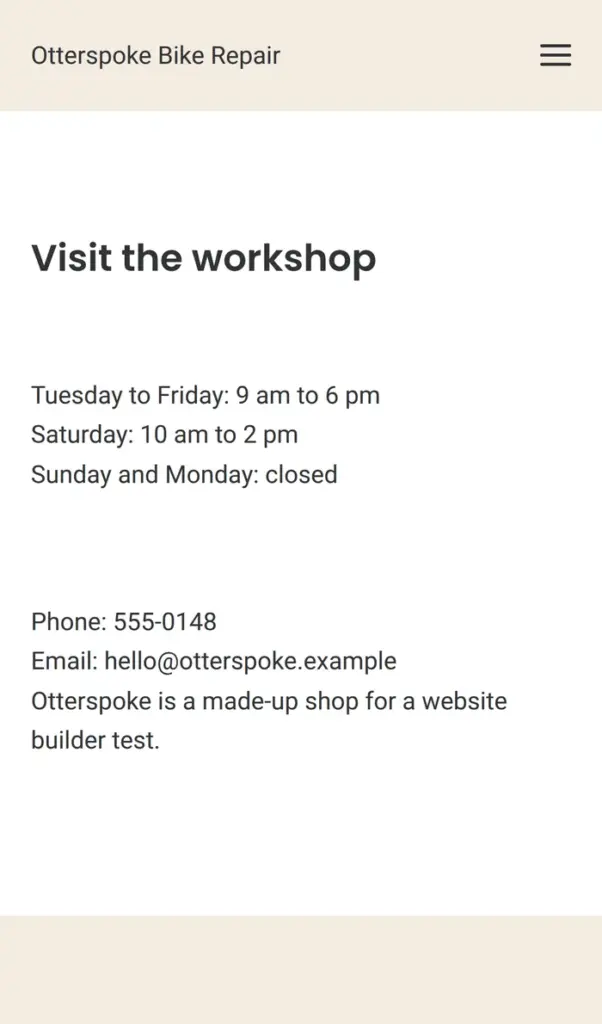
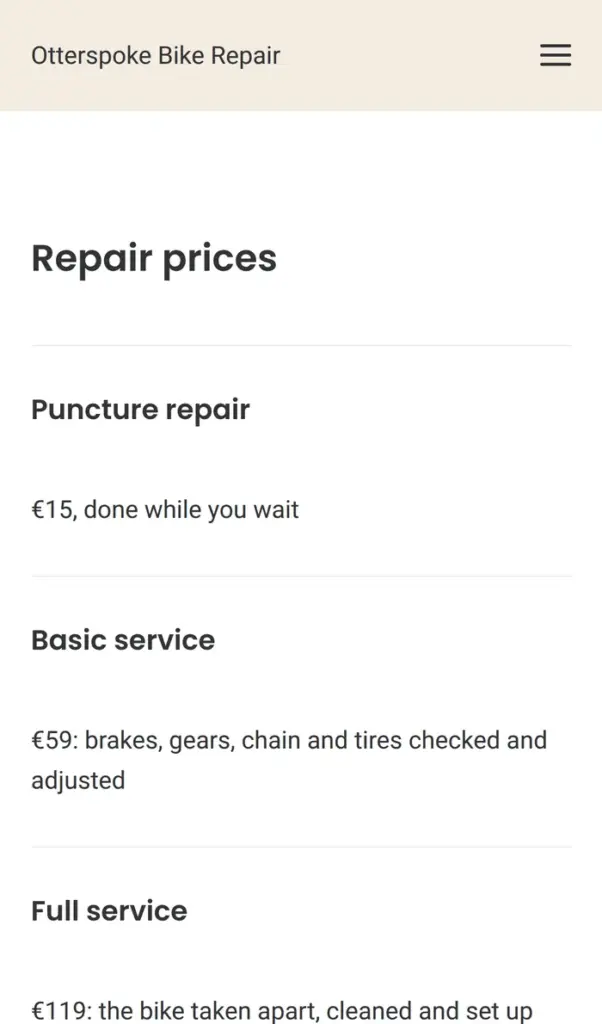
Open the bike shop site. It is a demo, so please don't book appointments or send personal information through its form.
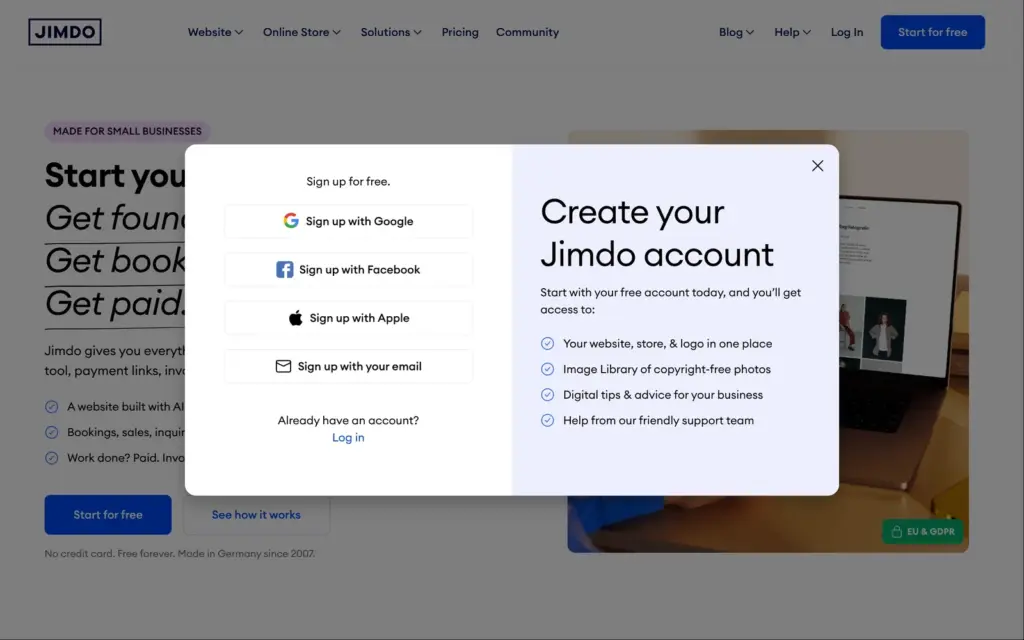
You can sign up with Google, Facebook, Apple or an email address. I used an email address, and Jimdo sent a confirmation email before it let me in. The small print says Jimdo will send marketing emails, which you can unsubscribe from.
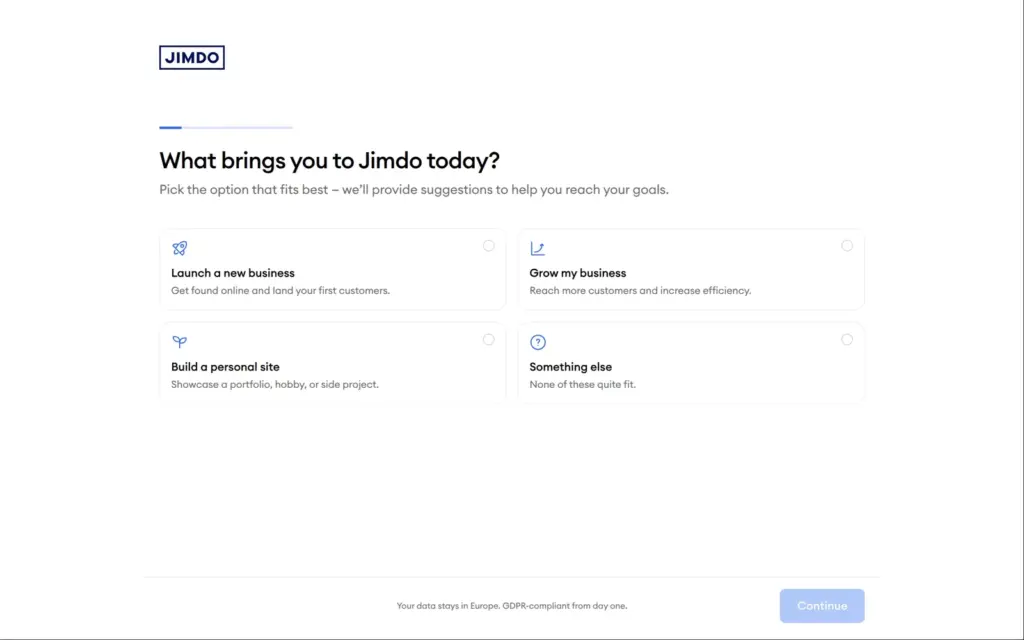
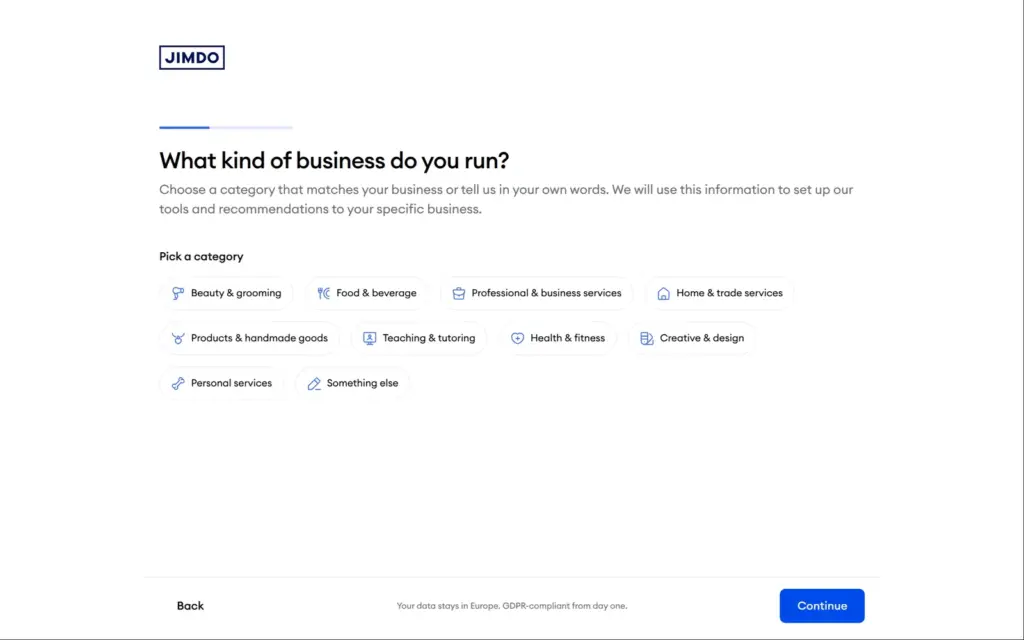
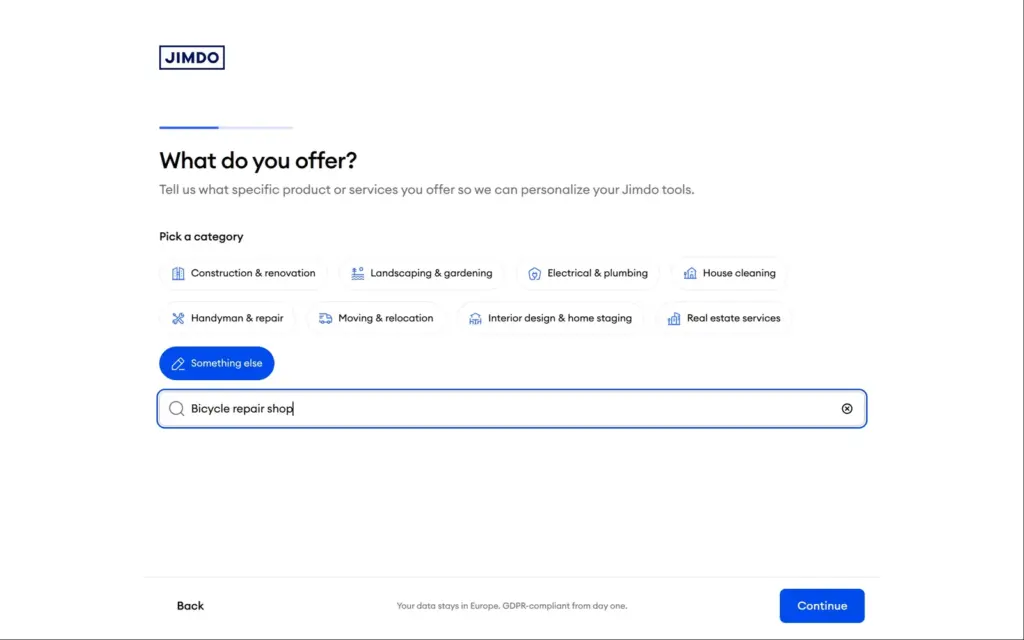
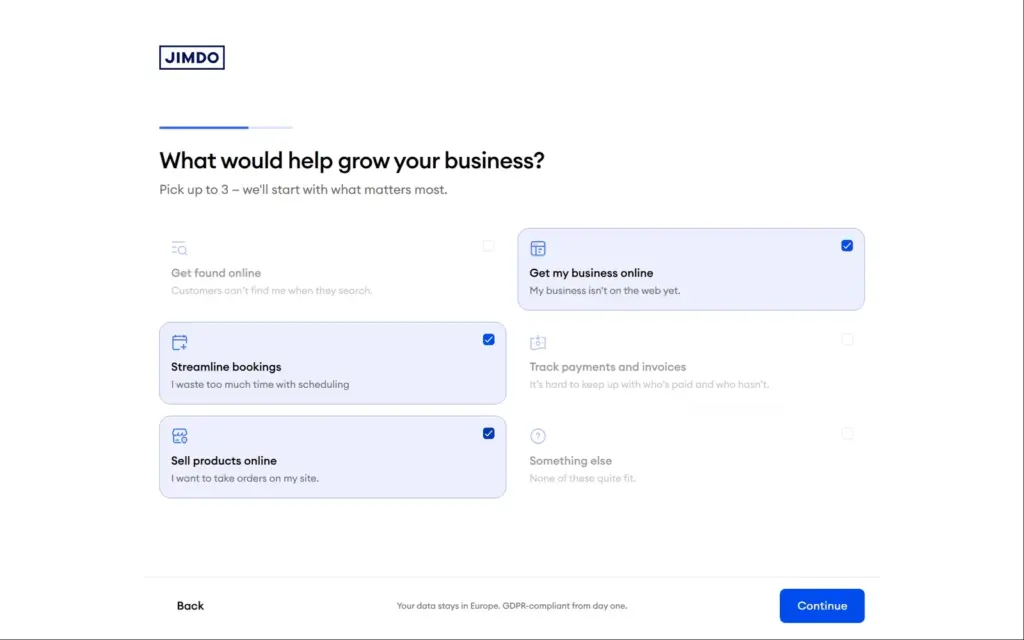
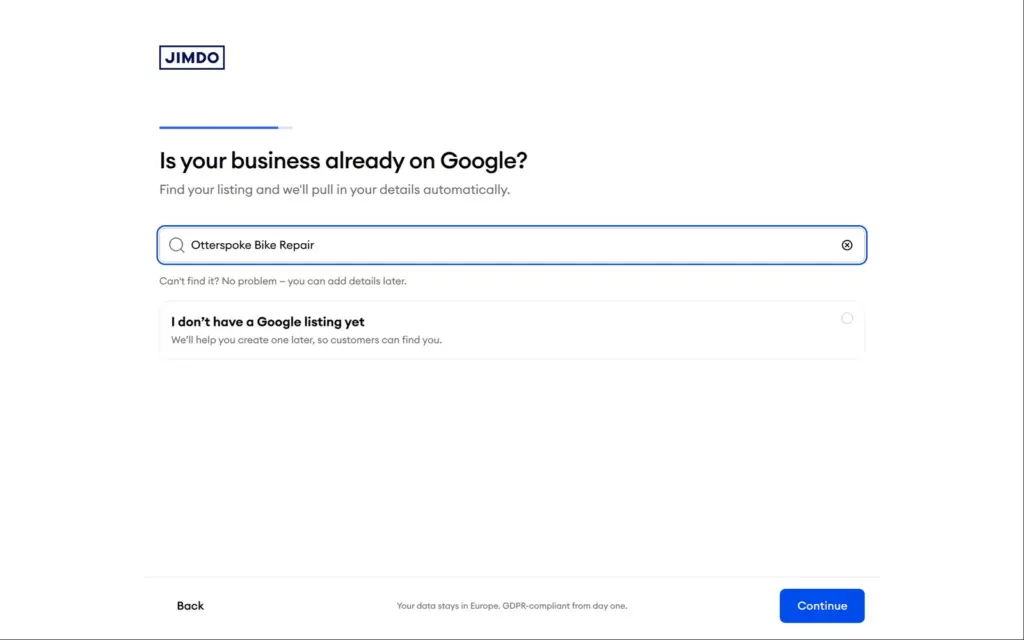
The link in the email opened eight questions:
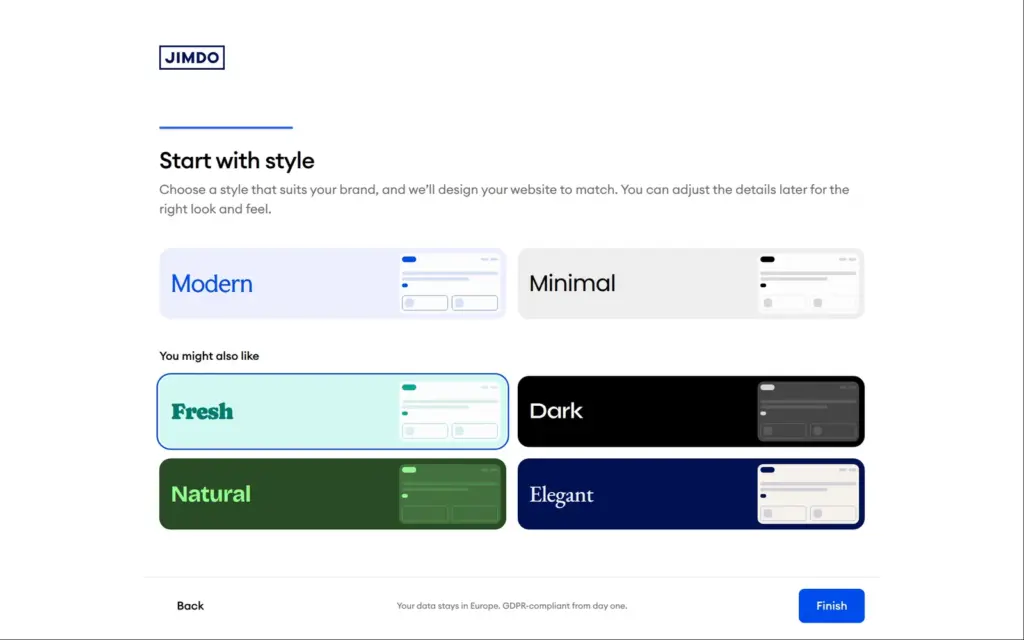
Bike repair wasn't in any of the ten groups, but Something else opened a search that knew bicycle repair shops. I described the shop in two sentences, chose a website, online bookings and selling as goals, and picked the Fresh style.
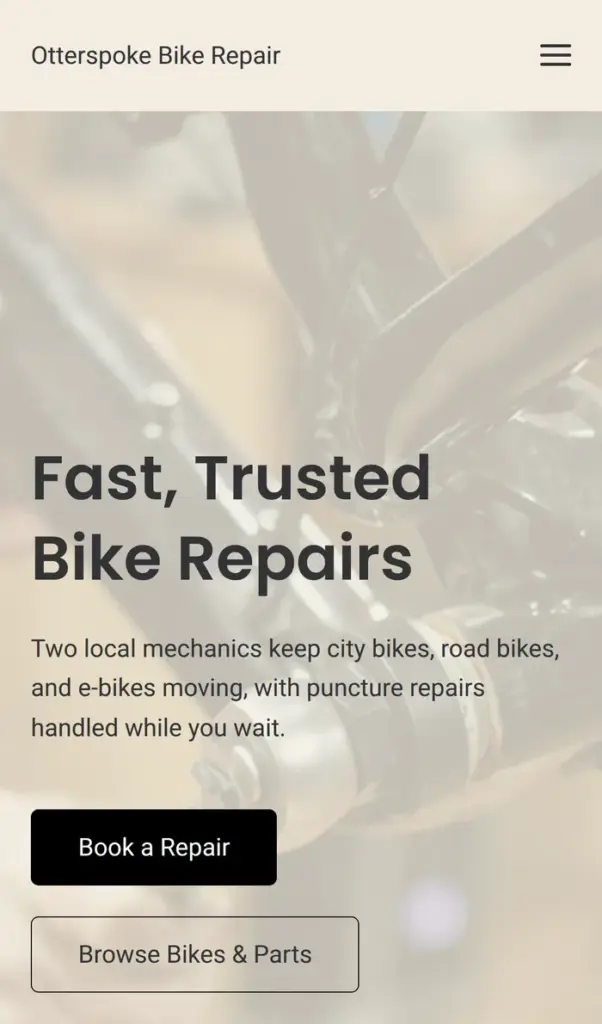
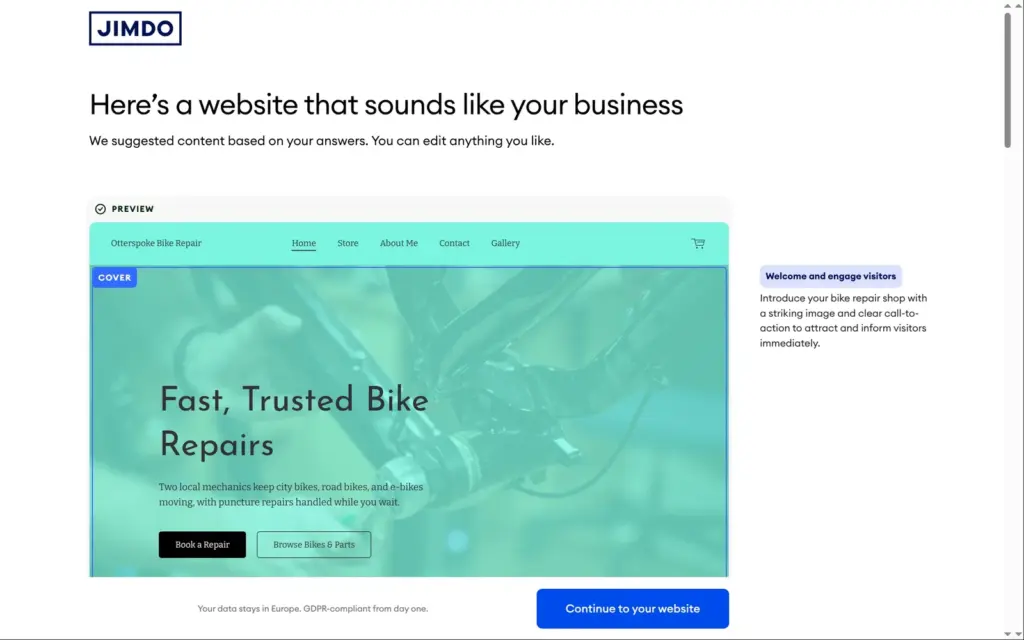
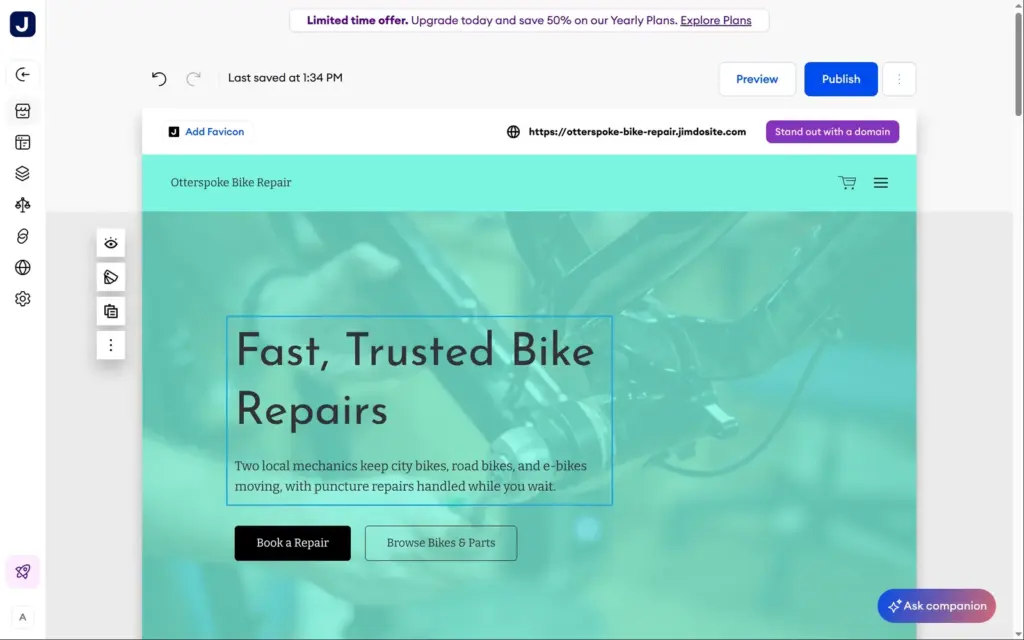
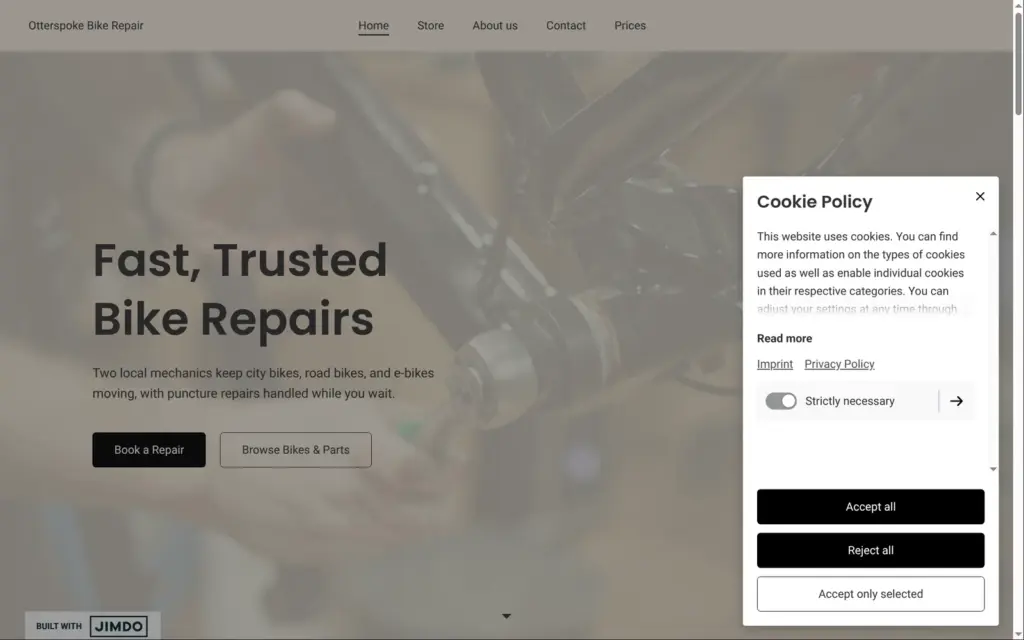
About twenty seconds after the last question, Jimdo showed a website with five pages for home, store, about, contact and a gallery. The text used what I had written. The headline said "Fast, Trusted Bike Repairs", and the first paragraph mentioned the two mechanics and puncture repairs while you wait. Two buttons offered to book a repair or browse bikes and parts.
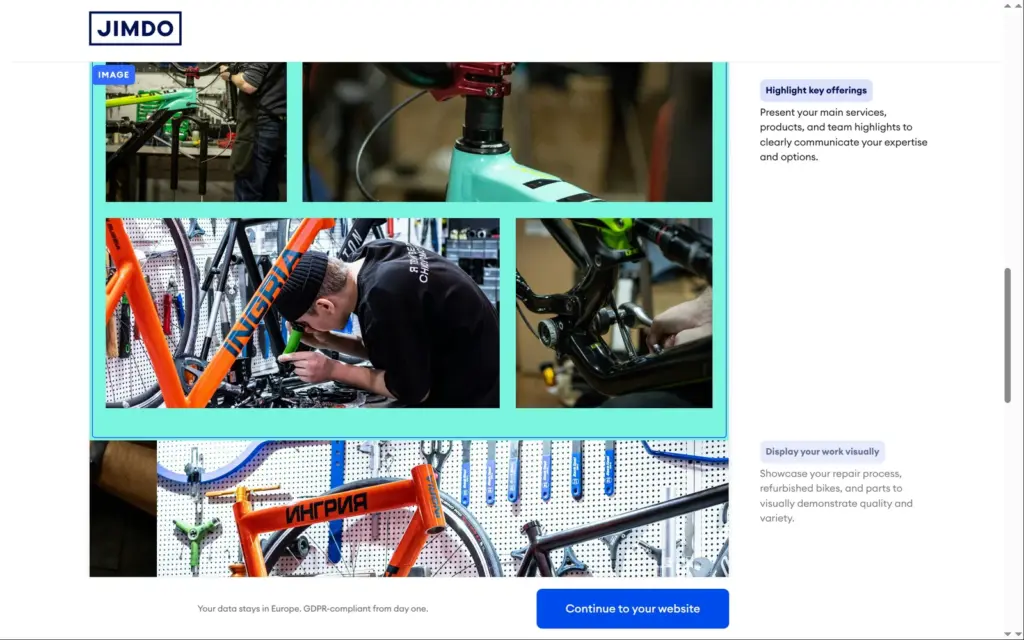
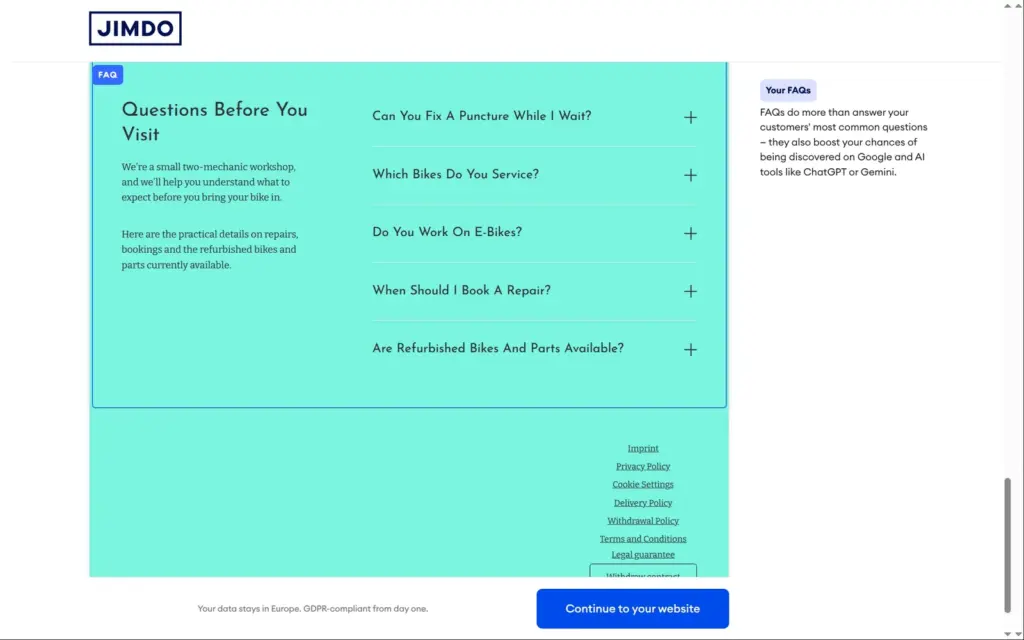
The home page also had a gallery and a slideshow of workshop photos, a booking section, and five questions and answers about punctures, e-bikes and bookings. The footer already linked to an imprint, a privacy policy, cookie settings and the pages an online shop needs in the EU. The Fresh style turned out mint green.
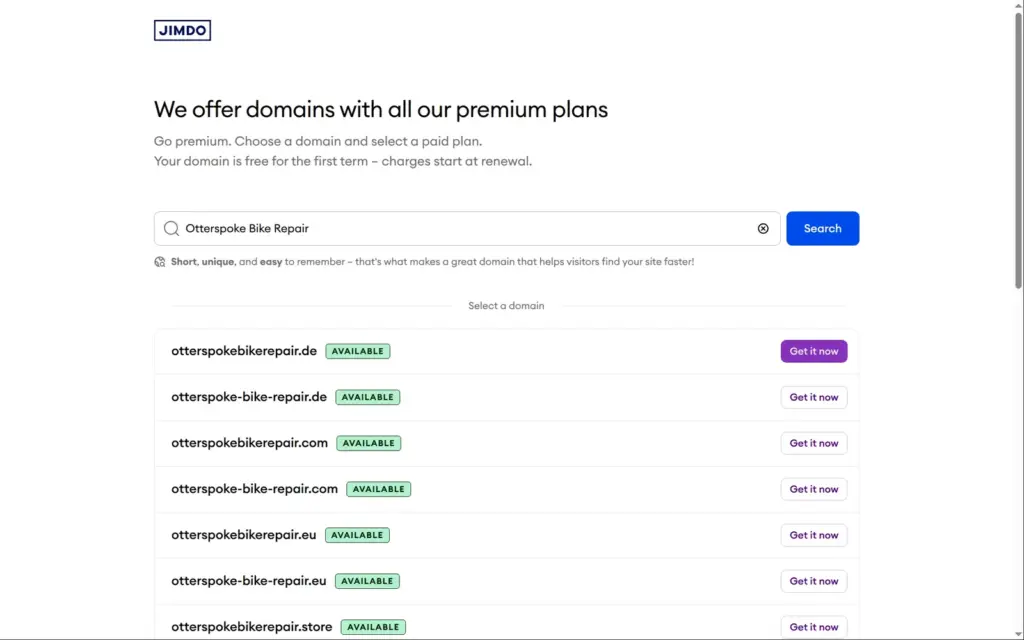
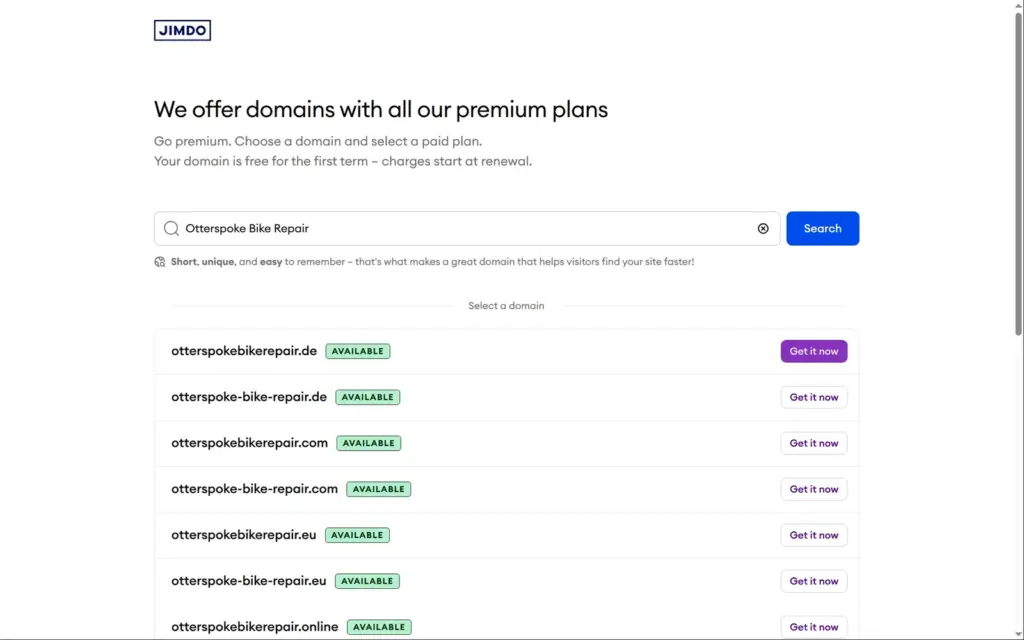
Before the editor opened, Jimdo offered a free domain for the first year with a paid plan. On the free plan, the site gets an address on jimdosite.com.
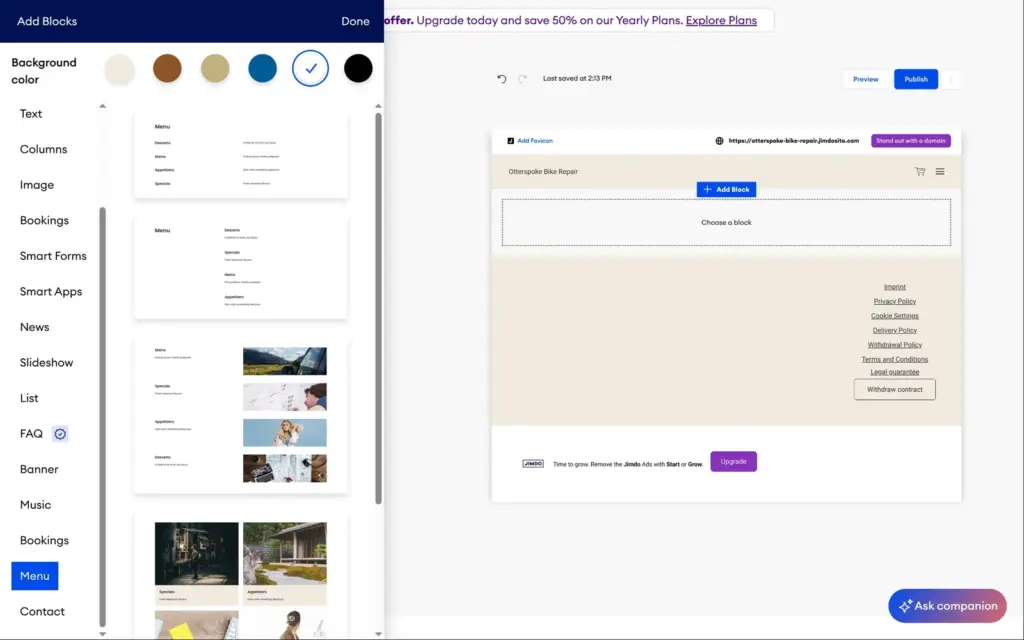
The editor shows the page as visitors will see it. Each section has buttons on its left to hide it, change its layout, copy it or move it. Add Block between sections offers new ones, such as text, columns, images, a slideshow, questions and answers, a booking, a contact form or a menu. I found no blog. The News block is a one-line announcement, like new opening hours.
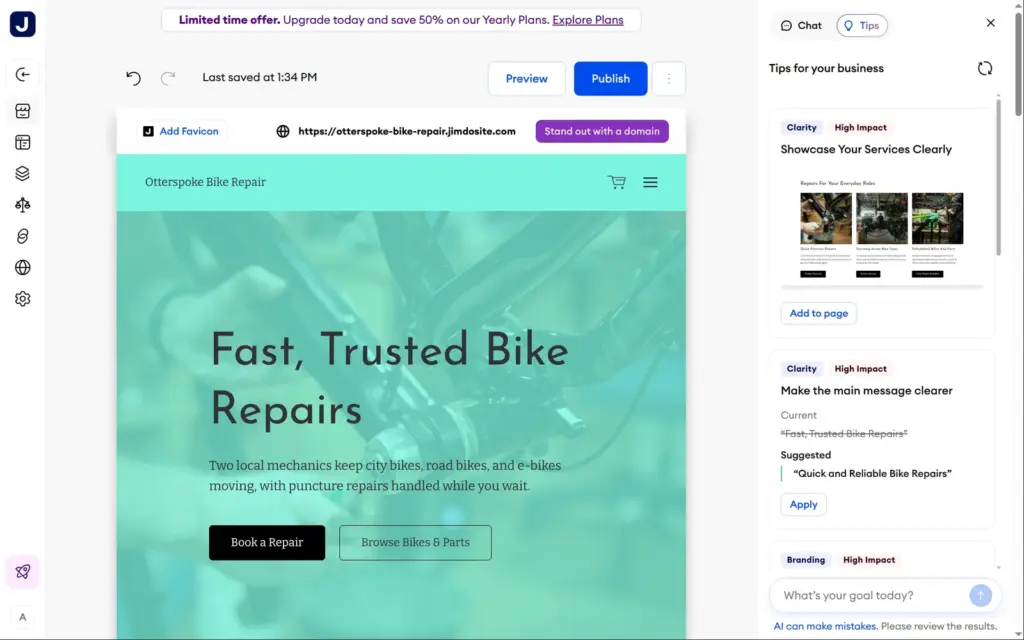
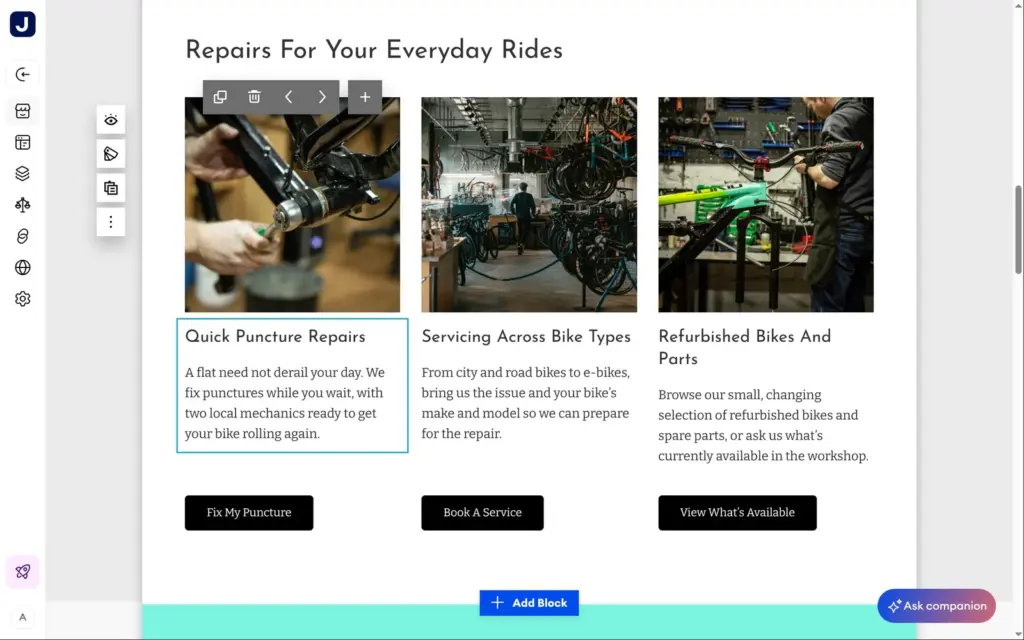
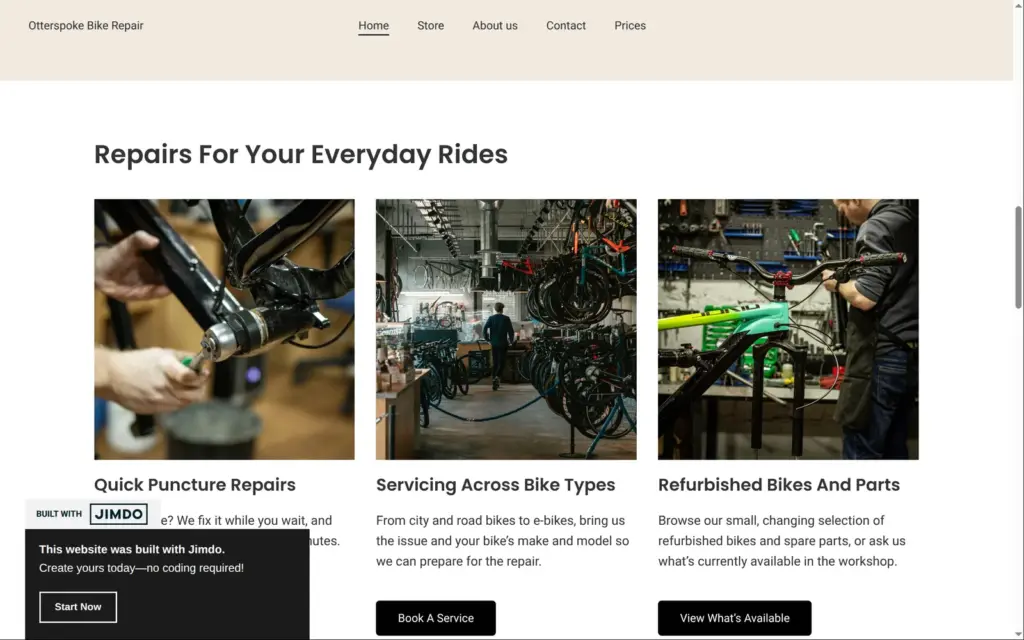
The Companion button opens Jimdo's AI helper. Under Tips, it suggested changes to the page I had open. One tip was a new section with the shop's three main services, each with a photo and a button, and one click added it to the page. Another tip offered three customer quotes, which the AI had made up. I left that one out.
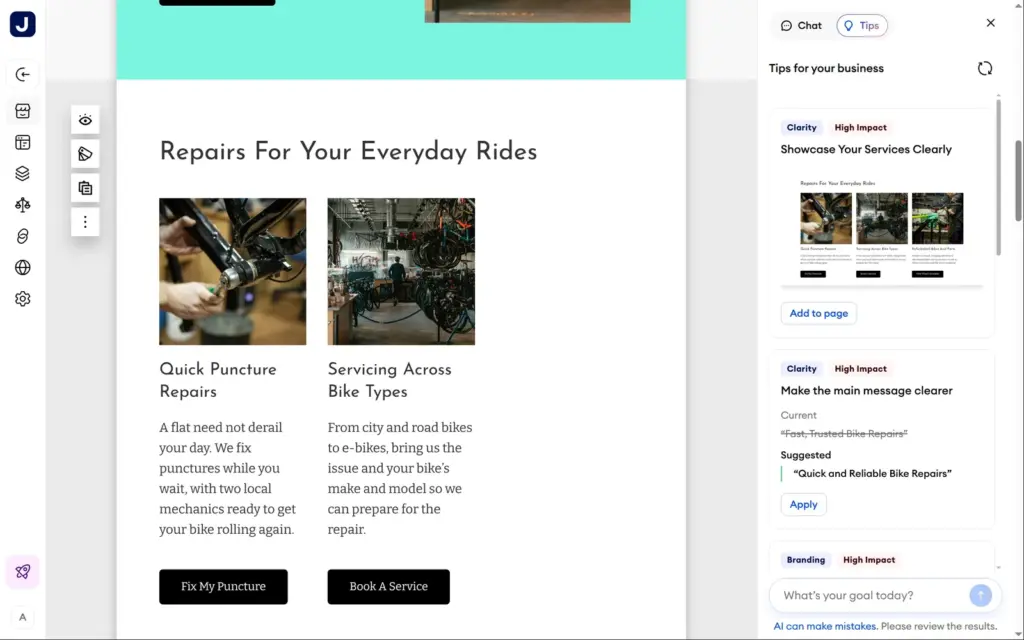
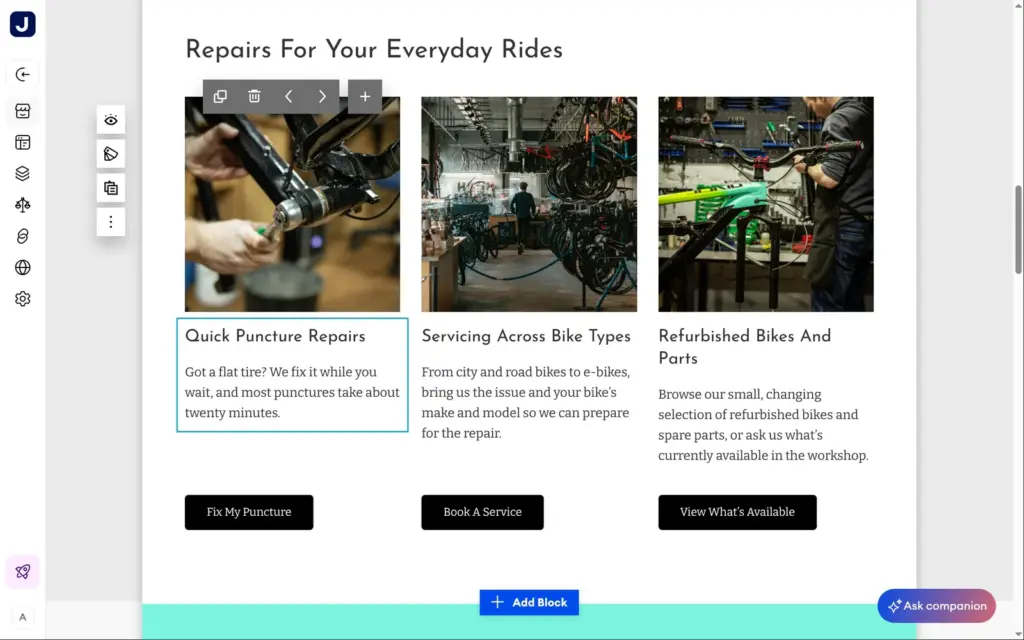
To change text, you click it and type. Most of the AI's text was fine, but some sentences sounded stiff. "A flat need not derail your day" isn't how a bike shop talks, so I rewrote it.
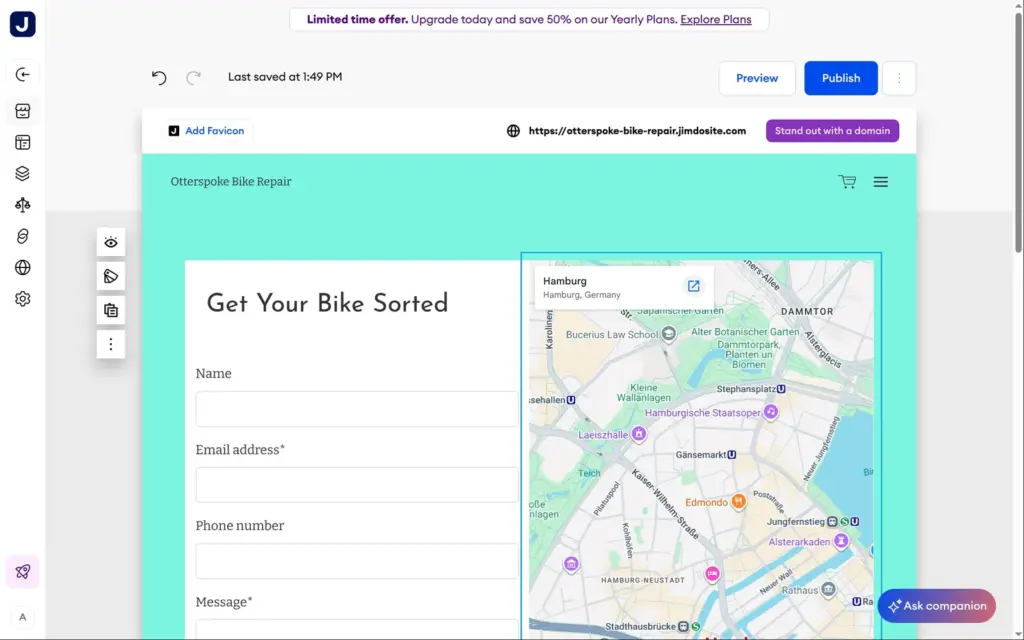
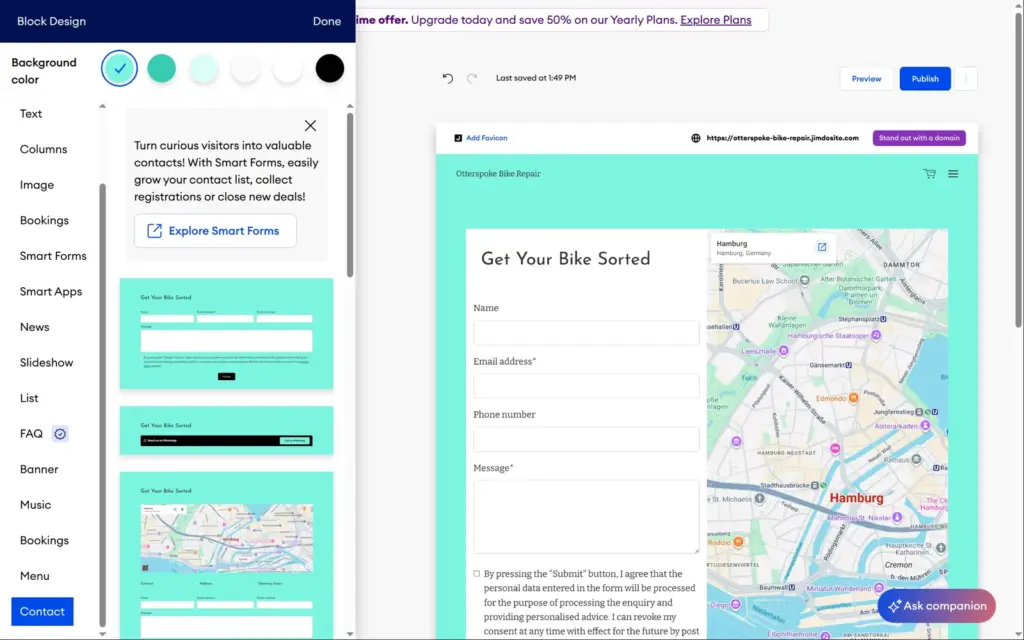
The contact page had a form and a Google map of Hamburg. I never gave Jimdo an address, and my made-up shop has none. Each section's style button shows other layouts for the same section, and I picked one that keeps the form and drops the map.
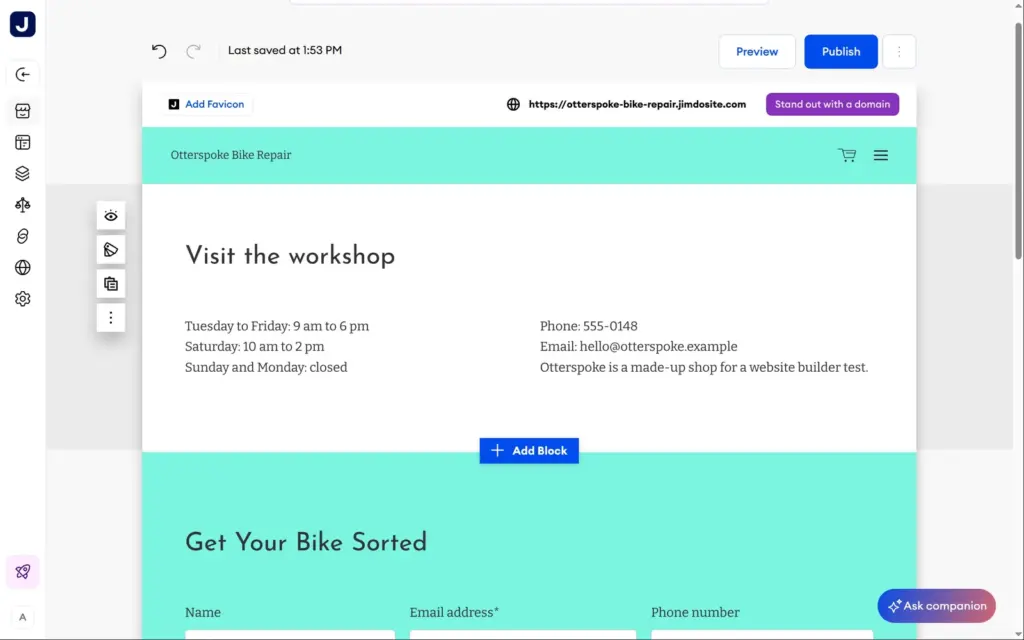
The page still had no opening hours, phone number or email address. I added a text section above the form. It came with sample text about "a host of fantastic clients", which I replaced with the opening hours and placeholder contact details.
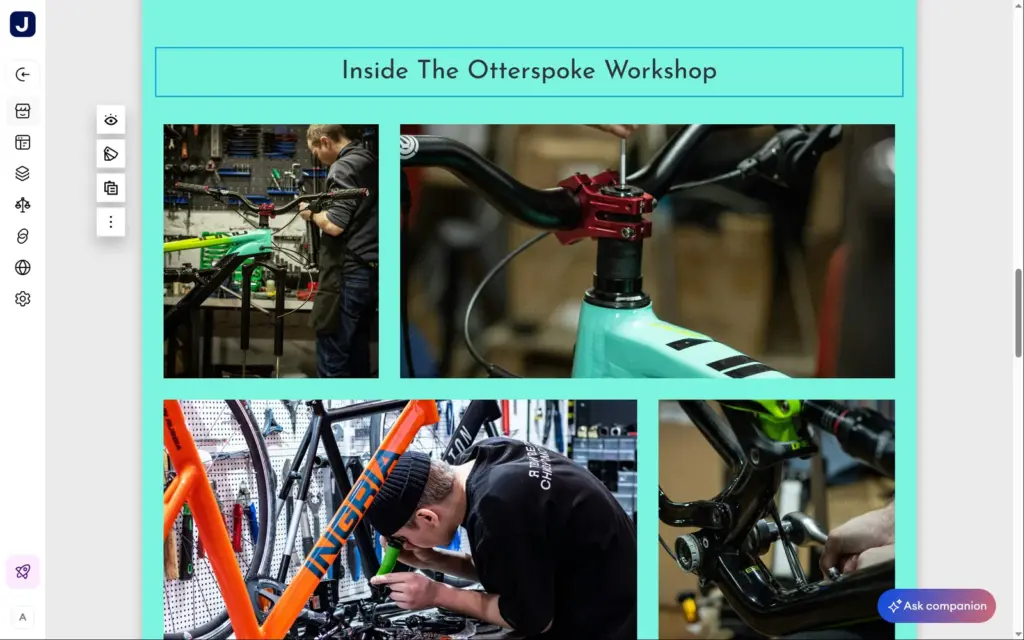
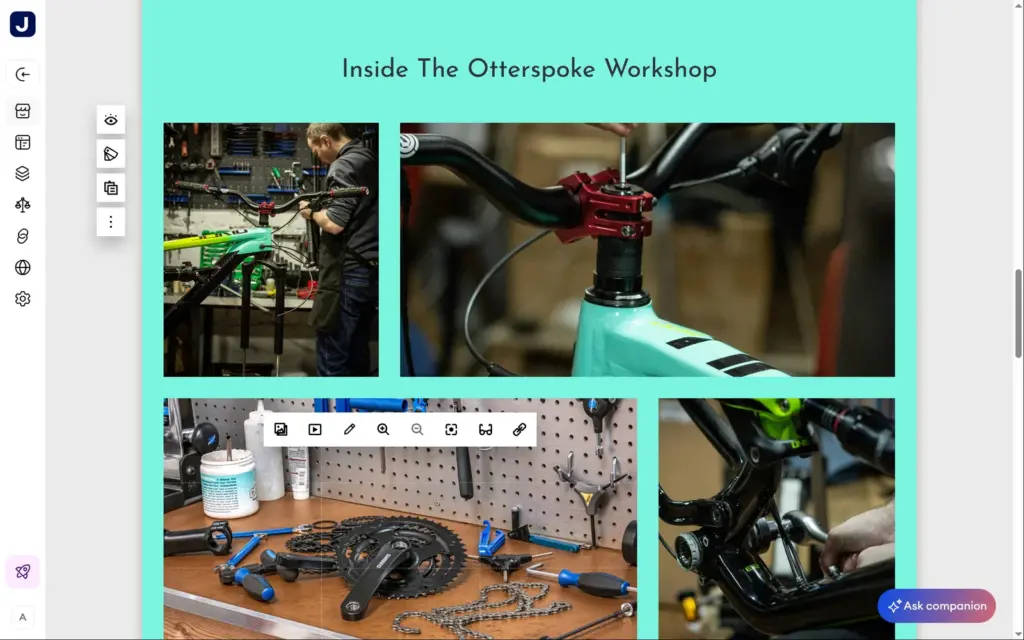
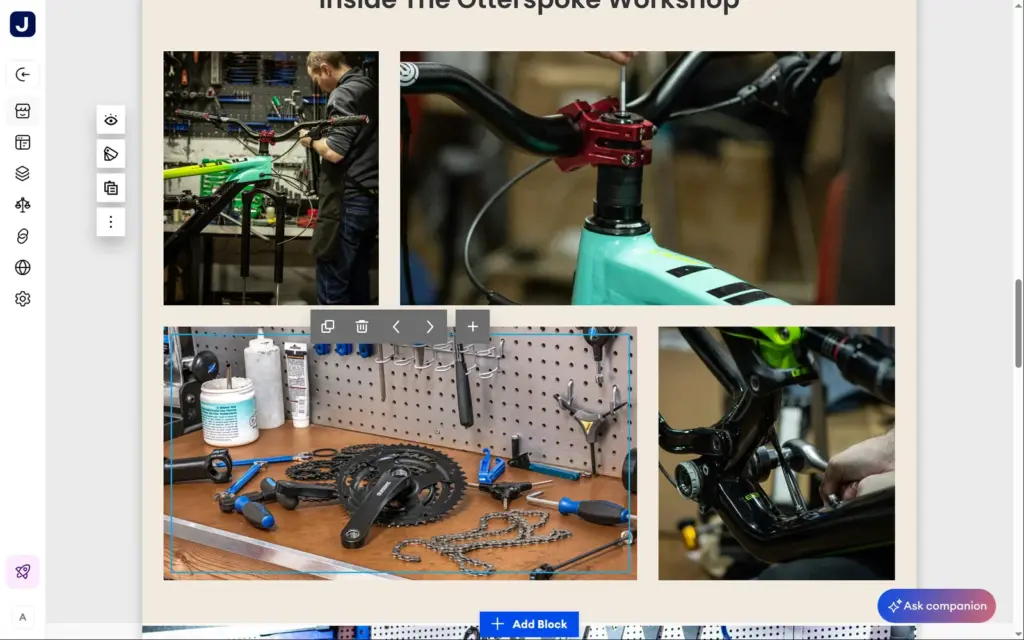
The gallery was called "Inside the Otterspoke Workshop", but its photos were free stock photos. Two of them showed bike brands in large letters. A real shop would use its own photos here.
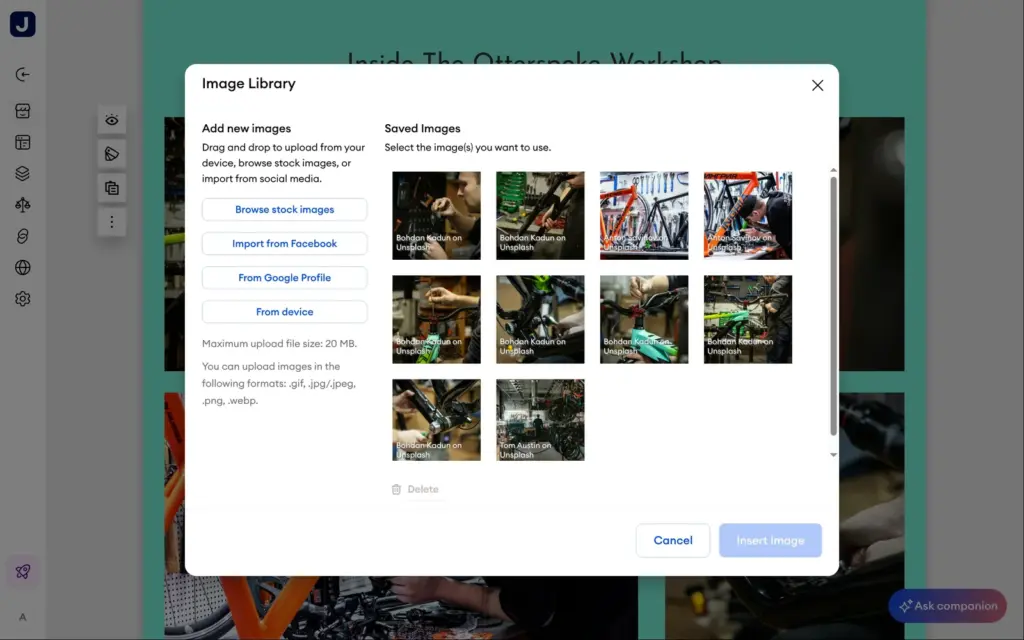
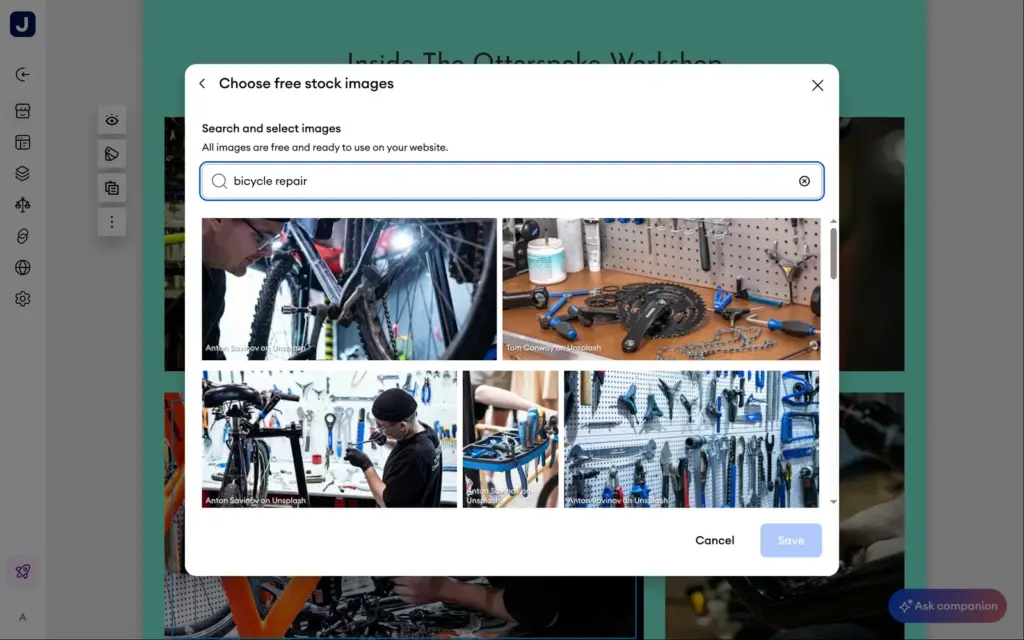
Jimdo's image library takes photos from your computer, from Facebook or from a Google business profile, up to 20 MB each. It also has free stock photos from Unsplash. I searched for bicycle repair and picked a workbench without brand names. Jimdo adds the photographers' names to the imprint by itself.
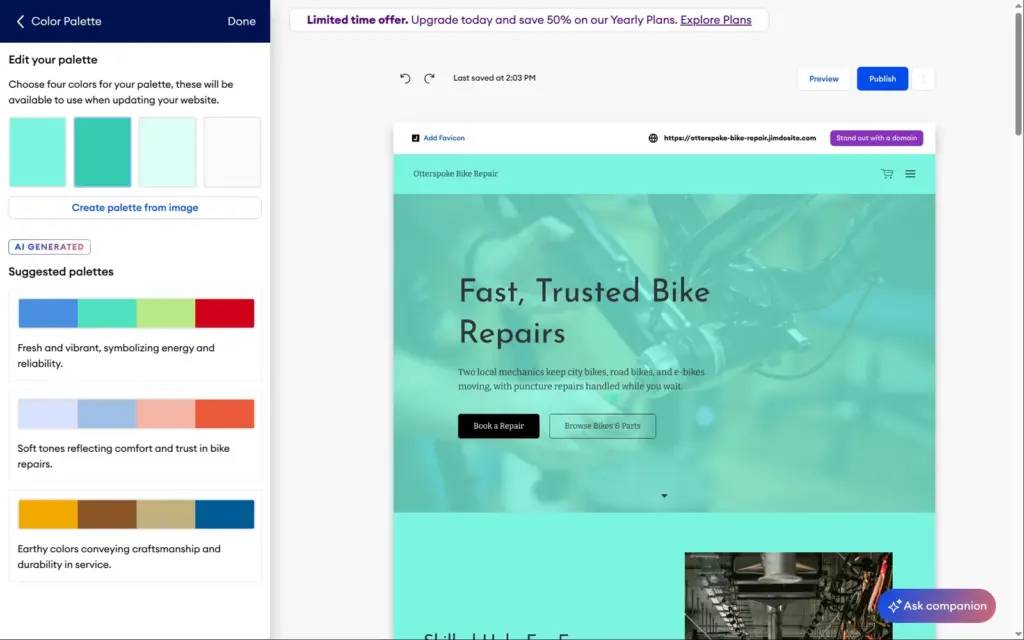
Under Design, Jimdo keeps four colors, a font pair, the font size, the button shape and an optional scroll animation for the whole site. Its AI suggests color palettes for your kind of business, and they change each time you open the panel.
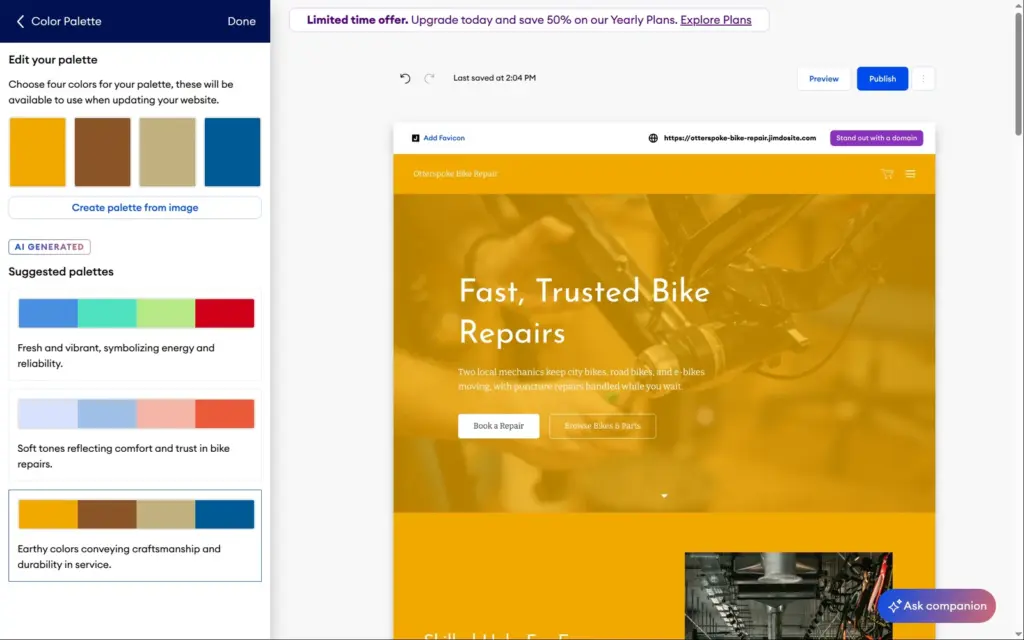
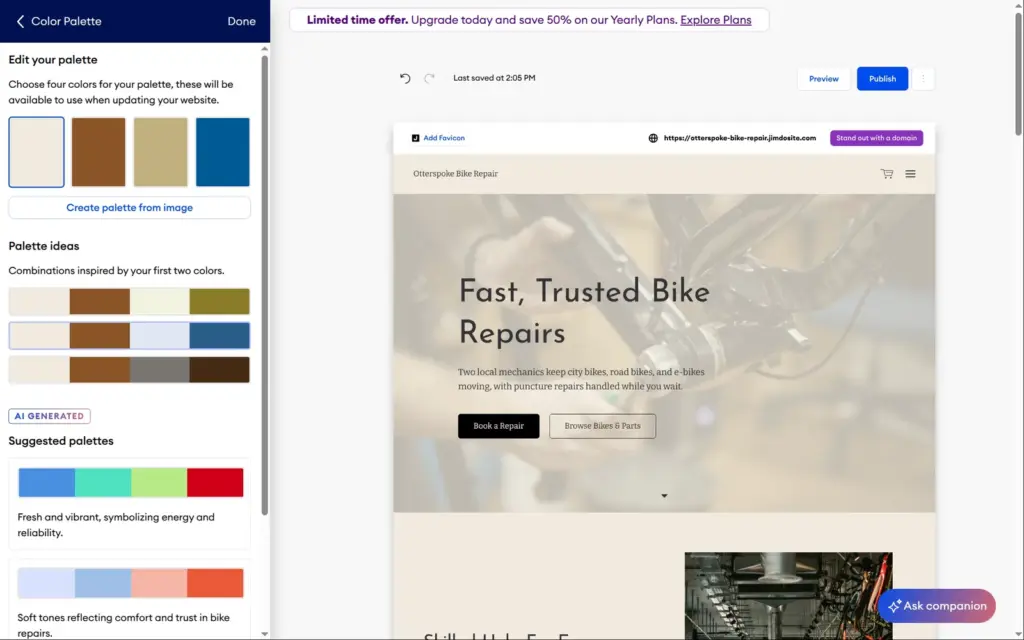
I tried an earthy palette. One click recolored every page, and Jimdo switched the text to white on a bright yellow background, which was hard to read. I typed a cream color into the first slot instead, and the dark text was readable again. After that, Jimdo suggested combinations based on my first two colors.
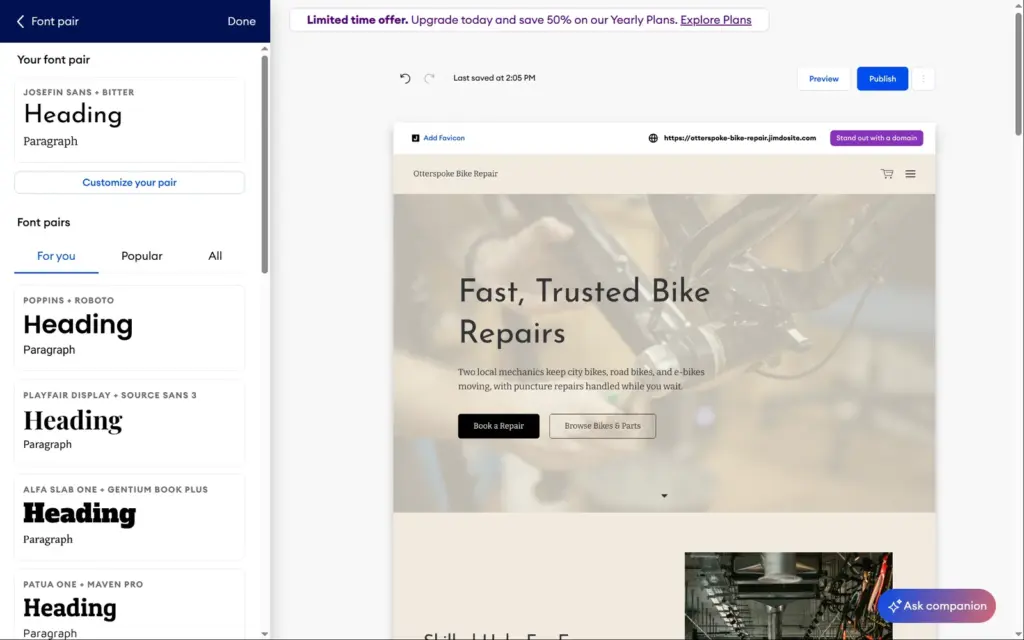
The fonts come in pairs, one for headings and one for text. I swapped the thin default headings for Poppins with Roboto and chose rounded buttons.
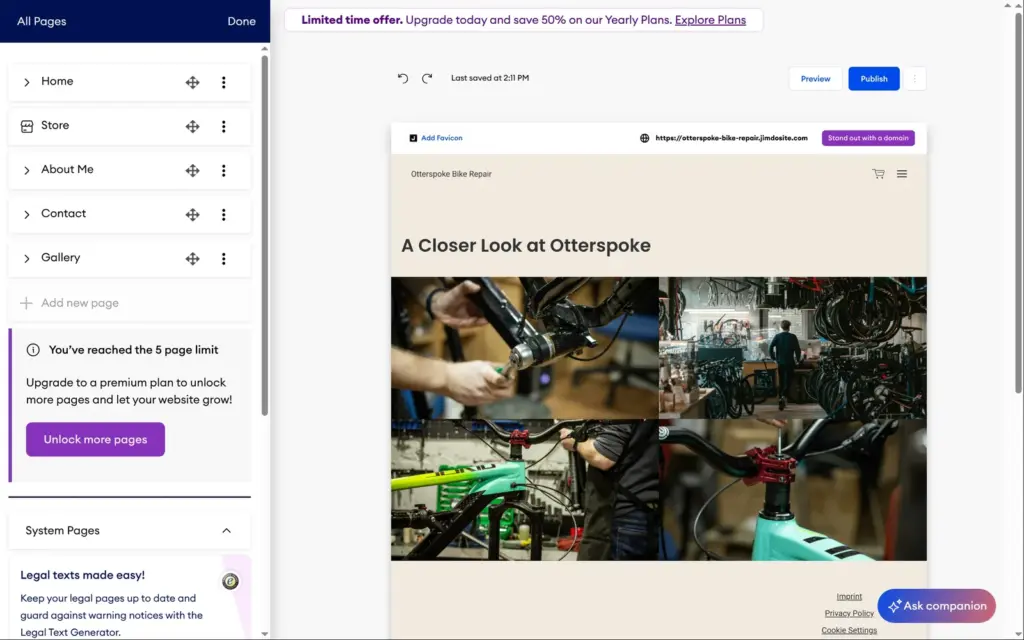
The free plan allows five pages, and Jimdo had already used all five. The page list shows an upgrade button instead of a way to add a sixth. Start allows 10 pages, Grow 50.
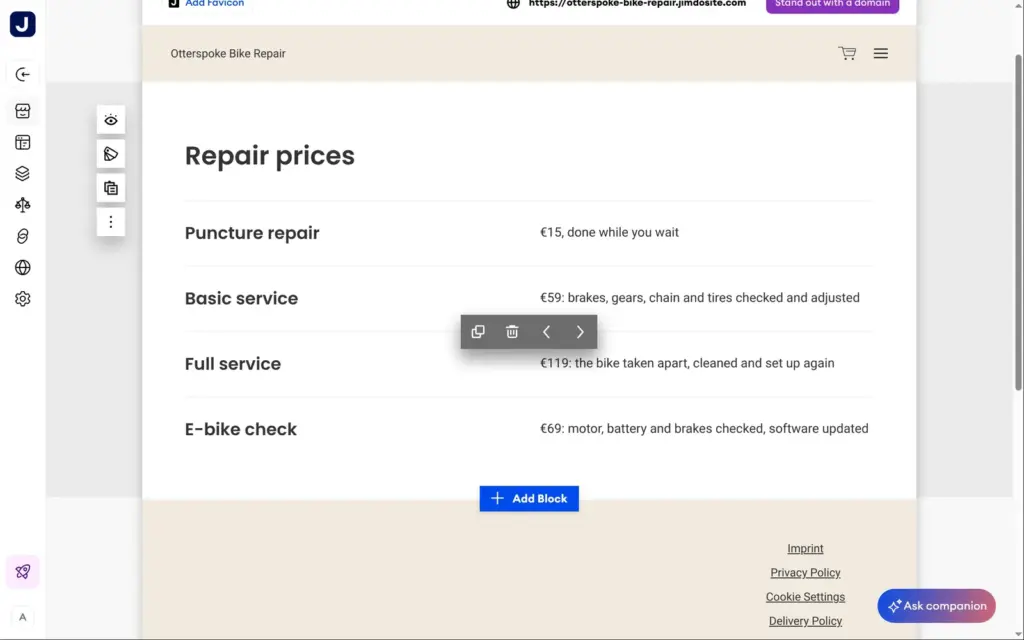
I renamed About Me to About us and turned the gallery page into a price list. Jimdo has no price list block, but the menu block for restaurants works for prices. I replaced the dishes with a puncture repair for €15, a basic service for €59, a full service for €119 and an e-bike check for €69. I also deleted the slideshow on the home page, because its photo showed large brand names.
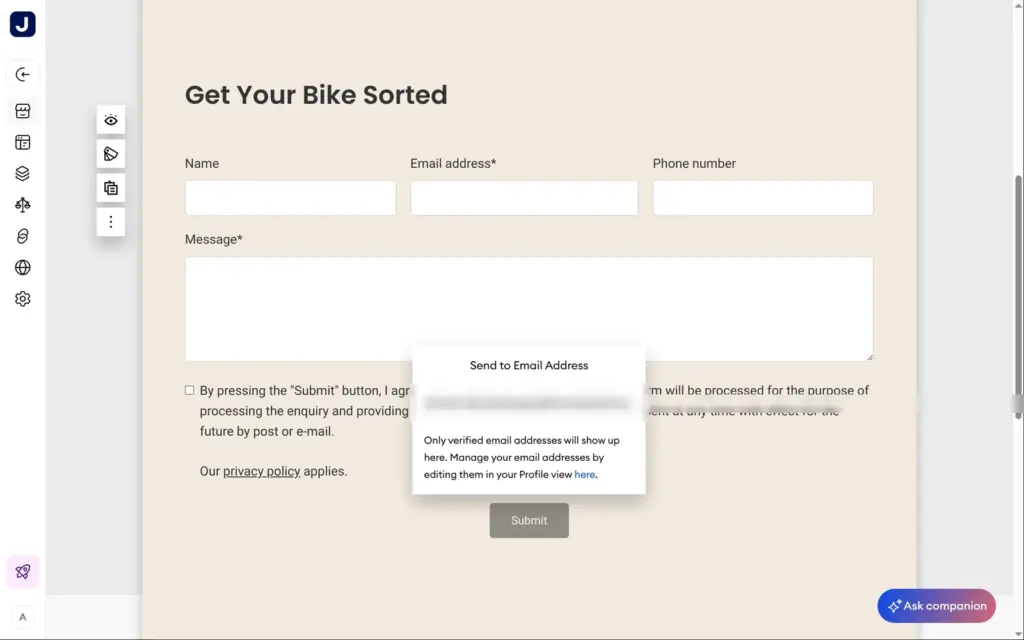
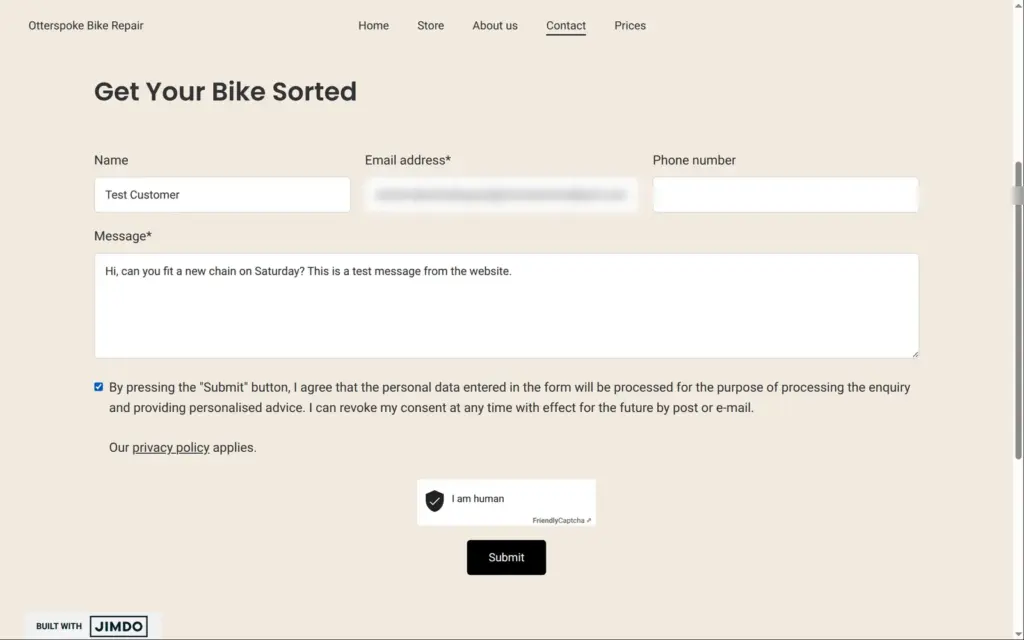
The contact form has fields for name, email, phone and message, plus a consent checkbox with a link to the privacy policy. The one setting I found for the form itself is the recipient, behind the Submit button. Messages go to the email address of the Jimdo account, and other addresses have to be added to the account first. For your own fields, Jimdo has Smart Forms, with one form on the free plan. I didn't test them.
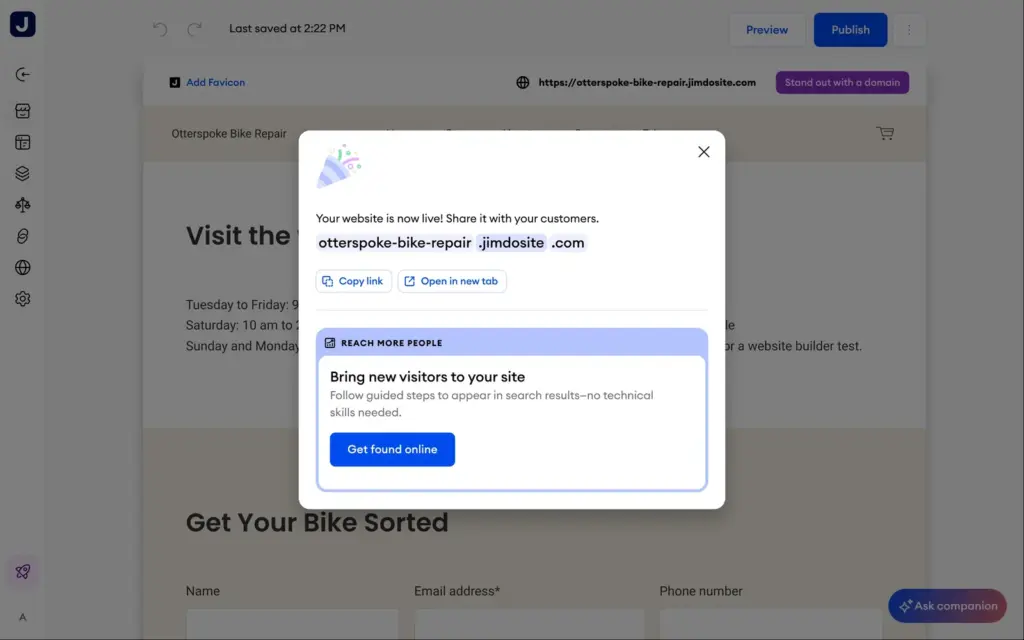
Nothing goes online until you click Publish. A few seconds later, Jimdo said the site was live on otterspoke-bike-repair.jimdosite.com. Next to the Publish button sits a button for buying a domain, which needs a paid plan and is free only for the first year.
Right after publishing, the address answered with "Too Many Requests: Rate limit exceeded" for about two minutes. Later in the day, the same error came back after I loaded a handful of pages in a row. Both times it cleared up by itself, but it was the first thing I saw of my live site.

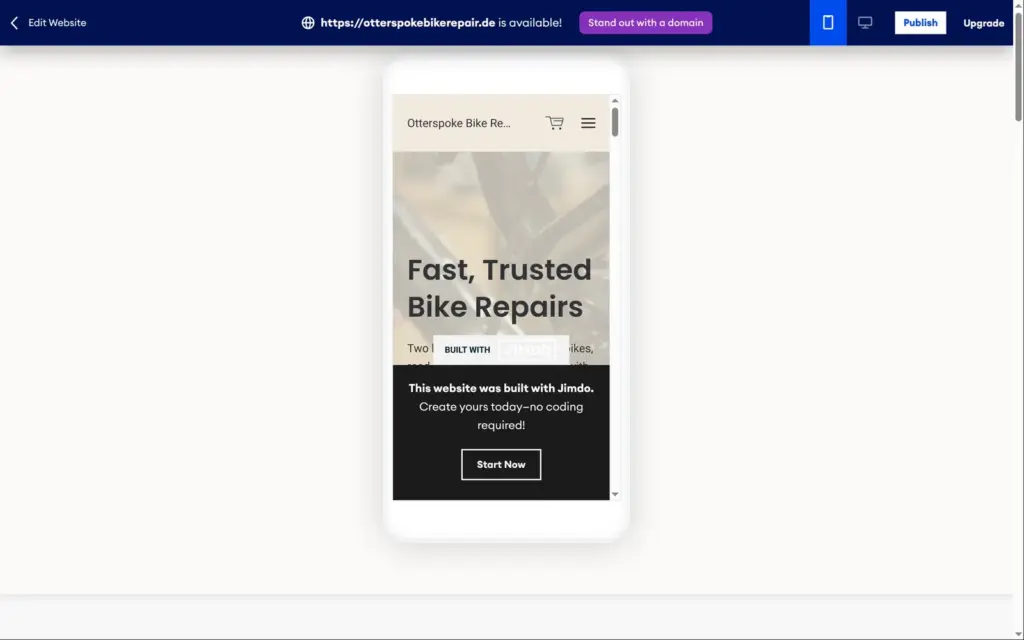
On the published site, a cookie banner asks visitors first. Its Reject all button is as big as Accept all. Every page shows a Built with Jimdo badge in the bottom left corner, and the footer has an ad for Jimdo. On a computer, the badge sometimes sat on top of a button. On a phone, it covered a button or a line of text on most screens.
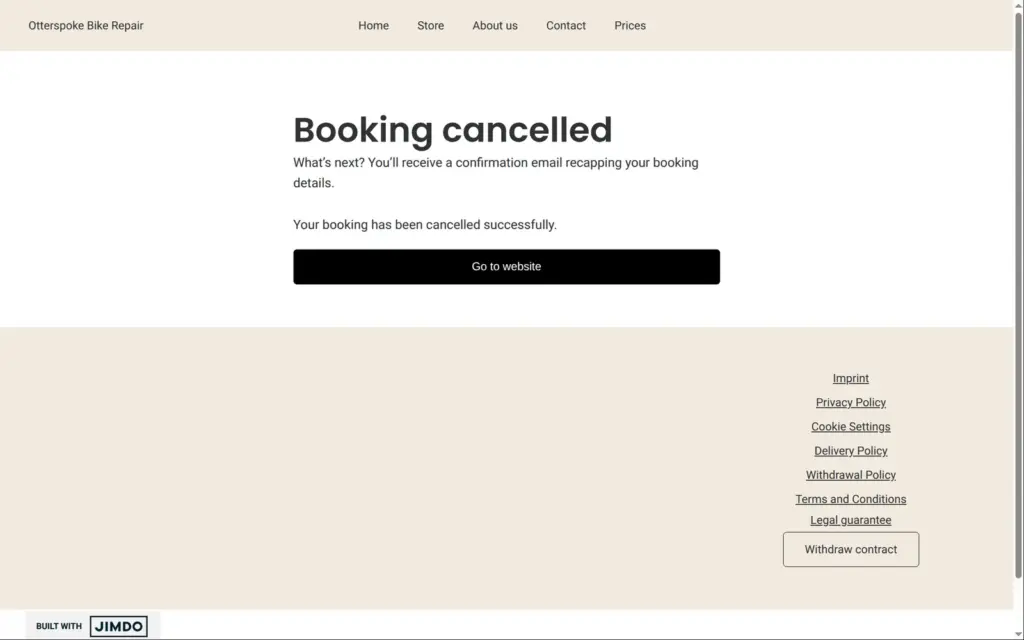
Then I clicked the buttons. Book a Repair did nothing, and neither did Browse Bikes & Parts. Fix My Puncture, Book A Service and View What's Available had no link either. Jimdo's AI had written all five without a target, and I saw no warning about it in the editor. The button on the about page had the same problem.
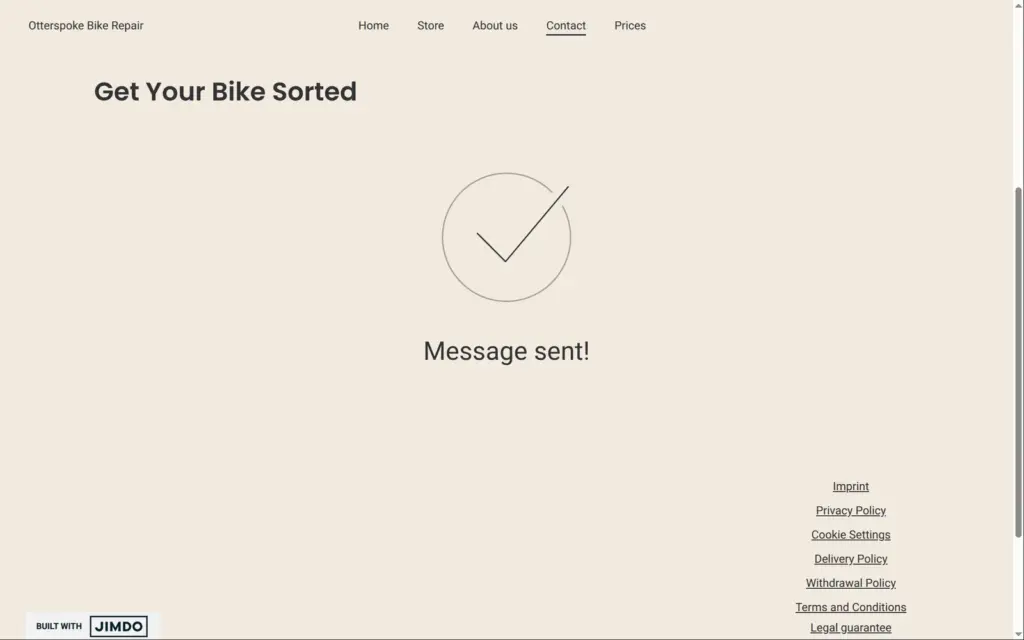
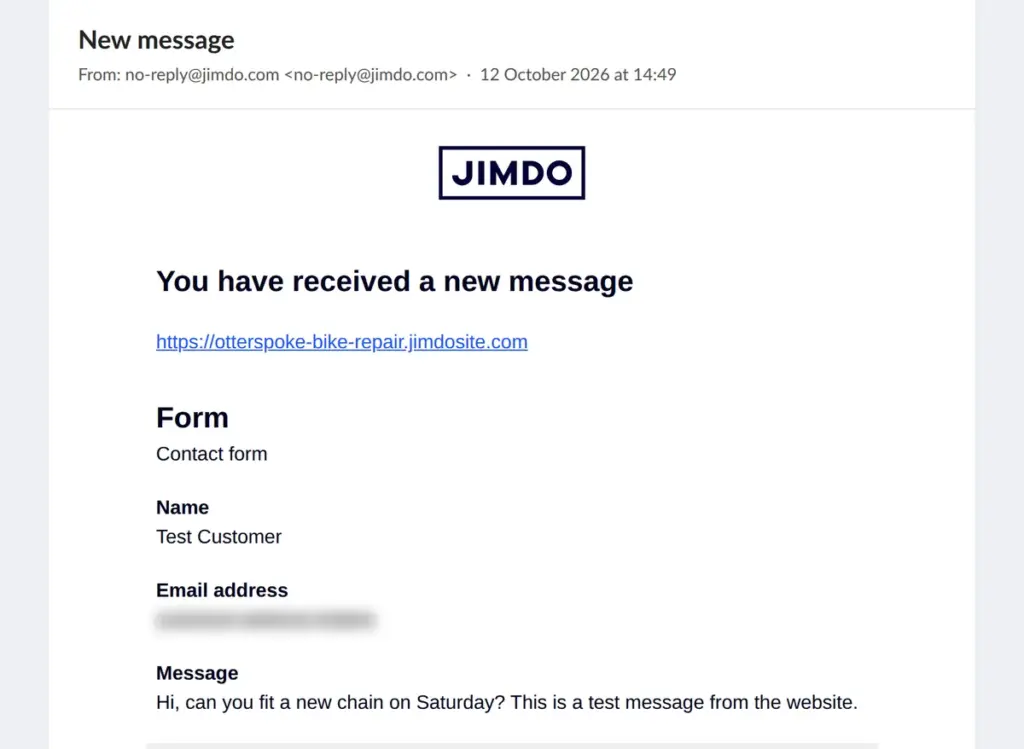
The contact form kept its Submit button gray until the required fields and the consent box were filled. Ticking the box started a spam check that ran by itself for a few seconds. After that, the form said "Message sent!", and the email reached the inbox thirteen seconds later. It came from no-reply@jimdo.com and listed the name, email address and message under the labels visitors see. Replying to it goes straight to the customer.
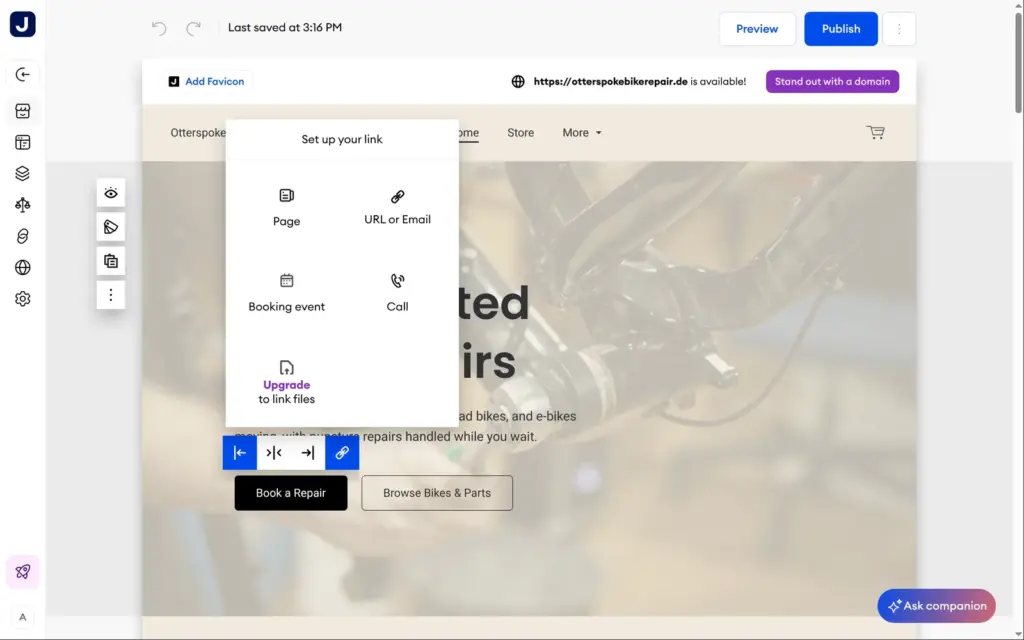
Back in the editor, I gave each button a target. A button can link to a page, a web or email address, a phone number or a booking, and linking to a file needs a paid plan. The booking buttons now open the drop-off appointment, and the shop buttons go to the store page.
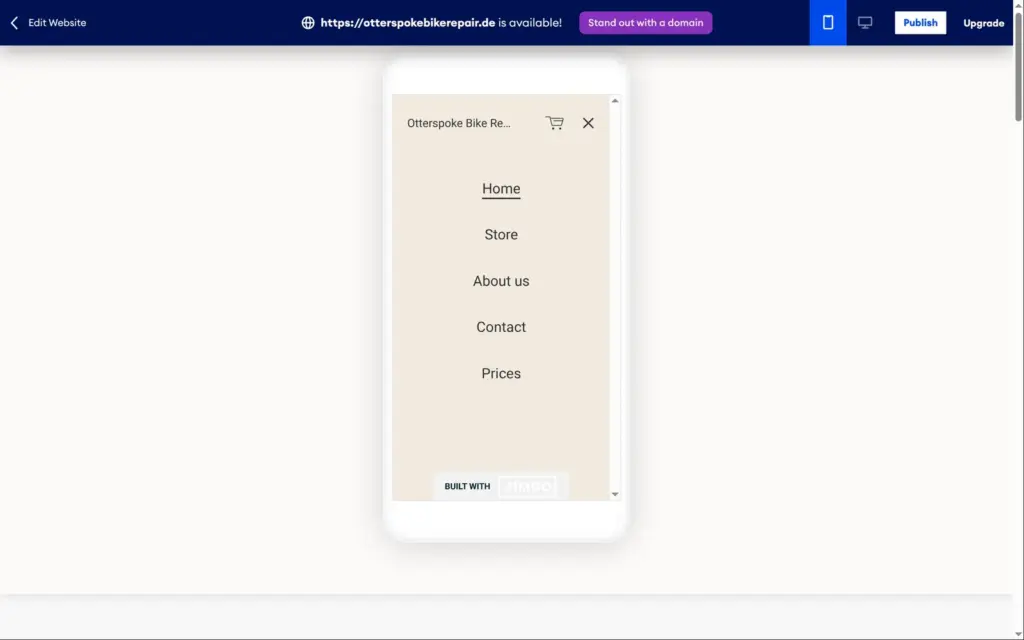
Jimdo makes the phone version from the desktop version. In the phone preview, the shop name was cut off next to the cart icon, and the Jimdo badge covered the second button. I found no way to change the phone layout separately. The menu button opens a full-screen list of the pages, and the rest of the site stacks into one column that reads well.
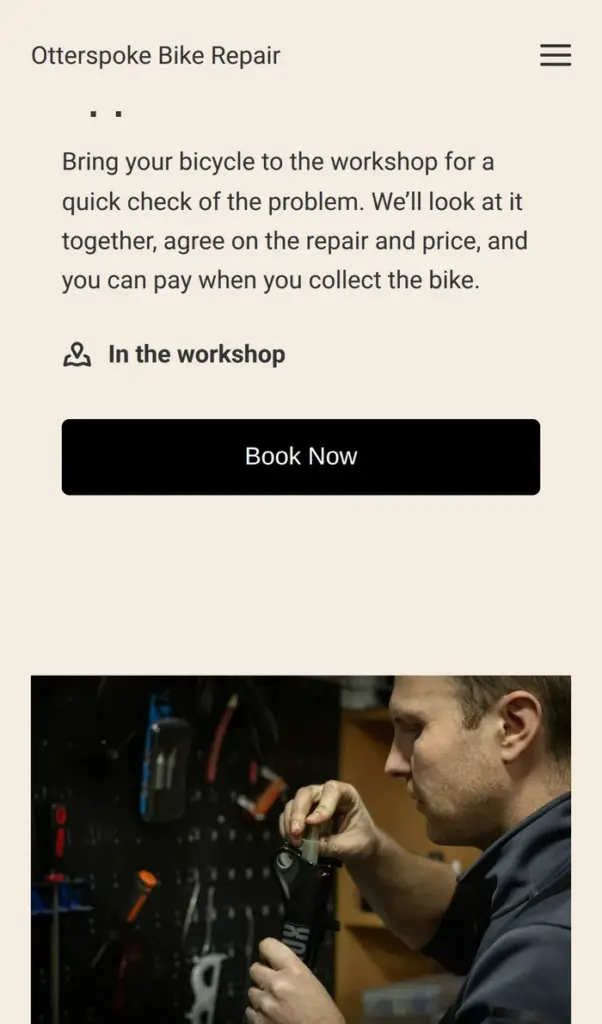
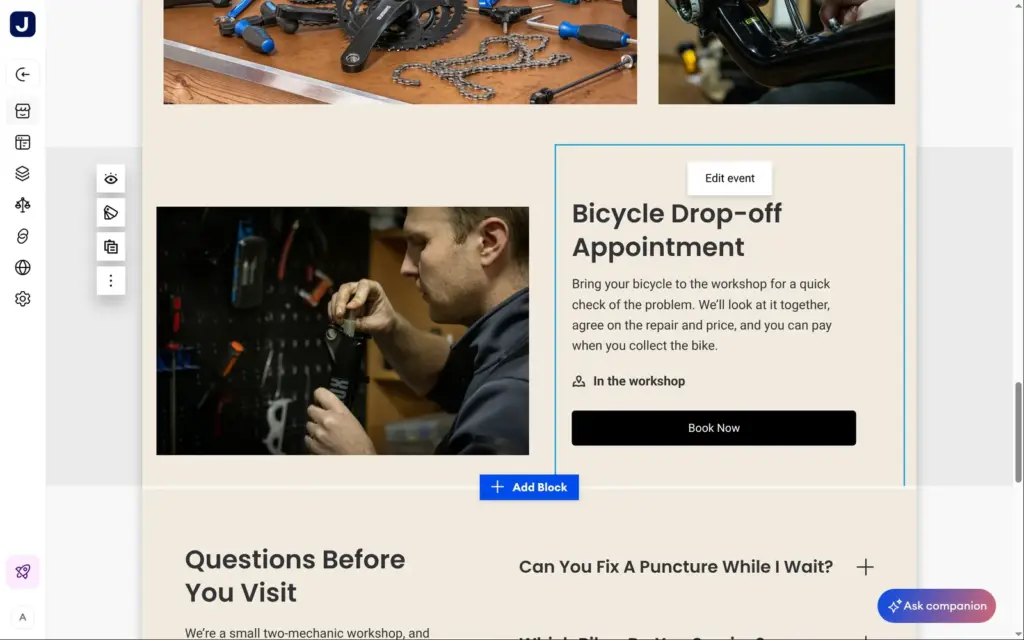
Jimdo's free plan includes Bookings Lite. You can offer one type of appointment, which Jimdo calls an event, and take as many bookings as you get. A booking section on the website shows the appointment with a Book Now button.
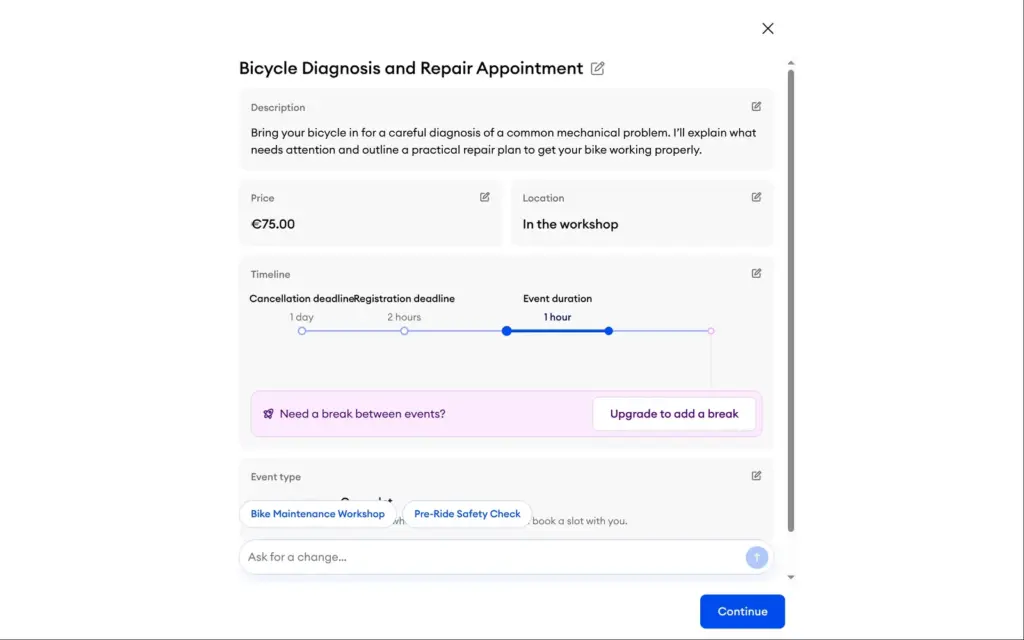
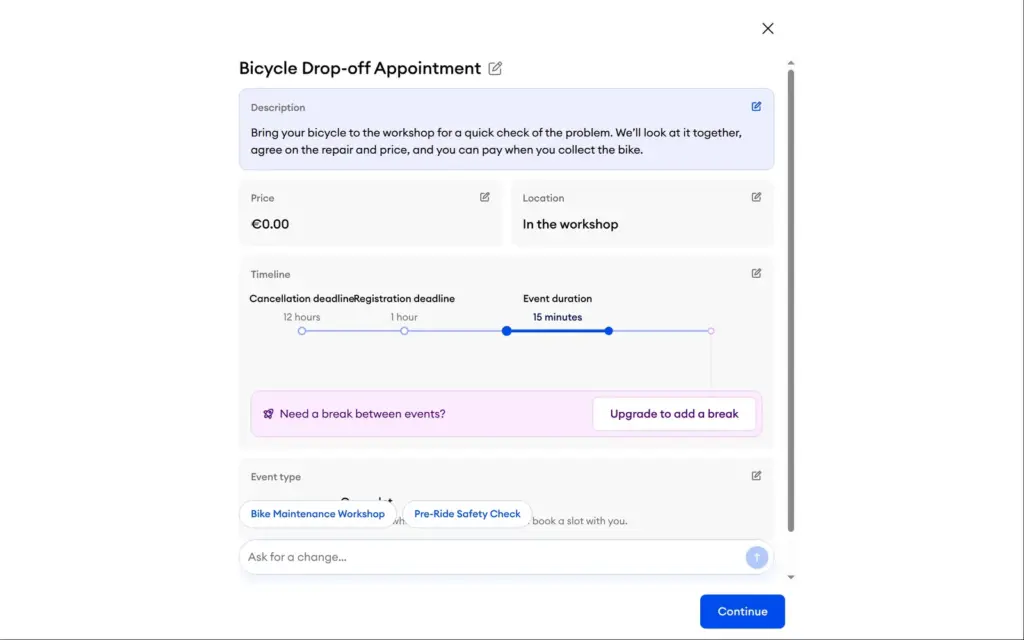
When I clicked Create event, Jimdo's AI had already written an appointment from my site. It was called "Bicycle Diagnosis and Repair Appointment" and cost €75 for one hour, with bookings closing two hours before and cancellations one day before. I wanted a free fifteen-minute slot where the customer drops off the bike and pays at pickup, so I described that in one sentence. A few seconds later, it was a free fifteen-minute drop-off appointment, and the deadlines had become one hour for bookings and twelve hours for cancellations.
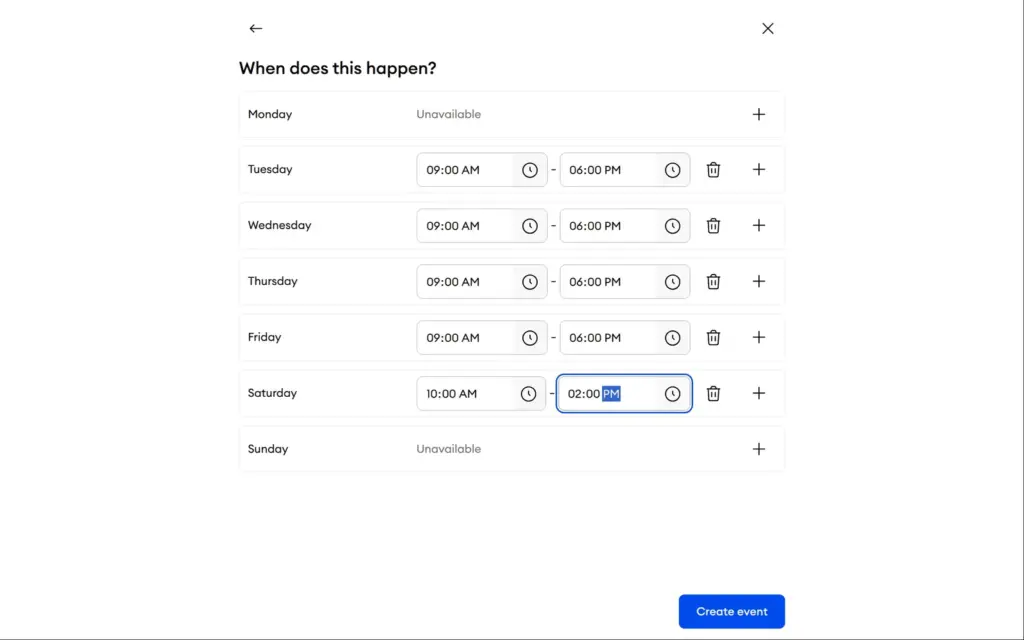
The booking times are set per weekday, with more than one time window per day if you need it. I matched the shop's hours, Tuesday to Friday from 9 to 6 and Saturday from 10 to 2. A break between appointments needs a paid plan.
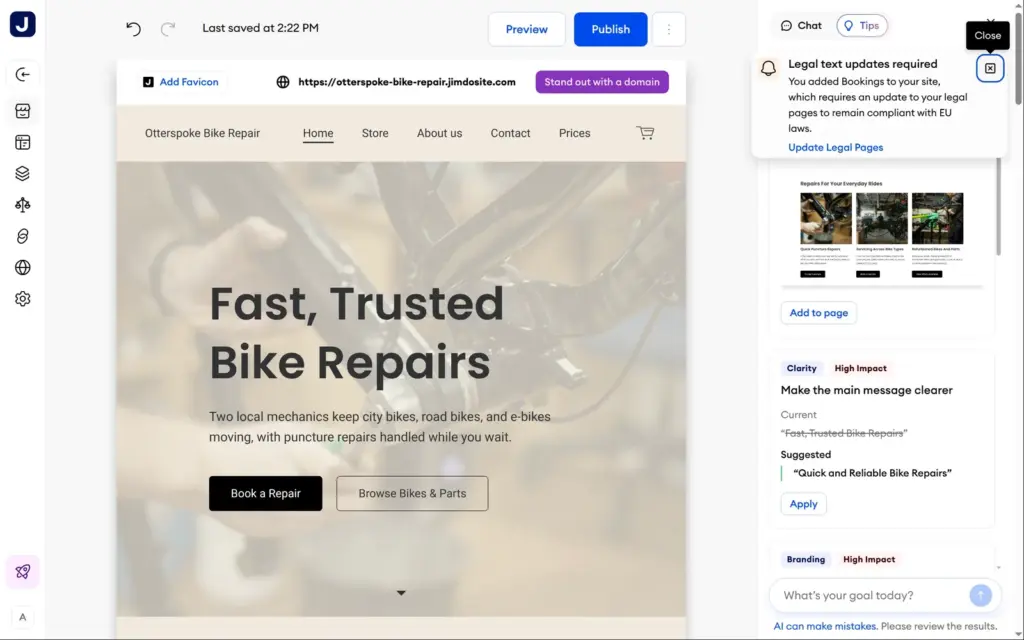
Back in the editor, Jimdo showed a warning that bookings require updated legal pages under EU law. Its button opened the privacy policy, which is only a placeholder. The real text is up to you, or to the paid legal text generator.
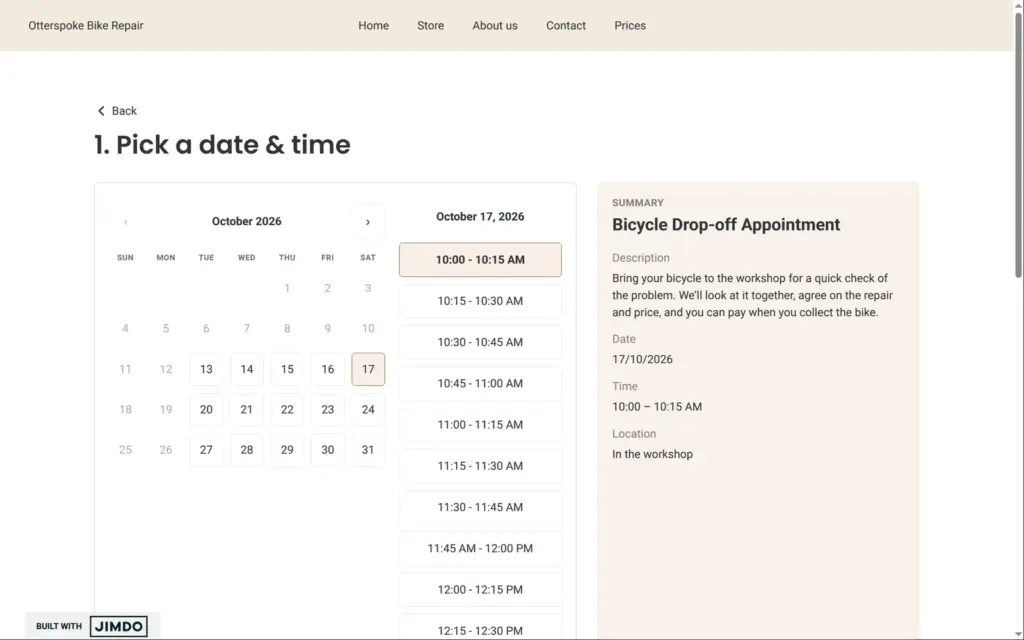
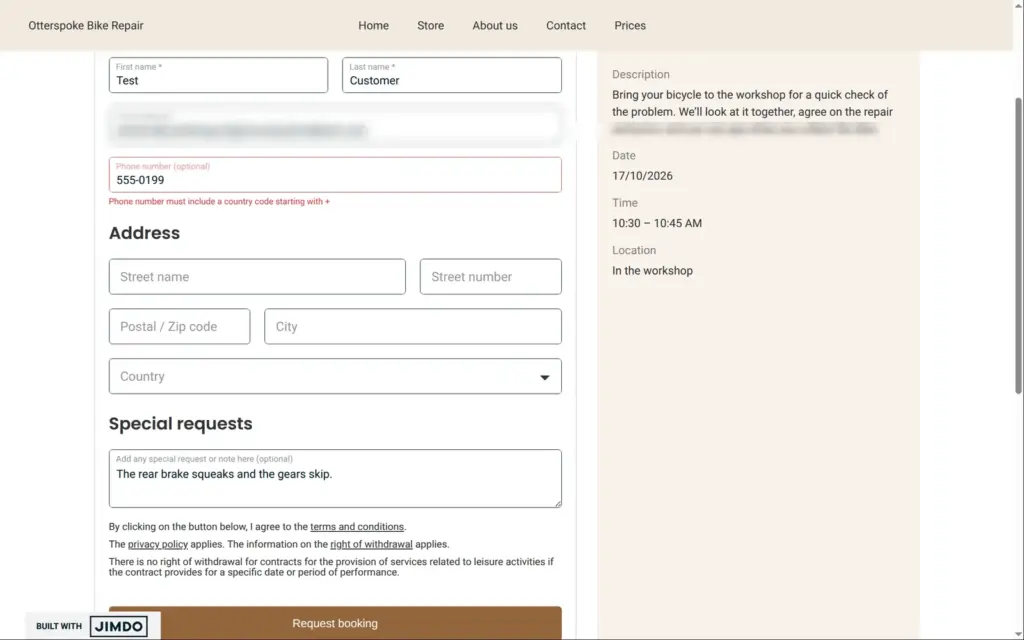
On the live site, the calendar only offered the days and hours I had set, in fifteen-minute slots. After choosing a slot, the customer enters a first and last name and an email address. The street address is optional, and so is the phone number, but the phone field wants a country code and a valid number. My made-up number failed, so I left it empty. The button said Request booking, but the booking was confirmed right away.
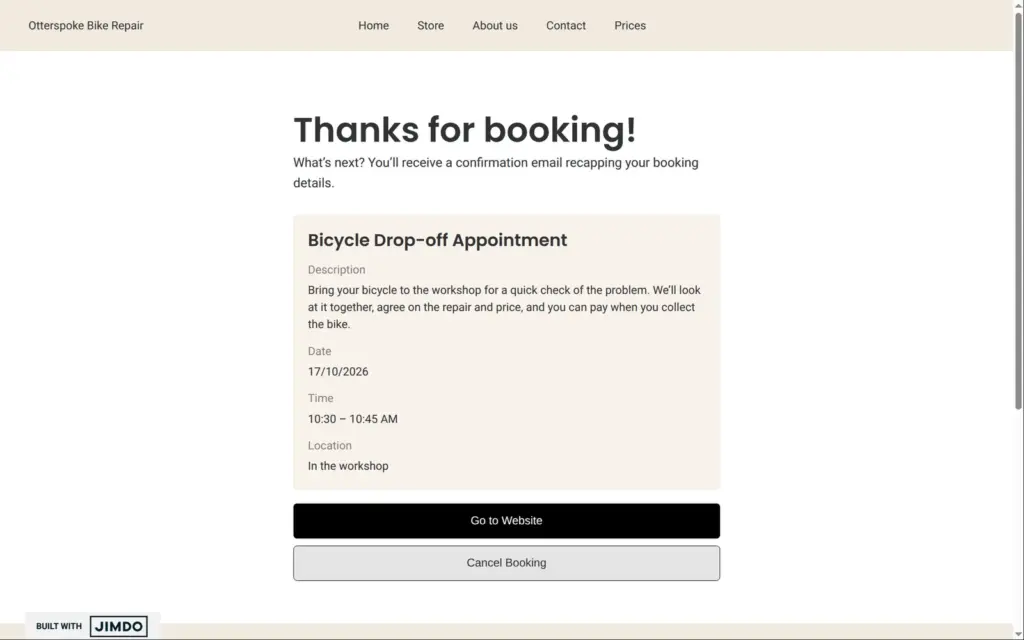
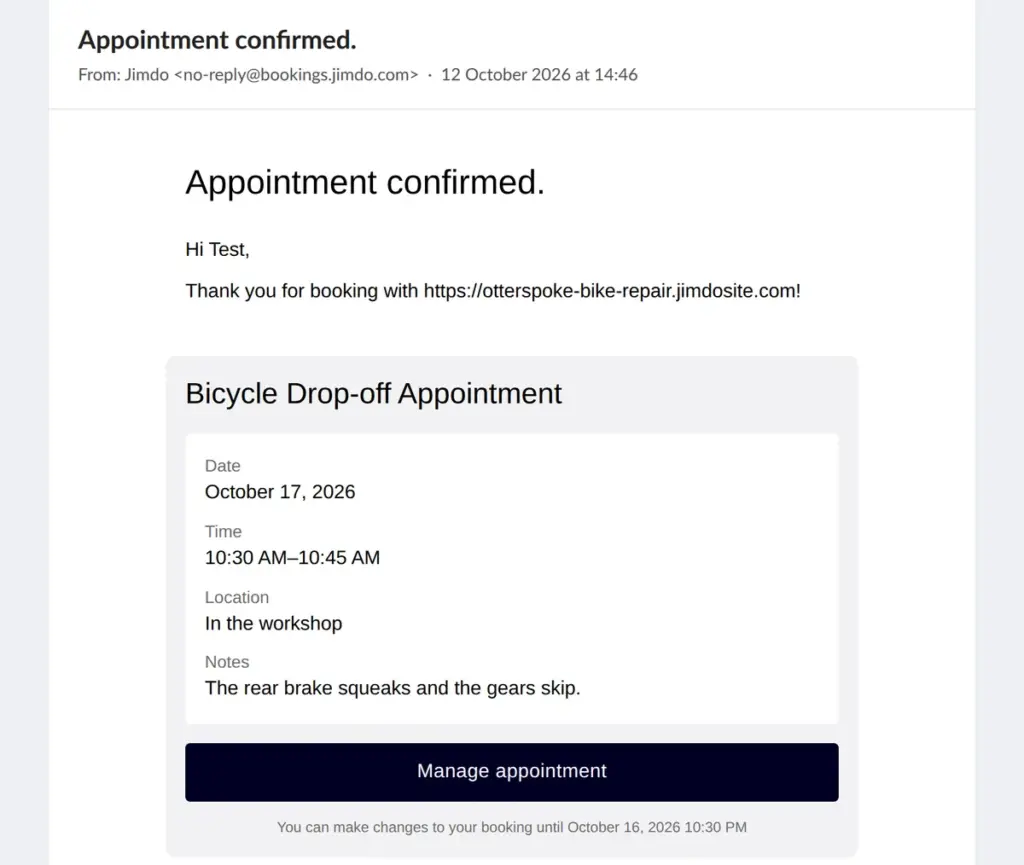
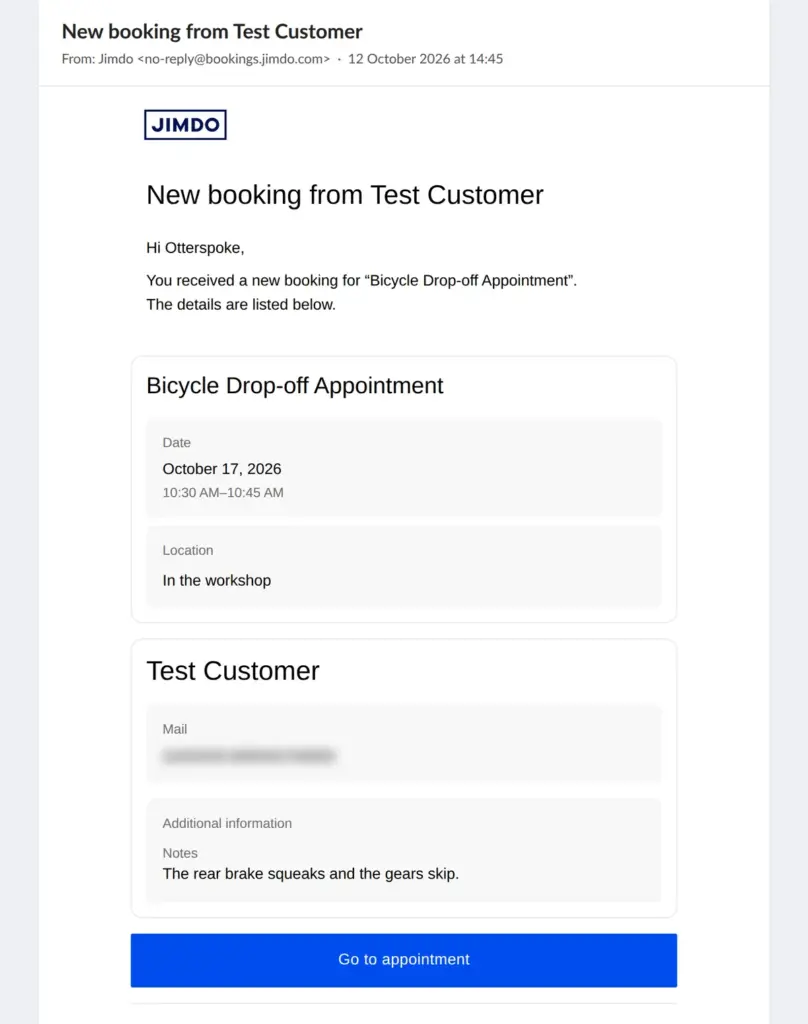
Both emails arrived within fifteen seconds. The shop got "New booking from Test Customer" with the date, the customer's email address and their message, and a button to the appointment. The customer got "Appointment confirmed." with a Manage appointment button and the line that they can make changes until twelve hours before. The free plan adds Powered by Jimdo to the customer's email.
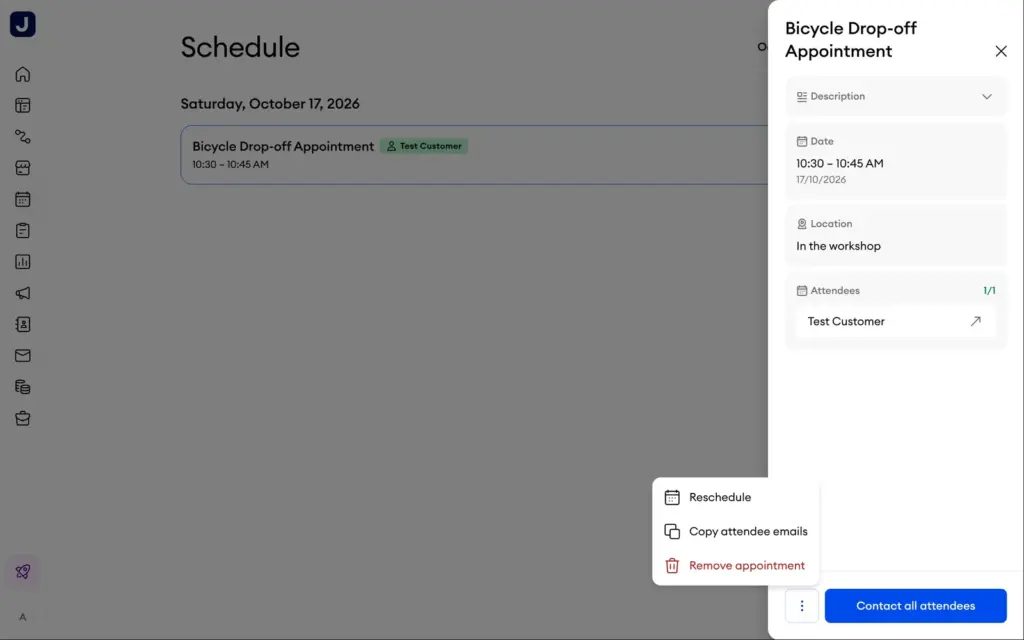
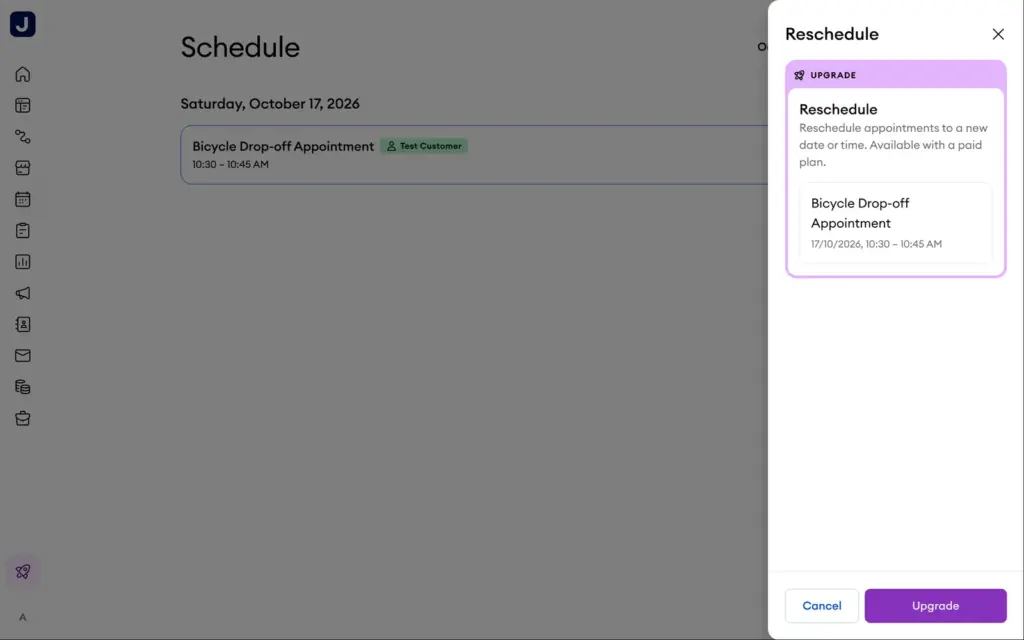
In the owner's schedule, the booking had a menu with Reschedule, Copy attendee emails and Remove appointment. Rescheduling needs a paid plan. The customer's Manage appointment link only offered Cancel Booking. One click cancelled it without asking first. The appointment disappeared from the schedule, and neither the shop nor the customer got an email about it. I checked both inboxes for more than four hours.
For a repair shop, that means a cancelled drop-off disappears without a word, and the free plan sends no reminders. Reminders, breaks between appointments, more than one type of appointment and removing Jimdo's branding come with Bookings Essentials in the Unlimited and VIP plans. Taking payment for an appointment works on every plan but needs a Stripe account, which I didn't set up.
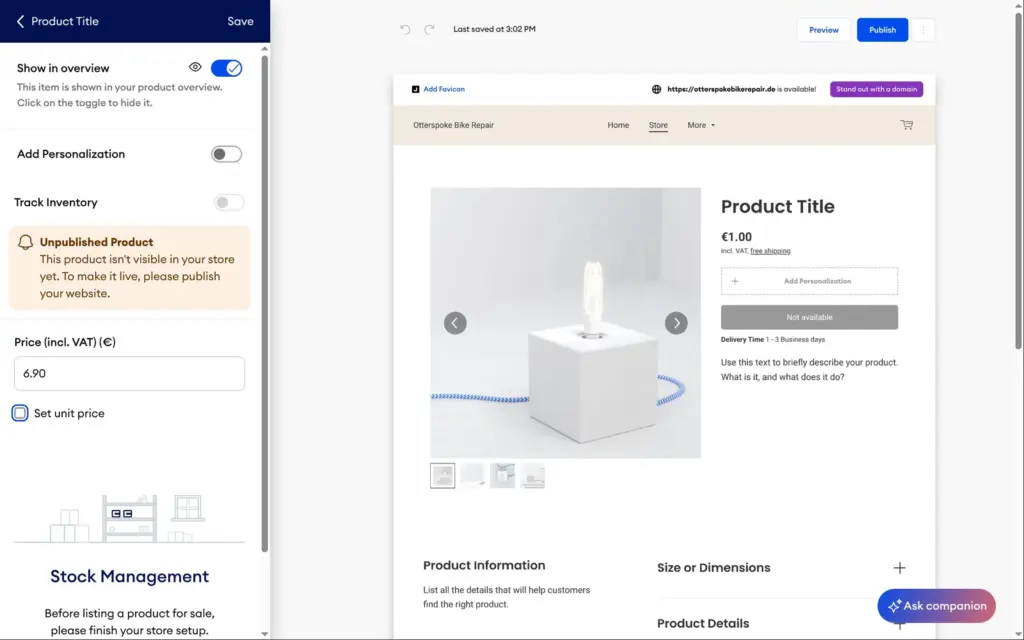
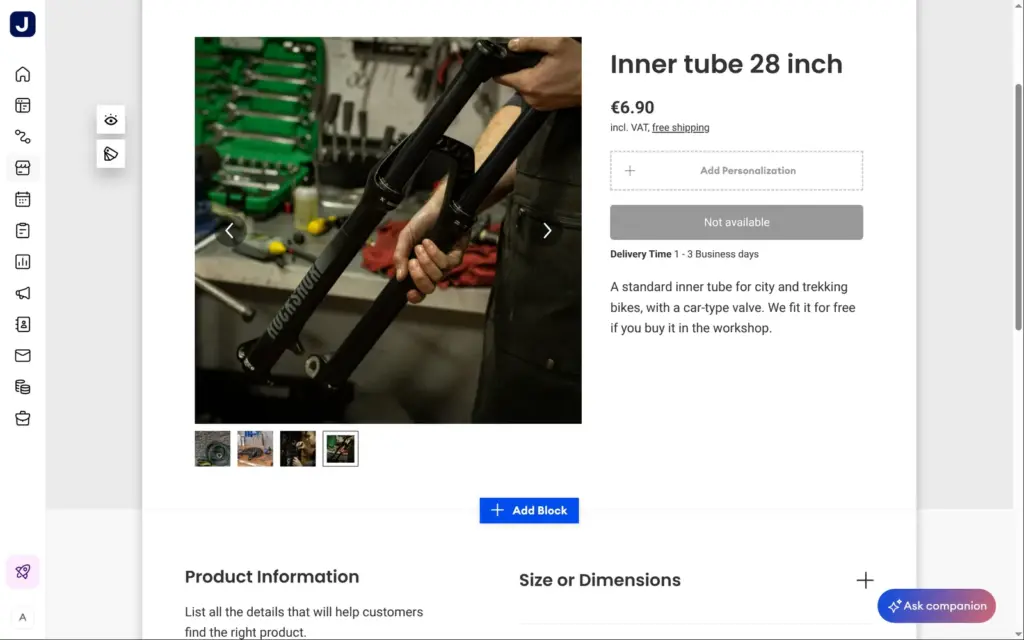
Jimdo's store needs one of three store plans, Basic for €20 a month, Business for €29 or VIP for €50, on a 12-month contract. Jimdo takes no transaction fees on these plans. Payments run through PayPal or Stripe, and their fees apply. On the free plan, you can set up products and shipping, but the product button says "Not available" and nobody can order. Jimdo's help center says test orders also need a store plan, so I couldn't place one.
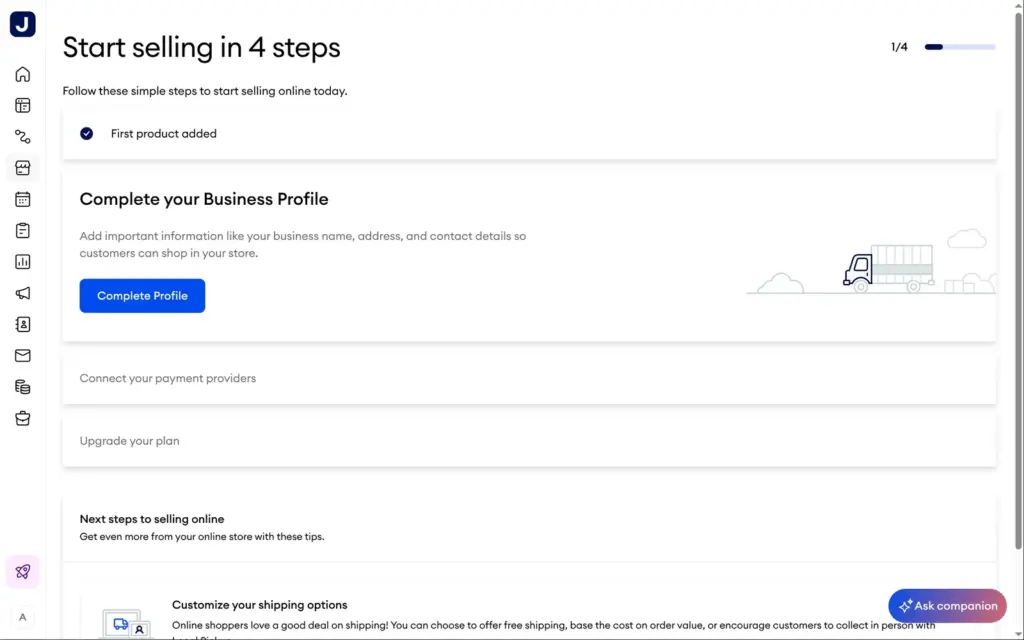
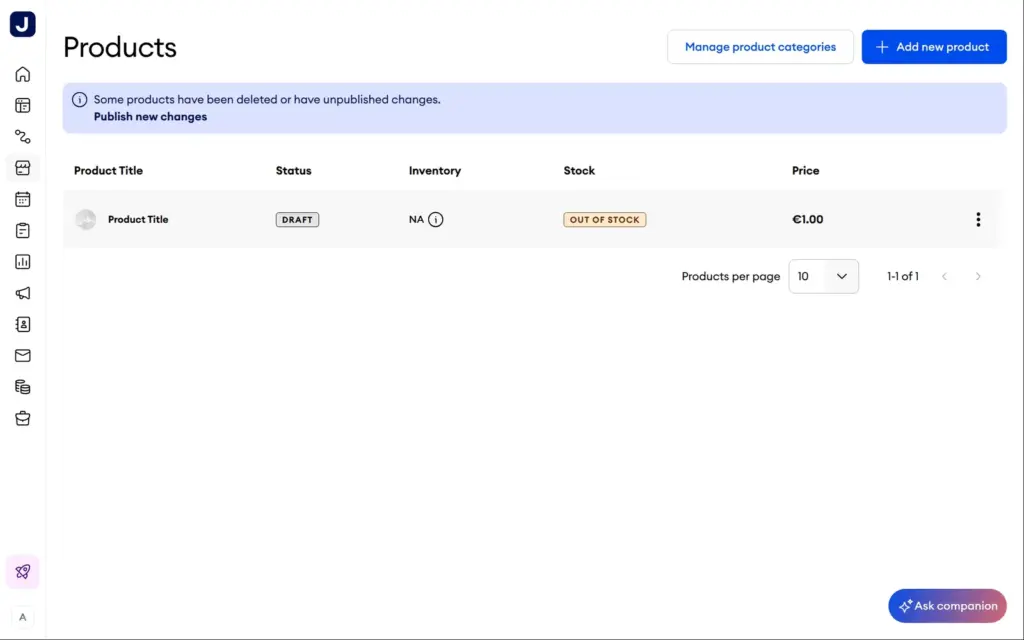
Jimdo had already created a store page with a sample product called "Product Title" for €1, with photos of a lamp. Its store dashboard lists four steps to start selling. You add a product, complete the business profile, connect payment providers and upgrade the plan.
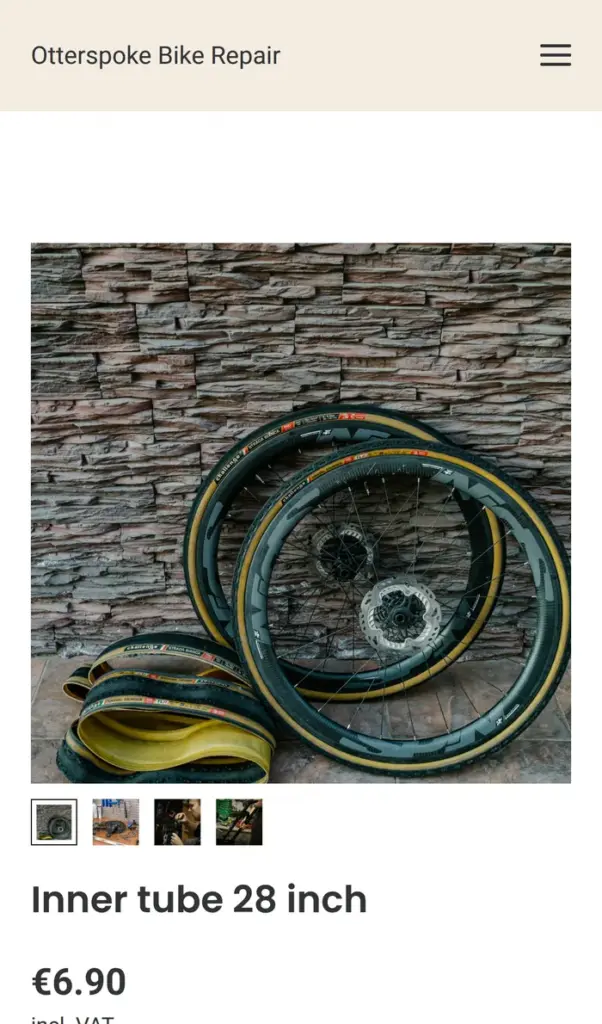
You edit a product on the store page itself. A side panel holds the price including VAT, an optional unit price and an optional text field where customers can add a request. Stock tracking stayed switched off until the store setup is finished, and I found no option for sizes or colors, which come with Business. I turned the sample into an inner tube for €6.90 with a short description and swapped the lamp photos for bike photos.
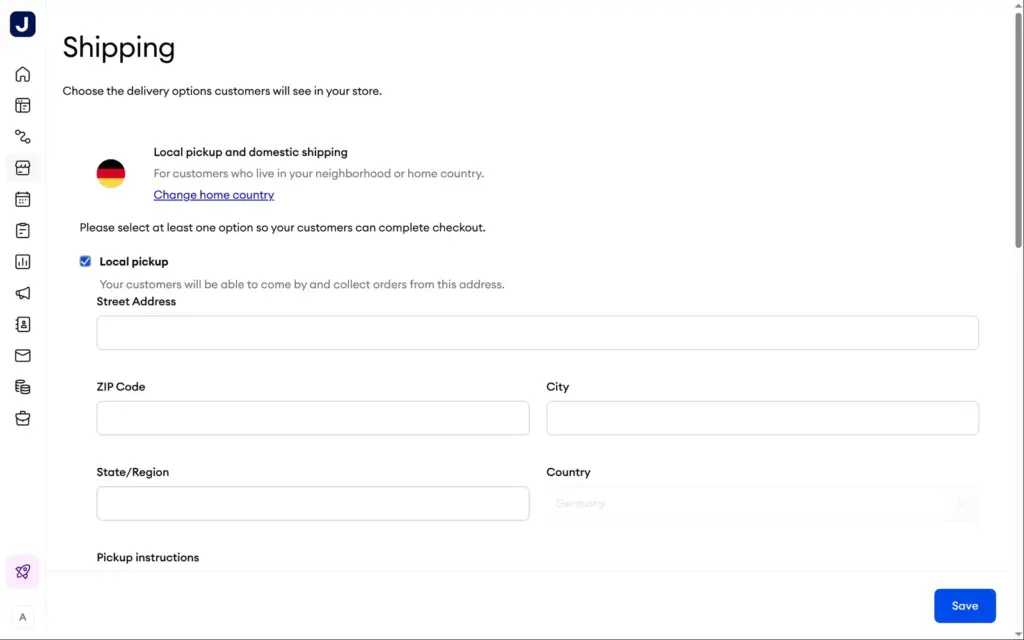
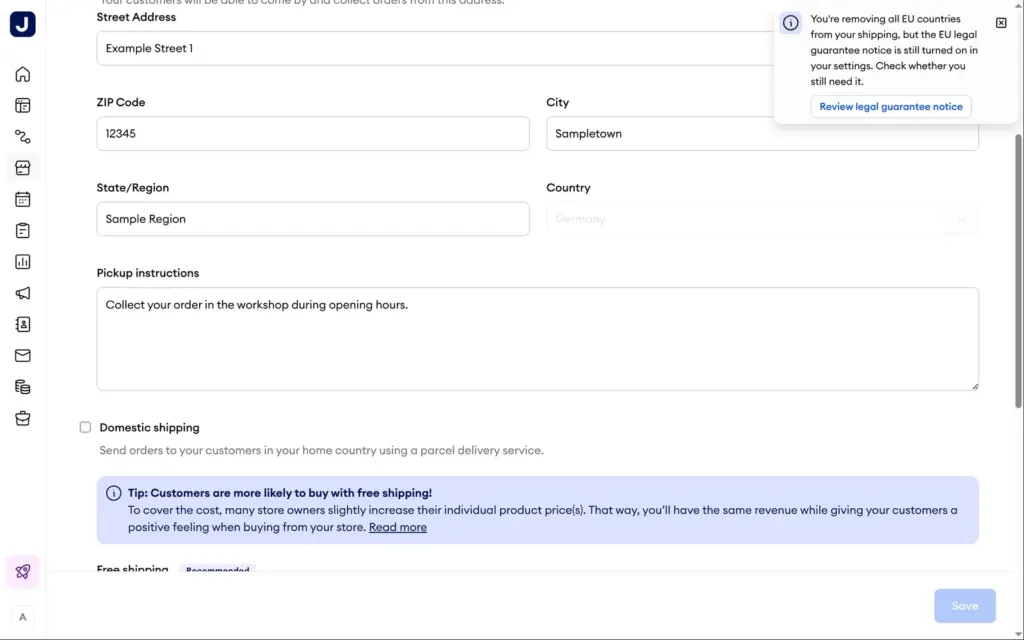
For shipping, Jimdo offers local pickup, shipping within your home country and rates for the EU, the rest of Europe and the rest of the world. Domestic shipping can be free above an order value or priced by order total, with a delivery time. A repair shop mostly needs pickup, which asks for an address and pickup instructions. When I switched off parcel shipping, Jimdo pointed out that the EU legal guarantee notice in my settings might no longer be needed.
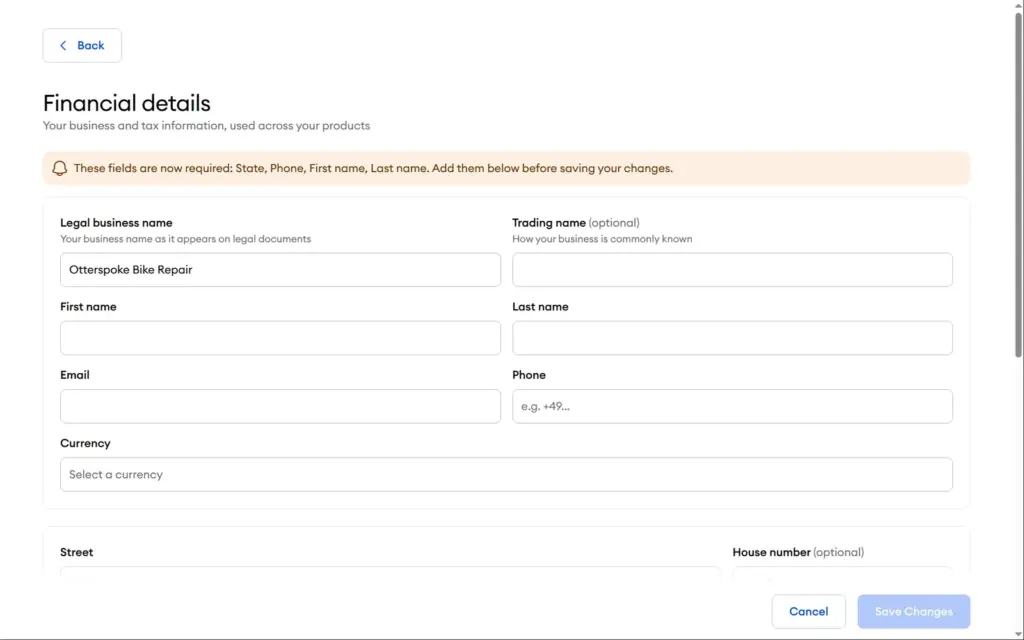
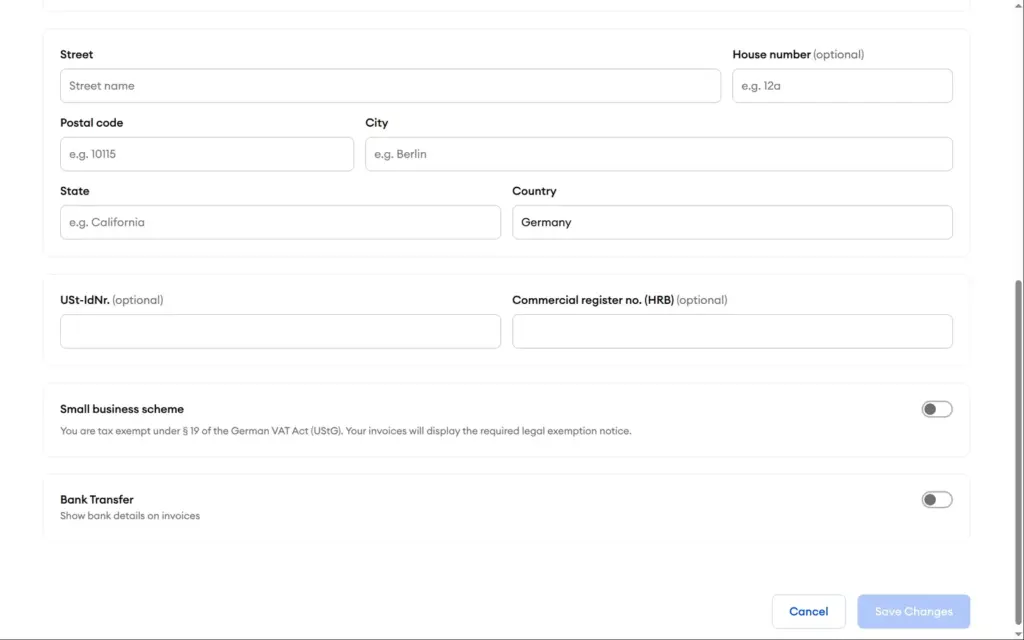
The business profile is shared by the store, bookings and invoices. It asks for the legal name, the owner's name and contact details, the currency, the address and tax numbers. It also has a switch for Germany's small business VAT exemption. I didn't fill it in for a made-up shop, which kept the payment step locked. Discount codes showed an upgrade wall.
According to Jimdo's help center, orders appear under Store, then Orders. There you can add tracking numbers, contact the buyer, cancel, archive and export them. Jimdo doesn't handle refunds. You refund through PayPal or Stripe.
Shop verdict: for a small local business that sells a few products, Jimdo's store looks complete enough, with pickup, shipping zones and EU legal notices built in. It starts at €20 a month, sizes and colors need €29, and on the free plan you can't sell at all. A shop with many products in many variants should compare dedicated shop systems.
Jimdo uses AI in several places. It wrote the first version of the site and the appointment, and it suggested sections, rewrites and color palettes. On the dashboard, it powers Companion, an AI helper that is still in beta. I saw no credit counter or usage limit on the free plan.
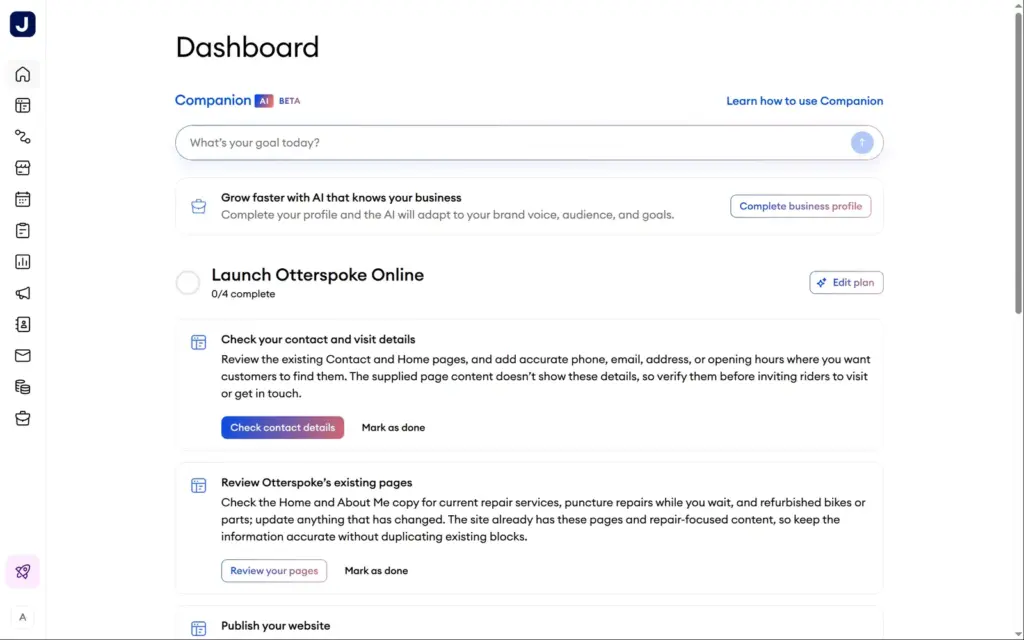
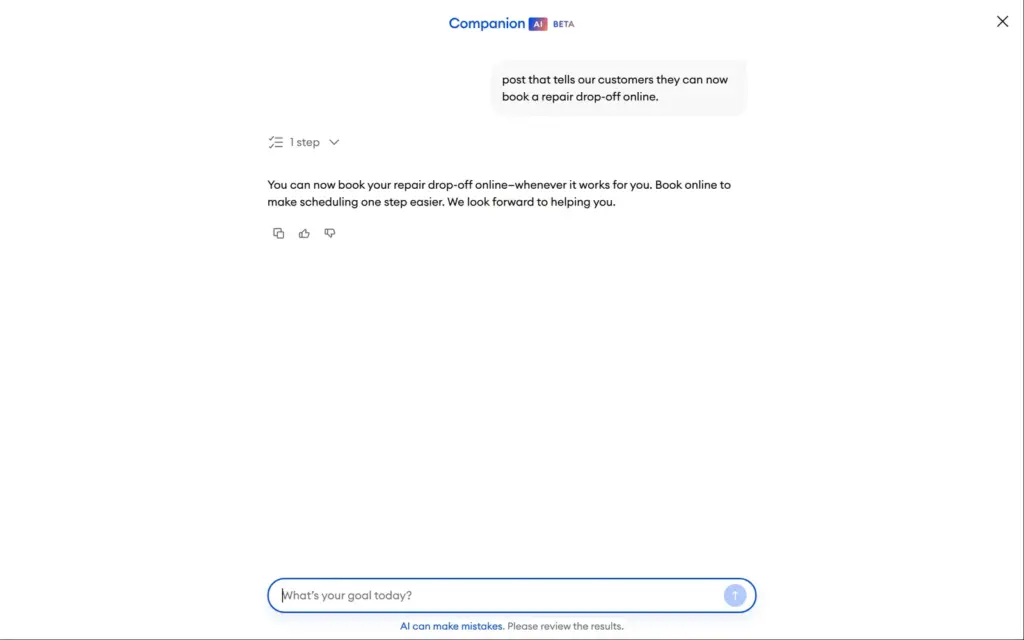
Companion opened with a launch plan for the shop. It still asked me to add contact details and publish the site, which I had already done. I asked for a short Instagram post about the new online booking. It wrote three plain sentences without the shop's name, a link or hashtags.
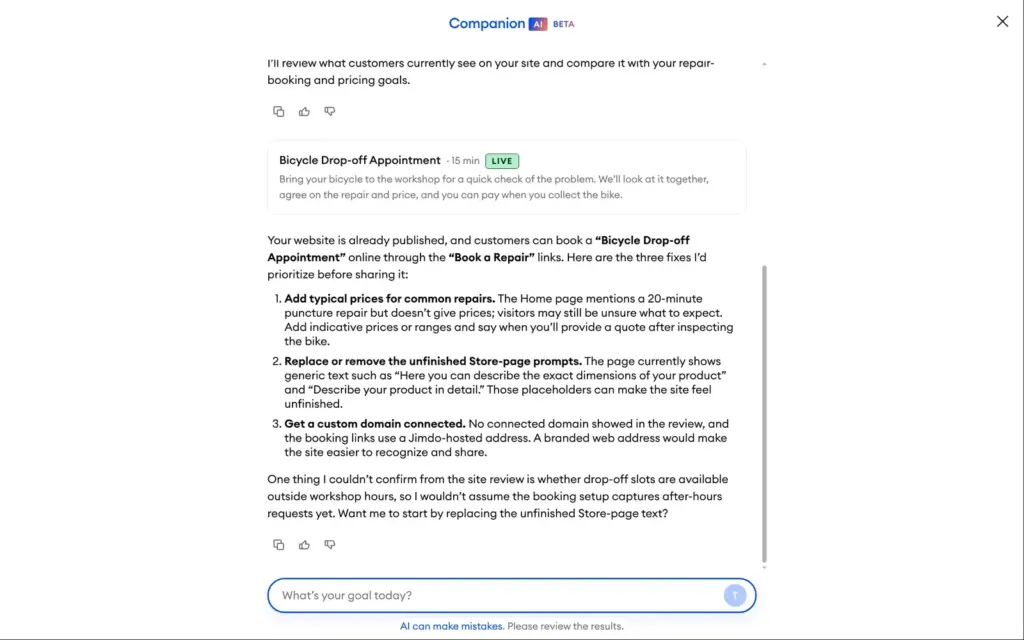
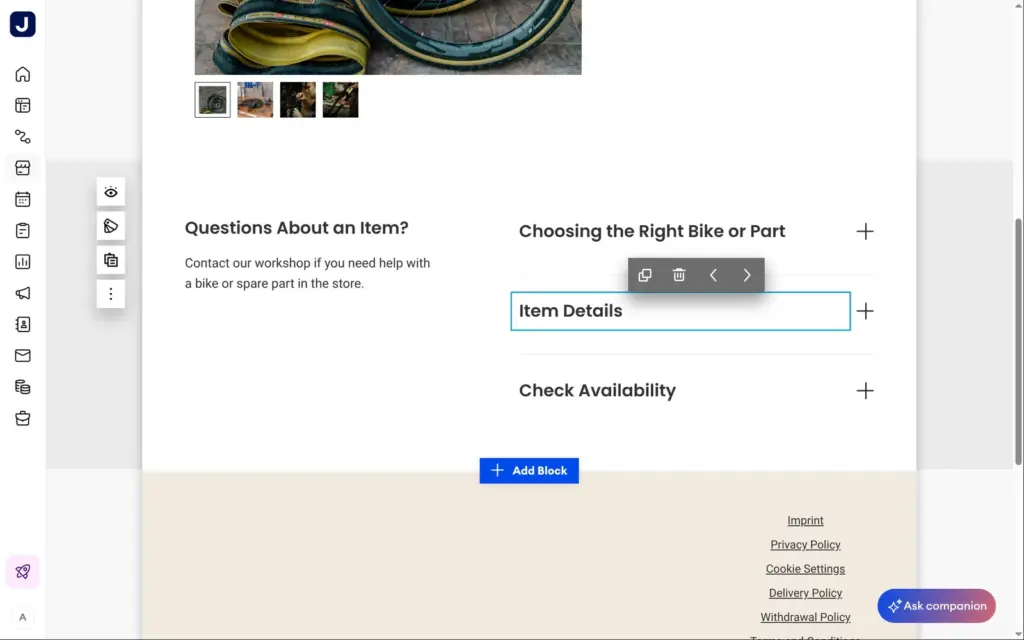
Then I asked what to fix before sharing the site with customers. After about a minute, Companion named three things. The store page still had template text, which was true. It suggested adding typical repair prices, although the site has a price list. And it recommended a custom domain, which needs a paid plan. It didn't mention the placeholder legal pages.
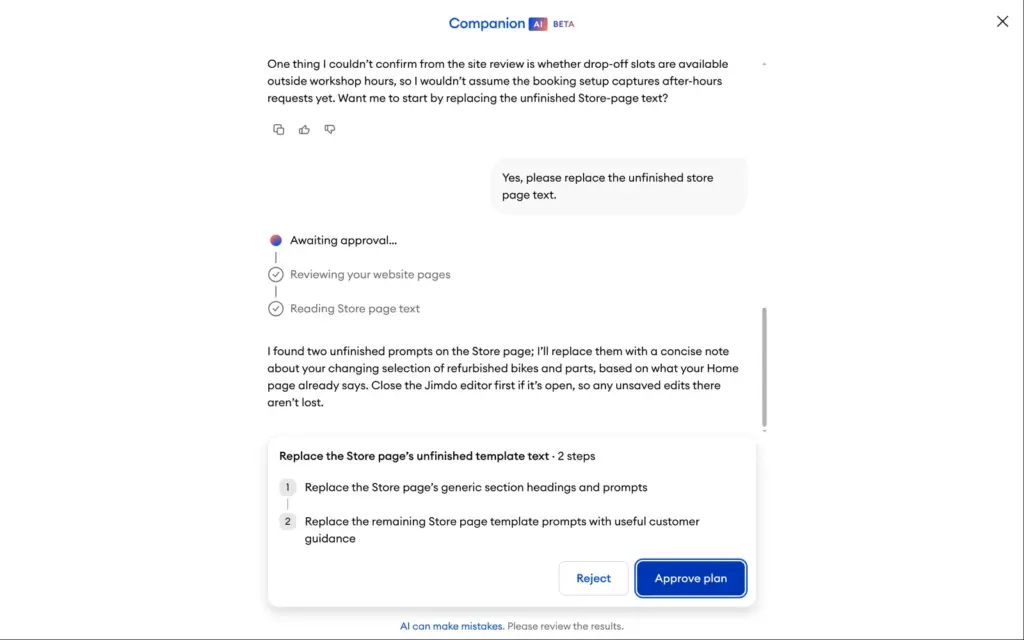
When I asked it to replace the store text, it showed a two-step plan and waited for my approval. About forty seconds later, it was done. It had replaced the template prompts with short, general text about bikes, parts and availability, which stayed offline until I published.
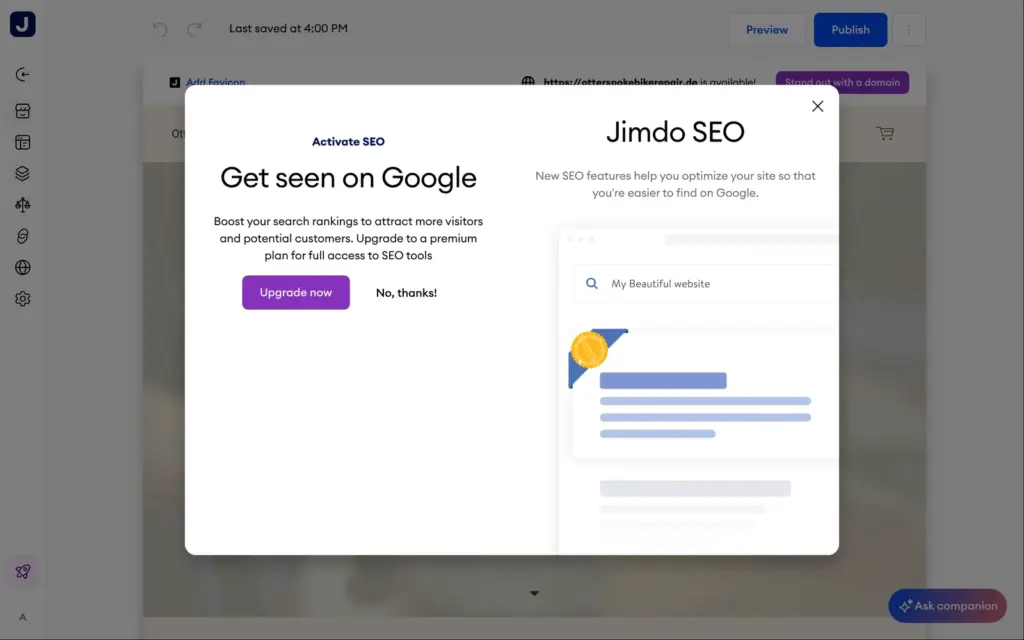
The free plan has no search settings. The SEO menu shows an upgrade offer instead. On the free plan, Jimdo builds each page's title from the page name and the site name, for example "Home | Otterspoke Bike Repair". The description is the page's first text. Right after the first publish, the pages told search engines not to list them. About an hour later, after I had published again, they allowed it. Jimdo also creates a sitemap and a robots.txt file by itself.
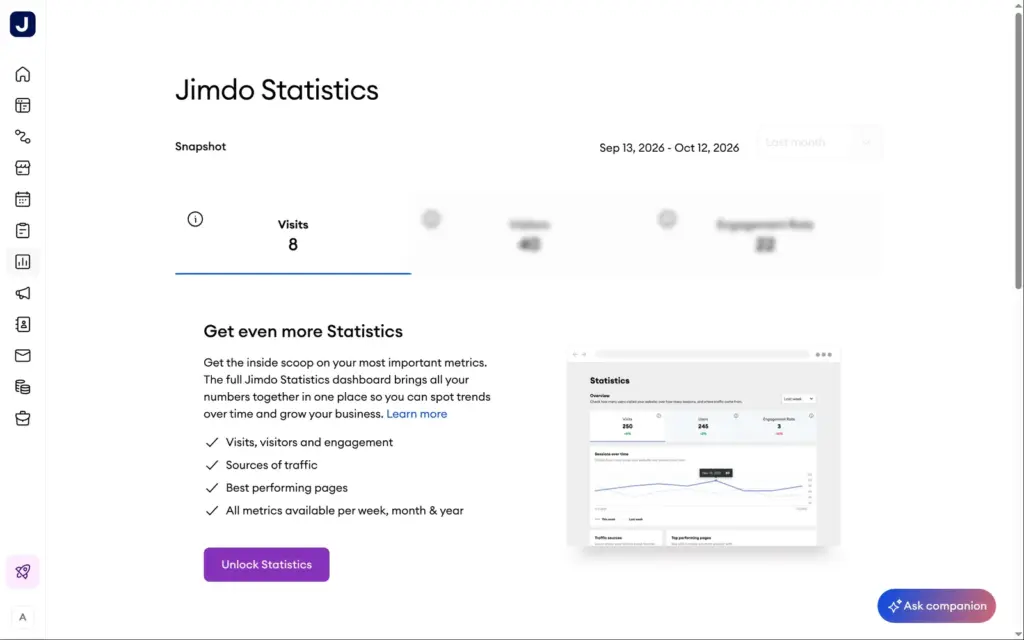
Visitor statistics are mostly locked as well. The free plan shows one number, the visits of the last month, and blurs the rest.
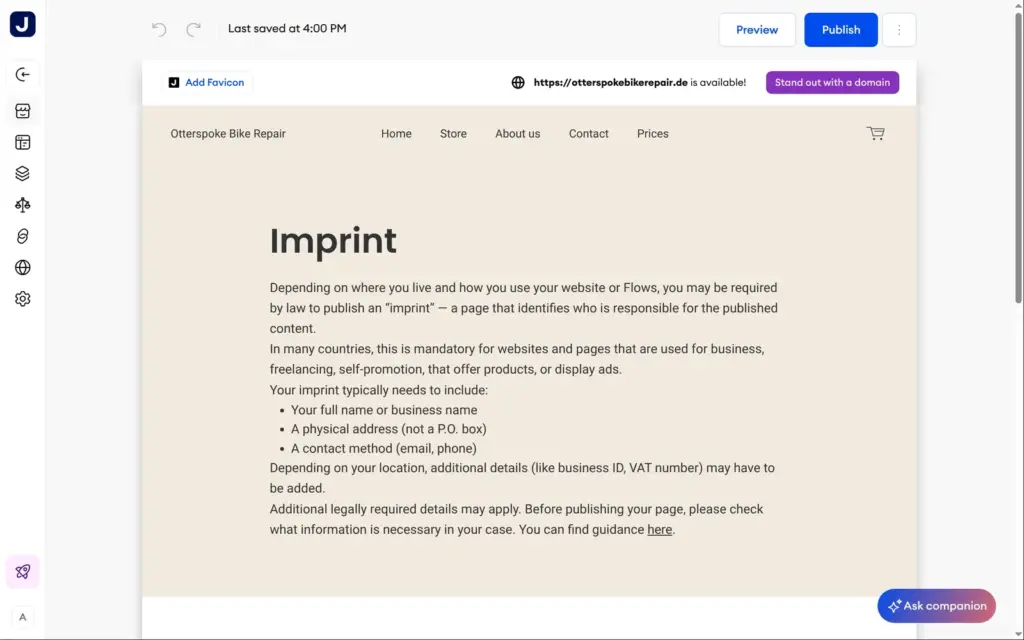
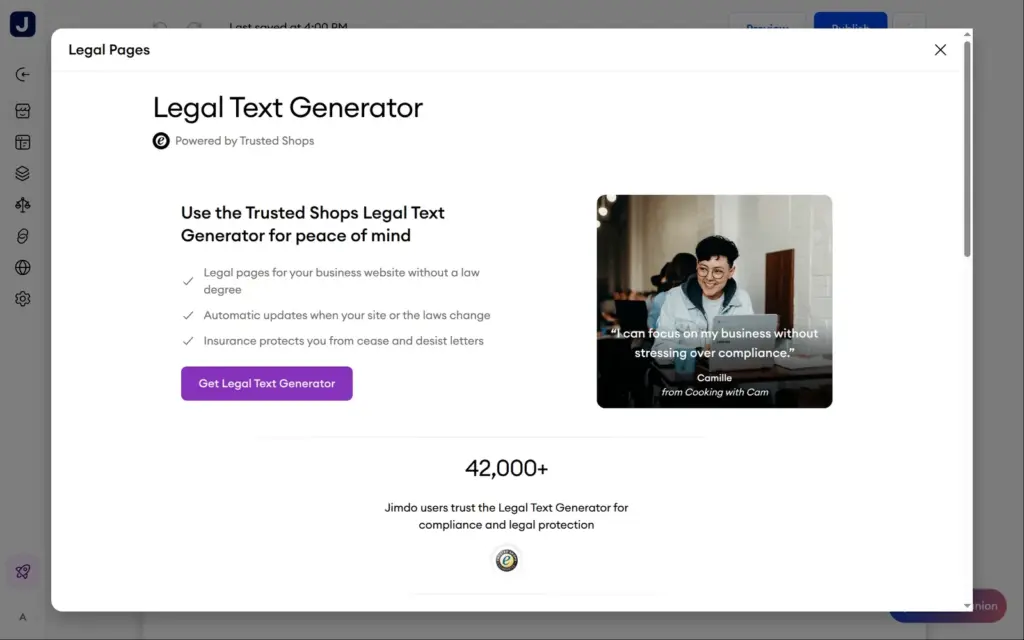
The imprint, privacy policy and terms pages are placeholders that tell you what such a page needs. A business website in Germany needs a proper imprint, and the EU's data protection rules require a privacy policy. Jimdo sells legal texts from Trusted Shops, kept up to date when the law changes, in the Grow Legal, Unlimited and VIP plans. The settings also add a "Withdraw contract" button to every page by default, and the requests come to you by email.
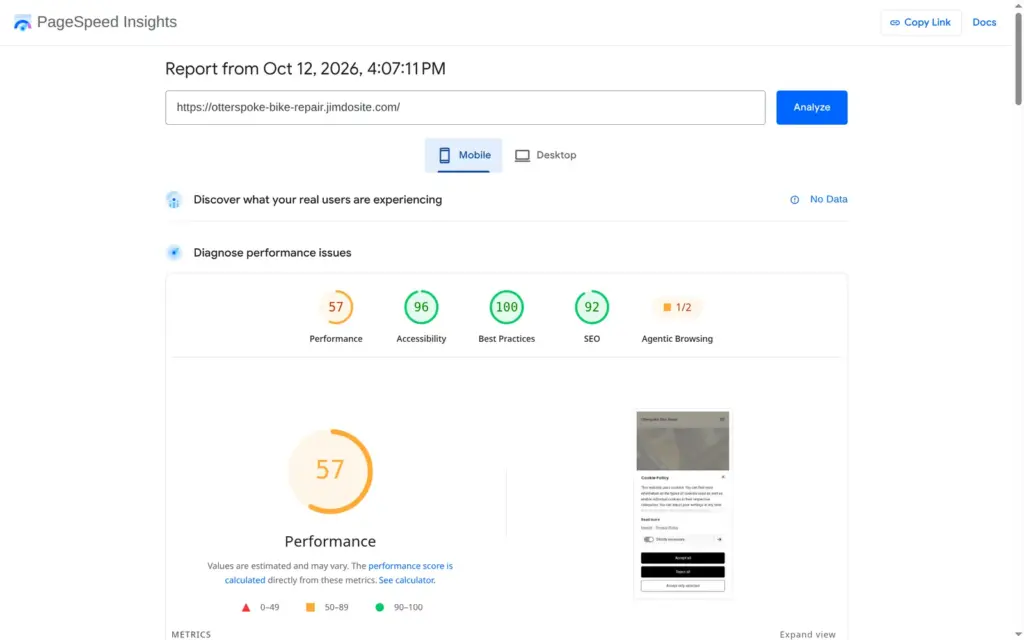
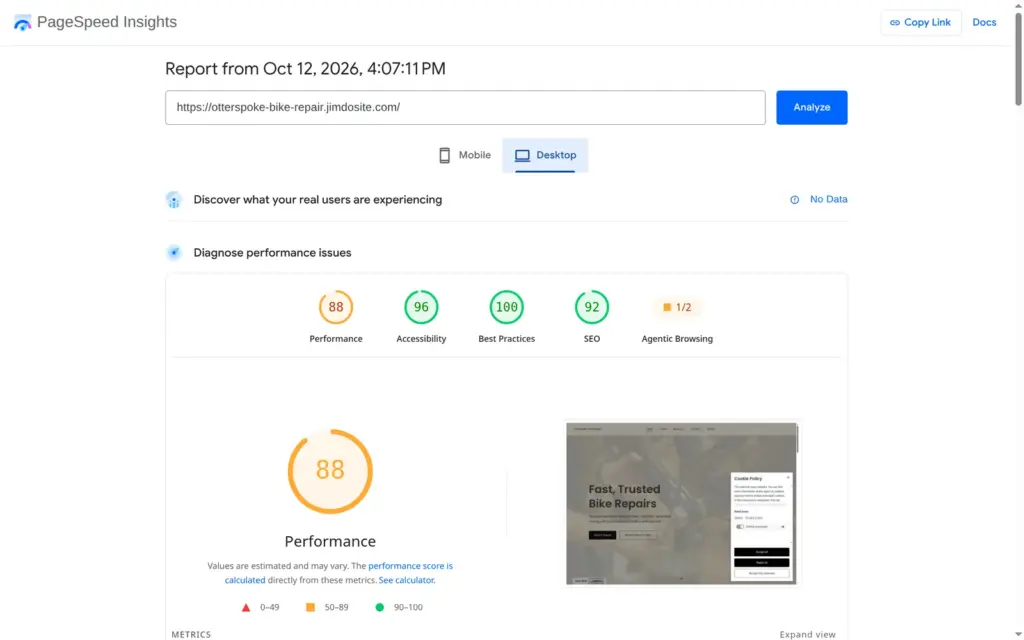
I ran the published home page through Google's PageSpeed Insights once. On a simulated phone, it scored 57 out of 100. The first text appeared after 6.6 seconds and the largest image after 9.0 seconds. The report's biggest item was files that hold back the first display, worth about 5.8 seconds. On desktop, it scored 88, with the largest image after 2.0 seconds and 4 MB of data on the page.
Accessibility scored 96, with one link that has no readable name. The search score of 92 came from the cookie banner, whose buttons are links that search engines can't follow.
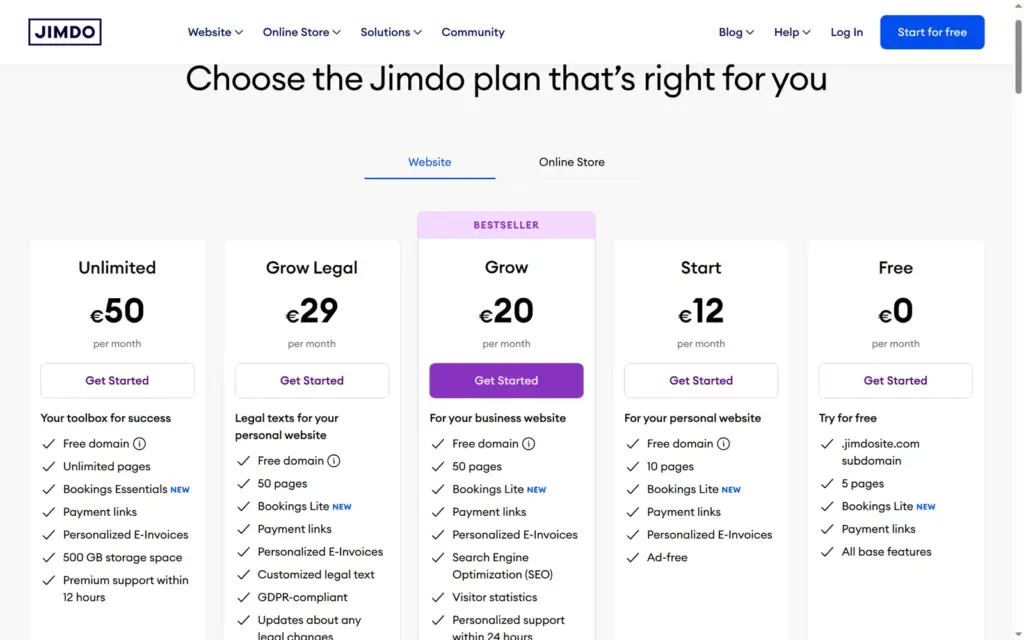
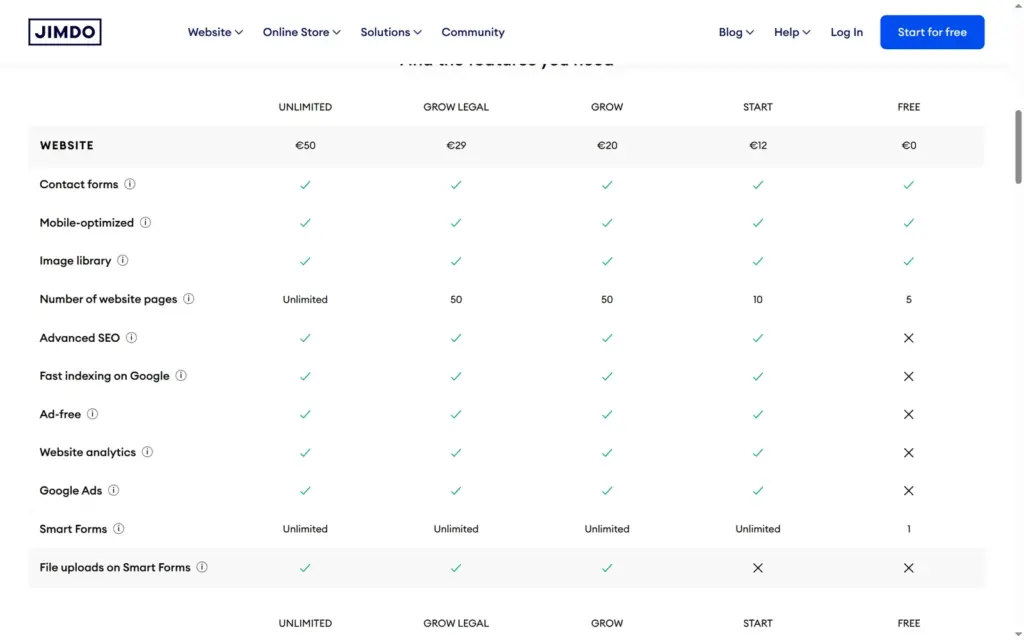
I checked Jimdo's pricing page and the plan page inside the account on October 12, 2026. From Germany, both showed prices in euros including VAT, for a 12-month contract. Jimdo also offers monthly and 24-month terms and says prices for other terms may vary. I didn't start a checkout to see them.
| Free | Start | Grow | Grow Legal | Unlimited | |
|---|---|---|---|---|---|
| Price on a 12-month contract | €0 | €12a month, €144 a year | €20a month, €240 a year | €29a month, €348 a year | €50a month, €600 a year |
| From the second year, with domain | €0 | €170 a year | €266 a year | €374 a year | €626 a year |
| Web address | name.jimdosite.com | Your own domain | Your own domain | Your own domain | Your own domain |
| Jimdo ads | Yes | No | No | No | No |
| Pages | 5 | 10 | 50 | 50 | Unlimited |
| Storage | 5 GB | 30 GB | 50 GB | 50 GB | 500 GB |
| Search settings and statistics | No | Yes | Yes | Yes | Yes |
| Smart Forms | 1 | Unlimited | Unlimited, with file uploads | Unlimited, with file uploads | Unlimited, with file uploads |
| Bookings | Lite | Lite | Lite | Lite | Essentials |
| Legal texts from Trusted Shops | No | No | No | Yes | Yes |
| Support | Not included | Within 1 to 2 workdays | Within 24 hours | Within 24 hours | Within 12 hours |
The store plans include the website features too.
| Basic | Business | VIP | |
|---|---|---|---|
| Price on a 12-month contract | €20a month, €240 a year | €29a month, €348 a year | €50a month, €600 a year |
| From the second year, with domain | €266 a year | €374 a year | €626 a year |
| Product variants | No | Yes | Yes |
| Discount codes and strikethrough prices | No | Yes | Yes |
| Transaction fees from Jimdo | None | None | None |
| Pages | 10 | 50 | Unlimited |
| Storage | 30 GB | 50 GB | 500 GB |
| Bookings | Lite | Lite | Essentials |
| Legal texts from Trusted Shops | No | No | Yes |
| Support | Within 24 hours | Within 24 hours | Within 12 hours |
The first year includes a free domain. For the second year, the plan page lists renewal prices that include the domain. Start costs €170, Grow and Basic €266, Grow Legal and Business €374, and Unlimited and VIP €626. That puts the domain at €26 a year.
Right after I signed up, the plan page showed 50% off for new customers with a countdown of less than an hour. The editor showed a banner for the same offer. A few hours later both were gone. I didn't start a checkout, so I can't say what the discount would have taken off.
For the bike shop, Start would cost €144 in the first year and €170 a year after that, with the domain, no ads and ten pages. To sell inner tubes and refurbished bikes with pickup, Basic costs €240 in the first year and €266 after that. If the refurbished bikes come in several frame sizes, Business costs €348 and €374.
I found no way to download the site in the editor or the dashboard. Jimdo's help center says its backups are for restoring all websites after a failure, not single pages, and that undo only works within the same editing session. If you leave Jimdo, you take your text and photos and rebuild the site elsewhere. A domain bought through Jimdo can be moved to another provider.
Jimdo also still offers its older Creator editor, which lets you add your own code. Its pricing page points there for people who need more control.
Jimdo fits a small local business that wants a tidy website with services, prices, opening hours, a contact form and online appointments, and an owner who doesn't want to learn a design tool. For the bike shop, the questions and Jimdo's AI gave me a usable first version, and the free bookings worked on the first try.
It fits less well if you need a blog or more than five pages without paying, if you want to sell on the free plan, or if you care about the details of the phone layout. Whatever you choose, plan for the legal pages, because Jimdo only provides placeholders unless you pay for Grow Legal.
If you try it, publish the site once and click every button and link before you share the address. The AI writes buttons that look finished but go nowhere, and I only noticed on the live site.
 What I'm building
Give Vroni a GitHub issue, bug report, spec, or rough idea. It reads the repo, plans the change, writes code, runs checks, and works toward a review-ready pull request.
Take a look at vroni.com