
Wix Studio review
Wix Studio is the version of Wix for web designers and agencies. Its editor builds each page on a grid, with separate…
Squarespace is a website builder for people who want a site that looks designed without hiring a designer. You pick a template, change the text and photos, and Squarespace hosts the site. It also runs online shops, booking pages and email newsletters. If you are thinking about it for your business, you probably want to know how much work it takes, what it costs and what can go wrong.
To find out, I built a website for a made-up pottery studio on Squarespace's 14-day free trial. Pebblewick Pottery sells handmade mugs, bowls and jugs and runs beginner wheel classes. I started from a template, replaced the text and photos, added three products and a class with three dates, and set up shipping, pickup and German VAT. I wrote two blog posts, set up the contact form and then tested the site like a customer, up to the payment step. I also let Squarespace's Blueprint AI build a second site for a made-up bike repair shop.
The pottery site looks professional, and the shop parts work well. The trial has clear limits, though. The site can't go public, checkout stays closed and form messages don't reach your inbox. The AI tools save time but make things up. They put a brand name on a generated photo and wrote "food-safe" into my class description. Blueprint built a complete-looking site in about ten seconds and filled it with sample products, invented prices and generated people.
Squarespace suits you if you want a polished site with a small shop, classes or appointments and a blog, and you are fine with Squarespace hosting all of it. The templates look good from the start, and the editor is easy to learn.
Look elsewhere if you need a free plan, or if you want to be able to take your site to another host later.
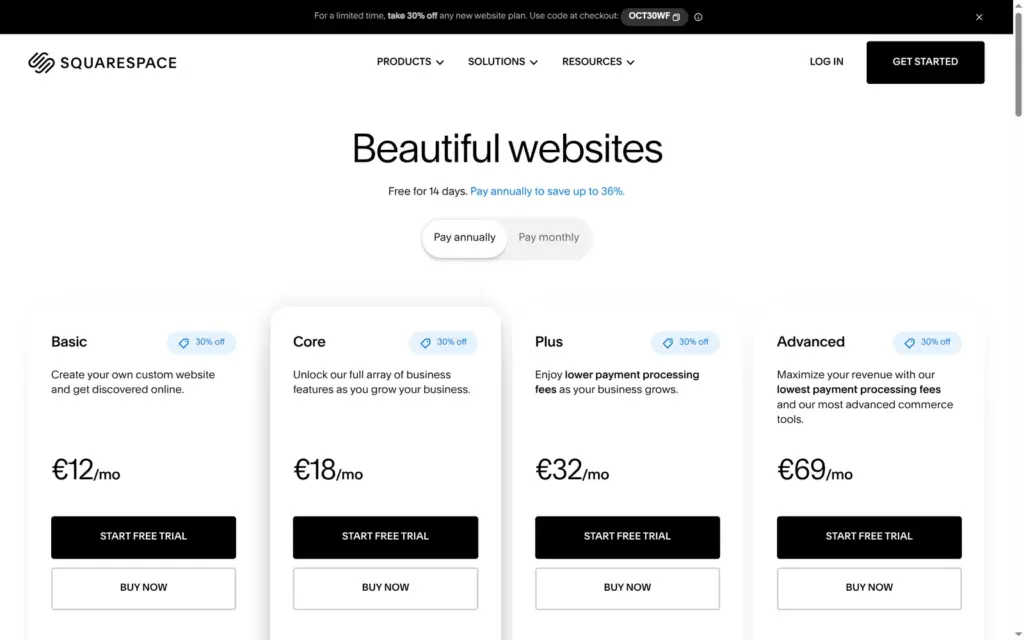
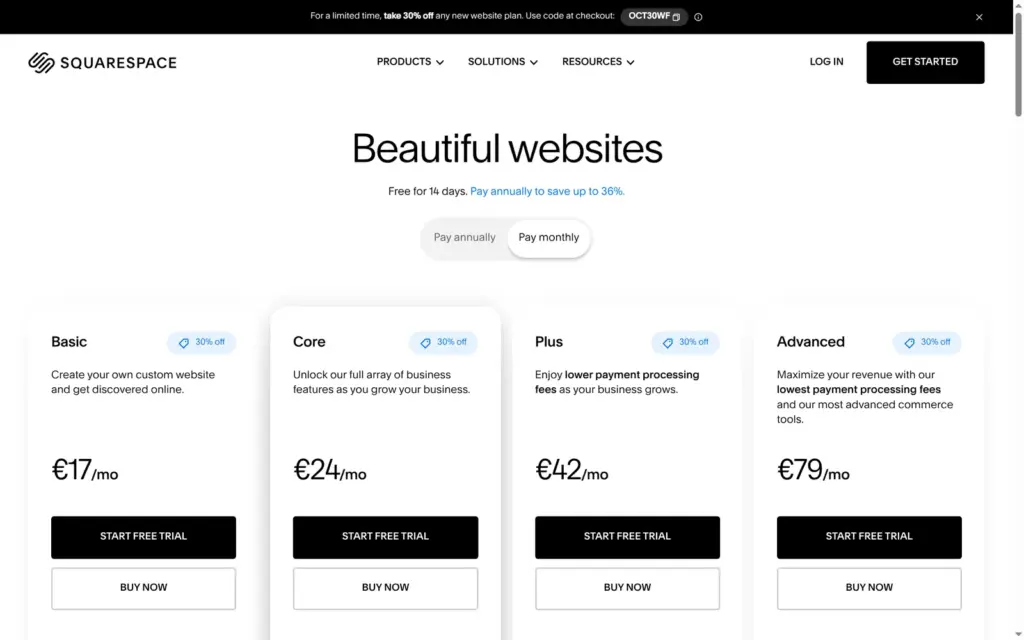
Price: there is no free plan, only a 14-day trial without a card. Basic costs €12 a month on yearly billing and €17 on monthly billing, plus a 2% fee on shop sales. Core drops that fee and costs €18 or €24. In the US the same plans cost $14 or $20 and $21 or $28.
Online shop: good for a small shop with a few products or class dates. Variants, stock, flat-rate shipping, pickup and German VAT were easy to set up, and the cart and checkout showed VAT, shipping and pickup correctly. On the trial the checkout stays closed, and turning on payments asks for an identity check, so I placed no test order. Basic takes 2% of shop sales, and once a shop sells more than about €300 a month, Core is cheaper.
Tested: in October 2026 on the 14-day trial. Prices checked on October 11, 2026.
Not tested: a paid plan, card payments, a custom domain and Squarespace's support. Squarespace did not pay for this review, and there are no affiliate links.
What I liked:
What bothered me:
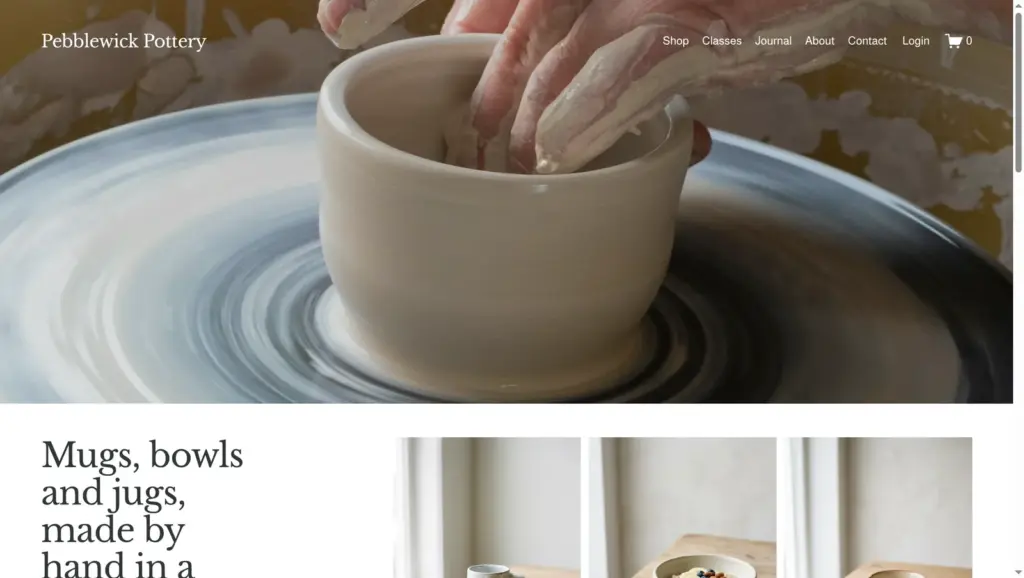
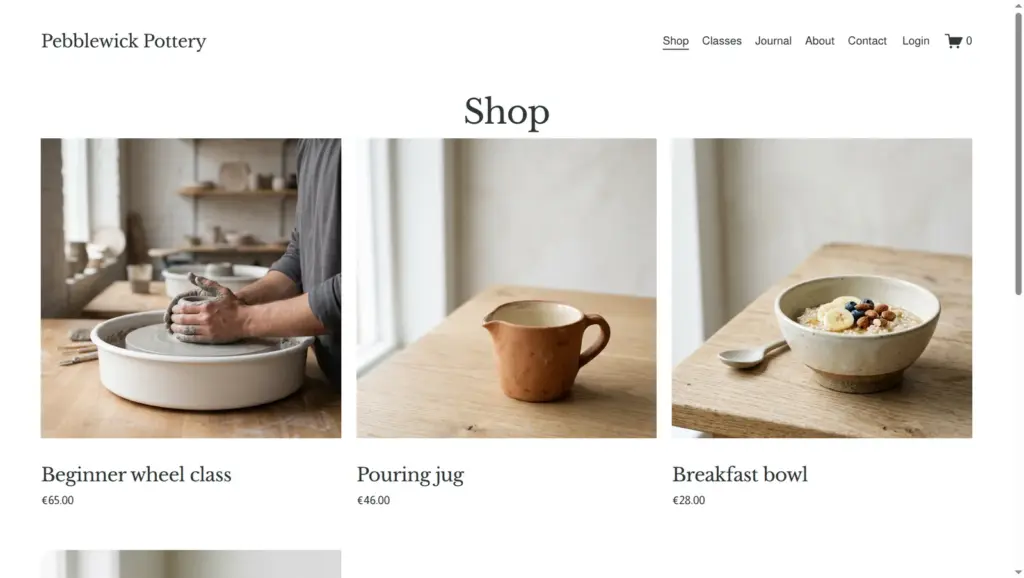
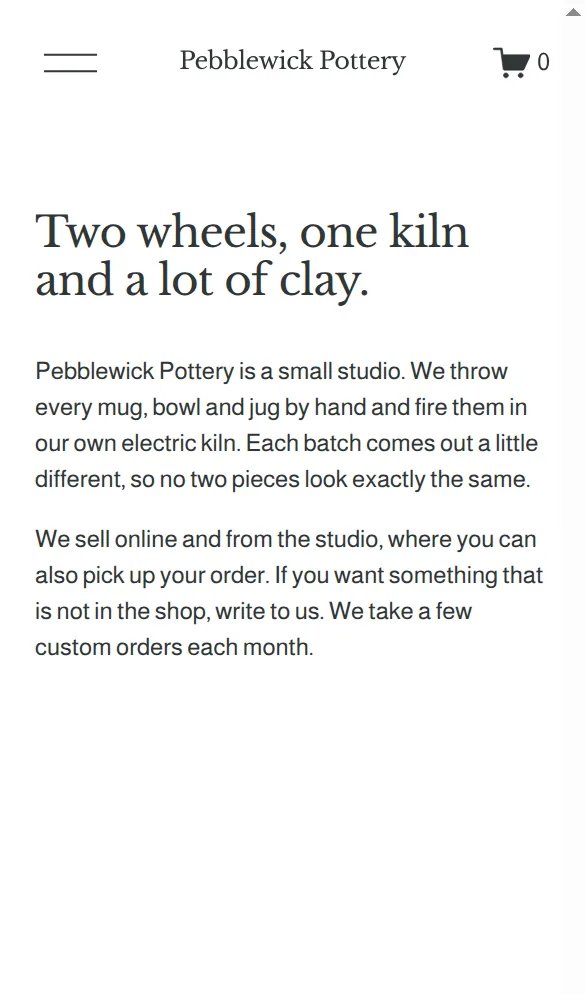
Pebblewick Pottery is a made-up studio in Germany, and its footer says so. The site has a home page, a shop with three products, a classes page, a journal with two posts, an about page and a contact page with a form. Prices are in euros.
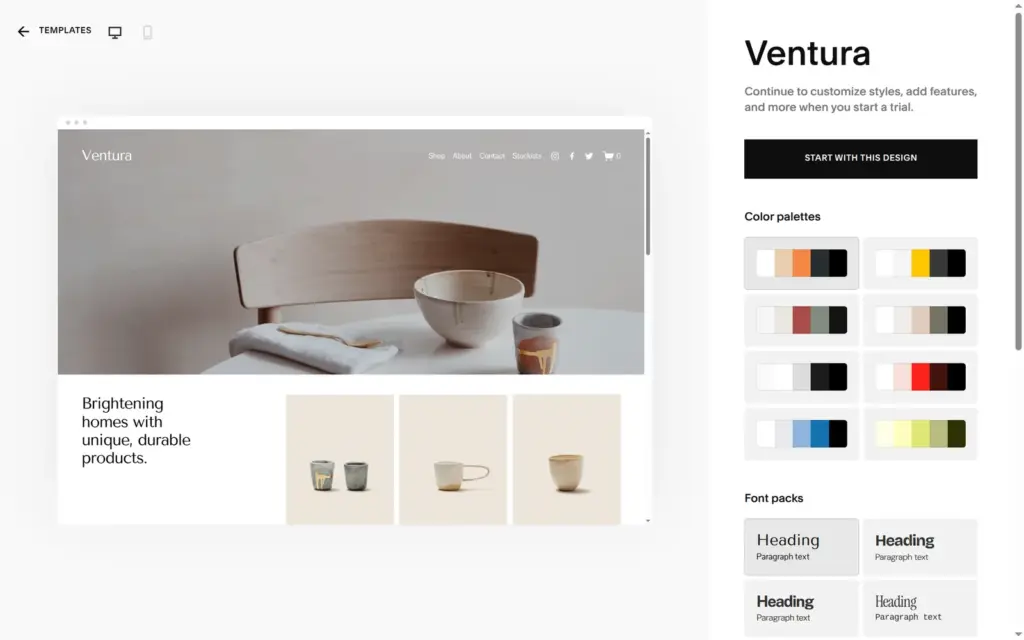
The design comes from Ventura, a free Squarespace template with a ceramics shop as its demo. I changed the colors and fonts in Site Styles. The photos of people at the wheel and the pink jugs on the about page come from Unsplash, through Squarespace's built-in search. They are by Earl Wilcox, Andy Kelly and Brunxs. The product photos and a few others came from Squarespace's AI image tool.
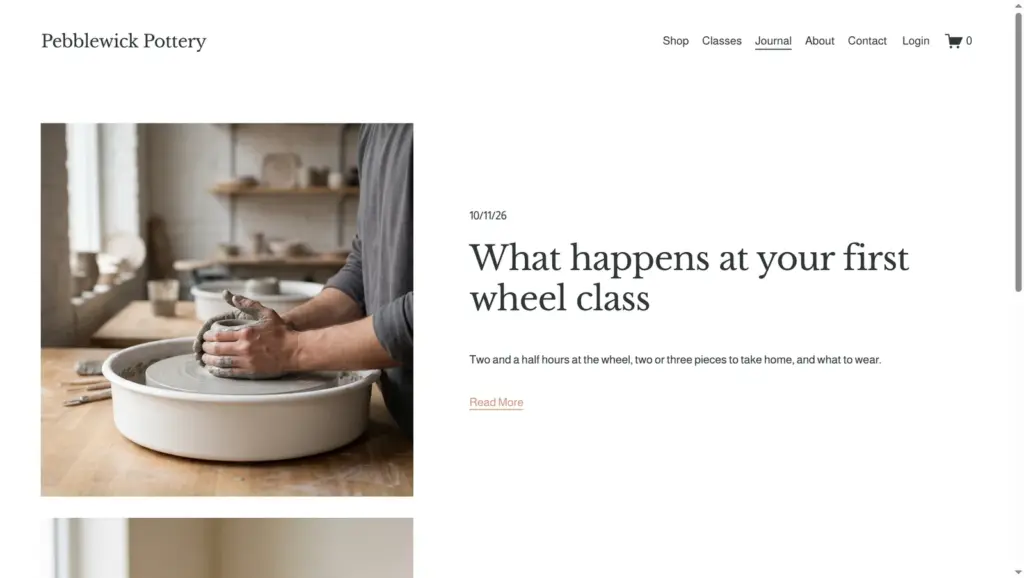
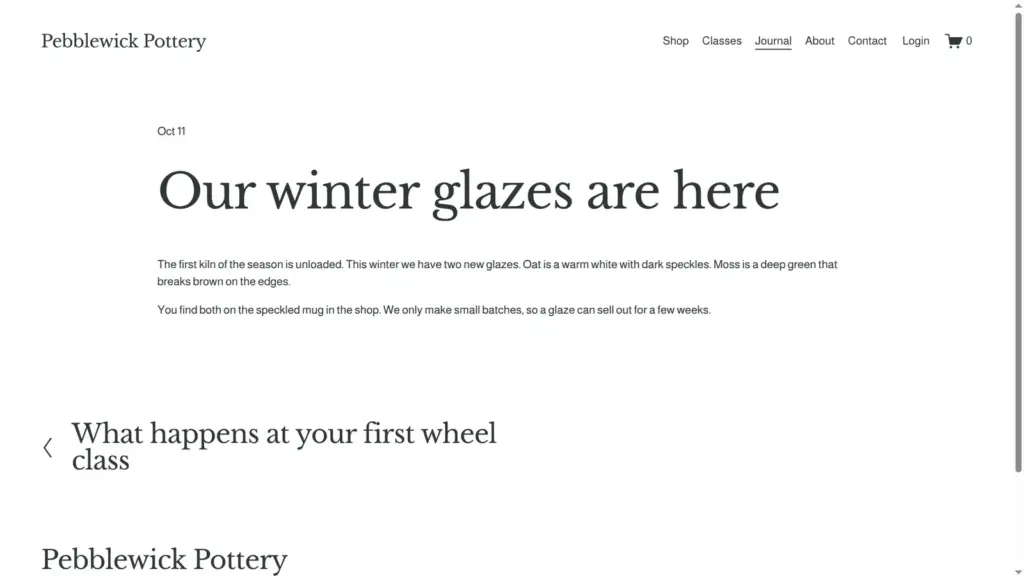
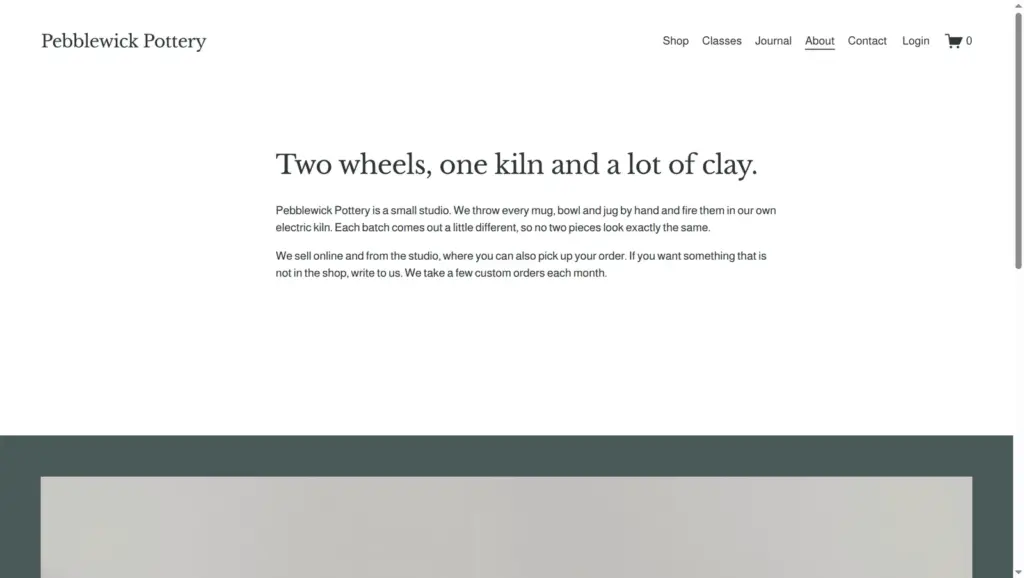
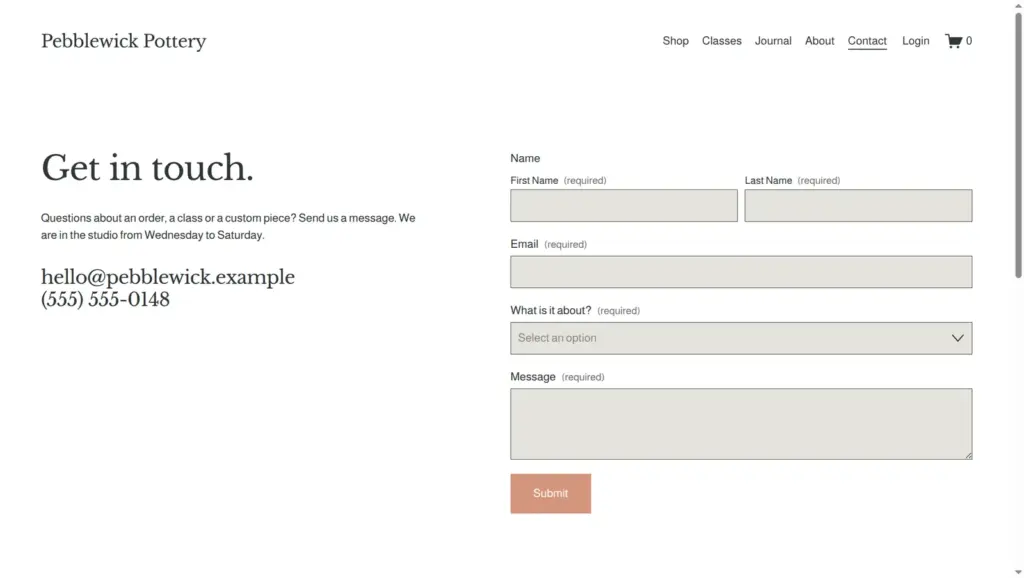
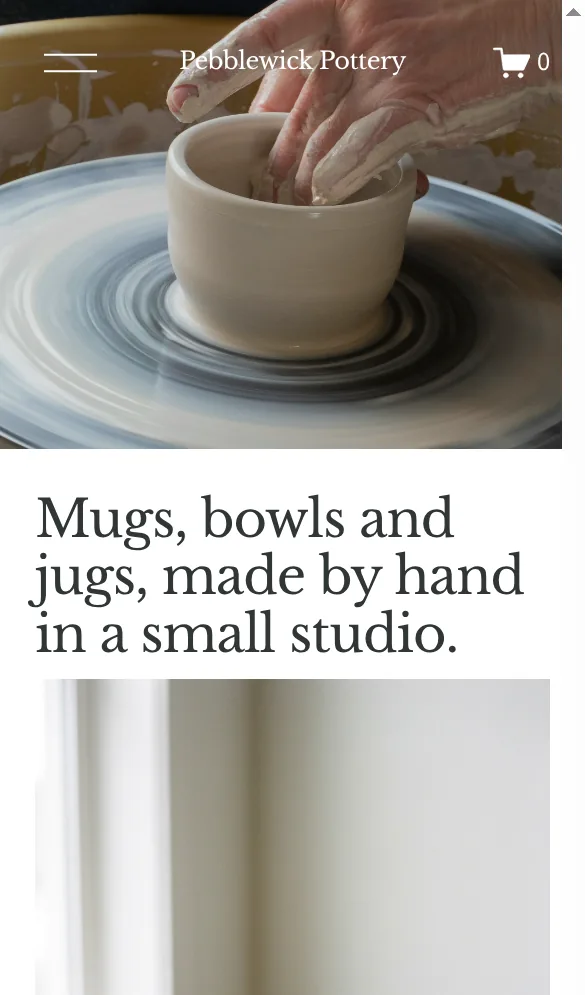
Trial sites can't be public, so I can't link to it. The site ends with the trial.
Each Squarespace site starts with a 14-day trial, and the pricing page says you need no card for it. That was true. Signing up asked for a name, an email address and a password. You can also sign up with Google.
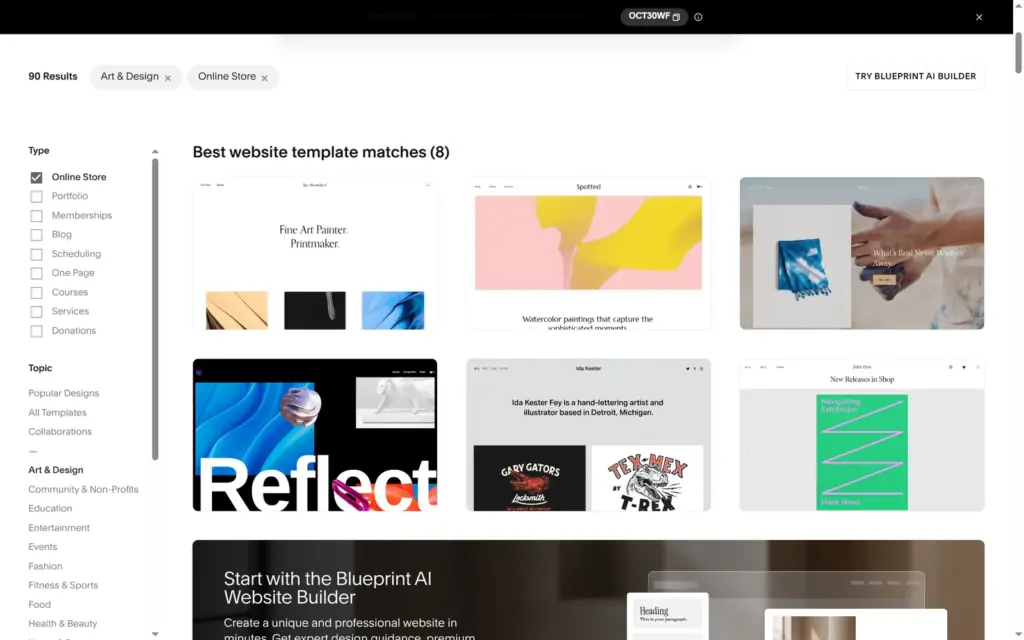
The template gallery filters by type and topic. For an online store in art and design, it showed eight matches. Ventura already looked like a ceramics shop, with a shop page, an about page and a contact page. Before you sign up, you can try the template's eight color palettes and four font packs.
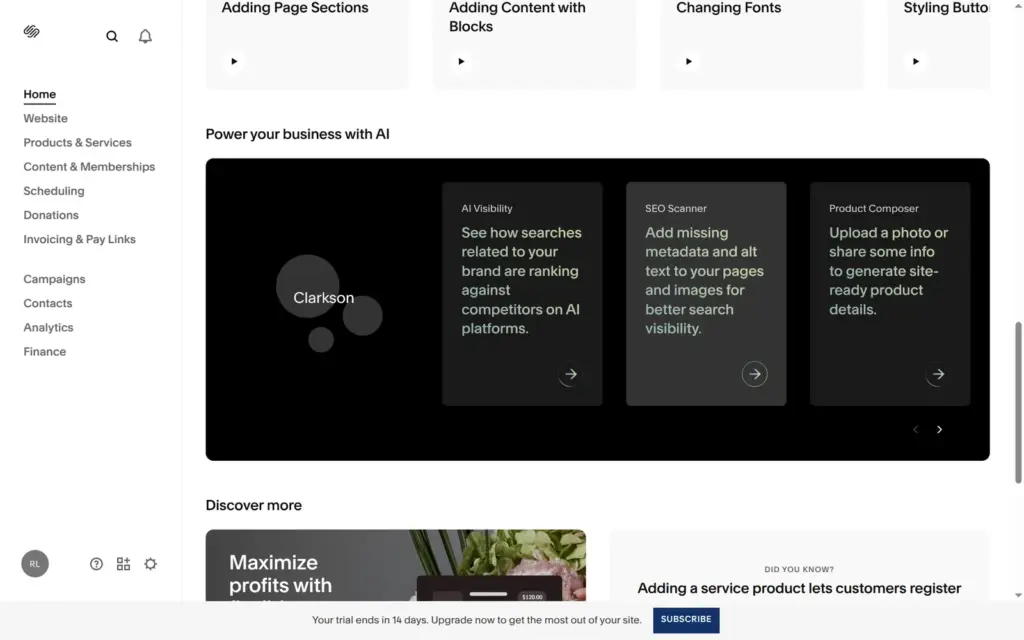
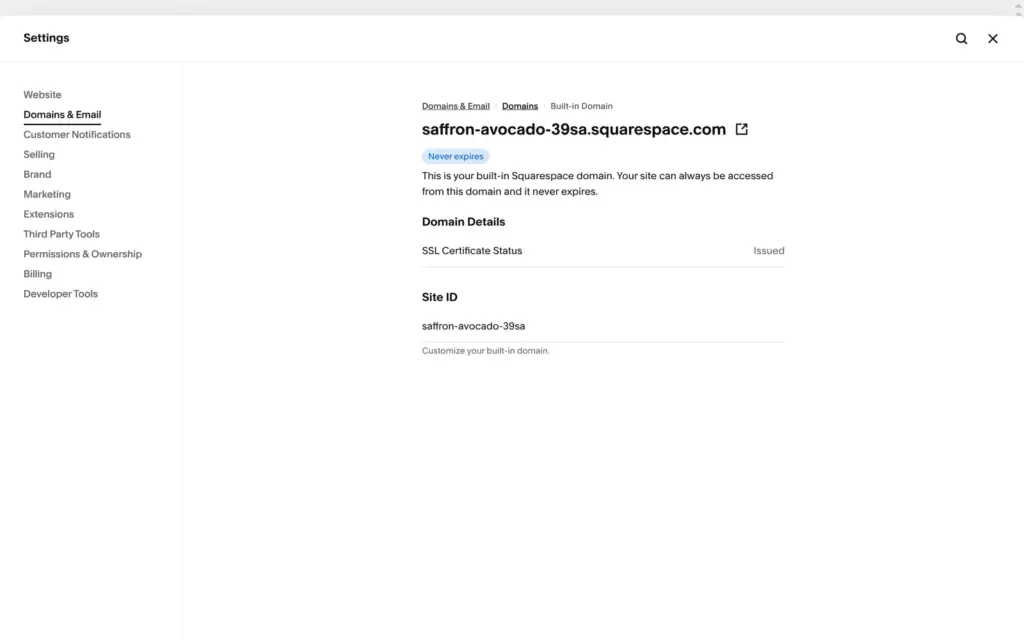
After sign-up, Squarespace set up the site in under twenty seconds. It asked nothing about my business. The dashboard showed a Black Friday promo, setup checklists and a block about its AI tools. The site got a random address, saffron-avocado-39sa.squarespace.com.
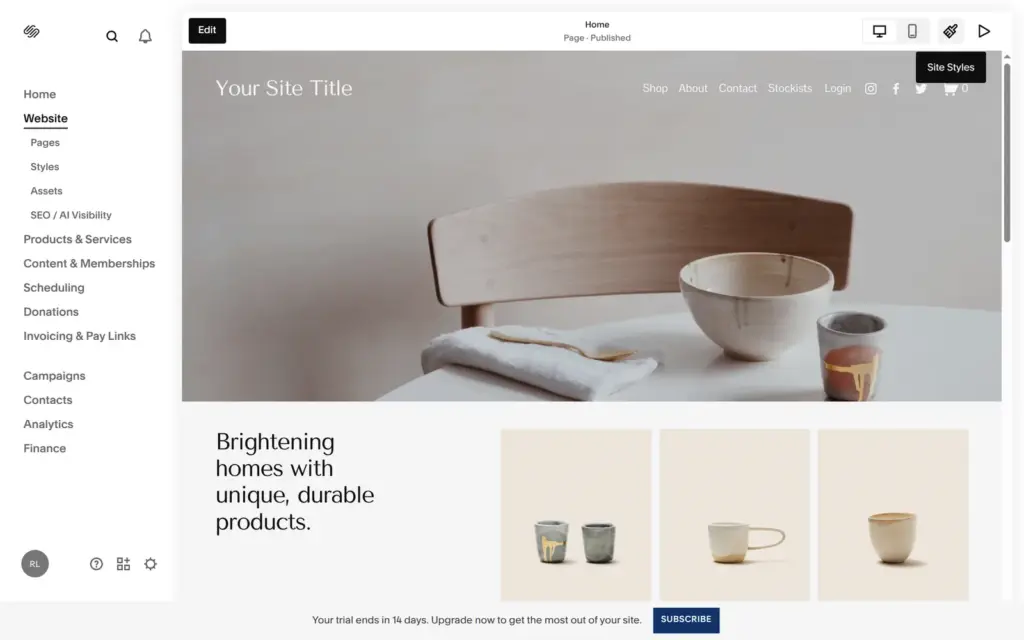
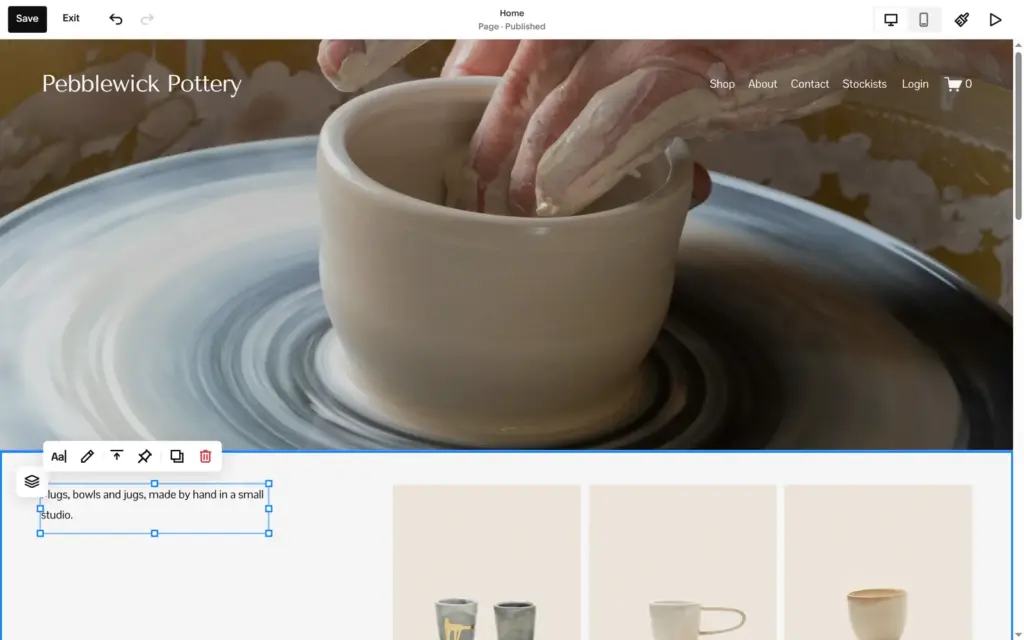
You change the site on the page itself. Edit opens the page with a toolbar on top, and you click on what you want to change. The header and footer are shared by all pages, so I typed the studio name once.
The template's leftovers started here. The header and footer had Instagram, Facebook and Twitter icons that linked to Squarespace's own accounts. The footer still said Ventura and "Made with Squarespace". Its links to the shop, about, contact and stockists pages were typed in by hand, so they don't follow the menu when you rename or delete a page. I deleted the icons and wrote the studio name and a line that says the business is made up.
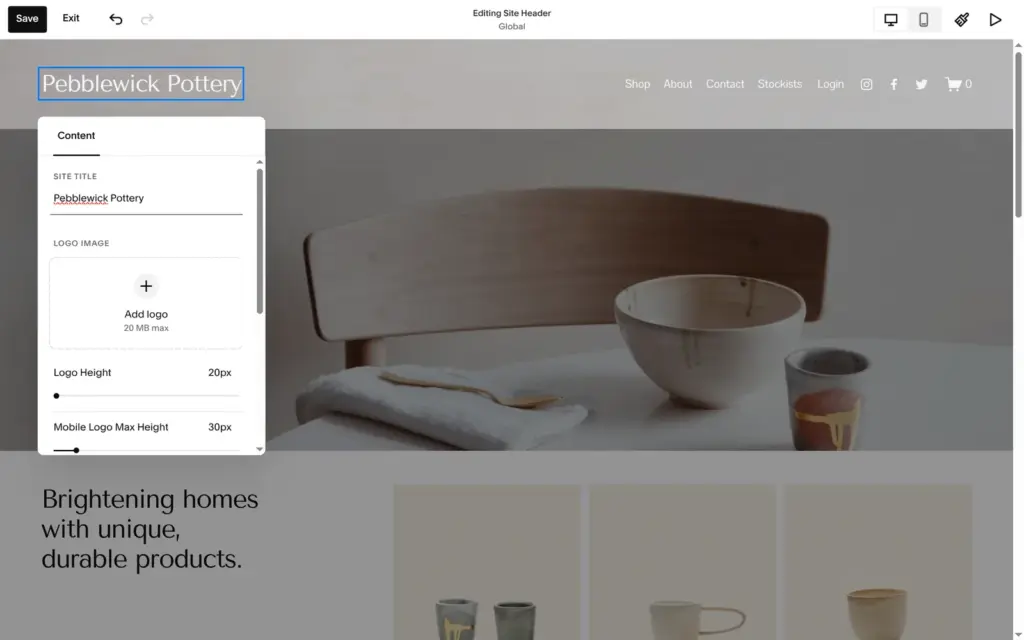
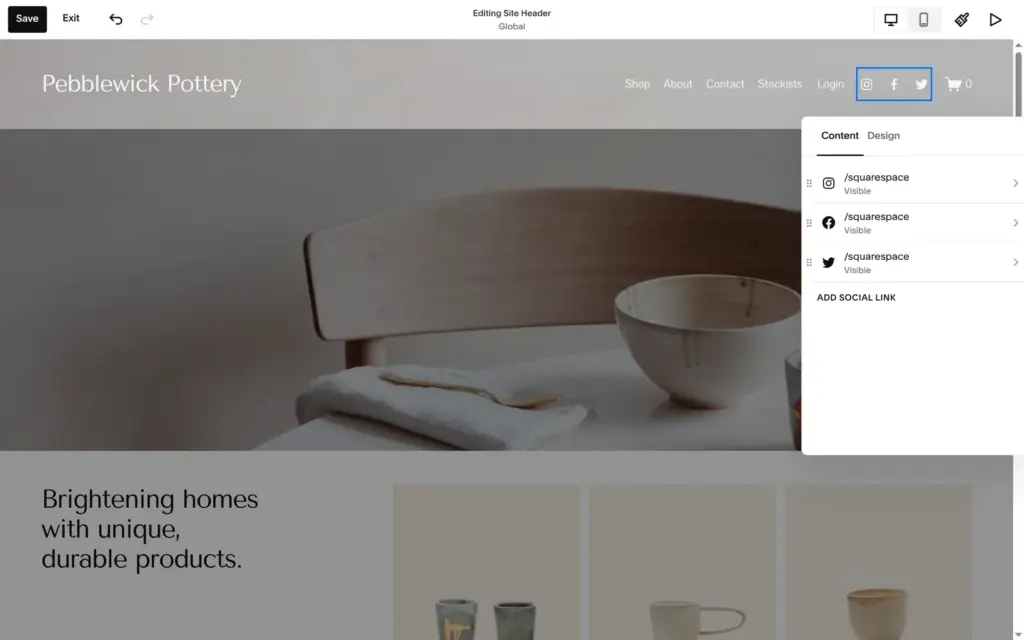
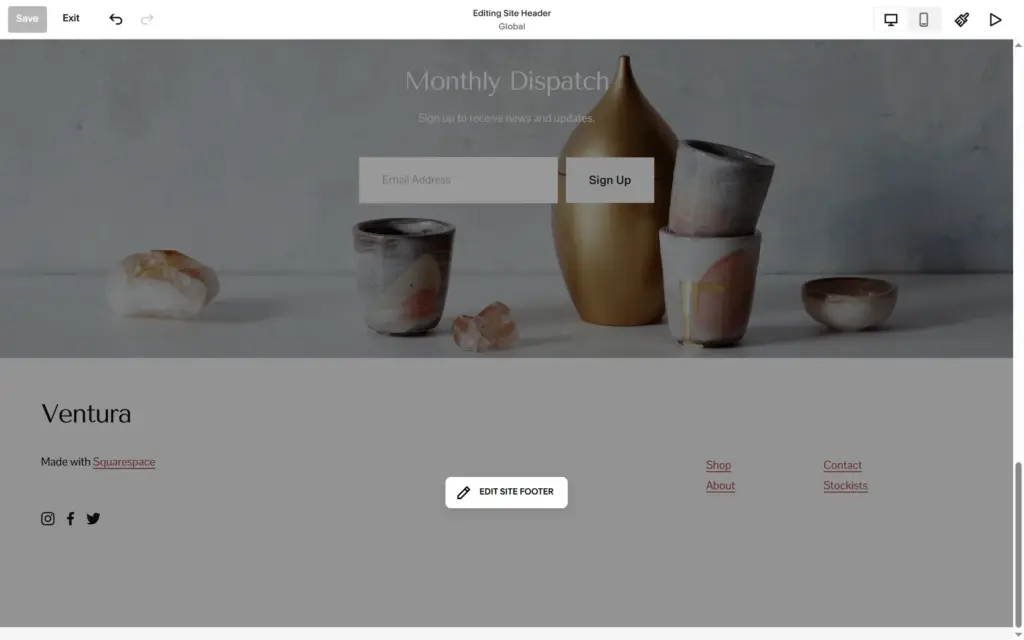
Squarespace places blocks on a grid that it calls Fluid Engine. You drag a block to move it and pull its edges to resize it. Text changes in place.
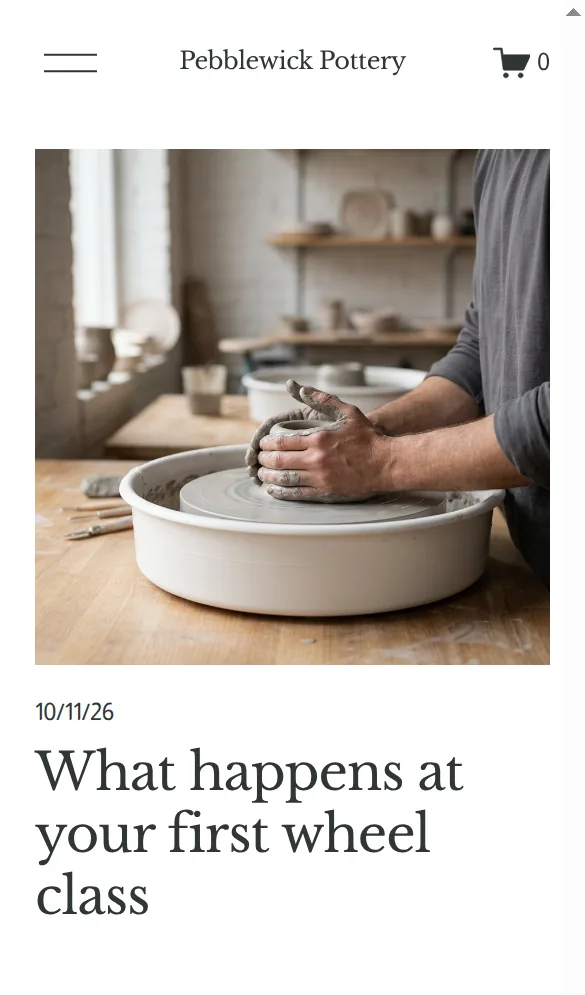
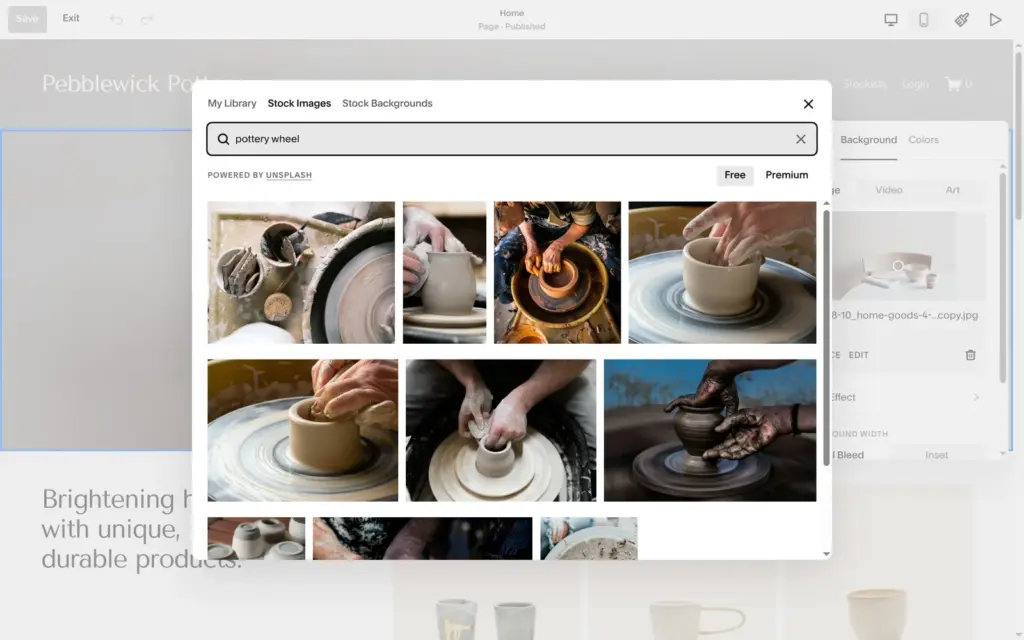
The big photo on the home page is a section background. Its settings let you upload a photo, pick one from your library, search stock photos, choose a ready-made background or make one with AI. Stock photos come from Unsplash for free, with a line that says you are responsible for publishing them. There's also a Premium tab. I picked a photo of hands at a pottery wheel.
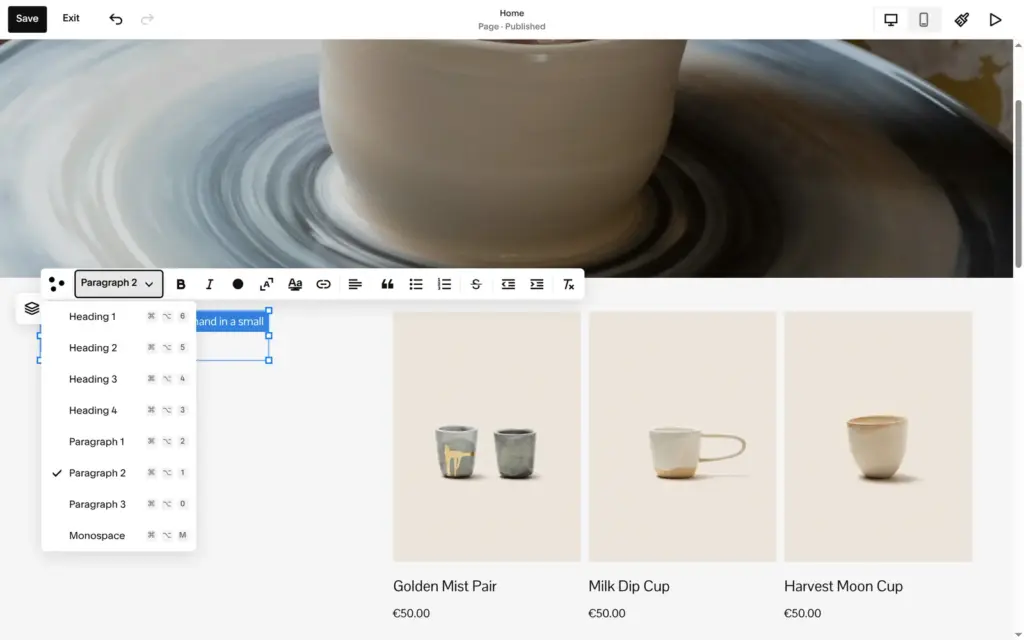
When I selected the whole main heading and typed over it, the heading turned into small body text. The style menu set it back to Heading 2. Selecting one line at a time kept the style.
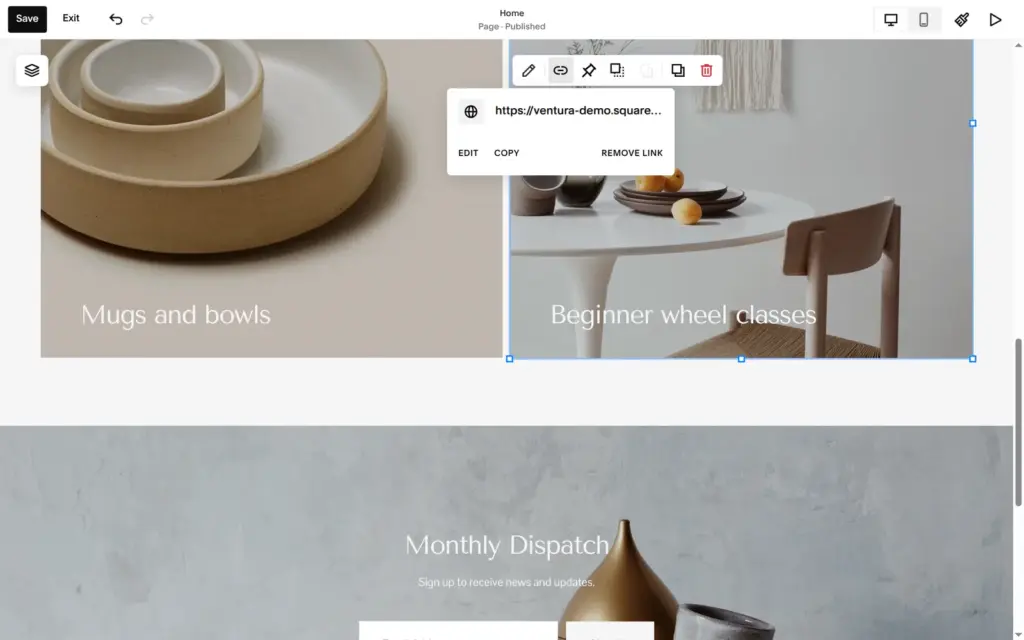
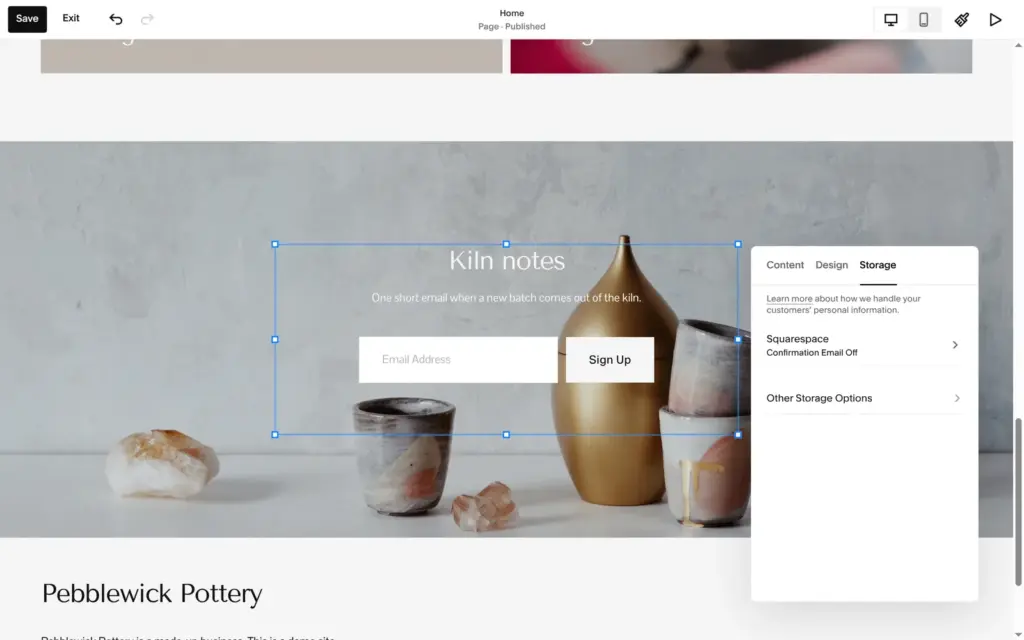
The two cards under the products needed new text and one new photo. The right card also linked to the template's demo shop on another website. I only saw that in its link settings. The newsletter block had its own title and text, and sign-ups are stored in Squarespace.
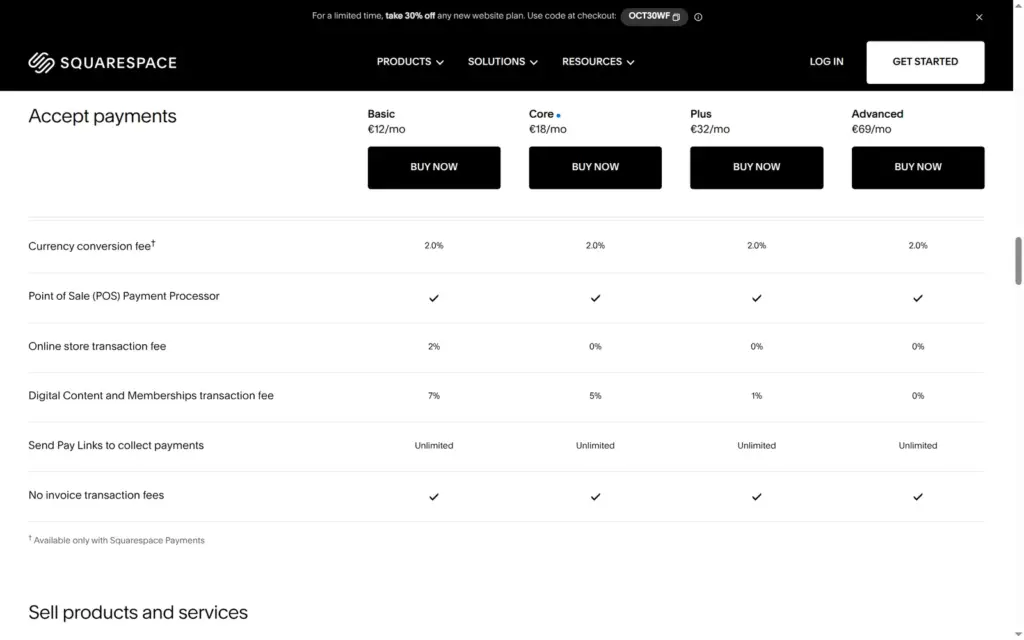
Selling works on every plan, starting with Basic. Basic takes 2% of each shop sale, and Core and the plans above it take nothing. Card fees with Squarespace Payments come on top. I set up three products, a class with three dates, shipping, pickup and German VAT, and then tested the cart and checkout as a customer.
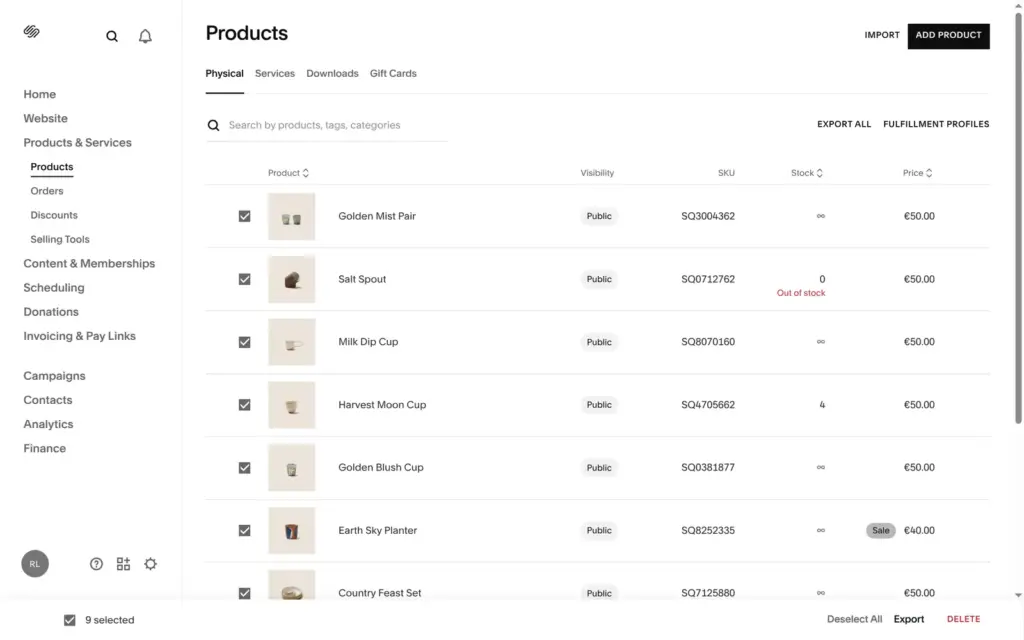
The template came with nine demo products, and you can delete them all at once. Besides physical goods, Squarespace sells services, group events, downloads and gift cards as products.
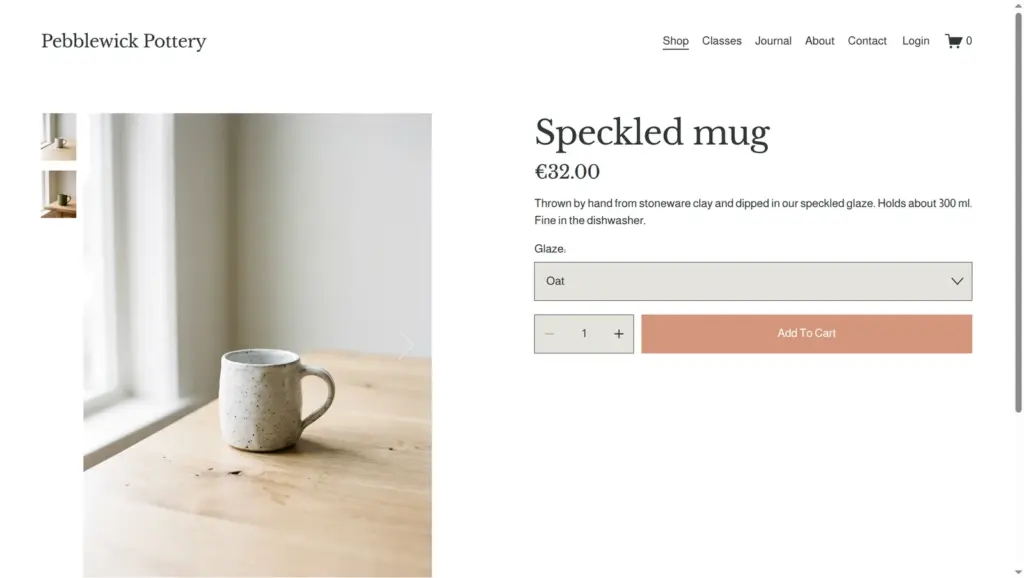
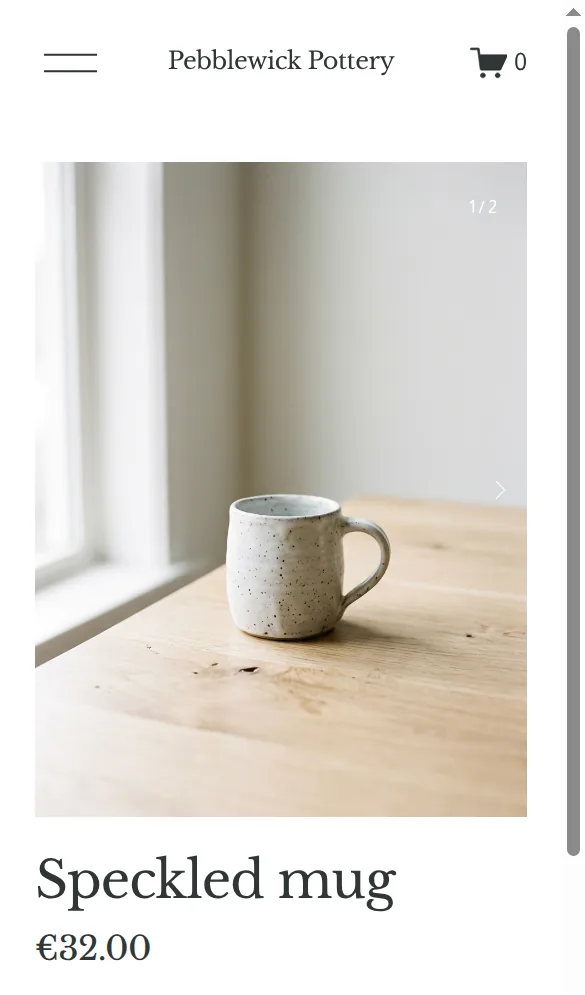
A product is one long page of settings, with variants and stock further down. I added a speckled mug in two glazes, a breakfast bowl and a pouring jug.
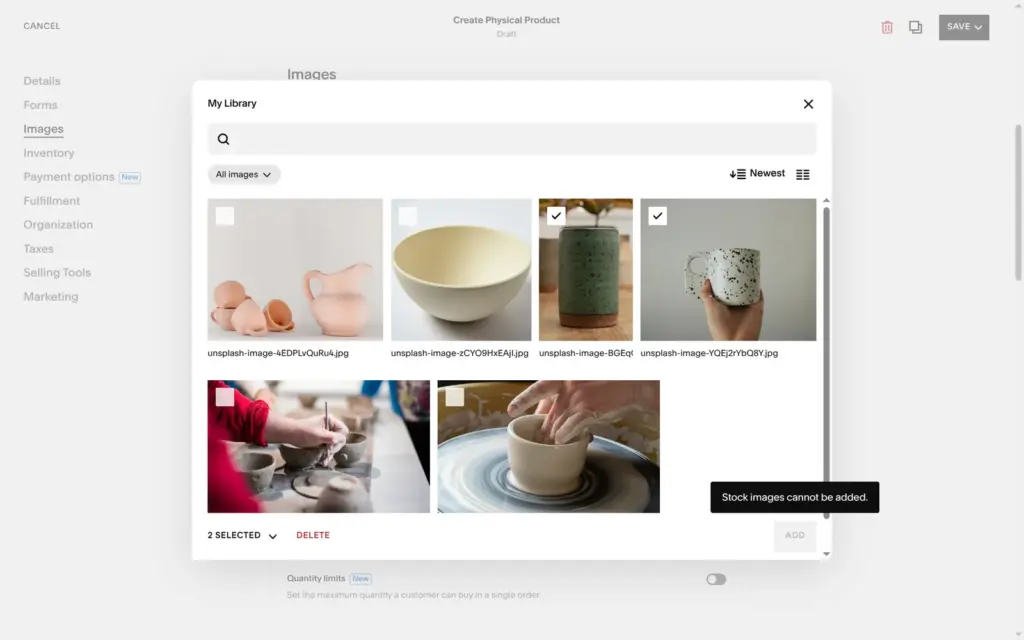
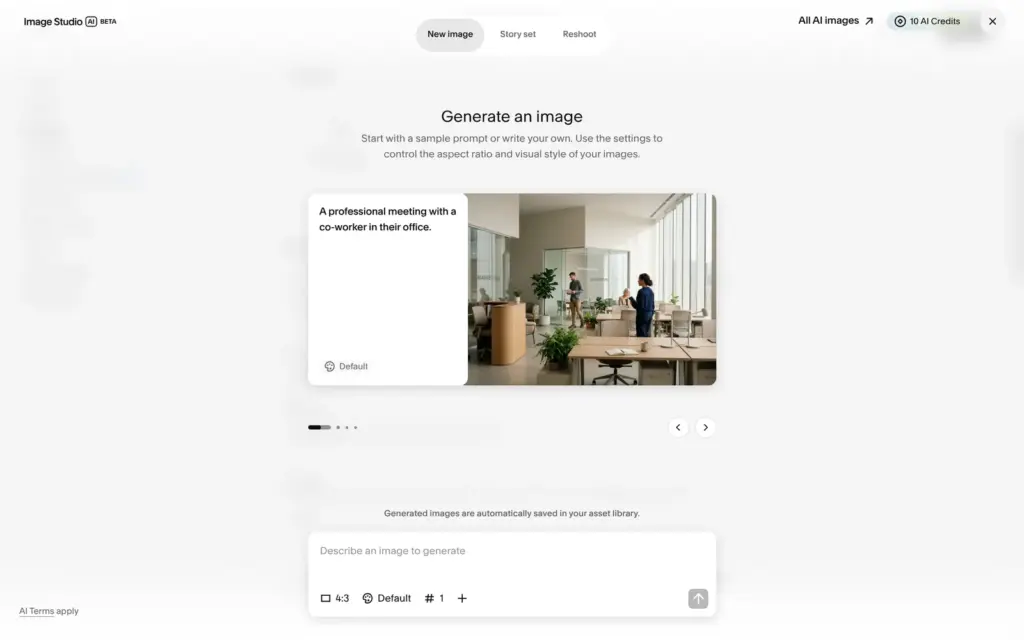
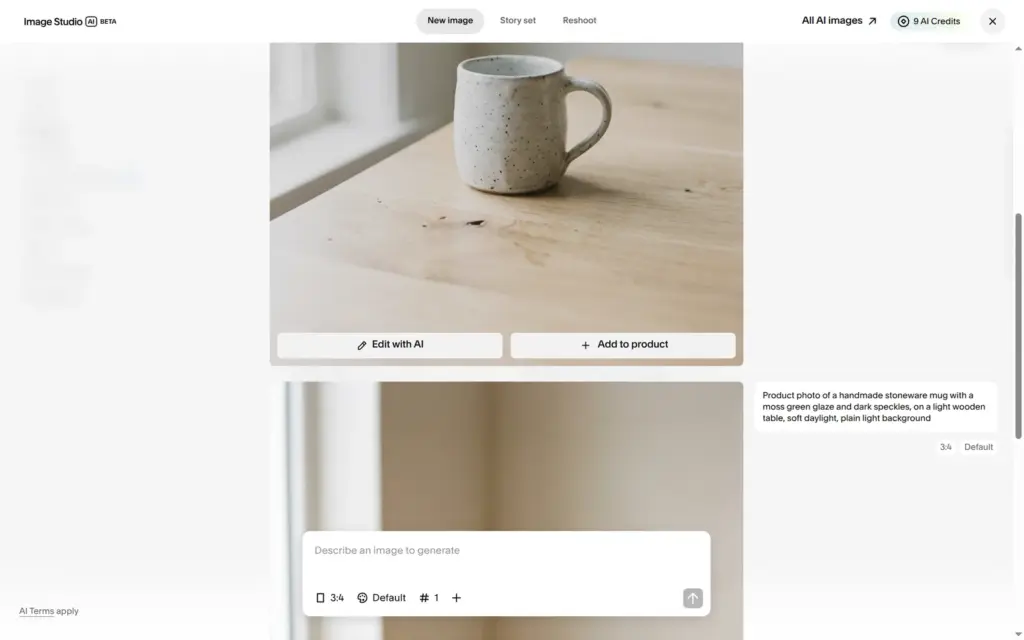
I wanted to use Unsplash photos for the products, and Squarespace refused with "Stock images cannot be added." Stock photos are fine on pages, but product photos have to be your own. For this test I used Squarespace's AI image tool, Image Studio. The trial came with 10 AI credits, and each image cost half a credit. The images look like ordinary product photos. When I asked for a breakfast bowl, it filled the bowl with porridge, banana, blueberries and almonds.
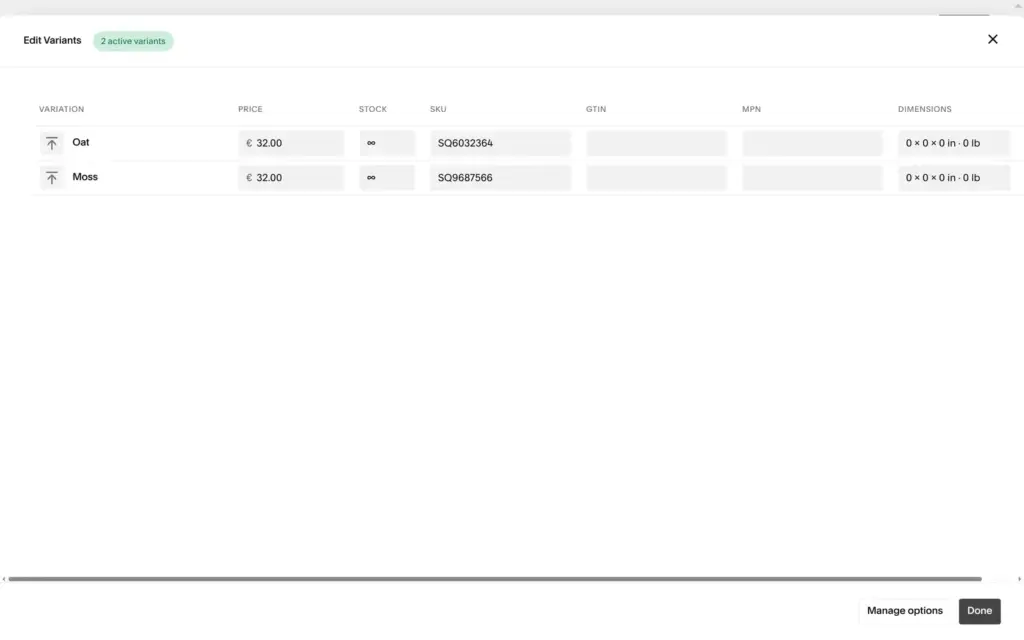
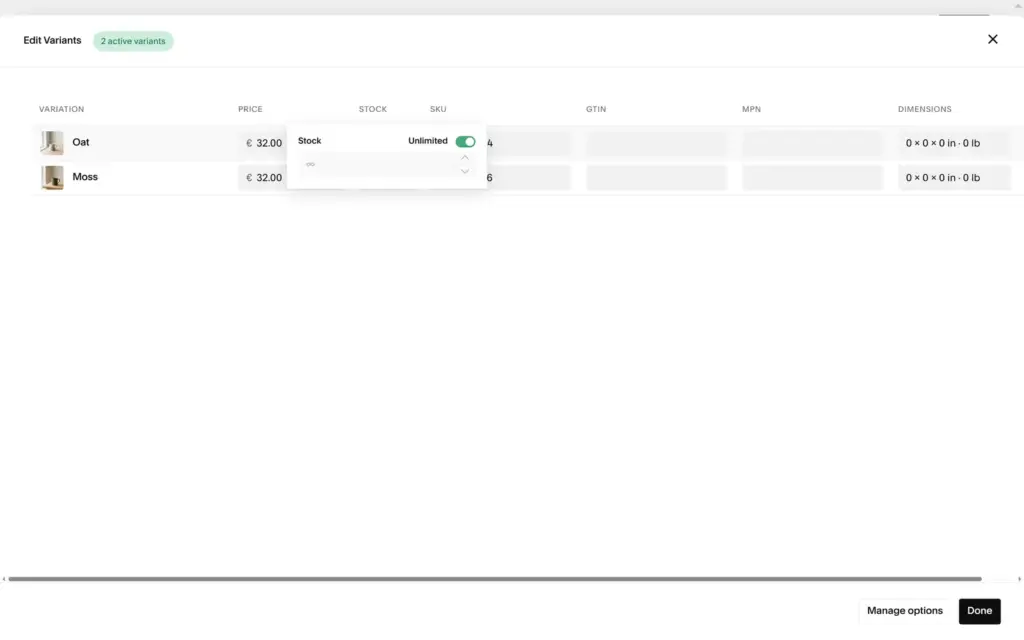
The mug got two variants, Oat and Moss, each with its own stock and photo. Stock sits behind a small popup that starts at unlimited. New products get a random web address like /shop/p/n6wgz9belh7wz6lk57g1xd5902a3ec, so I typed short ones. Product dimensions are in inches and pounds, even on a German site.
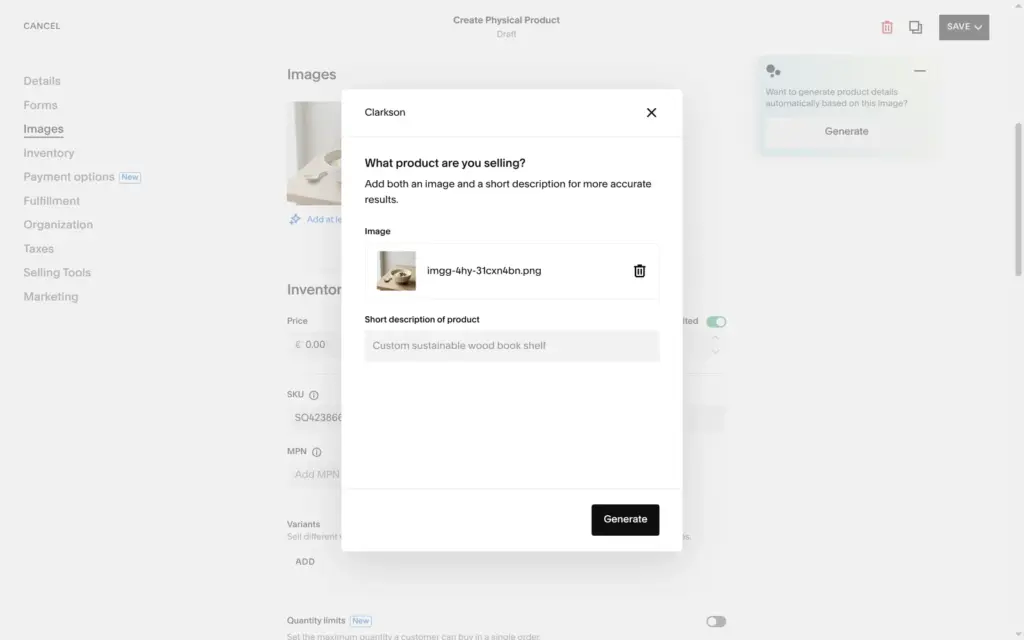
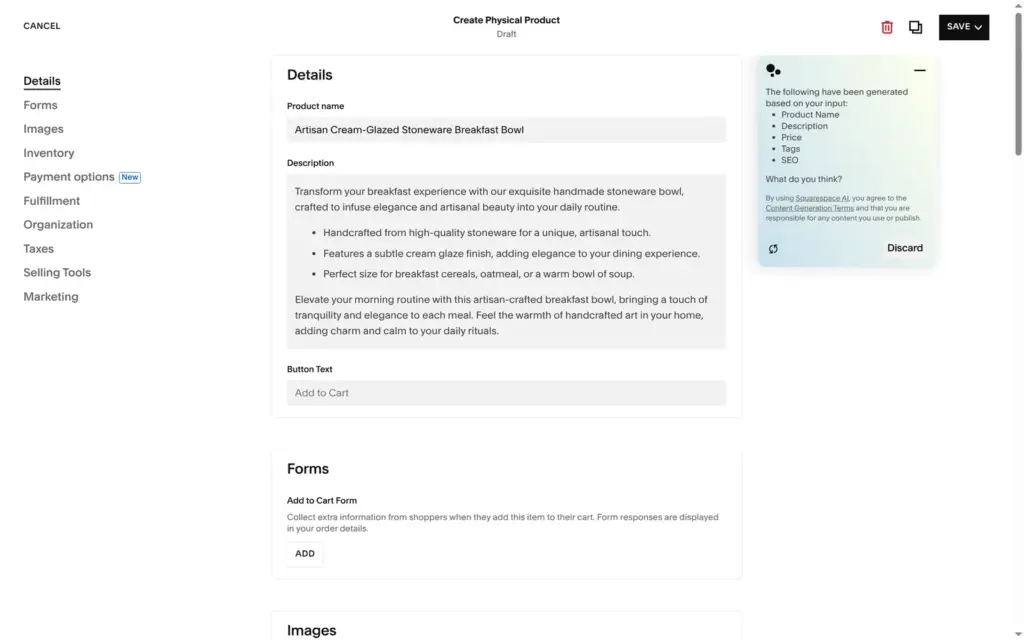
For the bowl I tried the AI for product details. It asks what you are selling and fills in a name, a description, a price and tags. For "Handmade stoneware breakfast bowl with a cream glaze" it wrote "Artisan Cream-Glazed Stoneware Breakfast Bowl", a description that starts "Transform your breakfast experience with our exquisite handmade stoneware bowl", a price of €35 and ten tags. I kept the tags and wrote my own name, text and price.
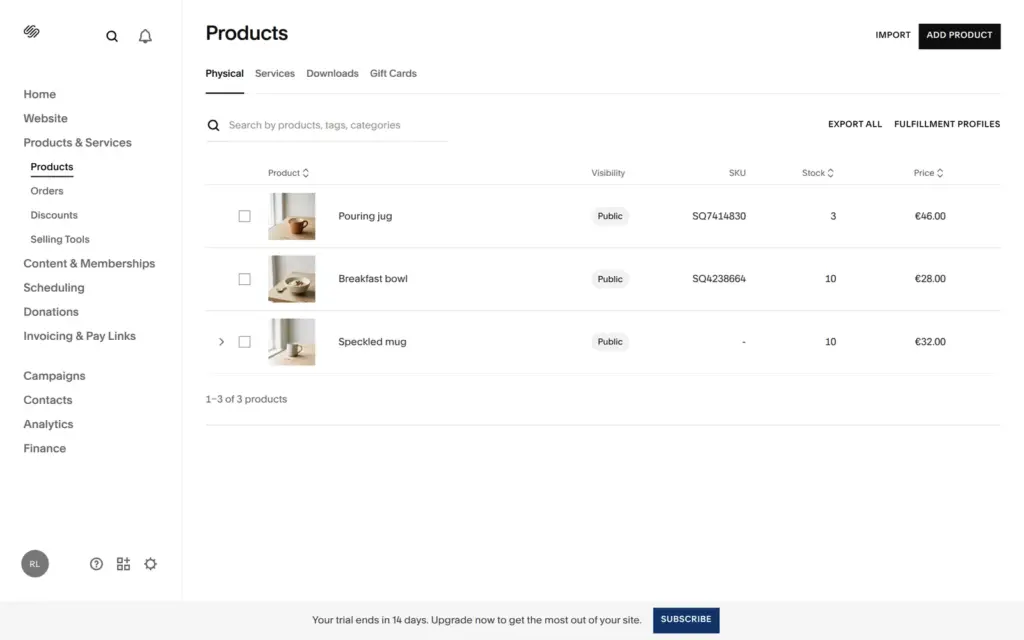
Deleting the demo products left three empty product boxes on the home page that said "Product Name, €25.00". I picked one of my products for each box.
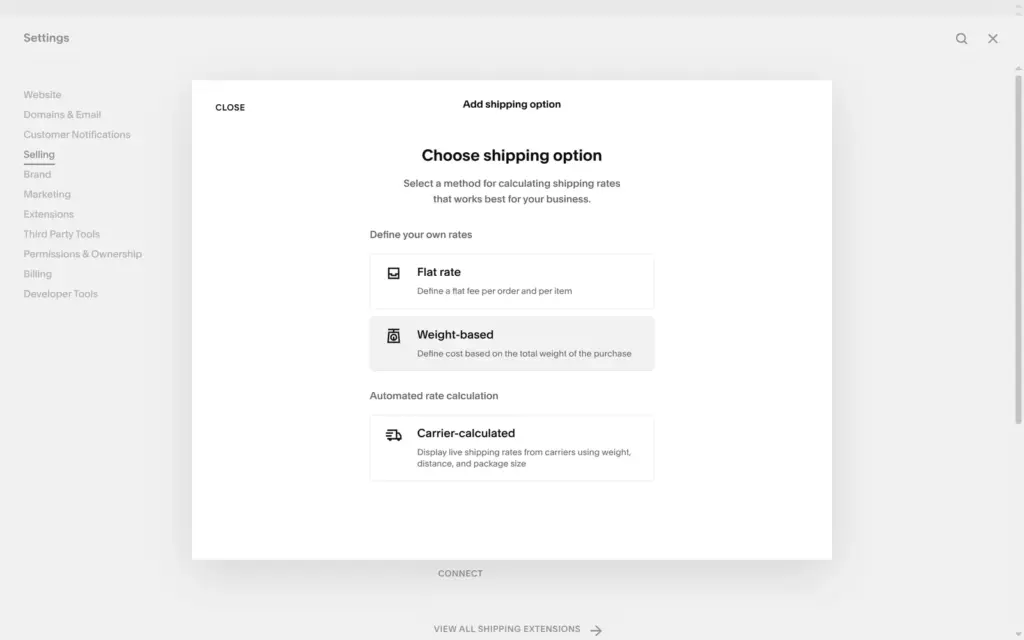
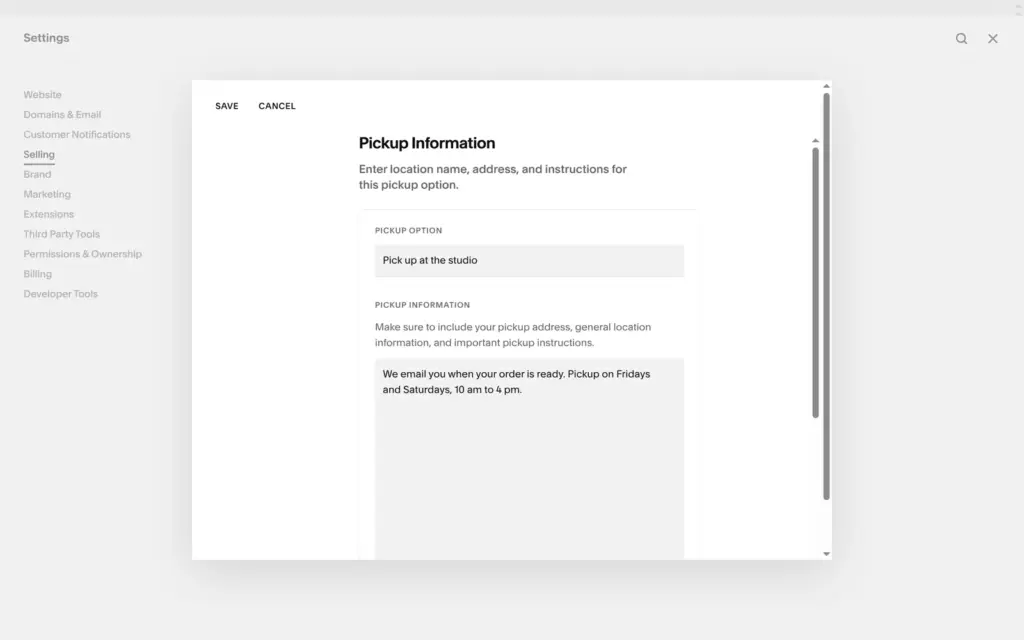
Shipping offers flat rates, weight-based rates and live rates from carriers. Carrier rates are not on Basic. Squarespace warns that checkout only accepts countries that a shipping option covers. I added one flat rate, a parcel within Germany for €6.90 per order, and free pickup at the studio with my own pickup instructions.
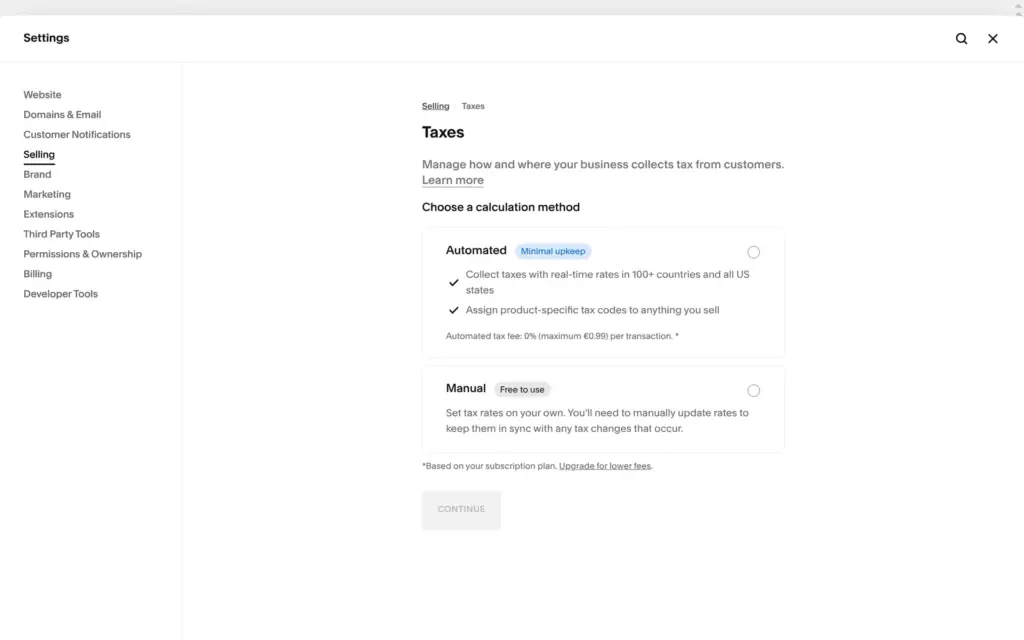
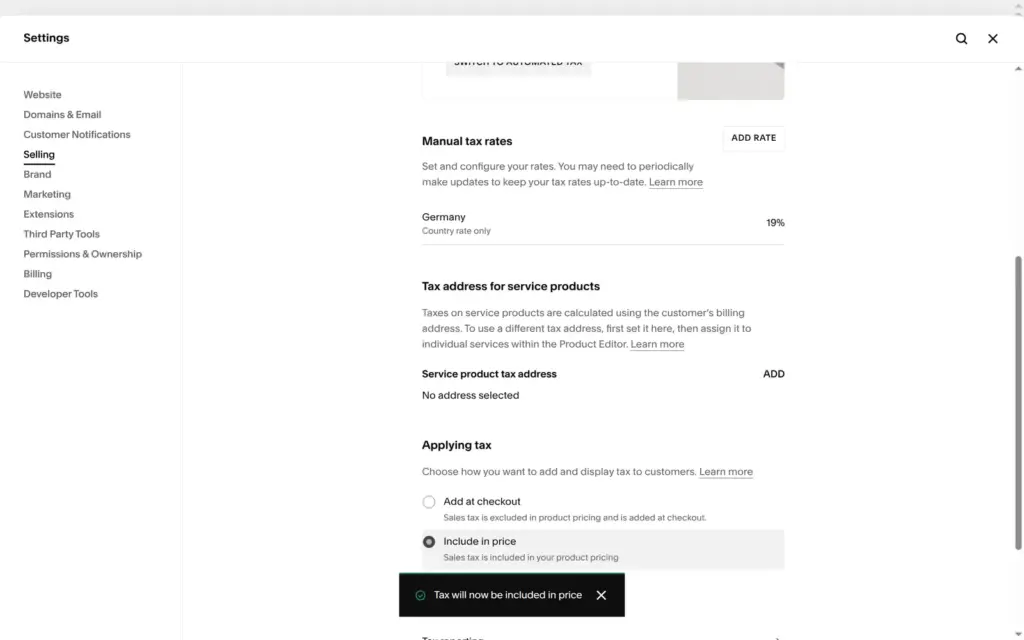
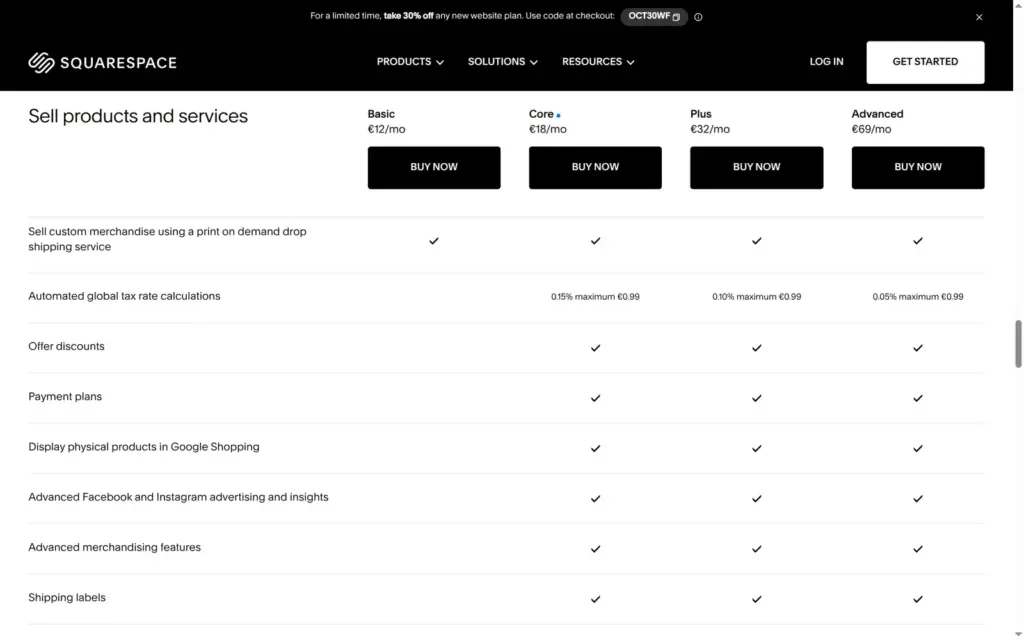
For taxes, you choose between automated and manual. Automated tax is not on Basic, and on the other plans it costs a fee per order, 0.15% on Core with a cap of €0.99. Manual is free. I added Germany with 19% VAT. By default, Squarespace adds the tax on top at checkout. In Germany, prices for consumers include VAT, so I switched to "Include in price".
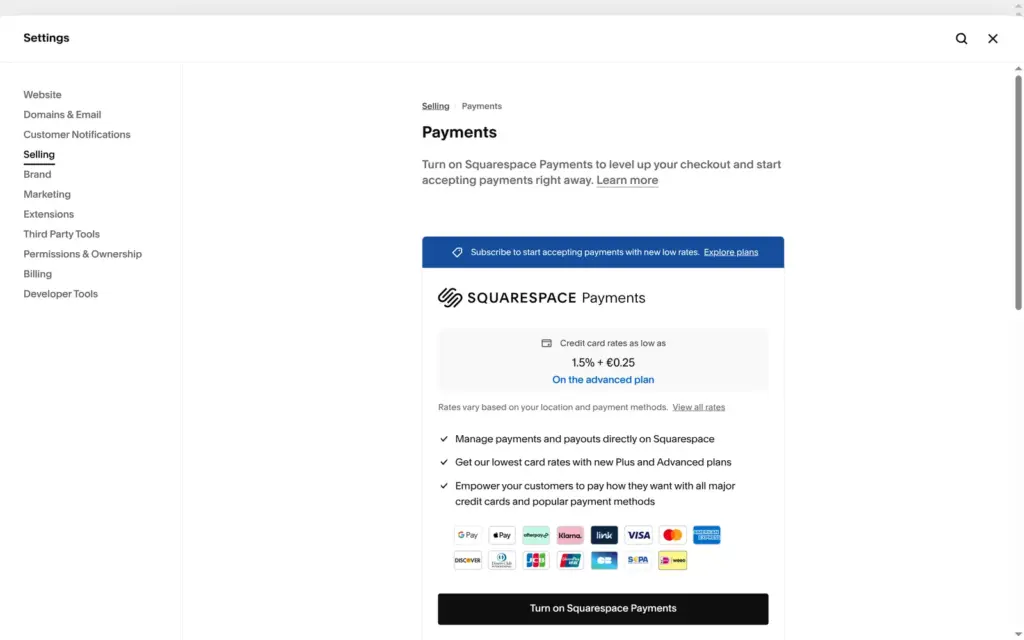
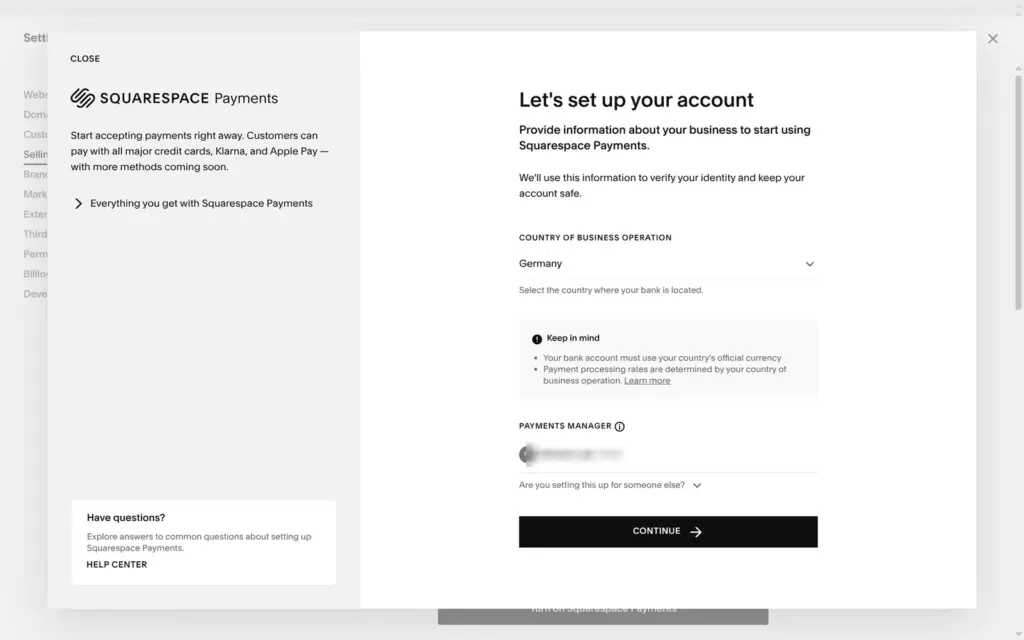
The payments page only offered Squarespace Payments, with card fees from 1.5% plus €0.25 on Advanced. When I turned it on, it asked for my country and then for information to verify my identity. I stopped there, so I couldn't place a test order.
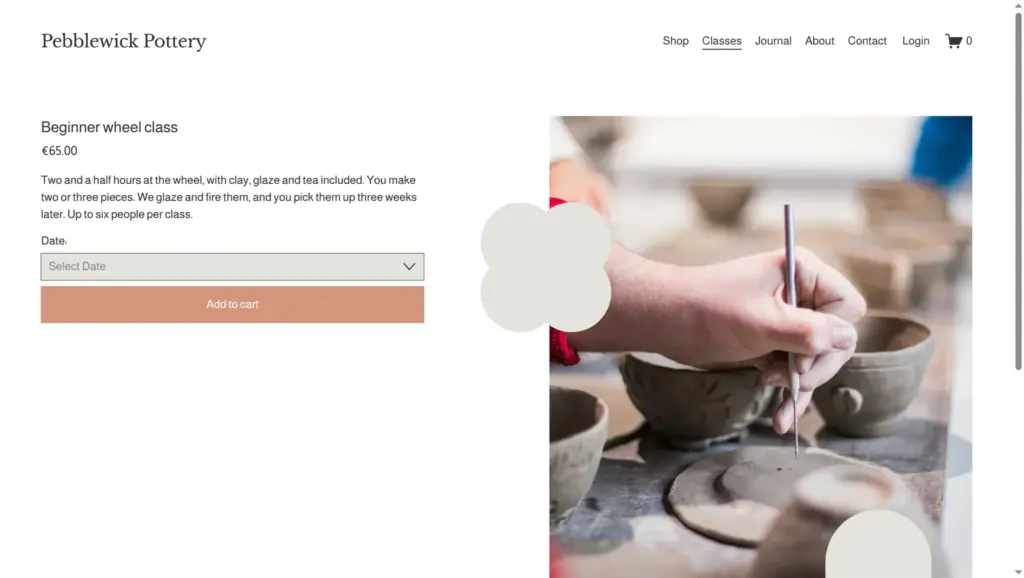
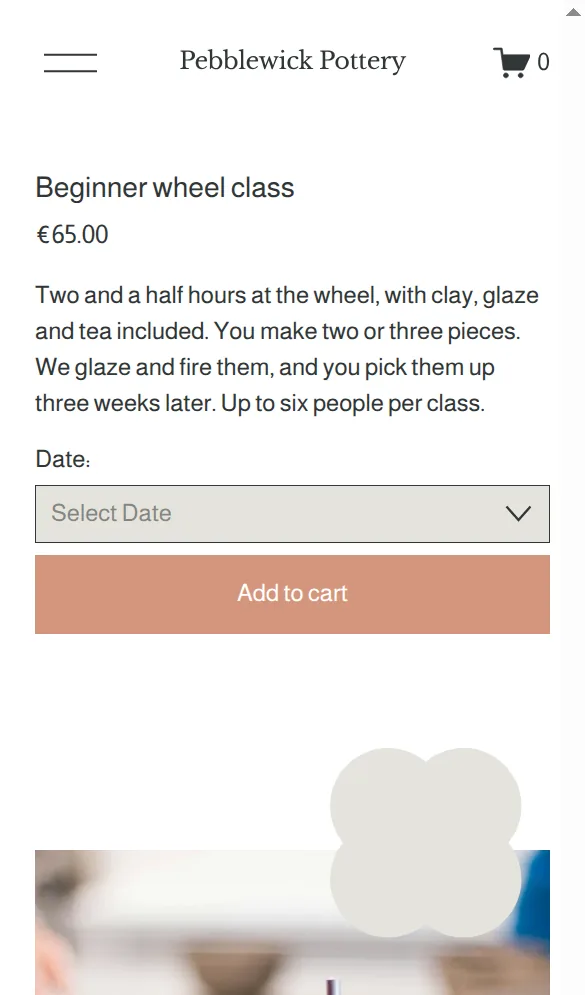
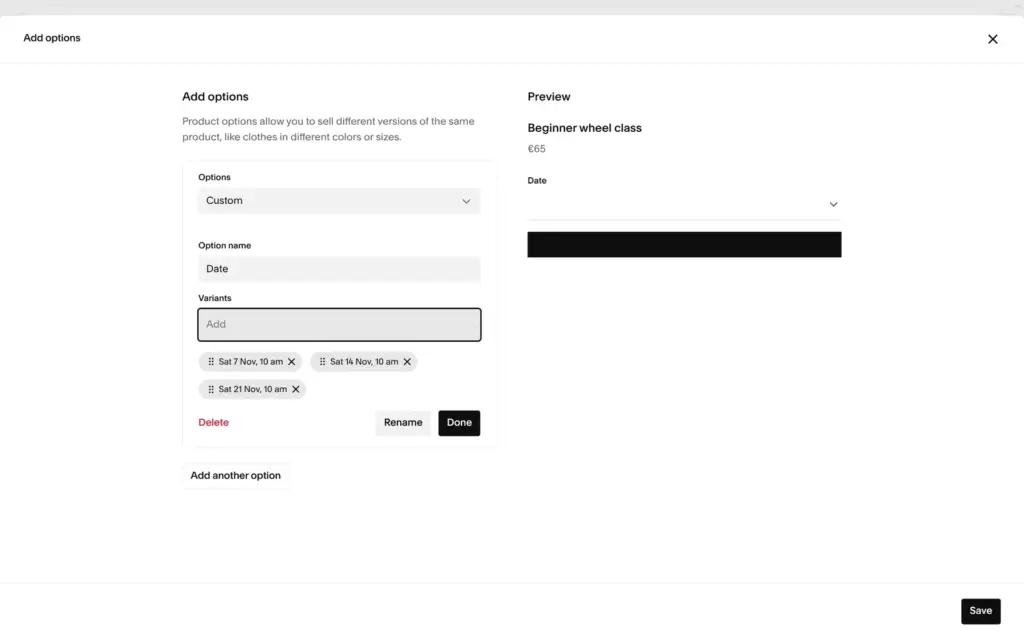
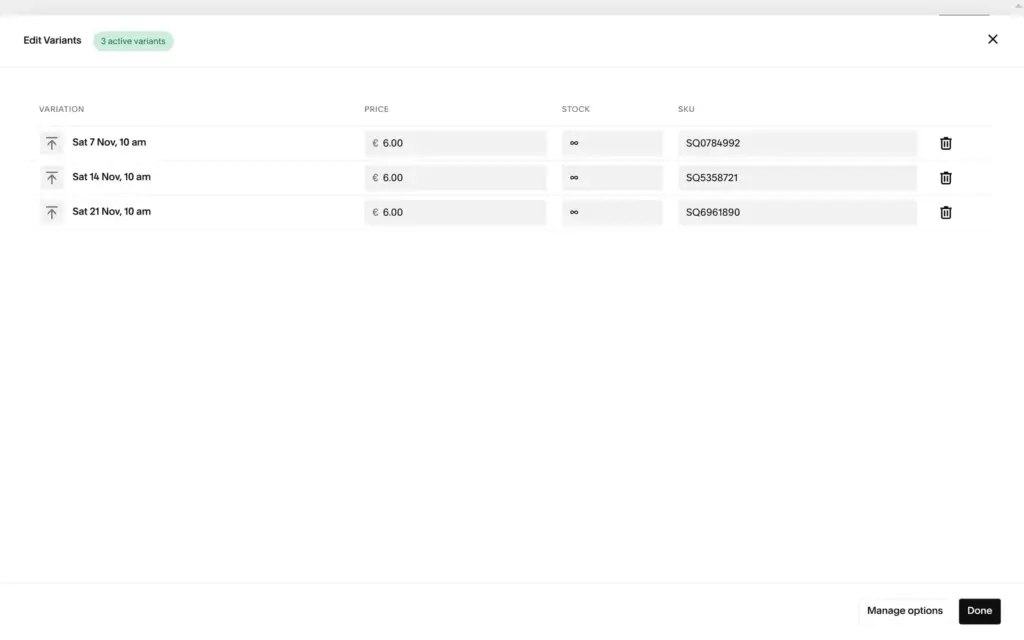
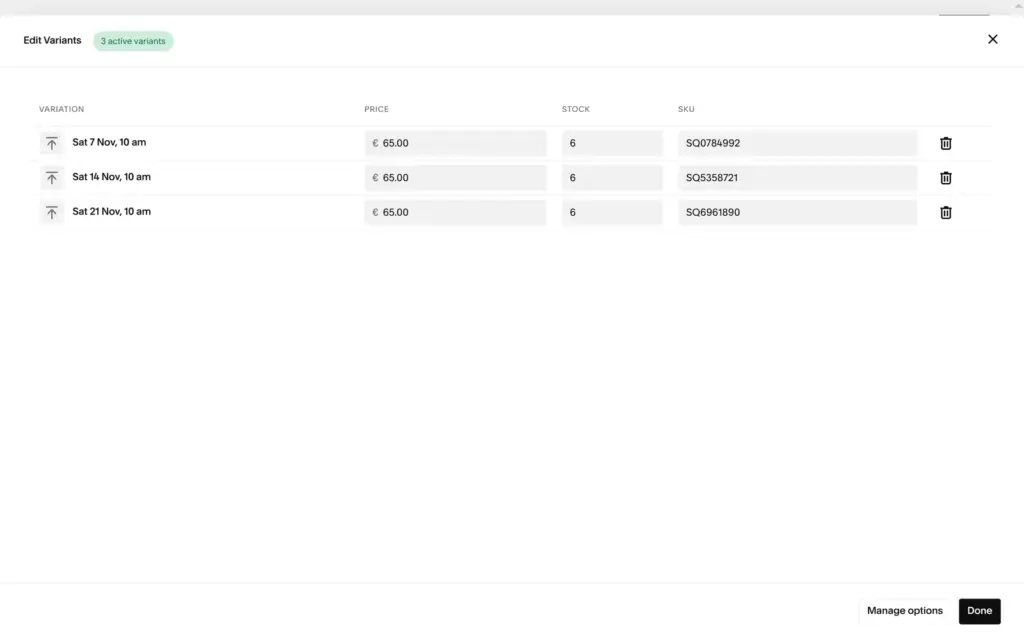
Squarespace sells classes as a group event, which is a product type. It has the same form as a product, with no fields for a date, a time, a place or the number of seats. I made each date a variant and used the stock as the number of seats. That gave three Saturdays with six seats each, at €65 per seat.
The variant table for this type has fewer columns than the one for the mug. My first numbers for the seats landed in the price column, so all three dates cost €6 until I fixed them. Price and stock each open a small popup.
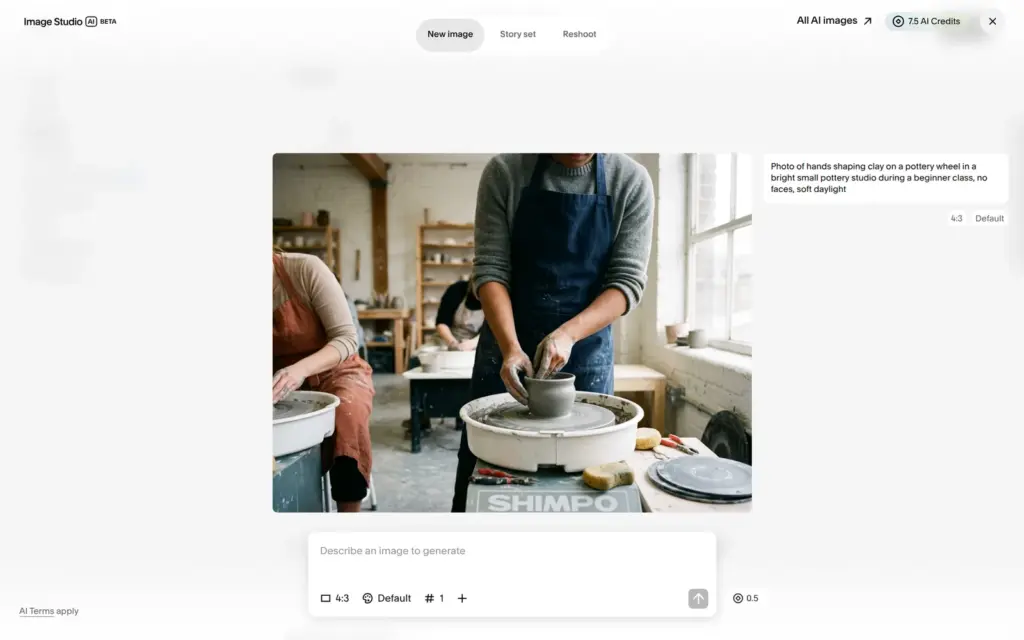
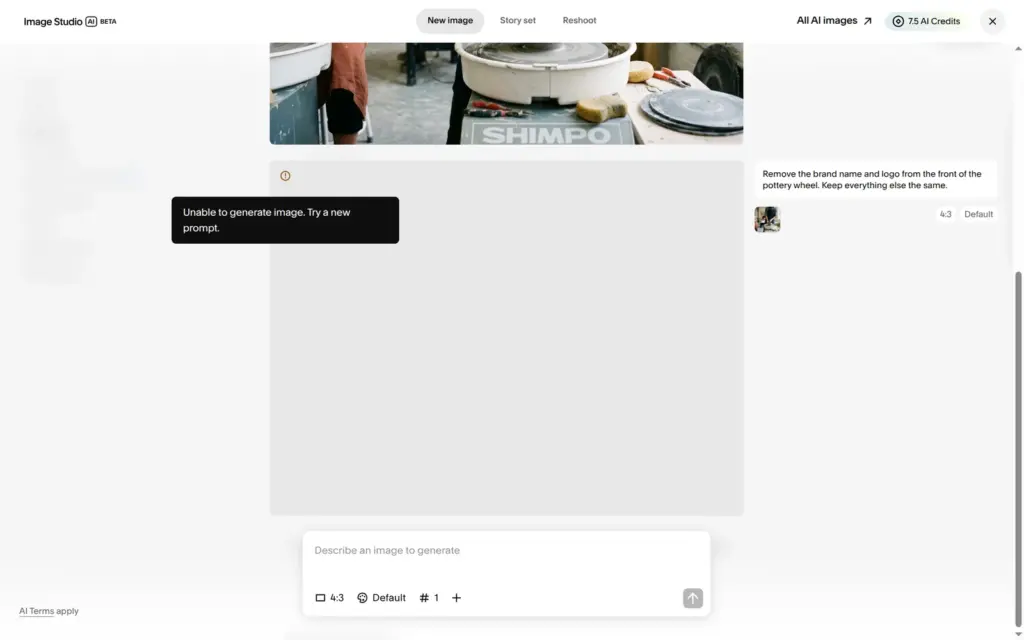
The AI photo for the class showed a wheel maker's brand name on the pottery wheel. "Edit with AI" failed with "Unable to generate image. Try a new prompt." A new prompt that asked for no text and no logos worked.
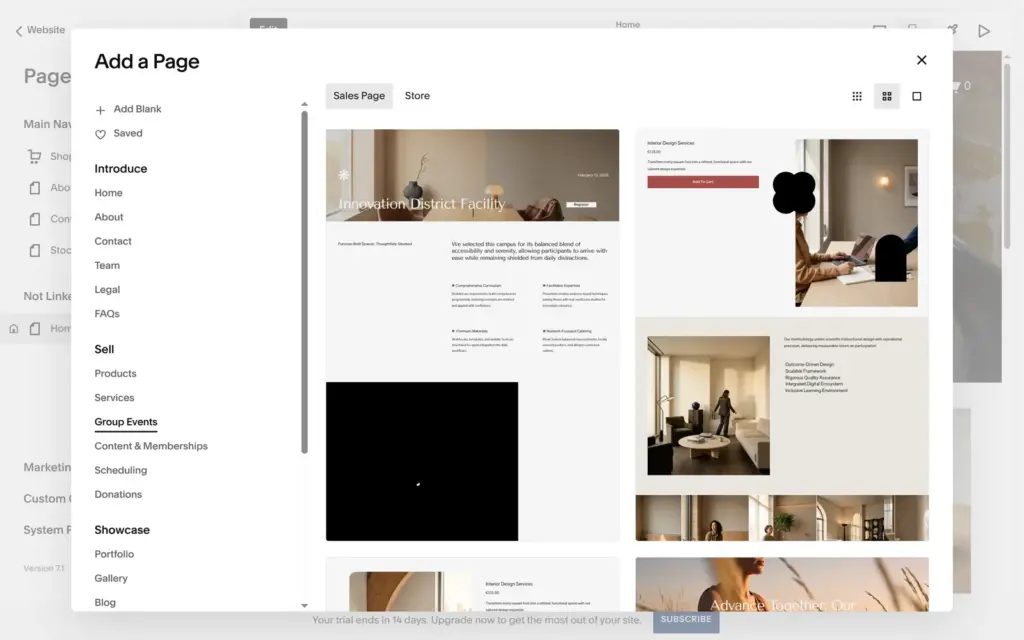
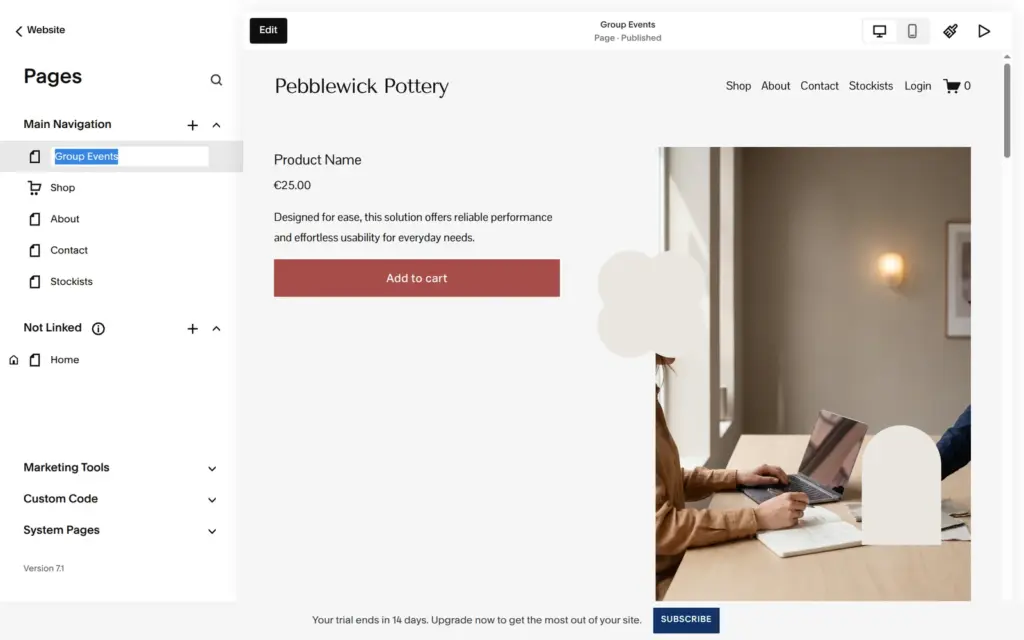
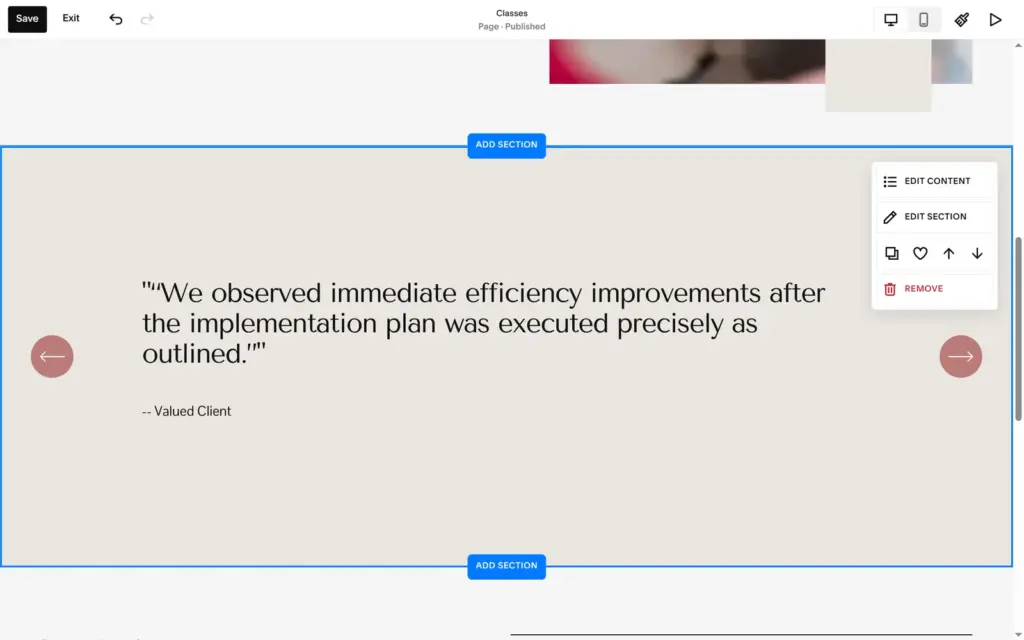
For the class page I used Squarespace's page layout for group events. It came full of placeholder content from another kind of business. There were product texts like "Designed for ease, this solution offers reliable performance", a staff section with a chief executive officer and a lead engineer, a review from a "Valued Client" and questions about project pricing. I pointed the layout's product block at my class, swapped its office photo and deleted six sections. The layout also put about 20 of its stock images into my library.
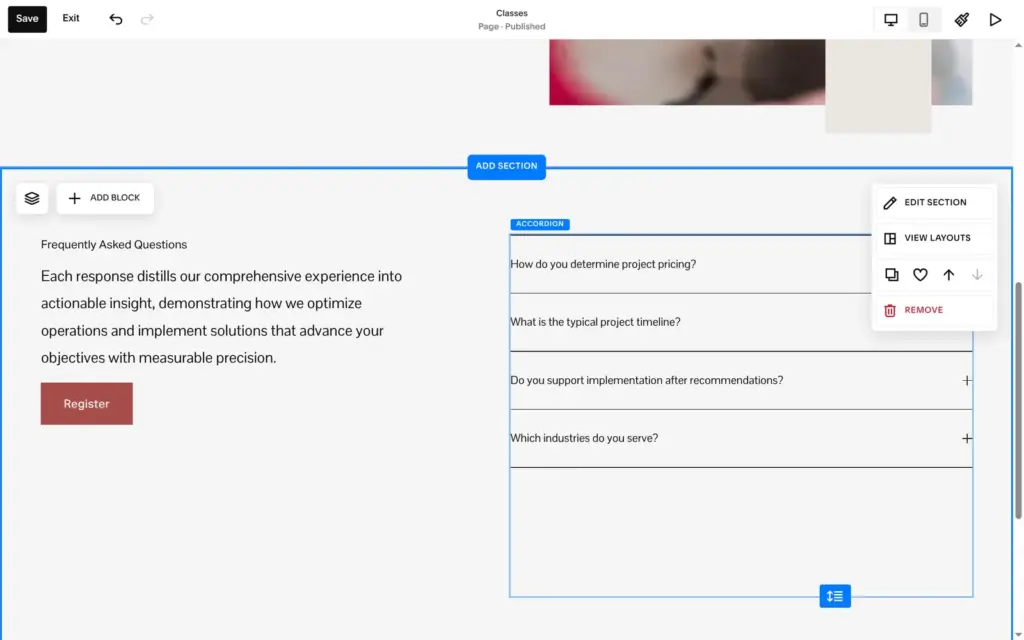
The blog layout came with four demo posts from May 2019, called "Smart Warehouse Retrofit", "Municipal Water Monitoring", "Renewable Microgrid Design" and "Healthcare Data Unification". I deleted them.
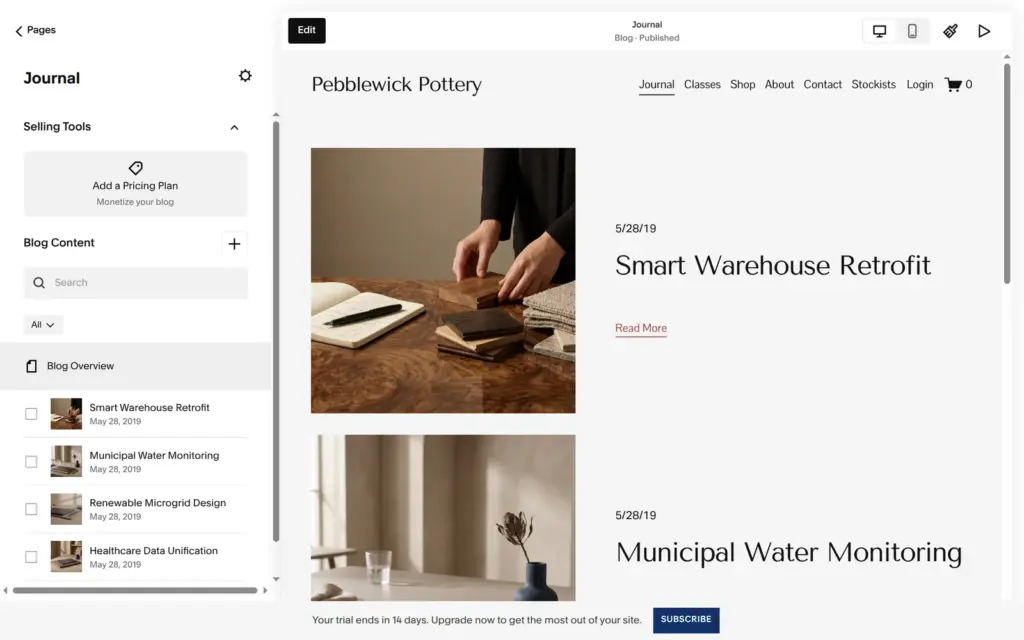
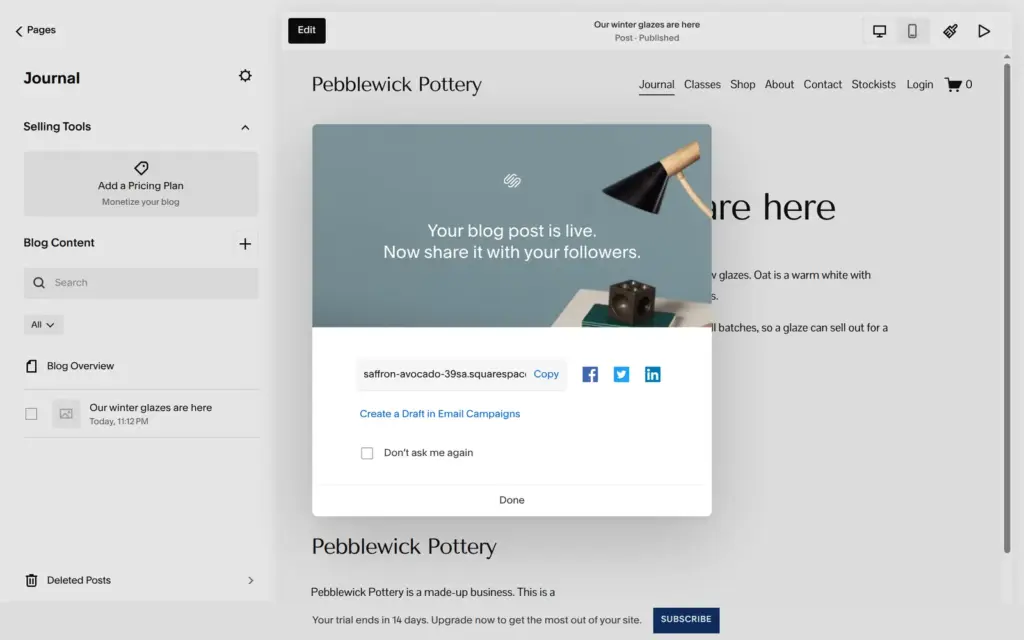
You write a post on the page itself. Each post showed my account name as the author, twice, until I turned that off in the blog section's settings. After publishing, Squarespace offers to share the post on social media.
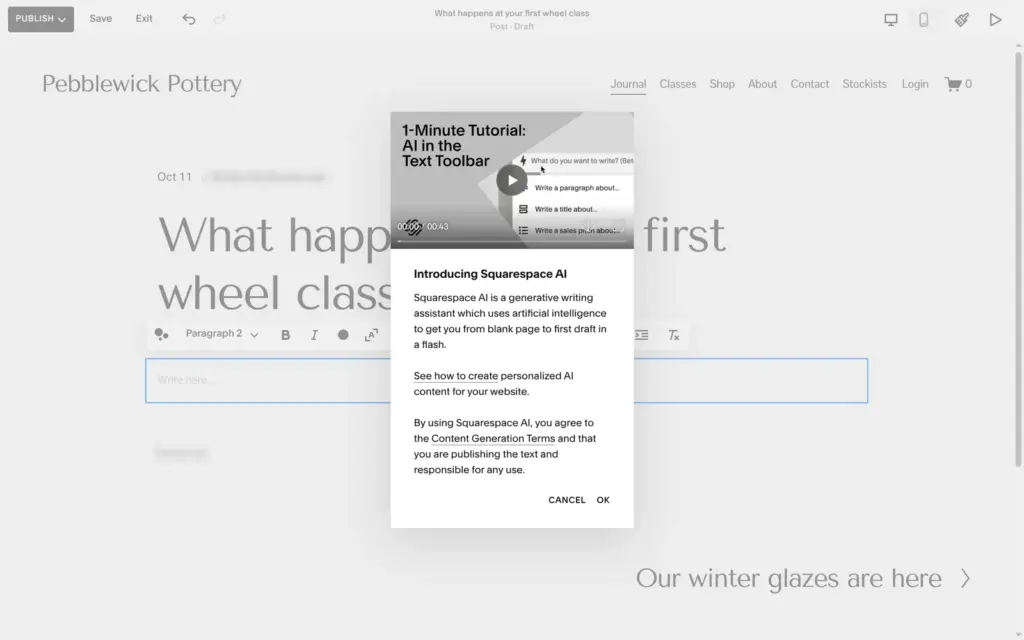
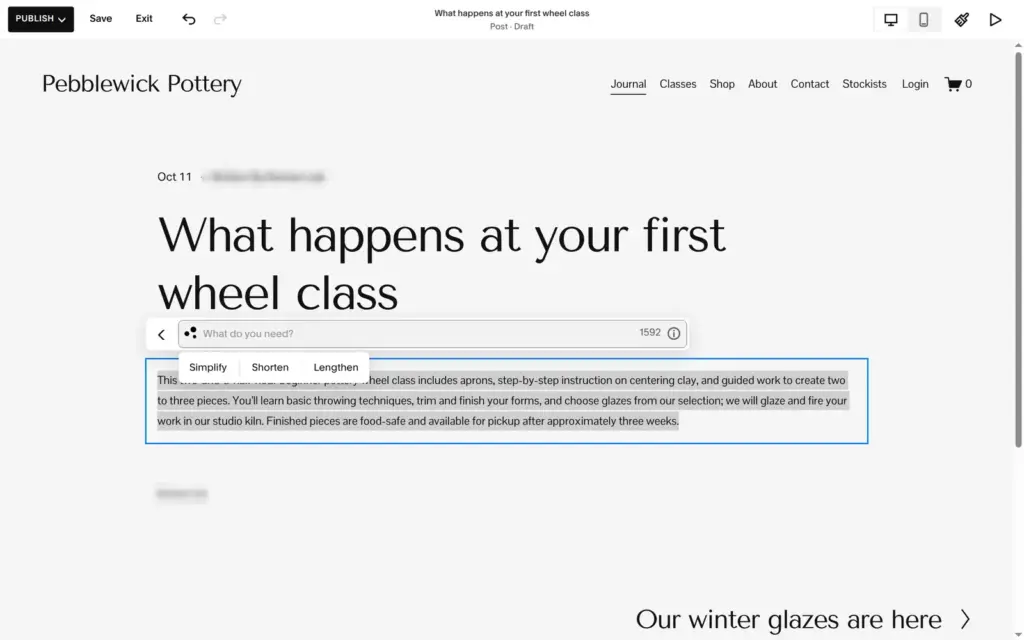
For the second post I tried Squarespace AI in the text toolbar. It offers a paragraph, a pitch or a blurb, and after the first result you can make the text simpler, shorter or longer. I asked for a short paragraph for beginners about the class. The paragraph read well, but it added trimming, choosing glazes and "Finished pieces are food-safe", none of which I had given it. I replaced the last sentence.
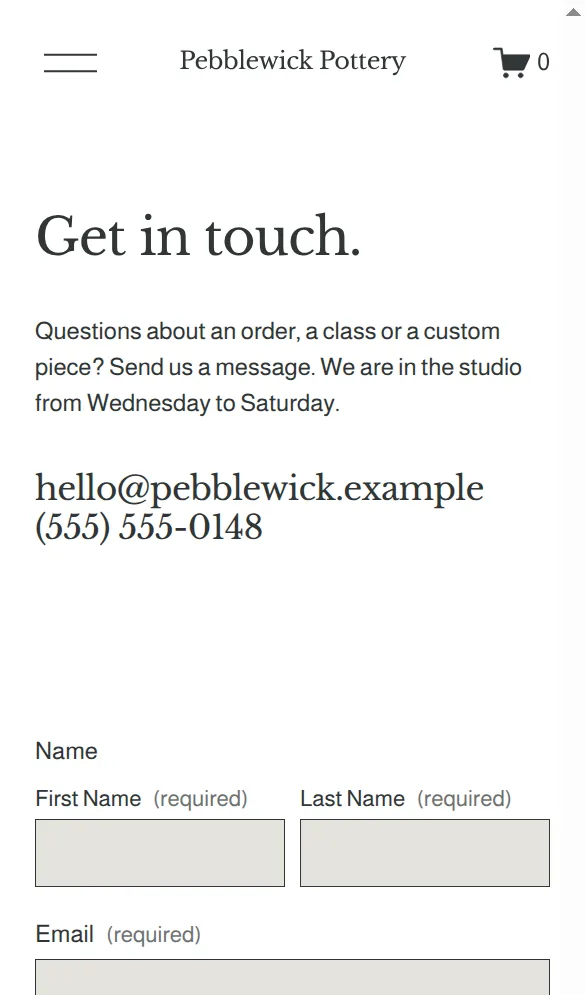
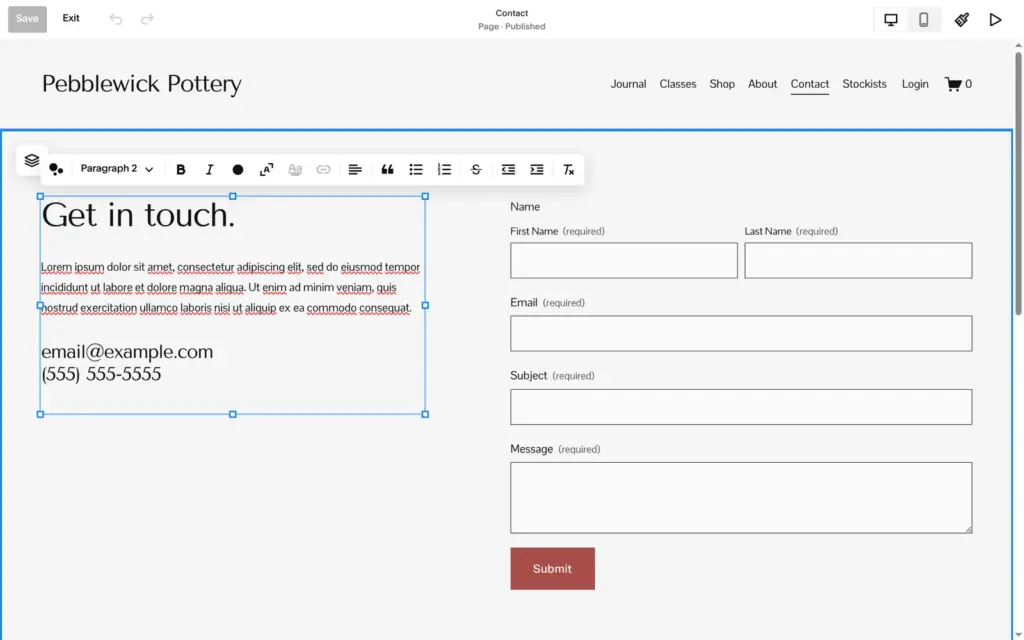
The template's contact page had Lorem ipsum, email@example.com and the phone number (555) 555-5555. I wrote my own text with an example address and phone number, because the studio is made up.
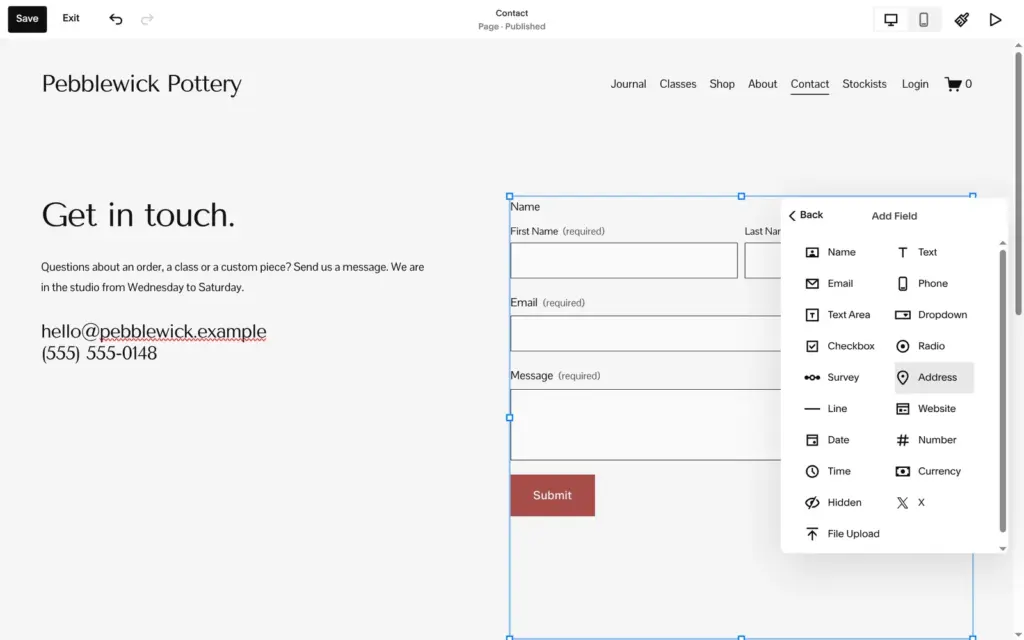
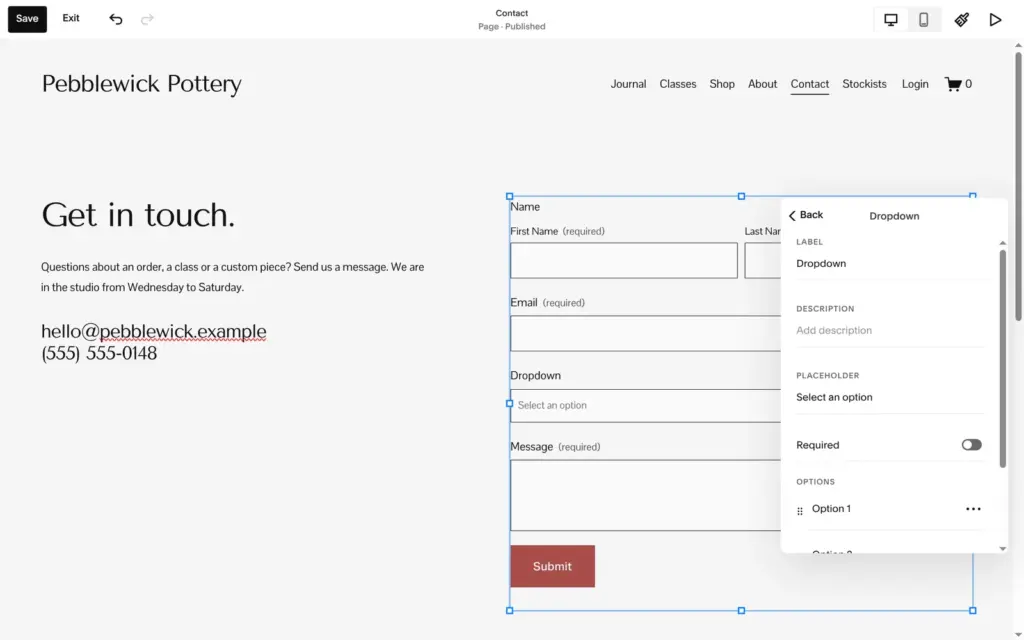
The form came with the template. It has fields for name, email, subject and message, and Google's reCAPTCHA is on. There are many field types, like dates, addresses and file uploads. I replaced the subject with a dropdown that asks what the message is about.
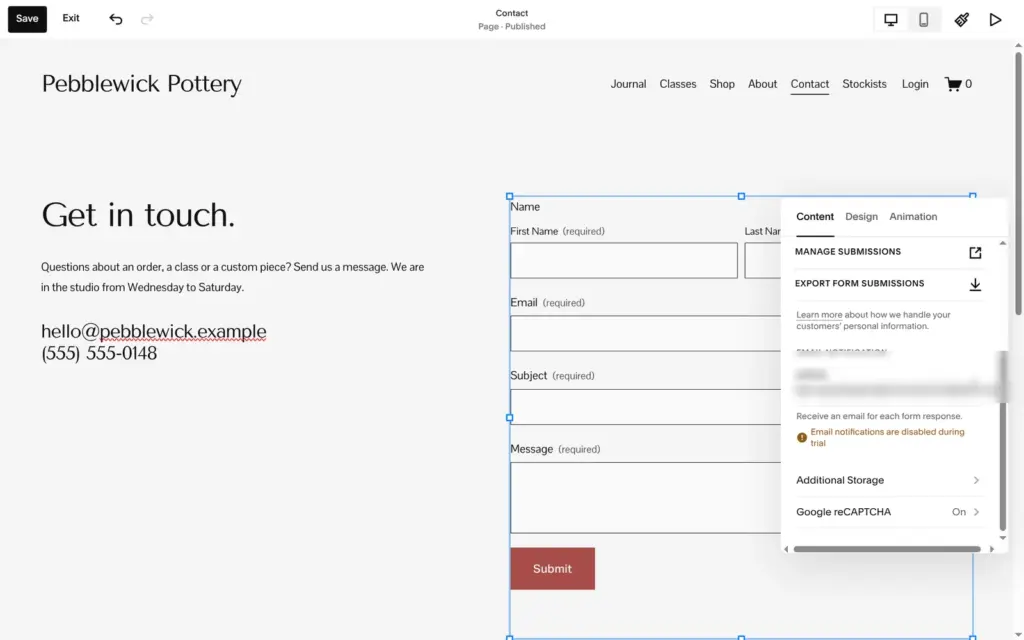
The form settings show where messages go. Email notifications go to the account's address, but the panel said "Email notifications are disabled during trial". During the trial, messages are only stored in Squarespace.
One of my changes never saved. I renamed the dropdown's second option to "A class", but that option sat at the bottom edge of the settings panel, and my click went through to the page behind it. Visitors still saw "Option 2". I only noticed during the visitor test and fixed it later.
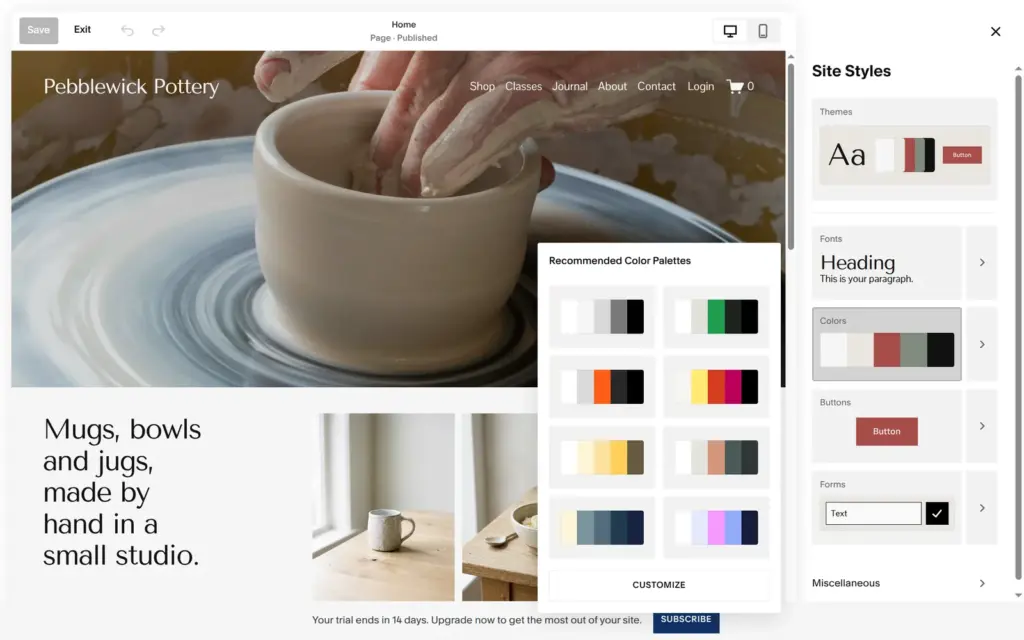
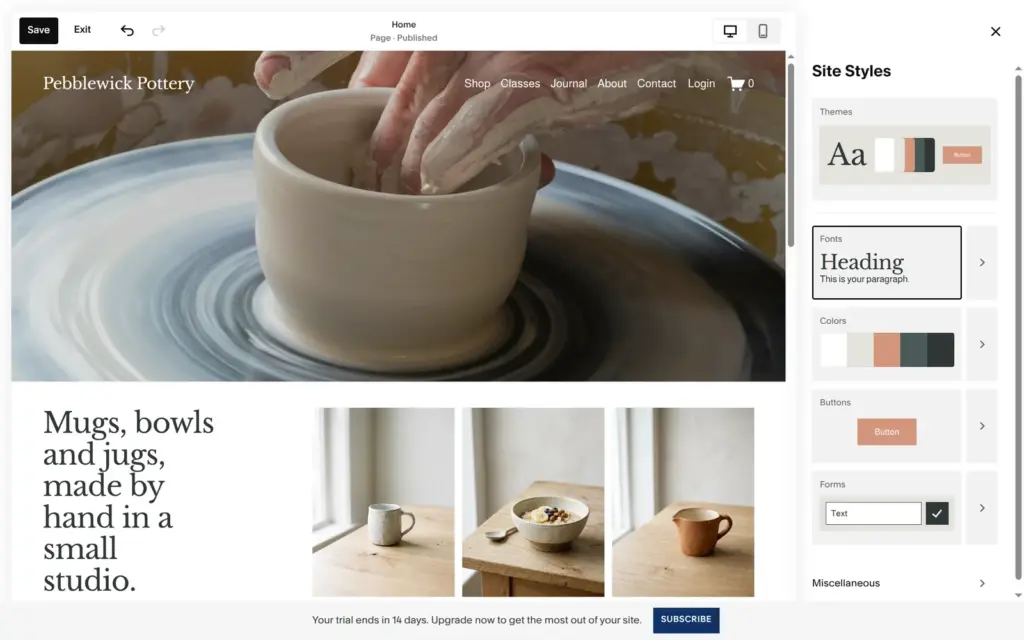
Fonts and colors live in Site Styles, and changes there apply to the whole site. There are eight suggested color palettes and eight font packs, and you can customize both. I chose a palette with a clay color and a font pack with a serif heading. The serif runs wider, and the home heading broke over six short lines on the computer.
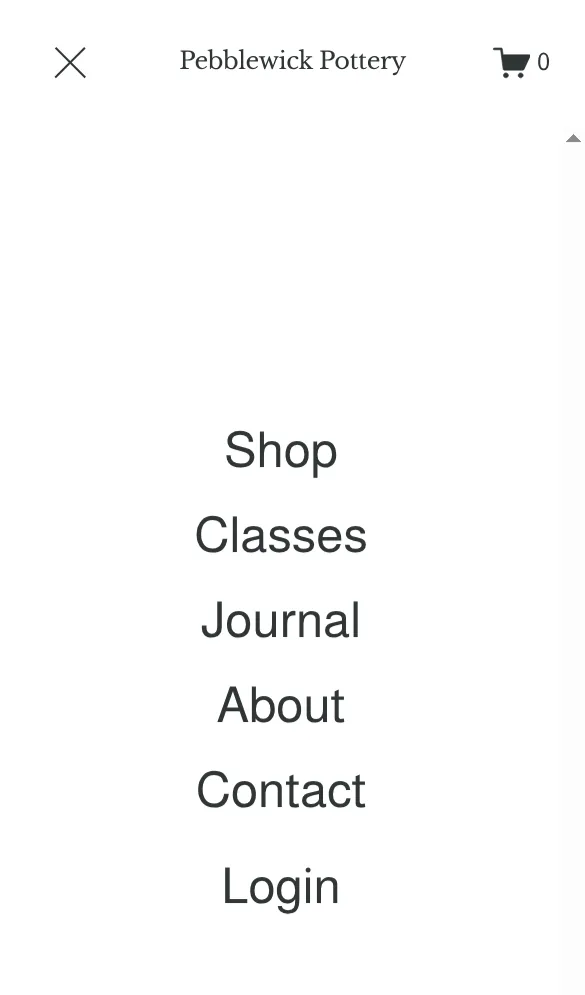
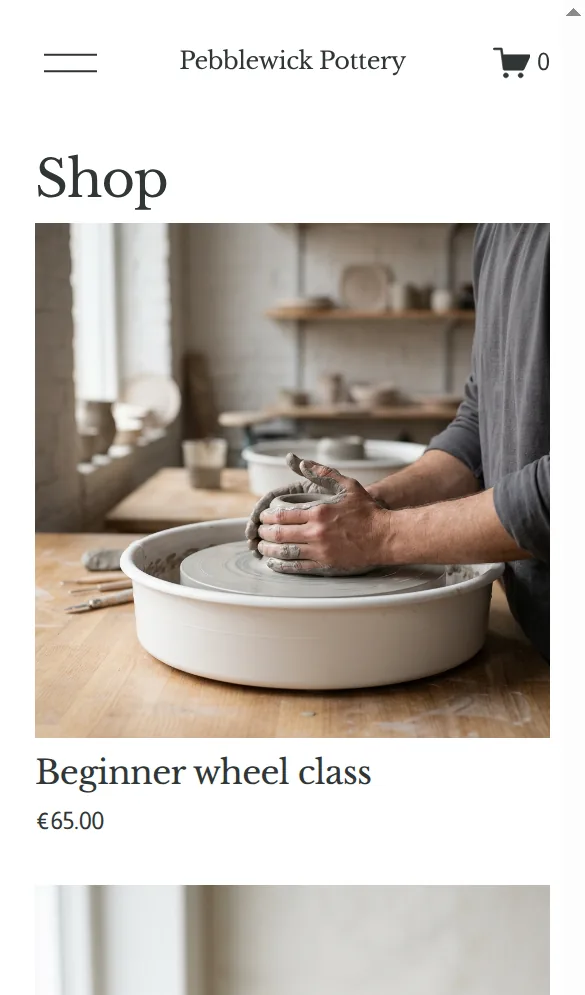
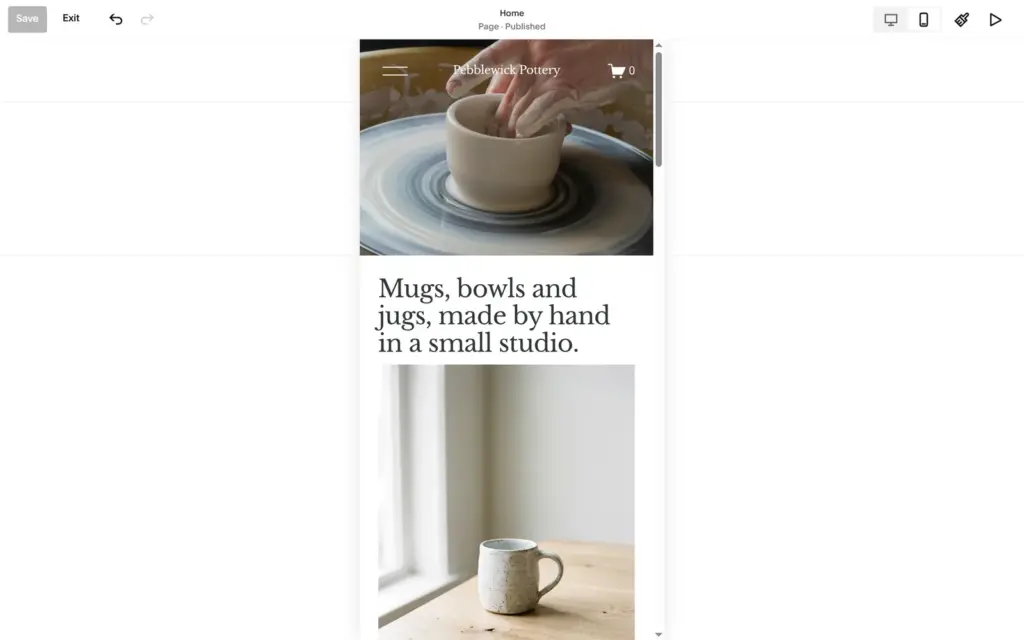
The editor has a phone view next to the desktop view. On the phone, text and photos stack in one column, and the menu button opens a full-screen menu. The three products on the home page came in a different order on the phone than on the computer. Otherwise I didn't have to fix anything.
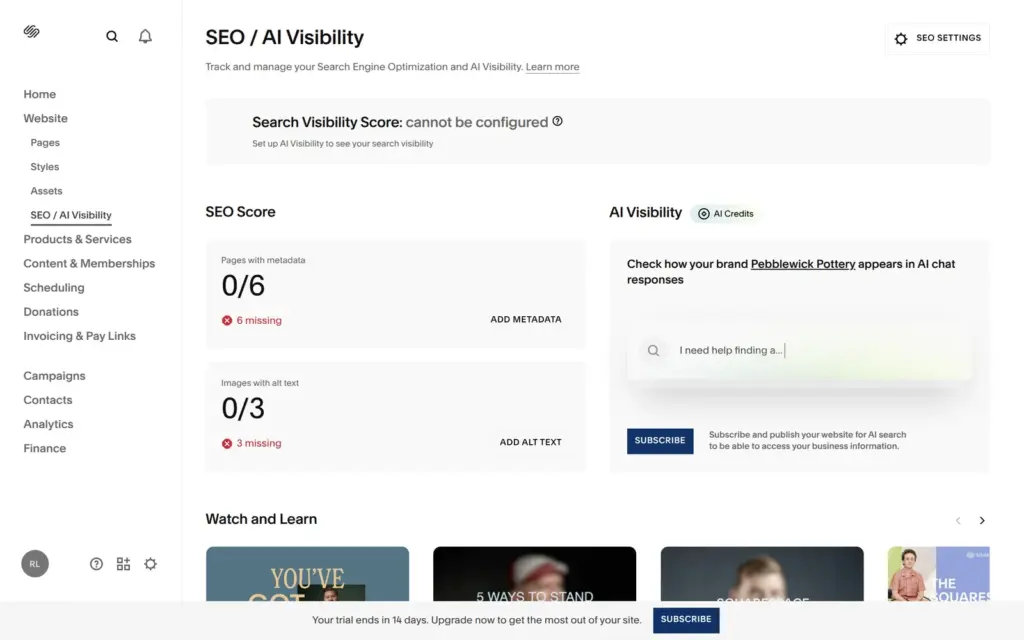
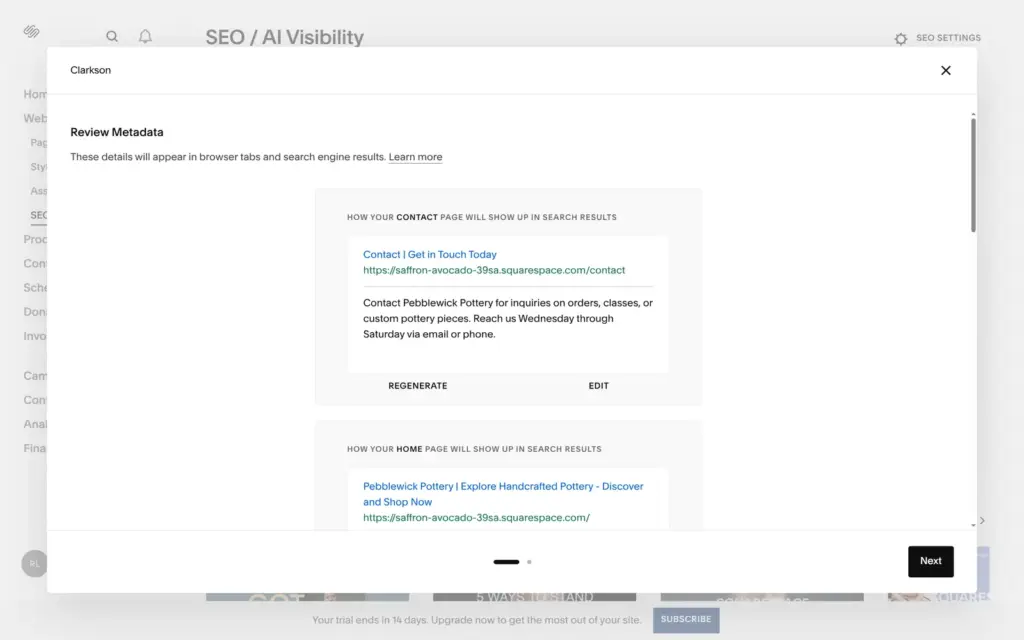
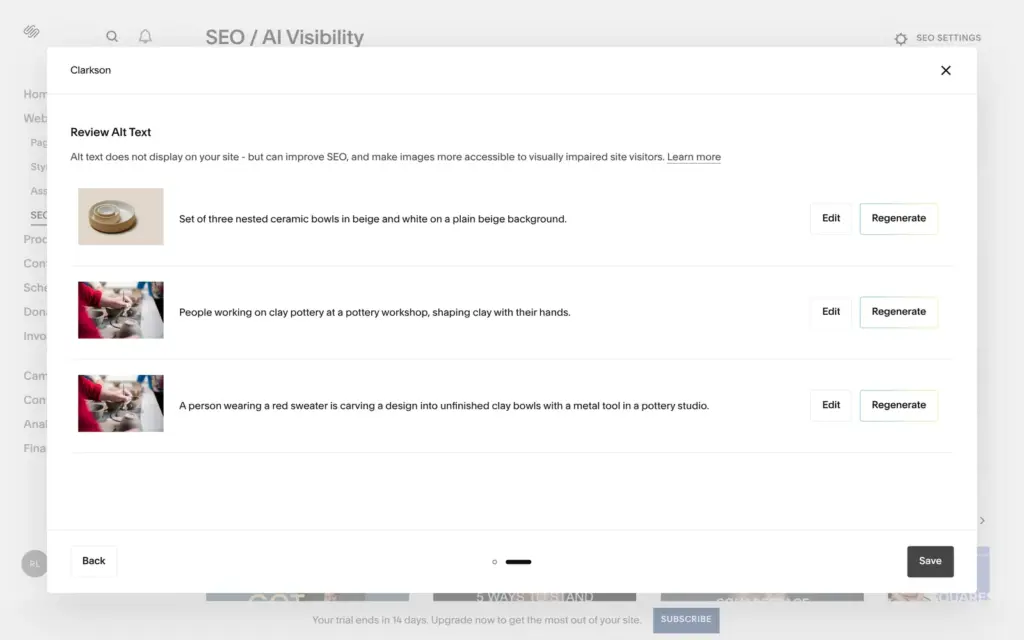
Search settings sit under SEO and AI Visibility. An SEO score counted six pages without search descriptions and three photos without alt text. One click let the AI fill in both.
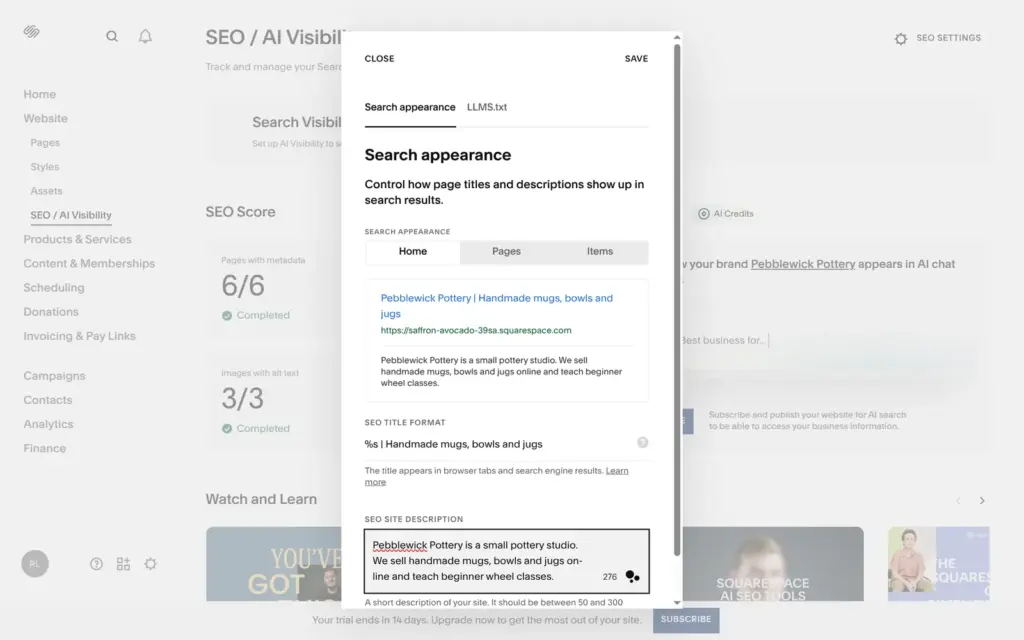
The alt text was accurate. The titles were sales slogans like "Explore Handcrafted Pottery - Discover and Shop Now" and "Classes | Discover Pottery Skills – Enroll Now". The descriptions promised "artist insights" and "news and events in ceramic arts", which the site doesn't have. The AI also changed the title format of the whole site to its slogan. I fixed the home title, the title format and the site description by hand.
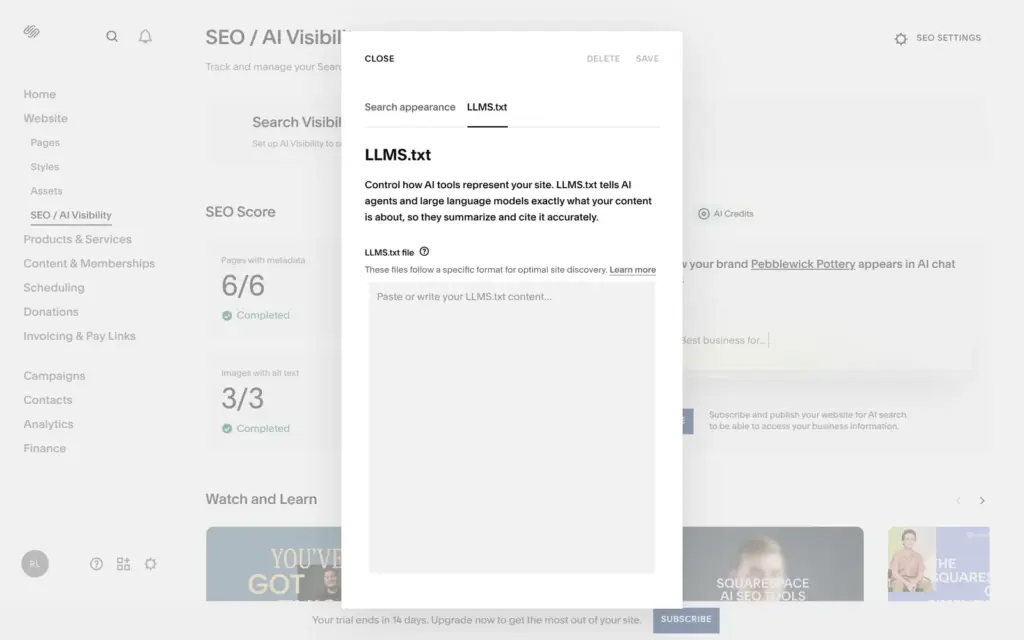
Another tab holds an LLMS.txt file, a text that tells AI tools what the site is about. It starts empty. AI Visibility, which checks how your business shows up in AI chat answers, needs a paid plan and a public site.
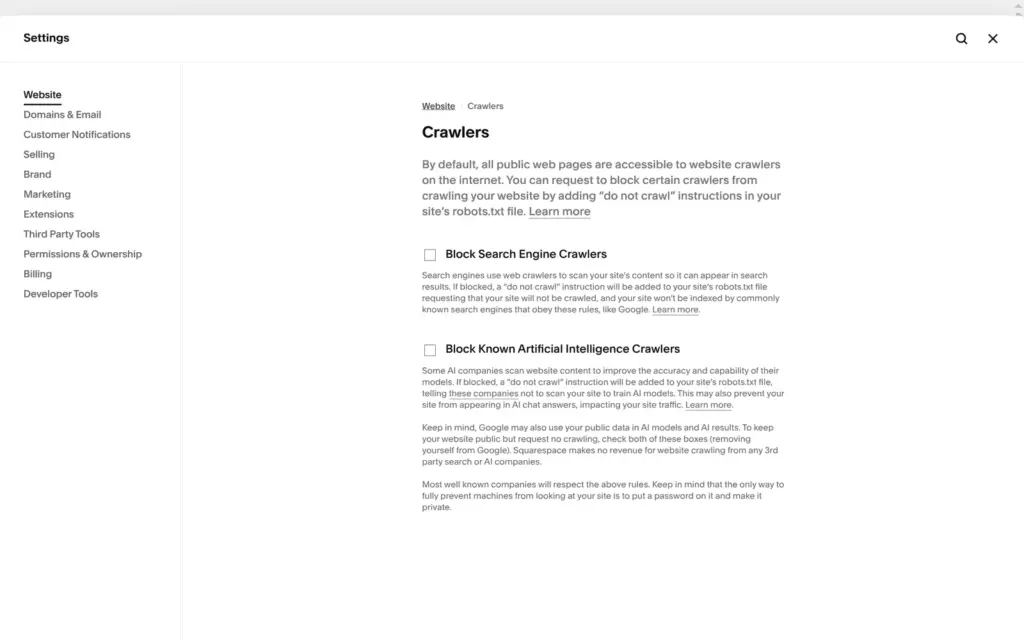
Under Crawlers there are two boxes, one to block search engines and one to block known AI crawlers. Both are off by default. The text under them says that Google may use public pages for its AI too, so keeping Google's AI out means blocking Google search as well. It also says that "the only way to fully prevent machines from looking at your site is to put a password on it and make it private."
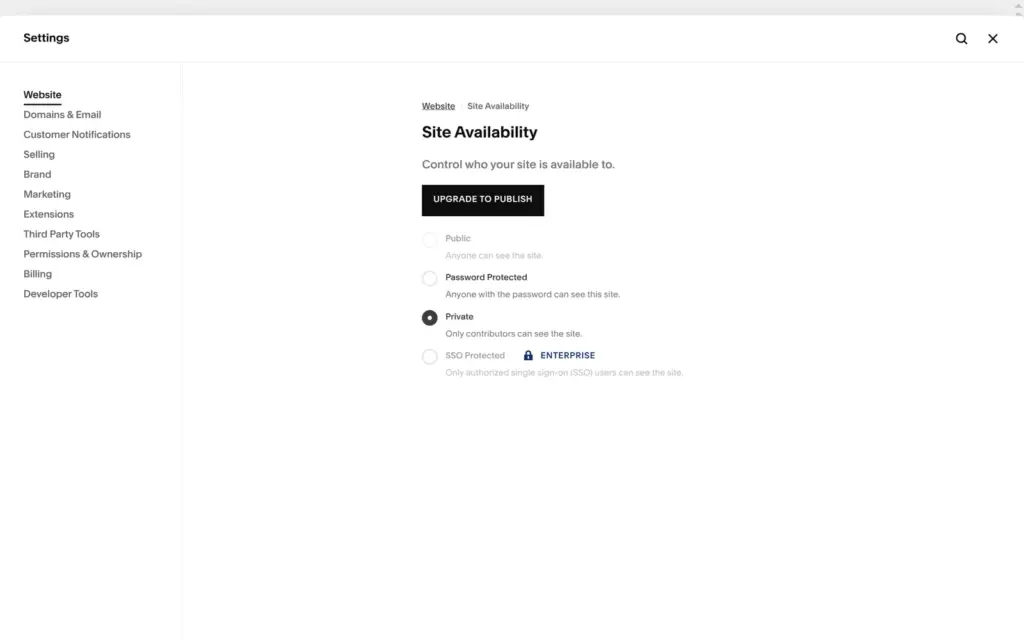
On the trial, the site can't go public. Site Availability has Public greyed out next to an "Upgrade to publish" button. You can keep the site private or lock it with a password, and I set a password for the visitor test.
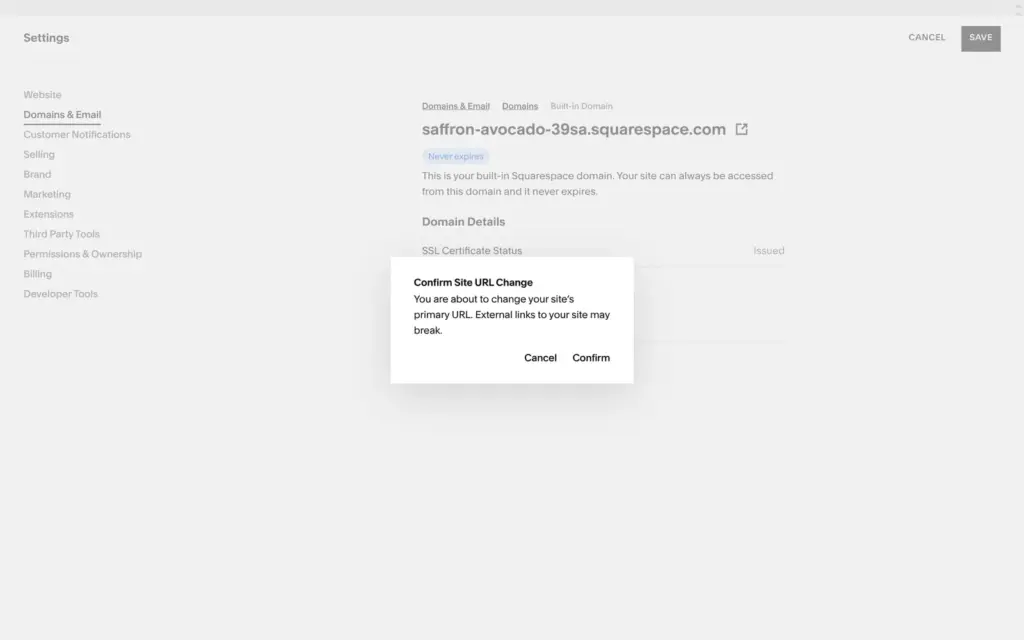
The random address can be changed to another free address on squarespace.com. I renamed it to pebblewick-pottery.squarespace.com. Squarespace warned that links to the old address would break, and it sent me an email about the change. A custom domain needs a paid plan, and yearly plans include one free for the first year.
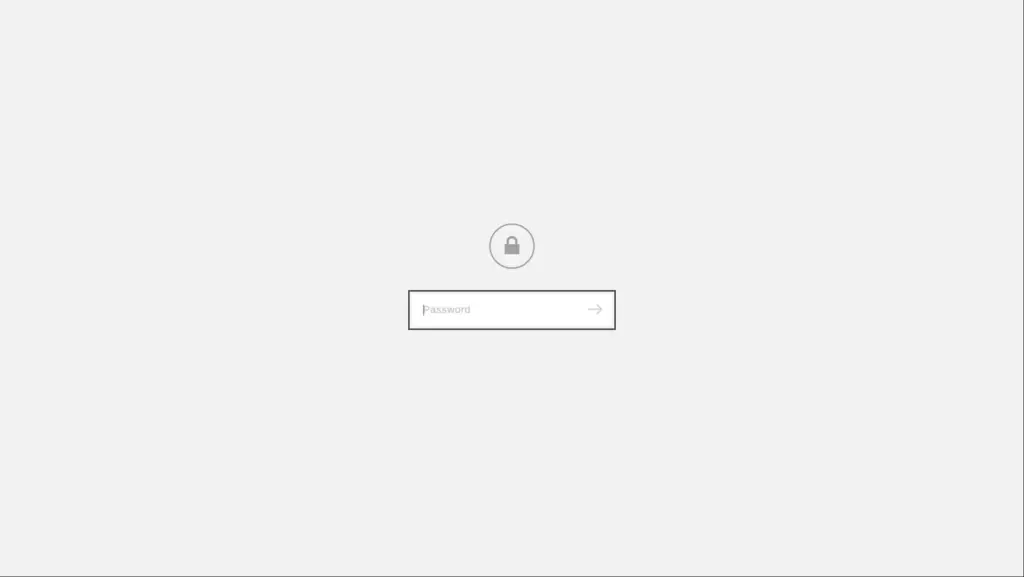
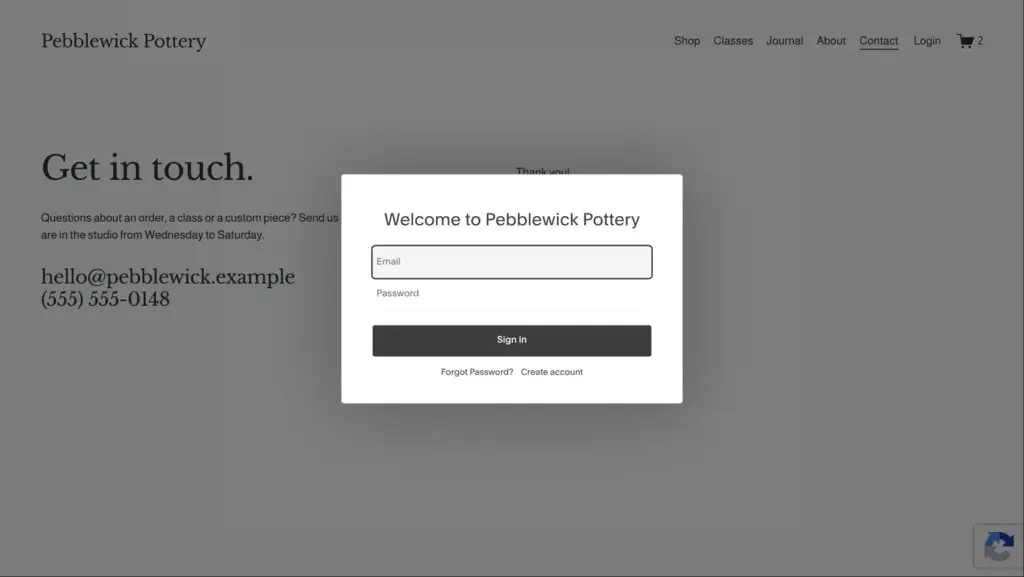
I opened the site in a fresh browser window. Visitors first see a lock and a password field. With the password, all pages and links worked. The menu also has a Login link from the template. It opens customer accounts, where shoppers can sign in or create an account.
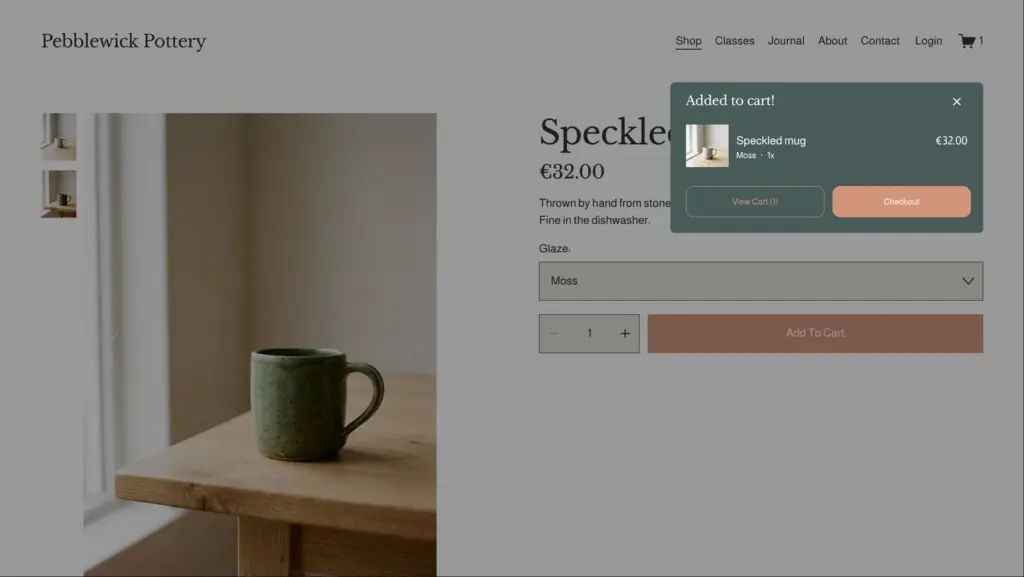
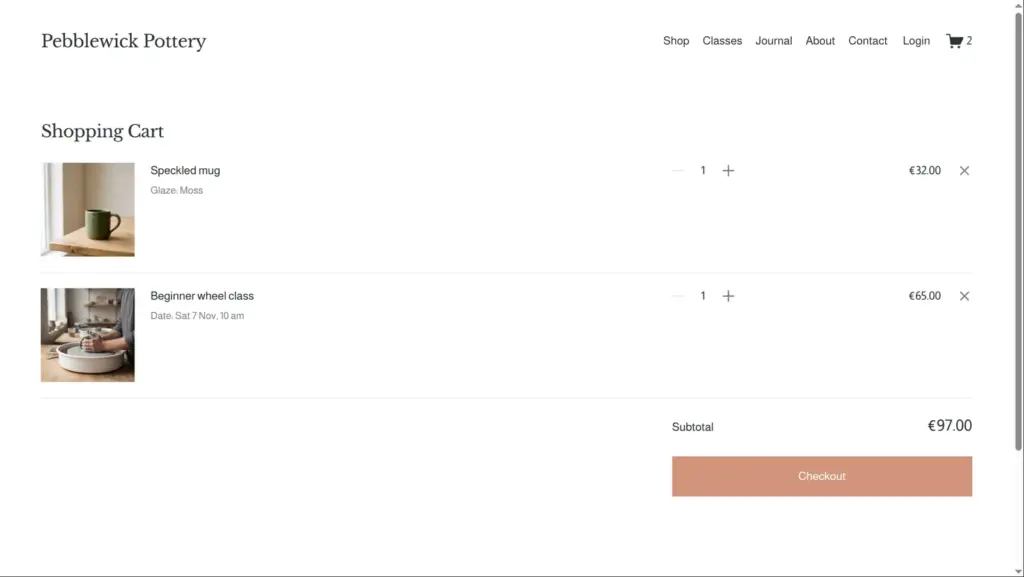
I put a green mug and a class date in the cart. On the product page the photo switched to the green mug, but the little cart window still showed the white one. The cart page got it right.
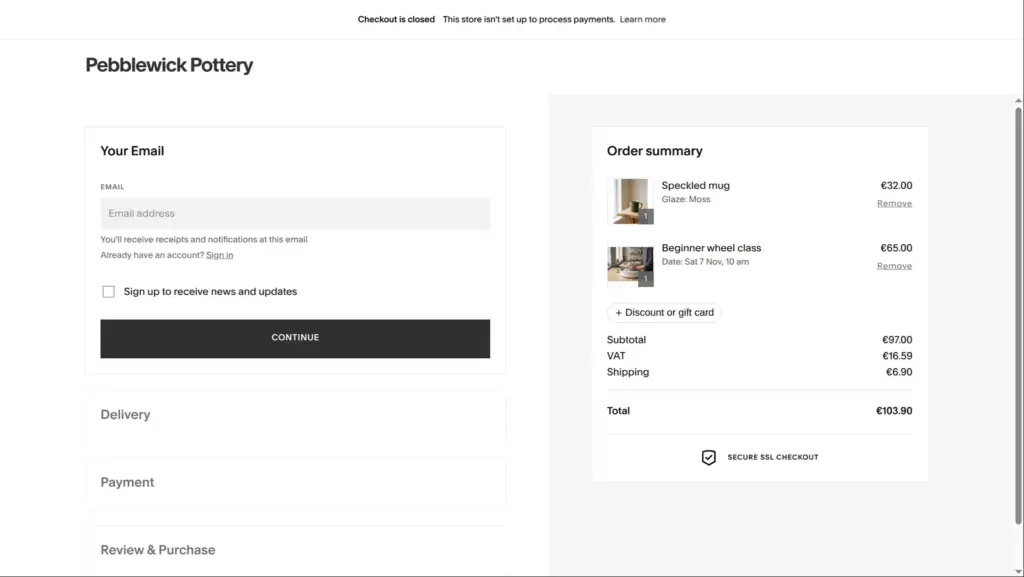
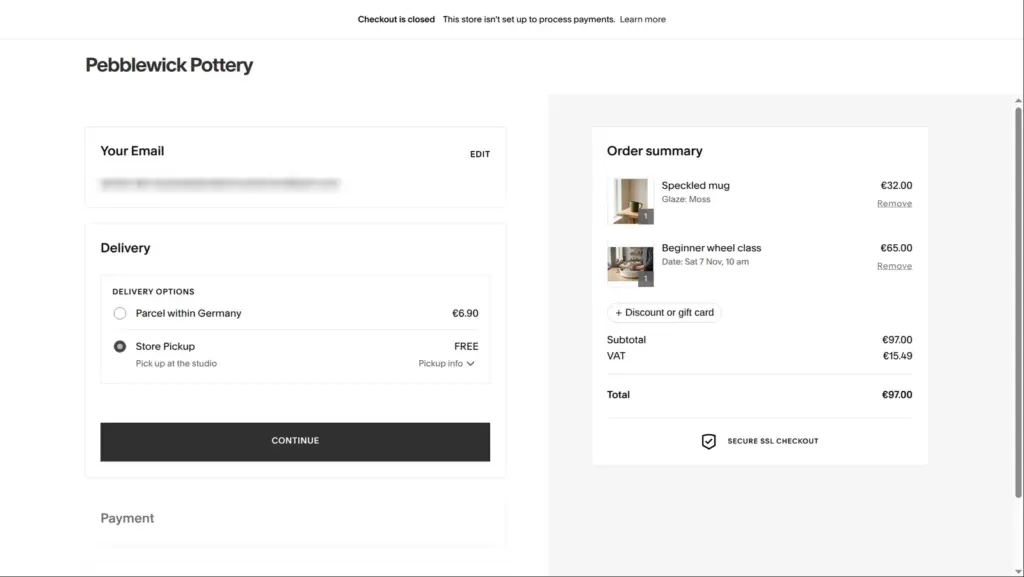
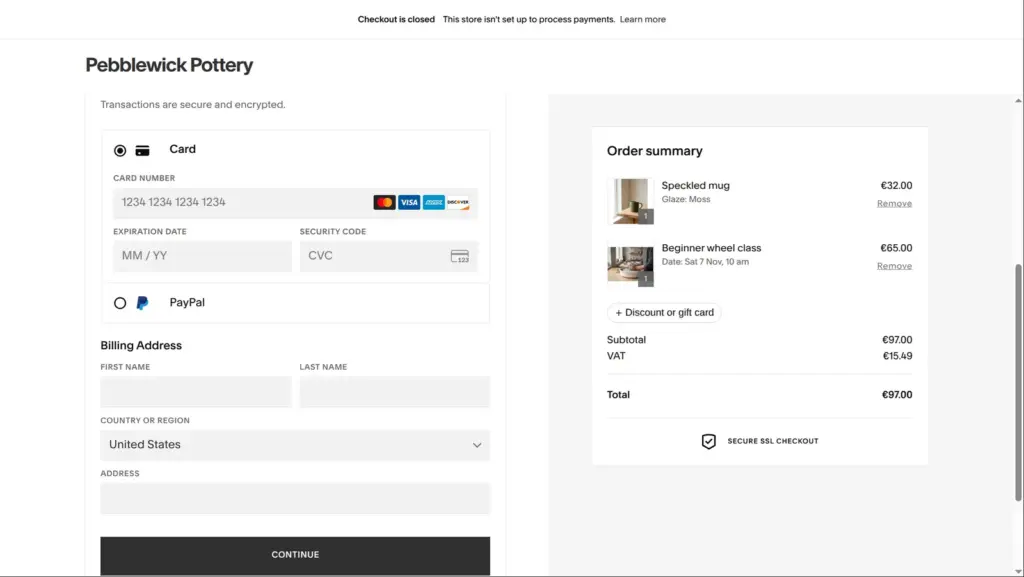
Checkout opened with the message "Checkout is closed. This store isn't set up to process payments." The steps still worked. With shipping, the total was €103.90 for the €97 order, with €16.59 VAT included. With store pickup, shipping dropped out and no address was needed. The payment step offered a card or PayPal. I stopped there and entered no card. One detail looked wrong. The billing country started at United States, although the shop is in Germany and sells in euros.
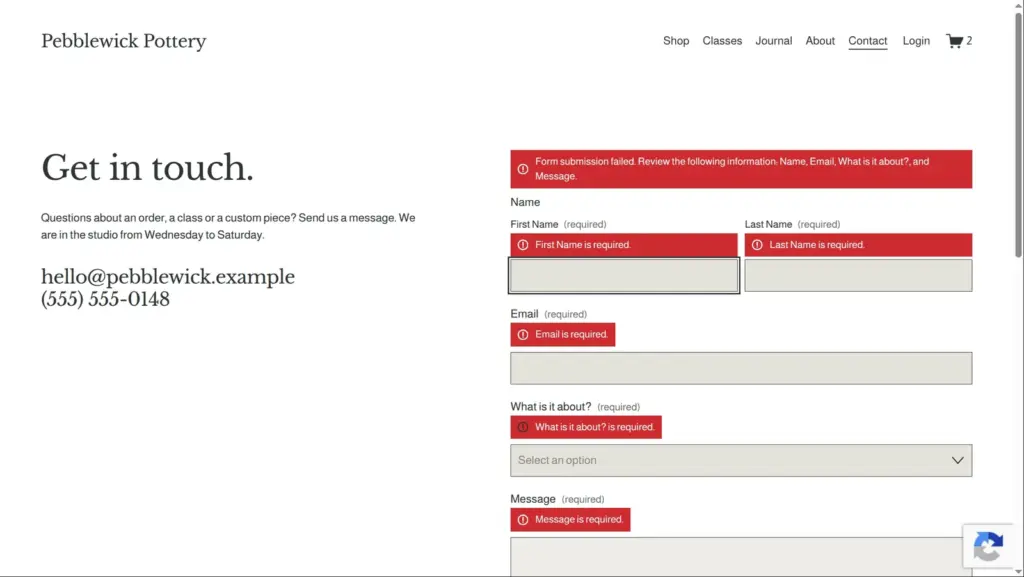
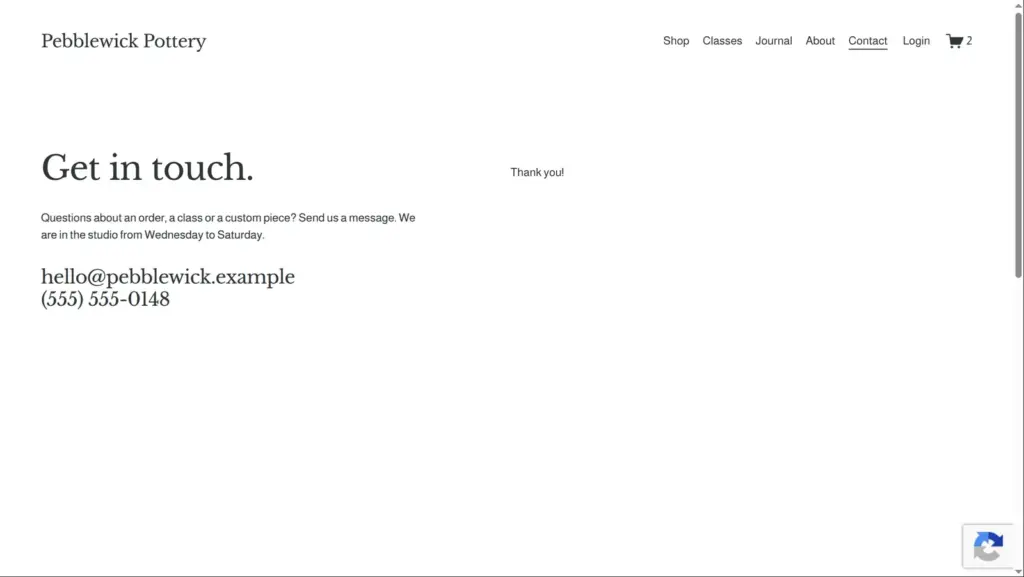
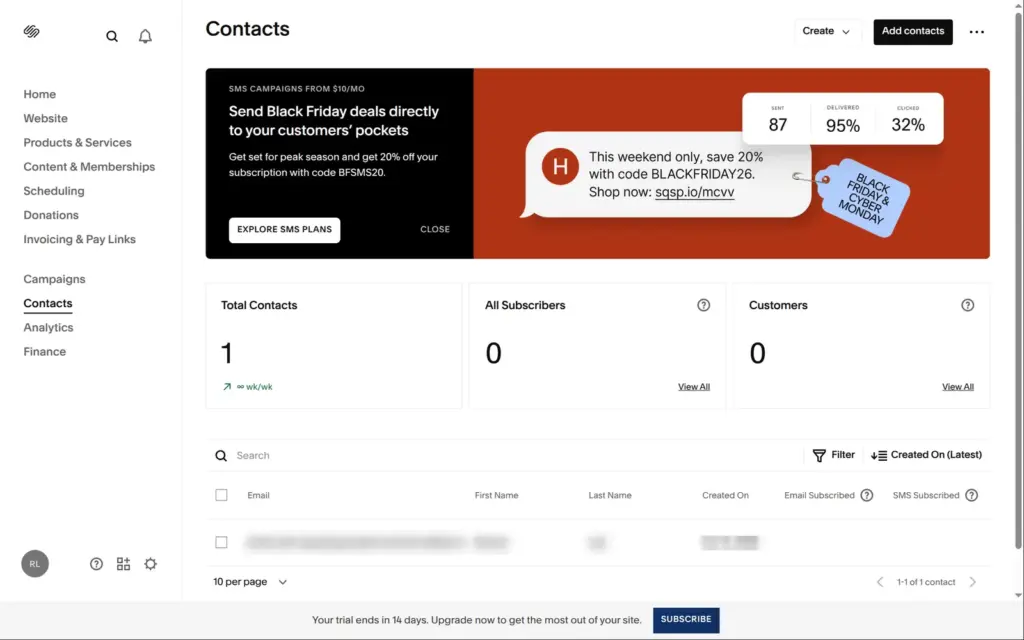
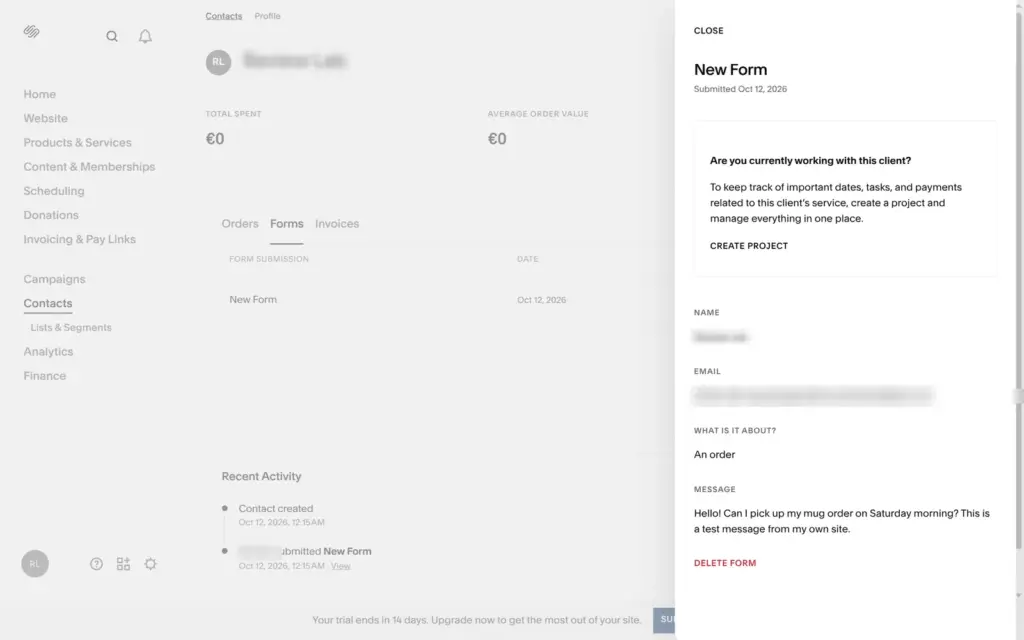
The contact form showed a red message for each empty required field and a summary on top. A complete message turned the form into a plain "Thank you!". Nothing reached my inbox, because form emails are off during the trial. The message showed up in Contacts, where the sender's profile has a Forms tab with the full text. It's filed under the form's default name, "New Form", until you rename the form.
On a phone-sized screen, the header shrank to a menu button, the name and the cart. The products stacked, and the class page with its date picker fit the narrow screen.
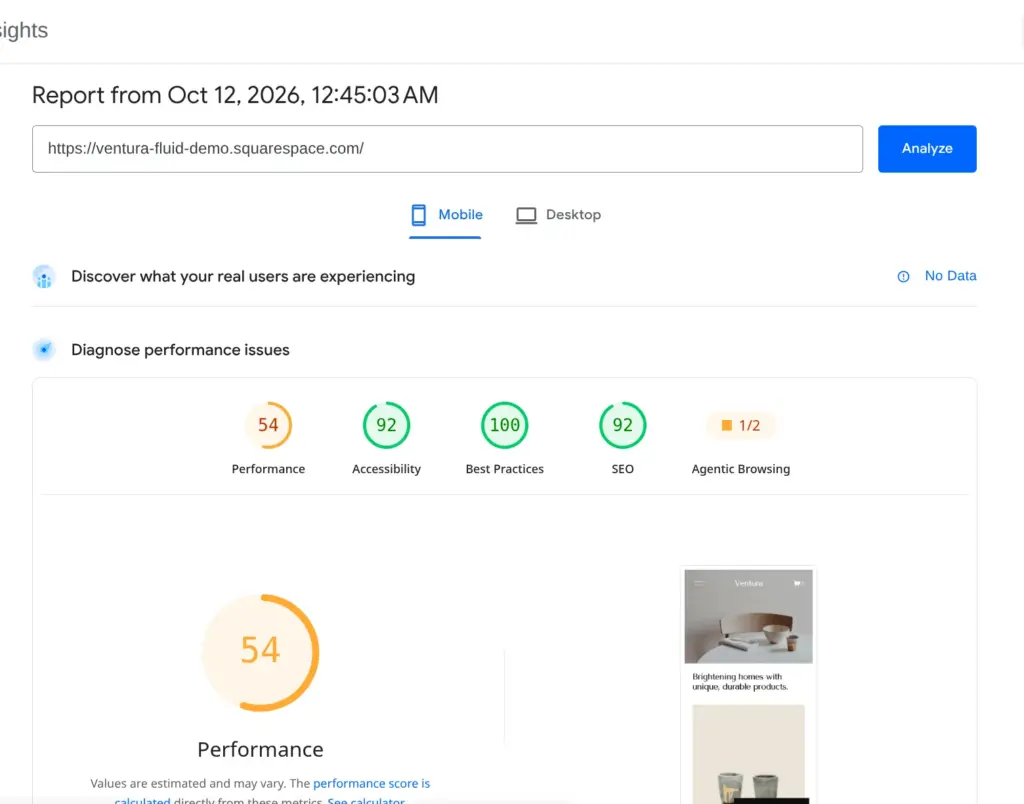
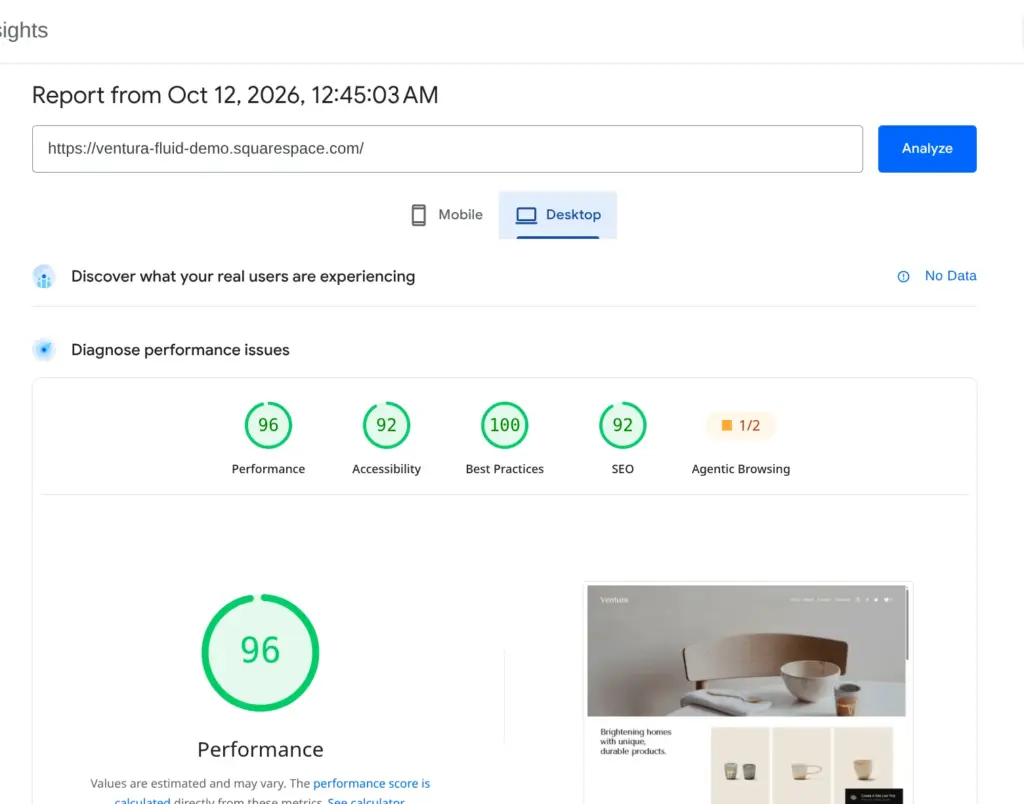
My site was password protected, so Google's PageSpeed Insights couldn't test it. I ran it once on Squarespace's public demo of the Ventura template instead. On a simulated phone it scored 54 out of 100, and the largest image appeared after 11.8 seconds. On desktop it scored 96, with the largest image after 1.3 seconds. Accessibility scored 92, best practices 100 and SEO 92 on both. The report pointed to scripts and styles that block the page from showing and to unused CSS and JavaScript.
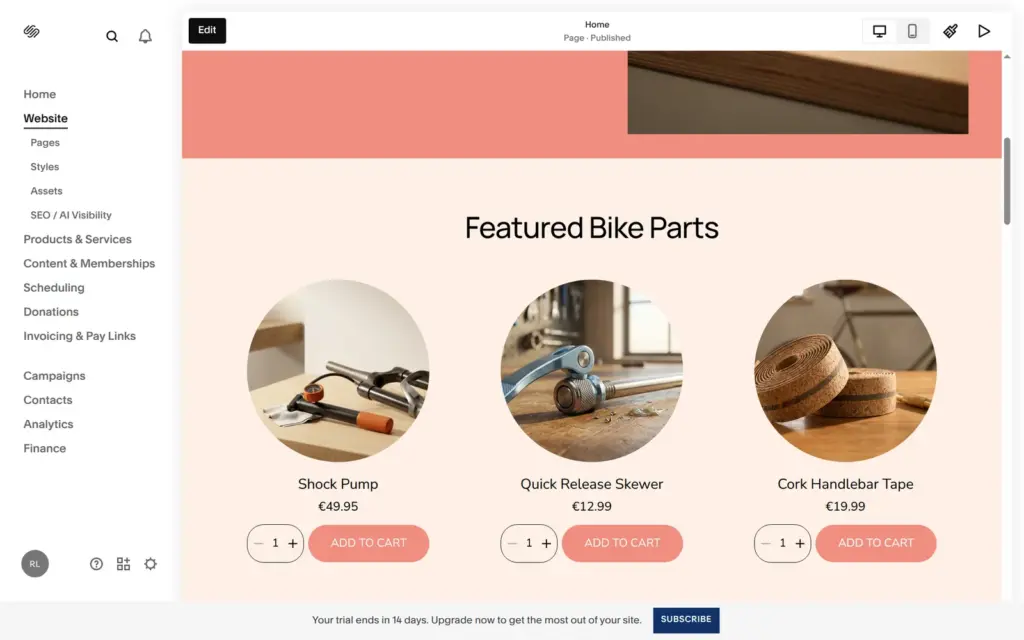
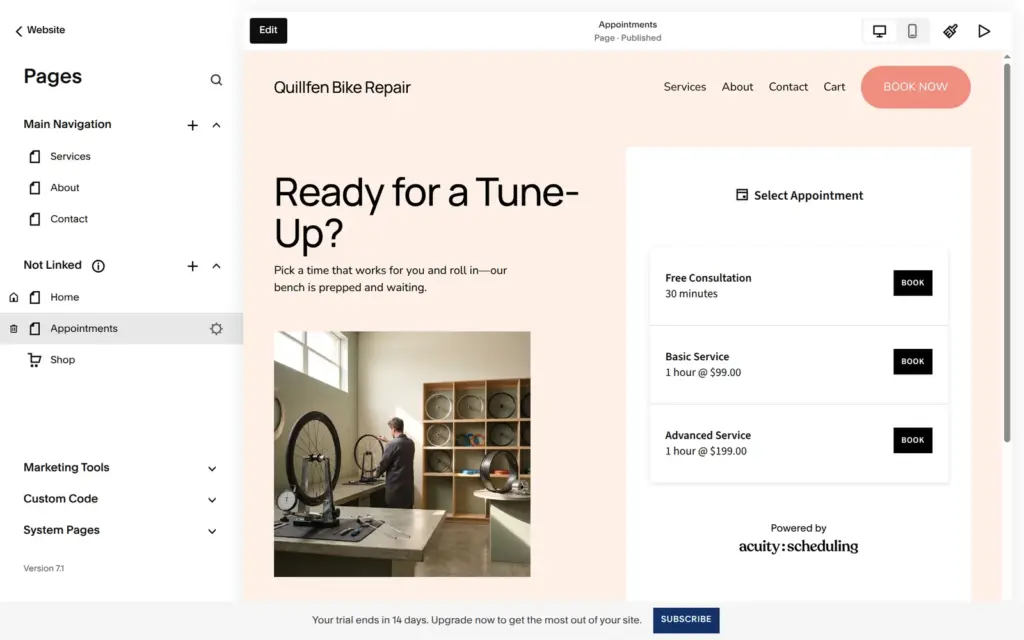
Blueprint AI is Squarespace's site builder that asks questions instead of starting from a template. The dashboard offered it to me, and the link created a new trial site at once. I used it for a second made-up business, Quillfen Bike Repair.
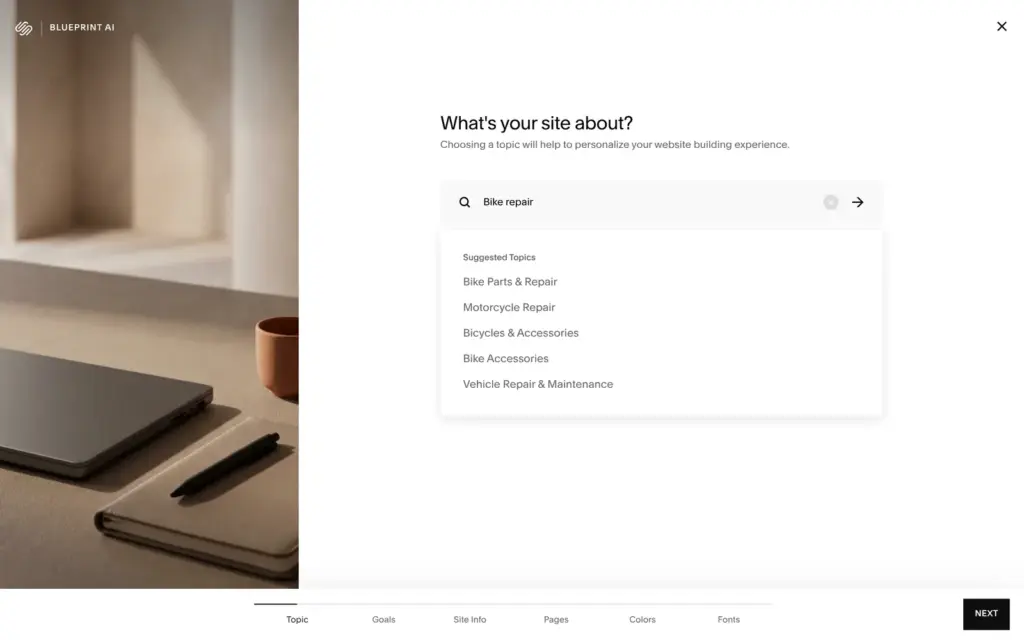
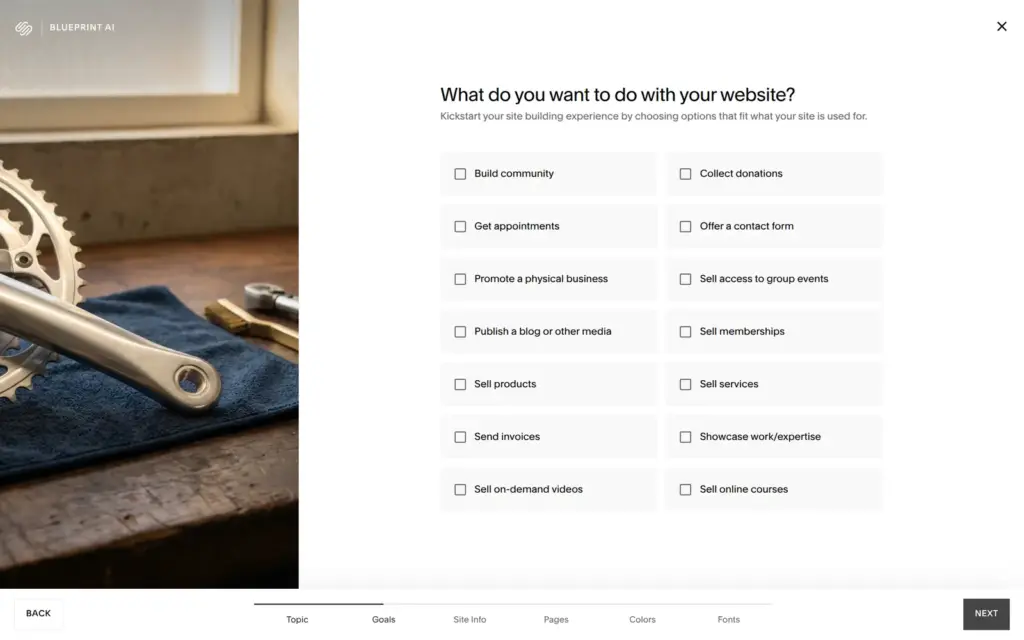
It asks six rounds of questions. I typed "Bike repair" as the topic and picked appointments, a contact form and promoting a physical business as goals. Then came the site name and a tone of voice, the pages, a color palette and a font pair. Previews of the pages updated along the way.
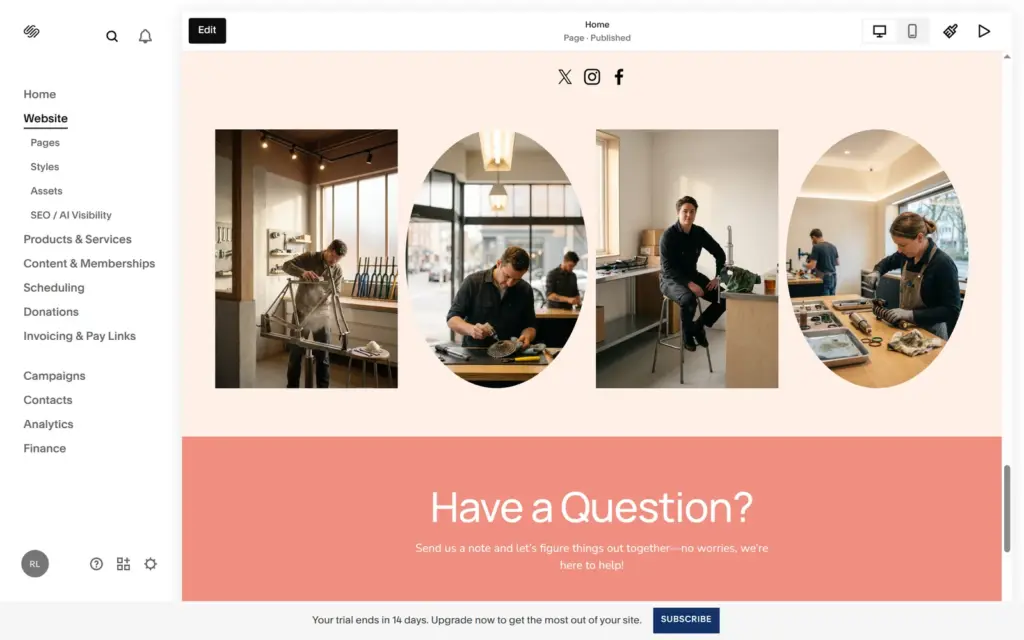
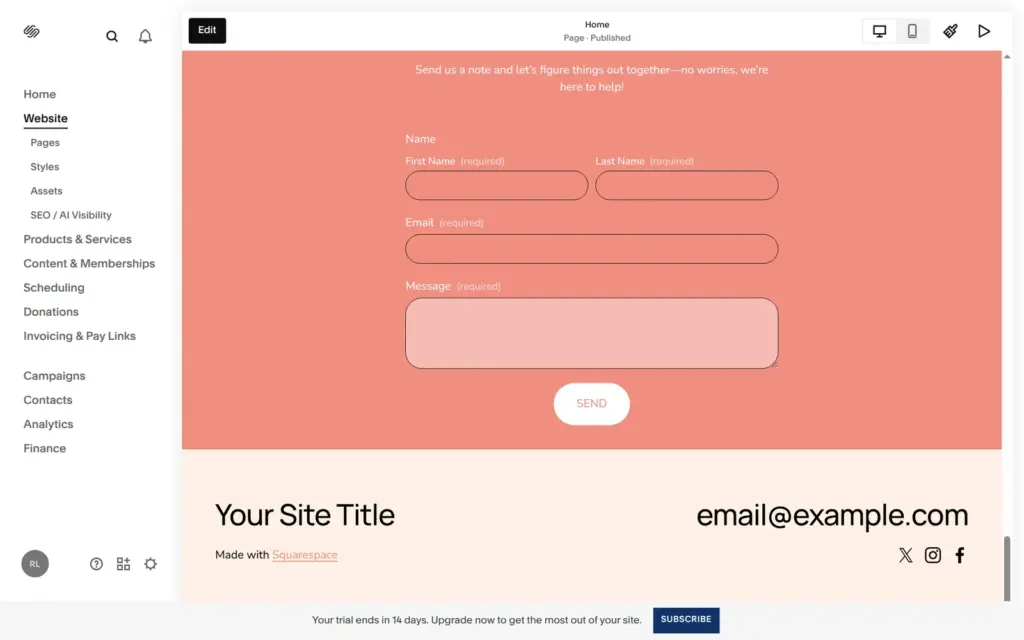
The previews were already full of invented content, like bike parts with dollar prices and a footer that still said "Your Site Title". I unticked the Shop page because the repair shop doesn't sell parts online. From the first question to the finished site took me under three minutes, and the building itself took about ten seconds.
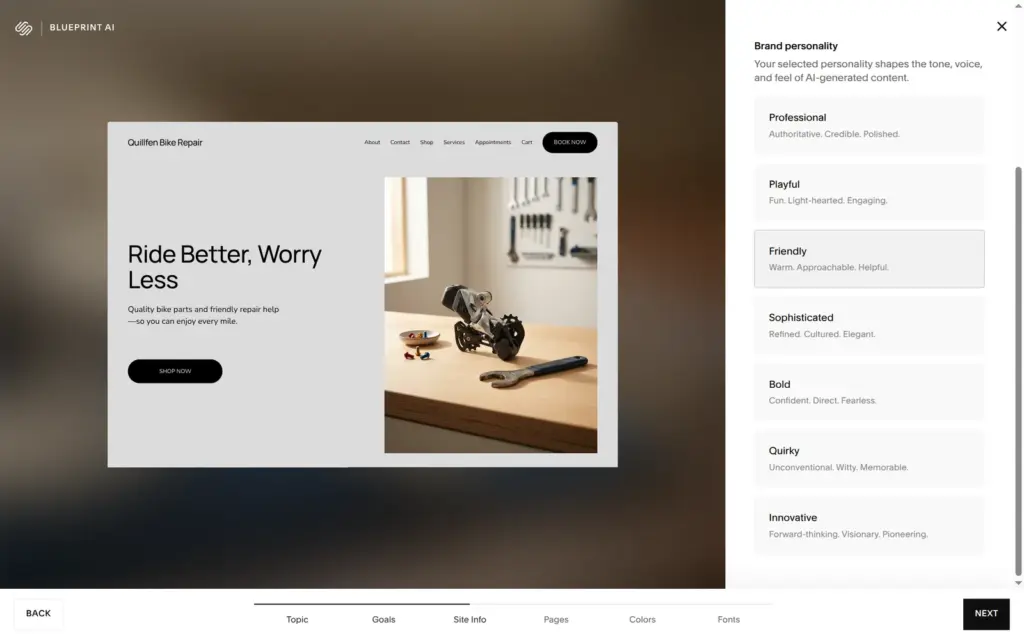
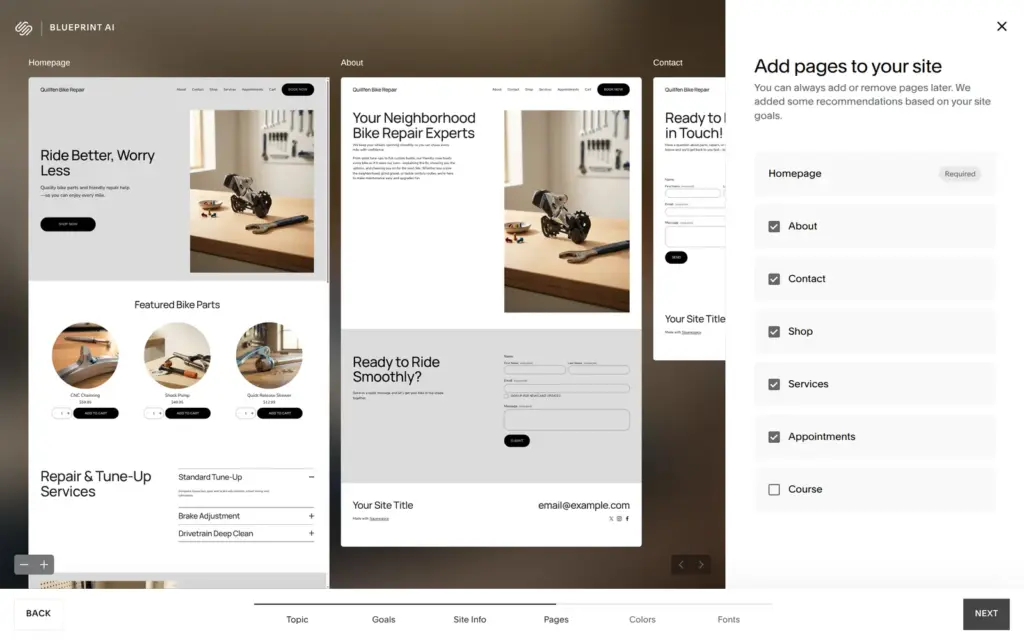
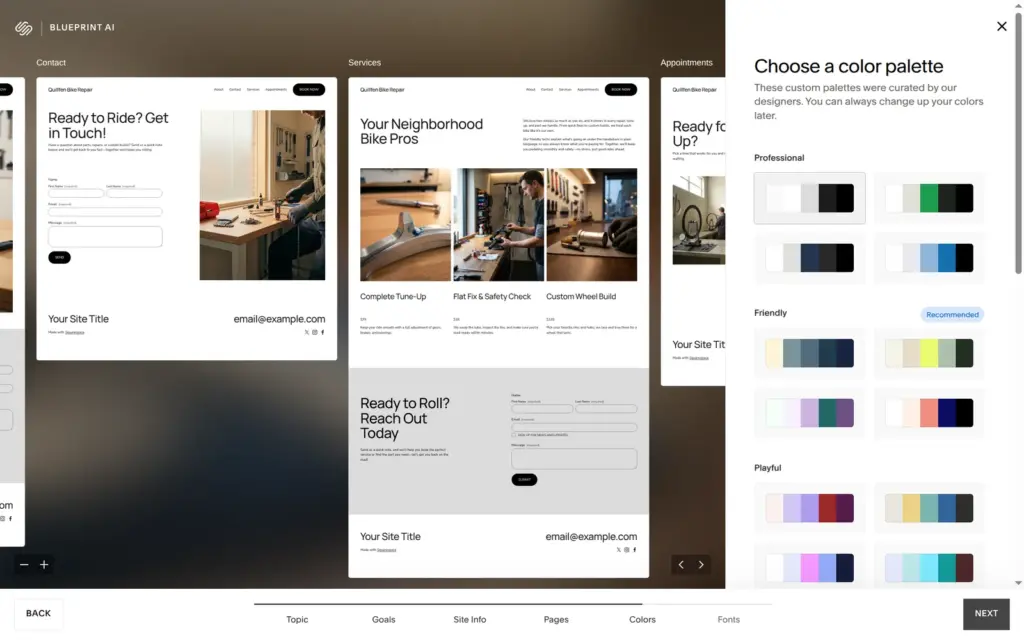
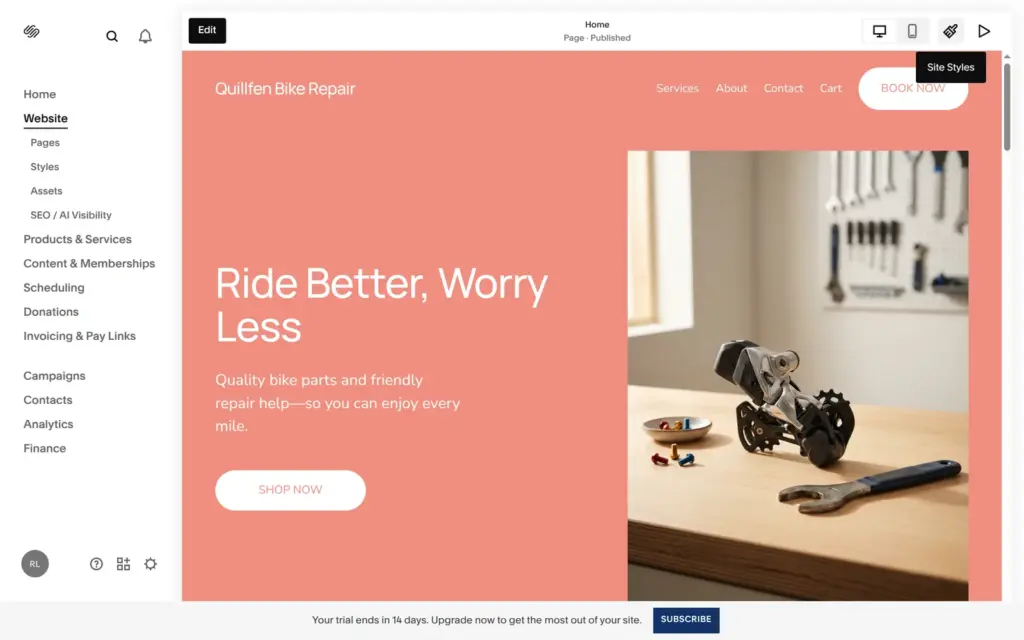
The site looks finished. It has a salmon and cream design, a hero line, "Ride Better, Worry Less", and a "Book now" button in the header. The content is made up, though:
Blueprint didn't use any AI credits, and the new site still had its own ten. As a starting point it saves time on the design. All of the content needs replacing before such a site could go live.
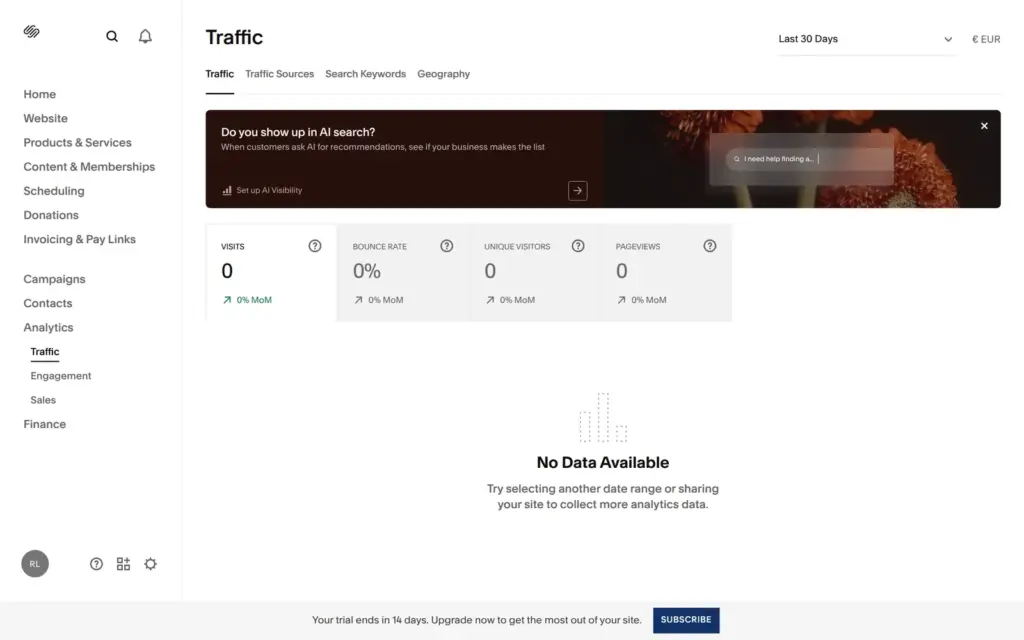
Analytics shows visits, sources, search keywords, geography, engagement and sales. The last 30 days of my trial site showed no visits, although I had visited the password-protected site several times.
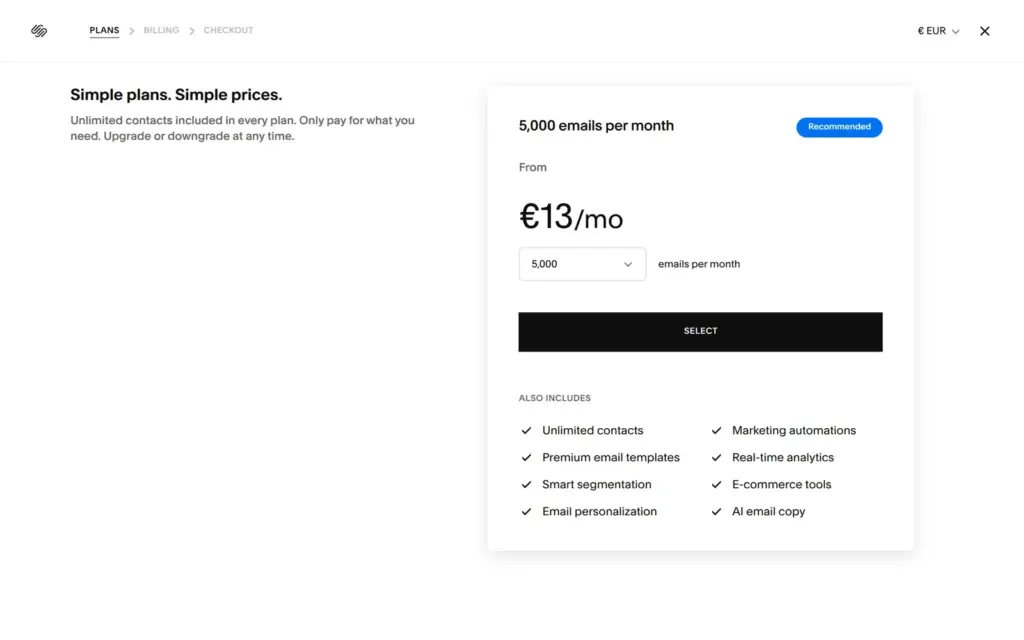
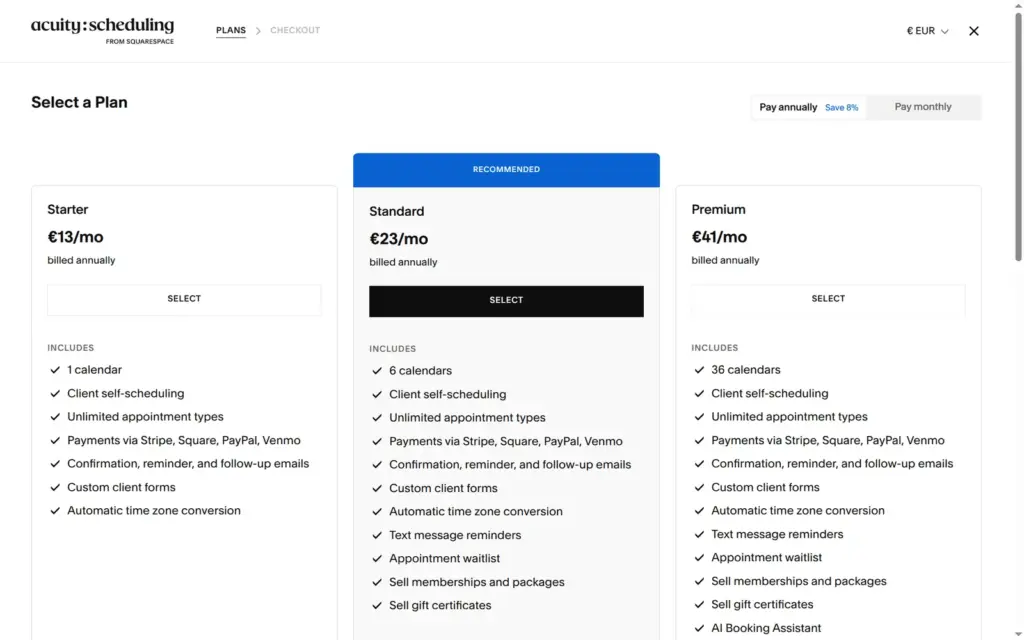
Email newsletters need their own plan. Email Campaigns starts at €8 a month for 500 emails and €13 a month for 5,000. The booking system is Acuity Scheduling, a separate product with its own 14-day trial. Its plans start at €14 a month, or €13 a month on yearly billing.
The dashboard also has a checklist for legal pages. It offers to create a privacy policy, an imprint page, sales terms, an accessibility statement, a cookie policy and a cookie banner. I didn't try those.
I checked Squarespace's pricing page on October 11, 2026. From Germany it showed prices in euros. The page says that Squarespace sets prices per billing country, so customers in the US and the UK see their own amounts. A banner offered 30% off a new website plan with a promo code. The prices below are the regular ones.
| Basic | Core | Plus | Advanced | |
|---|---|---|---|---|
| Billed yearly | €12a month, €144 a year$14 in the US, £10 in the UK | €18a month, €216 a year$21 in the US, £16 in the UK | €32a month, €384 a year$37 in the US, £28 in the UK | €69a month, €828 a year$80 in the US, £60 in the UK |
| Billed monthly | €17a month$20 in the US, £15 in the UK | €24a month$28 in the US, £21 in the UK | €42a month$49 in the US, £36 in the UK | €79a month$92 in the US, £68 in the UK |
| Fee on shop sales | 2% | None | None | None |
| Card fee with Squarespace Payments | 2.0% + €0.25 | 2.0% + €0.25 | 1.7% + €0.25 | 1.5% + €0.25 |
| Fee on digital content and memberships | 7% | 5% | 1% | None |
| Automated tax | No | 0.15% per order, up to €0.99 | 0.10% per order, up to €0.99 | 0.05% per order, up to €0.99 |
| Carrier rates and discounts | No | Yes | Yes | Yes |
| AI credits | 10 once | 20 a month | 40 a month | 120 a month |
| Contributors | 2 | Unlimited | Unlimited | Unlimited |
| Video hosting | 30 minutes | 5 hours | 50 hours | Unlimited |
The shop fee on Basic matters more than it looks. On yearly billing, Basic costs €6 a month less than Core, but it takes 2% of shop sales. Once the shop sells more than €300 a month, Core is cheaper. Card fees with Squarespace Payments come on top on all plans.
| Add-on | Price | What you get |
|---|---|---|
| Email Campaigns | From €8 a month | 500 emails a month. €13 for 5,000 and €18 for 10,000. |
| Acuity Scheduling | From €14 a month, or €13 on yearly billing | Booking pages with one calendar. Standard costs €25 or €23 for six calendars and text reminders. |
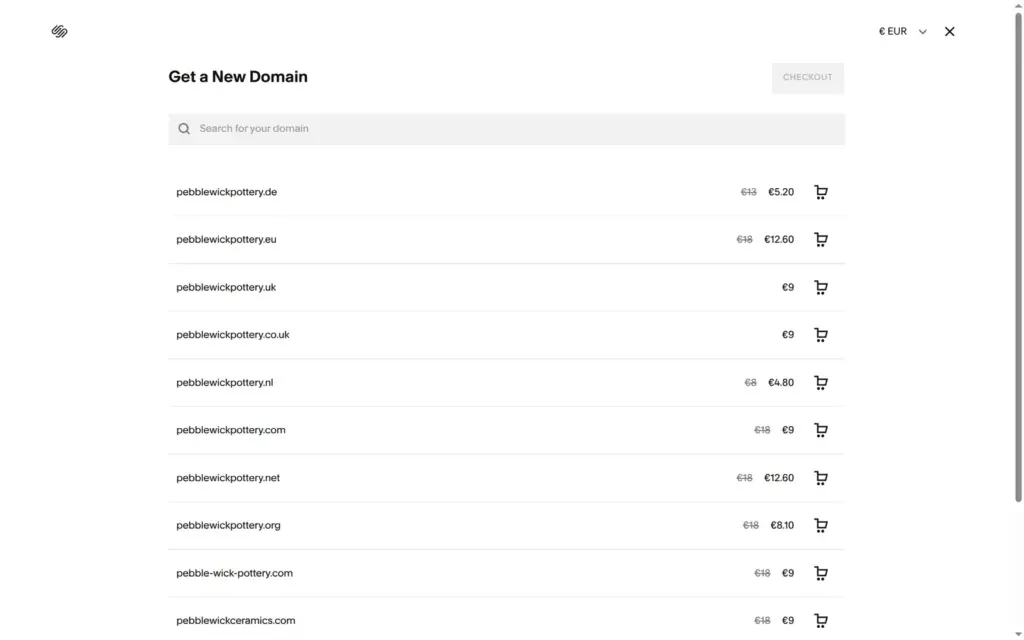
| Custom domain | Free in the first year on yearly plans | pebblewickpottery.com showed €9 for the first year, then €18 a year. |
For Pebblewick Pottery on Core with yearly billing, the website costs €216 a year. The domain is free in the first year. In the domain search, pebblewickpottery.com showed €9 for the first year instead of the regular €18. A standard card payment costs 2.0% plus €0.25 with Squarespace Payments on Core. A newsletter for new batches would add Email Campaigns, from €8 a month.
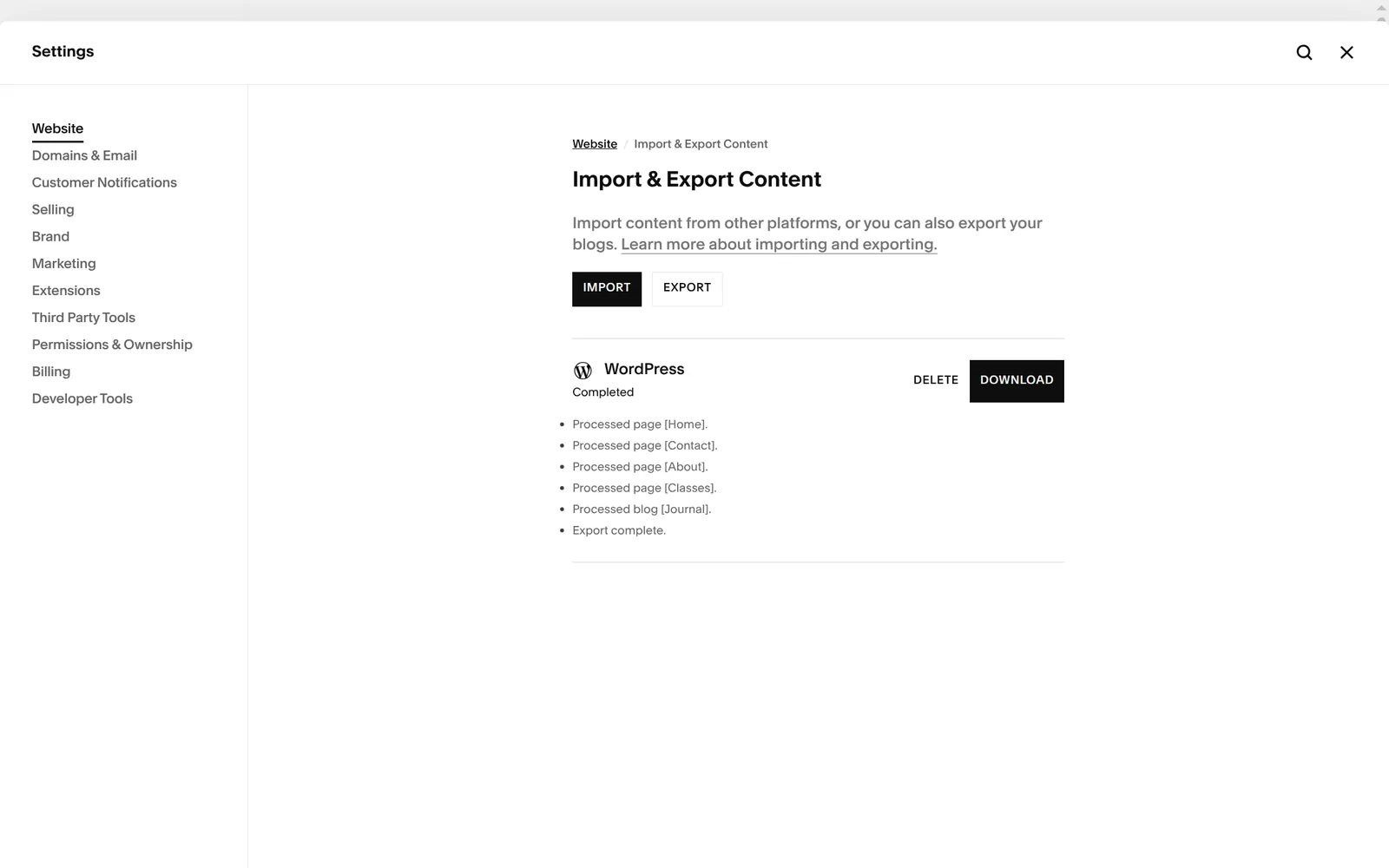
Squarespace hosts your site, and you don't need a separate host. The other side is that you can't take the site with you. The only export target is WordPress, and it takes pages and one blog. Squarespace asks you to pick one blog, because WordPress handles only one per installation.
On my trial site the export finished with "Export complete" and listed the home, contact, about and classes pages and the journal. The downloaded file held the site name, my account and six empty entries, with no text from any page or post. A second export gave the same result. Shop products were not in the list, and the products page has its own export button, which I didn't test.
Squarespace fits a small business that wants a polished site with a small shop, classes or a booking page and a blog, and an owner who would rather fill in a template than design one. For the pottery studio, a free template gave me a site that looks professional on computers and phones, and the shop parts handled variants, stock, pickup and VAT.
Plan time for the leftovers. Check the links, the page layouts and the footer before you publish, and read each text the AI writes for you.
 What I'm building
Give Vroni a GitHub issue, bug report, spec, or rough idea. It reads the repo, plans the change, writes code, runs checks, and works toward a review-ready pull request.
Take a look at vroni.com