
Squarespace review
Squarespace is a website builder for people who want a site that looks designed without hiring a designer. You pick a template,…
Wix Studio is the version of Wix for web designers and agencies. Its editor builds each page on a grid, with separate layouts for computers, tablets and phones, and Wix hosts the finished site. It comes with Wix's online shop, bookings, blog and forms. If you are thinking about it for your business website, you probably want to know how hard it is to use, what it costs and whether it is meant for you at all.
To find out, I built a complete website for a made-up plant shop on the free plan. I started from a free template, changed the name, text, photos and colors, fixed the phone layout, set up the contact form and wrote three blog posts. Then I published the site and tested it on a computer and a phone. I also set up the online shop with a pot in three sizes, shipping, tax and a test order, added bookings for a weekly workshop and tried Wix Studio's AI tools.
The site looks good, and the shop and bookings have more settings than a small shop needs. To sell anything or take bookings, you need the Standard plan, which costs $27 a month in the US and €23.80 in Germany on yearly billing. The template left a lot behind, like its logo, its search titles and links to Wix's own social media pages. After publishing, two pages were broken on phones, and nothing in the editor had pointed me to it. The AI tools saved some typing, but one made up a different shop and one failed on the first try.
Wix Studio suits you if you want a shop or bookings on your site and are willing to learn an editor with layers, grids and three screen sizes. It also suits you if a web designer builds the site in Studio and you only add products, posts and bookings in the dashboard afterwards.
Look elsewhere if you build the site alone and want to fill in text and photos without learning a layout tool. Wix offers two other editors in the same place where you create a Studio site. Look elsewhere too if you may want to move your site to another host one day.
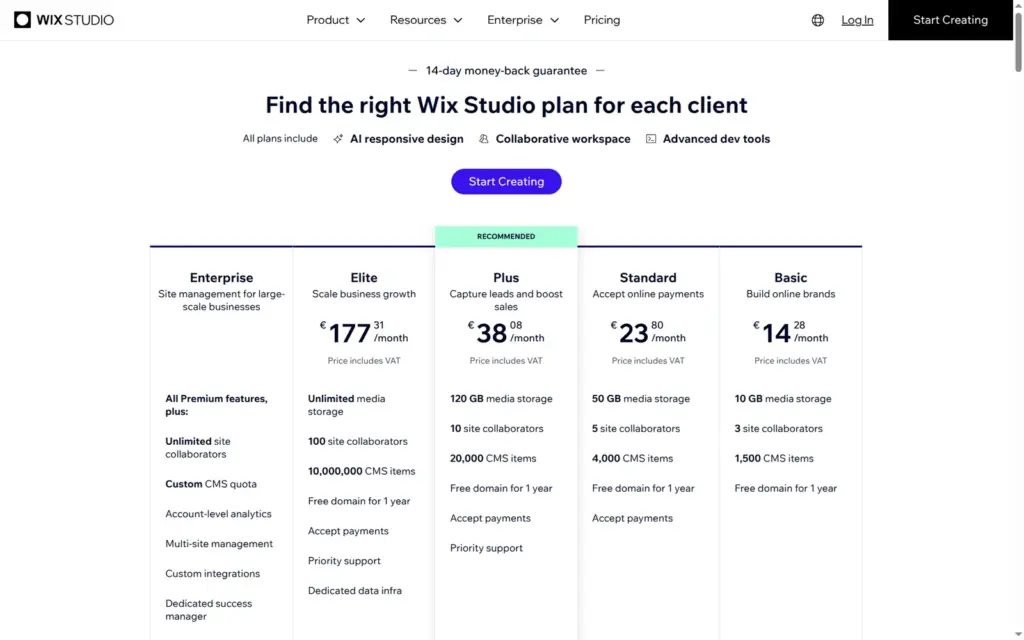
Price: you can build and publish a site for free on a wixstudio.com address with a "Built on Wix Studio" bar on top. Basic costs $19 a month in the US and €14.28 in Germany on yearly billing, but it can't take payments. For the shop and bookings you need Standard at $27 or €23.80 a month. The euro prices include VAT.
Online shop: it has more settings than a small shop needs, and it worked in my test. I set up a pot in three sizes, flat-rate shipping, pickup and German VAT and placed two test orders. The first one showed a red error box but still went through. Wix didn't fill in the German VAT rate for me, and taking real payments needs Standard or higher.
Tested: in October 2026 on the free plan. Prices checked on October 11, 2026.
Not tested: paid plans, real payments, a custom domain, Wix's support and long-term use. Wix did not pay for this review, and there are no affiliate links.
What I liked:
What bothered me:
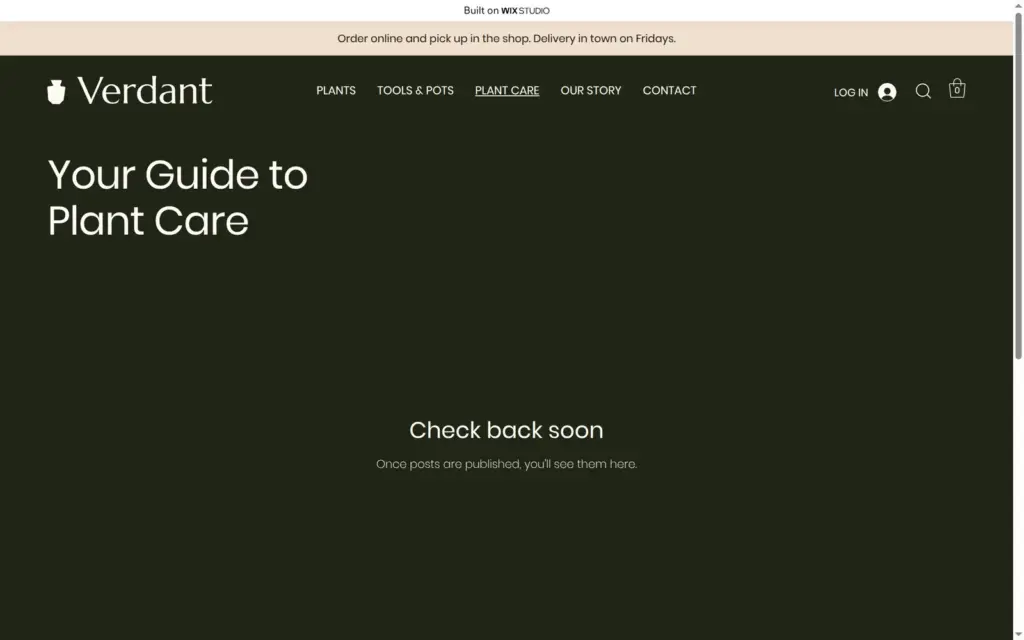
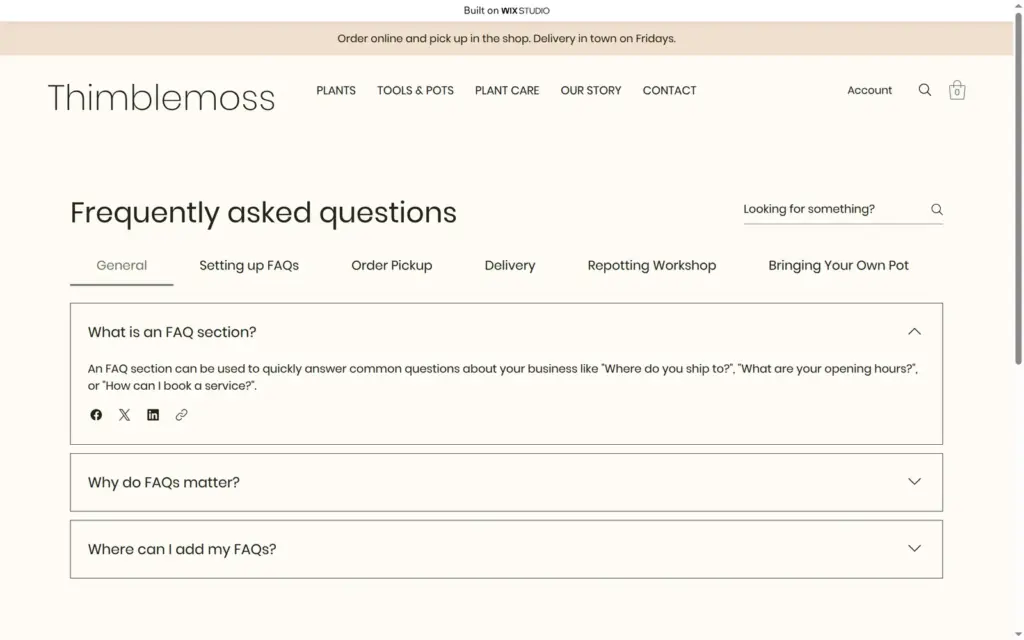
Thimblemoss is a made-up neighborhood plant shop, and its footer says so. The site has a home page, a shop with plants and pots, product pages, a plant care blog with three posts, an about page, a contact page with a form, an FAQ and a page for the Saturday repotting workshop. The template also brought legal pages and a members area.
The design comes from Plant Store, a free Wix Studio template. I replaced the name, the text and some photos, changed a color and the menu, and added the posts, the workshop and a pot in three sizes. The new photos come from Unsplash, through the media panel inside Wix Studio.
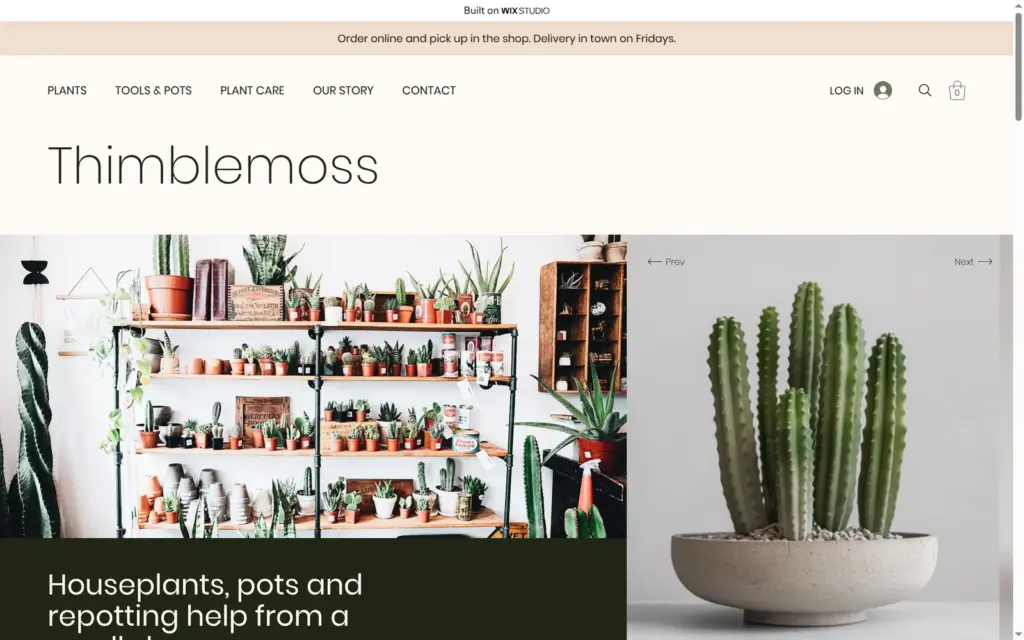
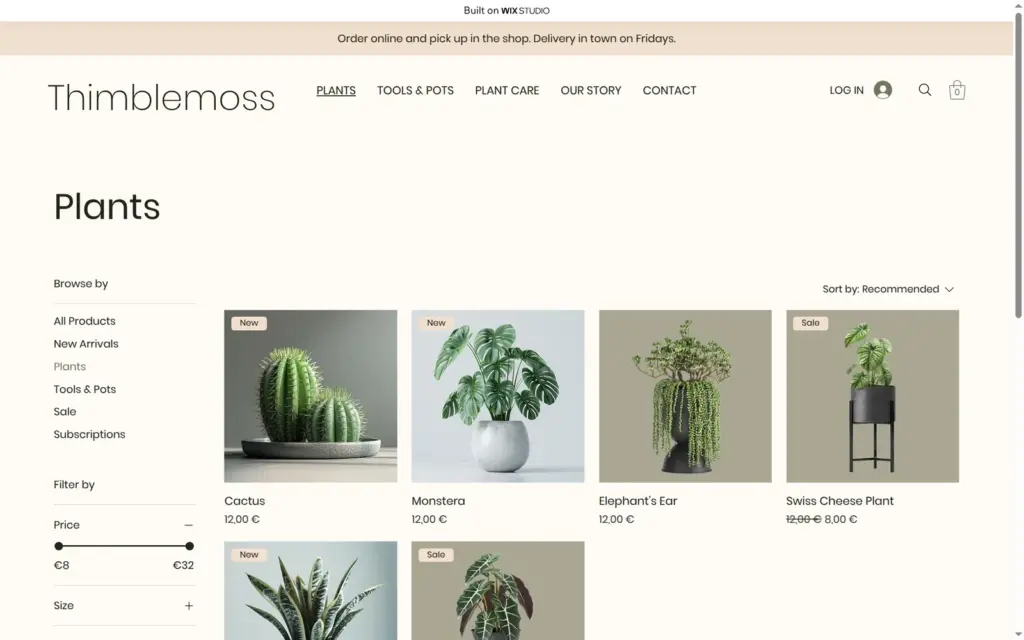
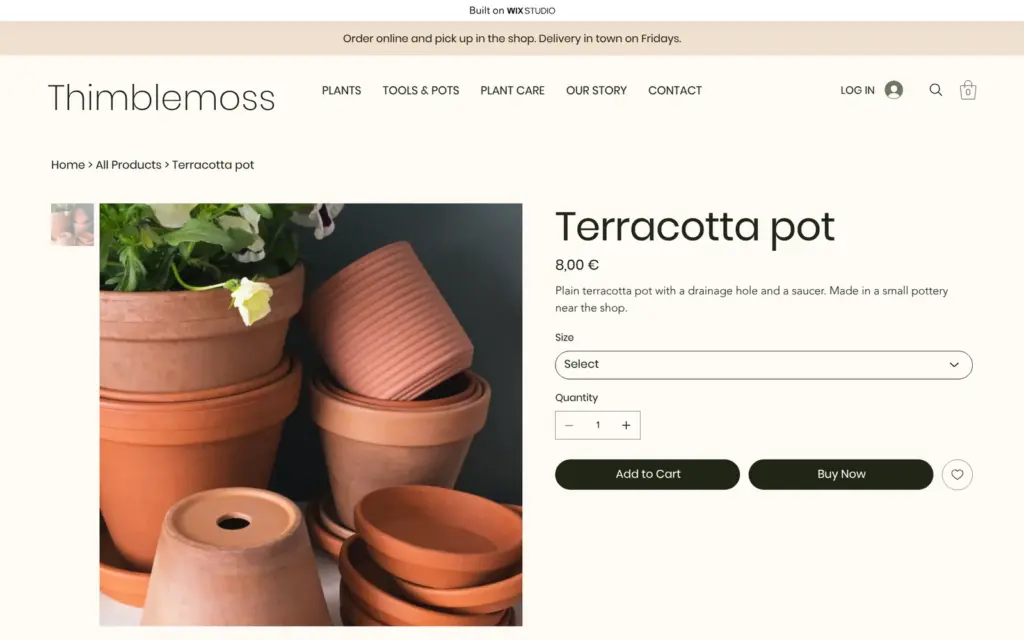
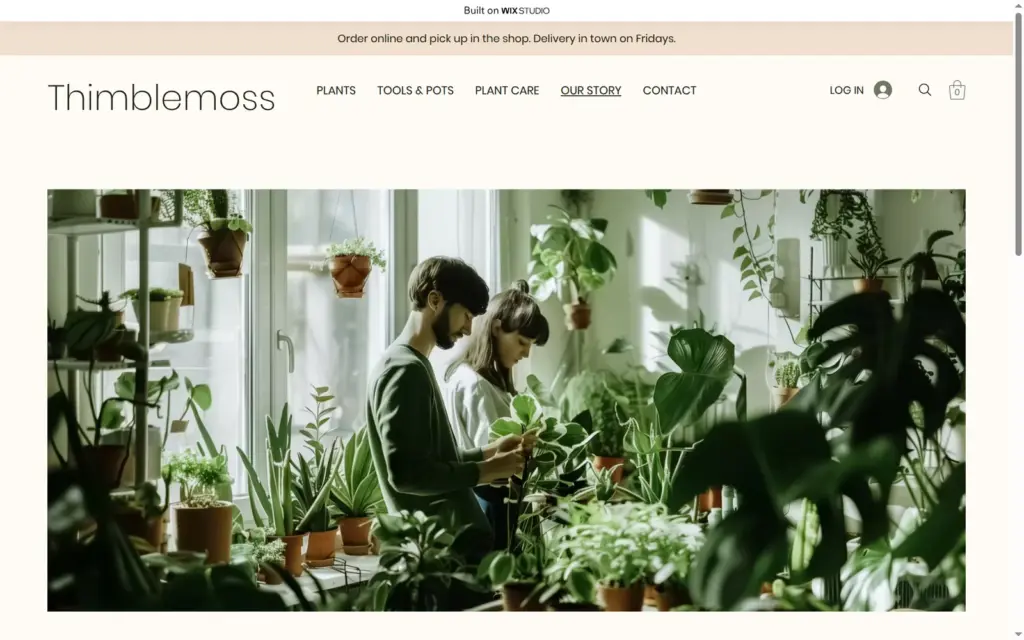
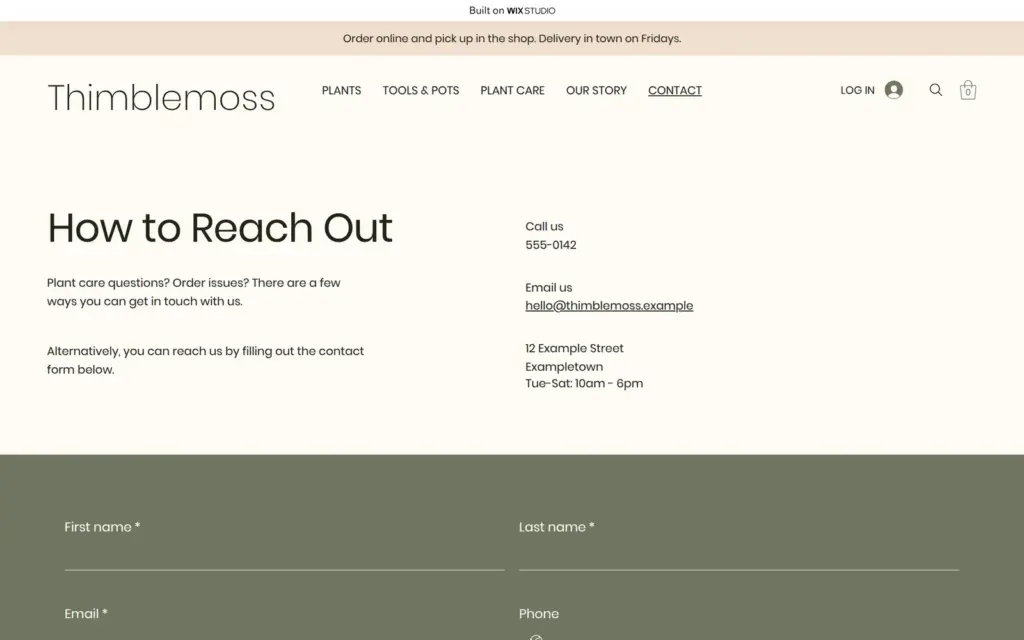
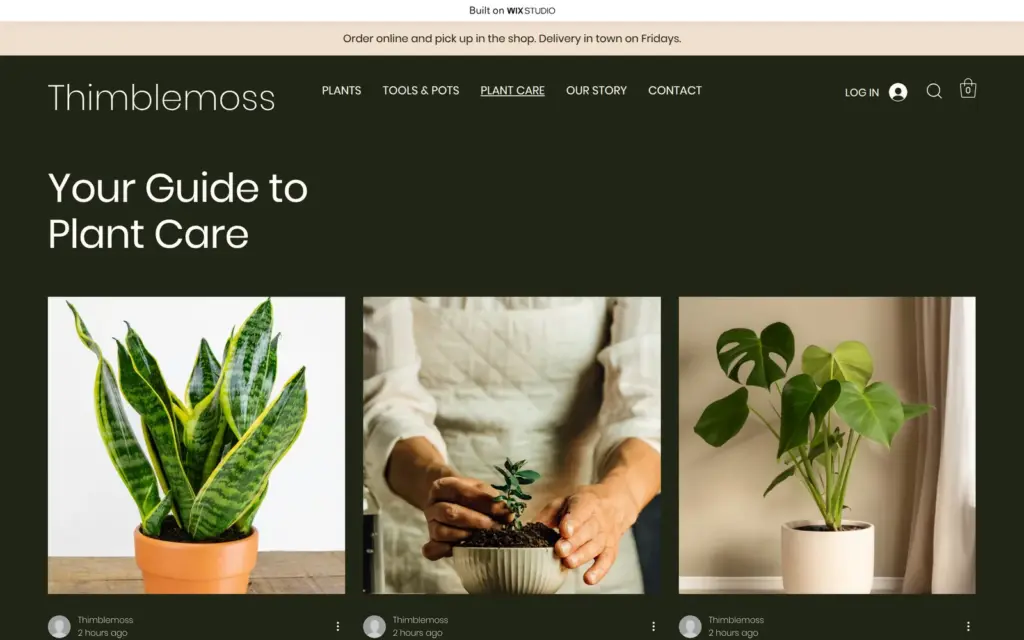
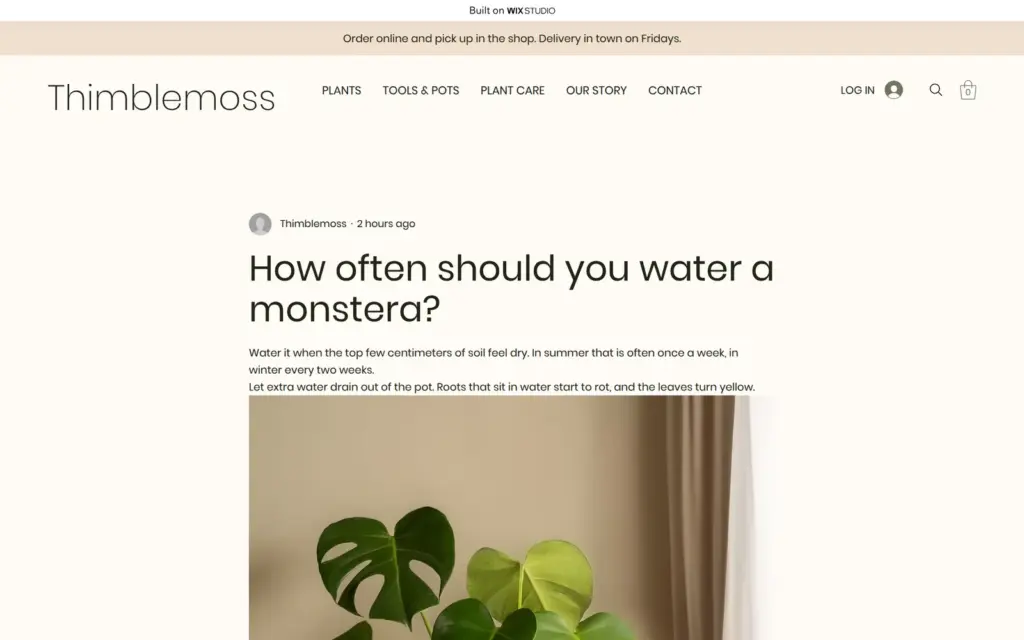
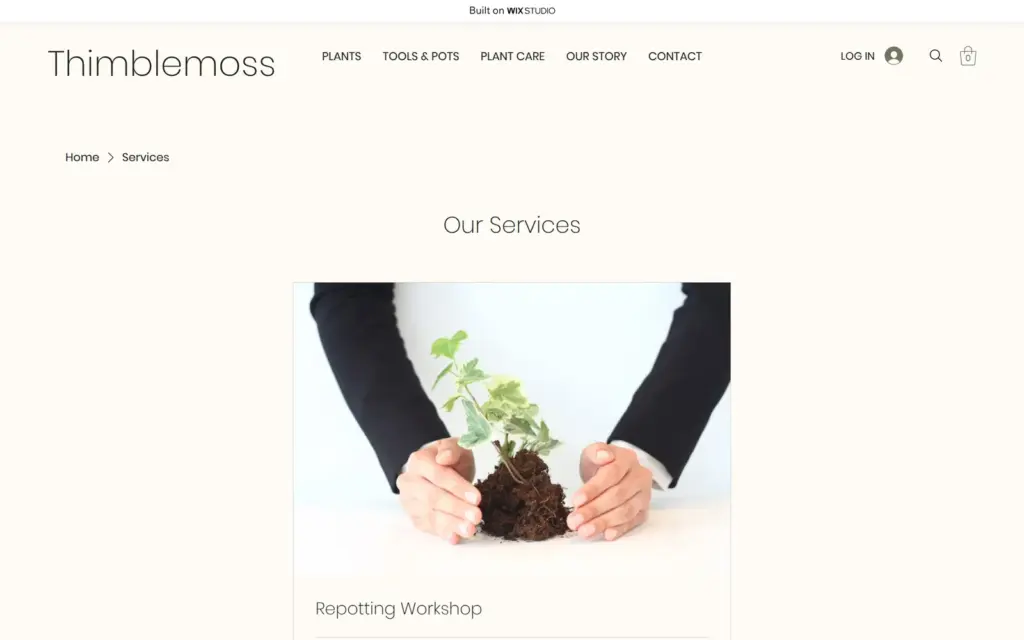
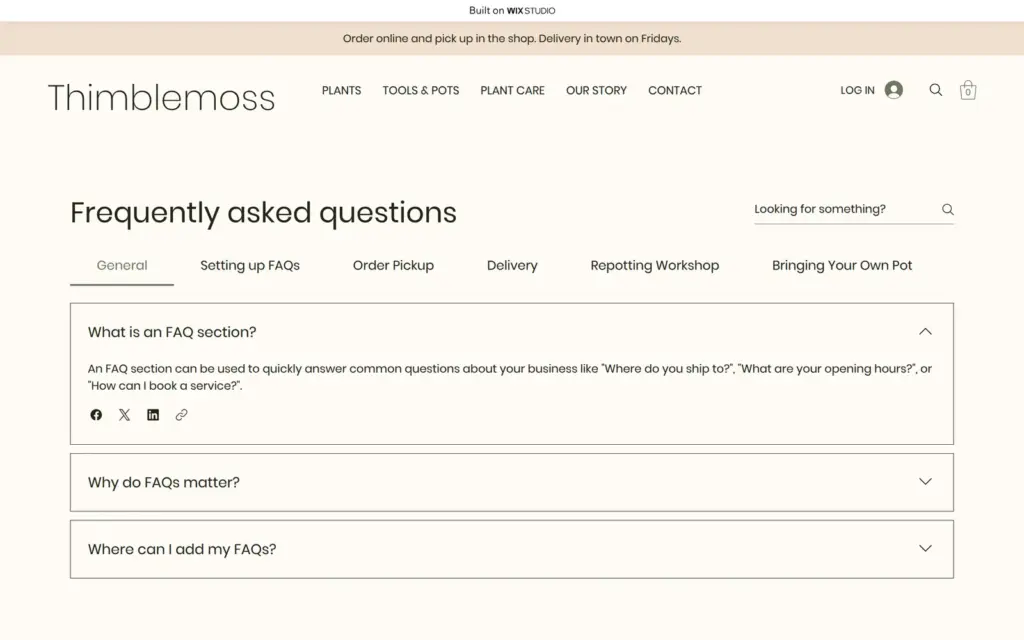
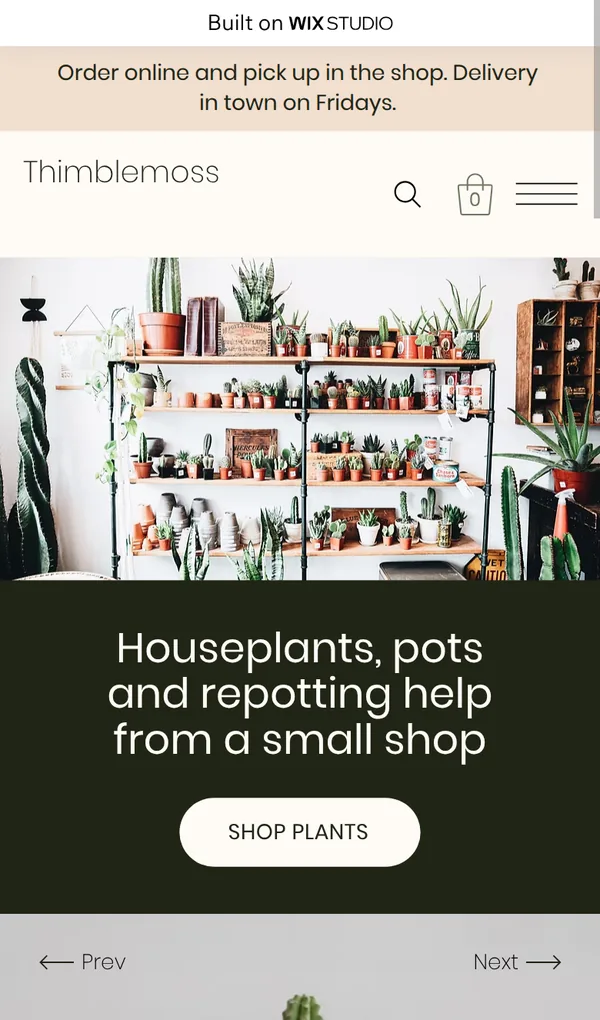
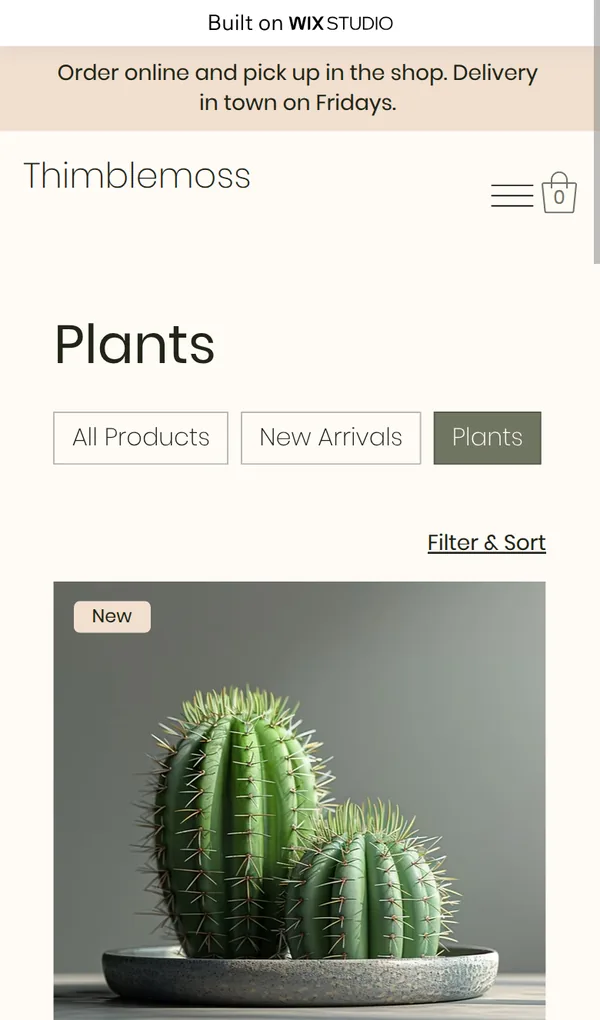
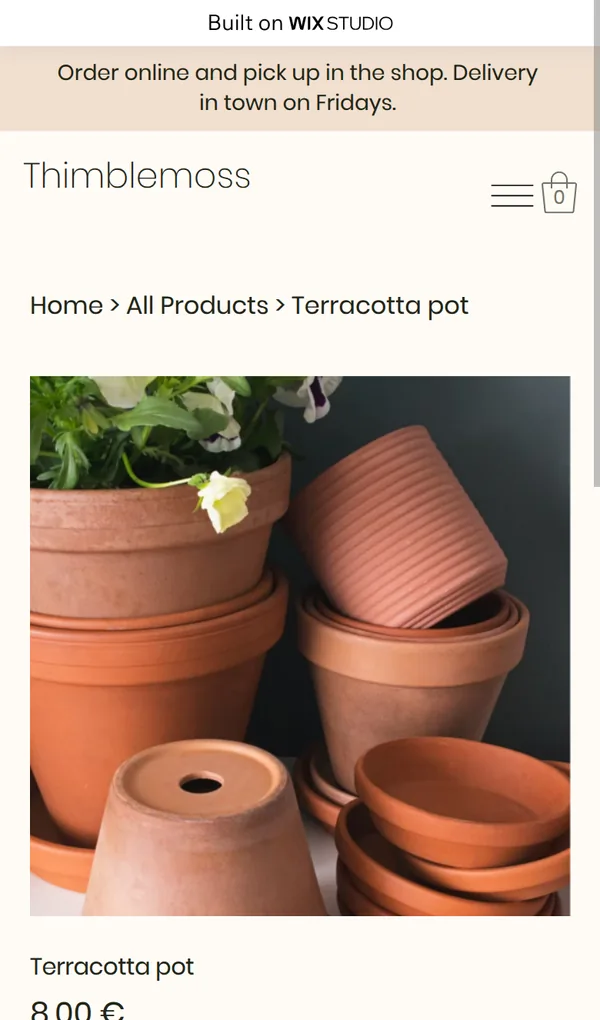
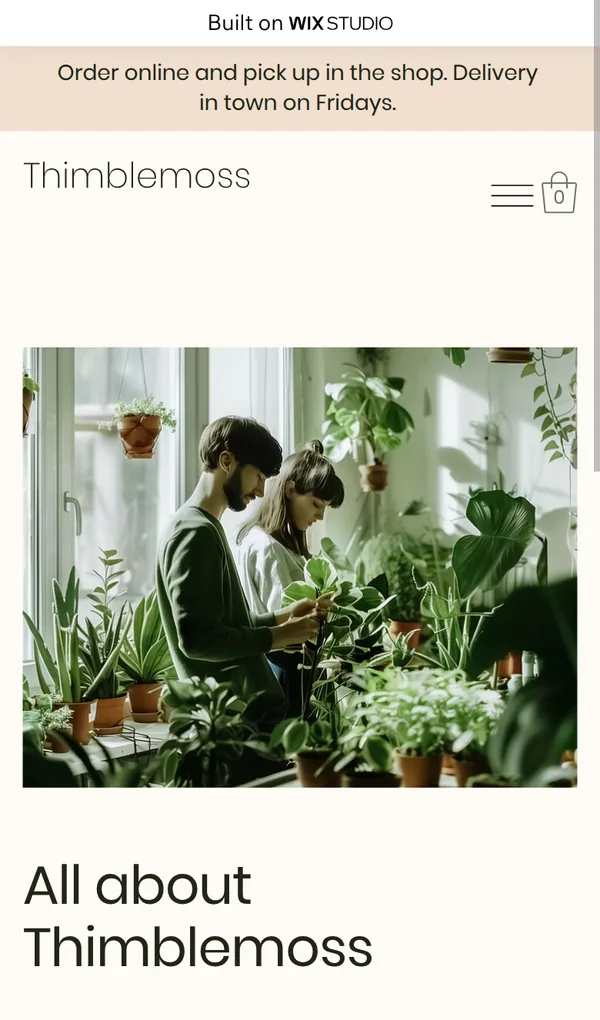
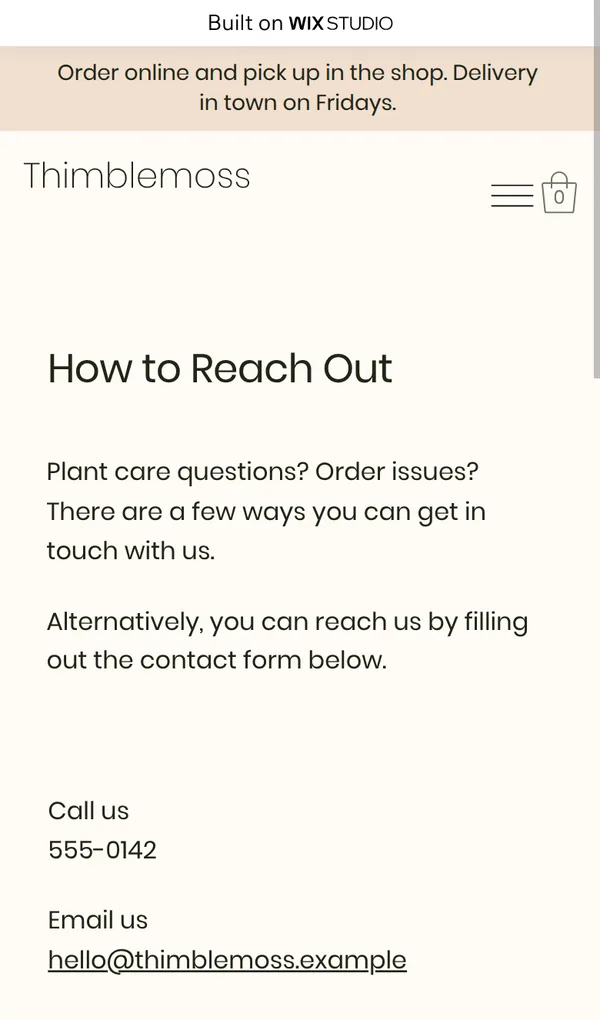
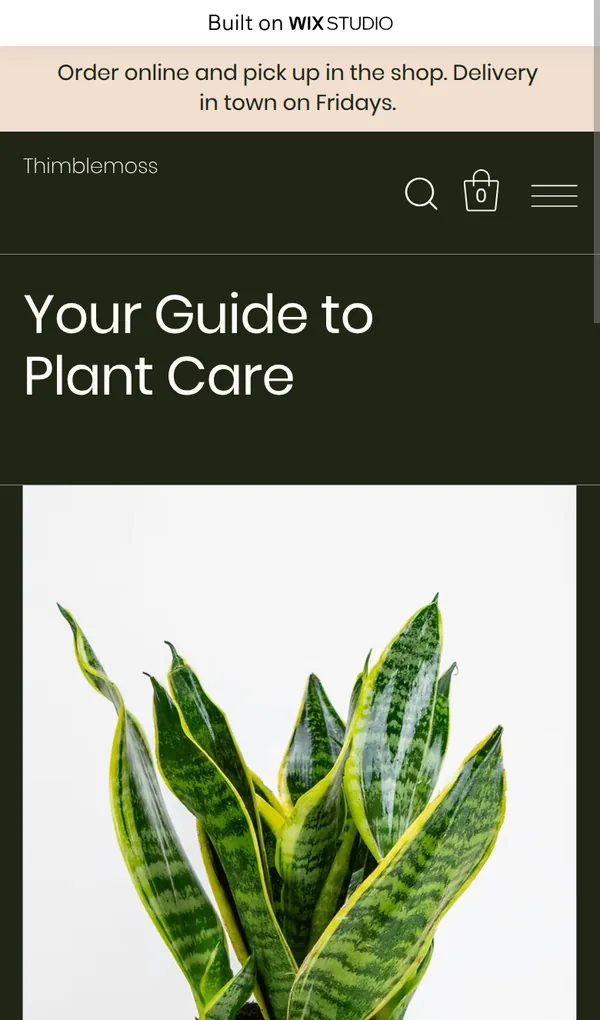
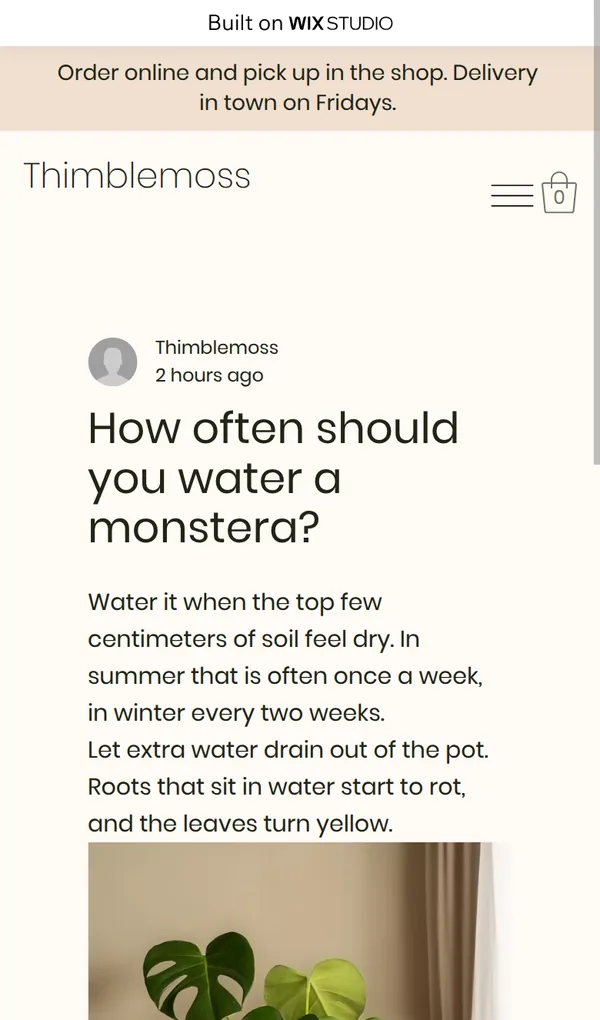
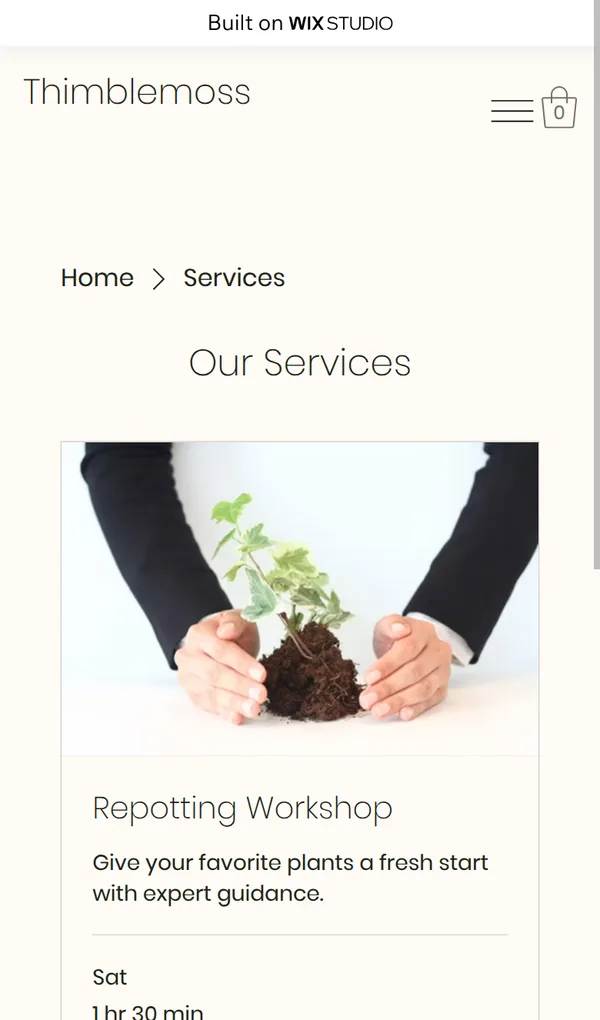
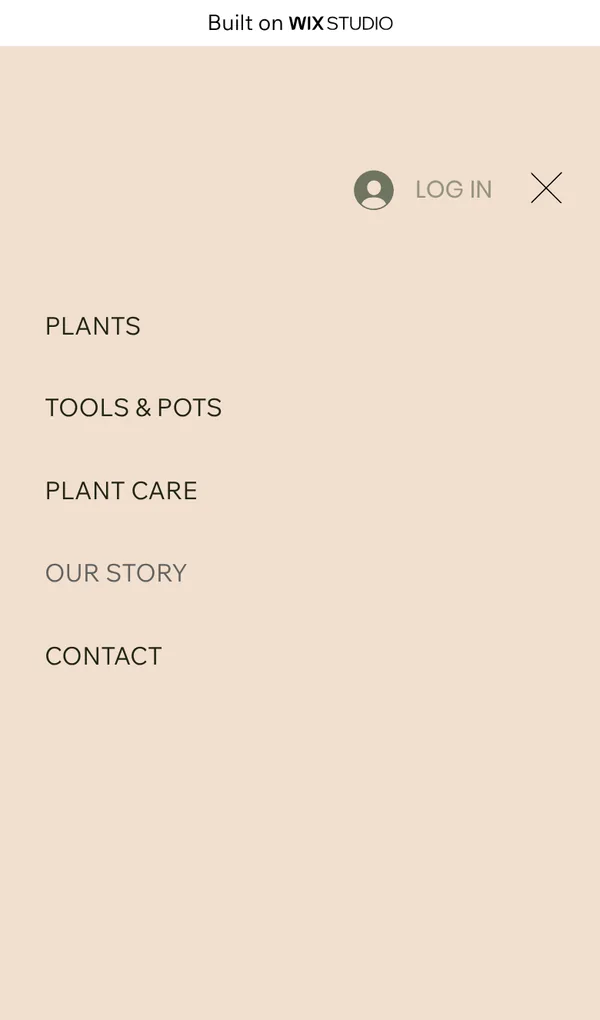
Open the plant shop site. It is a demo, so please do not send personal information through its form.
Wix Studio has its own sign-up page, where you can use Google, Facebook, Apple or an email address. I used an email address and a password, and Wix sent an email to confirm the address.
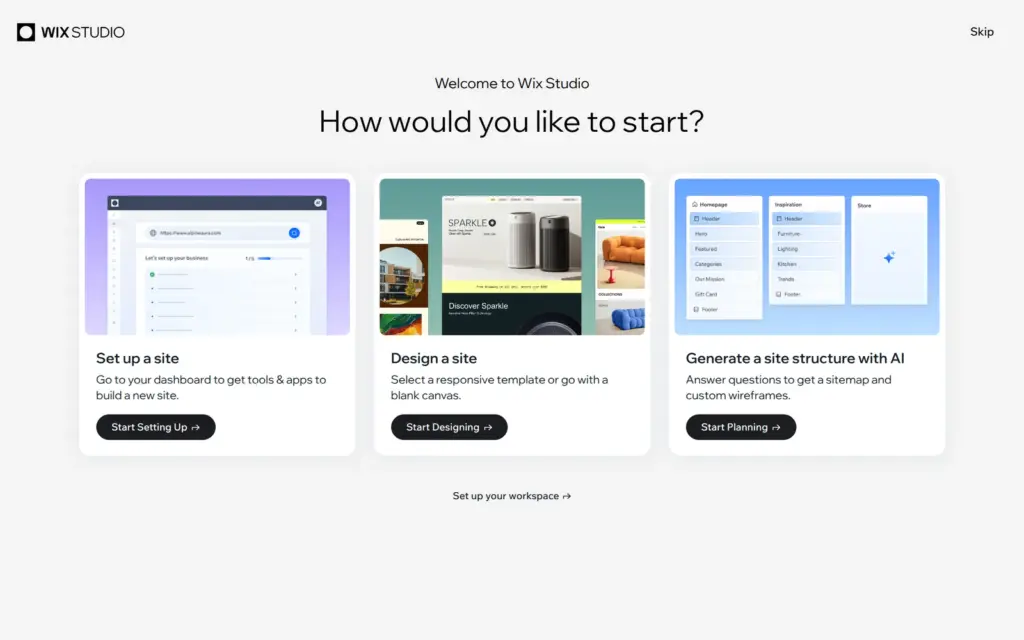
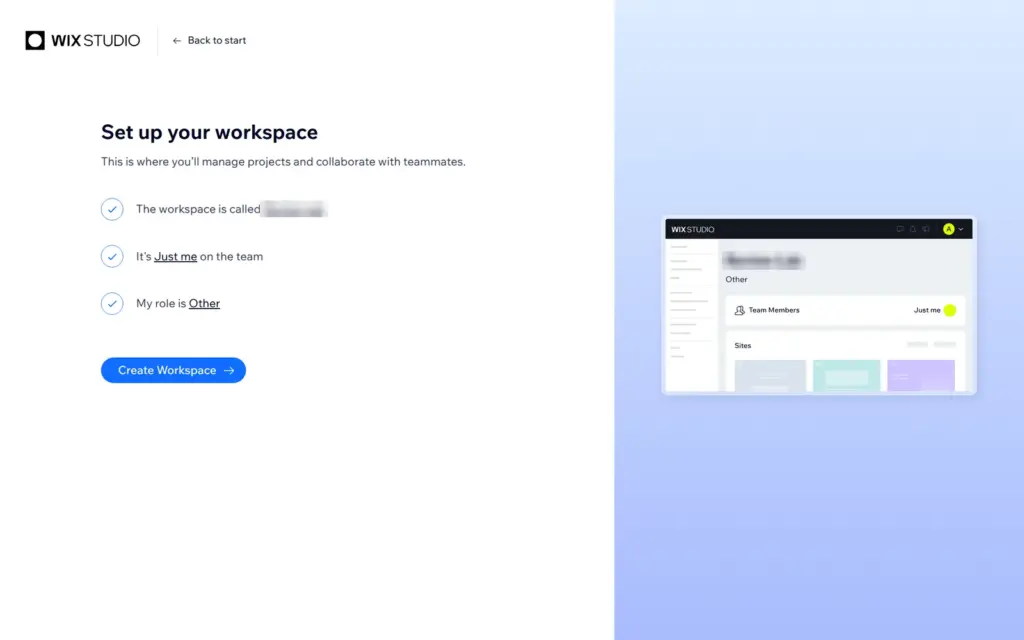
The first screen asks how you want to start: set up a site in the dashboard, design a site from a template or a blank page, or let AI plan the pages. Below the choices is a link to set up your workspace, which holds all your sites. I did that first. It asks for a name, the number of people who work with you and your role. The roles are all for web professionals, like web designer, web developer or agency owner. There is no choice for a shop owner, so I picked Other.
The workspace dashboard is made for agencies. Next to the sites, it has pages for client intake forms, invoices and proposals, and a partner program with a revenue share.
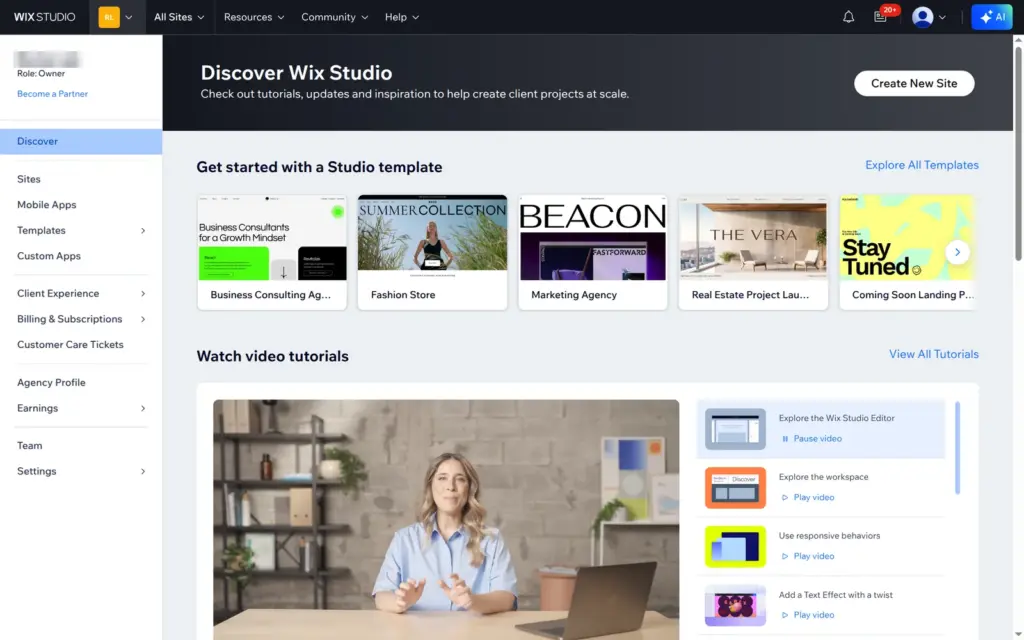
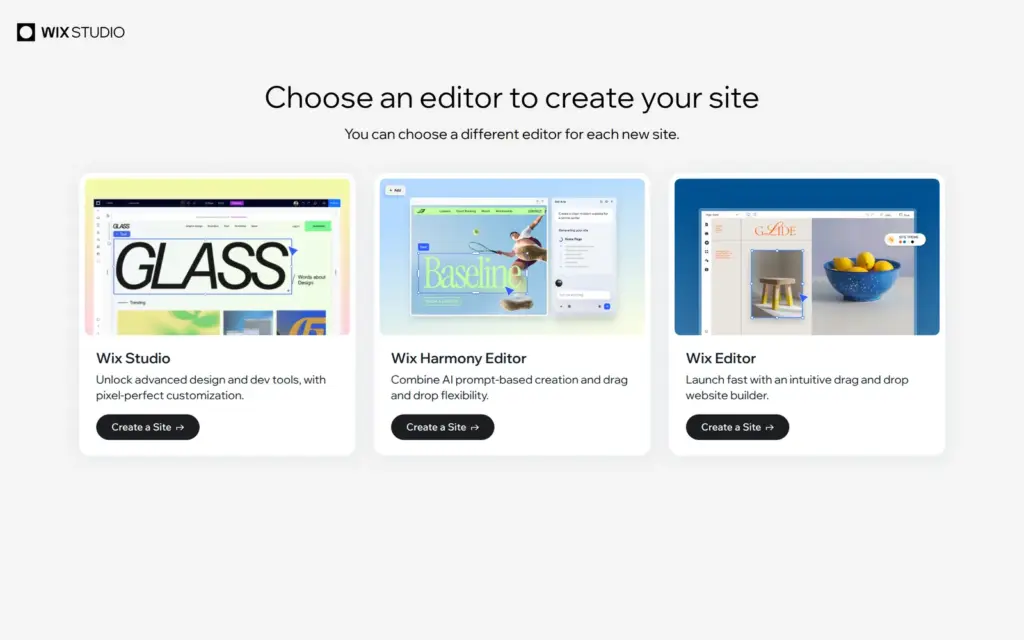
When you create a site, Wix asks which of its three editors you want. In that dialog, Wix Studio offers "advanced design and dev tools", the Wix Harmony Editor combines AI prompts with drag and drop, and the Wix Editor is a drag-and-drop builder to "launch fast". You choose for each site. According to Wix's help center, a site built in the Wix Editor can't be opened in the Studio editor later, so it would have to be rebuilt. I chose Wix Studio.
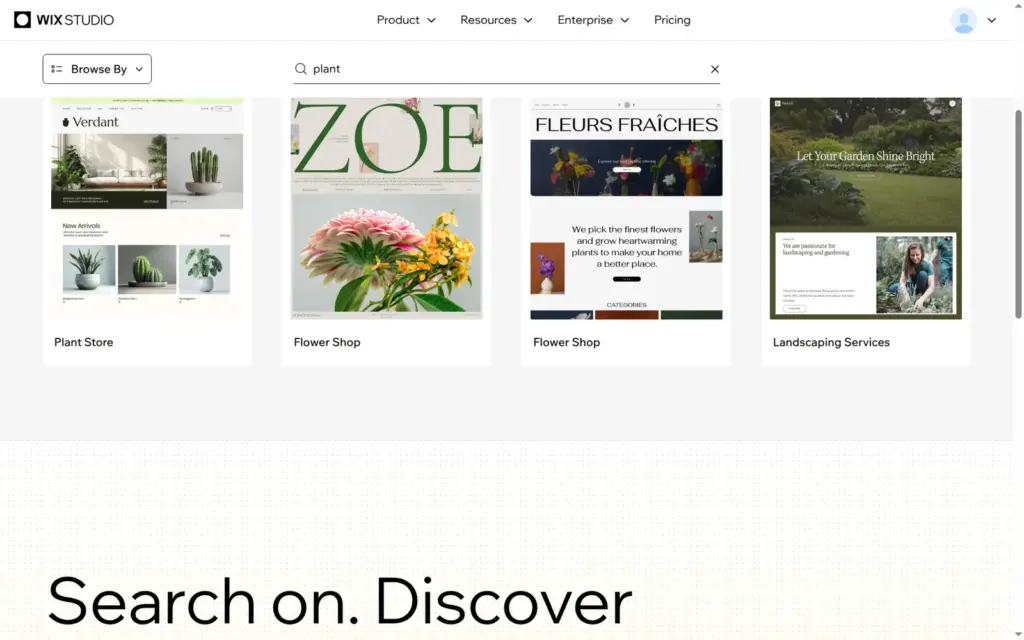
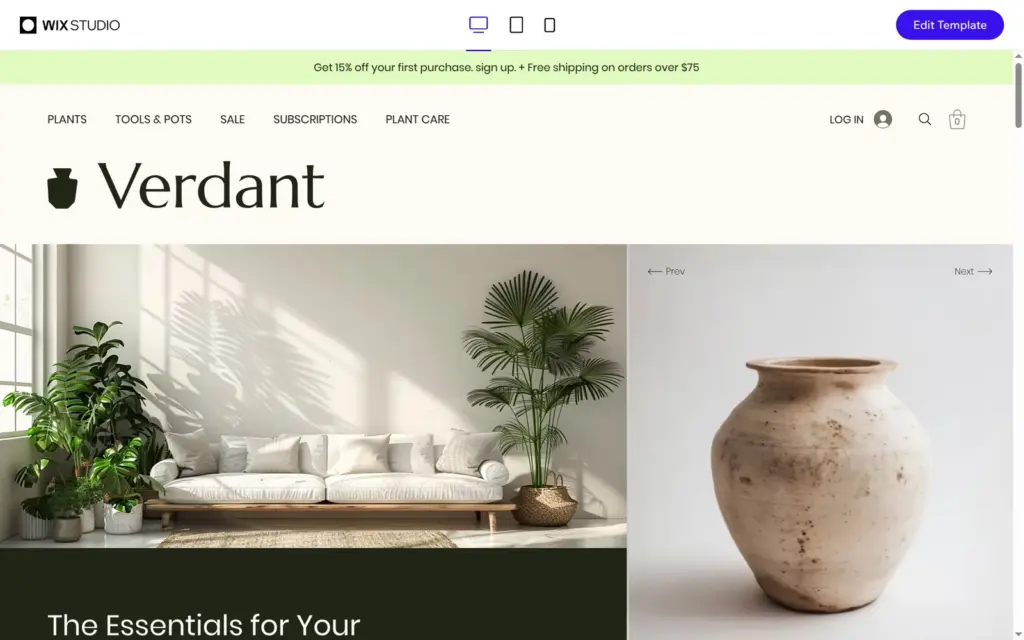
The Wix Studio template gallery can be filtered by features like a store, bookings, a blog or events. A search for "plant" found Plant Store, two flower shops and a landscaping business. I compared Plant Store with a coffee shop and a flower shop template and picked Plant Store, because it had the most pages a plant shop needs. It came with a shop with categories and product pages, a plant care blog, an about page, a contact page, an FAQ and five legal pages. Its demo shop is called Verdant.
The preview shows the template on a computer, a tablet and a phone. "Edit Template" copies it into your account and opens it in the editor. Loading the editor took about a minute.
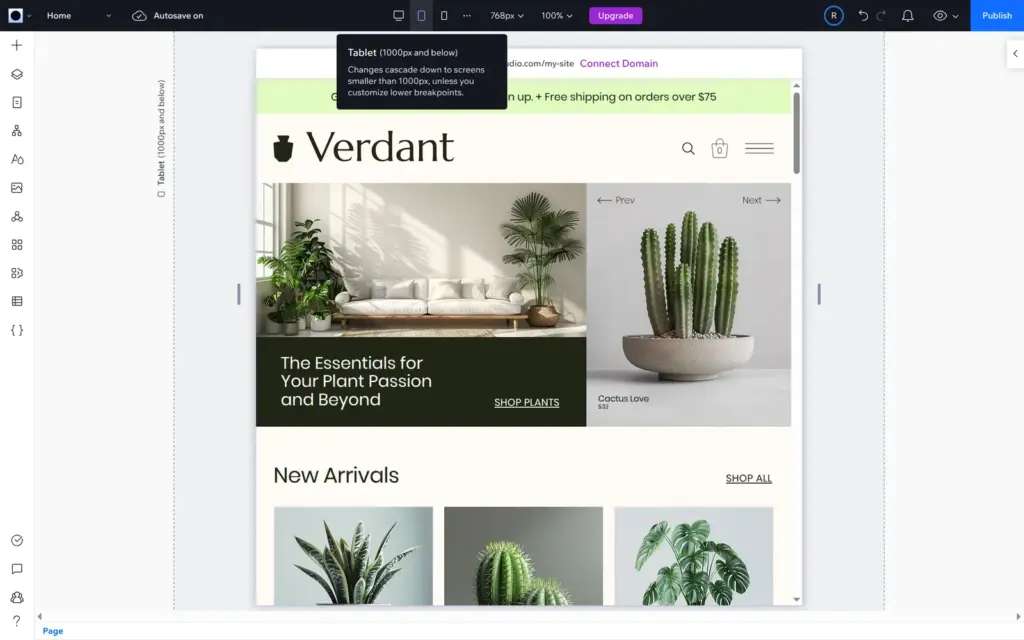
The Studio editor shows one screen size at a time, and you switch between desktop, tablet and phone at the top. Desktop is the main layout at 1,280 pixels. Tablet covers 1,000 pixels and below, and phone covers 750 pixels and below. A change on desktop also reaches the smaller sizes, unless you have changed the same thing there. The layers panel lists every section and element on the page, and the panel on the right shows the settings of whatever you select.
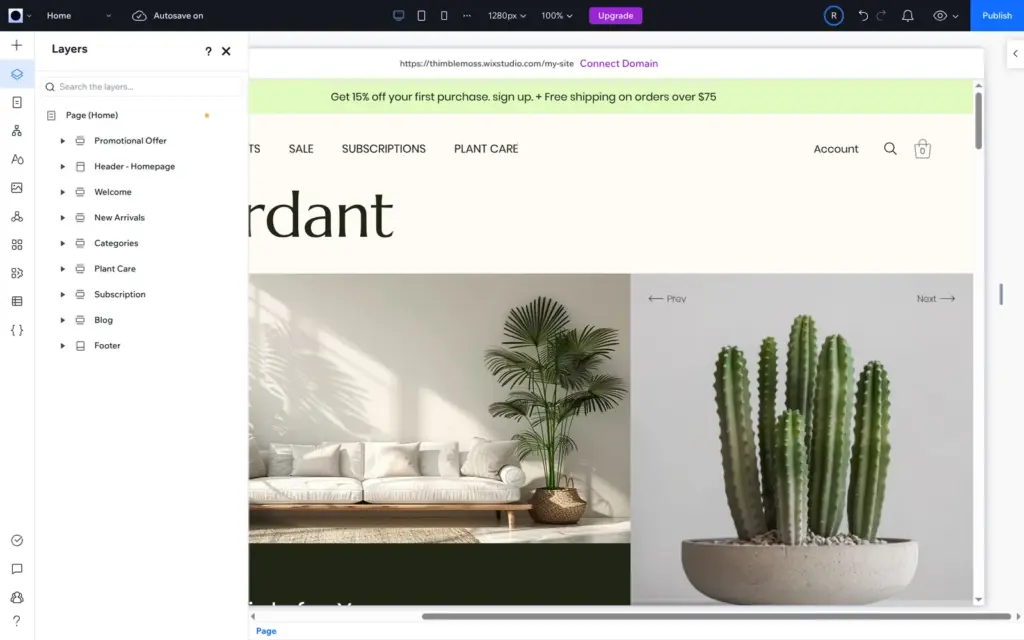
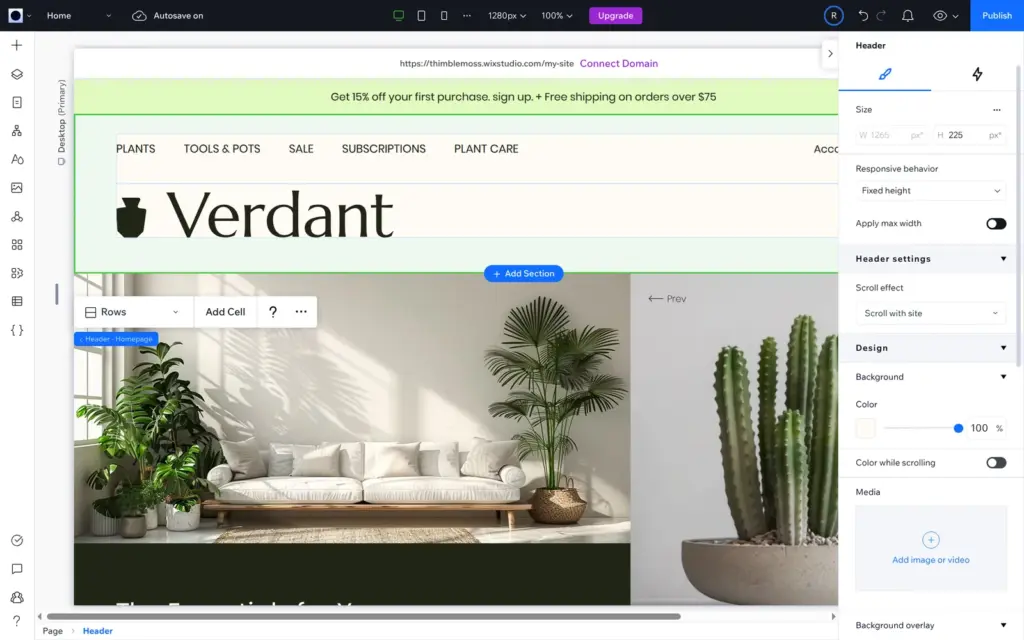
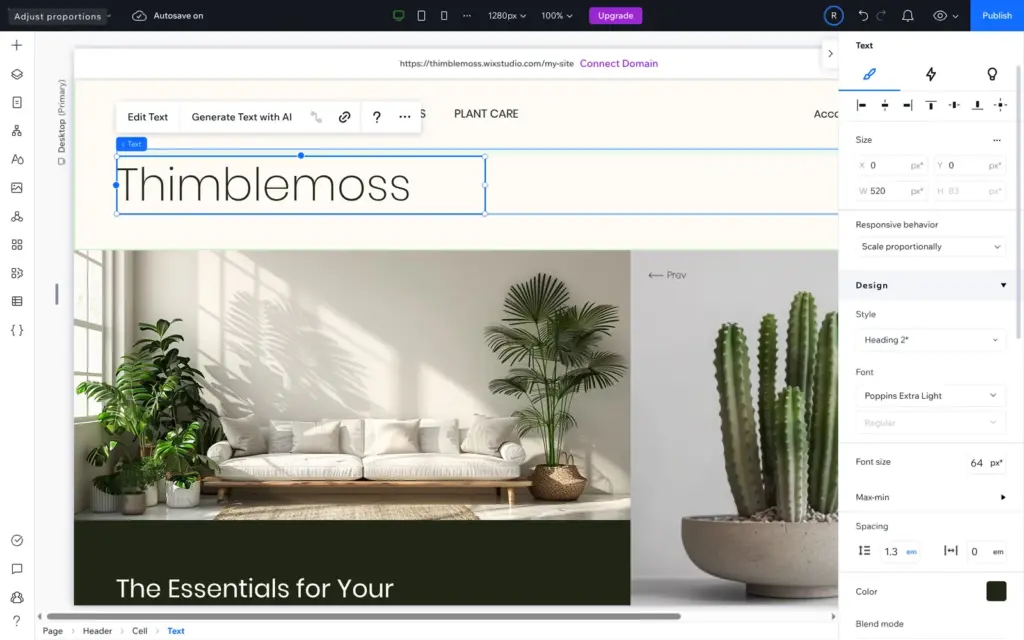
The template's logo, "Verdant" with a small pot, is a graphic, so you can't type into it. I deleted it and added a text element with the shop name. My first try dragged the text to the wrong place. Selecting the empty spot in the header first and then clicking "Title" in the add panel put it where I wanted.
The template has one header for the home page and another one for the other pages, so I did this twice. I found a third header with the old logo on the blog page only after publishing.
To change text, you double-click it and type. The promotion bar at the top and the footer are shared by all pages, so I changed them once.
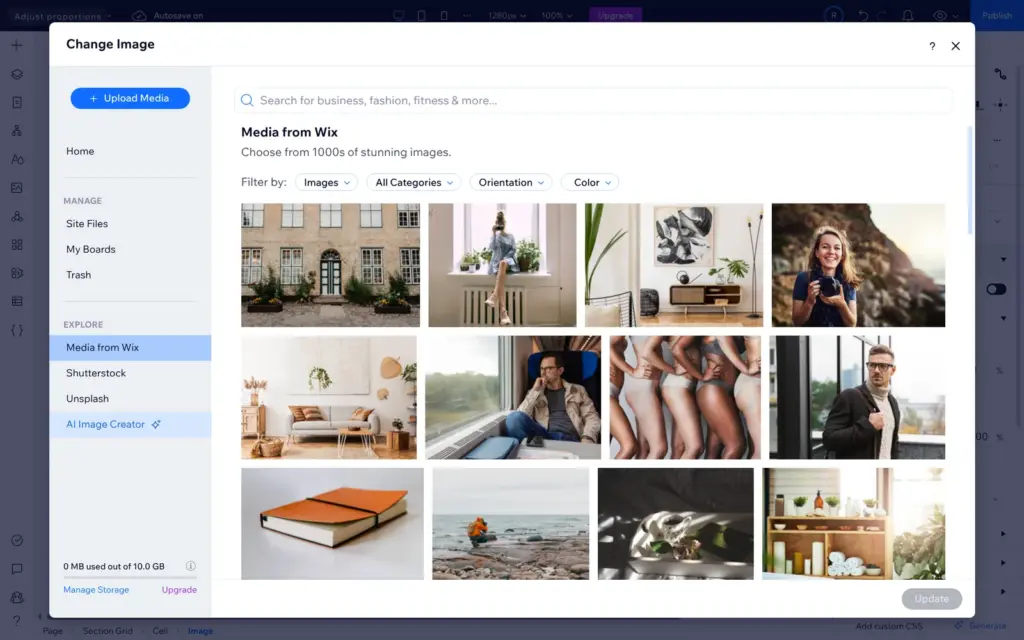
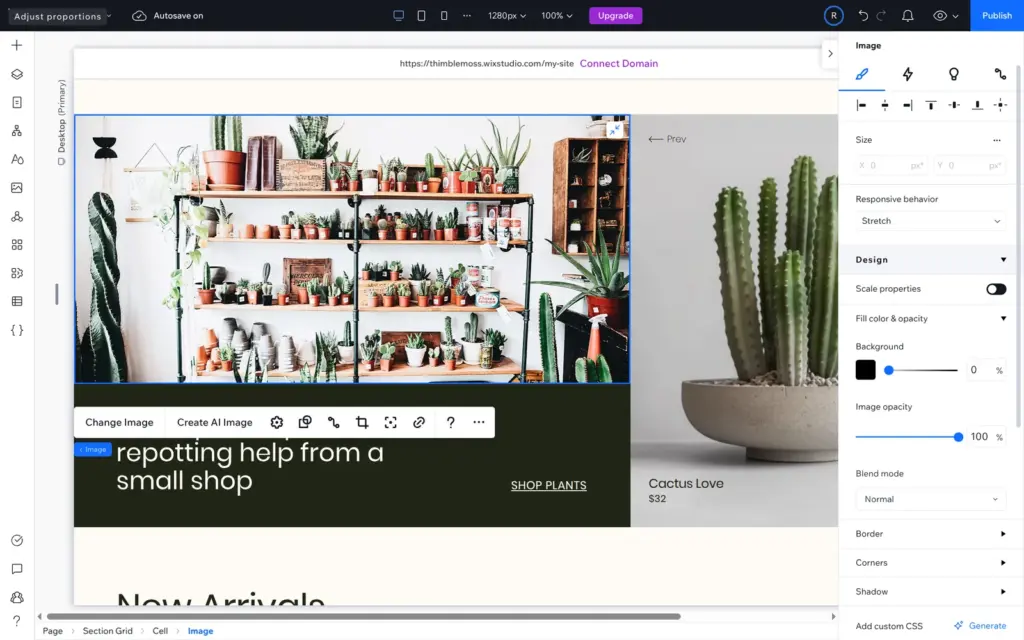
For photos, "Change Image" opens Wix's media panel. It has free photos from Wix and Unsplash, paid photos from Shutterstock and an AI image creator. I searched Unsplash for "plant shop" and replaced the large photo on the home page.
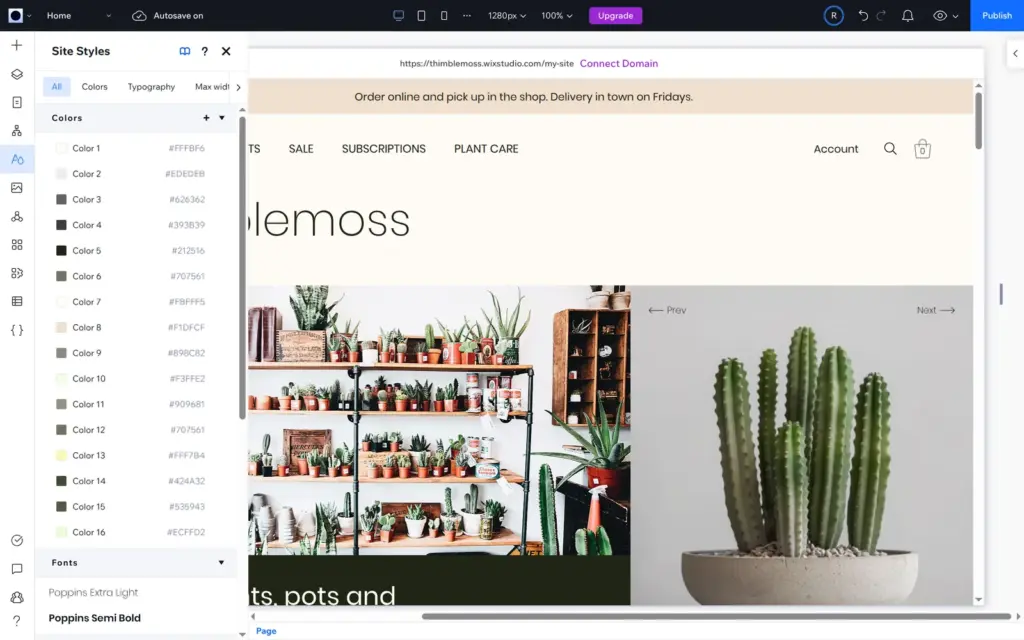
Site Styles holds the template's 16 colors and two fonts. The template used a light green in its promotion bar and in a section on the home page. I changed that color to a light beige in Site Styles, and the bar and the section changed with it.
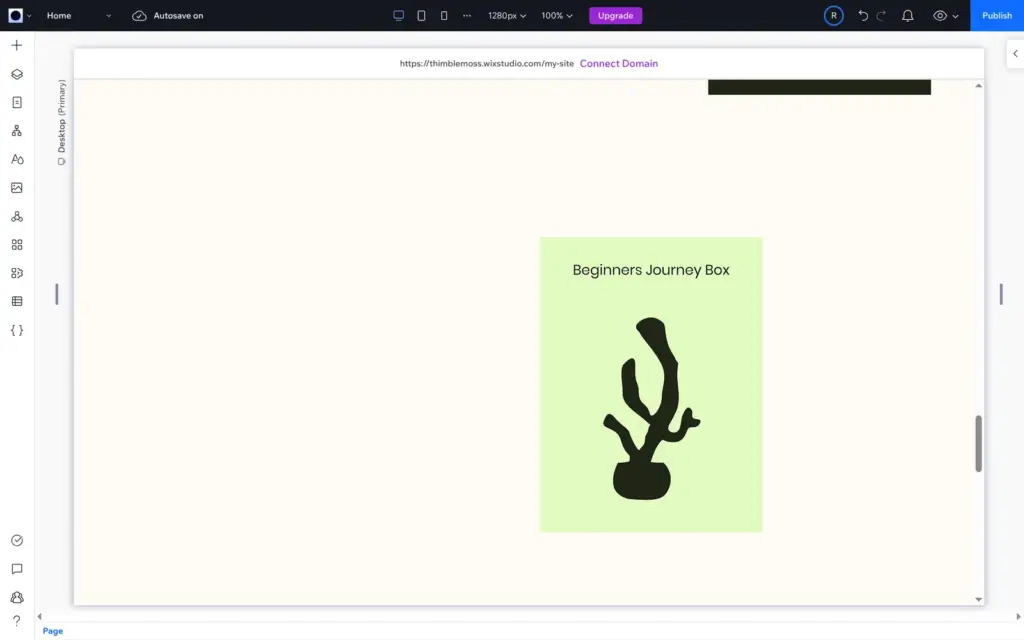
One box in the template's subscription section stayed green, because the green was part of its photo. My shop doesn't sell subscriptions, so I deleted the whole section.
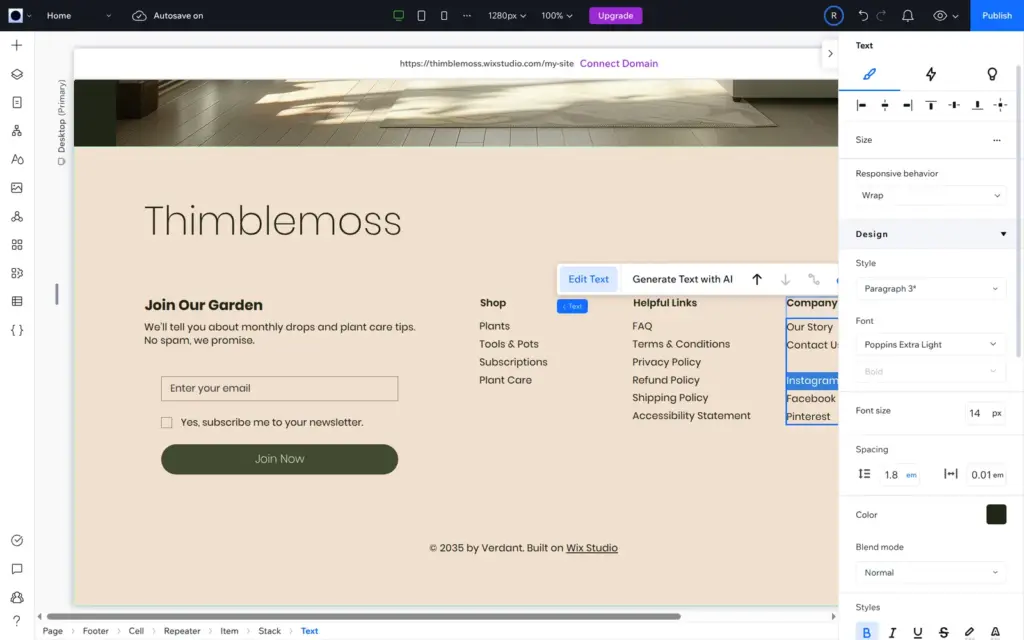
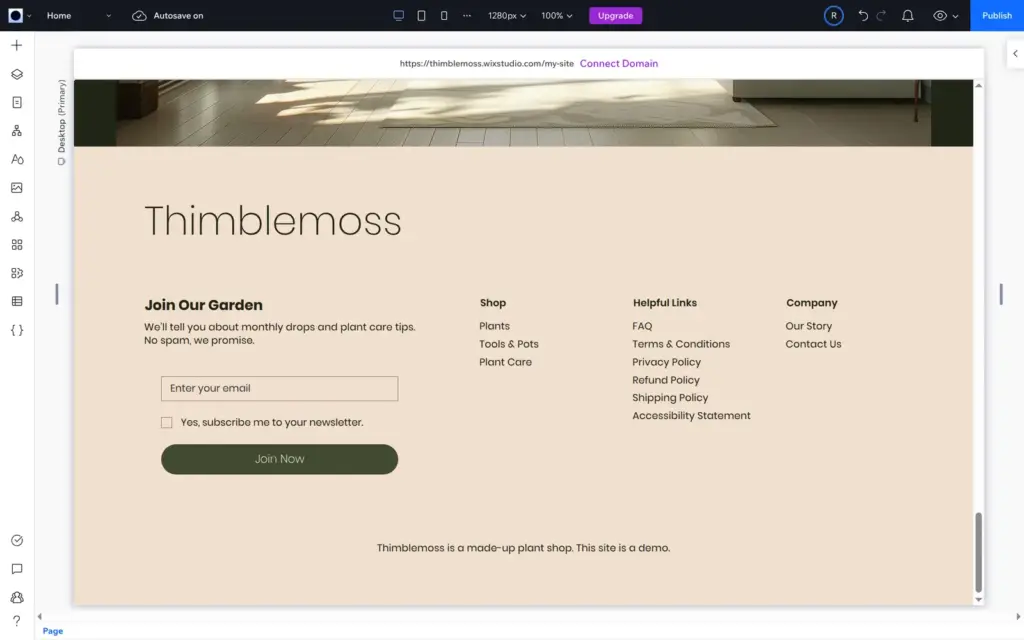
The footer had links to Instagram, Facebook and Pinterest. They pointed to Wix Studio's own Instagram and Facebook pages, and the Pinterest link also went to Facebook. I deleted them. The copyright line said "© 2035 by Verdant. Built on Wix Studio", and I replaced it with a line saying that the shop is made up.
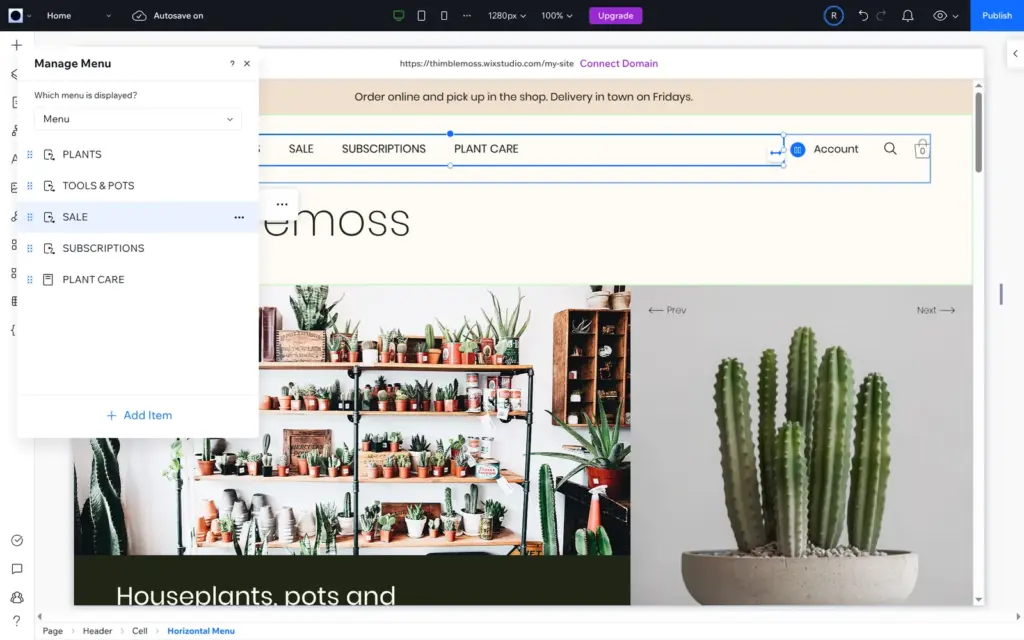
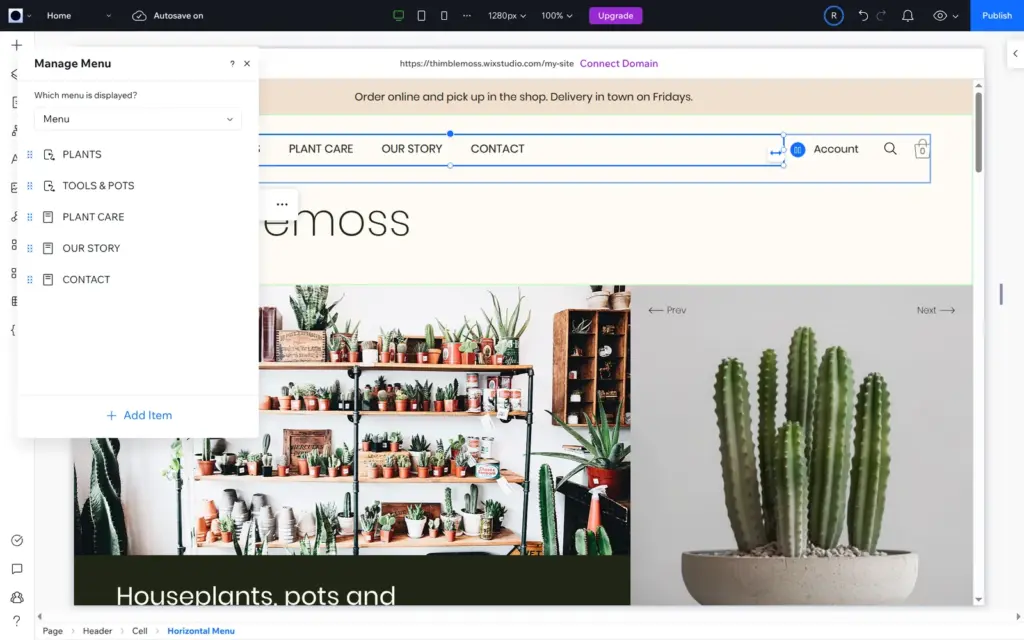
In the menu, I removed Sale and Subscriptions and added the about and contact pages. The template writes its menu in capitals, so I typed the new items in capitals too. That renamed the pages themselves, and later the page titles for search engines came out in capitals as well.
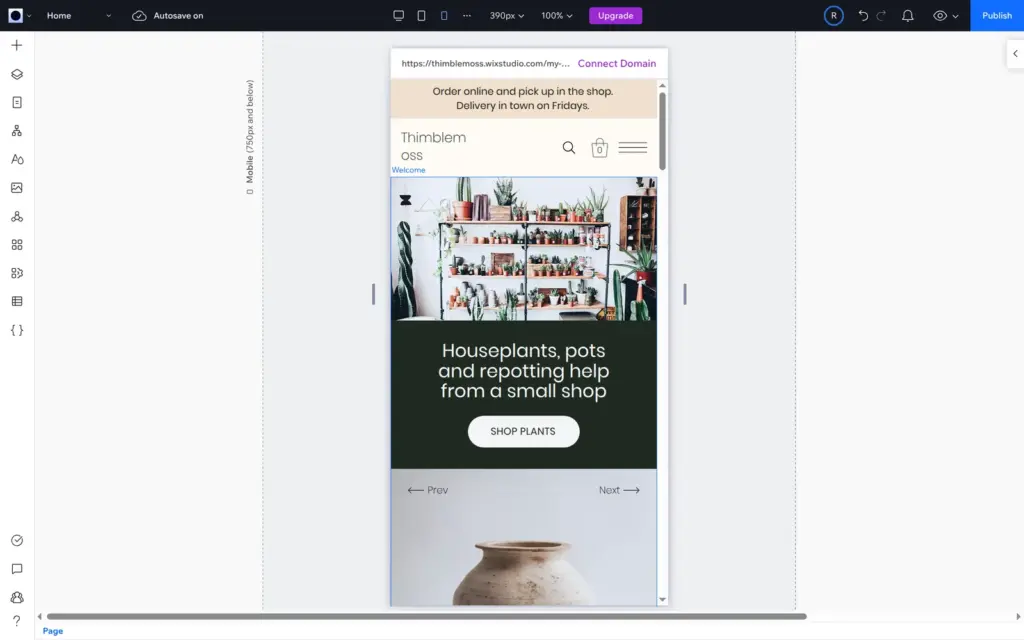
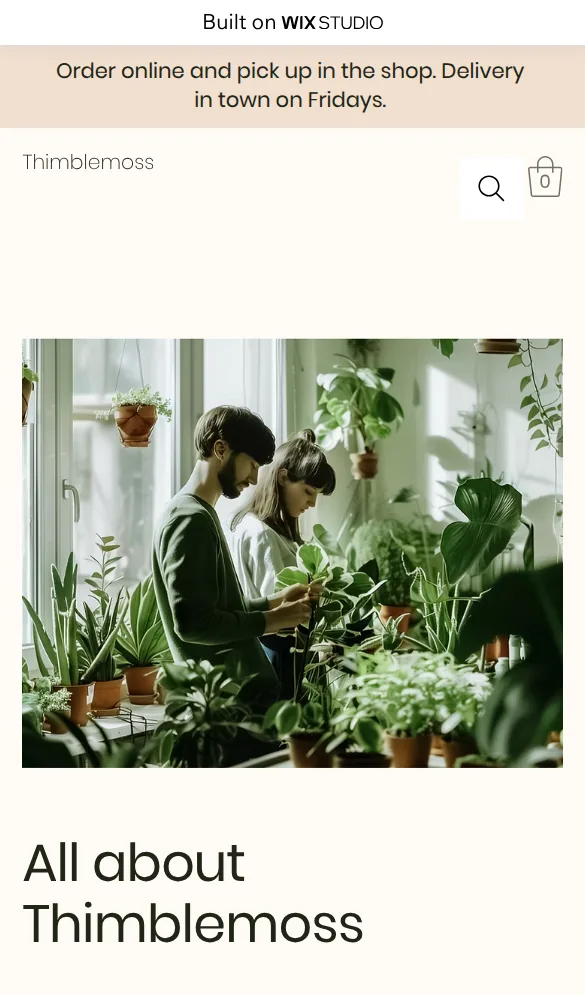
The template already had a phone layout, but my shop name is longer than "Verdant". On phones it broke into "Thimblem" and "oss". I made the text box wider on the phone layout only, and the desktop layout kept its size.
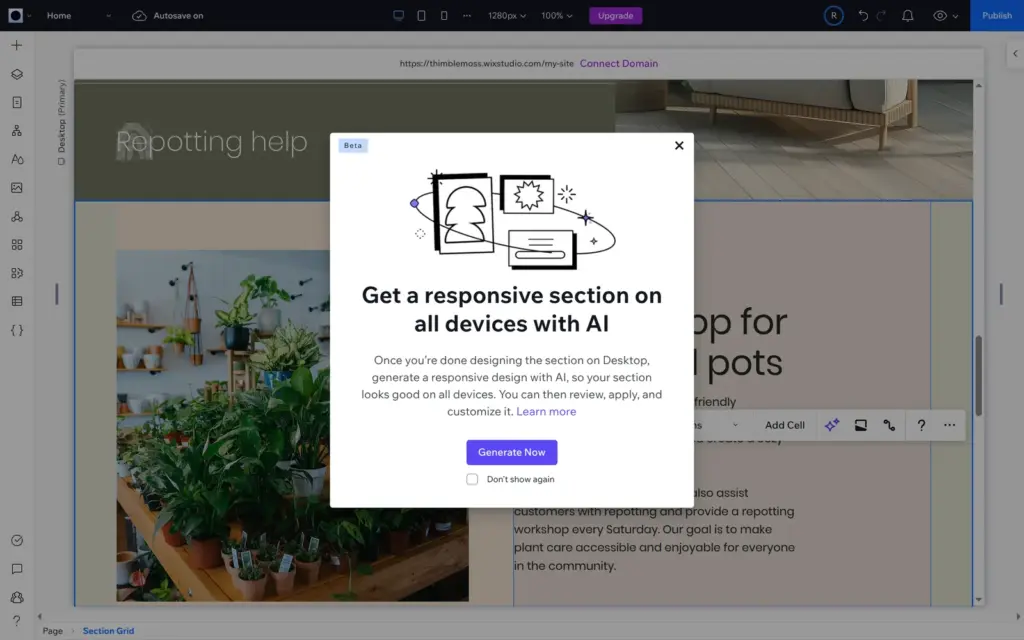
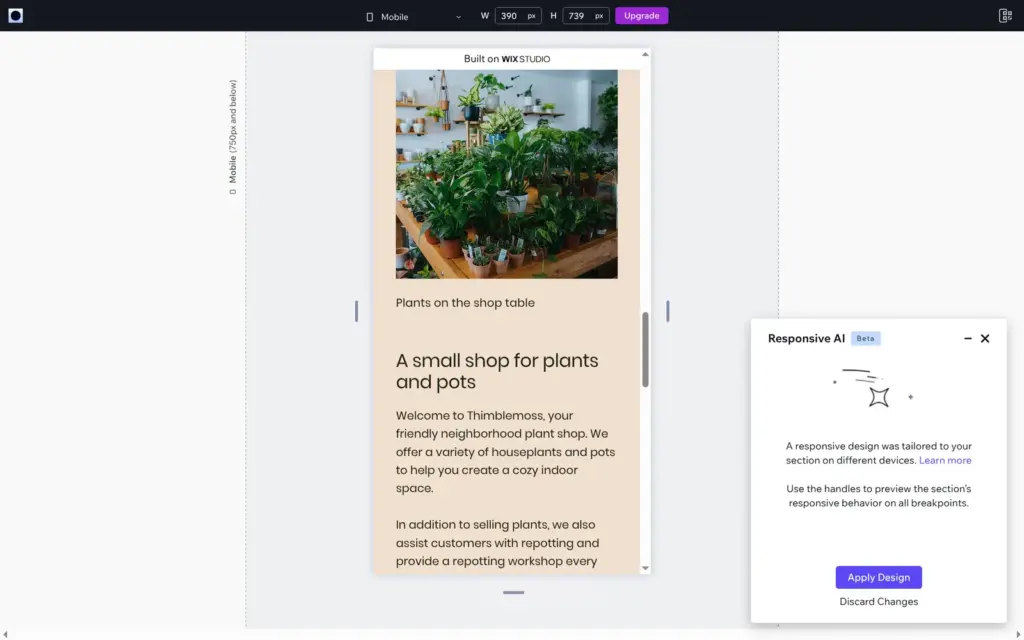
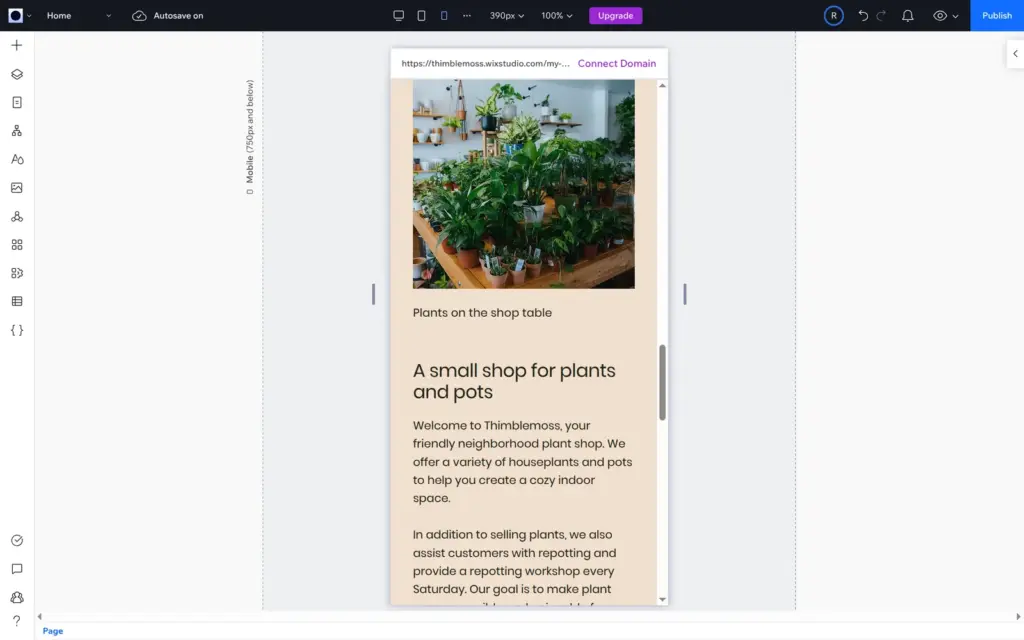
Responsive AI is Wix Studio's tool for this kind of work. You select a section on desktop, click the AI button and choose Generate Now. After about a minute, a preview shows the new layout at all three sizes, and you can apply or discard it. On the section "A small shop for plants and pots", it put the photo above the text on phones and made the heading smaller.
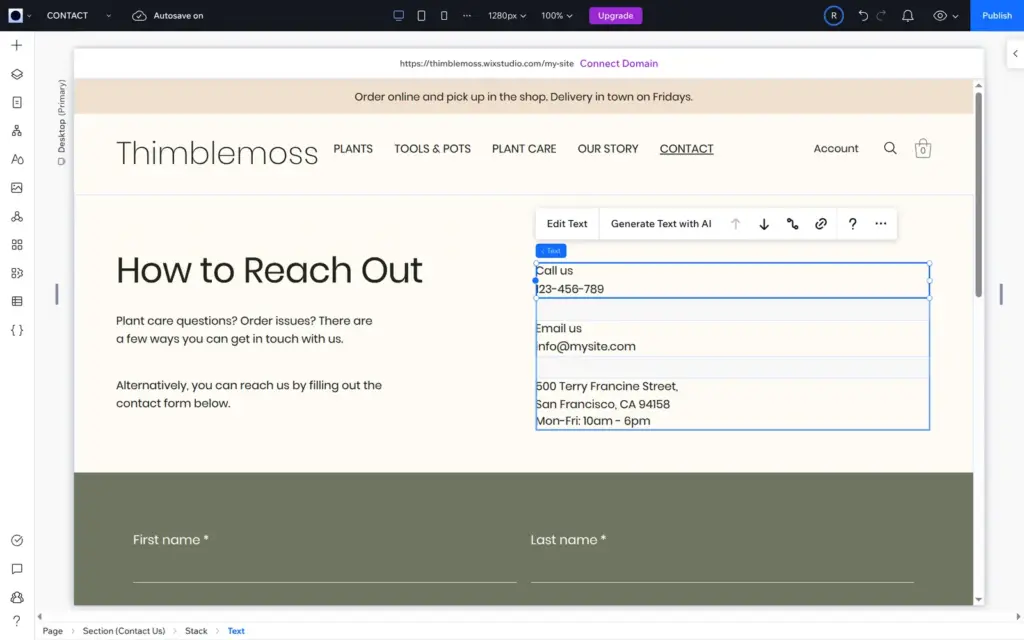
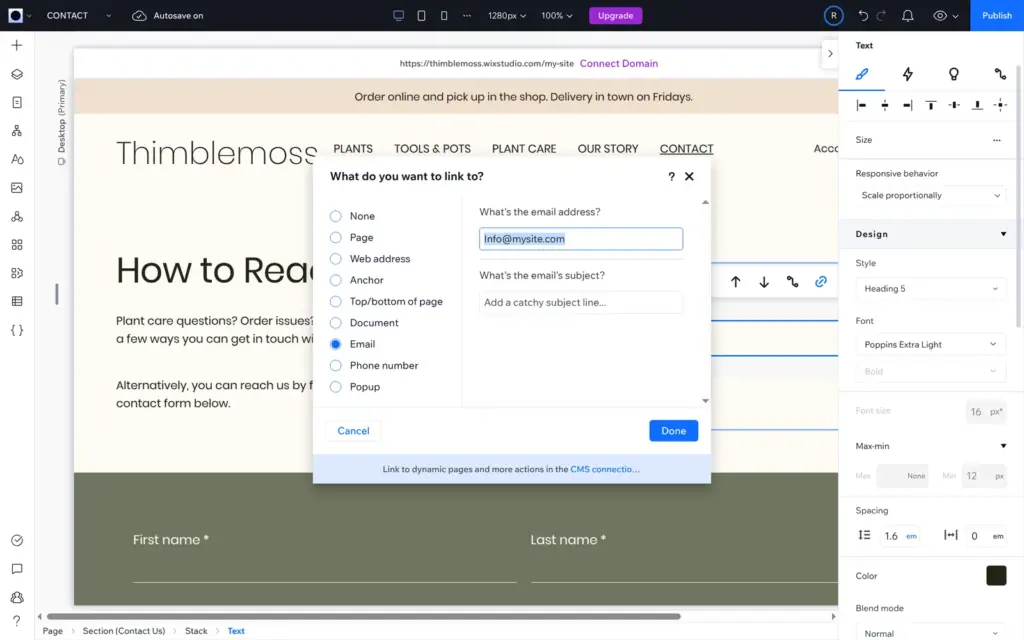
The template's contact page had a sample phone number, info@mysite.com and a street in San Francisco. I typed in placeholders. The email address is also a link, and the link still opened an email to info@mysite.com, so I changed the link separately.
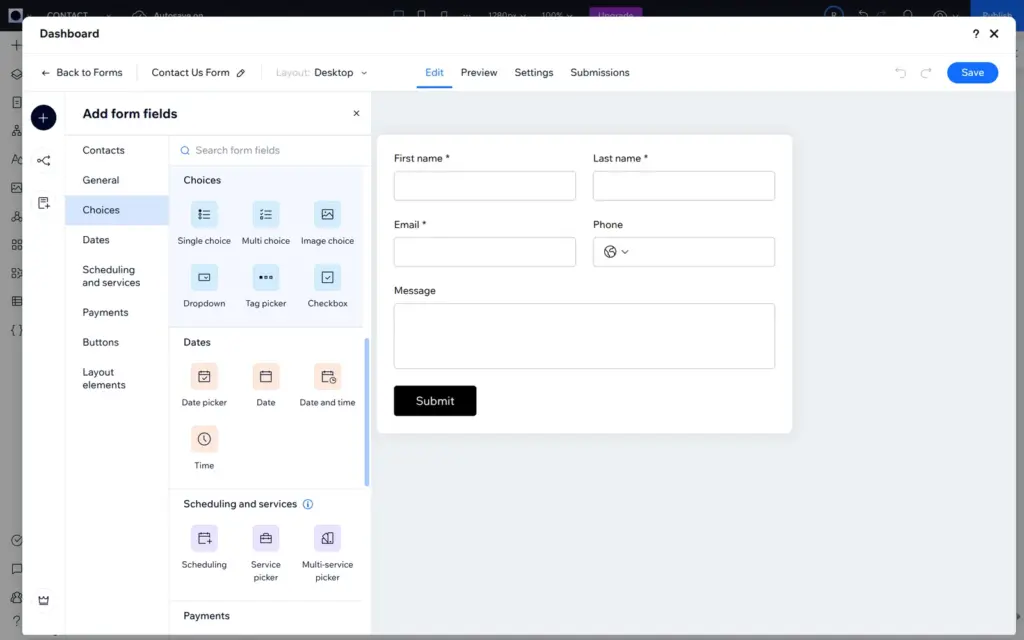
The form comes from Wix Forms. Edit Form opens the form builder in a window on top of the editor. Besides contact details and text, it has fields for choices, dates, appointments and payments. File uploads and signatures need a paid plan. I added a dropdown called "What is it about?" with three options and made the message required.
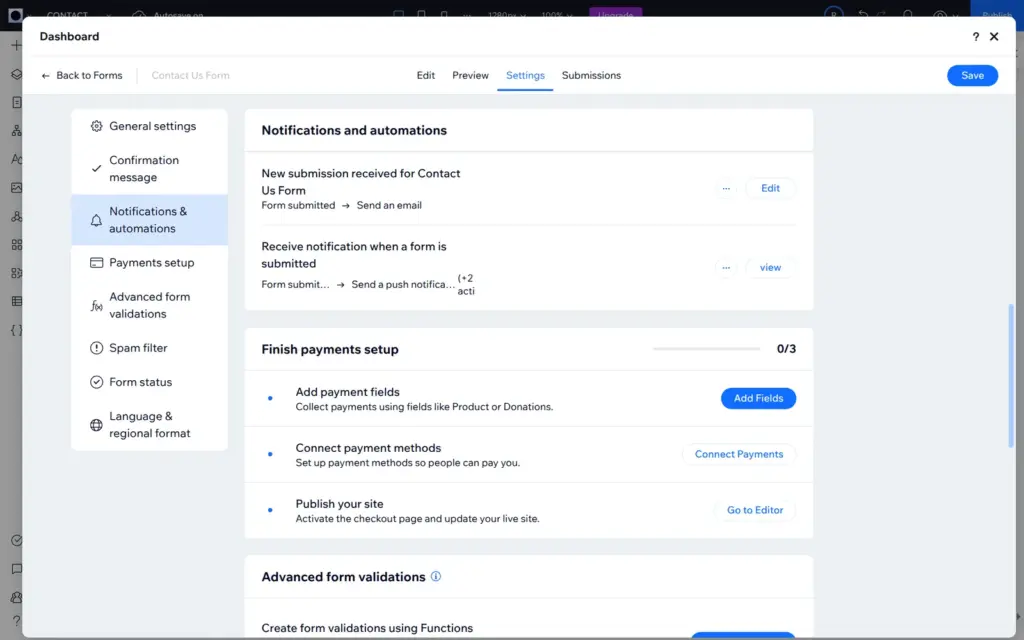
New messages go to the account's email address. The form settings also have the confirmation message, a spam filter and an end date for the form.
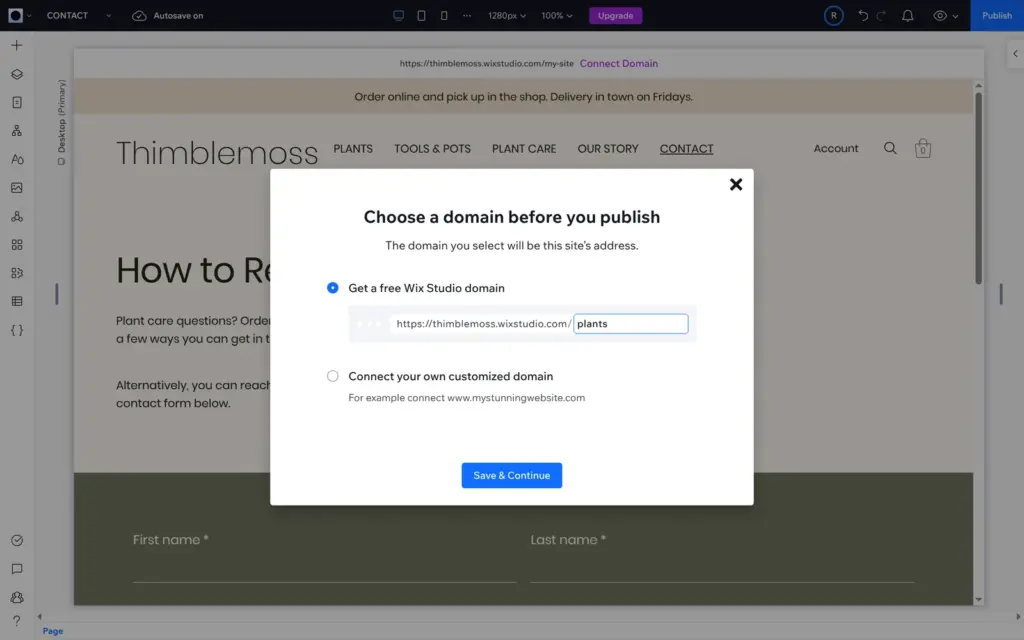
The first time you click Publish, Wix asks for a web address. The free address looks like name.wixstudio.com/site. Wix takes the first part from the account settings, and it had made it from the first part of my email address. I changed it there before publishing. The plant shop is at thimblemoss.wixstudio.com/plants.
Free sites show a "Built on Wix Studio" bar at the top of every page. A custom domain needs a paid plan, and the yearly plans include a free domain for the first year.
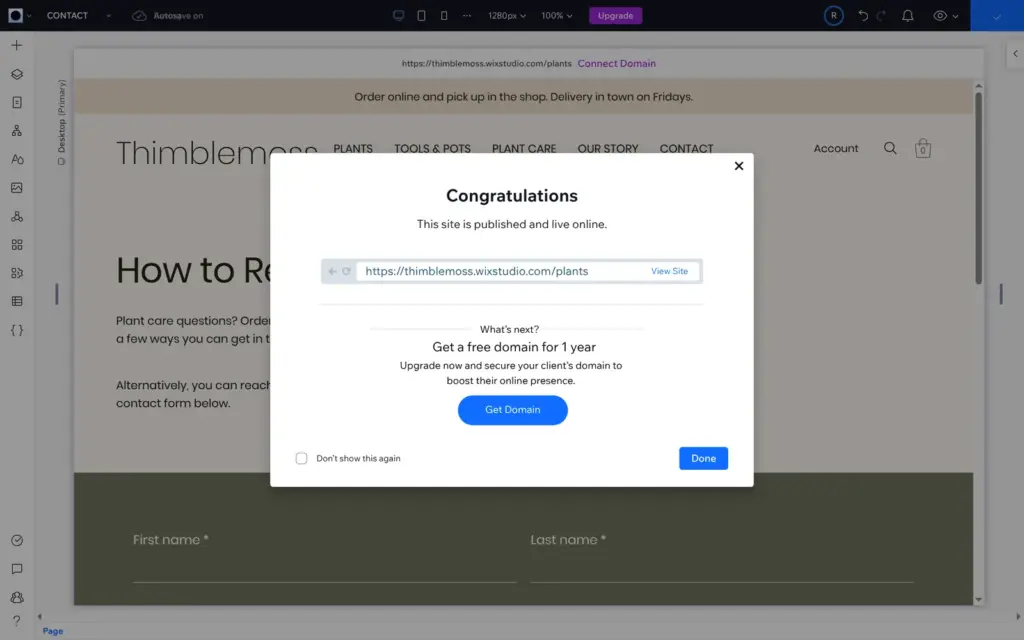
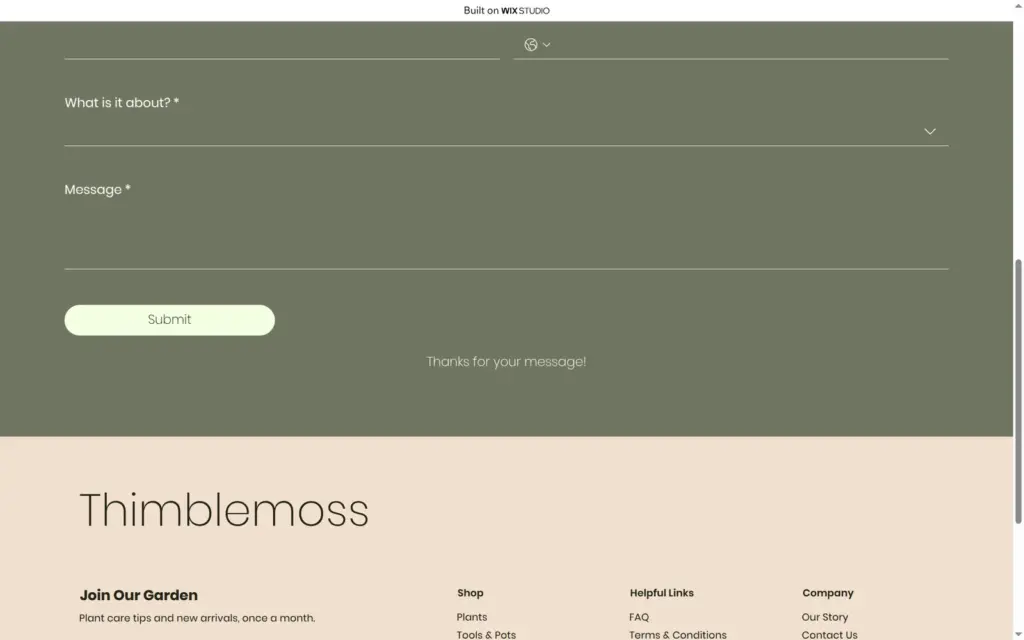
On the published site, I clicked through all pages on a computer and a phone and sent the contact form twice. When I sent it empty, the form marked every required field. A complete message showed "Thanks for your message!", and the email arrived 12 seconds later. It came from Wix Forms and listed each field with the label visitors see. It also said the message came from "My Site", because the site still had its default name. That name, which Wix uses in the dashboard and in its emails, is separate from the name on the pages.
The live site showed more template leftovers:
I fixed the blog header, renamed the site and set the page titles in the search settings. I added my own FAQ questions later with Wix's AI assistant, but the sample questions are still there. The legal pages still have the template's text.
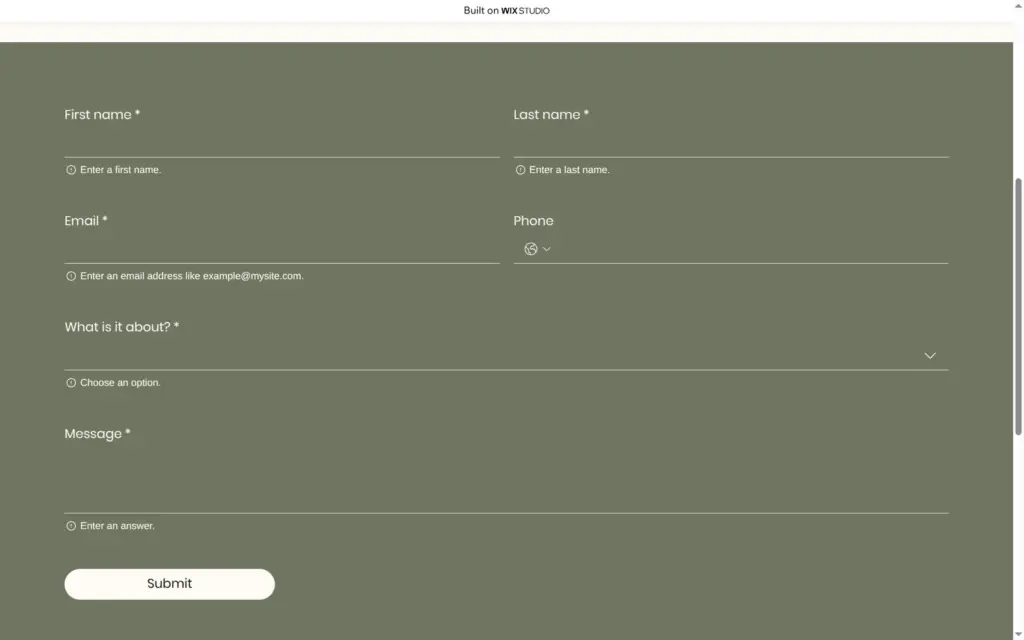
I only saw these problems when I opened the published site on a phone-sized screen:
The home page has its own header, where the icons sit side by side, so it looked fine there.
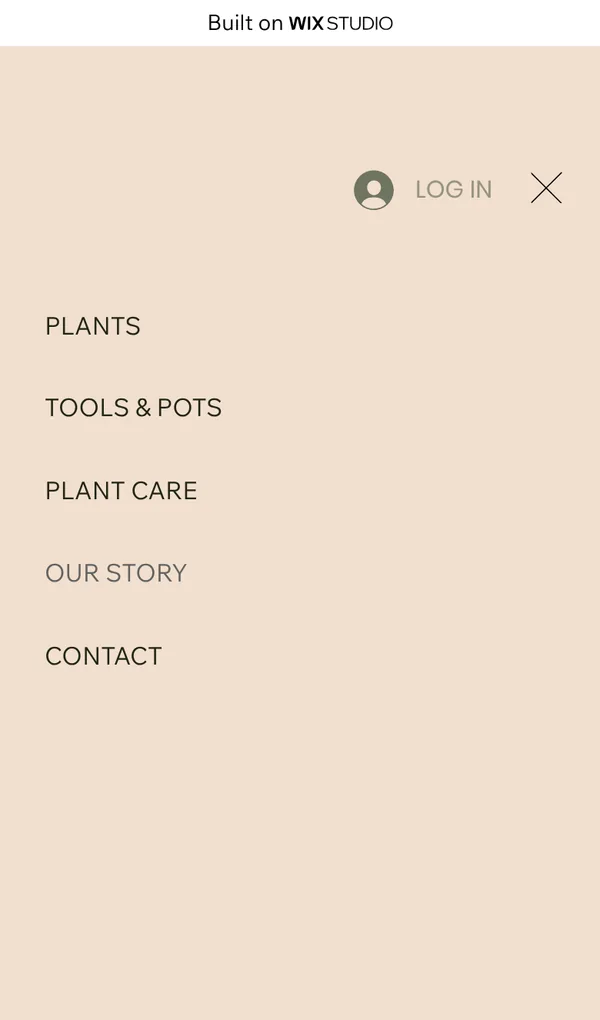
I wanted to try Responsive AI on the header, but Wix doesn't offer it for headers. I hid the search icon on the phone layout only, and the menu button appeared. The desktop layout still shows the search icon.
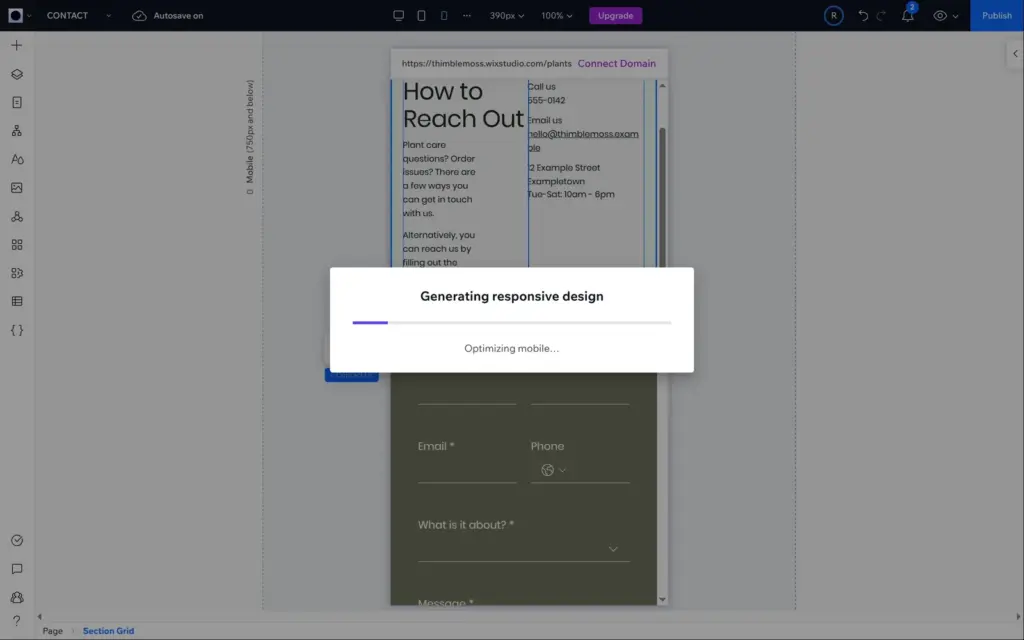
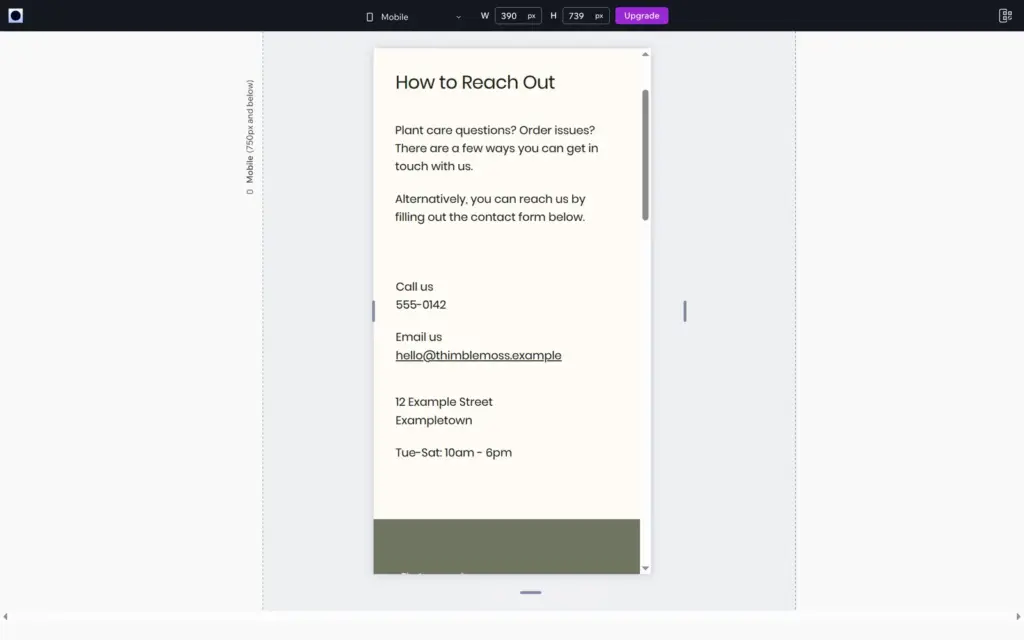
The contact section does have Responsive AI. This time it took almost three minutes, and the result fixed the overlap. On phones, the heading, the text and the contact details now sit one below the other.
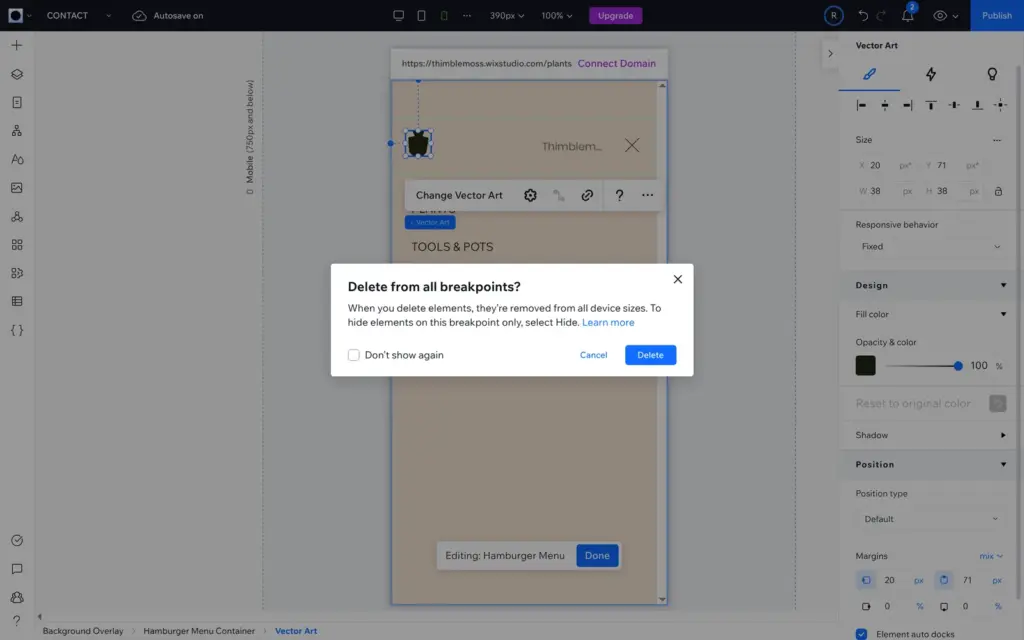
To remove the pot, I opened the phone menu in the editor and deleted it. Wix asked whether to delete it from all screen sizes. The home page has its own copy of the menu, so I had to delete the pot there too. The cut-off name in that menu was my member name, because I was logged in to the site. Visitors see "Log in" there.
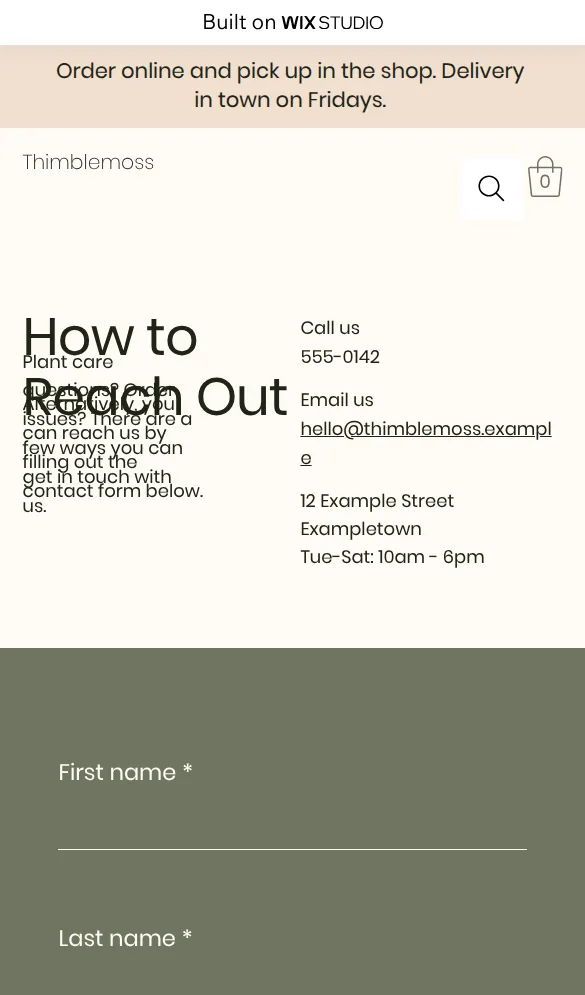
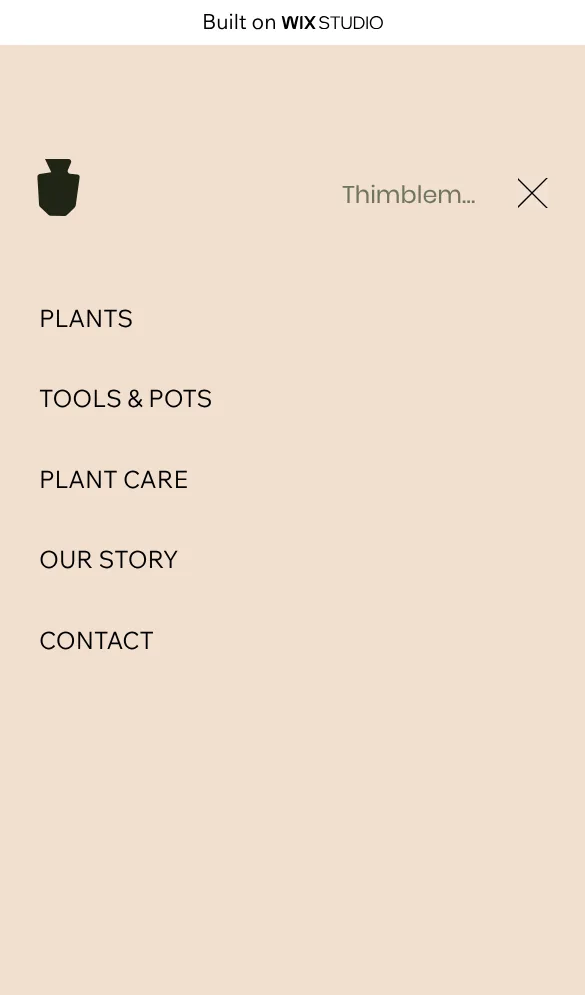
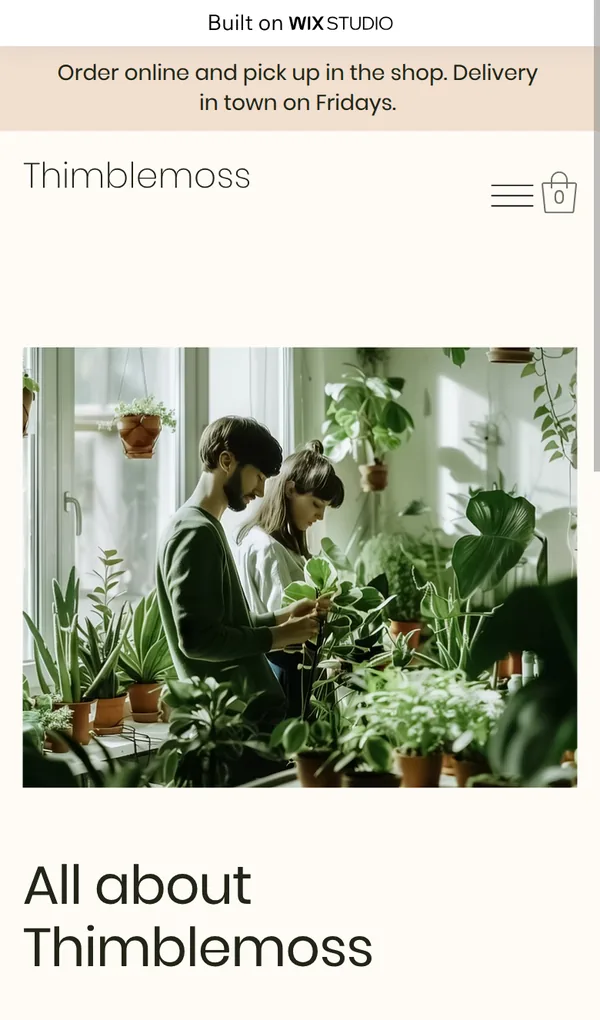
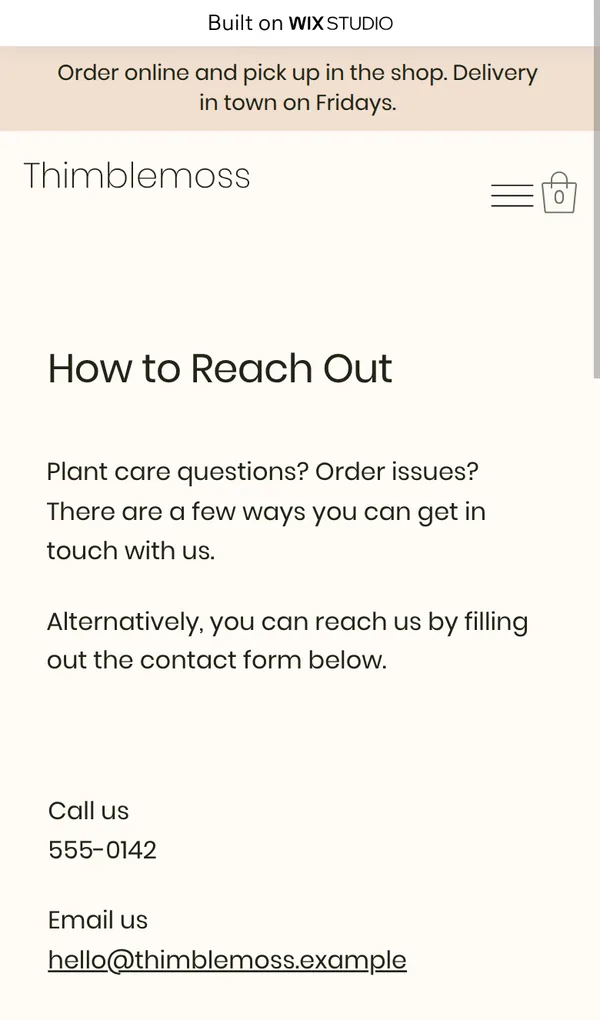
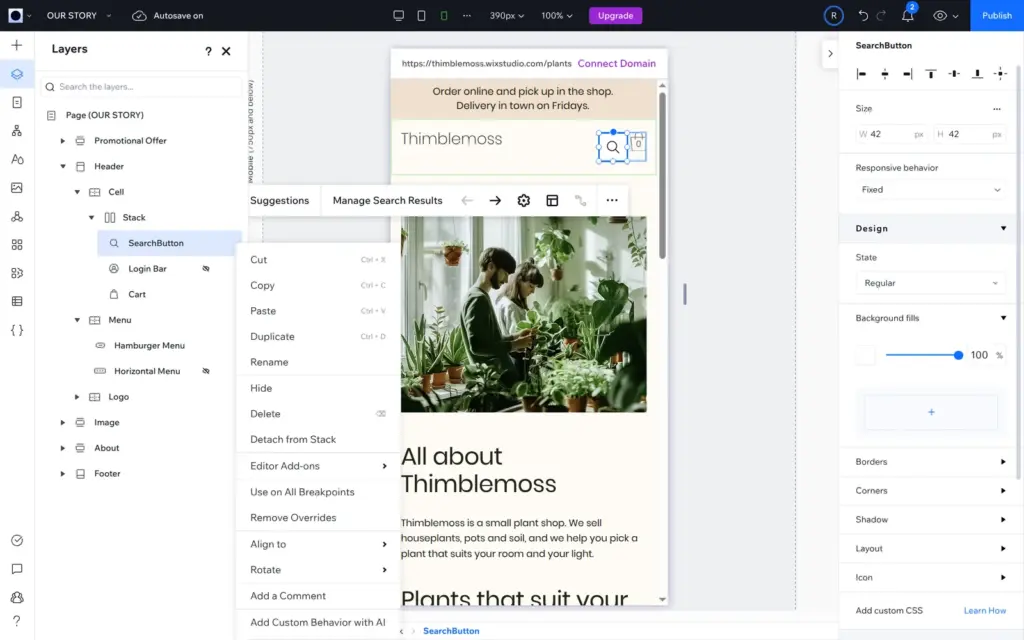
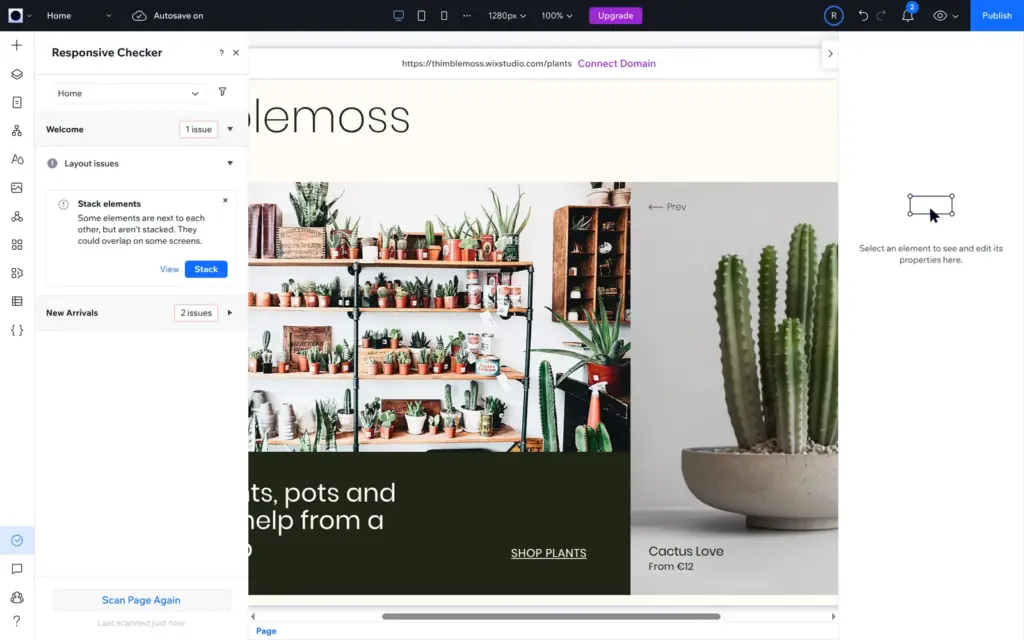
The fixes were small. The risk is that you don't notice the problems. The editor has a Responsive Checker under Site Check in the left bar, which scans one page at a time. I found it only after the fixes. On the home page it listed three issues, like elements that "could overlap on some screens". On the fixed pages it found nothing. Run it on each page, and open every page of the published site on your phone before you share the address.
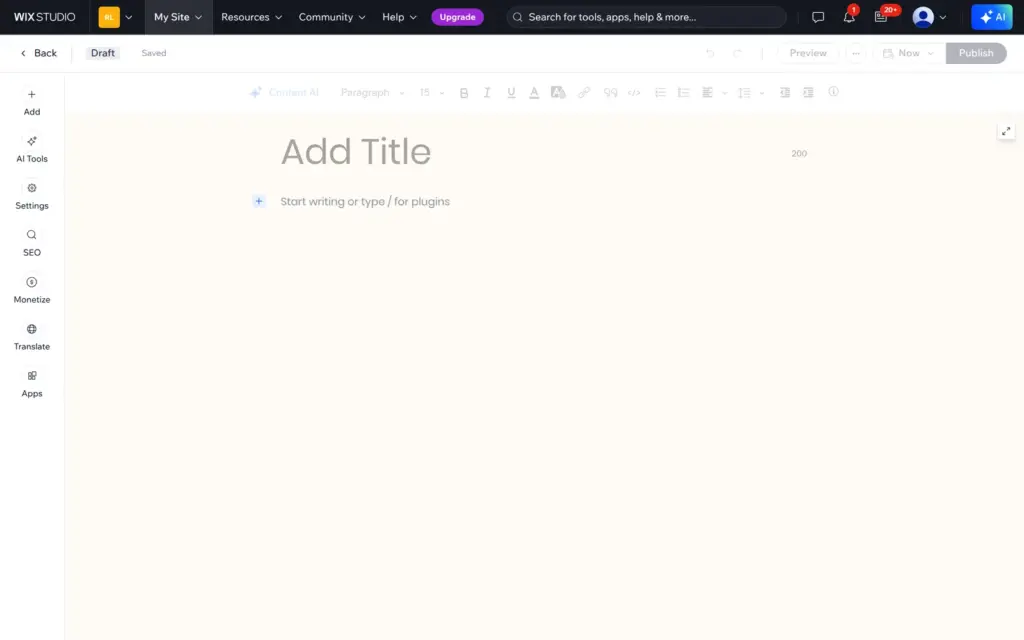
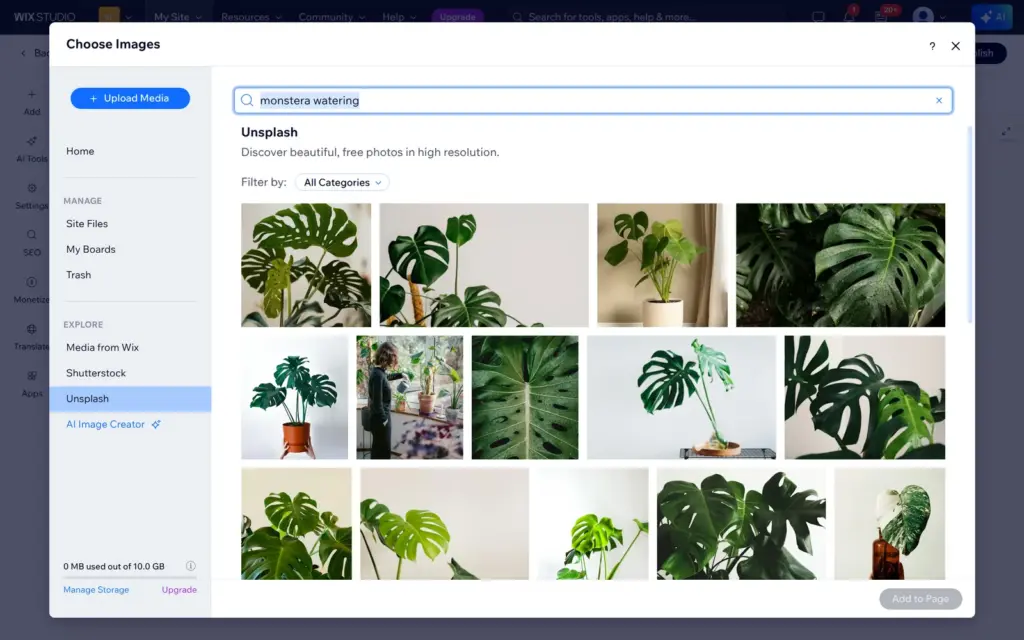
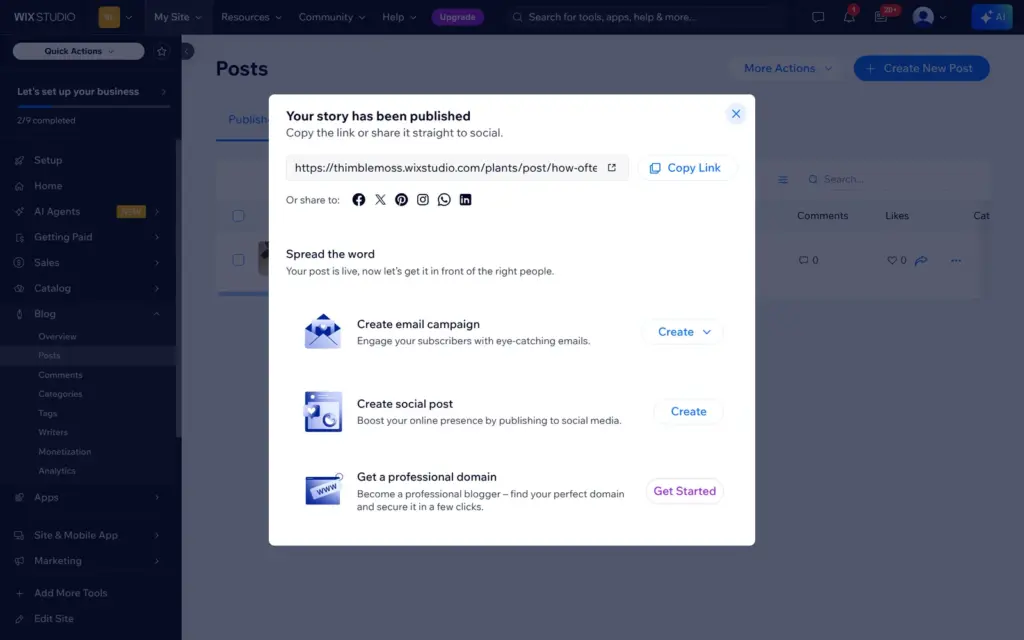
You write blog posts in the dashboard. The writing screen has AI tools, search settings and translation, and the image picker includes Unsplash. Publishing shows a link to the post, buttons for social media and offers for an email campaign, a social media post and a custom domain.
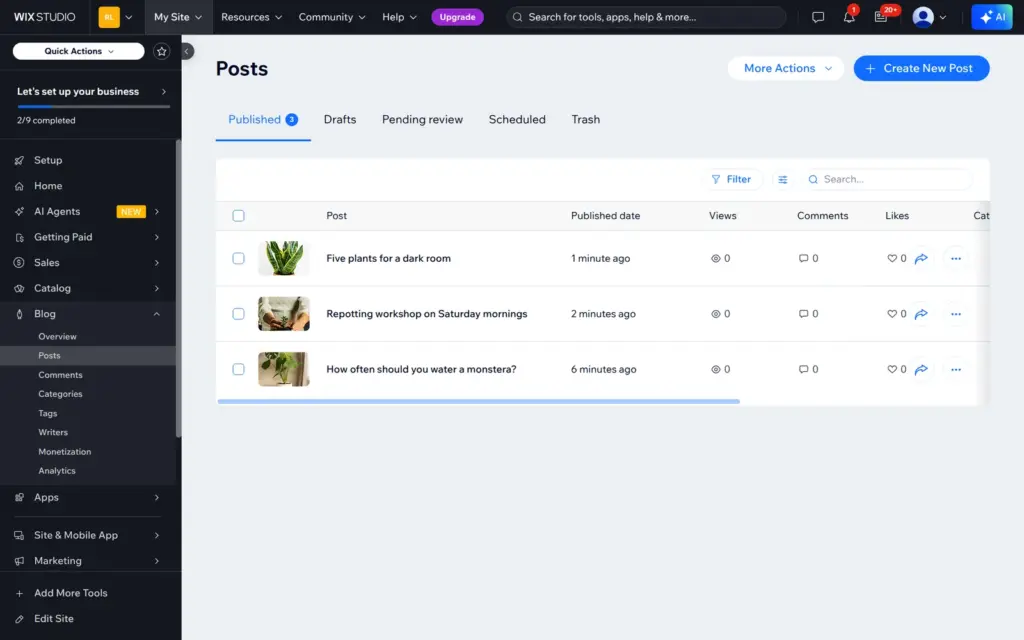
The posts showed an author name that Wix had made from the first part of my email address. I changed it to Thimblemoss under Blog, Writers. I wrote three posts: how often to water a monstera, the Saturday repotting workshop and five plants for a dark room.
Wix Studio's SEO section has a checklist and a connection to Google Search Console. It also has redirects, a robots.txt editor and an llms.txt file for AI assistants. Each page has its own title and description.
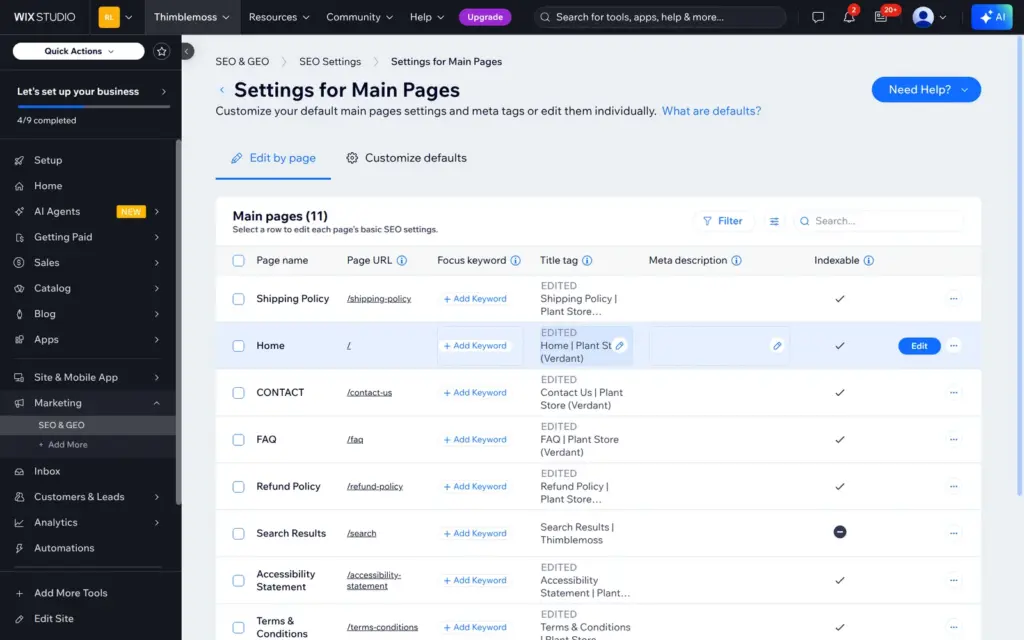
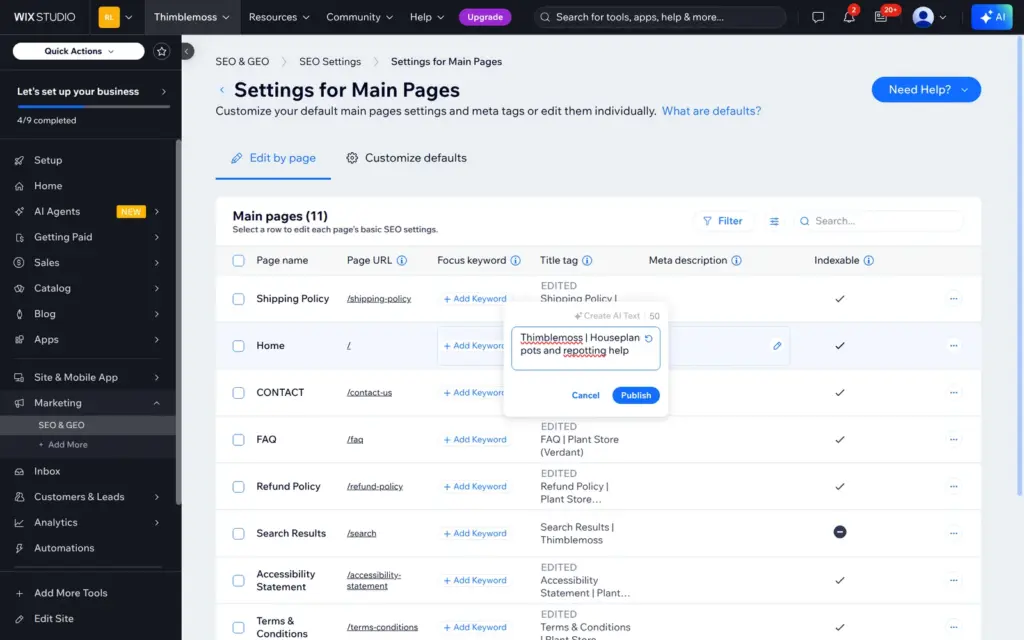
The template had set its own titles on 10 of the 11 main pages, all ending in "Plant Store (Verdant)". Renaming the site didn't change them. Each page has a "Reset to Default" option, but after my menu change the default titles used the page names in capitals, like "CONTACT | Thimblemoss". I set the home page title and description and typed the other titles by hand.
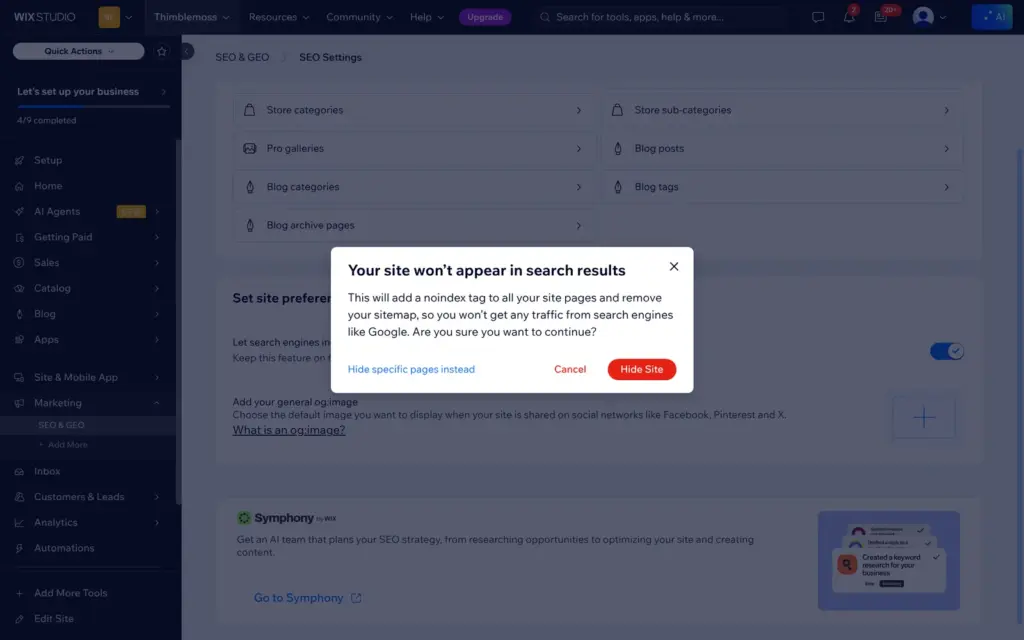
A switch hides the whole site from search engines. Wix warned that this adds a "noindex" tag to all pages and removes the sitemap. I used it, because the shop is made up. On the live site, the titles, the description and the noindex tag were correct, and the sitemap address returned an error page.
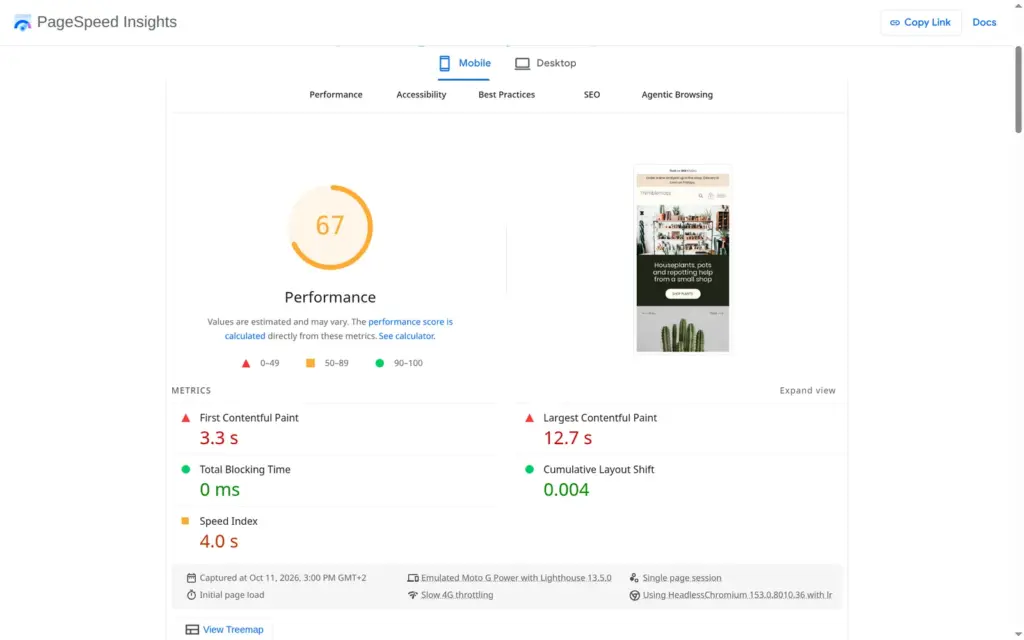
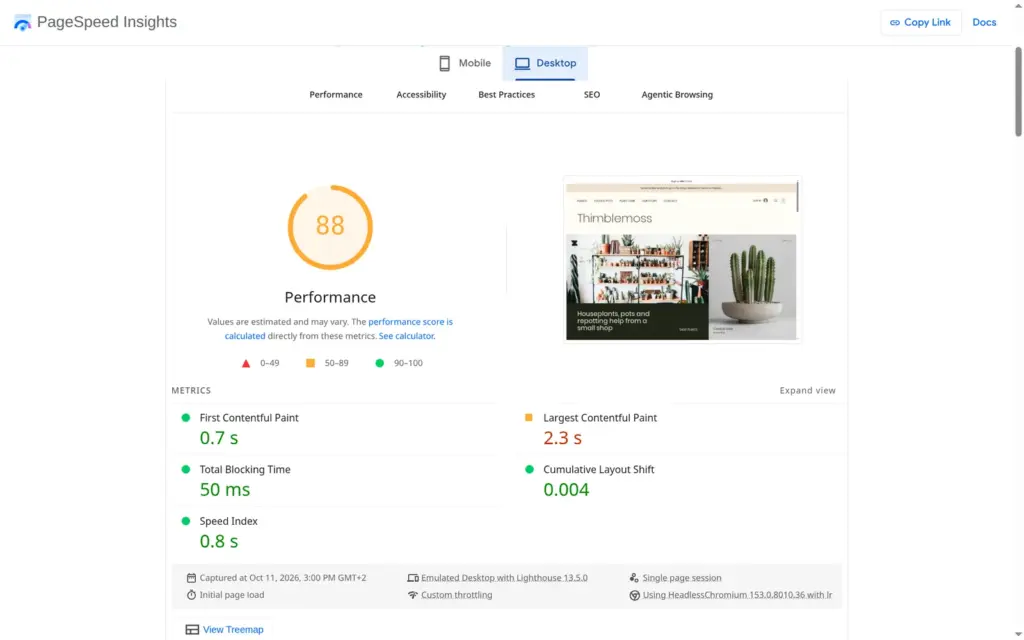
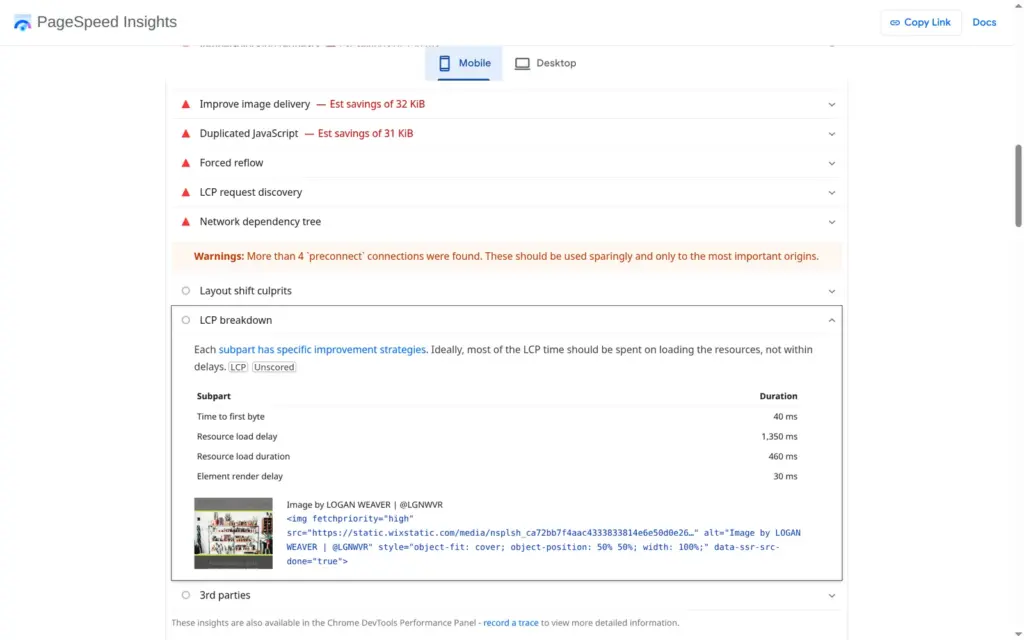
I ran the published home page through Google's PageSpeed Insights once. On a simulated phone it scored 67 out of 100 for performance, and the largest image took 12.7 seconds to appear. That image was my Unsplash photo at the top. On desktop the score was 88, and the largest image appeared after 2.3 seconds.
Accessibility scored 100 on the phone and 97 on desktop, where some links had no readable name. Wix had filled the photo's alt text, the description for screen readers, with the photographer's credit, "Image by LOGAN WEAVER | @LGNWVR". The search score of 61 comes from my choice to hide the site from search engines.
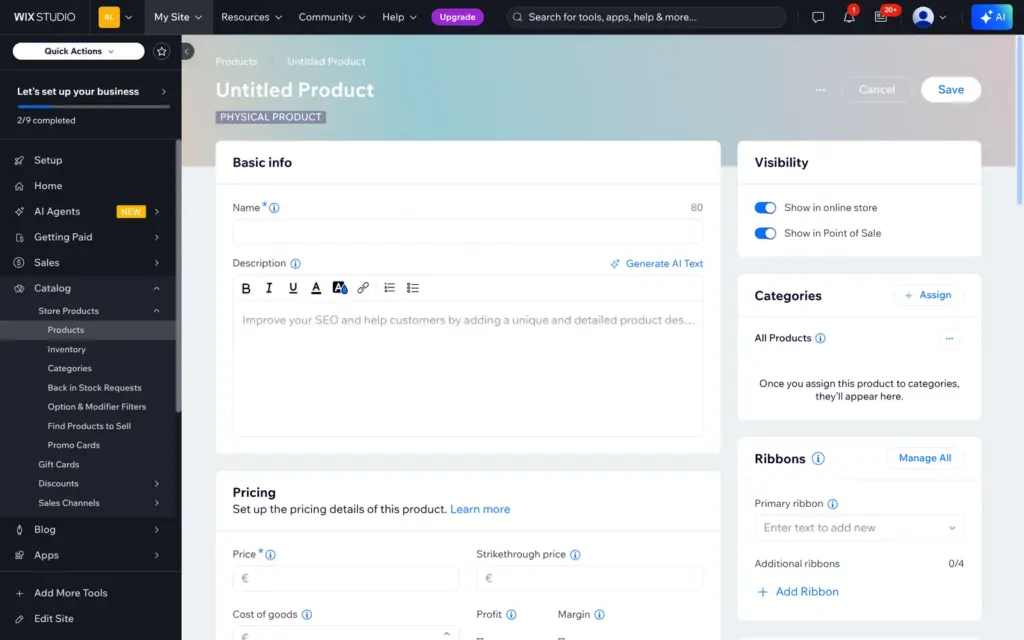
The template came with 16 sample products and categories for sale items and subscriptions. You manage products in the dashboard. A new product can be a physical product, a digital file or a print-on-demand product. The form has fields for the price, photos, stock and options, and an AI button for the description.
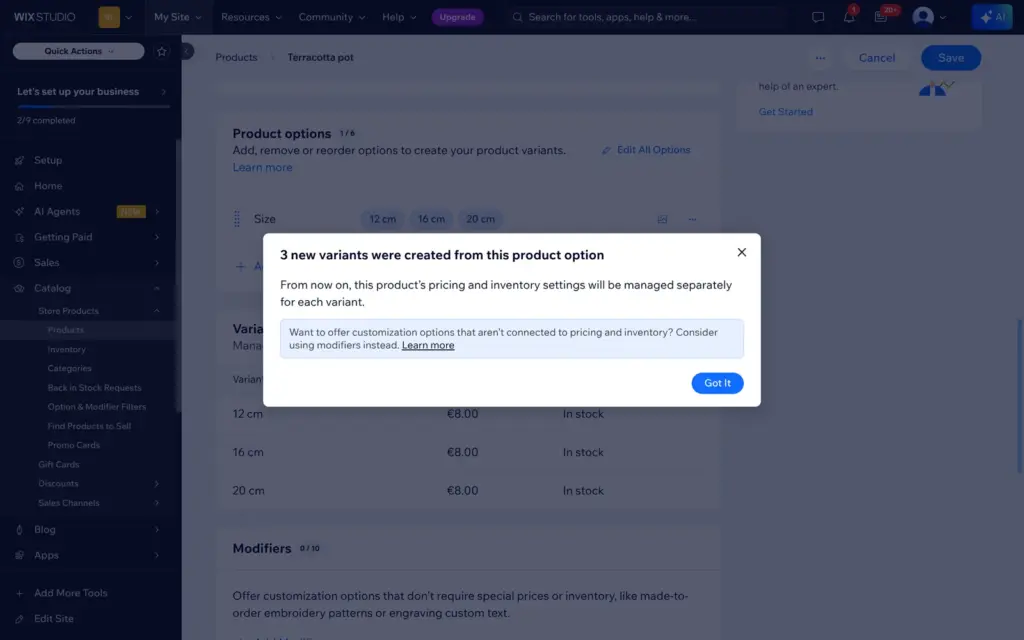
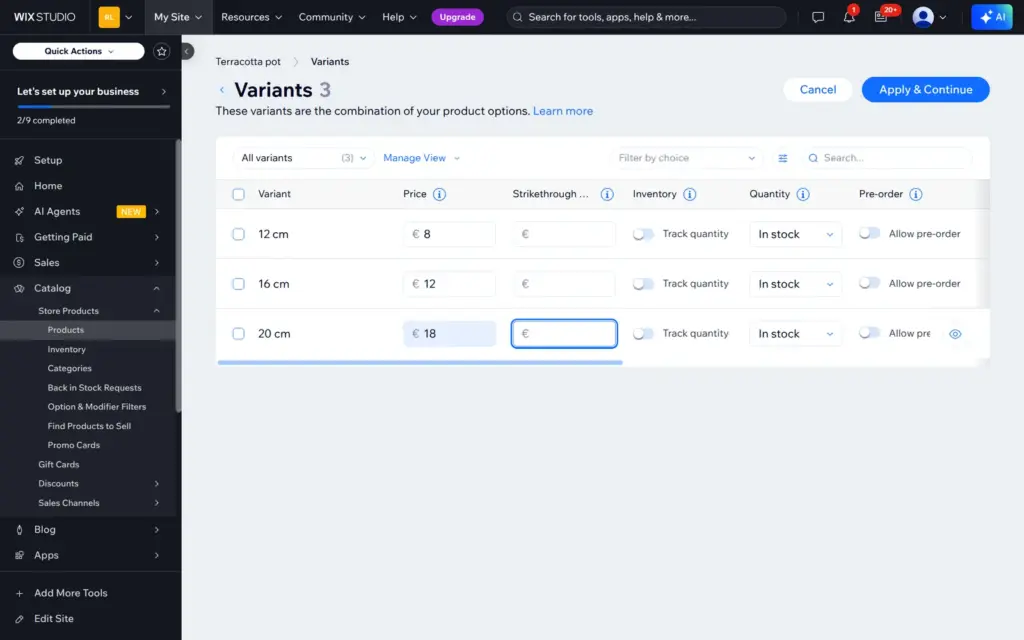
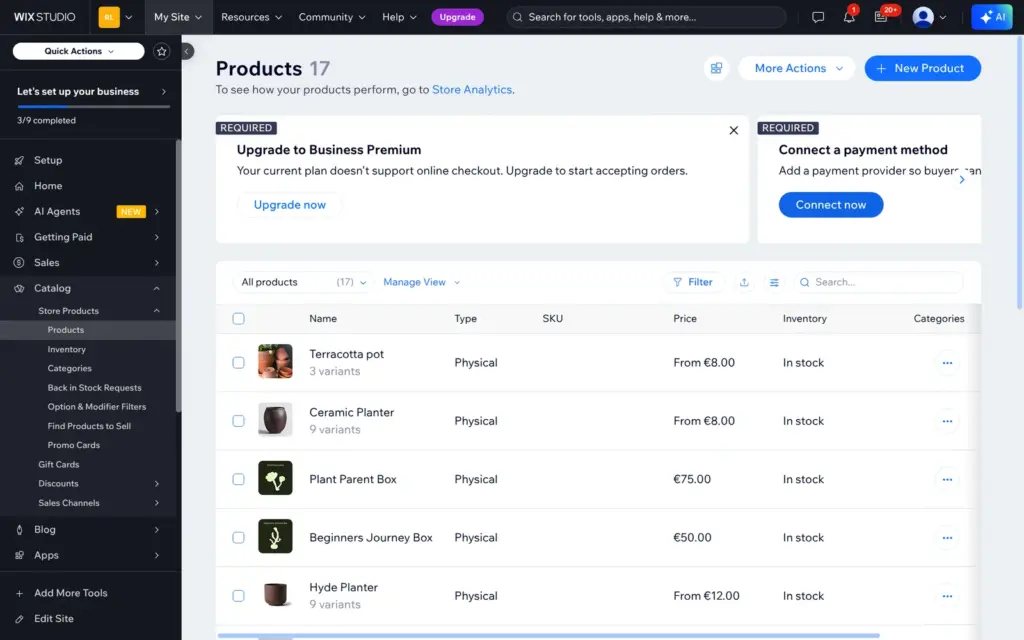
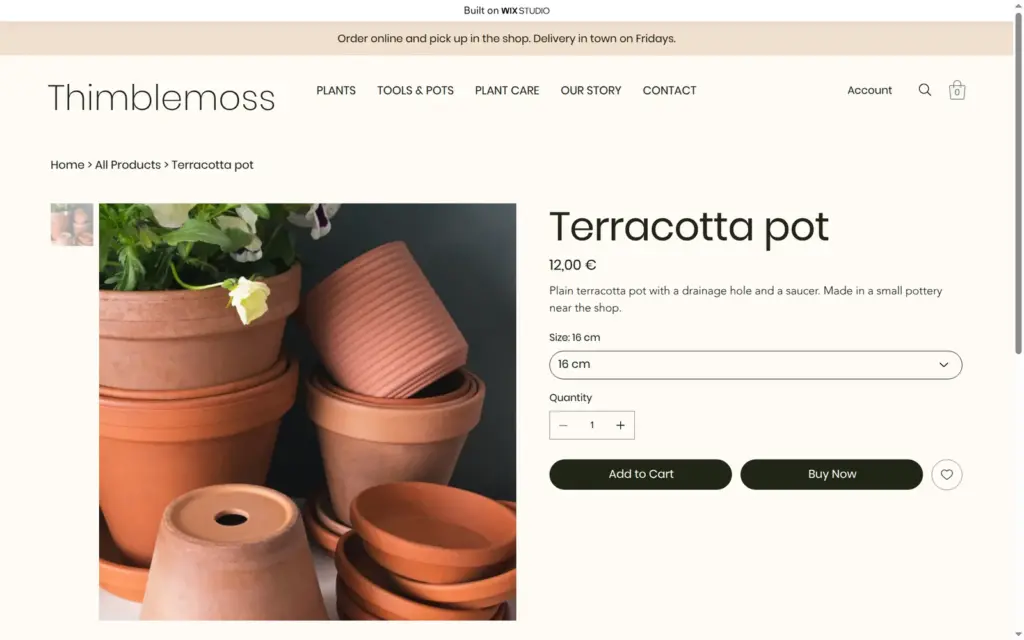
I added a terracotta pot with a Size option in 12, 16 and 20 cm. Wix created three variants, and I gave them their own prices of €8, €12 and €18. After saving, the product list showed two red boxes: "Upgrade to Business Premium. Your current plan doesn't support online checkout" and "Connect a payment method". Business Premium is not one of the plan names on the Studio pricing page.
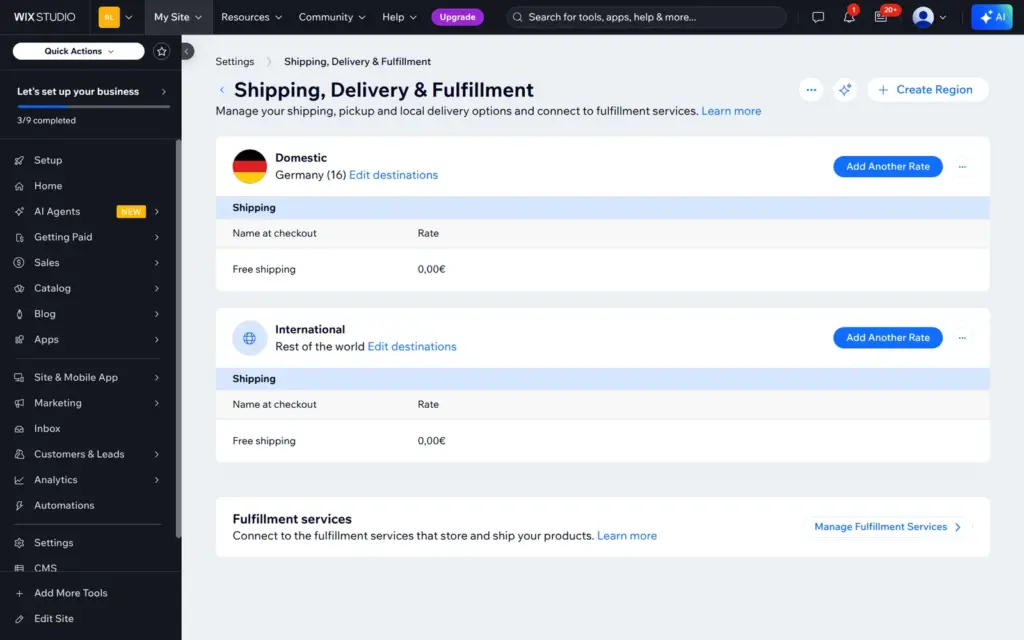
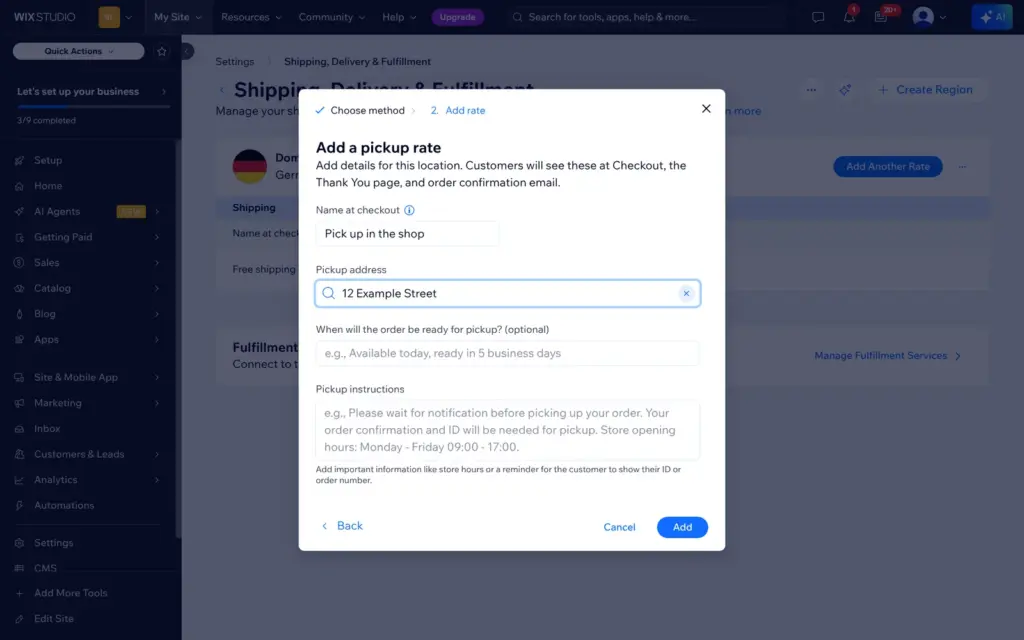
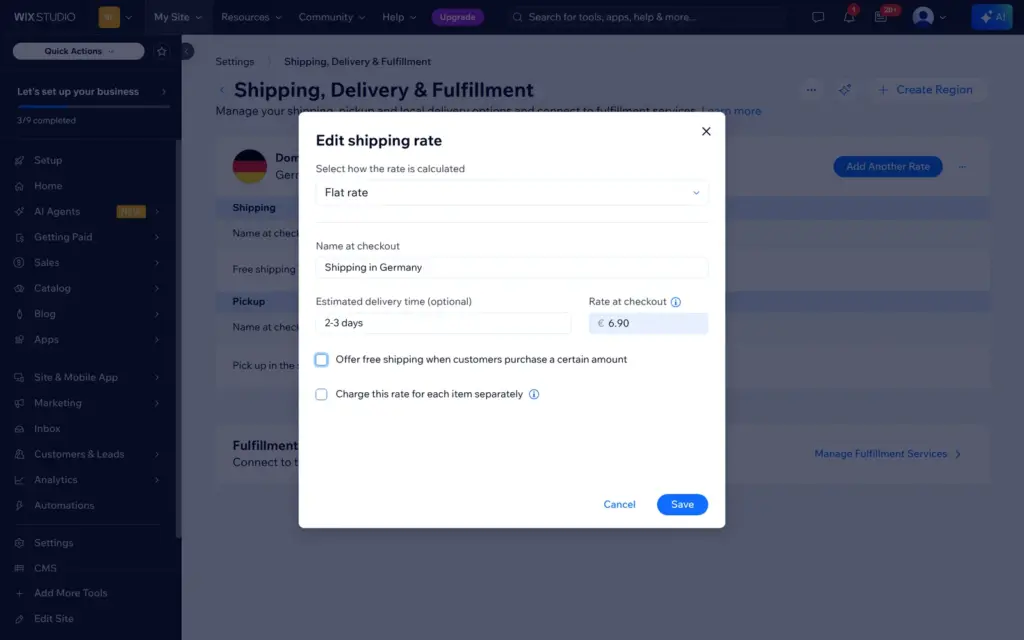
The template's shipping settings offered free shipping to Germany and to the rest of the world. I deleted the international rate, set a flat rate of €6.90 for Germany and added pickup in the shop. The pickup address had to come from Wix's address search, which didn't accept my made-up street, so I used the city only.
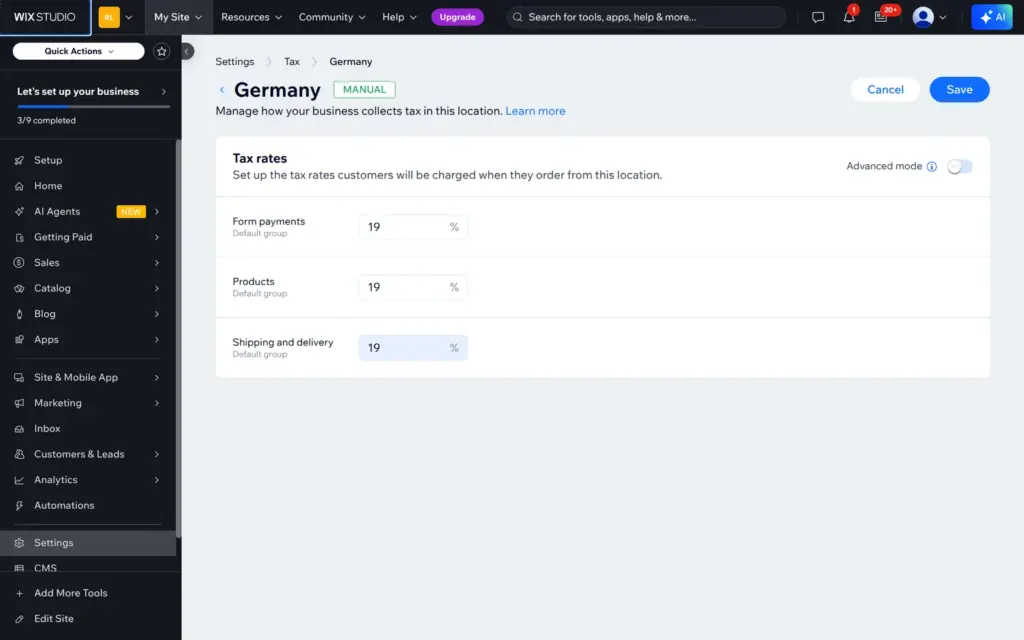
Wix had no tax set up. I added Germany, but Wix didn't fill in the German rate, so I typed 19% for products, shipping and form payments. I chose "Tax is already included in my prices".
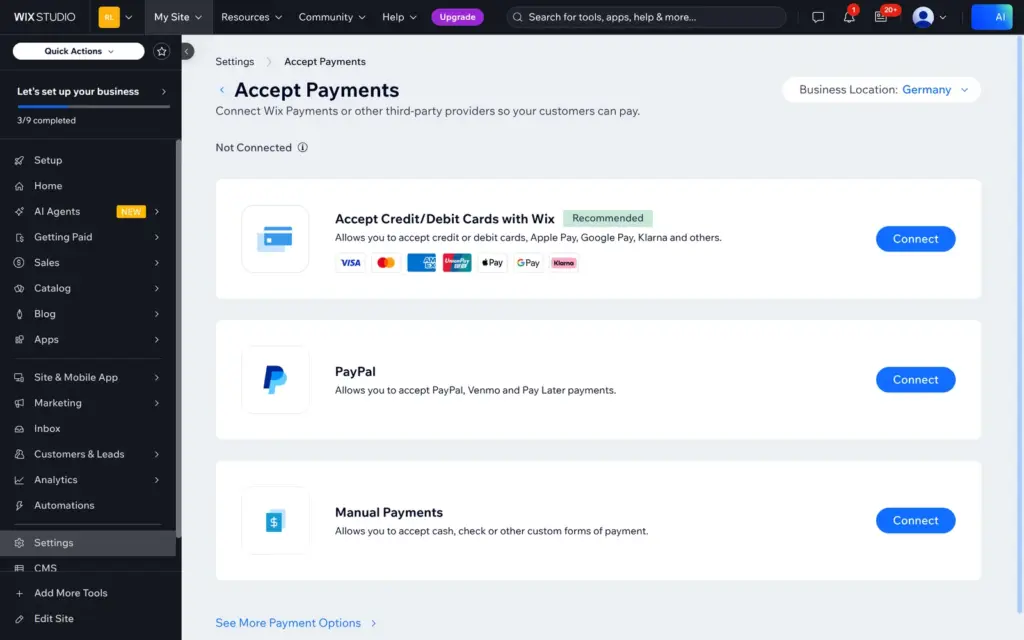
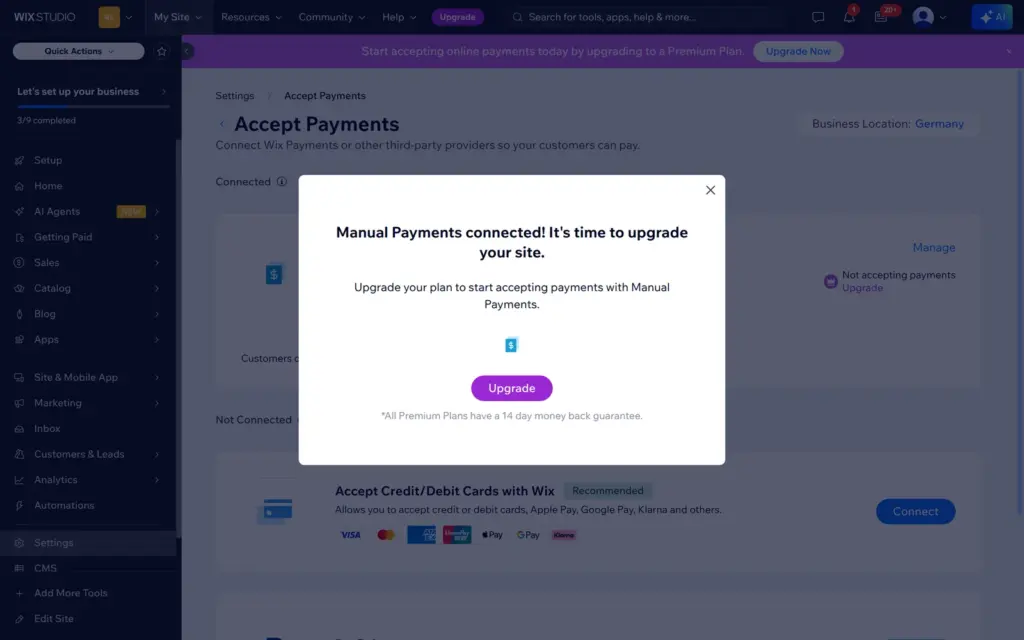
For payments, Wix offers its own card payments, PayPal and manual payments. I connected manual payments with the instructions "Pay in cash or by card when you pick up your order in the shop." Wix answered that I need to upgrade before it accepts payments, and the payment page showed "Not accepting payments".
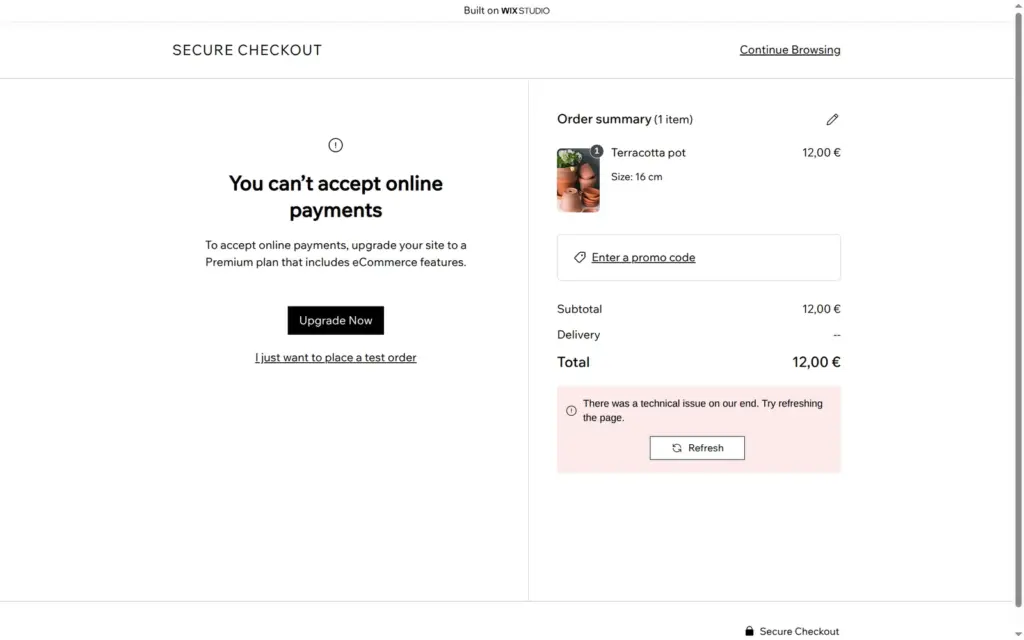
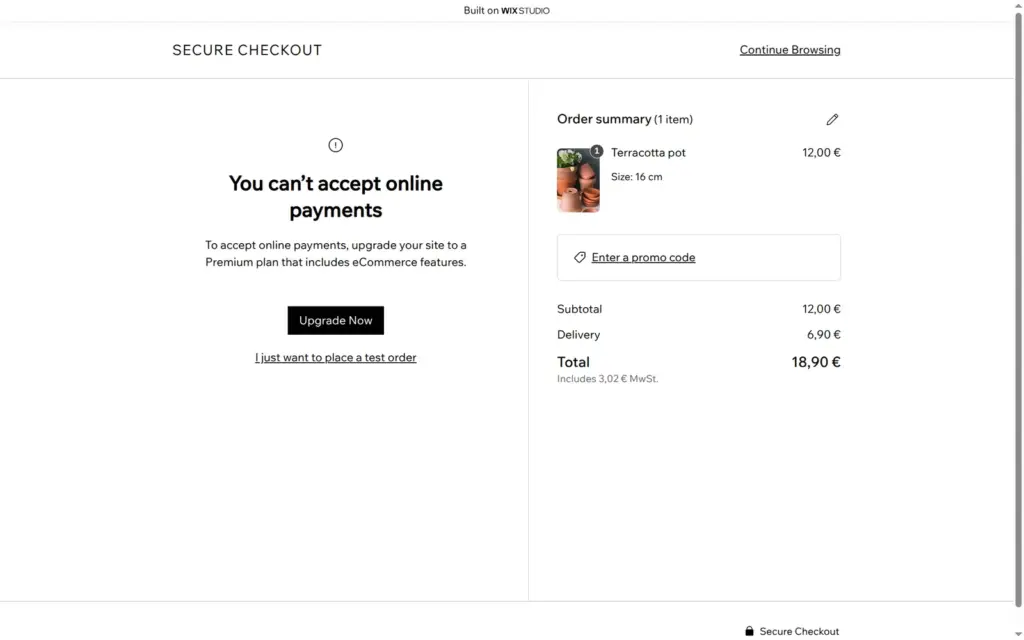
On the live site, the size dropdown changed the price, and the cart slid in from the side. The checkout page said "You can't accept online payments", with a button to upgrade and a link "I just want to place a test order". During my first test order, a red box in the order summary said "There was a technical issue on our end. Try refreshing the page." It stayed there until the end, but the order went through.
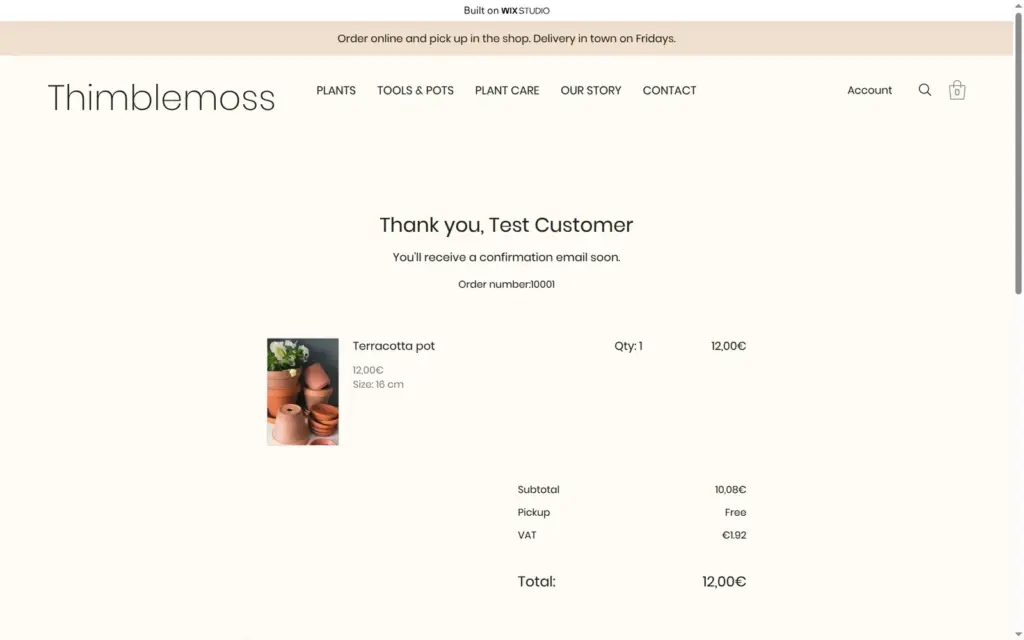
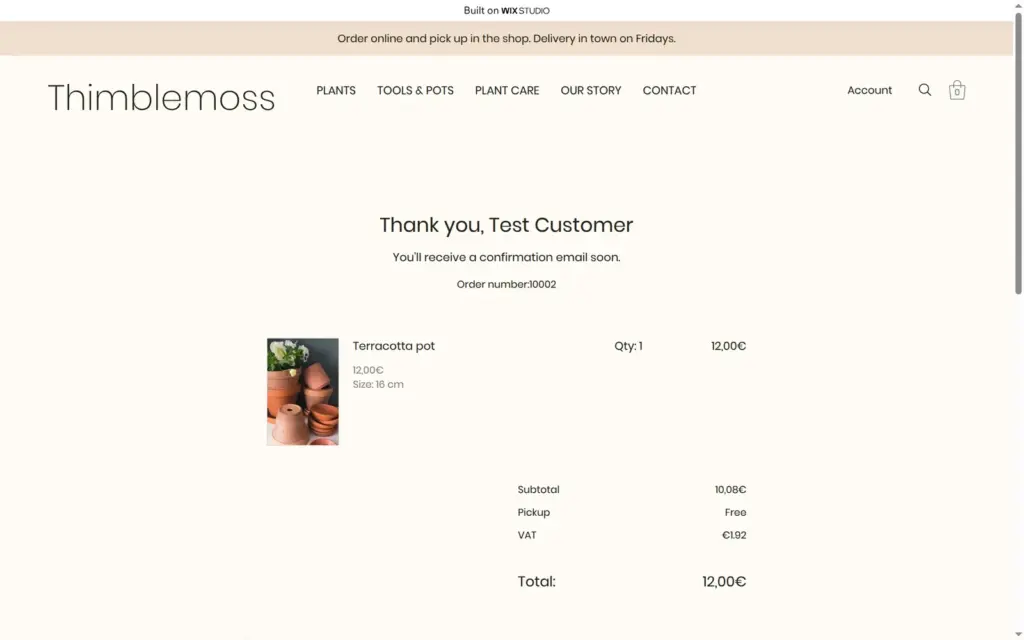
Checkout asked for a full address even for pickup. It rejected my made-up German phone number, so I used a made-up US one. With shipping, the total was €18.90 including €3.02 VAT. With pickup it was €12.00 including €1.92 VAT. The payment step showed my payment instructions, and "Place Order & Pay" led to a thank-you page with order number 10001.
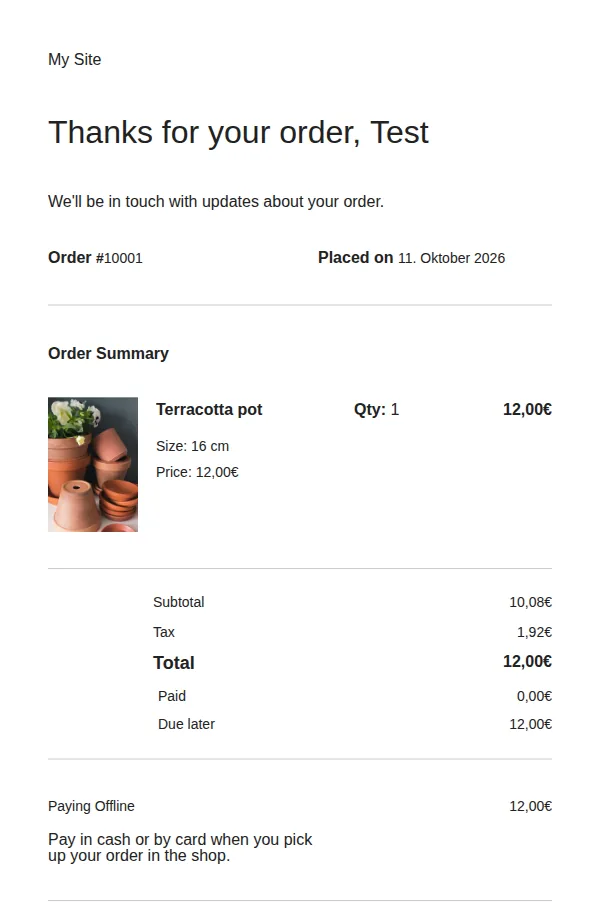
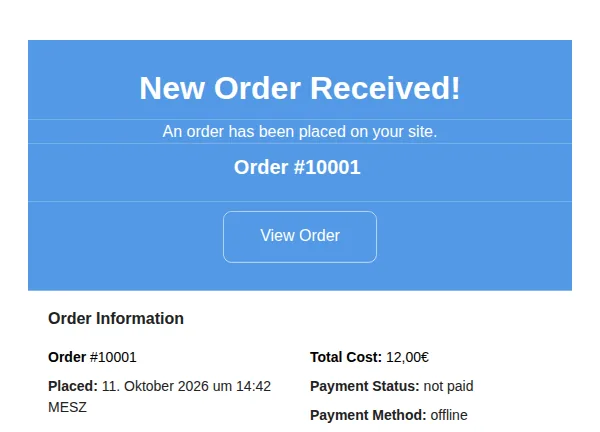
Two emails arrived within 15 seconds, an order notice for the shop and a confirmation for the customer. The confirmation said "Paid 0,00€" and "Due later 12,00€" and repeated my pickup instructions. Its header said "My Site", because I hadn't renamed the site yet, and it showed the date in German, "11. Oktober 2026", although the site is in English.
A day later, I placed a second test order. This time the red box didn't show up, checkout already had the delivery details from the first order, and the order got number 10002.
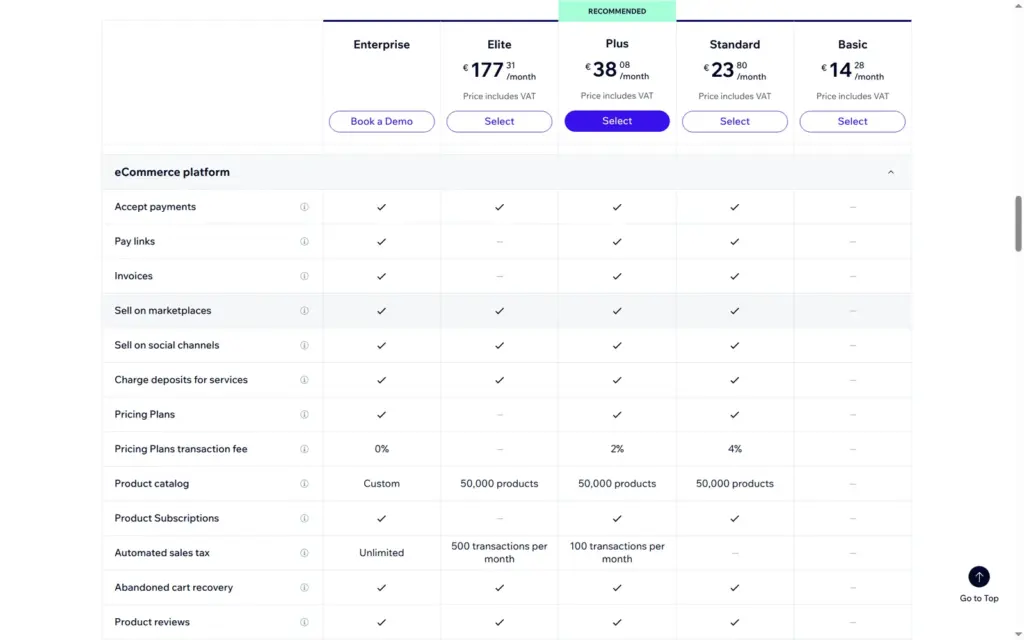
To sell for real, the site needs Standard or a higher plan. Wix's plan table lists 50,000 products, abandoned cart emails and product reviews from Standard up. Automatic sales tax starts with Plus.
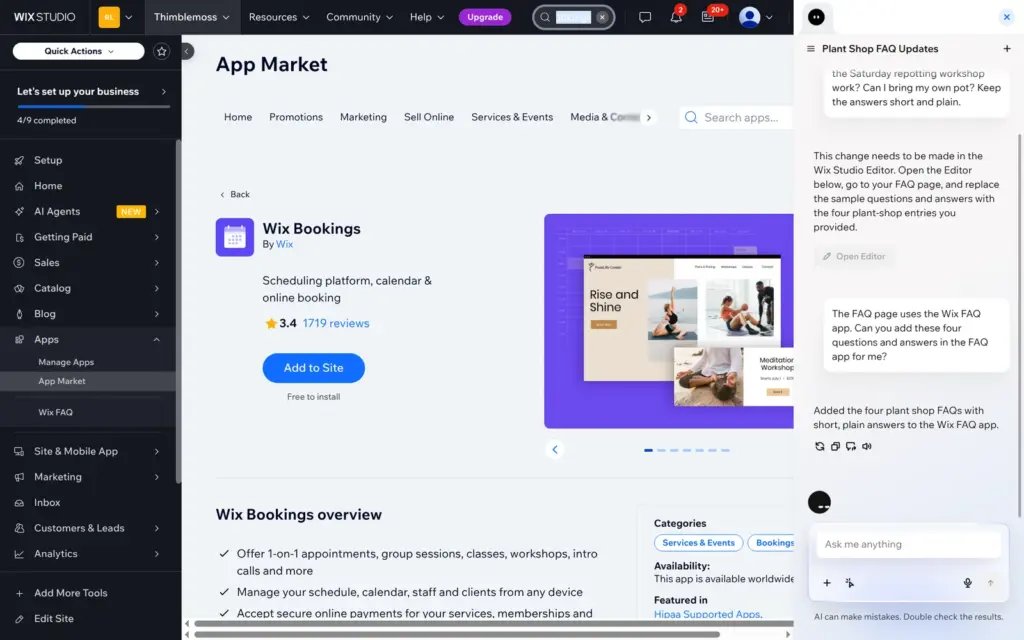
Bookings come from a separate Wix app. I added Wix Bookings from the App Market, where it is free to install. It added a Book Online page with sample services, but no menu item.
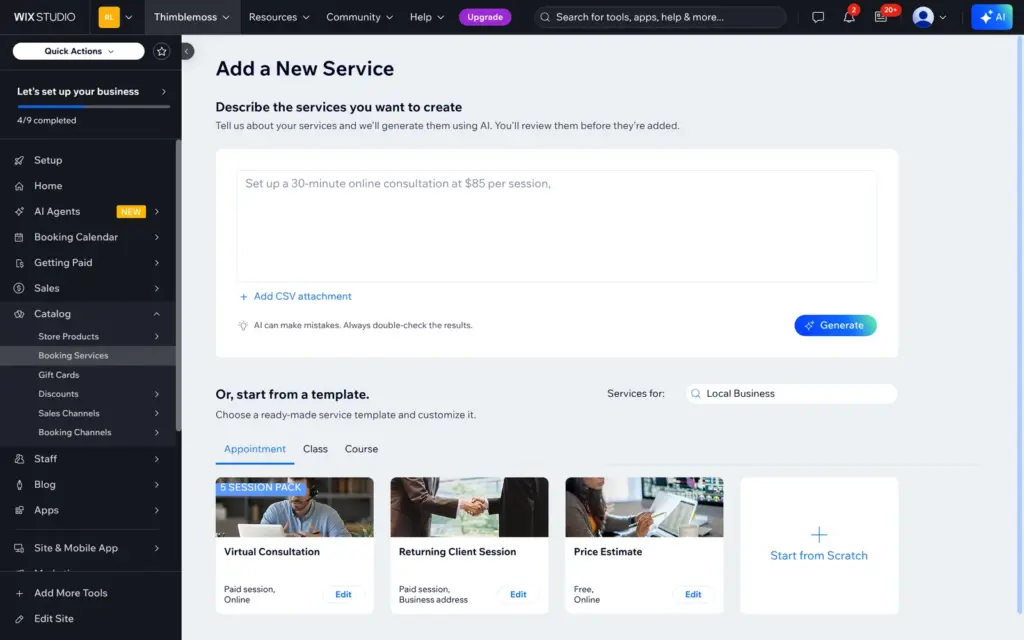
To add a service, you can describe it to the AI or start from a template for an appointment, a class or a course. I wrote:
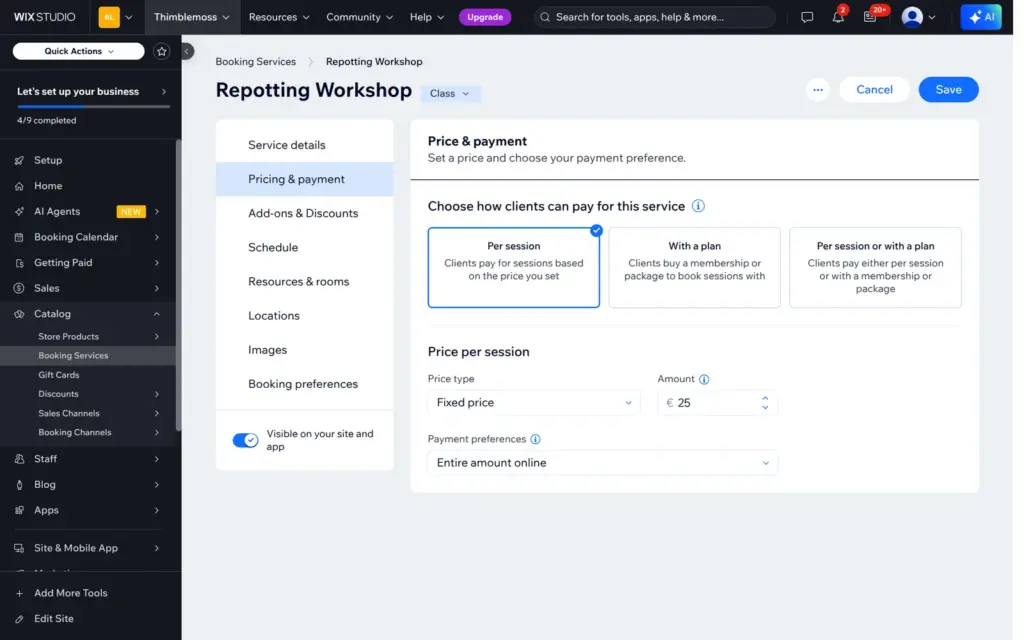
A repotting workshop on Saturdays at 10 am, 90 minutes, for up to 8 people, 25 euros per person, pots and soil included, in the shop.
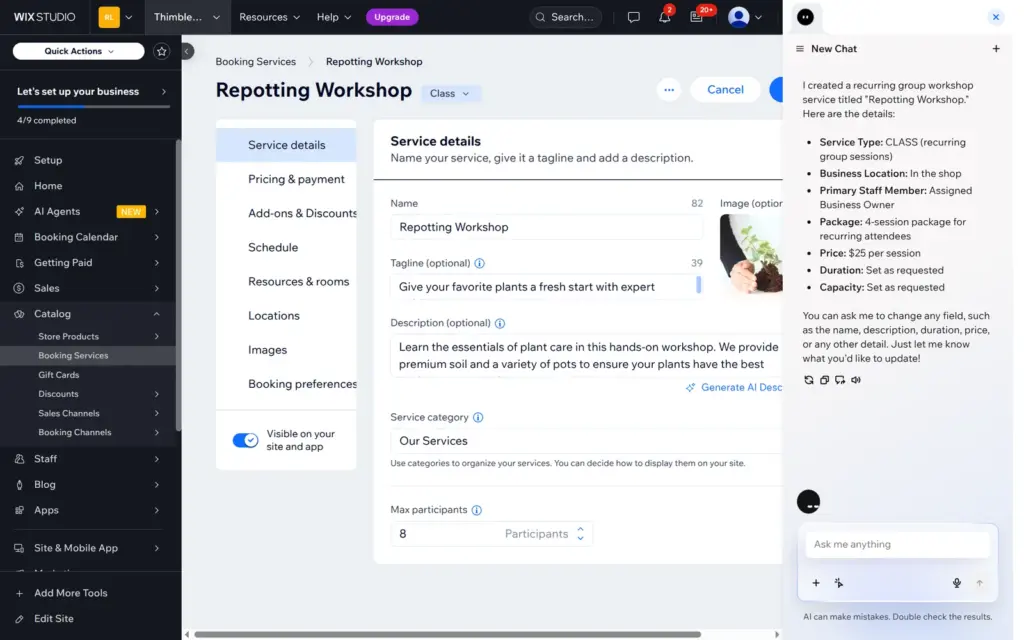
About 12 seconds later, the AI had filled in a class called Repotting Workshop with a tagline, a description, a stock photo, a limit of 8 people and a price of €25. It also added a "Greenthumb 4-Pack" for €80 that I hadn't asked for, and its chat summary gave the price as $25. It created no dates.
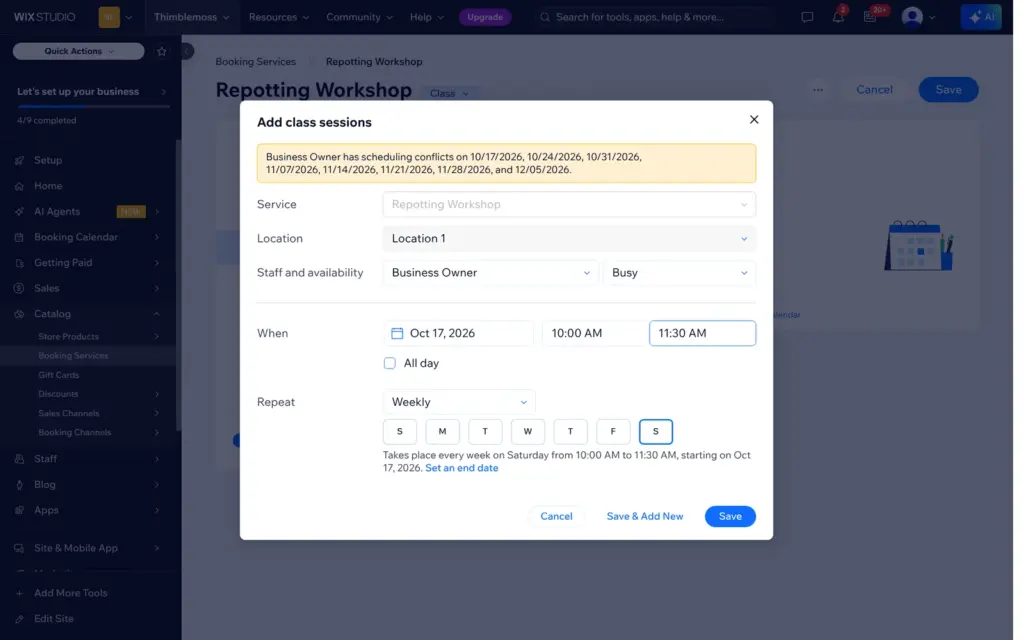
I removed the package, set the price per session and chose payment in person. The options are online, in person, either, or a deposit online and the rest in person. The dialog for the dates suggested Sunday afternoon and warned about scheduling conflicts. I set Saturdays from 10:00 to 11:30, every week.
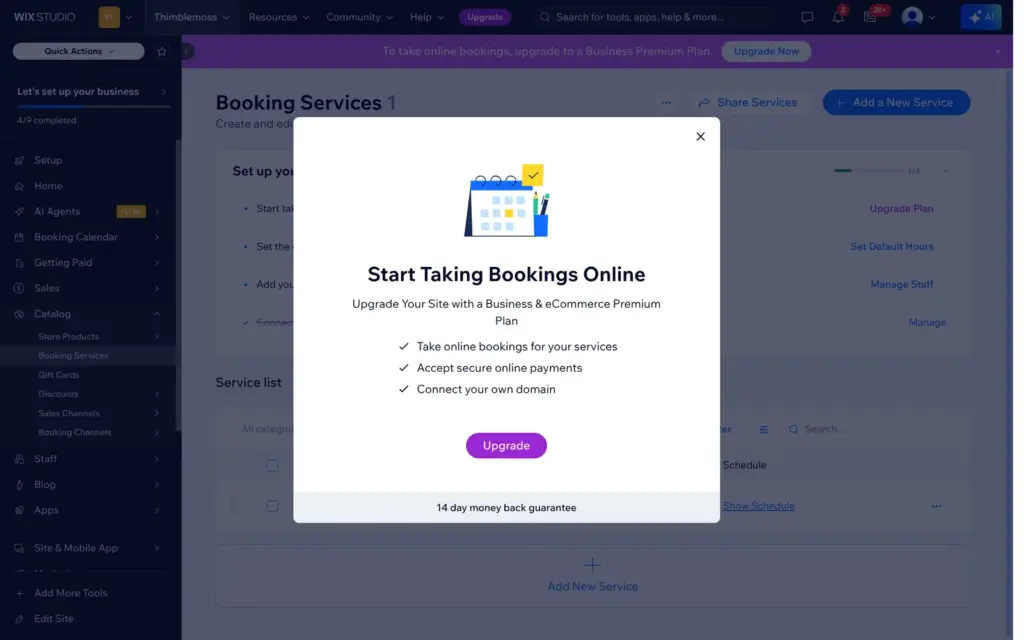
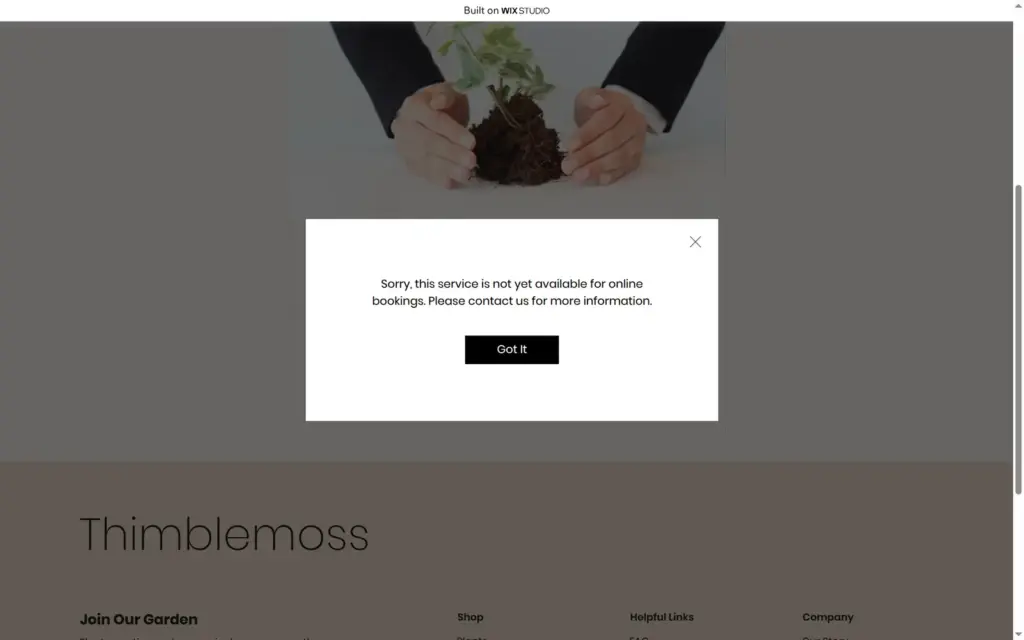
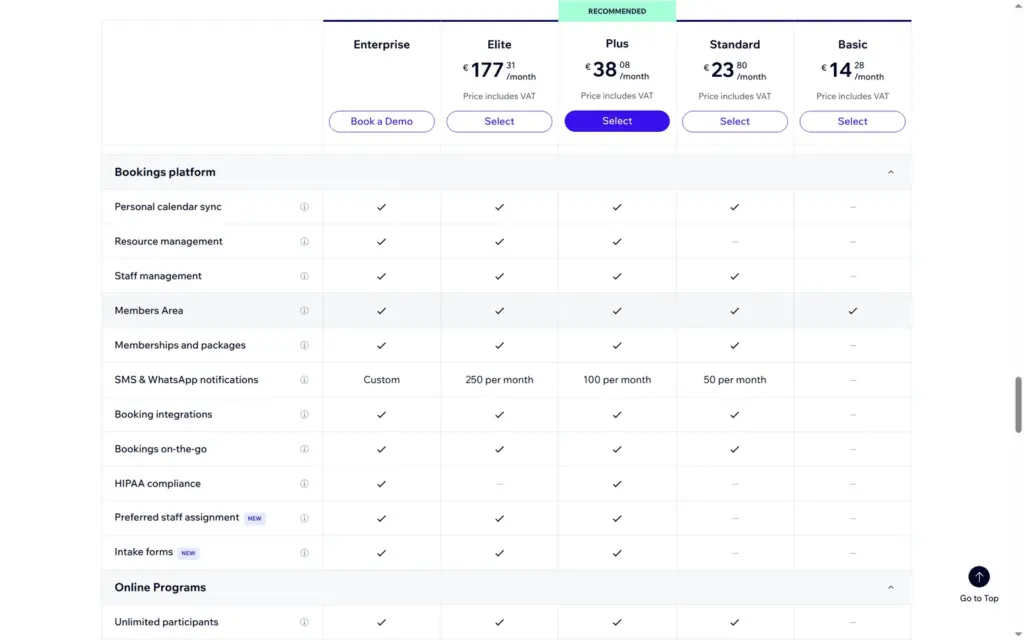
After saving, Wix showed "To take online bookings, upgrade to a Business Premium Plan". On the live site, the Book Online page listed the workshop with a Book Now button. Clicking it showed "Sorry, this service is not yet available for online bookings. Please contact us for more information." On the free plan, visitors can see the workshop but can't book it. Wix's plan table shows the booking features from Standard up.
The dashboard showed 30 daily AI credits on the free plan. After all my AI tests, the counter still showed 30.
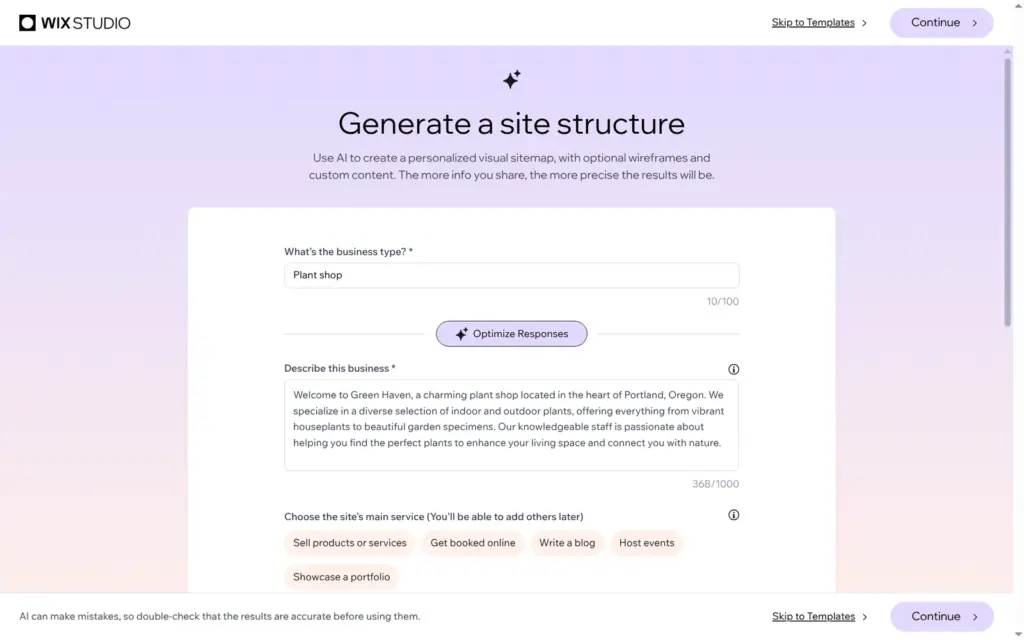
The first screen after sign-up offers to "Generate a site structure with AI". I went back to it and let it plan the same plant shop. It asks for the type of business and a description. More questions cover the name, the location, the audience and the goals, and a button called "Complete Form with AI" fills them in.
I typed "Plant shop" and a short description of Thimblemoss and clicked that button. The AI replaced my description with a different shop: "Green Haven, a charming plant shop located in the heart of Portland, Oregon", with garden plants and local growers. It also filled in Green Haven as the name and Portland as the location. I put my own text back and fixed the other answers.
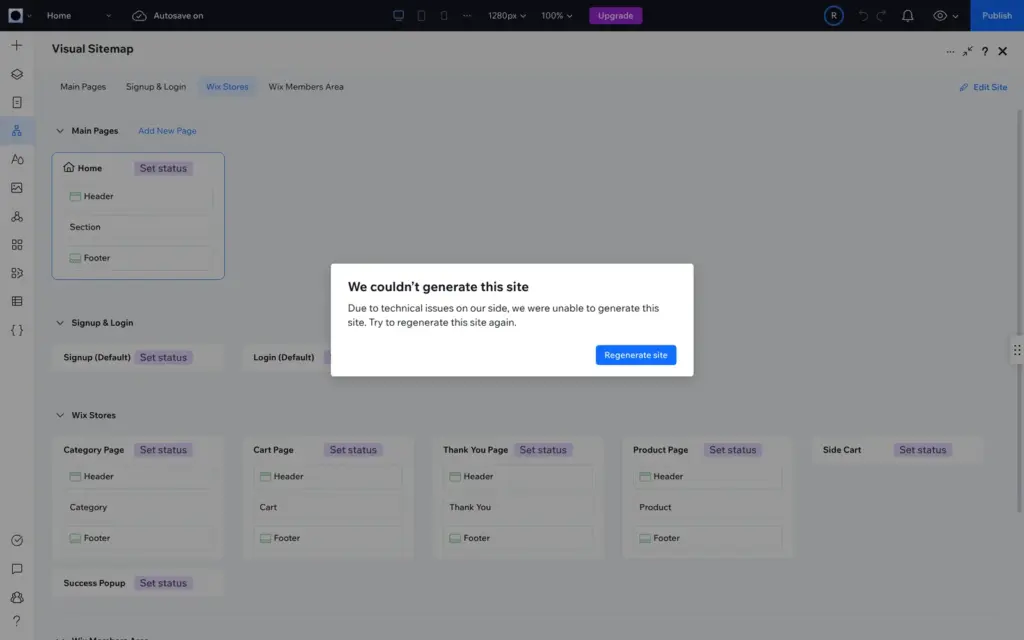
You can generate a sitemap only, or a sitemap with wireframes. I chose both. Wix created a new site and opened it in the editor. A few seconds later it said "We couldn't generate this site" because of technical issues on its side. The second try worked after about 80 seconds.
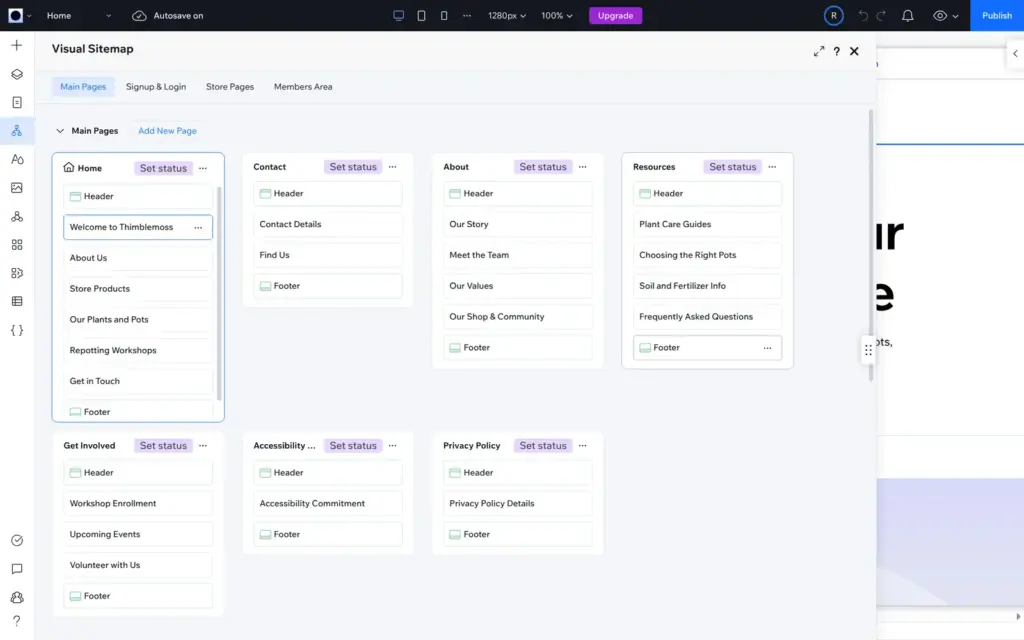
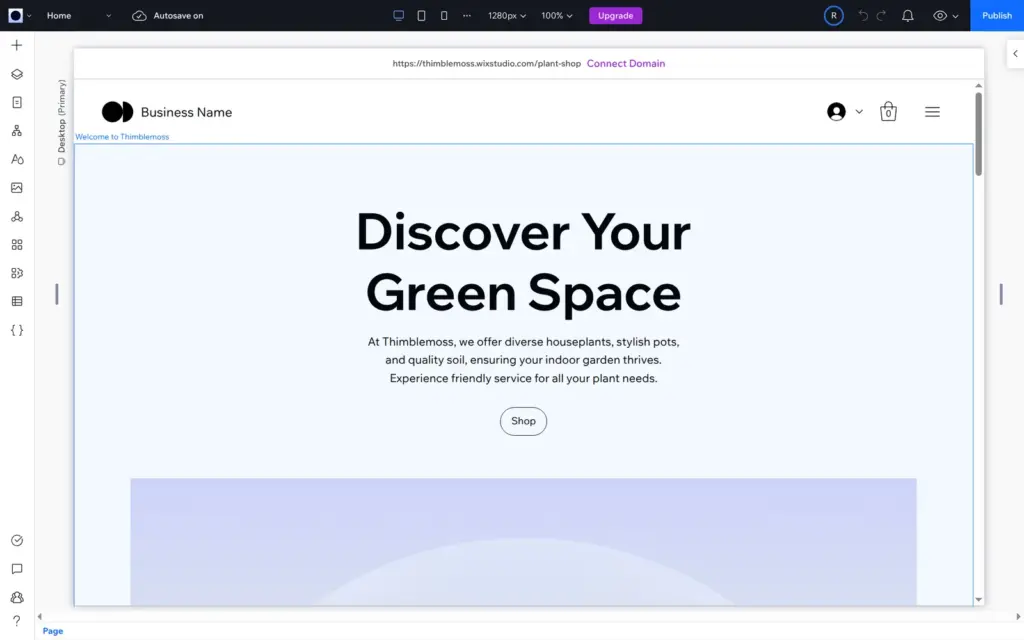
The sitemap had seven pages plus the shop and member pages. It had sections like Repotting Workshops, Plant Care Guides and Meet the Team, and a page called Get Involved with a section about volunteering. The pages are wireframes, black and white, with gray boxes instead of photos. The header still said "Business Name", the products were placeholders called "I'm a product", and the text added claims like "helping the environment". It is a plan to design on. With the template, I had a finished-looking site much sooner.
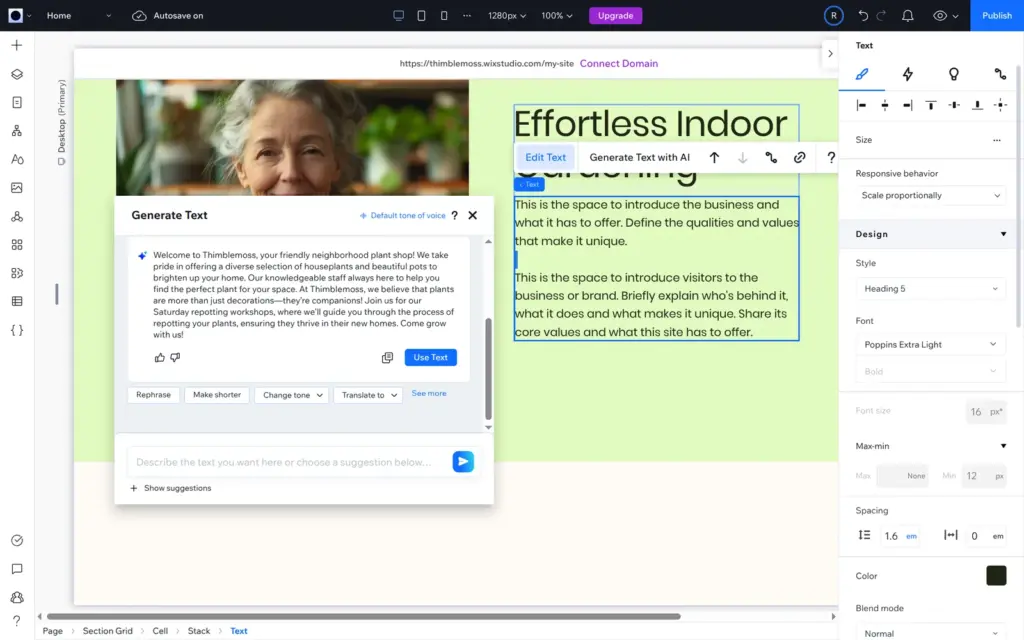
In the editor, each text has a "Generate Text with AI" button. I asked for two short paragraphs about the shop, friendly and plain. I got one long paragraph with three exclamation marks and a missing word: "Our knowledgeable staff always here to help you find the perfect plant for your space." "Make shorter" fixed the missing word, but the exclamation marks stayed. I inserted that version while the text box was in editing mode, and the new text didn't stick. With the box only selected, inserting worked.
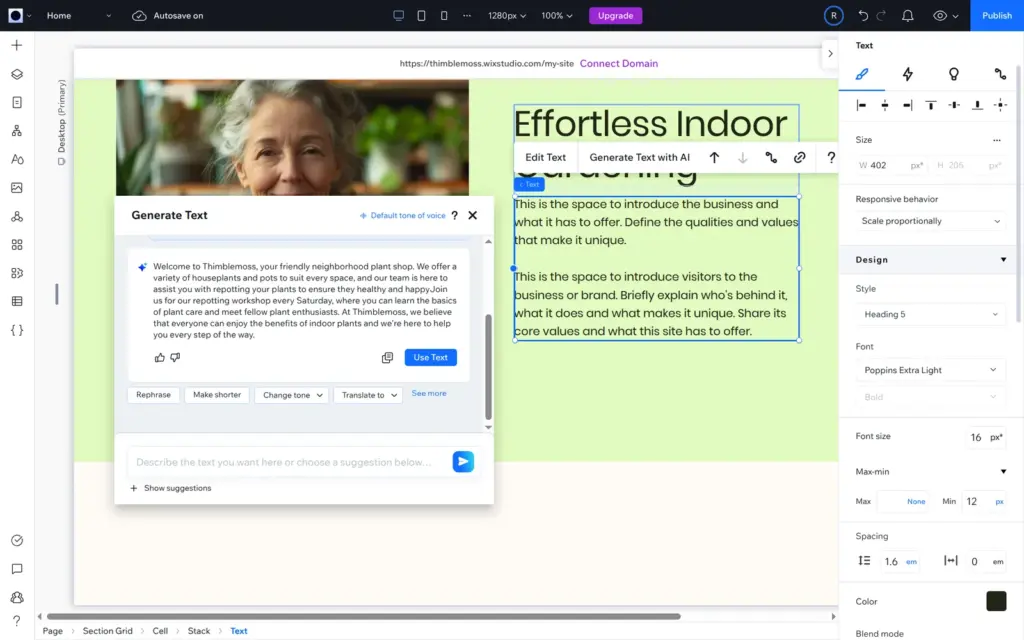
My second request asked for no exclamation marks. The answer had none, but it was one paragraph again, with another missing word and two sentences joined as "happyJoin". I fixed both by hand. A day earlier, the same first request had given me different wording, with "green oasis" and "Let's grow together!", but again one long paragraph.
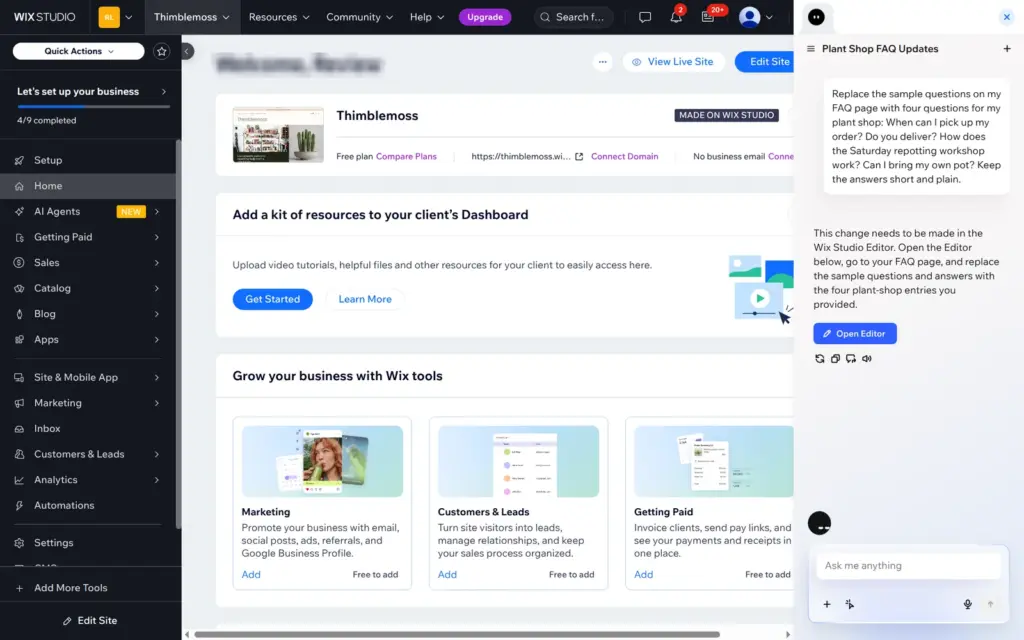
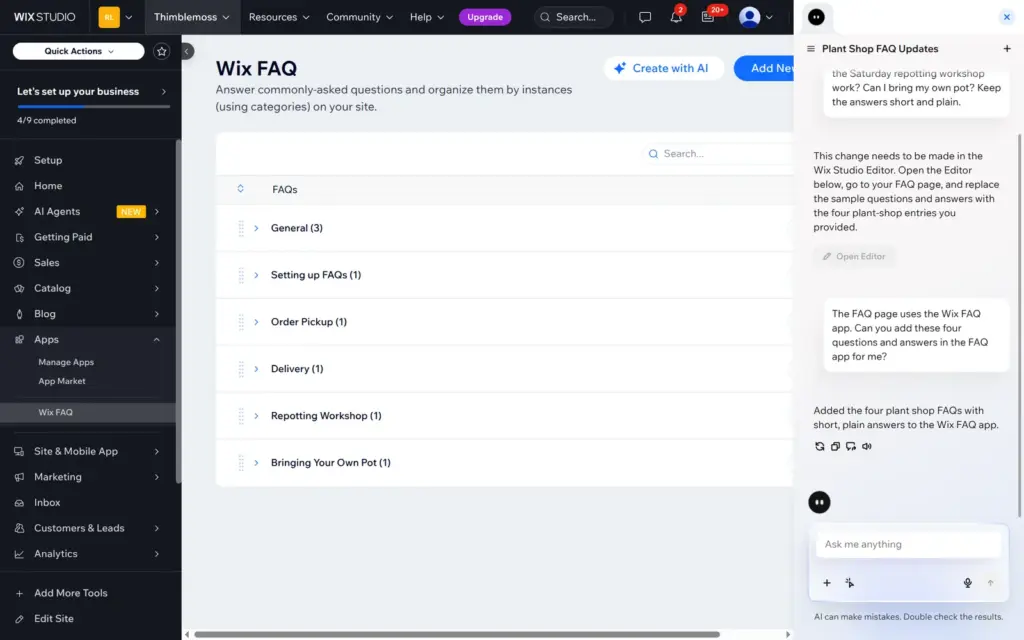
The AI button in the dashboard opens a chat assistant. I asked it to replace the sample questions on my FAQ page with four questions about pickup, delivery, the workshop and bringing your own pot. It answered that this had to be done in the editor and offered to open it. When I asked again and mentioned the FAQ app, it added the four questions in about 40 seconds. Each question got its own new category, the sample questions stayed, and the answers were short and general, like "Yes, we offer local delivery."
Together with Responsive AI and the bookings assistant, the AI tools gave me starting points and saved some typing. None of them produced something I could use without checking.
I checked the Wix Studio pricing page from Germany on October 11, 2026. It showed yearly prices in euros, including 19% VAT, paid in full for the year. Wix lists its US prices in dollars, before sales tax. Each plan is for one site.
| Free | Basic | Standard | Plus | Elite | |
|---|---|---|---|---|---|
| A month, billed yearly | €0$0 in the US | €14.28$19 in the US | €23.80$27 in the US | €38.08$34 in the US | €177.31$159 in the US |
| Web address | name.wixstudio.com/site | Your own domain, free for the first year | Your own domain, free for the first year | Your own domain, free for the first year | Your own domain, free for the first year |
| "Built on Wix Studio" bar | Yes | No | No | No | No |
| Takes payments (shop, bookings) | No | No | Yes | Yes | Yes |
| Automatic sales tax | No | No | No | 100 transactions a month | 500 transactions a month |
| Lead-capture forms | Not listed | 4 | 10 | 25 | 75 |
| Media storage | 10 GB | 10 GB | 50 GB | 120 GB | Unlimited |
| Site collaborators | Not listed | 3 | 5 | 10 | 100 |
| CMS items | Not listed | 1,500 | 4,000 | 20,000 | 10,000,000 |
Enterprise has custom prices. The pricing page also mentions a 14-day money-back guarantee.
For the plant shop, Standard is the cheapest plan that takes payments and bookings. On yearly billing that is €285.60 a year in Germany, or $324 plus tax in the US. The free domain covers the first year only. Card fees from Wix Payments or PayPal come on top, and I didn't check them.
Some limits are easy to miss. Basic includes a free domain and removes the Wix Studio bar, but it can't take payments, so a shop or bookings site needs Standard. Automatic sales tax starts with Plus and is limited to 100 transactions a month there. Basic allows 4 lead-capture forms, like a contact form, and Standard 10.
Wix hosts the site, so you don't need a web host. The other side is that you can't take the site with you. Wix's help center says a Wix site "needs to be hosted and operated on Wix's servers", and that blog posts can't be exported to other platforms. Products and CMS content can be exported as CSV files, which I didn't test. If you leave, you rebuild the site somewhere else.
Wix Studio fits a small business that wants a website with a shop or bookings and has someone who enjoys working on the design, the owner or a web designer. For the plant shop, a free template gave me a site that looks professional, and the shop, shipping, tax and bookings settings covered everything the shop needed. Once the site is built, daily work like products, orders, posts and bookings happens in the dashboard.
It fits less well if you want something simple. The sign-up, the workspace and the dashboard are made for agencies with clients, and the editor has grids, layers and three screen sizes to keep in mind. If you only want to fill in a template, look at Wix's other two editors first. It also fits less well if you want to sell on the cheapest paid plan, because Basic can't take payments.
If you try it, build the whole site on the free plan, place a test order and open every page on your phone before you pay. Most of what I found wrong only showed up on the published site.
 What I'm building
Give Vroni a GitHub issue, bug report, spec, or rough idea. It reads the repo, plans the change, writes code, runs checks, and works toward a review-ready pull request.
Take a look at vroni.com