
Are Framer templates free, and where do you find them?
Many of them are free. Framer's templates are in its marketplace, and each one shows its price. On November 4, 2026, 57…
Yes. Framer has a free plan, and you can build and publish a whole website on it. For my Framer review, I built a six-page website for a made-up bakery on the free plan in October. On November 3, it was still online at larkmill-bakery.framer.website, and I hadn't paid anything.
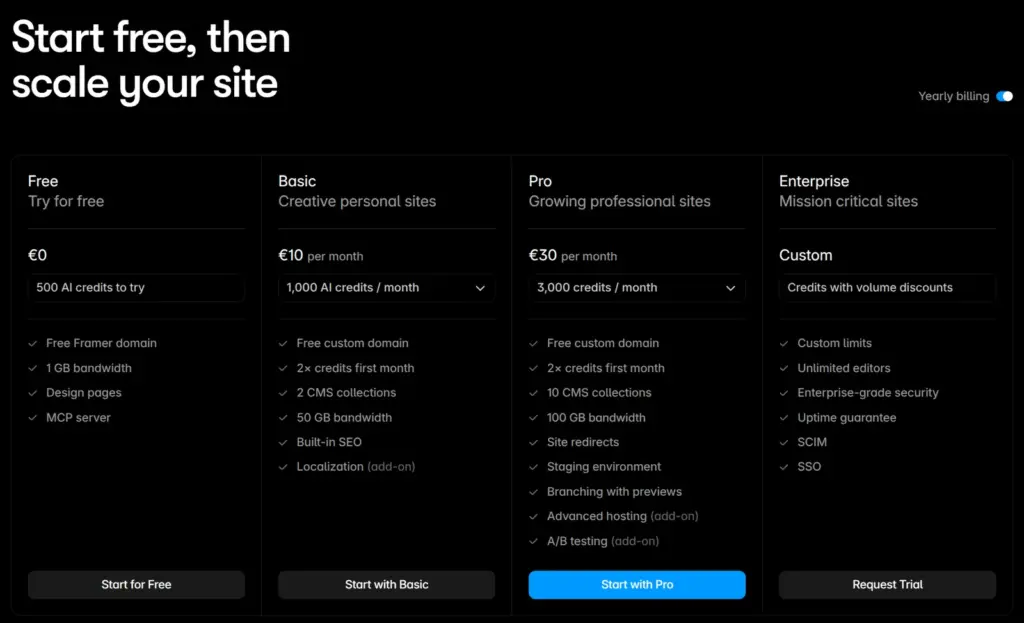
A free site runs on a framer.website address, and every page shows a "Made in Framer" badge. Your own domain needs a paid plan. The cheapest one, Basic, costs $10 or €10 a month on yearly billing, and the badge goes away with it.
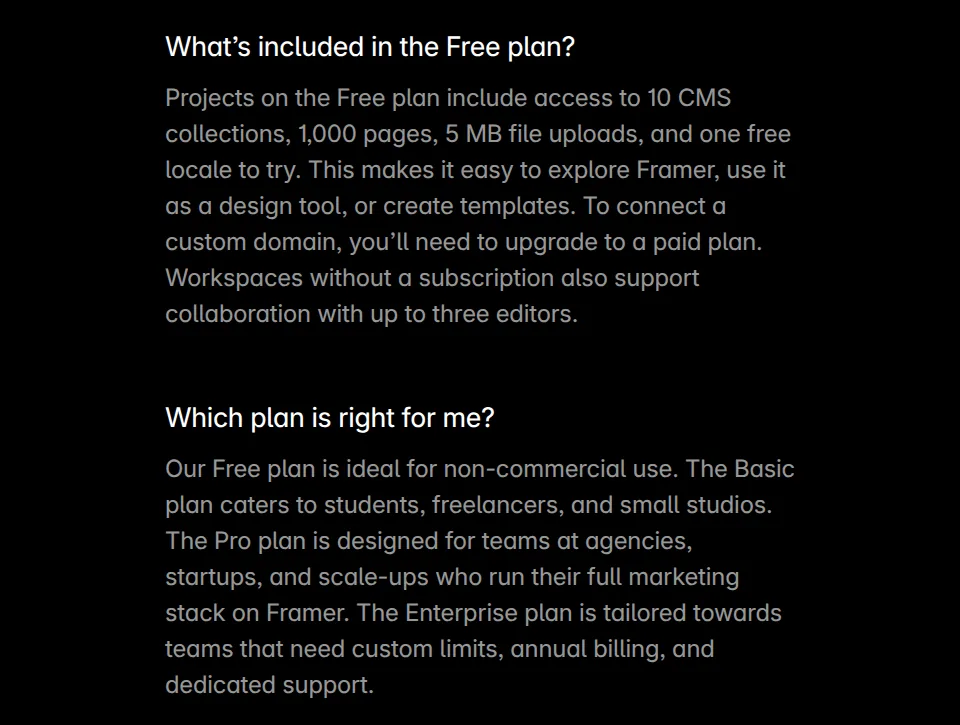
I checked Framer's pricing page on November 3, 2026. The free plan includes:
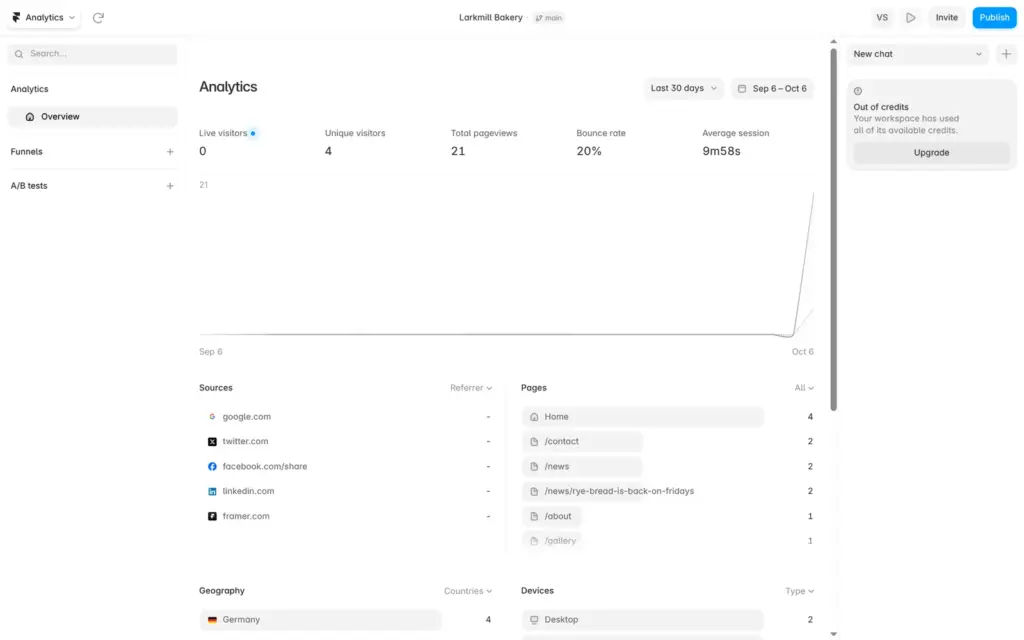
Everything I needed for the bakery worked on the free plan. I started from a free template and added a news section and a contact form. I sent two test messages through the form, and both reached my inbox within 15 seconds. The free plan also shows visitor statistics.
If a free site uses more than 1 GB in a month, Framer lets it run over for one month and sends you an email asking you to upgrade.
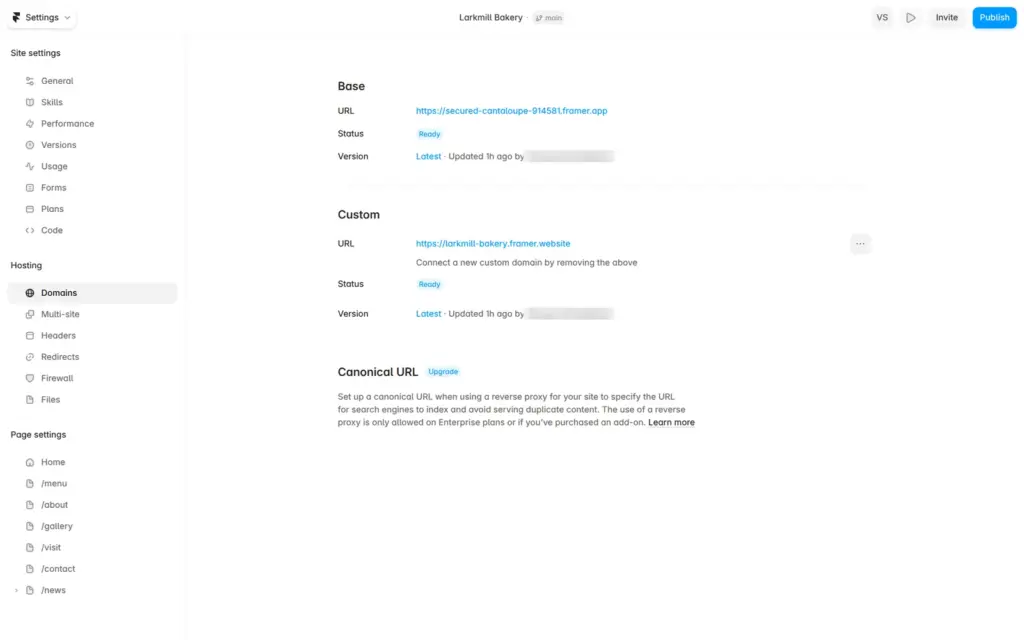
On the Domains page, both ways to get your own domain show an Upgrade label. On yearly billing, a paid plan includes a domain that is free for the first year.
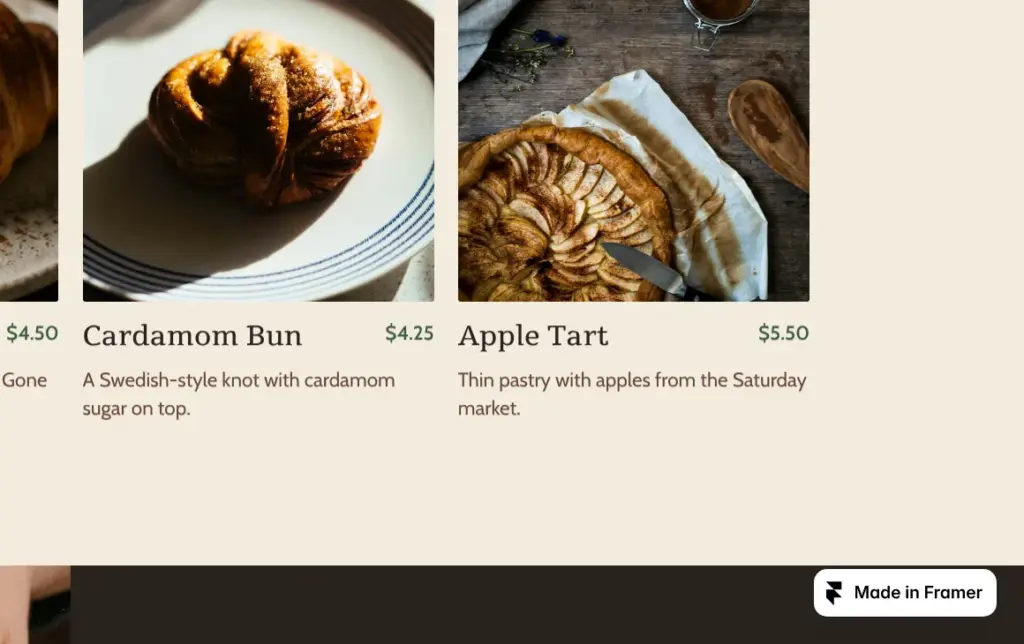
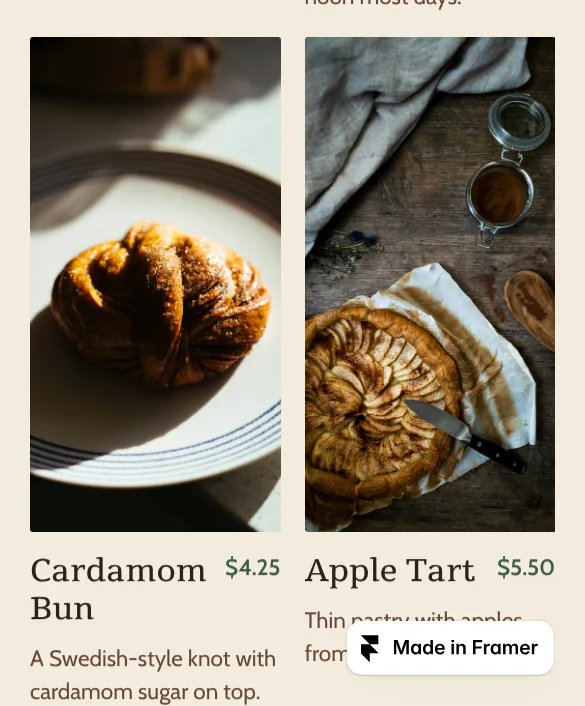
The badge sits in the bottom right corner, and on a phone it covers part of the content. Framer's help center says the badge goes away after you upgrade the site and publish it again.
| What you want | Cheapest plan | Billed yearly | Billed monthly |
|---|---|---|---|
| A site on a framer.website address | Free | $0 | $0 |
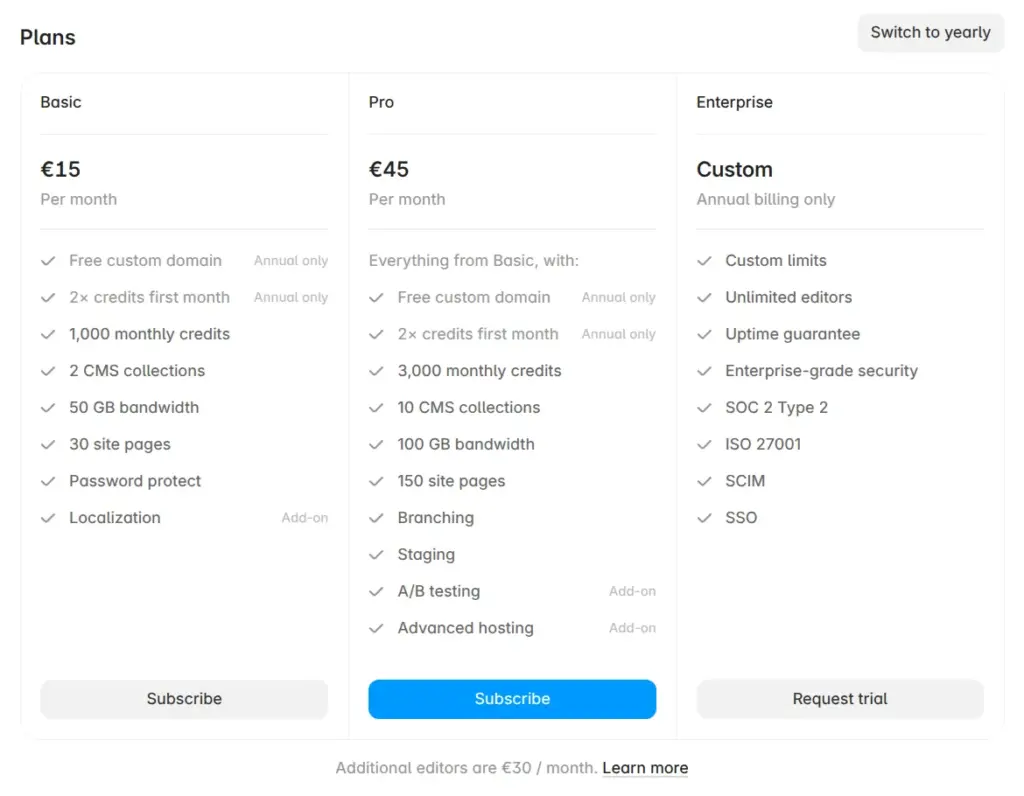
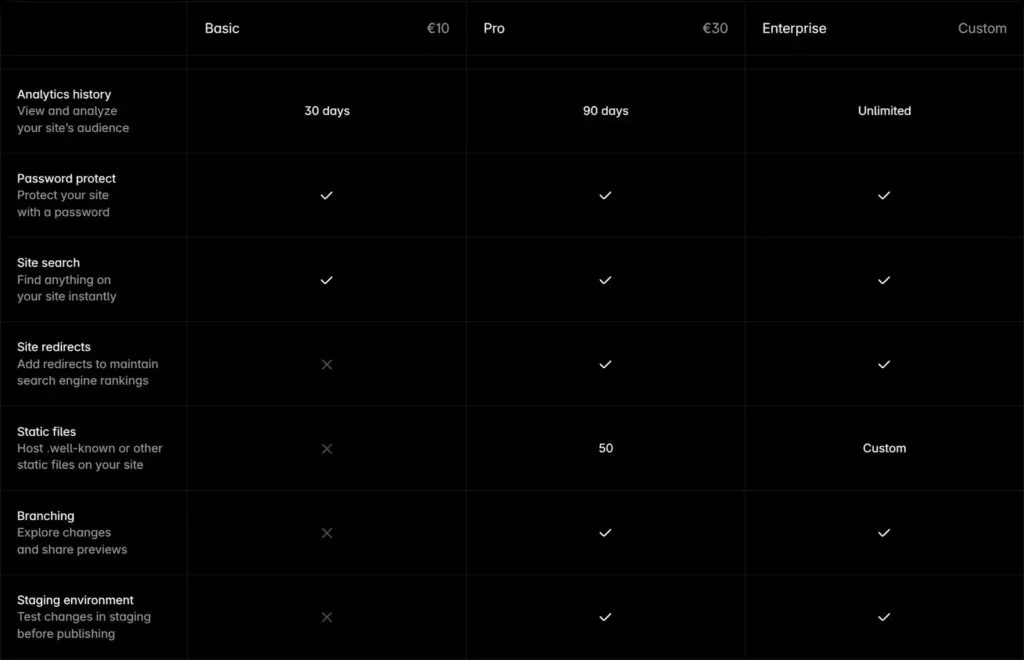
| Your own domain and no "Made in Framer" badge | Basic | $10 / €10a month | $15 / €15a month |
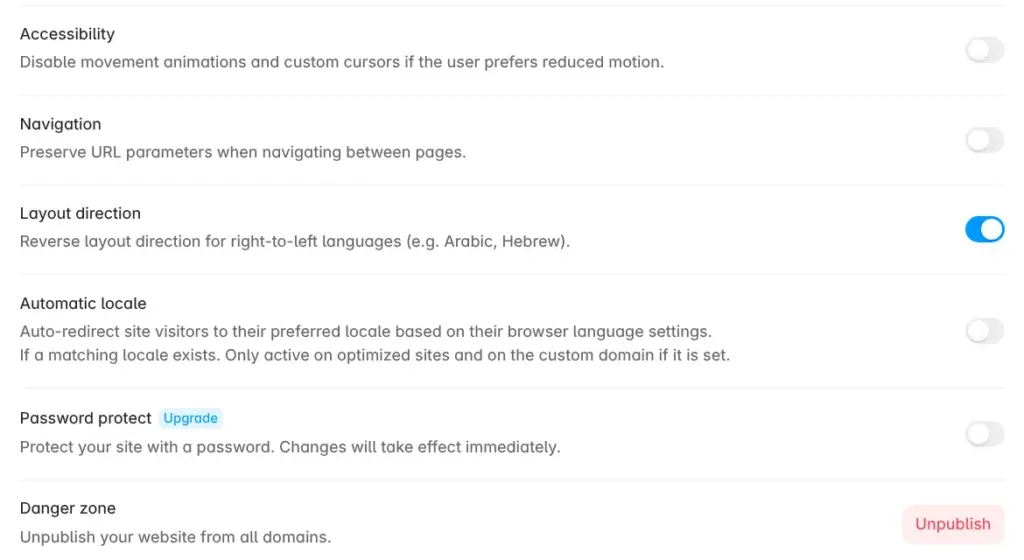
| Password protection | Basic | $10 / €10a month | $15 / €15a month |
| Redirects from old page addresses | Pro | $30 / €30a month | $45 / €45a month |
Basic allows only 30 pages and 2 CMS collections, fewer than the free plan's 1,000 pages and 10 collections. If your free site grows past Basic's limits, you need Pro, which allows 150 pages and 10 collections.
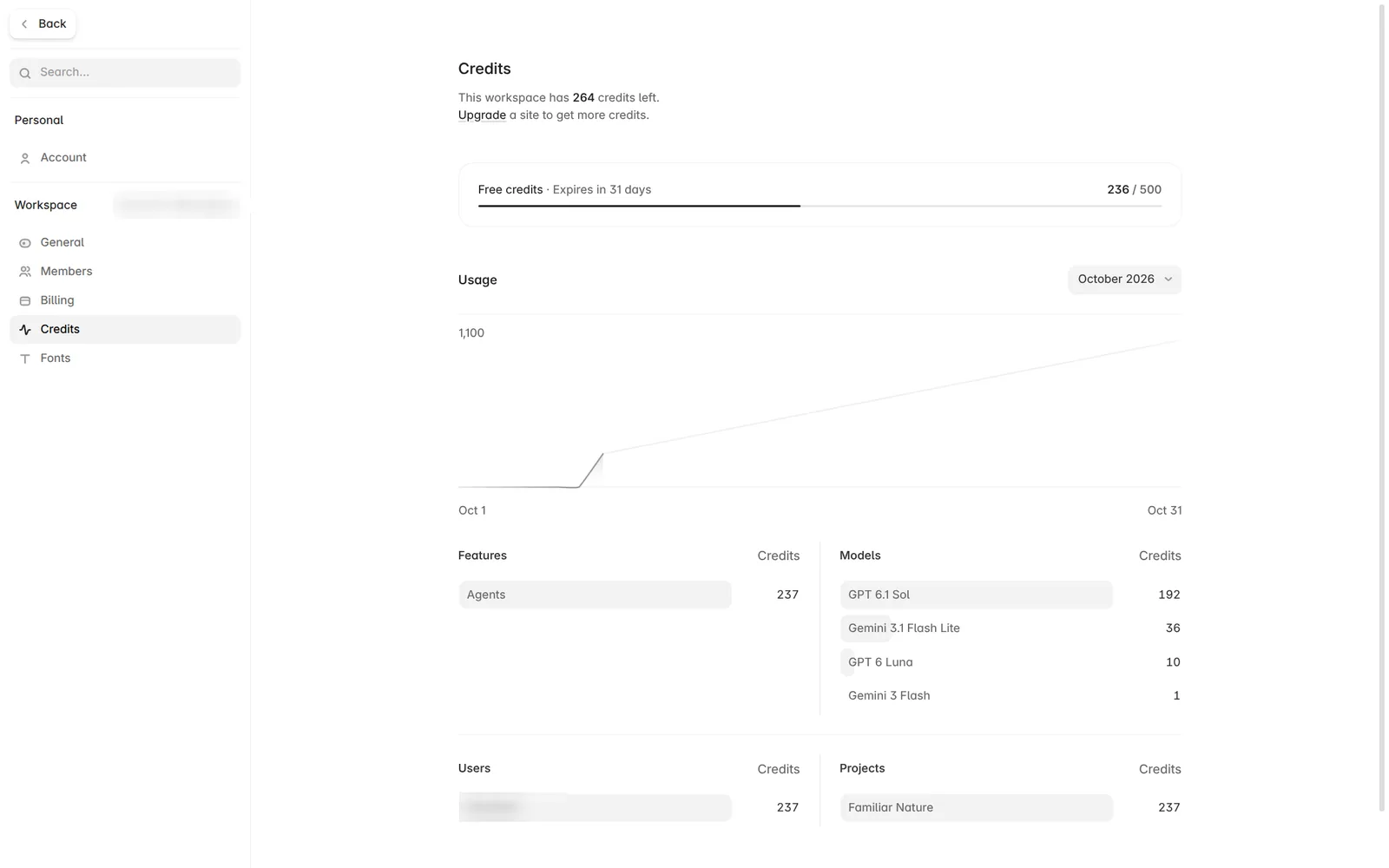
The free plan's 500 AI credits are enough to try the AI agent. In my review, the agent built a four-page site for a made-up physiotherapy practice and then fixed a bug in its menu. Those two requests used 236 of the 500 credits, and the credits page said they would expire in 31 days.
Basic includes 1,000 credits a month and Pro 3,000. On yearly billing, you get twice as many in the first month.
Framer calls the free plan "ideal for non-commercial use", and its help center recommends it for hobbyists and personal projects. But I found no rule that keeps a business off the free plan, and Framer's terms of service don't mention the free plan.
For a business site, you can build and test everything on the free plan and pay when the site goes live on your own domain.
 What I'm building
Give Vroni a GitHub issue, bug report, spec, or rough idea. It reads the repo, plans the change, writes code, runs checks, and works toward a review-ready pull request.
Take a look at vroni.com