
Are Framer templates free, and where do you find them?
Many of them are free. Framer's templates are in its marketplace, and each one shows its price. On November 4, 2026, 57…
You sign up on framer.com for free and pick a template in Framer's marketplace. One click copies it into your account. In the editor, you change the text and photos on the page. Framer keeps a separate version of each page for phones, so you check that version before you publish. Publishing on a framer.website address is free.
For my Framer review, I built a website for a made-up bakery this way and published it on the free plan.
I built the site on October 6, 2026, and checked the template and the prices again on November 3, 2026.
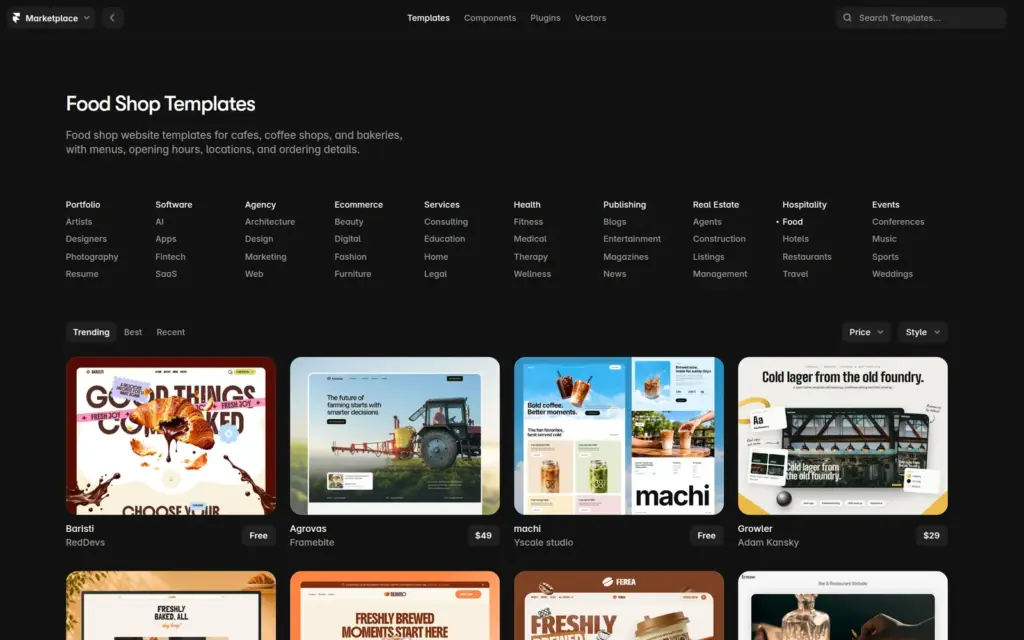
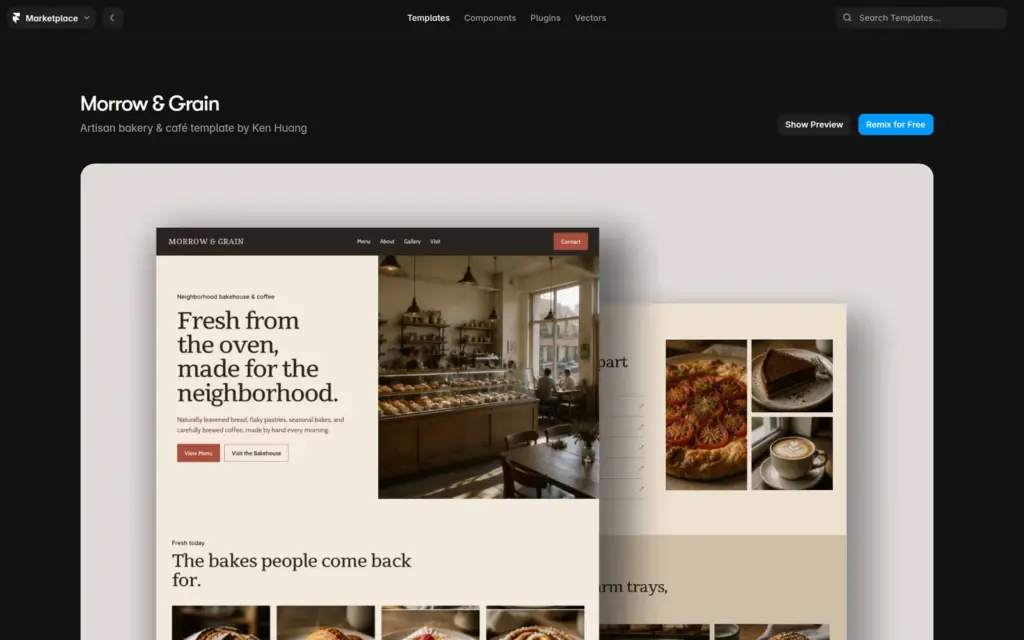
Framer's marketplace has templates for most kinds of business, and many of them are free. I picked Morrow & Grain, a free bakery template from Ken Studio. It comes with six pages.
"Remix for Free" on the template's page copies the whole template into your account. The copy opens in the editor, still with the template's own text and photos.
If you don't want a template, the New project button in your dashboard starts with an empty page. Framer's AI agent can also build a first version from a short description, and free accounts get 500 credits to try it. In my review, it built a site for a made-up physiotherapy practice in about three and a half minutes.
The editor shows each page in three widths. The desktop version is 1,200 pixels wide, and the tablet and phone versions sit next to it. Your pages are listed on the left.
The panel on the right shows the settings of whatever you select. It also holds the AI agent, but I made all changes to the bakery site by hand.
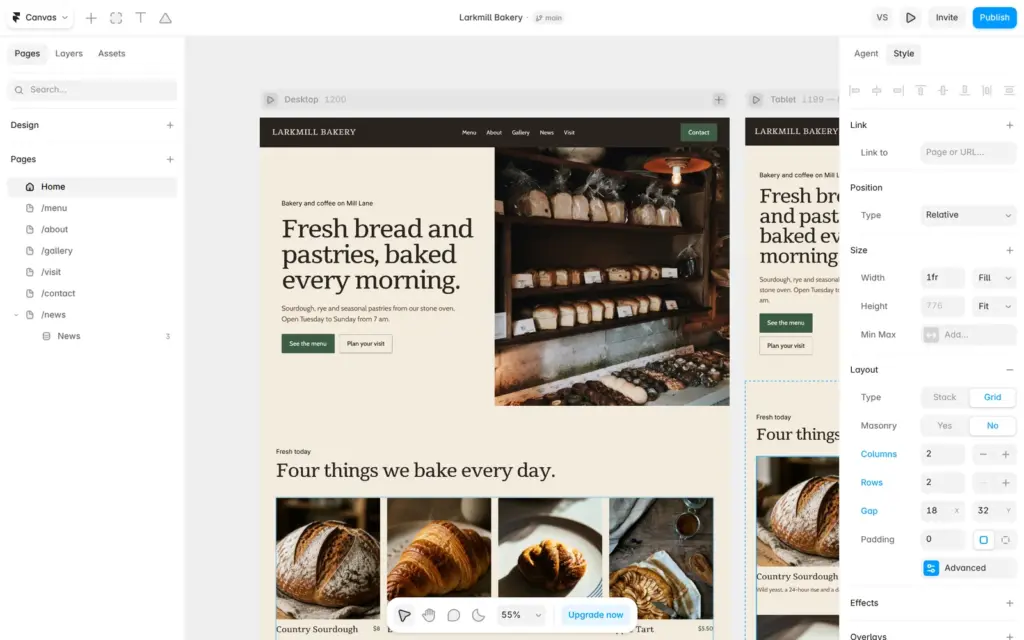
The header and footer are components. A component is a part you design once and use on many pages. I typed Larkmill Bakery once in the header, and all pages showed the new name at all three widths.
To change a text, you double-click it on the page and type. For a button, you type the new text in the panel on the right.
For photos, Framer has a plugin for Unsplash, a library of free stock photos. You select an image on the page and search Unsplash for a new one.
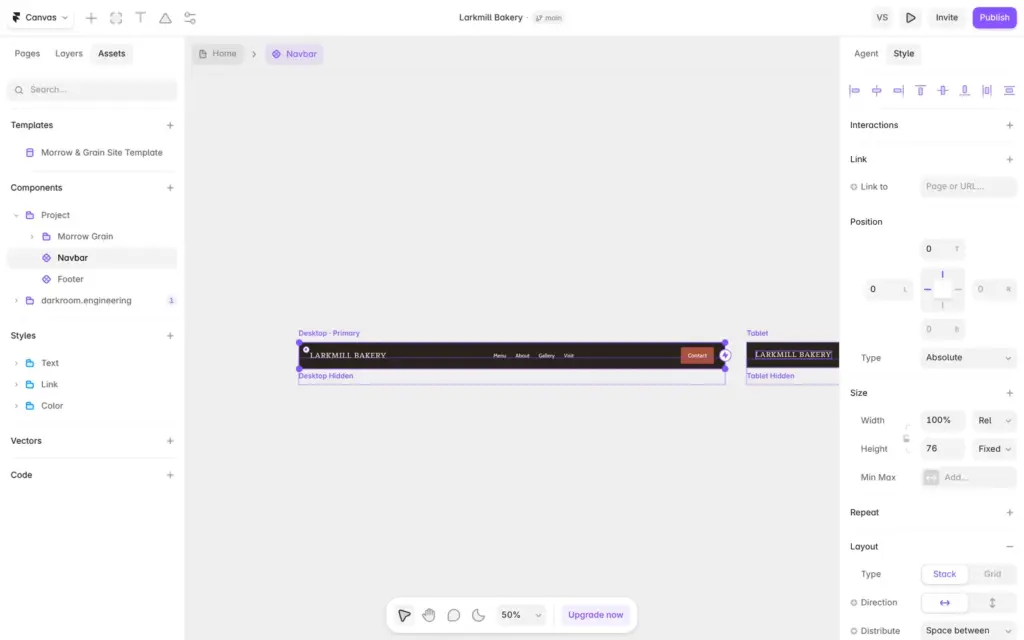
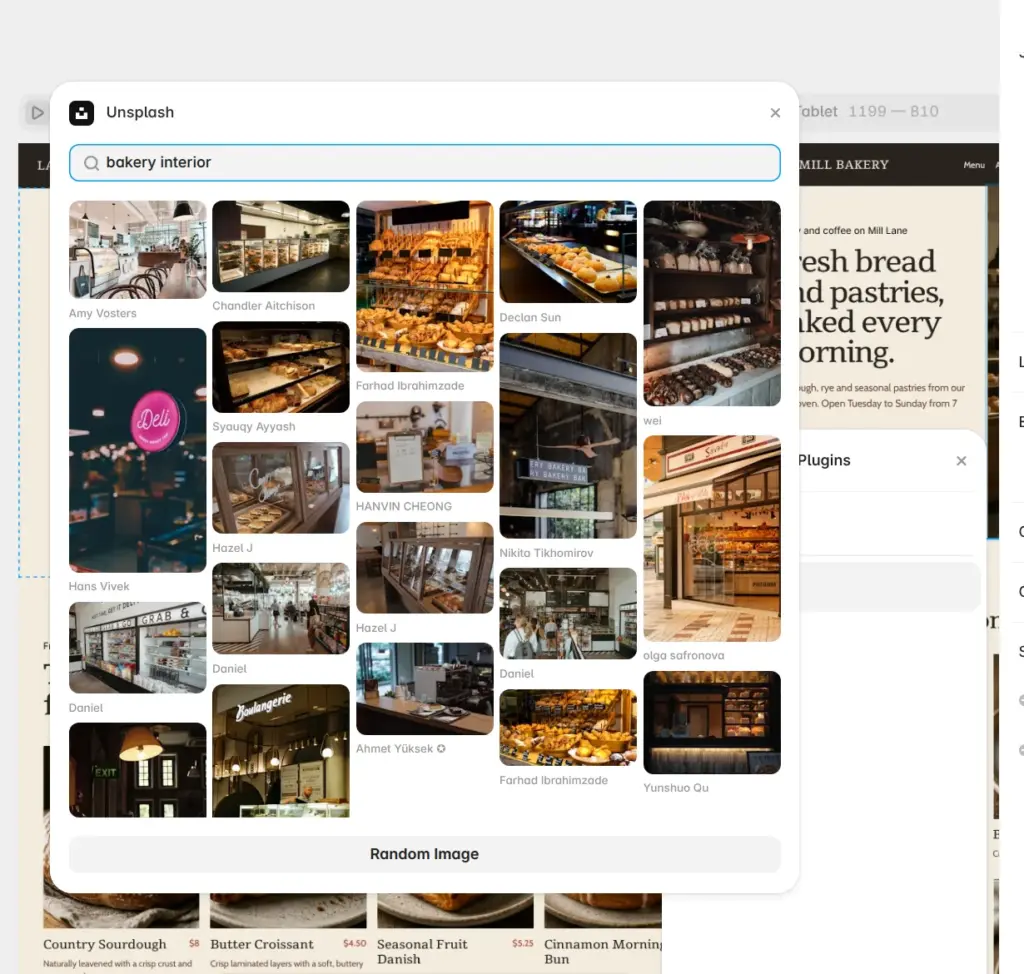
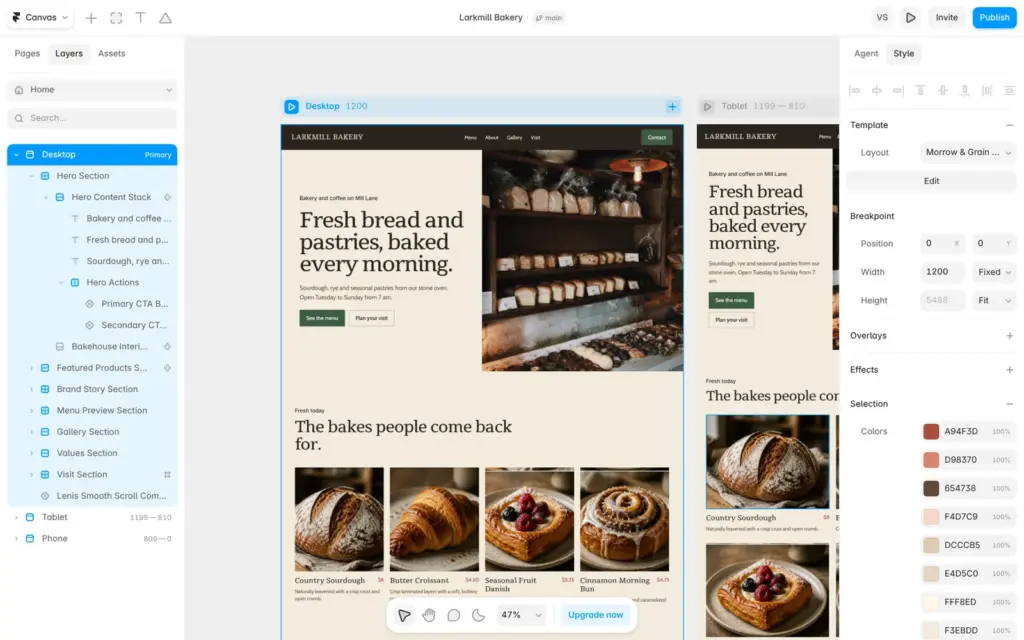
The template saves its colors as color styles. When I changed its red style to a dark green, the buttons turned green on all pages. A box on the home page and the prices stayed red, because the template had that red typed in directly.
To find these, I selected a whole page. The panel on the right then listed all colors of the page, and I swapped the old red for my green style. I had to do this on each page and at each width.
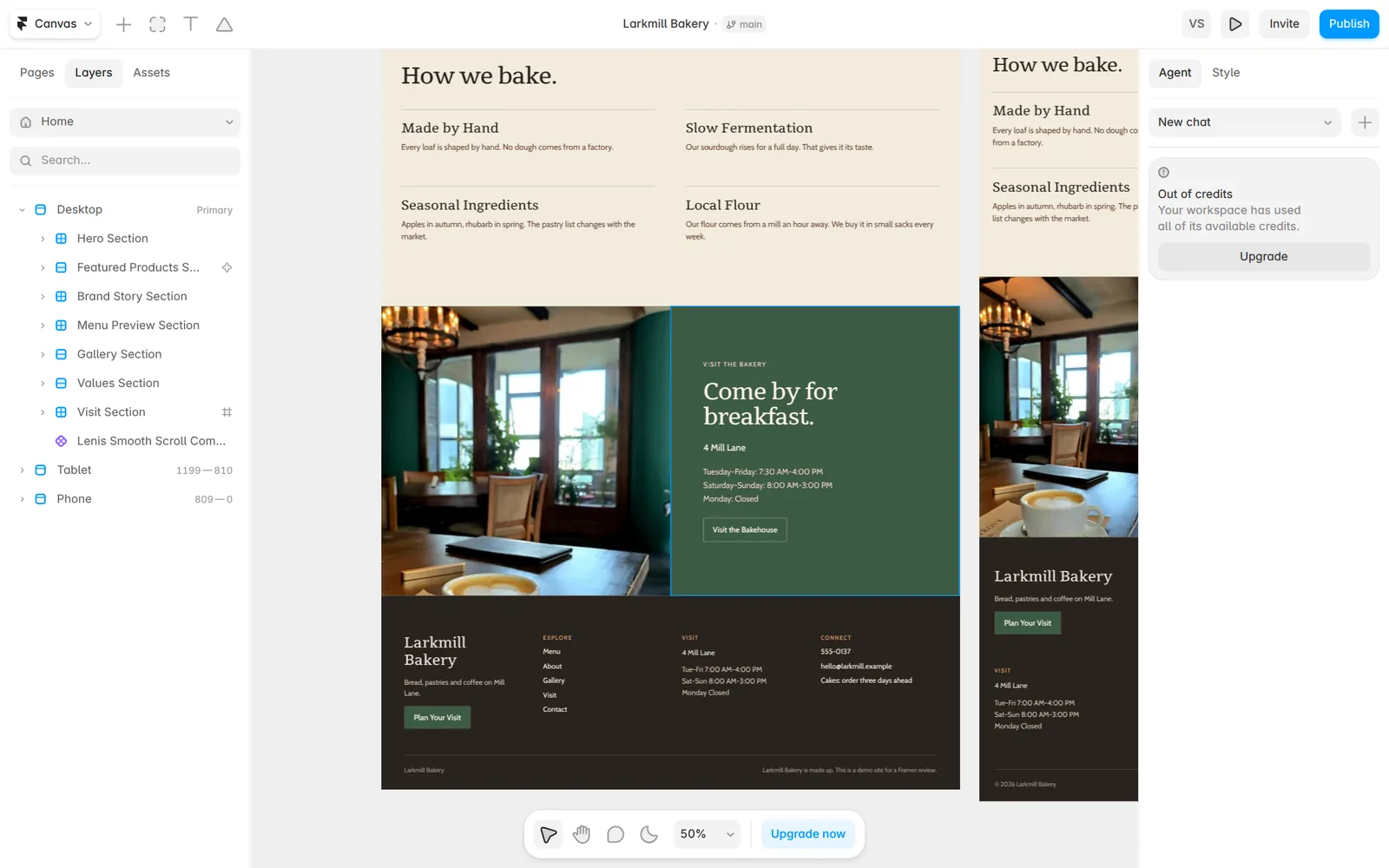
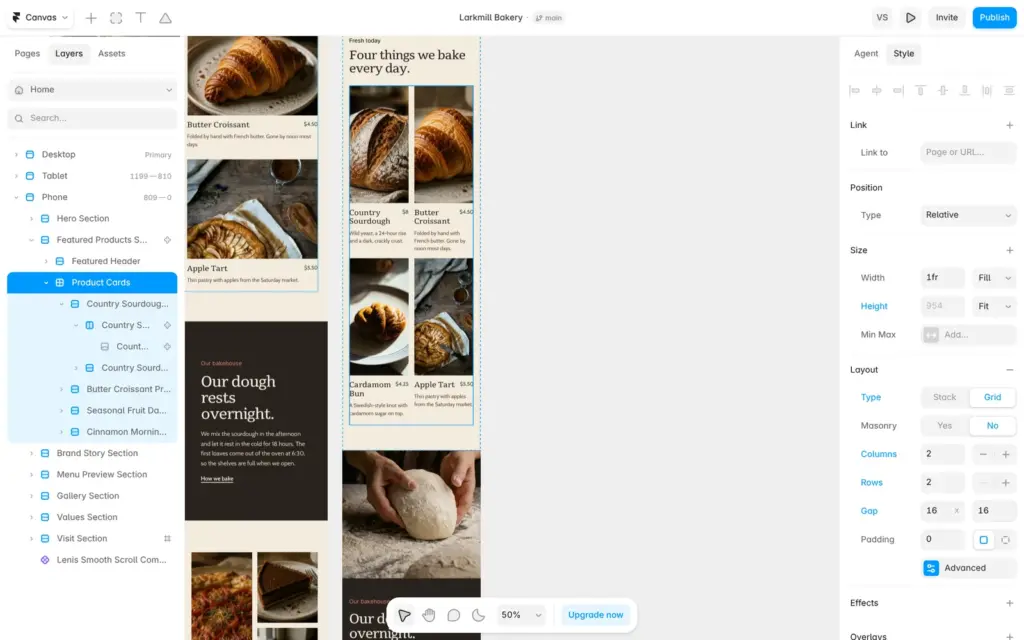
On the phone, the four products on the home page sat in one long column. I selected them in the phone version and switched them from a stack to a grid with two columns. The desktop and tablet versions didn't change.
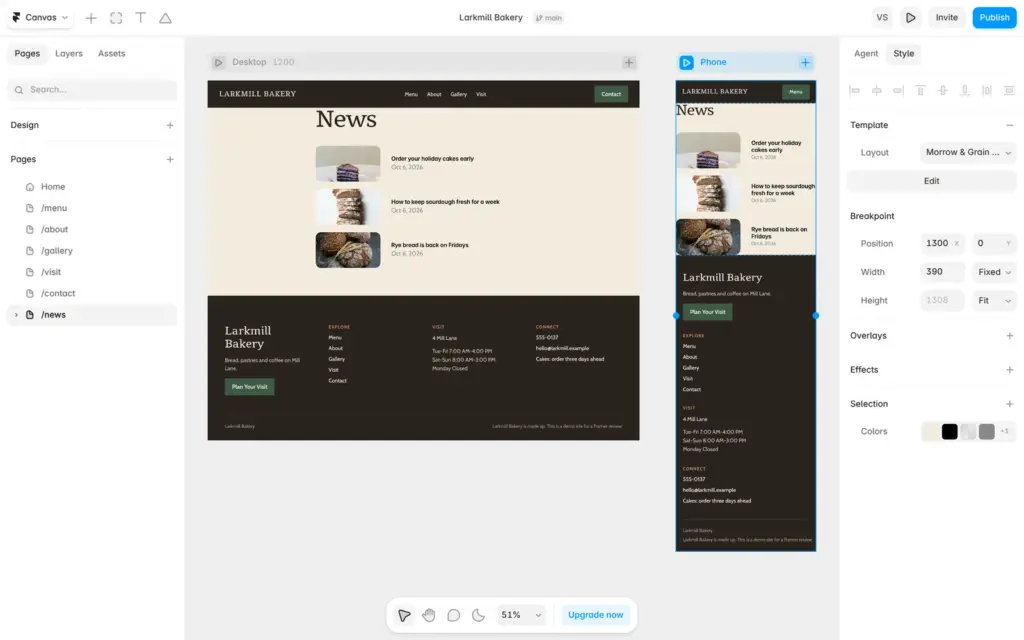
Later I added a news section. Framer built a list page and a post page for it, and neither had a phone version. The plus button next to Desktop adds one.
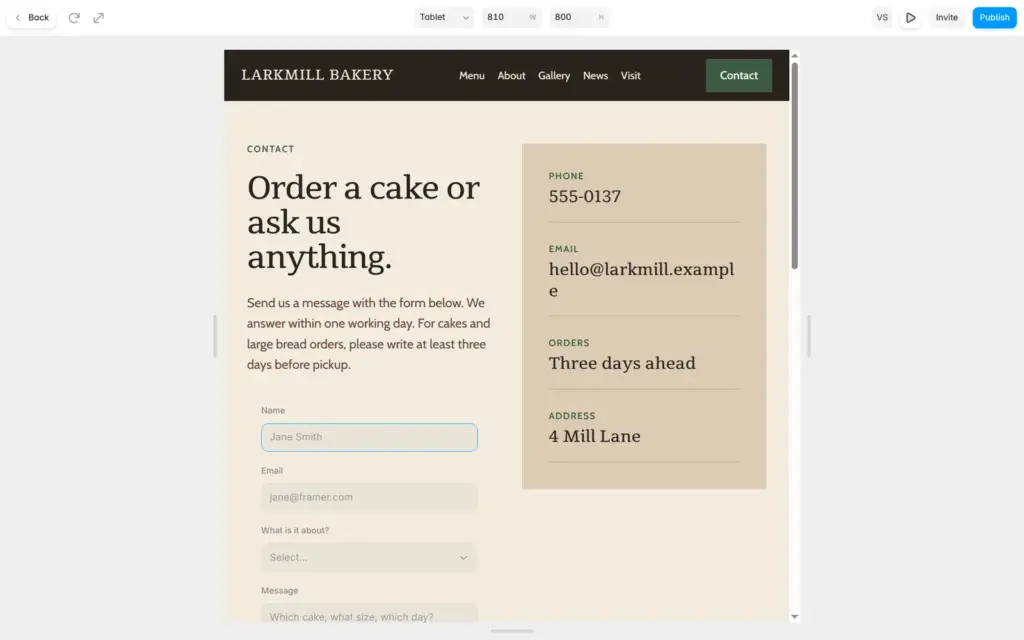
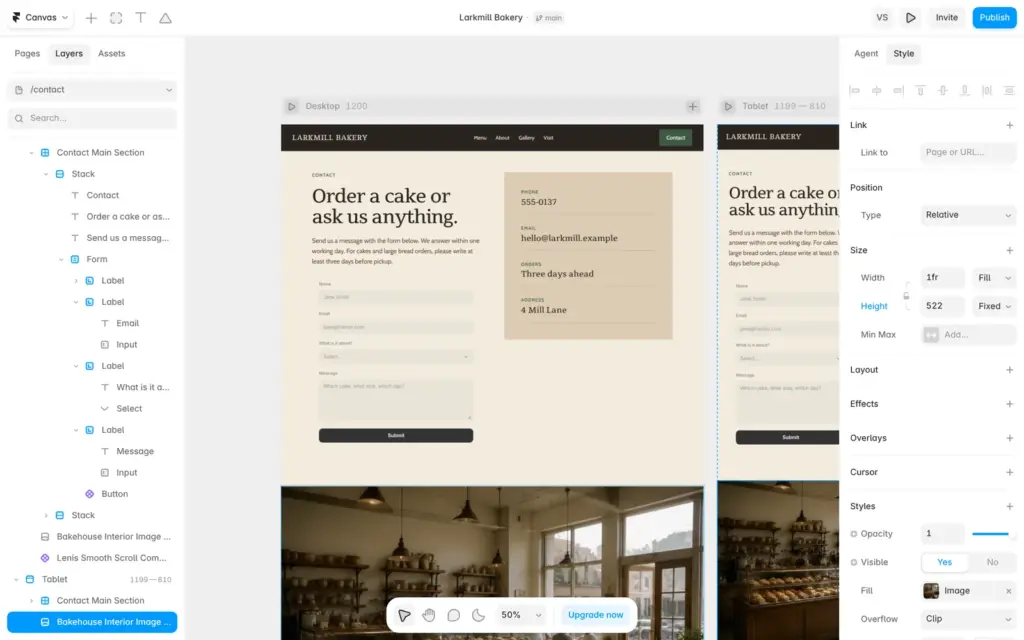
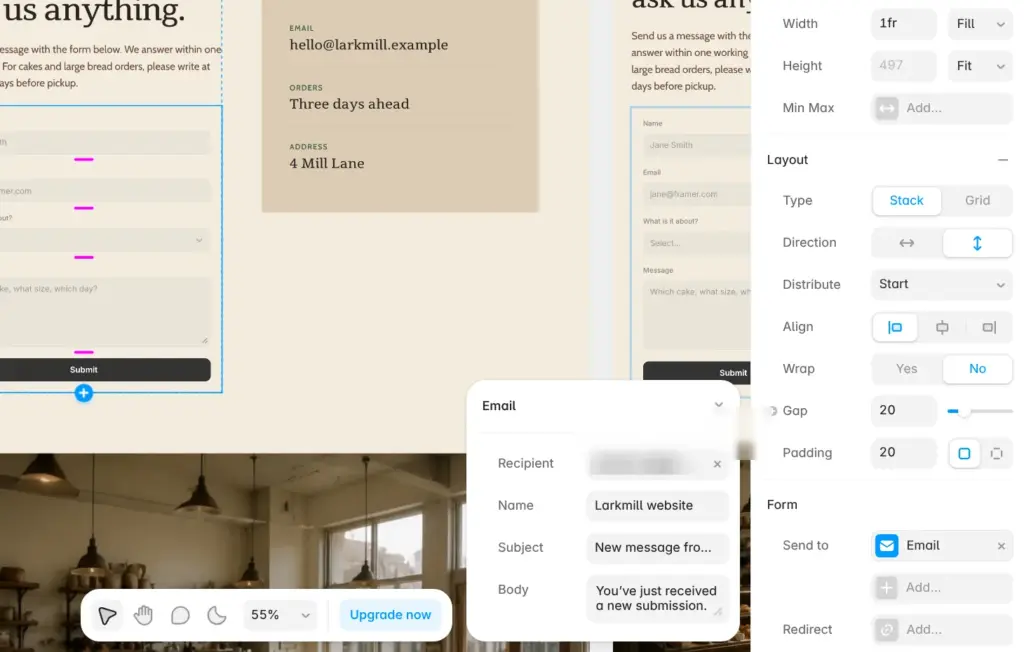
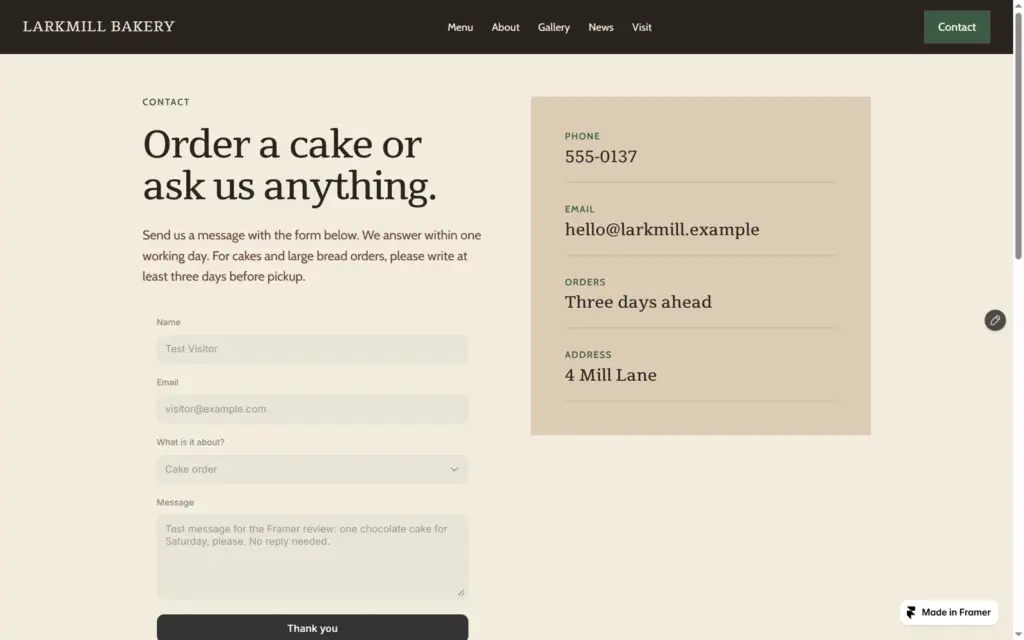
The template's contact page had a phone number and an email address, but no form. Framer has a form block in its Insert panel. It comes with three sample fields, and you change or add fields in the panel on the right.
Under "Send to", you choose where the messages go. I chose email, and Framer filled in the address of my Framer account. Messages can also go to a Google Sheet.
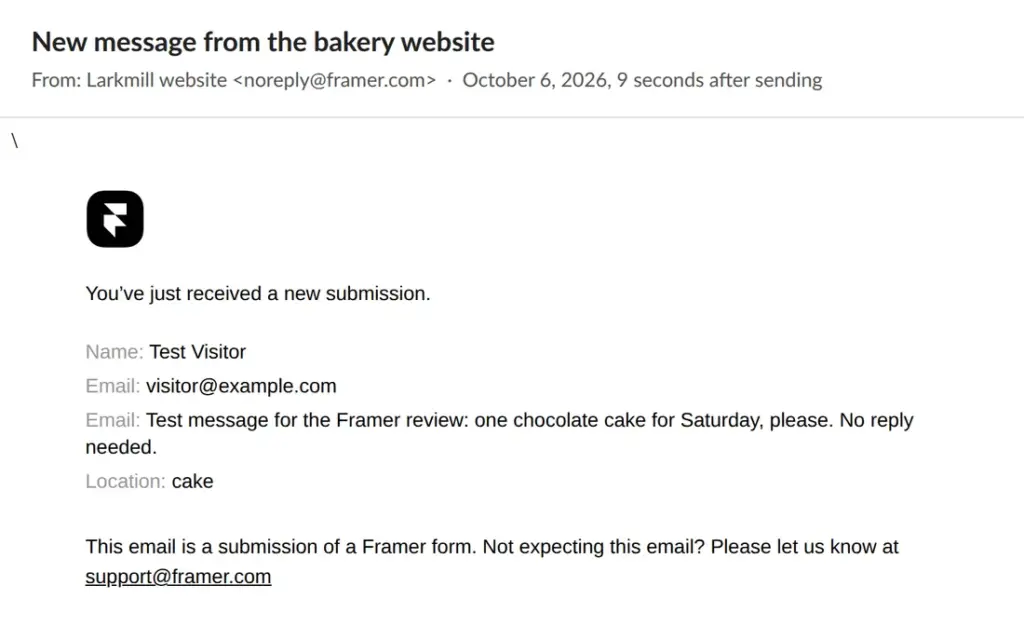
Each field has a hidden name, and the emails list the fields by that name. I had made the message box by copying the email field, so my first test email showed "Email" twice. After I renamed the copy to Message, the next email was fine. Both test messages arrived within 15 seconds.
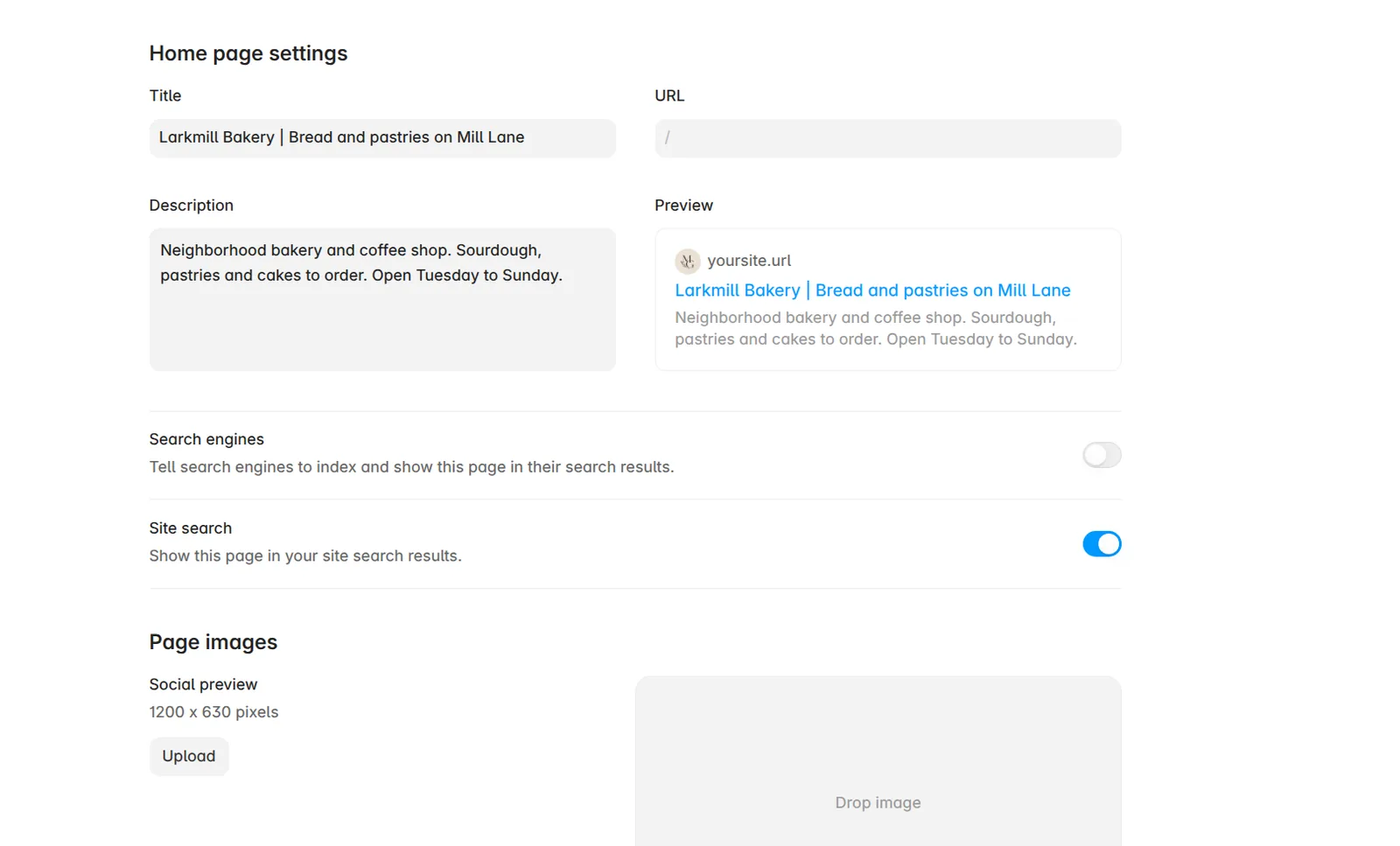
Each page has its own search title and description in the site settings. Google can show them in its results. The template's pages still said Morrow & Grain there, so I changed them before publishing.
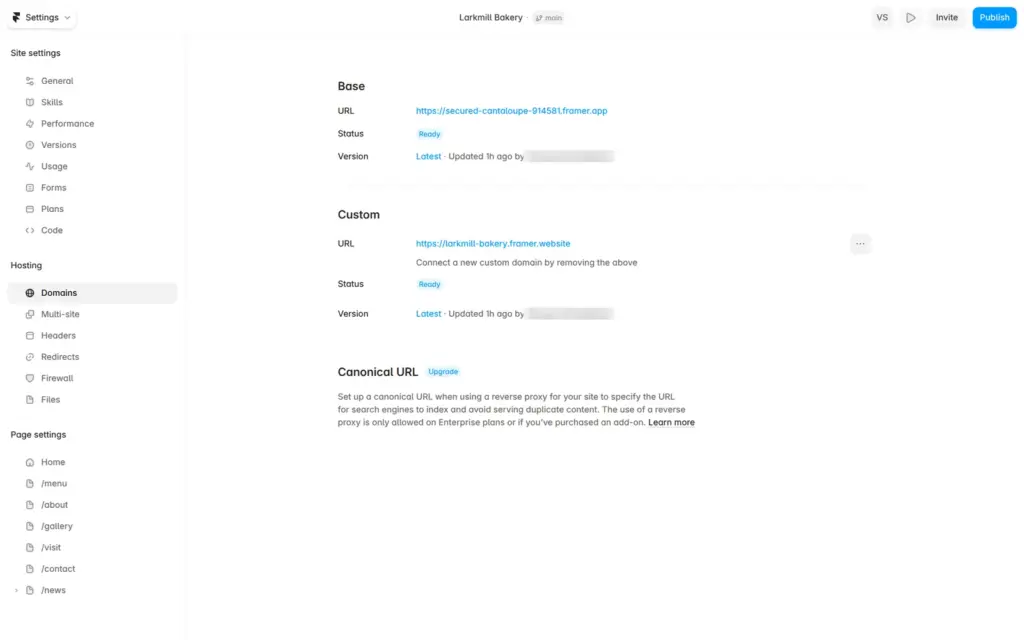
A free site first gets a random address that ends in framer.app. Under Domains in the site settings, you can pick a free name that ends in framer.website. Mine is larkmill-bakery.framer.website. Your own domain needs a paid plan.
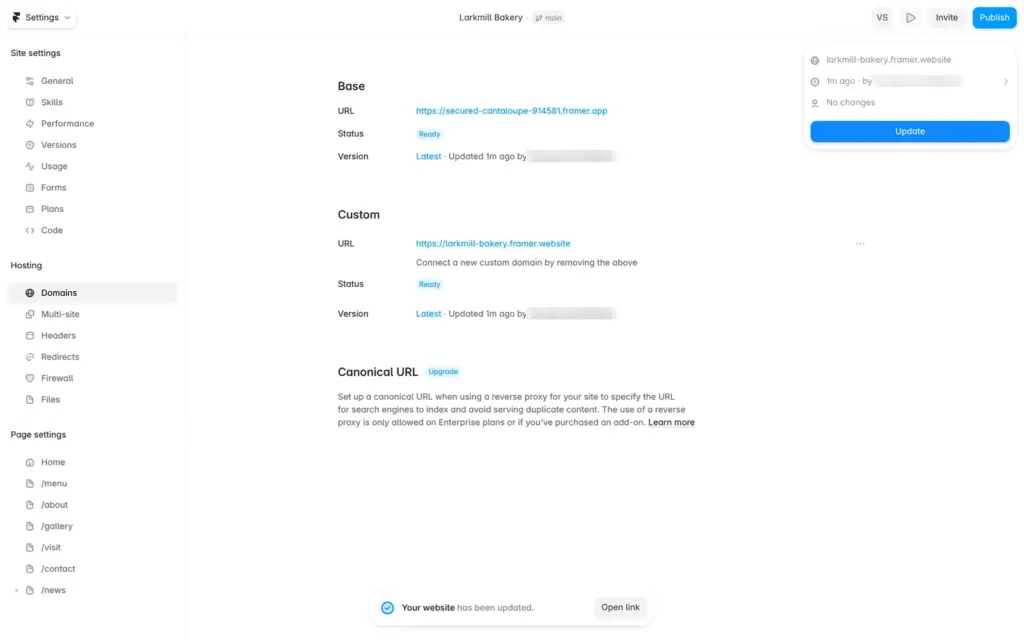
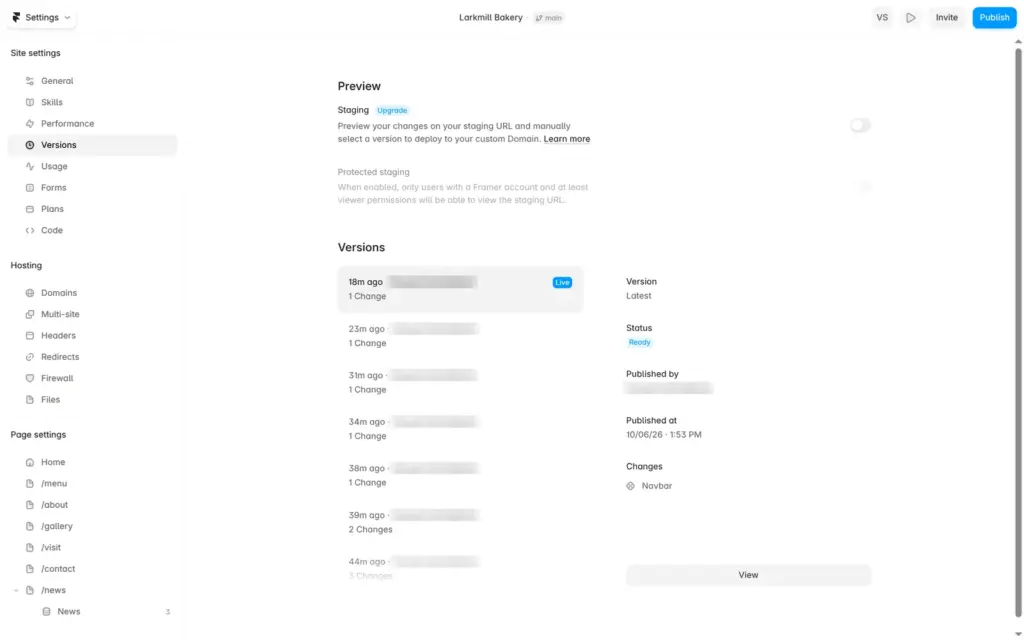
You put the site online with Publish. For later changes, you click Publish and then Update. Framer saves each version you publish, and you can open older ones.
Free sites show a "Made in Framer" badge in the bottom right corner of each page. On a phone, it covers part of the content.
Open the bakery site. It's a demo, so please don't send personal information through its form.
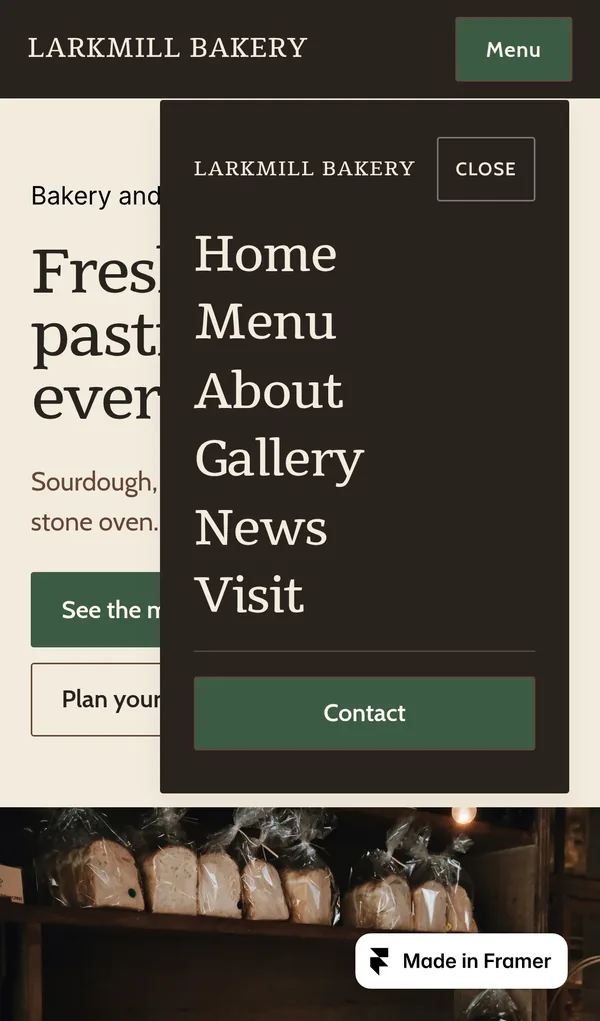
A few leftovers from the template only showed up on the published site. I had changed the template's phone number and email address on the page, but the links behind them still pointed to the template's number and address. The menu that opens on phones has its own design. It still showed the template's name, and the News link I had added on the desktop was missing there.
Before you share the address, click each link on the published site and open the menu on a phone. Then send yourself a test message through the form.
Framer's pricing page calls the free plan "ideal for non-commercial use". The cheapest plan with your own domain is Basic. On November 3, 2026, it cost $10 a month on yearly billing, and Pro cost $30. Prices are per site, and sales tax or VAT comes on top.
If your site needs news posts, my Framer review shows how I set up the bakery's news section.
 What I'm building
Give Vroni a GitHub issue, bug report, spec, or rough idea. It reads the repo, plans the change, writes code, runs checks, and works toward a review-ready pull request.
Take a look at vroni.com