
WebStarts review
WebStarts is a website builder with a free plan. You drag text and photos onto a page wherever you like, and WebStarts…
IONOS Website Builder is the website builder from IONOS, a large web host that also sells domains and email. In its plans it's called MyWebsite Now. You describe your business, and an AI makes a first version of the site. Then you finish it in a simple editor. If you're thinking about it for your business website, you probably want to know how good that first version is. And you want to know what it costs once the cheap first year is over.
To find out, I built a website for a made-up painting contractor on the free trial. I let the AI make the first version from a short description of the business. Then I went through every page. I fixed the texts and the design and set up the contact form. I also tried to add online booking and a shop, and I tested the finished site in the preview.
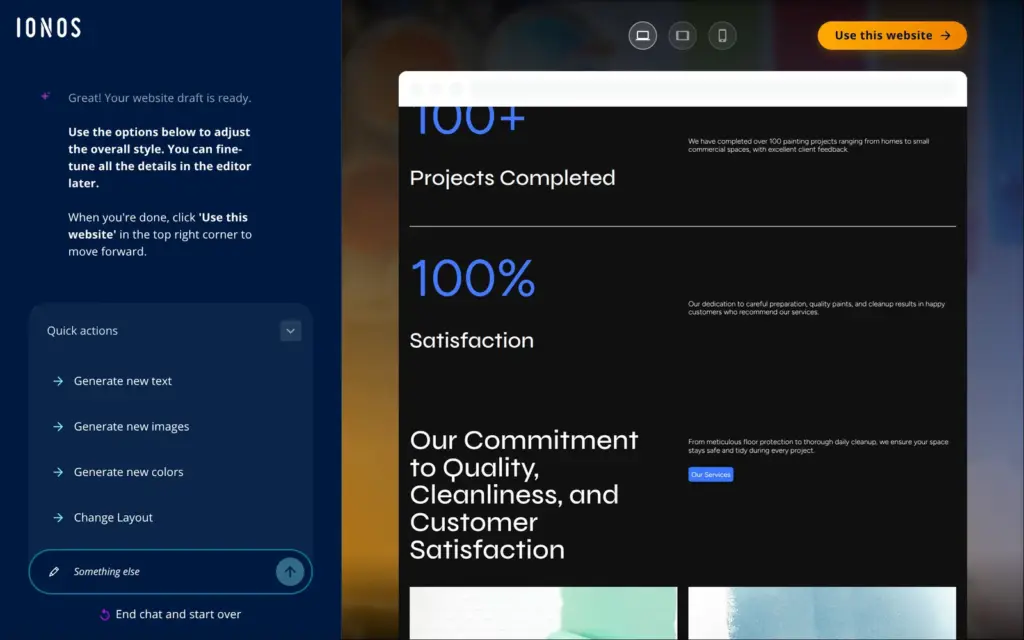
The AI had a site with four pages ready in about a minute and a half, and at first sight it looked fine. But it made up numbers about past projects, and its contact form had no address to send messages to. Finding and fixing what the AI got wrong took much longer than the build. Online booking and the shop are locked in the trial, and so is publishing.
IONOS Website Builder suits you if you want a simple website with a few pages and you're willing to check every page the AI writes. It also suits you if you want your website and your email address from the same company.
Look elsewhere if you want to try online booking or a shop before you pay, or if you want to place things freely on the page.
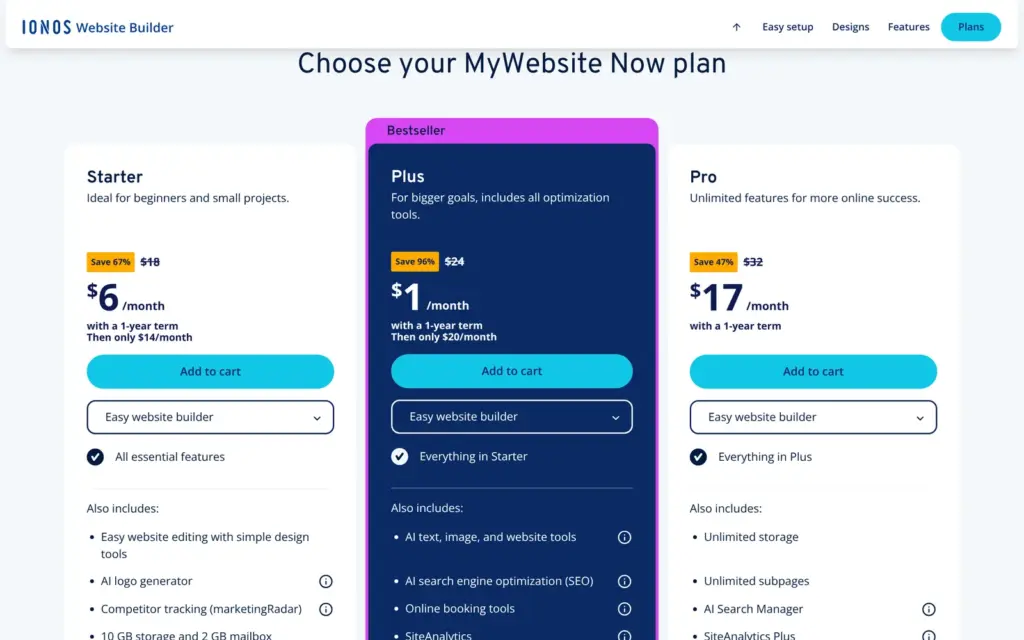
Price: Plus, the plan with online booking and the AI writing tools, costs $1 a month in the first year and $20 a month after that, with a one-year term. Starter costs $6 a month in the first year and $14 after that. Pro costs $17 a month in the first year. Sales tax comes on top, and the online store is a separate plan. I checked the prices on November 1, 2026, the day I tested.
Booking and shop: neither works in the free trial, so I couldn't test them. Online booking needs Plus or Pro, and selling needs a separate store plan.
Not tested: anything that needs a paid plan, like the live site and online booking. I also didn't contact IONOS's support. IONOS did not pay for this review, and there are no affiliate links.
What I liked:
What bothered me:
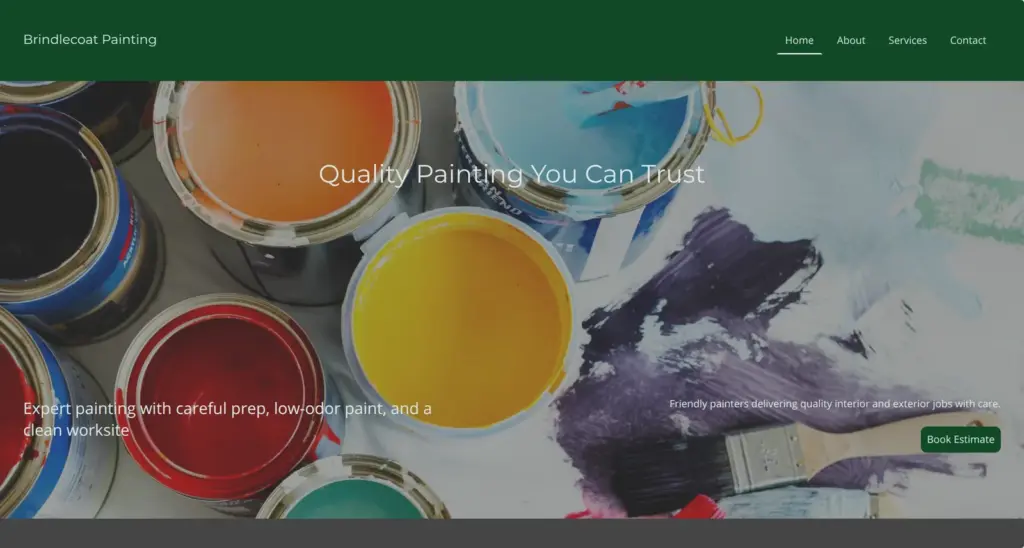
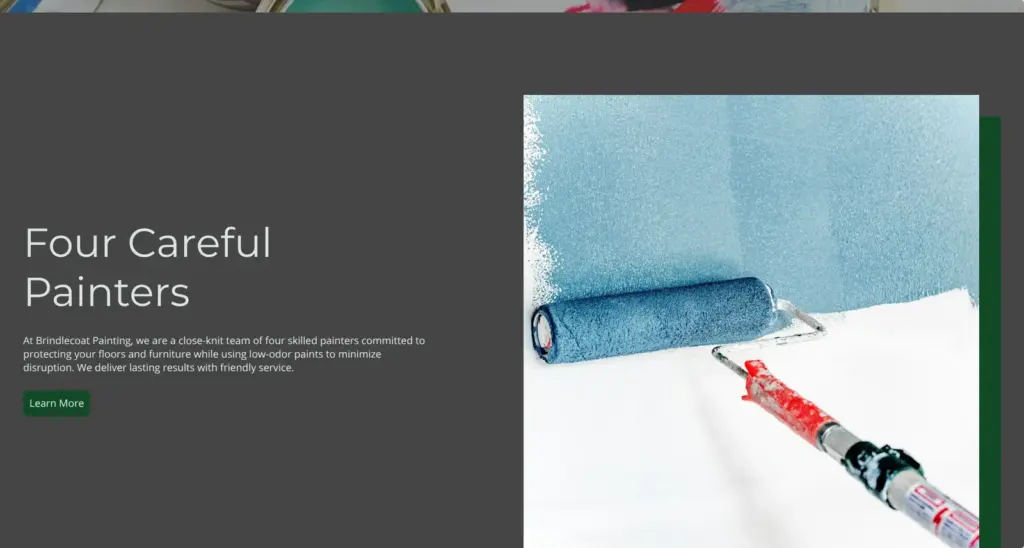
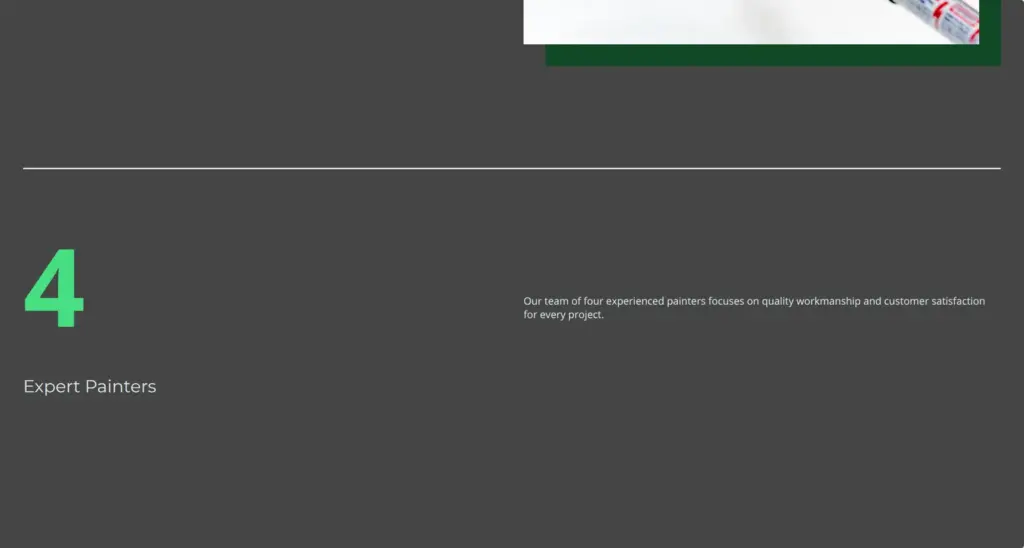
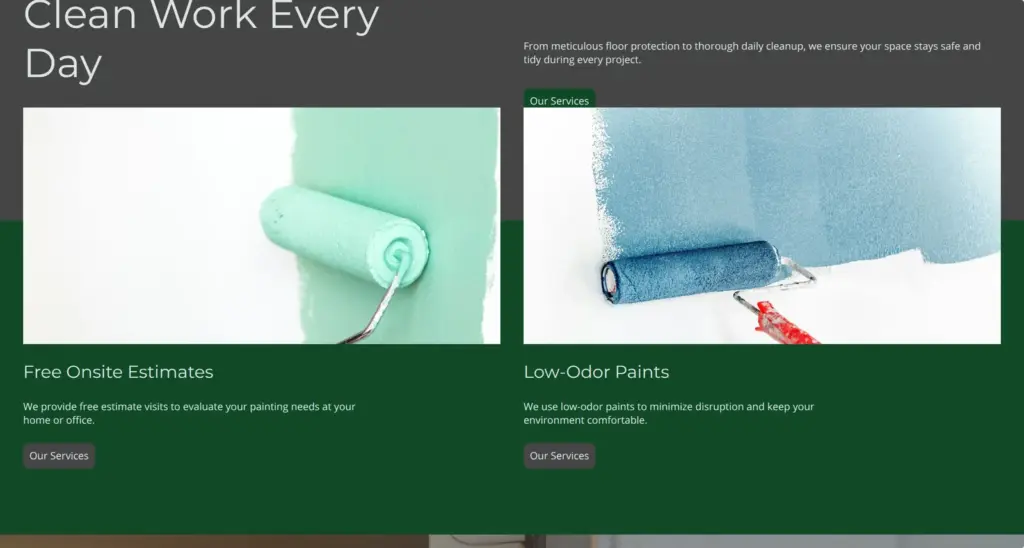
Brindlecoat Painting is a made-up painting contractor with four painters, and the footer of its site says so. Adding pages is locked in the trial, so the site has the four main pages and the two legal pages the AI made. The photos are the ones the AI picked. IONOS says its AI takes website images from Unsplash, a free photo library.
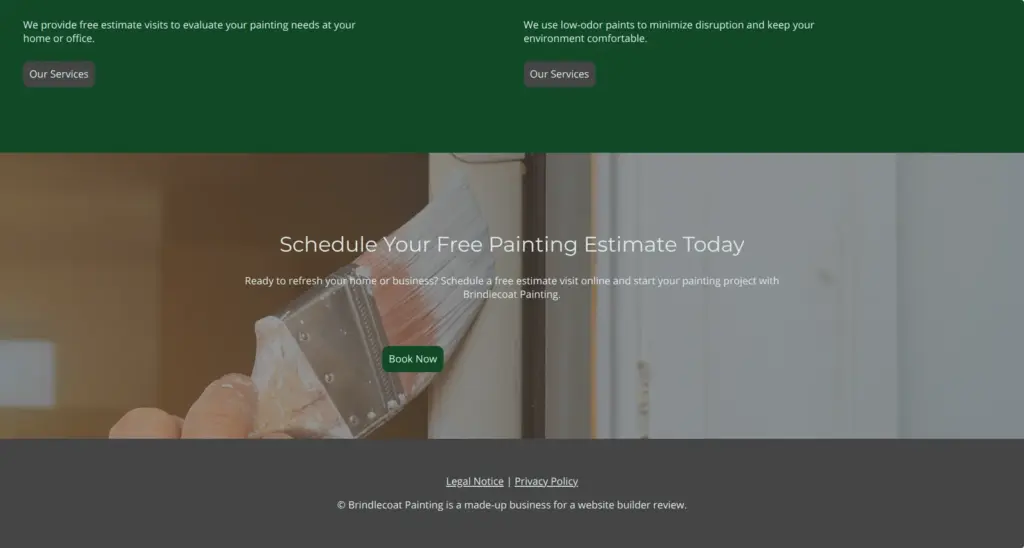

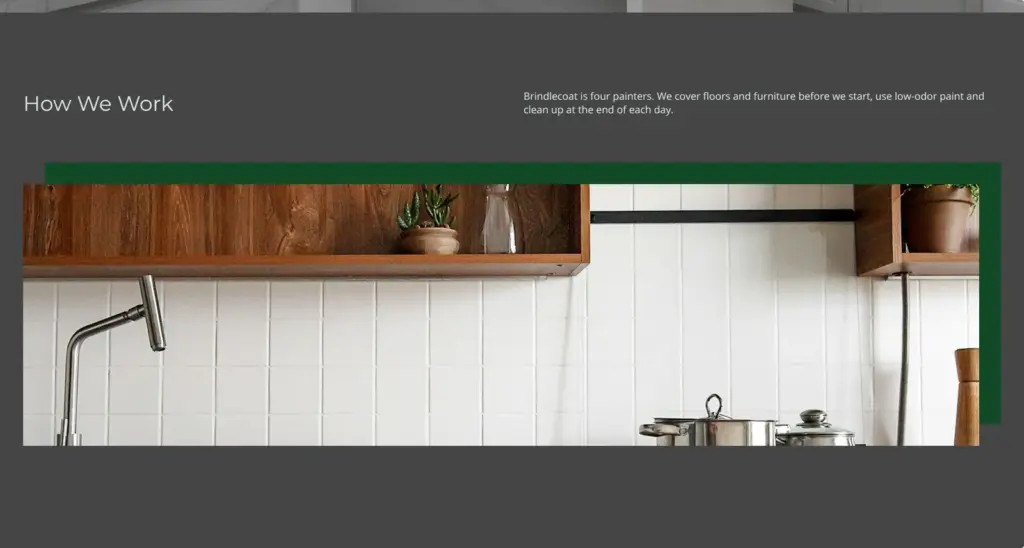
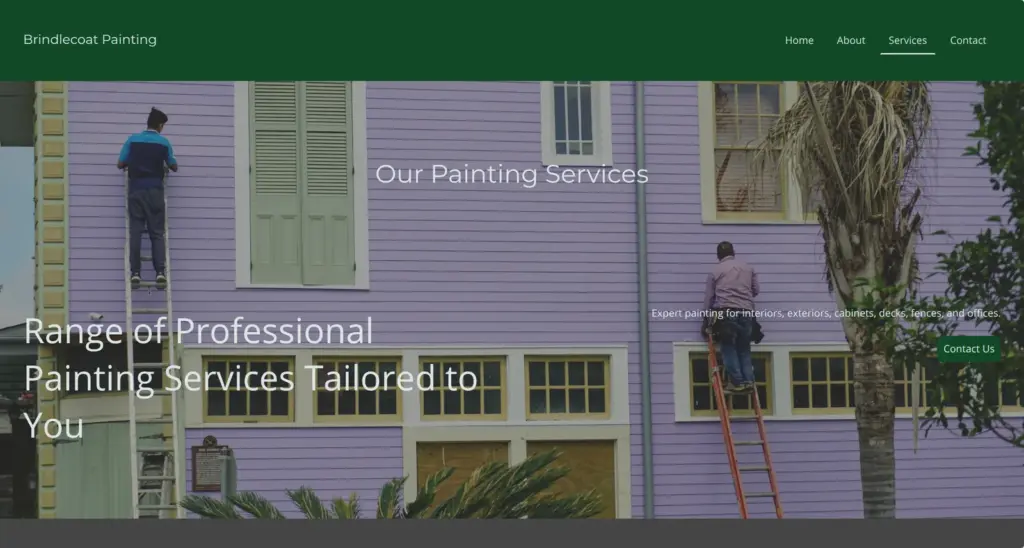
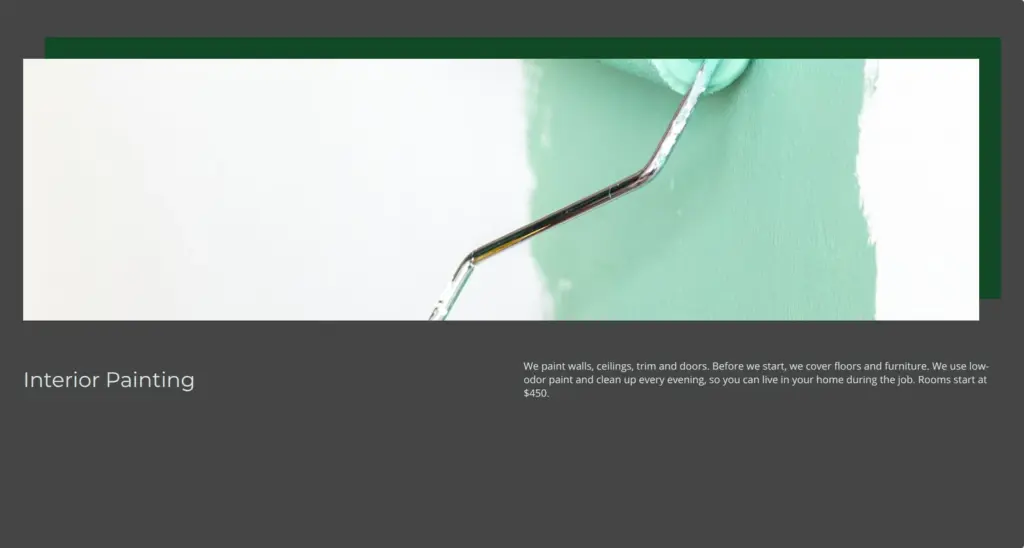
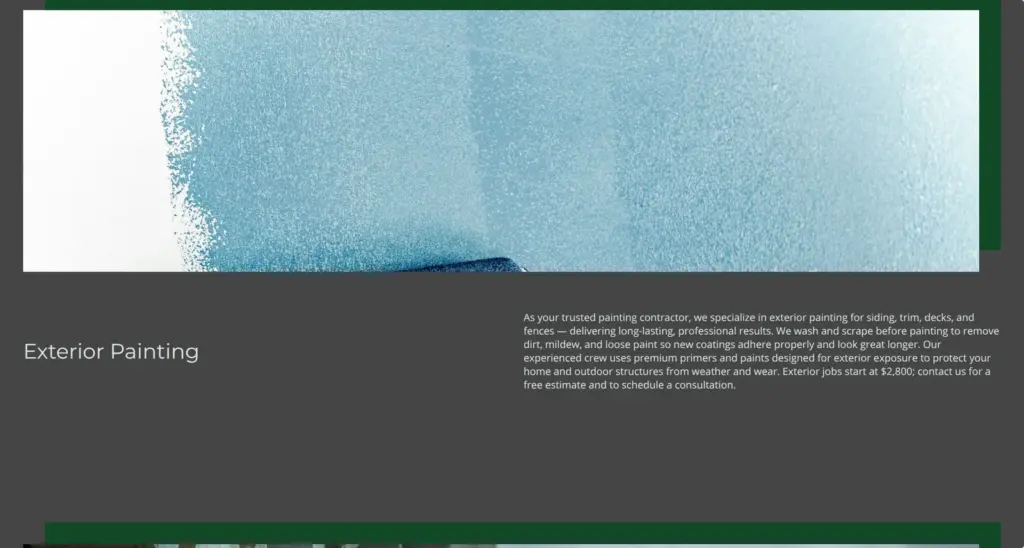
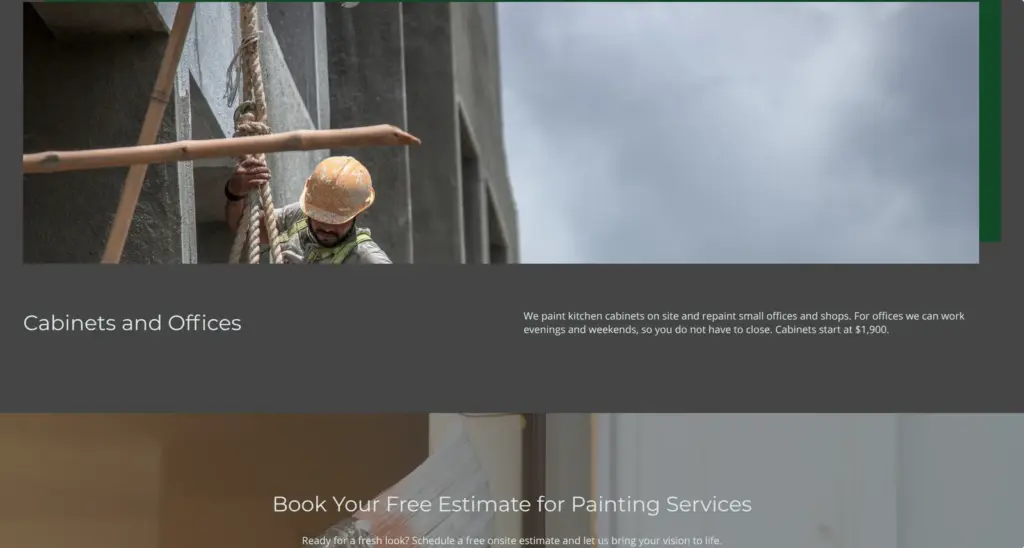
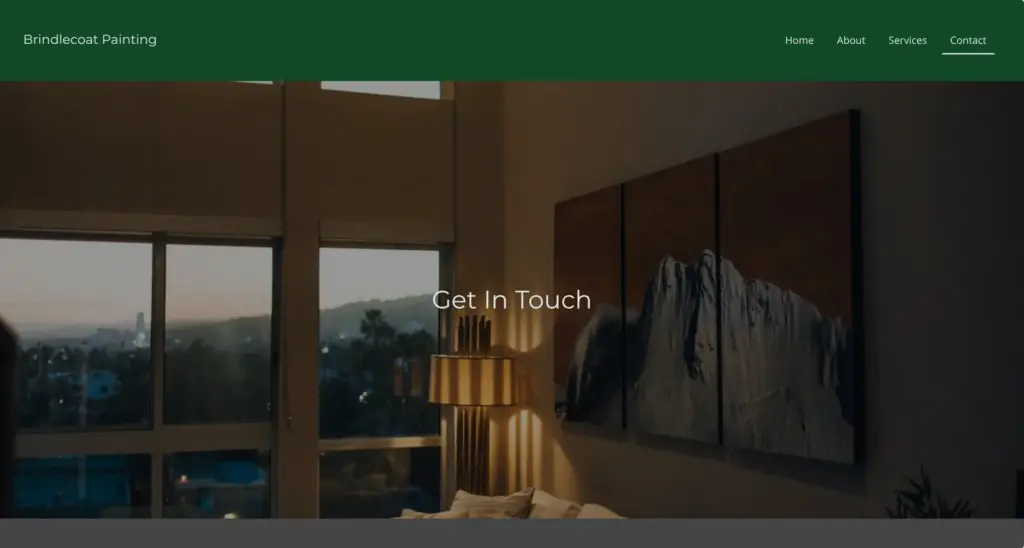
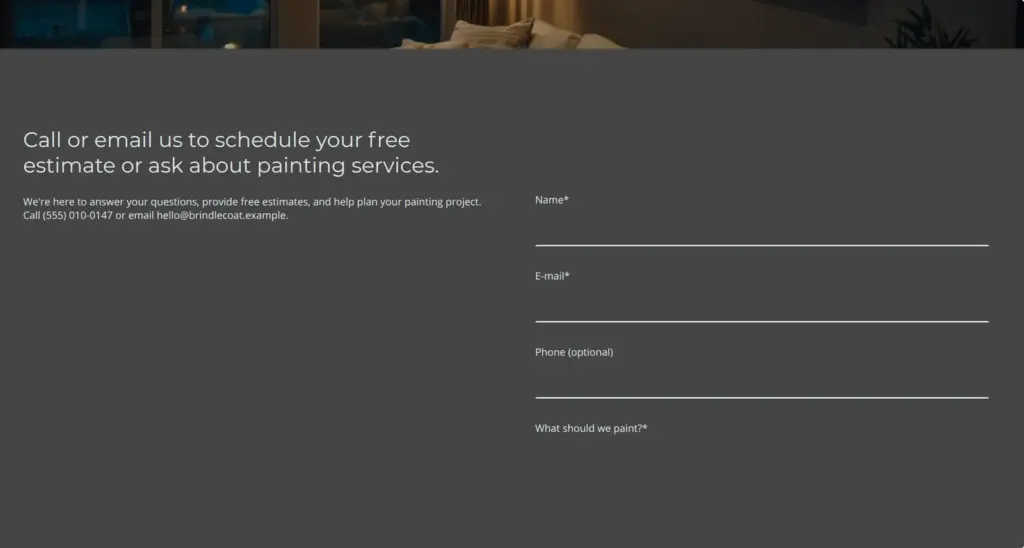




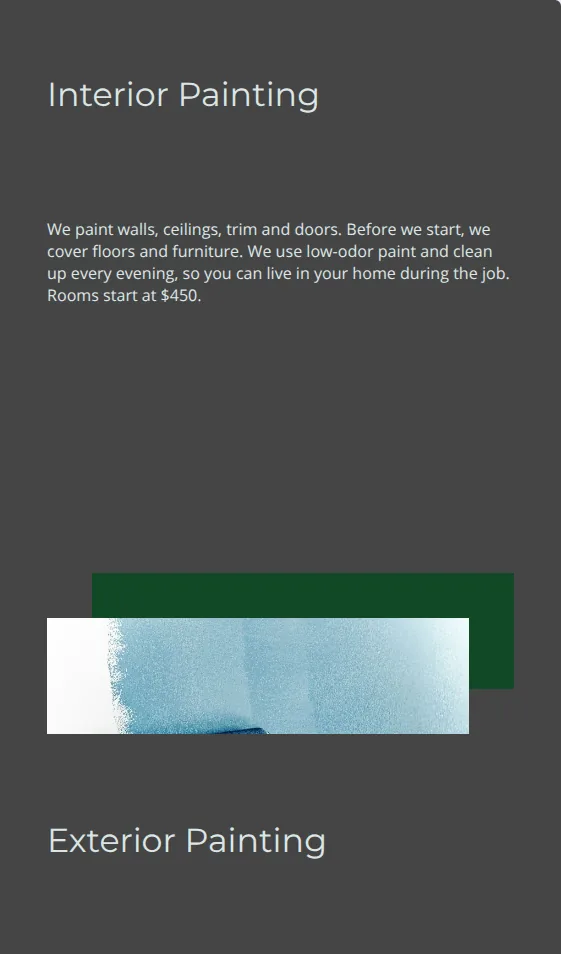
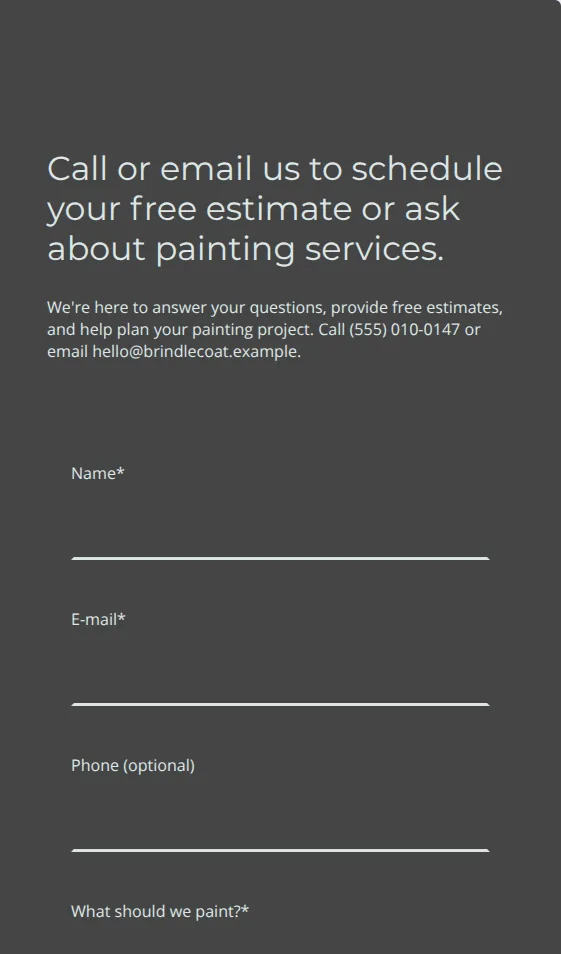

Publishing needs a paid plan, so there's no live site to link to.
The free trial is easy to miss. The US website builder page doesn't mention it, but you can sign up at ionos.com/websites/trial-registration. The product pages in the UK and Germany list it as a free demo.
The sign-up asks for an email address and a password. IONOS then sends a code by email, and after that the trial starts with a single question about your business. The sign-up page says you can "try all features in the Plus plan for up to 10 days". The UK and German product pages say 7 days. IONOS's help center adds that the trial has a limited number of AI credits and one project, and that publishing needs a paid plan. If you upgrade, IONOS moves the trial project into your paid plan.
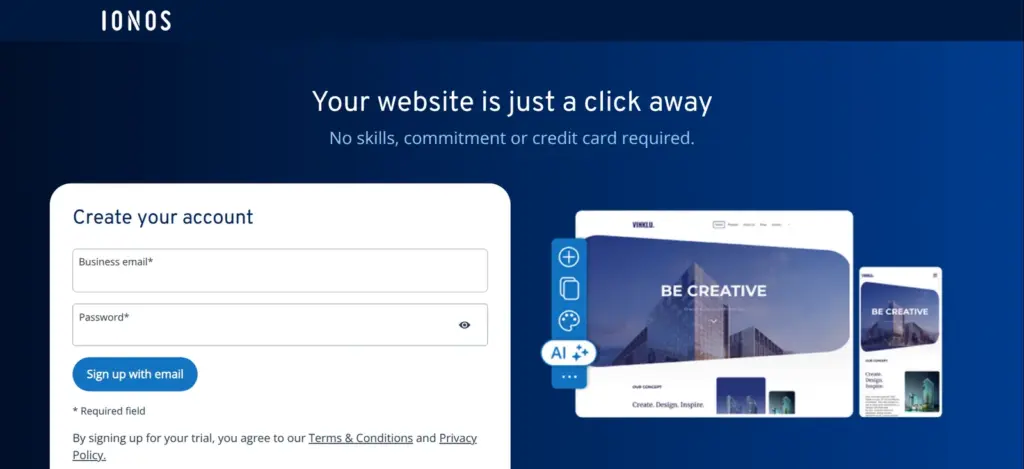
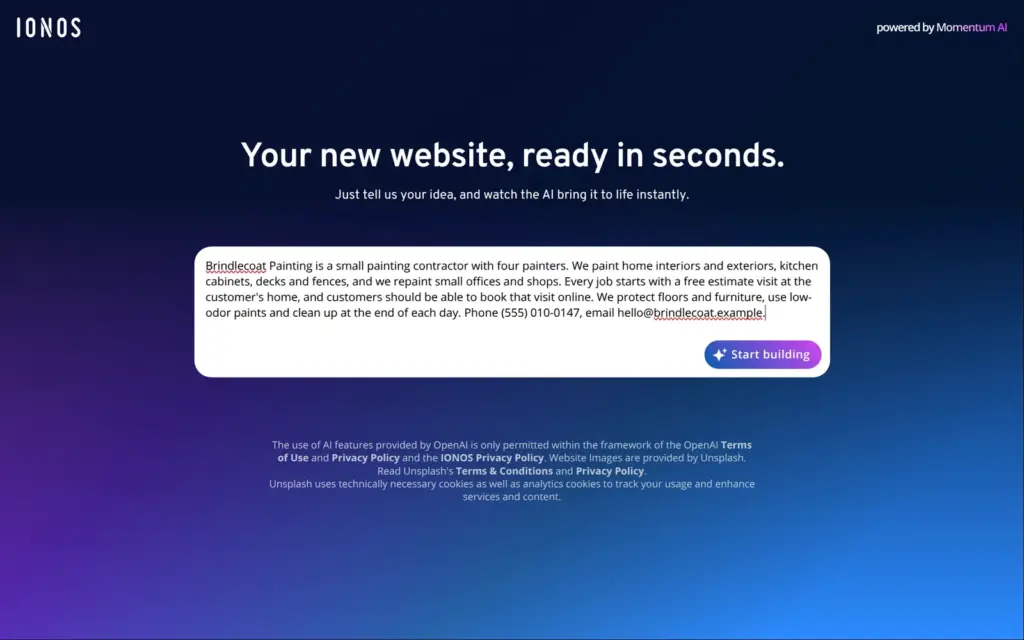
The first screen asks you to describe your idea. This part of IONOS runs under the name Momentum AI, and the page says it uses AI features from OpenAI. I described Brindlecoat in a few sentences. I named the jobs it does and said that customers should book a free estimate visit online. I also gave a phone number and an email address.
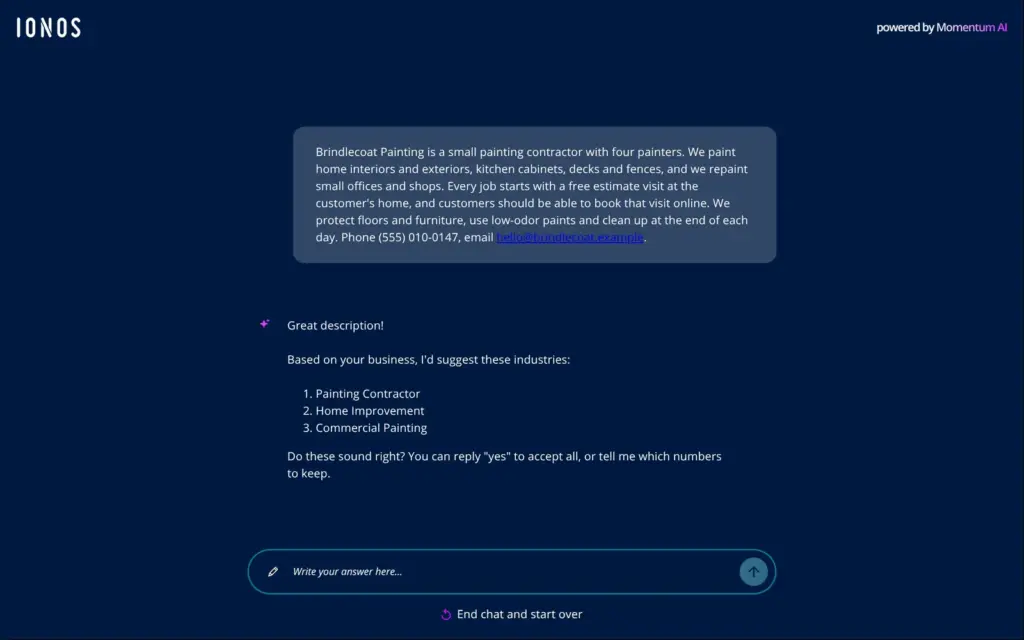
The AI answered in a chat. It suggested three industries for the business and asked me to confirm them. Then it built the site. About a minute and a half after I clicked Start building, a first version with four main pages was there.
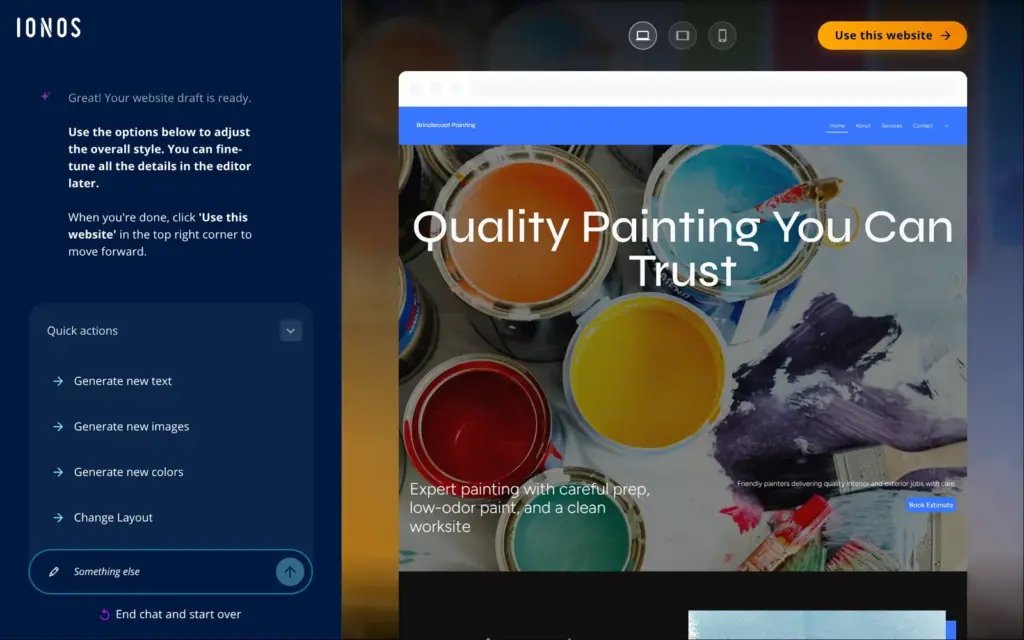
At first sight it looked good. The photos of paint cans and rollers fit a painter, and the texts sounded like a painting business. Then I read the texts.
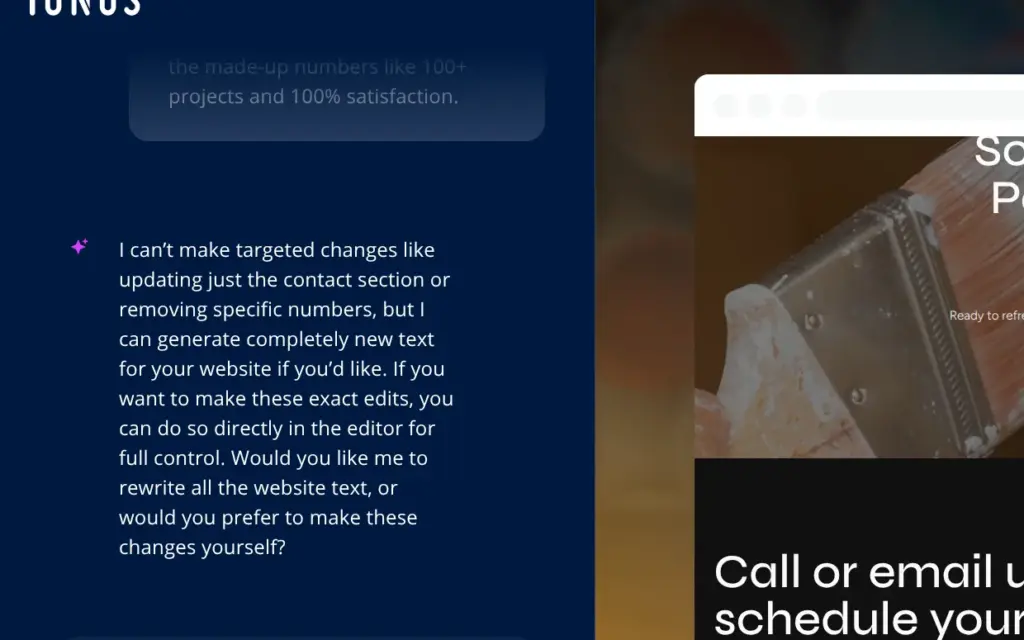
I asked the chat to fix these points. It answered within seconds that it can't make targeted changes. It can only write all the texts again, so for anything smaller it sends you to the editor. Its quick action buttons work on the whole site, for example new colors or a new layout.
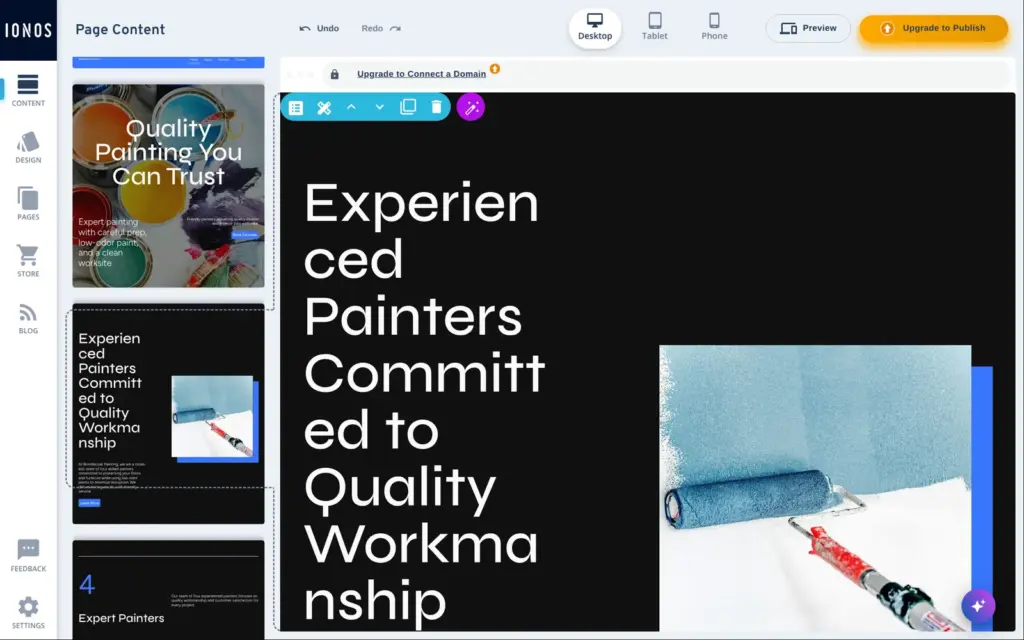
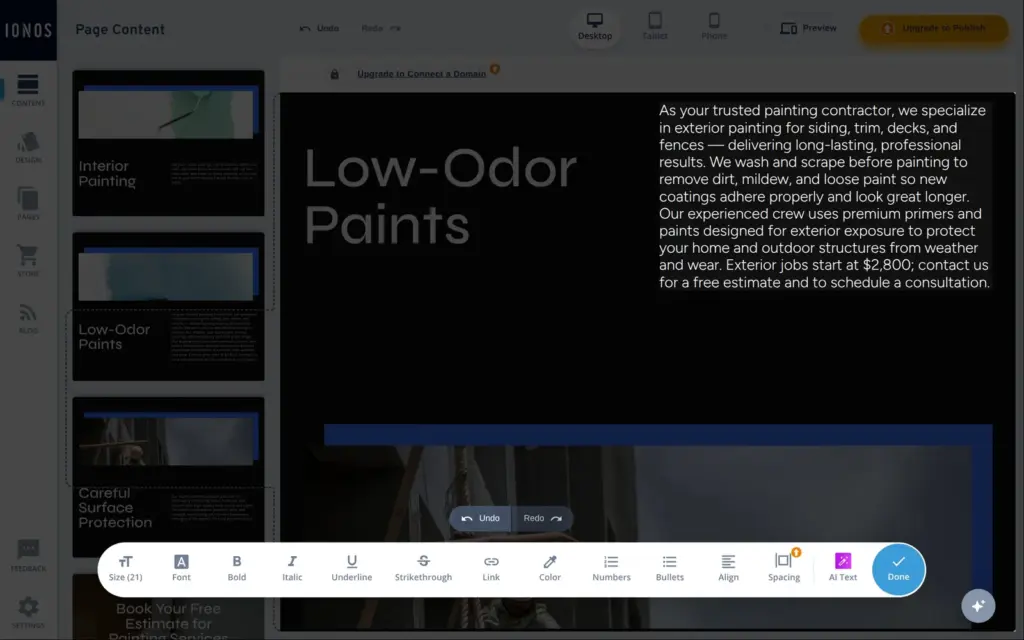
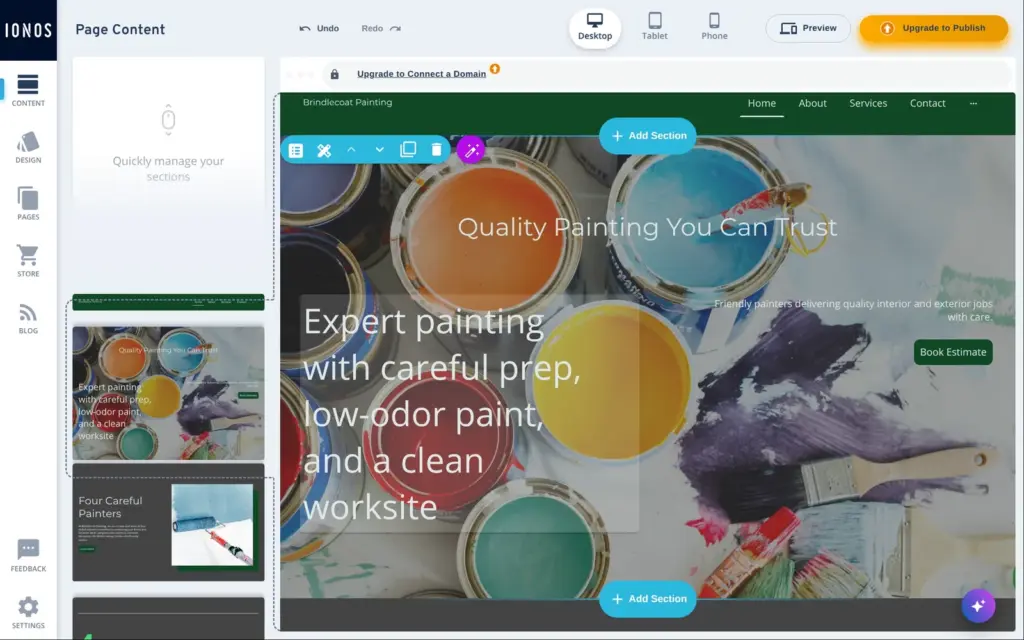
The editor works with sections that sit on top of each other. You click a text and type, and a toolbar shows the usual text settings. Each section has its own toolbar above it.
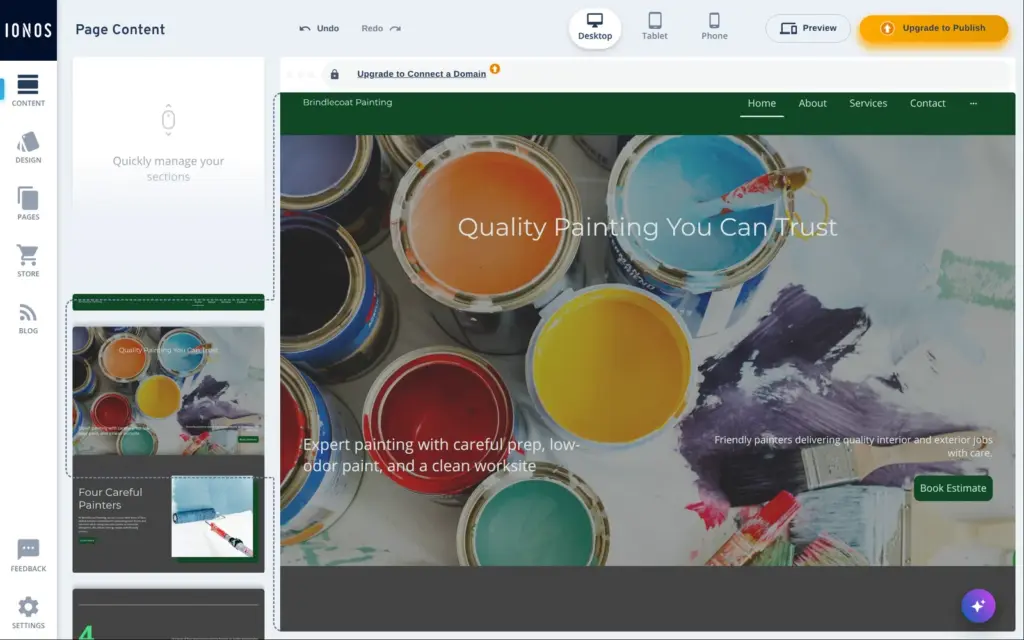
The AI had set some headings to 80 pixels. On a desktop screen, words broke in the middle, like "Experien" and "ced". I shortened the headings and made them smaller. The size only changes when the text is selected. My first try, with the cursor in the heading, changed nothing.
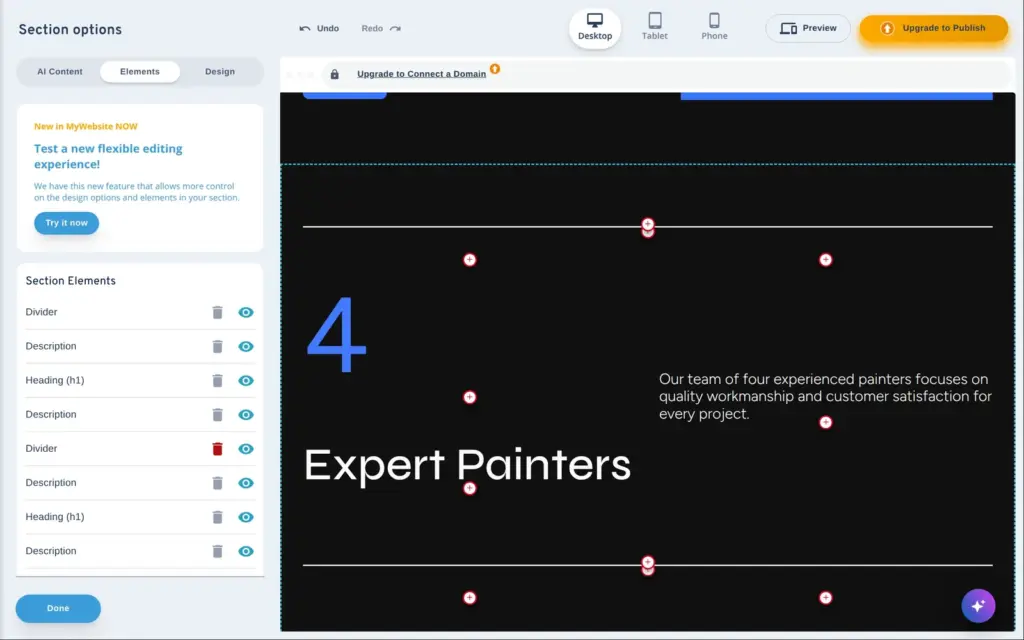
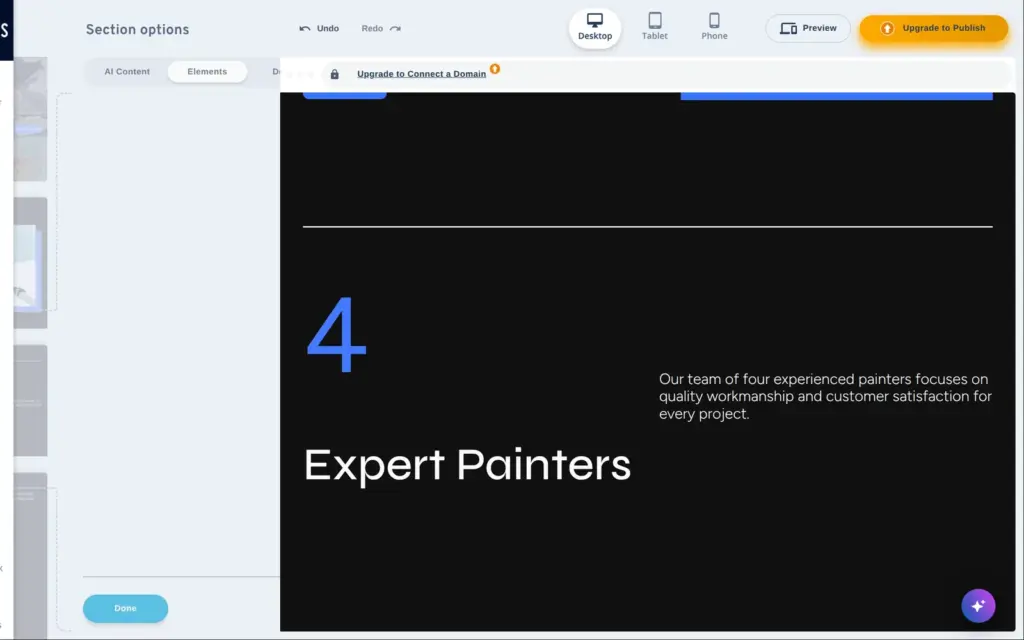
Removing the made-up numbers took longer. The three numbers are items in one section, and there's no button to remove an item. I deleted their parts one by one in the section's list of elements. That list also shows hidden elements. Once I deleted a hidden one instead of the one I could see.
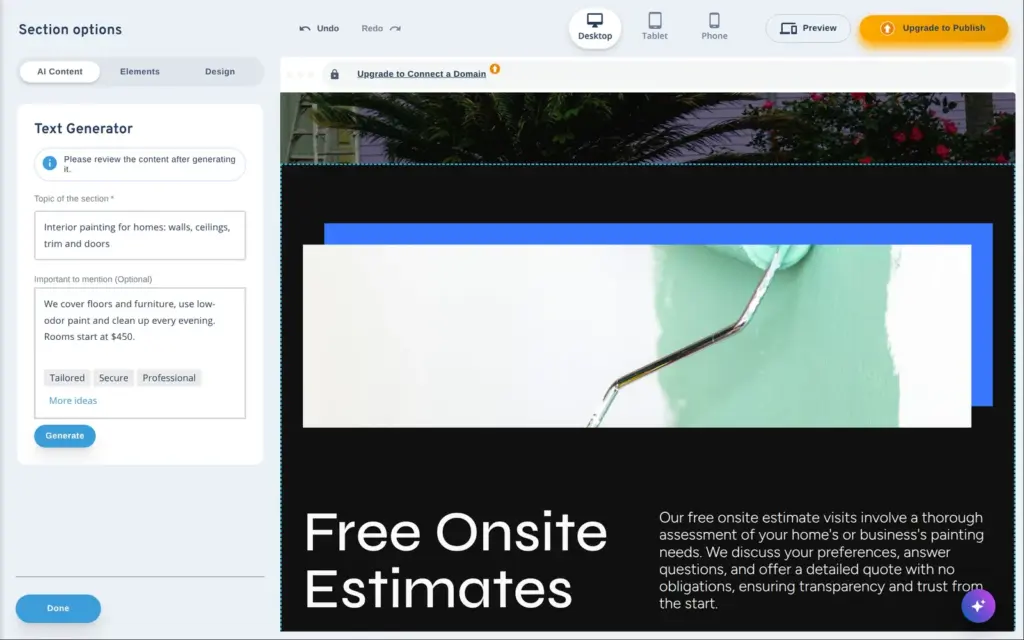
Each section has a text generator. You give it a topic and the points to mention, and it writes the heading and the text. The first time you use it, IONOS shows a disclaimer that names the model, OpenAI's GPT-4o mini.
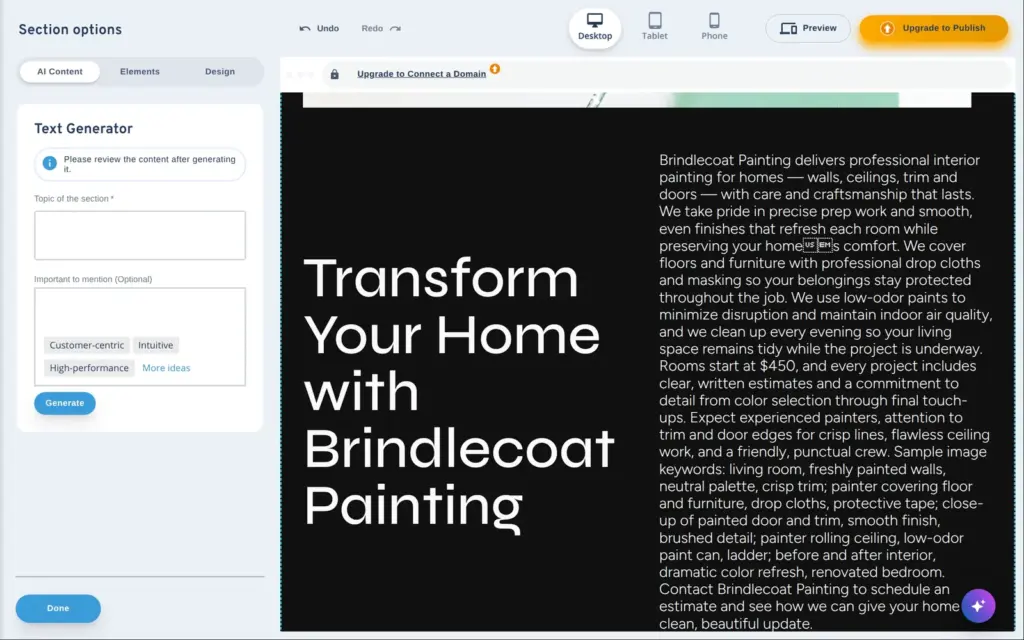
For the interior painting service, the first result came after about 12 seconds. The heading was generic, and the paragraph was about 200 words long. Inside the text was a list of "sample image keywords", like living room and freshly painted walls. The apostrophe in "home's" had turned into two broken characters. A second try took 8 seconds and had a better heading, but the image keywords were back. I wrote that paragraph myself.
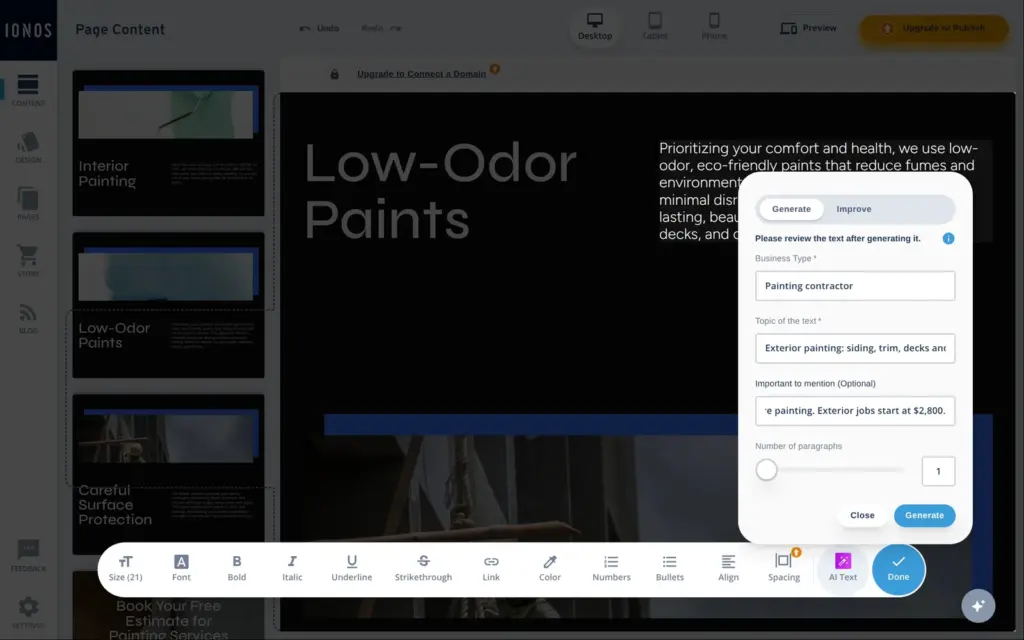
For a single paragraph there's a second tool, AI Text. It writes a new paragraph or improves the one you selected. I asked it for the exterior painting service, and after about six seconds it gave me a clean paragraph with my price. It also said that Brindlecoat uses "premium primers", which I never wrote.
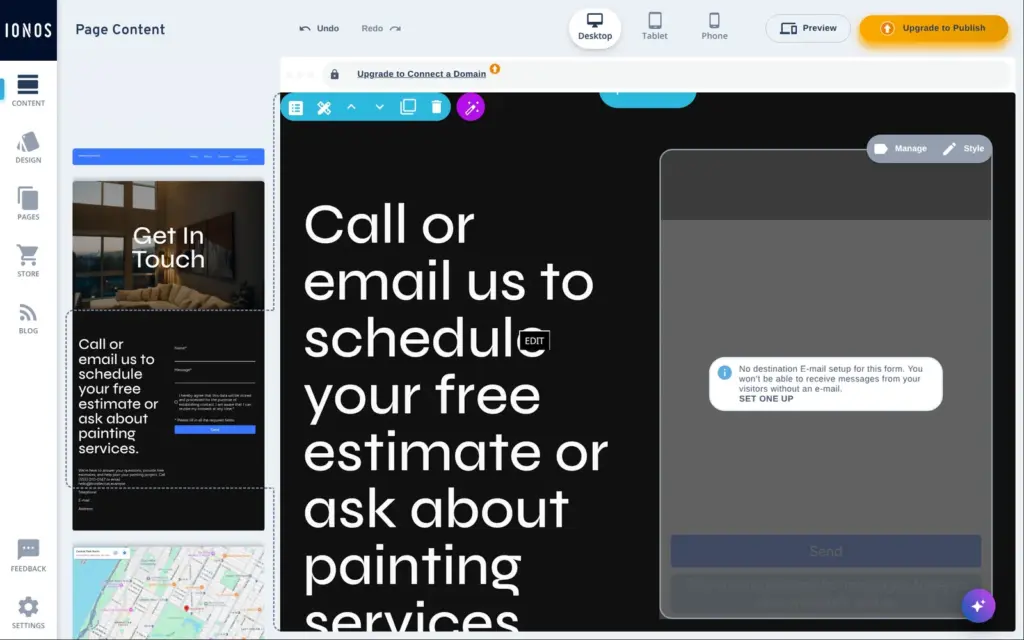
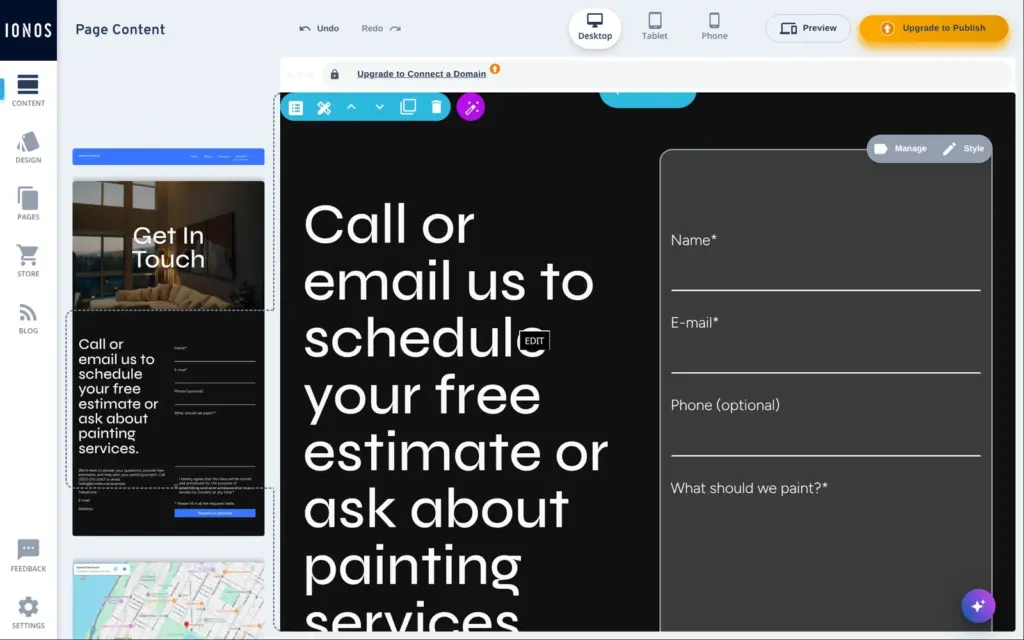
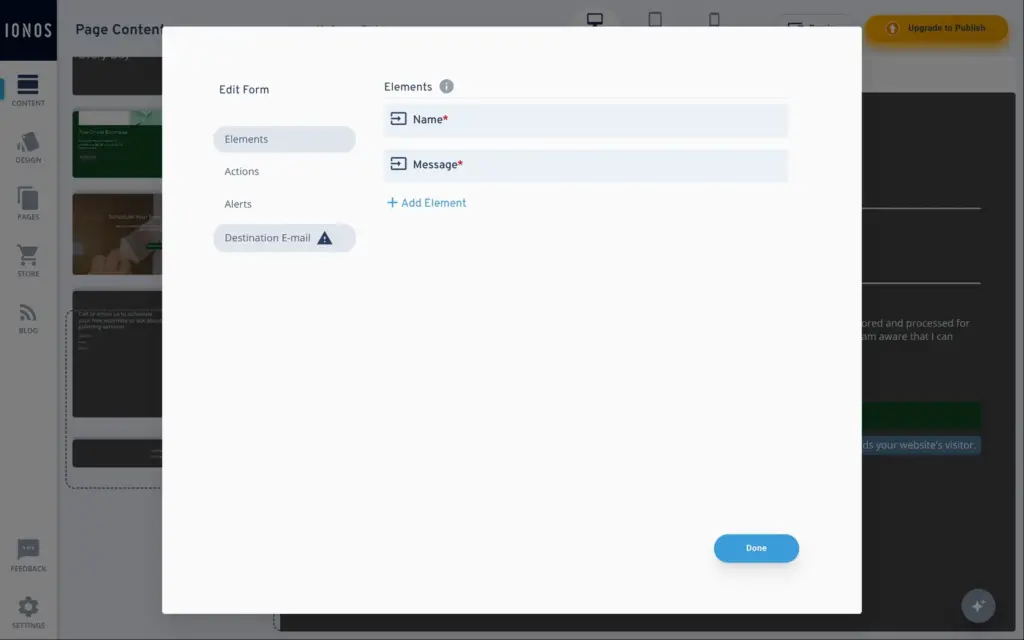
The AI's form had no email address to send messages to. The editor shows a warning on the form, "No destination E-mail setup for this form", with a link to set one up. Without it, messages from visitors go nowhere.
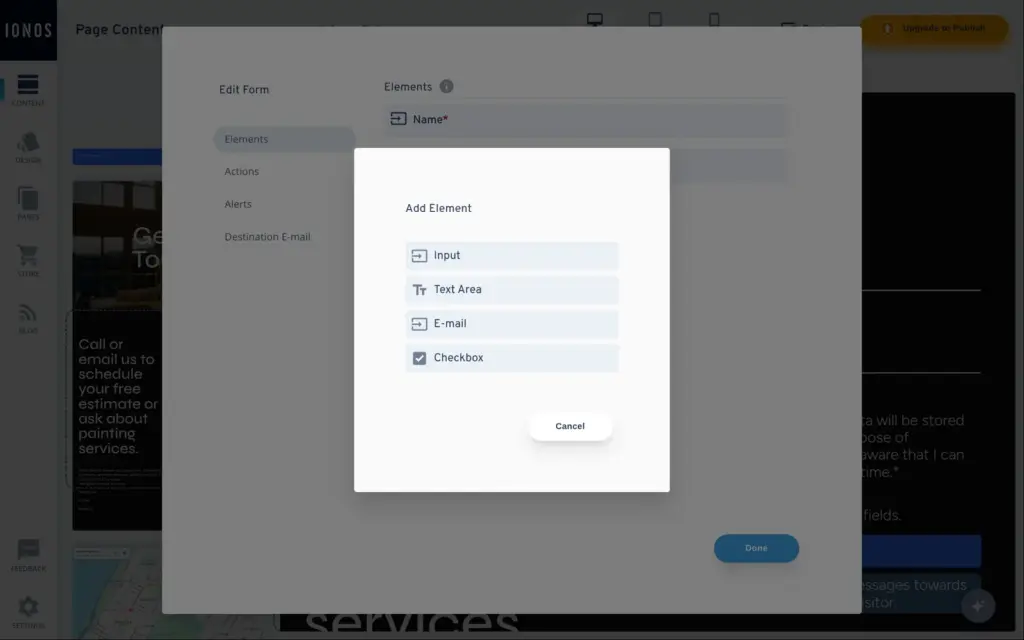
There are only four types of fields, and none of them is for phone numbers or for choices from a list. I added a required email field and replaced the one-line message field with a larger text box. The phone number went into a plain text field.
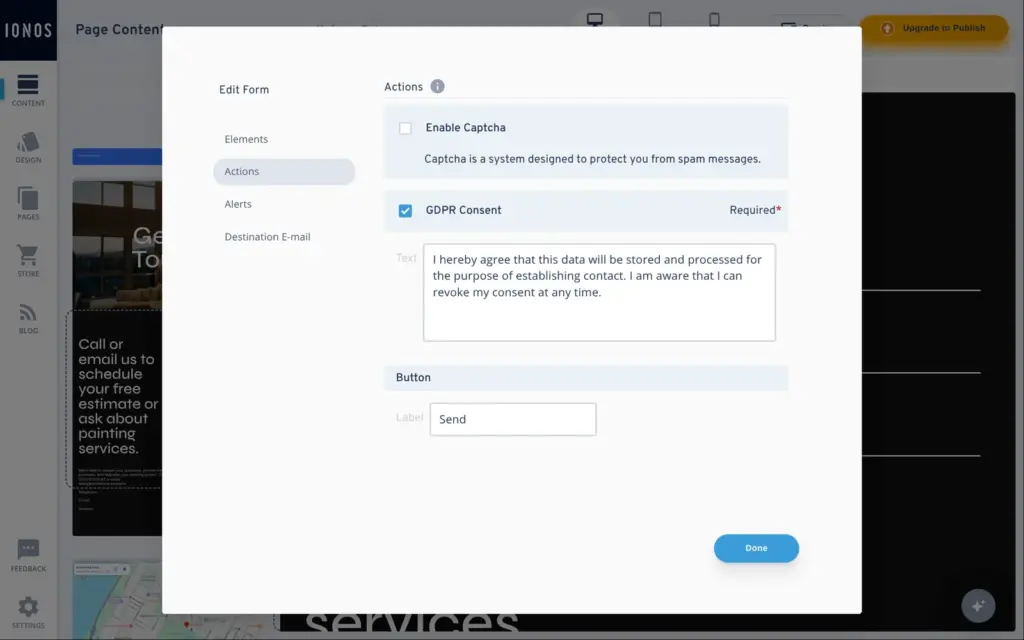
Under Actions, spam protection for the form is off by default. A consent checkbox for storing the data is on and required. You can also change the button text and the messages visitors see after sending.
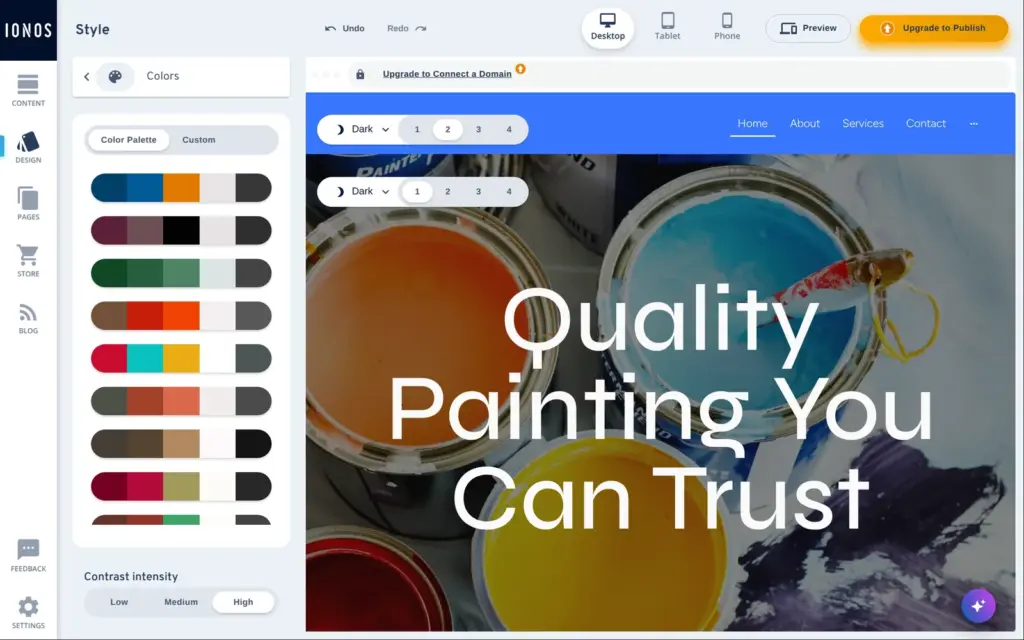
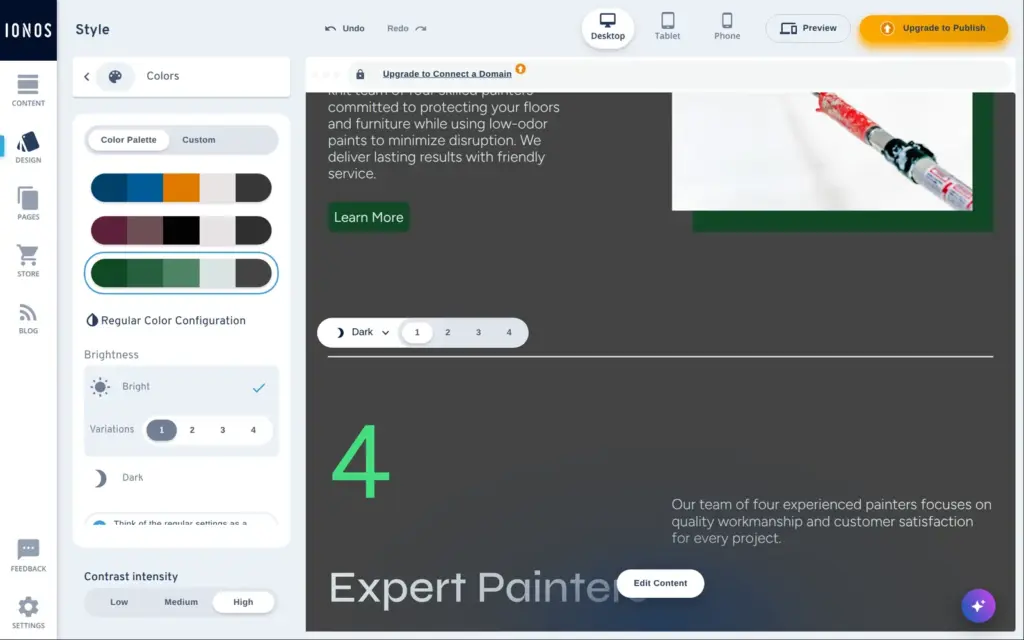
The AI picked a bright blue for buttons and backgrounds. The design settings have 13 ready-made color palettes, and one click changes the colors of the whole site. I picked a dark green. You can also set your own colors or let the editor generate a set.
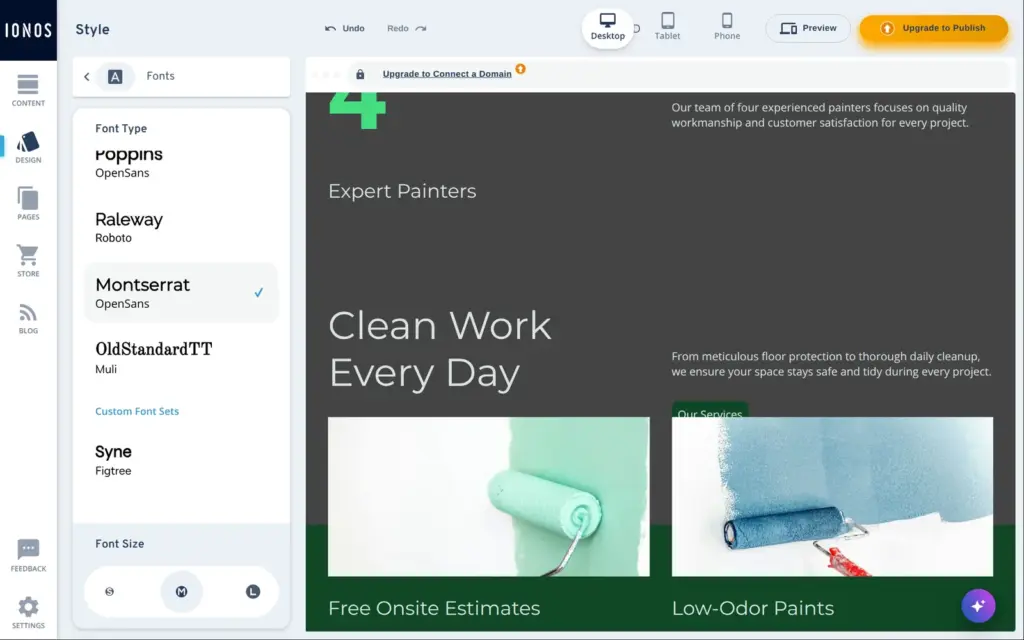
Fonts come in fifteen ready-made pairs, one font for headings and one for text. I took Montserrat with Open Sans. A size setting for the whole site has three steps, from S to L.
That size setting didn't reach every text. The AI had given the line under the main heading a fixed size of 48 pixels. With size S, the heading shrank and that line stayed big, so it was larger than the heading. I set it to 22 pixels by hand.
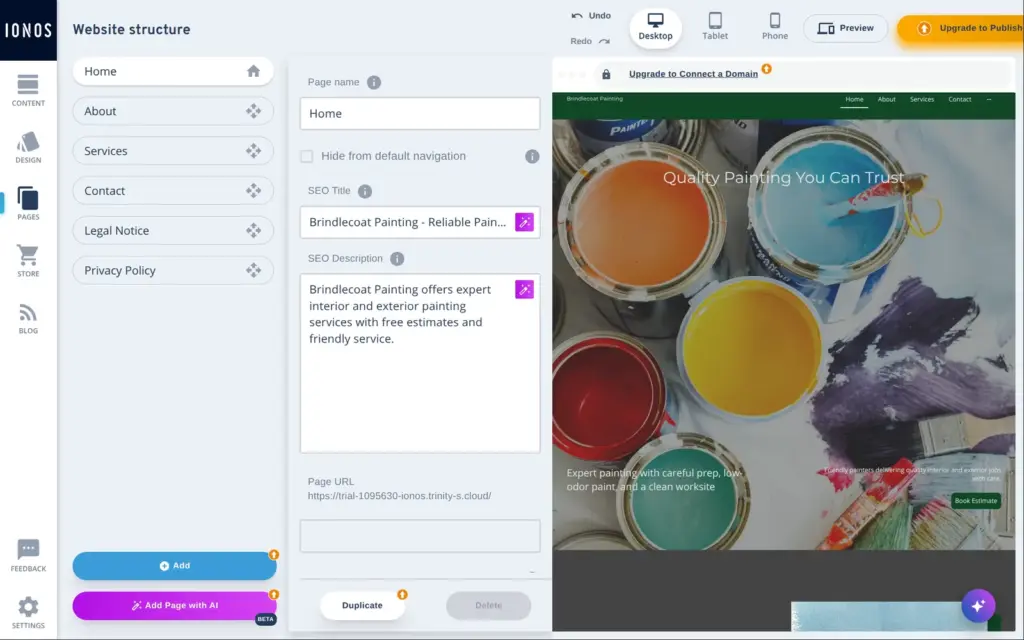
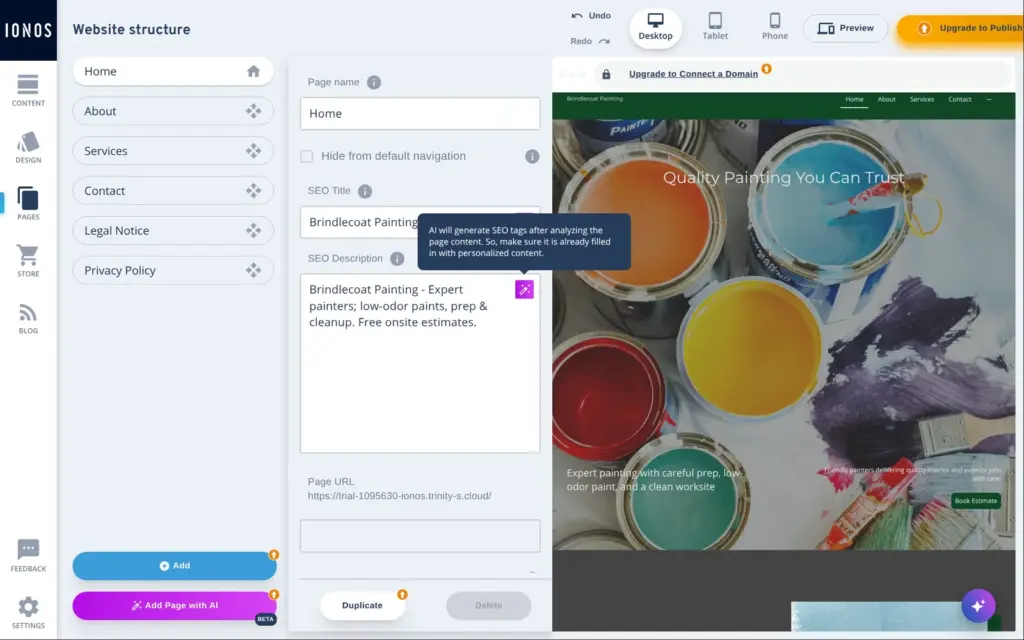
Each page has its own search title and description in the page settings, and the AI had already filled them in. Next to each field is an AI button. It wrote a new description in about ten seconds, and a tooltip says it reads the page content first. Each page also has its own web address and an image for social media.
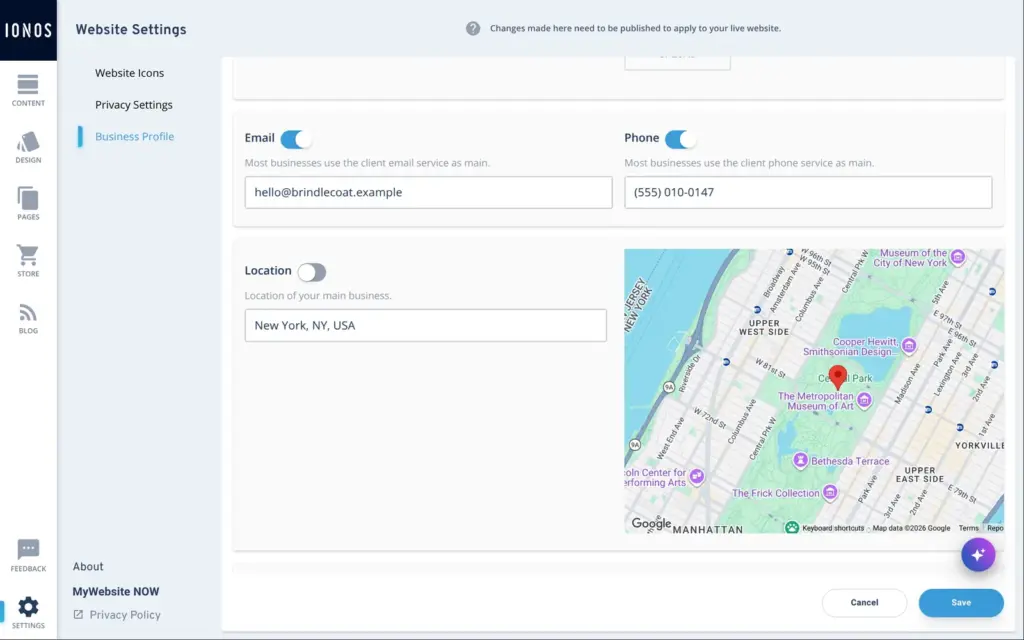
The website settings have a business profile, which IONOS says is available to search engines. The AI had set the location to New York, with a map, although I never gave it a place. I cleared the location and added the phone number and email address. Each detail has its own switch for whether the site shows it.
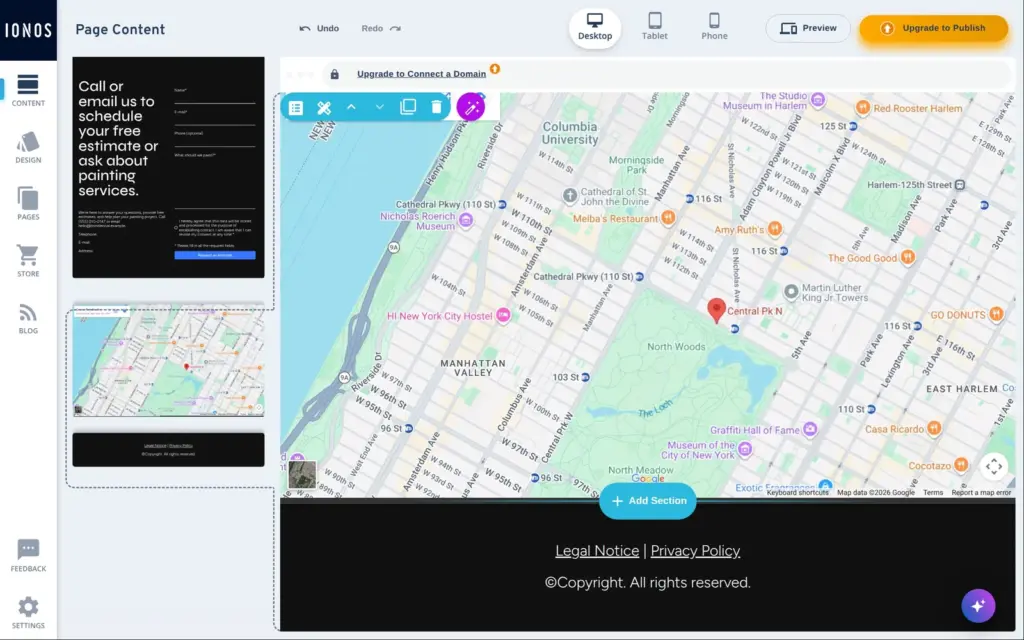
The profile didn't fill the empty "Telephone:" and "E-mail:" lines from the AI. They were plain text, so I deleted them.
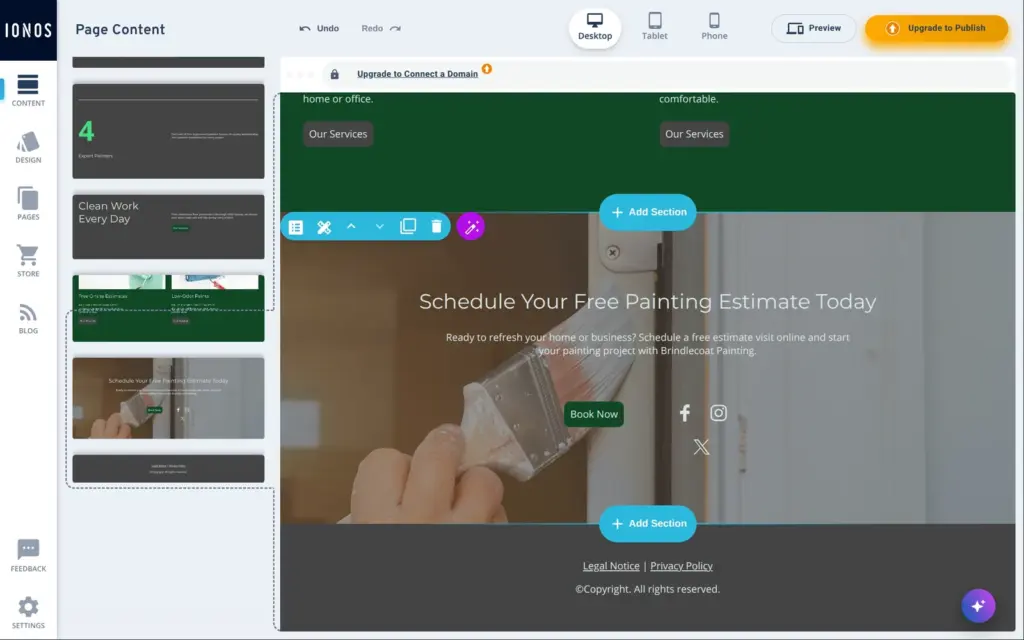
Some of the AI's mistakes only showed up when I checked each page and each button.
I deleted the copies of the contact section and the social icons, and I renamed the gallery buttons. If you build with the AI, open every page and click every button before you publish.
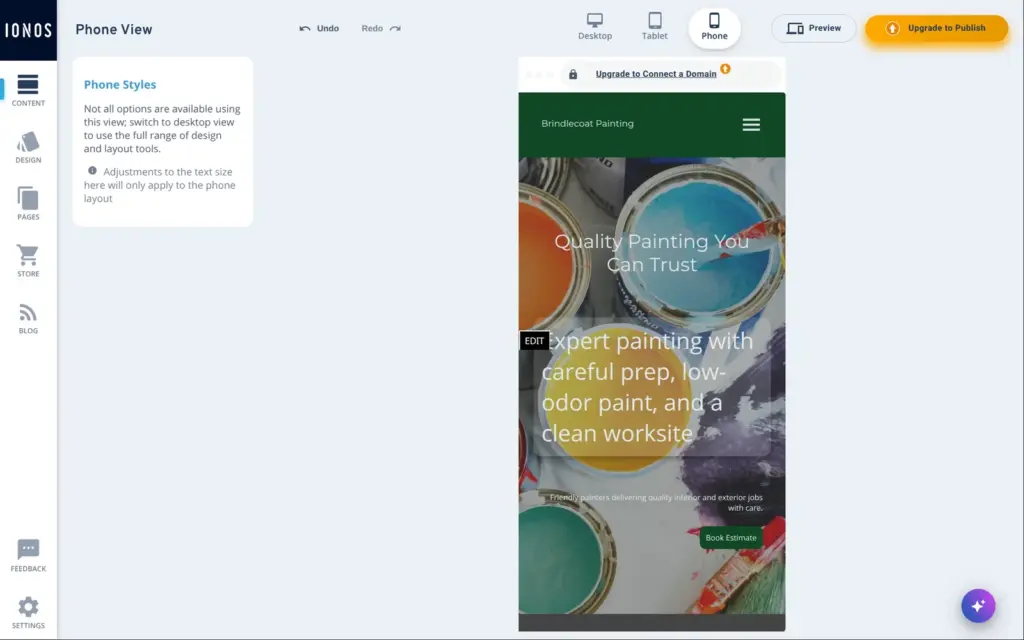
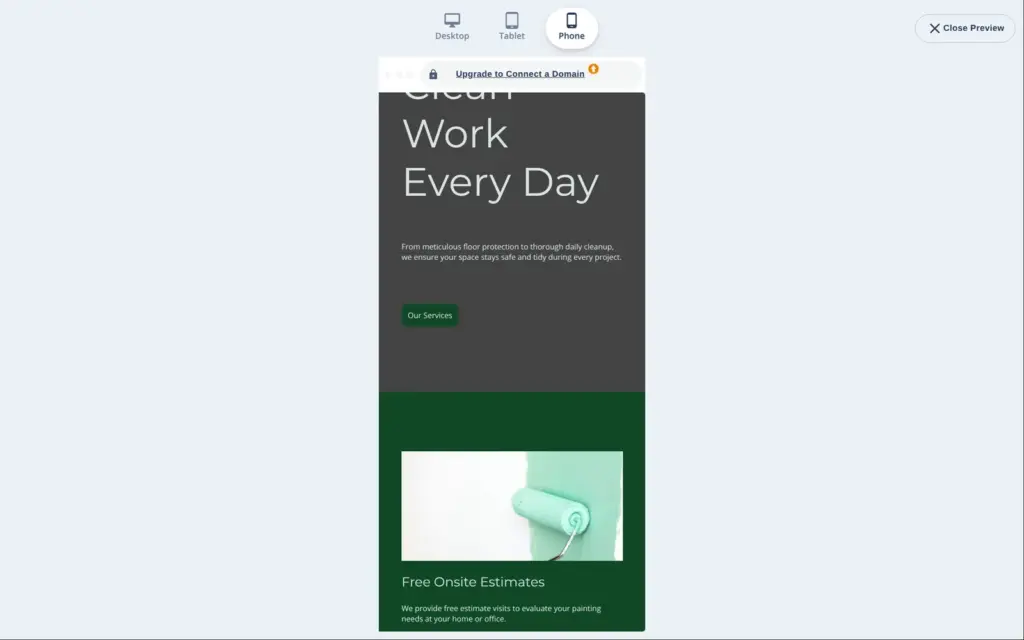
IONOS makes the phone layout on its own. At the top of the editor you can switch to a tablet or phone view. On the phone, the sections stack in one column.
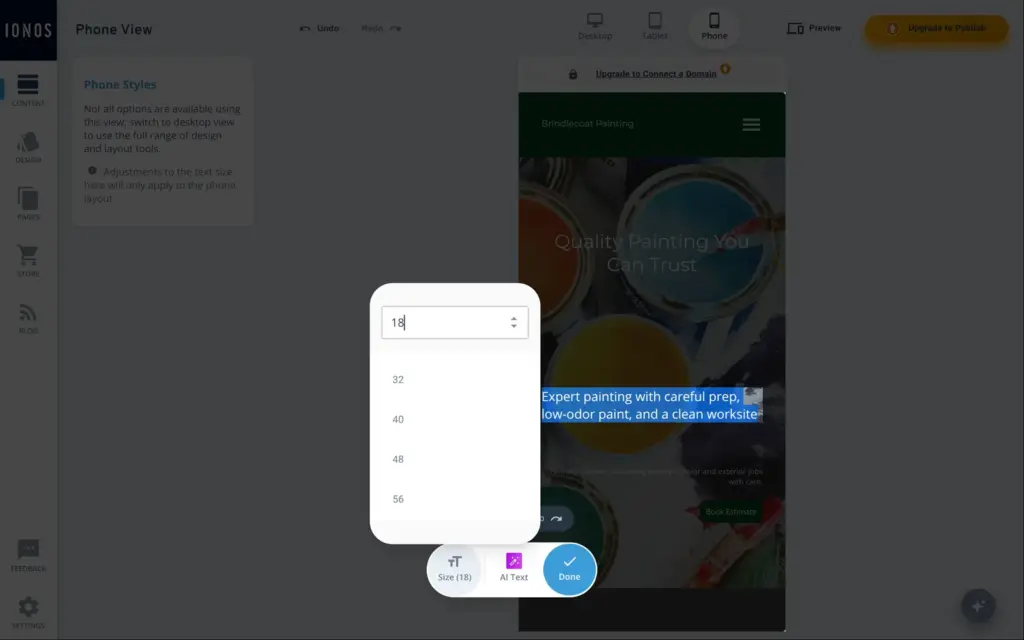
Text sizes on the phone are set separately. The line under the main heading was bigger than the heading again, so I fixed it a second time. The headings I had made smaller on the desktop were big again on the phone. In the phone view, the text toolbar only has the size and the AI button, and everything else is changed in the desktop view.
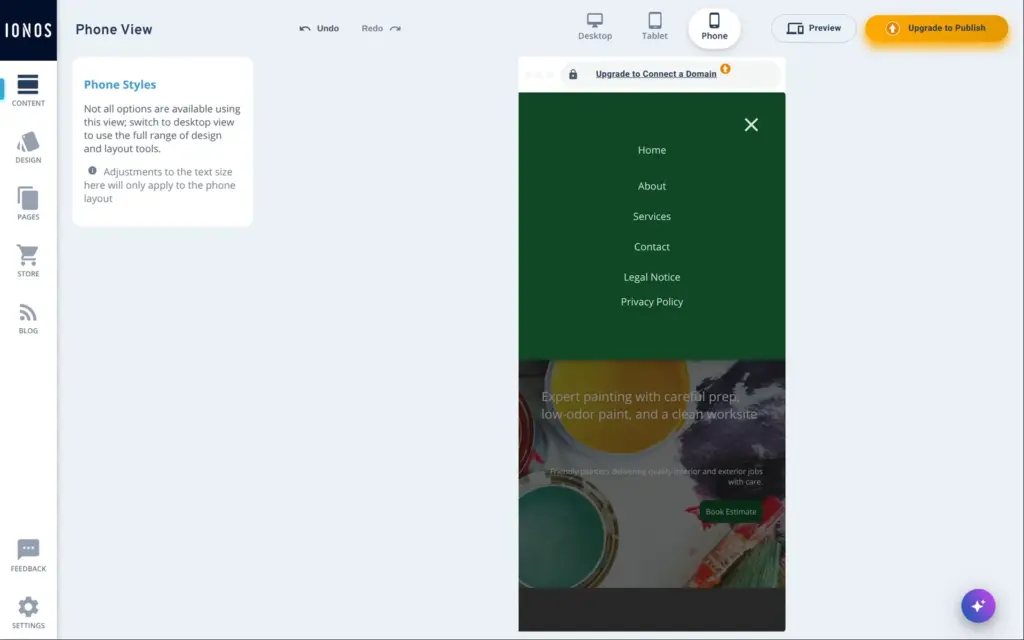
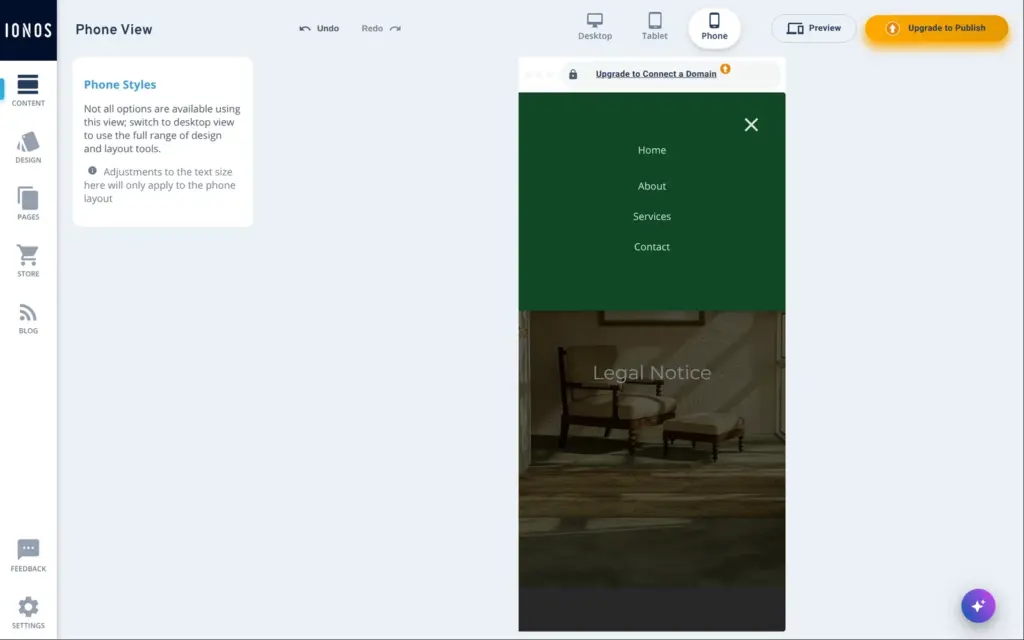
The phone menu listed the legal notice and the privacy policy next to the four main pages. Both are already in the footer, so I hid them from the menu in the page settings. On the services page, the phone layout leaves large empty spaces around the photos.
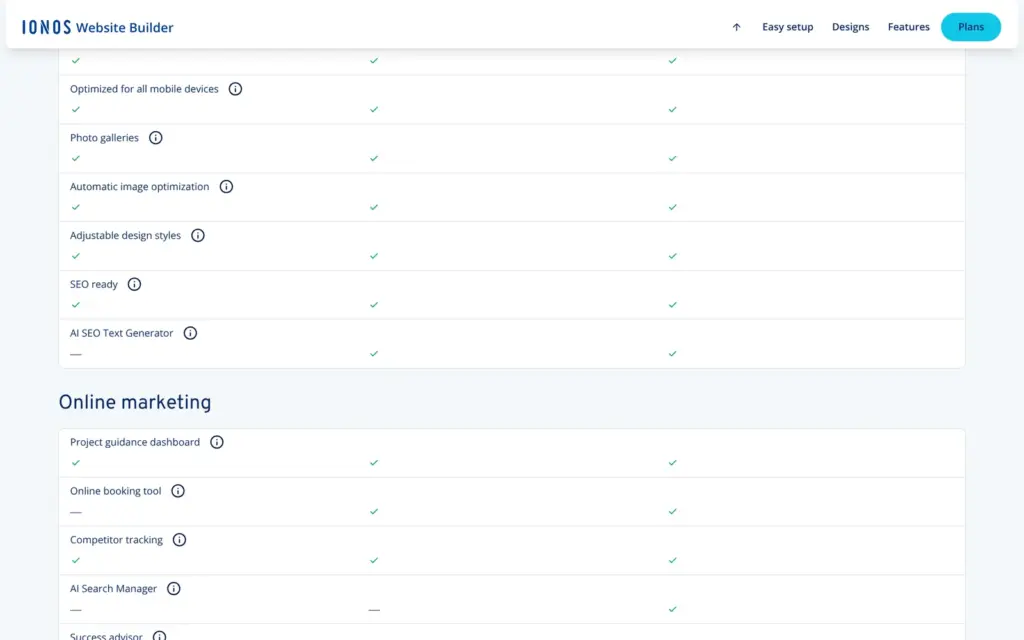
For a painter, booking the free estimate visit online would be the main reason to pick Plus. IONOS lists an online booking tool in Plus and Pro, and not in Starter.
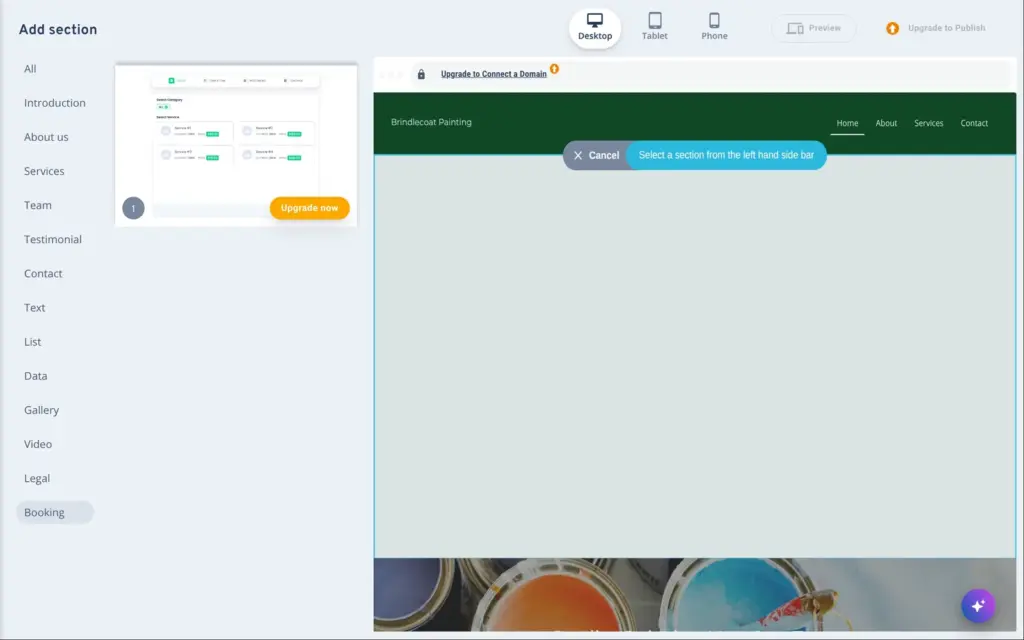
The section library in the editor has a booking category with one section. Its preview shows the steps a customer goes through. They pick a service and a time and enter their details. The section has an "Upgrade now" button, and clicking it opens the upgrade dialog. So I couldn't try booking at all, although the sign-up page promised all features of the Plus plan.
Booking verdict: I can't judge IONOS's booking tool. To try it, you have to buy Plus. IONOS offers a 30-day money-back guarantee.
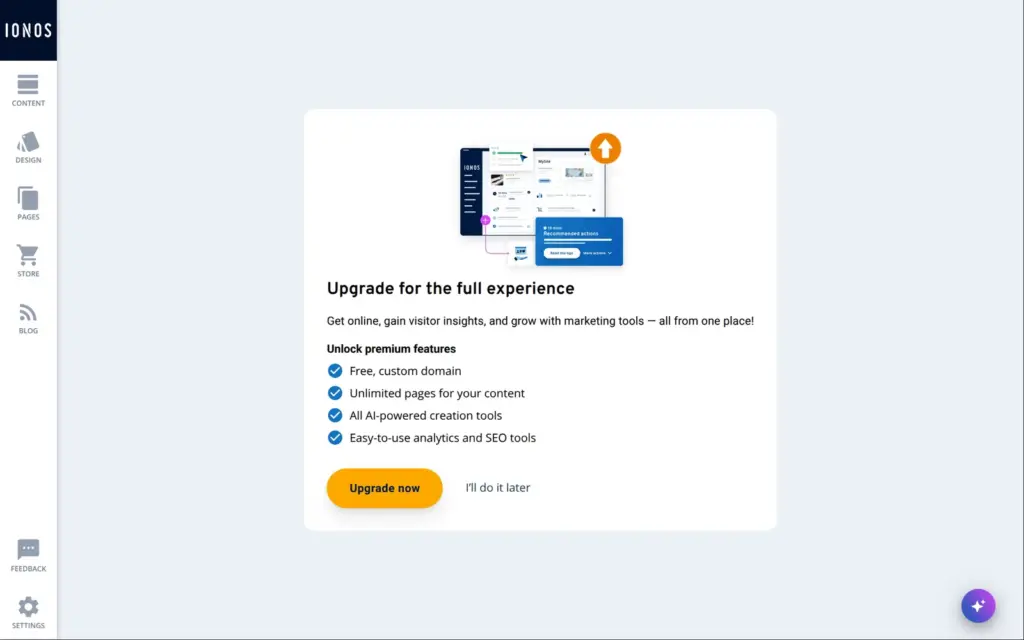
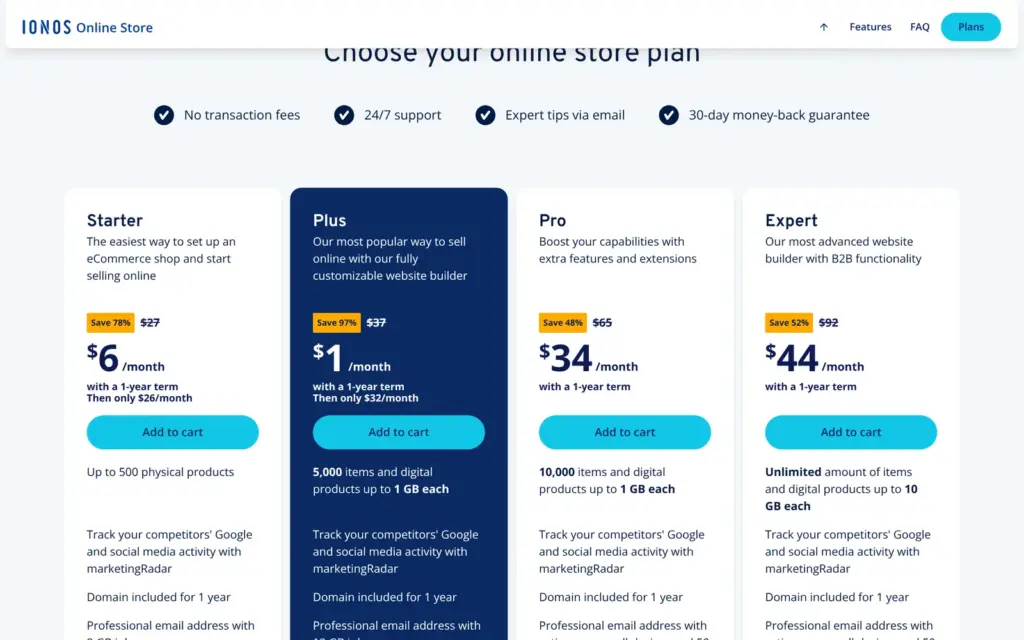
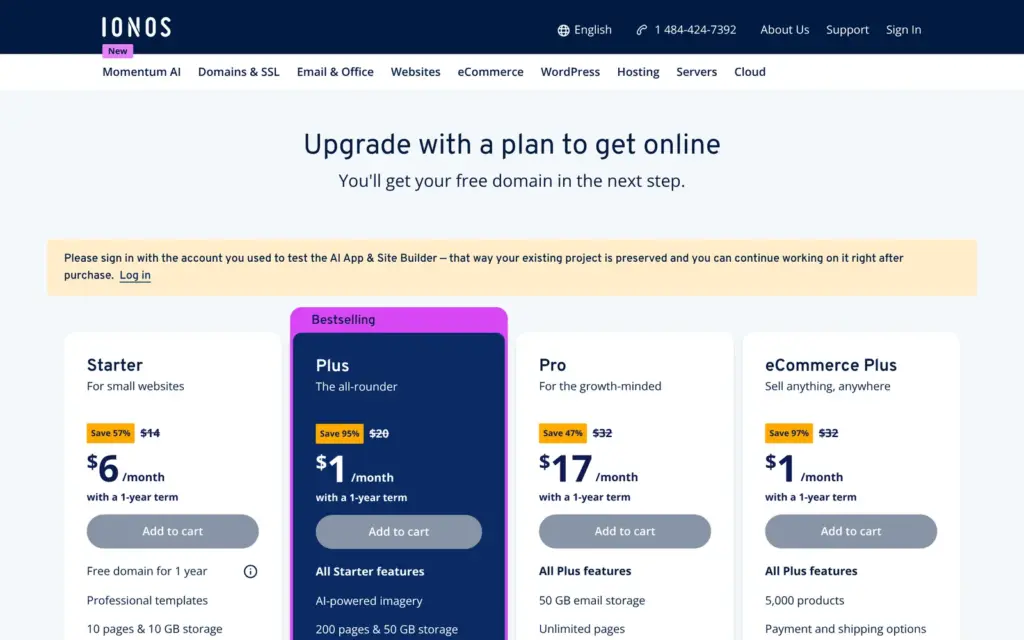
Selling isn't part of the website plans. IONOS sells its online store as separate plans. On the upgrade page in the trial, eCommerce Plus costs $1 a month in the first year and includes up to 5,000 products. IONOS's store page says there are no transaction fees.
| Starter | Plus | Pro | Expert | |
|---|---|---|---|---|
| First year | $6a month | $1a month | $34a month | $44a month |
| After the first year | $26a month | $32a month | Not named$65 crossed out | Not named$92 crossed out |
| Products | Up to 500 physical products | 5,000 | 10,000 | Unlimited |
| Online booking tool | Not listed | Yes | Yes | Yes |
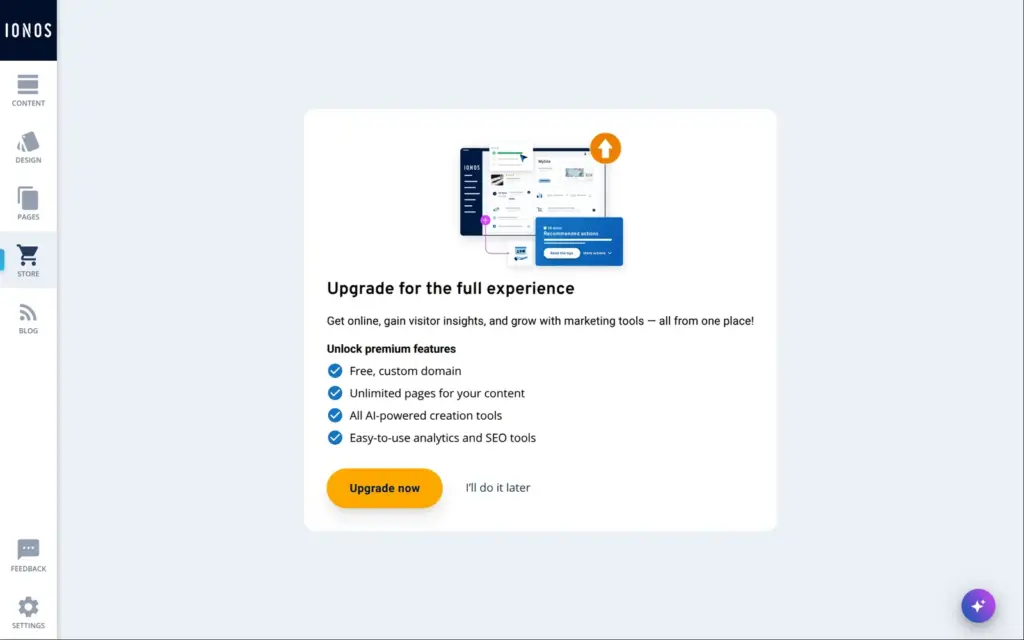
In the trial, the Store button opens the same upgrade dialog. I couldn't add a single product.
Shop verdict: I couldn't test the shop without paying. If selling matters to you, you'd have to buy a store plan to find out how it works.
Where other builders have a publish button, the trial shows "Upgrade to Publish". The page settings show a trial web address, but it returns an error page, so nothing is online.
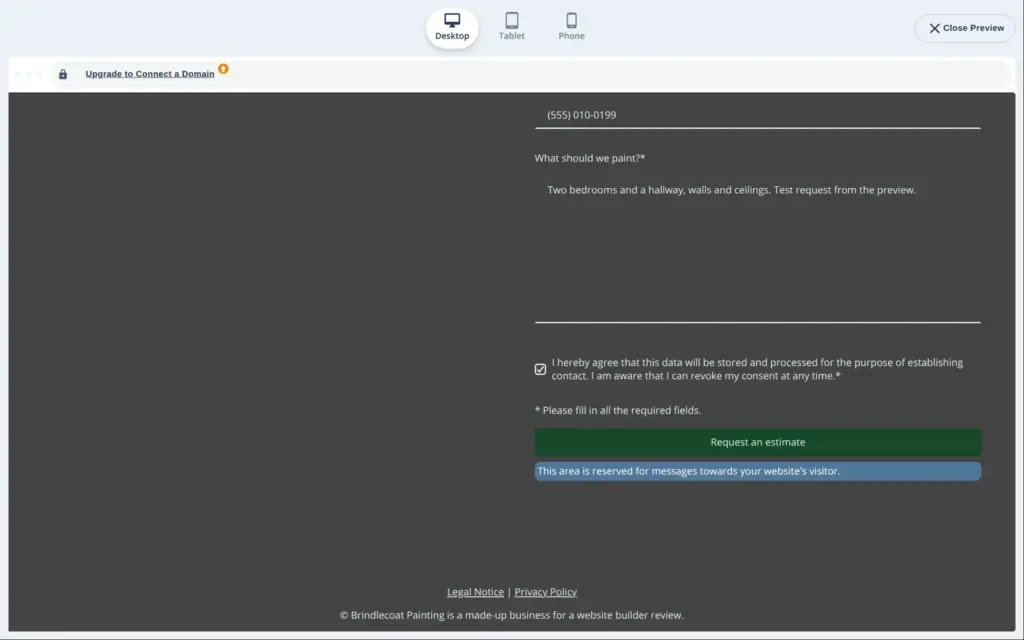
The preview also has tablet and phone widths. I filled in the form there and sent a test request. The page showed no confirmation, and no email arrived, even after twelve minutes. So I couldn't test anything that needs a live site, like form emails or page speed.
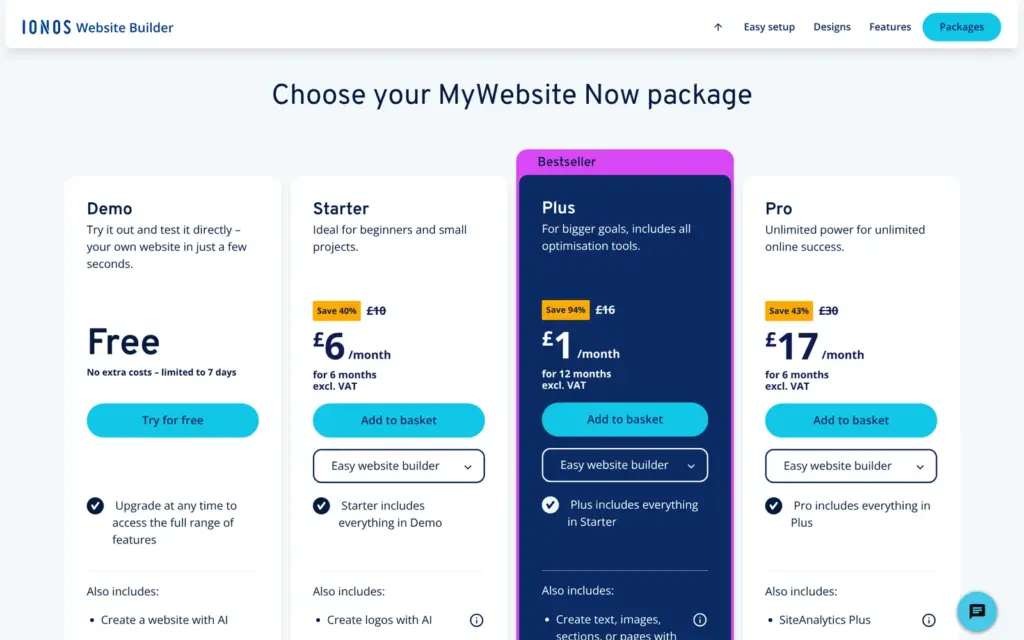
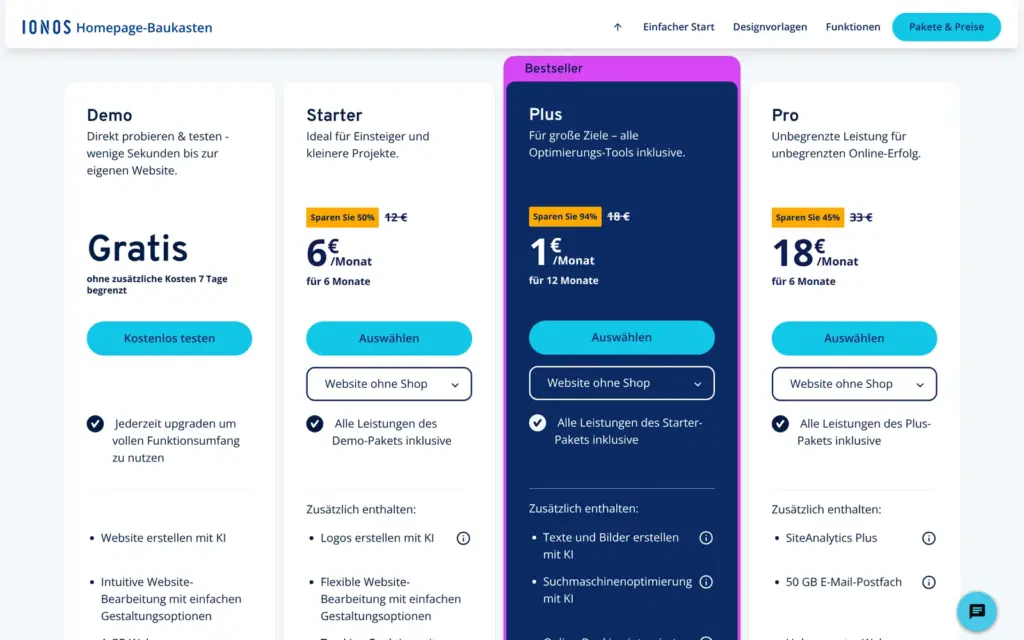
I checked the US pricing page on November 1, 2026, and compared it with the UK and German pages. All website plans have a one-year term. The first year is cheap, and then the price goes up. On the US page, Starter costs $14 a month after the first year and Plus $20. For Pro, the page names no later price, and the upgrade page in the trial crosses out $32.
The crossed-out prices are confusing. The US pricing page crosses out $18 for Starter and then names $14 as the later price. The upgrade page in the trial crosses out $14.
| Starter | Plus | Pro | |
|---|---|---|---|
| First year (US) | $6a month | $1a month | $17a month |
| After the first year (US) | $14a month | $20a month | Not named on the pricing page$32 crossed out |
| UK, excluding VAT | £6a month for 6 months, £10 crossed out | £1a month for 12 months, £16 crossed out | £17a month for 6 months, £30 crossed out |
| Germany, including VAT | €6a month for 6 months, €12 crossed out | €1a month for 12 months, €18 crossed out | €18a month for 6 months, €33 crossed out |
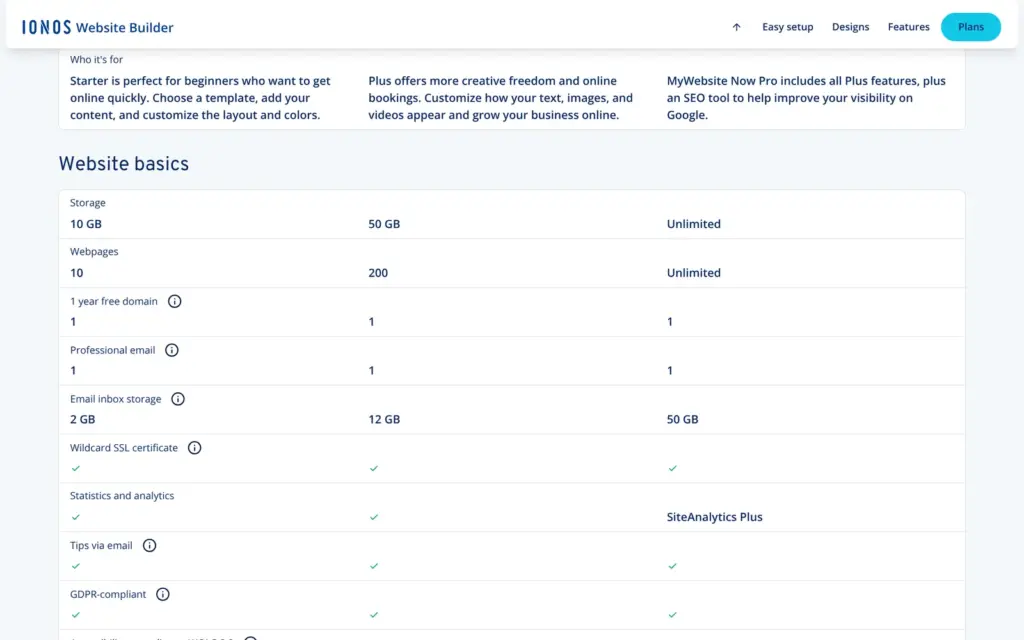
| Pages | 10 | 200 | Unlimited |
| Storage | 10 GB | 50 GB | Unlimited |
| Email inbox | 2 GB | 12 GB | 50 GB |
| Online booking | No | Yes | Yes |
| AI text and image tools | No | Yes | Yes |
| Domain | Free for the first year | Free for the first year | Free for the first year |
For Brindlecoat, Plus is the plan with online booking. The first year costs $12. From the second year it costs $240 a year, plus sales tax. The free domain is included for the first year only.
With IONOS, the site and your email address come from one company. The other side is that you can't take the site with you. IONOS's help center says that sites made with its website builders "cannot be used outside the IONOS infrastructure". It suggests saving each page in the browser or copying the site with a free program called HTTrack. Such a copy has the pages as visitors see them. IONOS also says that licenses for images from its image pool are not transferable.
IONOS Website Builder fits a small business that wants a simple site with a few pages and a contact form, and that wants its email address from the same company. Plan time for checking every page the AI made, because its mistakes look convincing.
It fits less well if you need online booking or a shop, because you can't try either before you pay. It also fits less well if you want to place elements freely on the page or control the phone layout in detail.
If you try it, use the trial to get to know the editor. Before you publish, open every page on a phone and click every button. Then send yourself a test message.
 What I'm building
Give Vroni a GitHub issue, bug report, spec, or rough idea. It reads the repo, plans the change, writes code, runs checks, and works toward a review-ready pull request.
Take a look at vroni.com