
Is Carrd free?
Yes. Carrd has a free plan with no end date, and you don't need a card to sign up. For my Carrd…
You start on carrd.com with one of Carrd's templates or a blank page. The editor opens right away, without an account. In the editor, you fill the template with your own text and photos. Carrd asks for an account the first time you save. Once you have confirmed your email address, you can publish the page on a free carrd.co address.
For my Carrd review, I made a one-page website for a made-up translator this way. I published it on the free plan.
I built the site on October 23, 2026, and checked the templates and the prices again on November 3, 2026.
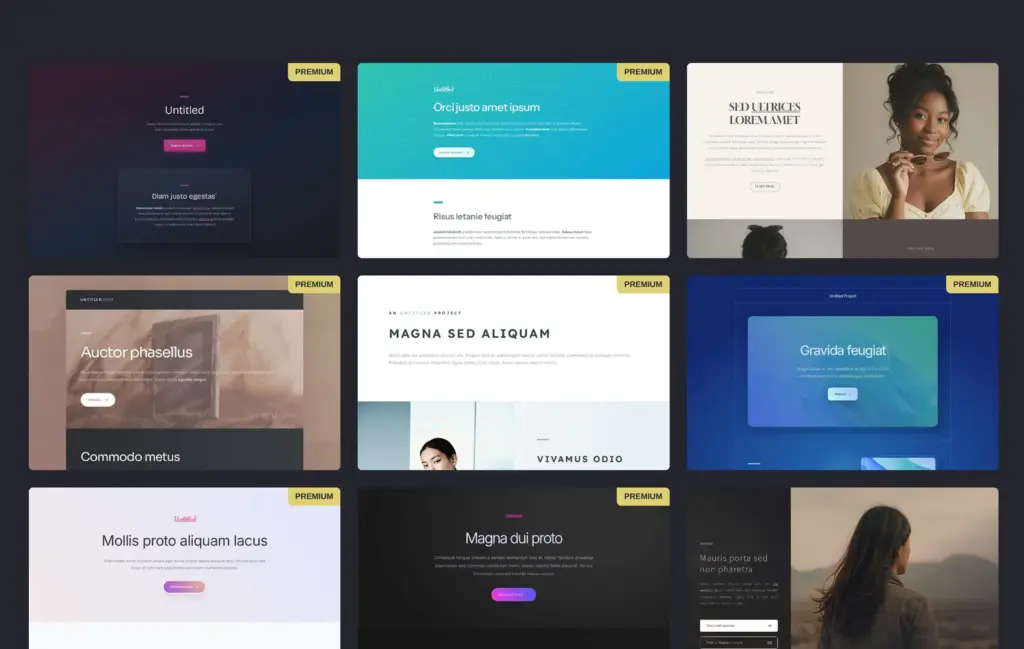
The button "Choose a Starting Point" on carrd.com opens the template gallery. On November 3, it had 328 templates in five groups, and you can use 206 of them on the free plan. The others have a Premium label and need a paid plan. I looked through the free templates in the Landing group and picked number 246 for its cream and green colors and big photos.
A Carrd site is one page. The Sectioned templates split it into parts that work like separate pages.
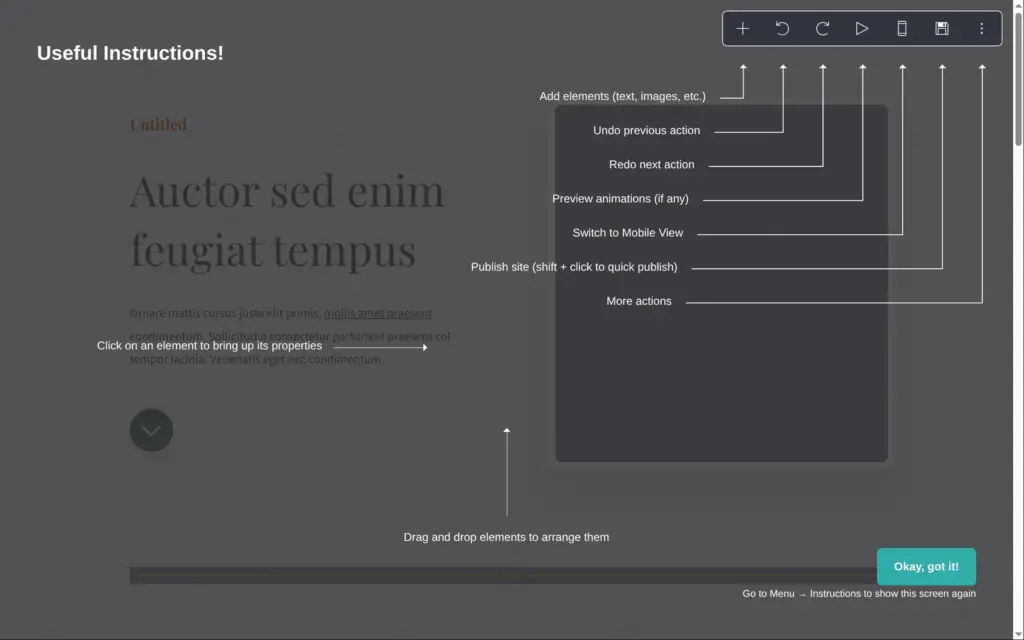
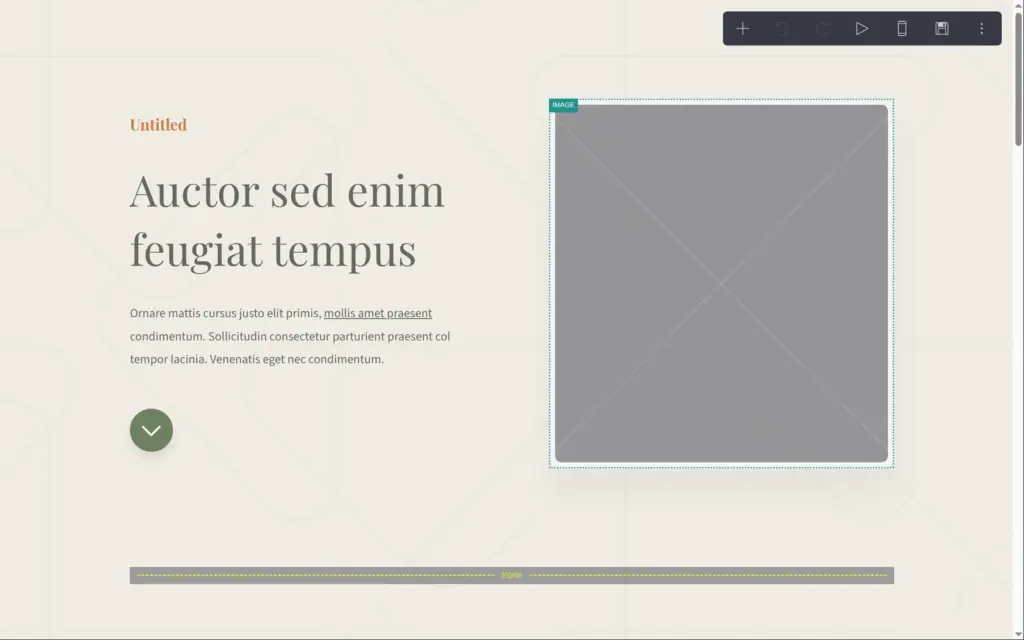
The editor opens with a short guide to its buttons. Carrd doesn't ask anything about your business. The photos from the template's demo aren't part of the template, so each photo starts as an empty gray frame.
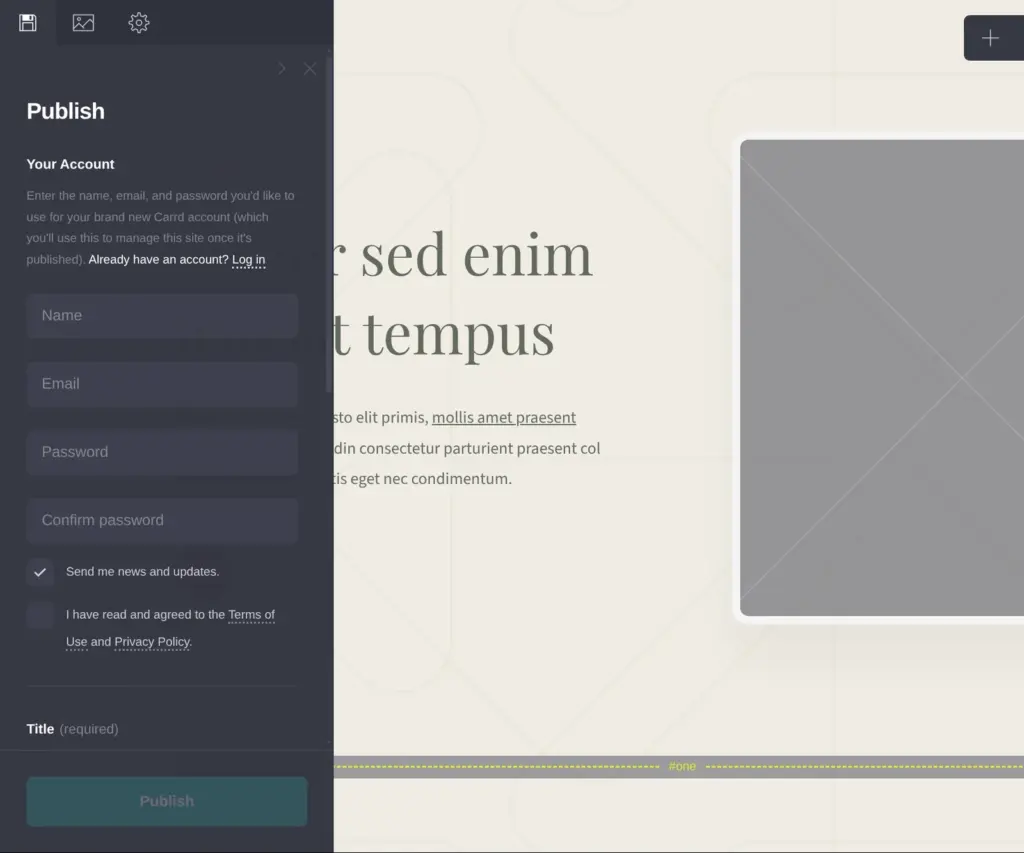
The sign-up form is at the top of the save panel. A box for news and updates is already ticked there. The same panel asks for a title and a short description of the site. Carrd uses them for the browser tab and for search results.
I saved the site as an offline draft. Carrd then sent me an email with a link to confirm my address. Until you click that link, you can save but you can't publish.
The free plan has room for three sites, and the ones you haven't published also count. When all three are in use, Carrd opens the upgrade page instead of the template gallery.
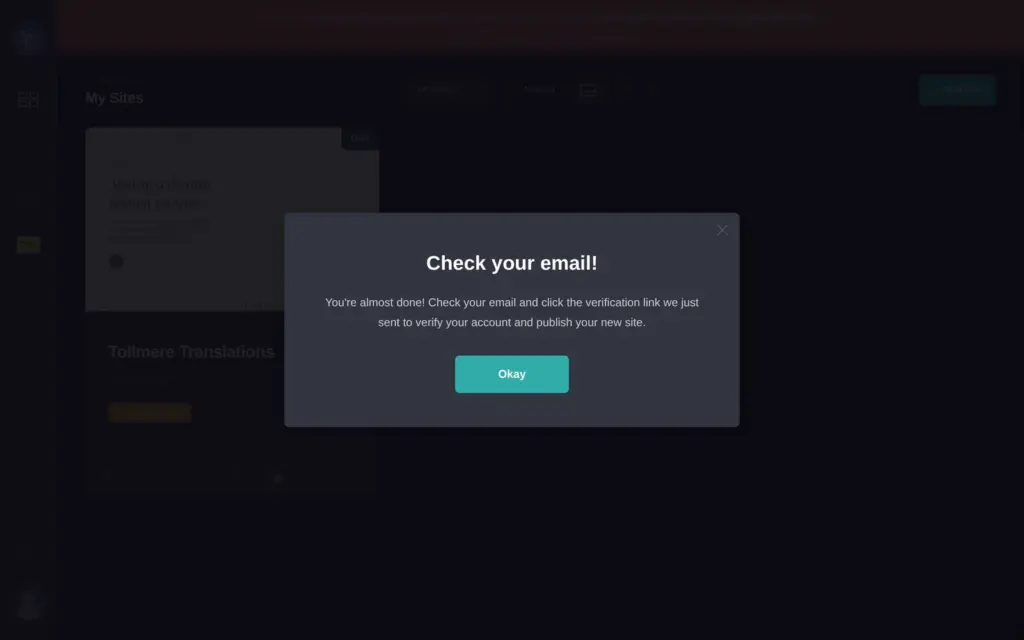
When you click a text, its settings open in a panel on the left, and you type the new text there. The page changes while you type. Text boxes take plain text and a bit of Markdown. Two asterisks on each side of a word make it bold.
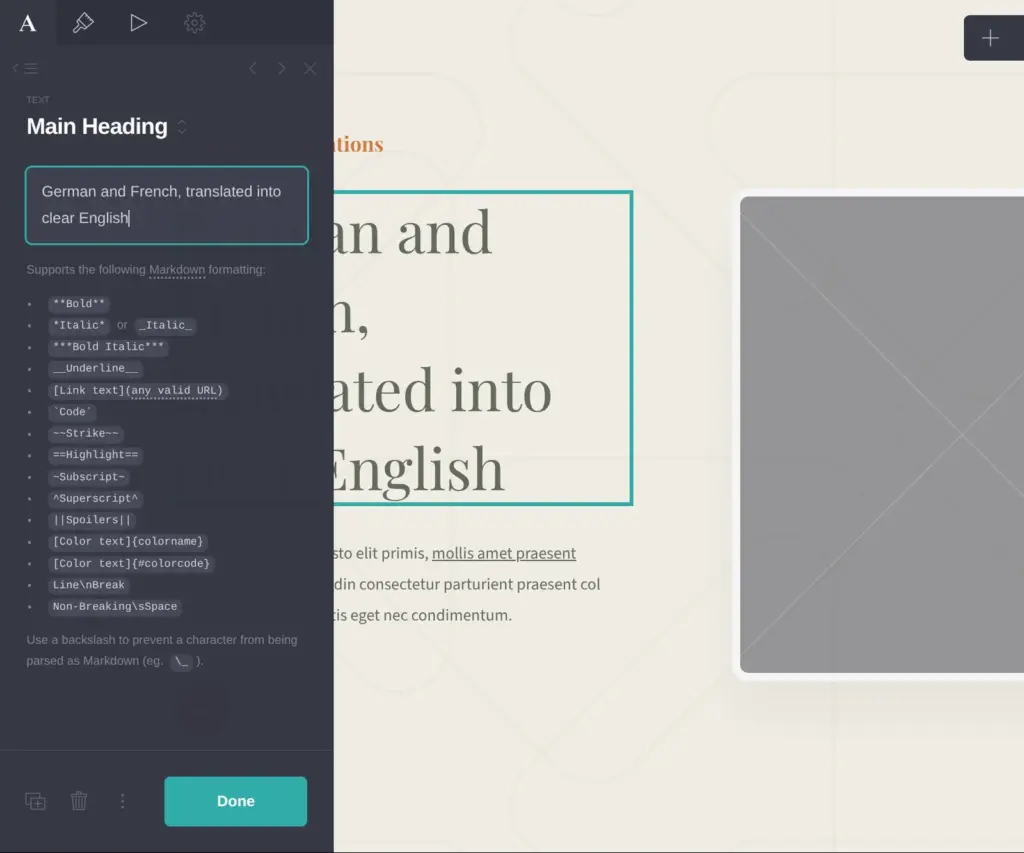
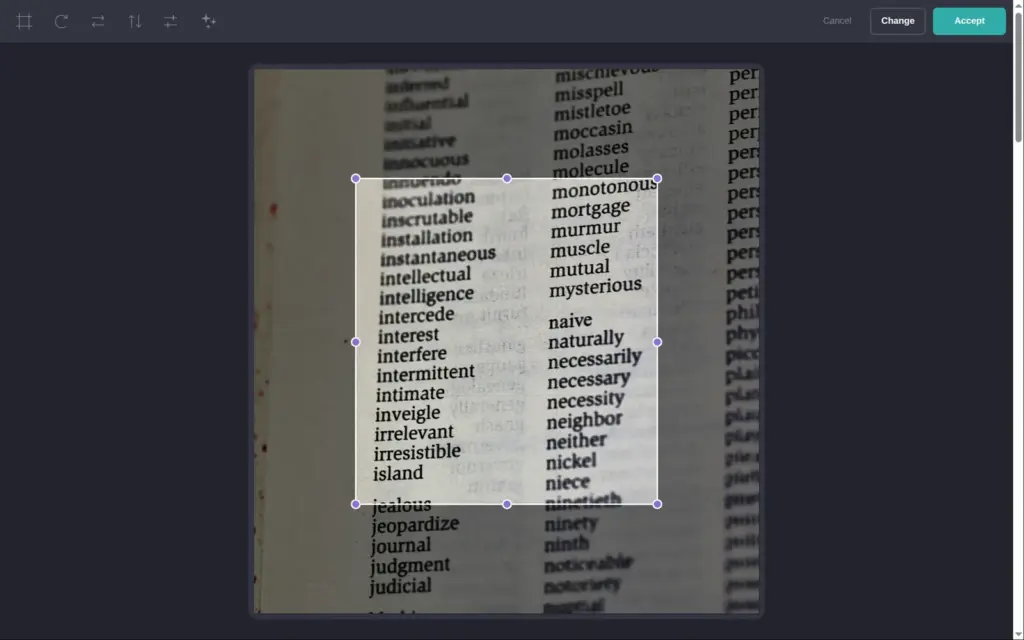
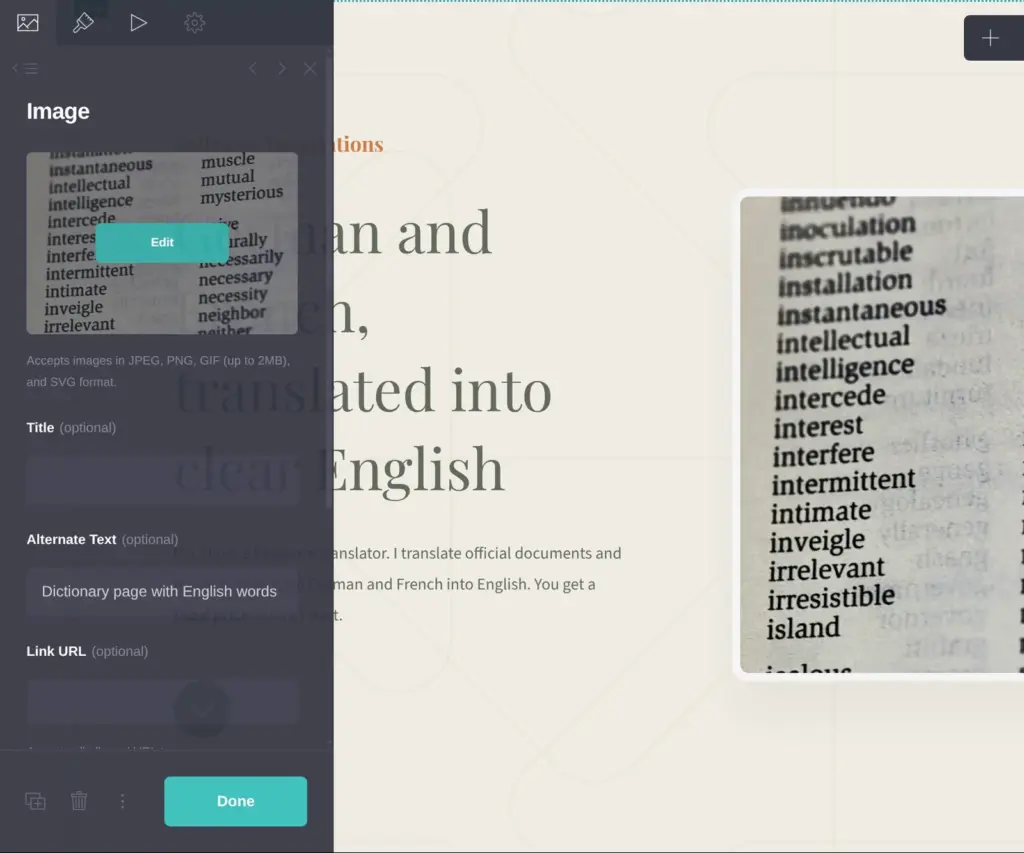
To add a photo, you click the empty frame and upload a picture. The free plan takes images up to 2 MB. After the upload, a small photo editor crops the photo to the frame. Each photo also has a field for a short description for screen readers. I used free photos from Unsplash. On the free plan, Carrd publishes photos in standard quality. Pro publishes them bigger and sharper.
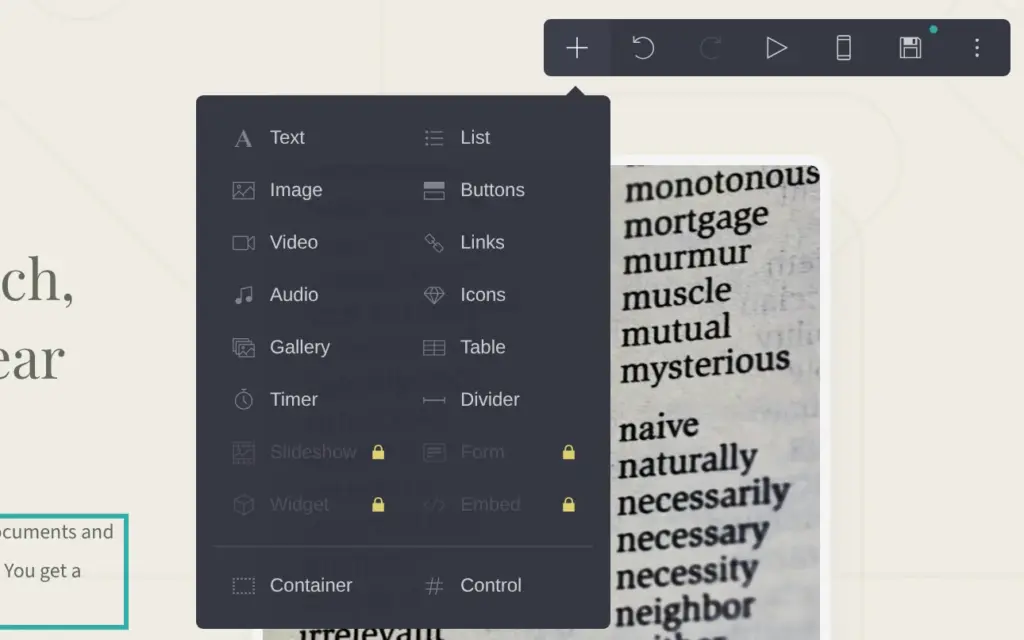
With the plus button at the top of the editor, you add new elements, like a button or an image. Elements with a lock need a paid plan. The form is one of them, so on the free plan visitors can only reach you through an email link or a phone number on the page.
People who want a price shouldn't have to search for the contact block, so I added a button under the introduction. A button can link to a part of the same page. My template called the contact block "four", and I typed #four as the button's link. Sizes and colors are in each element's appearance settings. There I made my heading smaller, because it took four lines. I also gave the button a green background.
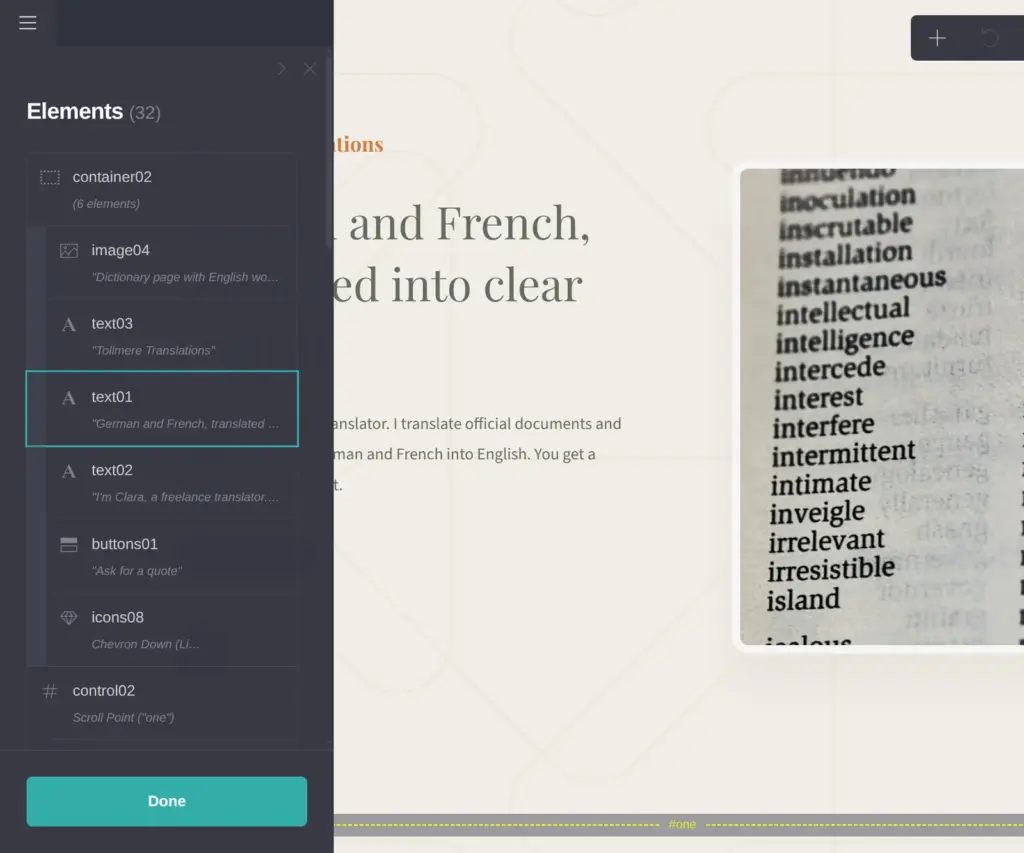
The free plan allows 50 elements per site. Carrd counts each part of the page, like a heading or a photo. The template had 30 elements, and my finished page had 32.
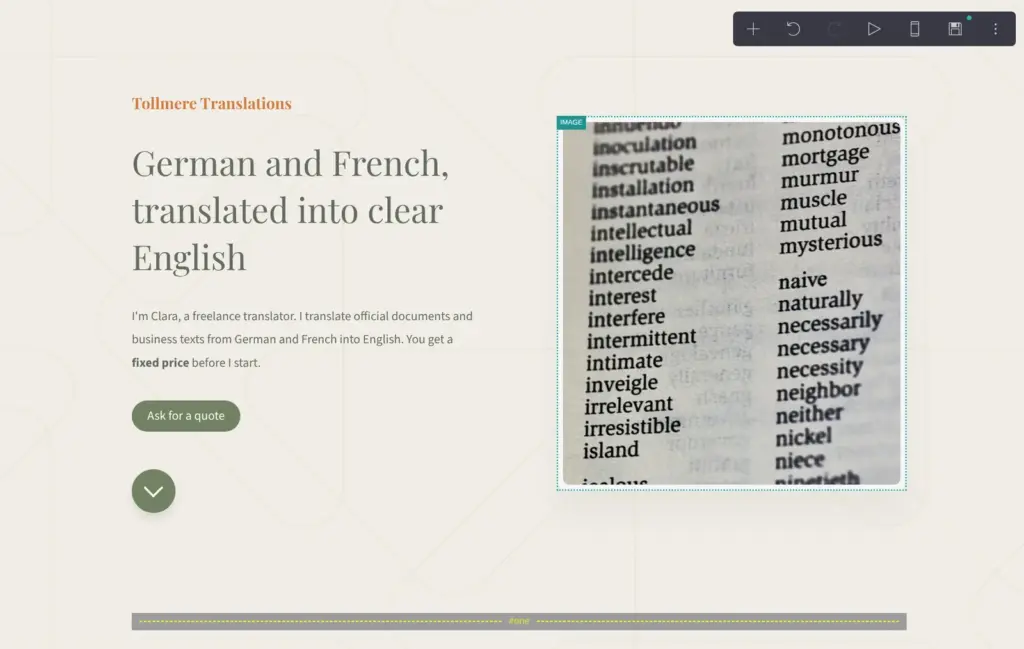
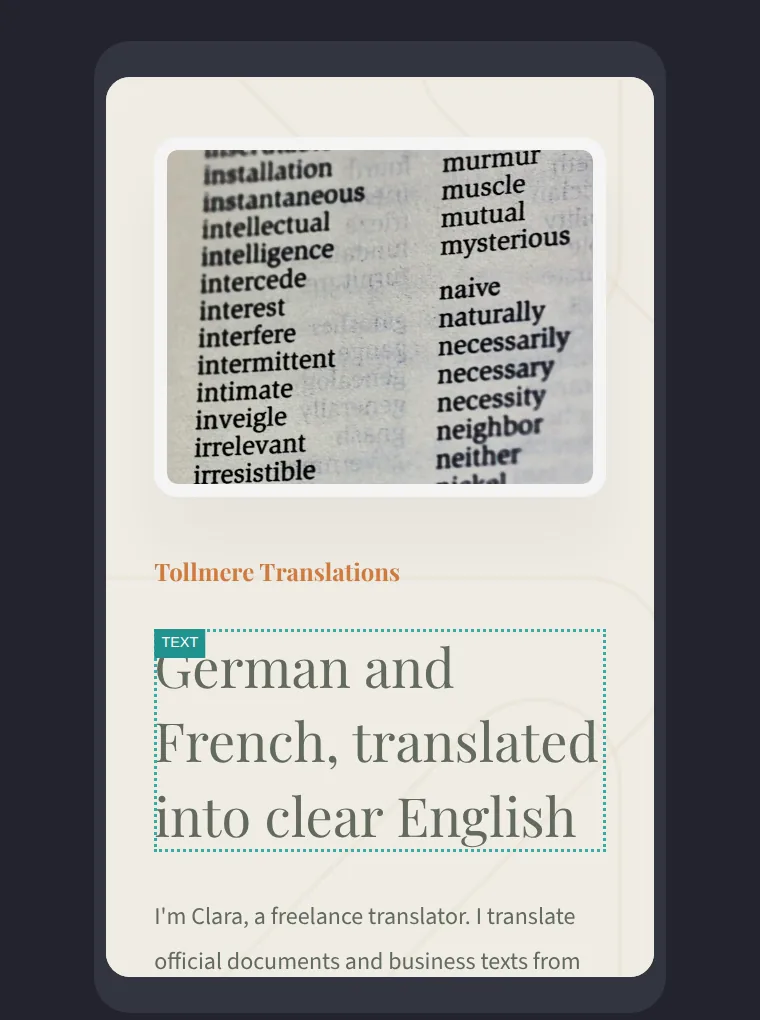
A button in the toolbar switches the editor to the phone view. On a phone, the columns of each block turn into one, and Carrd adjusts the elements on its own. You can also give an element its own phone settings, like a smaller font size.
Look at each block in the phone view before you publish. On phones, Carrd shows the photo column of a block first. My contact block had a line of text under its photo, so on phones it ended up above the contact heading. I moved it into the other column.
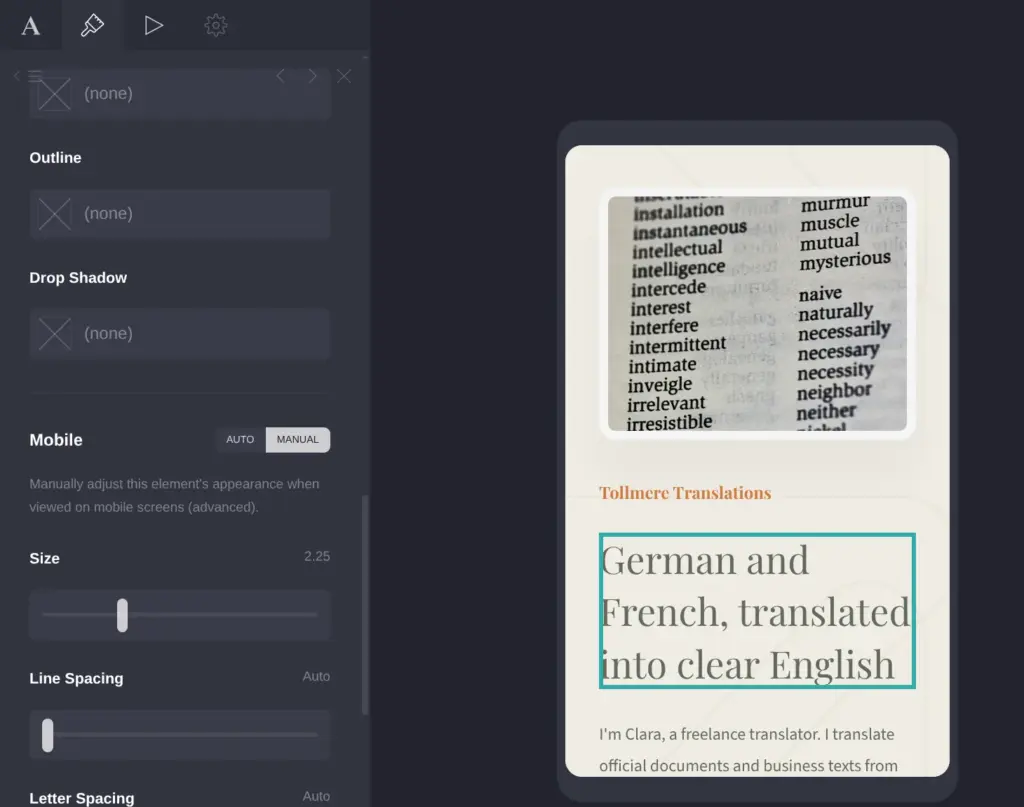
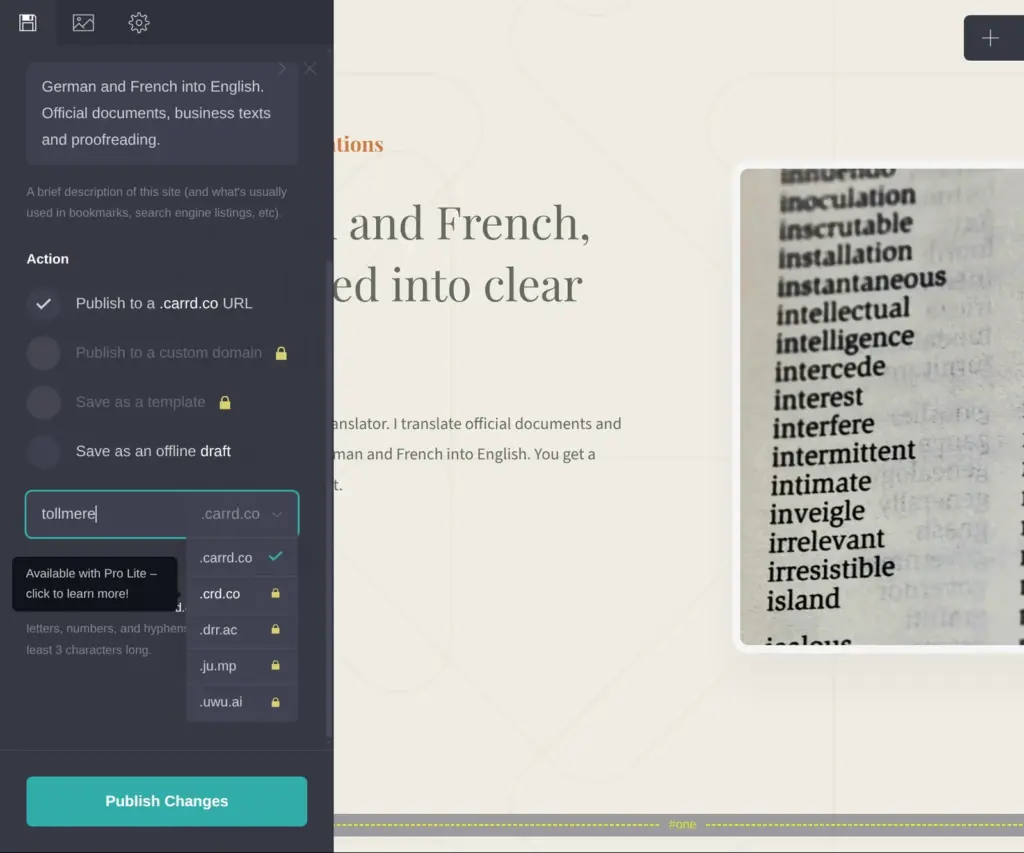
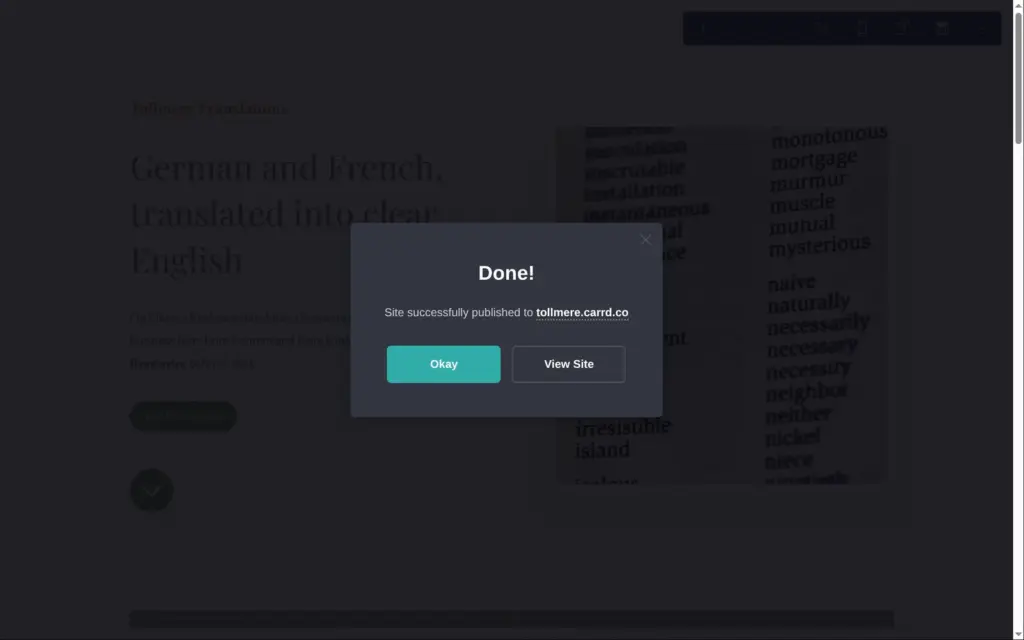
You publish in the same panel you save in. On the free plan, your site gets an address on carrd.co, and you choose the first part. Mine is tollmere.carrd.co. Shorter endings like crd.co need Pro Lite, and your own domain needs Pro Standard. Carrd doesn't sell domains, so you register one somewhere else and connect it.
Publishing took a few seconds. Free sites have a small "Made with Carrd" link at the bottom of the page.
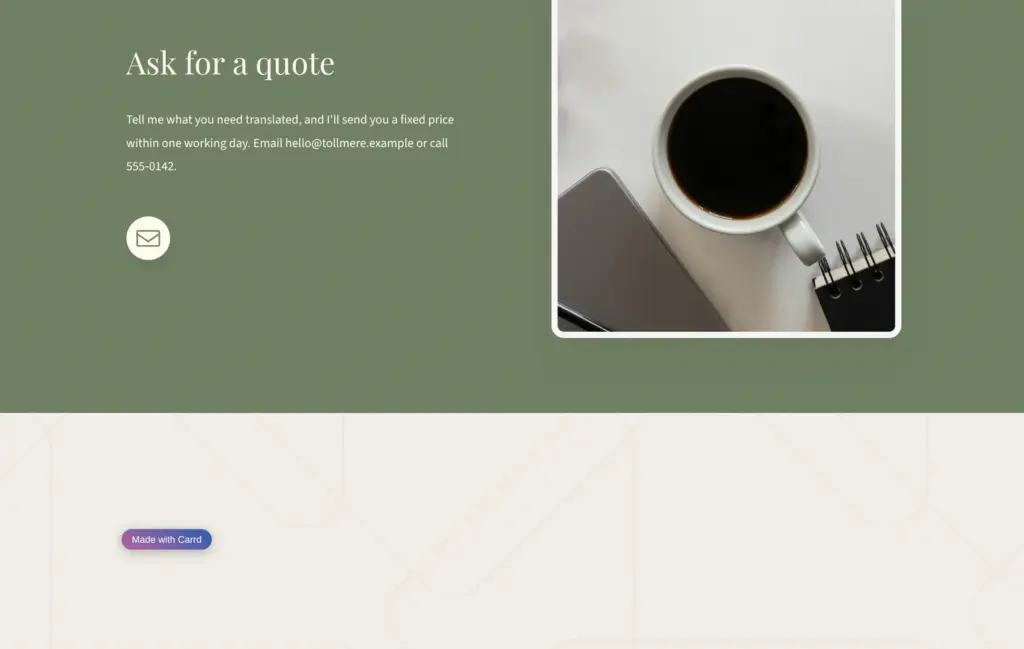
Open the translator site. It's a demo, so the email address and phone number don't work.
Carrd's paid plans are called Pro, and you pay for them by the year. The prices are in US dollars, and VAT or sales tax comes on top. Pro Lite costs $9 a year and removes the "Made with Carrd" link and the element limit. Pro Standard costs $19 a year and adds forms.
You can try Pro free for 7 days without a card. If you want a contact form, my Carrd review shows how I added one on the trial.
 What I'm building
Give Vroni a GitHub issue, bug report, spec, or rough idea. It reads the repo, plans the change, writes code, runs checks, and works toward a review-ready pull request.
Take a look at vroni.com