
Duda review
Duda is a website builder made mainly for web design agencies. You build pages in a drag-and-drop editor, and Duda hosts the…
Carrd is a website builder for one-page websites. You start from a template and replace its text and photos. Carrd hosts the page for you. If you're thinking about it for a small business, you probably want to know whether one page is enough and which parts you have to pay for.
To find out, I built a one-page website for a made-up freelance translator and published it on the free plan. Then I started Carrd's free 7-day Pro trial, which needs no card. On the trial, I added a contact form and a quote form where customers can upload their document. I also added a Stripe payment step to the quote form. I tested Carrd on October 23 and 24, 2026.
On the free plan, I got a calm one-page site that works on phones. Forms and payments need Pro, and Pro is cheap. But quote requests with a PDF attached never reached my inbox, and Carrd published a payment form that couldn't take payments.
Carrd suits you if one page is enough to say what you offer and how people can reach you. It also suits you if you don't want to spend much on your website.
Look elsewhere if you need several separate pages or a blog. Carrd also has no booking calendar.
Selling: Carrd has no shop. Pro Plus forms can send customers to a Stripe payment page, and Pro Standard can show buy buttons from PayPal and others. Orders and payments stay in those services.
Price: the free plan publishes up to three sites on a carrd.co address. Forms and your own domain need Pro Standard at $19 a year. Payment forms need Pro Plus at $49 a year. VAT or sales tax comes on top.
Not tested: a real payment and Carrd's support. I didn't pay for a plan or connect a domain. I also didn't see what happens when the trial ends. Carrd did not pay for this review, and there are no affiliate links.
What I liked:
What bothered me:
Tollmere Translations is a made-up translator called Clara, who translates German and French into English. Below a short introduction, the page shows three services with prices. A contact block ends the page.
It's based on a free template from Carrd's Landing category, number 246. I replaced the text and uploaded free photos from Unsplash.
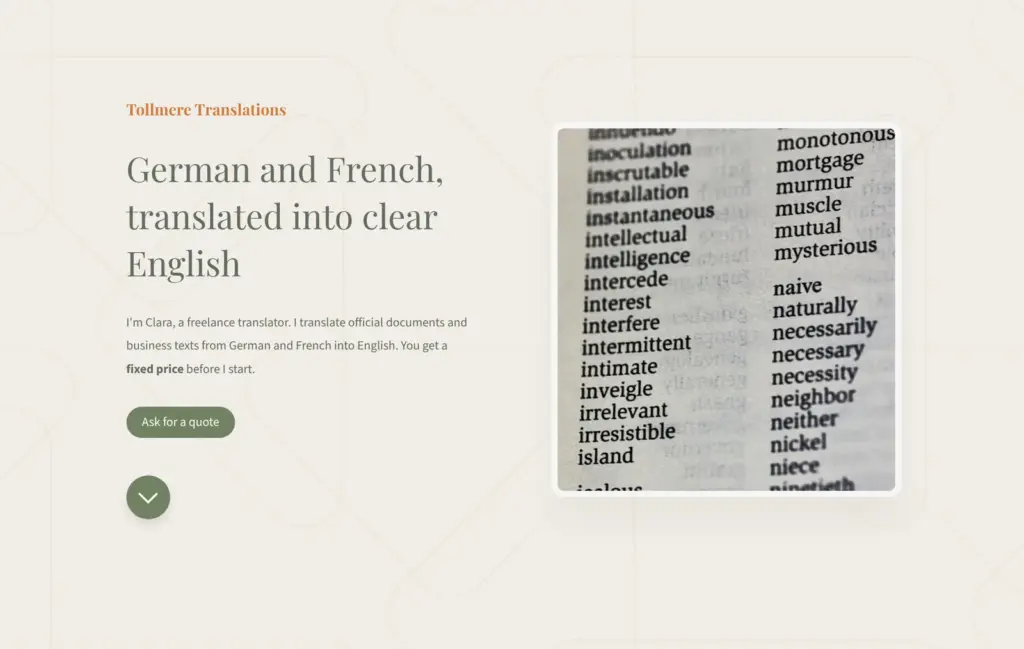
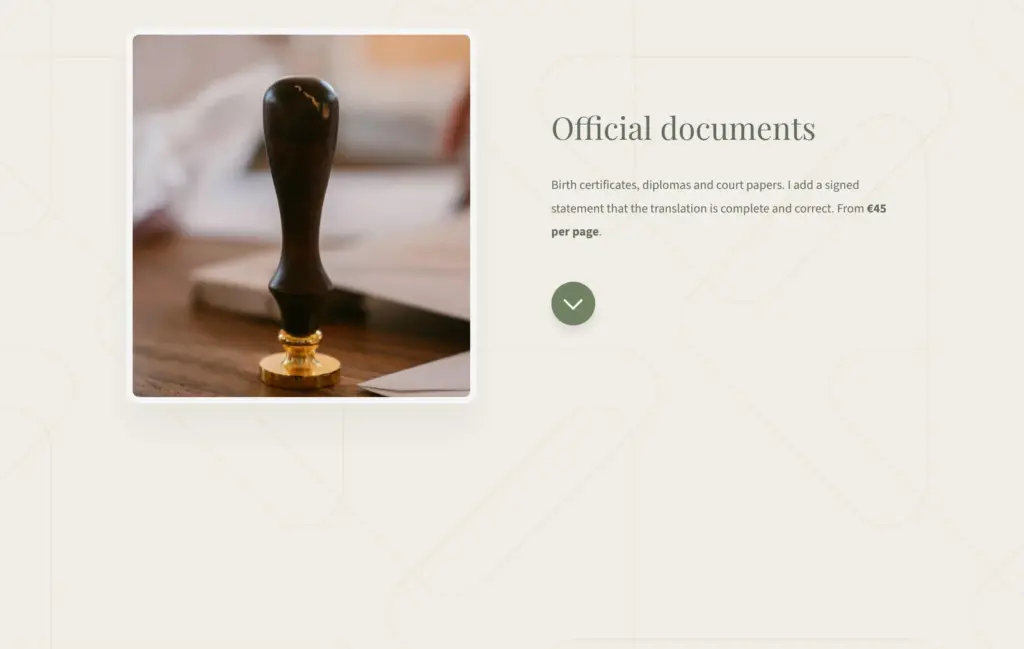
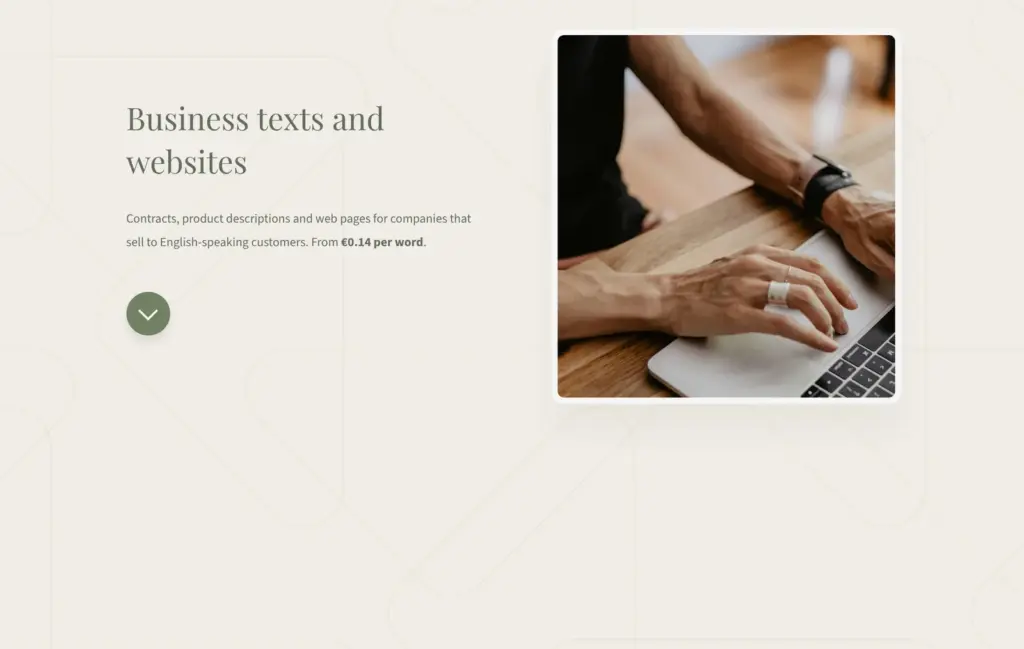
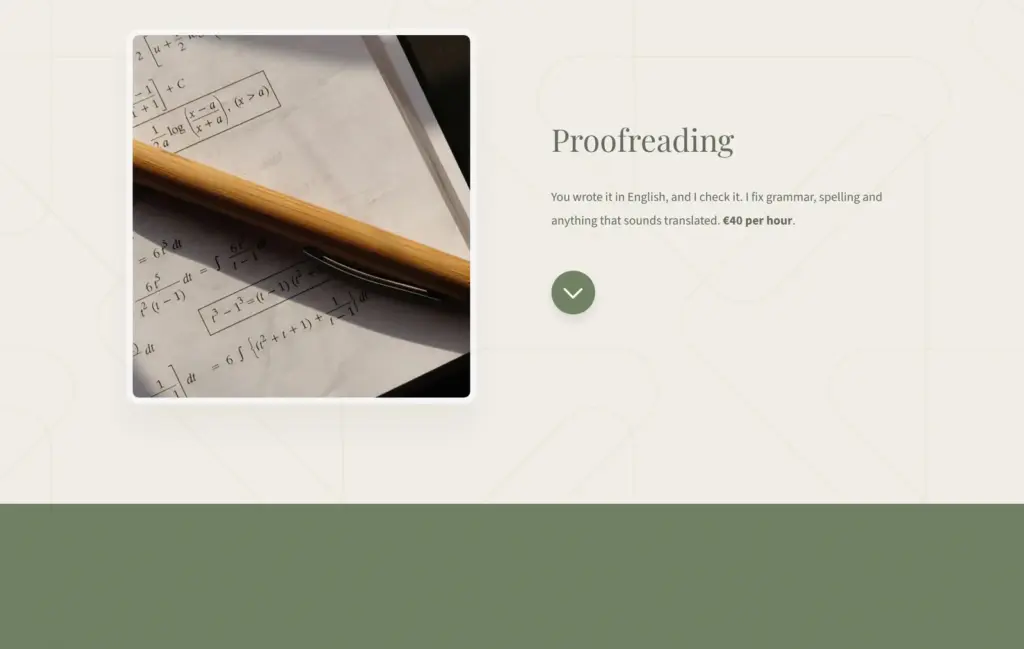
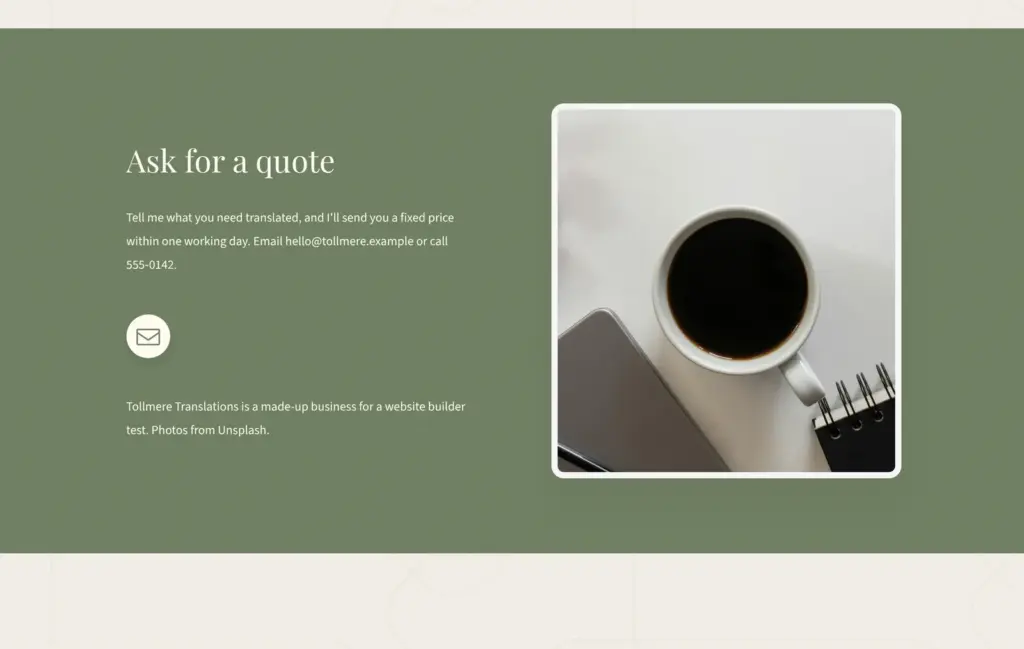
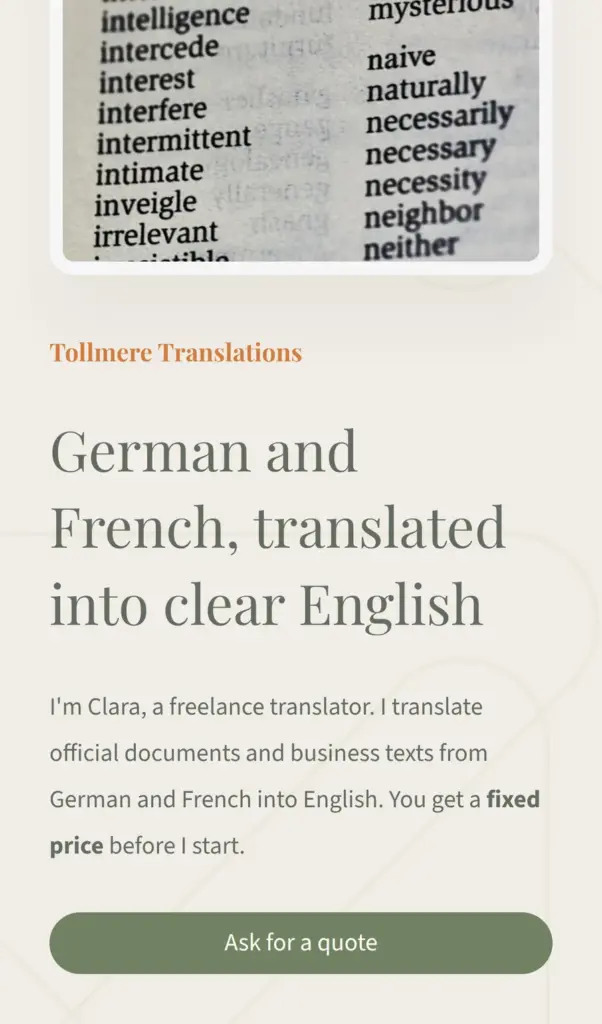
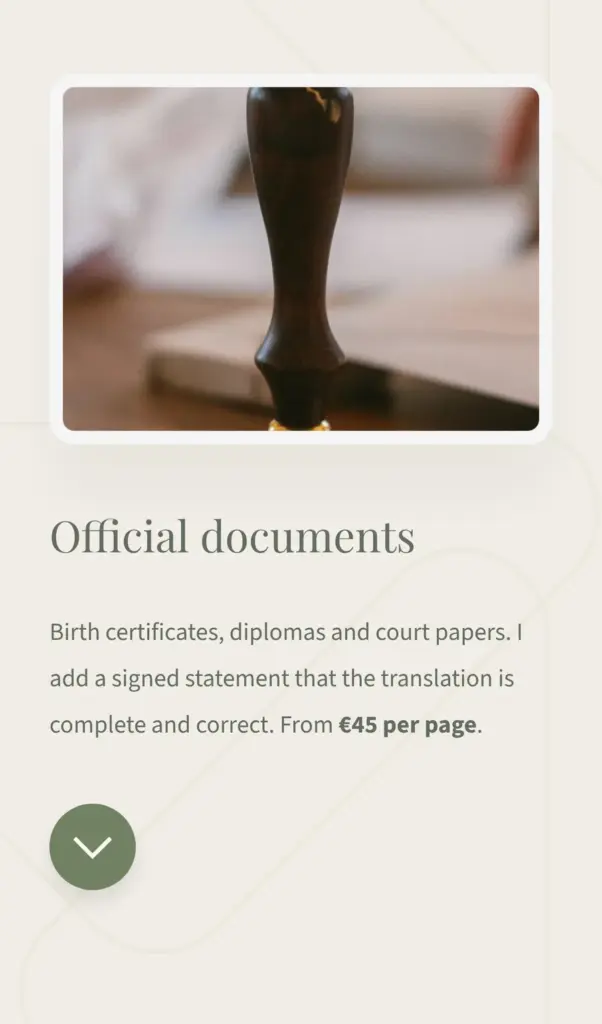
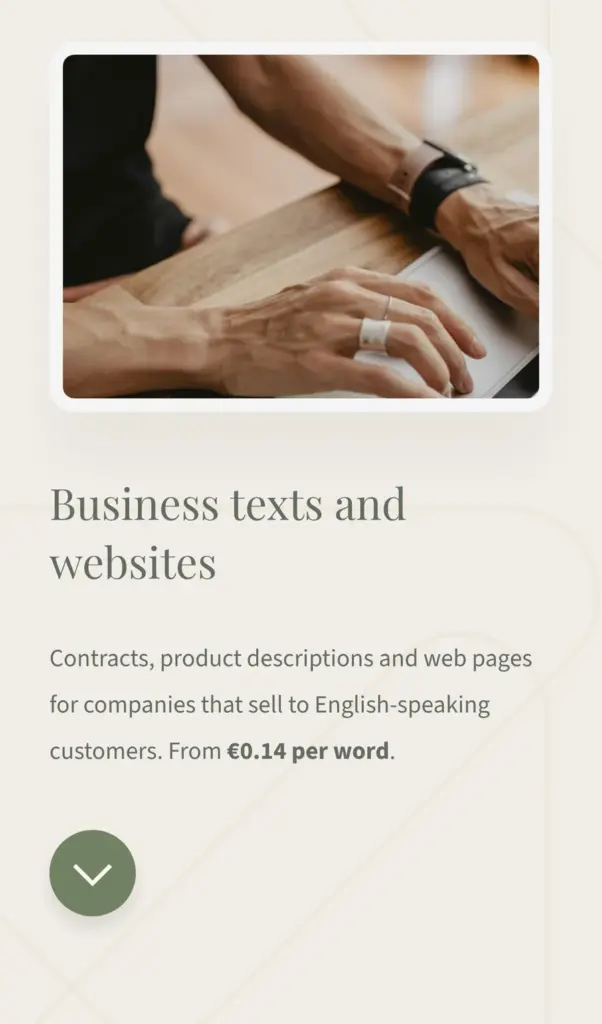
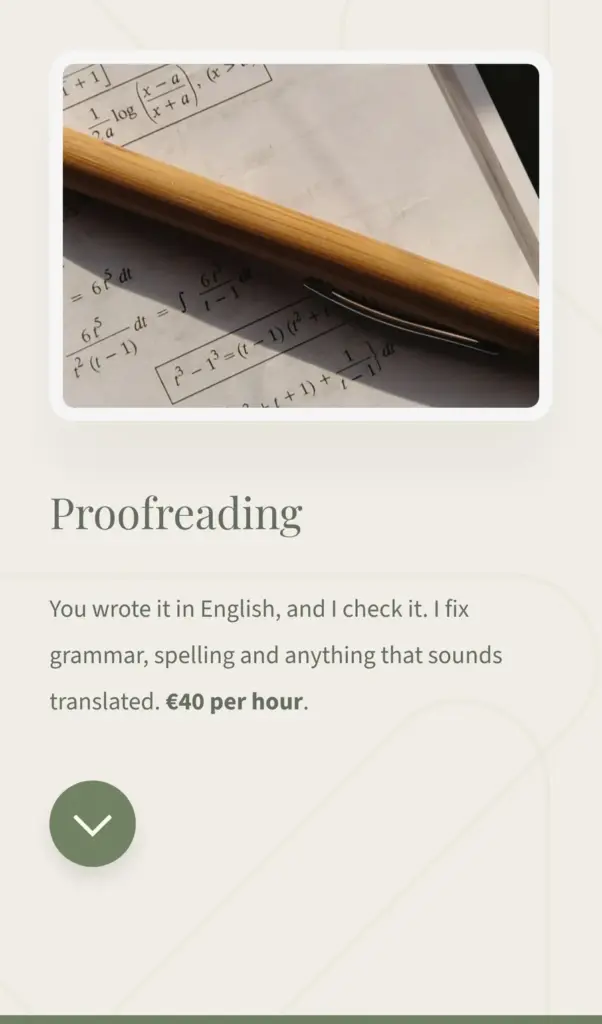
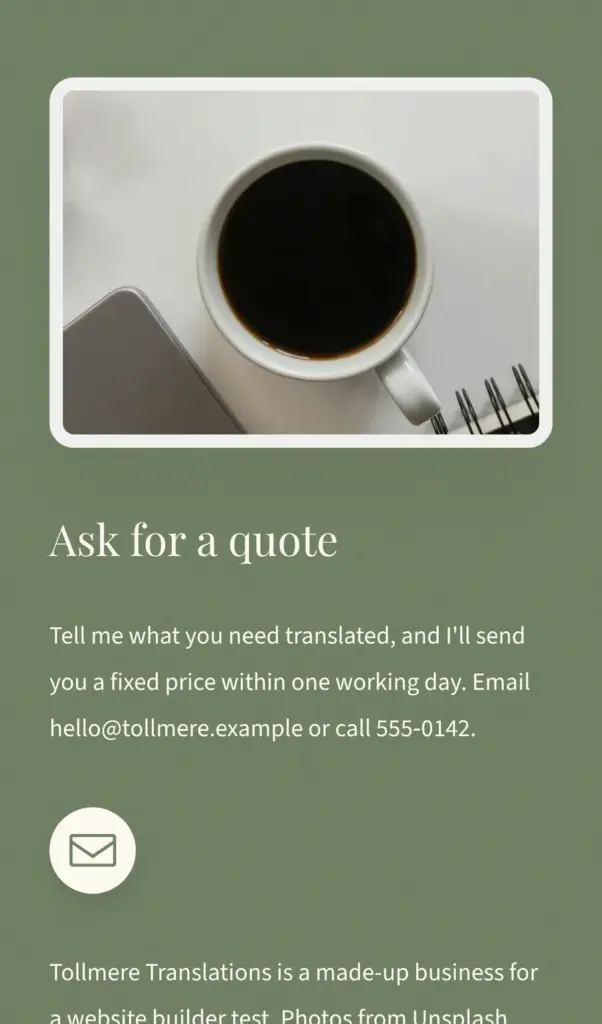
Open the translator site. It's a demo, so the email address and phone number don't work.
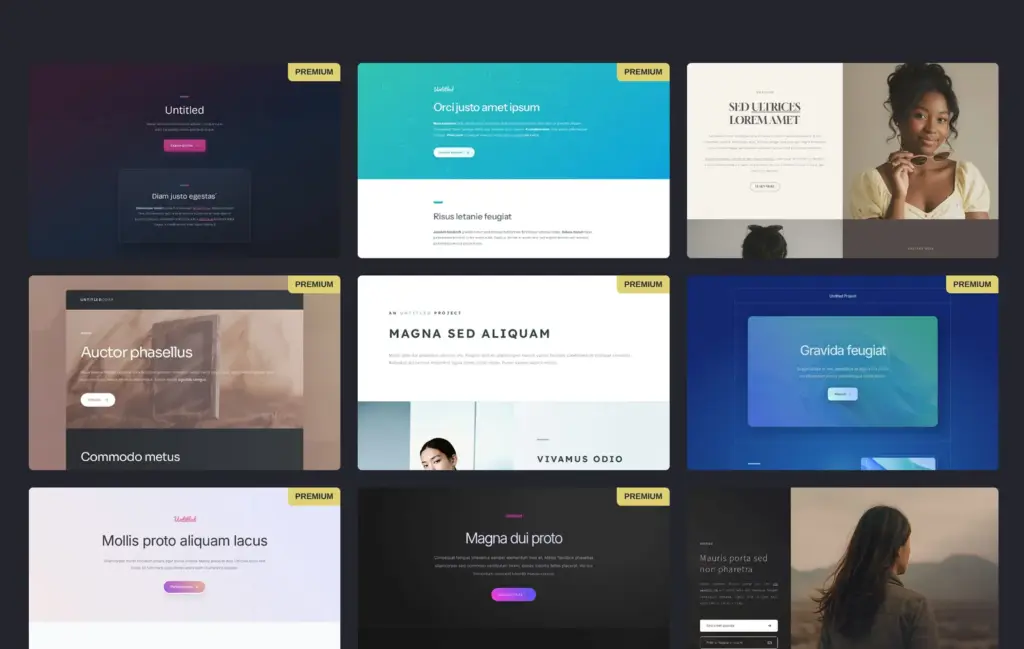
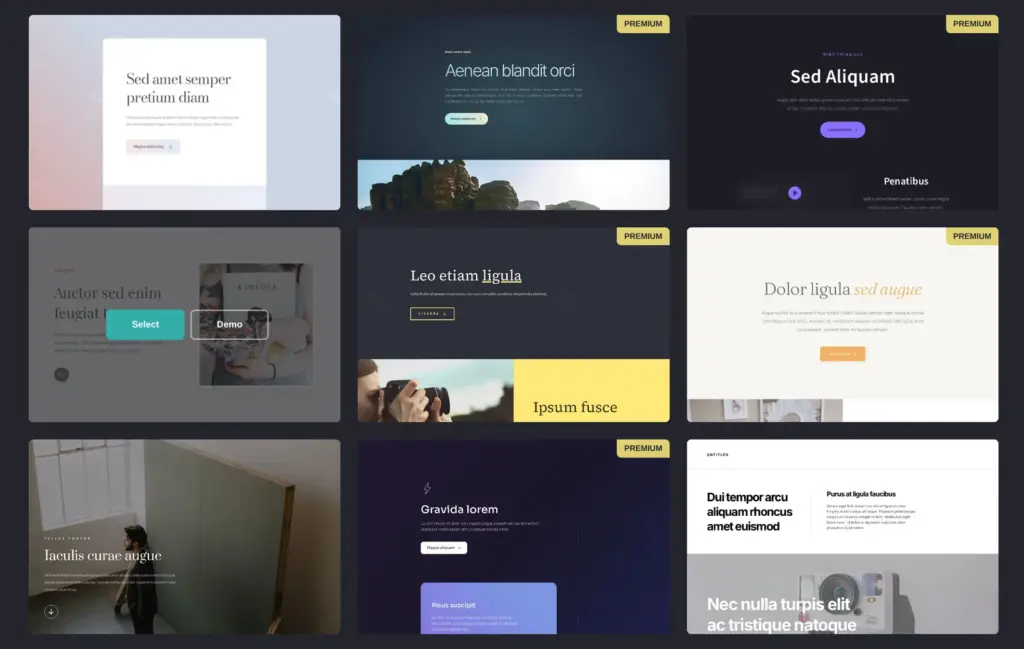
Carrd's start page has a button called "Choose a Starting Point". It opens a gallery of 324 templates in five groups, and 122 of them are marked Premium. Premium templates need a paid plan. I looked through the free templates in the Landing group and picked number 246 for its cream and green colors and big photos.
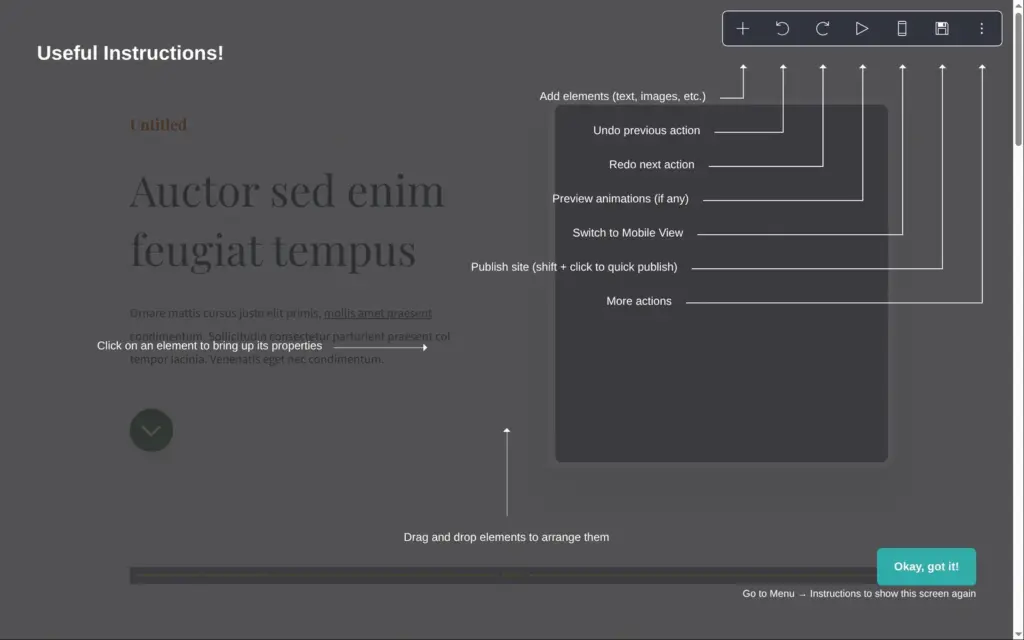
The editor opened with a short guide to its buttons. Carrd asked no questions about my business.
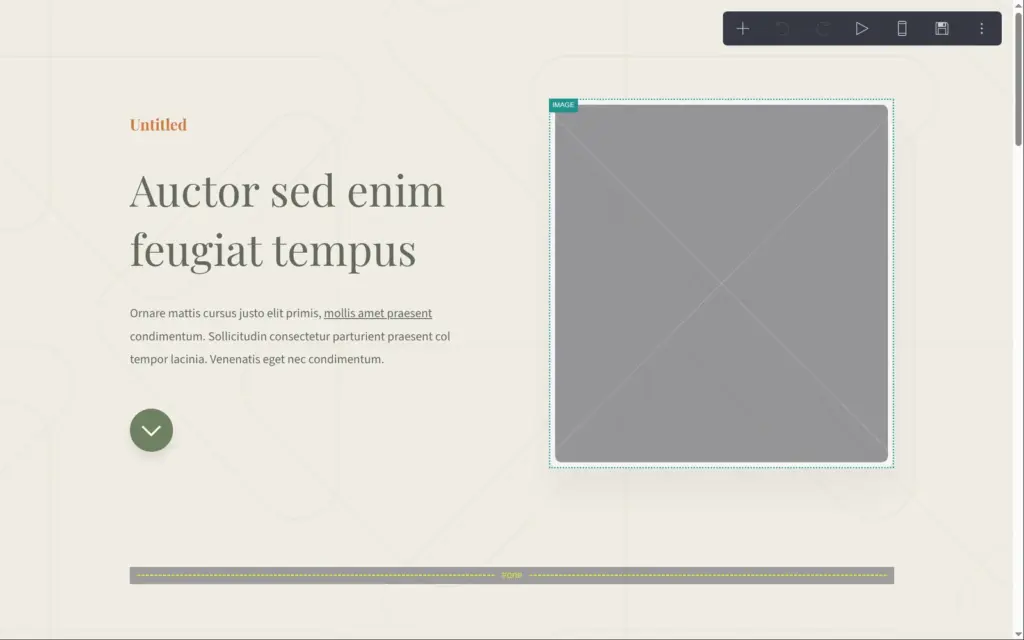
The photos from the template's demo aren't part of the template. Each photo starts as an empty gray frame.
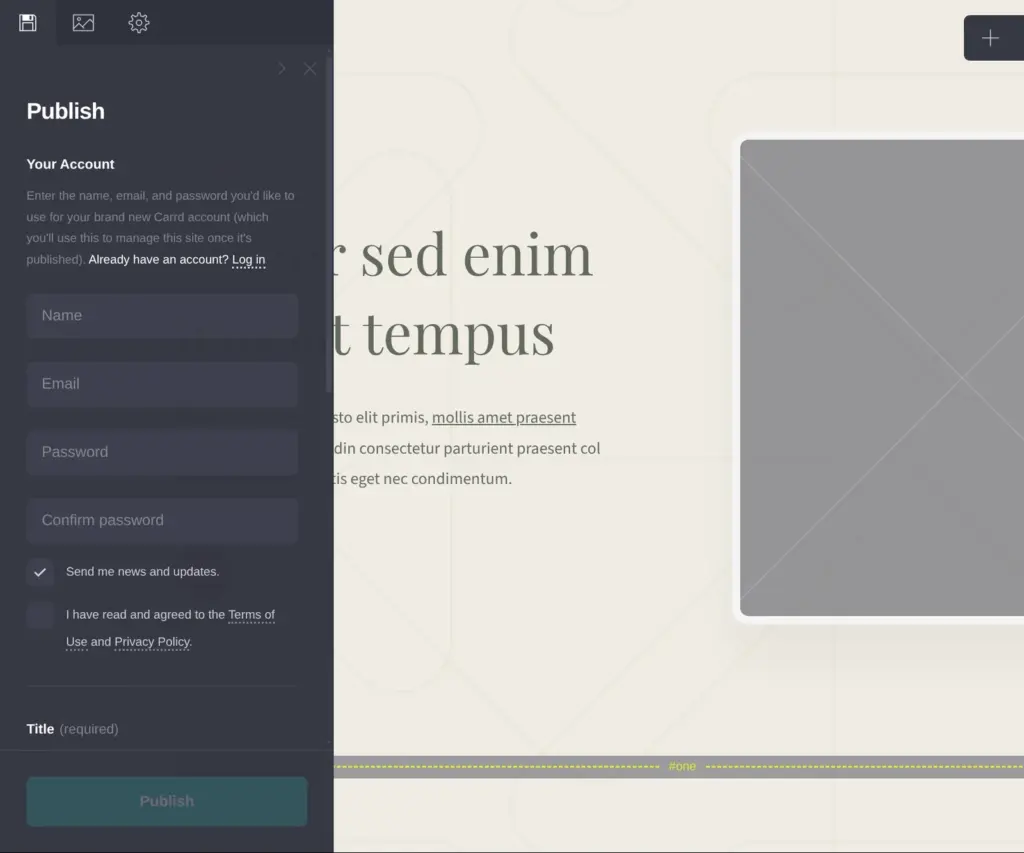
Carrd asks for an account the first time you save, right in the save panel. A box for news and updates is ticked there by default. The same panel asks for the site's title and a short description. I saved the site as an offline draft.
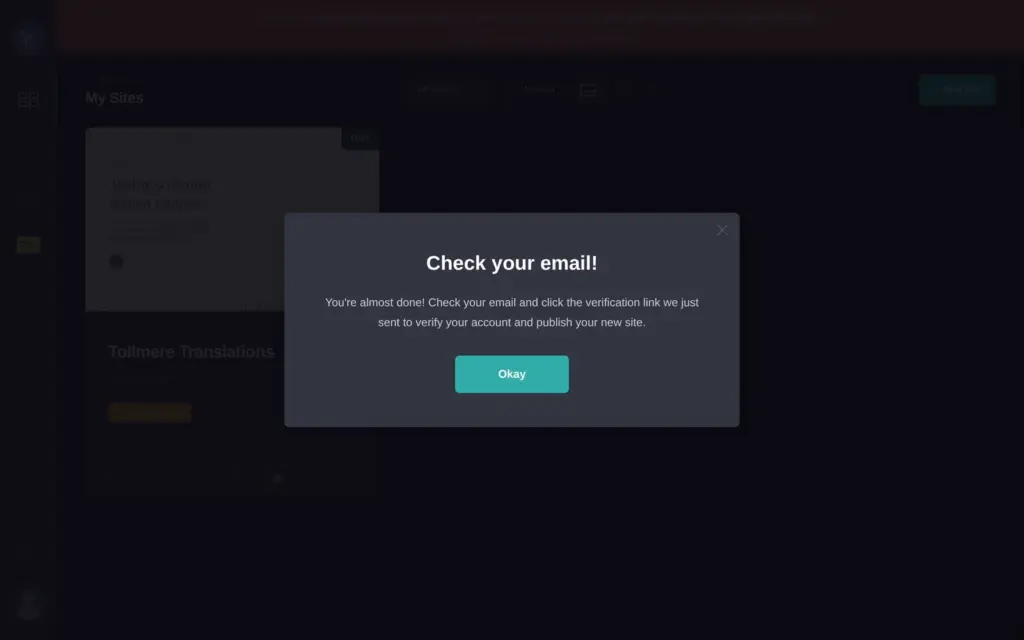
Carrd then sent a verification email. Until you click its link, you can save drafts but you can't publish.
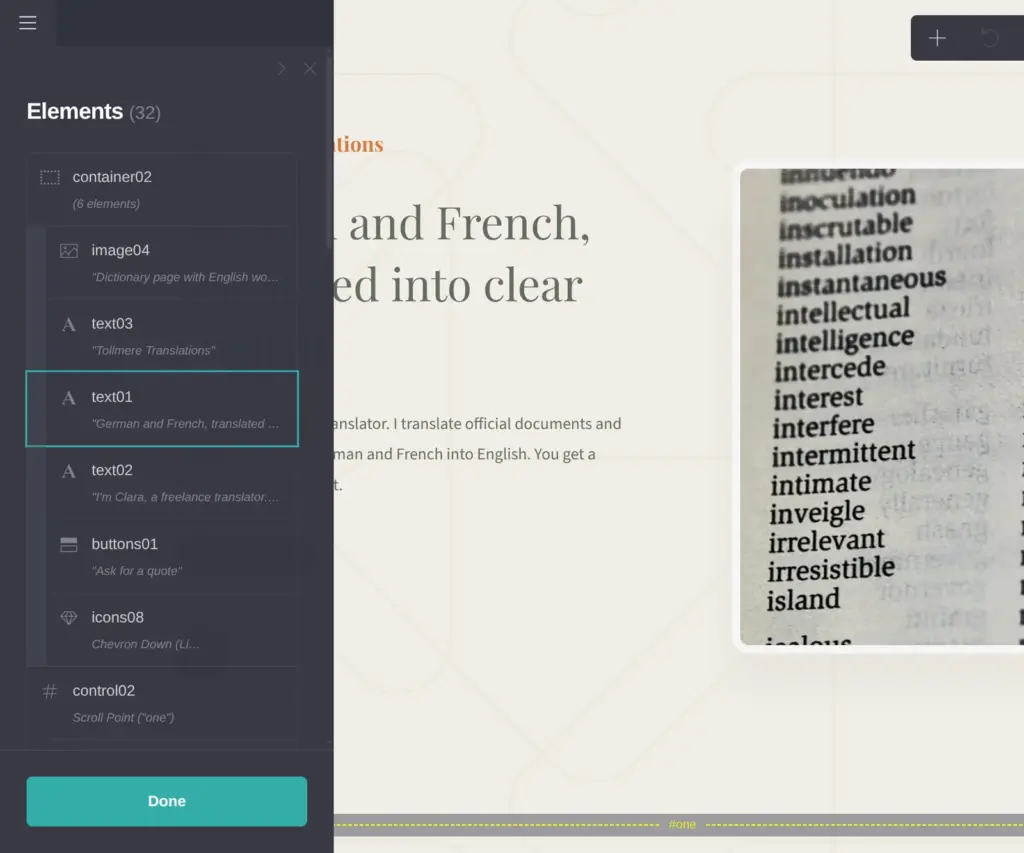
When you click a text, its settings open in a panel on the left, and you type the new text there. The page changes while you type. Text boxes take plain text, plus a bit of Markdown for bold words and links. I used two asterisks to make "fixed price" bold.
For photos, you click the empty frame and upload a file. The free plan takes images up to 2 MB, and Pro takes up to 16 MB. After the upload, a photo editor opens and crops the photo to the frame. You can also use it to rotate the photo or change its colors.
Each photo also has a field for a short description for screen readers. On the free plan, Carrd publishes photos in standard quality, and Pro publishes them bigger and sharper.
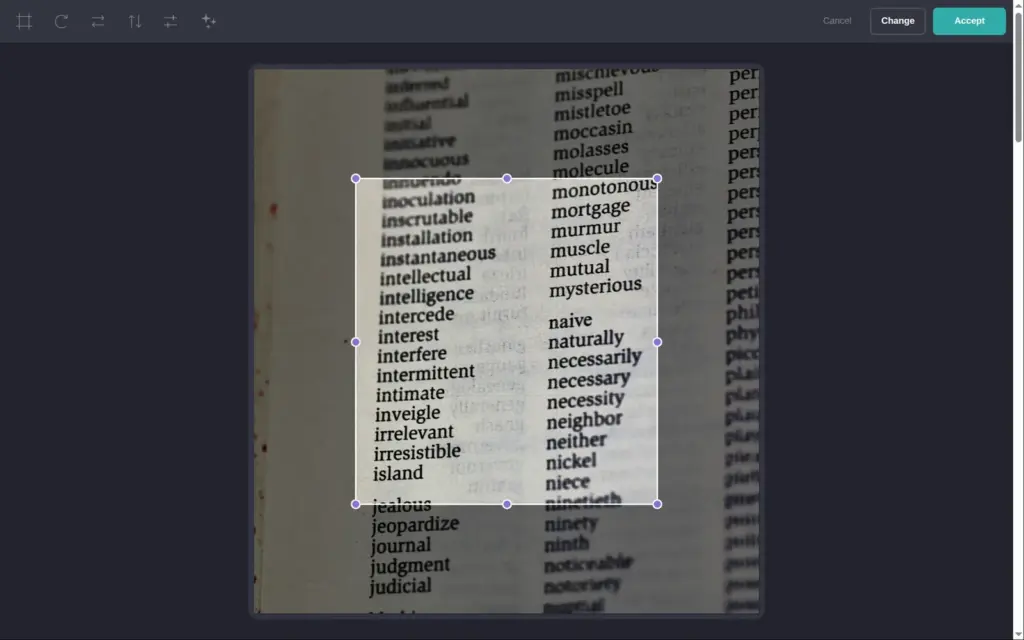
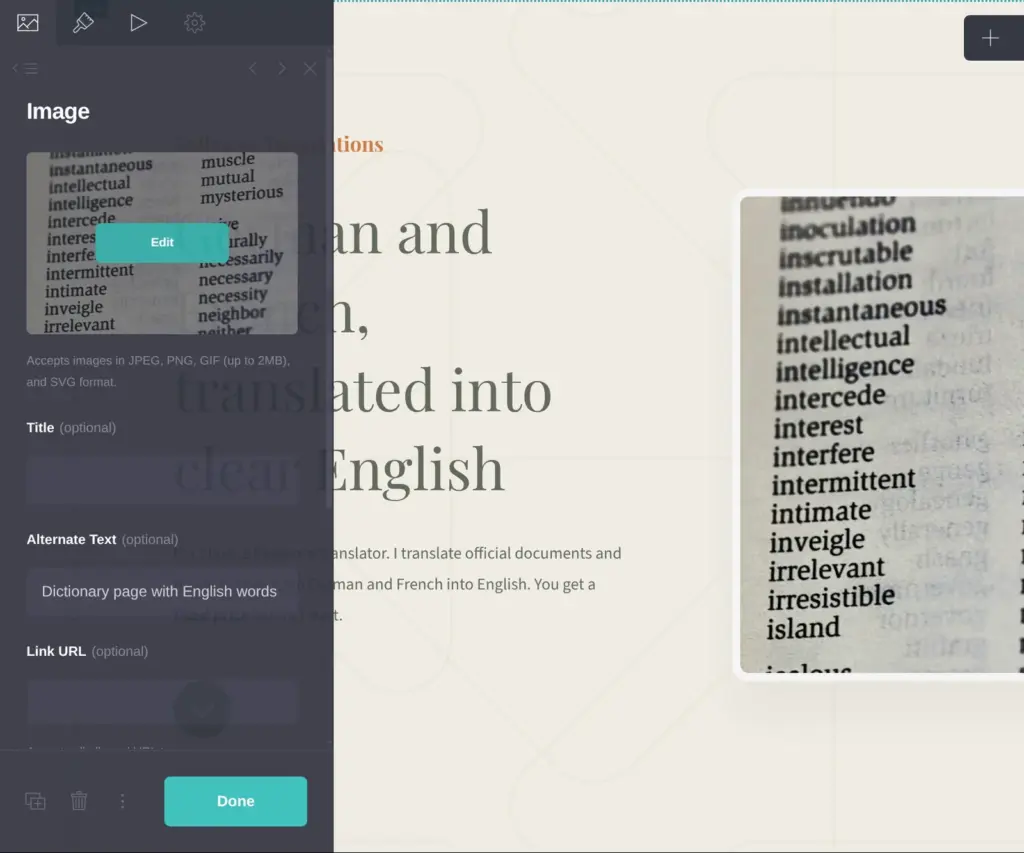
Under the introduction, the template has four blocks with a photo each. I turned three of them into services with a short description and a starting price. The fourth block is green, and I made it the contact block.
The template linked to three social networks. A translator doesn't need them, so I deleted them and left only the email icon.
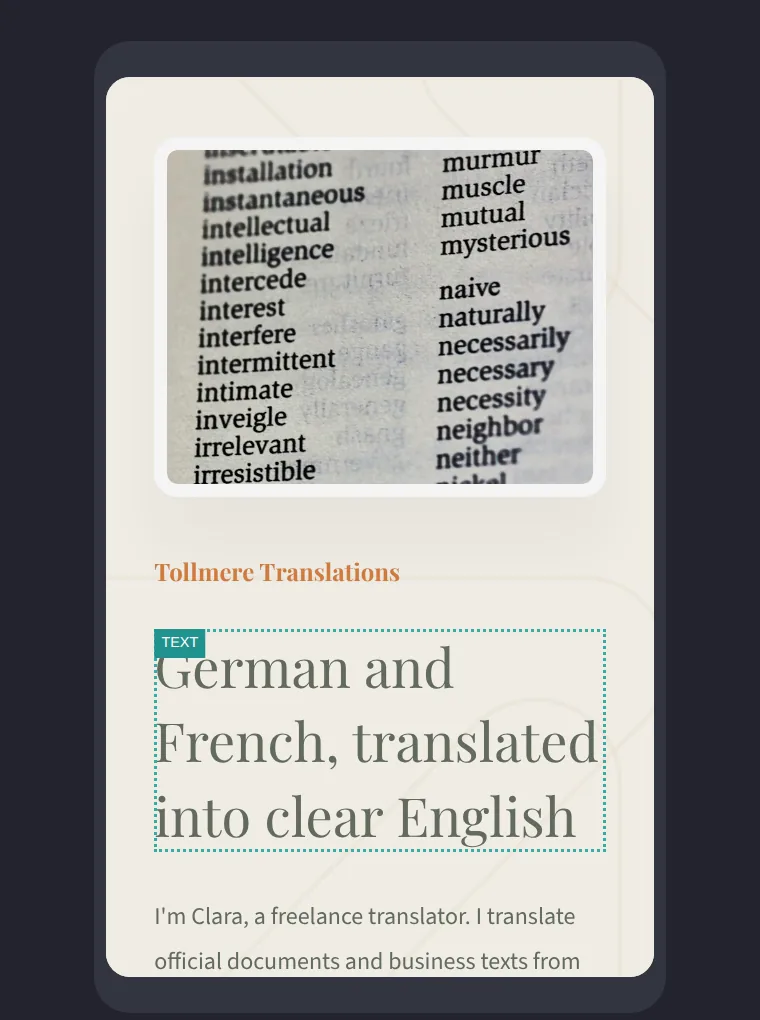
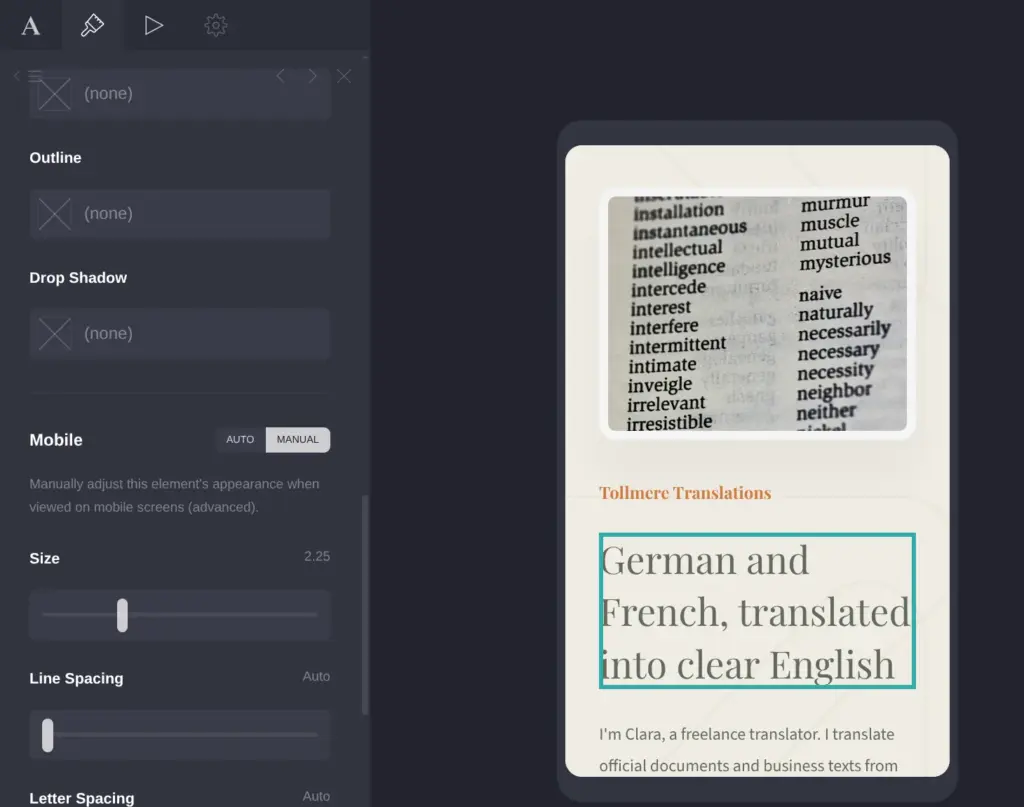
My heading was longer than the template's, so it took four lines. I made it smaller in its appearance settings. People who want a price shouldn't have to search for the contact block, so I added a button under the introduction. Its link points to a spot in the template called "four", which is the contact block.
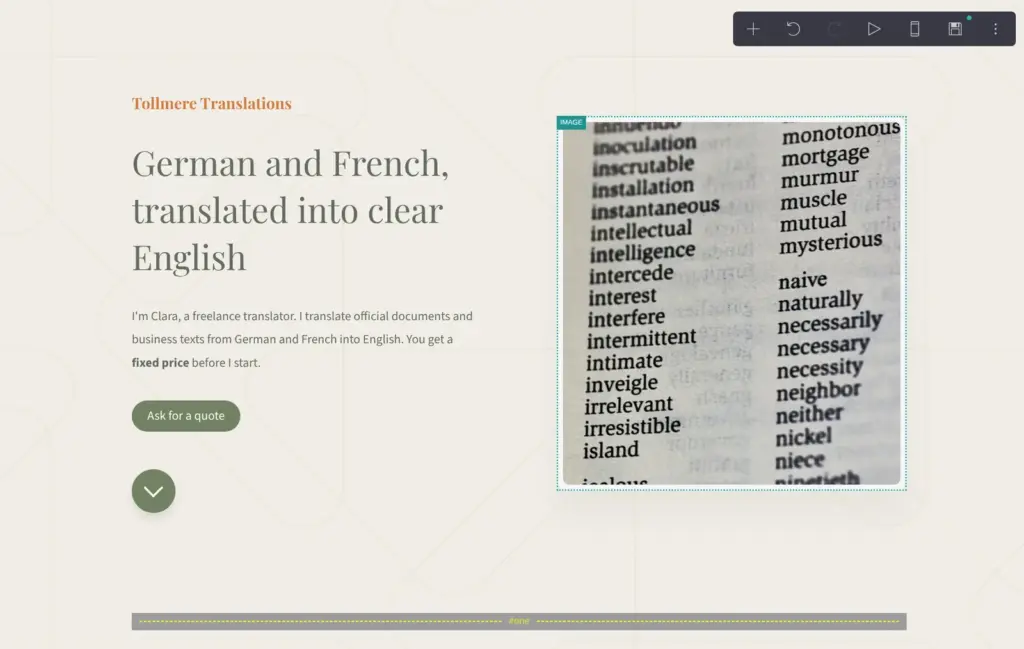
A button in the toolbar switches the editor to the phone view. On a phone, the two columns of each block turn into one, and Carrd adjusts the elements on its own. You can also give each element its own phone settings. The template already had a smaller size for the big heading on phones.
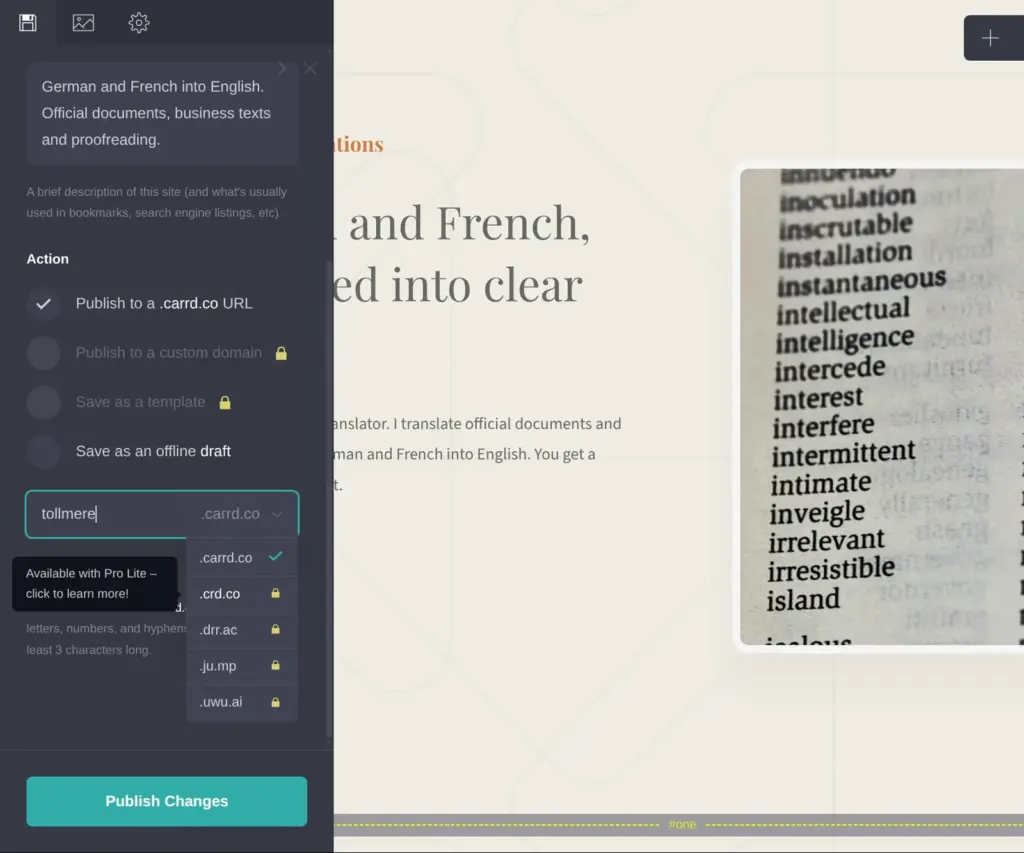
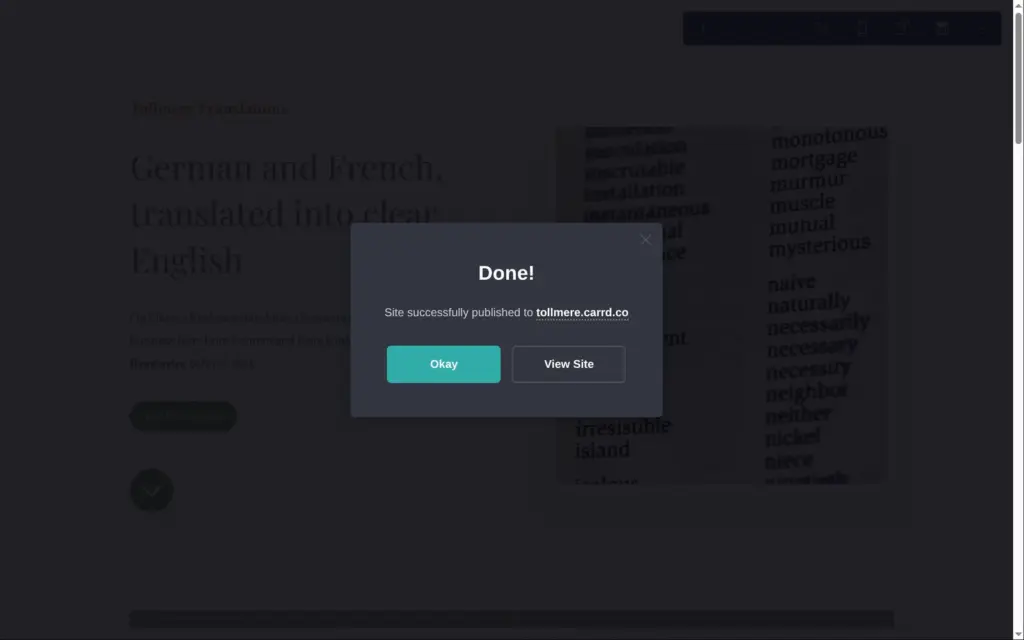
On the free plan, a site gets an address on carrd.co. Mine is tollmere.carrd.co. Shorter Carrd addresses like crd.co need Pro Lite, and your own domain needs Pro Standard. Carrd doesn't sell domains, so you register one somewhere else and point it to Carrd.
Publishing took a few seconds. On the free plan, a small "Made with Carrd" link sits at the bottom of the page. During the Pro trial, the link also disappeared from my free site.
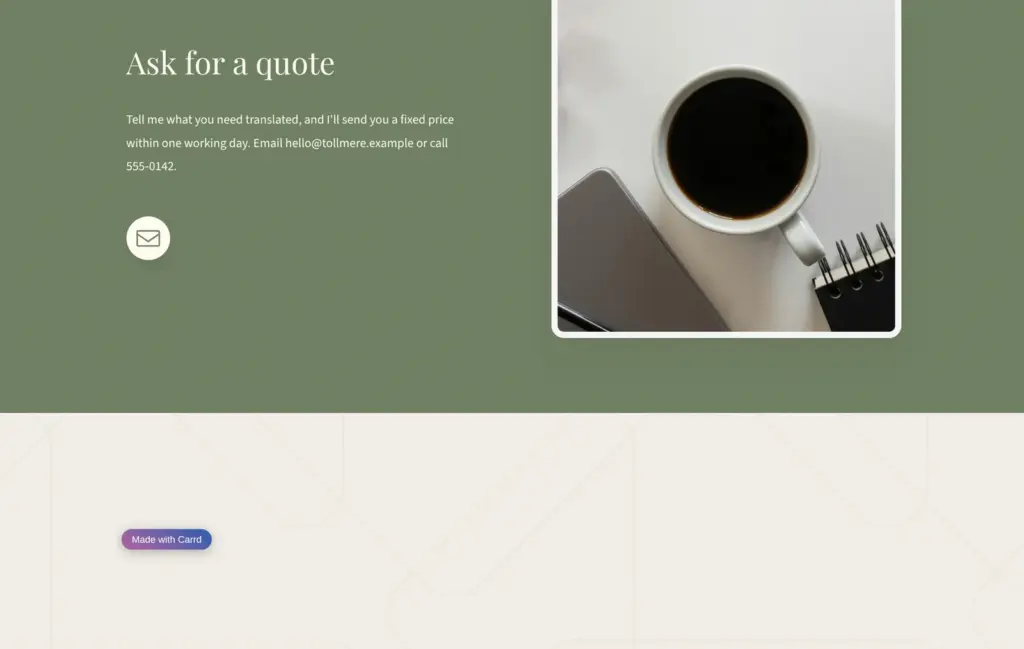
I added a note at the end of the page to say that the business is made up. On a computer, it sat under the photo of the contact block. On phones, Carrd shows the photo column first, so my note ended up above the contact heading.
I moved the note under the email icon in the other column, and now it also sits at the end on phones.
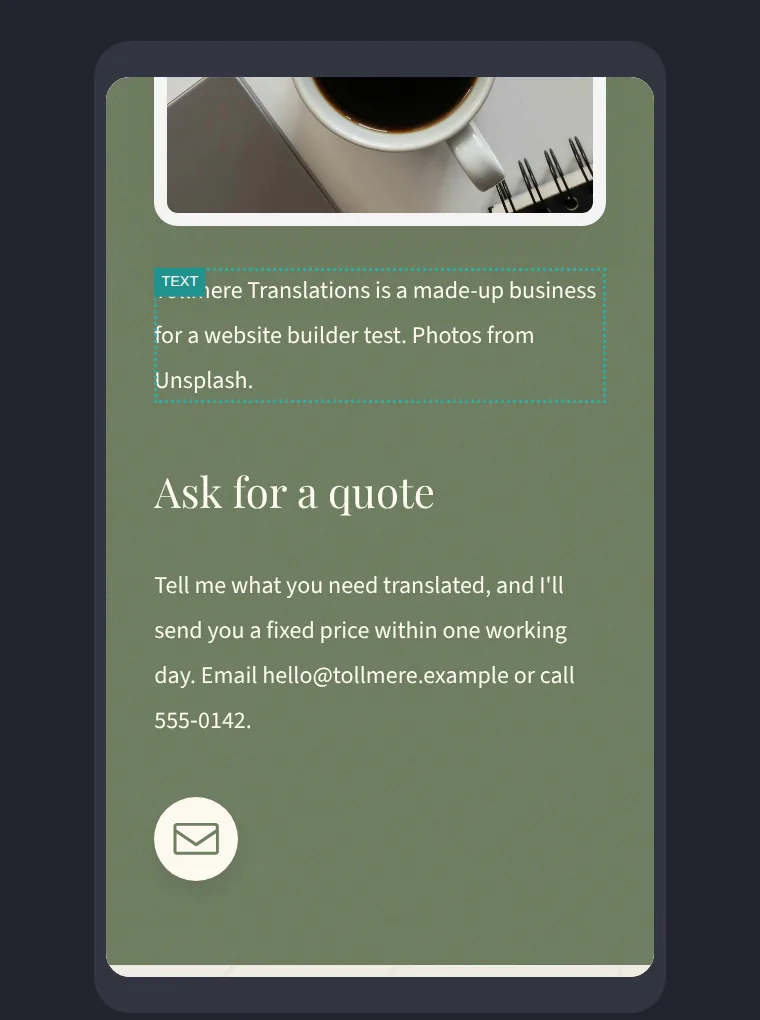
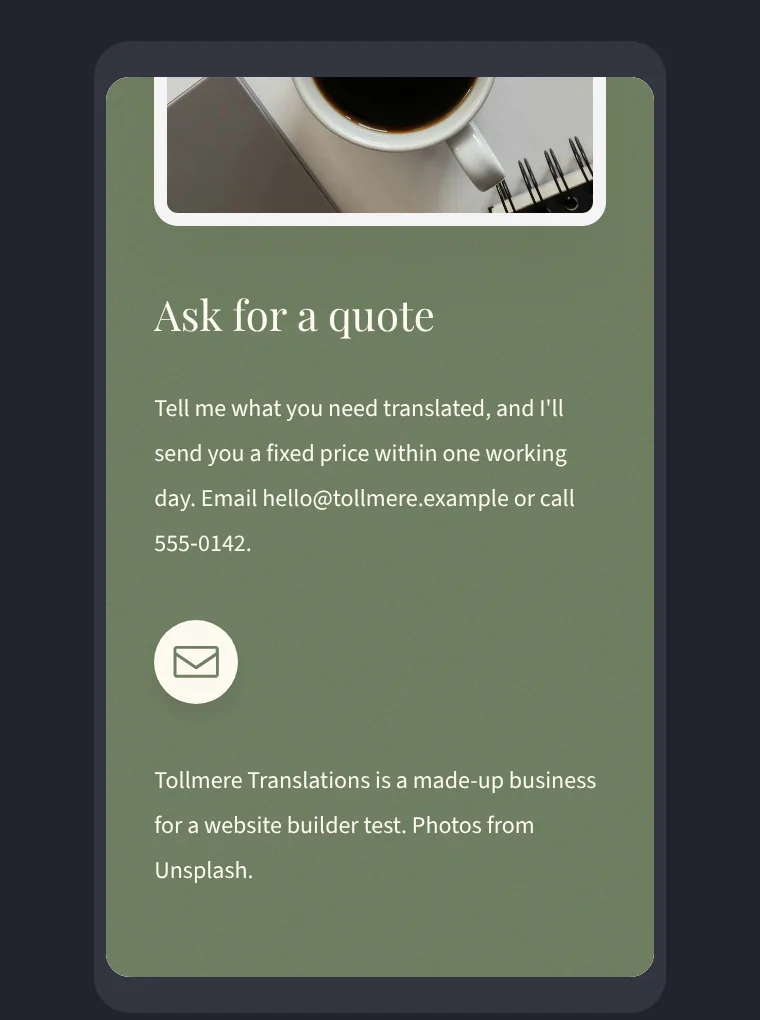
If you build with Carrd, look at each block in the phone view before you publish.
Carrd uses the title and description from the save panel for the browser tab and for search results. It also creates a sitemap and a robots.txt file. My sitemap listed all five photos with their descriptions.
For search engines, Carrd marks the business name as the main heading of the page, and each block heading as a subheading.
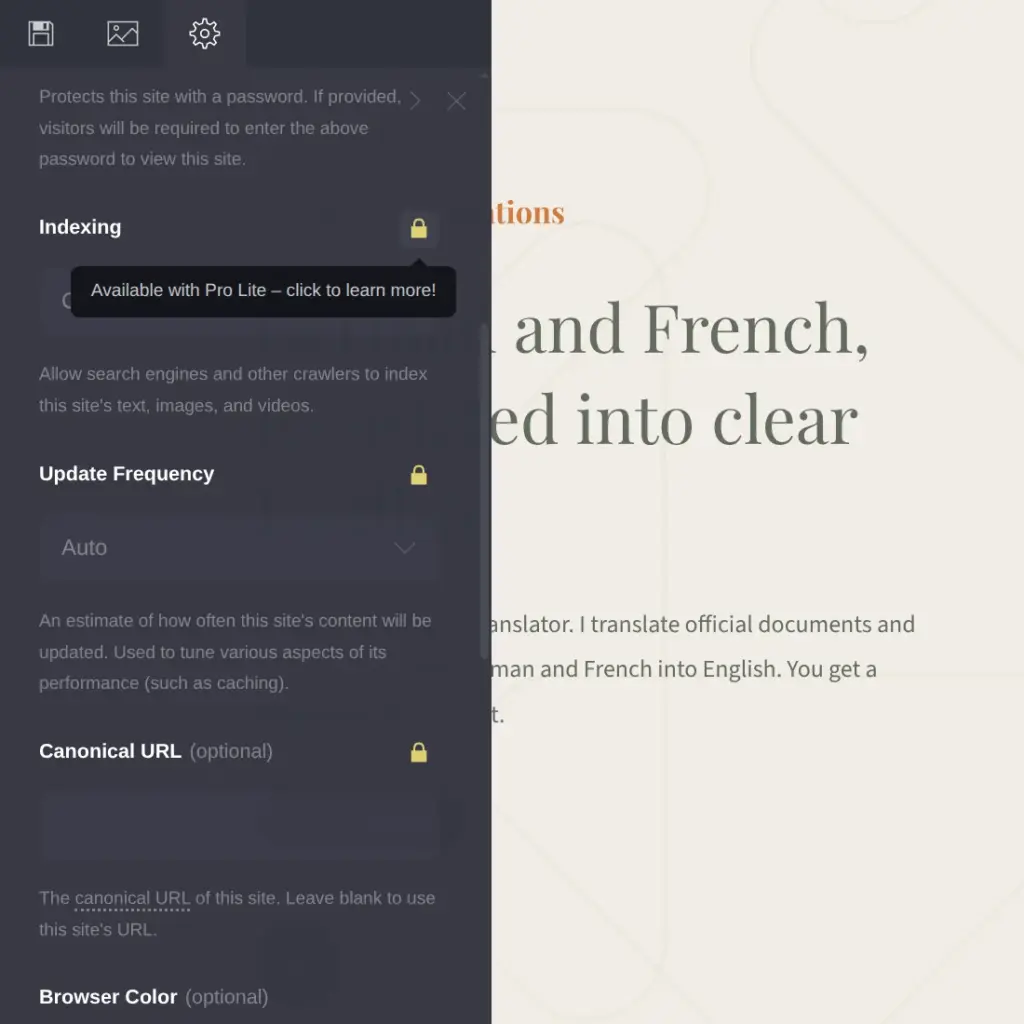
On the free plan, you can't ask search engines to leave the site out. The switch for that needs Pro Lite, and it stayed locked during the trial. A share image for social media and a browser icon also need Pro Lite.
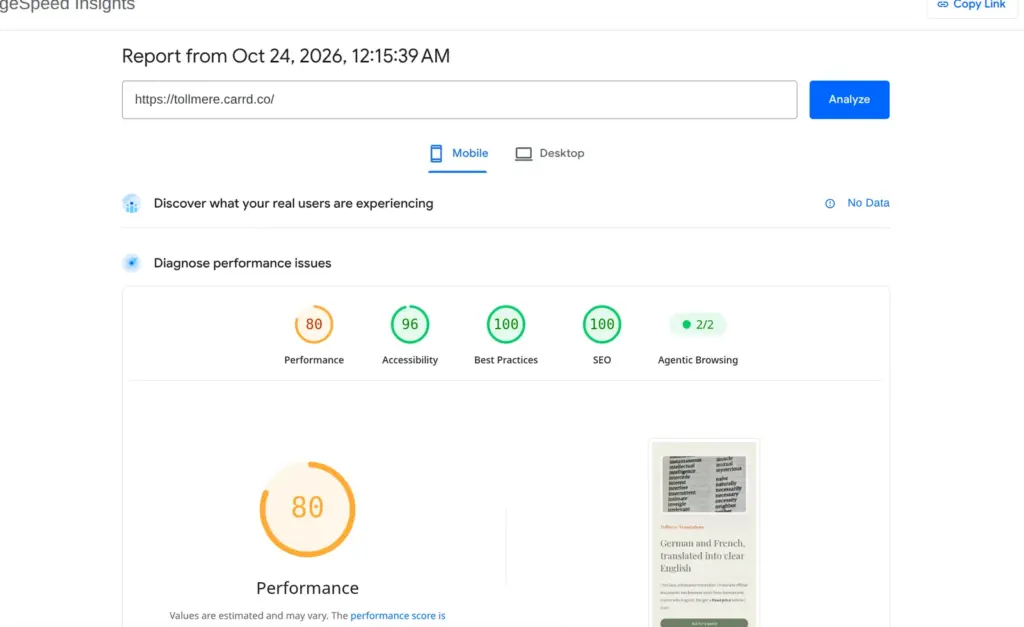
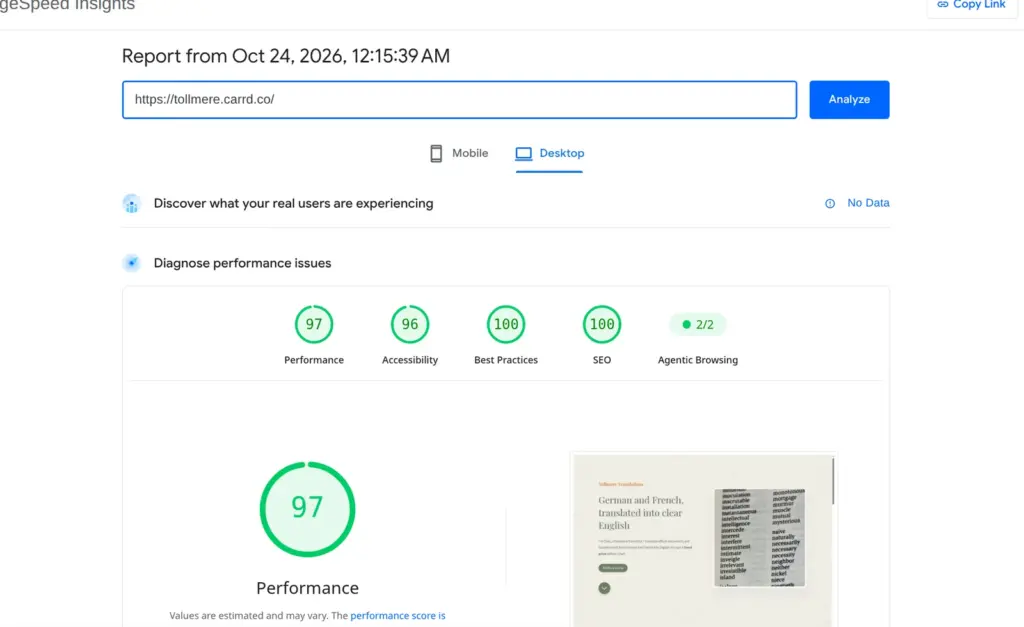
I ran the live page through Google's PageSpeed Insights once. On a simulated phone it scored 80 out of 100 for performance, and the biggest part of the first screen appeared after 4.3 seconds. On desktop it scored 97, and the biggest part appeared after 1.0 seconds. The report said the photos could be about 259 KB smaller and that some files delayed the first screen.
Accessibility scored 96. PageSpeed flagged two texts that are hard to read. One is the template's orange business name on the cream background. The other is my own button, with cream text on green.
The free plan lets you build and publish three sites. Drafts count toward that limit. When all three are in use, Carrd opens the upgrade page instead of a new site.
Each free site can have up to 50 elements. Carrd counts each part of the page, including the blocks that hold other parts. When I was done, my page used 32 of them. The template alone had 30.
The free plan has no forms. Visitors can only reach you through an email link or a phone number on the page.
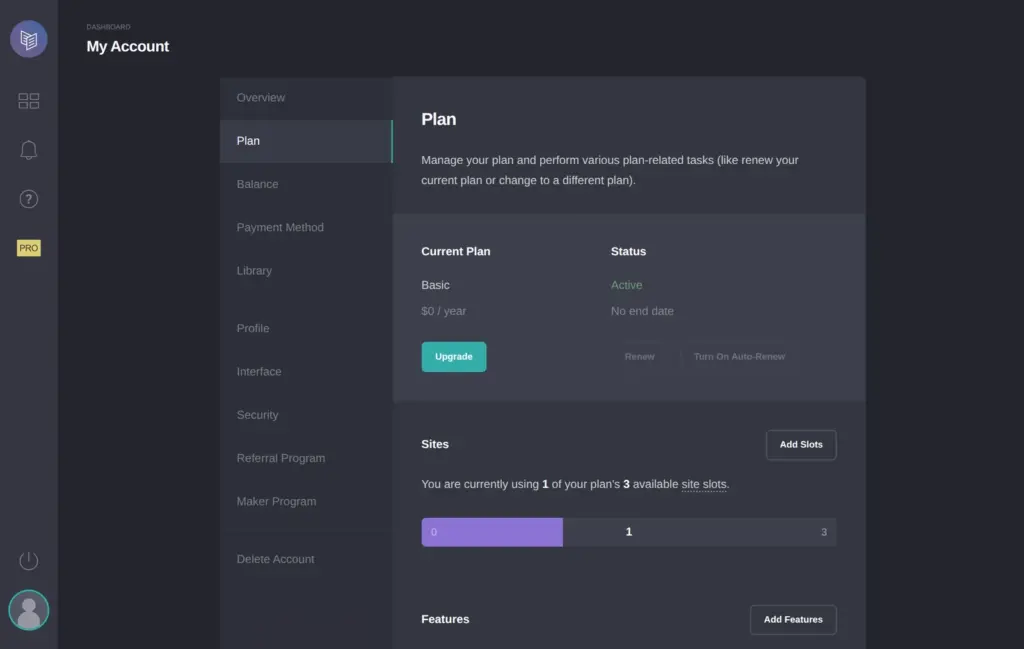
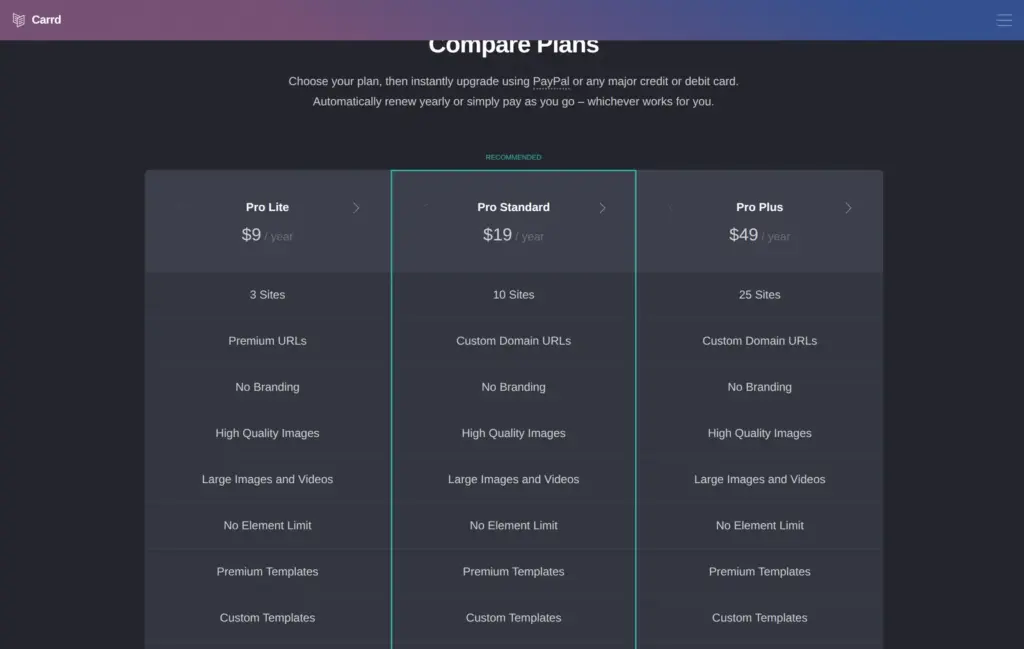
Pro is paid by the year. Pro Lite costs $9 a year and removes the Carrd link. Pro Standard costs $19 a year and adds forms and your own domain. Pro Plus costs $49 a year. It adds custom forms and payments.
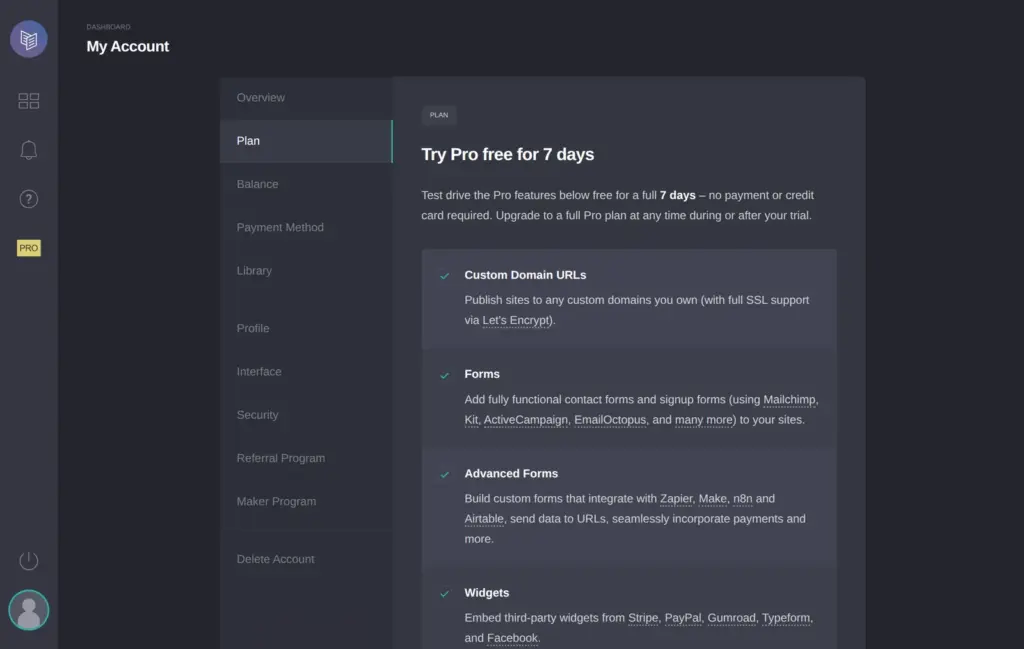
The trial covers many Pro features. You tick a box on the trial page, and the trial starts.
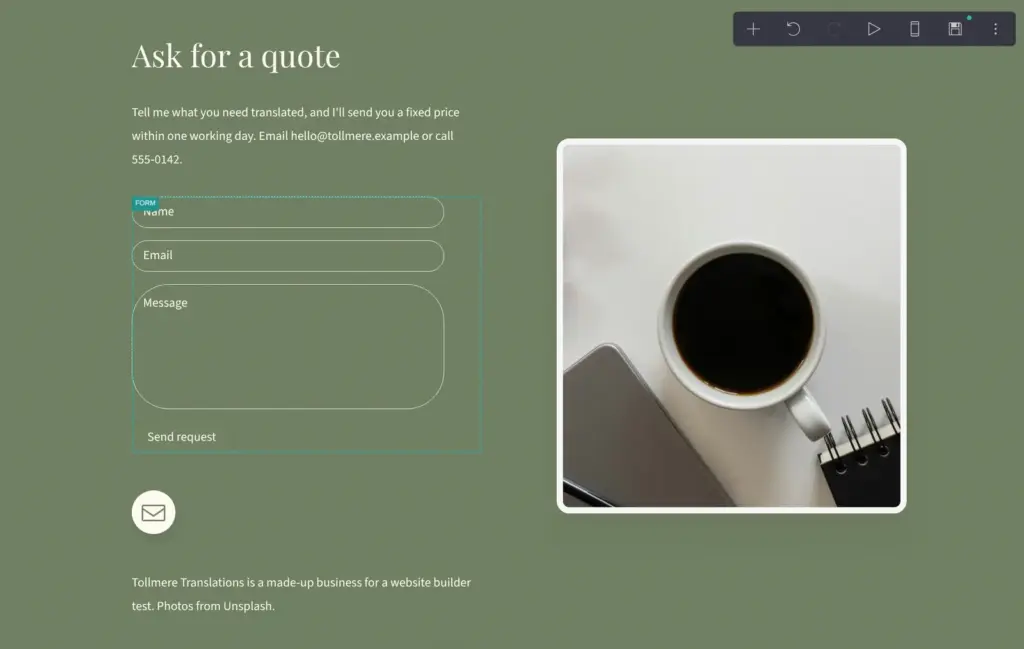
With the trial running, I added a Form element to the contact block. A contact form sends each message by email. During the trial it only goes to the Carrd account's own address. On a paid plan you can add other recipients.
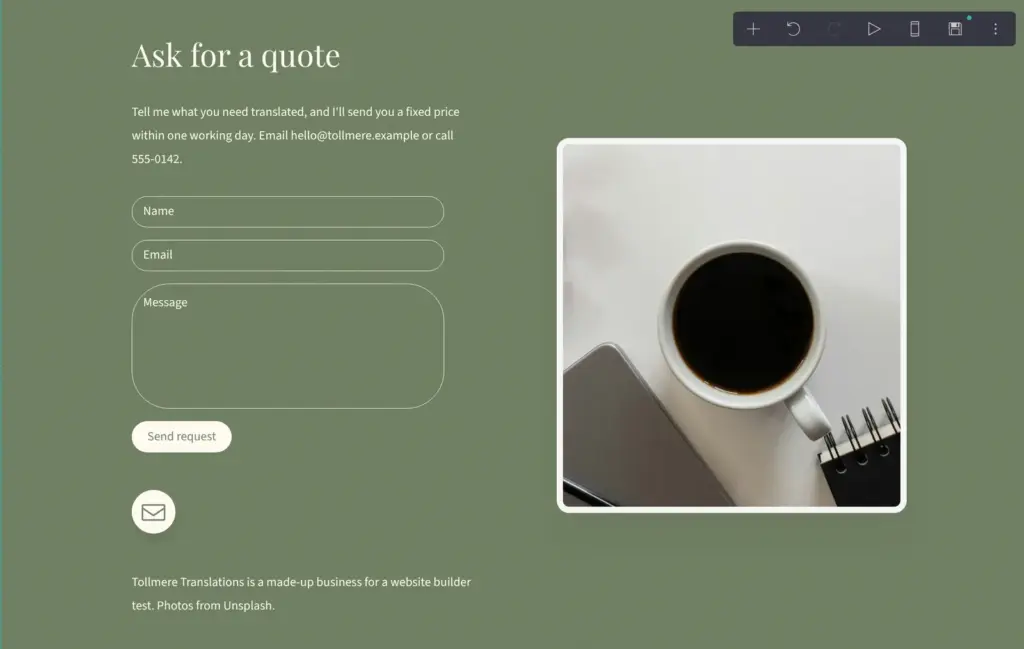
The contact form has three fields. You can switch on a few extras like a phone number, but you can't add fields of your own. Carrd gave the send button the same green as the block behind it, so it didn't look like a button. I swapped its colors.
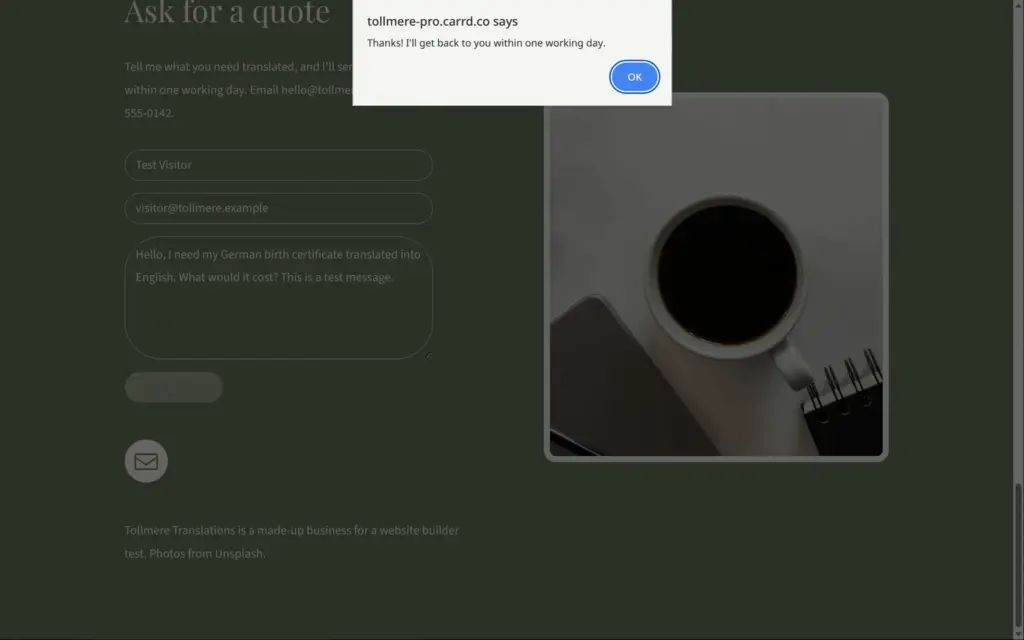
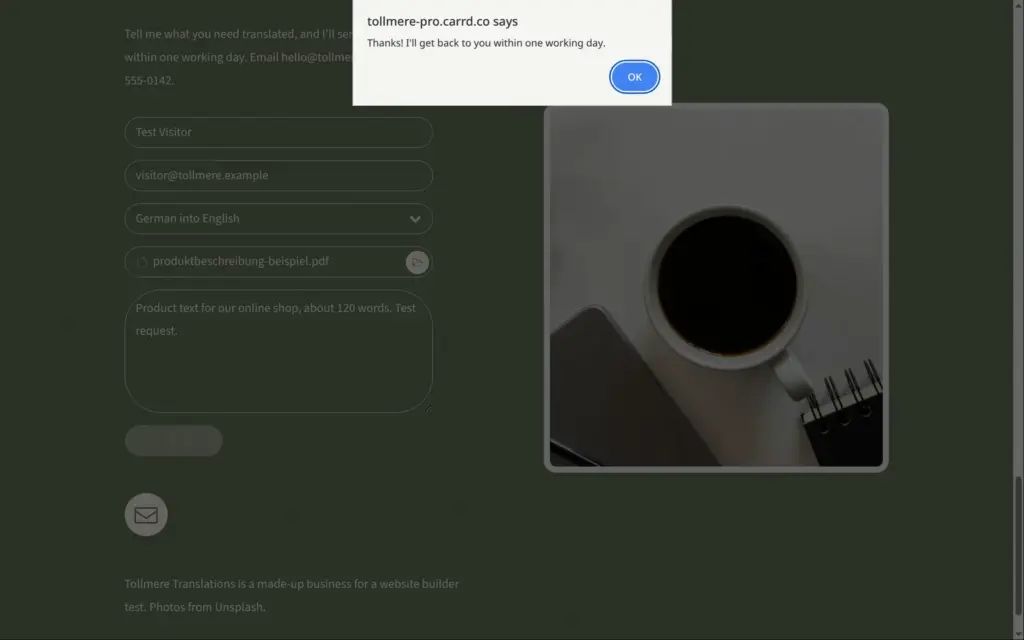
Forms only work after you publish the site. When I sent the form empty, the browser stopped it and asked for the name. After my test message, my thank-you text showed up in a plain browser box.
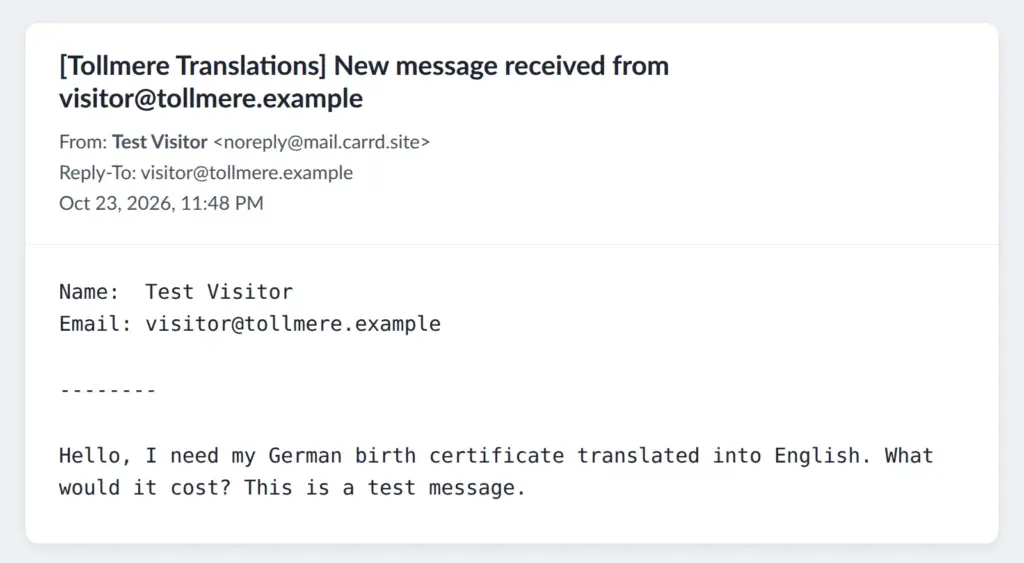
The email arrived 6 seconds later. It came from noreply@mail.carrd.site and showed the visitor's name as the sender. Replies go to the visitor's address. The subject read "[Tollmere Translations] New message received from visitor@tollmere.example".
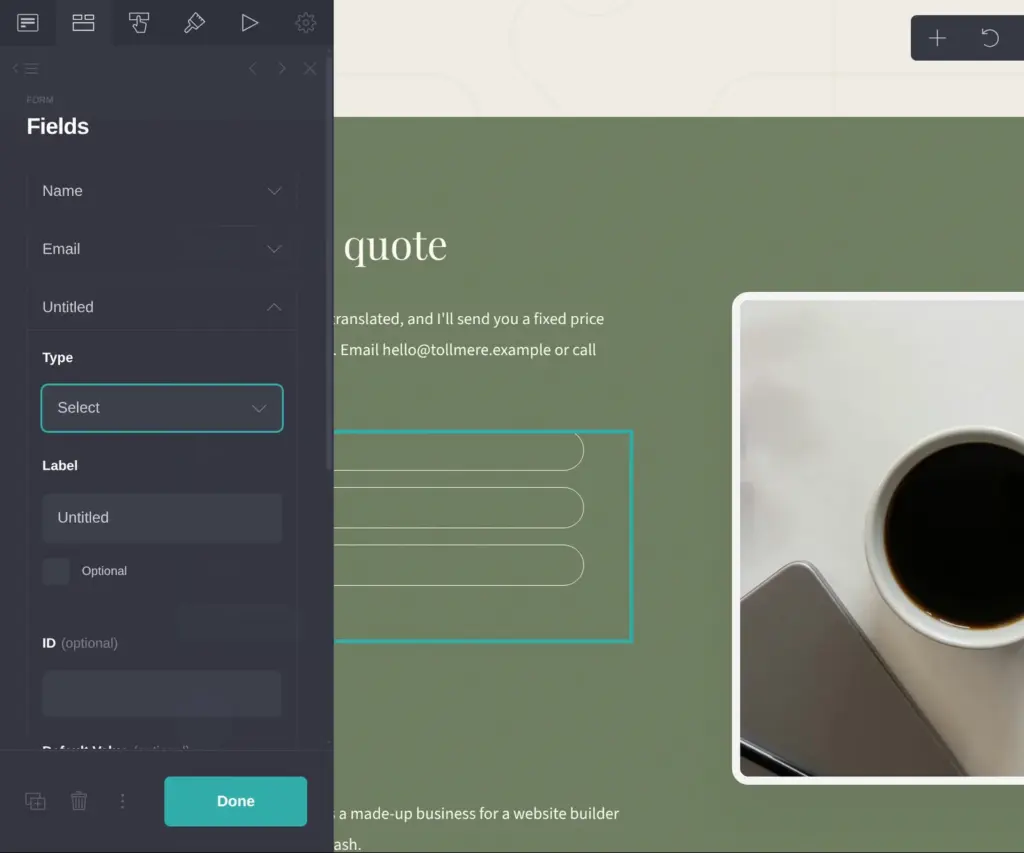
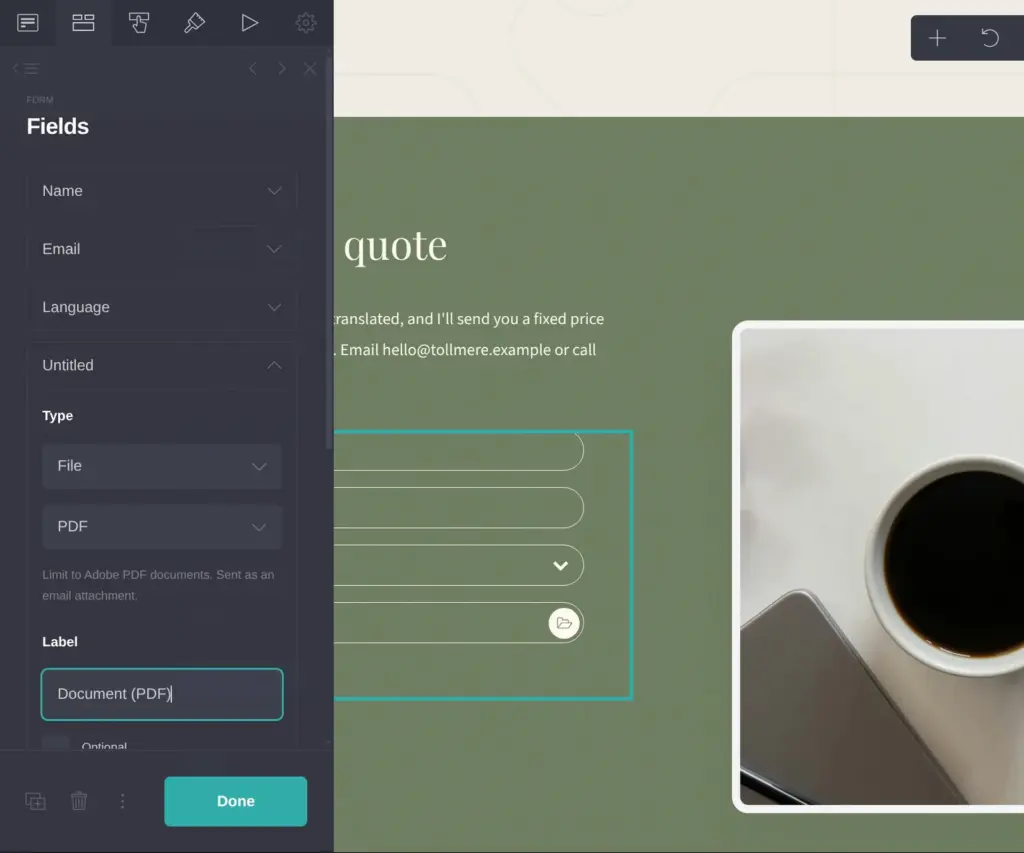
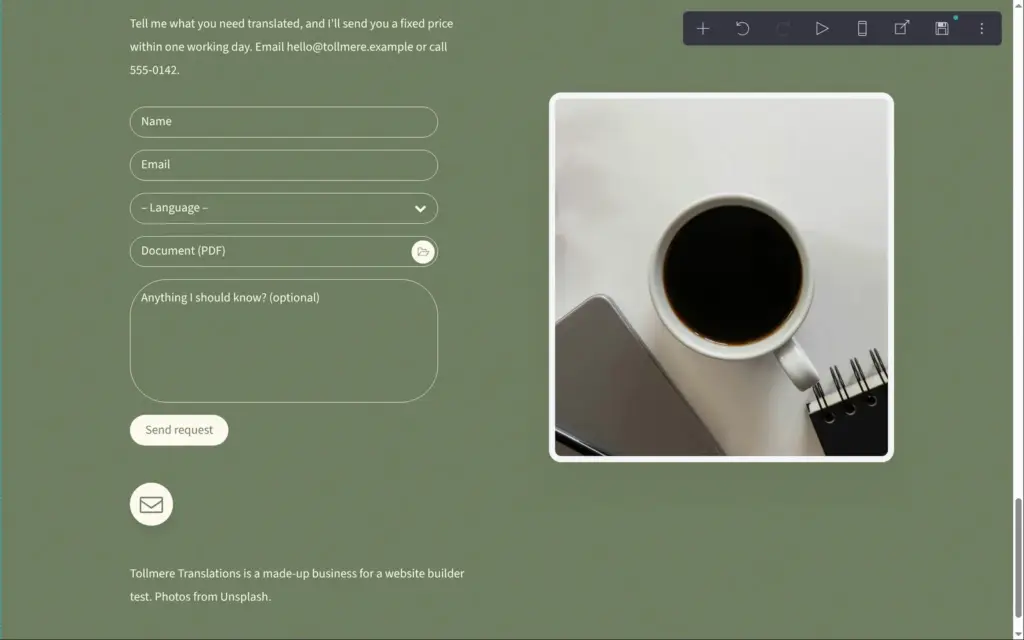
To give a price, a translator needs to see the document. The contact form can't take files, so I switched it to a custom form. Custom forms need Pro Plus. When I switched, Carrd threw away the three old fields, so I set up new ones.
Custom forms have 13 field types, and one of them is a file upload. After the name and email address, I added a dropdown for the language pair. Then I added the upload field. Carrd can limit it to one kind of file. I picked PDF, and on the live site the field only took PDFs. A last box for notes is optional.
Within 45 minutes, I sent three requests with a one-page sample PDF in German. Each time, the form showed my thank-you text, but no email reached my inbox. Then I sent the same form without a file, and that email arrived in 6 seconds. It listed each field of the form with its answer. I can't tell whether Carrd never sent the requests with the PDF or my email provider held them back.
Carrd has no shop. It has no products and no list of orders. You can still take money, but only through an outside service.
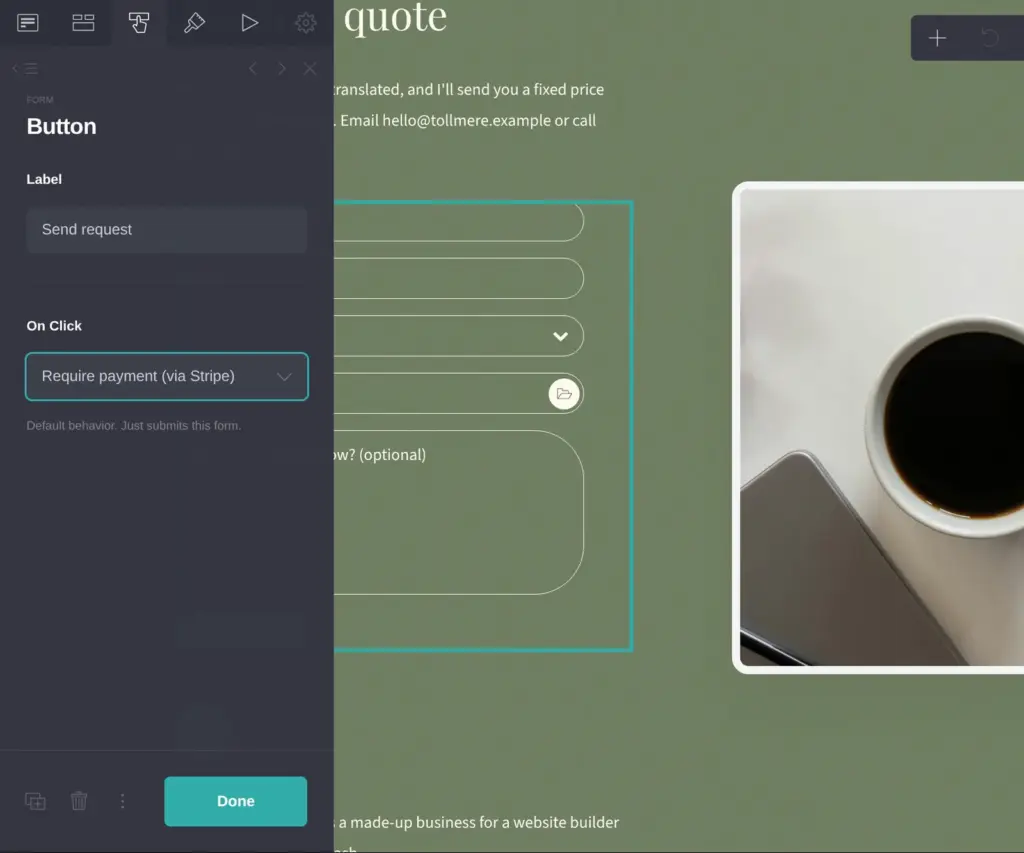
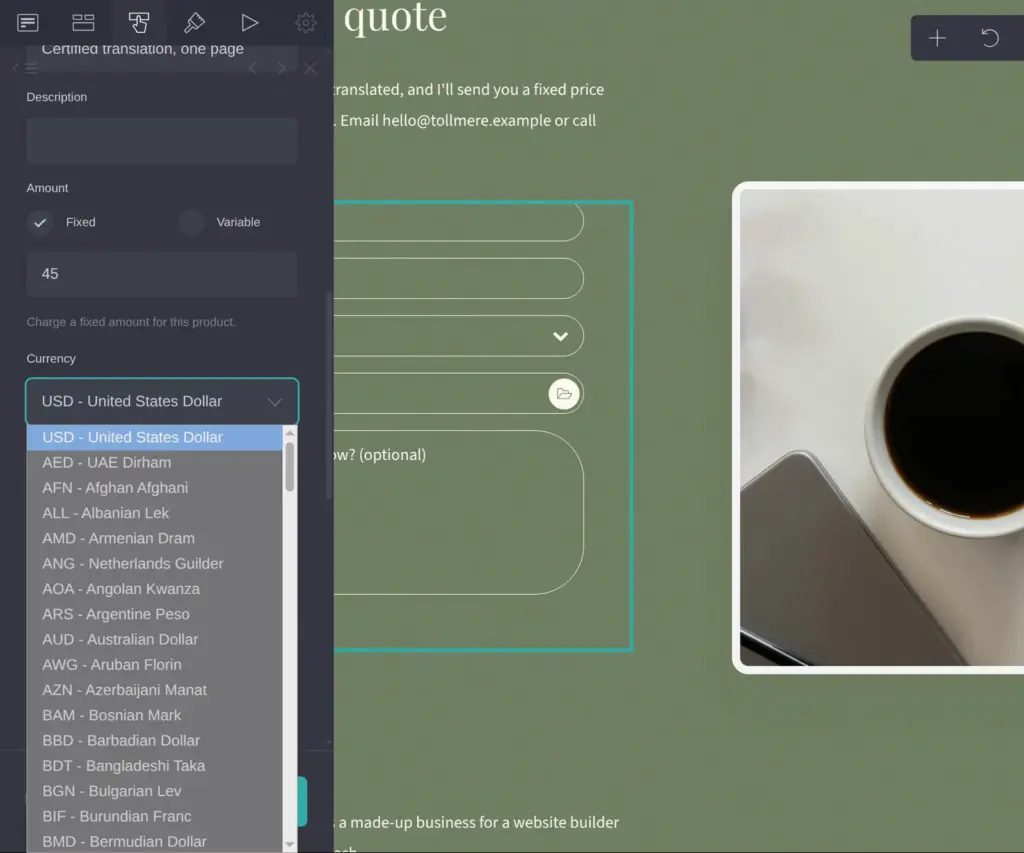
On Pro Plus, a form can take payments. When a visitor sends the form, Carrd opens a Stripe payment page first and sends the form only after the payment. I set this up on the quote form. A certified translation of one page costs a fixed 45 euros, so I entered that as a custom price. You can also use a price that you created in Stripe.
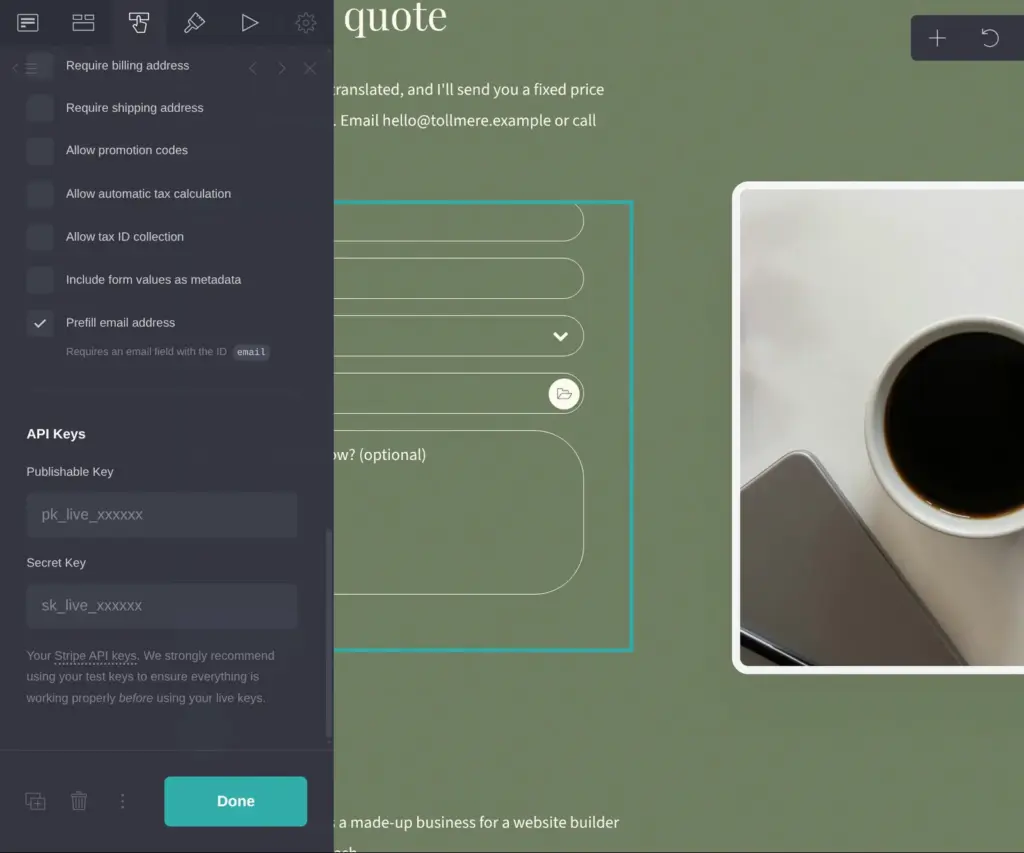
Carrd can also have Stripe ask for an address or calculate taxes. Taxes need their own setup in Stripe. At the bottom, Carrd asks for the API keys of your own Stripe account. I didn't connect one.
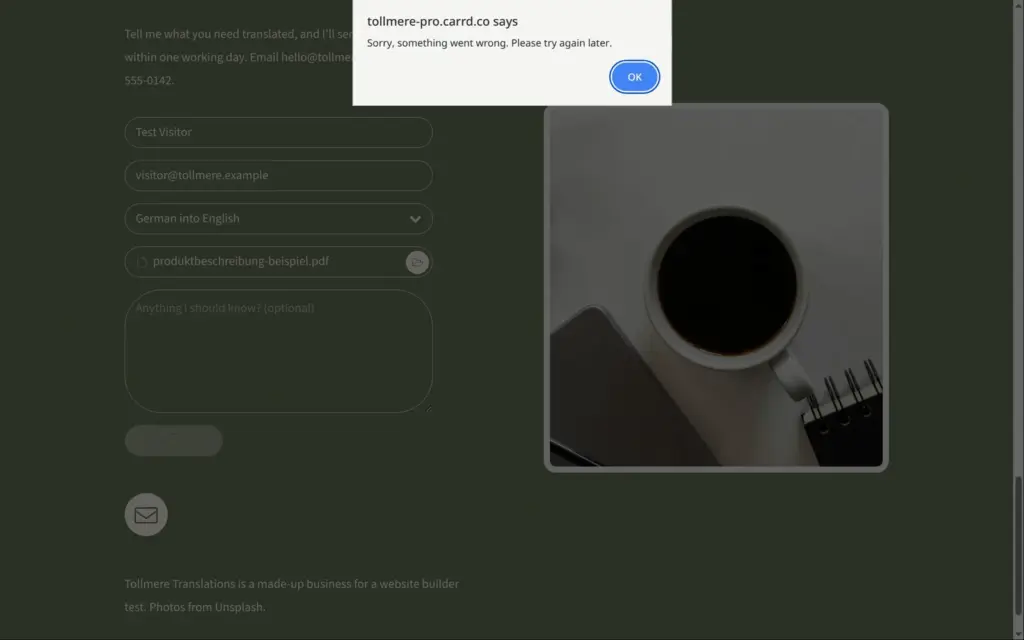
Carrd still published the form without the keys, and it didn't warn me. As a visitor, I filled in the form and sent it. Instead of a payment page, I got "Sorry, something went wrong. Please try again later." Nothing told me that Stripe wasn't connected.
Pro Standard has a Widget element for payment buttons. It can show a PayPal button, which needs your PayPal email address or merchant ID. It can also show Stripe and Gumroad buttons, which need a product in those accounts. The Embed element can hold the code of another shop or booking tool. I didn't test widgets or embeds with an account.
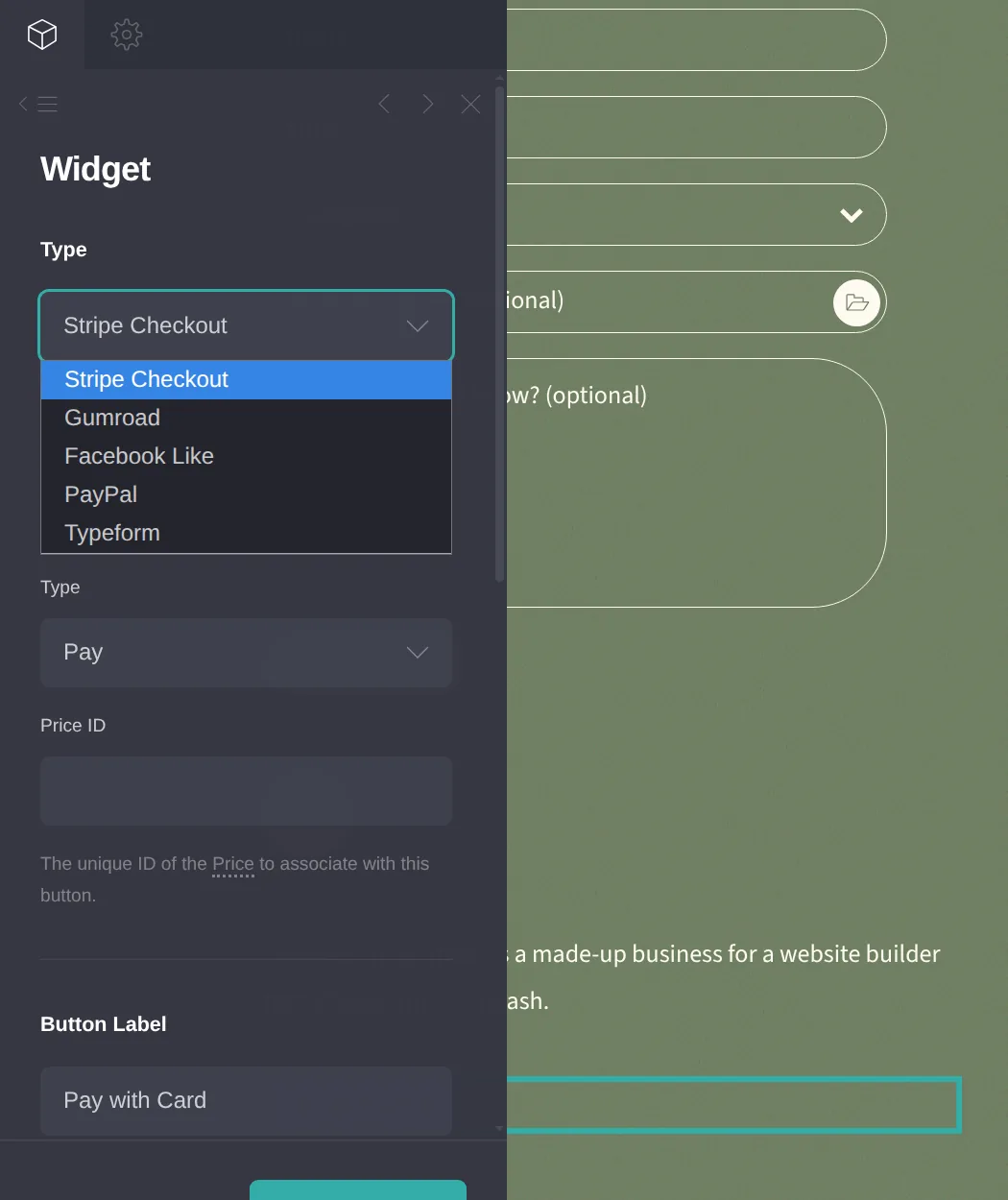
For a translator who sells a few fixed-price services, Carrd's payment forms and buttons can be enough. A business that sells products with sizes and stock needs an online shop.
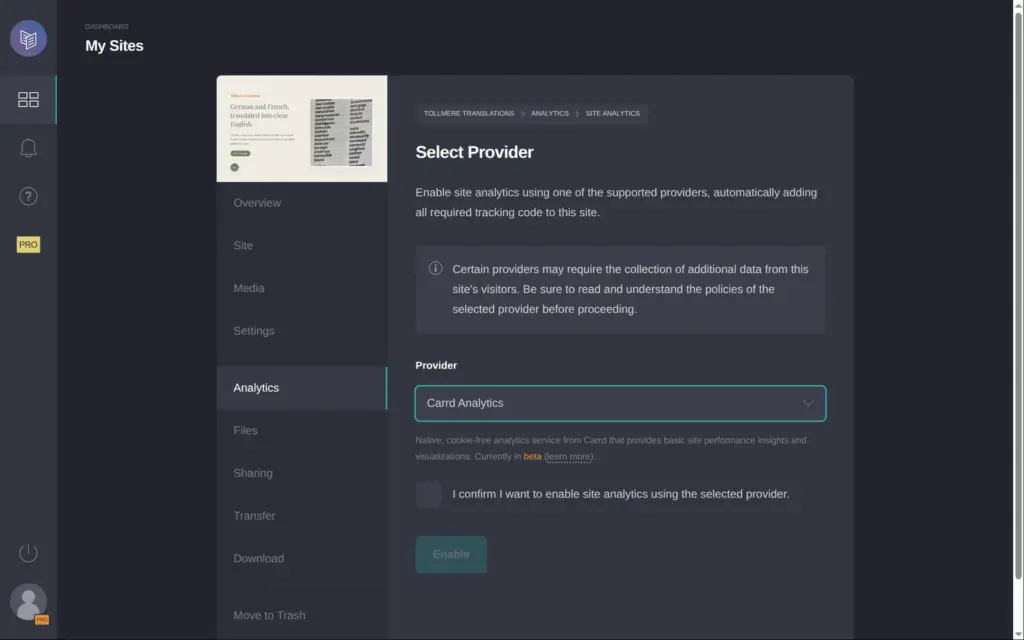
Visitor statistics are off at first. They need Pro Standard, and the trial includes them. Since October 2, 2026, Carrd has its own statistics without cookies. You can also connect Google Analytics or one of seven other services. Separate switches add advertising tracking codes, for example Meta's.
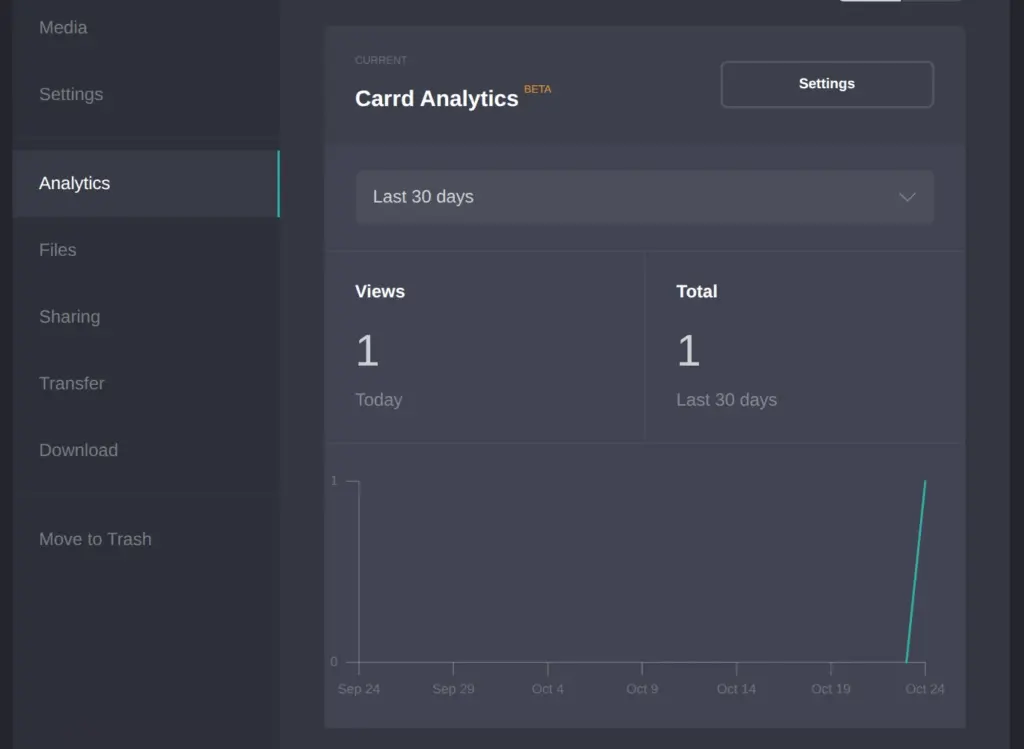
I switched on Carrd's own statistics and opened my site twice. About 20 minutes later, the report showed 1 view. Carrd marks its statistics as beta, and the report only counts views per day. It doesn't show where visitors come from.
I checked Carrd's Pro page on October 23, 2026. Carrd lists its prices in US dollars per year. I opened the page from Germany and still saw dollars. Its terms say that VAT or sales tax comes on top. You pay with PayPal or a card. You can renew automatically or by hand once a year.
| Free | Pro Lite | Pro Standard | Pro Plus | |
|---|---|---|---|---|
| Price | $0 | $9a year | $19a year | $49a year |
| Sites | 3 | 3 | 10 | 25 |
| Web address | name.carrd.co | Shorter addresses like name.crd.co | Your own domain | Your own domain |
| "Made with Carrd" link | Yes | No | No | No |
| Elements per site | 50 | No limit | No limit | No limit |
| Image uploads | Up to 2 MB | Up to 16 MB | Up to 16 MB | Up to 16 MB |
| Hide the site from search engines | No | Yes | Yes | Yes |
| Contact forms | No | No | Yes | Yes |
| Payment buttons (widgets) | No | No | Yes | Yes |
| Visitor statistics | No | No | Yes | Yes |
| Custom forms with file uploads | No | No | No | Yes |
| Payment forms through Stripe | No | No | No | Yes |
| Download the site | No | No | No | Yes |
Each plan also comes in larger versions with more sites.
| Sites | Pro Lite | Pro Standard | Pro Plus |
|---|---|---|---|
| 3 | $9 | ||
| 10 | $14 | $19 | |
| 25 | $29 | $39 | $49 |
| 50 | $69 | $89 | |
| 100 | $119 | $159 | |
| 250 | $249 | $349 | |
| 500 | $399 | $599 | |
| 1,000 | $599 | $999 |
For Tollmere Translations, the free plan covers the page itself. A contact form and a domain like tollmere-translations.com need Pro Standard, which costs $19 a year plus VAT. The domain costs extra at a domain provider. The quote form with uploads and the payment step need Pro Plus at $49 a year.
Carrd's terms say that it doesn't have to give refunds. If you move to a cheaper plan, the rest of your old plan goes to your Carrd balance as credit.
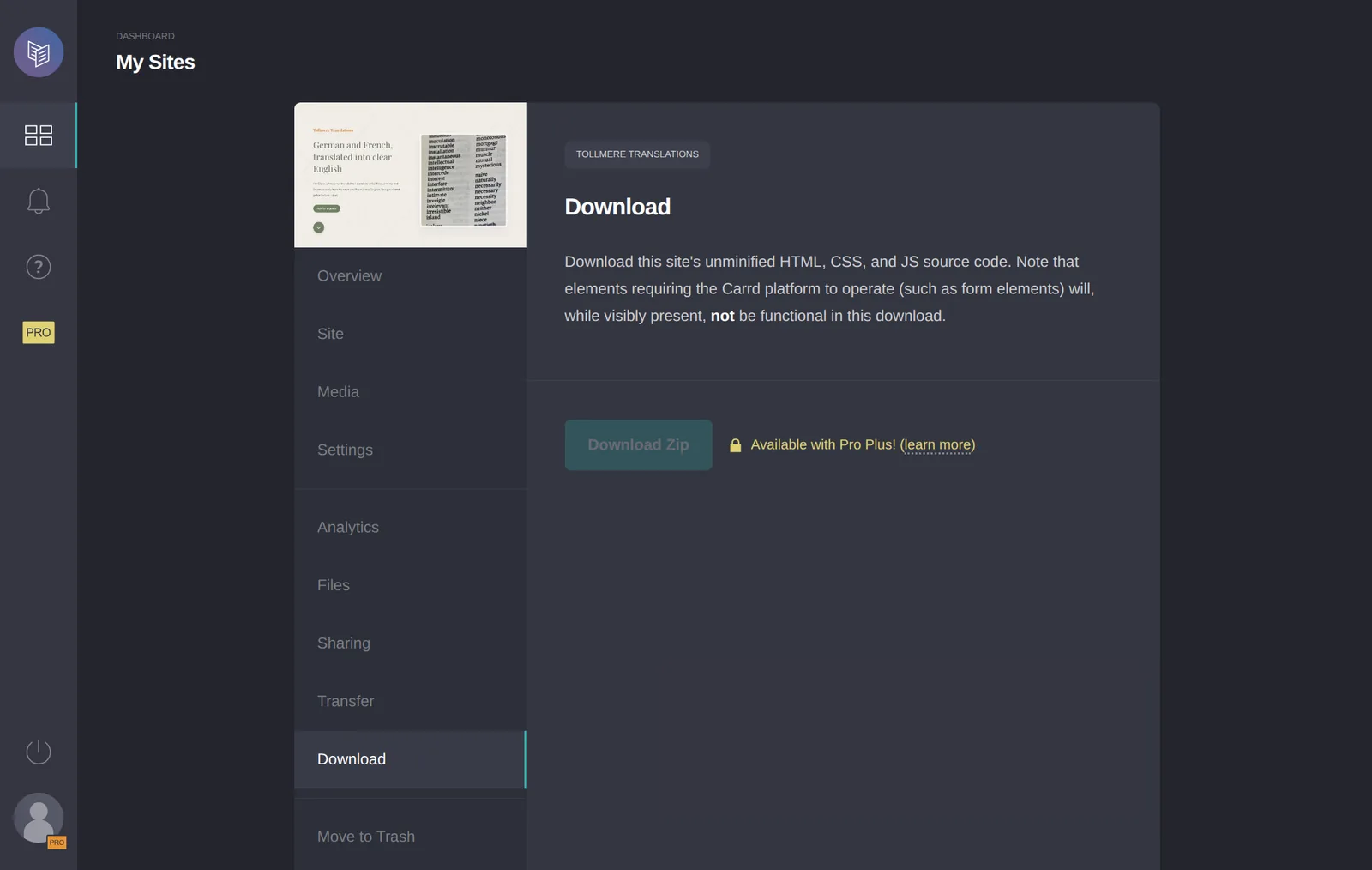
With Pro Plus, you can download a site's code as a zip file. Carrd's help center says that forms don't work in the download and that you can't upload it back to Carrd. The download stayed locked during the trial. Without Pro Plus, you have to build the page again somewhere else if you leave Carrd.
Carrd fits a freelancer or a small business that needs one page with their prices and a way to get in touch. For the translator, the free plan and a free template were enough for a page that works on computers and phones.
It fits less well if you need several pages. Carrd can split the page into sections that work like separate pages, but it has no blog. It also fits less well if you want to sell products with stock and shipping.
If you try it, build the page on the free plan first. Then start the trial and send yourself a test through each form you plan to use. If you collect files, attach one.
 What I'm building
Give Vroni a GitHub issue, bug report, spec, or rough idea. It reads the repo, plans the change, writes code, runs checks, and works toward a review-ready pull request.
Take a look at vroni.com