
Duda review
Duda is a website builder made mainly for web design agencies. You build pages in a drag-and-drop editor, and Duda hosts the…
Readymag calls itself a design tool for websites. You place text and pictures anywhere on the page, much like in a layout program, and Readymag hosts the finished site. If you run a small studio and want a portfolio site, you probably want to know how much work it is and what the free plan leaves out.
To find out, I built a website for a made-up graphic design studio on Readymag's free plan. I tested it on October 24, 2026. I started from Origami, a free portfolio template, and replaced its texts and photos. I fixed the phone layout and added a contact form. Then I published the site and checked it on a computer and a phone. I also tried to sell a poster on it.
The finished site looks like a studio portfolio, and the editor lets you place things wherever you want. The free plan is the problem. The contact form and embedded code only work in the preview, so the published site lost its form and the shop page stayed empty. The template also took more work than I expected. Its footer is a separate copy on each page, and the phone layout keeps its own copies of some texts.
Readymag suits you if you want a portfolio or studio site with a strong design and a handful of pages, and you enjoy placing things by hand.
Look elsewhere if you want to sell products or take bookings. Readymag has no shop and no booking system.
Selling: Readymag's help center suggests a Shopify or Gumroad buy button in the Code widget, which needs a paid plan. On the free plan, embedded code doesn't run on the published site, so a plain link to an outside shop is all that works.
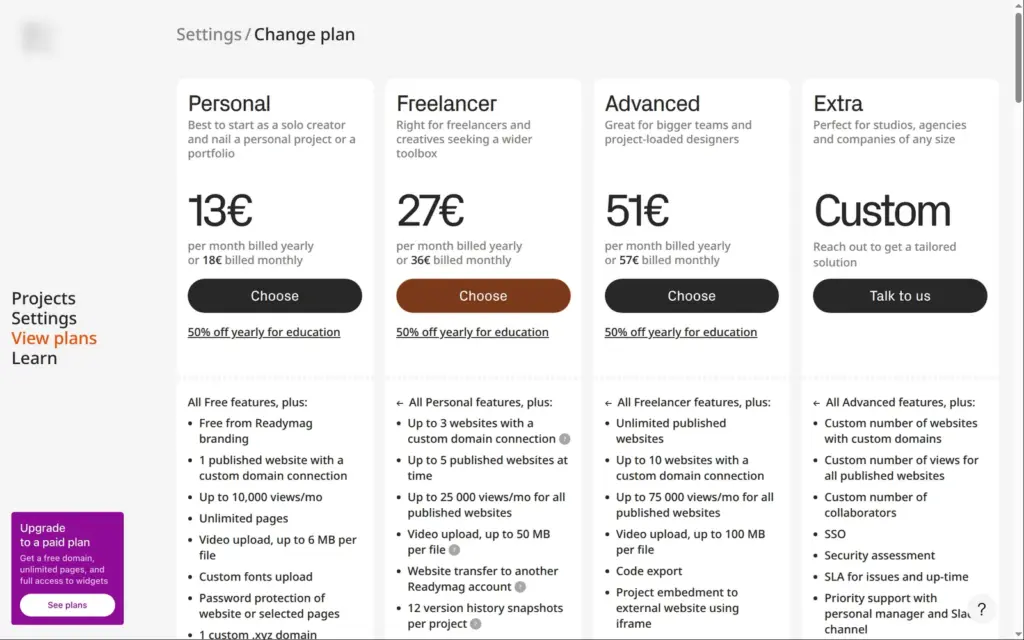
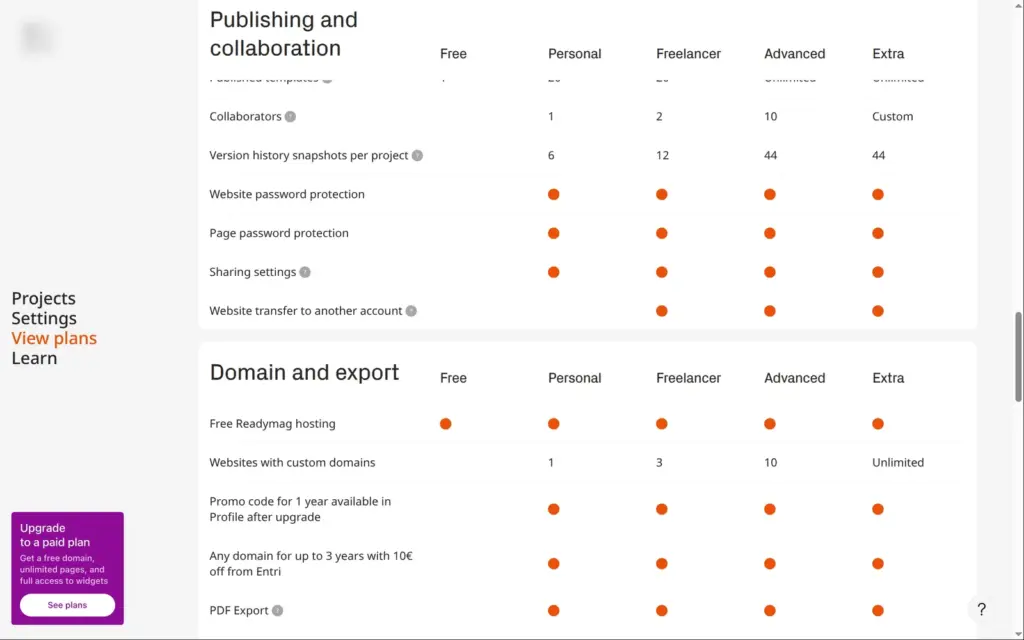
Price: you can publish one site with up to ten pages for free. It runs on a readymag.website address and shows Readymag branding. Your own domain and a working contact form need a paid plan. Personal costs €13 a month on yearly billing or €18 on monthly billing. Readymag's US dollar prices are $14 and $19. I checked the prices on October 24, 2026.
Not tested: anything that needs a paid plan, like a custom domain or the code export. Readymag did not pay for this review, and there are no affiliate links.
What I liked:
What bothered me:
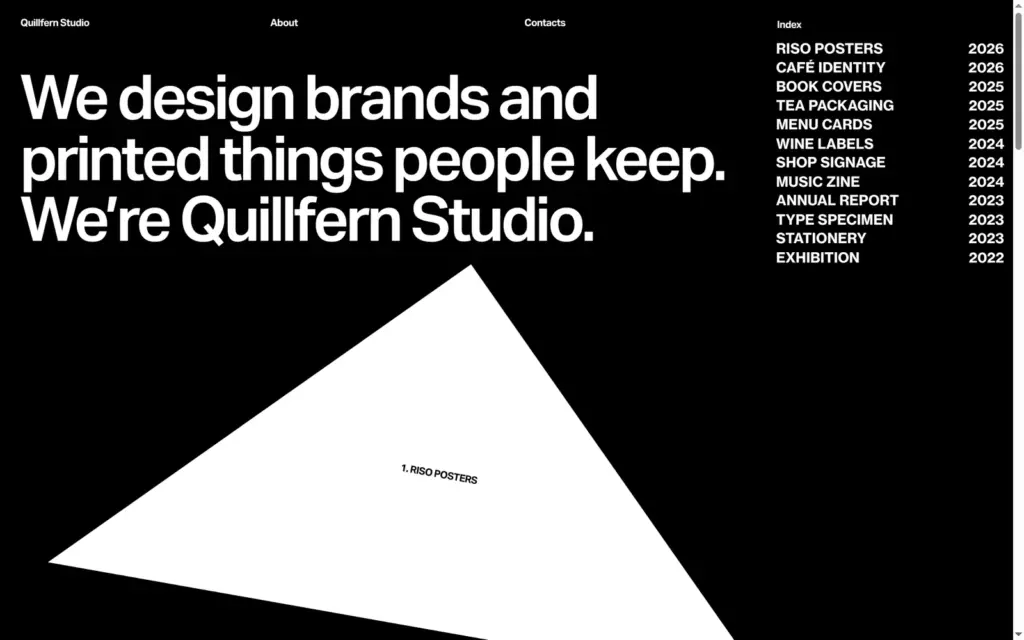
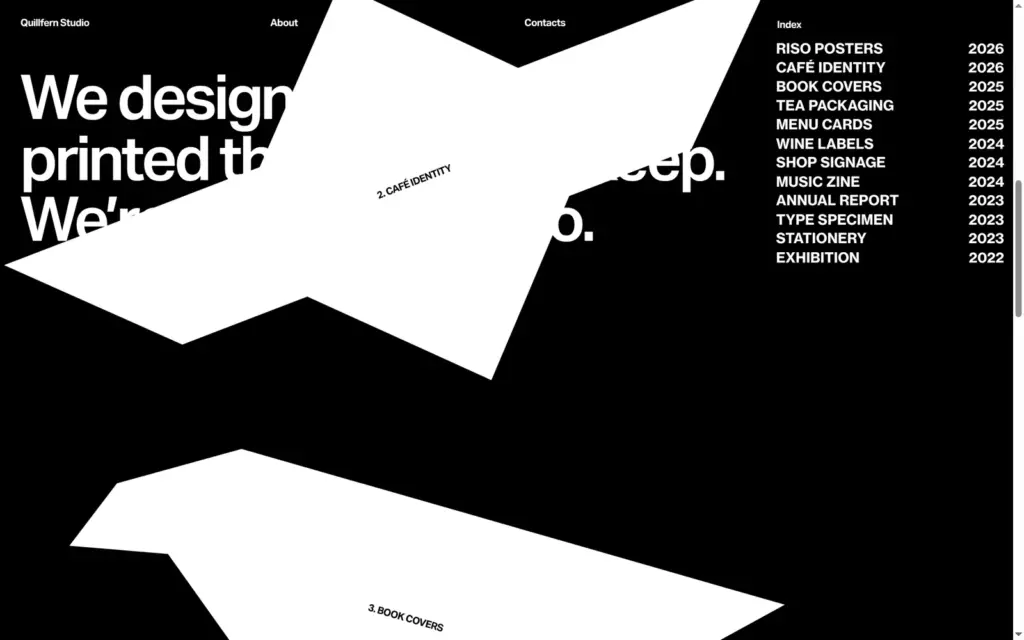
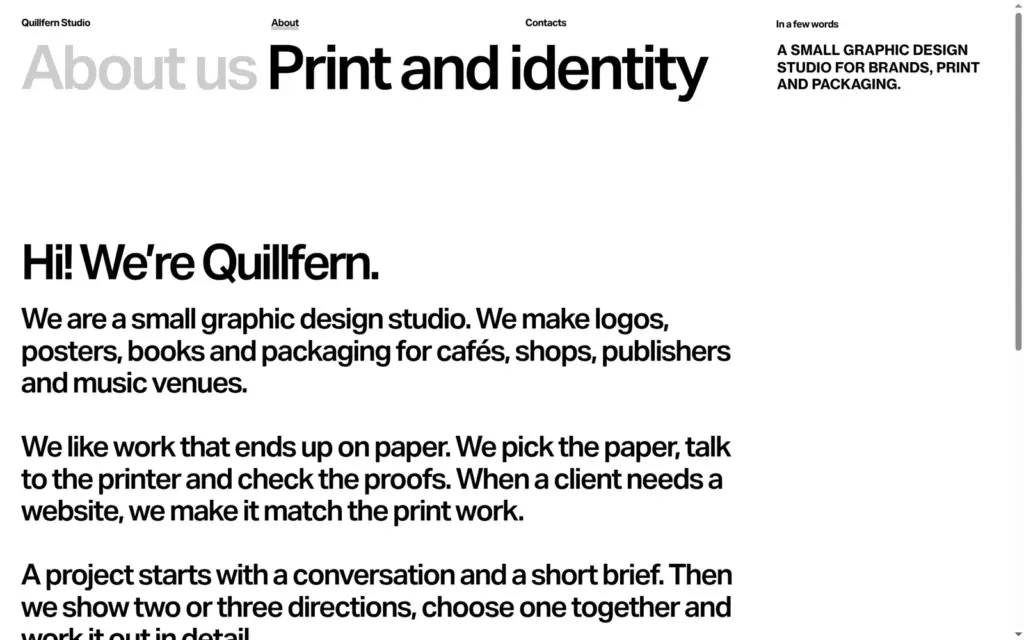
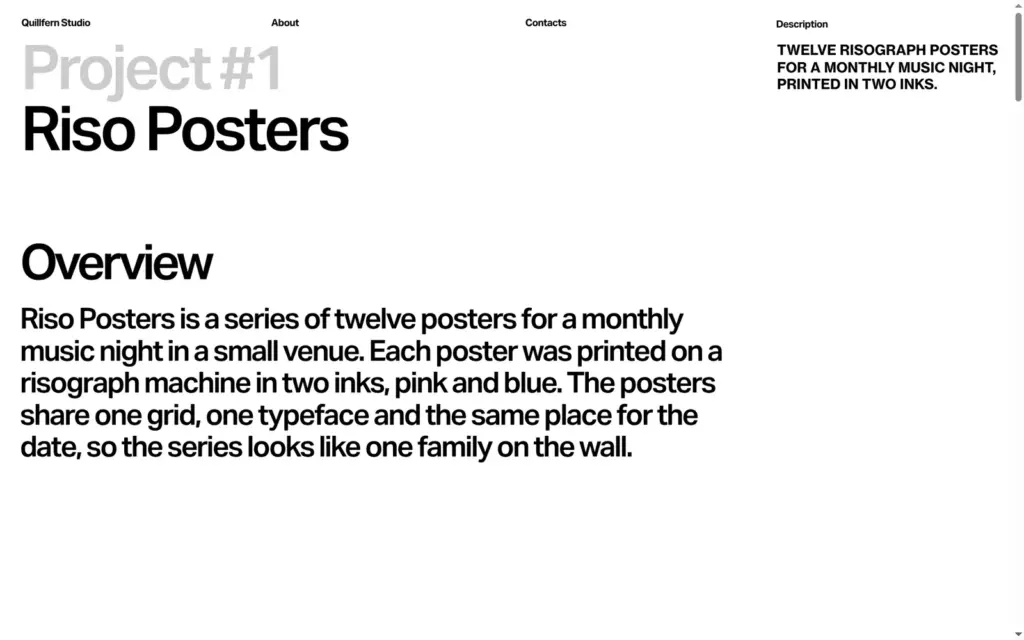
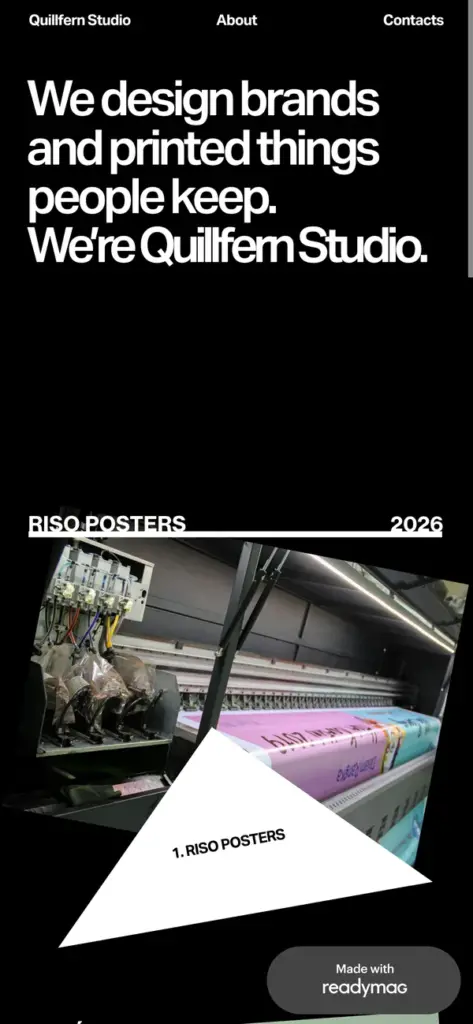
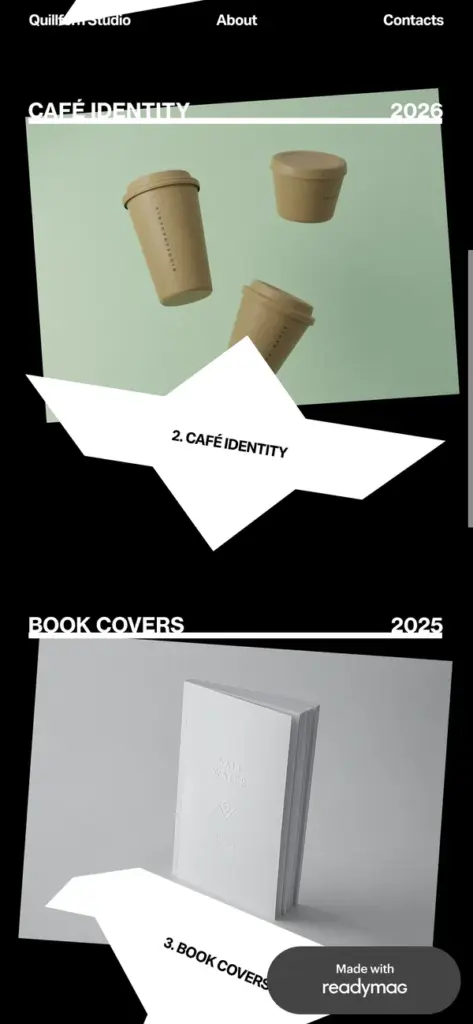
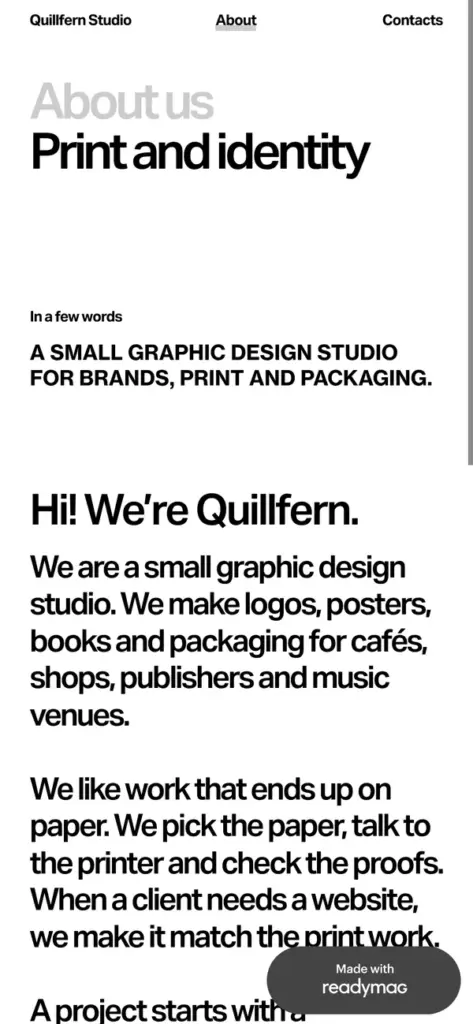
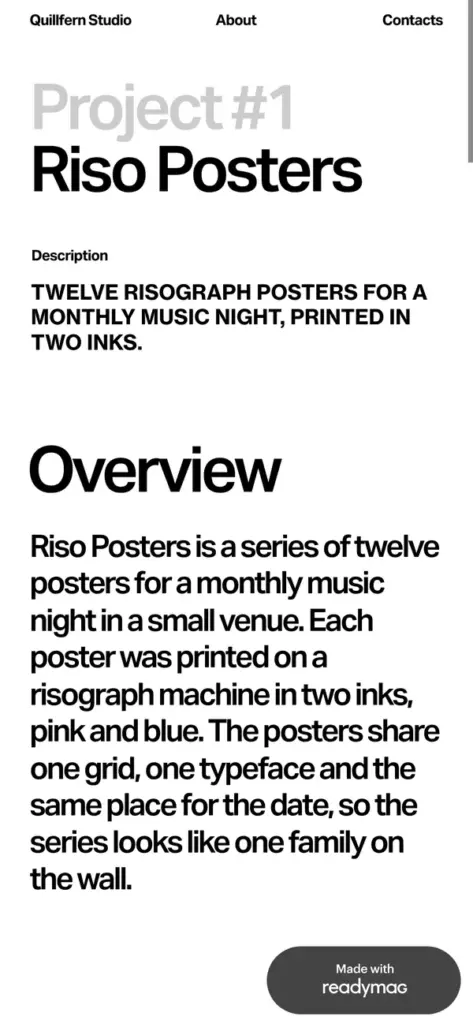
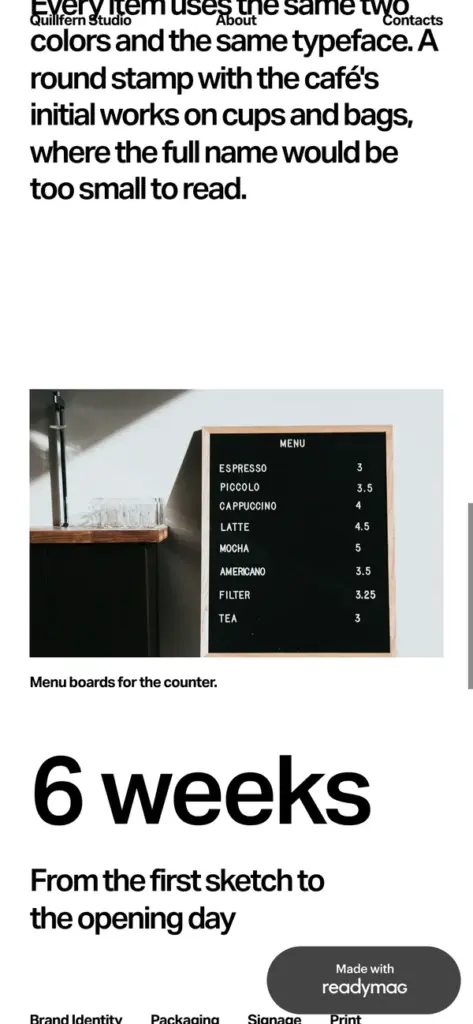
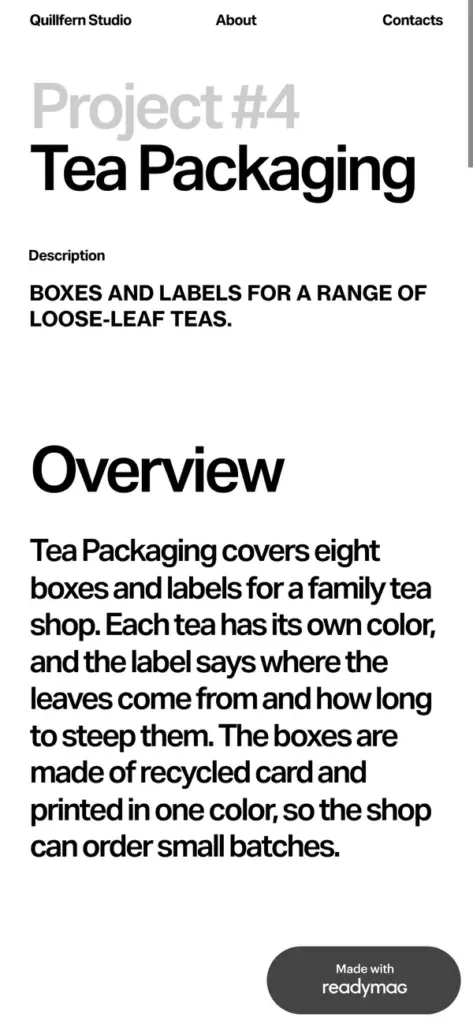
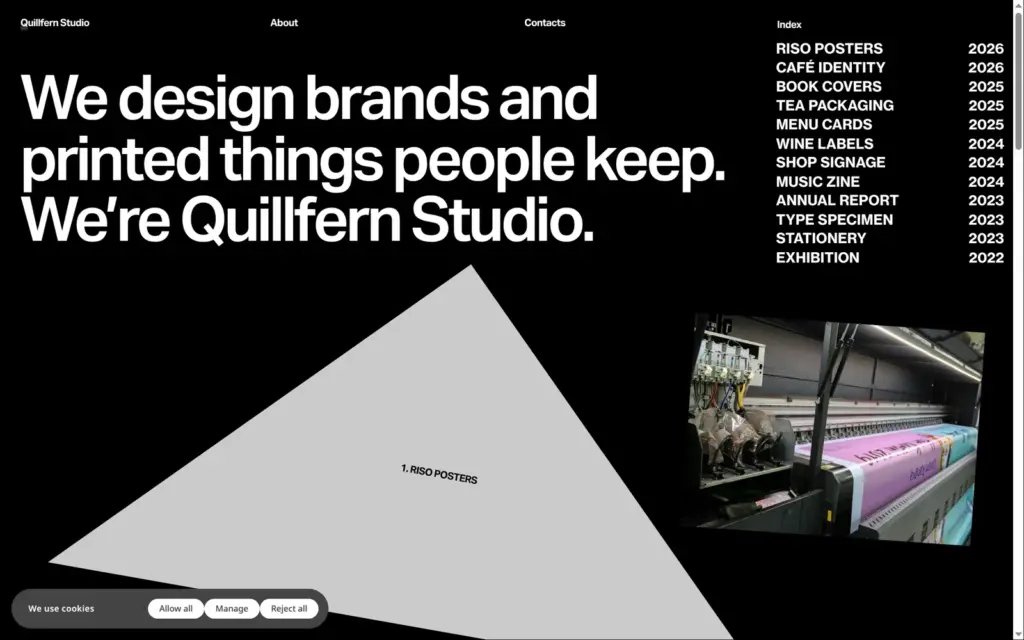
Quillfern Studio is a made-up graphic design studio, and its footer says so. The site has the template's seven pages, four of them for projects. I wrote new texts and replaced the template's 3D renders with photos from Unsplash. For the shop test I added an eighth page.
The design comes from Origami, a free template by Readymag.
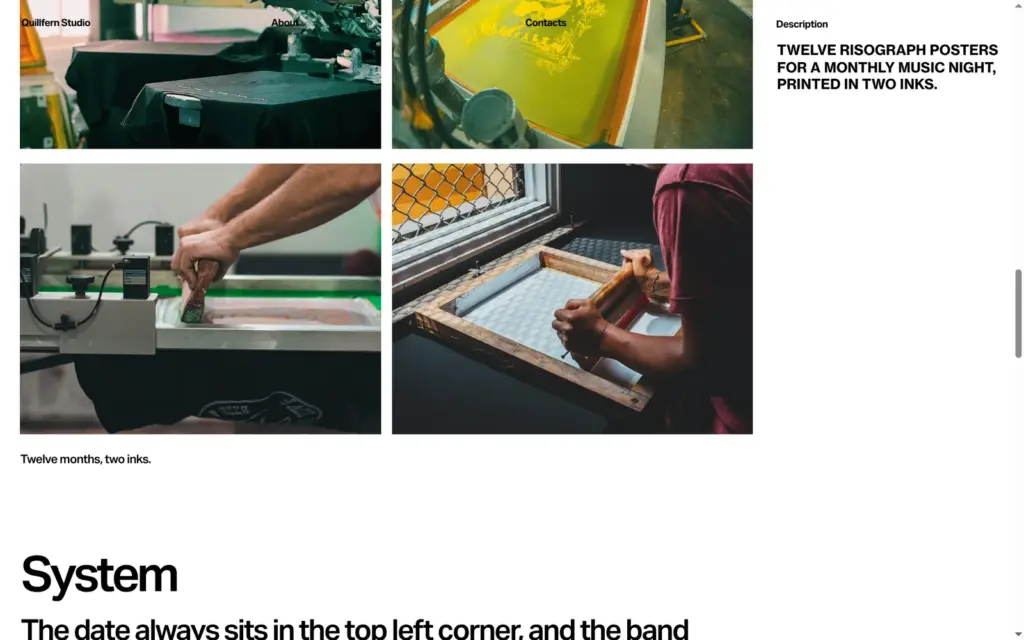
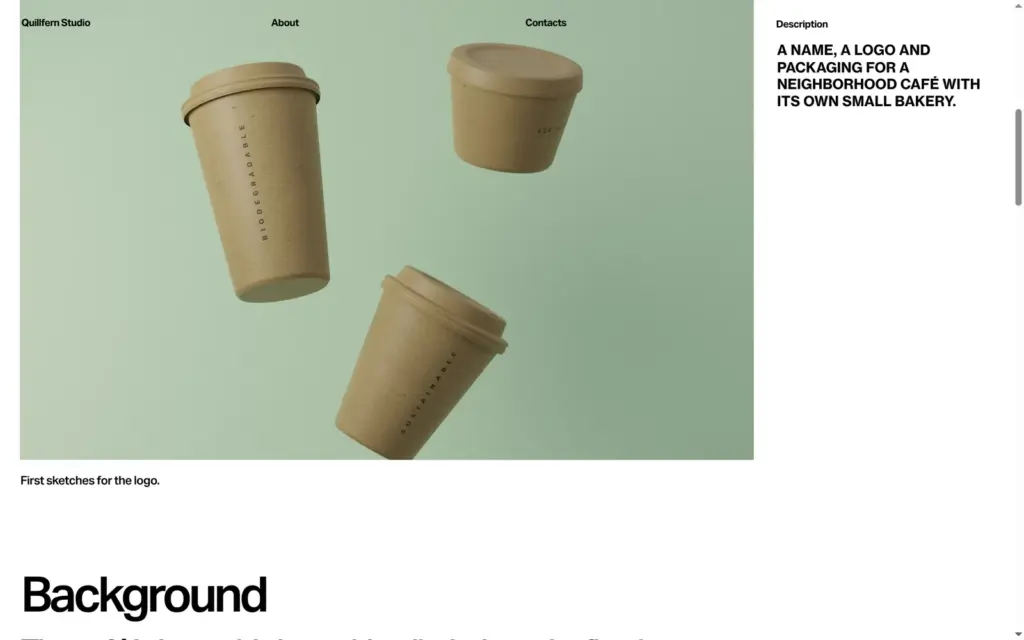
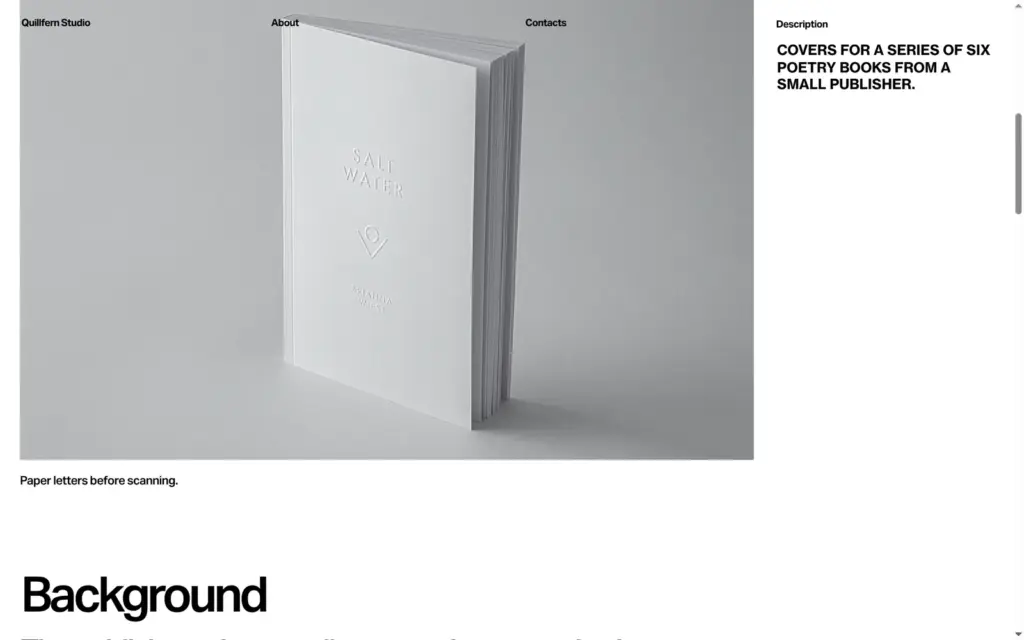
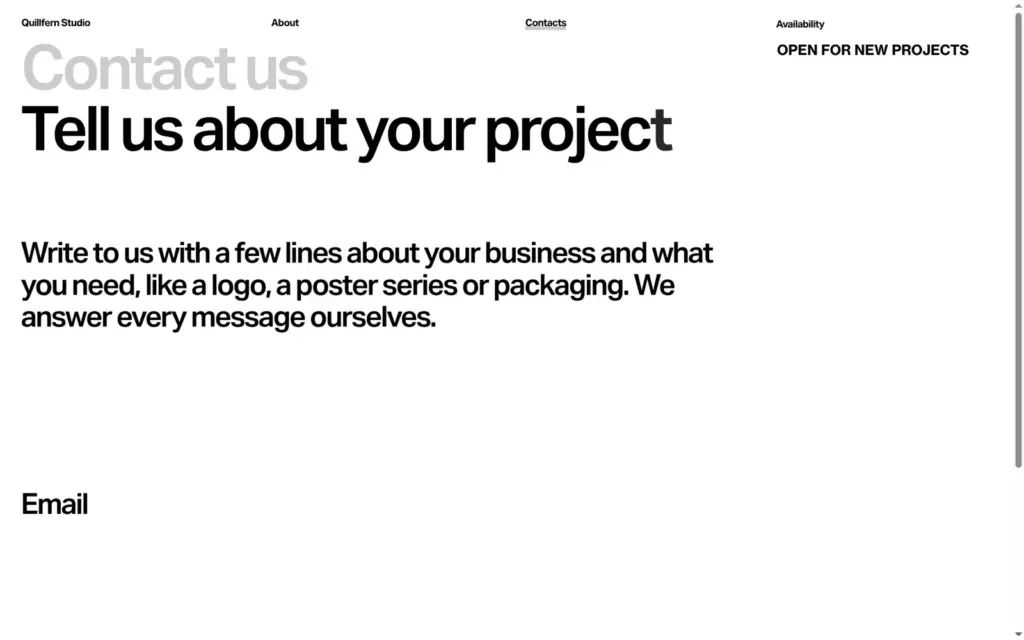
You sign up with an email address and a password. Readymag then sends a confirmation email, and the account starts once you click the link in it. The email arrived within a minute.
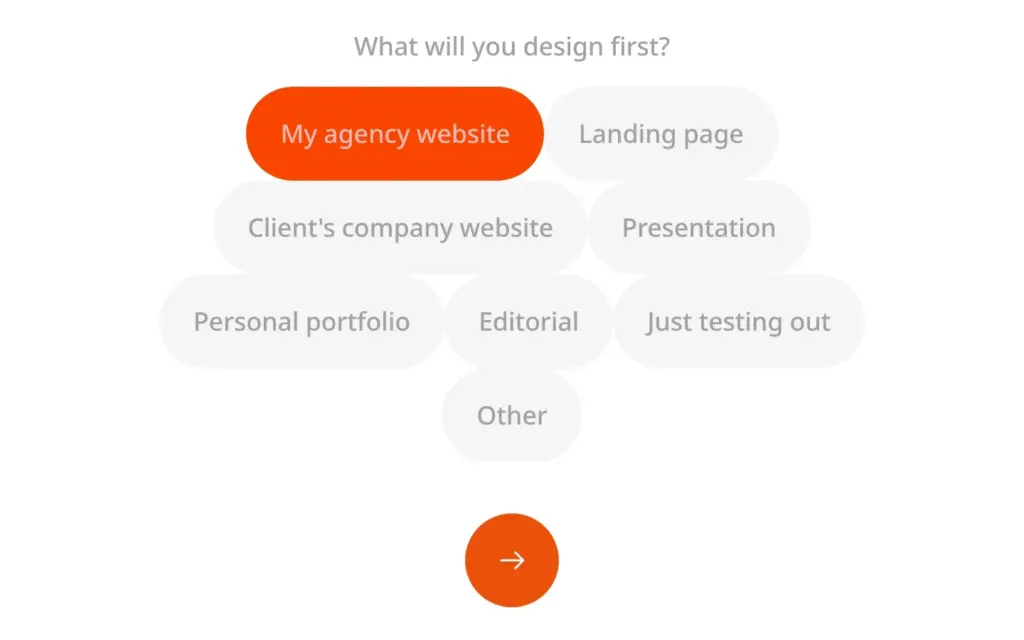
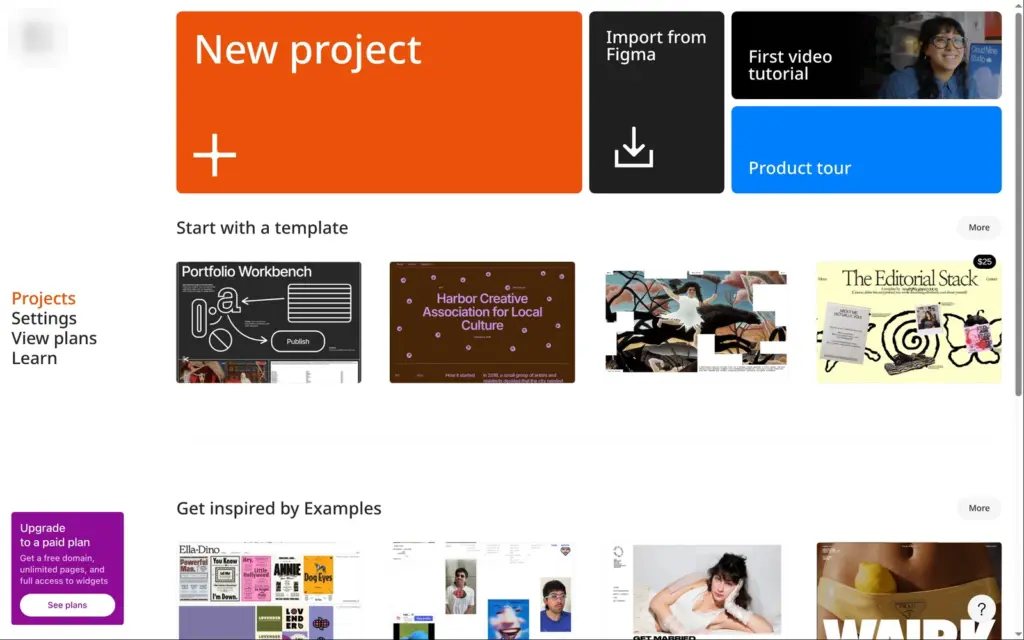
Five short questions follow, for example what you do and what you want to design first. After that, the dashboard opens with templates and a purple box that advertises the paid plans.
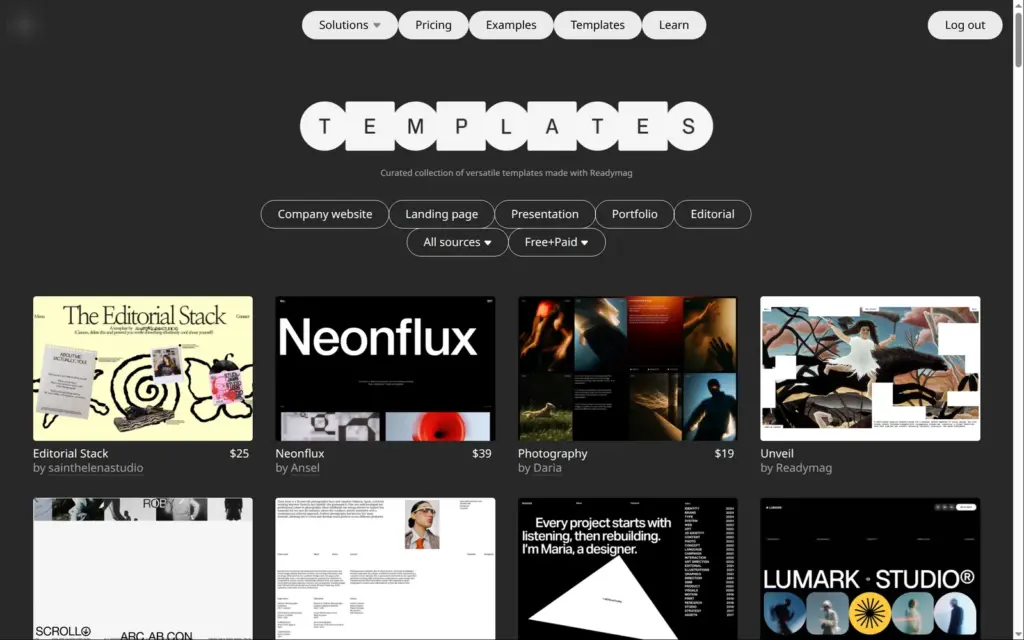
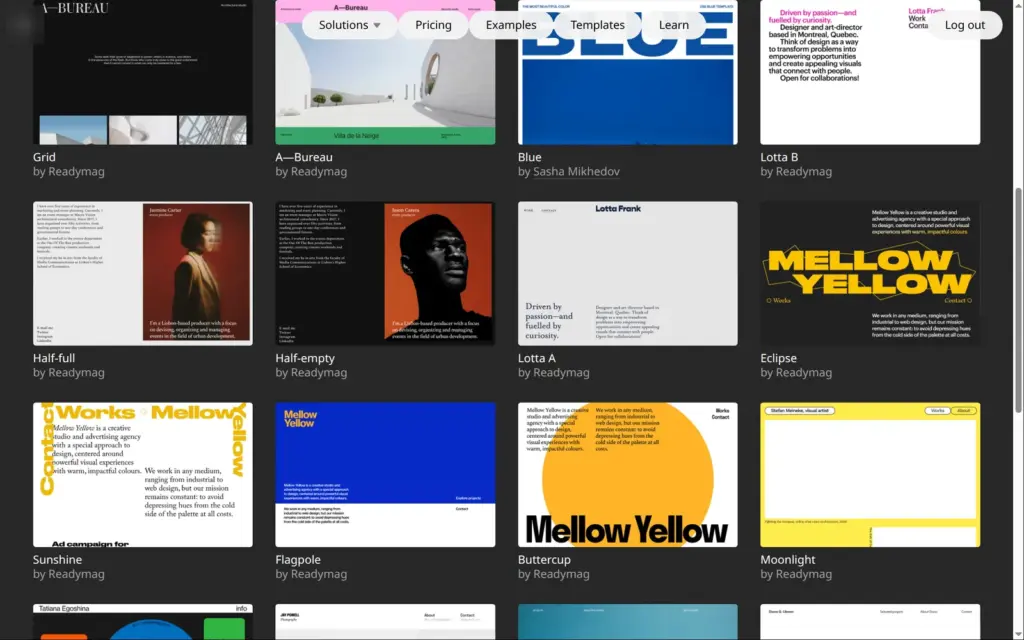
Readymag's template gallery mixes free templates with paid ones sold by other designers. The paid ones I saw cost between $19 and $89. With the filters set to portfolios and free templates, 21 were left.
I picked Origami, a black and white portfolio with seven pages and paper shapes that move when you scroll. The free plan allows ten pages per site, so it fit. "Open in Editor" copies the template into your account.
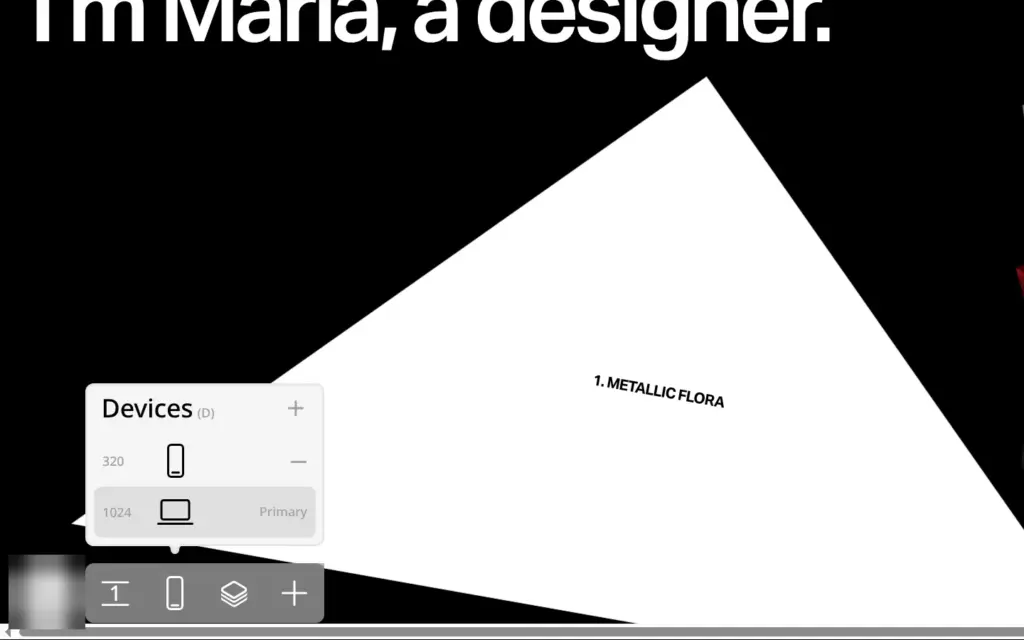
The editor shows one page at a time on a large canvas. Each page has a desktop layout, 1,024 pixels wide, and a phone layout, 320 pixels wide. You can add a tablet layout too. The plus button opens a menu with 13 kinds of widgets. There is a form widget and a code widget, but nothing for a shop. I found no AI tools in the editor.
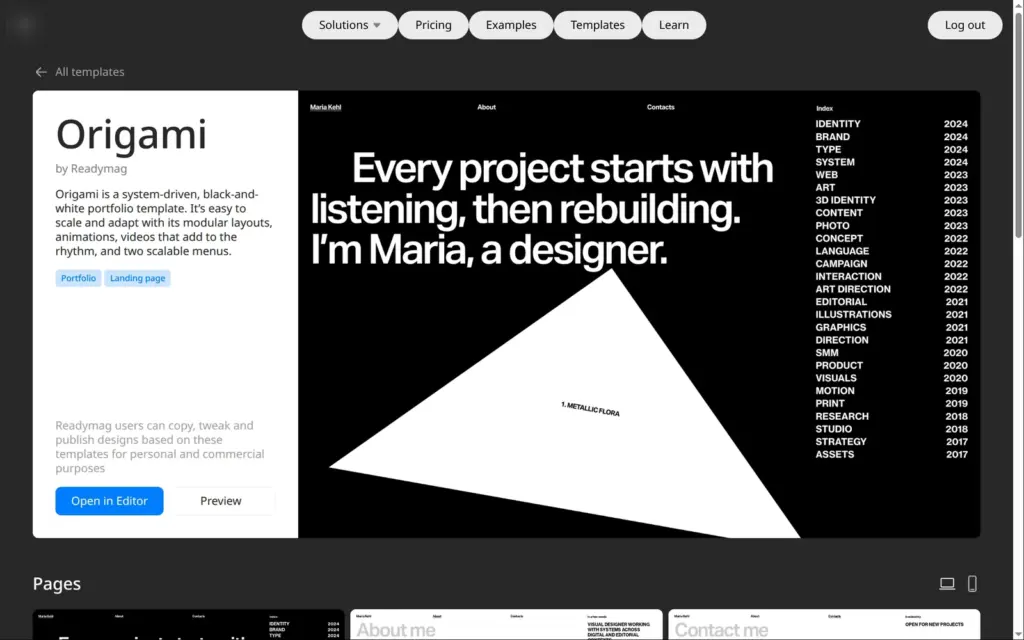
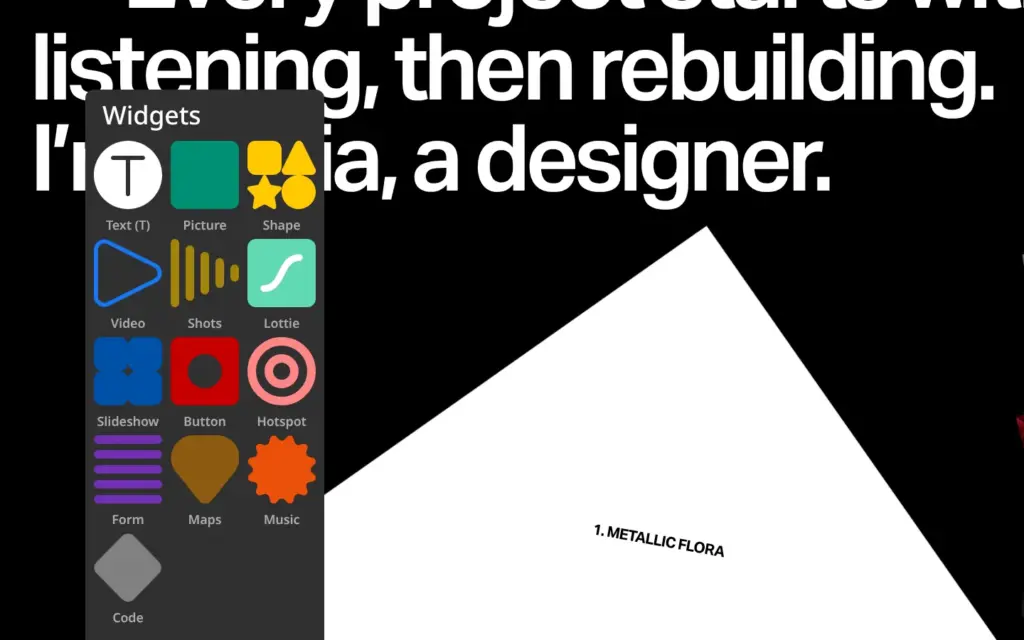
The menu at the top is a group of text widgets. Its position settings put it on all pages, above the content, so a new name there shows up on each page. Origami has two of these menus. The white one sits on the dark pages and the dark one on the light pages, so I changed the studio name twice.
Editing text takes a few clicks. The first click selects the group, and a double click selects the text widget. A second double click lets you type. New text keeps the font and size of the old text. Site-wide color and text styles are only part of the Advanced and Extra plans. I kept Origami's black and white design.
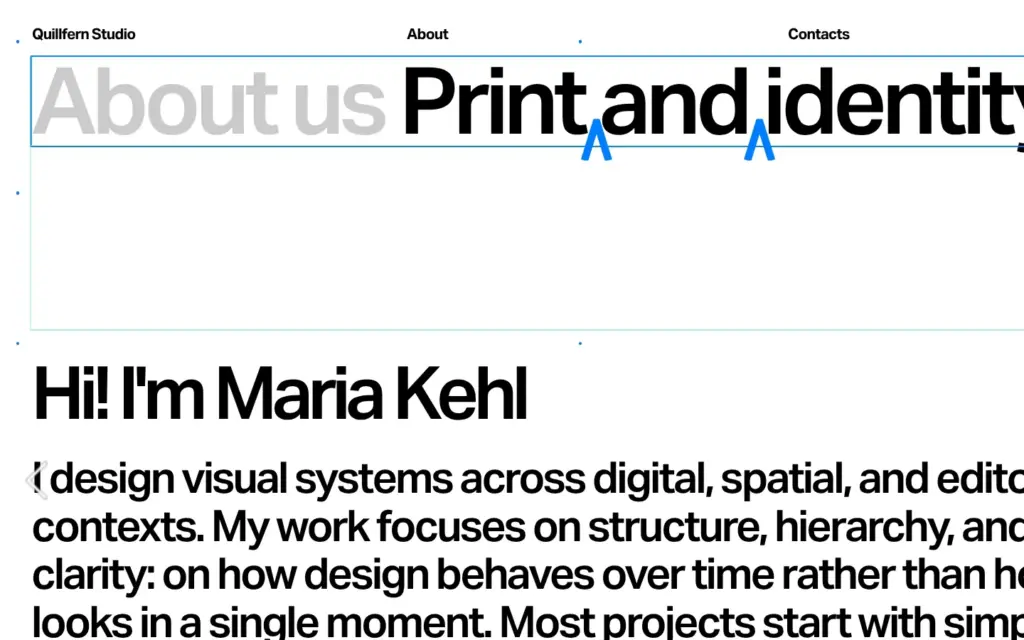
The about page had a heading in two colors. I selected only the black words and typed over them, and the gray part stayed as it was.
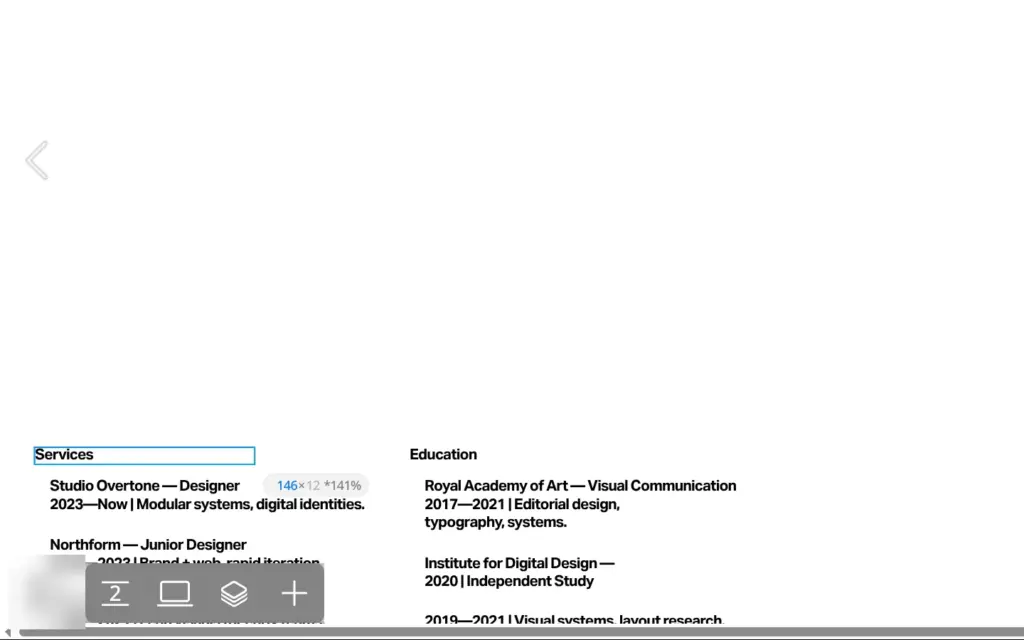
The footer took the longest. Origami's texts are about a designer called Maria, and the footer lists her jobs and her school. The footer isn't shared between pages, so each of the seven pages has its own copy. I changed it seven times.
Many keyboard shortcuts are single letters, like P for the preview. If you type while no text box is active, the letters trigger shortcuts instead. I switched to the phone layout by accident that way.
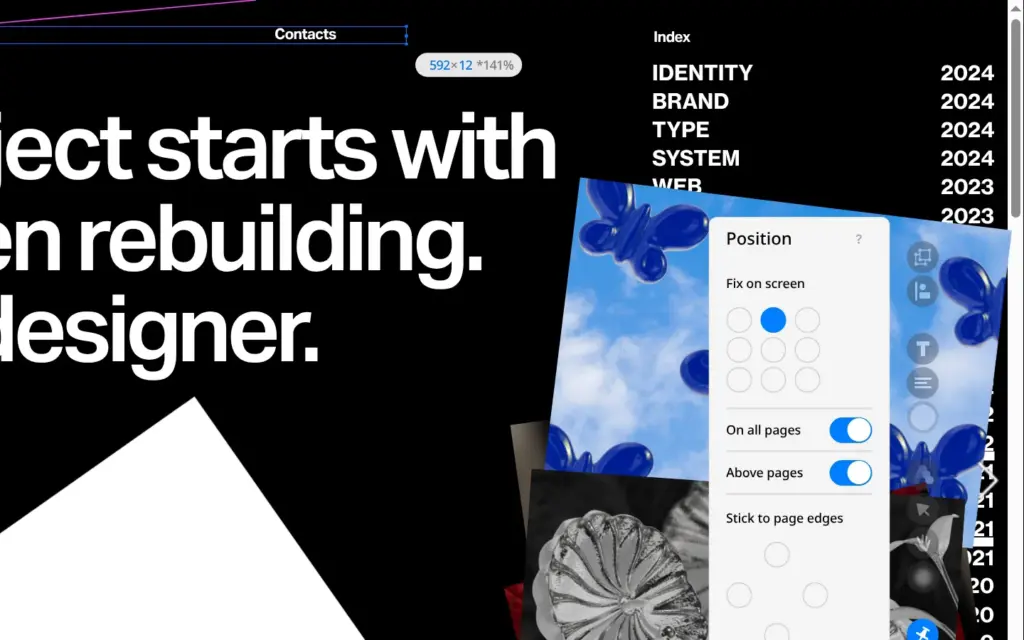
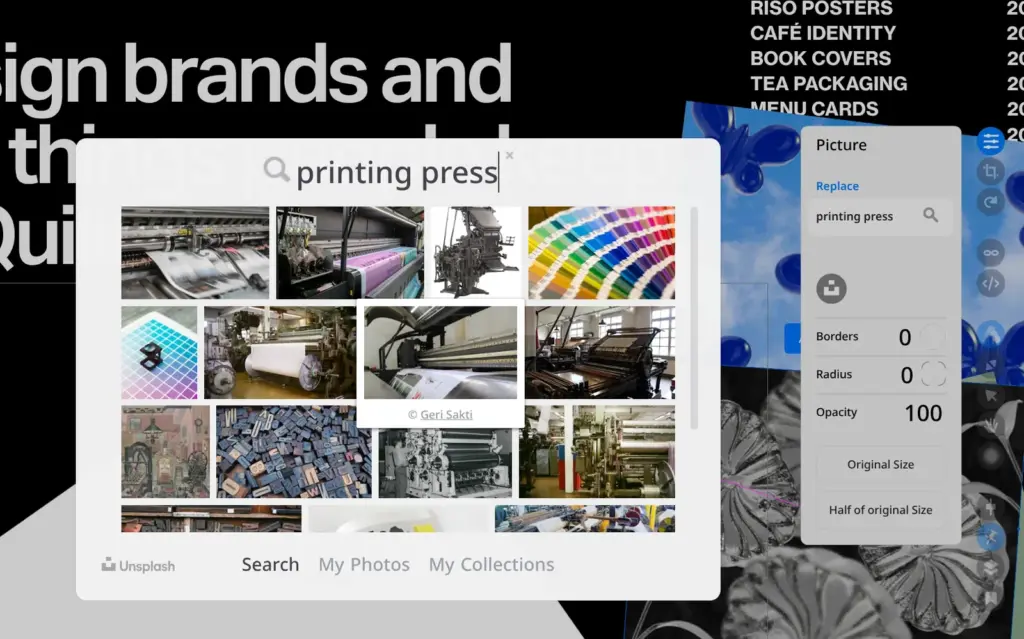
Origami's photos are 3D renders, which don't suit a print studio. The picture settings have a search box for Unsplash, a library of free photos. I searched for a printing press and picked a photo, and Readymag swapped it in. The new photo kept the frame and the tilt of the old one.
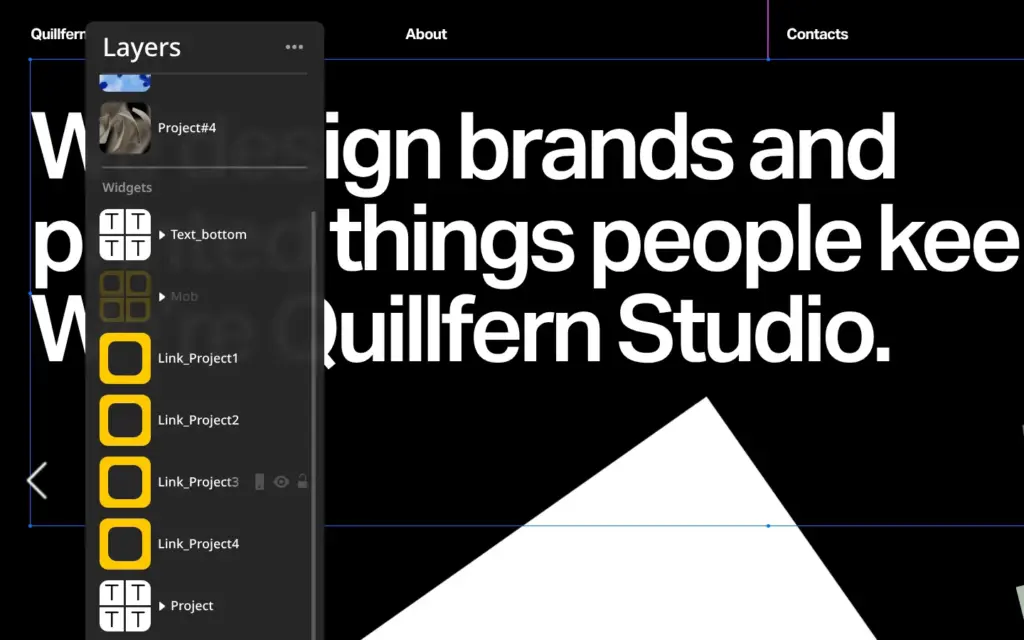
Some pictures were hard to reach. Origami pins a stack of photos to the screen and covers some labels with see-through link shapes, so a click on the canvas selects the wrong thing. The layers panel lists each widget on the page, and selecting the picture there worked.
The slideshow widget has no photo search. Its slides can only be replaced by uploading files.
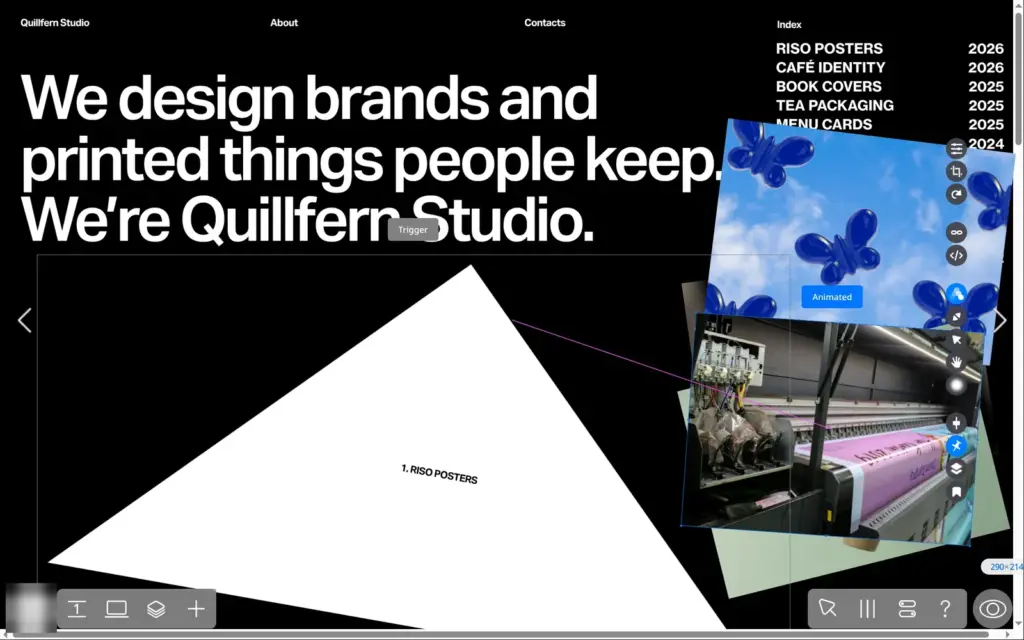
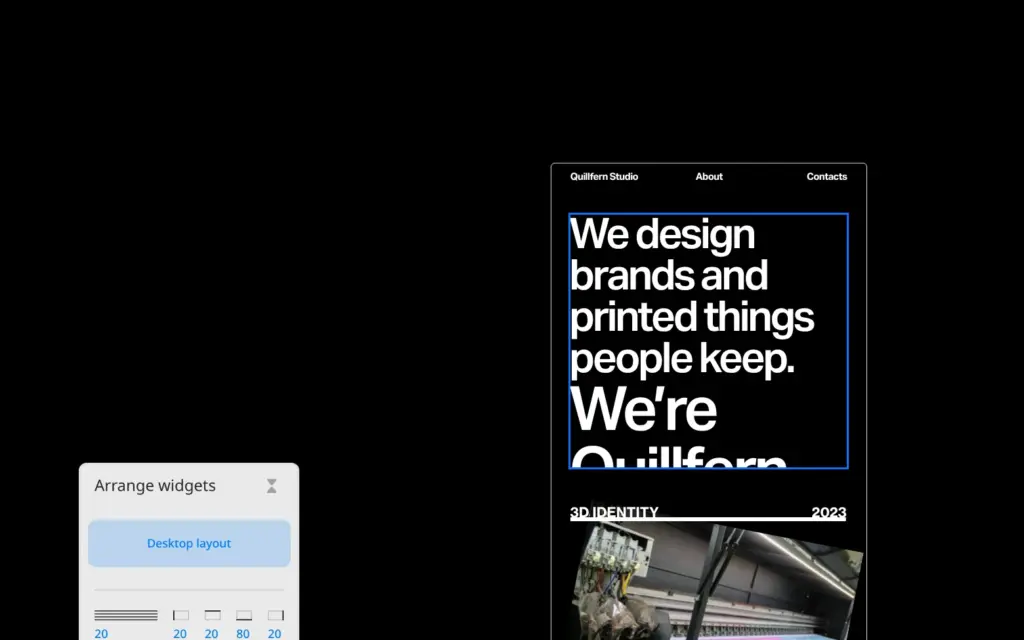
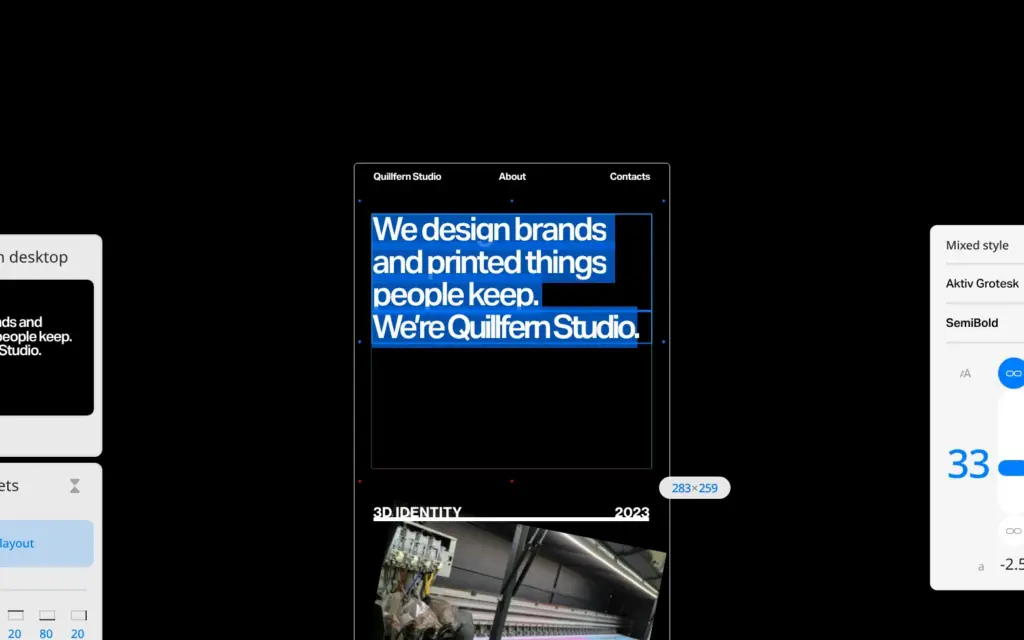
Readymag gives each page a separate phone layout. Positions and text sizes are separate, while the text itself is shared with the desktop. My new headline was too big for the phone and got cut off. I gave it a smaller size in the phone layout only, and the desktop kept the big one.
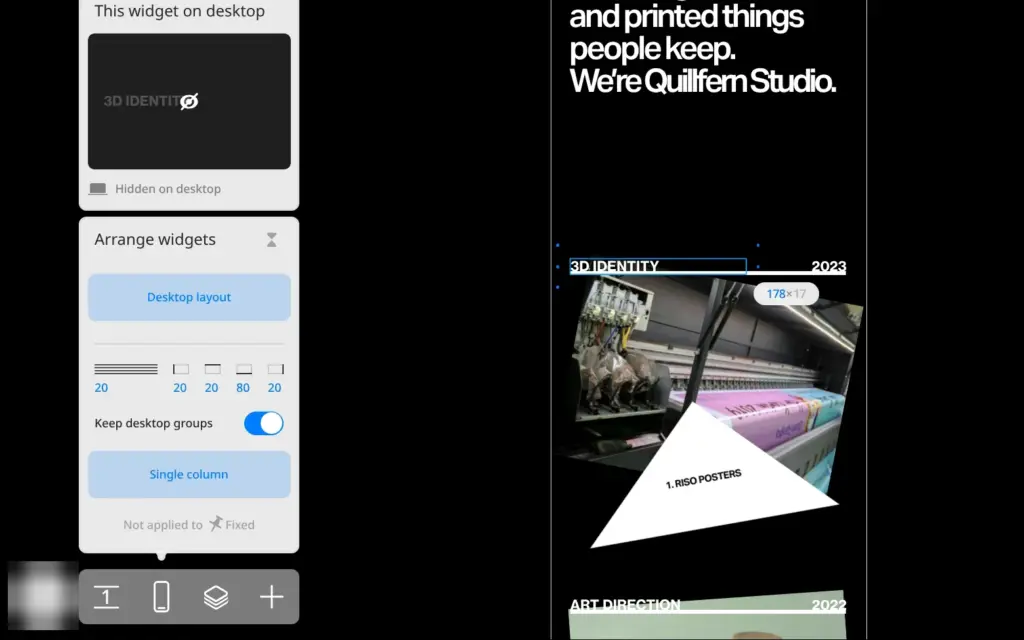
Some texts exist only in the phone layout. On Origami's home page, the project titles and the index list are phone-only copies, and both still showed the template's entries. I changed them a second time there.
New widgets need a place in both layouts. The form I added on the desktop sat outside the phone page until I dragged it in. "Arrange widgets" offers two automatic phone layouts. I tried Single column on a copy of the site. It stacked the widgets in one column, and some of them ended up under the menu.
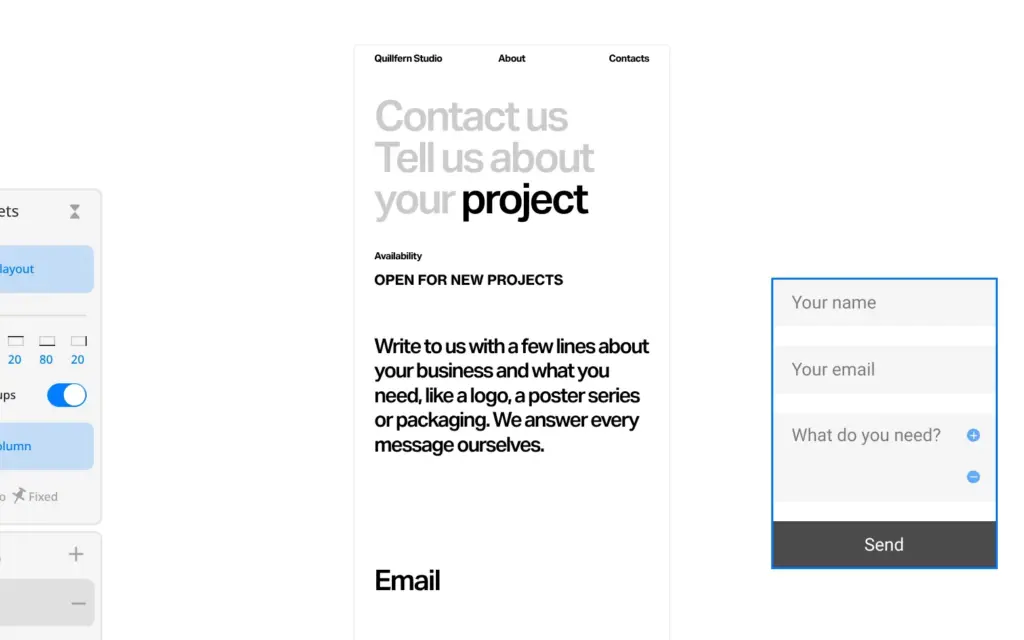
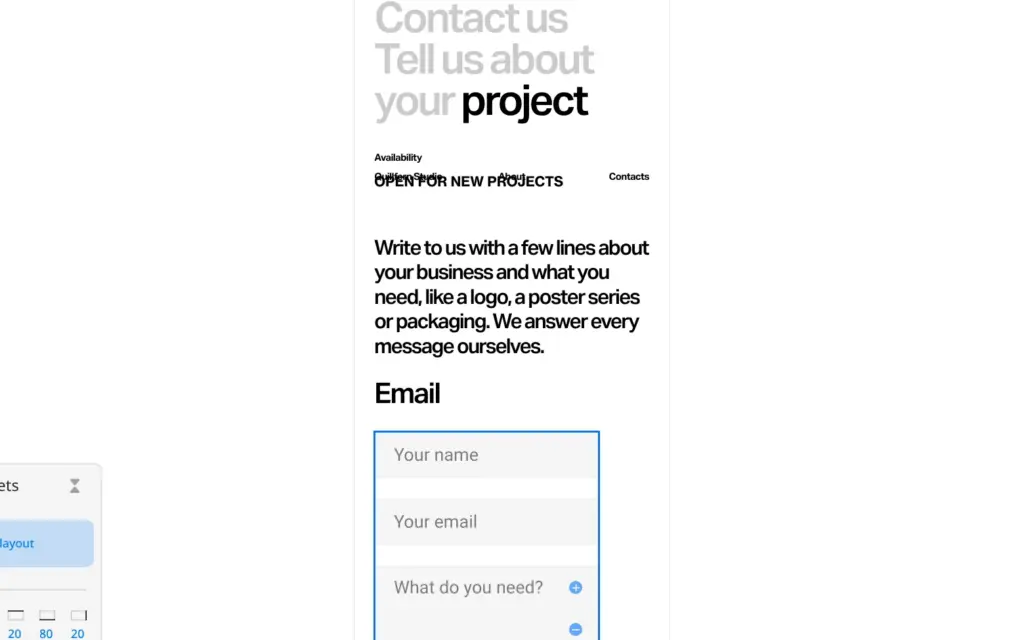
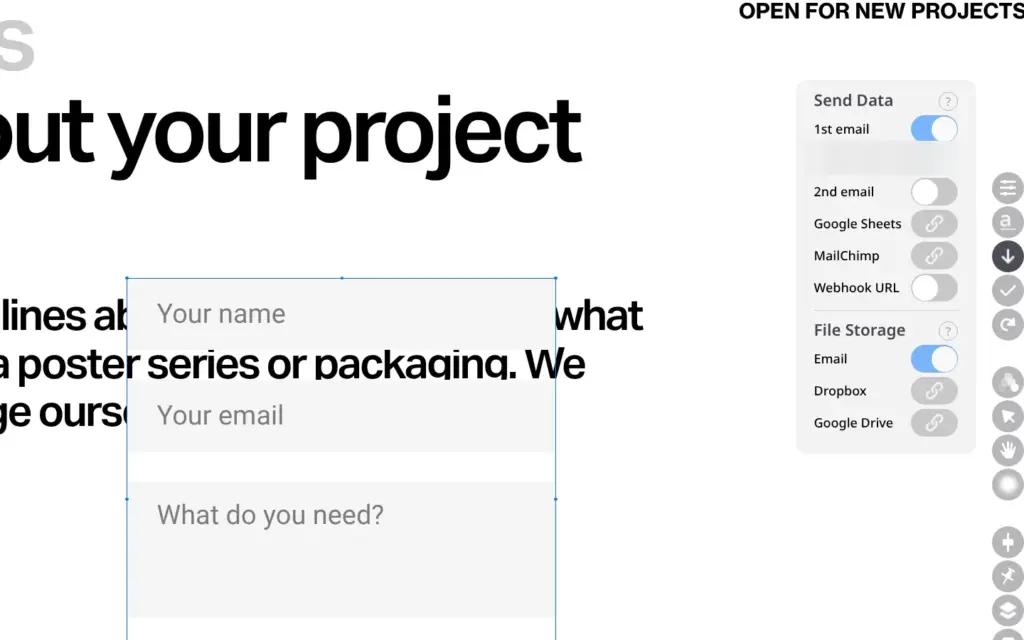
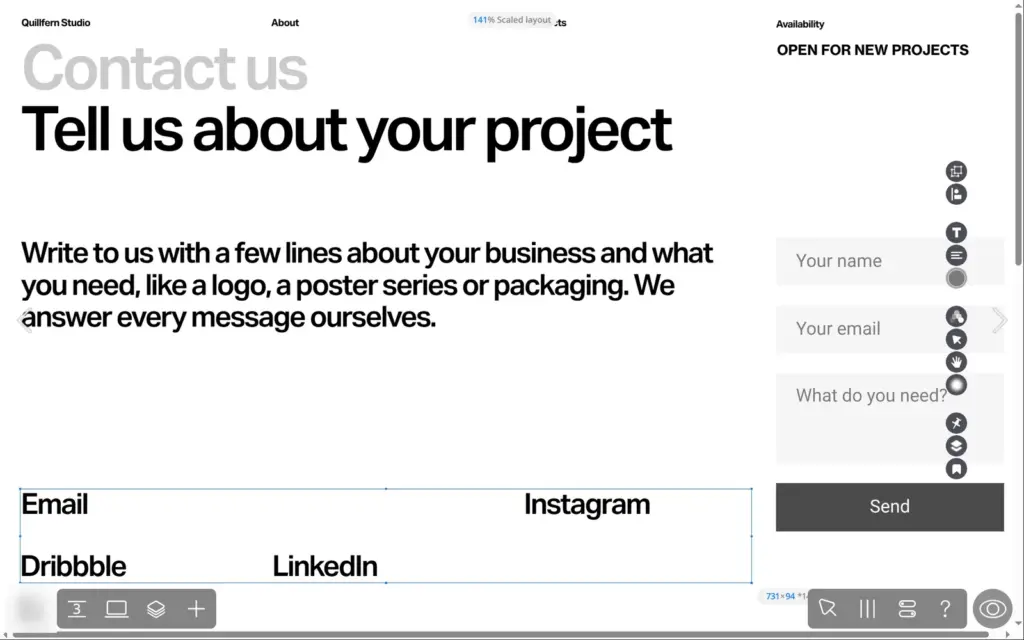
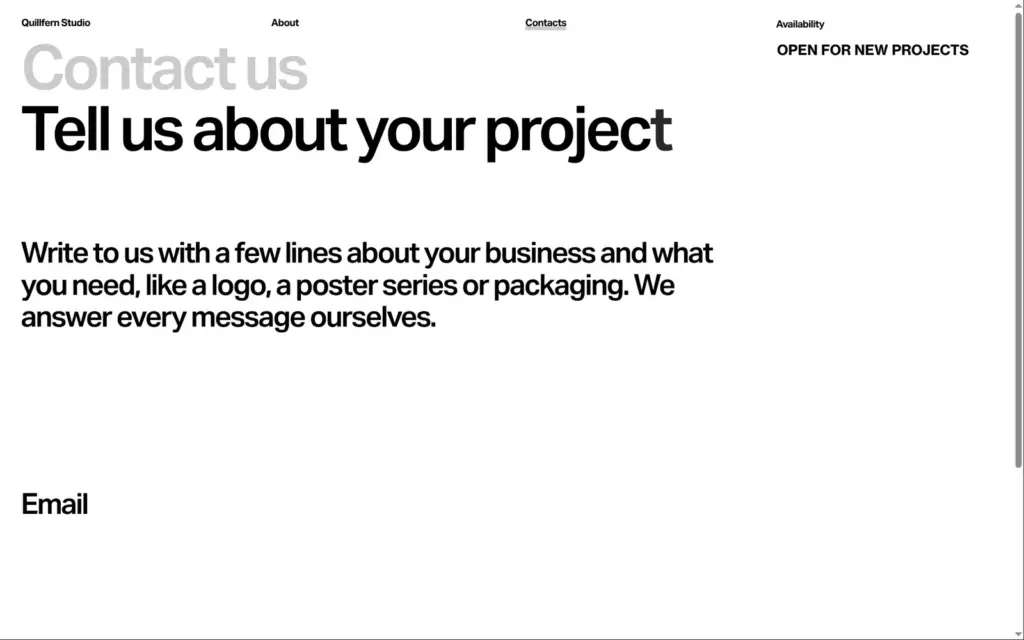
Origami has no contact form, so I added Readymag's form widget to the contact page. Right away, a notice said the form won't be visible on the published site unless I upgrade.
The form starts with a name field and an email field, and I added a text field for the message. Each field shows a hint text to visitors. Messages go to the email address of the account. You can add a second address or connect Google Sheets and Mailchimp. File uploads in forms need the Advanced plan.
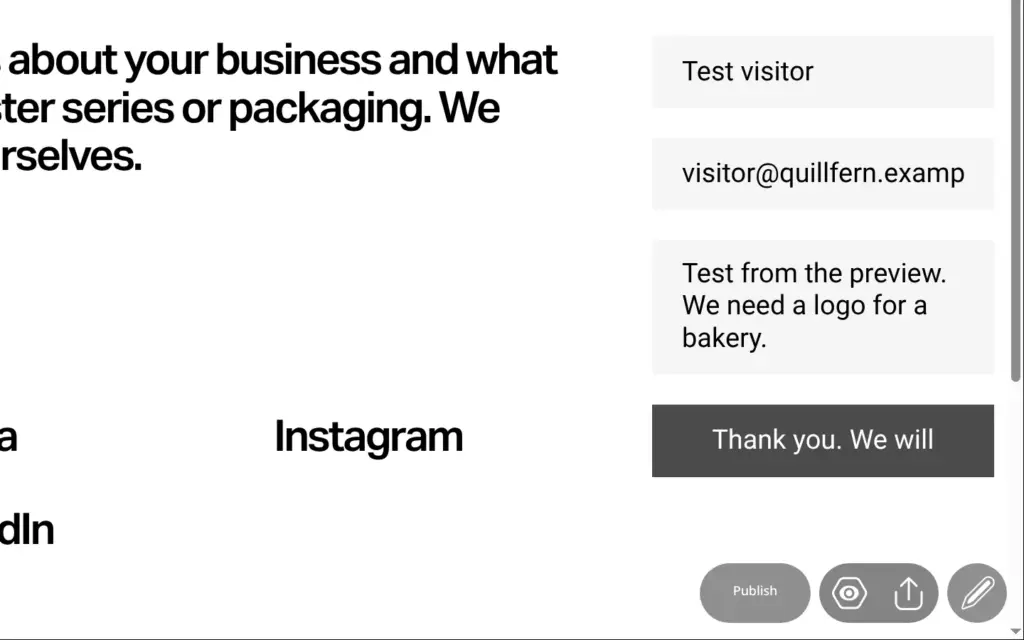
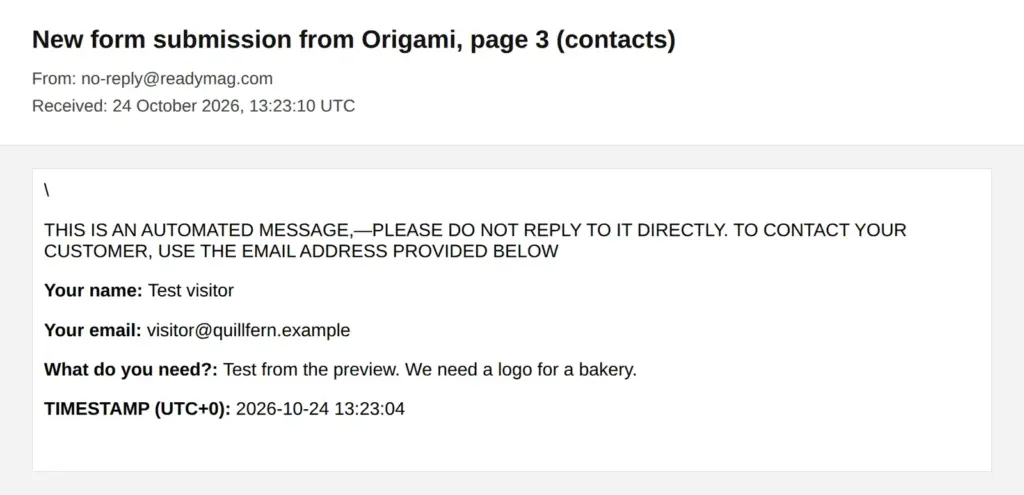
Forms work in the preview, so I sent a test message from there. The email arrived six seconds later from no-reply@readymag.com. Its subject was "New form submission from Origami, page 3 (contacts)". It still had the template's name, because I renamed the project later. The email labels each answer with the hint text of its field, like "Your name:".
After sending, the button shows a thank-you text. Mine was too long and got cut off, so I shortened it to "Thank you!".
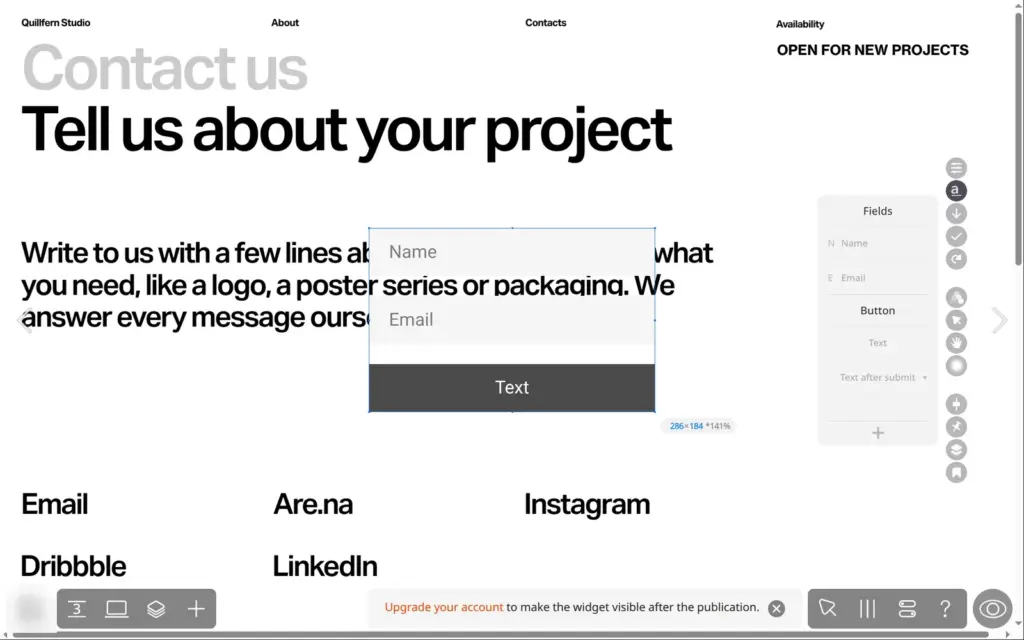
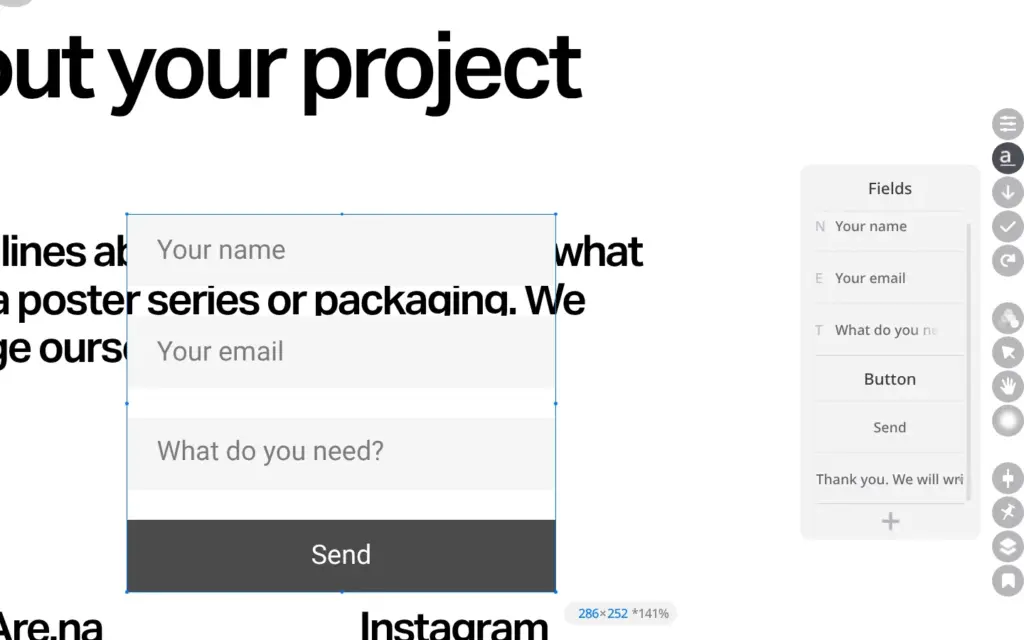
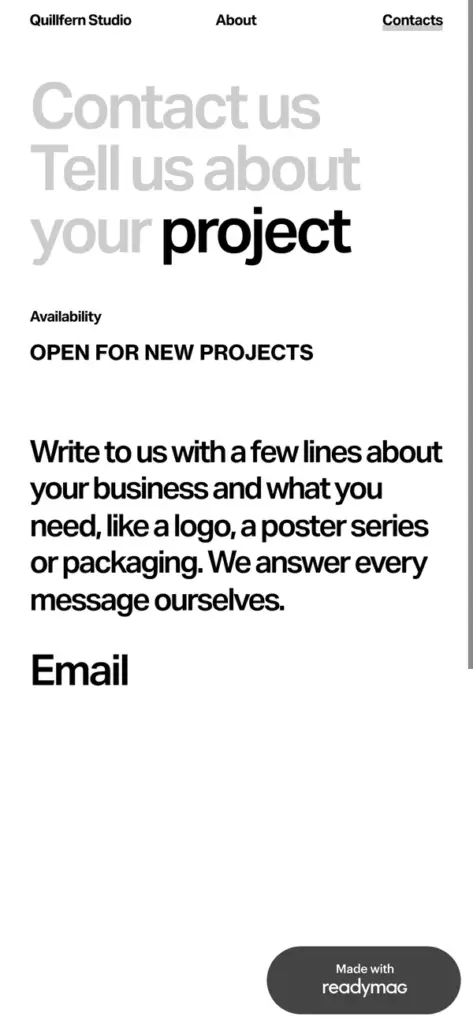
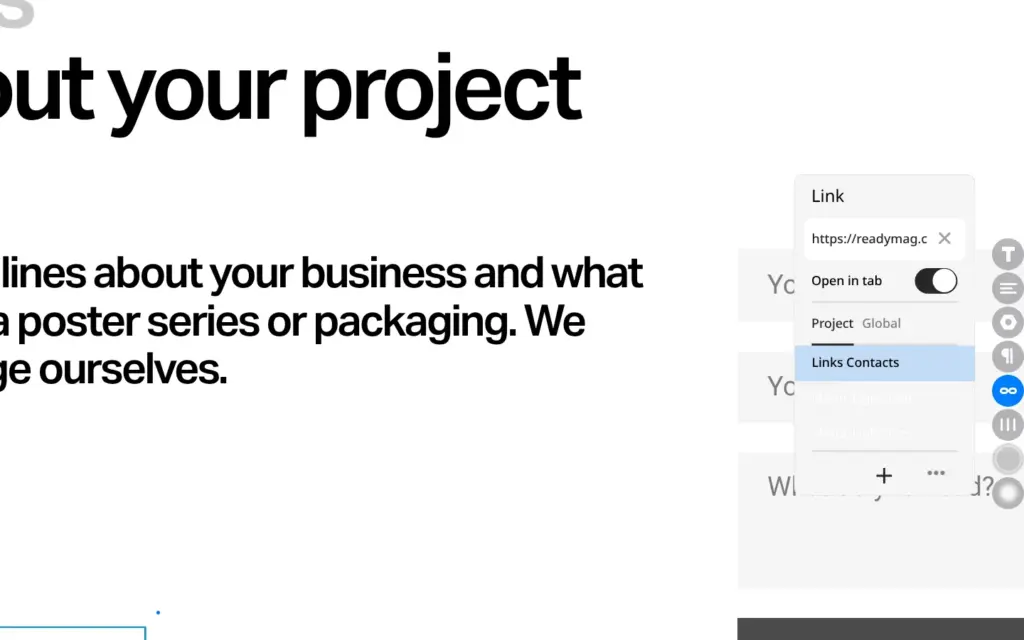
Before publishing, I checked where the template's contact links went. The Email link opened readymag.com, and four social links pointed to Readymag's own profiles. Nothing on the page showed that.
The link field also accepts email addresses and phone numbers. I set the Email link to the studio's address and deleted the social links, because the studio has no profiles.
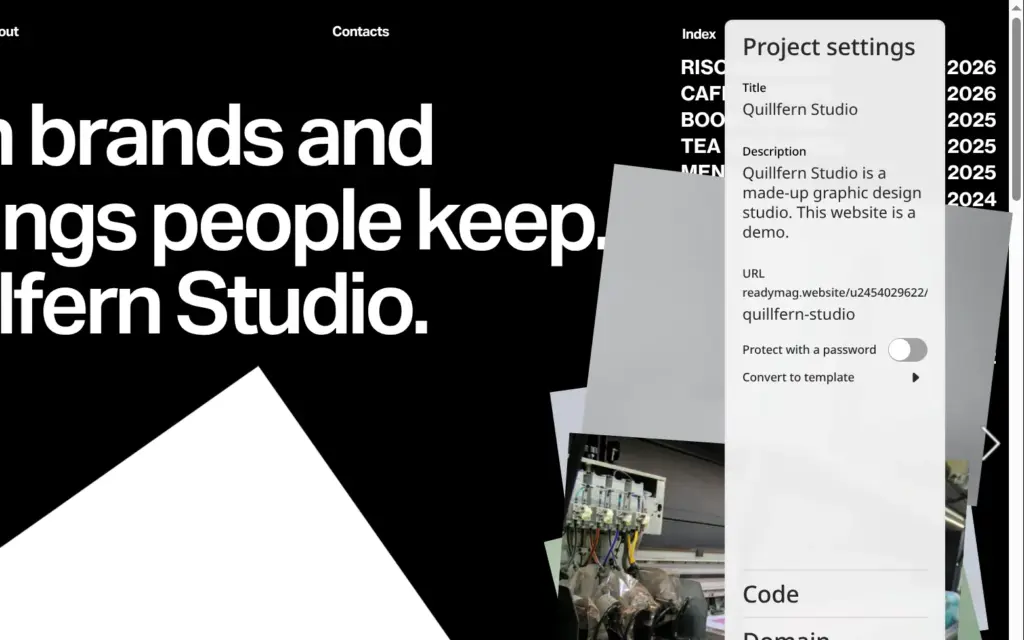
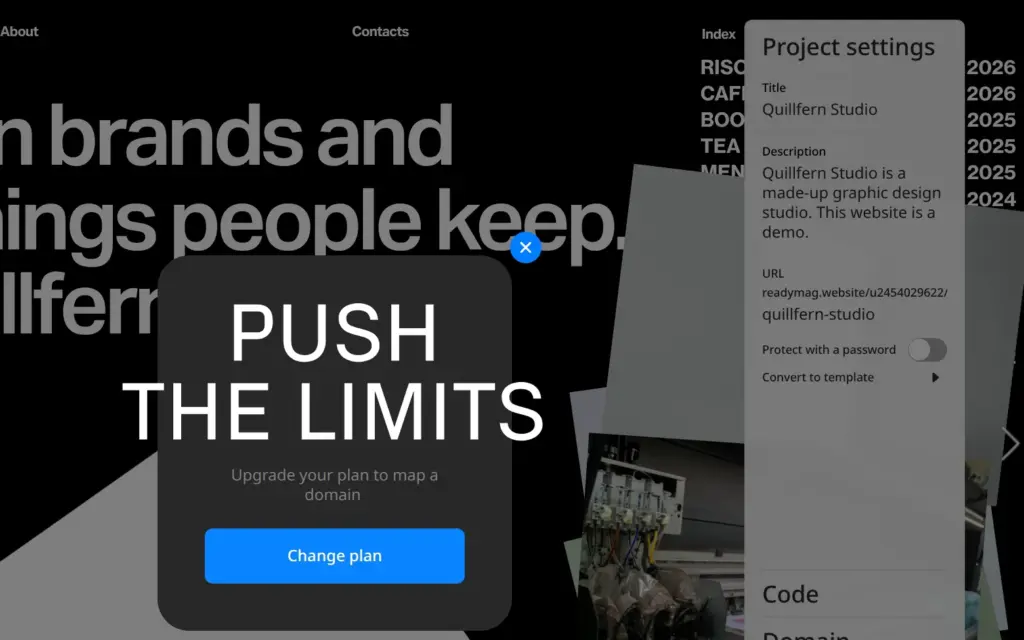
The project settings hold the title and the description of the site. They also set its web address. A free site lives at readymag.website, followed by a user number and a name you choose. I changed the name part to quillfern-studio. Your own domain needs a paid plan, and so does password protection.
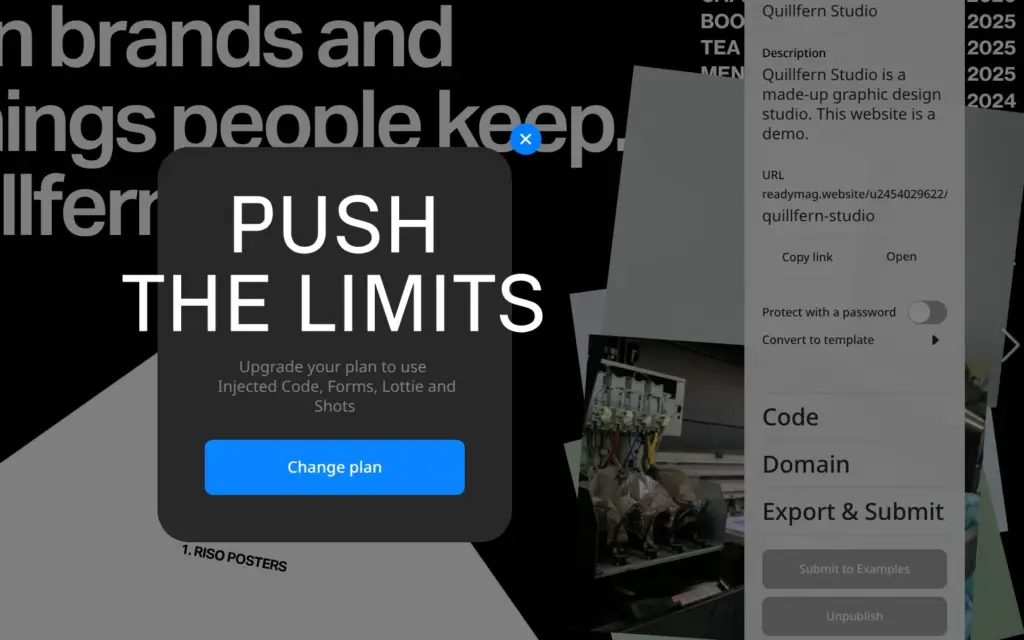
Publishing takes one click. Right after it, Readymag showed an upgrade notice for the form, and the notice came back each time I published. Changes reach the live site only after you click Republish.
The contact page had no form, only the Email link.
Free sites stay out of search engines. Each published page tells search engines not to index it, and the robots.txt file of readymag.website blocks them as well. Readymag's help center says that a robots.txt file and a sitemap are created once a site runs on its own domain, which needs a paid plan. The pages also had no language tag, which tells browsers and screen readers what language the text is in.
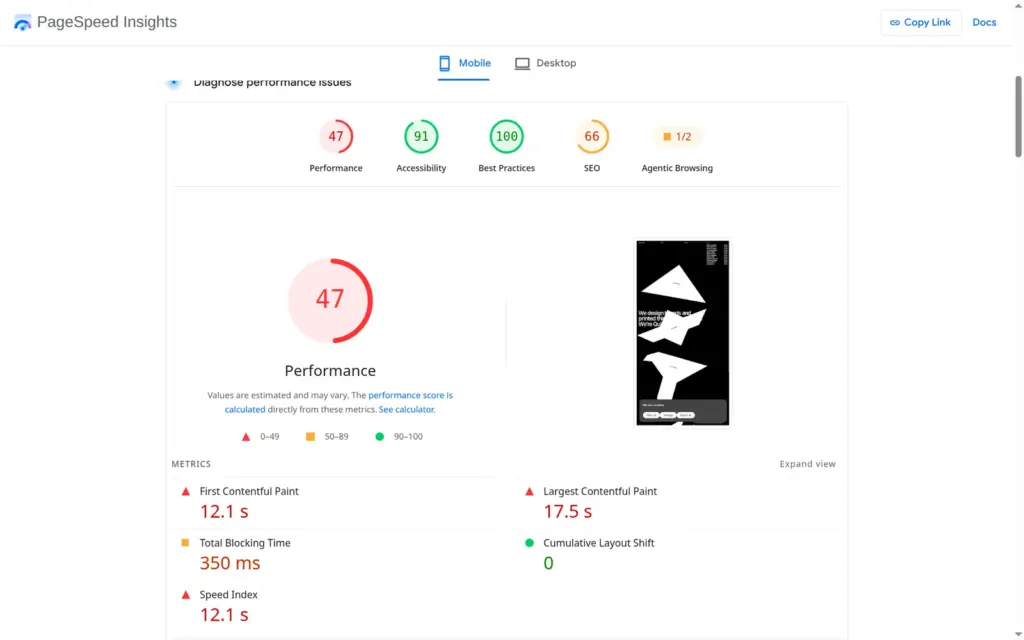
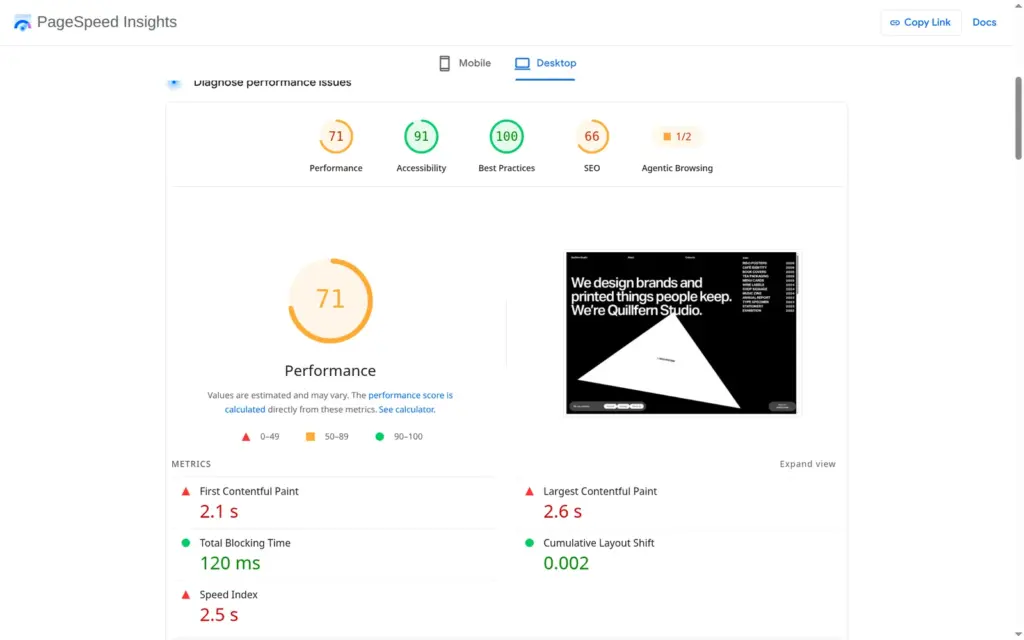
I ran the home page through Google's PageSpeed Insights once. On a simulated phone it scored 47 out of 100, and the screen stayed white for most of the loading time. The largest element appeared after 17.5 seconds. On a computer the score was 71, and the largest element appeared after 2.6 seconds.
Readymag has no shop and no booking system. Its help center suggests embedding a Shopify buy button or a Gumroad product with the Code widget. For bookings it names embeds from services like Calendly.
Custom code only runs on paid plans. According to the help center, the free plan shows working code in the preview but not on the published site.
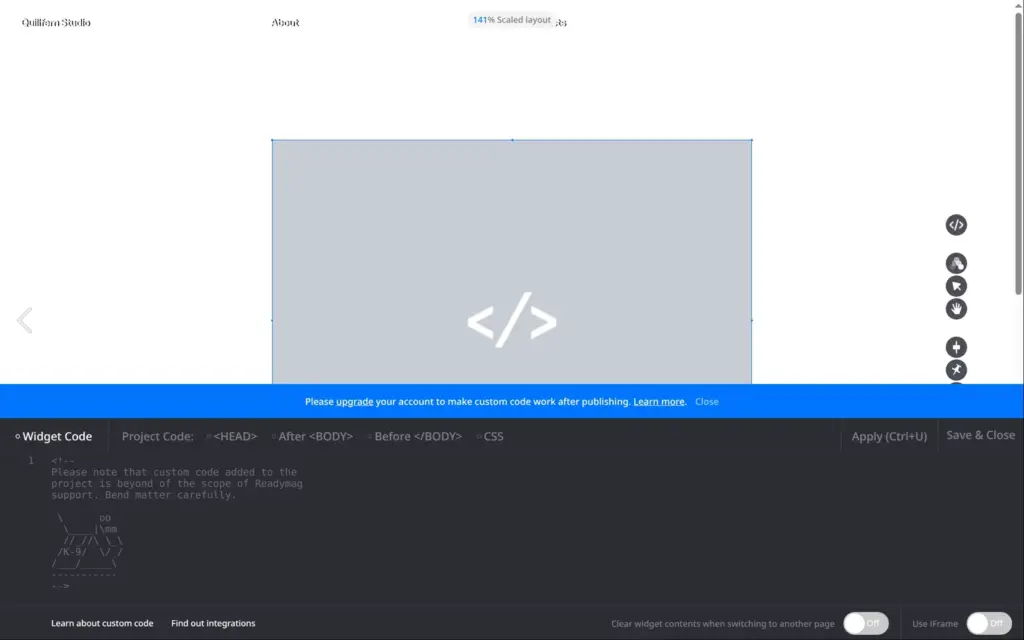
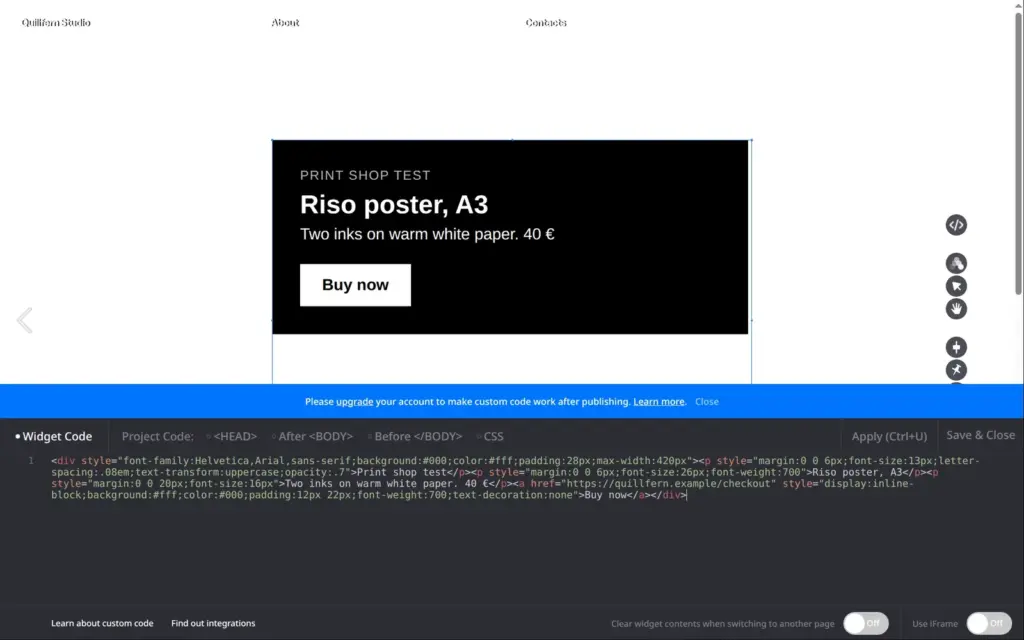
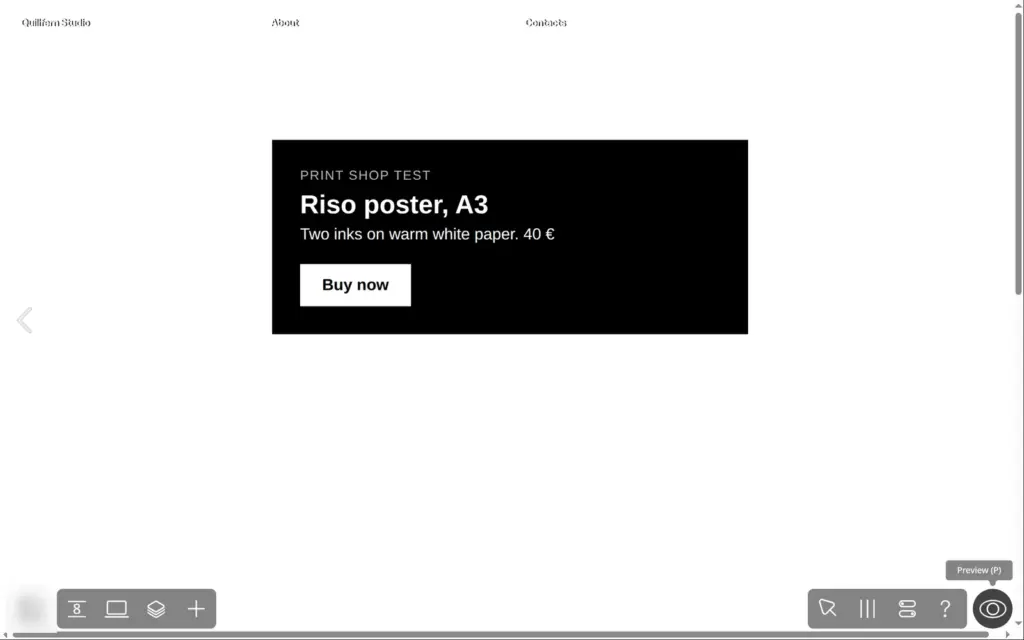
I tested it anyway. I added a page called Shop and put a Code widget on it. The widget held a simple poster card with a "Buy now" button that pointed to a made-up checkout address. A blue bar in the code editor said that custom code only works after publishing if I upgrade. In the preview, the card and its button showed up. After I republished, the shop page on the live site was empty.
On the free plan, a plain link to an outside shop is the only way to sell. On paid plans, Readymag says custom code works, so a Shopify or Gumroad button is an option there. The checkout and the orders then stay with that service.
From Germany, Readymag's plan page showed prices in euros. Its pricing page also carries prices in US dollars and British pounds, which I added for comparison.
| Plan | Billed yearly | Billed monthly | Published sites | Own domains |
|---|---|---|---|---|
| Free | €0 | €0 | 1 | none |
| Personal | €13 a month$14 · £12 | €18$19 · £16 | 1 | 1 |
| Freelancer | €27 a month$29 · £25 | €36$38 · £33 | 5 | 3 |
| Advanced | €51 a month$58.50 · £44 | €57$65 · £49 | unlimited | 10 |
| Extra | on request | on request | unlimited | unlimited |
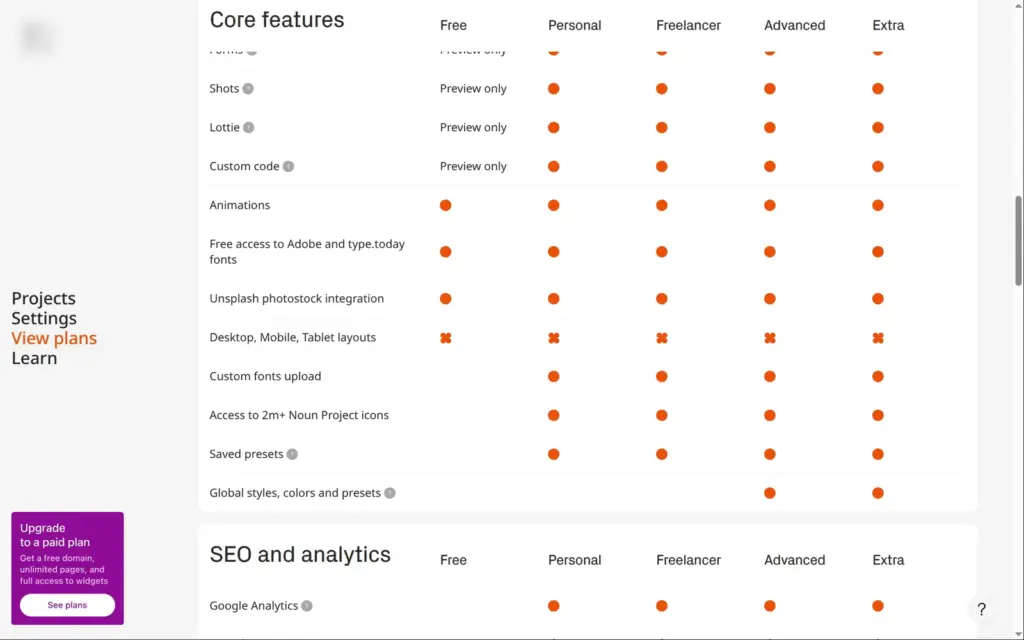
Two features are easy to miss. You can set up forms and custom code on the free plan, and they work in the preview, but not on the published site.
| Feature | Free plan | Paid plans |
|---|---|---|
| Pages per site | 10 | unlimited |
| Contact form | preview only | from Personal |
| Custom code and embeds | preview only | from Personal |
| Own domain | no | from Personal |
| Readymag branding | yes | removed |
| Search engines | blocked | with your own domain |
| Password protection | no | from Personal |
| Version history | no | from Personal |
| Google Analytics | no | from Personal |
| Code export | no | Advanced and Extra |
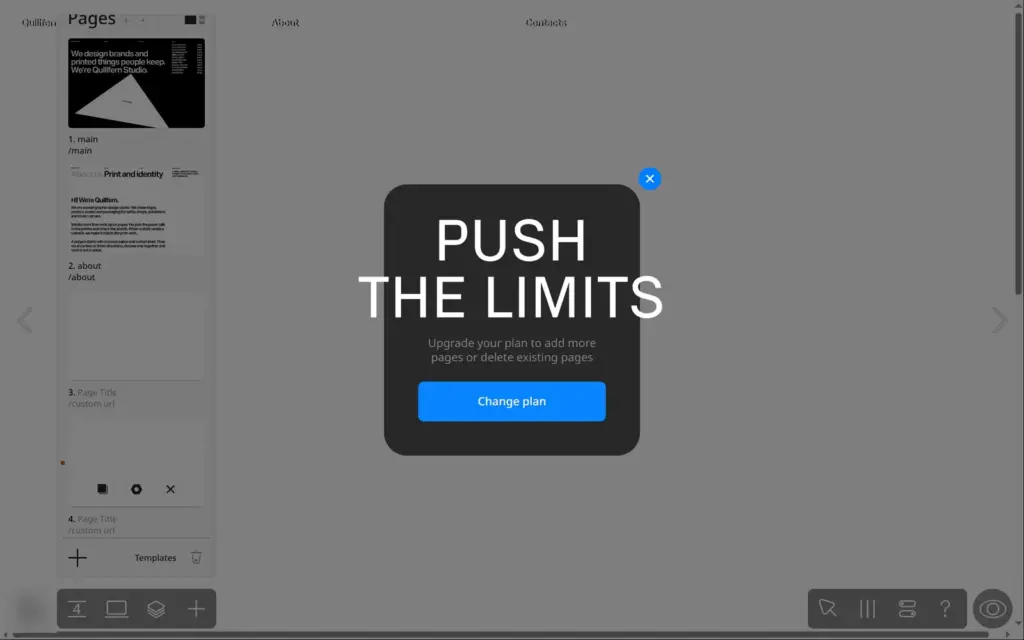
The ten pages fill up fast. My site had eight, and when I kept adding pages, Readymag blocked the eleventh with an upgrade notice. Without the three main pages, that leaves room for seven projects.
For Quillfern Studio, Personal would cover what I tested. On yearly billing it costs €156 a year, or $168.
Readymag's FAQ says it refunds purchases within 24 hours. If you cancel later, your published sites stay online, but the branding comes back. Sites with more than ten pages then can't get new pages.
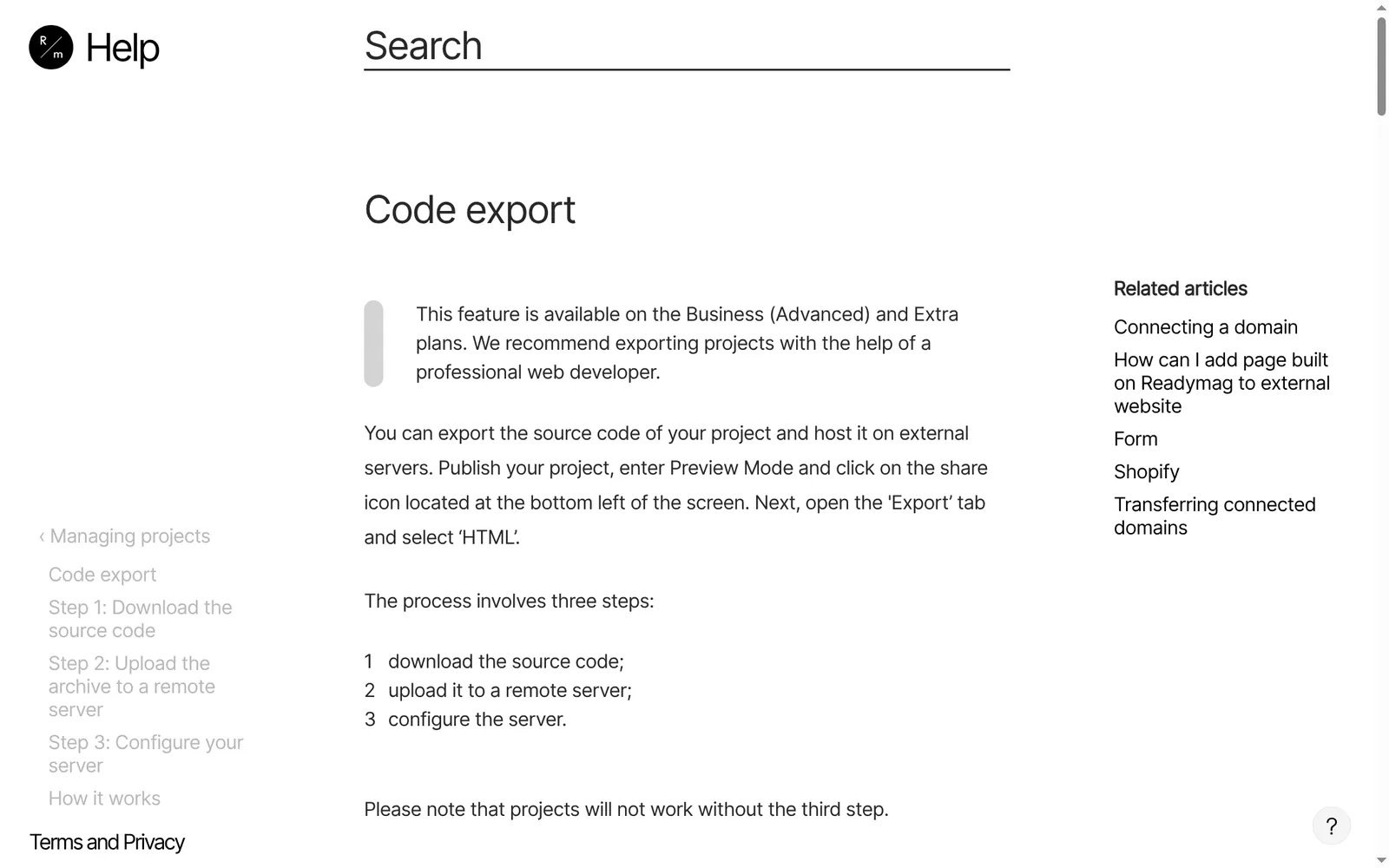
Readymag hosts the site. Code export is part of the Advanced and Extra plans. According to the help center, you ask for an HTML export in the preview of a published site, and the archive arrives by email. It then needs some setup on your server. Exported projects can't be edited, because the content is stored as data that JavaScript draws on the page. Forms in an export only send to a web address you set up yourself.
If you leave from the free plan or a smaller plan, you rebuild the site somewhere else.
Readymag fits a designer or a small studio that wants a portfolio with a strong look and likes to place things by hand. The free templates are good starting points, and the separate phone layout gives you full control over the phone version. For a working studio site you need at least Personal, because the free plan hides the contact form and keeps the site out of search engines.
It fits less well if you want to sell or take bookings on the site. Readymag only embeds other services for that, and only on paid plans. It also fits less well if you want an editor that handles phones for you.
If you try it, publish early on the free plan and check each page on your phone. Several of the things I had to fix only showed up on the live site.
 What I'm building
Give Vroni a GitHub issue, bug report, spec, or rough idea. It reads the repo, plans the change, writes code, runs checks, and works toward a review-ready pull request.
Take a look at vroni.com