
Duda review
Duda is a website builder made mainly for web design agencies. You build pages in a drag-and-drop editor, and Duda hosts the…
Webnode is a website builder with a free plan and its own online shop. You edit the pages in your browser, and Webnode hosts the site. If you're thinking about it for your business website, you probably want to know how far the free plan gets you and when you have to pay.
To find out, I built a website for a made-up souvenir shop on the free plan. I started from a free shop template and replaced its texts and photos. I added five products, one of them in two sizes. I set up shipping and payment and placed a test order on the live site. I also let Webnode's AI write texts and build a second website for a language school.
Editing was easy, and the shop has more settings than I expected on a free plan. But the free plan hides two things a business needs. Visitors don't see the contact form at all, and the shop takes orders without showing me the customer's address or email. The AI builder made a tidy site in about half a minute, but it put my sign-up email address on the contact page.
Webnode suits you if you want a simple business website or a small shop, and you're happy to work inside Webnode's templates. The editor is quick to learn, and the shop handles stock and VAT.
Look elsewhere if you want a contact form or a working shop without paying, or if you might want to move the site later. The free plan hides forms from visitors, and Webnode can't export a site.
The shop: it's enough for a small shop with a few products, and you can build and test all of it for free. To sell for real, you need at least the Standard plan, because the free plan hides the customer's contact details. Webnode lists product variants and discount codes only from the Profi plan up.
Price: the free plan runs on an address like gullcombe-souvenirs-4nyo3c.webnode.page, with a Webnode banner on every page. A contact form needs at least the Mini plan at €6.90 a month on yearly billing. The shop needs Standard at €9.90 a month on yearly billing or €17.90 on monthly billing. Prices are without VAT. I checked them on October 24, 2026, the day I tested Webnode.
Not tested: anything on a paid plan, like a custom domain or email accounts. I also didn't test bookings or Webnode's support. Webnode did not pay for this review, and there are no affiliate links.
What I liked:
What bothered me:
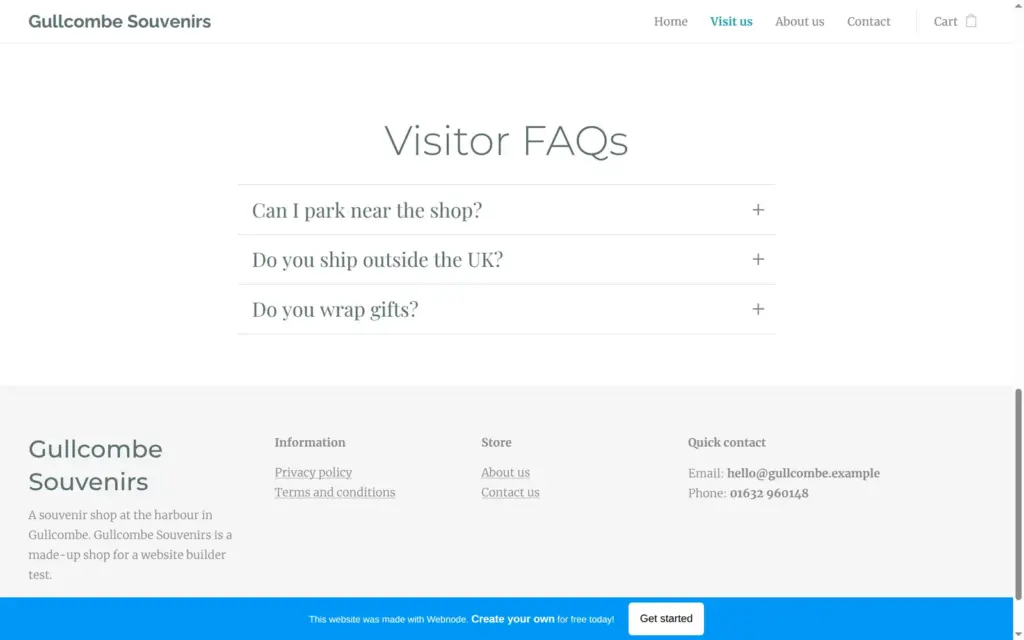
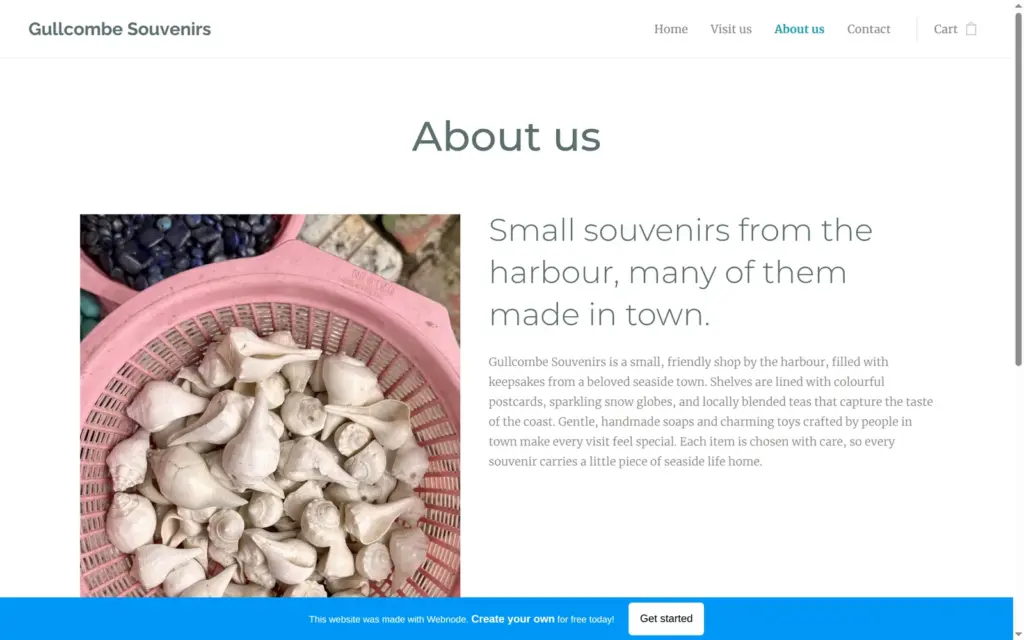
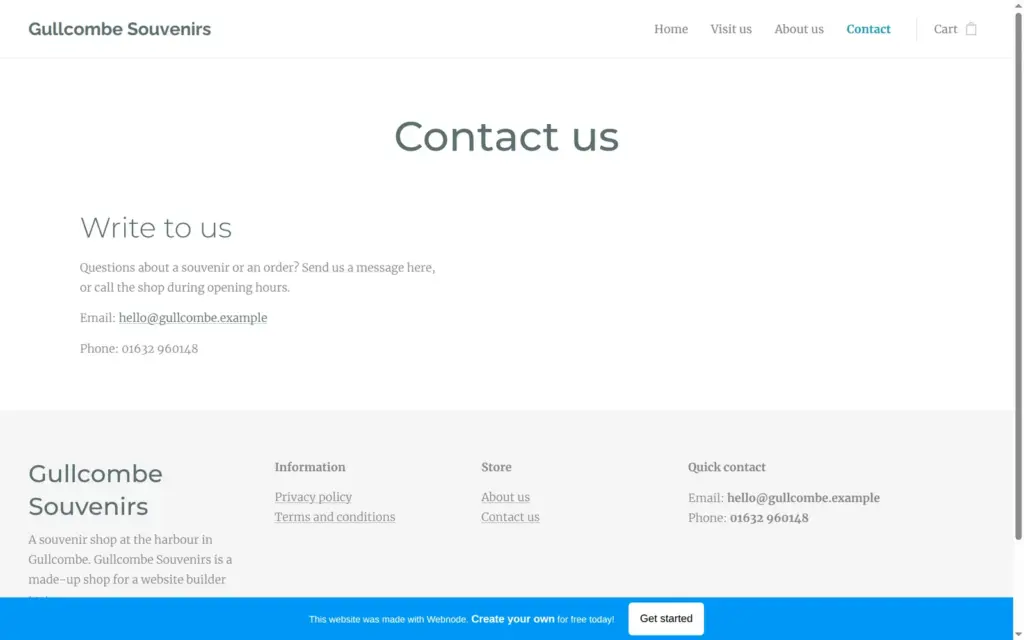
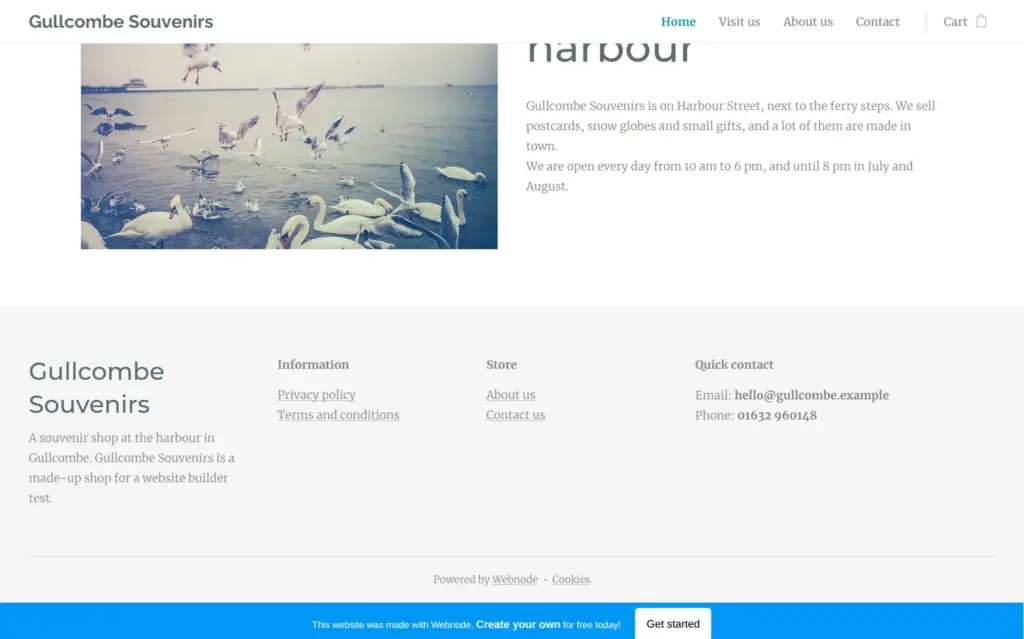
Gullcombe Souvenirs is a made-up souvenir shop at the harbor of a made-up seaside town, and its footer says so. The home page shows five products and a short text about the shop. A Visit us page has the opening hours and photos of the harbor, and below them a short FAQ that the AI Assistant added. The About and Contact pages come from the template, with new text. Webnode adds the shop pages, like the shopping cart and the checkout.
The design is Webnode's free Decoration Store template, with new colors and fonts. Three product photos come from Webnode's own photo library. The other photos are free photos from the WordPress Photo Directory.
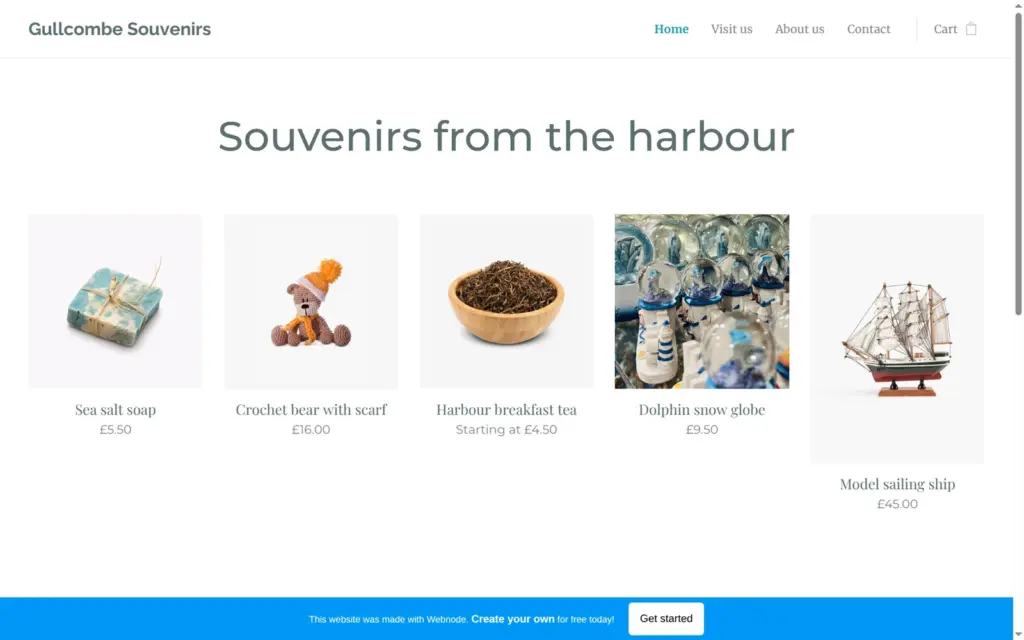
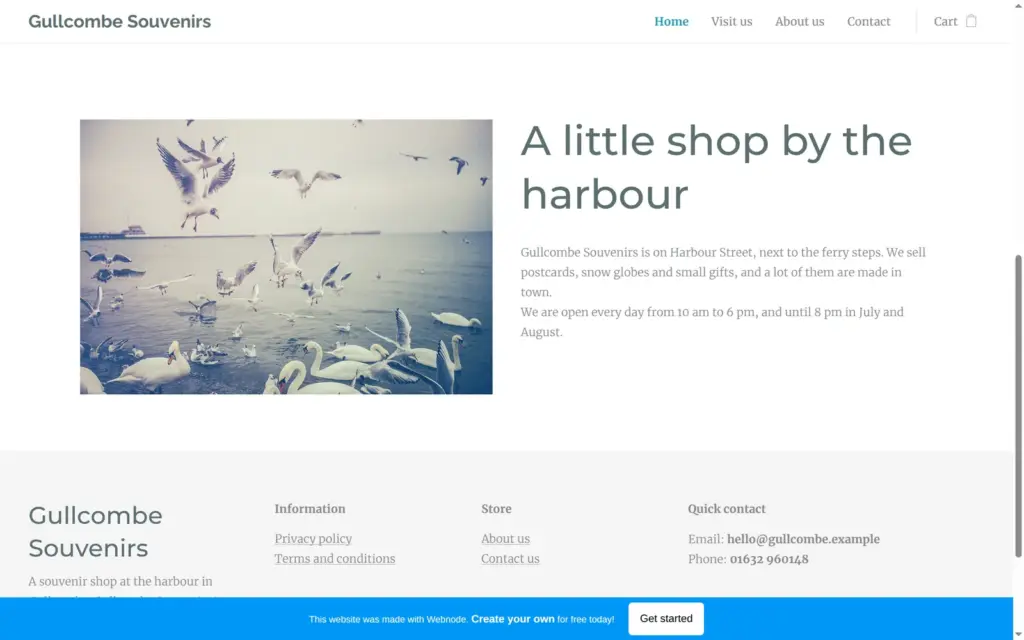
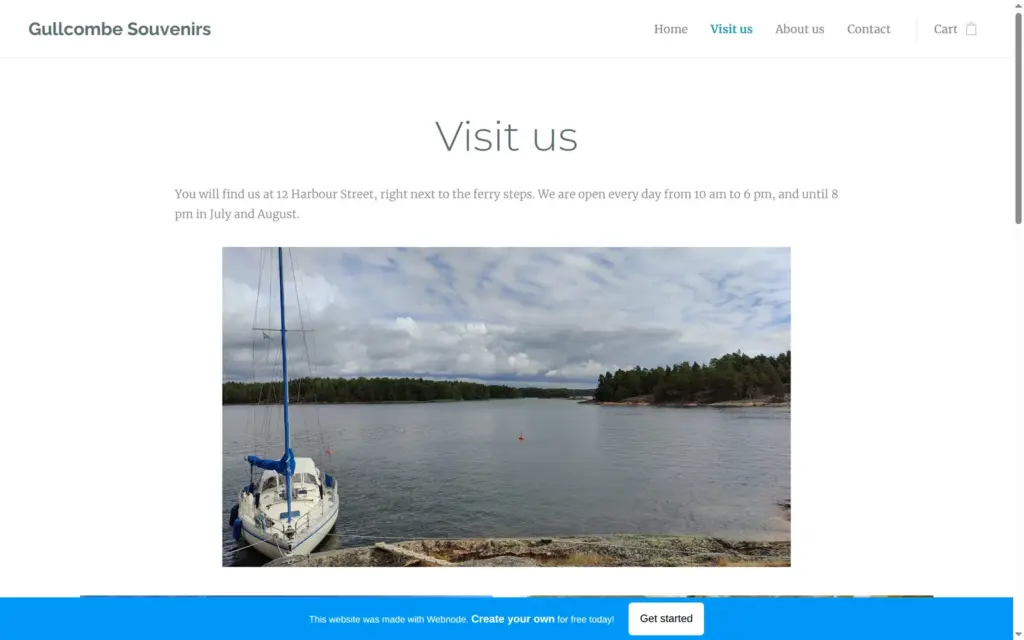
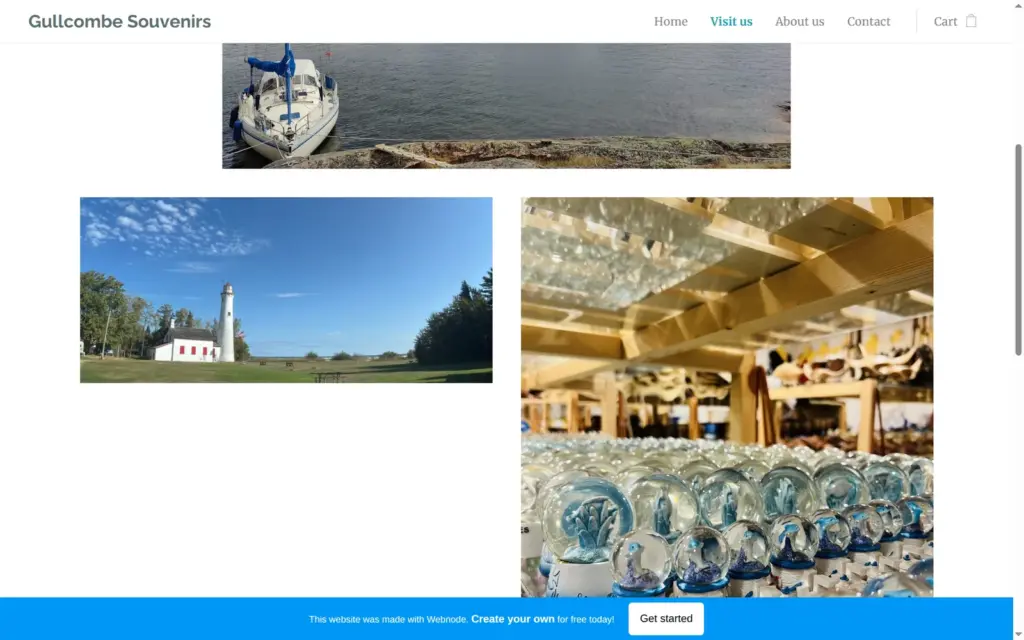
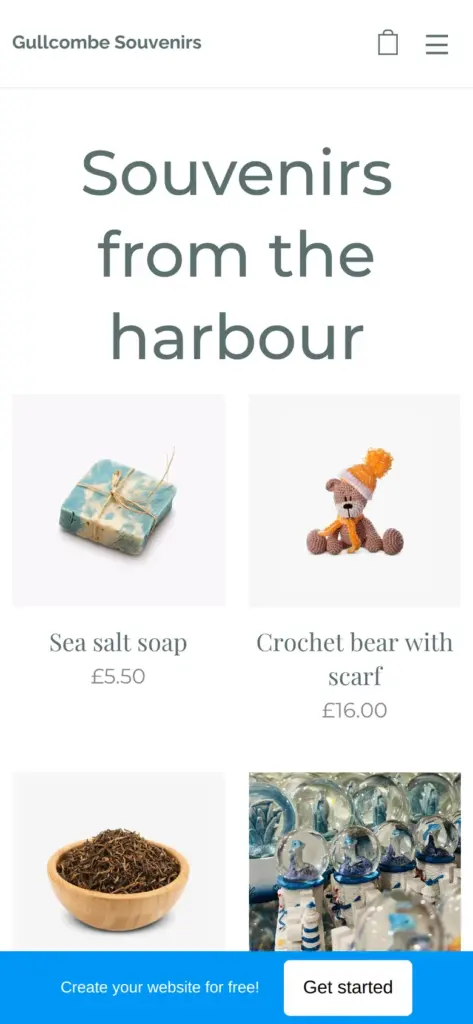
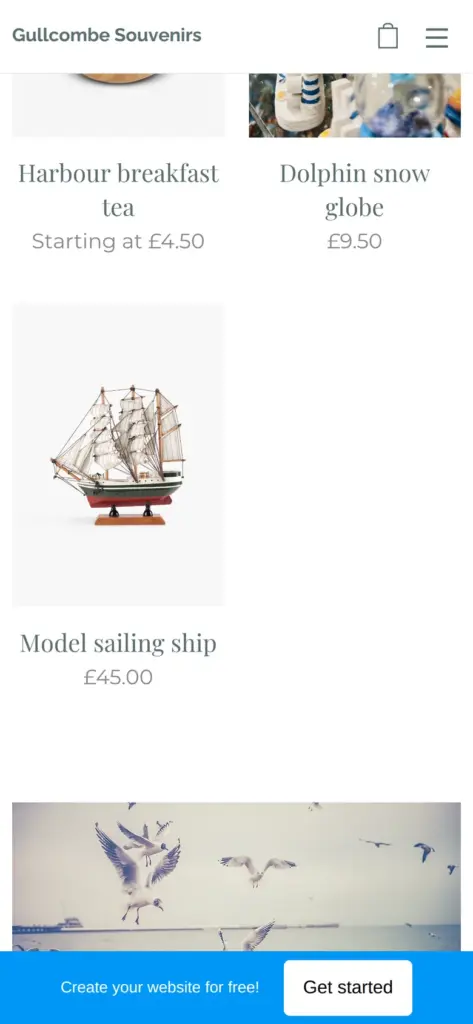
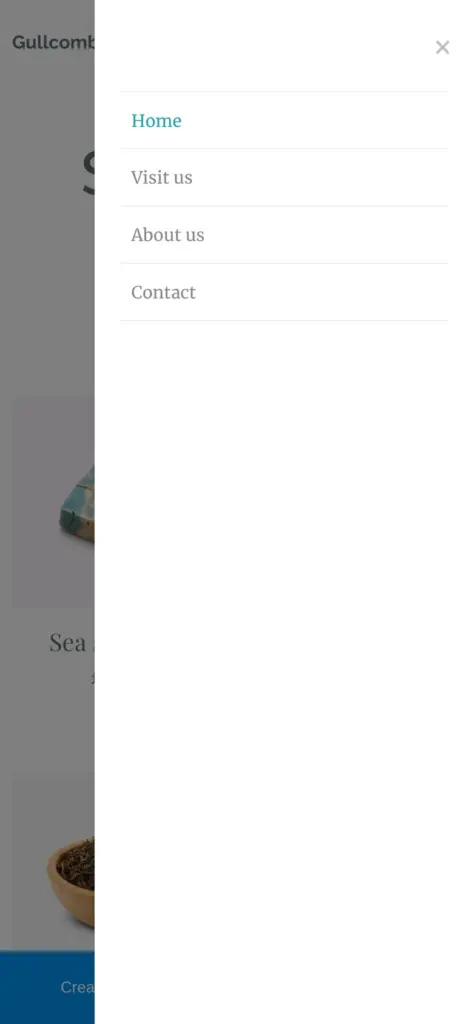
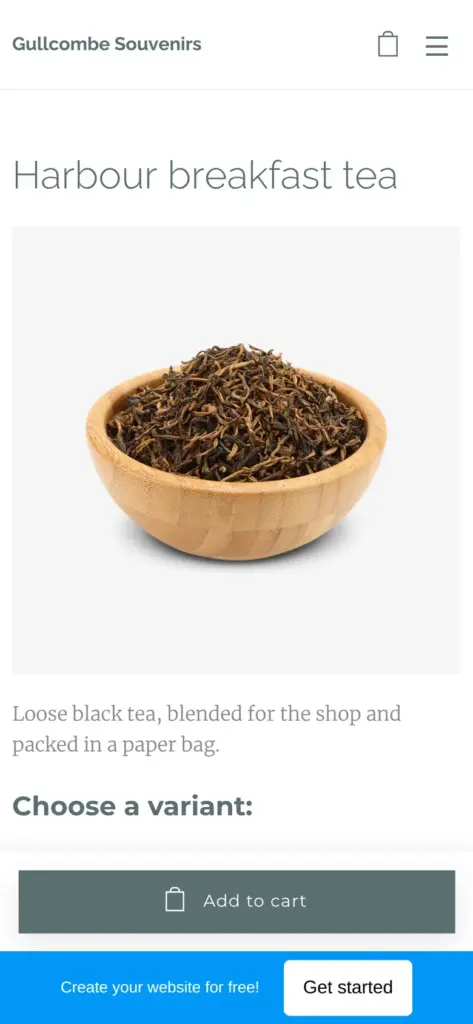
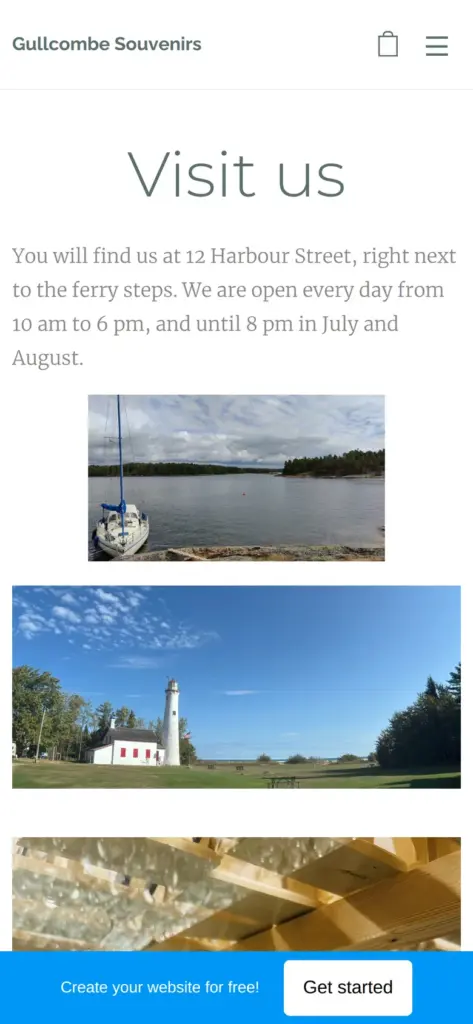
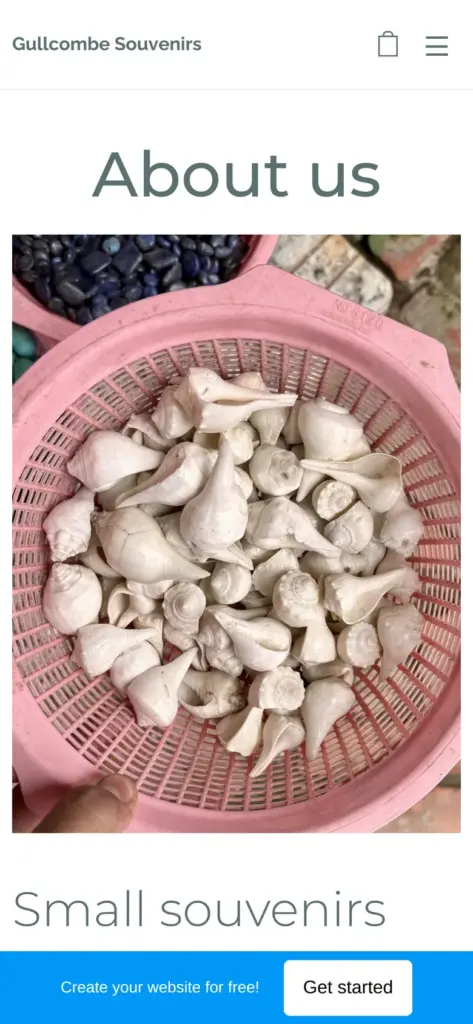
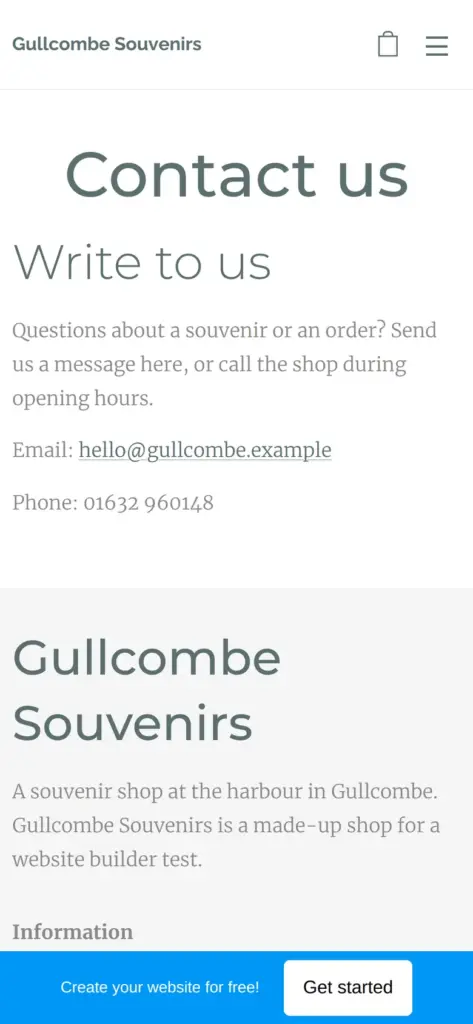
Open the Gullcombe Souvenirs site. It's a demo, so please don't enter personal details at the checkout.
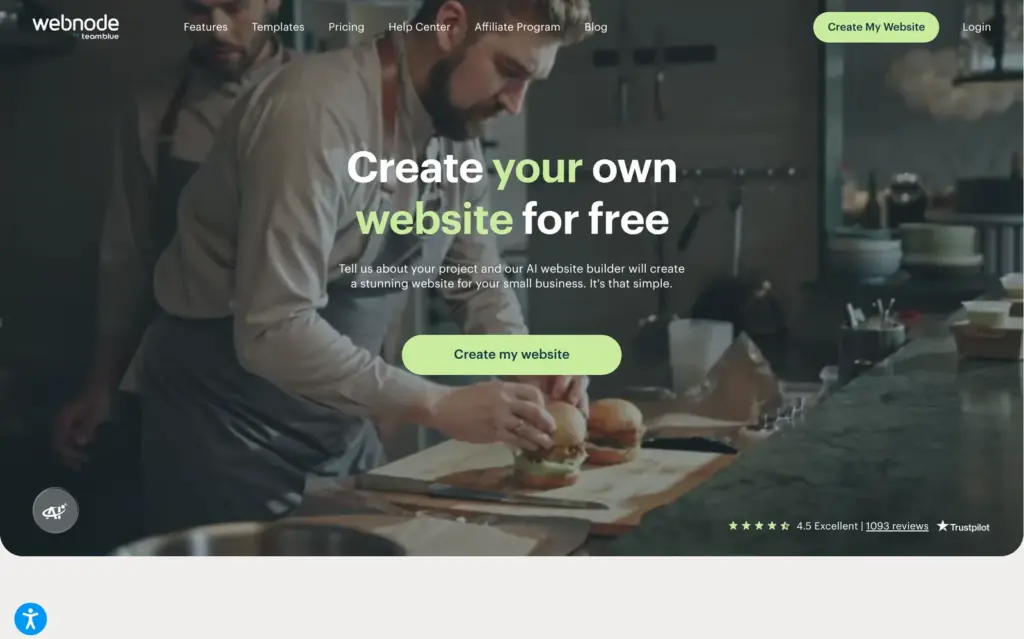
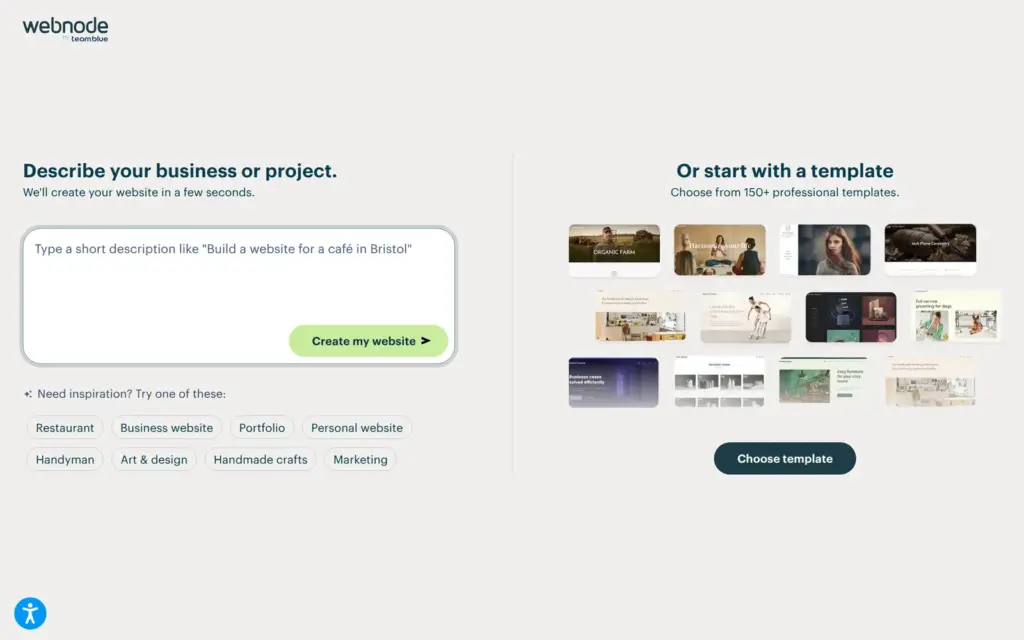
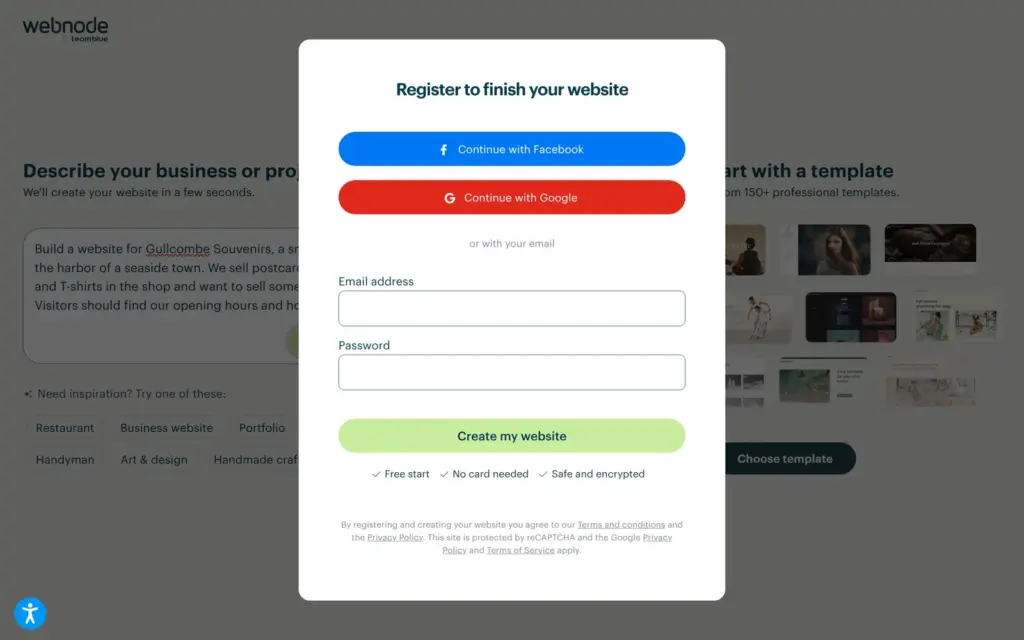
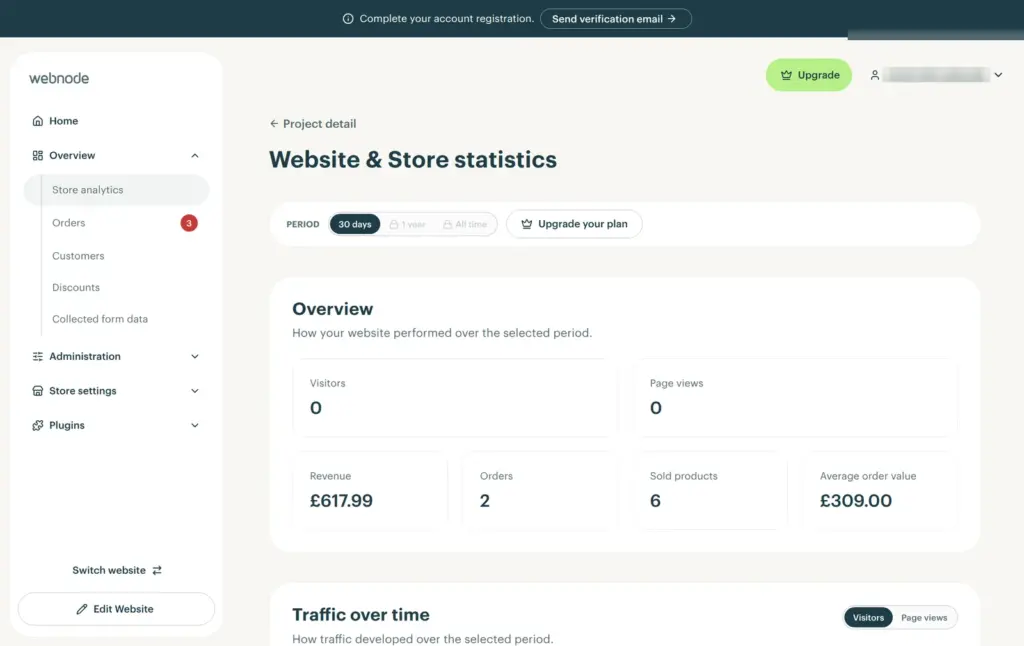
Webnode's home page says its AI builder creates a website from a short description. I clicked Create my website and described the shop in a few sentences. Before anything was built, Webnode asked for an account. An email address and a password were enough. It didn't ask me to confirm the email address before I could start, but the administration later shows a reminder to do it.
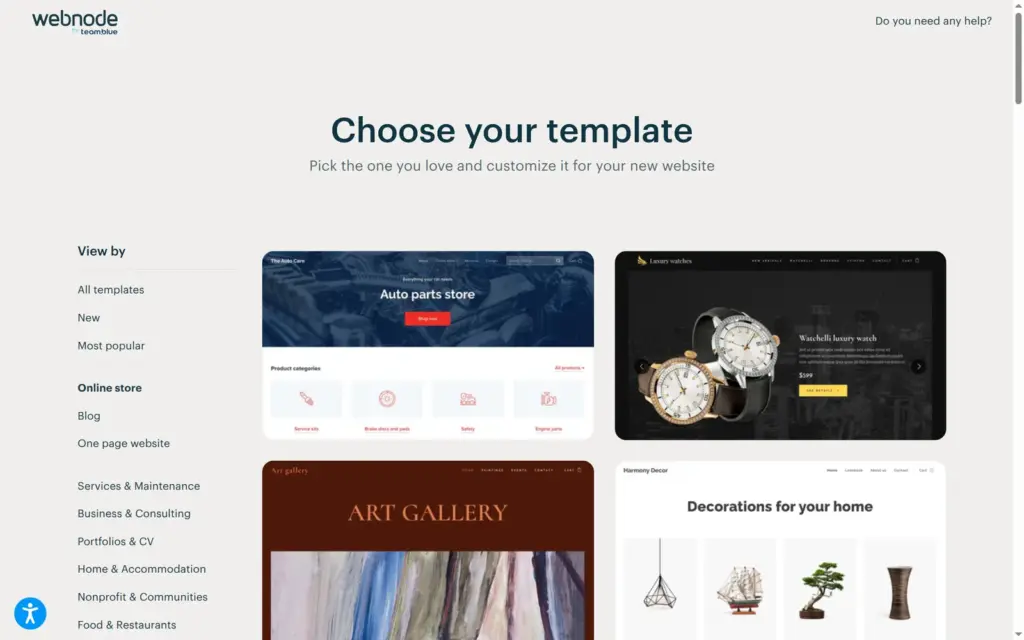
After the sign-up, Webnode didn't build a site with AI. It showed me its online store templates instead. My description had said that the shop wants to sell some souvenirs online.
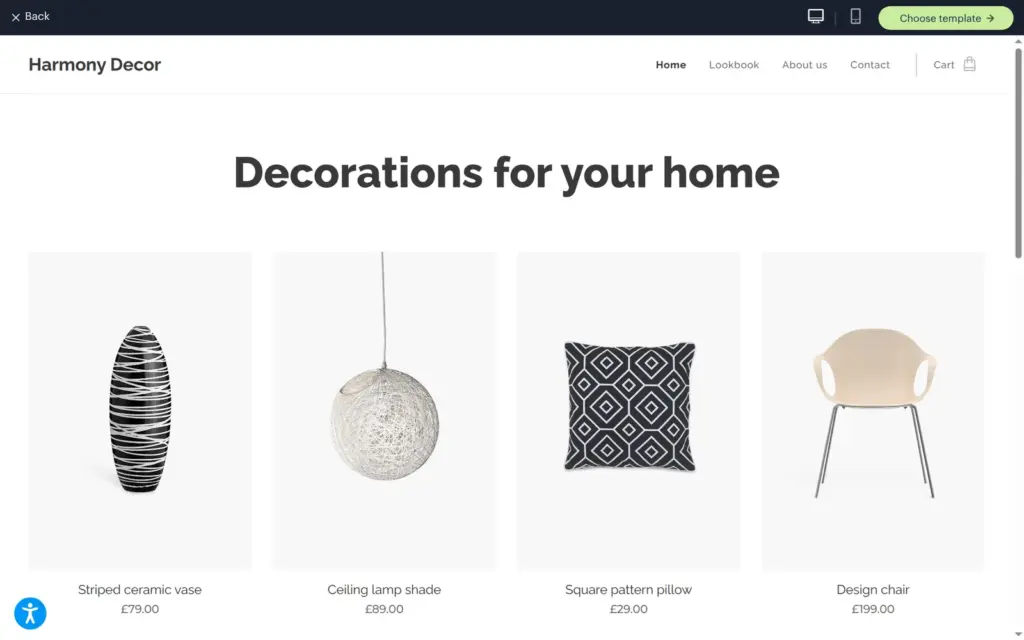
None of the 38 shop templates was made for souvenirs. The preview opens a template as a real website, with a switch for the phone view. I picked Decoration Store, because its calm layout with large product photos suits small gifts.
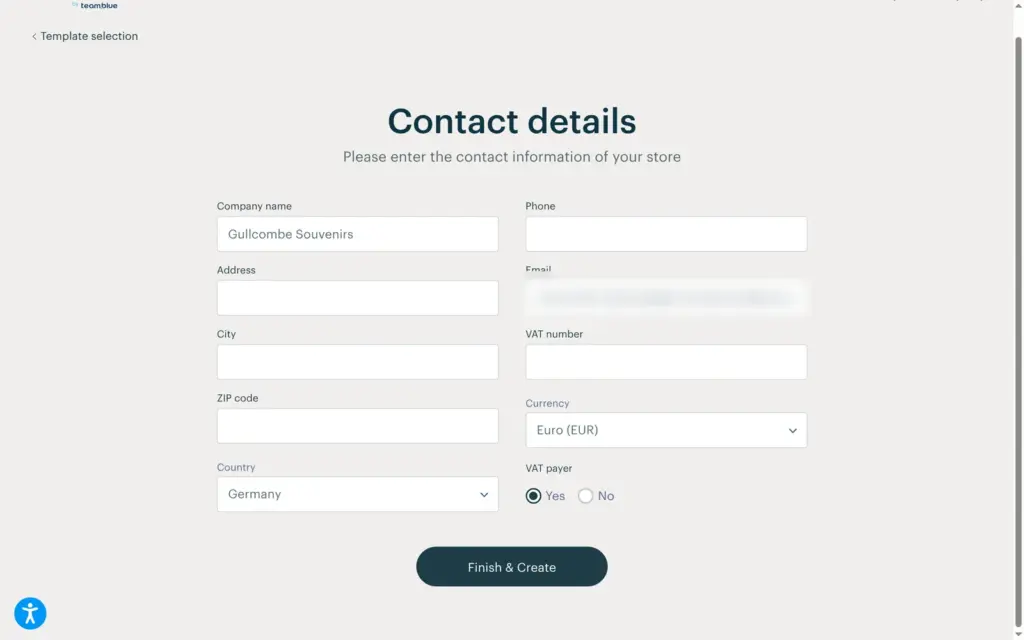
Next came a form for the shop's address and phone number. It also asked for the currency and whether the shop charges VAT. The email field was filled in with the address of my account. The country was set to Germany and the currency to euros. I entered a made-up address in Gullcombe and picked British pounds. After Finish & Create, the editor opened with a short tour and the template's sample shop, still full of decor items.
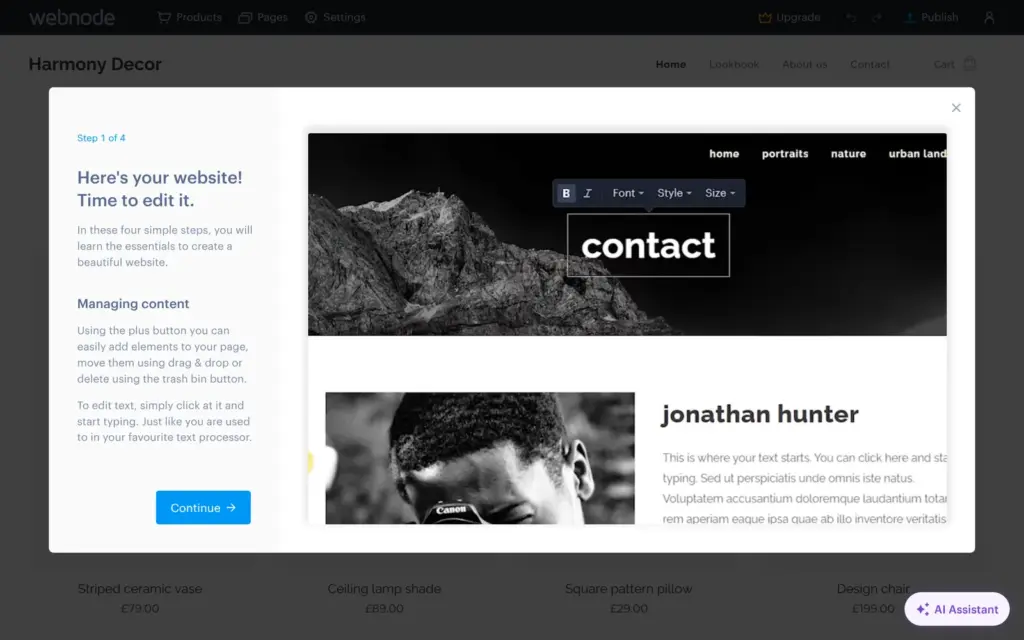
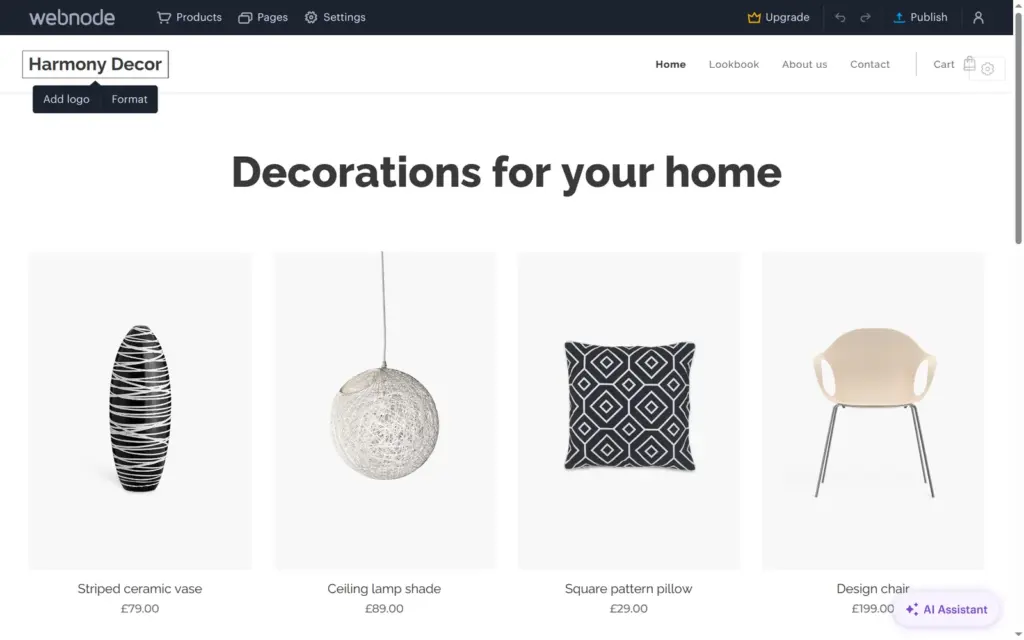
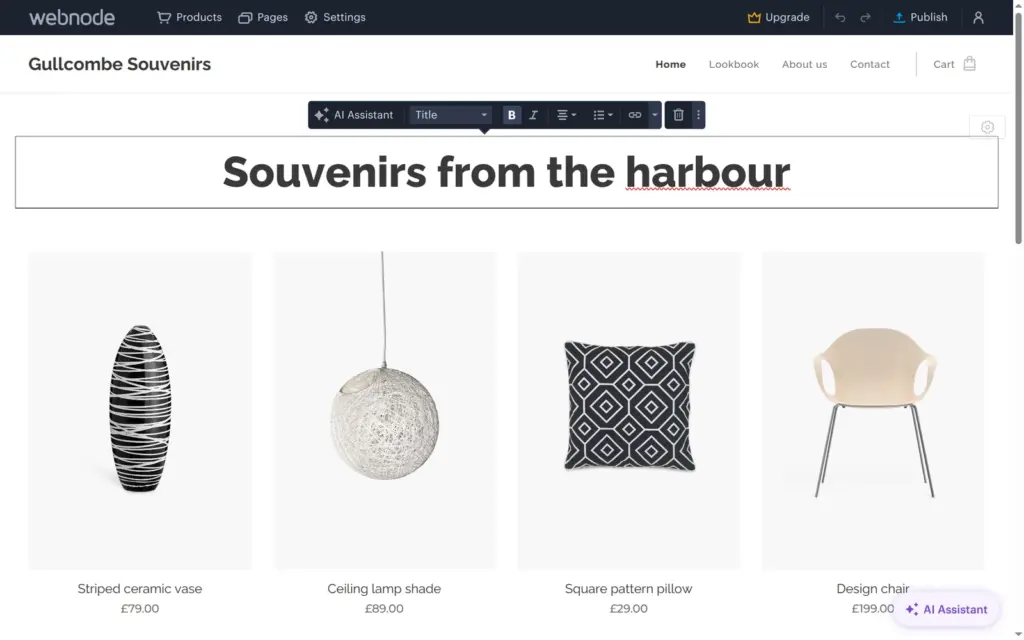
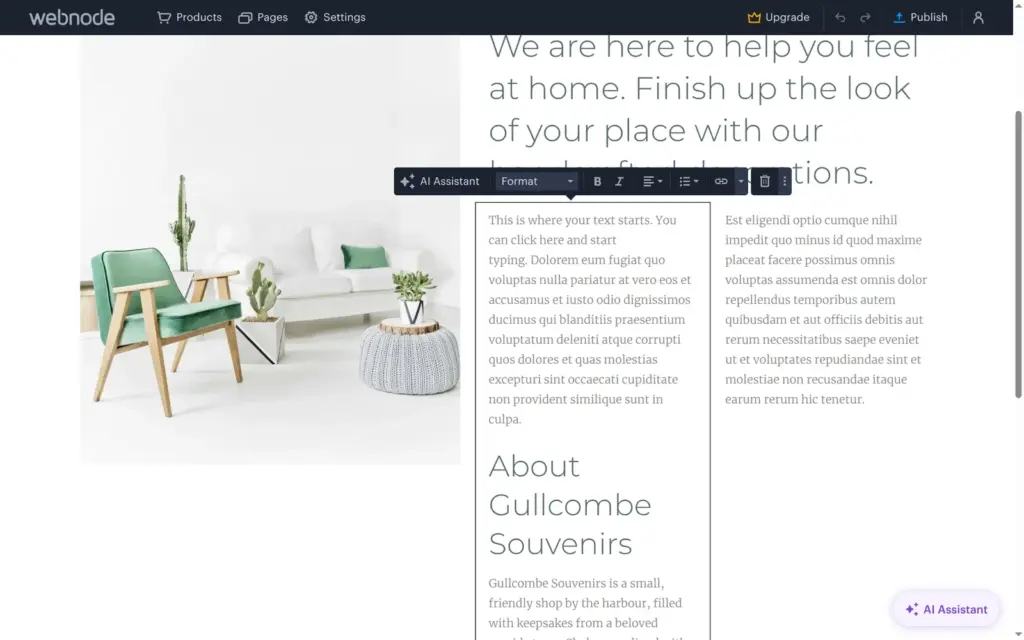
Webnode's editor shows the page as it will look. You click a text and type. A small toolbar has the text styles and the AI Assistant.
The shop name sits in the header, which all pages share. I changed it once, and every page showed the new name. The footer is also shared, but it has its own copy of the name.
Editing text was the fiddliest part. When I selected all the text in a block and typed, the heading or the paragraph under it went with it. New lines often kept the bold formatting of the line above, so I switched bold off by hand.
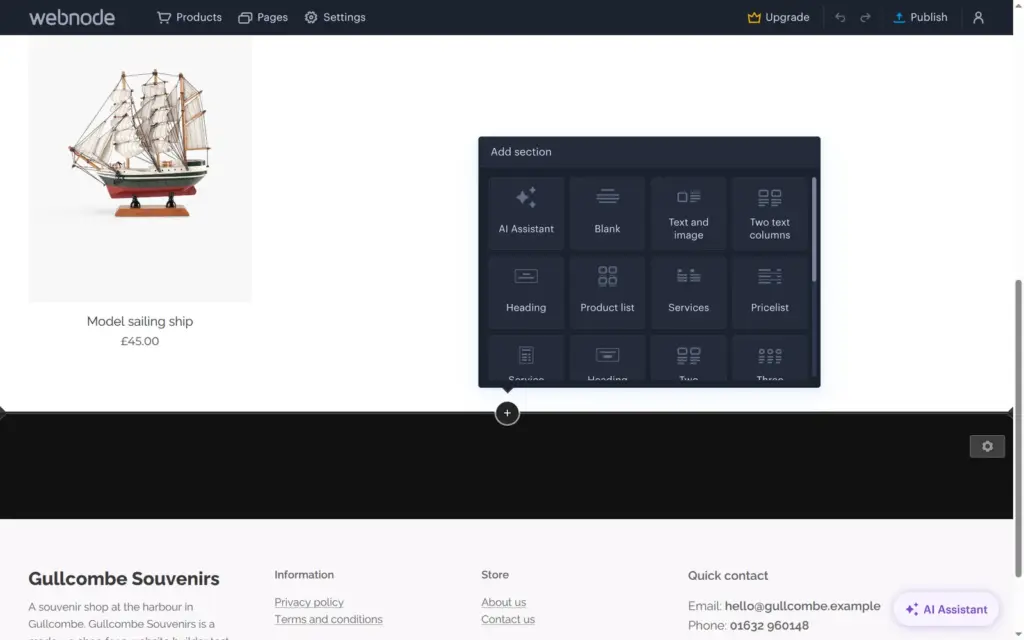
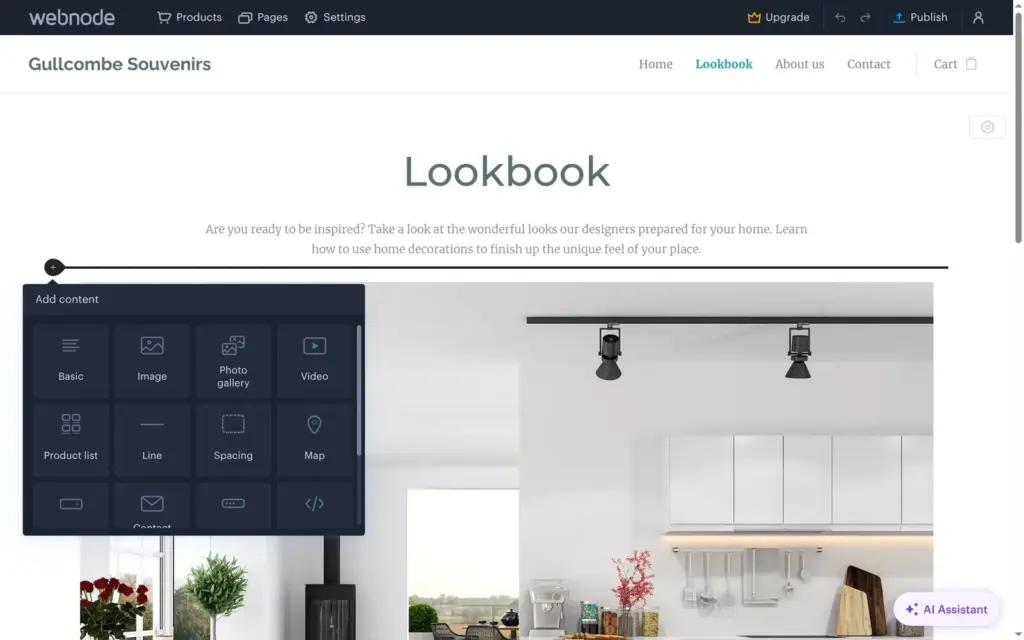
New sections come from a plus button between the sections. The list has about 20 section types, such as Text and image or FAQ. Inside a section, a second plus button adds smaller parts like a map or a button.
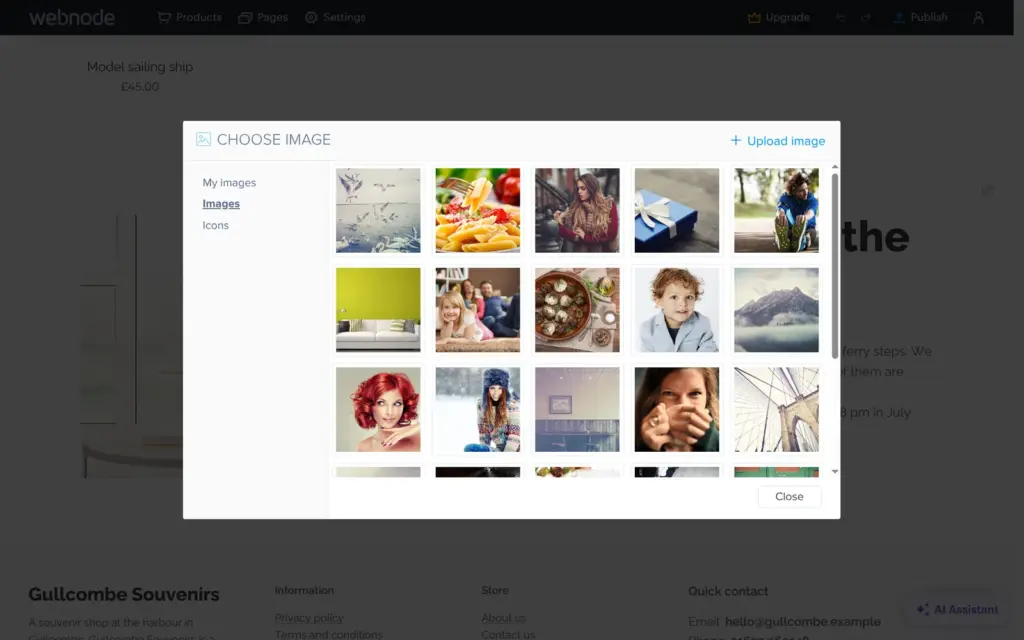
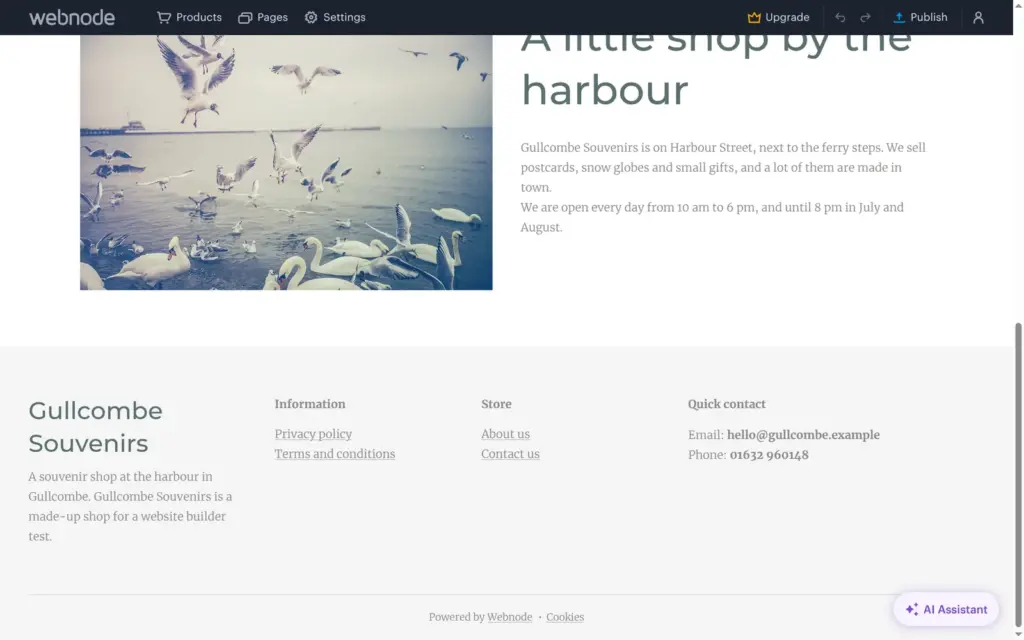
For photos in sections, Webnode has its own library with about 800 stock photos. There's no search, so finding seagulls meant scrolling. Product photos can't come from this library. They have to be uploaded from your computer, so I saved three photos from the library and uploaded them.
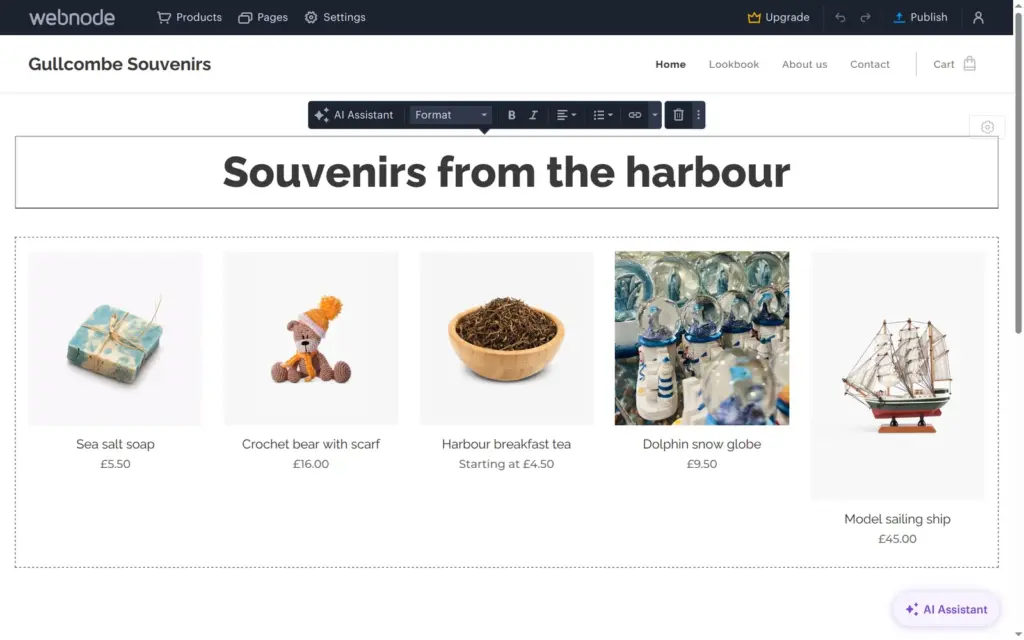
The template's product list showed four products per row, so my fifth product sat alone in a second row. The layout settings of the list offer three to five columns, and five fit all souvenirs in one row.
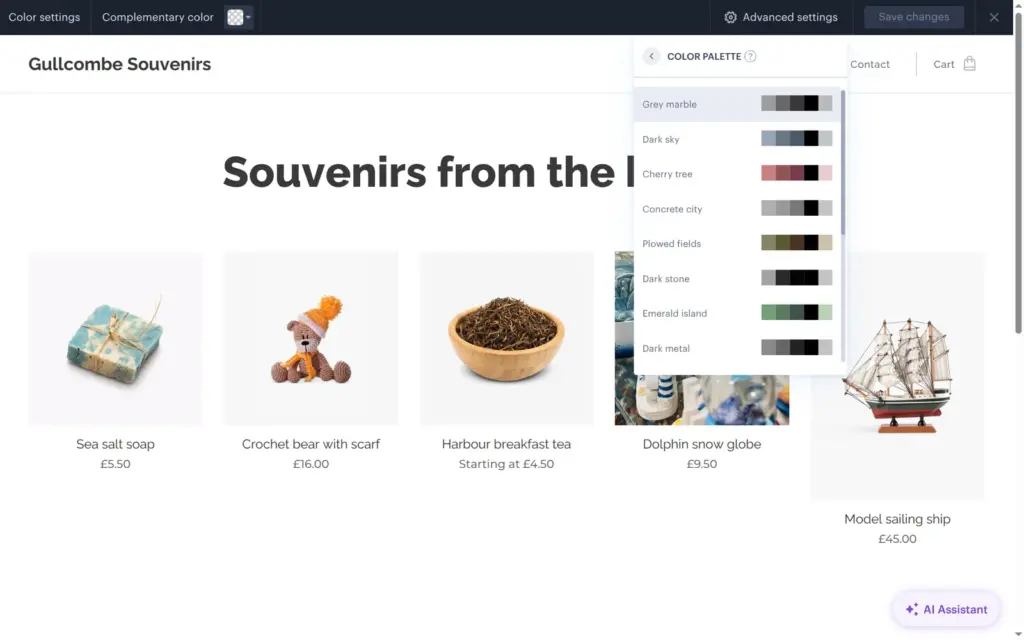
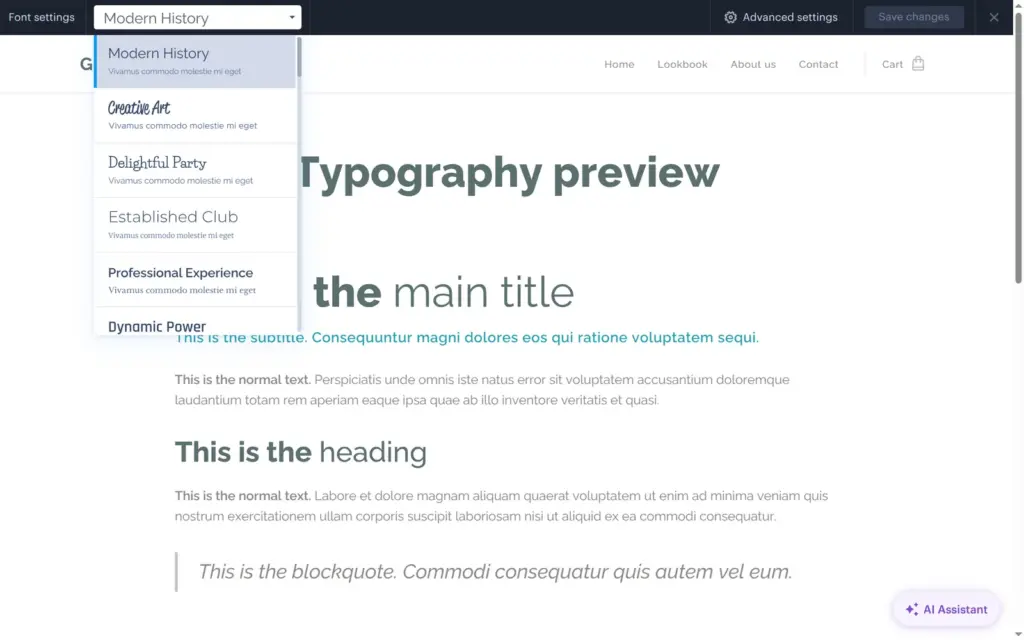
Colors and fonts are set for the whole site under Settings, Design. The template used a gray palette called Grey marble. Under Advanced settings there are 15 palettes, and I picked Sea hues. Fonts come as 41 ready-made pairs, one font for headings and one for text. I picked Established Club, which pairs a clean heading font with a serif.
Each change needs Save changes at the top of the screen. The same menu has settings for buttons and images. The browser tab shows Webnode's icon until you upload your own favicon.
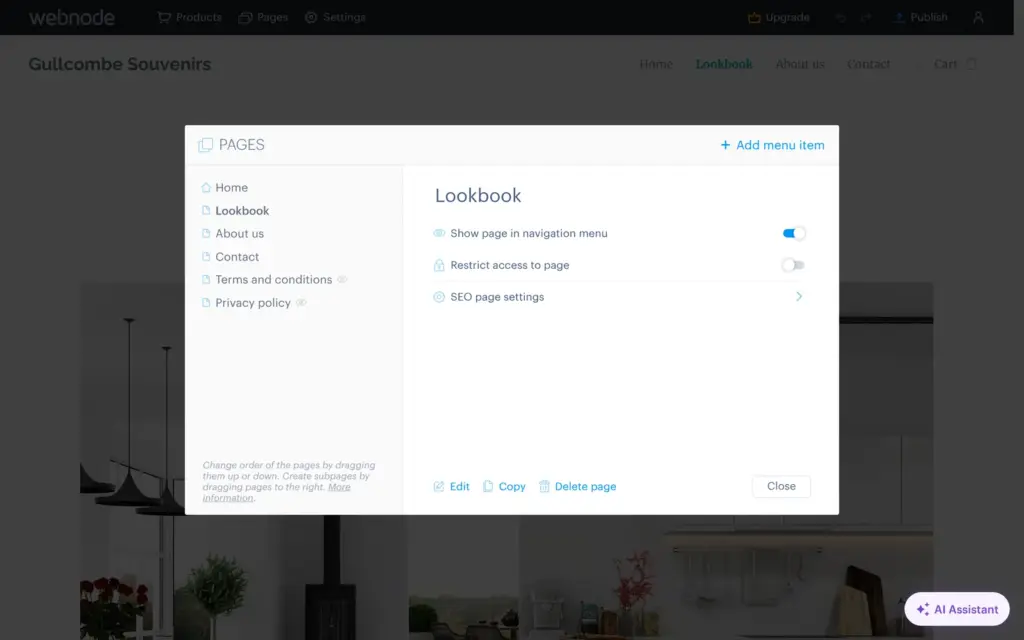
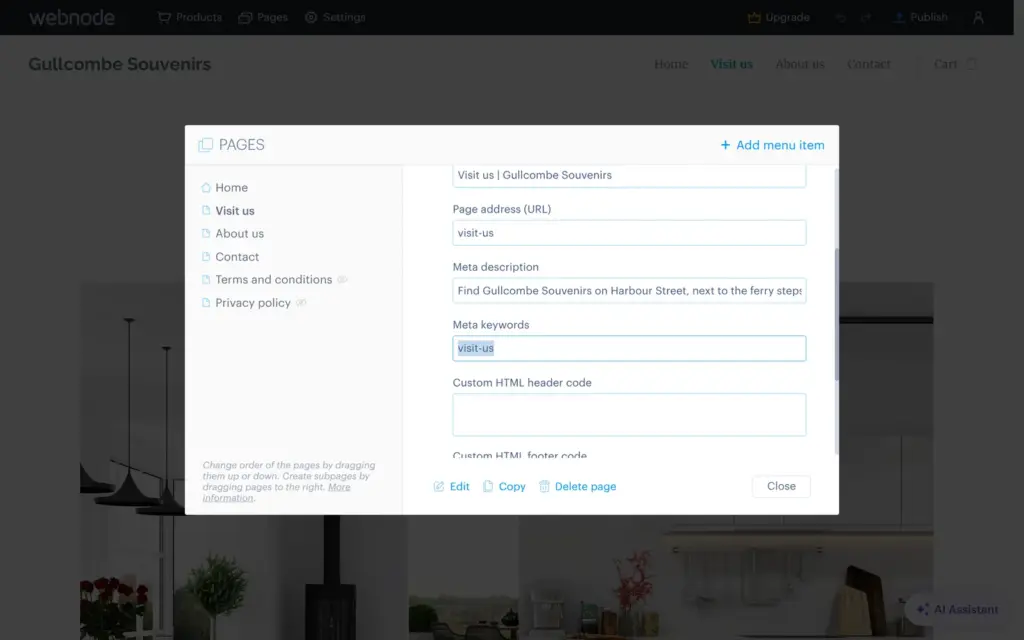
The Pages panel lists the pages. Each one can be hidden from the menu and has its own search settings. The template had a Lookbook page with photos of living rooms. I renamed it Visit us by clicking its title.
Renaming changed the menu, but not the web address. The page still lived at /lookbook/ until I changed the address in its search settings. That change saved at once and reloaded the editor. Then I replaced the living room photos with harbor photos and wrote the opening hours under the heading.
The editor has no phone view, and I found no setting for the phone layout. Webnode's templates adapt to phones on their own. On a phone, the published site looked tidy, with two products per row and a menu that opens from the side. The Webnode banner stays at the bottom of the screen.
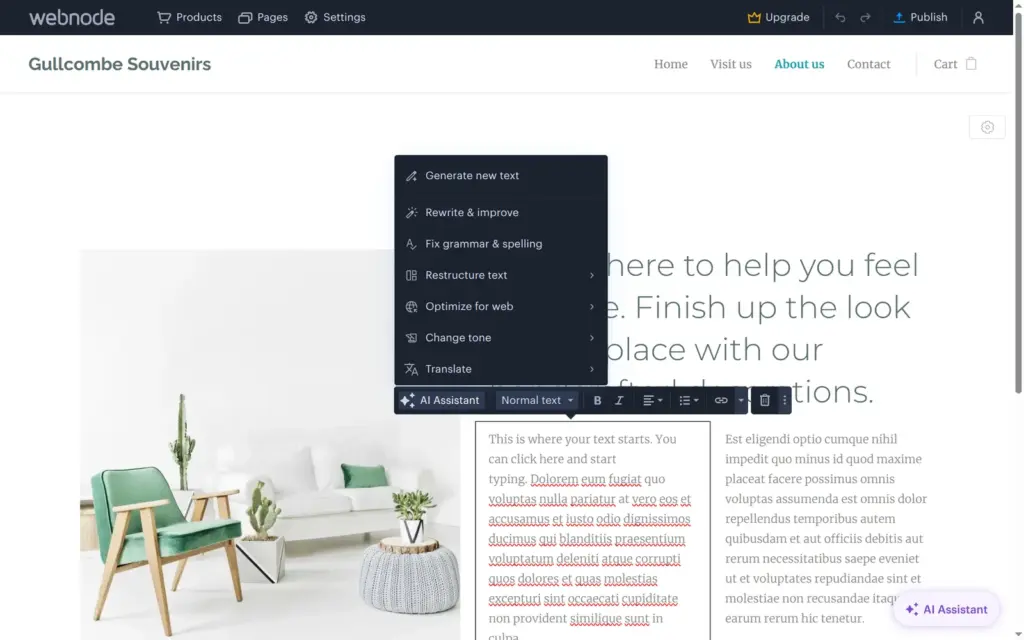
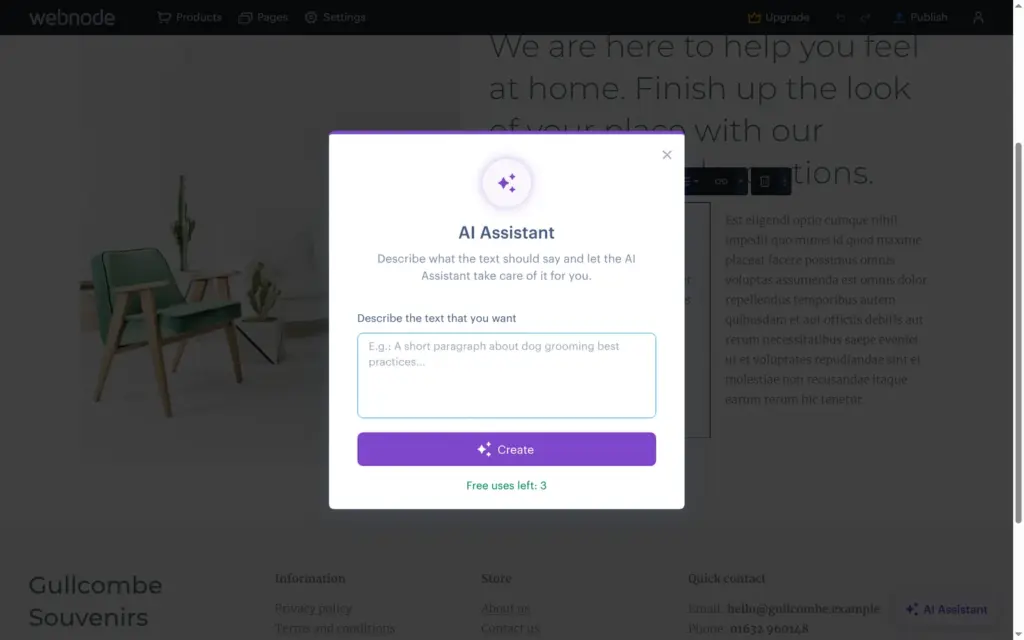
The AI Assistant sits in the text toolbar and in a button at the bottom of the editor. In the toolbar, it can write new text or rework what's there, for example by fixing the grammar or translating it.
On the free plan, writing new text showed "Free uses left: 3". I asked for a short About text for the shop, and it took about three seconds. The text was usable, but it sounds more like an ad than a shop owner. One sentence reads "Each item is chosen with care, so every souvenir carries a little piece of seaside life home." The new text didn't replace the placeholder text. It landed below it with its own big heading, so I deleted the old paragraph and the extra heading myself.
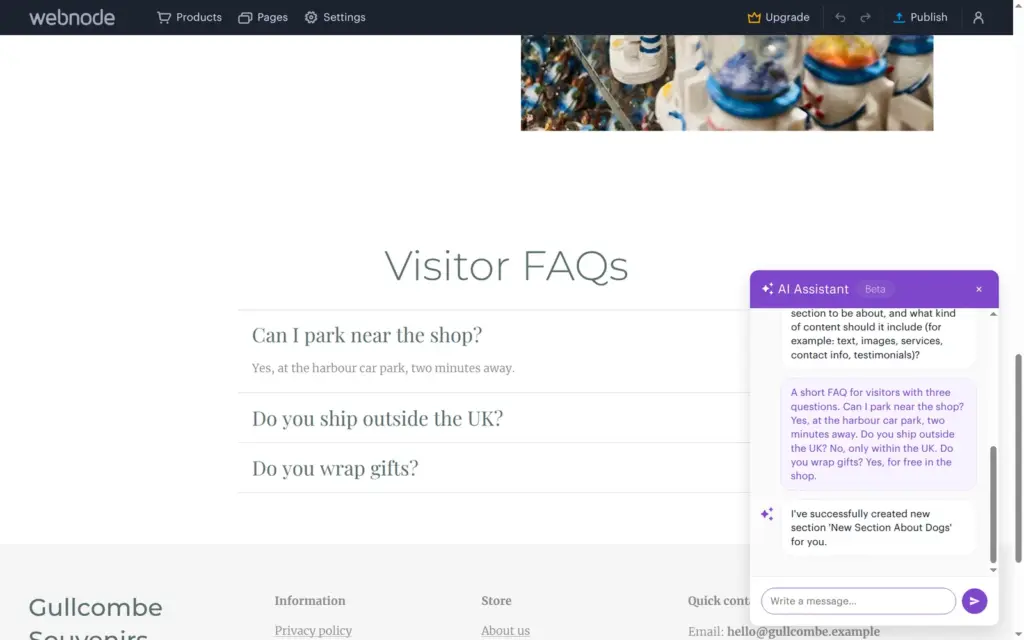
The button at the bottom opens a chat that can add sections and answer questions about Webnode. I asked for a section with three questions and answers for visitors. About 12 seconds later, the Visit us page had a FAQ section with my questions and answers. The chat said it had created a section about dogs.
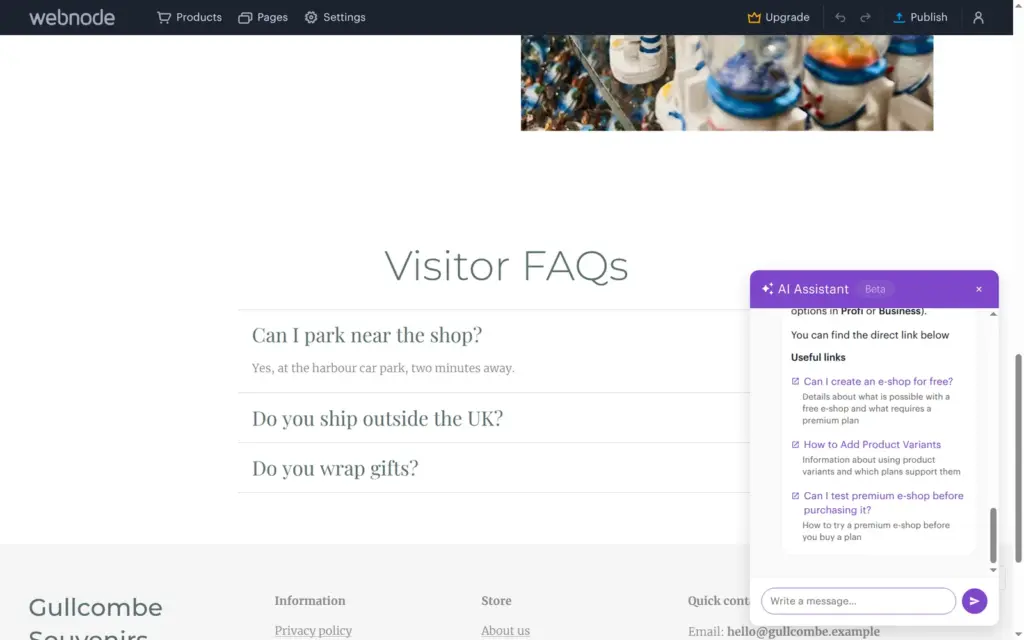
I also asked whether customers can buy from my store on the free plan. The answer was right. The free plan is for preparing a shop, and selling needs at least the Standard plan. The chat linked three help articles. On the pricing page, the AI Assistant is part of Standard and the higher plans.
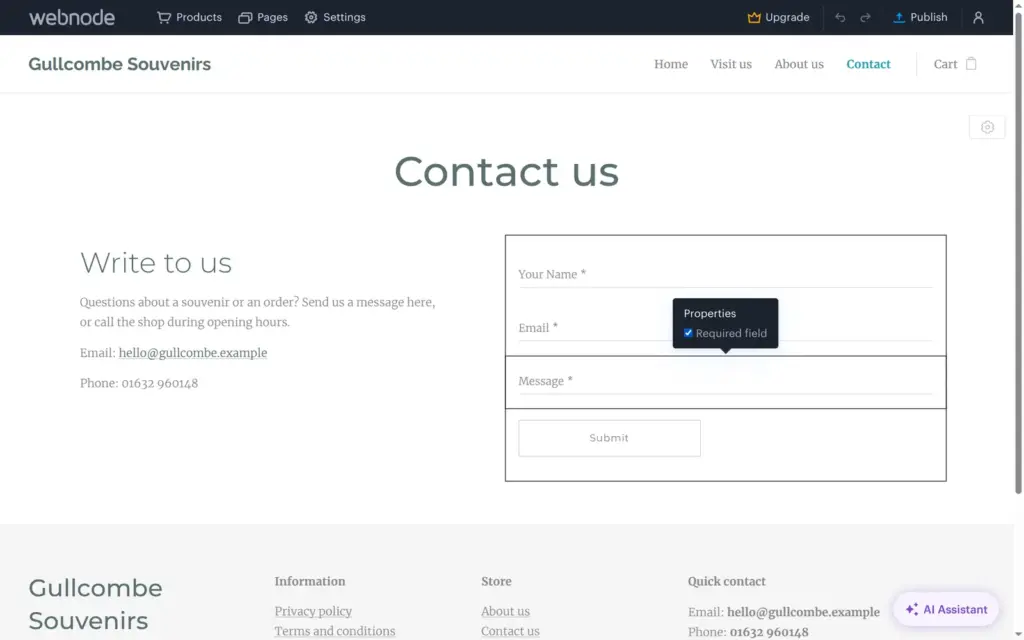
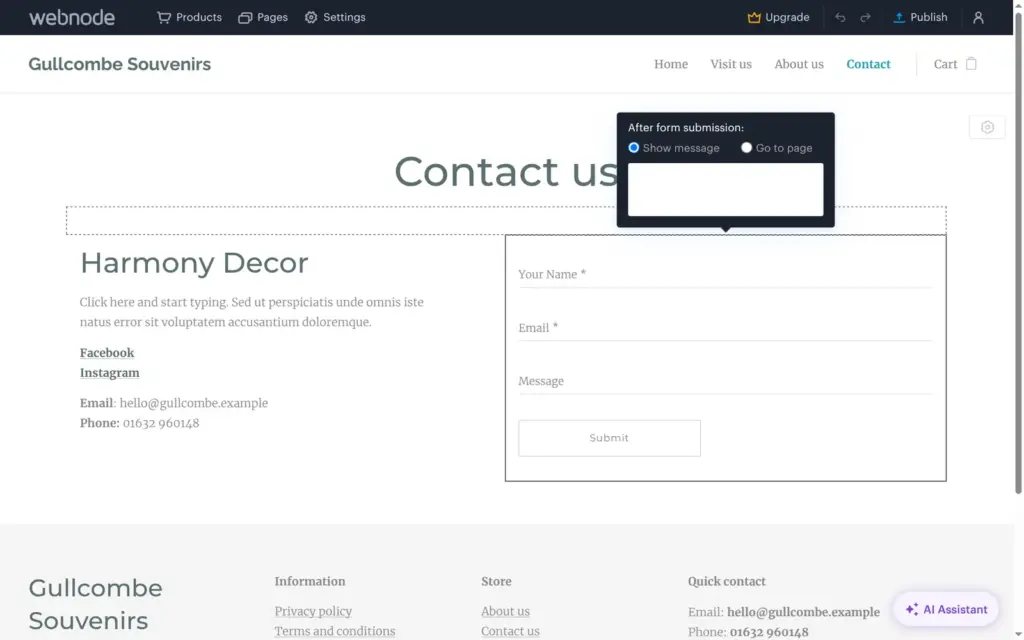
The template's contact page came with a short contact form. Each field can be required, and that's the only field setting. After sending, the form can show a message or open another page. Messages land in Webnode's administration under Collected form data. To get them by email, you add an address under Contact email. Spam protection with a CAPTCHA is part of a paid add-on called Premium website security.
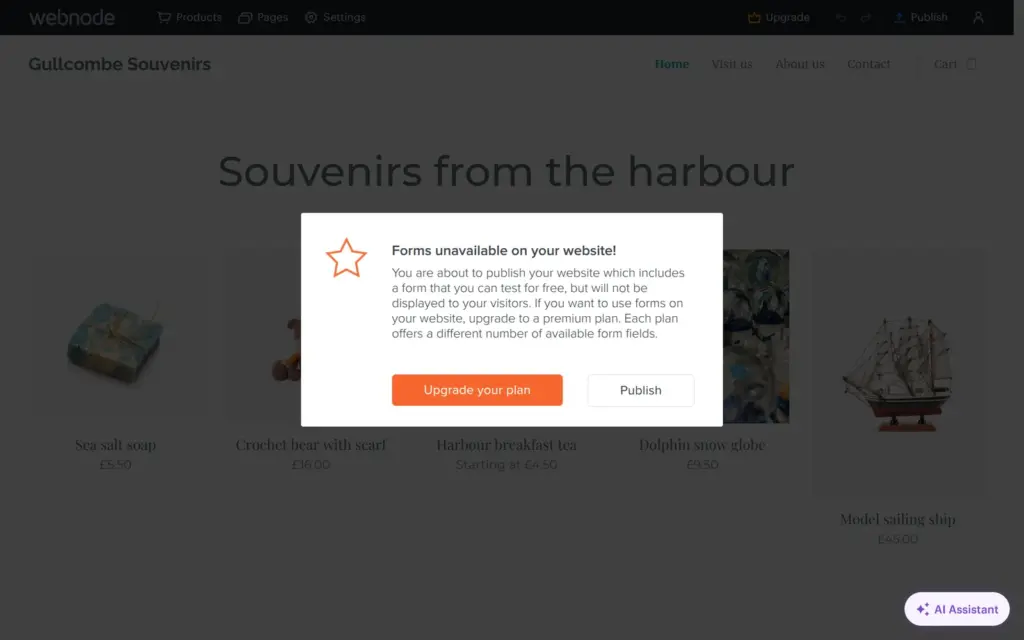
When I published, Webnode warned that the form "will not be displayed to your visitors" on the free plan. On the live site, the contact page had my text but no form, so I couldn't send a test message. A normal contact form needs at least the Mini plan, which allows five fields.

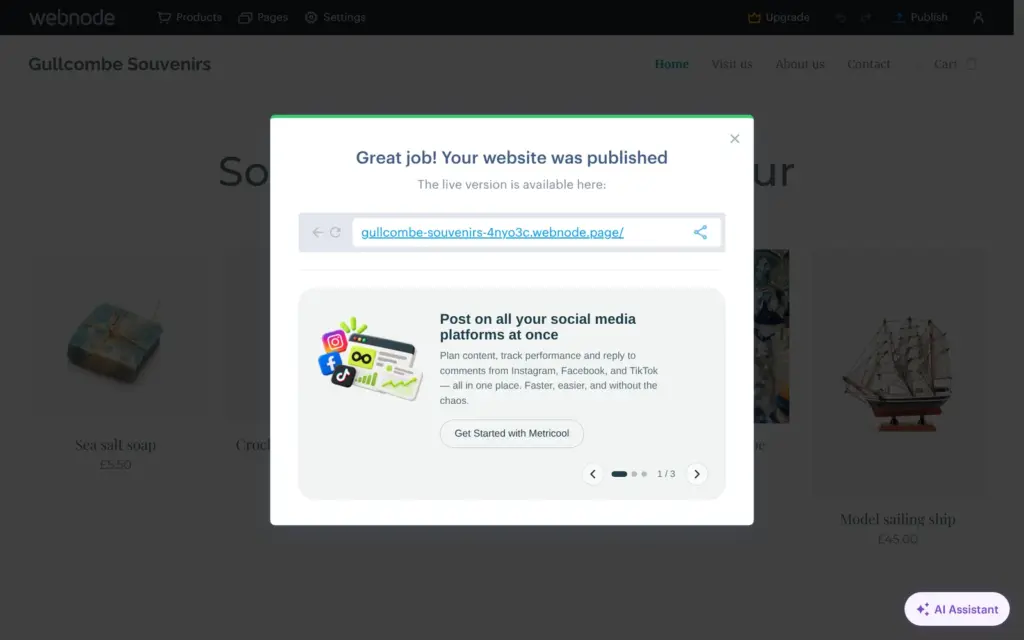
Publish puts the site live within a few seconds, on a free address with a random code, in my case gullcombe-souvenirs-4nyo3c.webnode.page. Your own domain needs a paid plan. The cheapest plan, Limited, connects a domain you already own. From Mini up, a domain is free for the first year.
Every page of a free site has a blue banner at the bottom that says "This website was made with Webnode. Create your own for free today!" The footer also says Powered by Webnode. Removing the branding needs Standard.
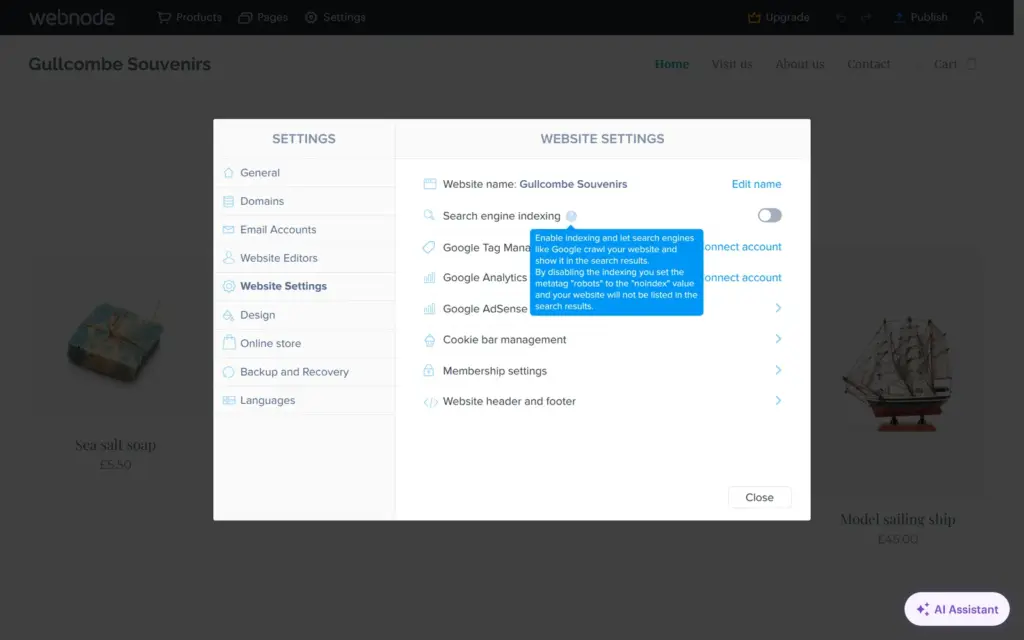
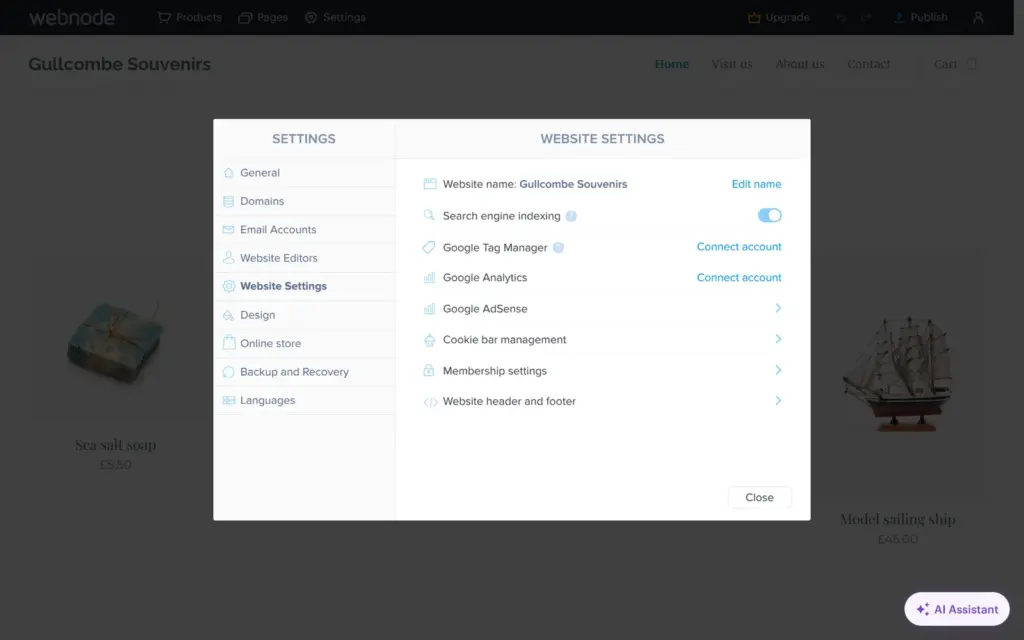
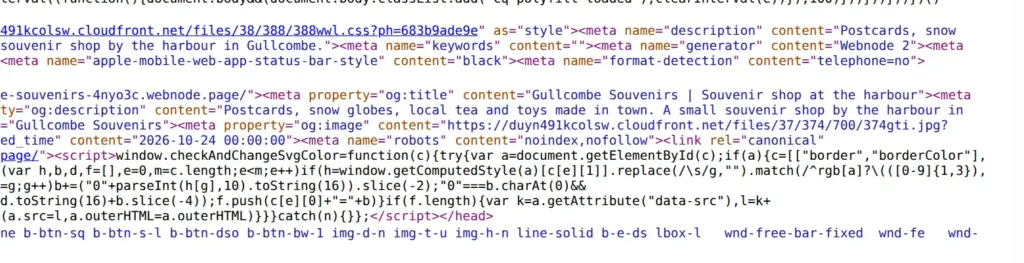
Each page has its own search title and description. A switch under Settings, Website Settings decides whether search engines may list the site. On my new site, it was off, and I left it off because the shop is made up. After I published, the switch was on, and the live pages told search engines to index them. I switched it off and published again, and then the pages said noindex. Webnode also writes a robots.txt file that points to a sitemap, and the pages have the right language tag.
On the live site, everything I clicked worked on a computer and on a phone. The template also adds a Terms and conditions page and a Privacy policy page, linked in the footer. Both are sample texts that start with a disclaimer, so a real shop has to replace them.
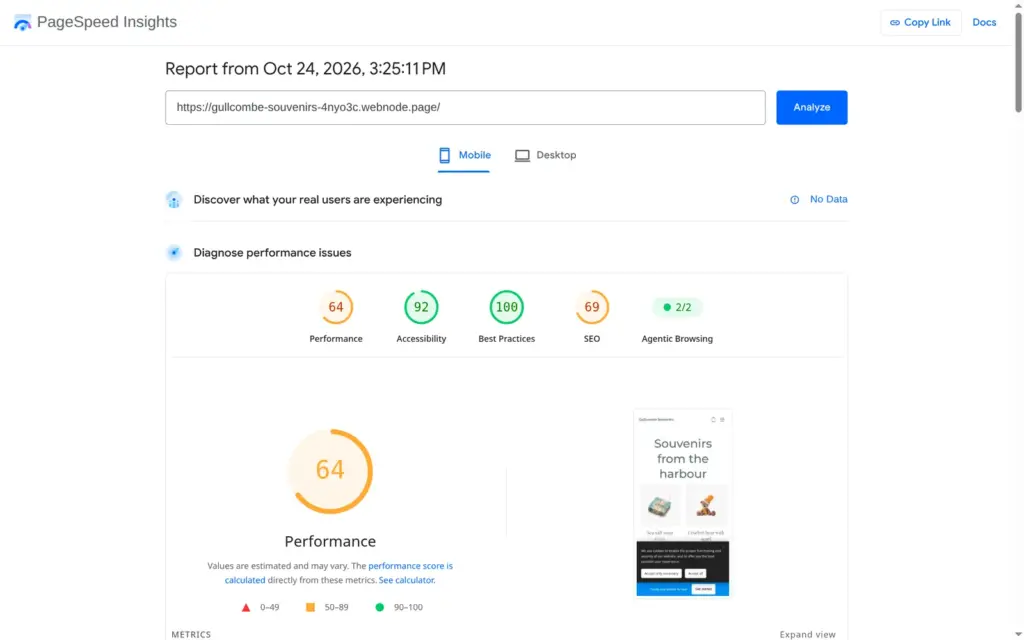
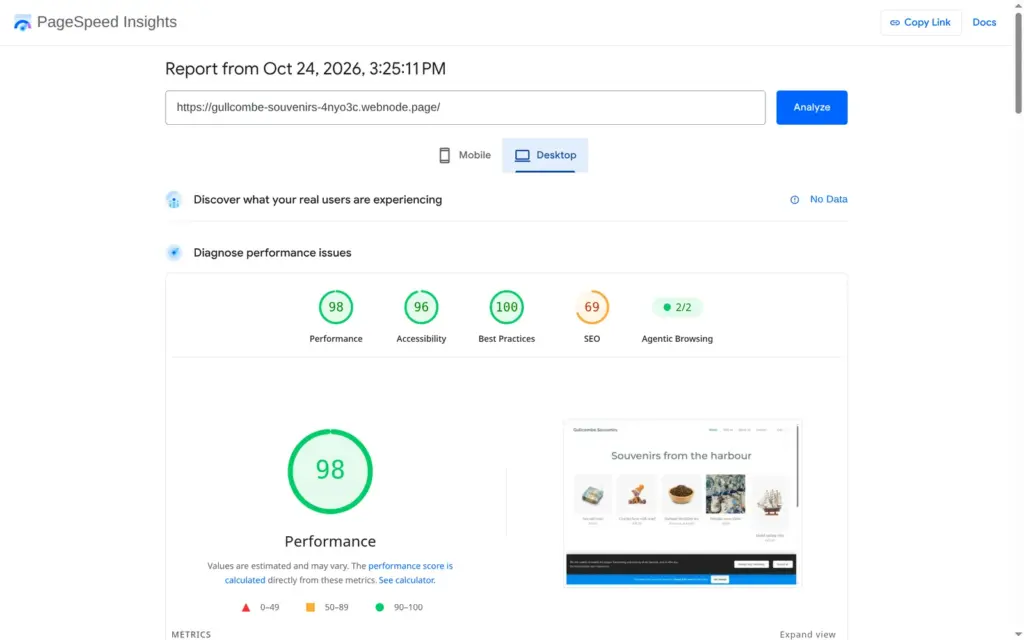
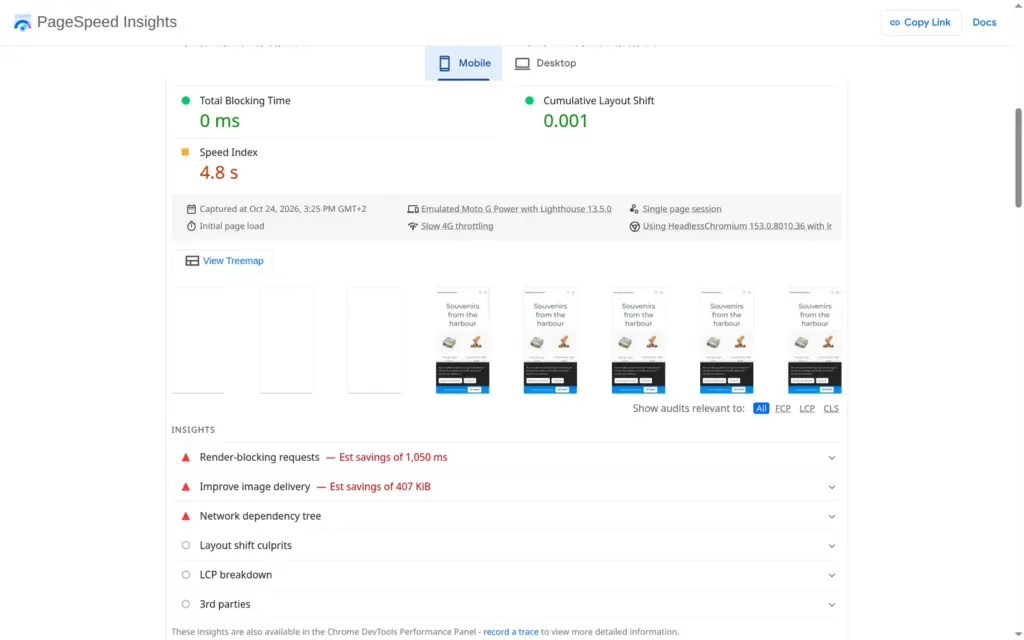
I ran the published home page through Google's PageSpeed Insights once for each device. On a simulated phone, it scored 64 out of 100. The first text appeared after 4.8 seconds and the largest image after 7.1 seconds. On desktop, it scored 98, and the largest image appeared after 0.9 seconds.
The report pointed at files that hold up the page, which could save about a second on the phone, and at images that could be about 400 KB smaller. Accessibility scored 92 on the phone, because some text has too little contrast against its background. The search score of 69 comes from my choice to hide the site from search engines.
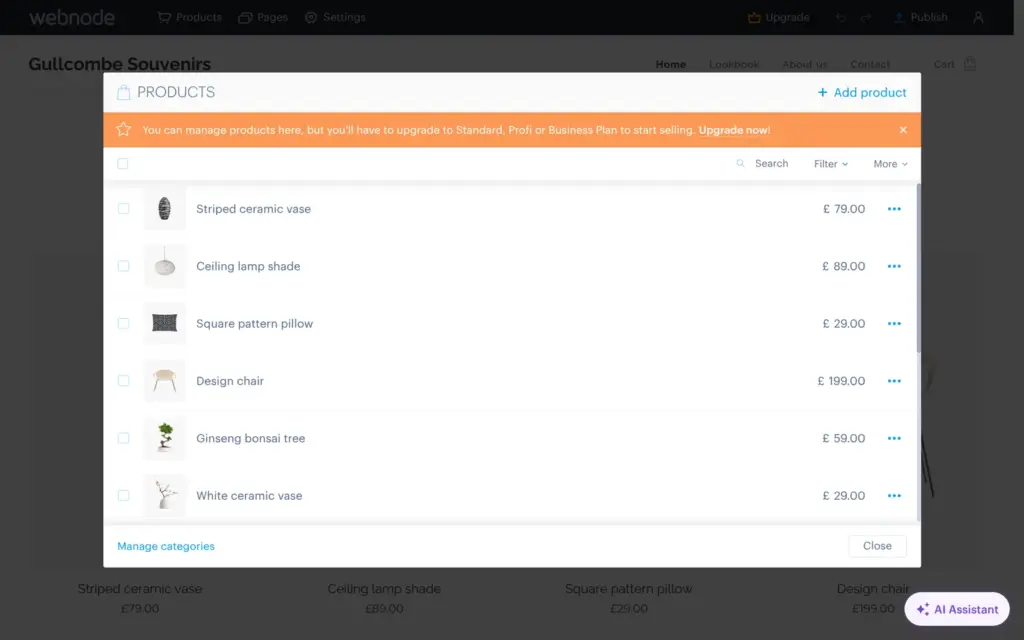
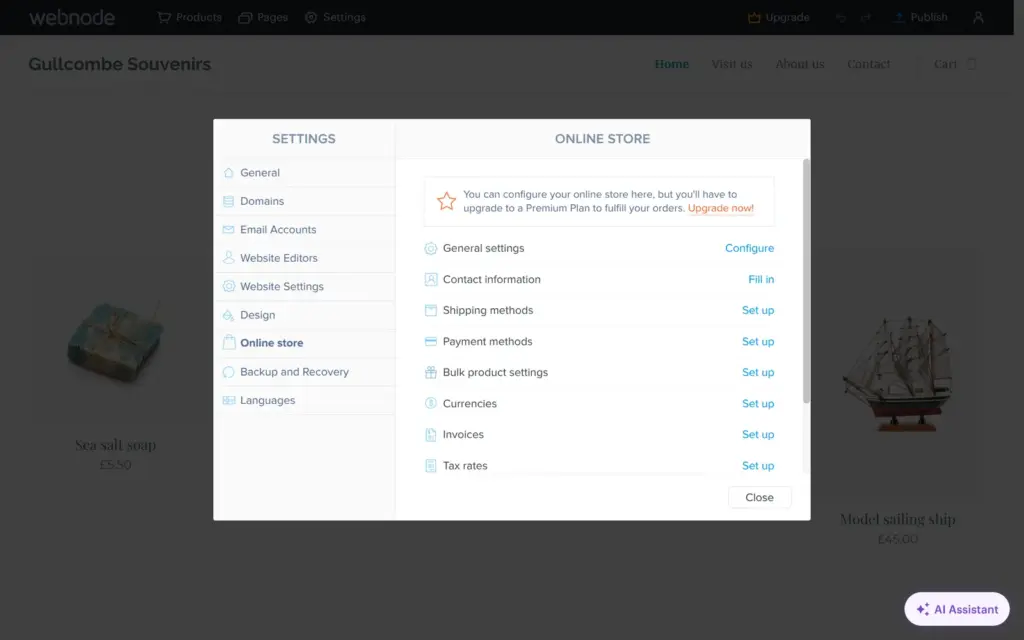
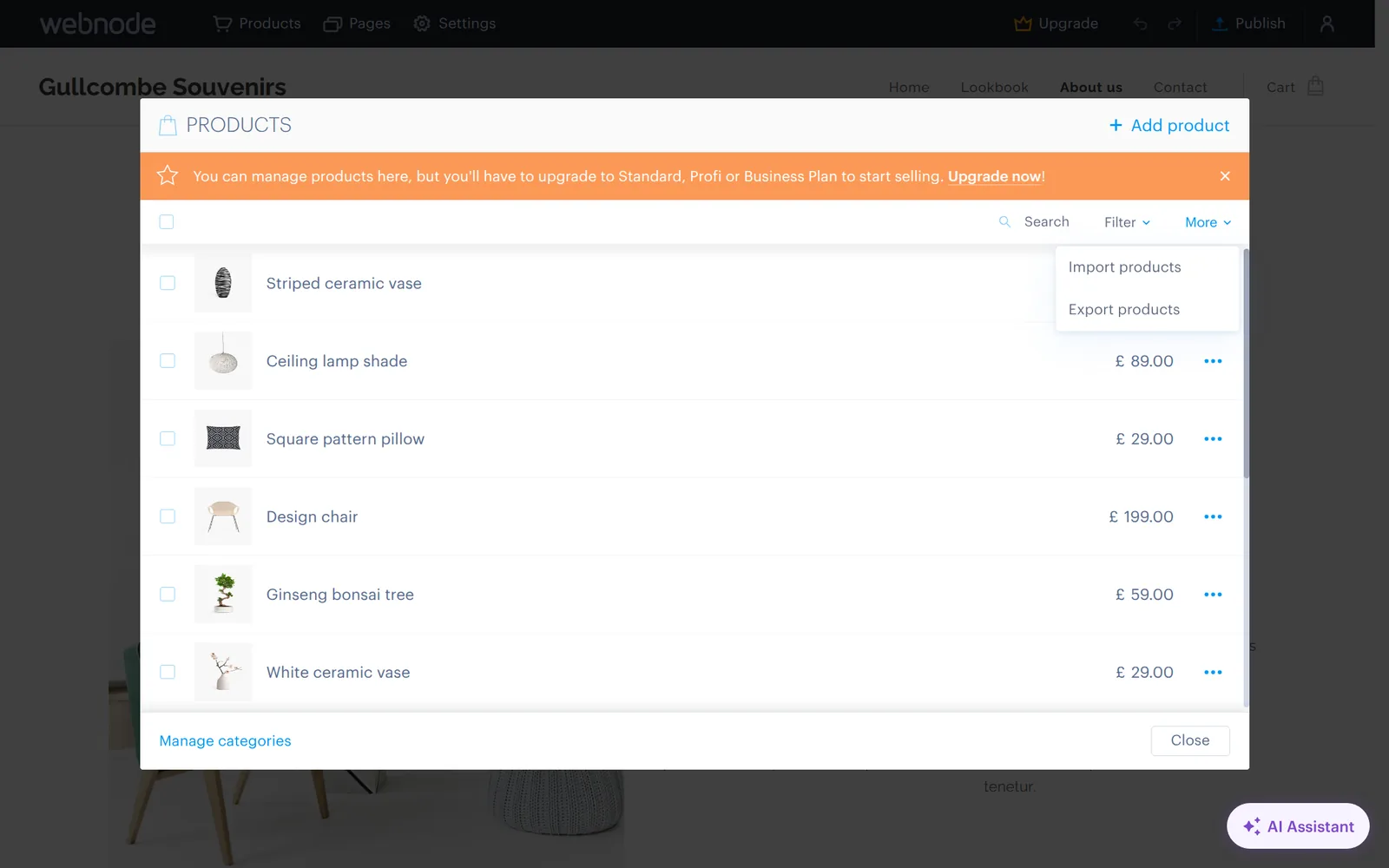
On the free plan, you can build the whole shop and test it, but you can't sell. A notice in the shop settings says "You can configure your online store here, but you'll have to upgrade to a Premium Plan to fulfill your orders."
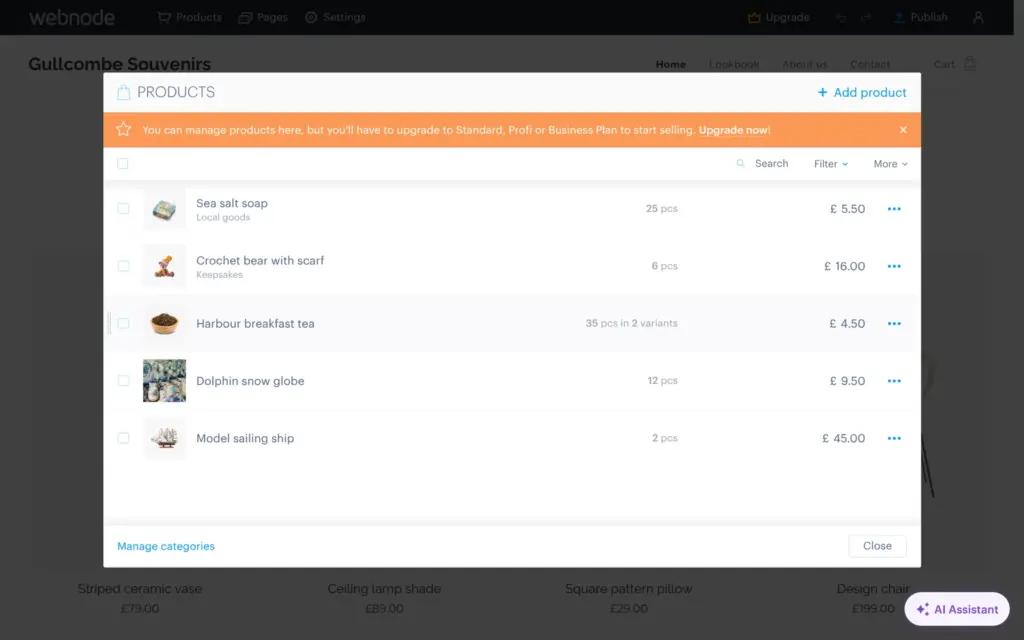
The Products window lists everything in the shop. The template came with 12 sample products, decor items between £29 and £199. I deleted all but a ship model and added four souvenirs.
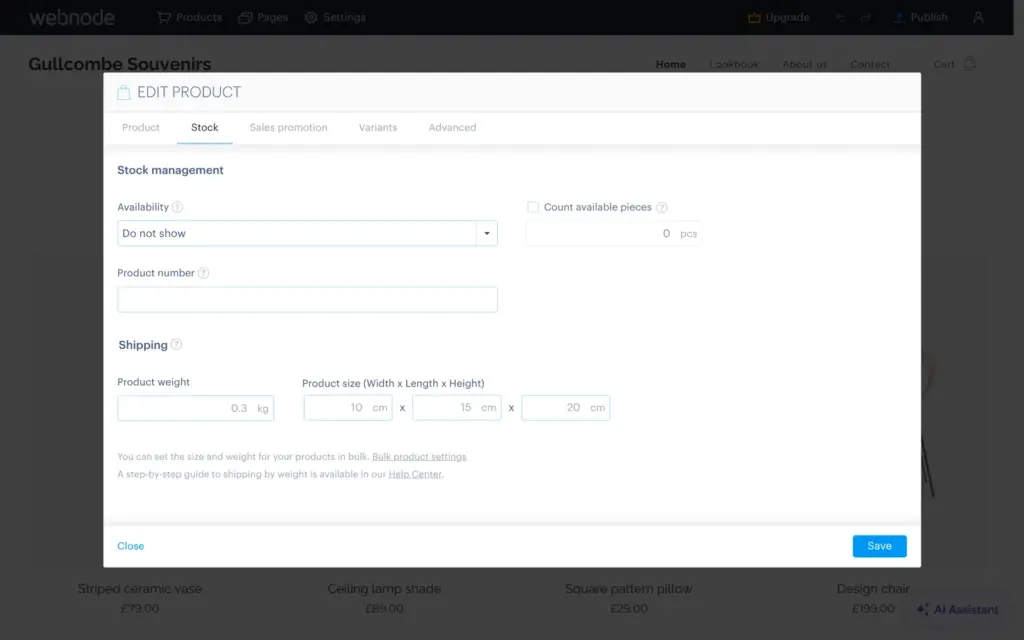
The product form shows the price with VAT and works out the price without it. On the Stock tab, Webnode can count the pieces you have and show availability like In stock or Available in 3 days. A Sales promotion tab adds a label and a crossed-out comparison price. Each product also has its own search settings.
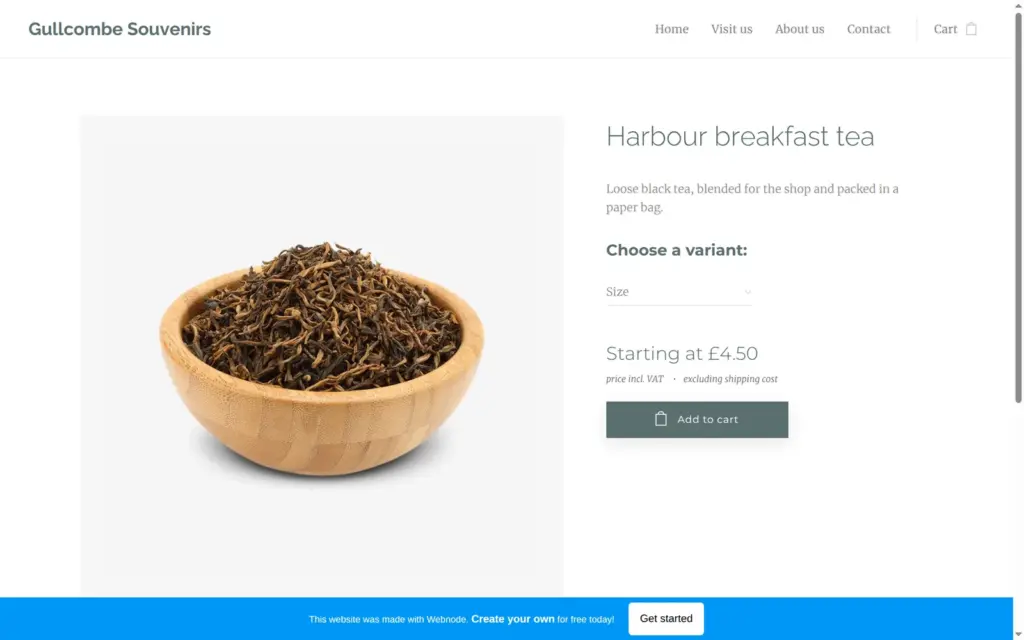
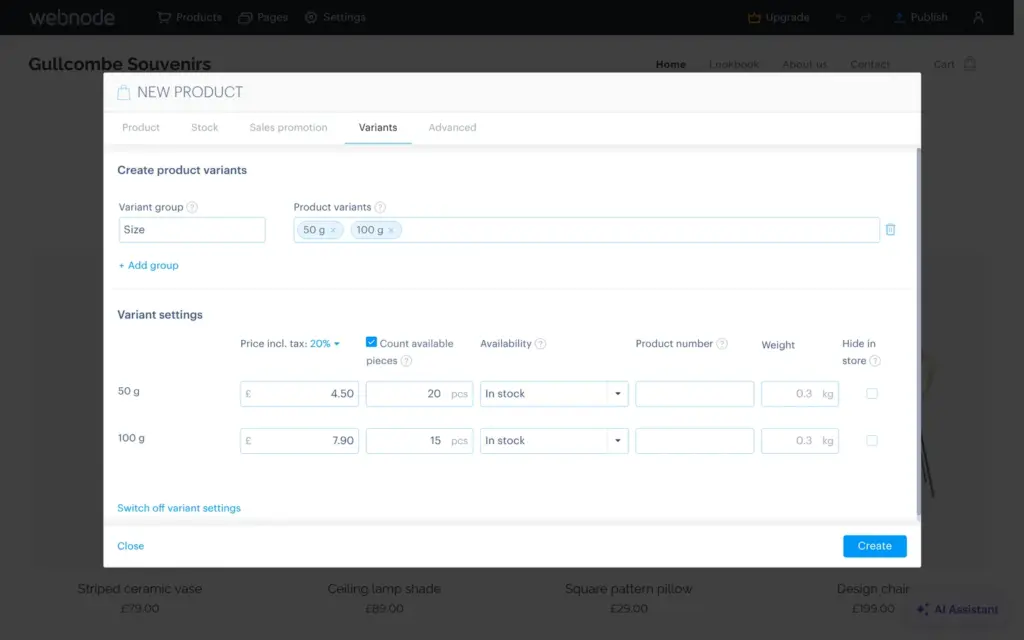
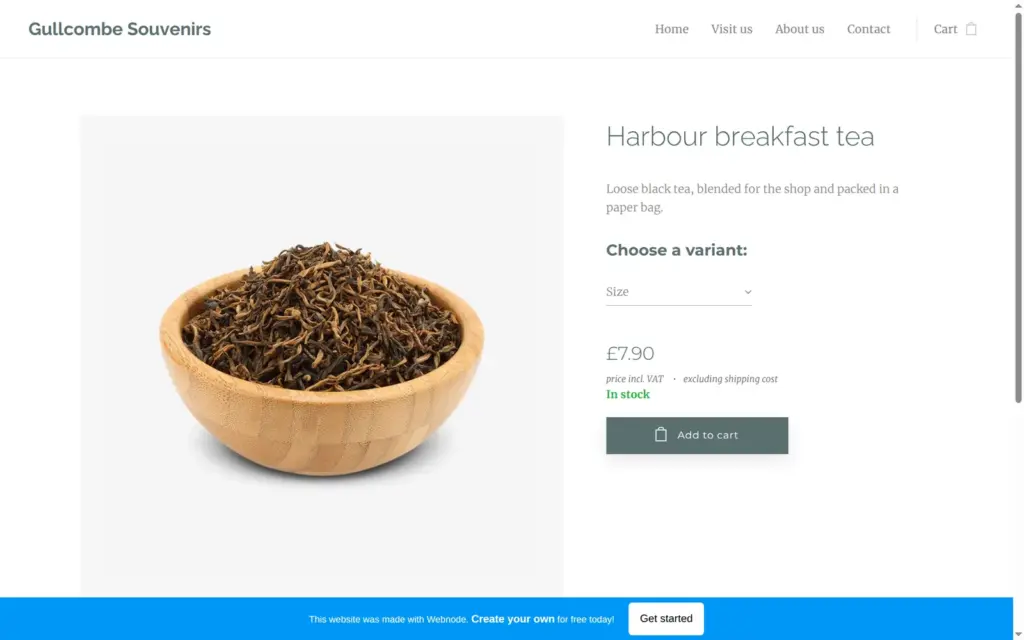
The breakfast tea comes in 50 g and 100 g bags. Variants worked on the free plan, and each size got its own price and stock count. On the live site, customers could pick the size, and the price changed to £7.90 for the large bag. Webnode's pricing table lists product variants only for Profi and Business, and its help center says that customers on lower plans don't see them. In my free test shop, they did. I couldn't check what happens on Standard.
Categories group the products, and I made two, Keepsakes and Local goods. The Products window also has menu items to import and export products.
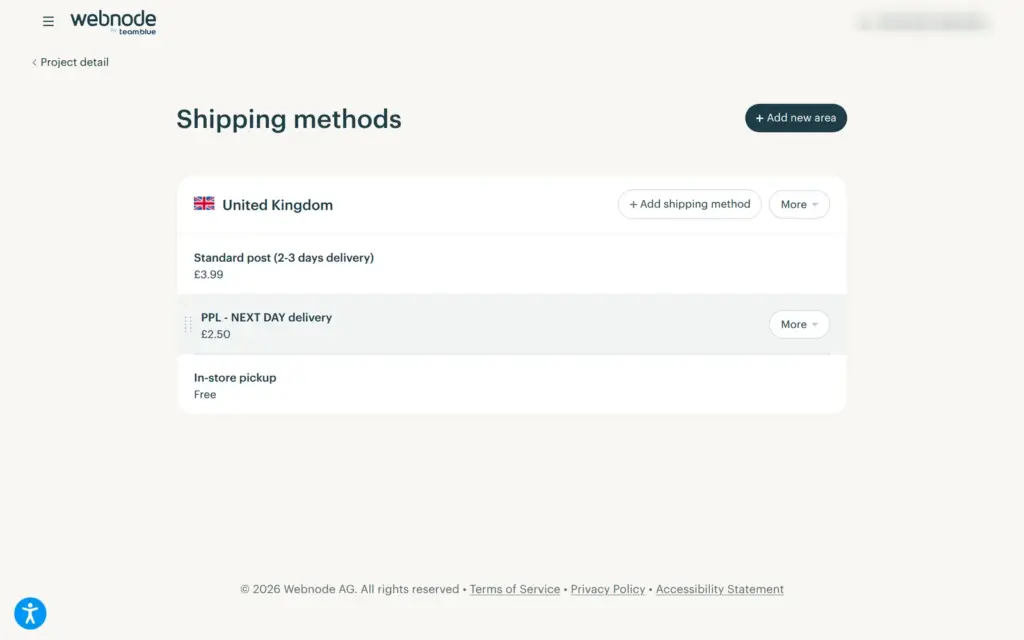
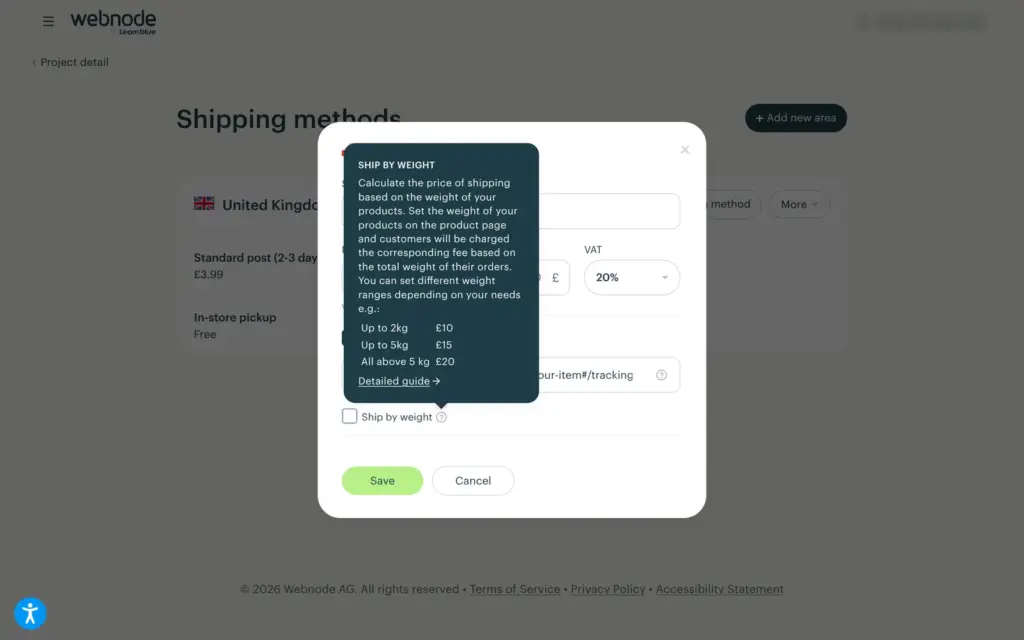
The shop settings open in Webnode's administration, a separate site next to the editor. Shipping came prefilled for the UK with three methods. One of them was next-day delivery with PPL, a Czech courier, for £2.50, which is less than standard post at £3.99. I deleted it. Pickup in the shop is free.
New shipping methods include Royal Mail and DHL. Each method gets a price and a tracking link, and the price can depend on the weight of the order. I added Royal Mail Tracked 48 for £4.50. Shipping to other countries is listed only for Profi and Business.
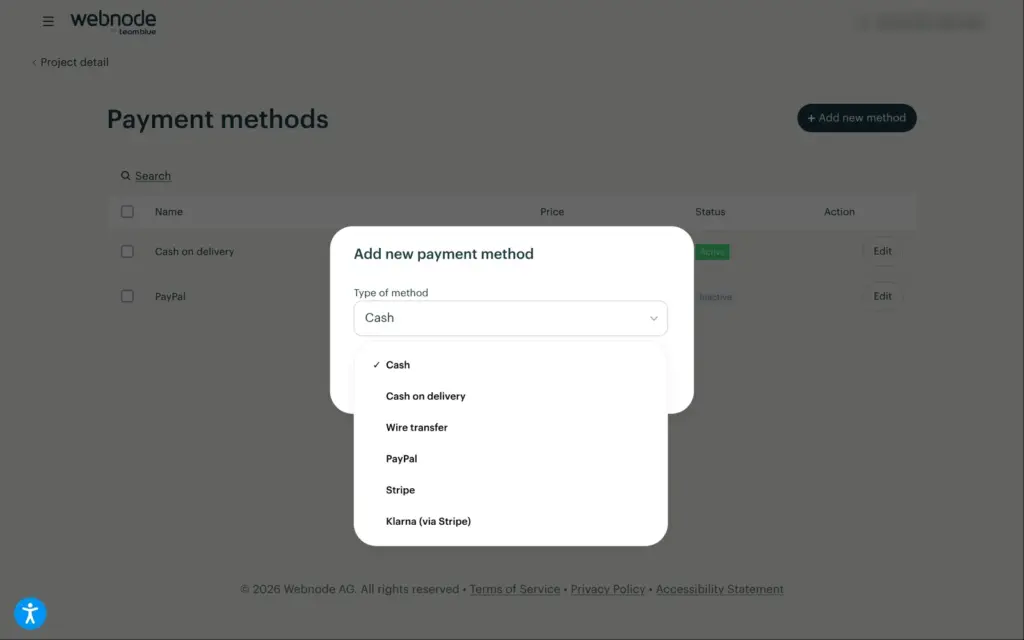
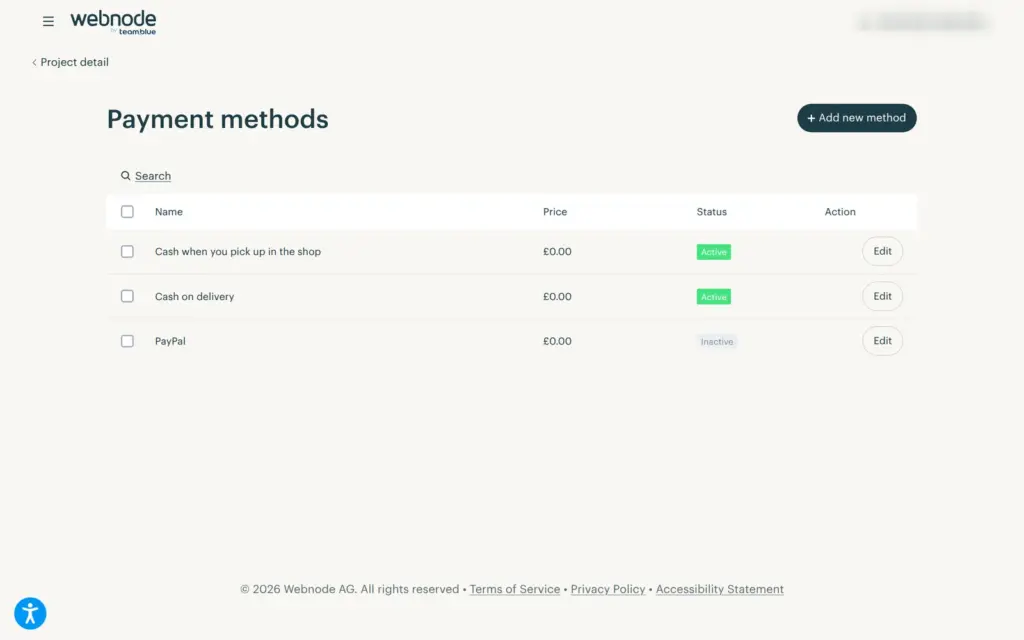
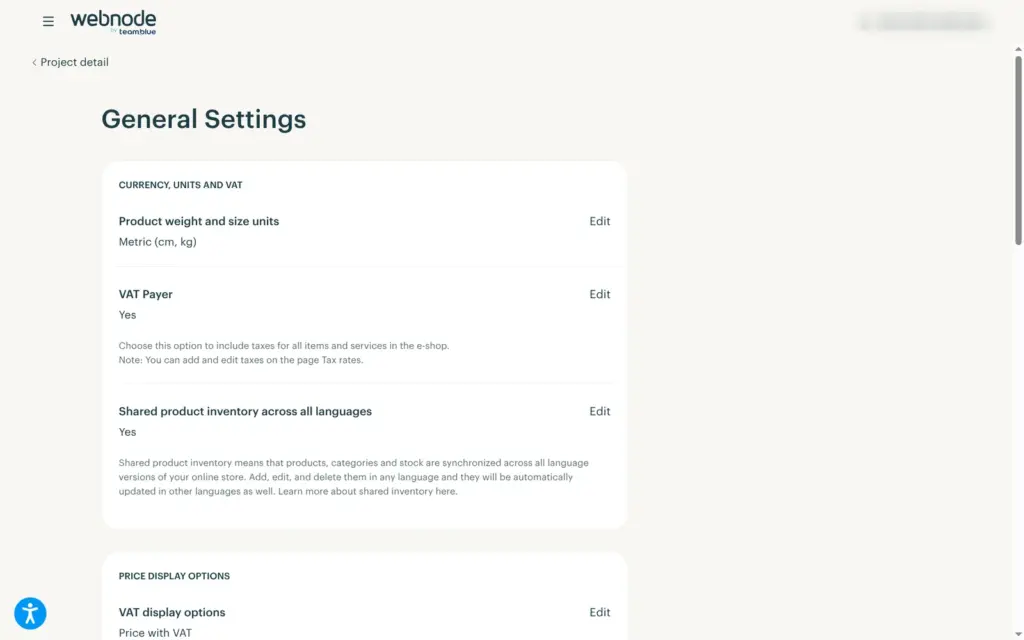
Cash on delivery was switched on by default. For online payments, Webnode offers PayPal and Stripe, with Klarna through Stripe. I left them off and added cash payment for pickups. The shop charges 20% VAT, because the VAT question at sign-up was already set to yes. The pricing page lists no sales fees from Webnode, but PayPal and Stripe charge their own.
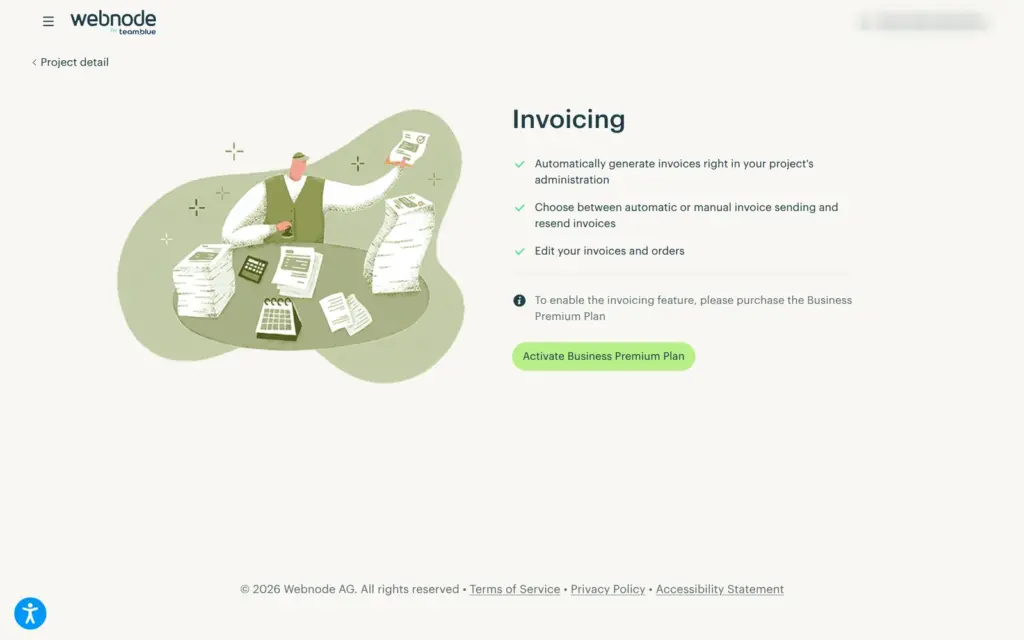
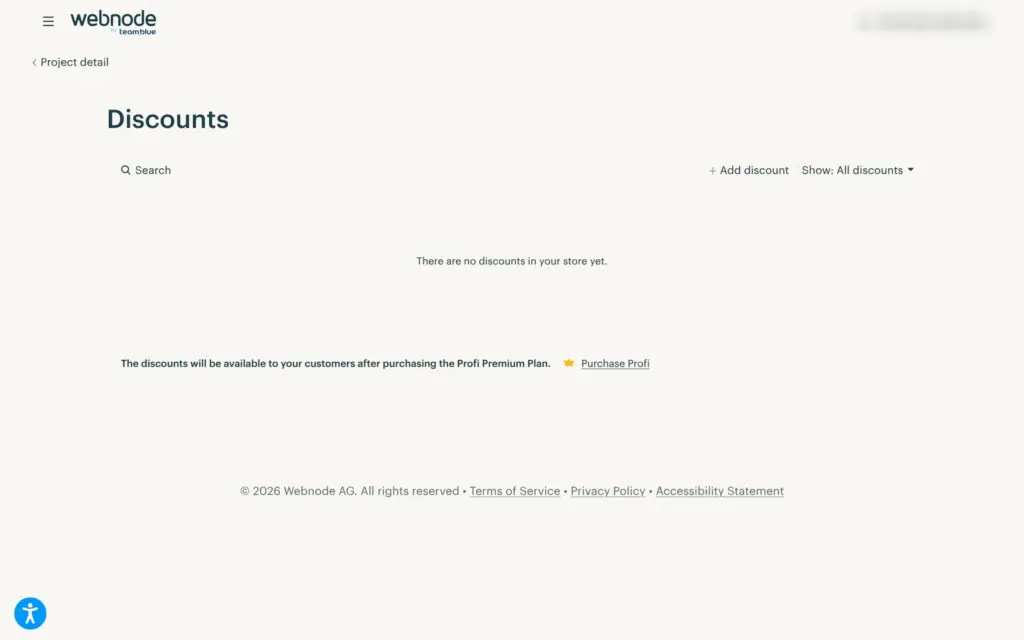
Discount codes need Profi, and automatic invoices need Business.
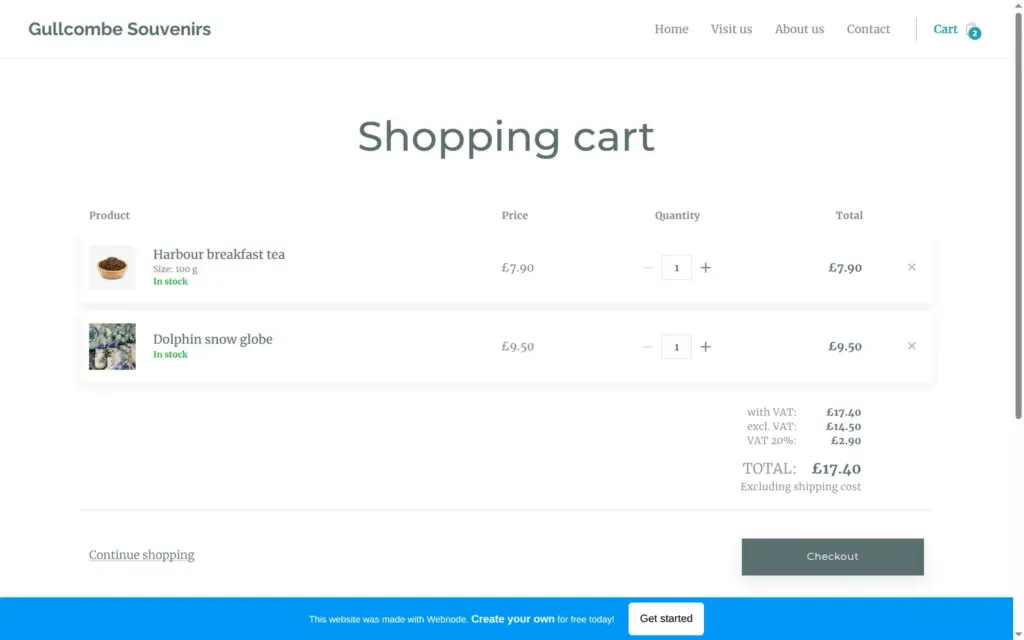
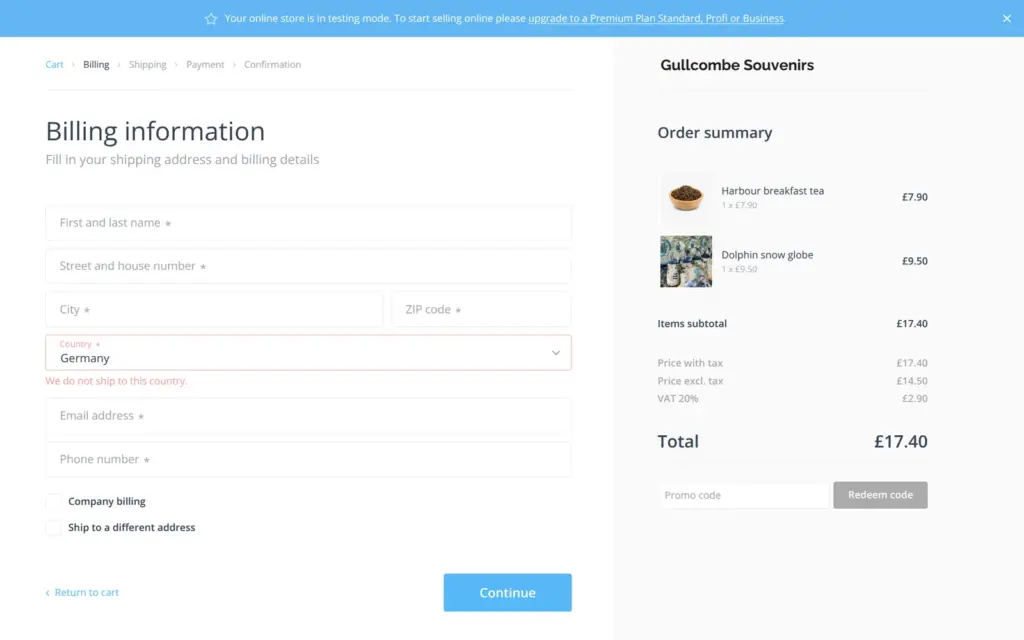
On the live site, I ordered the 100 g tea and a snow globe. At the checkout, a banner said "Your online store is in testing mode. To start selling online please upgrade to a Premium Plan Standard, Profi or Business." The country field was set to Germany, with the message "We do not ship to this country." I changed it to the UK and chose pickup with payment in cash.
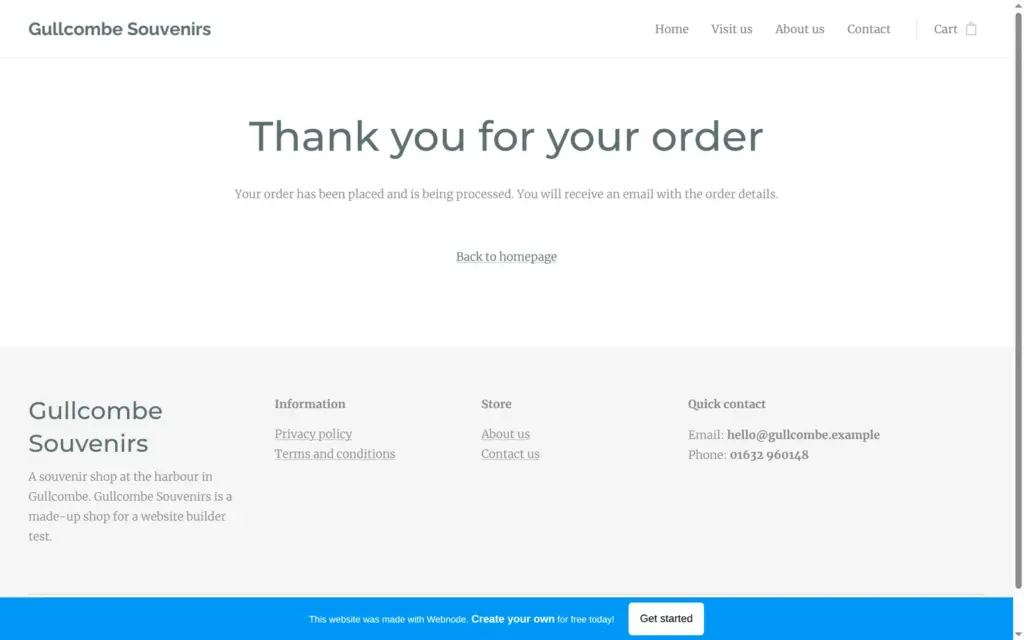
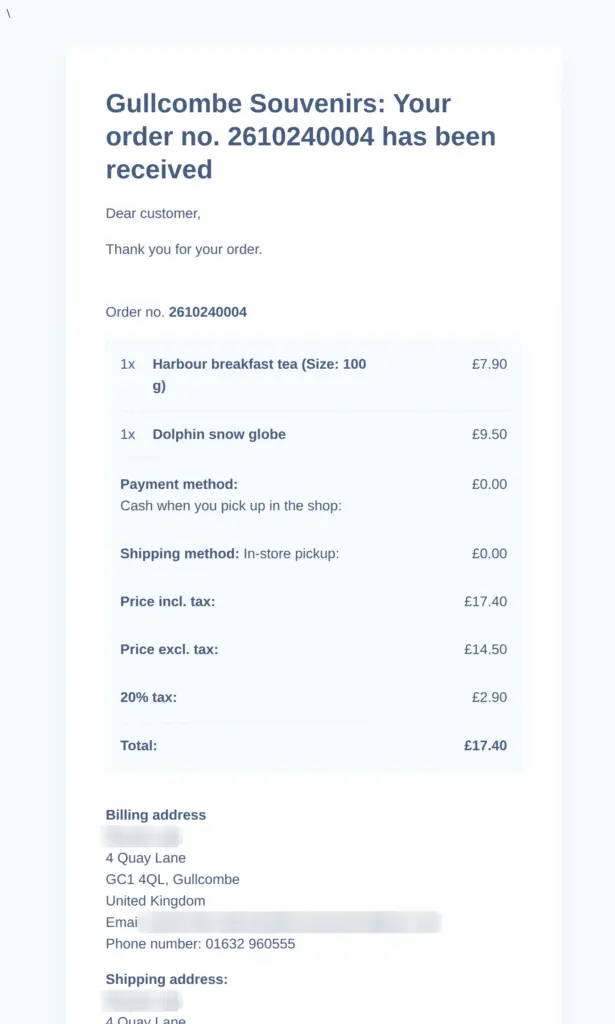
The order went through. About a minute later, a confirmation email arrived from no-reply@webnode.com, with the items and both addresses.
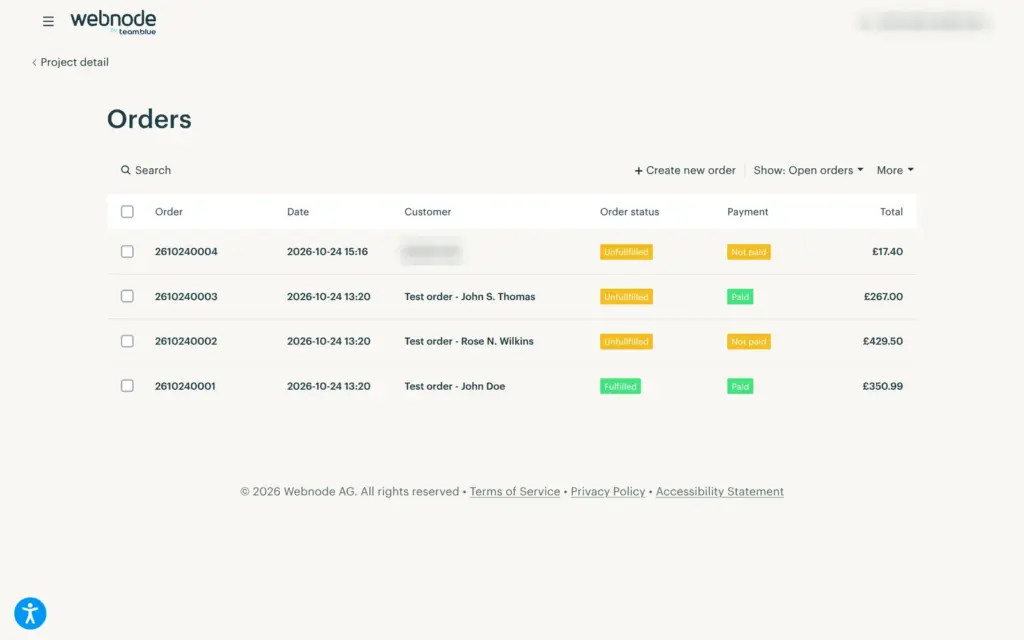
In the administration, the order showed up next to three sample orders from the template. It had the items and the total, but the customer's contact details were hidden behind "Please upgrade your plan to see the contact details." Without them, a shop can't deliver the order or reply to the customer. The sample orders also count in the statistics, which showed £617.99 in revenue before I had sold anything.
Standard costs €9.90 a month on yearly billing and gives you the shop with the customer details. If you want sizes and discount codes, the pricing table points you to Profi at €17.90.
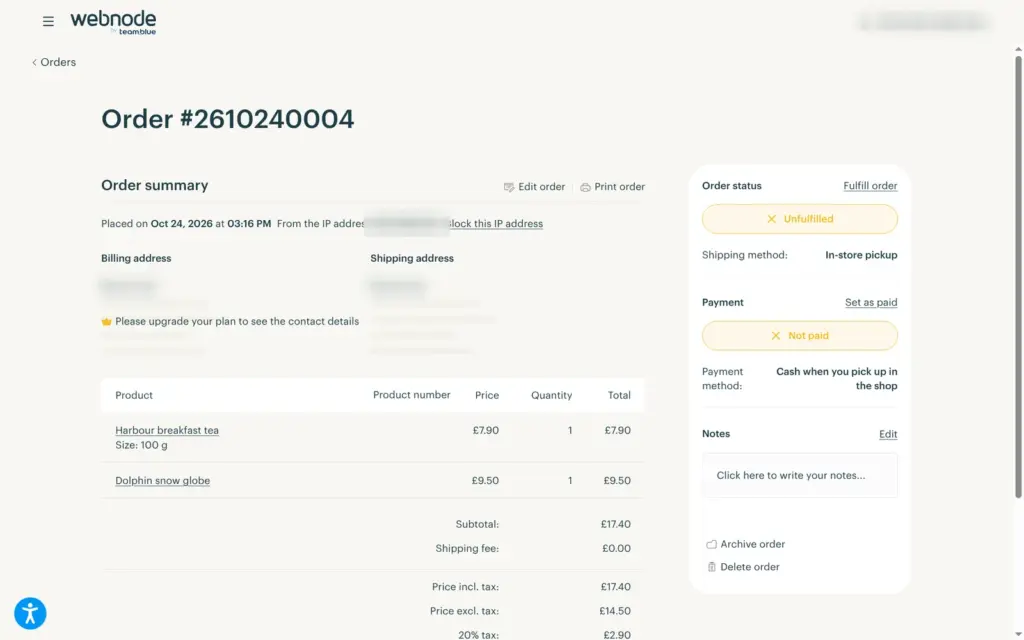
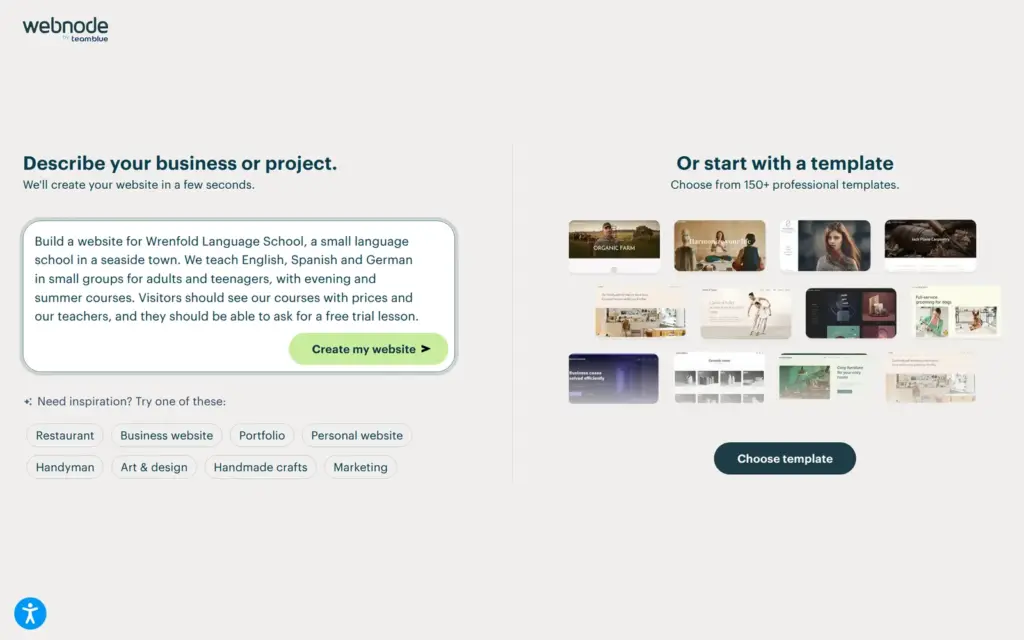
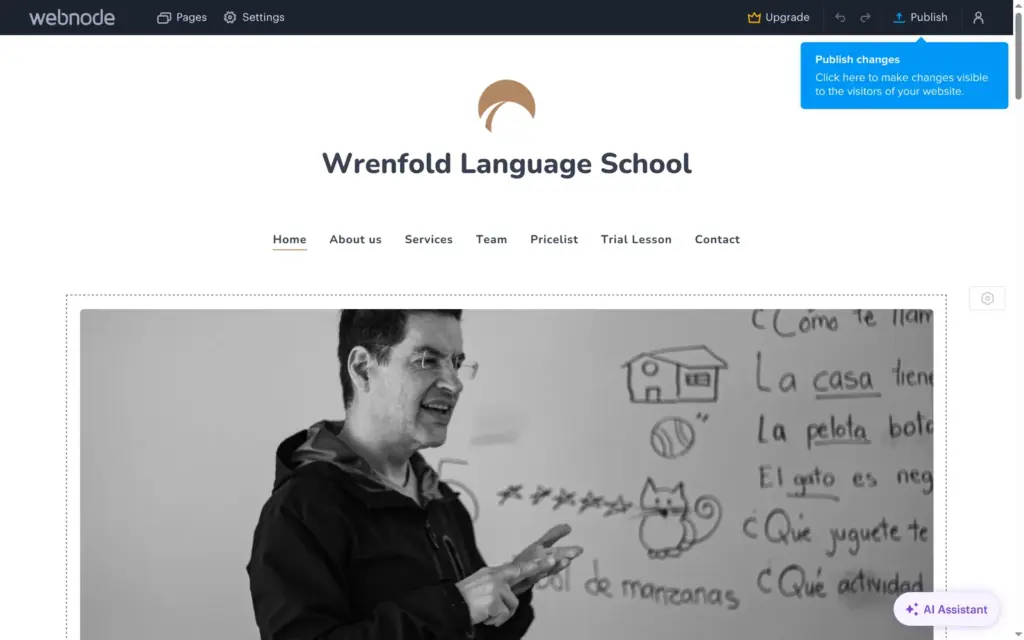
The box on Webnode's home page promises a website from a short description. For the souvenir shop, it led to the templates, so I tried it again from my projects with a language school:
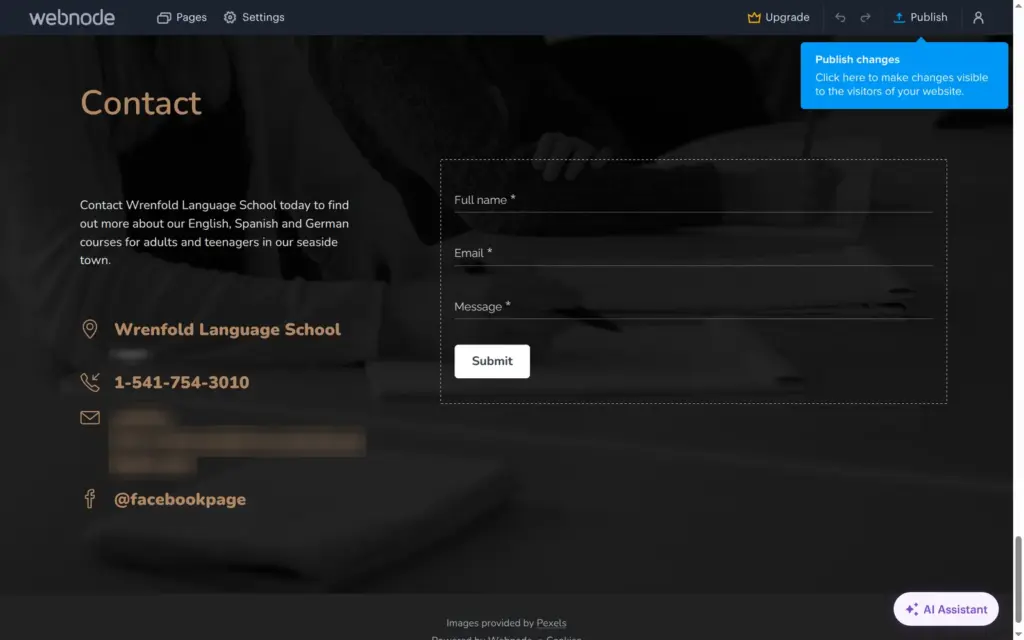
Build a website for Wrenfold Language School, a small language school in a seaside town. We teach English, Spanish and German in small groups for adults and teenagers, with evening and summer courses. Visitors should see our courses with prices and our teachers, and they should be able to ask for a free trial lesson.
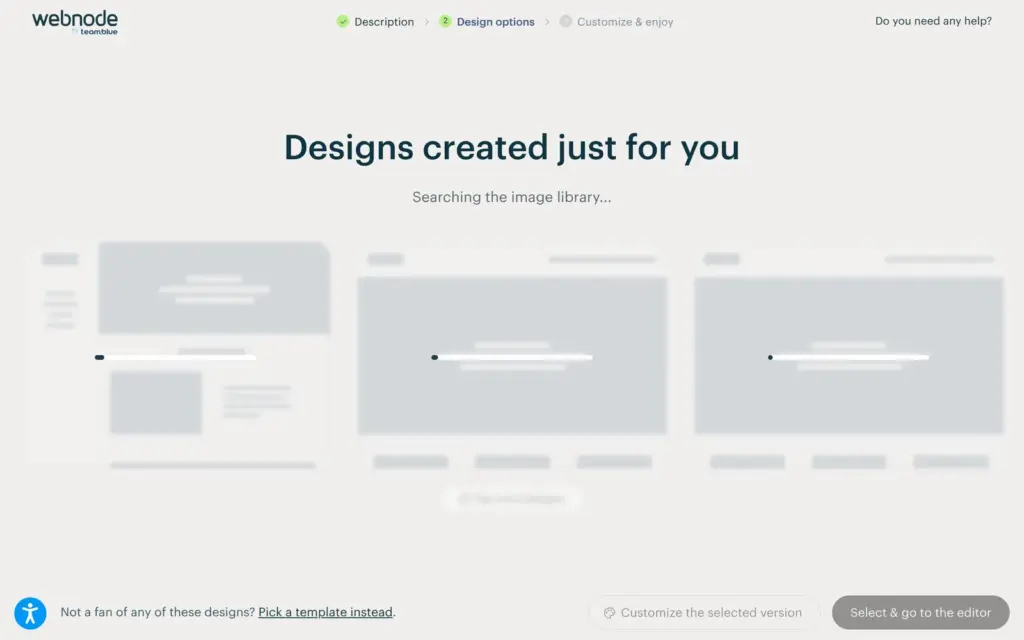
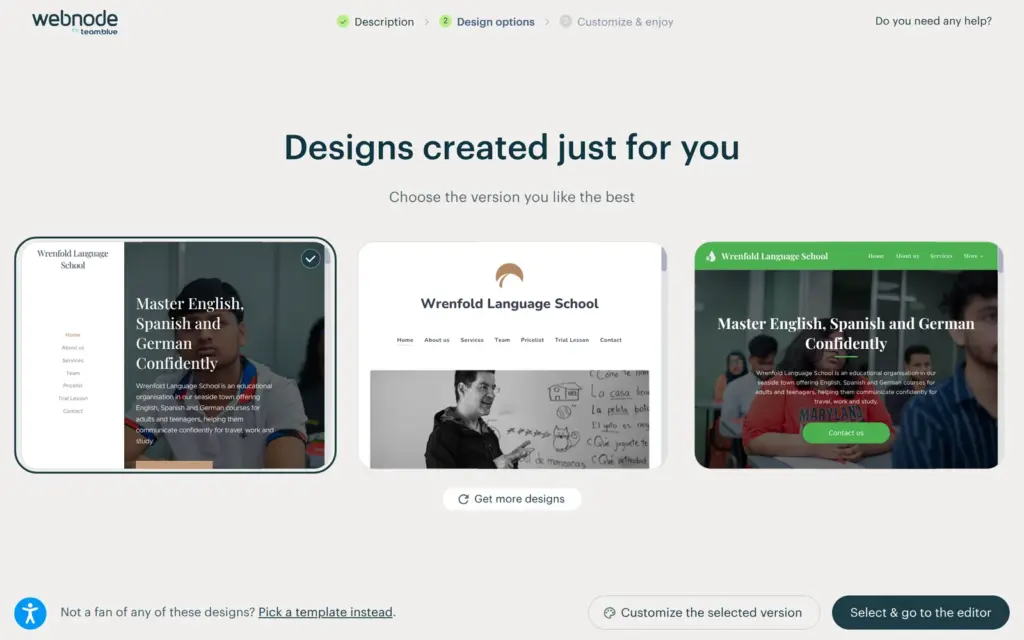
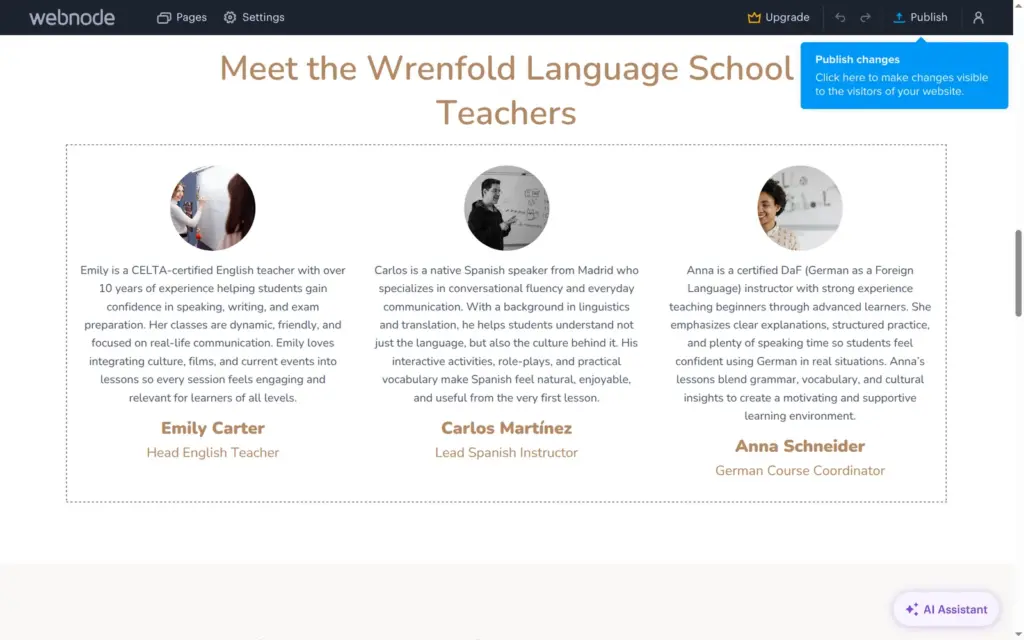
Webnode showed what it was doing, like searching the image library and writing texts. After about 35 seconds, it offered three designs. Each had seven pages, including a price list and a page for the trial lesson. I picked the plain one in the middle and opened it in the normal editor. The AI builder was free to use on the free plan.
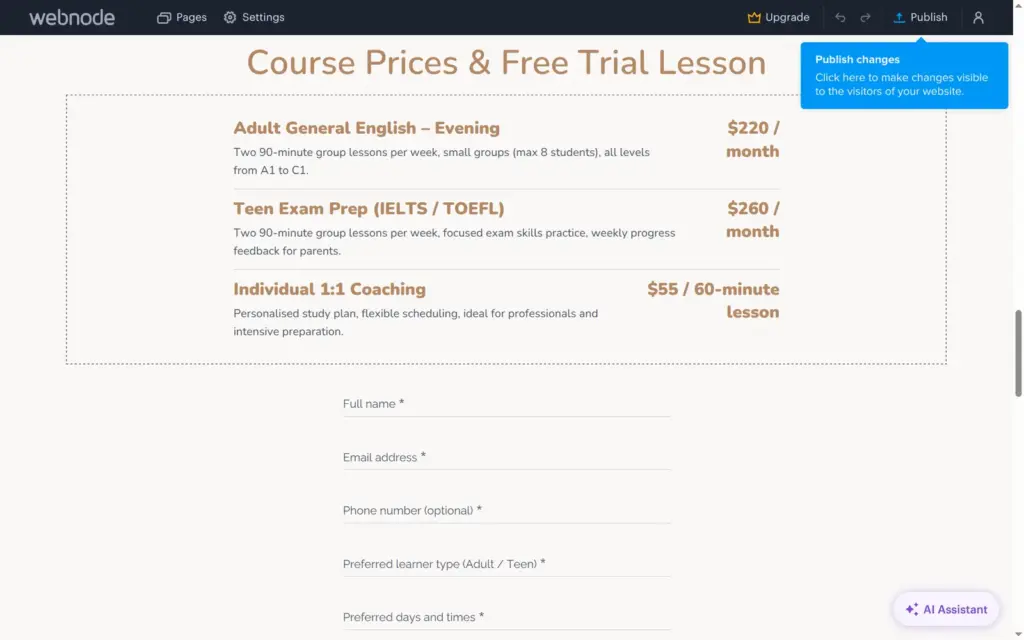
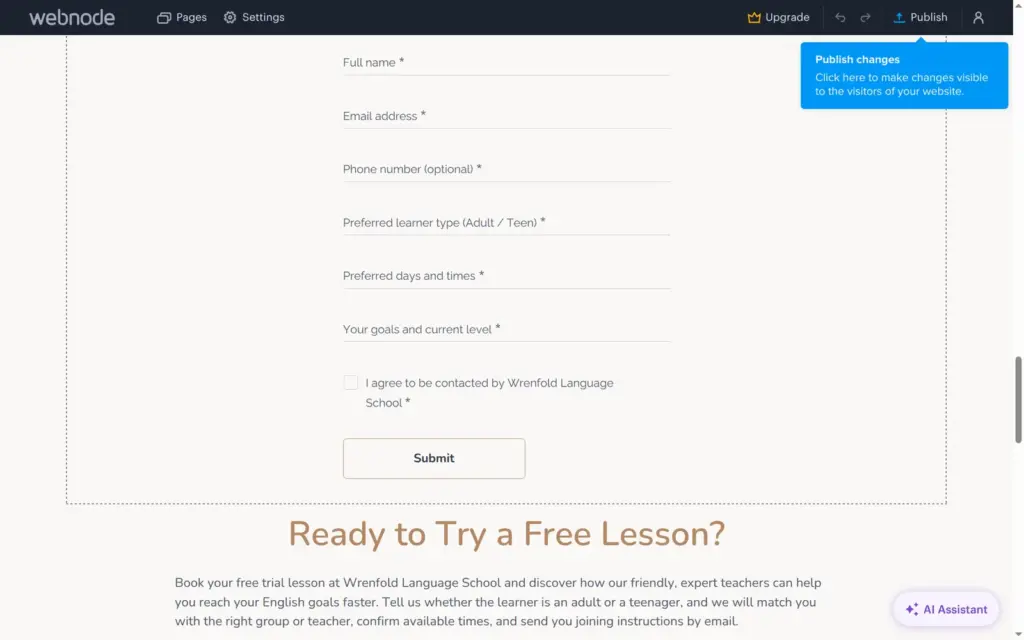
The texts fit the school, and the photos come from Pexels. But the AI filled in details I never gave it. The team section has three teachers with names and qualifications, like a CELTA-certified English teacher with over 10 years of experience. The prices are in dollars, for example $220 a month for evening English classes. The contact block has a US-style phone number and a real German town that I never mentioned.
It also put the email address I signed up with on the About and Contact sections as the school's address. If you publish a site like this without reading it first, everyone sees your login email. The form for a trial lesson has seven fields, more than Mini's five, so visitors would only see it from Standard up. I didn't publish this site.

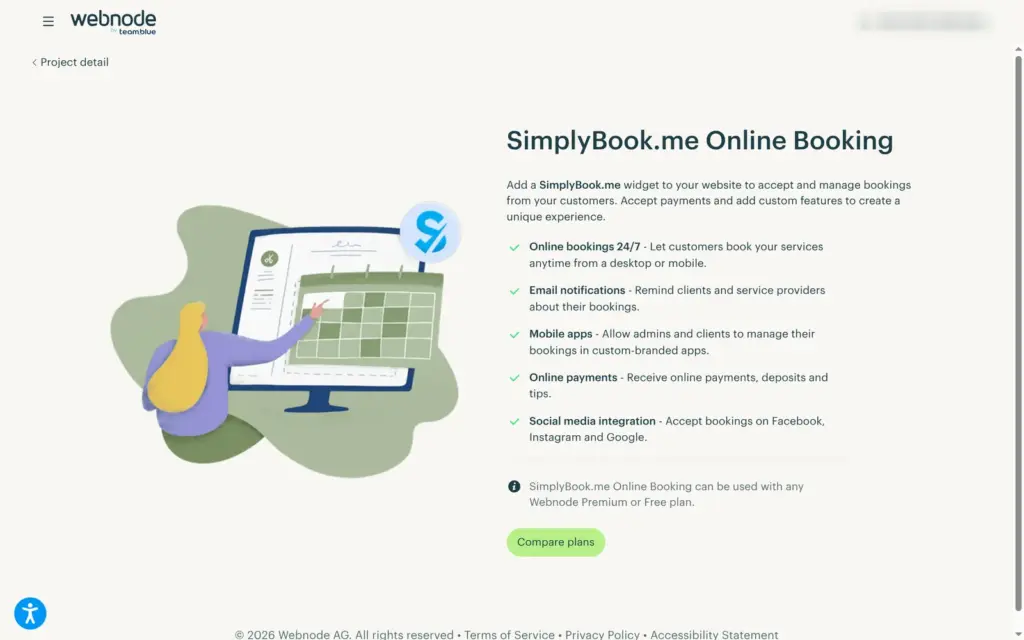
The section list has Reservation and Online booking, and the administration has a plugin for SimplyBook.me, a separate booking service. Webnode says the plugin also works on the free plan. I didn't test bookings.
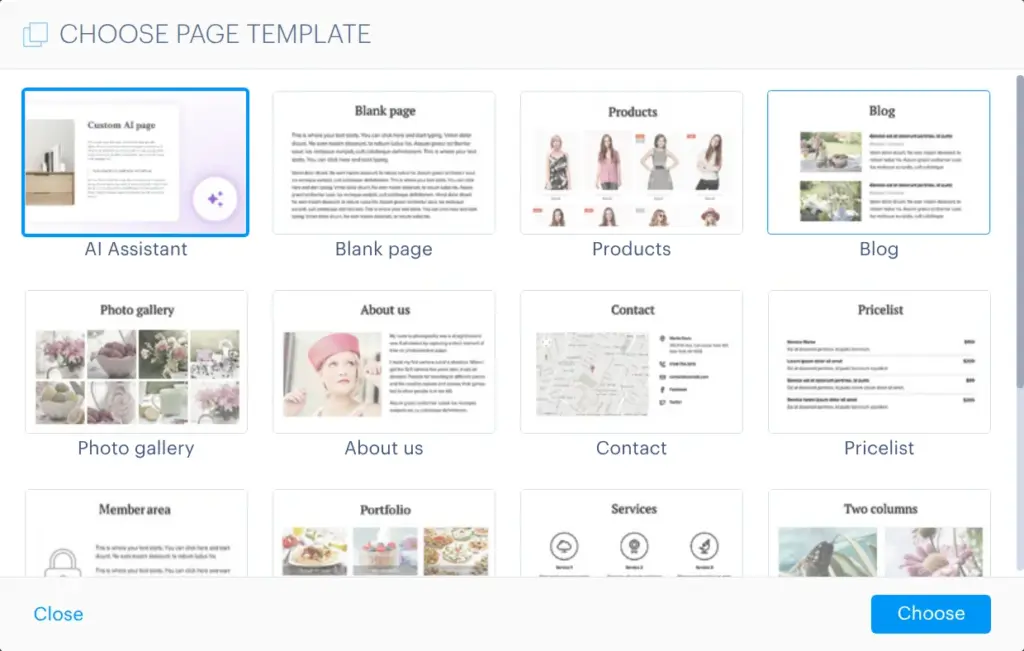
New pages can start from one of Webnode's page templates. The list has a Blog page and a Member area page, and I didn't try either.
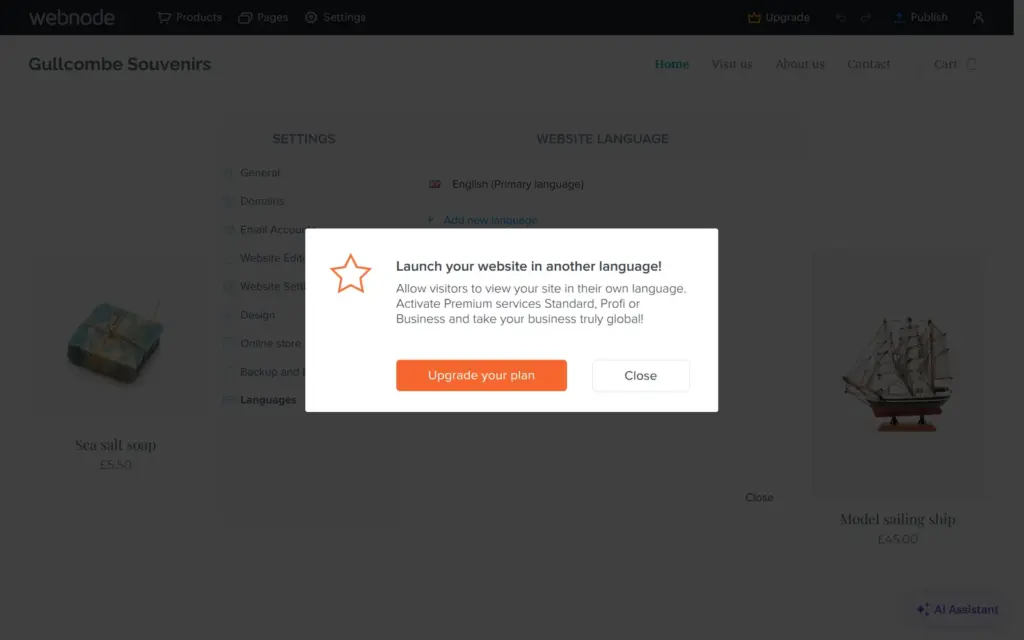
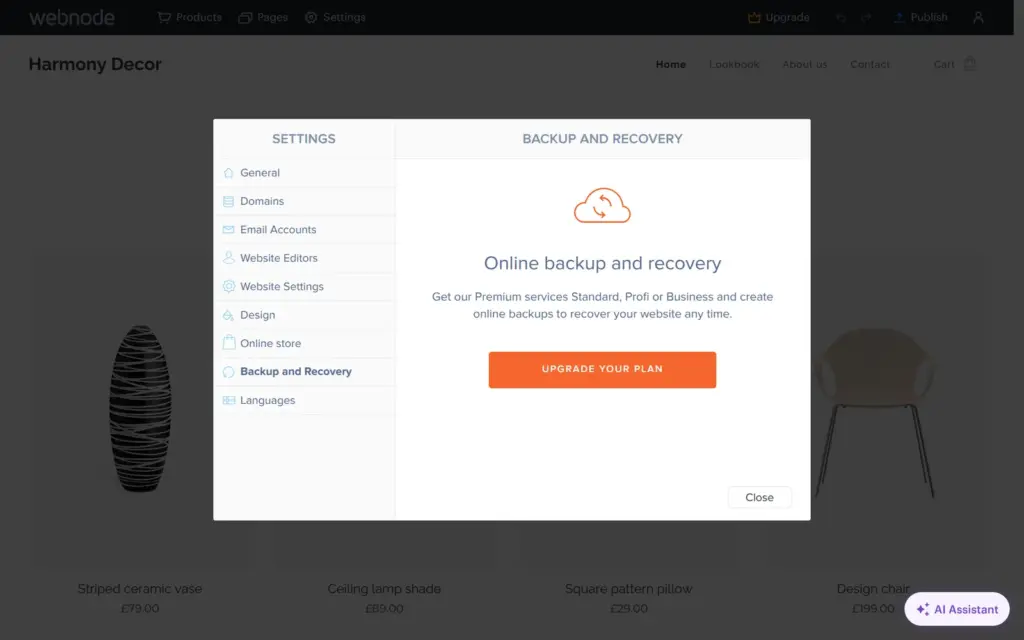
A second language needs Standard, which allows two languages. Profi allows any number. Backups also start with Standard, which keeps five, and the free plan has none.
The free plan shows visitors and page views for the last 30 days. Traffic sources and top pages start with Mini. An email address on your own domain also starts with Mini, which includes one account.
The free plan comes with 100 MB of storage and 0.3 GB of data transfer.
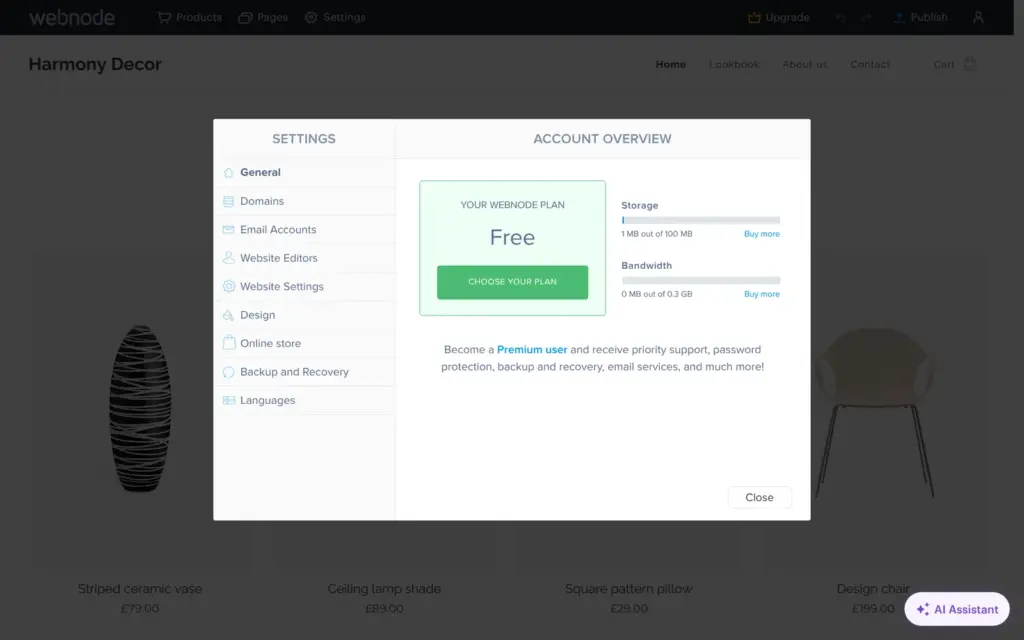
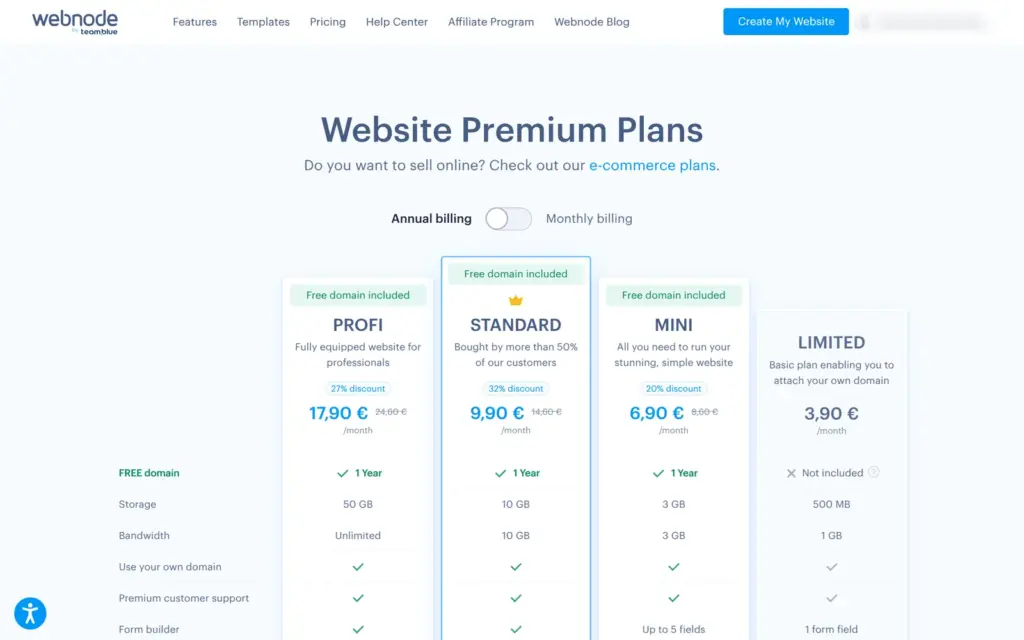
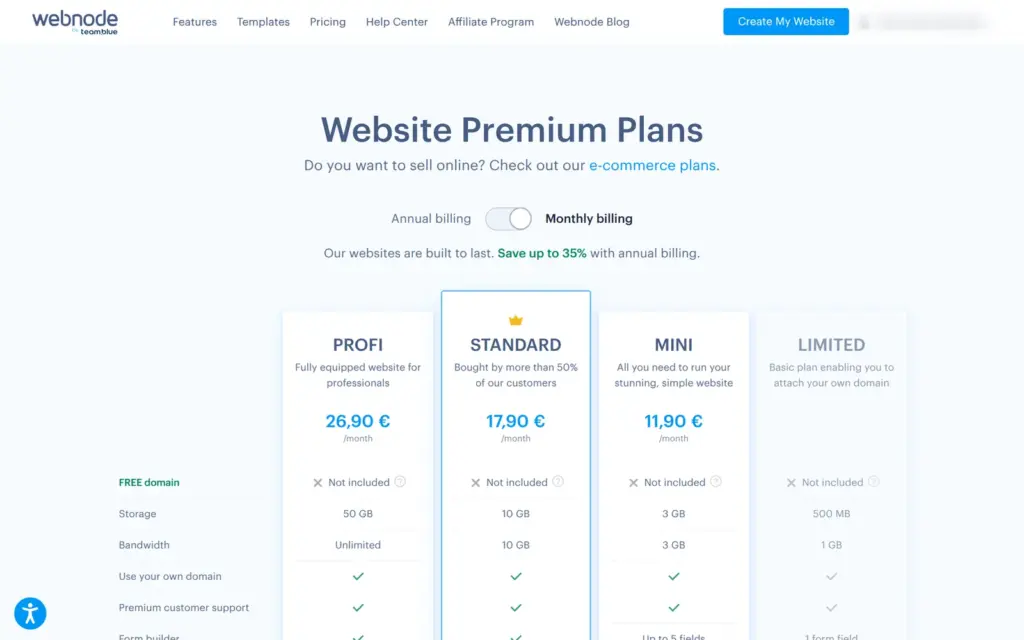
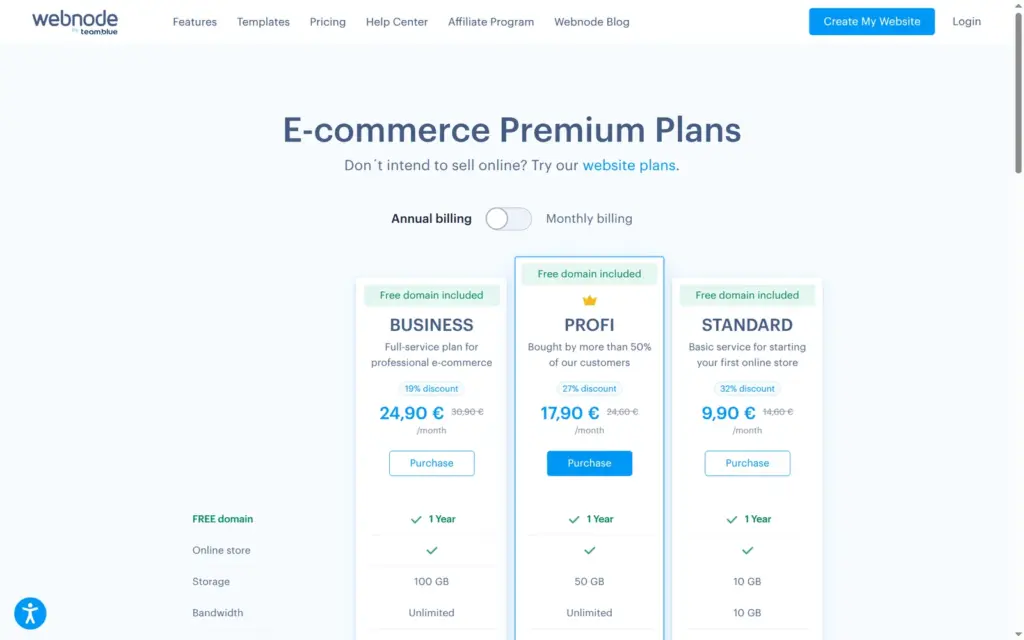
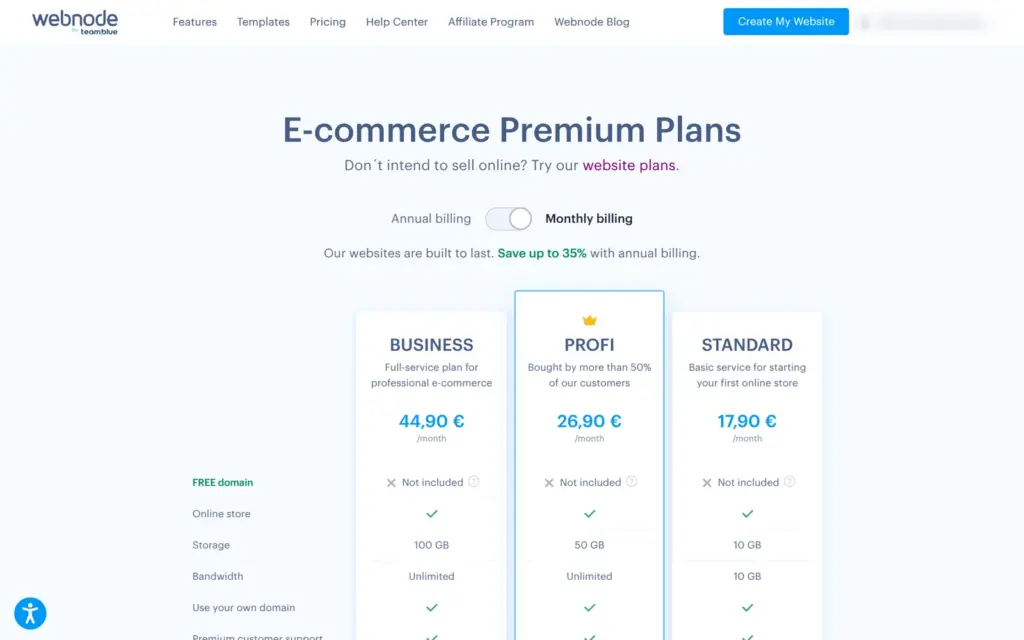
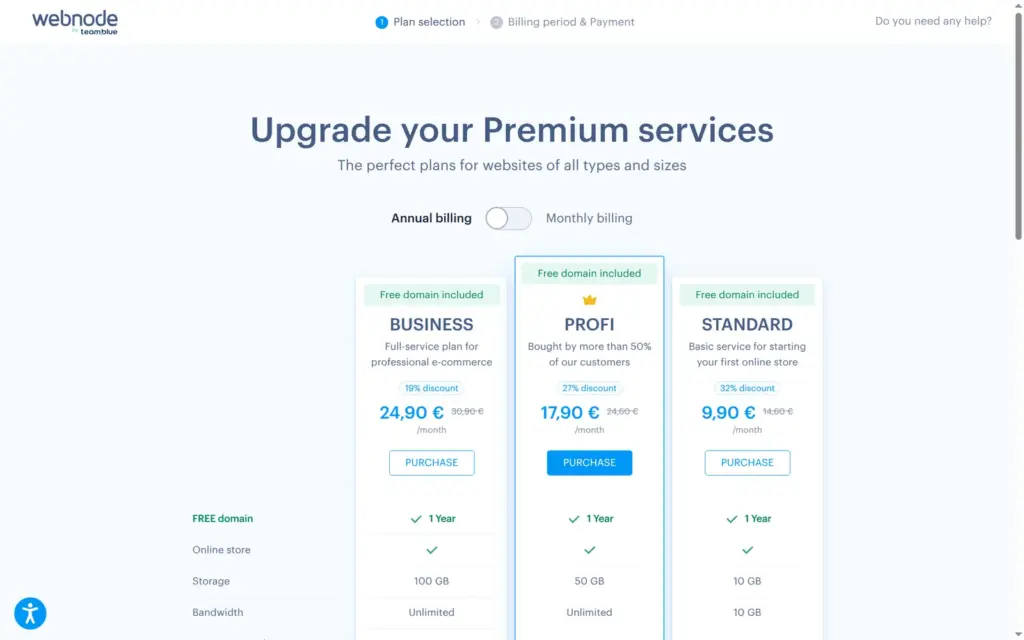
I checked Webnode's pricing pages on October 24, 2026. From Germany, they showed prices in euros without VAT. Webnode has website plans and e-commerce plans. Both lists have Standard and Profi at the same prices. Limited and Mini are only in the website list, and Business is only in the e-commerce list.
| Free | Limited | Mini | Standard | Profi | Business | |
|---|---|---|---|---|---|---|
| Yearly billing, per month | €0 | €3.90€46.80 a year | €6.90€82.80 a year | €9.90€118.80 a year | €17.90€214.80 a year | €24.90€298.80 a year |
| Monthly billing | €0 | Not offered | €11.90a month | €17.90a month | €26.90a month | €44.90a month |
| Web address | name.webnode.page | Your own domain | Your own domain | Your own domain | Your own domain | Your own domain |
| Free domain for the first year | No | No | With yearly billing | With yearly billing | With yearly billing | With yearly billing |
| Webnode banner | Yes | Yes | Yes | Removed | Removed | Removed |
| Storage | 100 MB | 500 MB | 3 GB | 10 GB | 50 GB | 100 GB |
| Data transfer | 0.3 GB | 1 GB | 3 GB | 10 GB | Unlimited | Unlimited |
| Contact form | Hidden from visitors | 1 field | Up to 5 fields | Yes | Yes | Yes |
| Online shop | Testing only | No | No | Yes | Yes | Yes |
| Product variants and discount codes | Testing only | No | No | No | Yes | Yes |
| Invoices and manual orders | No | No | No | No | No | Yes |
| Languages | 1 | 1 | 1 | 2 | Unlimited | Unlimited |
| Backups | No | No | No | 5 | Unlimited | Unlimited |
| Email accounts | No | No | 1 | 20 | 100 | 1,000 |
| AI Assistant | 3 free text uses | No | No | Yes | Yes | Yes |
The yearly prices came with a crossed-out higher price and a discount badge, for example €9.90 instead of €14.60 a month for Standard. The page doesn't say whether the lower price also applies when the plan renews. Webnode offers a 15-day money-back guarantee on the first order. On monthly billing, the free domain isn't included.
For Gullcombe Souvenirs, Standard on yearly billing costs €118.80 a year plus VAT. That covers the shop and the contact form, and the domain is free for the first year. It also removes the Webnode banner. If the shop wants to sell the tea in two sizes or run discount codes, it needs Profi at €214.80 a year. On monthly billing, Standard costs €17.90 a month, as much as Profi on yearly billing.
Webnode hosts your site, and you can't take it with you. Its help center says that a website can't be transferred to another hosting provider and that there's no access to the source files or code. There's no FTP access, and you can't edit the CSS. Backups are restore points inside Webnode.
The Products window has an option to export your products, which I didn't try, and you can move a domain to another provider. Everything else, you rebuild somewhere else.
Webnode fits a small business that wants a simple website or a small shop and doesn't mind working inside Webnode's templates and settings. The editor is easy to learn, and the shop has the settings a small shop needs. The AI tools save time on a first text or a first draft of a site, as long as you read what they write.
For a business, the free plan is mostly a long trial. Visitors don't see a contact form, and the shop can't sell. Every page also carries Webnode's banner. Plan for Mini if you only need a contact form, and for Standard if you want to sell.
It fits less well if you want control over the phone layout or might move the site later. There's no phone editor, and Webnode can't export a site.
If you try it, publish early and look at the live site. Then you see which parts the free plan hides, and you can check that the search engine switch is where you want it.
 What I'm building
Give Vroni a GitHub issue, bug report, spec, or rough idea. It reads the repo, plans the change, writes code, runs checks, and works toward a review-ready pull request.
Take a look at vroni.com