
Readymag review
Readymag calls itself a design tool for websites. You place text and pictures anywhere on the page, much like in a layout…
Duda is a website builder made mainly for web design agencies. You build pages in a drag-and-drop editor, and Duda hosts the site. If you are thinking about it for your own business, you probably want to know if you can run it without an agency and what it costs after the trial.
To find out, I built a complete website for a made-up landscaping company on Duda's 14-day trial. It has seven pages and a quote form that sends requests to my inbox. I also set up a small shop with a test order and a booking calendar for garden visits. Then I gave Duda's AI builder, Duda Vibe, one prompt and let it build a second version of the site.
The editor was easy to learn, and the content library saved me a lot of retyping. Most problems were about money and limits. The shop and the bookings cost extra on top of the website plan. Bookings did not work on the trial, and only the Agency plan lets you export your site. Duda Vibe built a four-page site in about two minutes.
Duda suits you if you want a business website that you edit yourself, and you don't mind paying a few dollars more a month for a shop or bookings. It also suits you if a web designer builds the site and looks after it for you, because Duda is made for that.
Look elsewhere if you want a free plan, because Duda has none. Also look elsewhere if bookings are the main reason for your site and you want to try them before you pay, because they do not work on the trial.
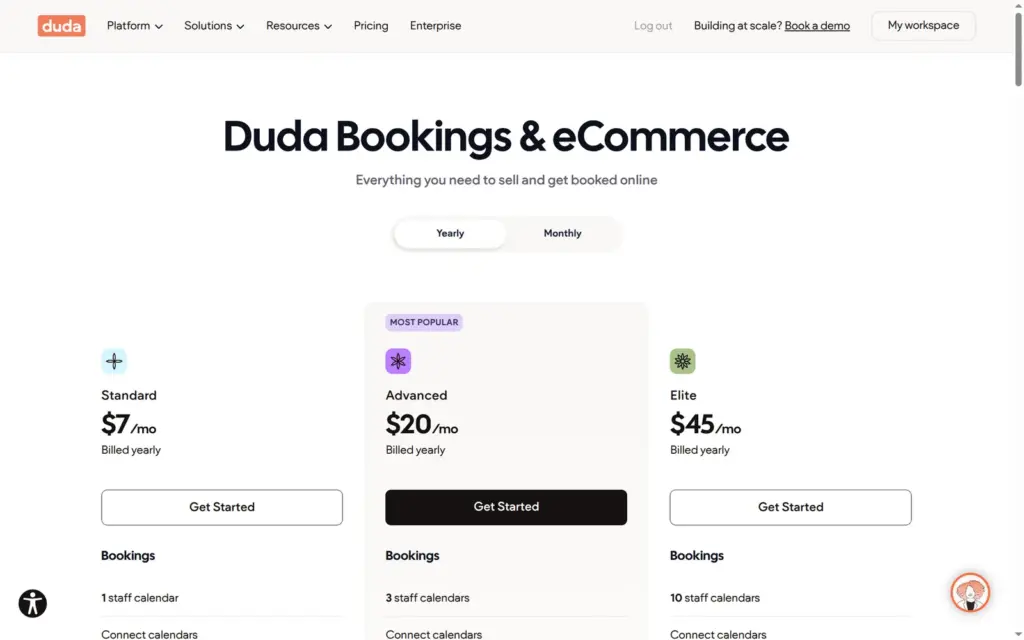
Price: the cheapest website plan, Basic, costs $19 a month on yearly billing or $25 on monthly billing, for one published site. A shop or bookings need a store plan on top, from $7 a month on yearly billing or $8 on monthly billing. Duda lists its prices in US dollars.
Tested: in October 2026 on the 14-day trial. Prices checked on October 24, 2026.
Not tested: paid plans and a custom domain. I also did not take real card payments or contact Duda's support. Duda did not pay for this review, and there are no affiliate links.
The shop: fine for a few products or gift vouchers next to a business site. Variants and stock worked well, and delivery by ZIP code suits a local business. Automatic sales tax needs the Advanced store plan, from $20 a month, and no order email reached the customer in test mode.
What I liked:
What bothered me:
Mosswick Landscaping is a made-up landscaping company with four gardeners. Its site has seven pages. The home page has a booking calendar for garden visits. The contact page has the quote form, and the store sells bark mulch and a gift voucher.
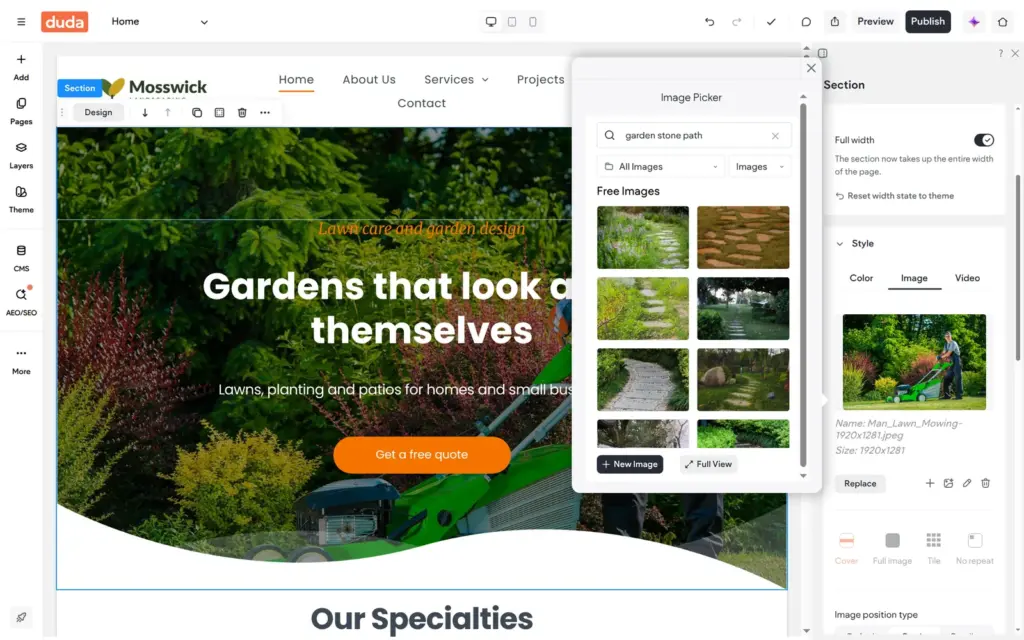
The design comes from Gardener, one of Duda's own templates. I replaced the logo and the texts and changed the colors to moss green and gold. The new hero photo is a free stock photo from Pexels that I picked inside the editor. The other photos came with the template.
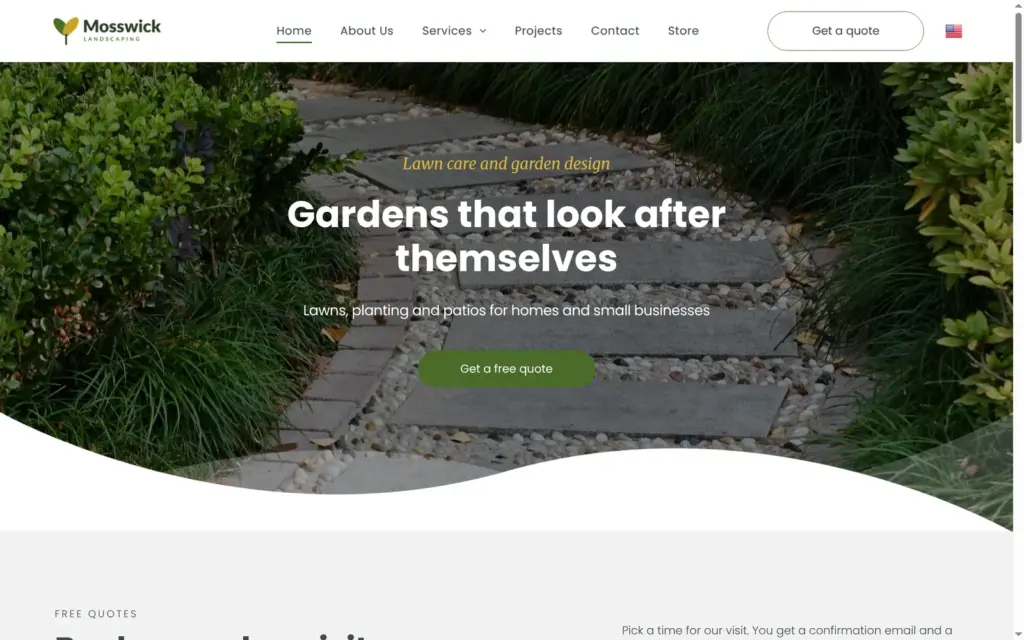
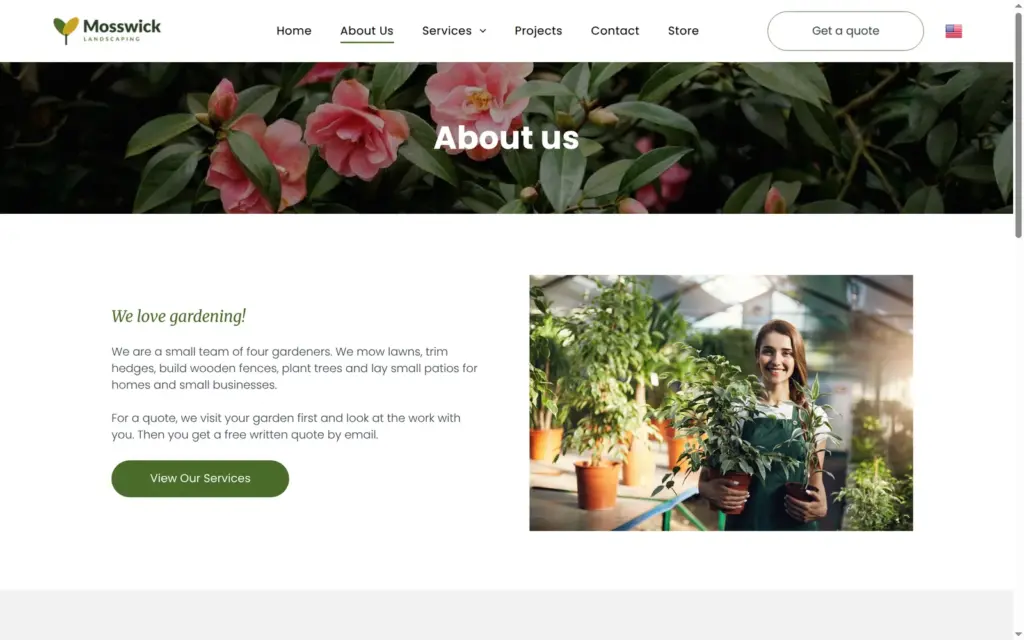
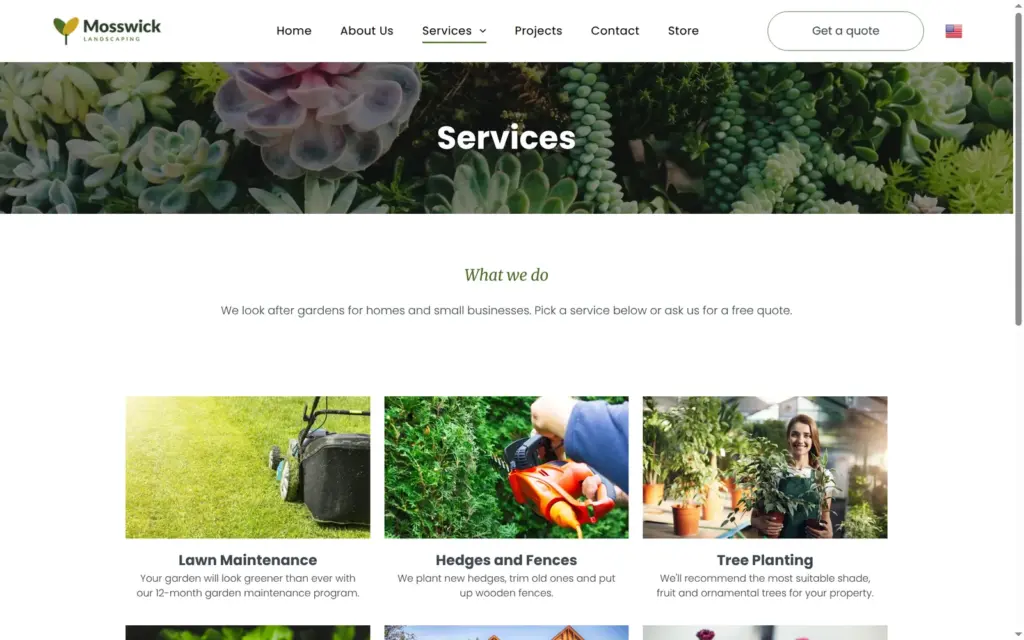
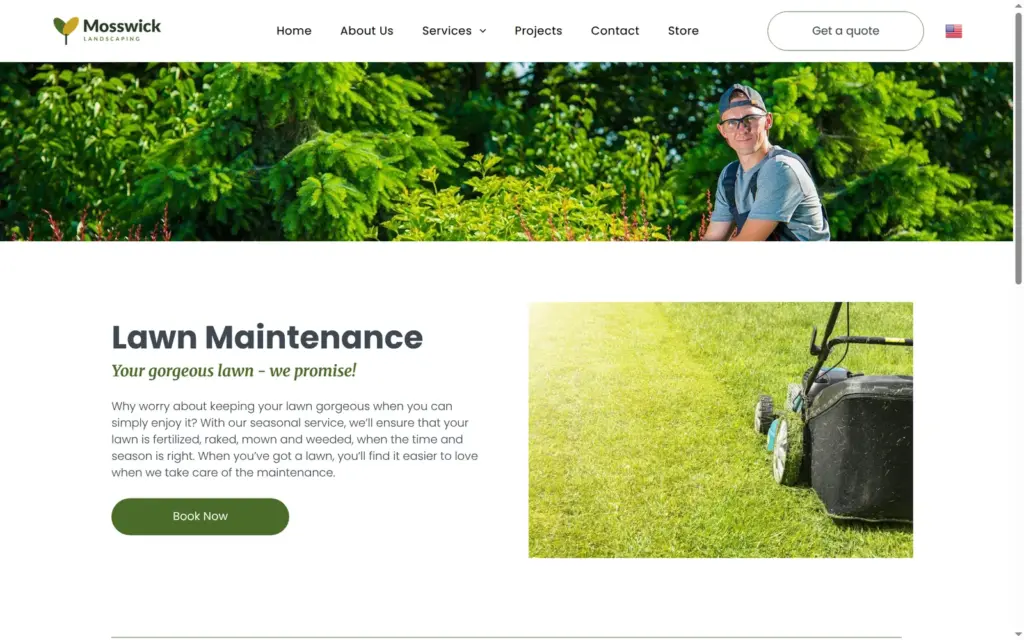
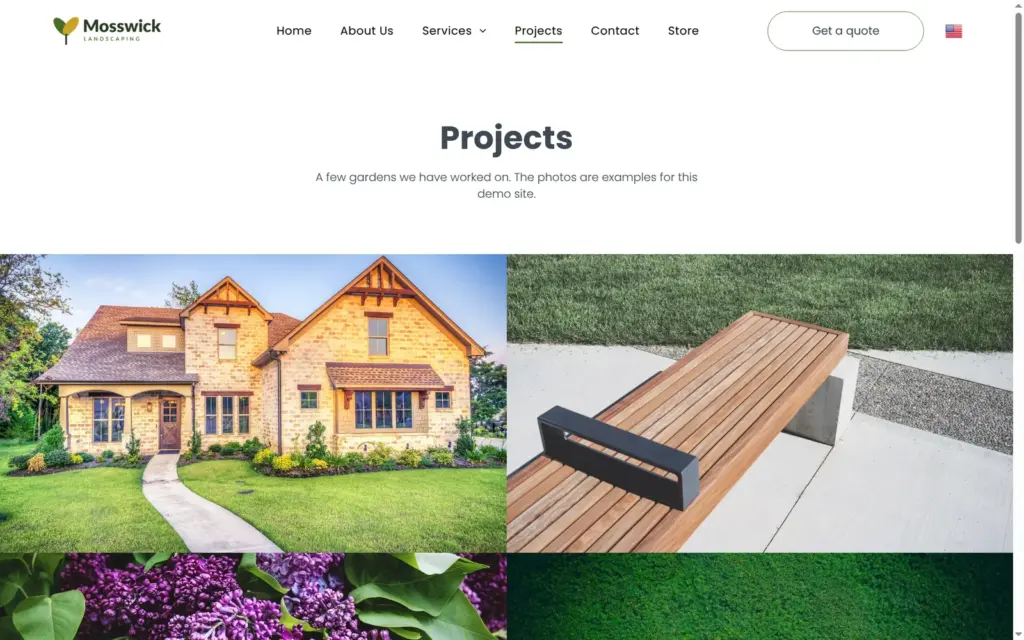
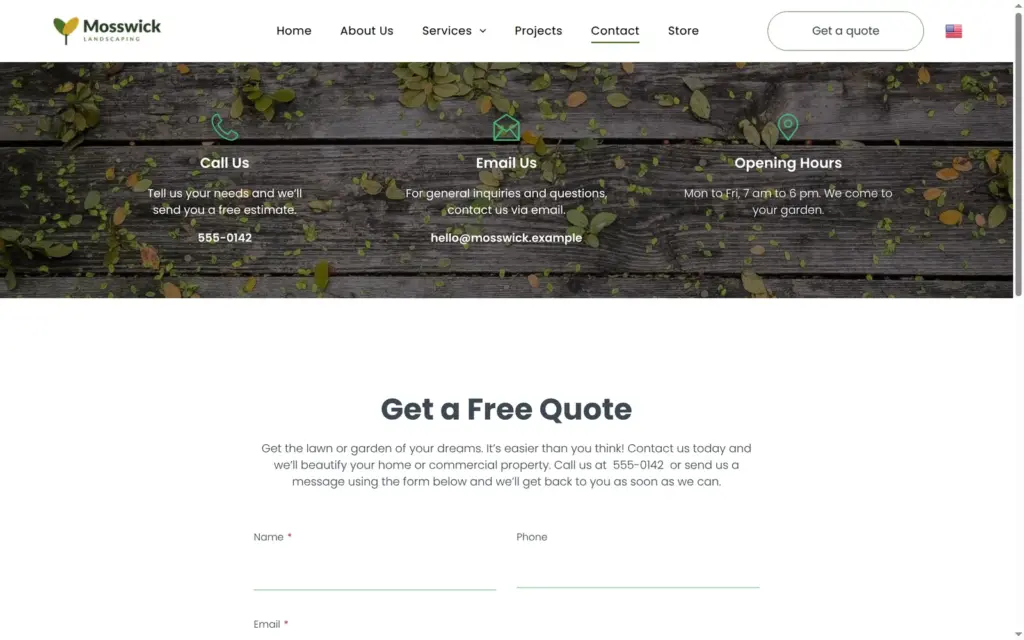
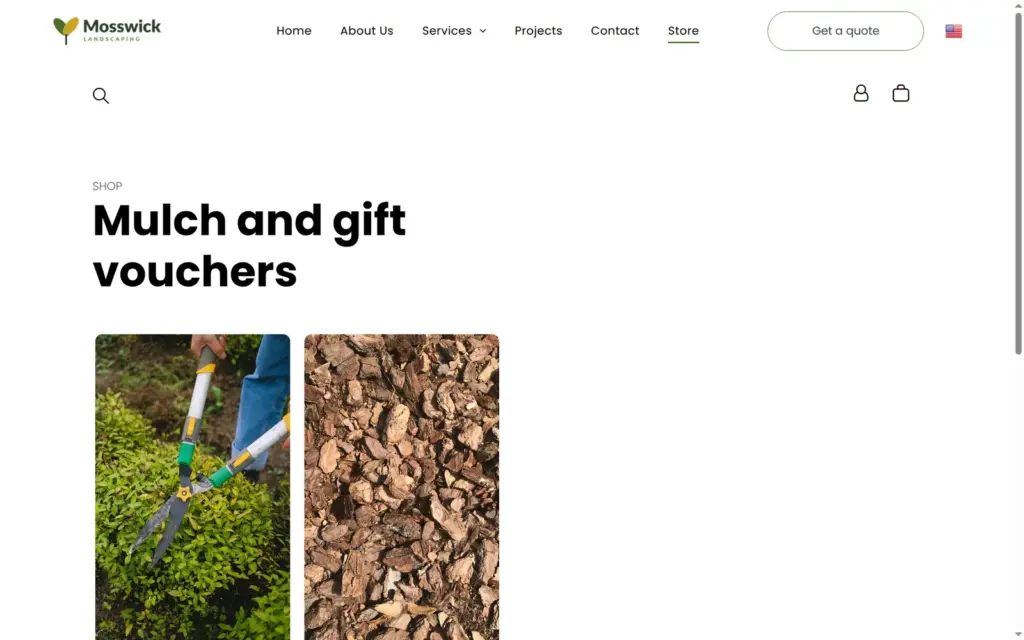
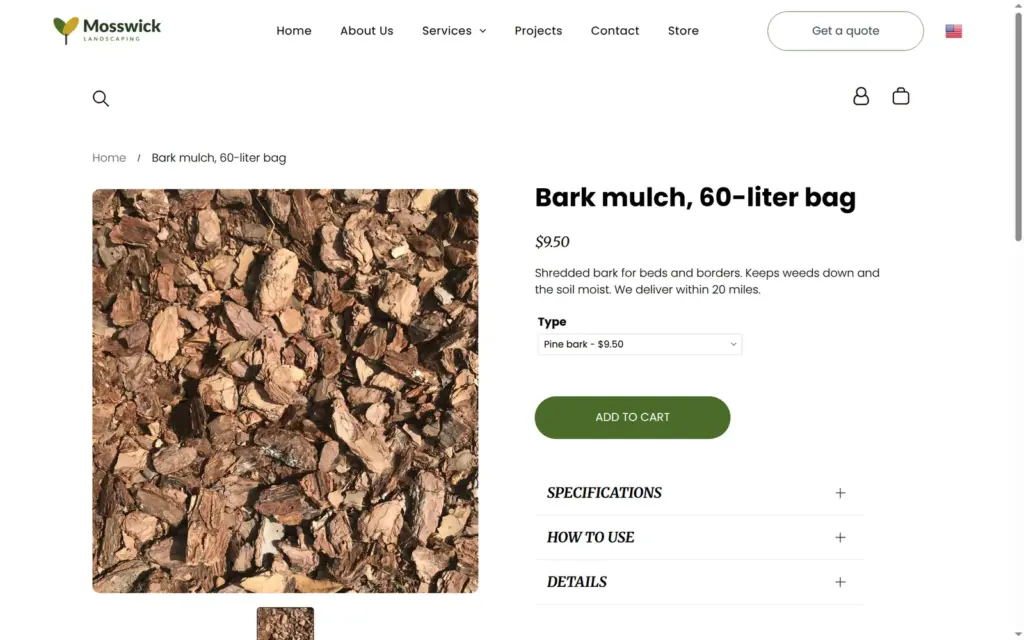
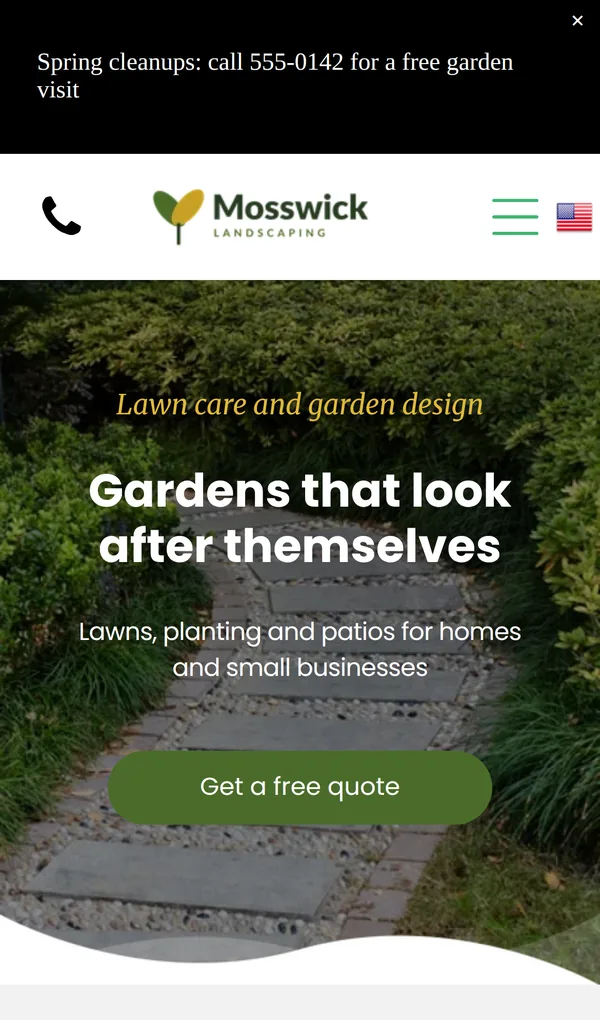
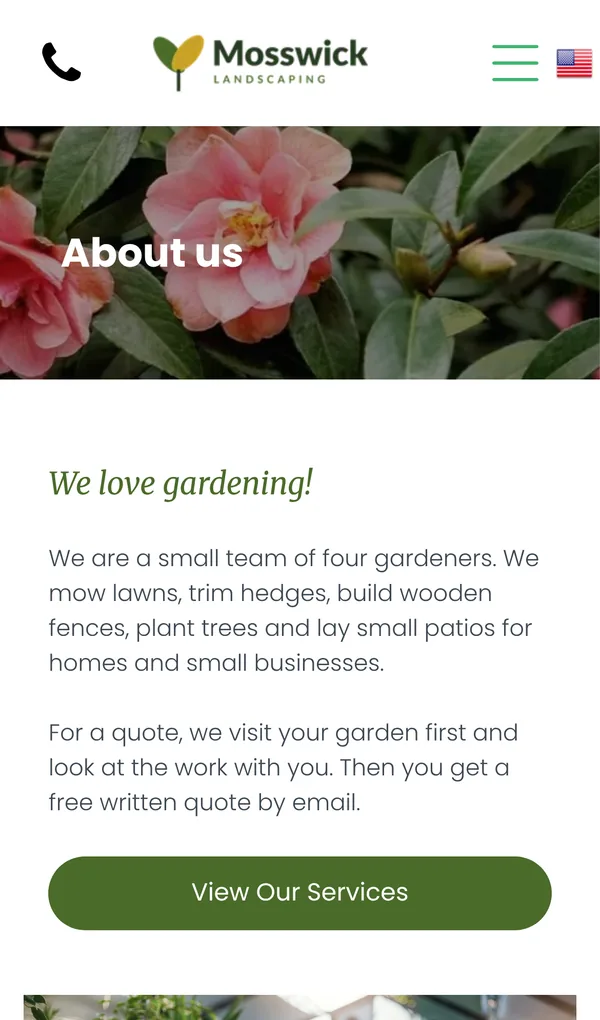
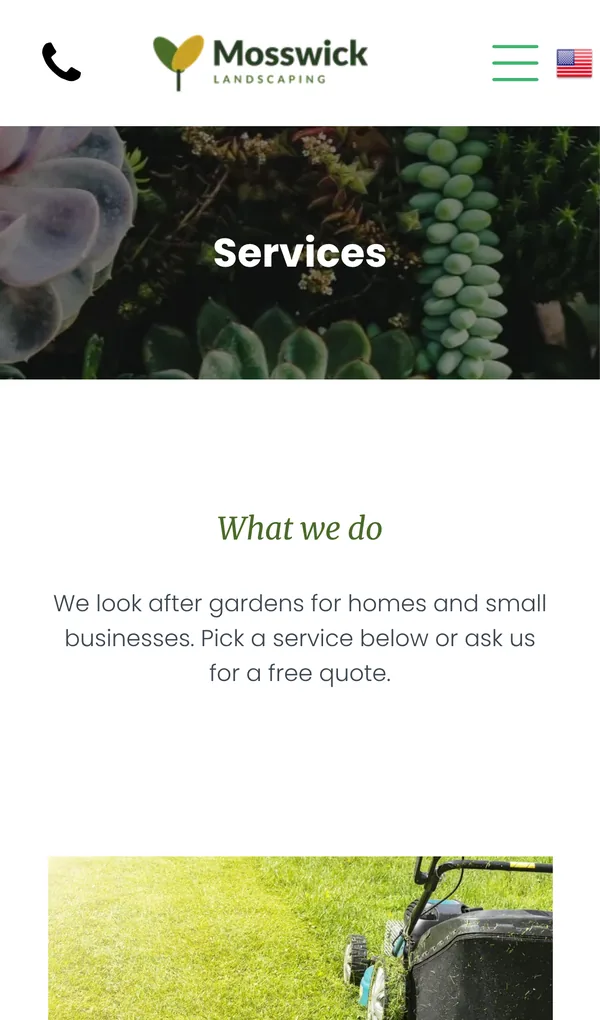
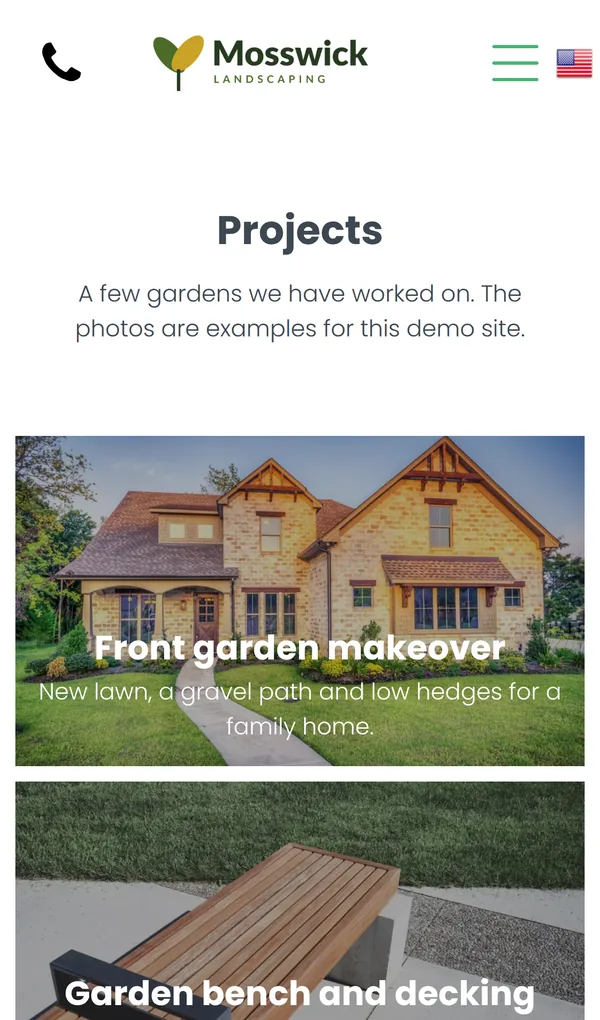
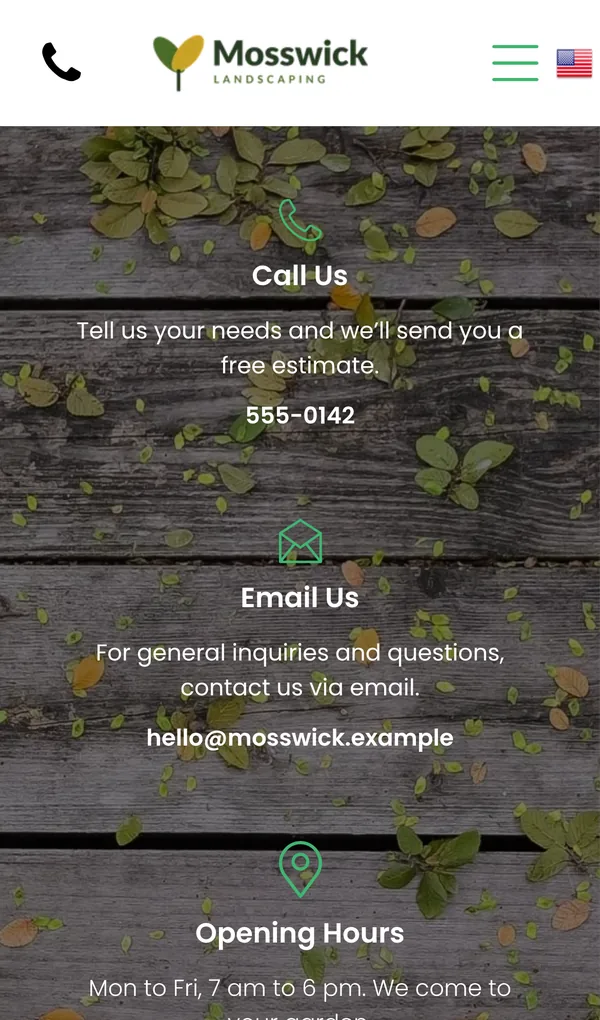

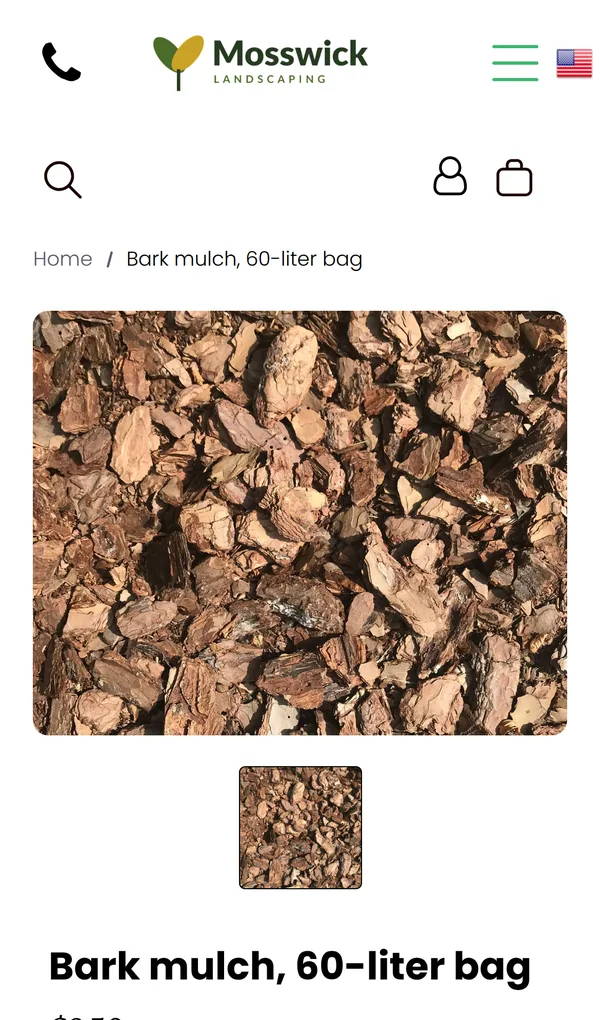
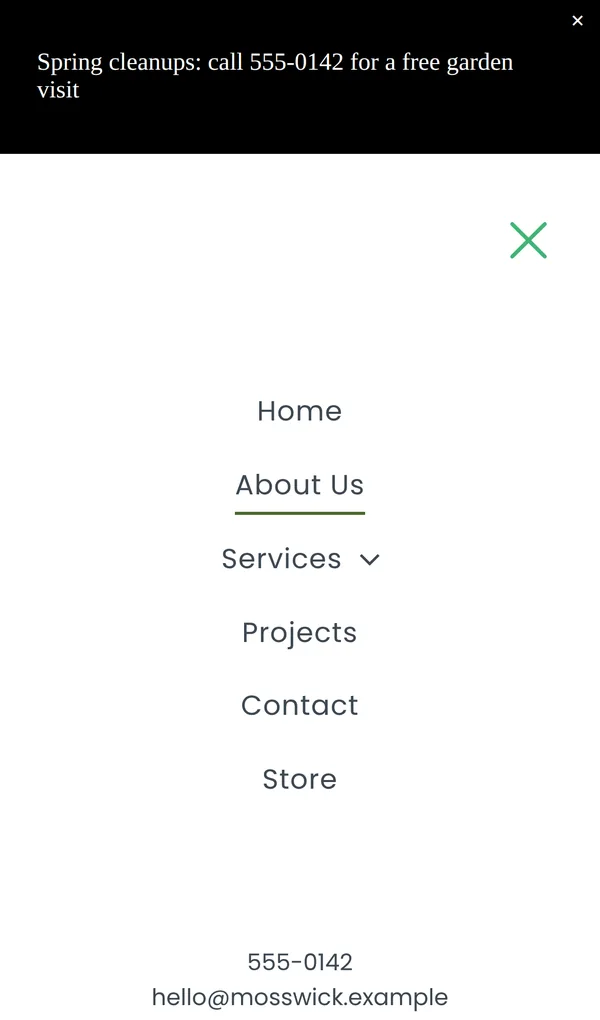
The site ran on Duda's free address during the trial and was hidden from search engines.
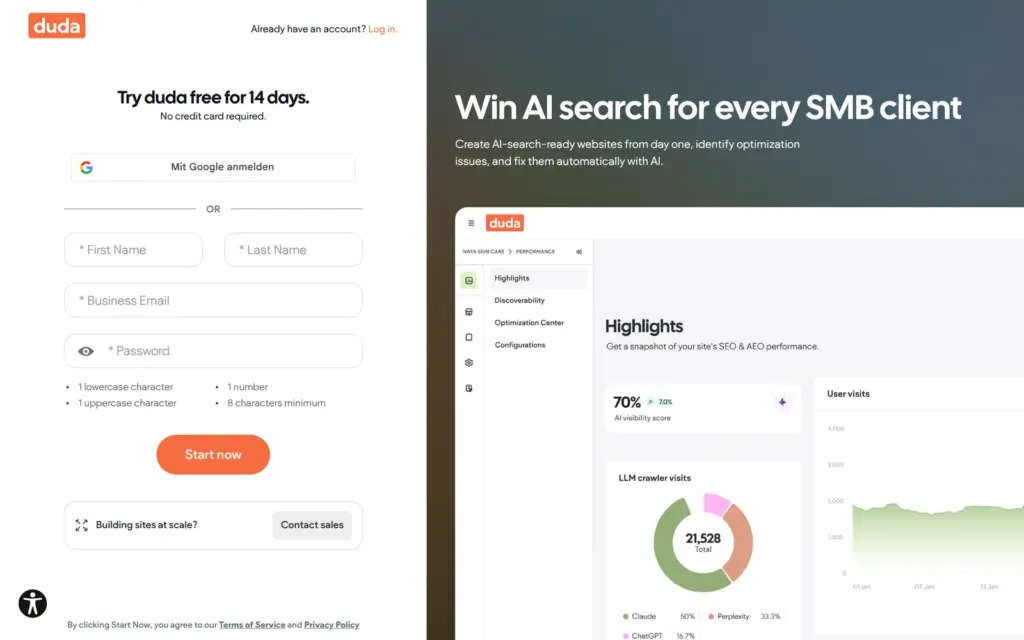
Duda's 14-day trial does not ask for a card. The sign-up form wants a name and a business email address. It rejected an address with a plus sign in it as "Invalid email address".
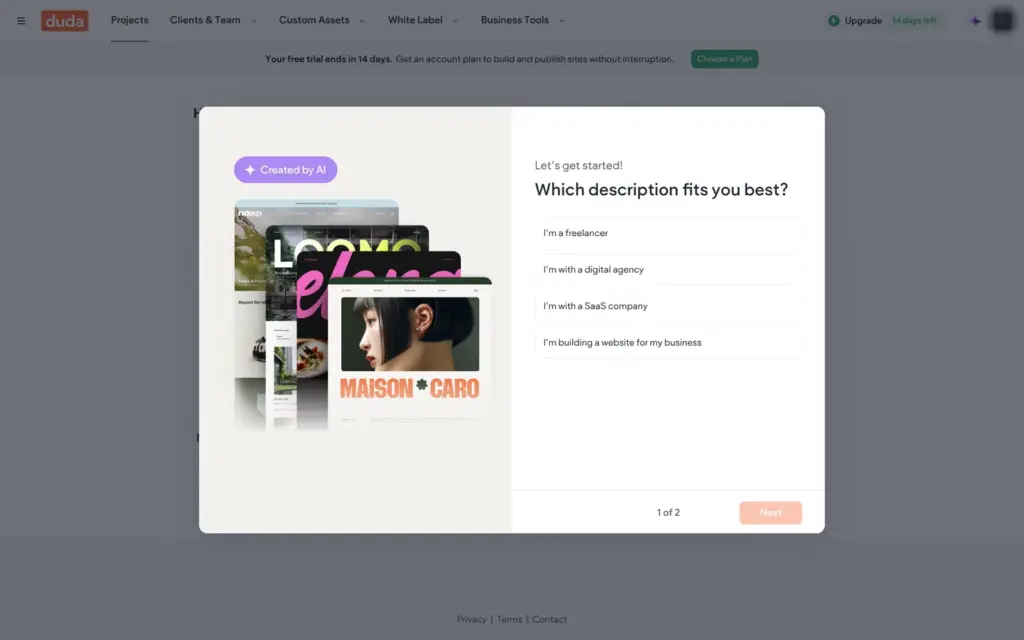
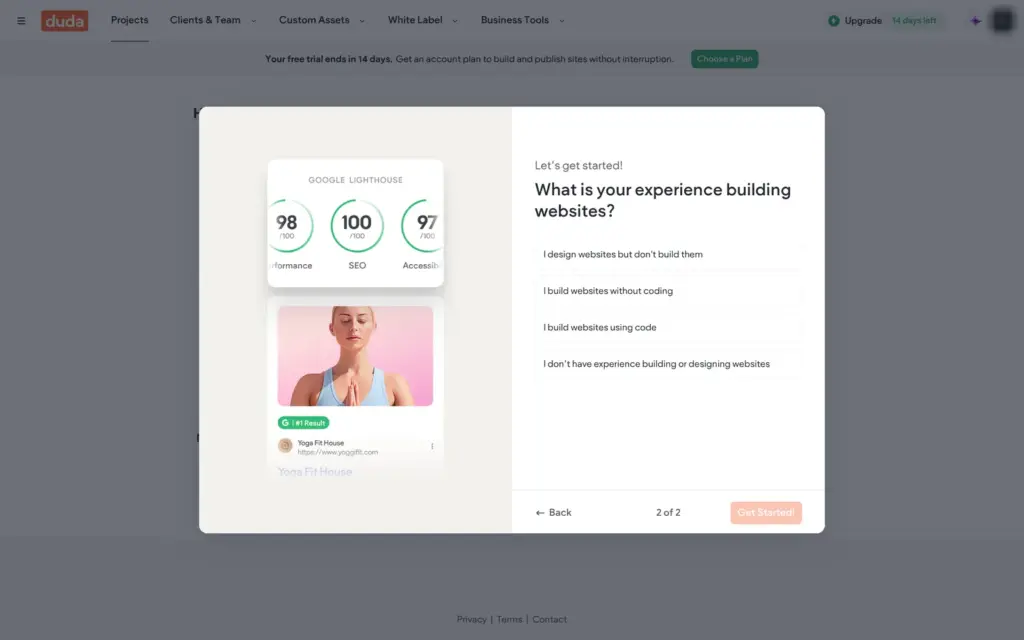
Before the trial starts, Duda sends an activation link by email. Mine arrived within a minute. The link opens the dashboard, and Duda asks two questions first. It wants to know which description fits you best and how much experience you have with websites. I said I was building a site for my own business and had never built one.
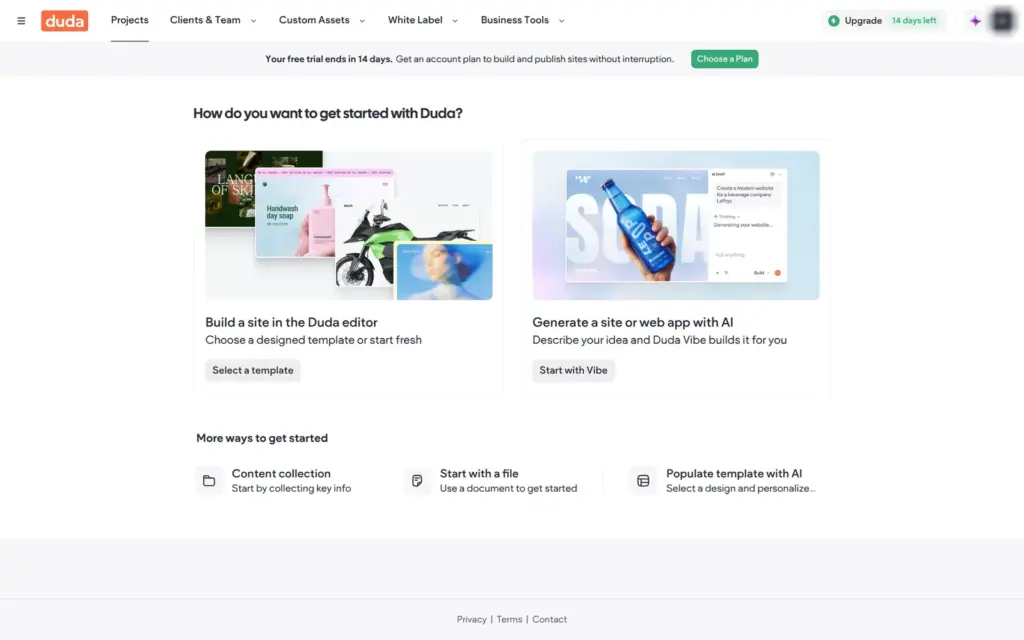
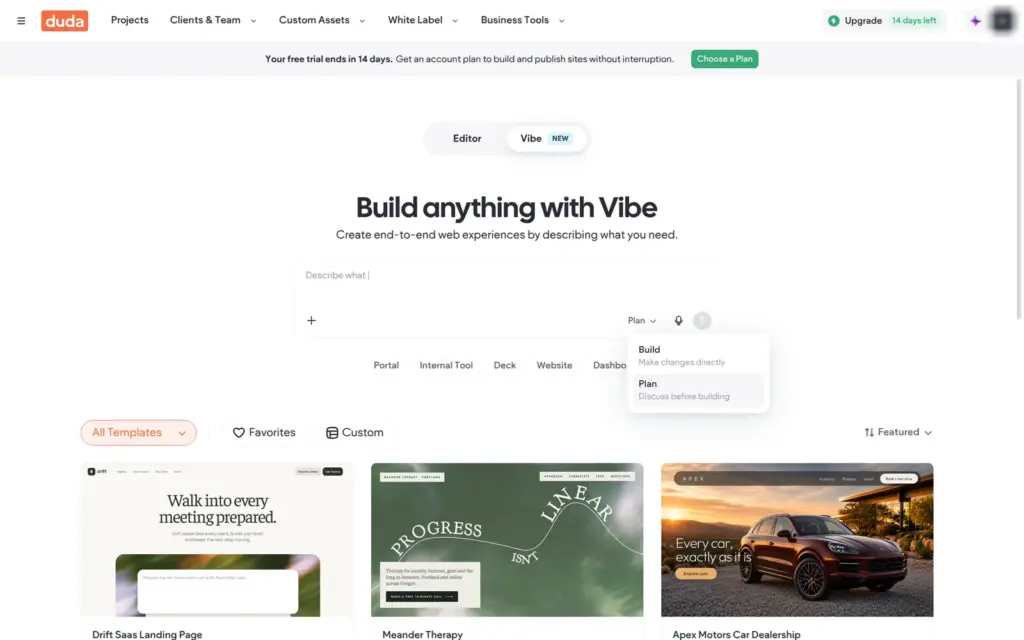
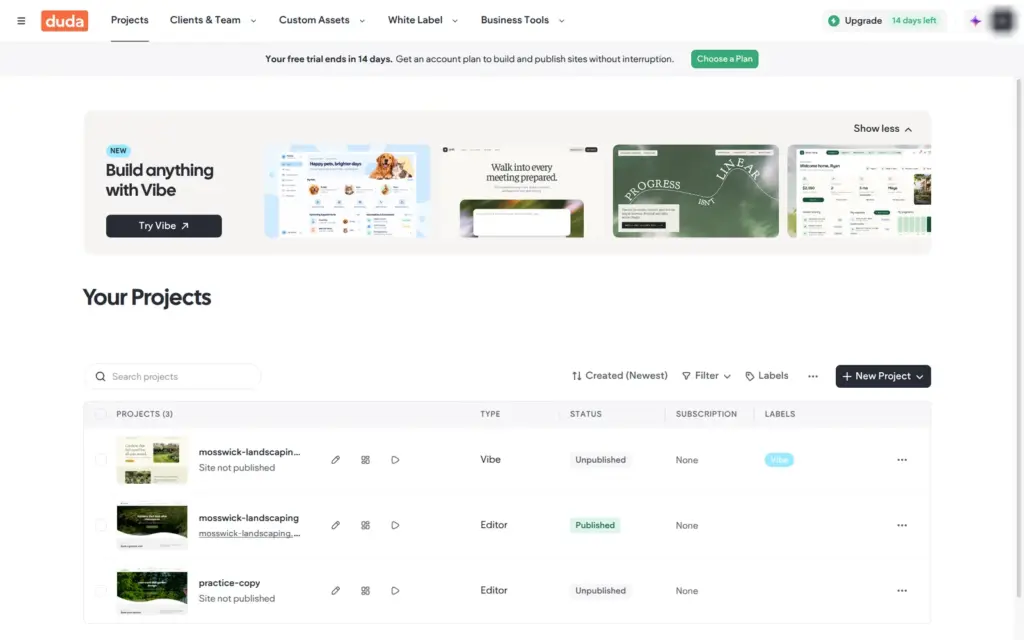
Then Duda offers two ways to start. You can pick a template for the Duda editor, or describe your business and let Duda Vibe generate the site. A banner counts down the trial days. The menu at the top is full of agency tools like client management and white label.

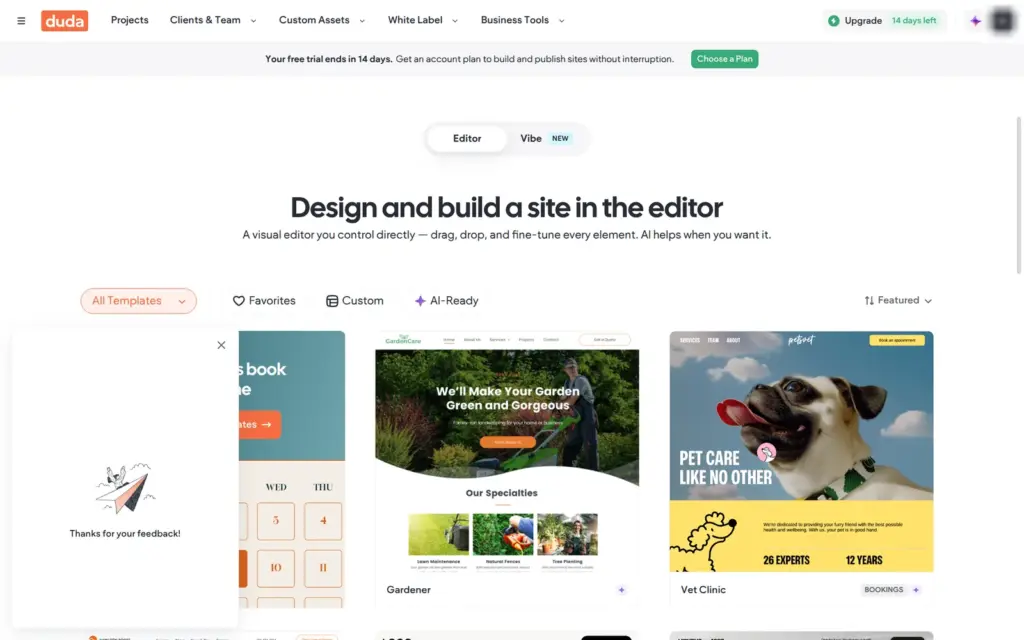
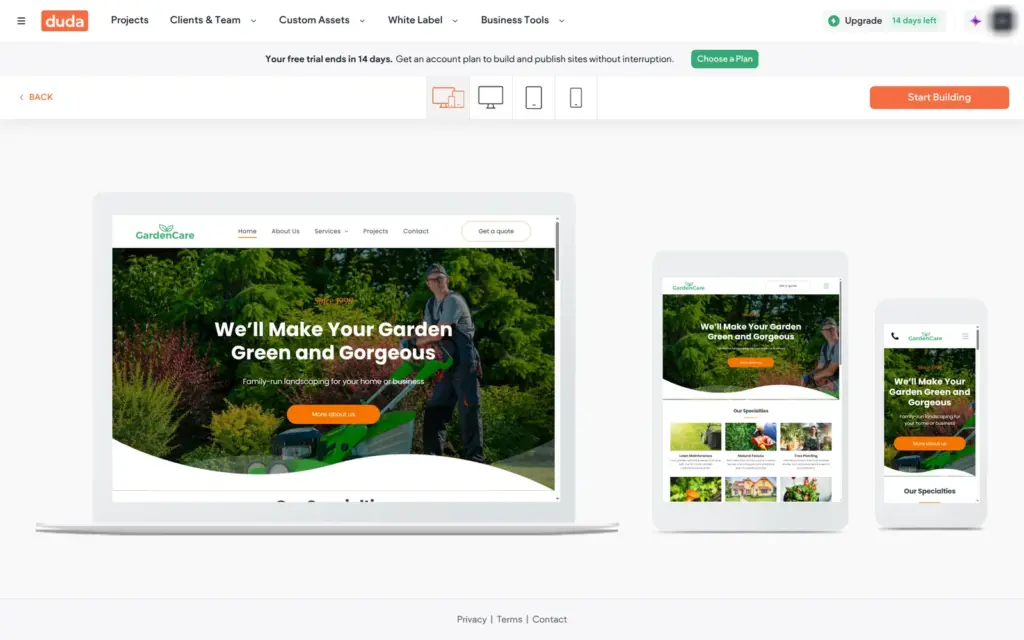
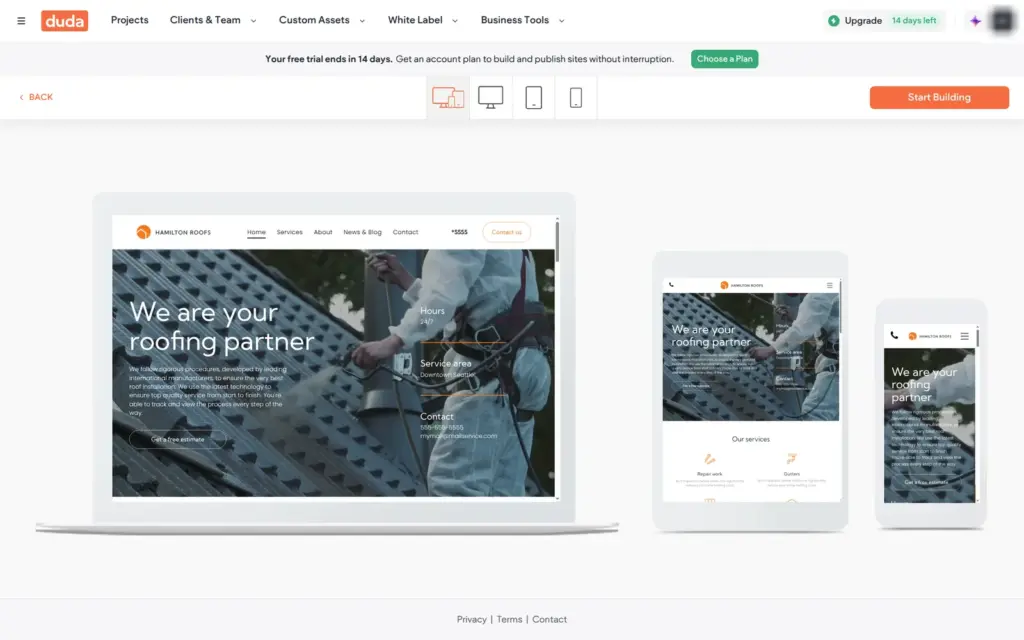
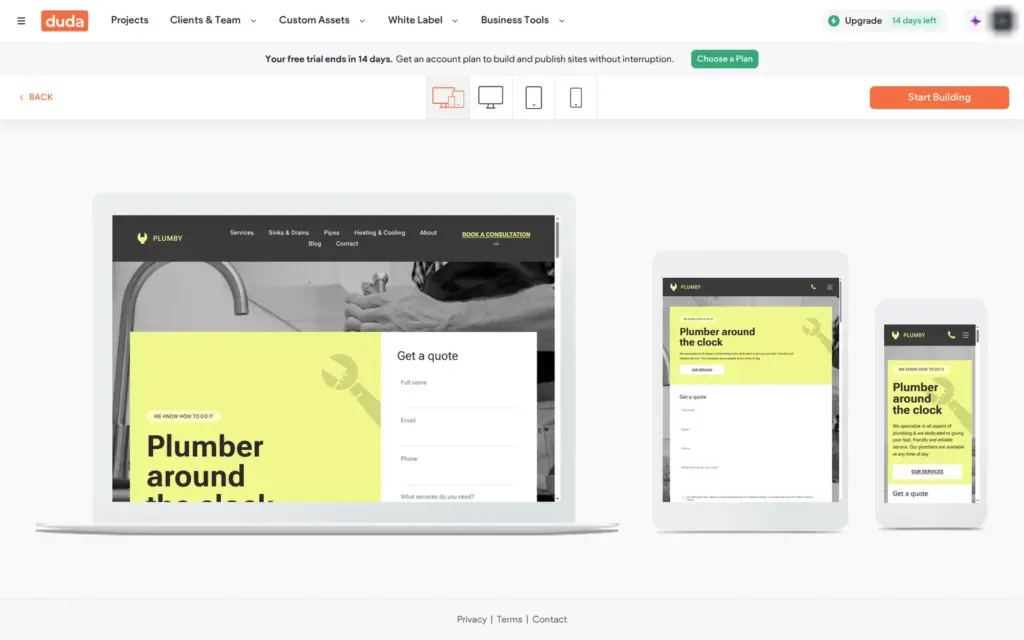
Duda's template gallery is sorted by type of business, and it has no landscaping category. In Professional Services I found Gardener, a template made for a landscaping company. It comes with six pages and a button for quote requests. I compared it with two other templates for trades, a roofer and a plumber. Gardener fit best, because its photos already show gardens.
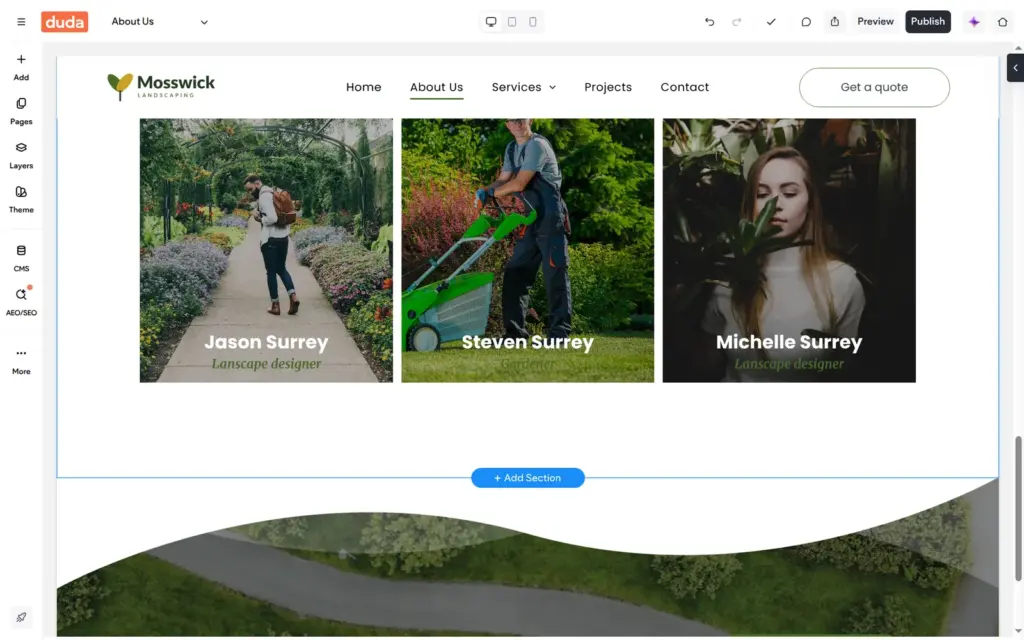
The template is full of made-up content. It talks about a company called GardenCare that was founded in 1998. It also has customer quotes and a team section with names and photos.
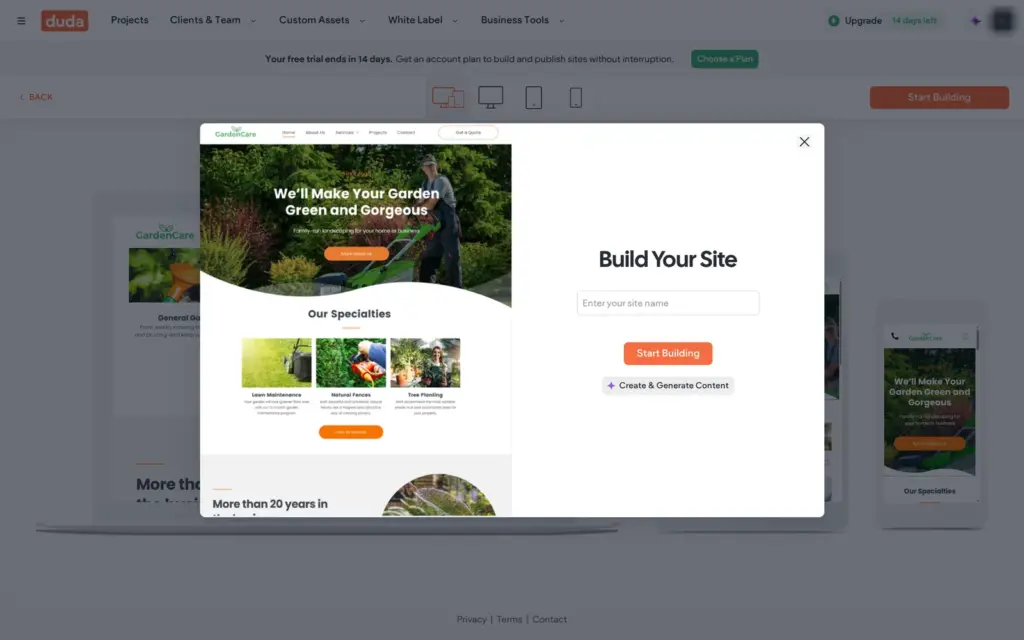
Start Building asks for the site's name. A second button, Create & Generate Content, would let Duda's AI fill in the texts from your business details. I built this site by hand and tried the AI later.
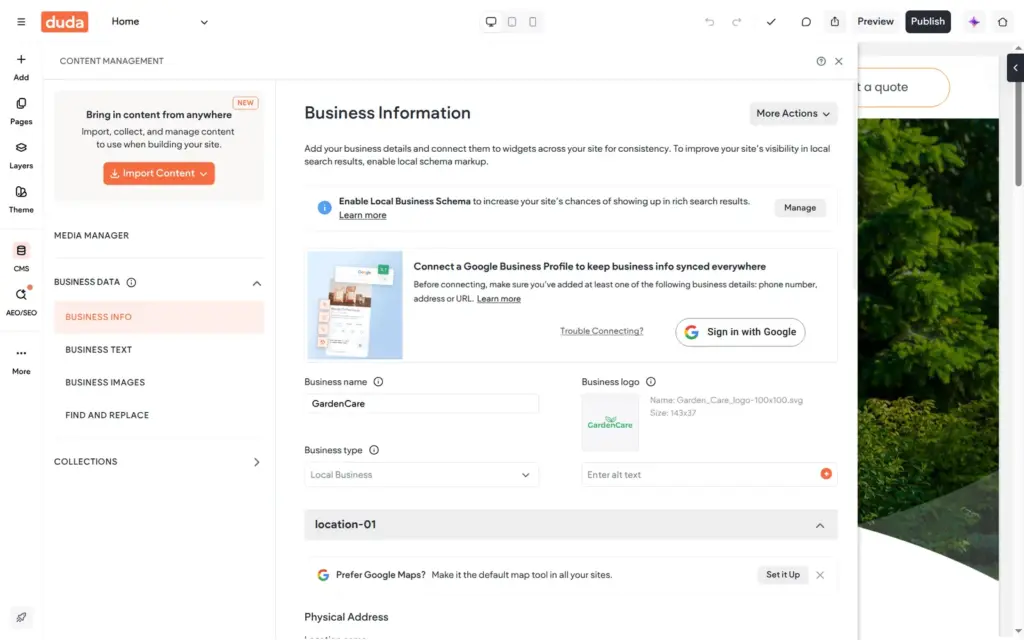
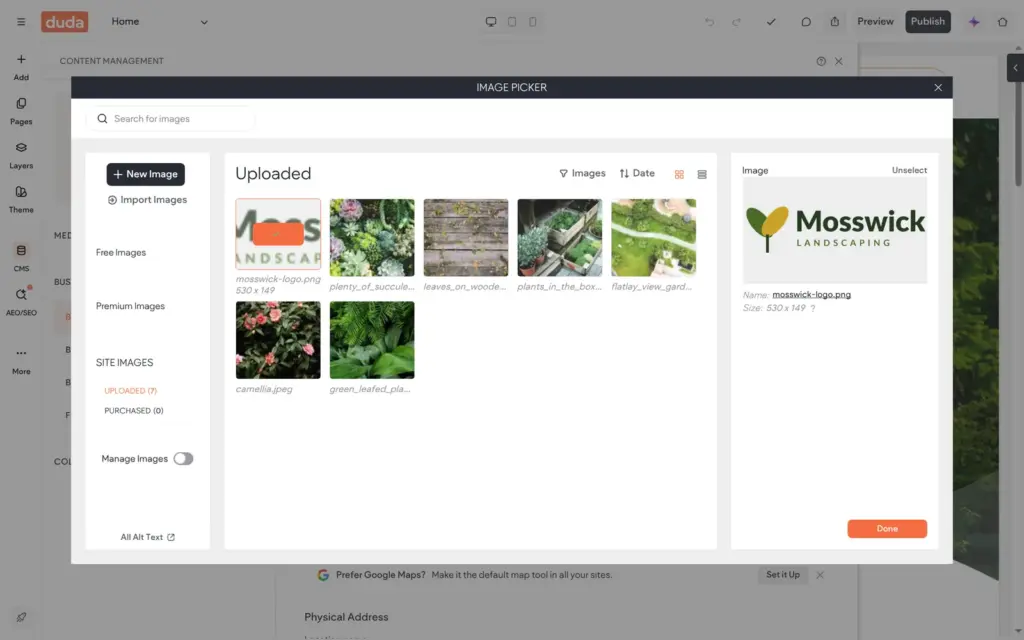
Duda keeps the business details in a content library under CMS. I entered the company name there and uploaded the logo. The header showed the new logo right away, because it reads the logo from the library.
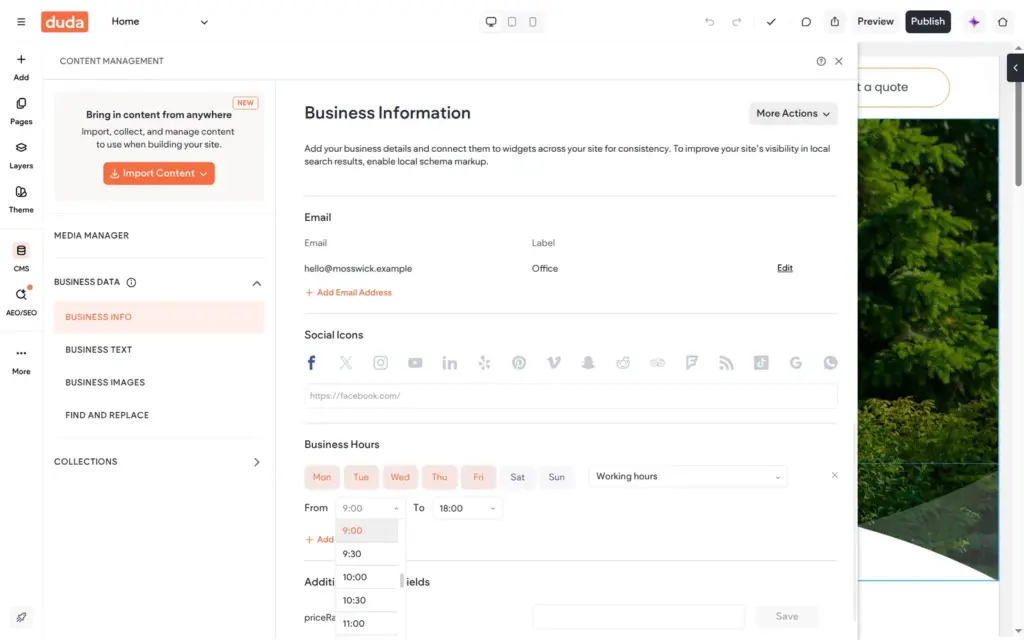
A switch tells Duda that the business has no shop front, which suits a landscaper who goes to the customer. I added the phone number and email address. Opening hours also go into the library, and a widget can show them on the site.
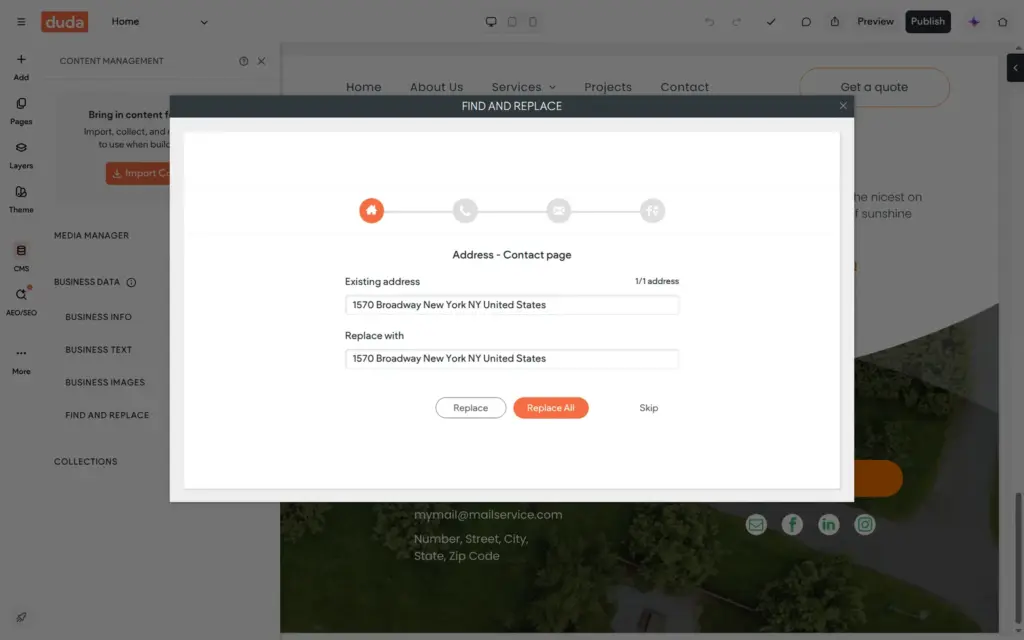
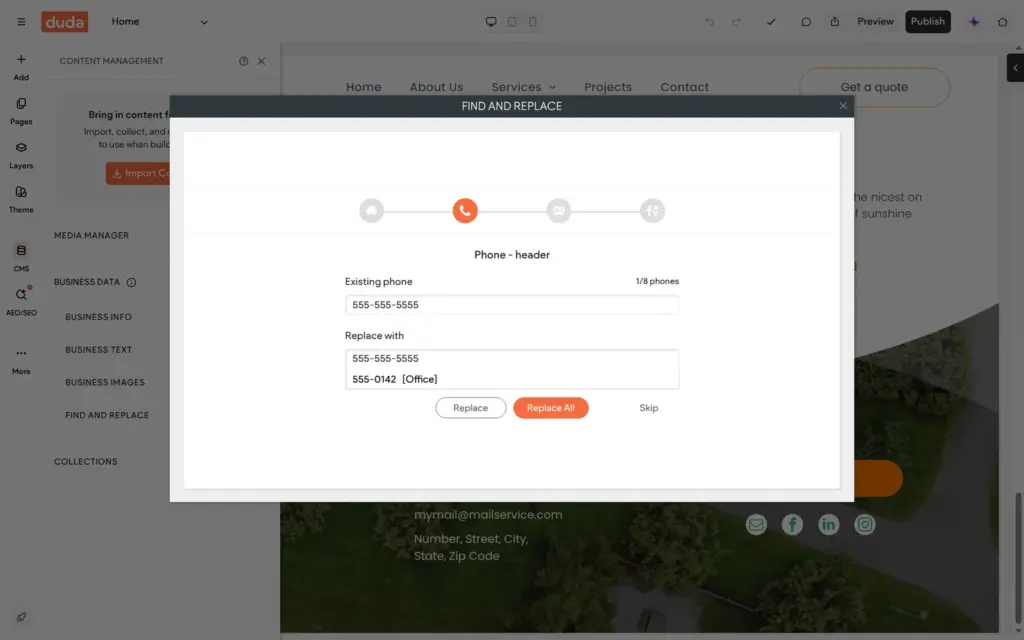
The template had its old phone number typed into the pages as plain text, in eight places. Duda has a find and replace tool for this. It goes through the old contact details one by one and suggests the new value from the library. Replace All did not change all eight places at once. The first click changed two of them, and three other pages each needed one more click.
I skipped the address step, because Mosswick has no street address. That left the template's address placeholder in the footer, and I replaced it by hand later.
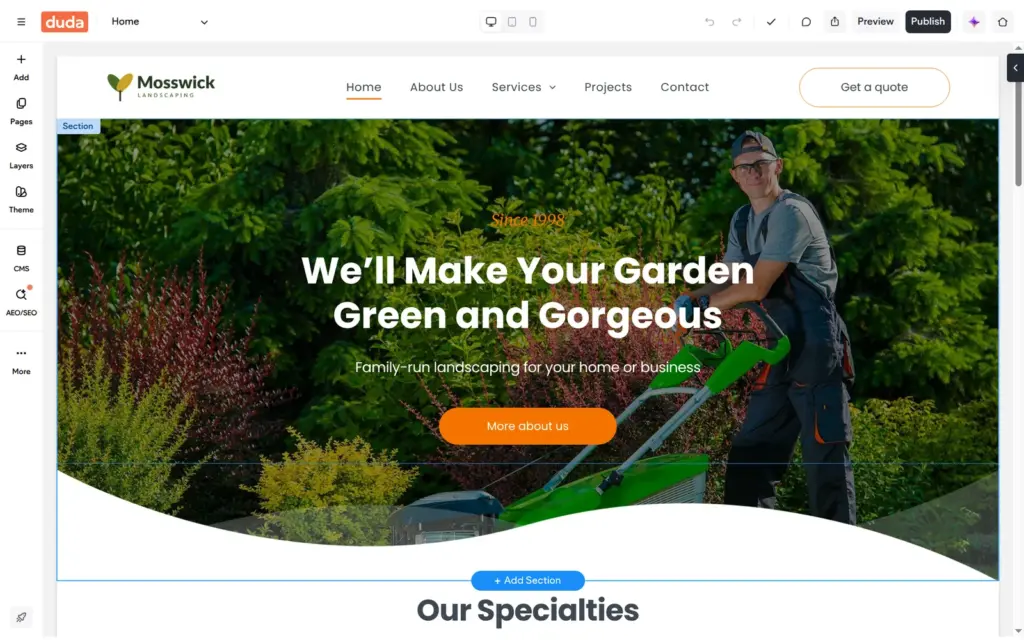
You click a text, choose Edit Text and type over it. Buttons get their text and link in a small window. In this template, the header button "Get a quote" linked to the home page, and I pointed it at the contact page. The list of pages in that window is cut off at the bottom of the screen, so I had to scroll inside it to reach Contact.
For the hero photo, I searched the image picker's free stock photos, which come from Pexels. The picker can also create images with AI. I did not try that.
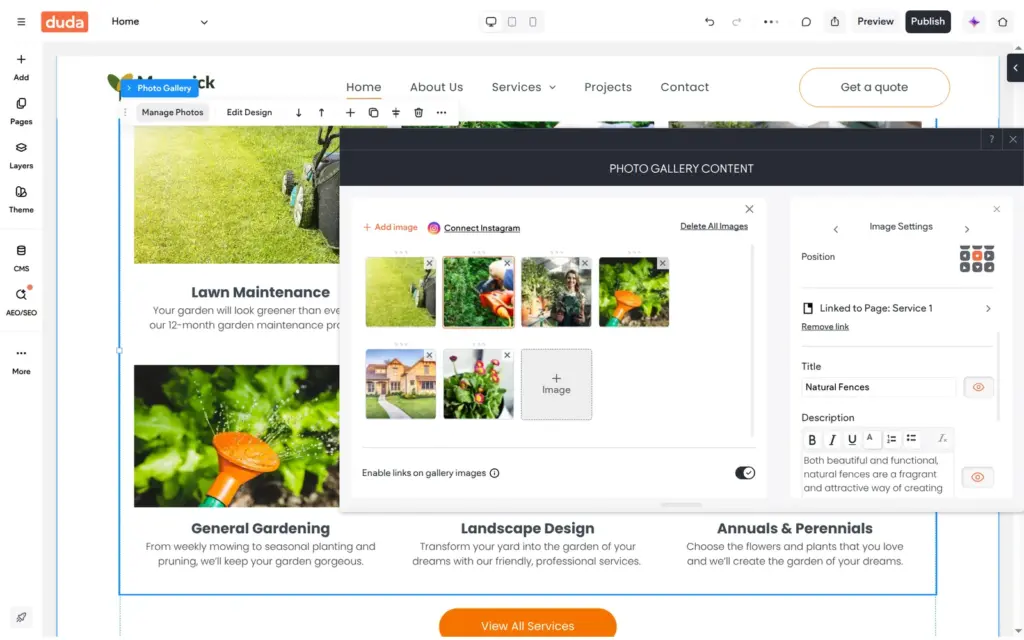
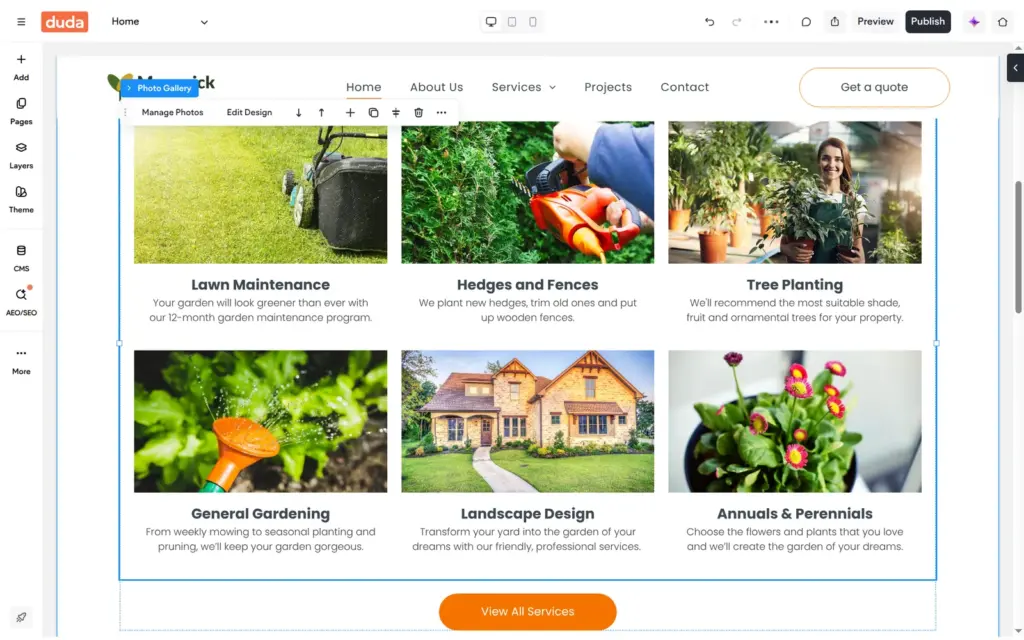
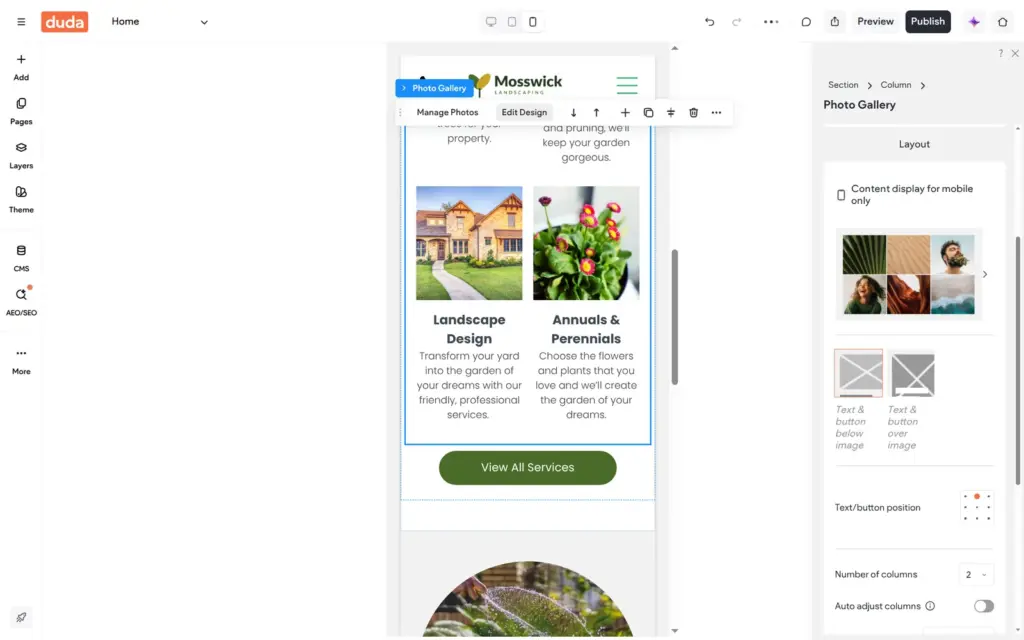
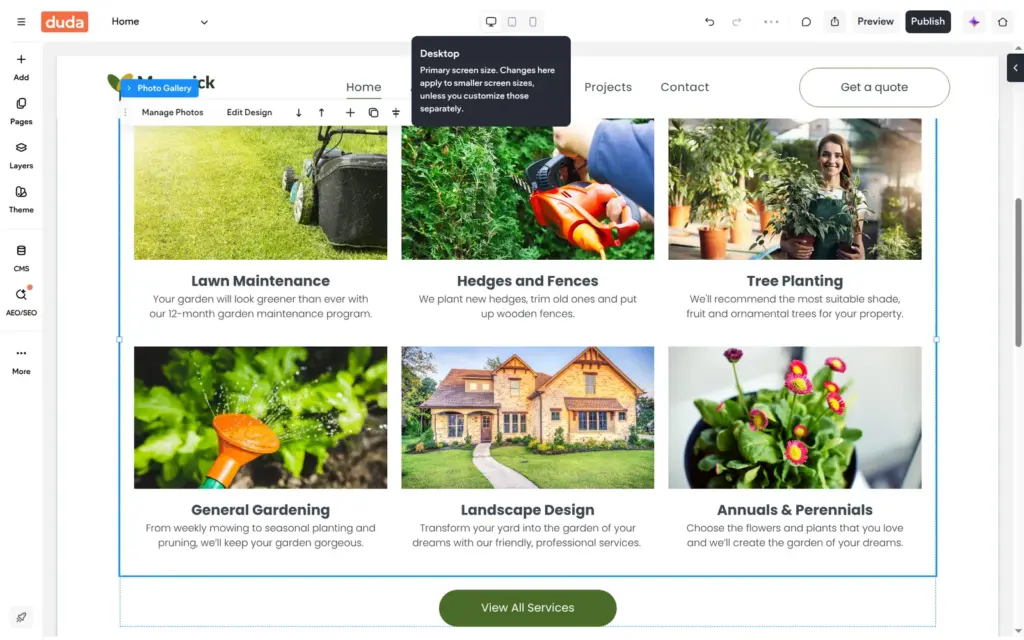
The services grid is a photo gallery. Its titles and descriptions sit in a list behind Manage Photos, and all six photos linked to the same page, Service 1. I deleted the customer quotes, because the template made up the people in them.
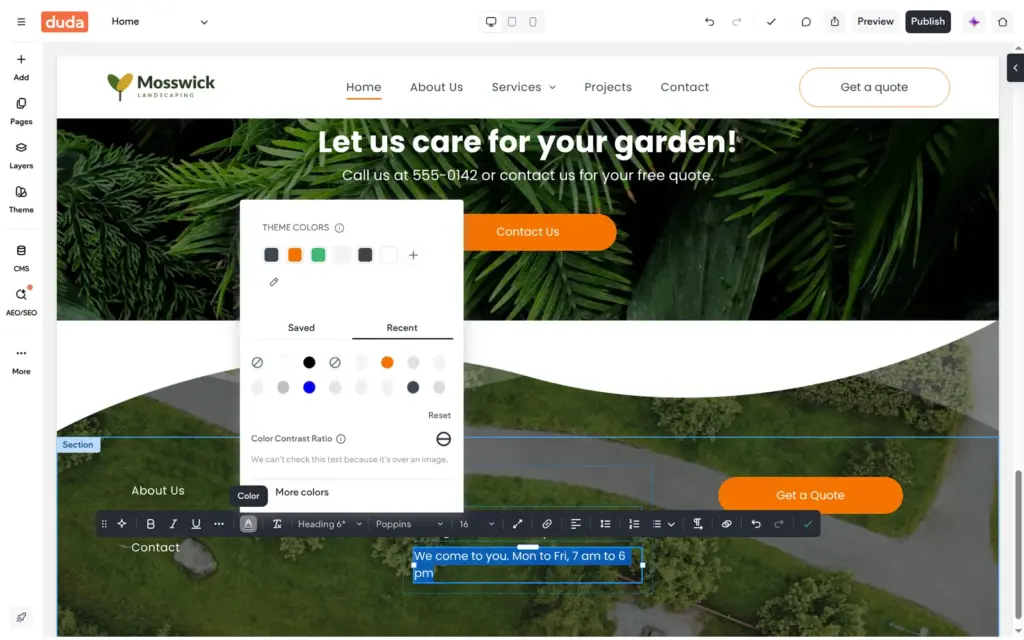
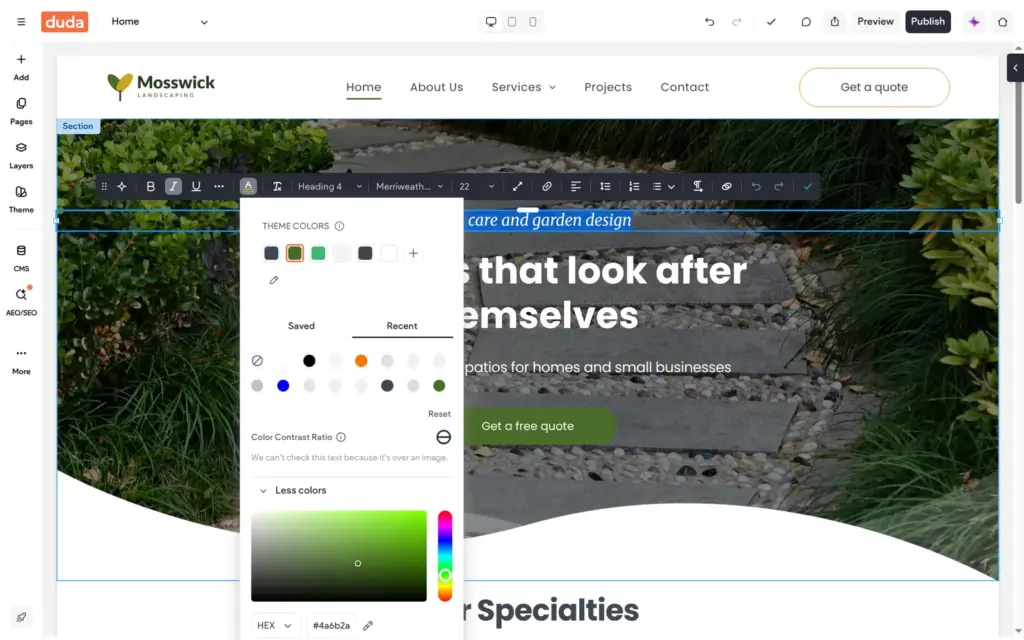
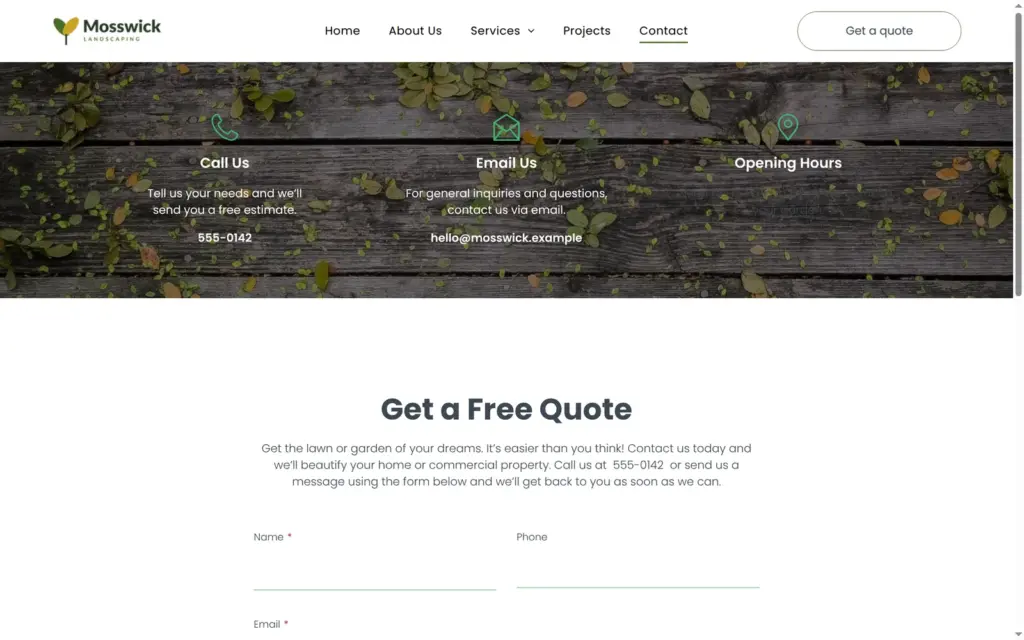
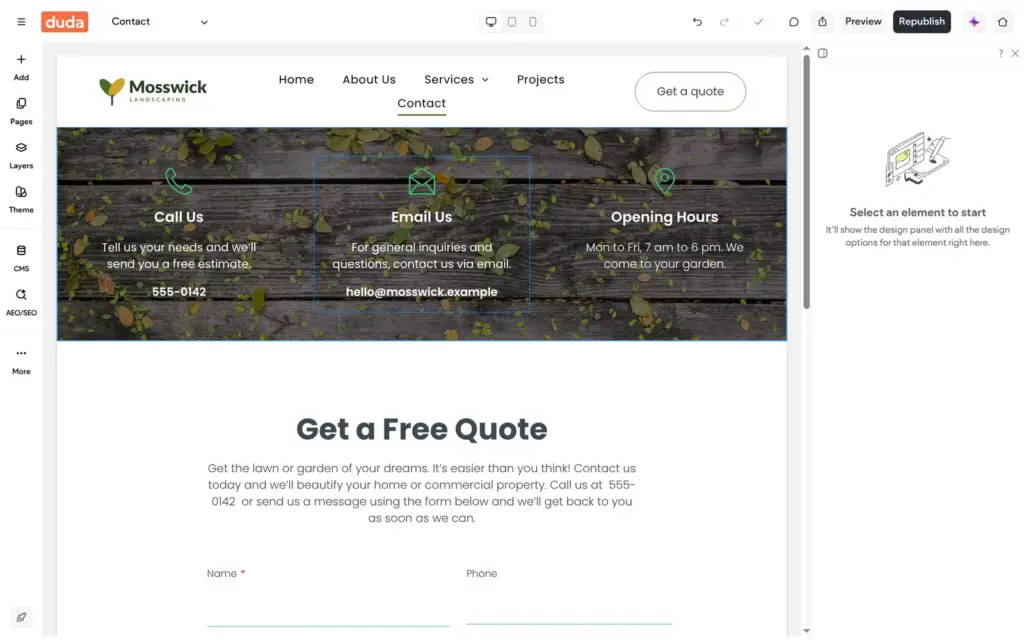
The footer is shared by all pages. When I typed over the white footer text, the new line came out dark grey on the dark photo. Typing had dropped the white color, so I set it again in the color picker. The same happened to the opening hours on the contact page, and I only noticed that on the live site.
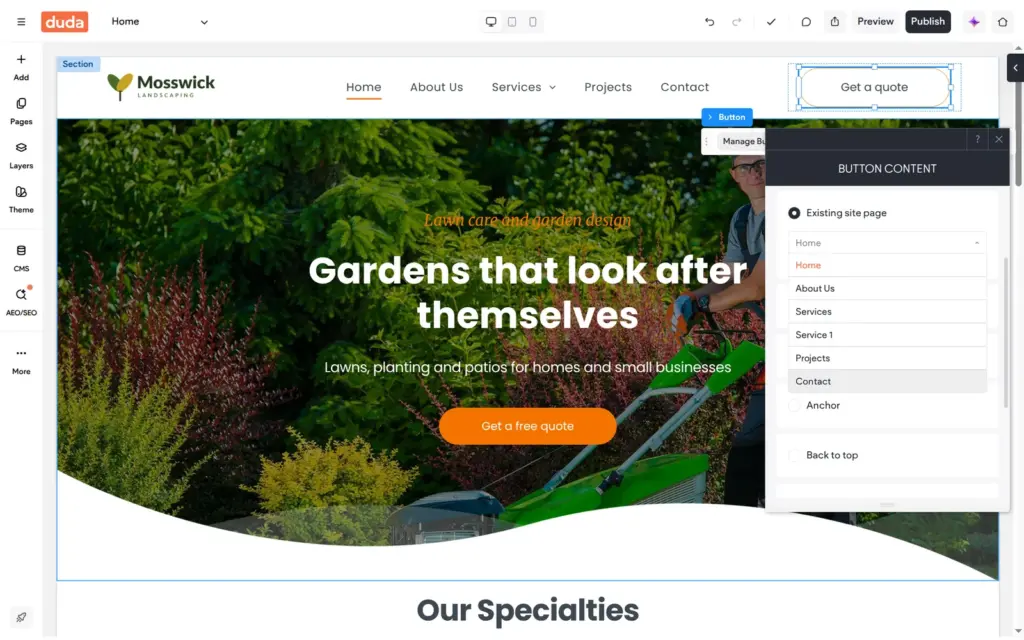
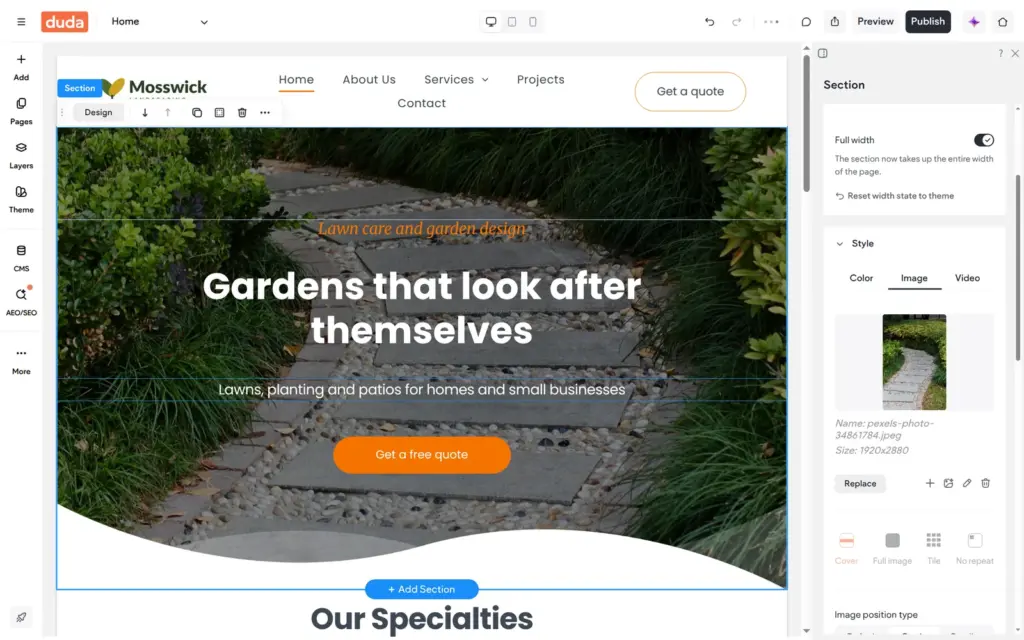
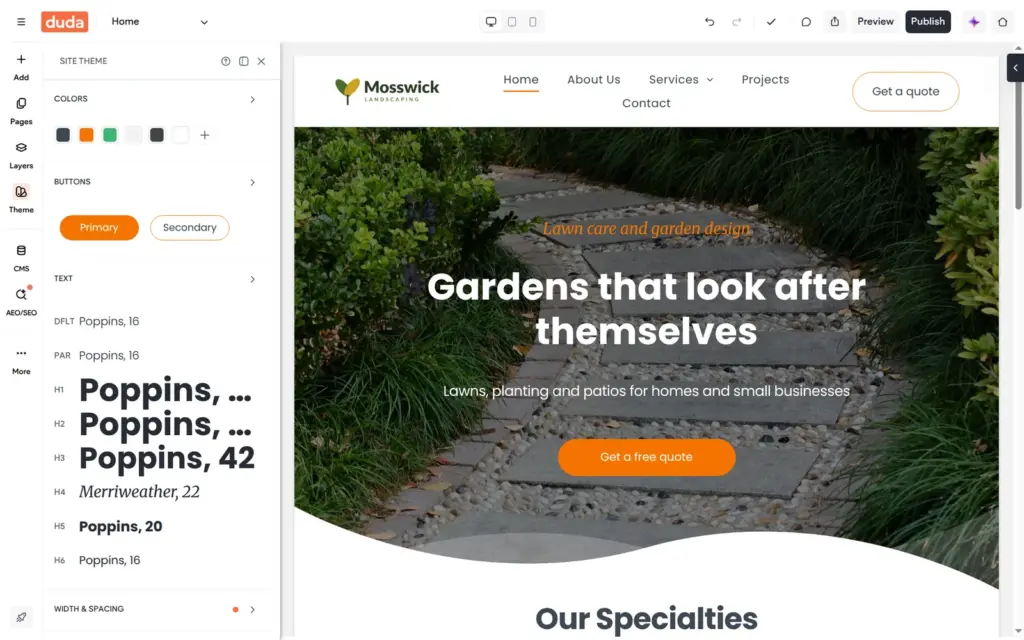
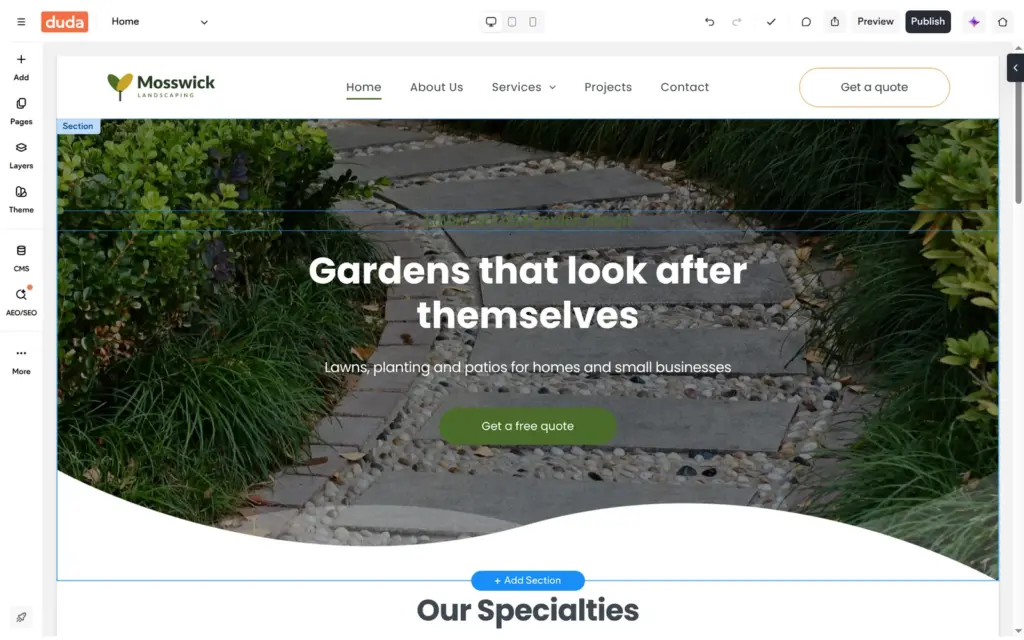
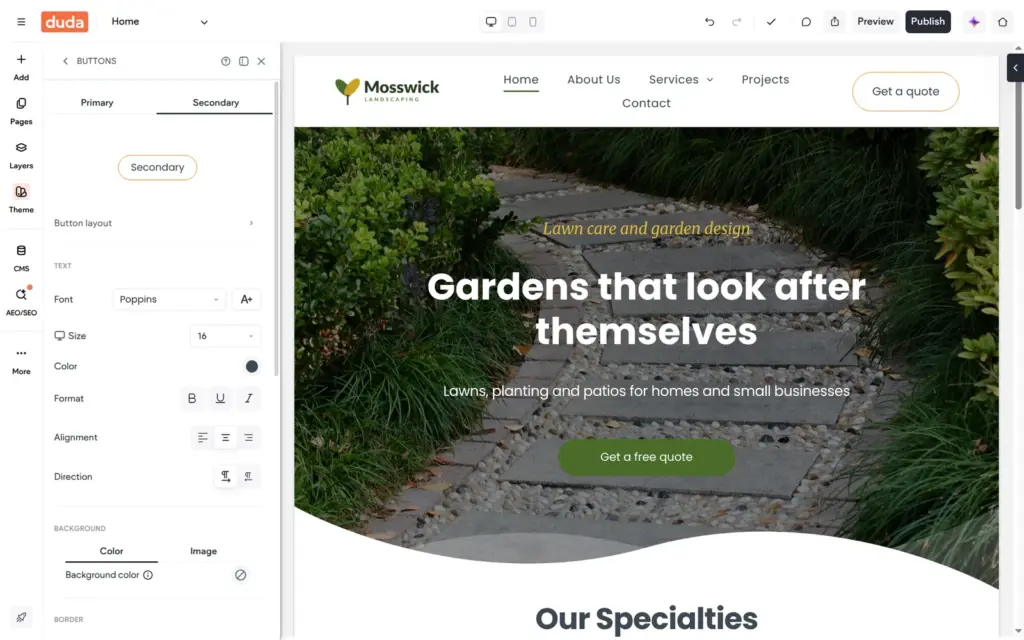
The template uses orange for buttons and accents. My logo is green and gold, so I changed the theme colors. The buttons turned green on all pages at once. So did the small italic line above the hero title. It was hard to read on the photo, and I set it to gold by hand.
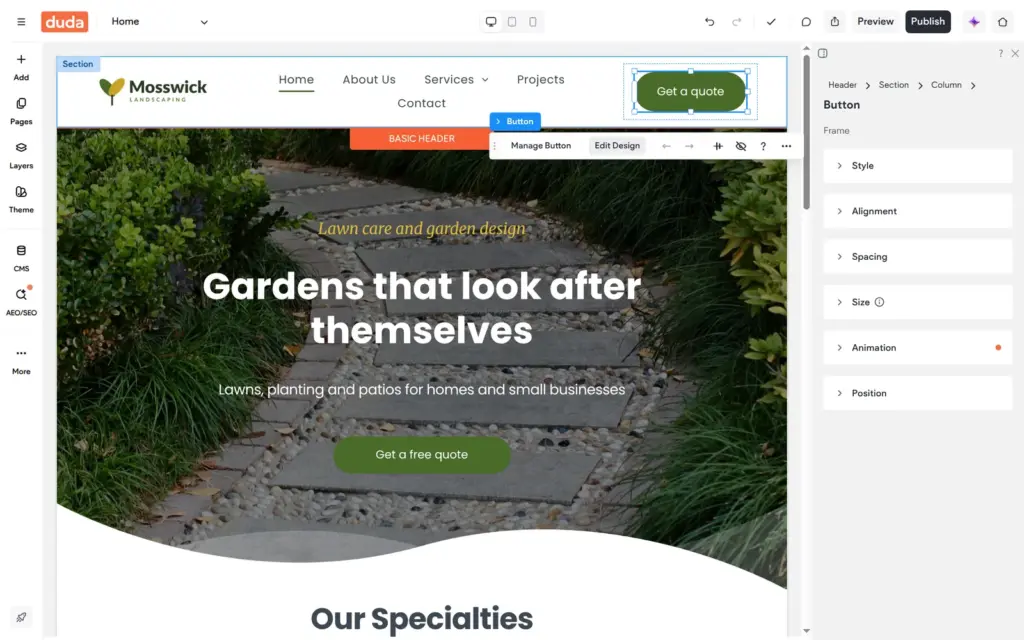
The header button kept an orange outline. Its border color belongs to the theme's secondary button style, which has its own border setting. Fixing it there changed all buttons of that style at once.
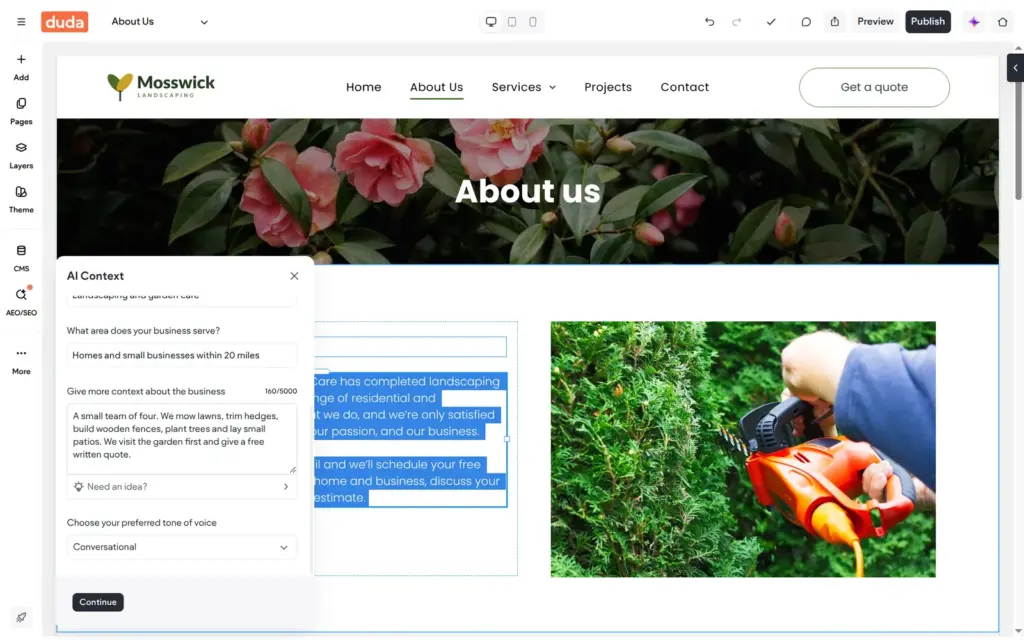
The text editor has an AI assistant that can write new text or rewrite a selection. Before its first text, Duda asks once what the business does and where it works. It keeps these answers as AI context for later.
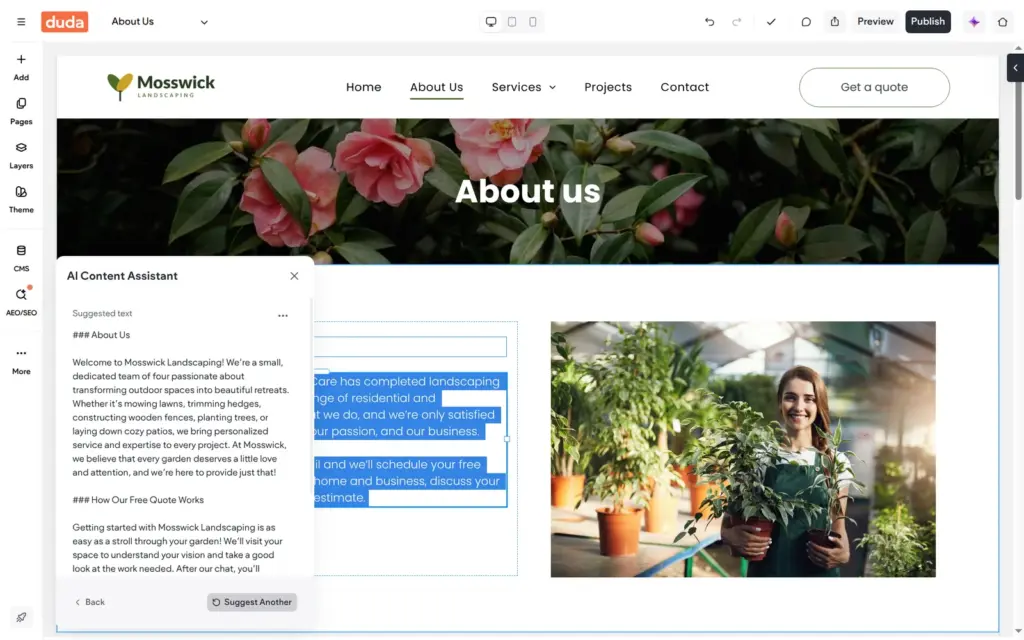
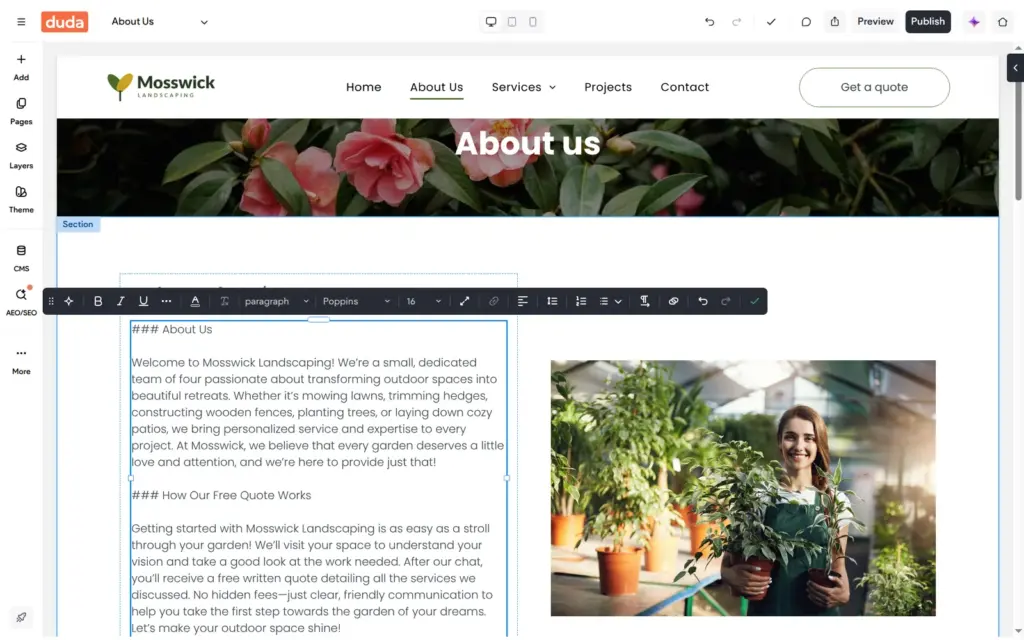
I asked for two short paragraphs about who we are and how a free quote works. About five seconds later, it had written more than I asked for. It also promised "no hidden fees", which I had never mentioned. Its headings came as Markdown, and after I inserted the text, the hash signs showed on the page. I deleted it and wrote a shorter version myself.
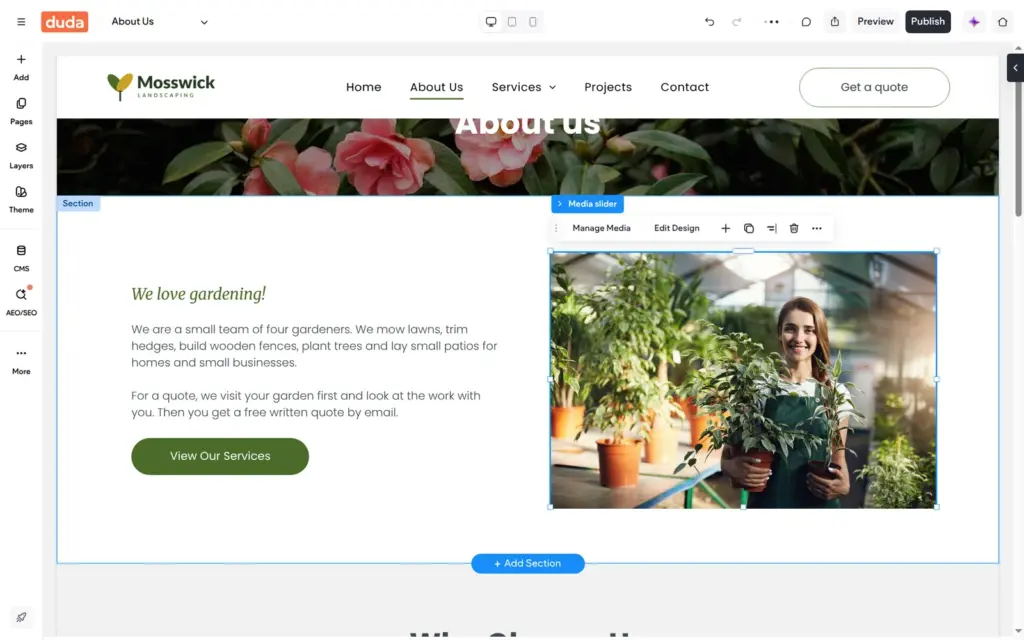
The about page also had a team section with three people from the template. One of their job titles had a typo, and I deleted the section. The other pages had more template text, and I changed it the same way. The AI text and the AI search titles later on did not use any of the 50 trial credits.
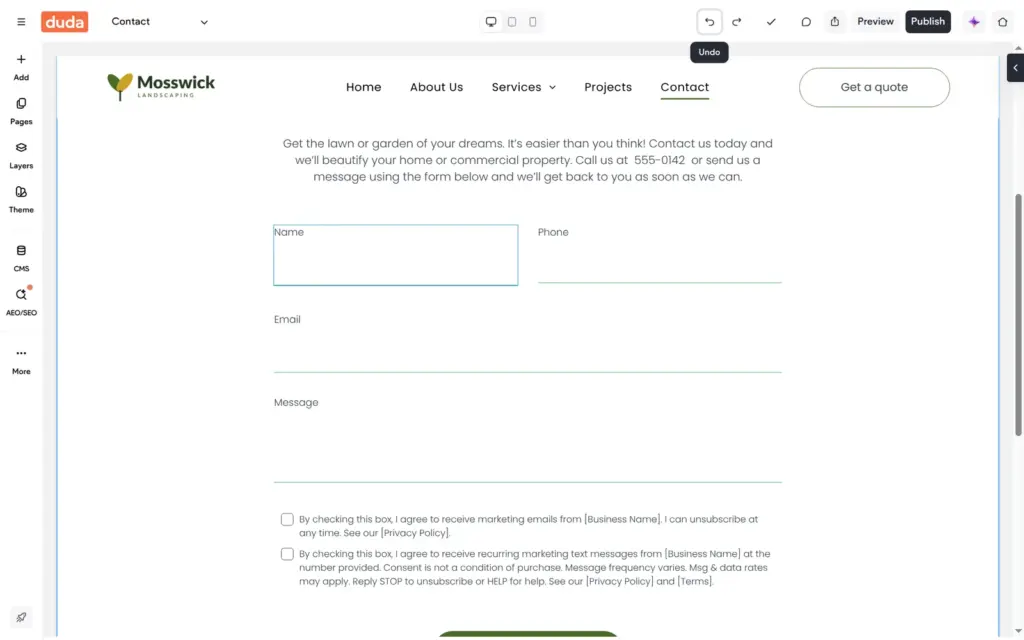
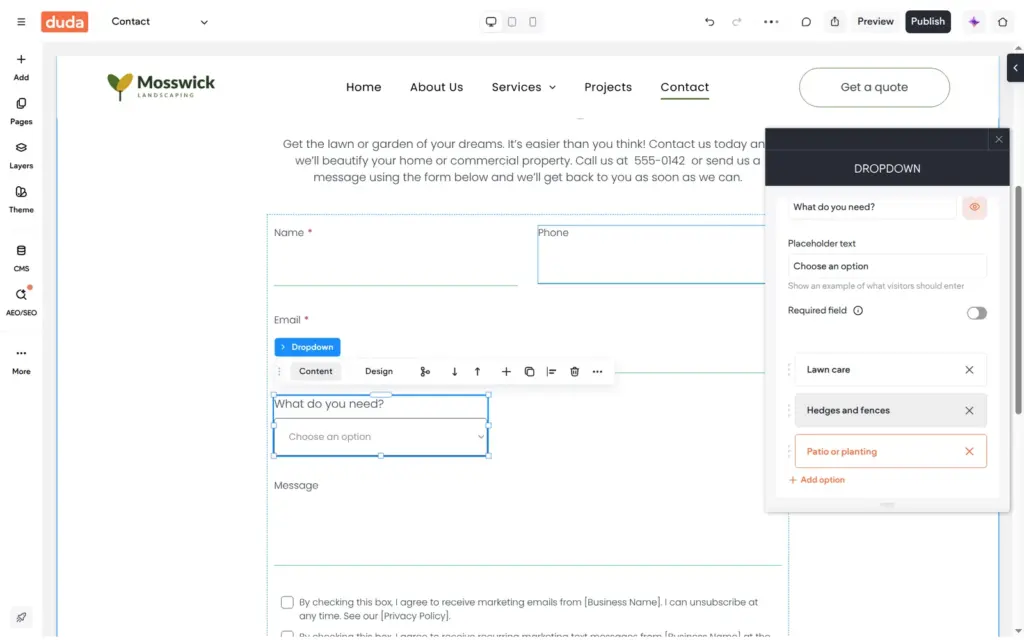
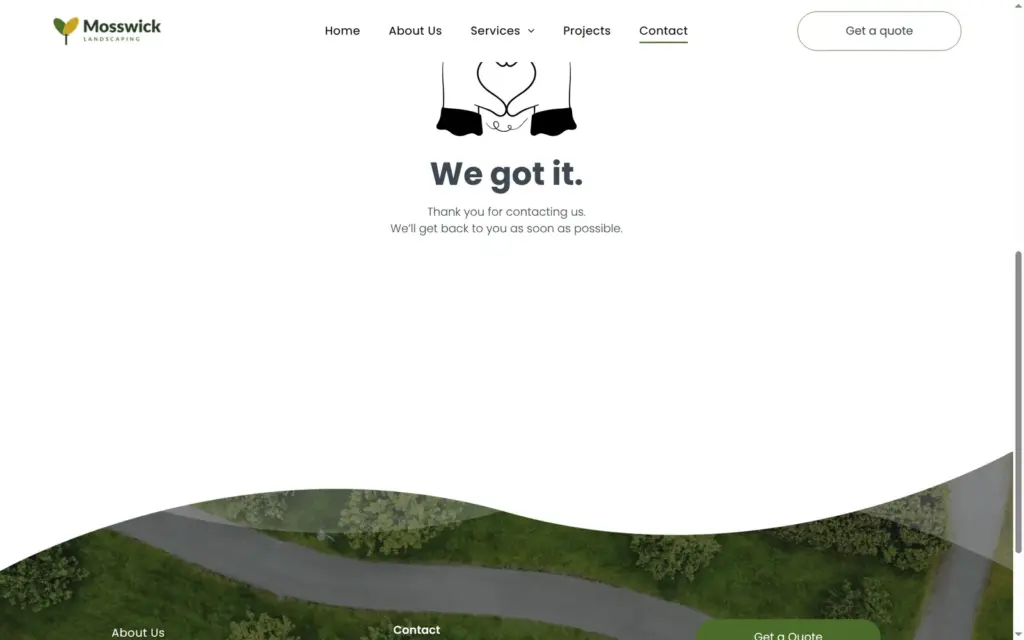
The contact page came with a quote form. None of its fields was required, not even the email address. I made the name and email required and added a dropdown, "What do you need?", with four choices.
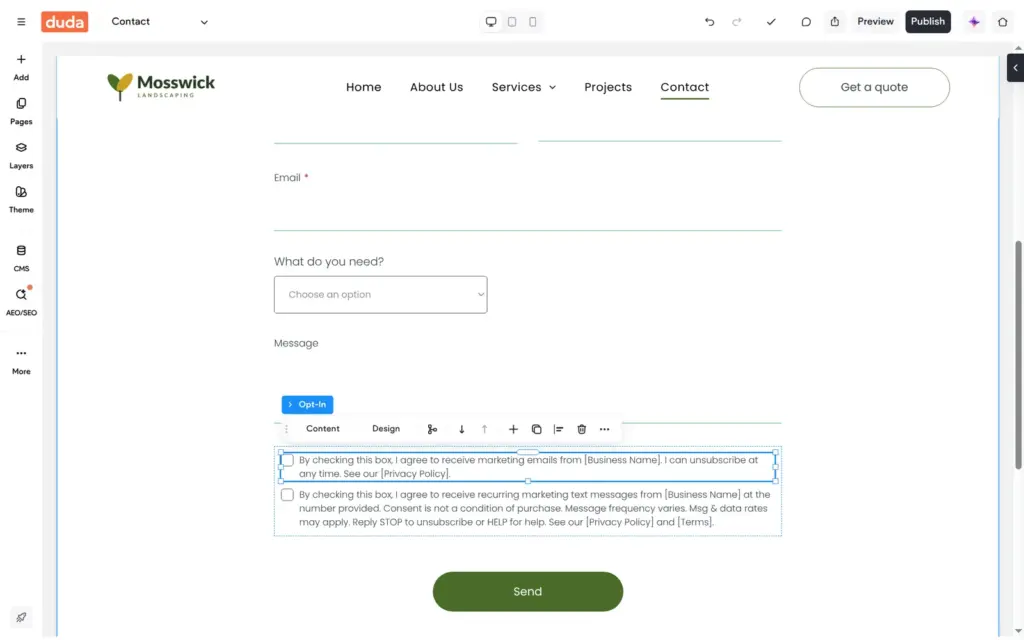
Under the form were two consent boxes for marketing emails and text messages. They still said [Business Name] and [Privacy Policy] in brackets. A quote request does not need marketing consent, so I deleted both boxes.
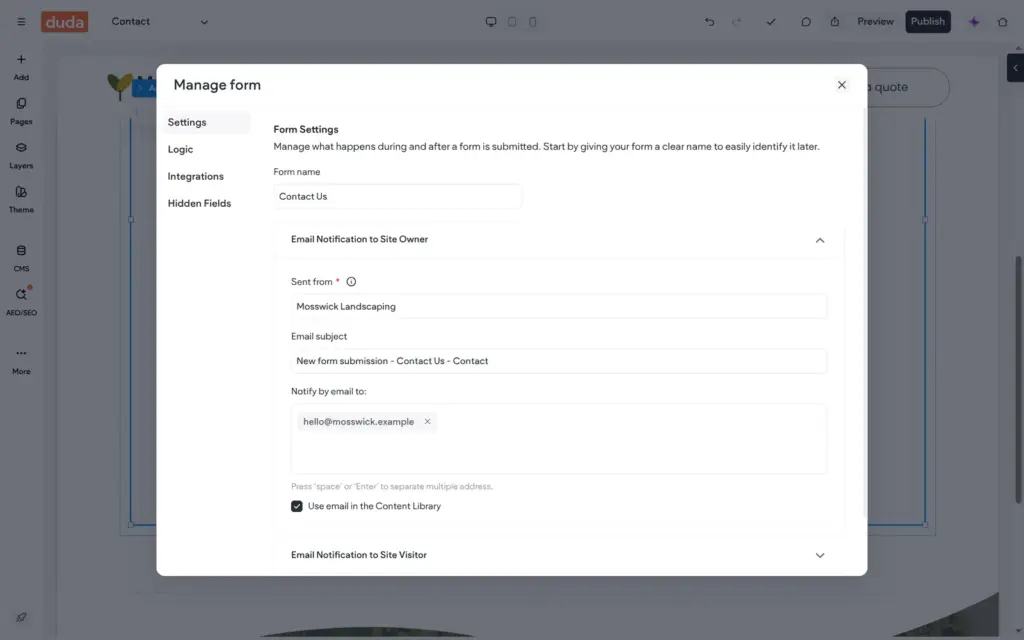
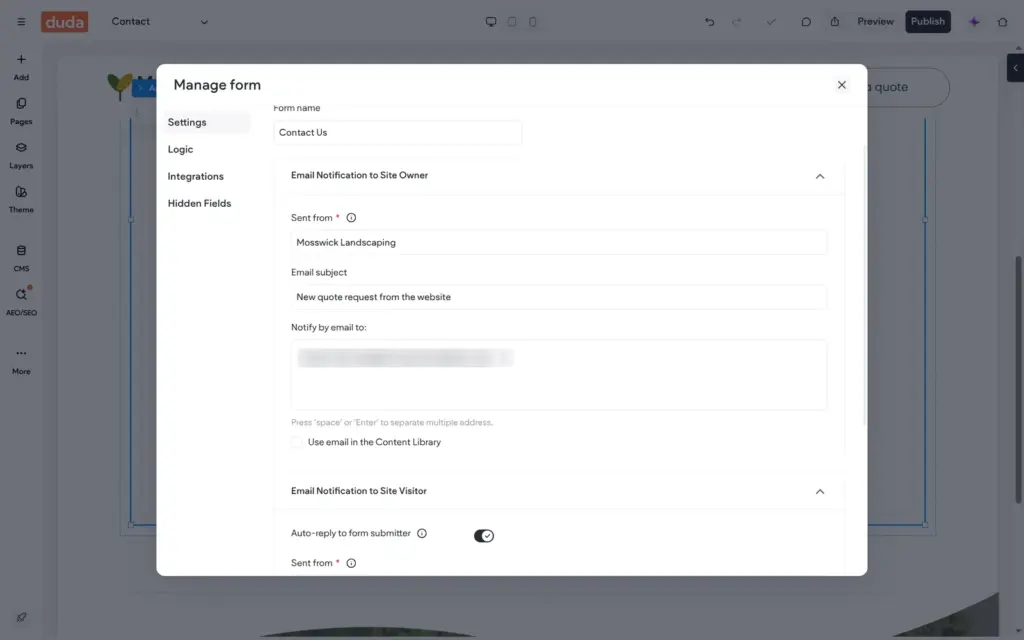
The email settings sit one level up, on the form itself. The notification was already set to the email address from the content library. I changed it to an inbox I could check and wrote a clearer subject line. Visitors get an automatic reply by default.
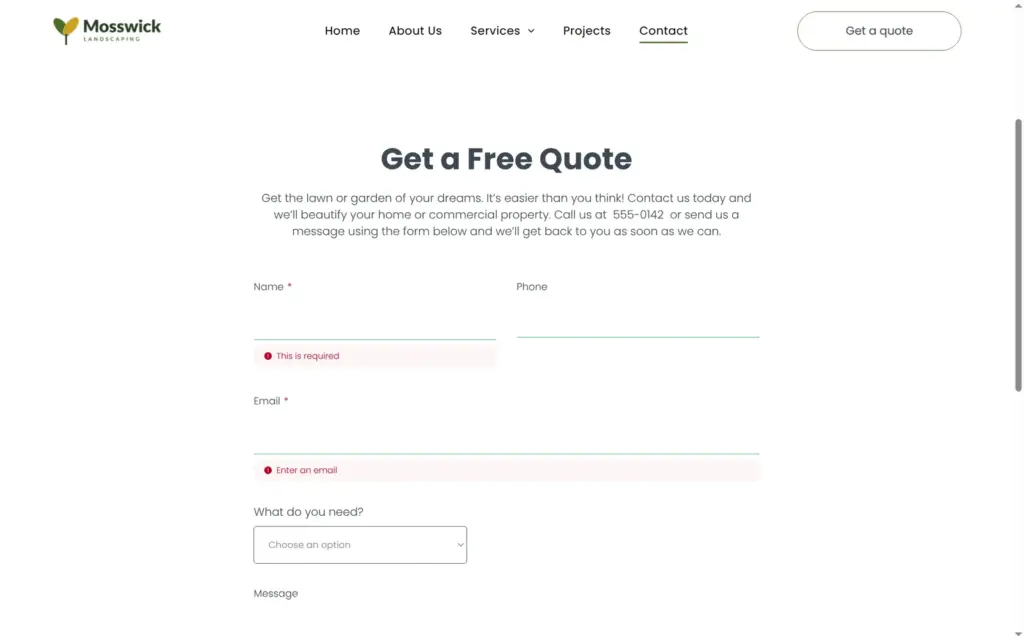
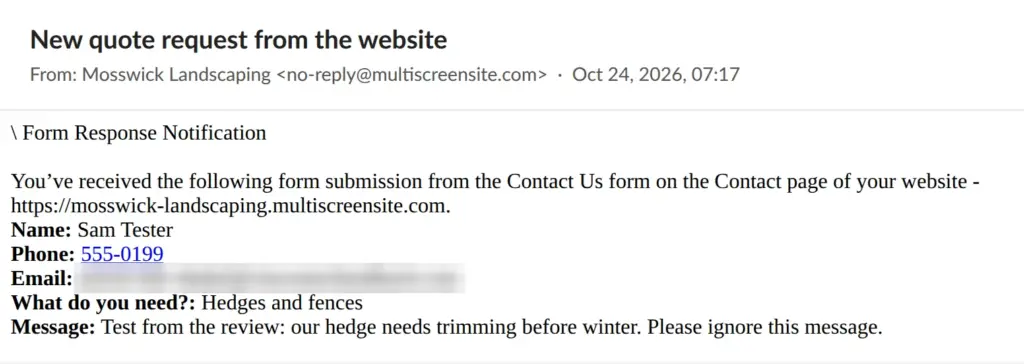
On the live site, the empty form stopped at the two required fields. My test request arrived seven seconds later, from a no-reply address with Mosswick Landscaping as the sender name. The email listed the fields with the labels visitors see, including the answer from my dropdown. The automatic reply to the visitor never arrived. I checked twice within 15 minutes.
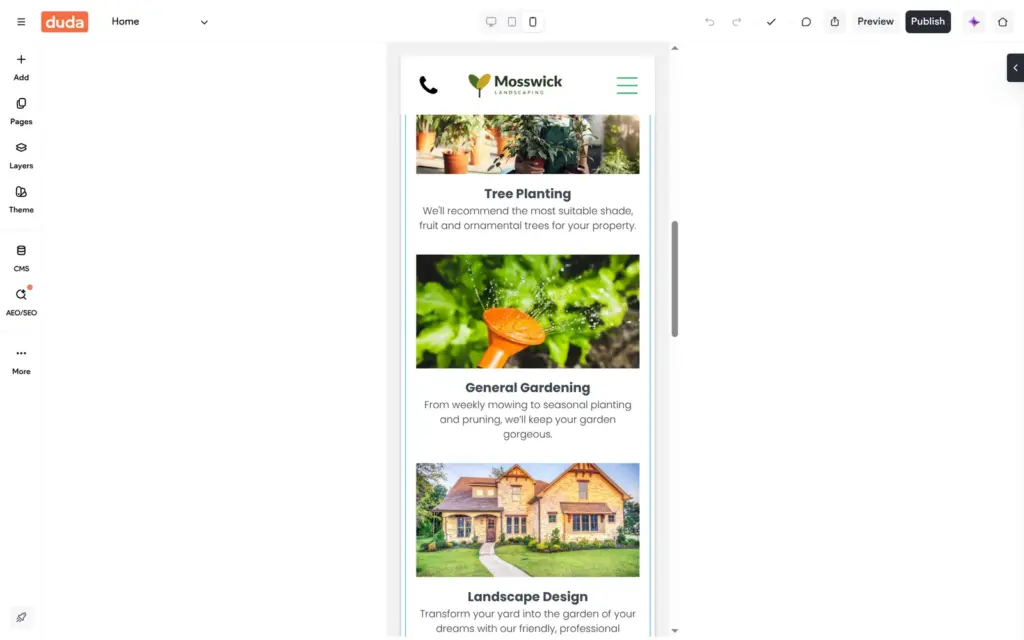
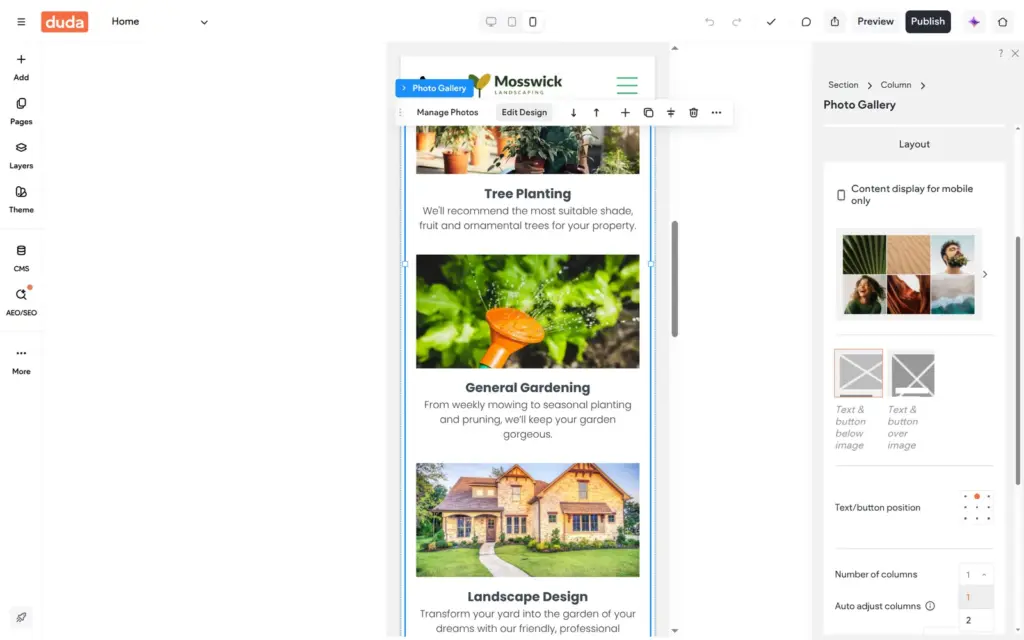
Duda's phone view shows the page in one column. Changes you make there only affect phones. The six services stacked up with big photos, and the home page got very long. I set the gallery to two columns in the phone view, and the desktop version kept three in a row.
The template already had a phone header with a call button and a menu button. The phone menu worked on the live site.
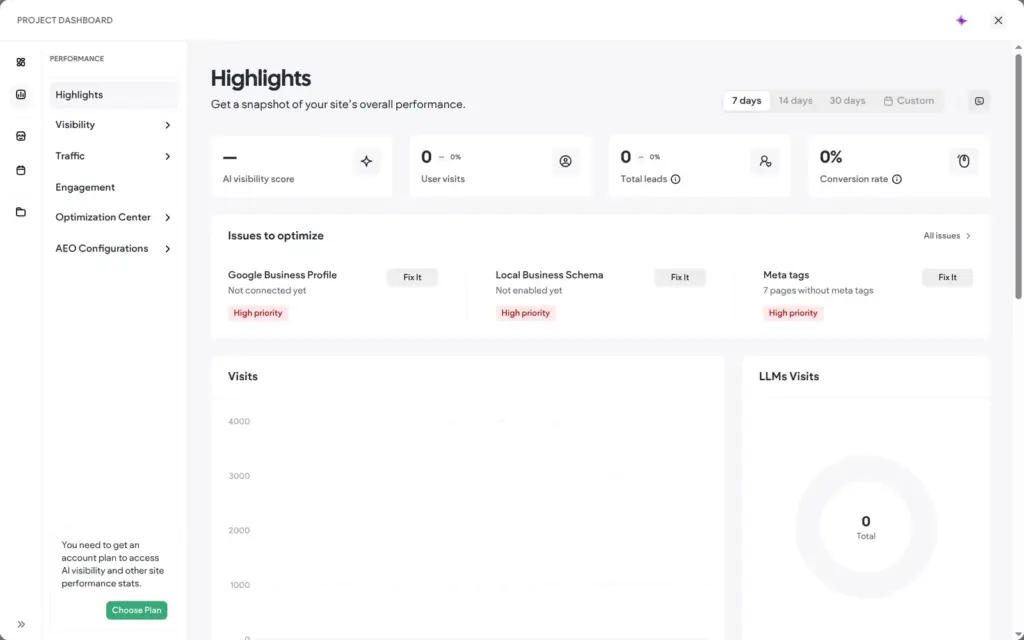
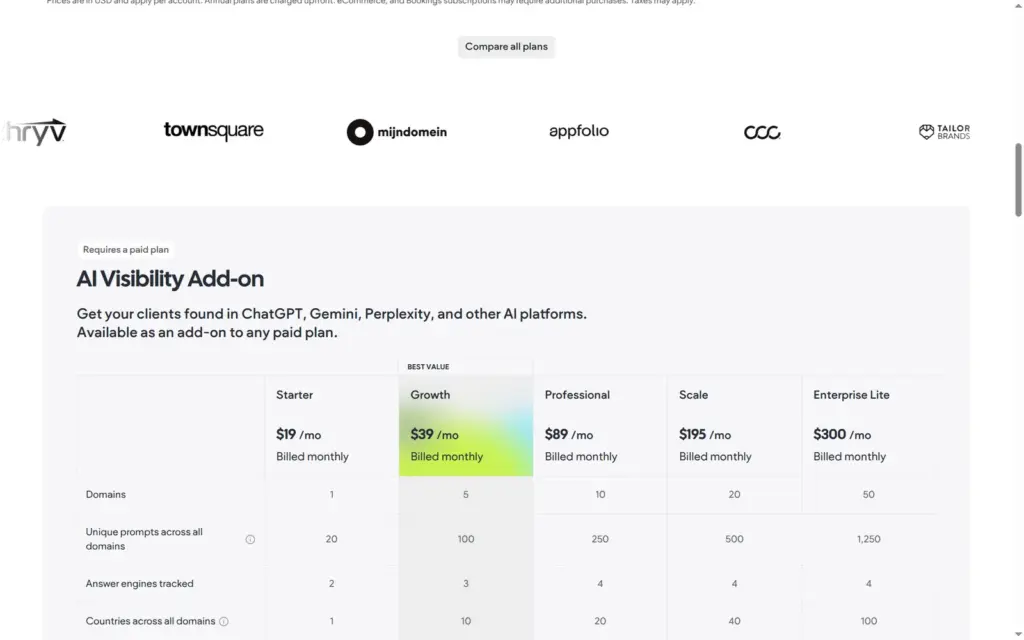
Search settings live under AEO/SEO. AEO stands for answer engine optimization, which is about showing up in AI answers. Duda opens a dashboard with a score for that, but the score and the visitor statistics need a paid plan.
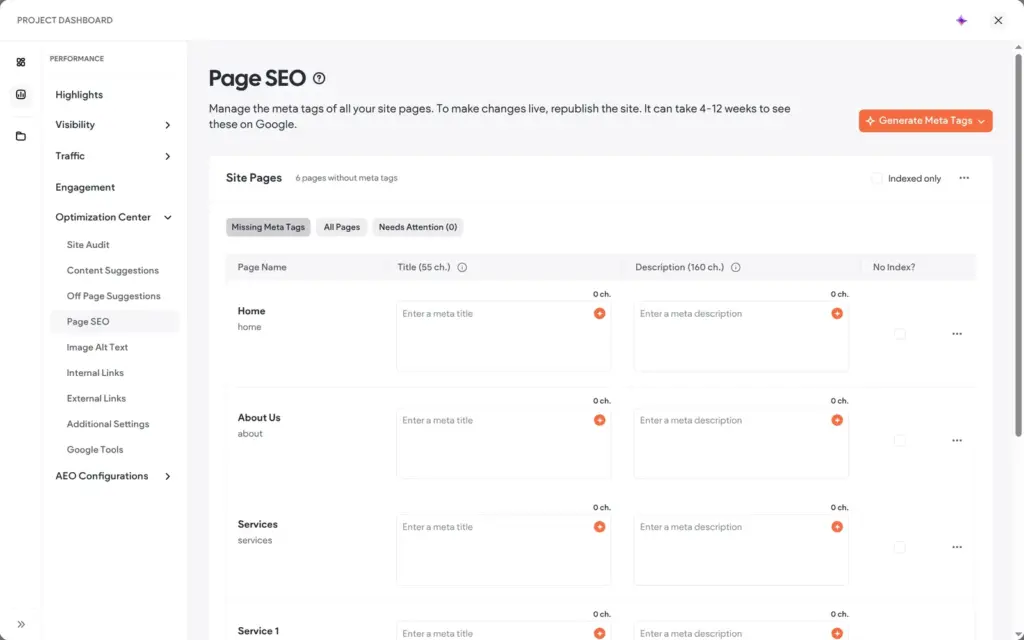
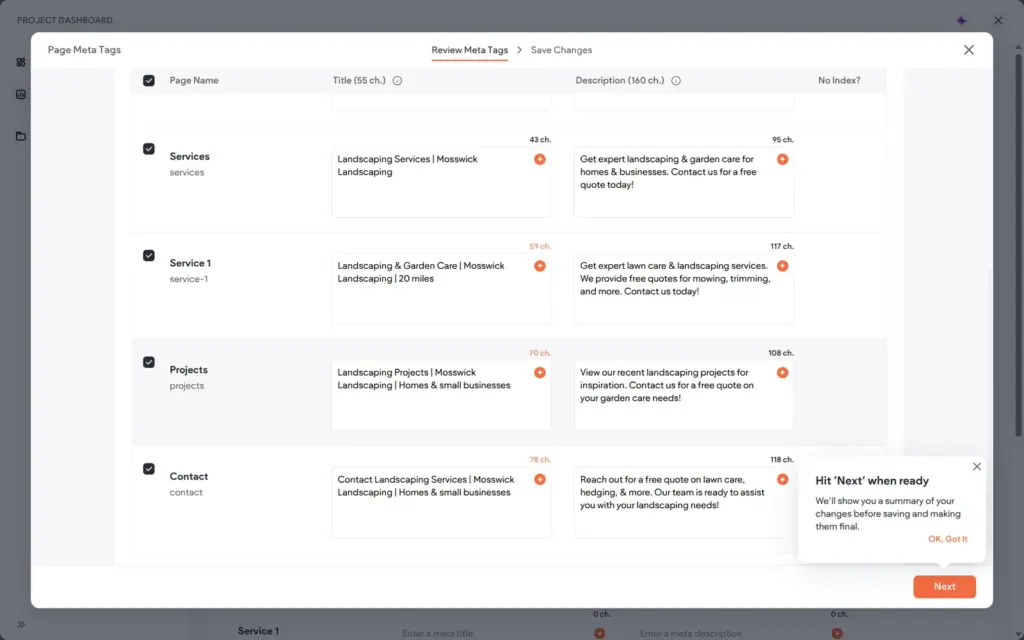
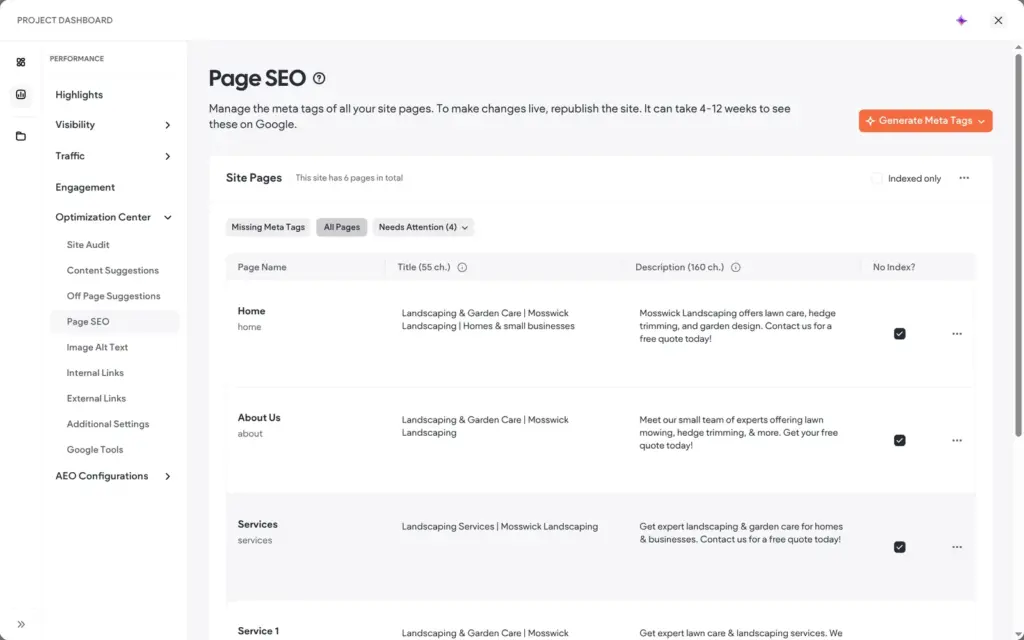
The Page SEO table listed all six pages without a search title or description. Generate Meta Tags wrote them for all pages in about a minute, using the AI context from the text assistant. Four of the six titles were longer than the 55 characters Duda itself suggests. The lawn care page got "20 miles" in its title, taken from my service area.
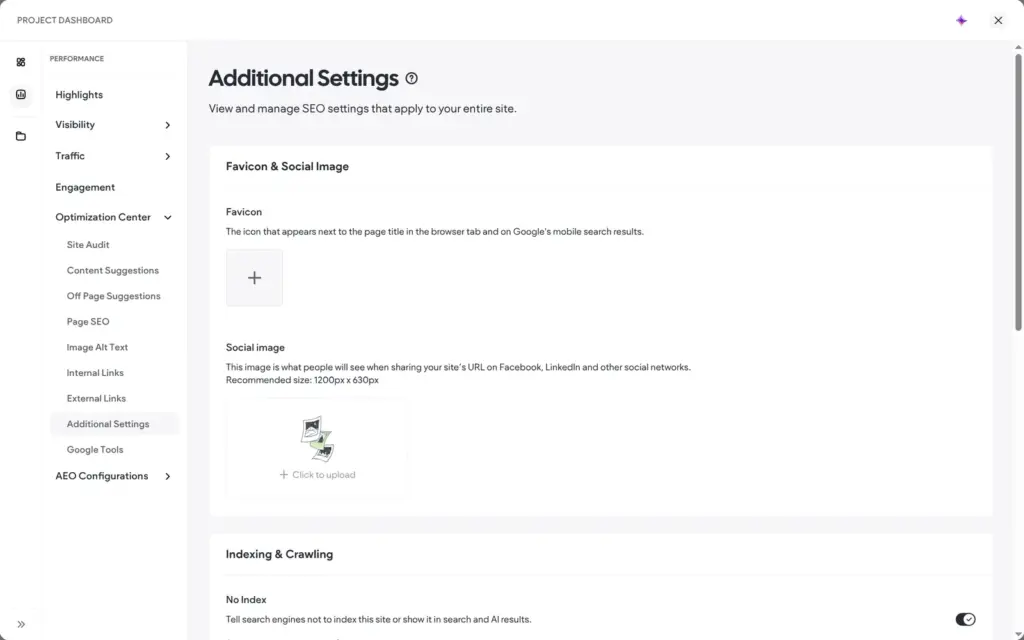
Mosswick is made up, so I set all pages to No Index. I also turned on a switch that hides the whole site from search engines and AI answers. The robots file of the live site says yes to AI training, through a line that Duda adds on its own.
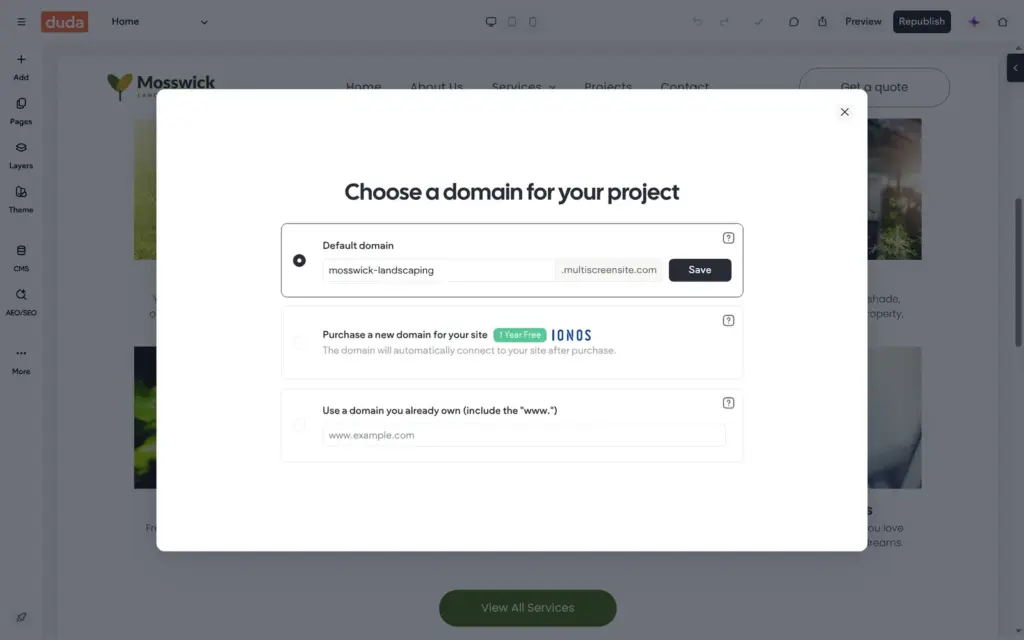
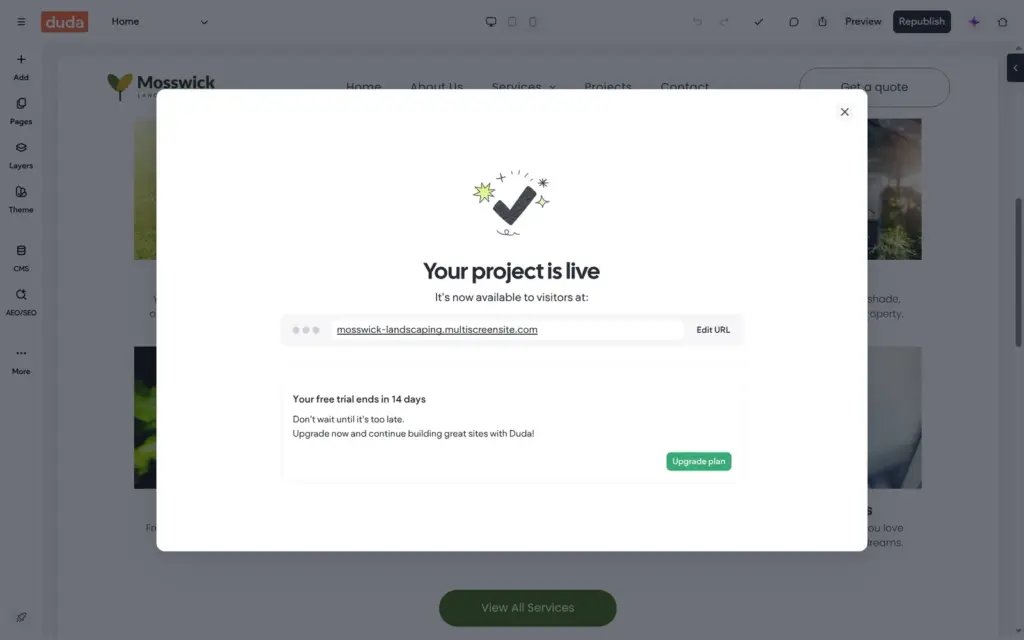
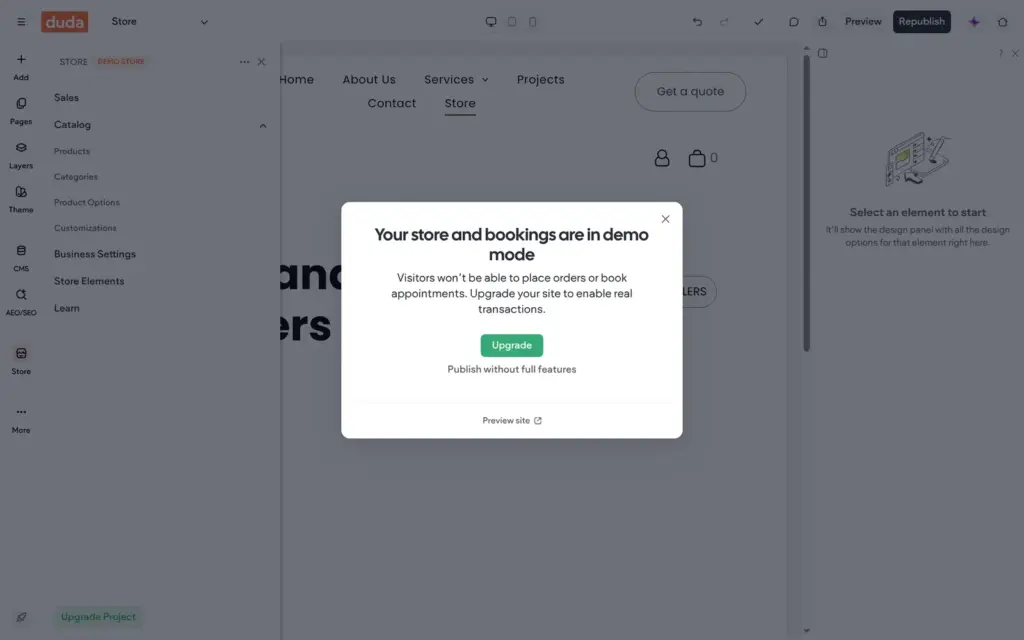
The trial lets you publish one site. Duda first asks for the web address. The free one ends in multiscreensite.com, and the same window sells a domain that is free for the first year. The site was live about 15 seconds later, without a Duda badge or ad. Once the site had a shop, each publish asked whether I wanted to upgrade first or publish without full features.
On the live site, the header button opened the contact page and the phone menu worked. I had missed one thing in the editor. The opening hours on the contact page were dark grey on a dark photo, so I fixed the color and published again.
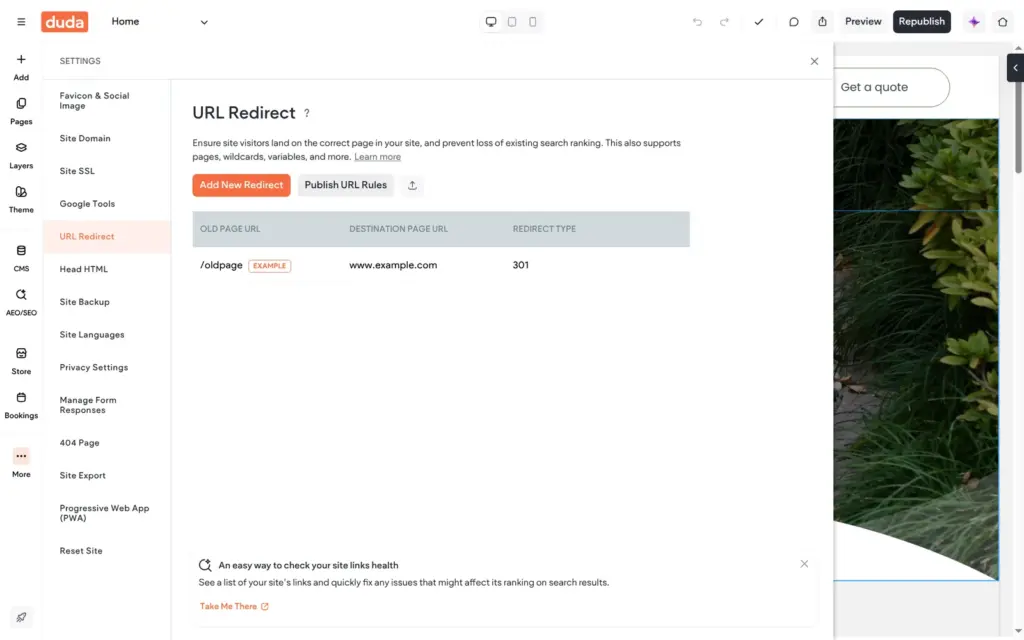
Renaming the page Service 1 to Lawn Care changed its address, and the old address showed an error page. Duda has a redirect tool in the settings, but it did not add a redirect on its own. Right after I added the shop, the main photo on the product page did not load. It worked after the next publish.
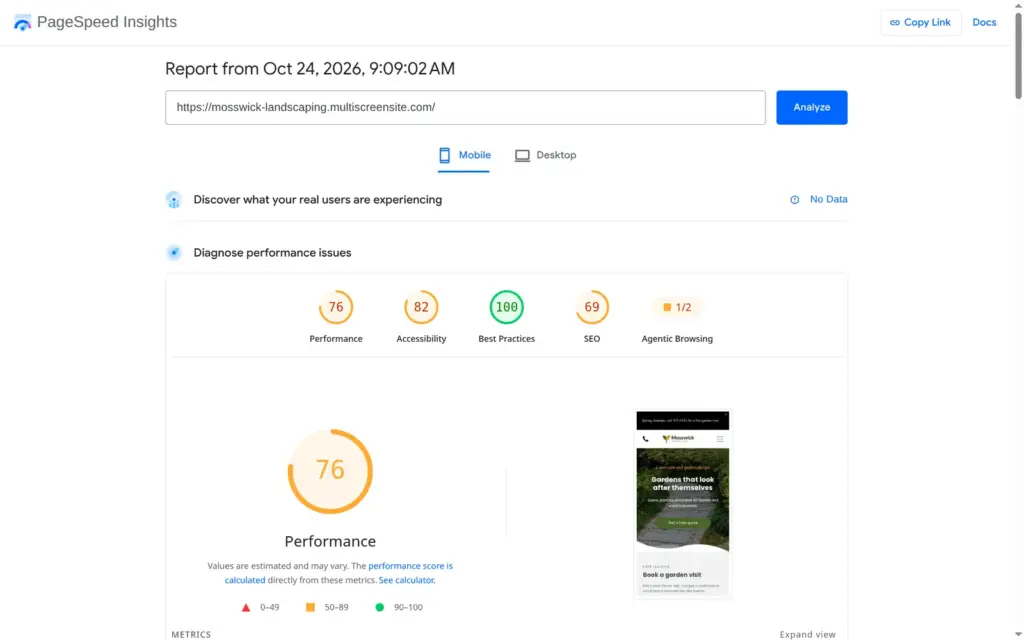
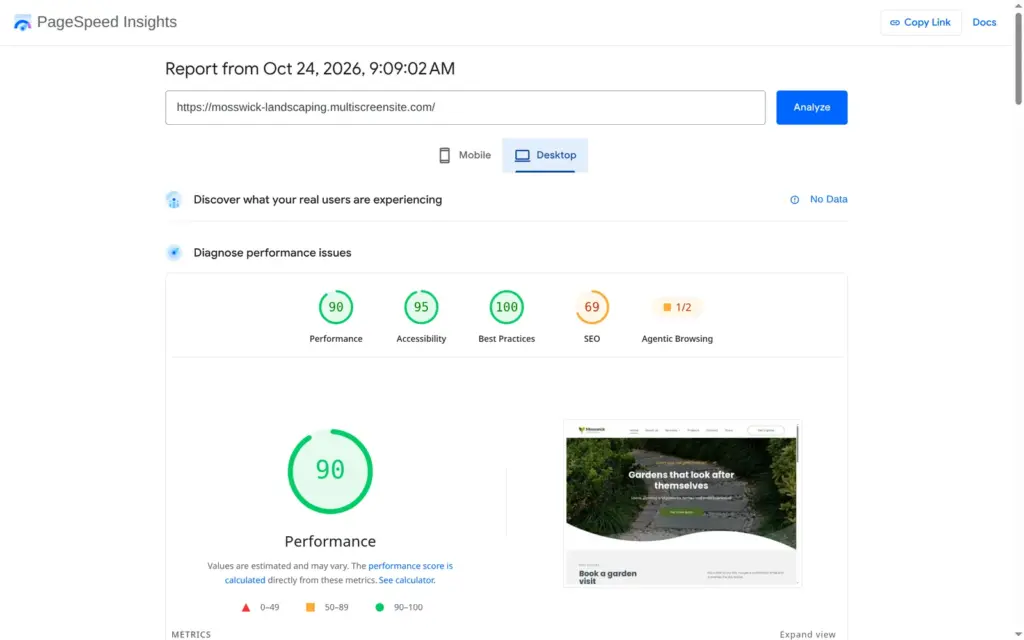
I ran the live home page through Google's PageSpeed Insights once for phones and once for desktop. On a simulated phone, it scored 76 for performance, and the largest image took 5.5 seconds to appear. On desktop, it scored 90, and the largest image appeared after 2.0 seconds.
Accessibility scored 82 on the phone and 95 on desktop. The search score of 69 comes from my choice to hide the site from search engines.
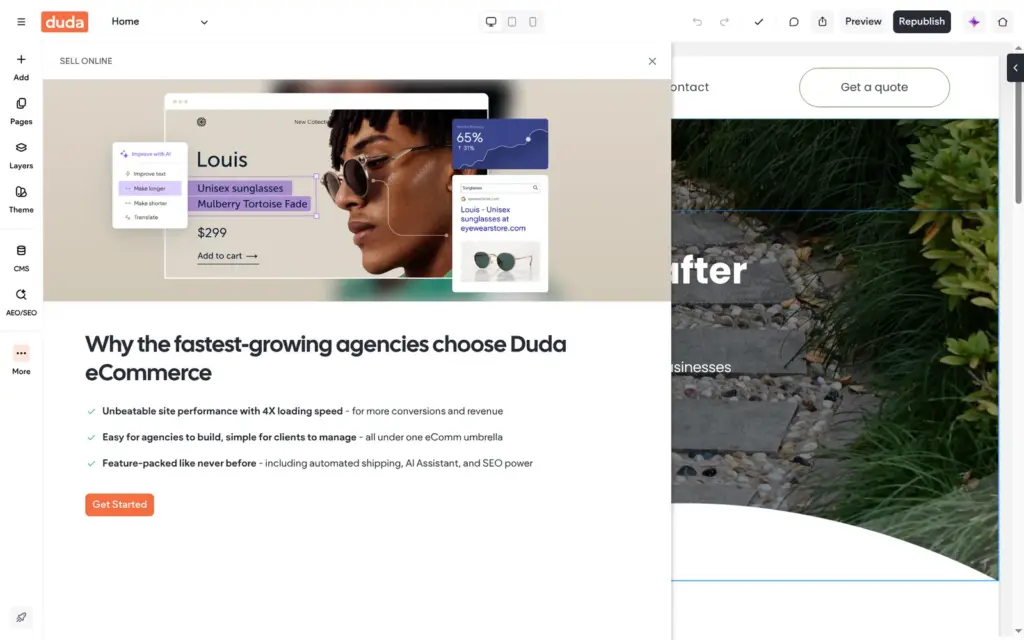
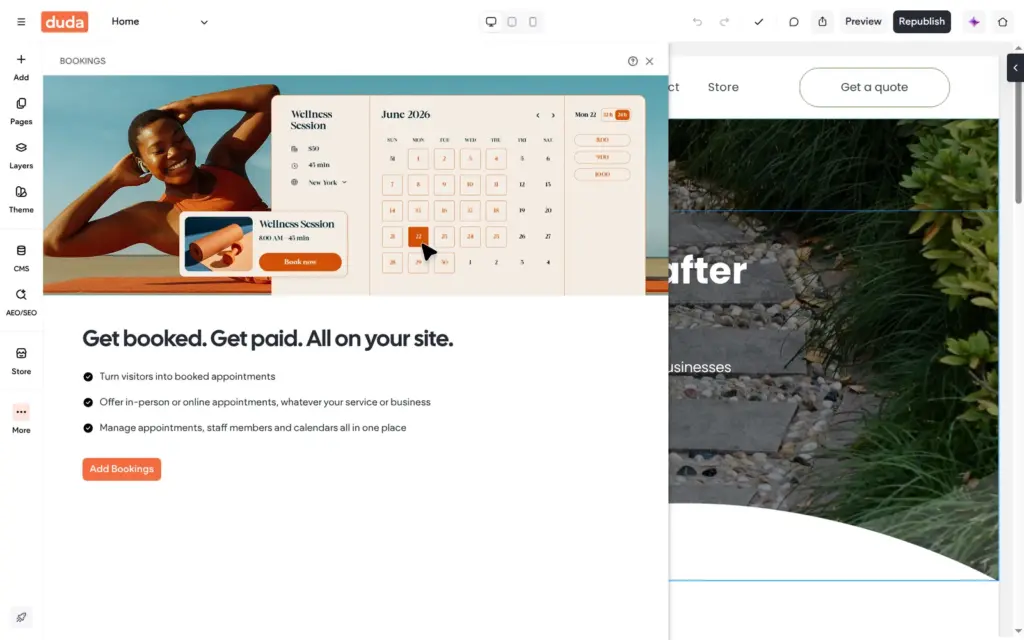
Duda's store is built into the editor. On the trial, it runs as a demo store in test mode. I added it from the More menu, and the pitch on the first screen was written for agencies.
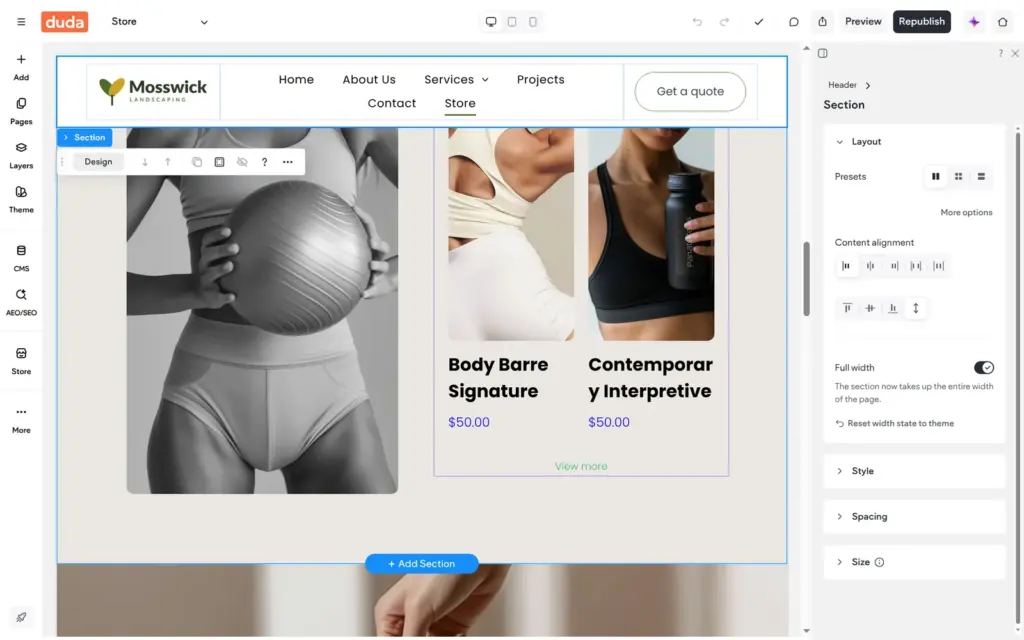
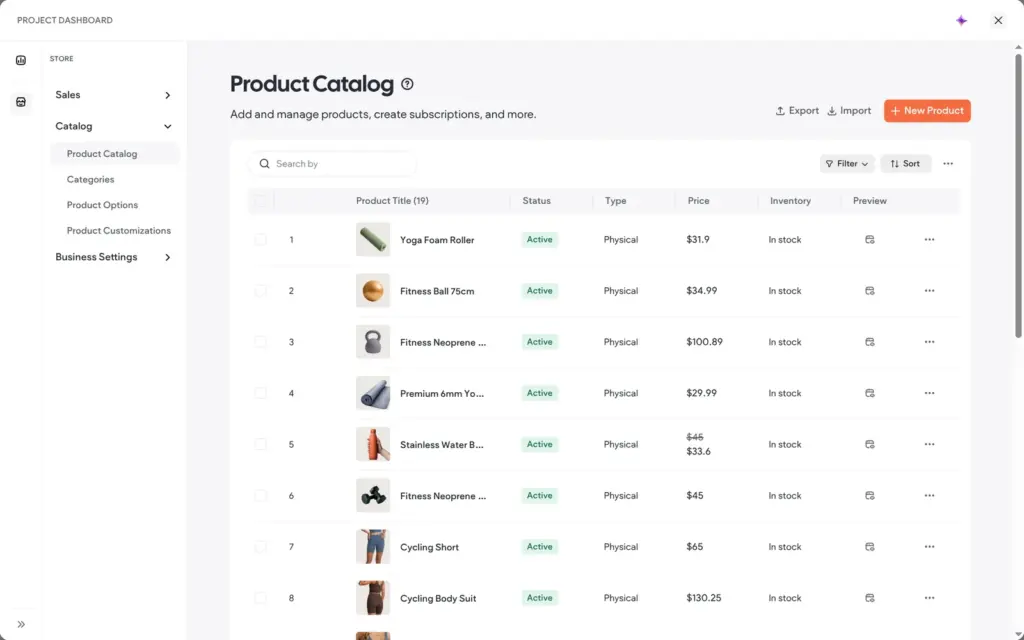
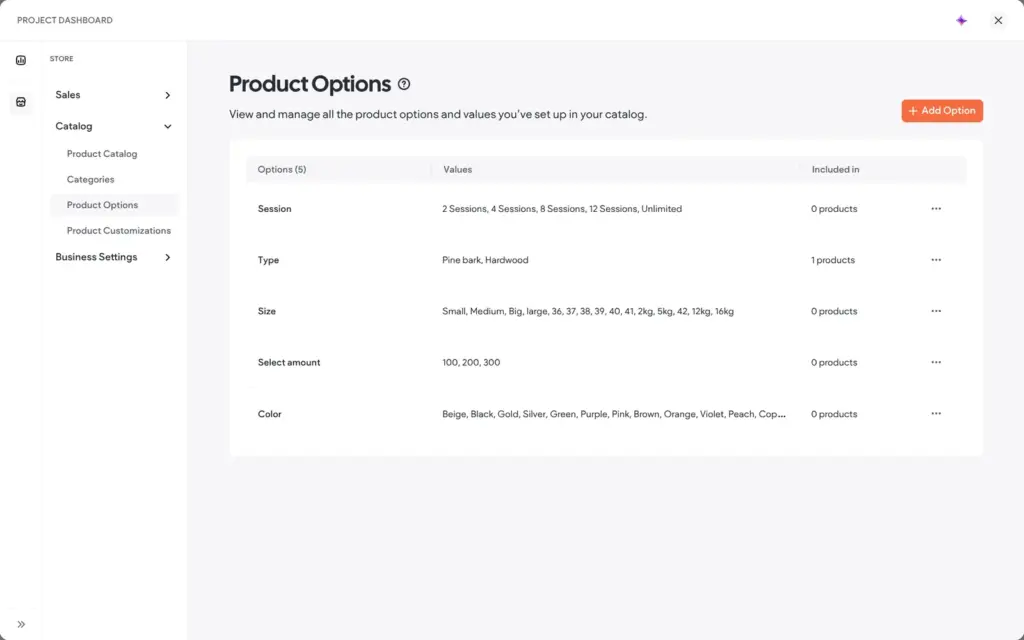
The store arrived with a fitness demo shop. There were 19 sample products and a store page full of fitness photos. Deleting the products took one bulk action. The fitness sections on the store page and the product page stayed until I deleted them one by one. The sample product options stayed in the catalog after the products were gone.
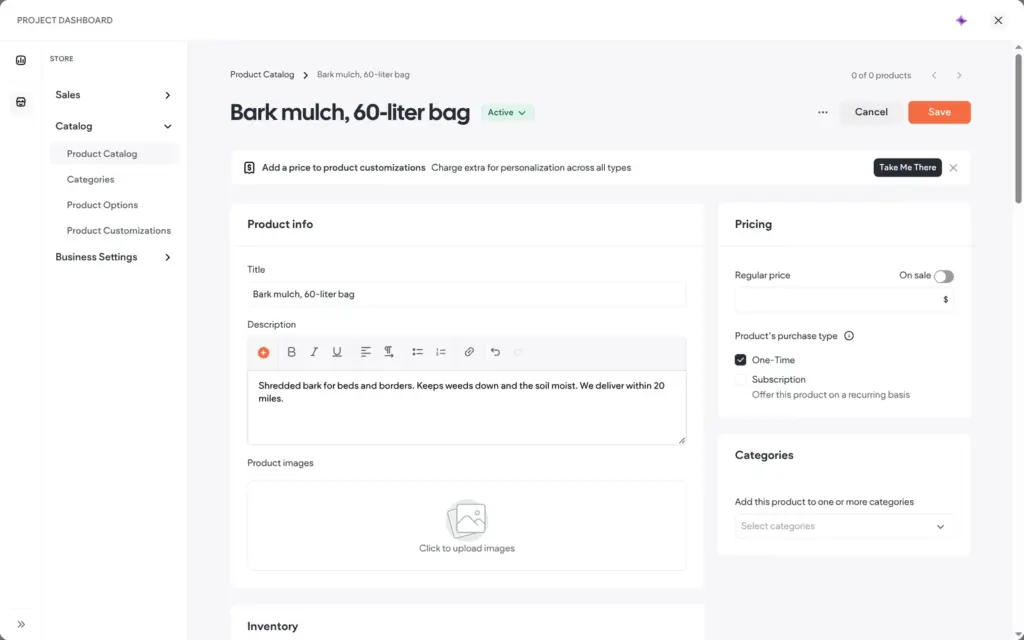
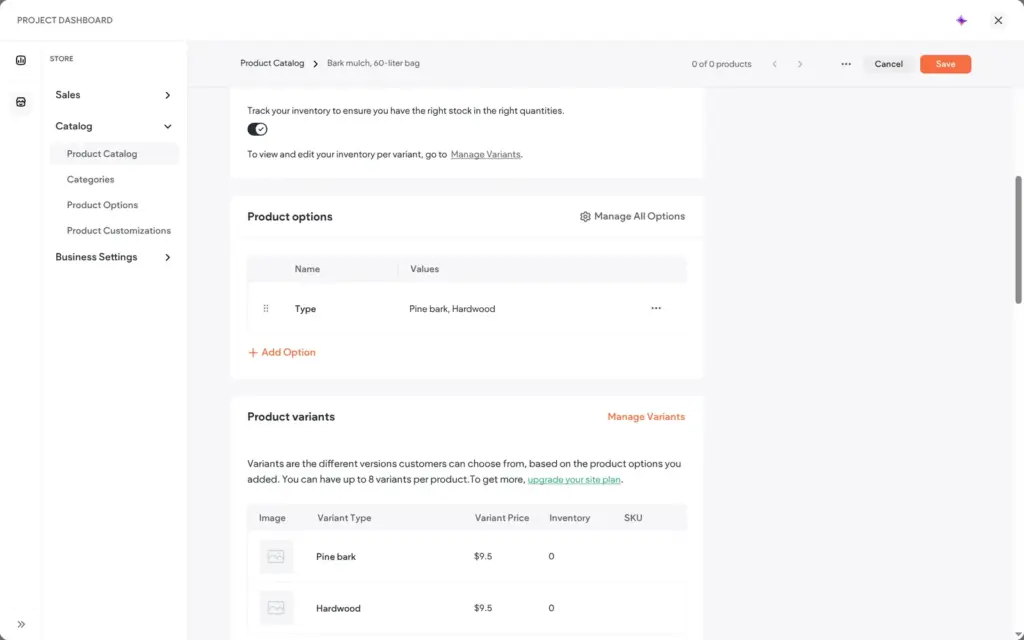
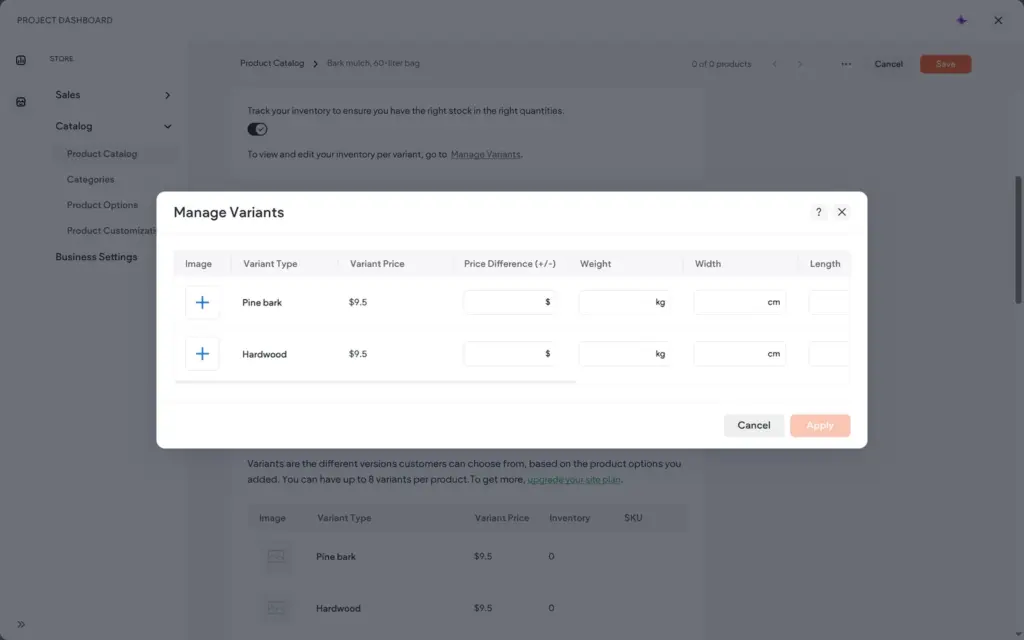
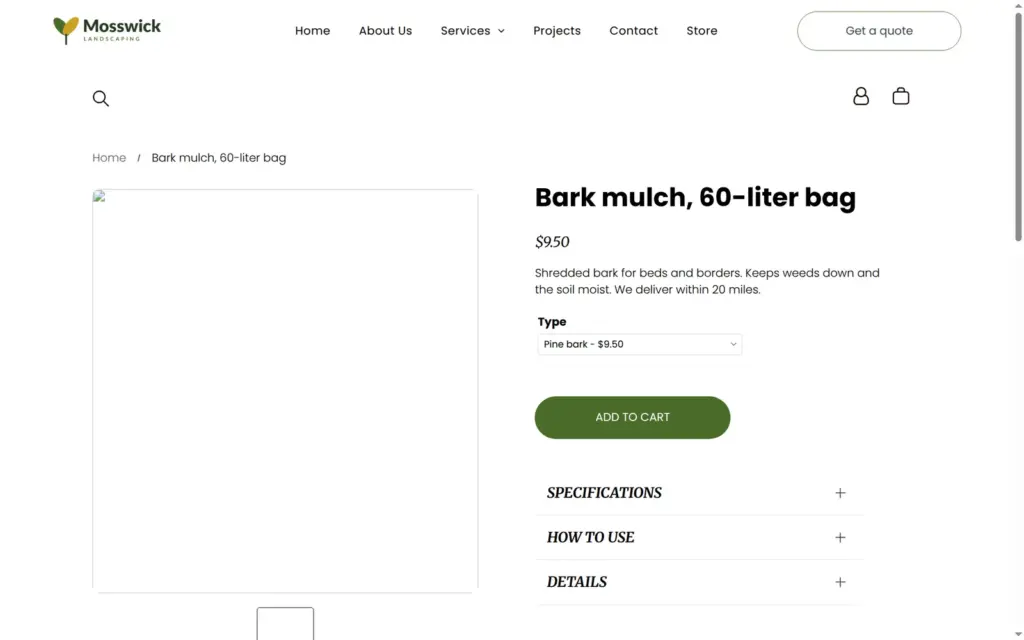
My first product was bark mulch in a 60-liter bag for $9.50. I added an option called Type with two values, pine bark and hardwood. Duda turned them into variants, each with its own price and stock. Hardwood costs a dollar more, and I entered 40 bags of pine bark and 25 of hardwood. The editor said that the current plan allows 8 variants per product.
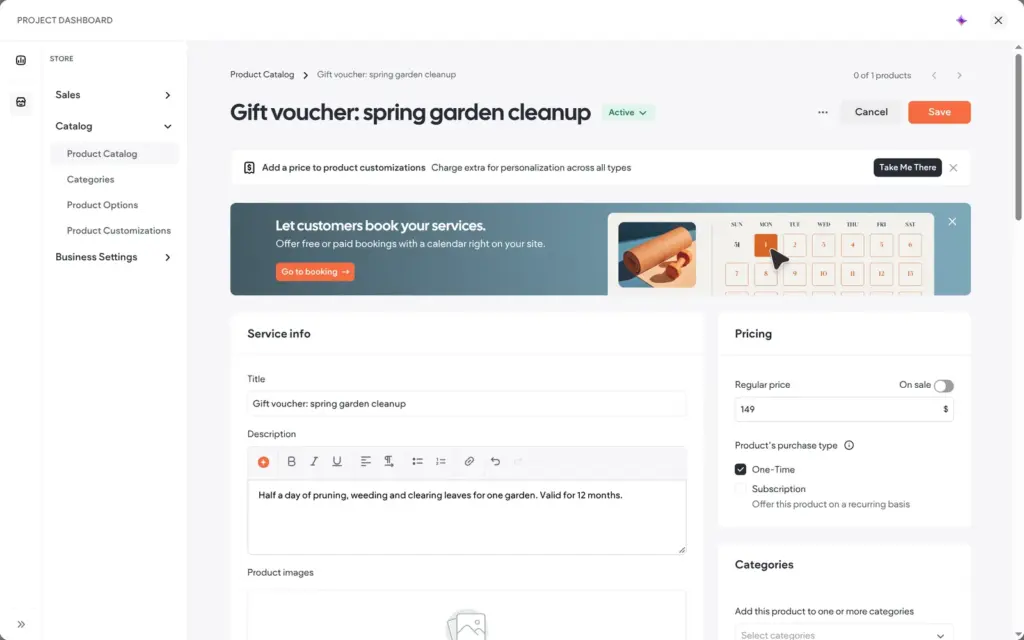
The second product is a gift voucher for a spring garden cleanup at $149. As a service product, it needs no shipping.
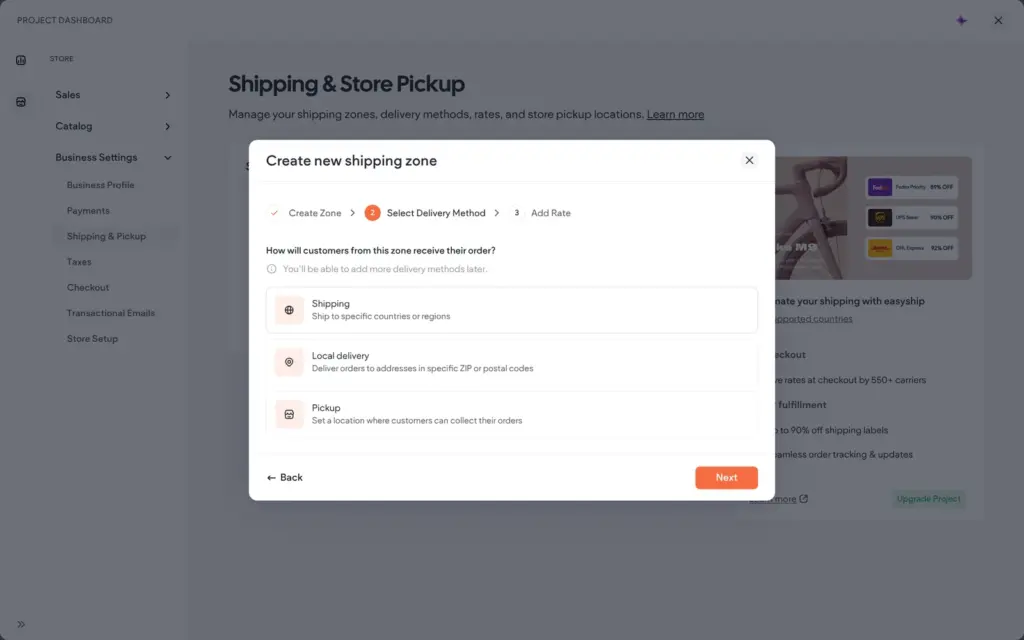
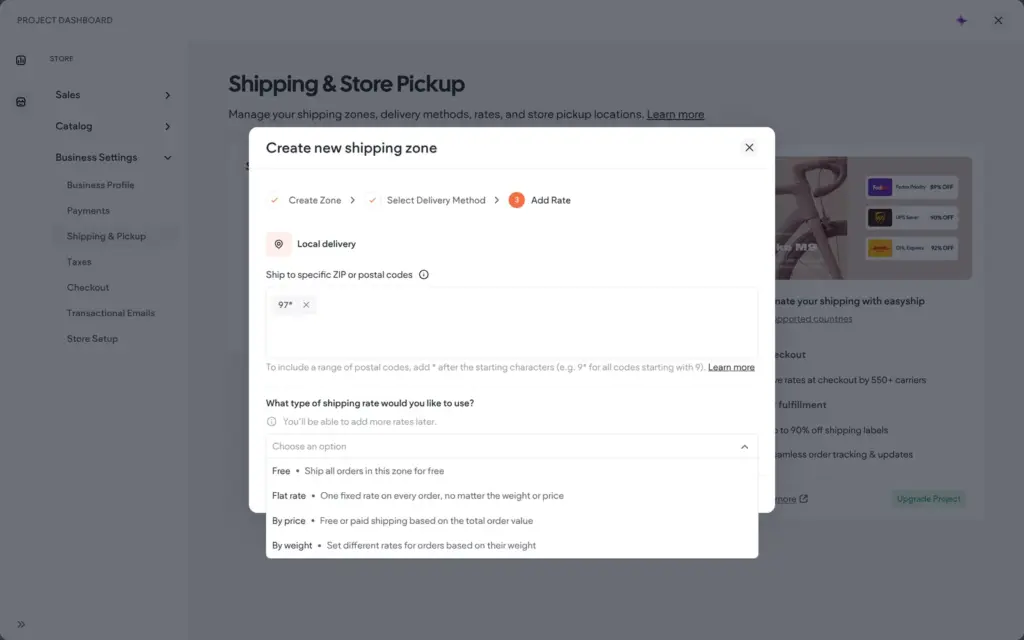
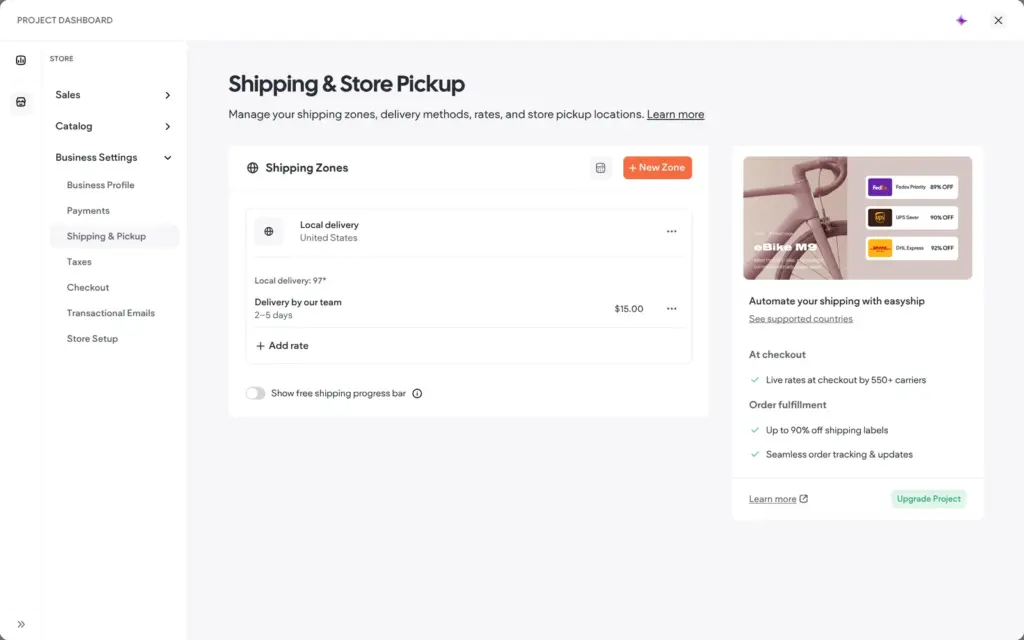
Shipping works with zones. A zone is a country or a state, and inside it you can deliver locally by ZIP code. I set up local delivery for ZIP codes starting with 97, at a flat $15 and in two to five days.
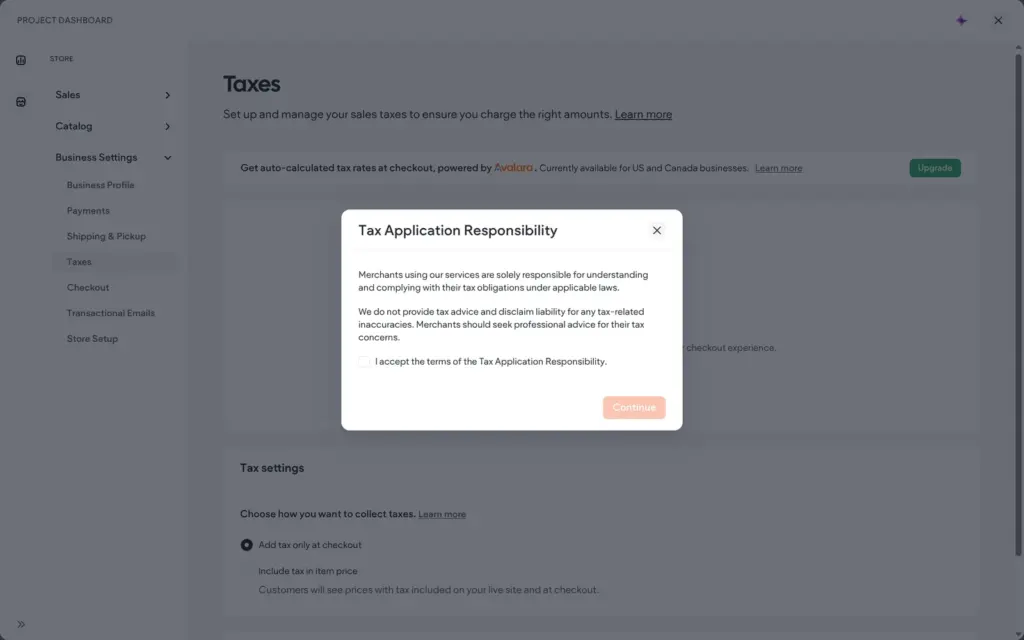
Automatic sales tax through Avalara needs a higher store plan. For manual tax rates, Duda first wants you to accept a statement that taxes are your own responsibility. I did not accept it, so my test order had no sales tax.
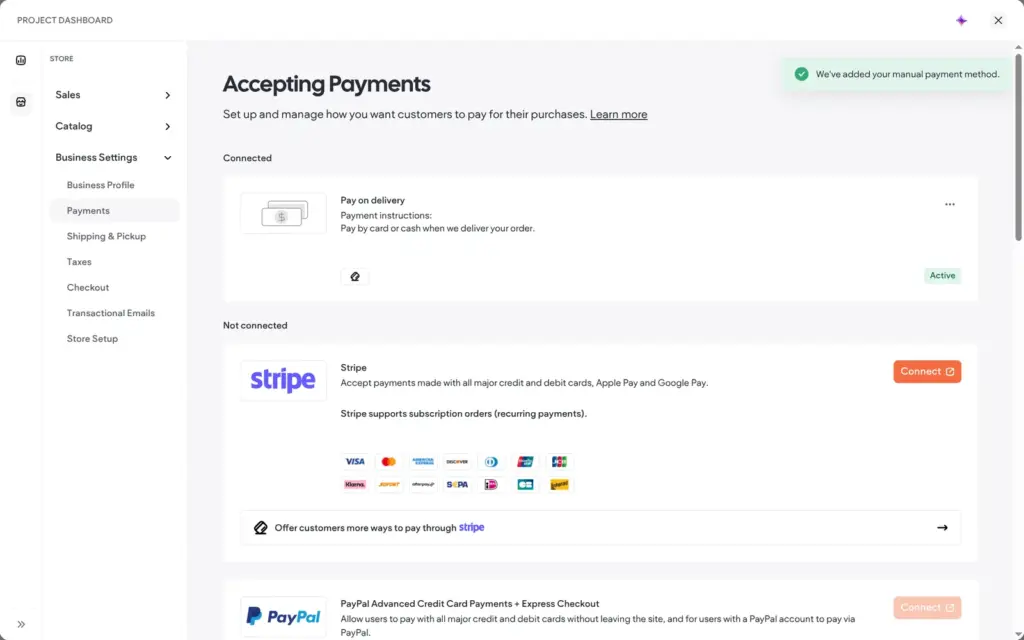
Card payments would go through Stripe or PayPal. Square and Mollie are also on the list. PayPal's card option said that it was not available in my country. I added a manual payment method, pay on delivery.
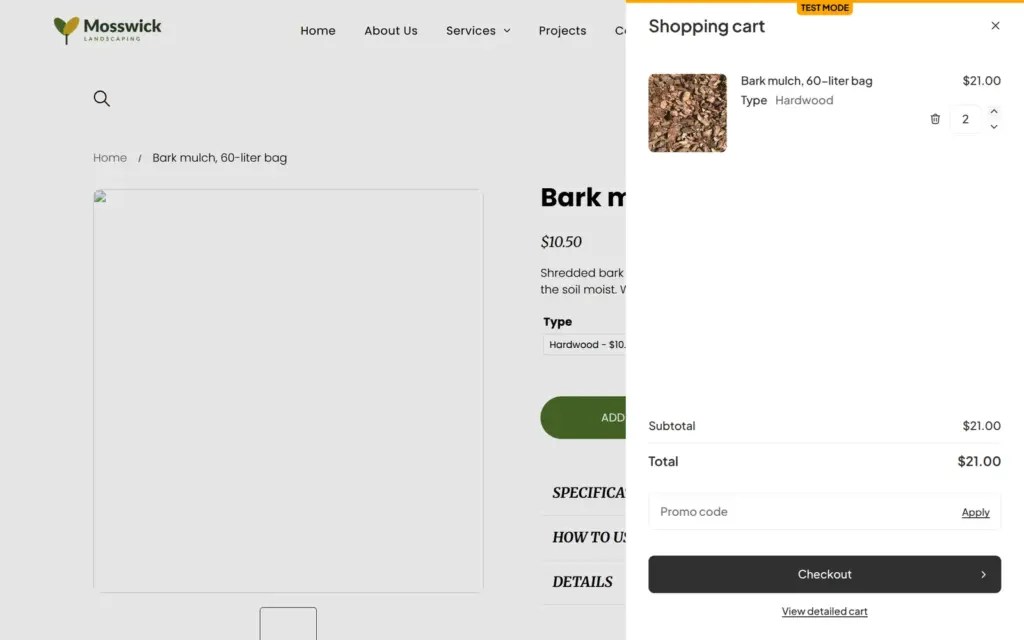
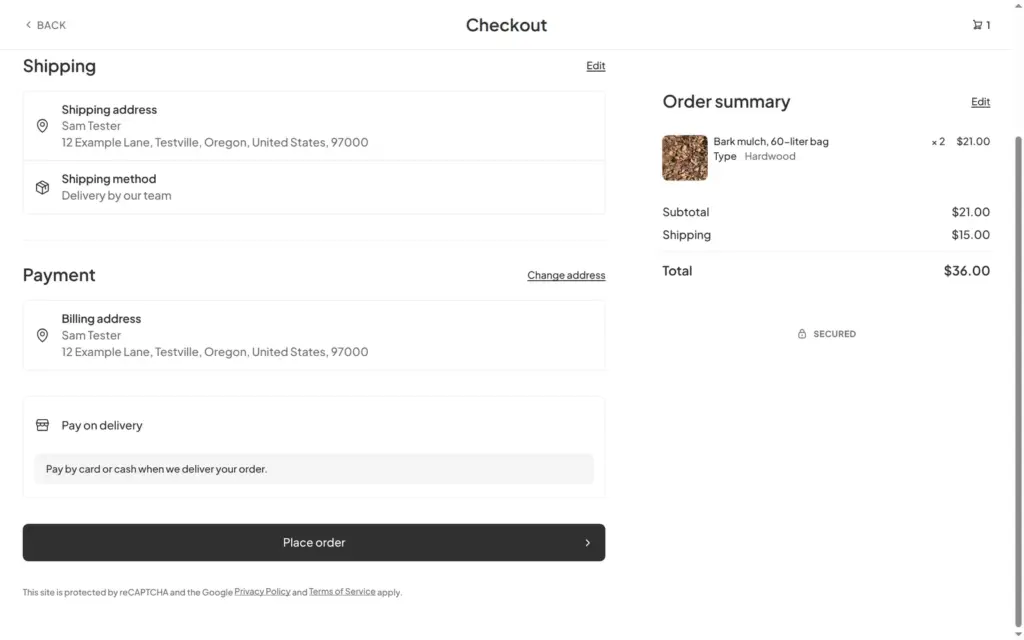
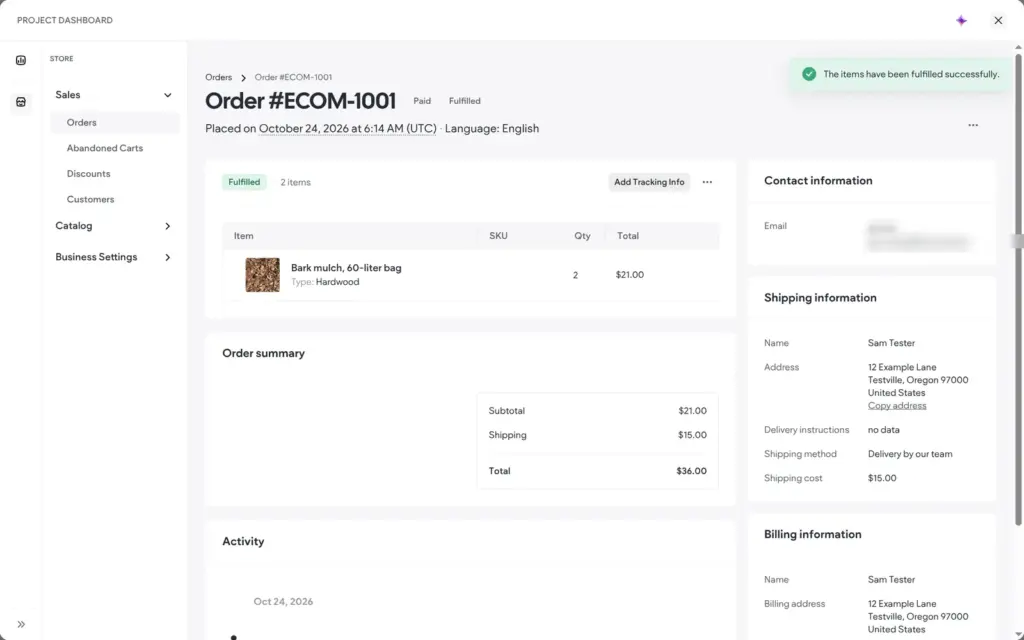
On the live product page, the price changed with the variant, and the cart said TEST MODE. Two bags of hardwood came to $21. The checkout suggested addresses through Google. My made-up ZIP code was inside the delivery zone, so the $15 delivery showed up. The total was $36, with no sales tax line.
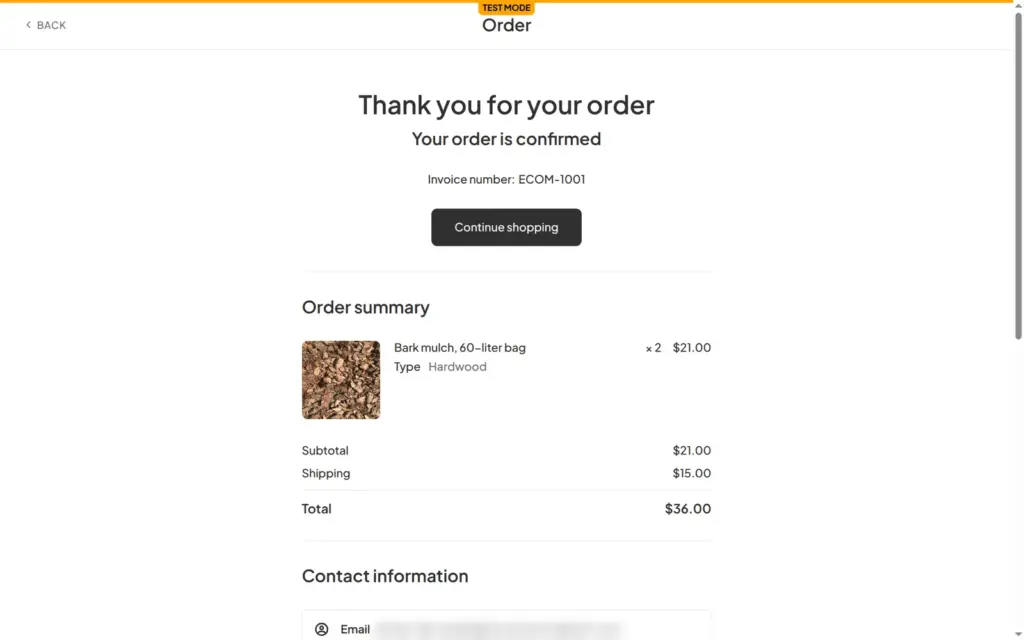
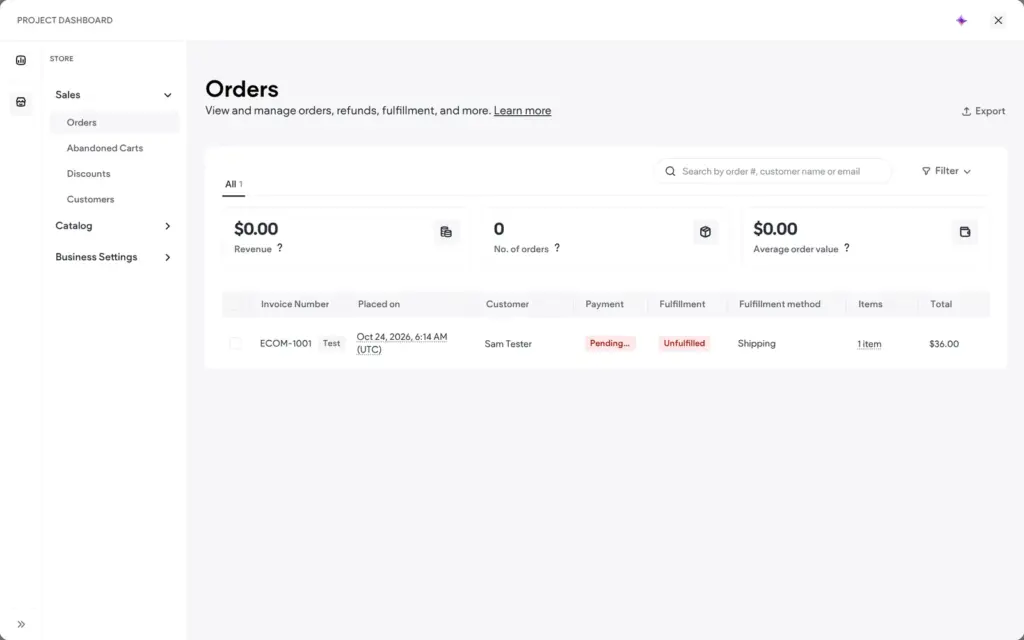
The order went through with invoice number ECOM-1001. In Duda, it appeared under Sales with a Test label. It was waiting for payment, and the sales counters stayed at zero. I marked it as paid and then as fulfilled, and the hardwood stock went down from 25 to 23.
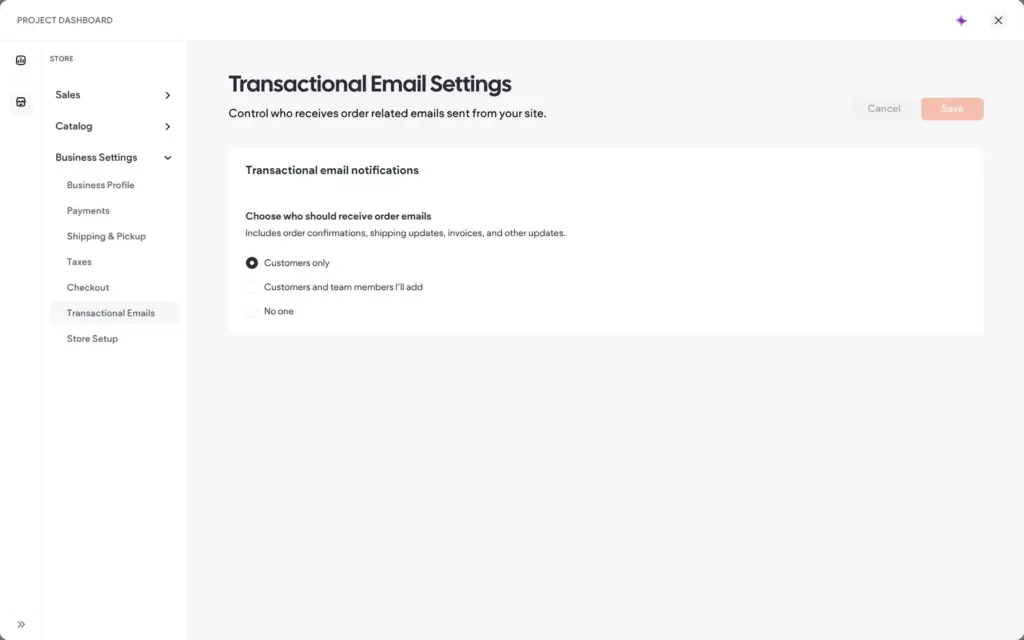
No order confirmation reached the customer address within 10 minutes. The email settings say customers get order emails by default, so I can't tell whether test orders send none. The product page also showed three empty boxes left over from the demo store.
For a local business that sells a few products or vouchers next to its services, the store is enough. Real sales need a store plan, and automatic sales tax needs the Advanced store plan at $20 a month on yearly billing.
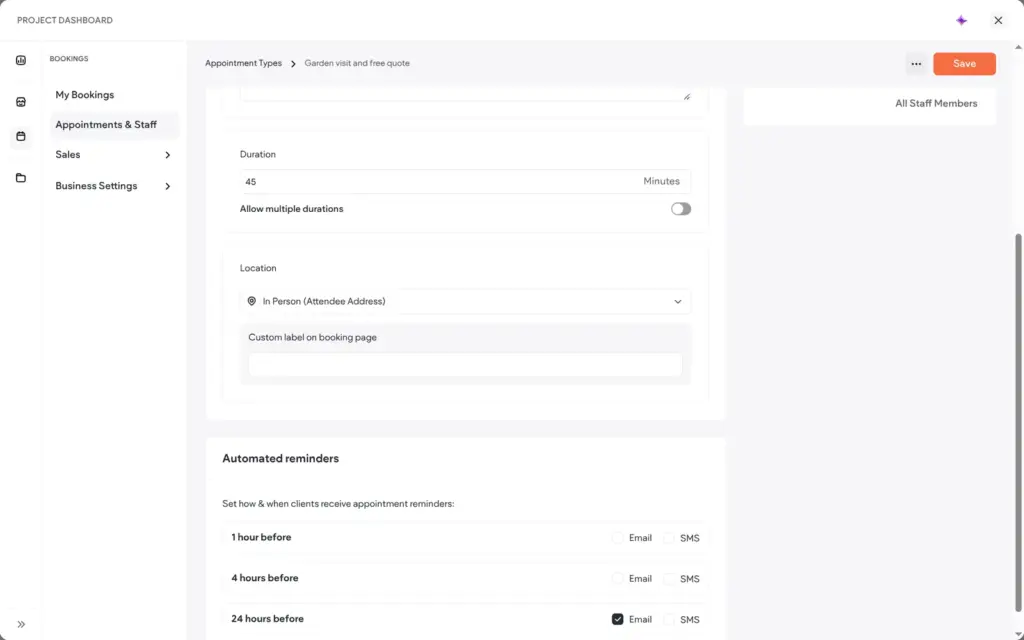
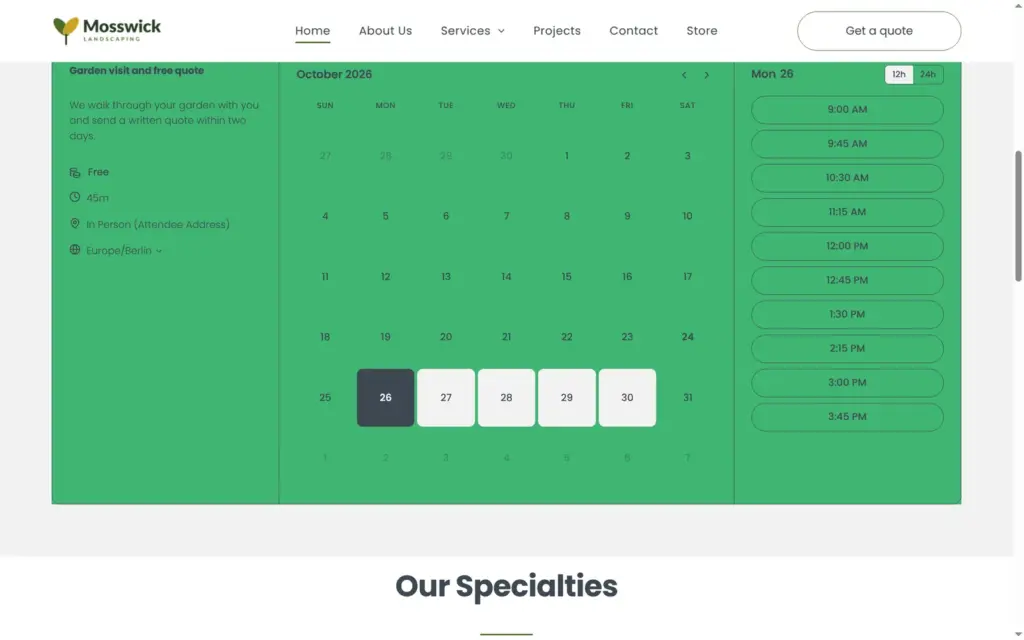
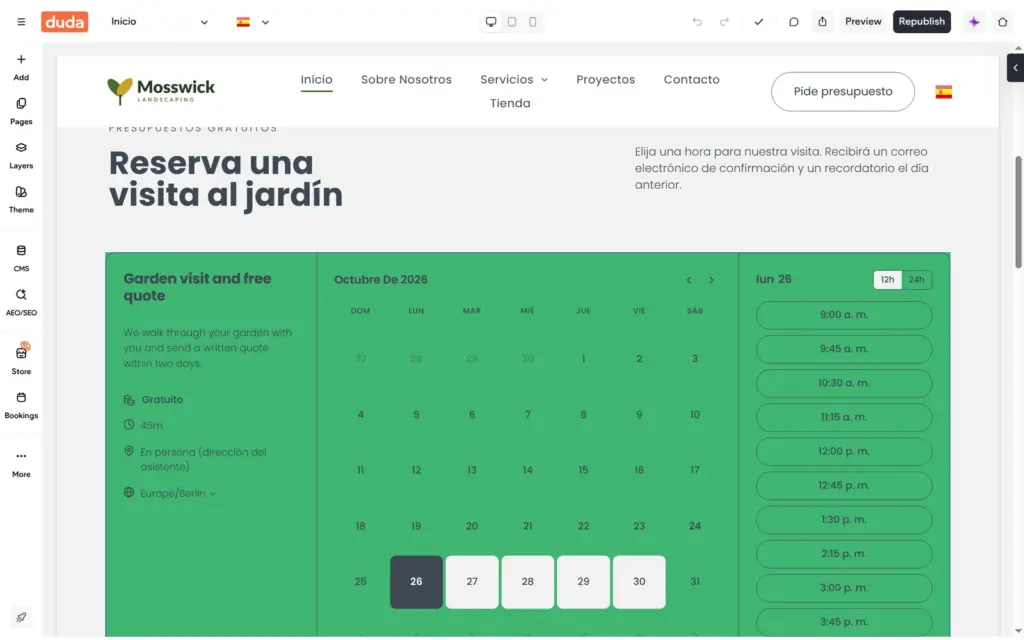
A landscaper visits the garden before writing a quote, so I tried Duda's booking tool. Adding it took about 25 seconds. Duda created a free 30-minute consultation with me as the host and put a booking calendar on the home page.
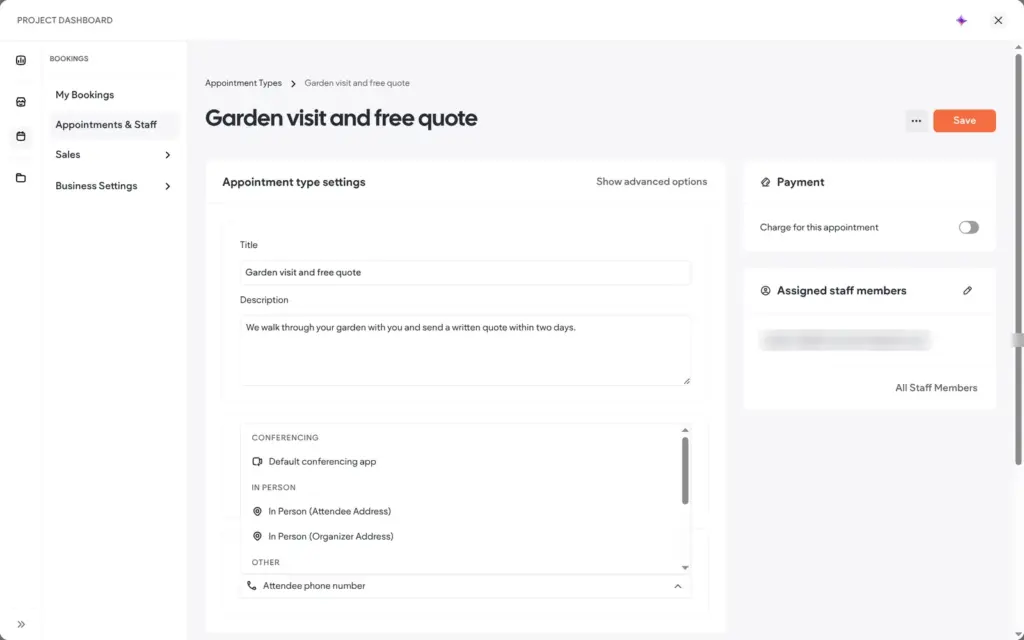
I turned it into a 45-minute garden visit at the customer's address. Reminders go out by email or text message, and an email reminder a day before is on by default. Working hours belong to the staff member, and the default is Monday to Friday, nine to five. You can connect outside calendars to avoid double bookings. Charging for appointments needs the Advanced store plan or higher.
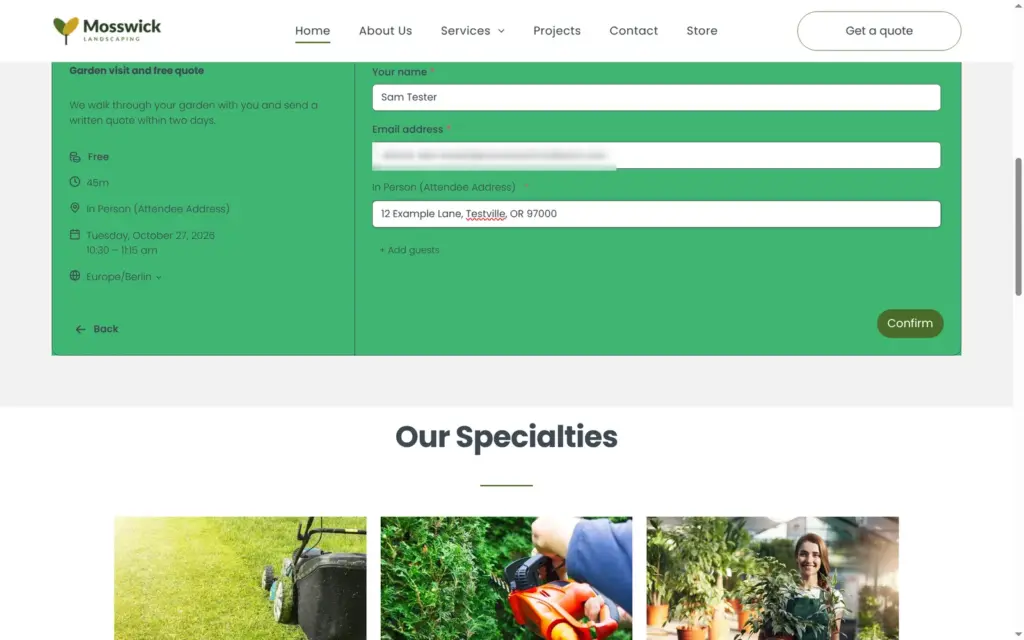
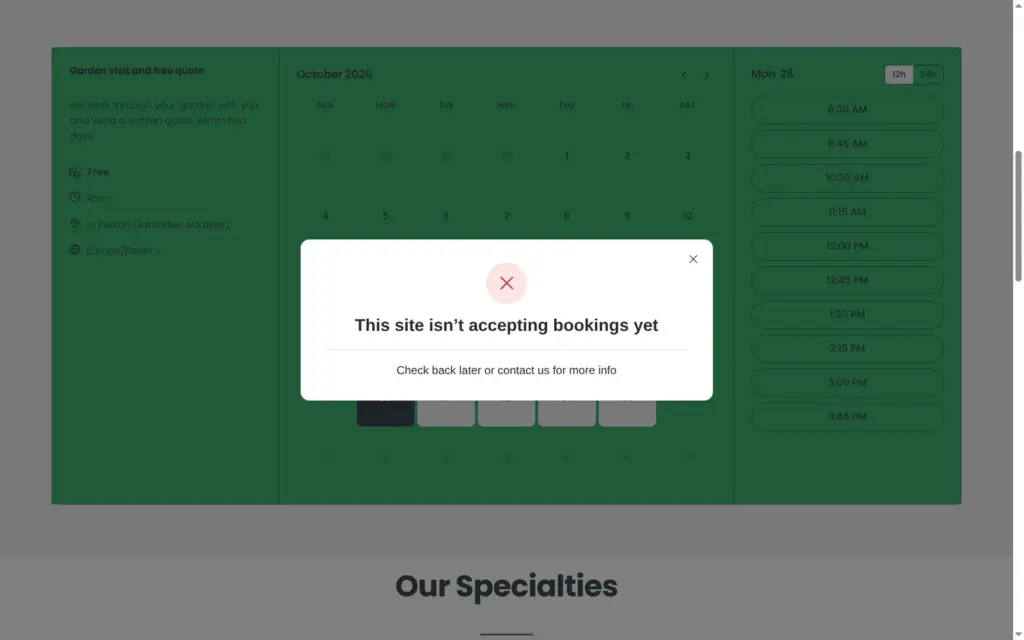
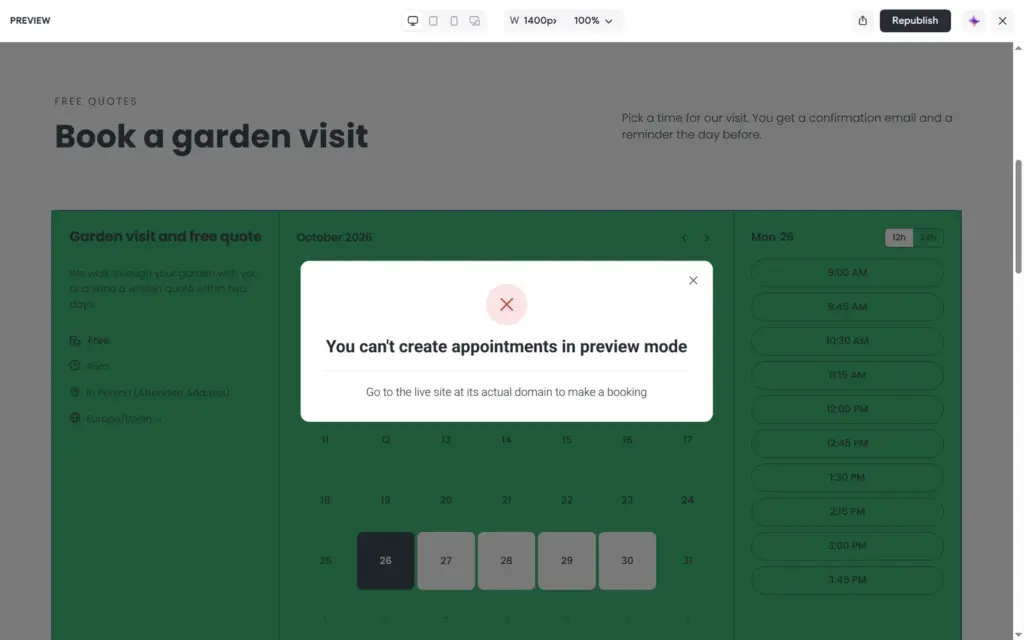
On the live site, the calendar showed free slots every 45 minutes on weekdays. I picked a time and filled in the form, which asks for contact details and the garden's address. Confirm showed "This site isn't accepting bookings yet". The preview in the editor says that you can't book in preview mode. So on the trial, you can set up bookings but never make one. Unlike the store, bookings have no test mode.
Duda Vibe builds sites and small web apps from a chat. Each Vibe site is a separate project, and Duda's help center says that Vibe projects can't be moved into the regular editor later.
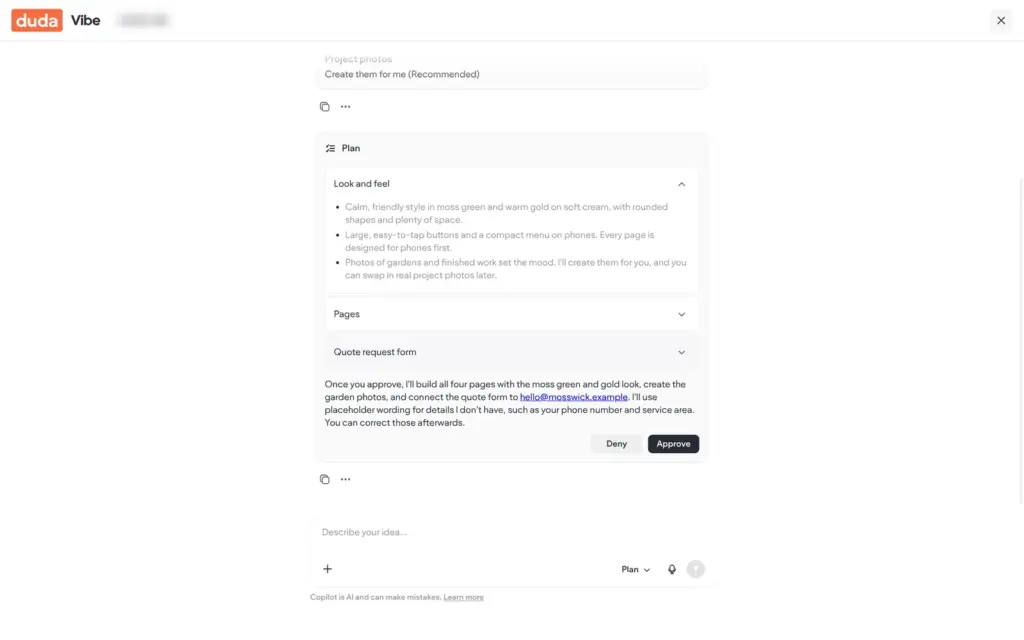
I used Plan mode, which shows a plan before it builds, and gave it this prompt:
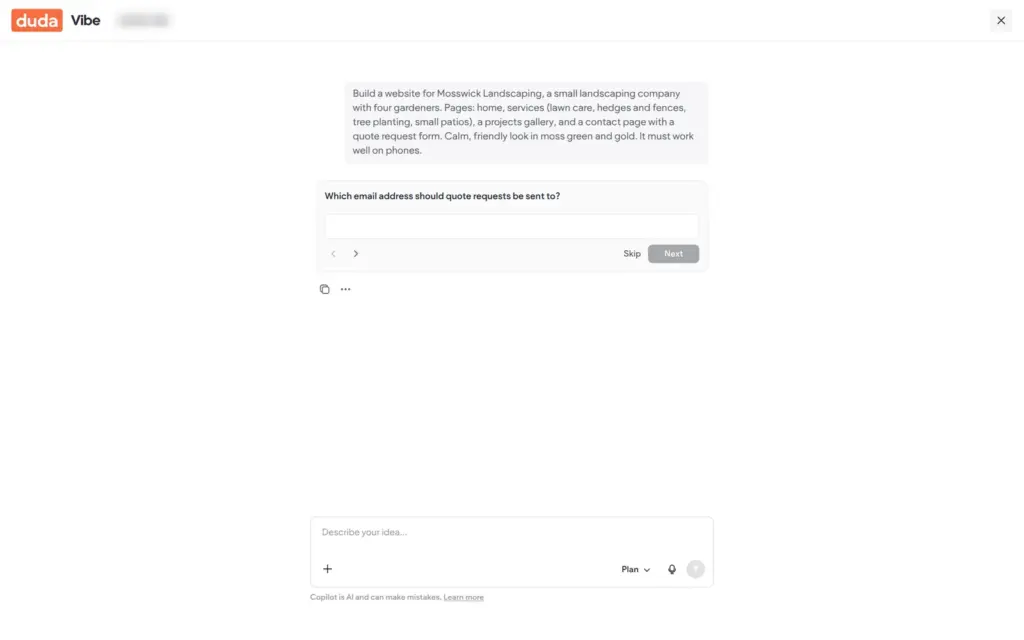
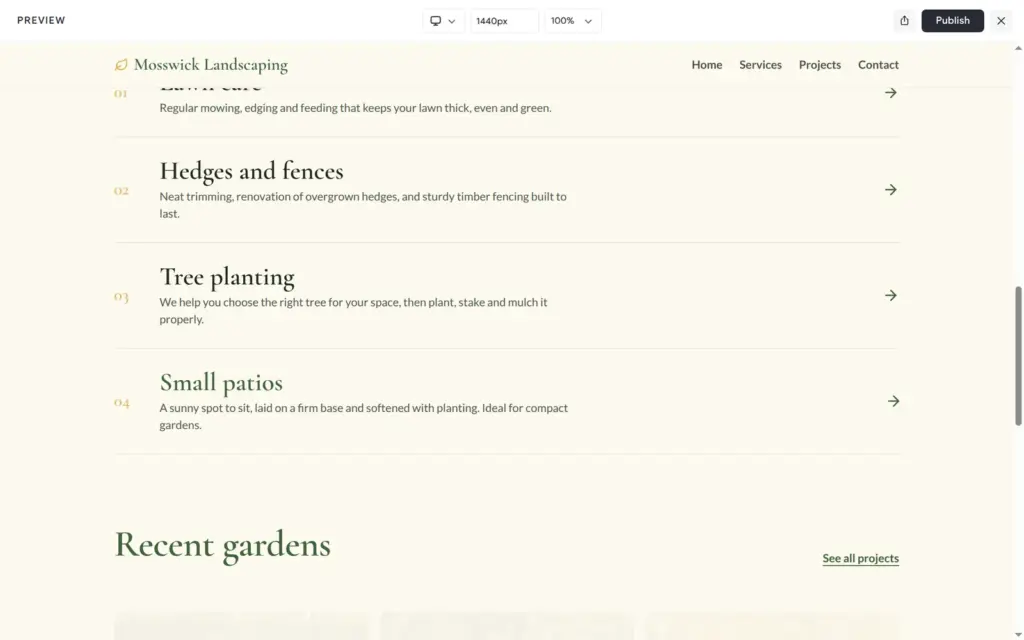
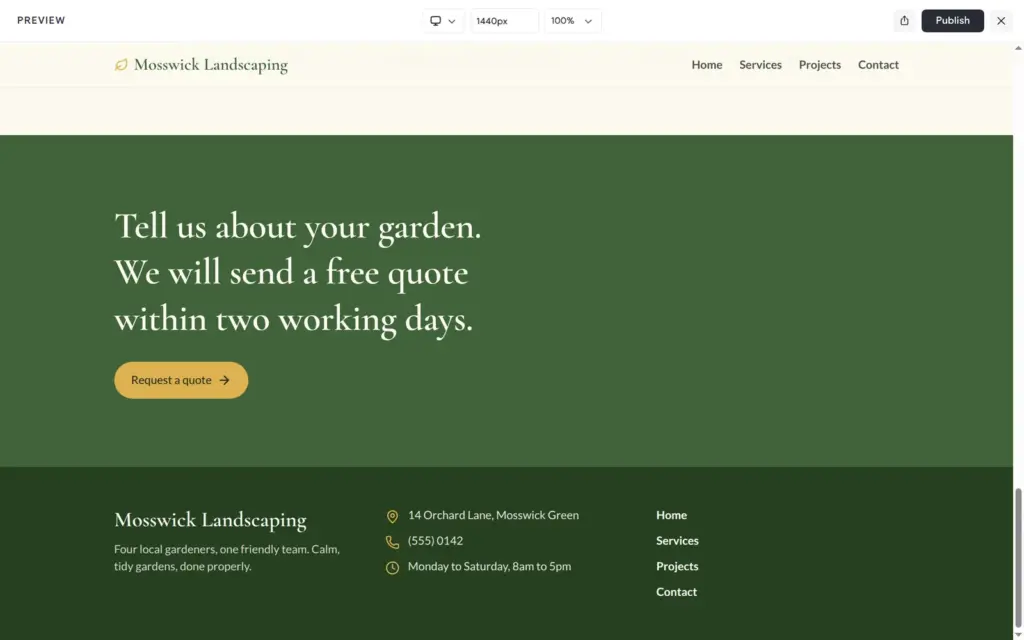
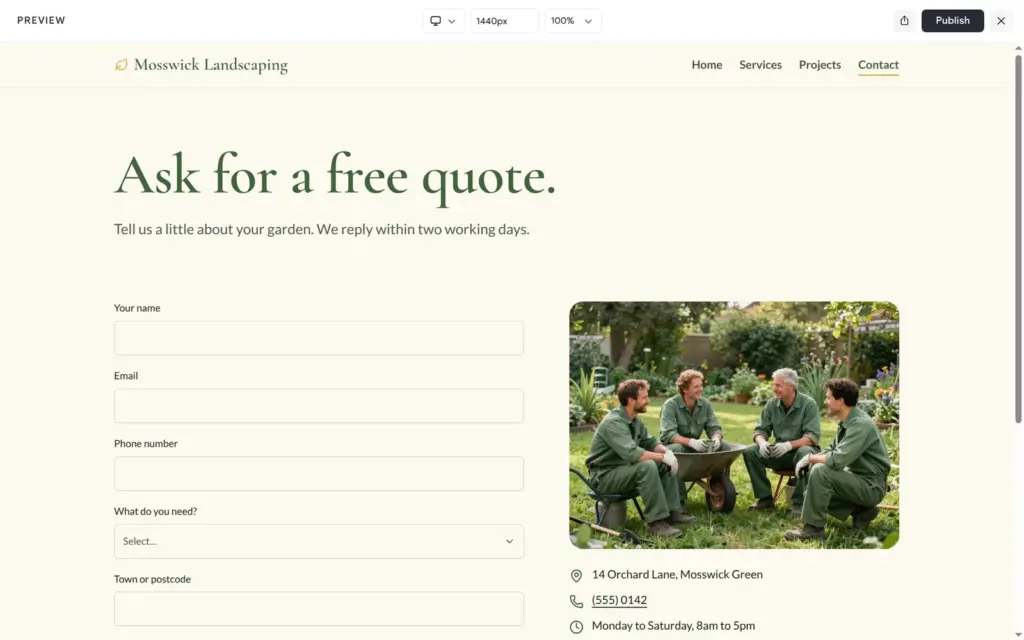
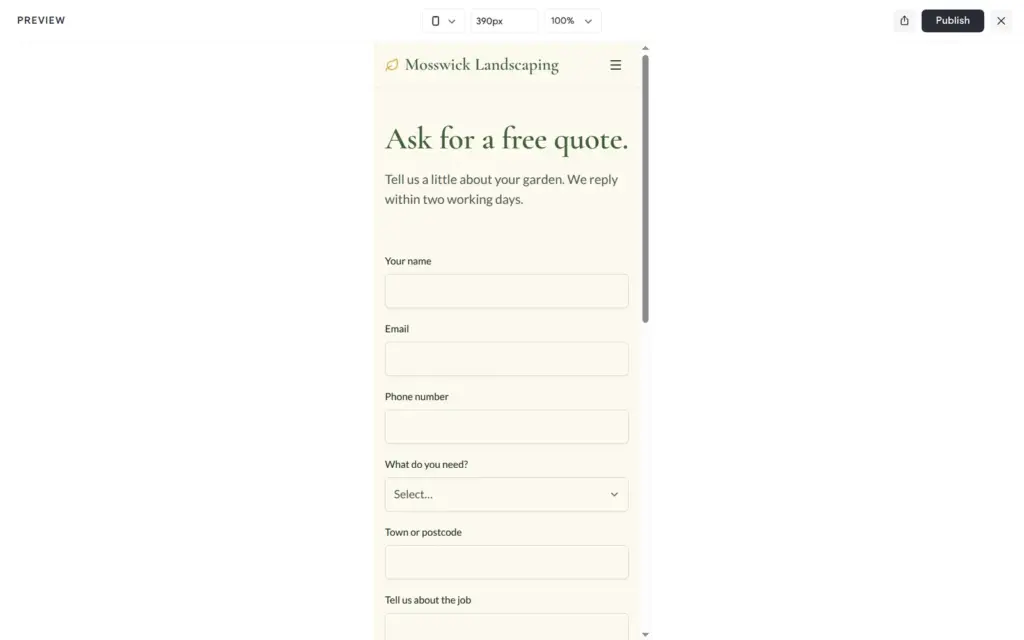
Build a website for Mosswick Landscaping, a small landscaping company with four gardeners. Pages: home, services (lawn care, hedges and fences, tree planting, small patios), a projects gallery, and a contact page with a quote request form. Calm, friendly look in moss green and gold. It must work well on phones.
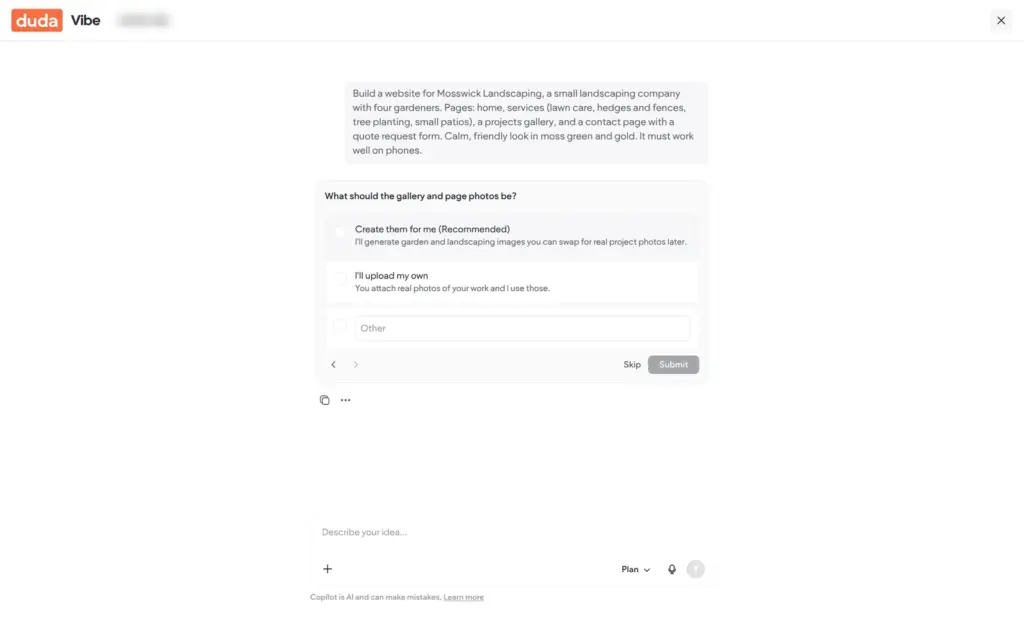
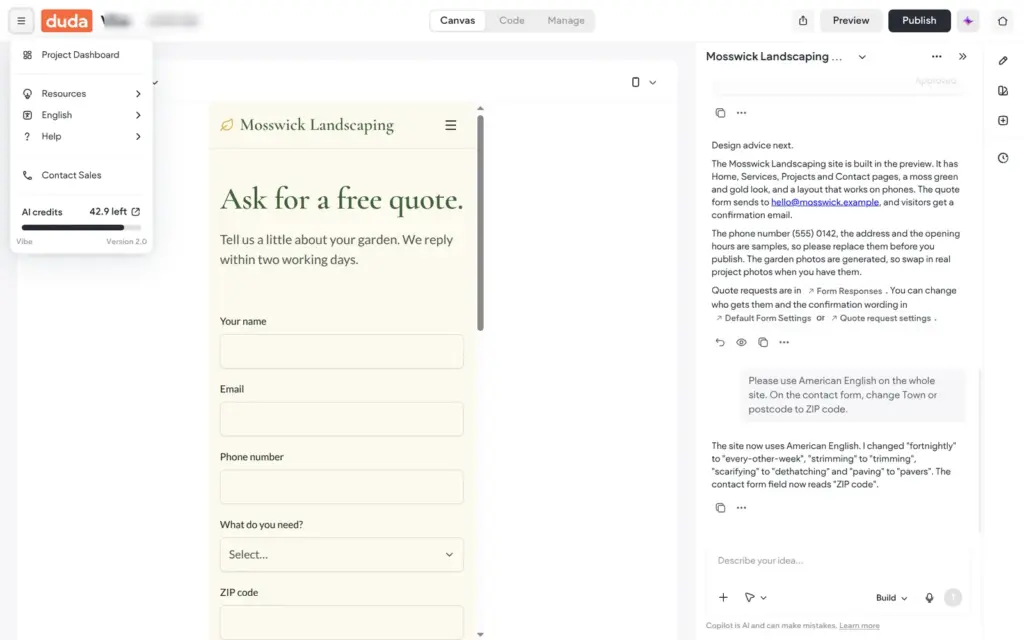
About 20 seconds later, Vibe asked where quote requests should go. Then it asked about photos and offered to create them with AI, which I chose. Its plan described the look and the four pages. It said that it would use placeholders for details I had not given.
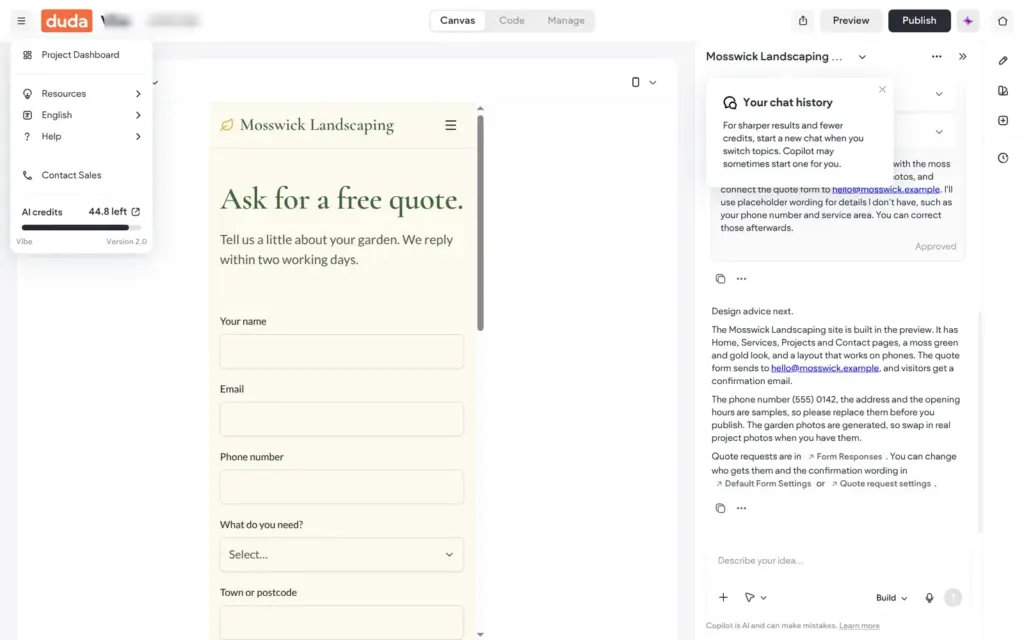
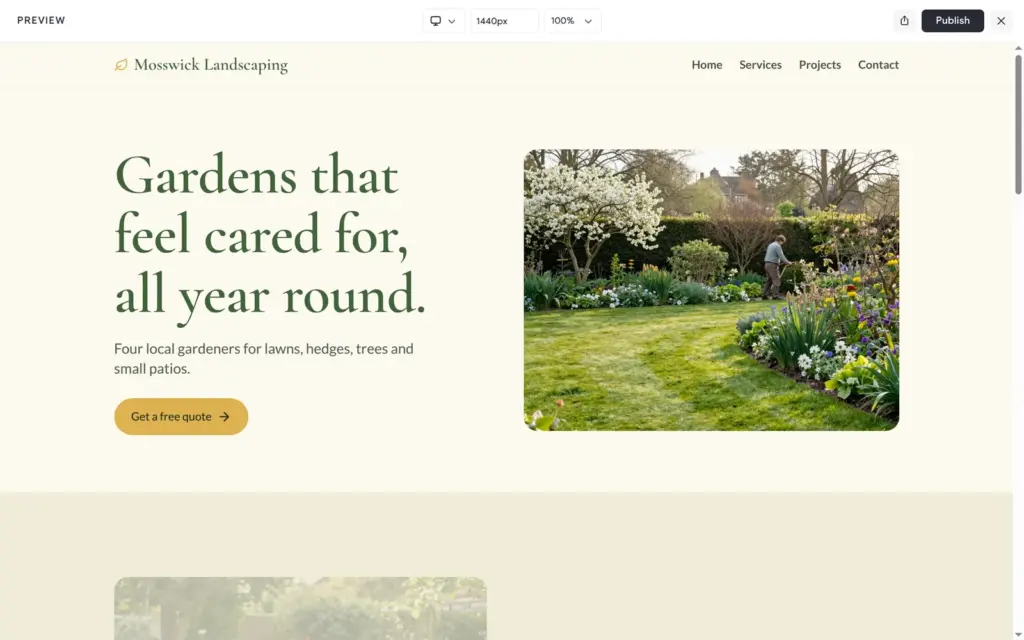
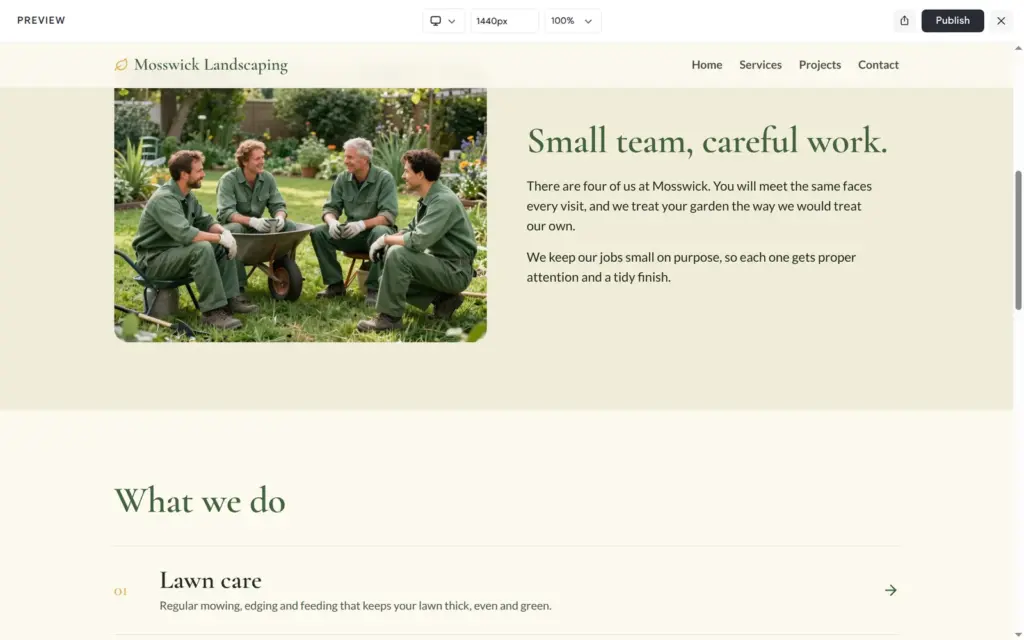
The site was ready about two minutes after I approved the plan. It has four pages with AI photos of gardens and of four gardeners in green overalls. The design matched what I asked for. The footer had a sample address and the made-up phone number from my first site, although that number was not in the prompt.
The quote form asked for a town or postcode. Postcode is British, and I had never named a country. I asked in plain words for American English and a ZIP code field. Less than half a minute later, the form asked for a ZIP code, and Vibe had also changed other British words like fortnightly and strimming.
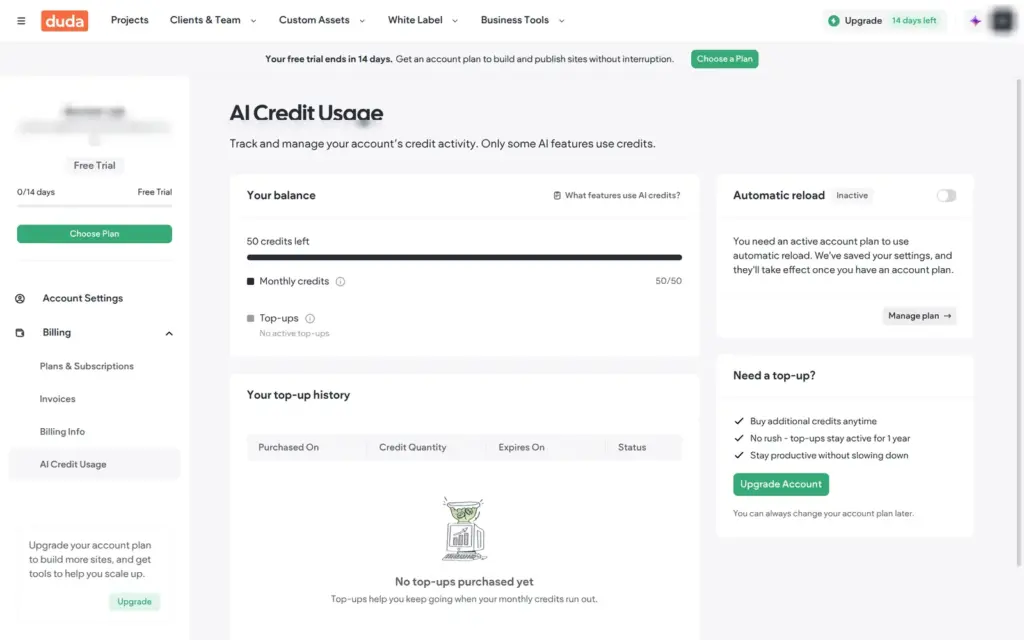
The trial comes with 50 AI credits. The plan and the build used 5.2 of them, and the fix used 1.9. Paid plans include 150 credits a month. I did not publish the Vibe site, because the trial allows one published project.
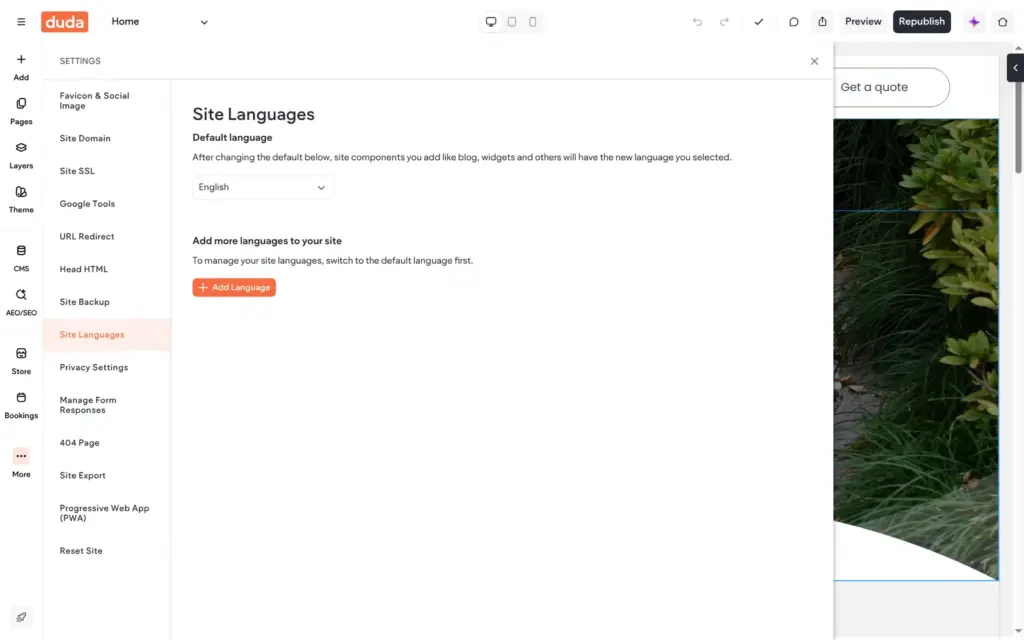
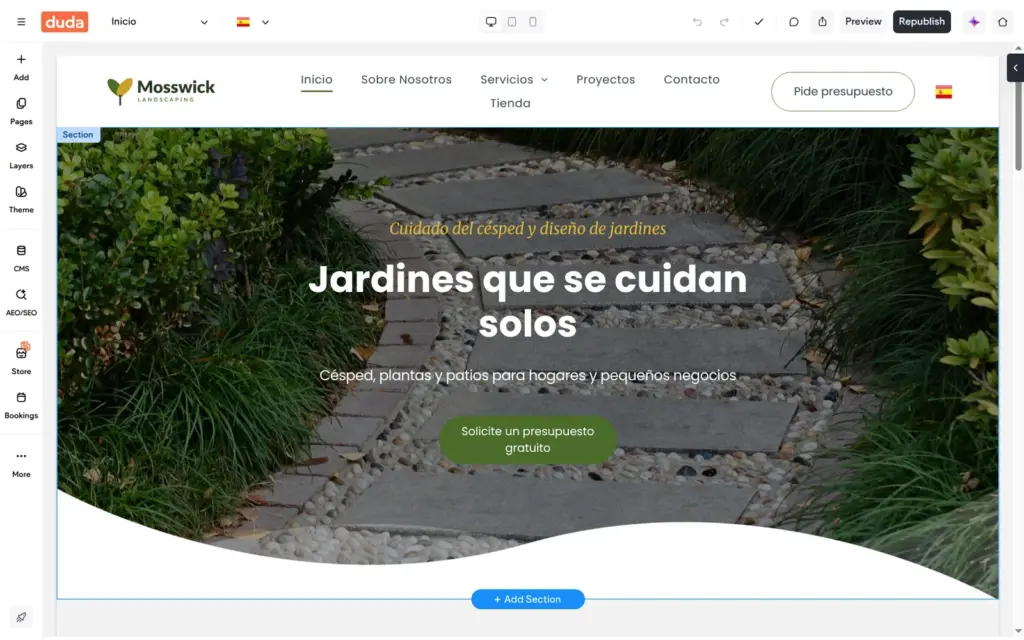
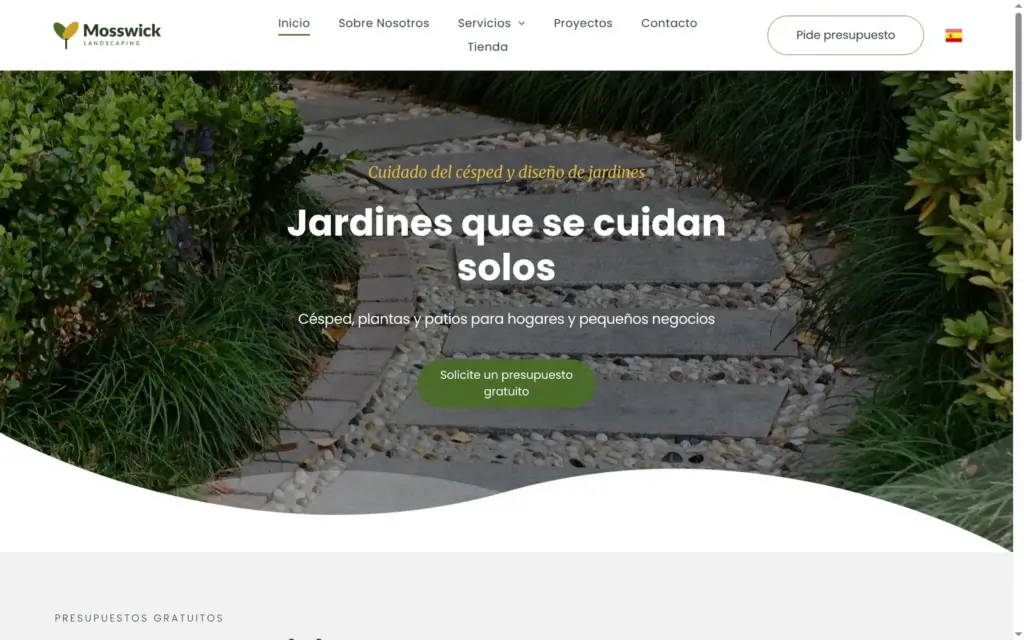
Duda can add languages and translate the site for you. I added Spanish with automatic translation. Within seconds, the editor showed the whole site in Spanish, and the header got a flag for switching languages.
A few things stayed in English. The booking service kept its English name and description, and so did the page titles and descriptions for search engines. The translation mixed the formal and the informal "you" on the same page, so a Spanish speaker should read it through. The longer Spanish menu labels pushed one link onto a second line. From then on, changes in one language do not carry over to the other. Duda says so in a notice.
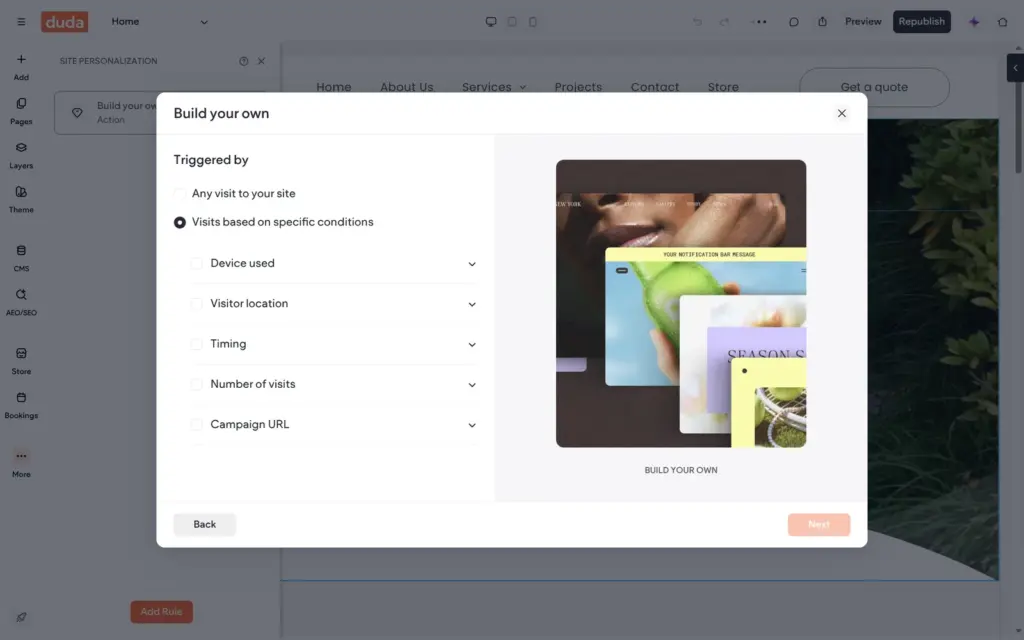
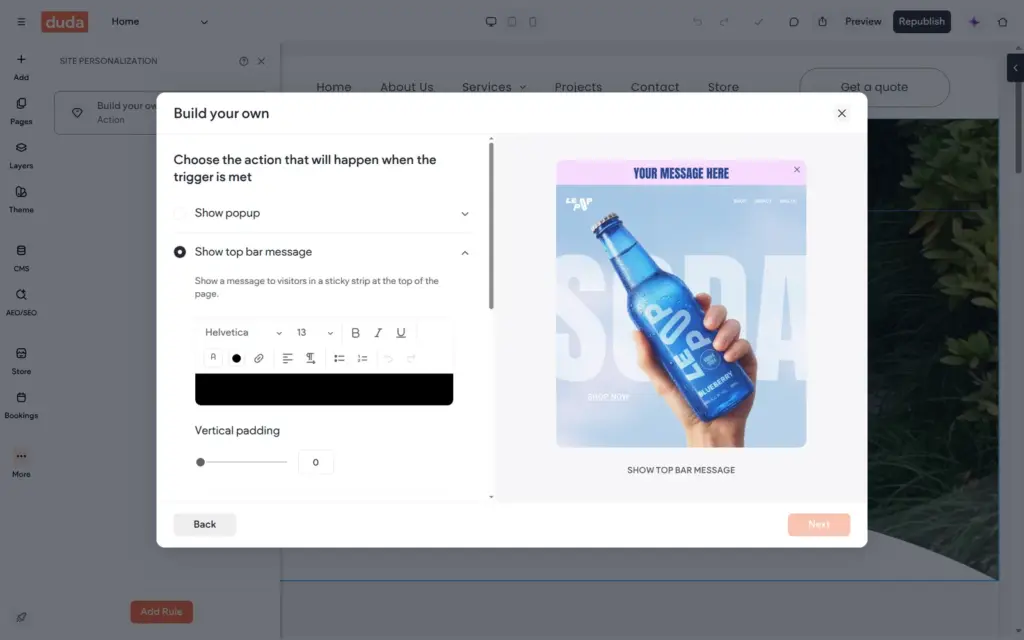
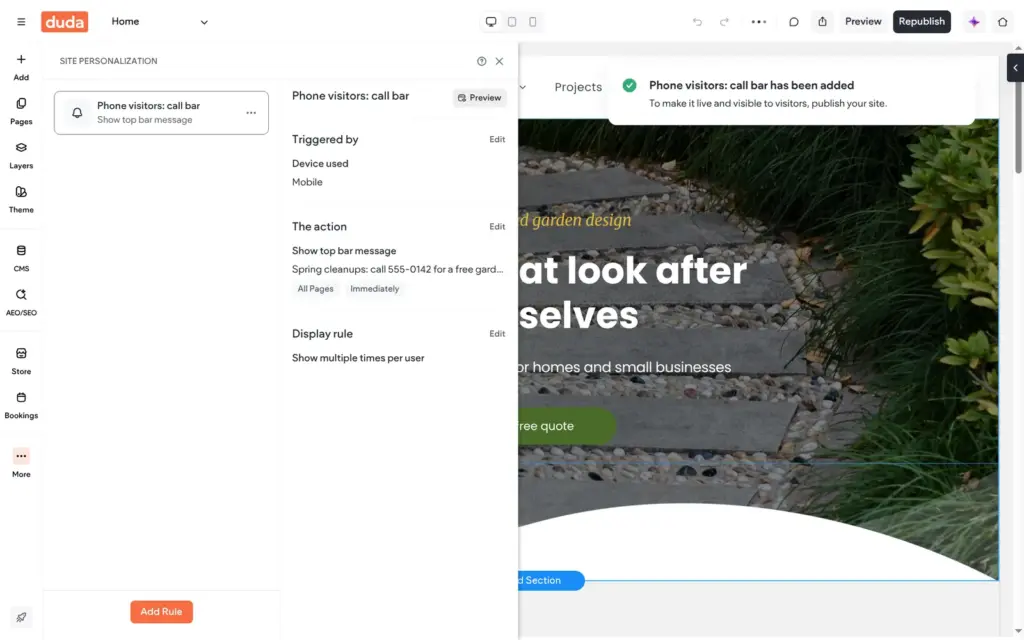
Personalization rules show content to certain visitors. I made a rule that shows phone visitors a bar at the top with the phone number. It worked on the live site, but the bar used a plain serif font instead of the site's fonts.
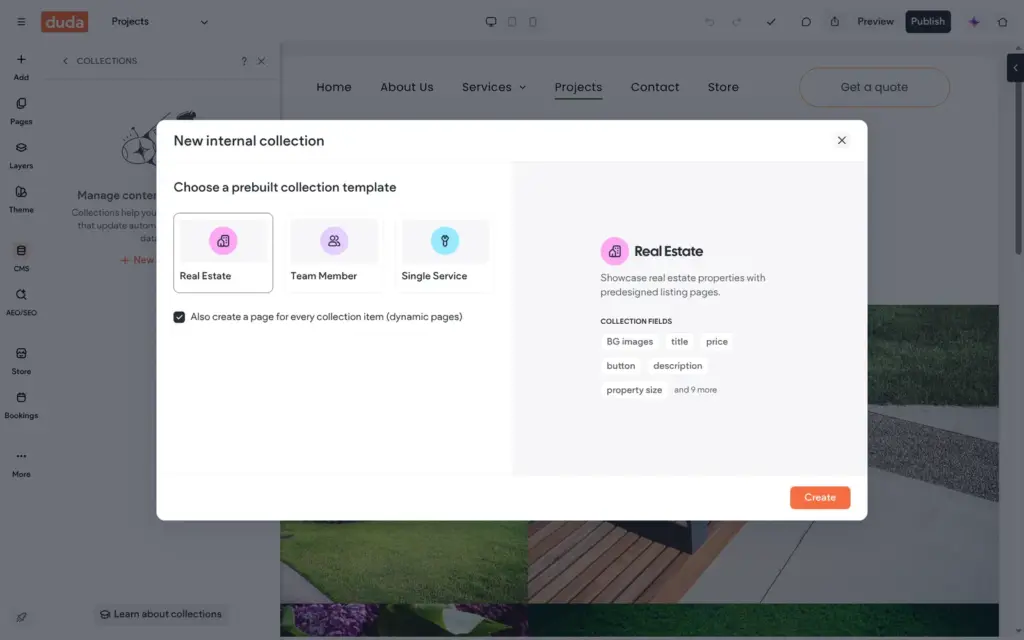
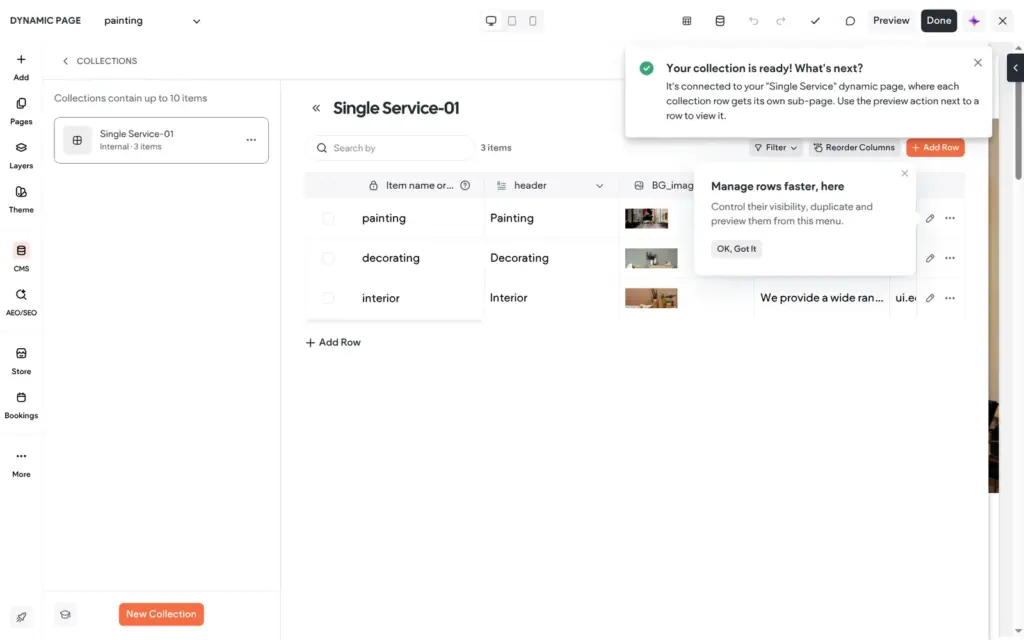
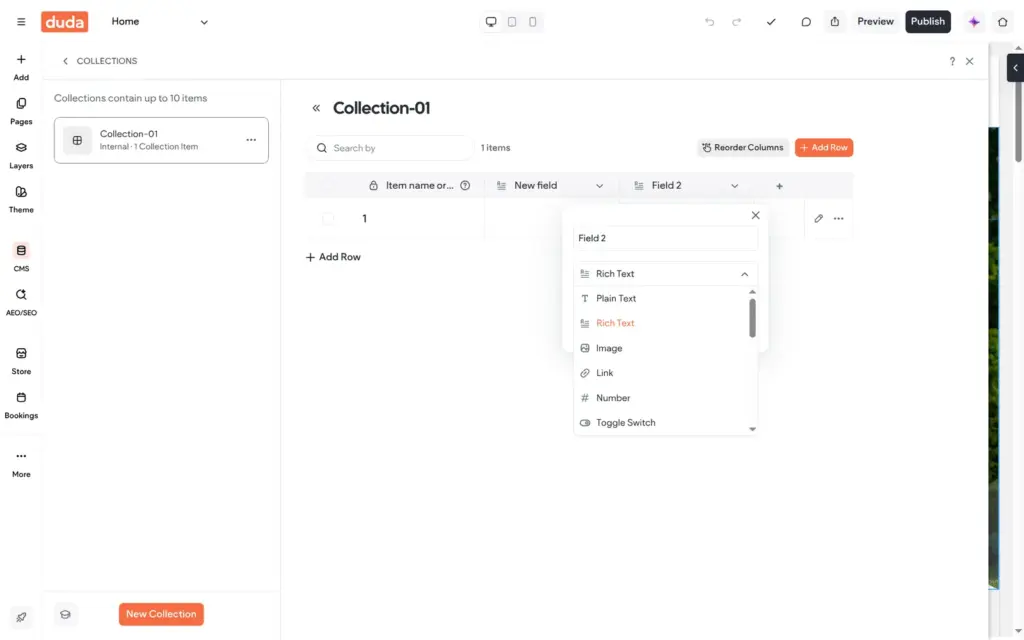
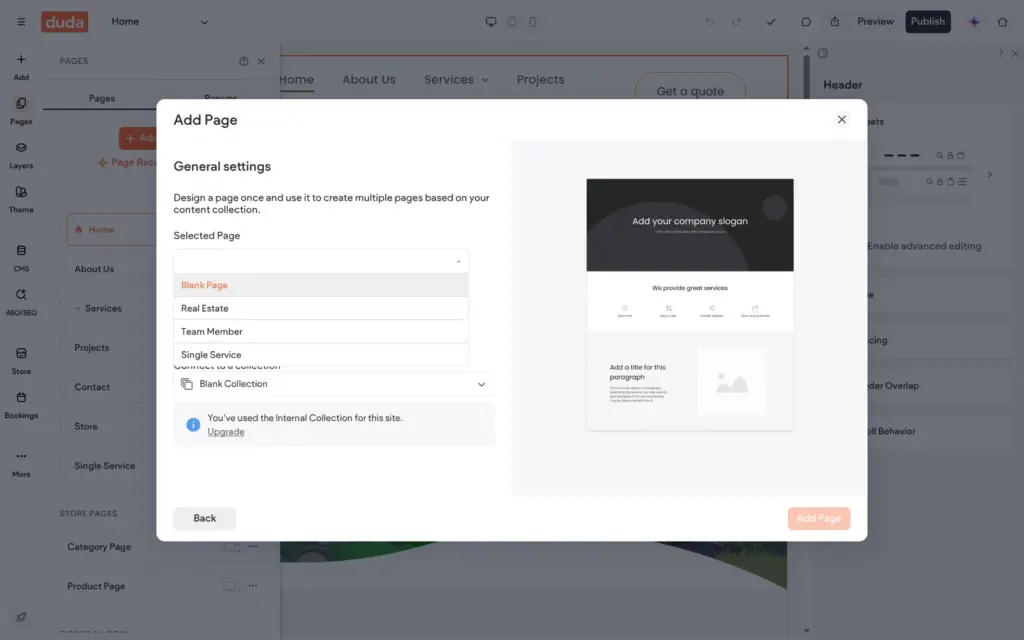
Collections hold repeating content like services or team members, and Duda can make a page for each item. On the trial, a collection holds up to 10 items, and I could not create a second one without upgrading. One sample collection filled a field with a placeholder code instead of text. Deleting the collection left its page in the menu.
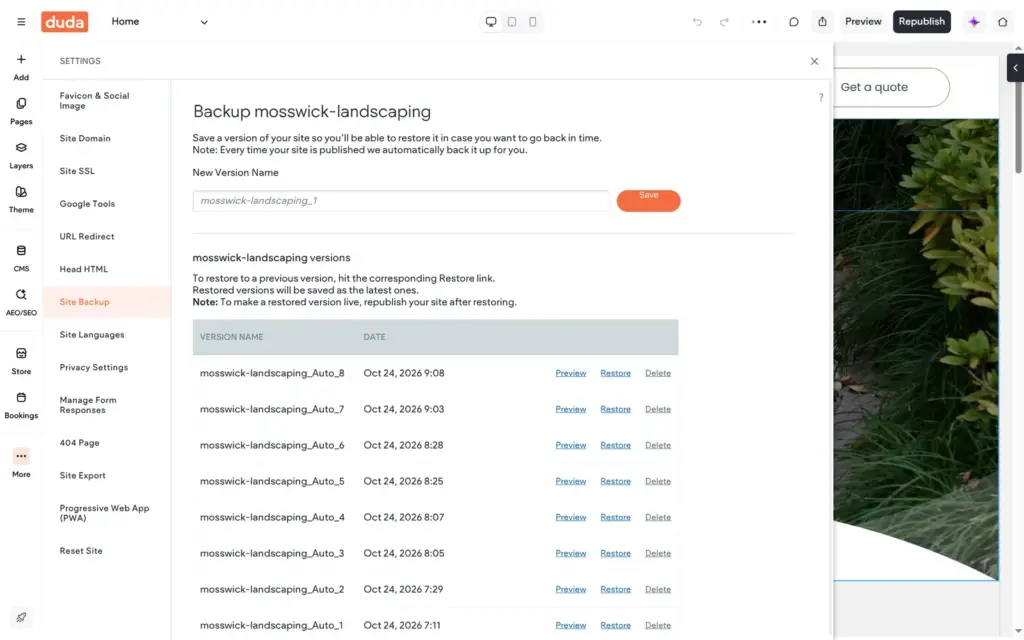
Duda saves a backup each time you publish, and you can restore any of them. Redirects for old addresses are in the settings, and you add them by hand.
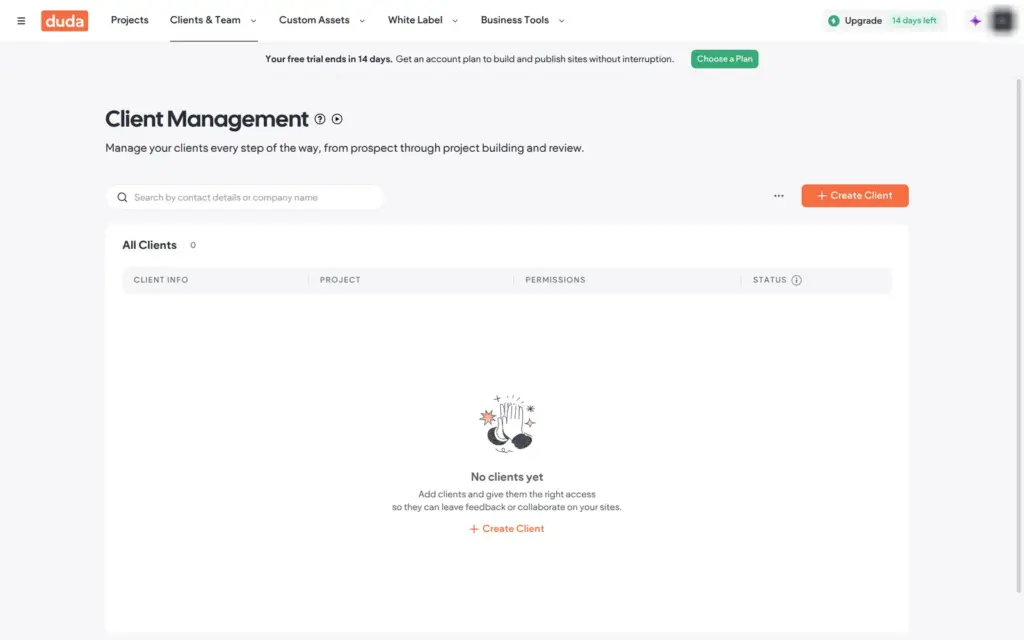
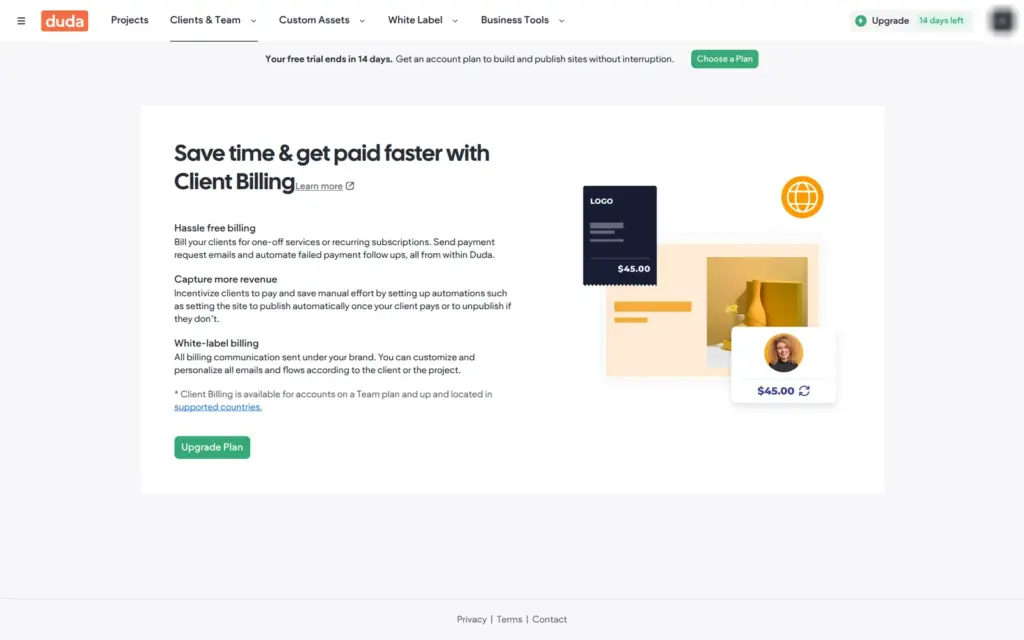
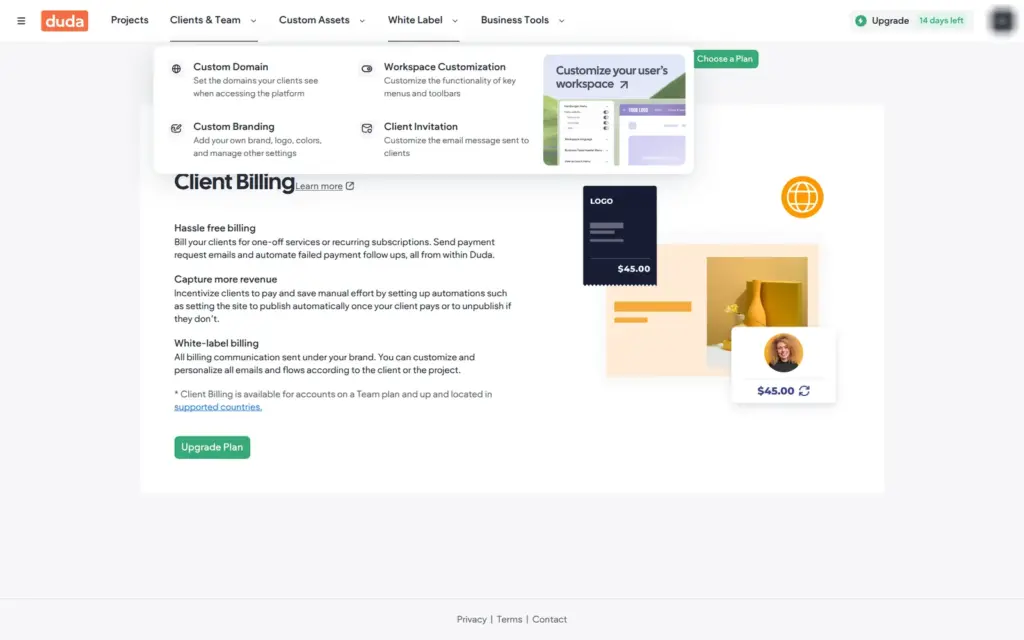
The dashboard shows who Duda is made for. The top menu has a section for clients, with client management and billing. Another section lets agencies sell Duda under their own brand. None of this gets in the way when you build your own site.
It does help if a web designer builds your site. On Team and the plans above it, the designer can add you as a client and give you access for feedback or edits. Basic has no client access and no extra team seats.
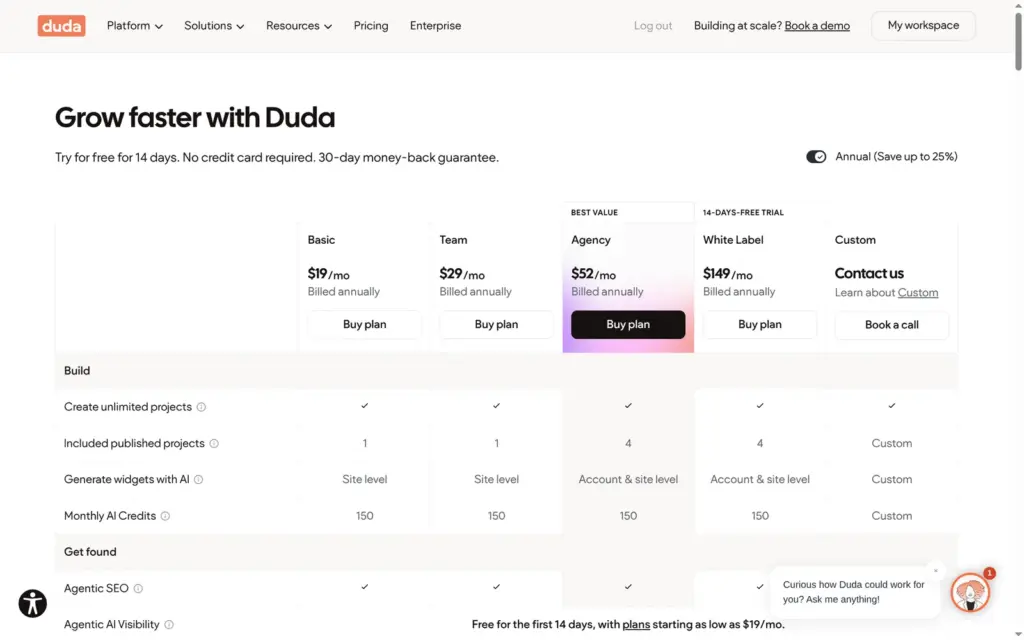
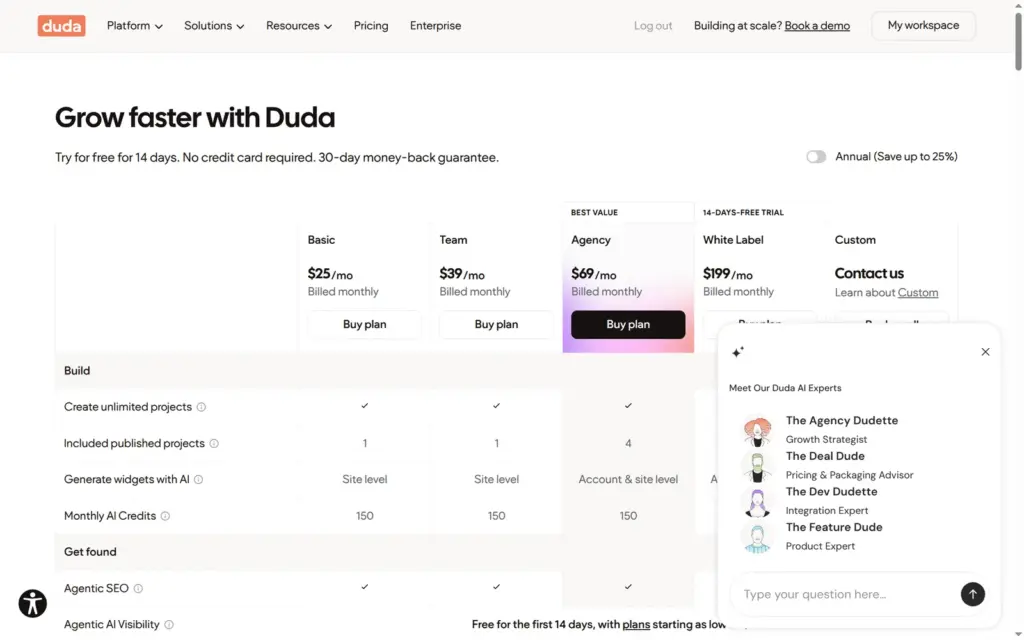
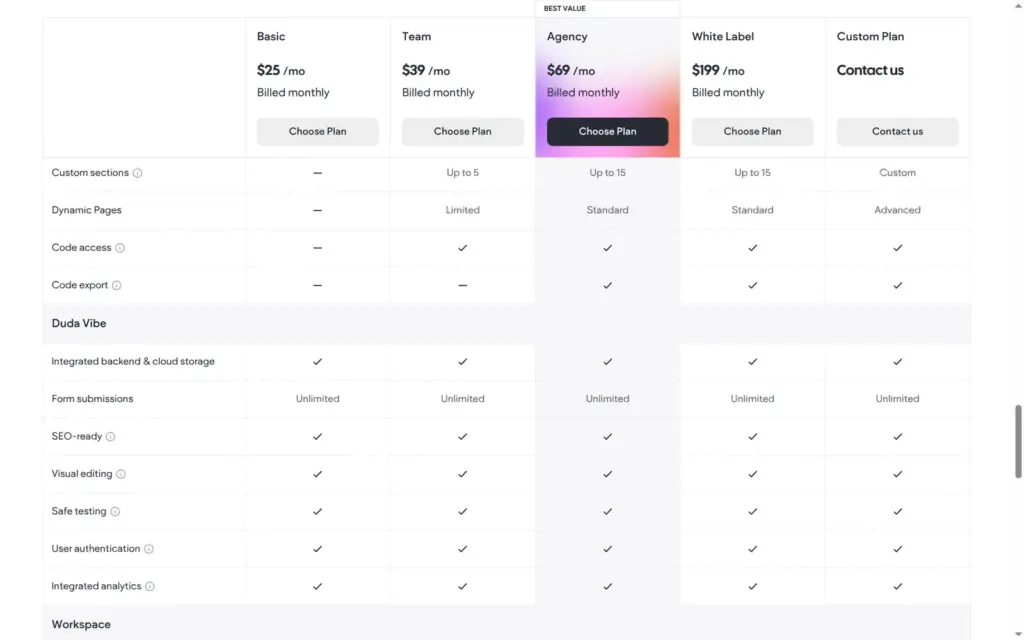
I checked Duda's pricing page and the plan picker in my account on October 24, 2026. Duda lists its prices in US dollars, per account. Taxes may come on top.
| Basic | Team | Agency | White Label | |
|---|---|---|---|---|
| Billed yearly | $19a month, $228 a year | $29a month, $348 a year | $52a month, $624 a year | $149a month, $1,788 a year |
| Billed monthly | $25a month | $39a month | $69a month | $199a month |
| Published sites | 1 | 1 | 4 | 4 |
| Team seats | None | 3 | 6 | 6 |
| Client access | No | Yes | Yes | Yes |
| AI credits a month | 150 | 150 | 150 | 150 |
| Dynamic pages | No | Limited | Yes | Yes |
| Site export | No | No | Yes | Yes |
| Support | Priority | Priority |
A shop or bookings need a store plan on top. Duda takes no transaction fee on any of them.
| Standard | Advanced | Elite | |
|---|---|---|---|
| Billed yearly | $7a month | $20a month | $45a month |
| Billed monthly | $8a month | $22a month | $52a month |
| Products | 100 | 1,000 | 20,000 |
| Variants per product | 8 | 300 | 400 |
| Staff calendars for bookings | 1 | 3 | 10 |
| Automatic sales tax and shipping | No | Yes, with monthly limits | Yes, with monthly limits |
| Charge for appointments | No | Yes | Yes |
| Digital products and subscriptions | No | Yes | Yes |
| Duda transaction fee | 0% | 0% | 0% |
| Basic | Other plans | |
|---|---|---|
| Extra published site | $19 a month or $171 a year | $17 a month or $168 a year |
| Extra Duda Vibe project | $9 a month or $81 a year | $8 a month or $79 a year |
| AI Visibility add-on | $19 to $300 a month | $19 to $300 a month |
For Mosswick, Basic on yearly billing costs $228 a year. The Standard store plan for the shop and the booking calendar adds $84, so the total is $312 a year. If Mosswick wanted to charge a deposit for garden visits, it would need Advanced, and the total would be $468 a year. A domain bought through Duda is free for the first year. I did not see the price after that.
One limit is easy to miss. Basic has no dynamic pages, the pages Duda makes from collections.
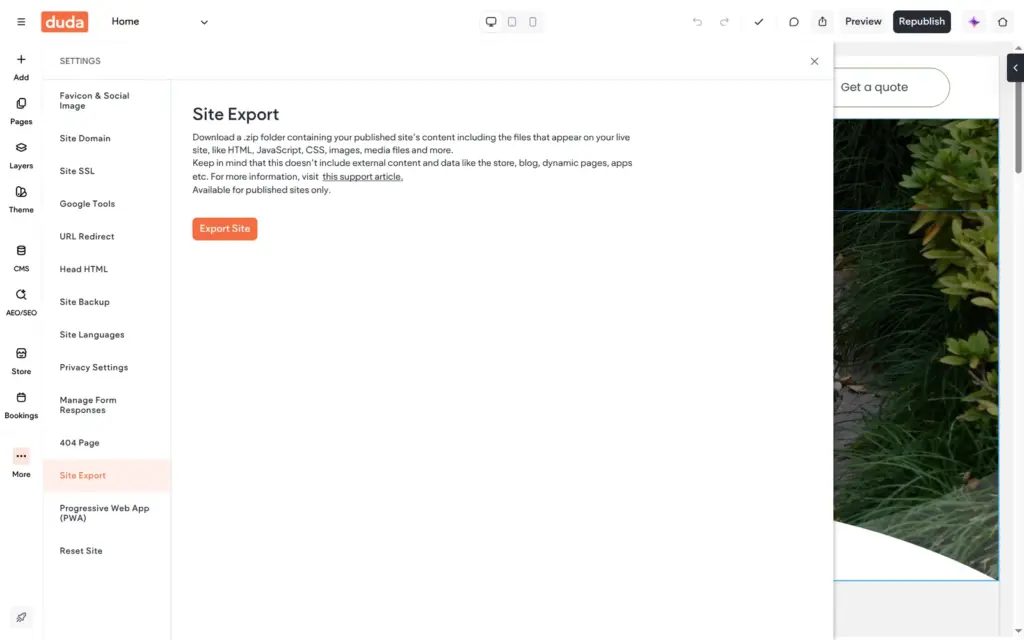
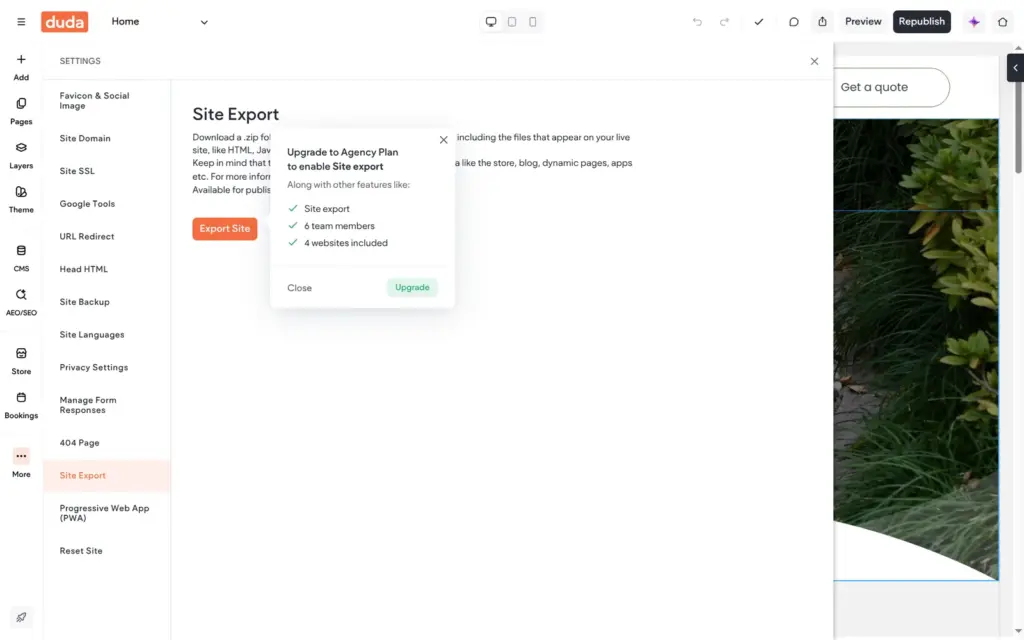
Duda hosts your site. Its Site Export setting downloads the published pages as a ZIP file, and Duda says that the store and dynamic content are not included. The trial is supposed to include all White Label features, but Export Site asked me to upgrade to the Agency plan. On Basic or Team, leaving Duda means rebuilding the site somewhere else.
You don't need an agency to use Duda. Its editor gave me a site that works on desktop and phones, and the content library made the template's leftovers easy to fix. Duda fits a local business that wants a website with a few extras and is fine with paying for each of them.
It fits less well if bookings matter most to your business, because you can't test them before you pay. It also fits less well on a tight budget. A site with a shop and bookings costs at least $26 a month on yearly billing, and moving away later means rebuilding the site on any plan below Agency.
If you try it, add the shop or the bookings during the trial and publish the site early. Several problems only showed up on the live site, like the unreadable opening hours and the missing emails.
 What I'm building
Give Vroni a GitHub issue, bug report, spec, or rough idea. It reads the repo, plans the change, writes code, runs checks, and works toward a review-ready pull request.
Take a look at vroni.com