
WebStarts review
WebStarts is a website builder with a free plan. You drag text and photos onto a page wherever you like, and WebStarts…
Canva is best known for social media posts and presentations, but it also builds and hosts websites. You design the pages like any other Canva design and publish them on a free address. If you run a small business and already use Canva, you probably wonder whether that's enough for your website and what it costs.
To find out, I built a website for a made-up wedding planner on the free plan. It has a home page with three services and their prices, and a contact page with a form for couples. I started from a free template and published the site on a free canva.site address. Then I tested it on a computer and a phone. I also looked for a way to take payments and bookings, and I let Canva's AI build a second version from a short description.
Getting a good-looking site online was quick, and the contact form worked. But Canva can't sell or take bookings, and on a phone the site loaded slowly. My first click on Publish also put the unfinished site online before I had seen any settings. The AI built a tidy four-page site in about 45 seconds, but its contact form had no field for a name or an email address.
Canva suits you if you already design in Canva and want a small website with one or two pages, like a landing page for your business with a contact form. It costs nothing to start, and changing the site later works like editing a flyer.
Look elsewhere if you want to sell or take bookings on the site. Canva has neither, and the payment and booking apps inside it need accounts at other services. It also fits less well if you want to publish news or articles, because I found no blog feature.
Selling: Canva can't run an online shop. The only payment app I found inside Canva is PayPal's Payment Links, which needs a PayPal business account.
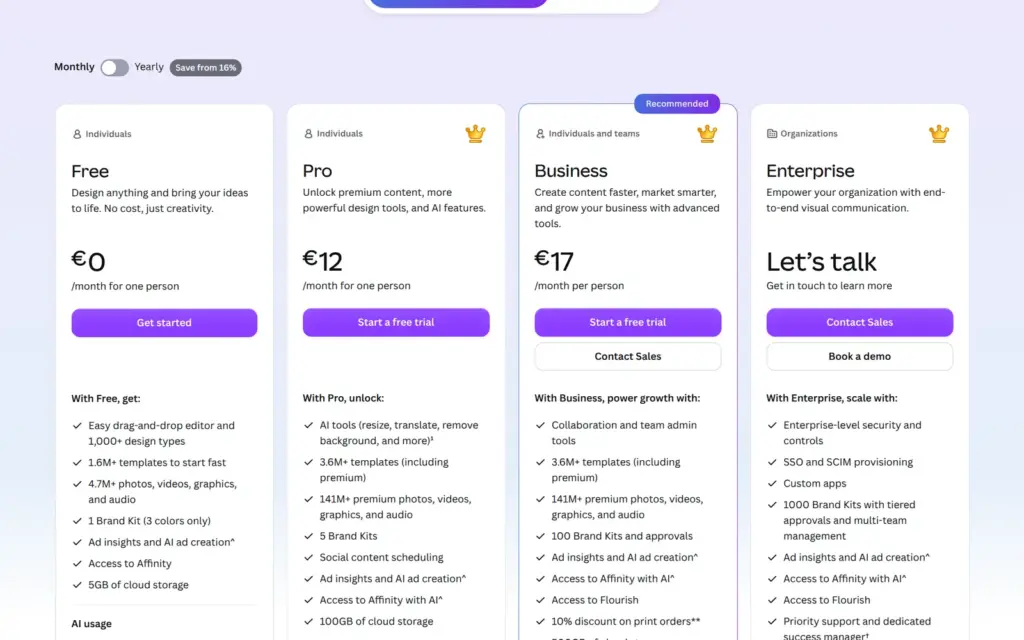
Price: the site was free on a my.canva.site address, with a "Designed with Canva" bar at the bottom of every page. Canva Pro removes the bar and allows your own domain. Pro cost €110 a year or €12 a month when I checked the pricing page from Germany on November 1, 2026.
Not tested: paid features and a custom domain. The PayPal and booking apps need accounts at other services, so I stopped at their sign-up pages. I also didn't contact Canva's support. Canva did not pay for this review, and there are no affiliate links. I tested everything on November 1, 2026.
What I liked:
What bothered me:
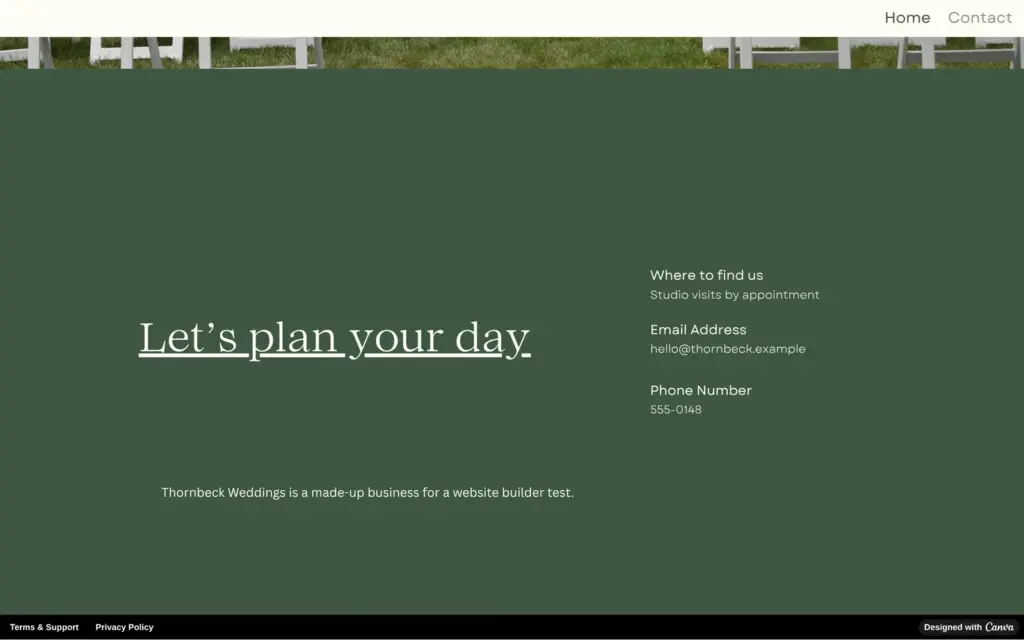
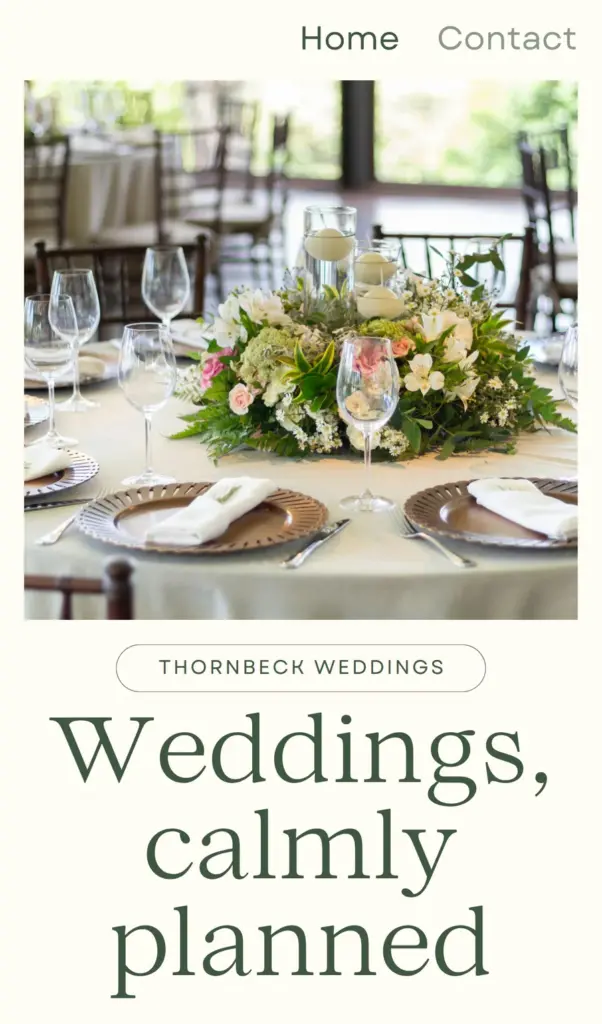
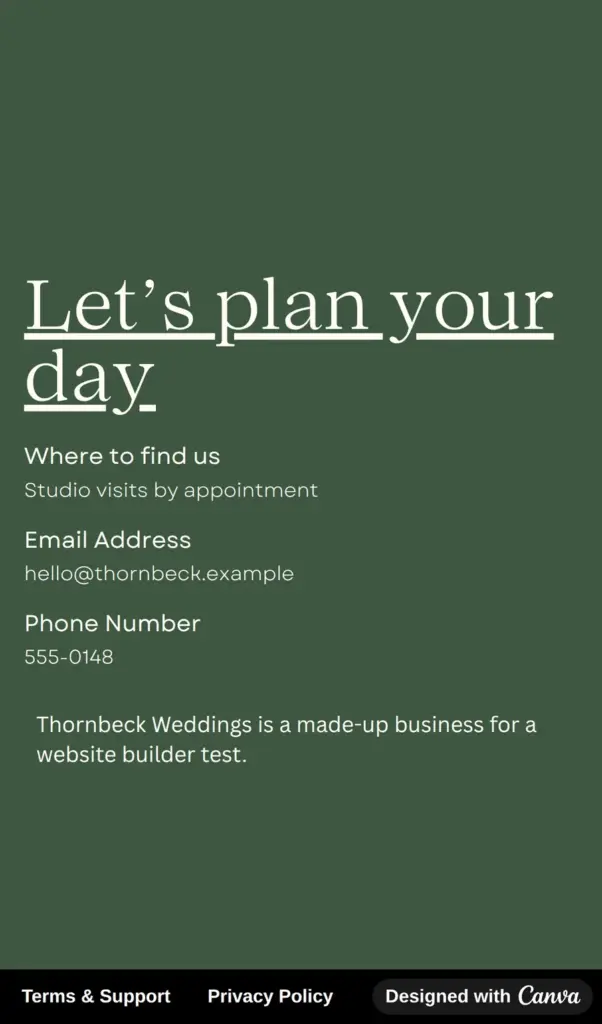
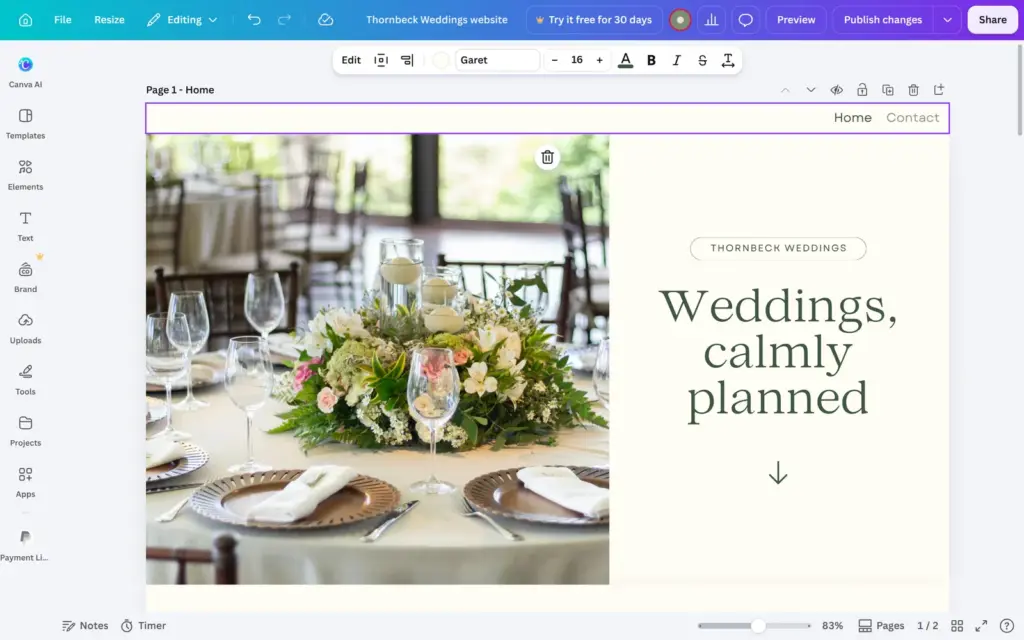
Thornbeck Weddings is a made-up wedding planning studio, and a note at the bottom of the home page says so. The home page introduces the studio and its three services with starting prices. The contact page has a form where couples send their wedding date and how many guests they expect.
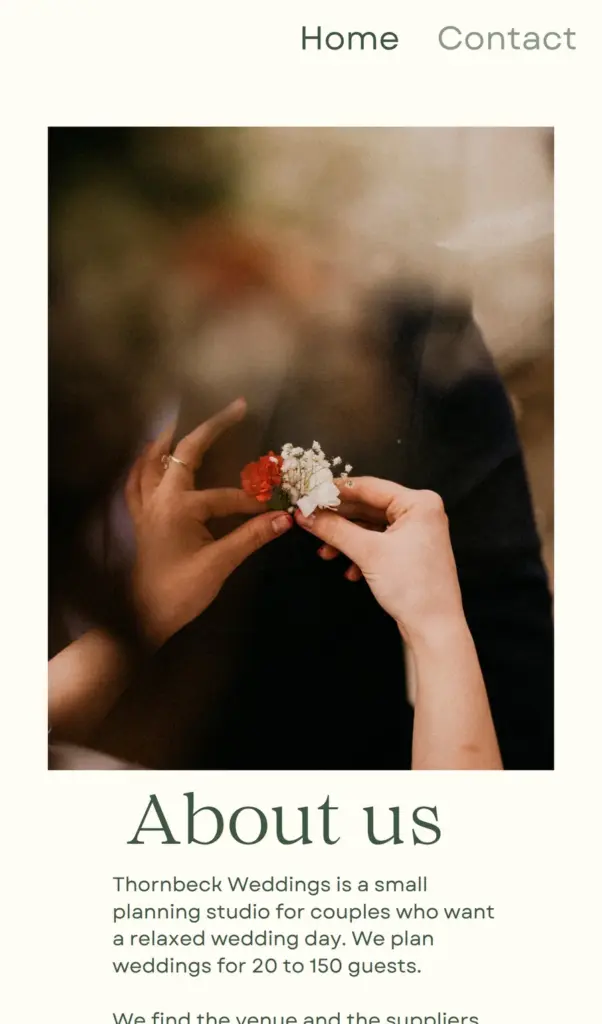
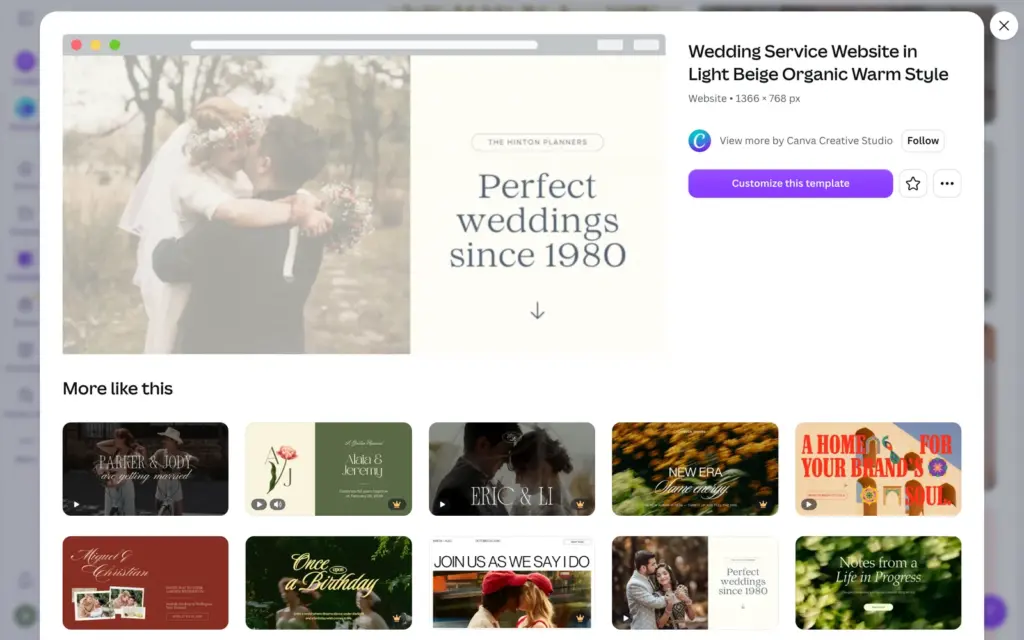
The design comes from "Wedding Service Website in Light Beige Organic Warm Style", a free template by Canva Creative Studio. I replaced the text and three of the photos, and I changed the template's slate blue to a deep green. The contact page and the menu are my additions. All photos come from Canva's free library or from the template.
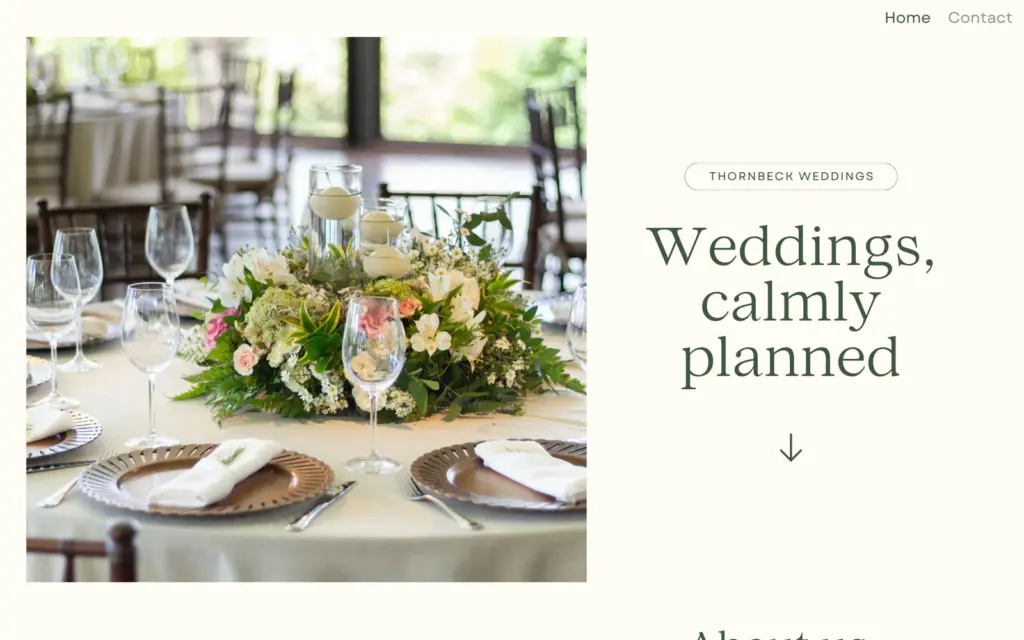
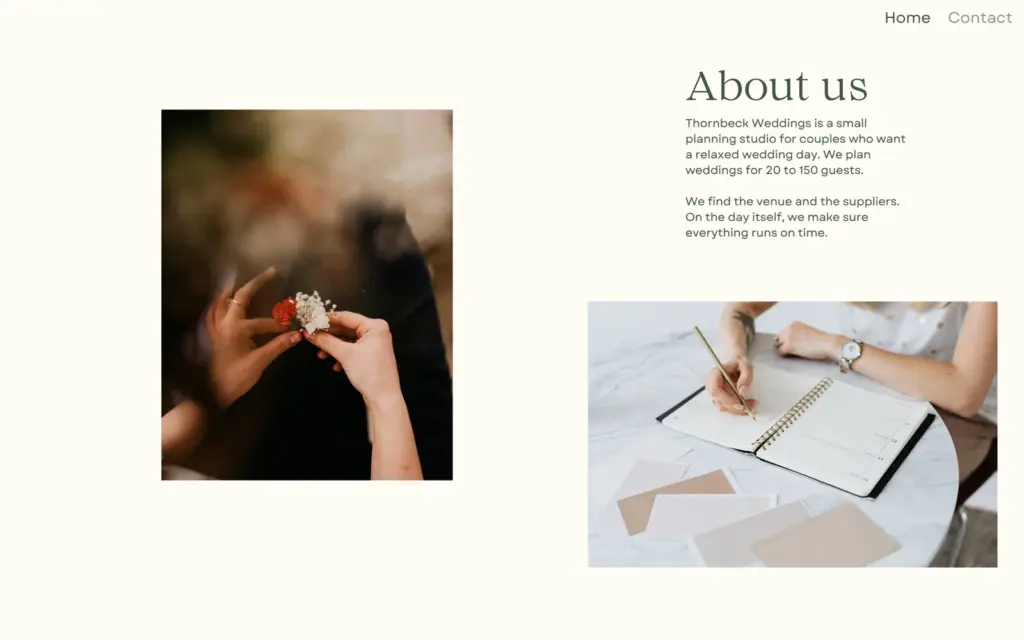
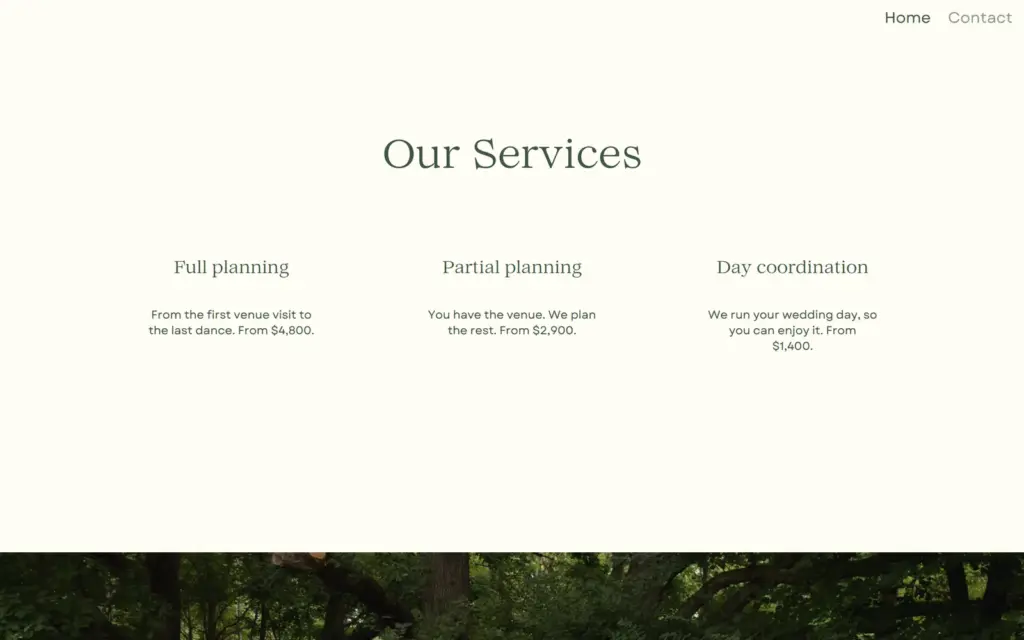
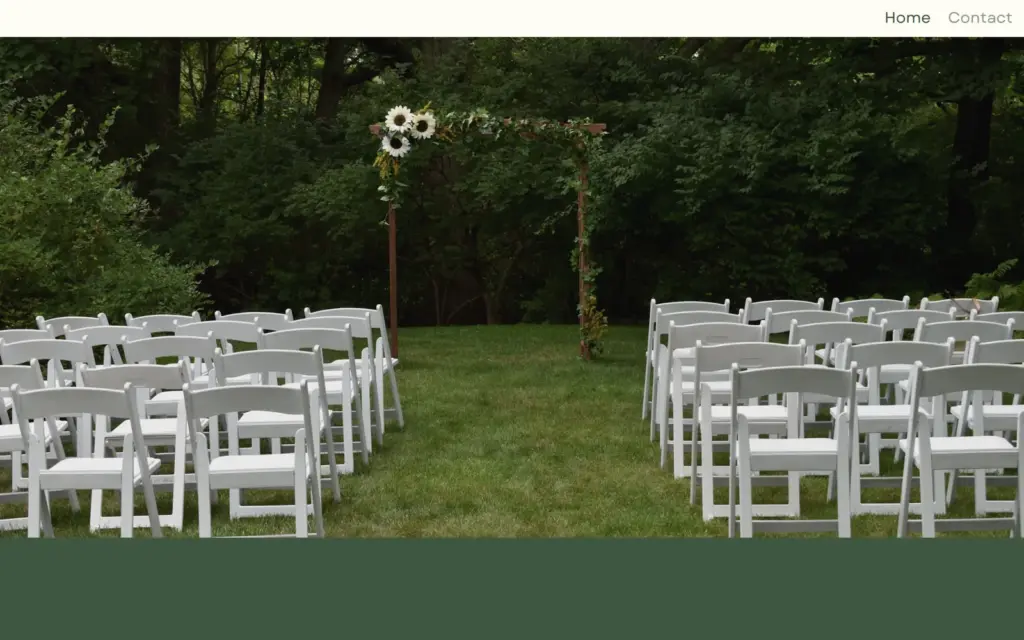
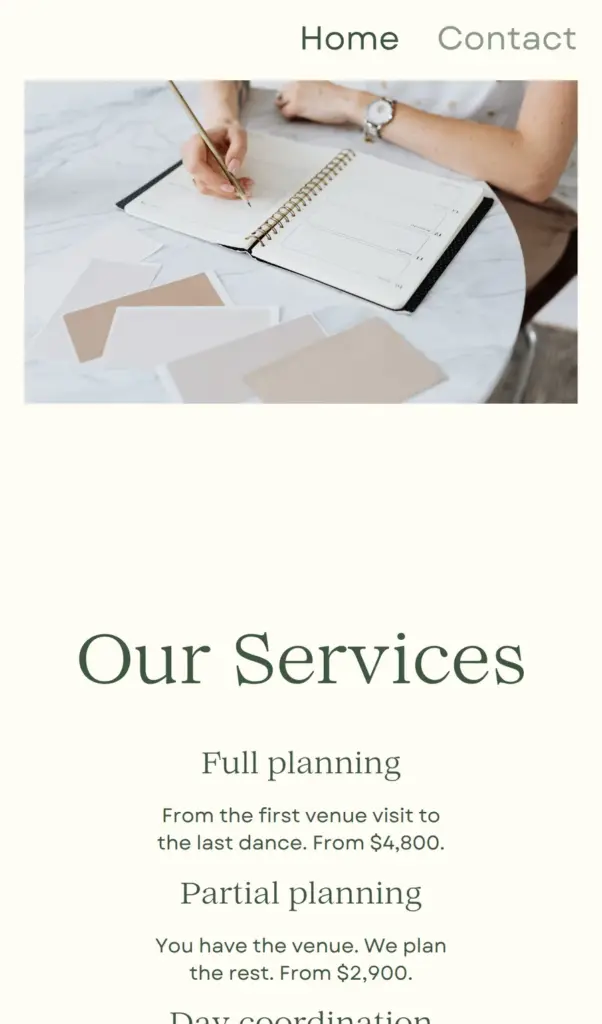
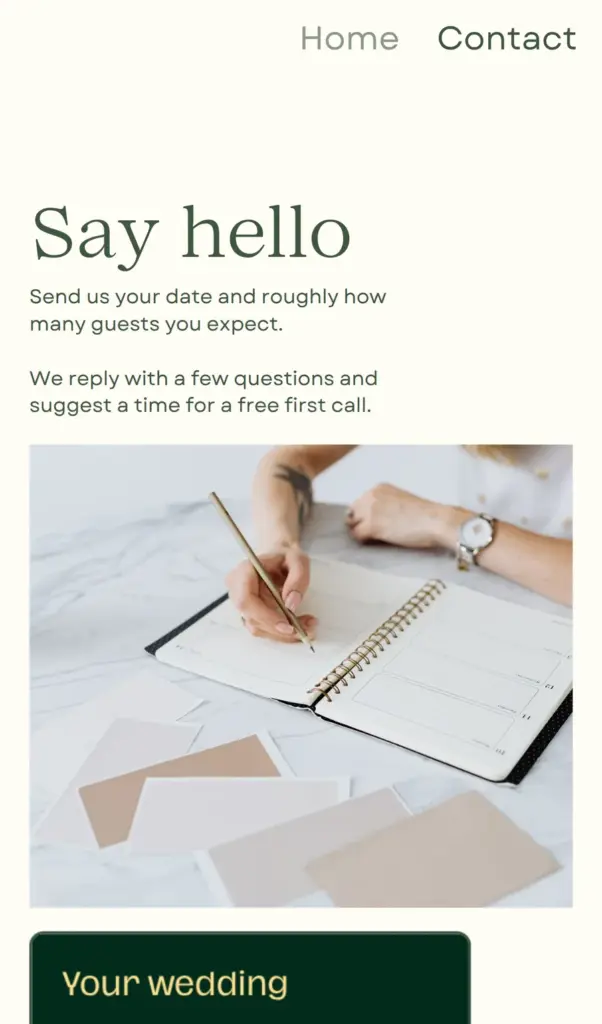
Open the wedding planner site. It is a demo, so please do not send personal information through its form.
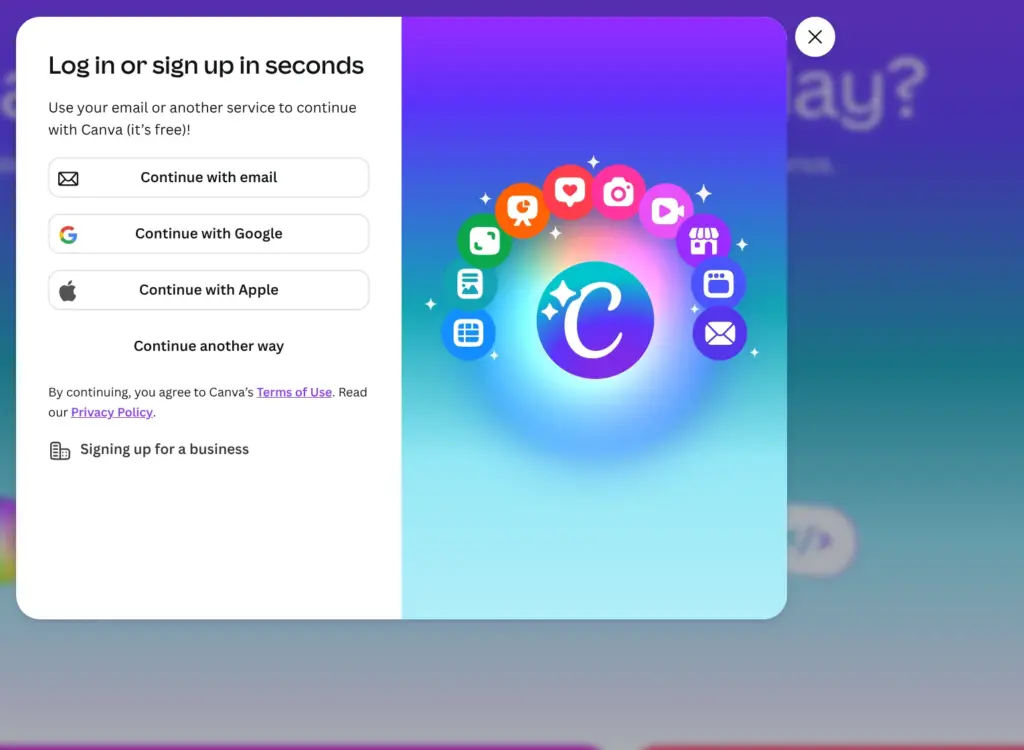
Canva only needs an email address. Instead of a password, it sent me a six-digit code by email. It also suggested a name made from my email address.
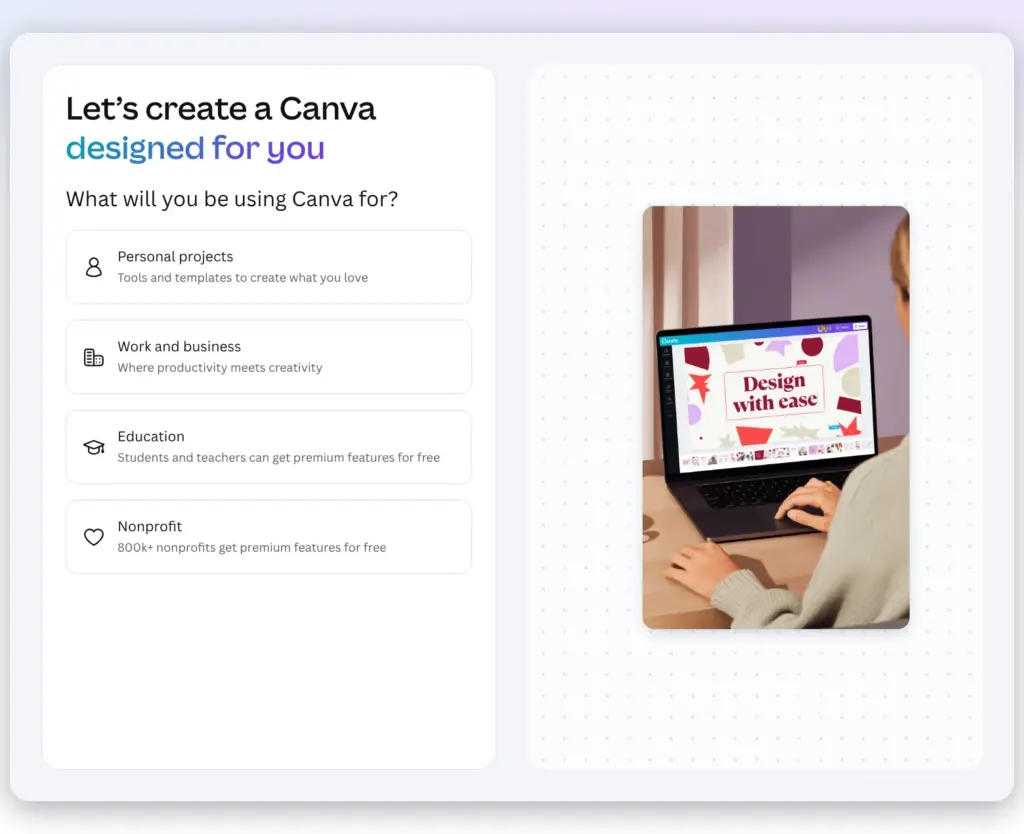
Then it asked what I would use Canva for and whether I wanted tips and product news by email. I picked work and business and said no to the emails. Canva then opened on its templates.
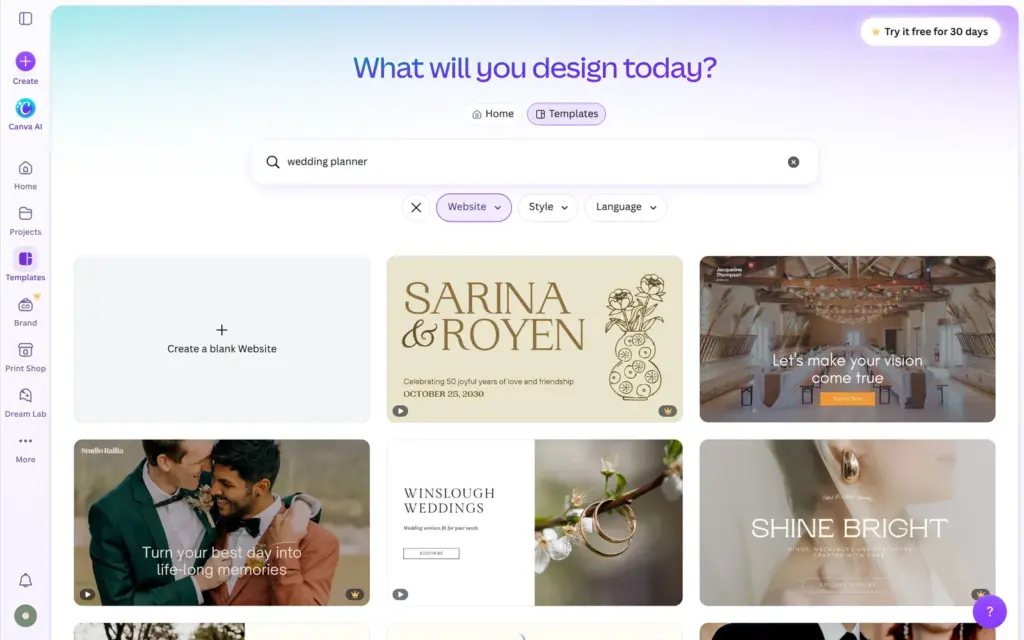
Under Templates, the Website type shows only website templates. My search for wedding planner found templates for planners and photographers, and many more for couples who want a site for their own wedding. A lot of them carry a small crown, which means they need Pro.
I picked a free one made for a wedding planning business. It opened in the editor as one long page with six sections. In Canva, a website page is a stack of sections, a bit like slides on top of each other. Each section has a small toolbar on its left, for example to move it up or delete it.
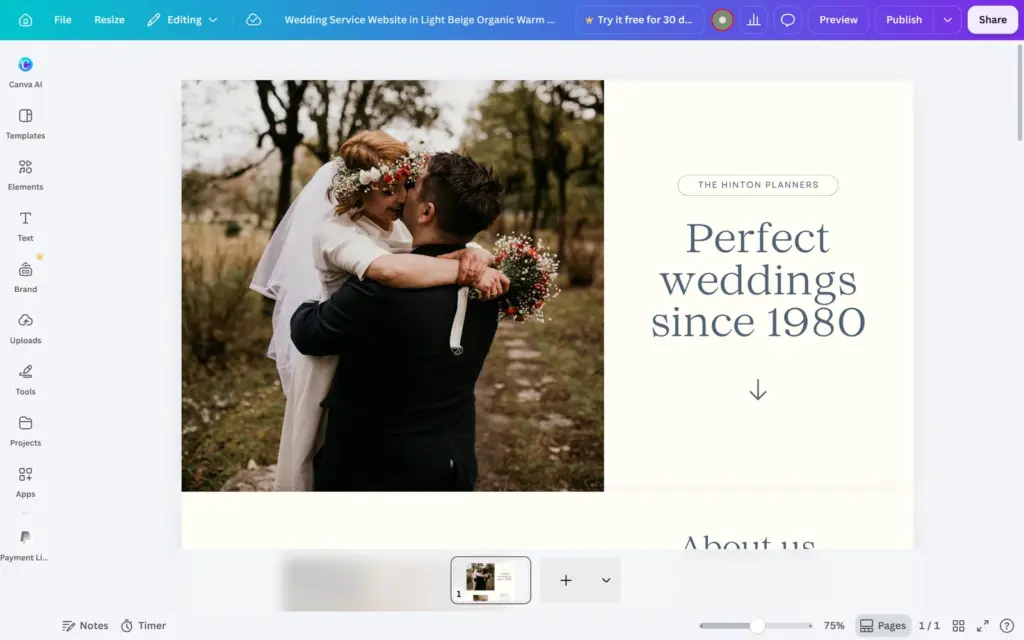
Text works like in any Canva design. You double-click it and type. A text box grows when the text gets longer, but it doesn't push other things down. My first headline needed four lines and ran into the arrow below it, so I shortened it.
The template is full of sample content for a made-up agency called The Hinton Planners. Its two testimonials have placeholder quotes and names. I deleted them, because a made-up business has no real clients. At the bottom of the page, the contact details were still the template's sample data.
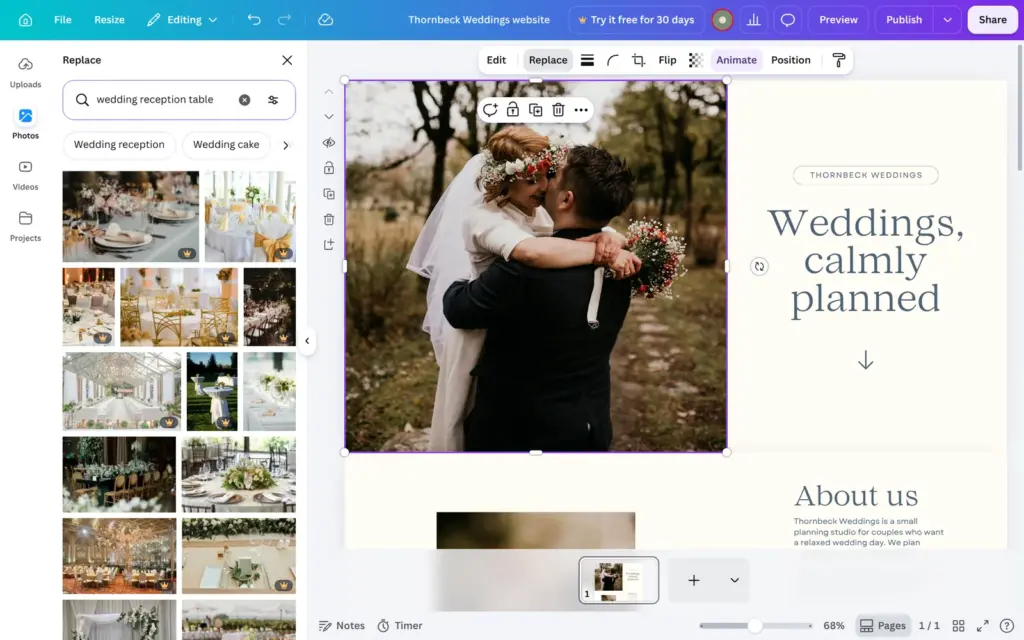
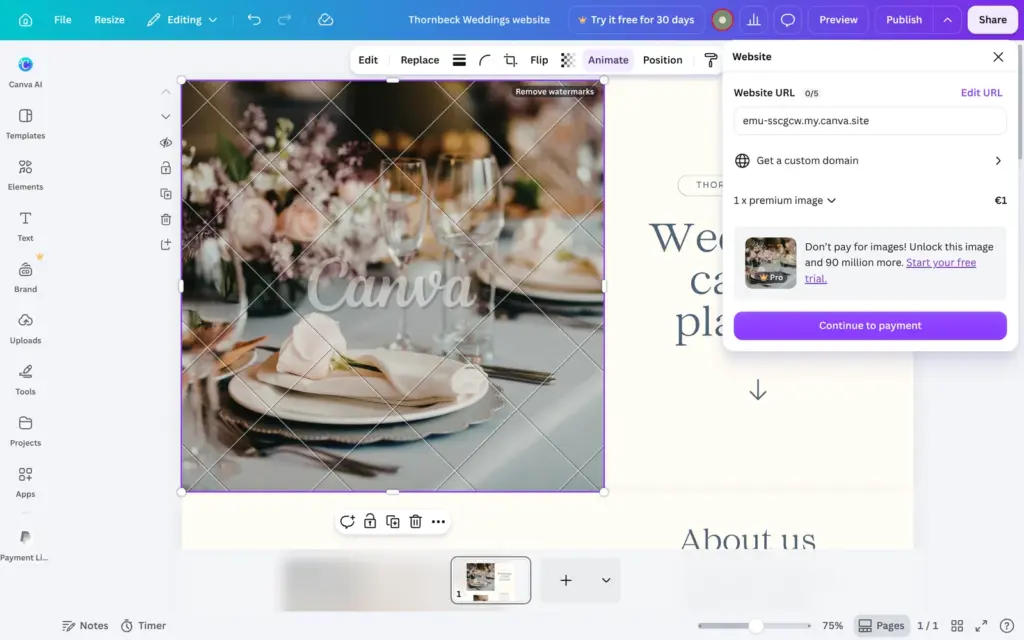
To change a photo, you select it and click Replace. That opens a search in Canva's library. For "wedding reception table", most results had a crown. When I clicked one, it went in with a large Canva watermark. Publish then asked for €1 for this photo or offered a Pro trial. Photos without a crown are free and work normally.
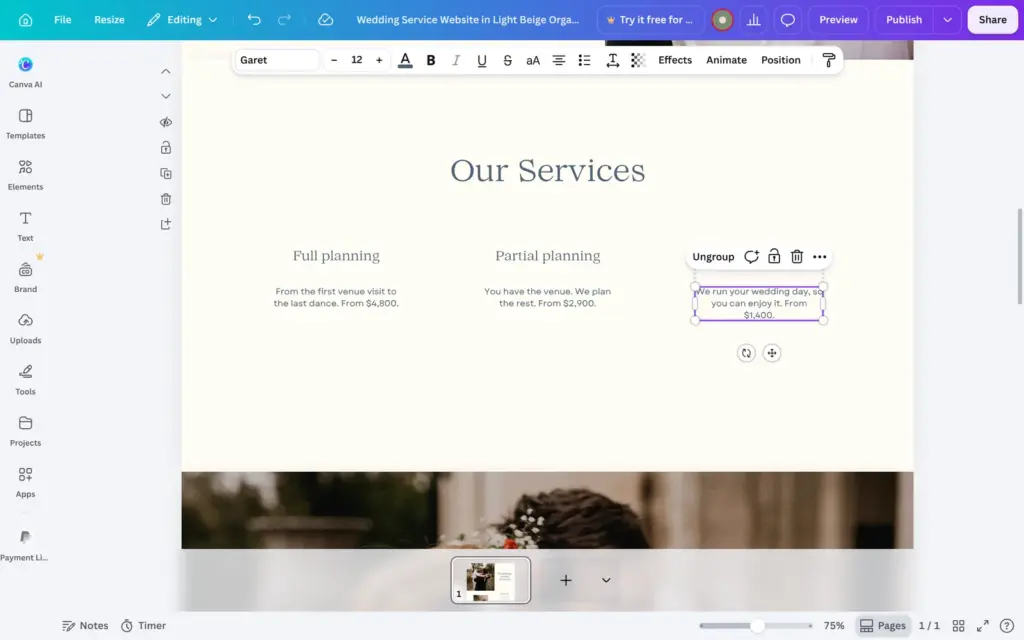
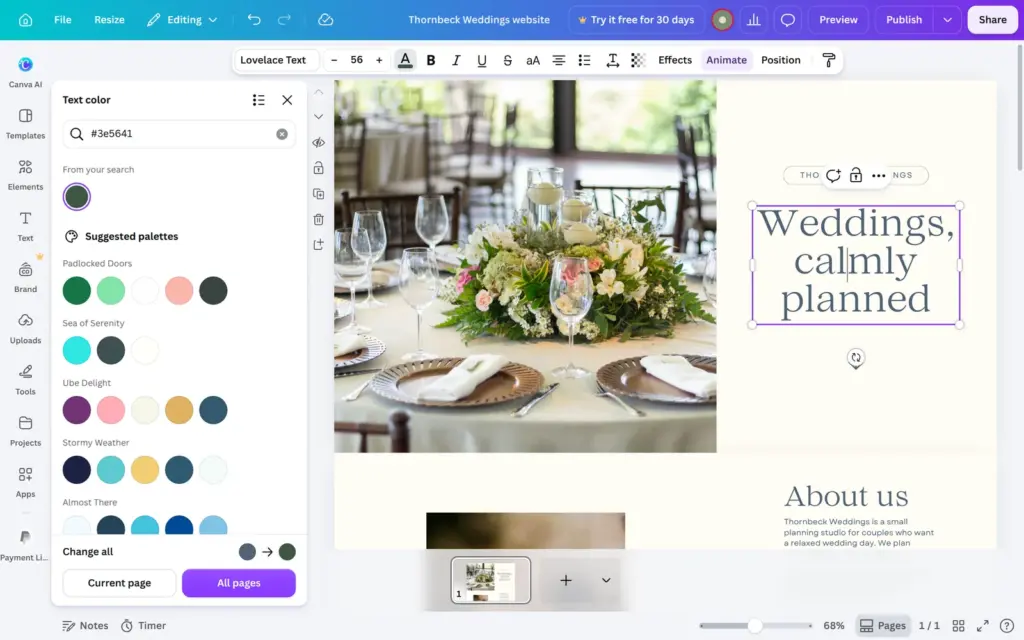
The template uses a slate blue for all headings. When you pick a new color for one heading, Canva offers "Change all" for the current page or all pages. I chose all pages, and every text in that blue turned green.
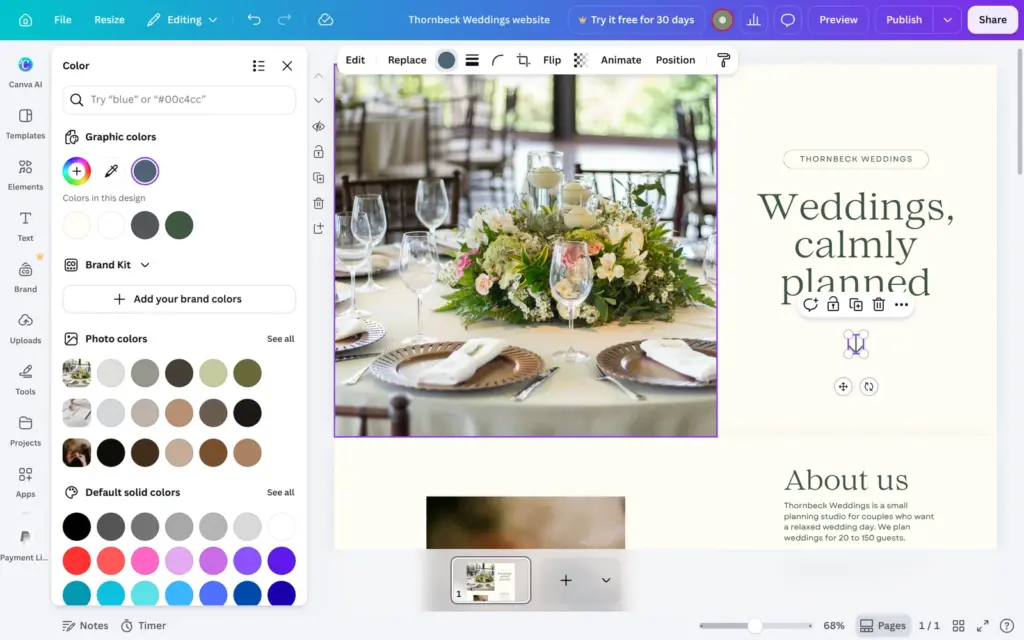
The dark contact section and the arrow under the headline still had their old colors. The section had a slightly different gray, and the arrow is a graphic. Change all only changed the text. I fixed both by hand.
For the contact page, I duplicated the home page and deleted the sections it didn't need. This way the new page has the same fonts and colors.
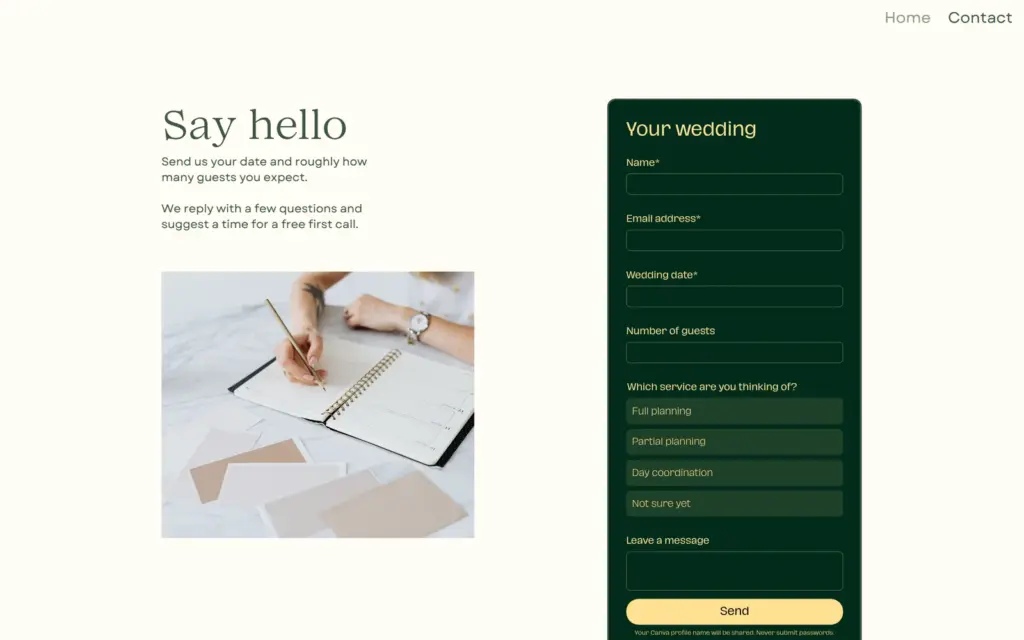
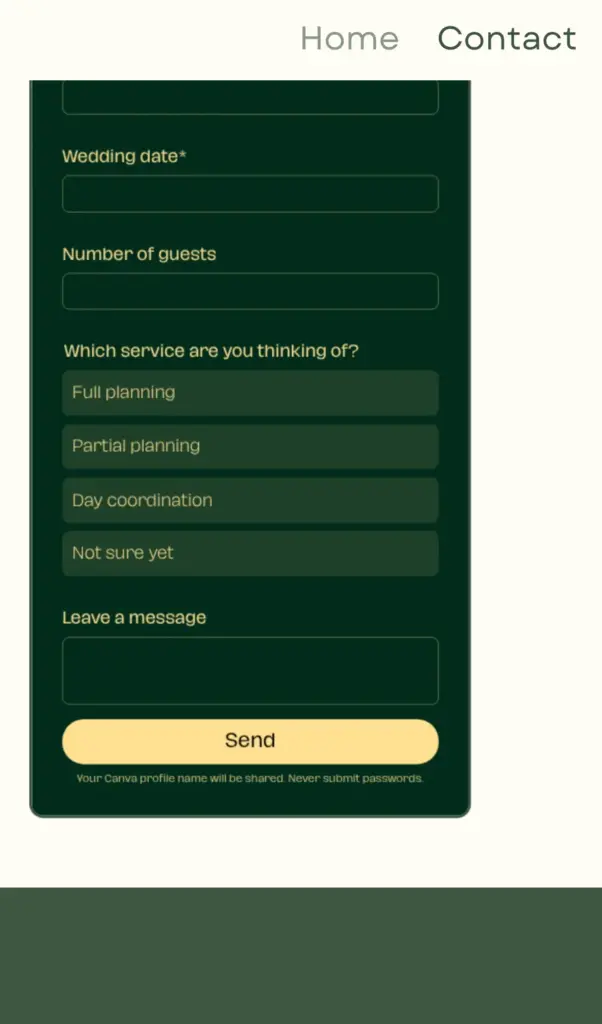
Canva has its own forms under Elements, and I started with the ready-made contact form. It has three fields. I added questions for the wedding date and the number of guests. A multiple-choice question asks which service the couple wants. Canva has ten question types. I found no date field and no phone field, so the date is a short answer. A form can have up to 10 questions.
Each question has a small menu to make it required or move it up and down. In the form settings you can change the heading and the button text. Email notifications are on by default. In the answers, every sender shows up as Anonymous, so the form needs its own field for a name.
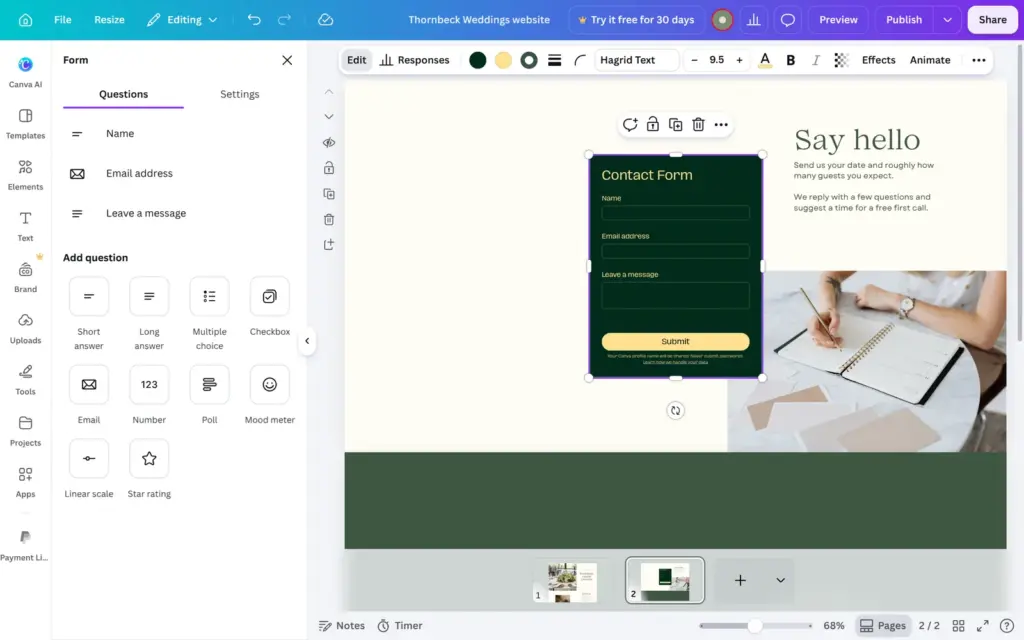
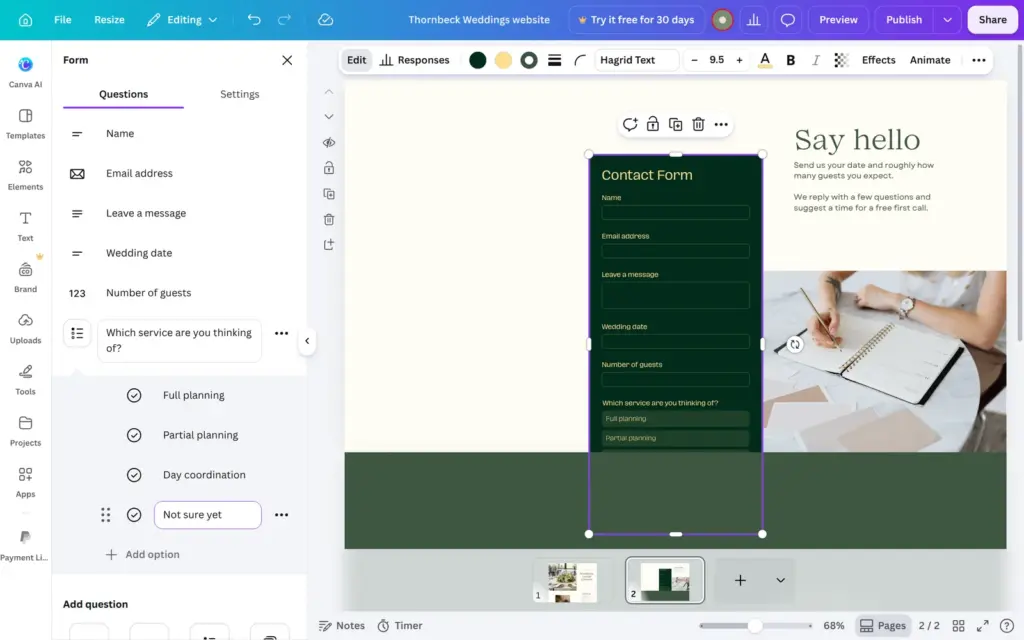
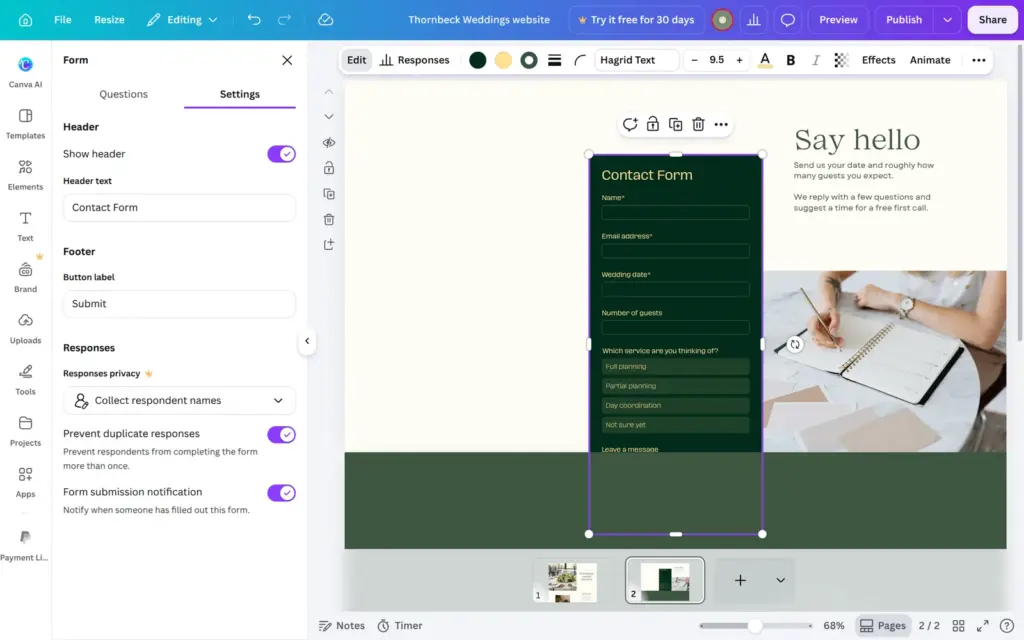
The form is an element on the page, and it doesn't make its section taller. Mine was longer than the section, so the button was cut off until I pulled the section down.
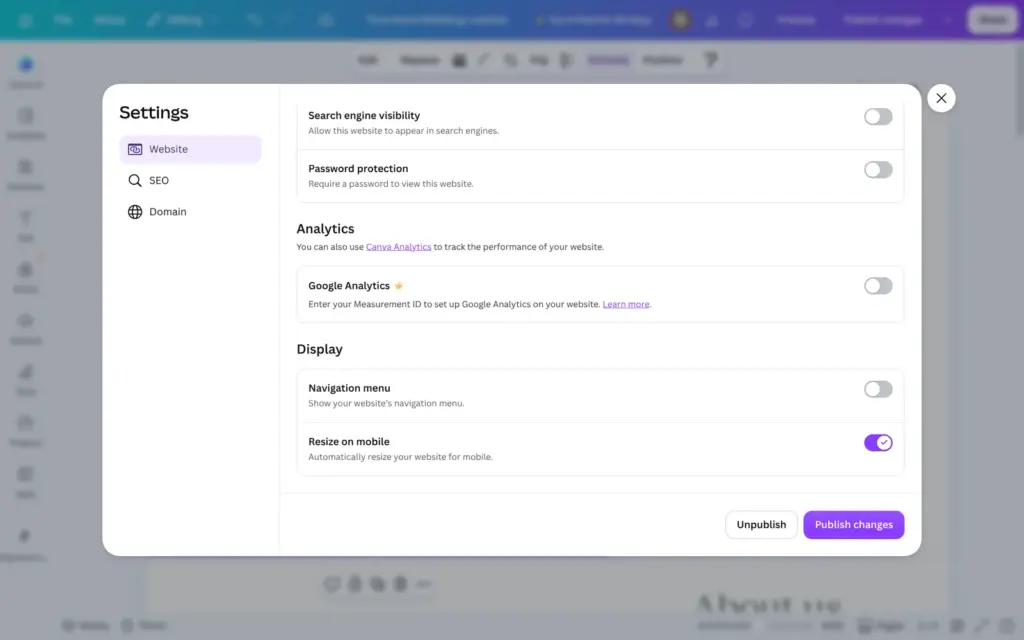
Each page has a title field above it in the editor, and Canva uses these titles for the menu. Canva's help center says you can add the menu through the quick actions. That did nothing in my design. In the end I found the switch for the menu in the website settings, and it was off.
To get to those settings, I clicked Publish. That click published the unfinished site right away, and the settings only opened after it. Preview shows the site without publishing it.
With the switch on, a menu bar appeared on every page. It has its own settings for the menu items and a logo. I switched off the placeholder logo and made the menu text bigger and green.
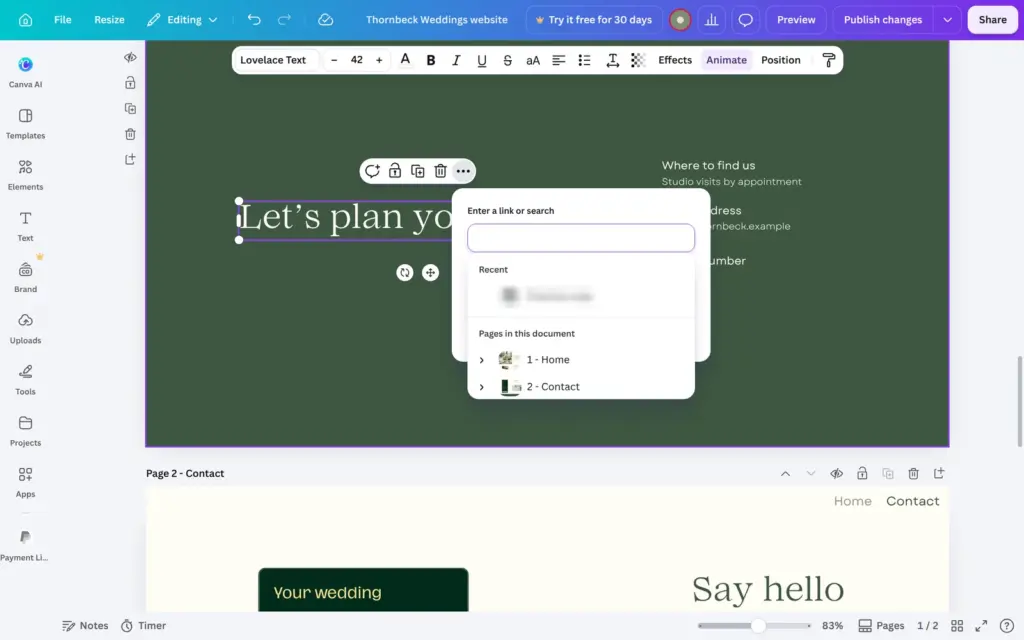
To link the heading at the bottom of the home page to the contact page, I selected it and used Link under the three-dot menu. Canva lists the pages of the site there.
Canva has no separate phone layout that you can edit. A setting called "Resize on mobile" is on by default, and the preview shows what phones get. On a phone, Canva puts the parts of each section below each other, from left to right.
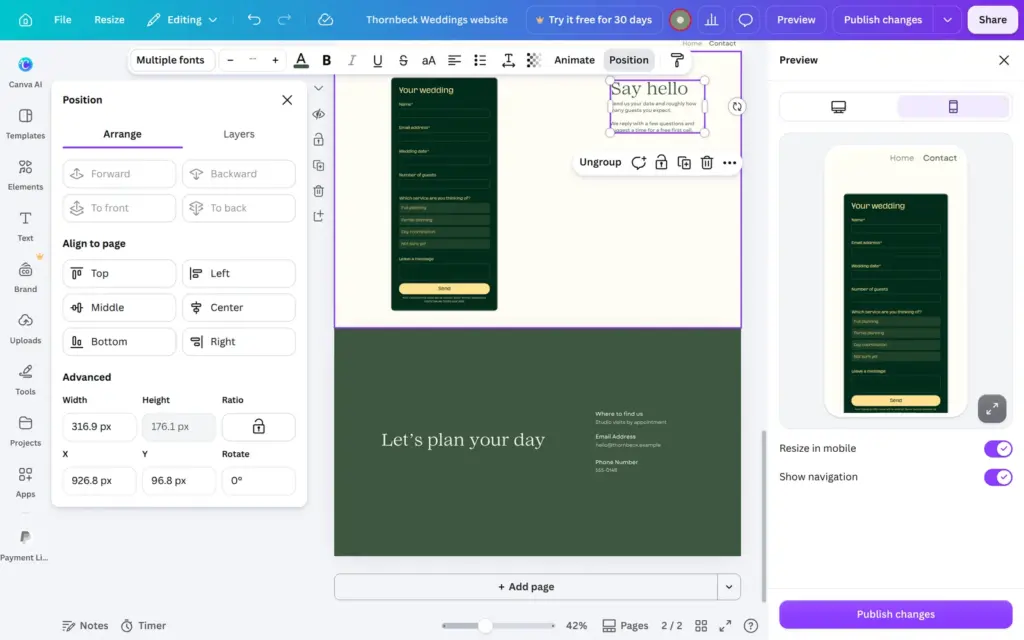
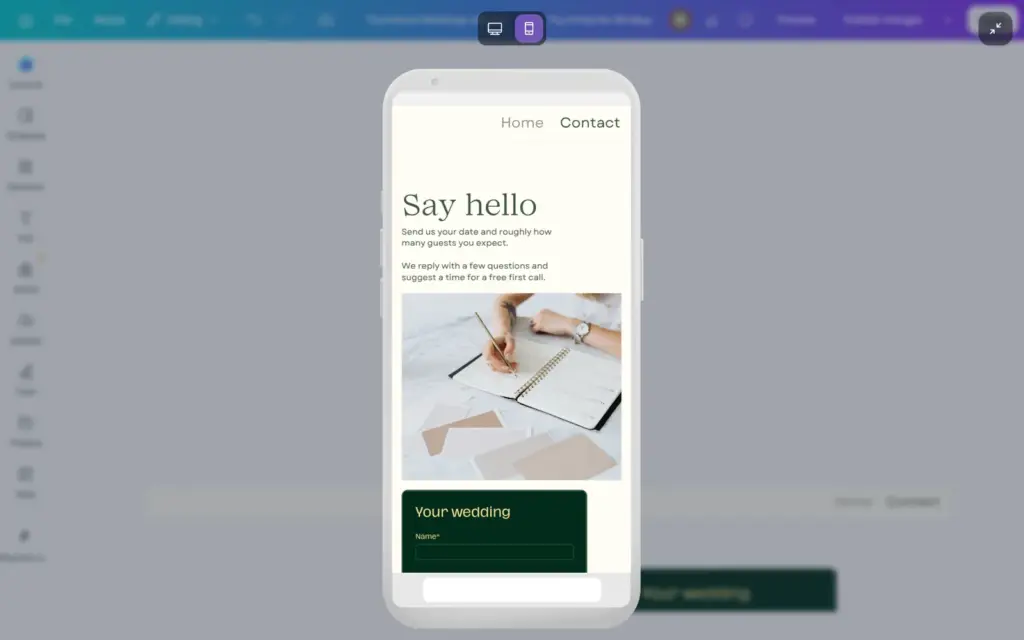
On my contact page, the form sat on the left and the text on the right. On a phone, the form came first and the short hello text only after it. To fix it, I swapped the sides on the desktop version. The Position panel helped here, because it takes exact numbers for each element.
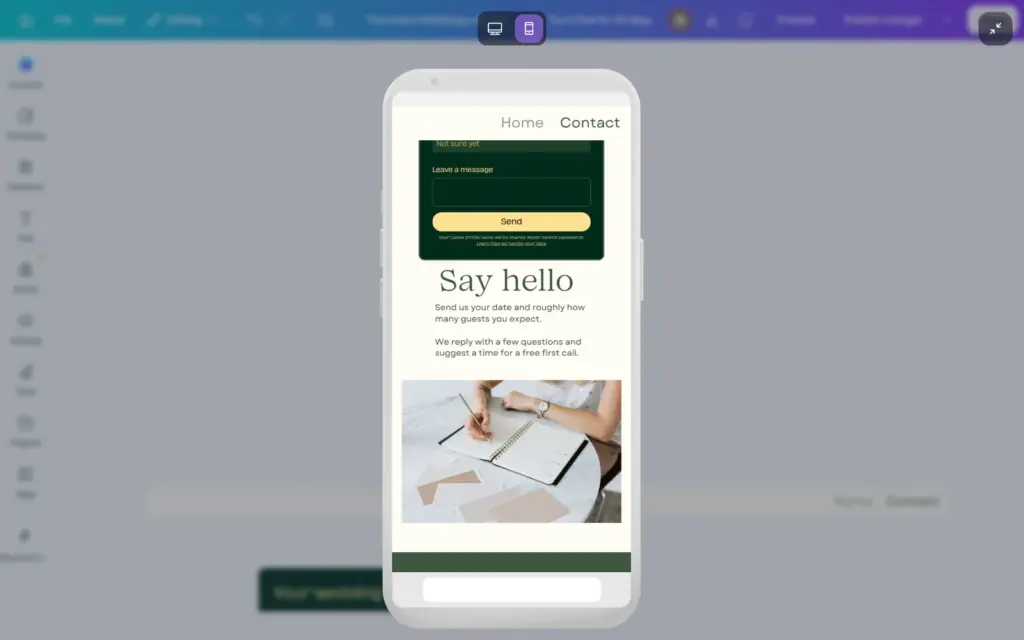
At the bottom of each page, phones and computers show a black bar with "Designed with Canva" and links to Canva's terms and privacy policy. On the free plan you can't remove it.
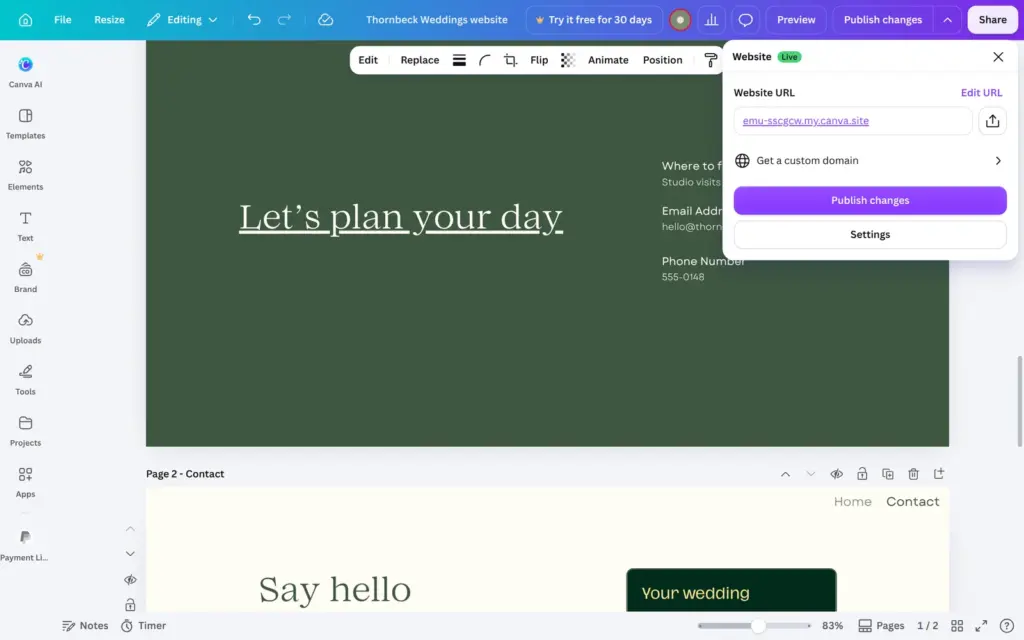
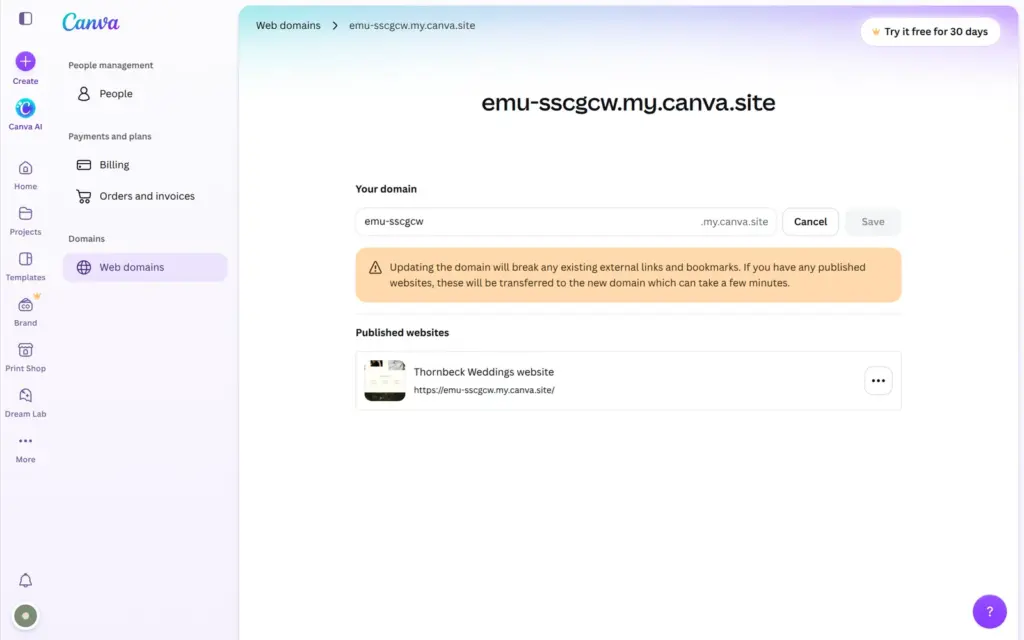
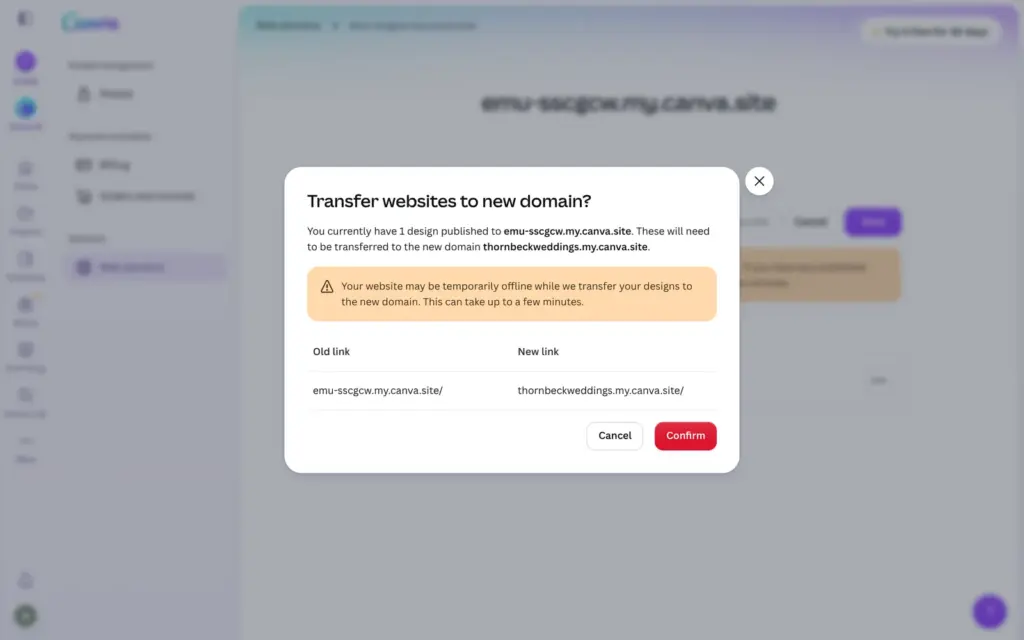
Every Canva account gets one free address with a random name. Mine was emu-sscgcw.my.canva.site. Edit URL in the publish panel only adds a path after it. To change the name itself, you go to Settings and Web domains in your account. I renamed it to thornbeckweddings.my.canva.site. Canva moved the site, and the old address stopped working right away.
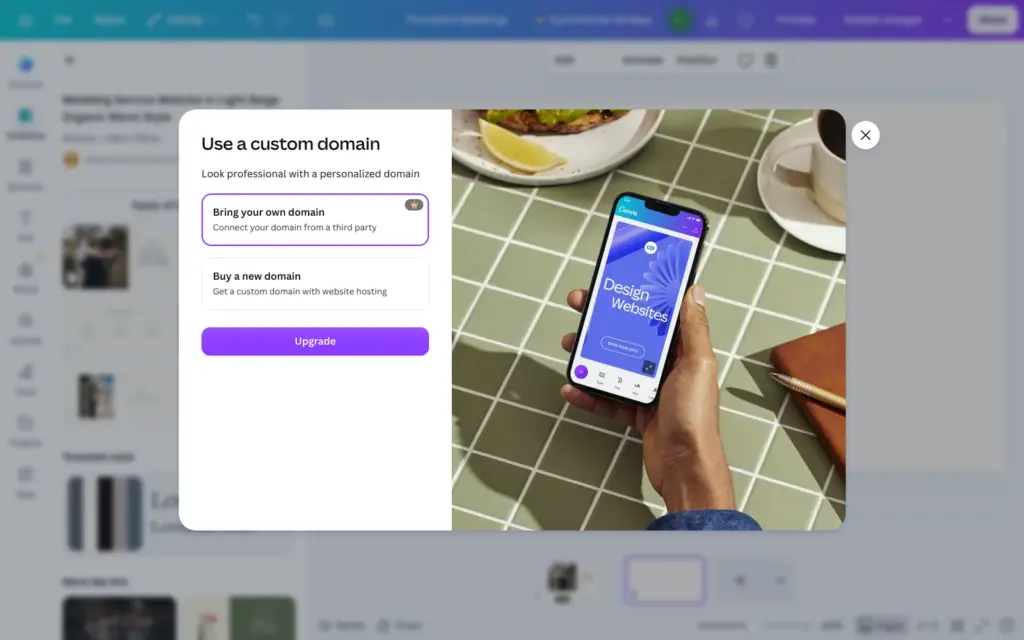
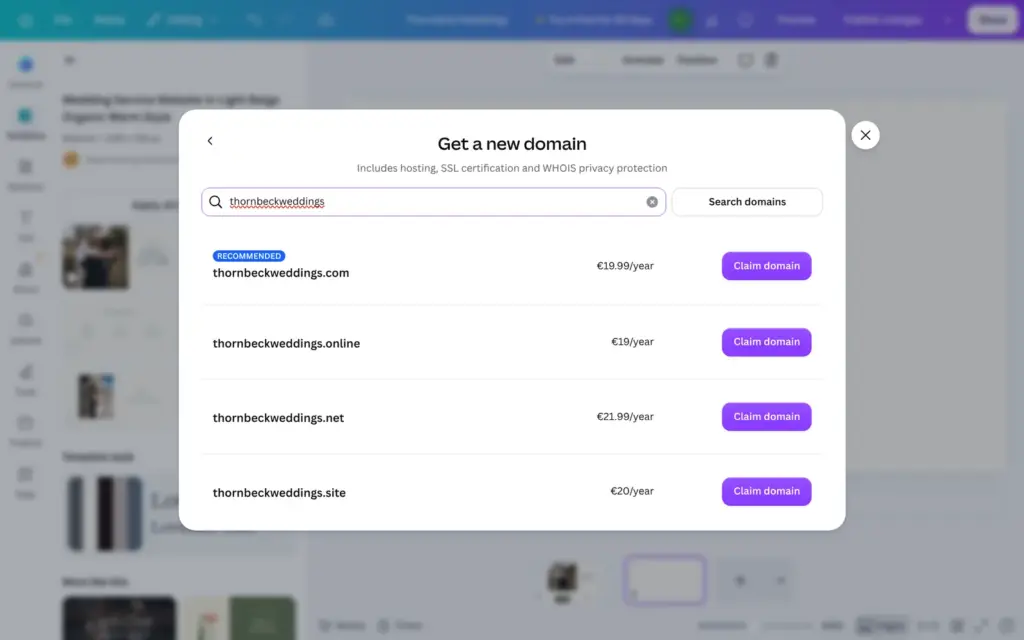
The free plan allows five live websites on this address. A domain you already own needs Pro. Buying a new domain through Canva was open to my free account, and a .com domain cost €19.99 a year. I didn't buy one. Canva's help center says that a custom domain needs a paid plan, so I can't say whether a bought domain works without Pro.
| Domain ending | Price a year |
|---|---|
| .com | €19.99 |
| .online | €19 |
| .site | €20 |
| .net | €21.99 |
| .org | €22.99 |
| .store | €24 |
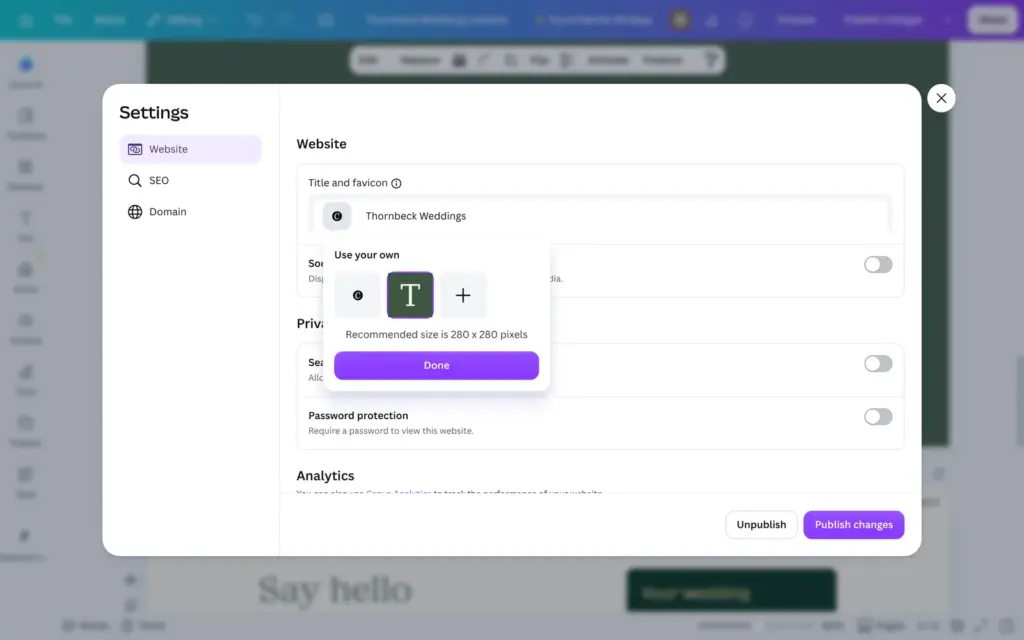
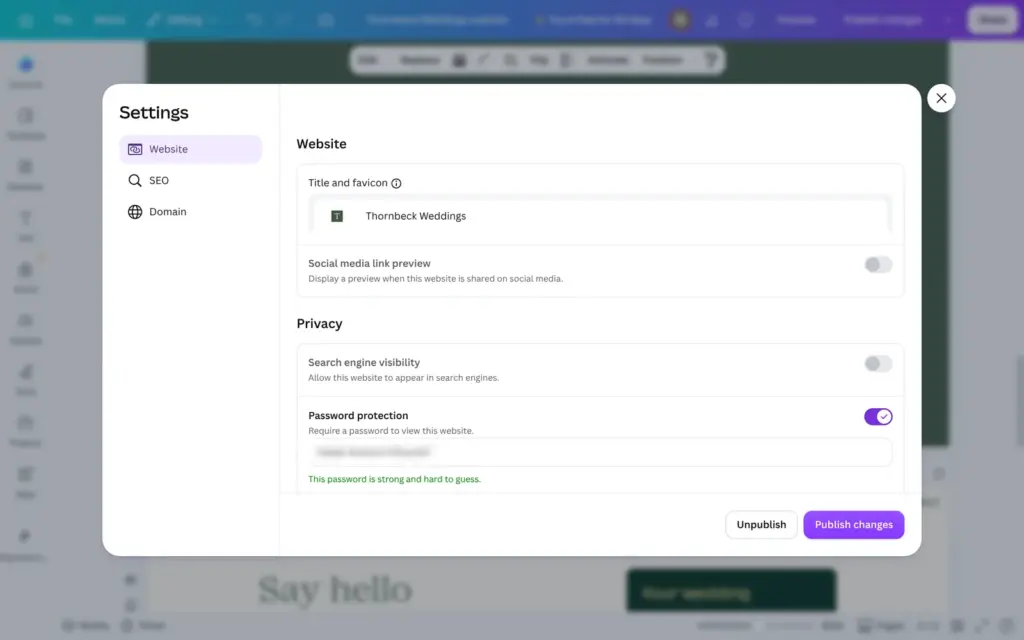
The website settings also hold the site title and the small icon in the browser tab. Uploading my own icon worked on the free plan. Password protection also isn't locked on the free plan, and Canva suggests a password. Connecting Google Analytics needs Pro.
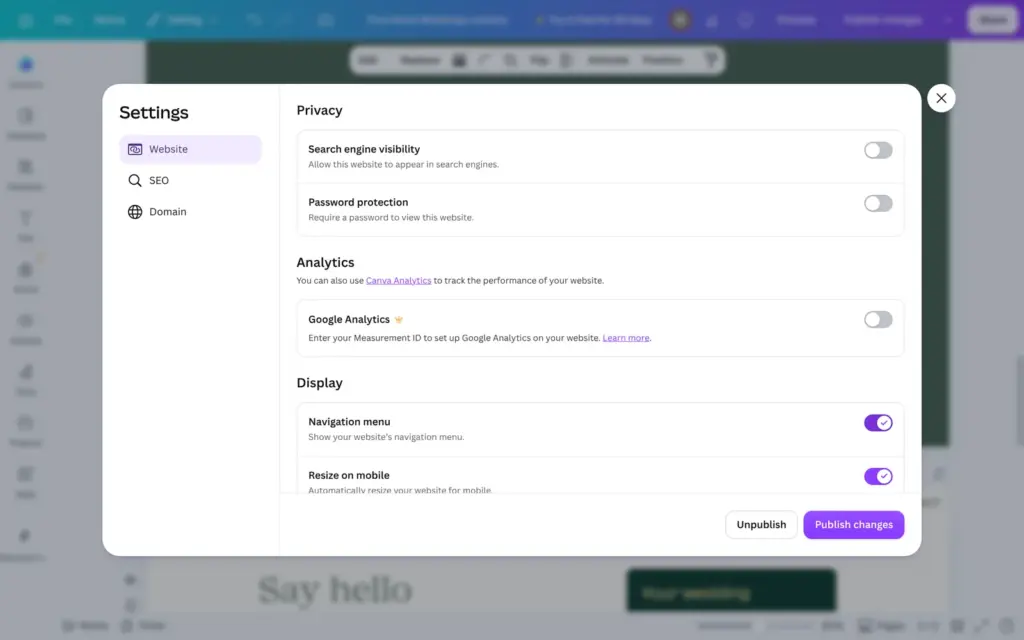
Search engine visibility is off by default, and the live site told search engines not to index it. A real business has to switch it on. My made-up planner stays hidden.
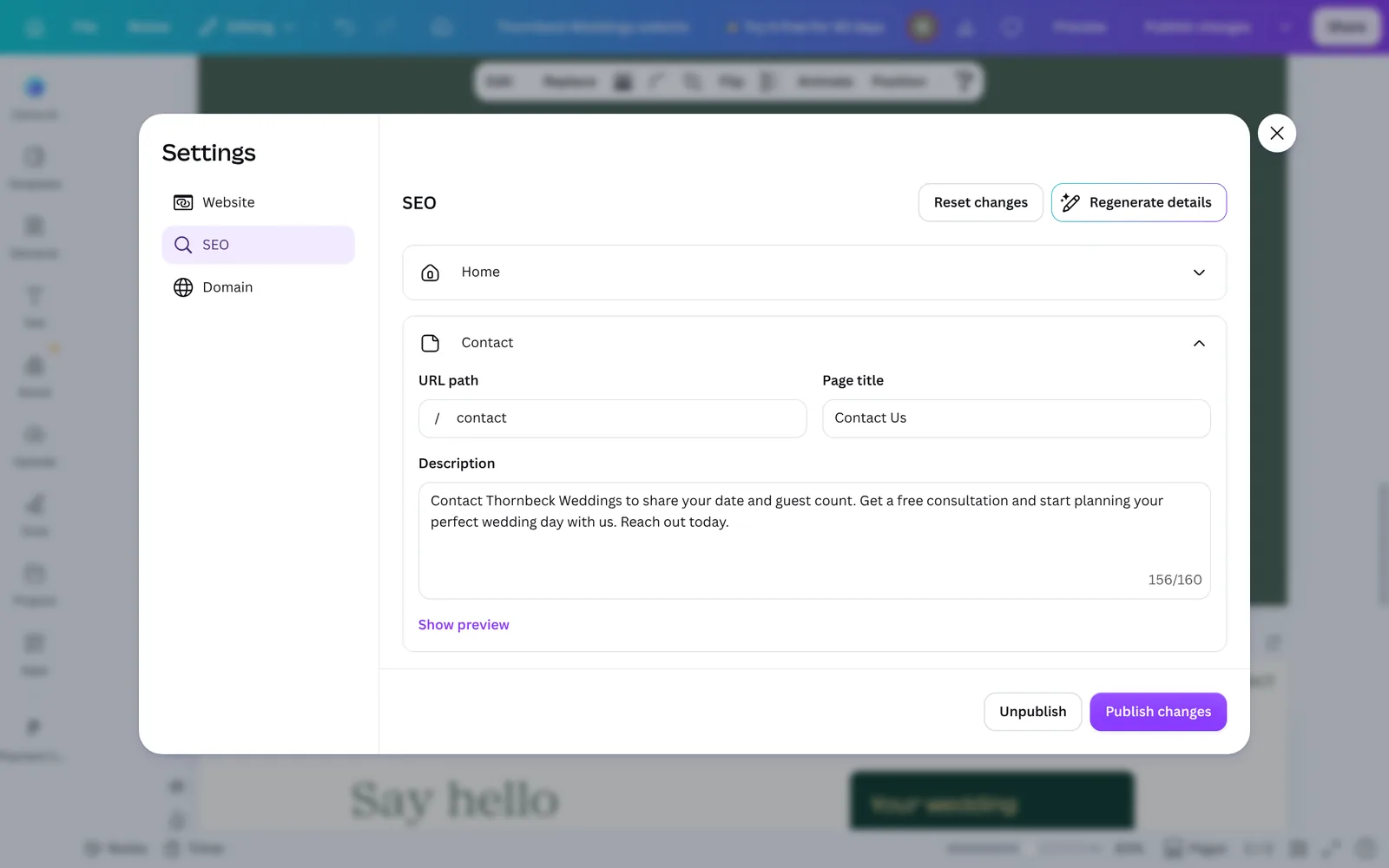
Each page gets its own title and description. "Generate details" lets Canva's AI write them. The descriptions were usable, but the home page got the title "About Us" and the contact page "Contact Us". I wrote my own titles.
After I published, the live pages still showed the old titles. They only changed after I published a second time. I found no sitemap and no robots.txt file on the free address.
On the published site, the menu and the link from the home page to the contact page worked on a computer and a phone. The form appears a moment after the page, because Canva loads it separately.
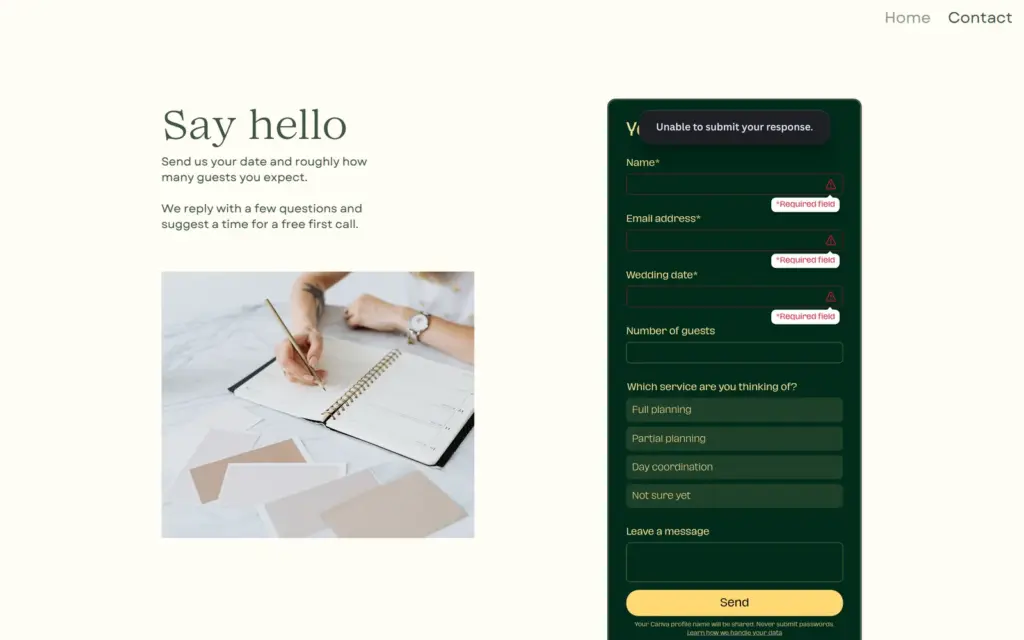
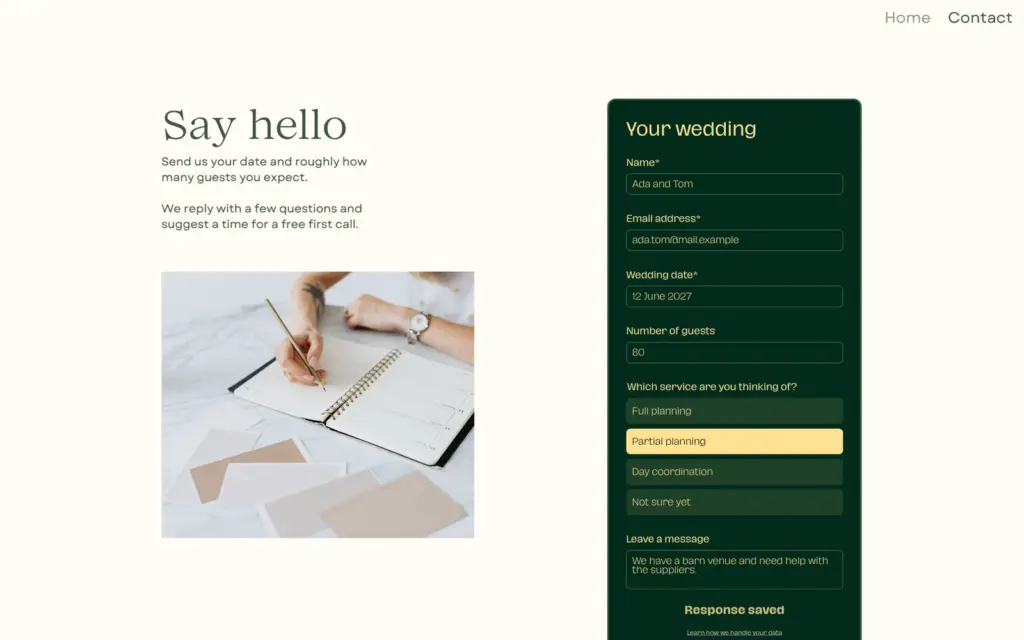
When I sent the form empty, Canva marked the three required fields and said it couldn't submit the response. My test message as a made-up couple showed "Response saved".
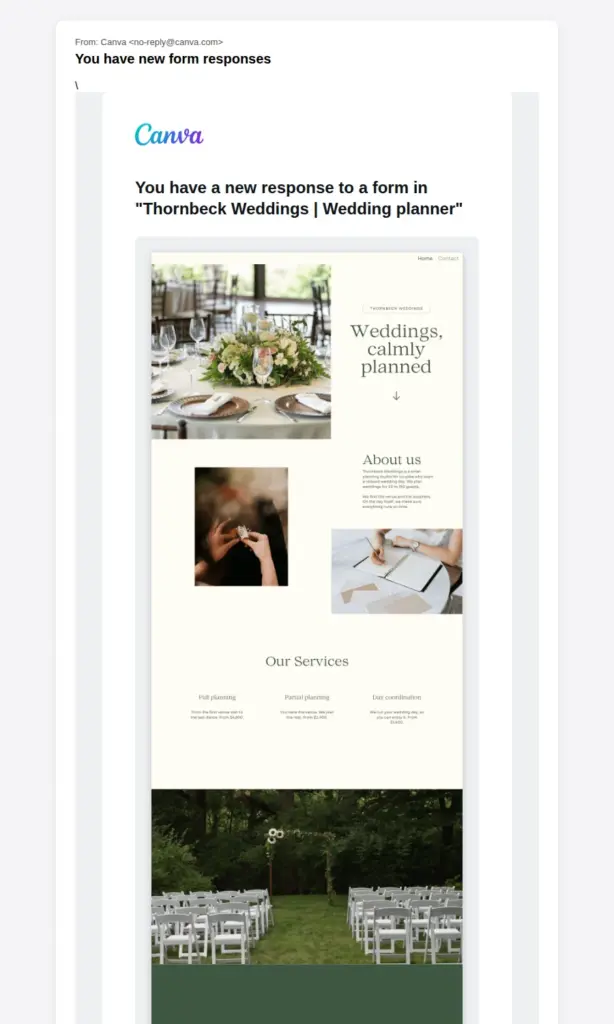
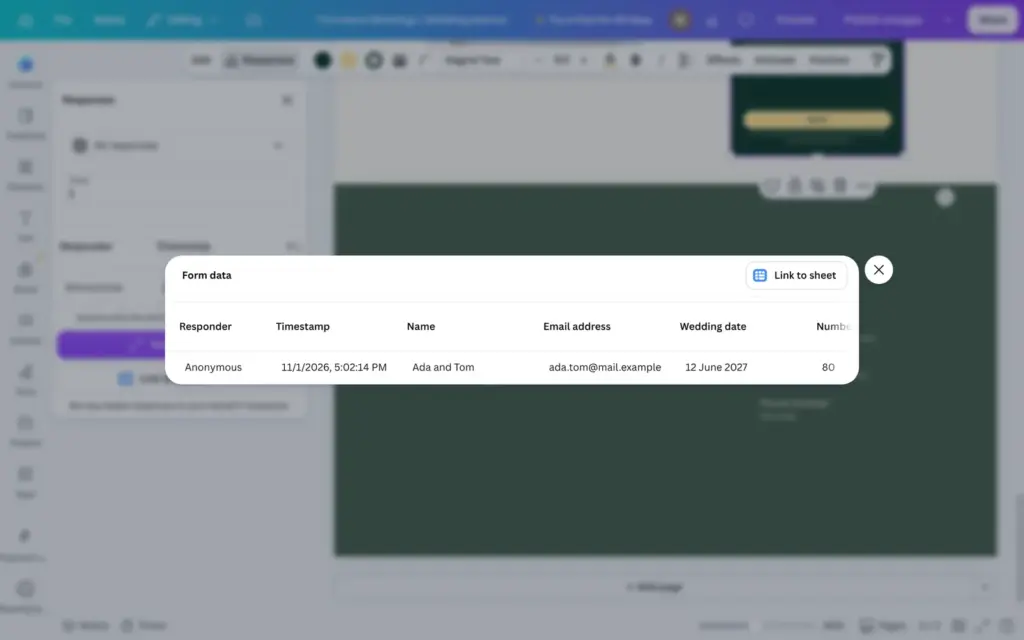
The notification email came from no-reply@canva.com ten minutes later. It only said that there was a new response to a form in my design, with a picture of the design and a button to open Canva. The answers are in the editor. You select the form and open Responses, where a table shows every answer. Canva can also link the answers to one of its spreadsheets.
Only the owner of the design gets these emails, according to Canva's help center. You can't add a second address, for example an assistant's.
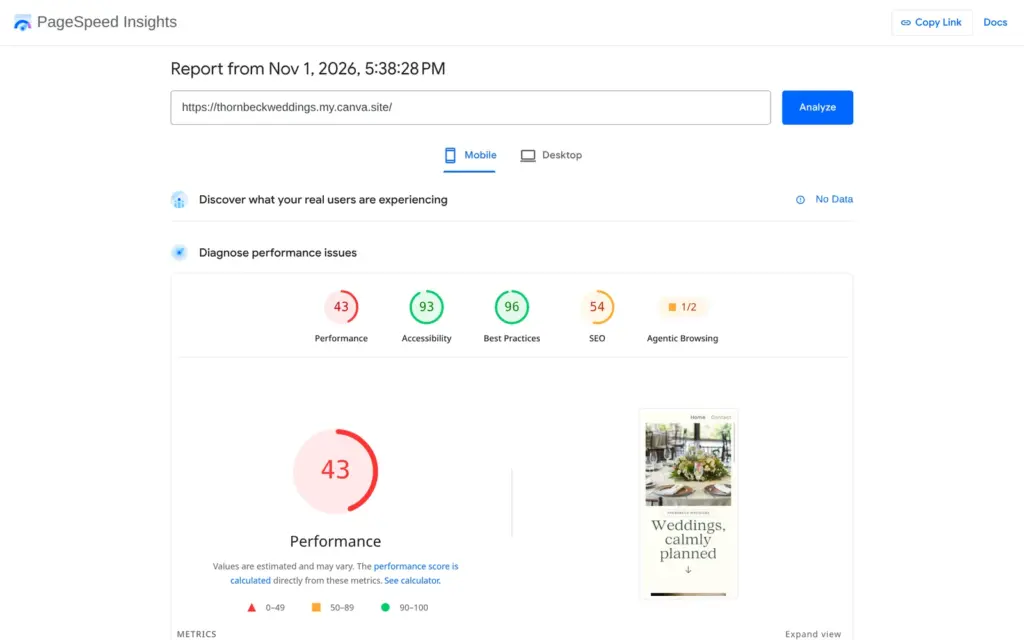
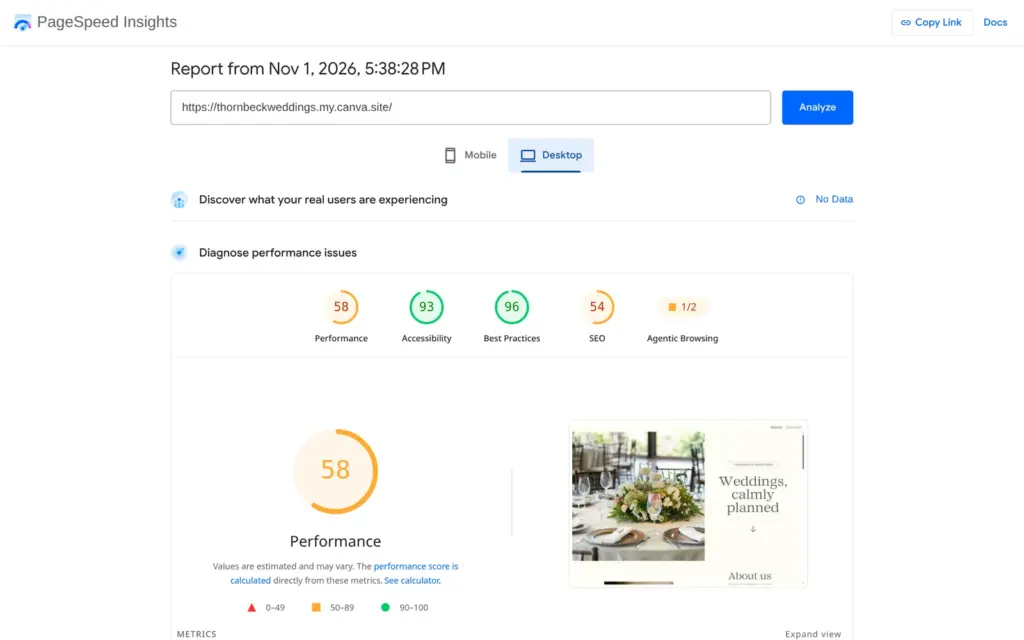
I ran the published home page through Google's PageSpeed Insights once. On a simulated phone it scored 43 out of 100. The first content appeared after 7.7 seconds and the largest image after 12.8 seconds. On desktop it scored 58, and the largest image appeared after 2.2 seconds.
The report found about 2.7 MB of downloads on the home page, and about 800 KB of it was JavaScript that the page didn't use. It also listed images without a description for screen readers. Canva has a field for that text in each element's menu, and I hadn't filled it in.
Canva has no online shop, so you can't add products or take orders on the site. Canva's own page about free hosting says that e-commerce isn't supported.
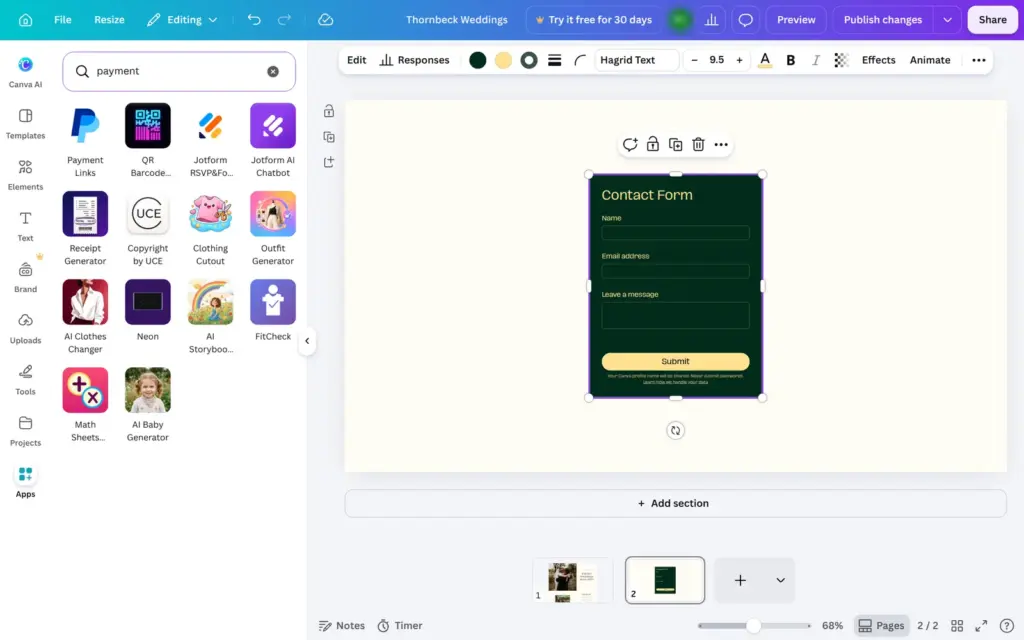
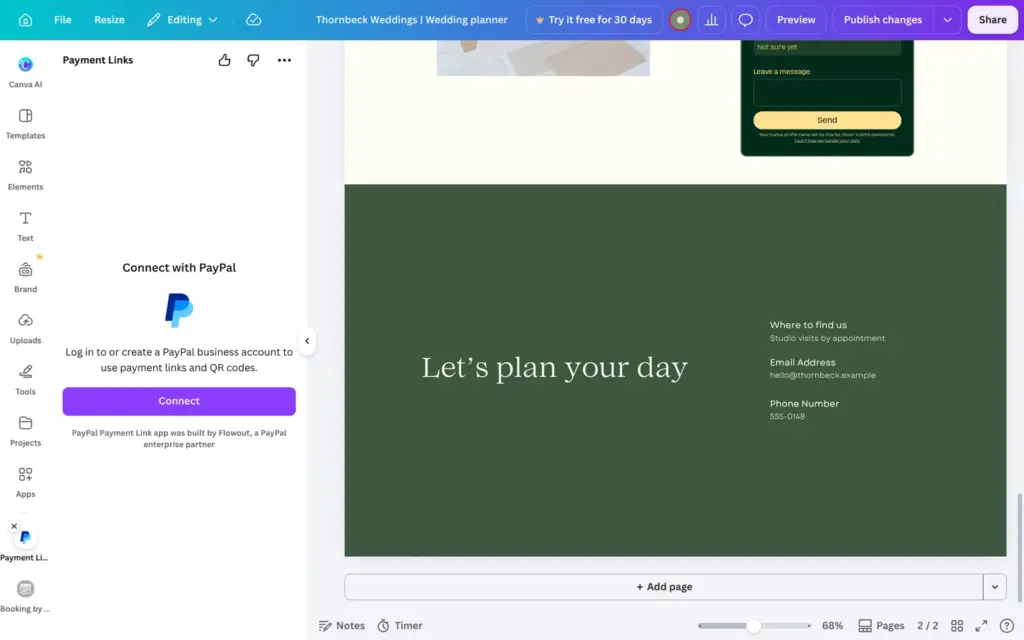
The only payment option I found inside Canva is an app. In the Apps panel, a search for "payment" brings up Payment Links, made by PayPal. It asks you to log in to a PayPal business account or create one. According to Canva, the app then makes a payment link or a QR code for a product or service, and buyers pay on PayPal's checkout page. I stopped at PayPal's sign-up page. I found no app for Stripe and no shop app.
Canva also has no booking calendar of its own. For a free first call with couples, the Apps panel has Booking by Glowful, an app by another company. It created a booking widget in my design right away. Its booking page came with a 30 minute call, but to publish it, Glowful asked me to sign in with a Glowful account.
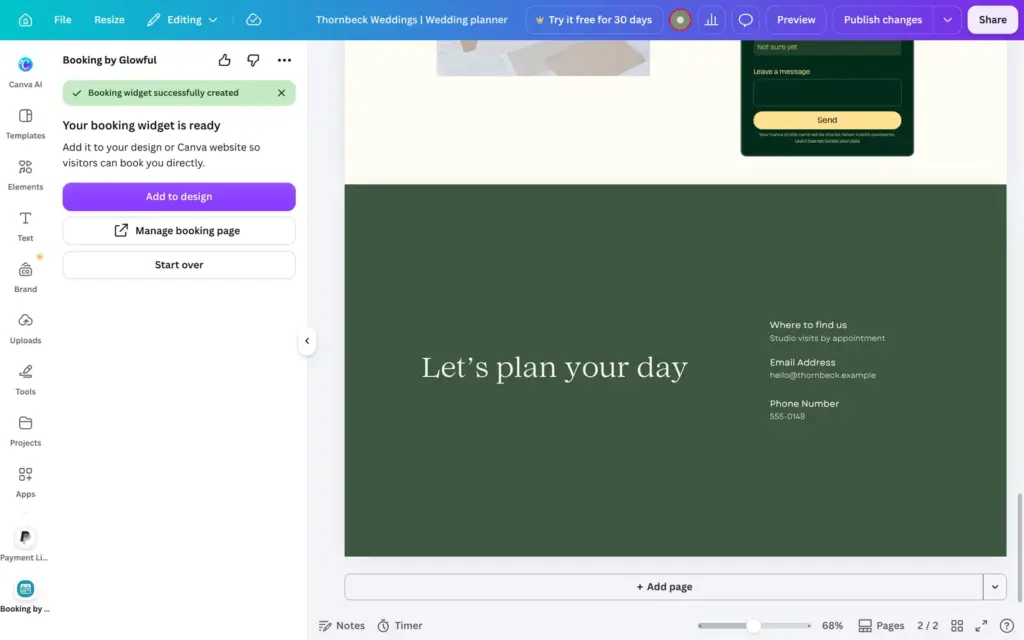
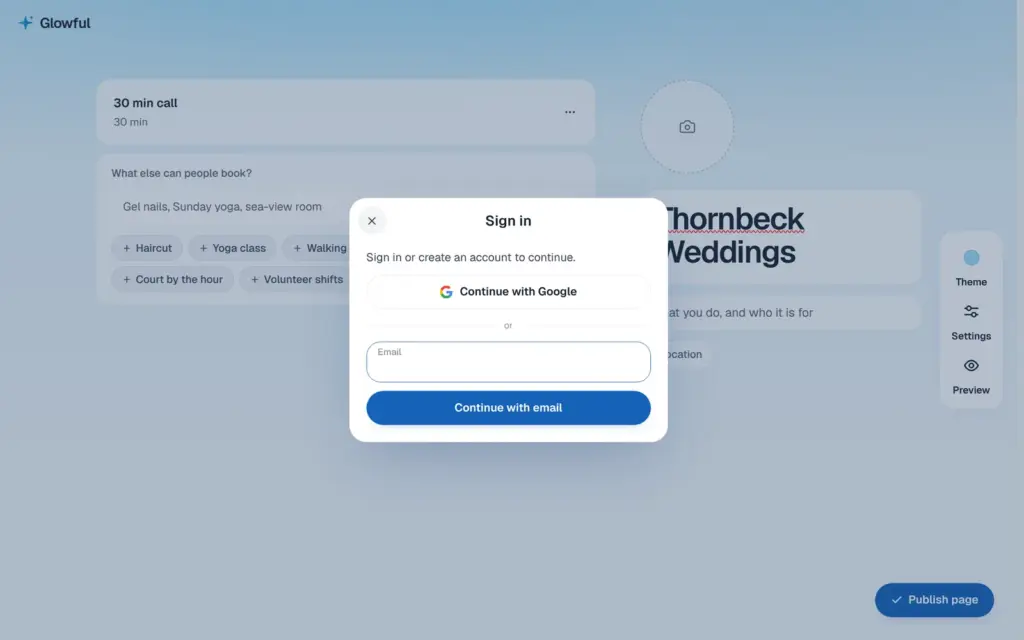
For the wedding planner, the contact form is the realistic way to take requests. If you need to sell or take paid bookings, a builder with a shop or a booking calendar fits better.
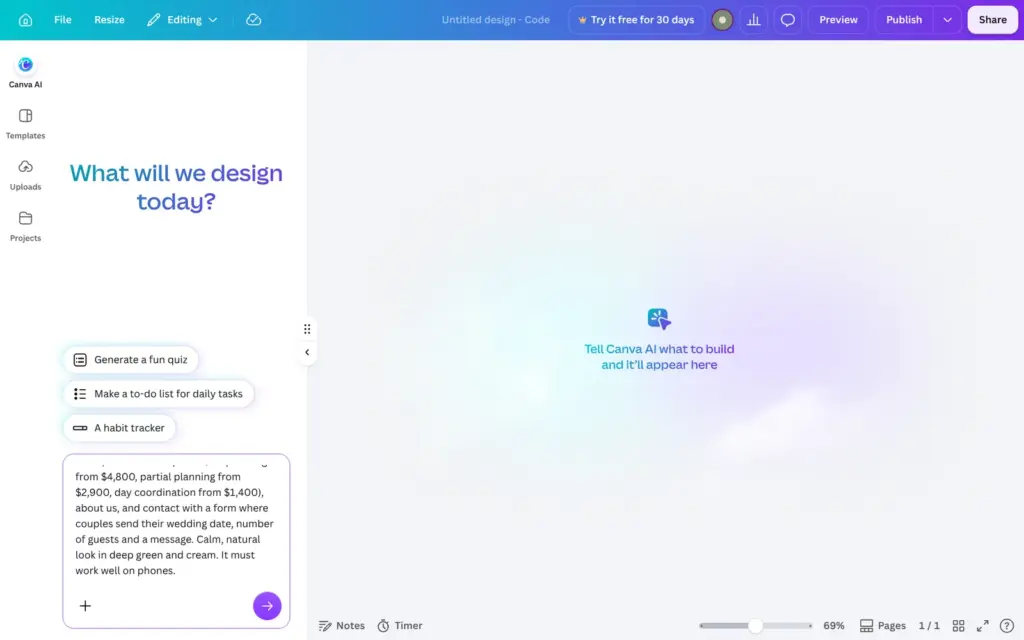
Canva Code is Canva's AI for websites and small apps, and it's on the free plan. On the home page, Code opens an empty design with a chat. I gave it this description:
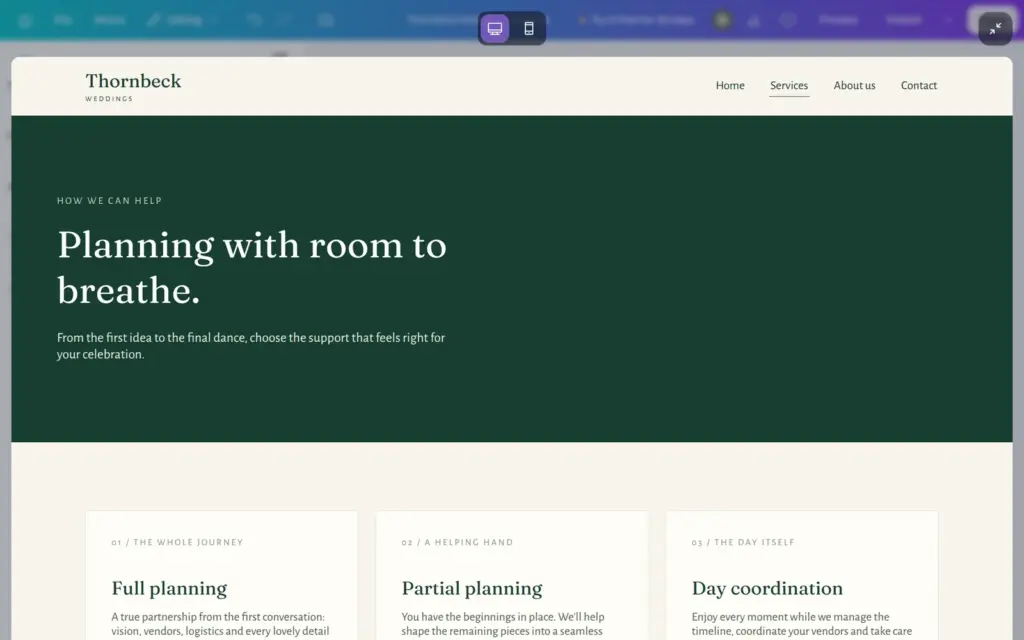
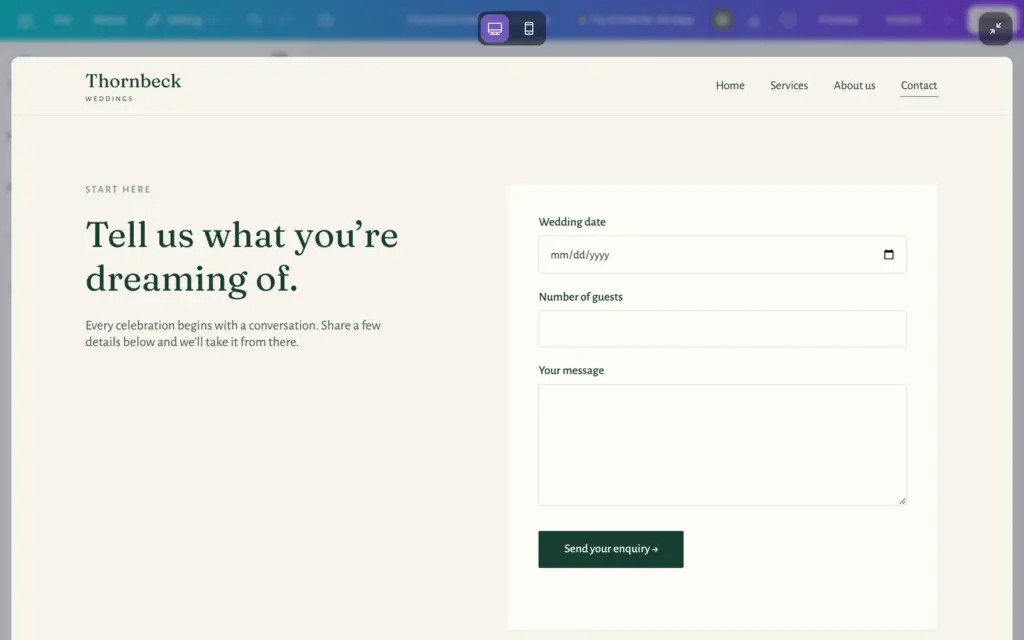
Build a website for Thornbeck Weddings, a small wedding planning studio. Pages: home, services with prices (full planning from $4,800, partial planning from $2,900, day coordination from $1,400), about us, and contact with a form where couples send their wedding date, number of guests and a message. Calm, natural look in deep green and cream. It must work well on phones.
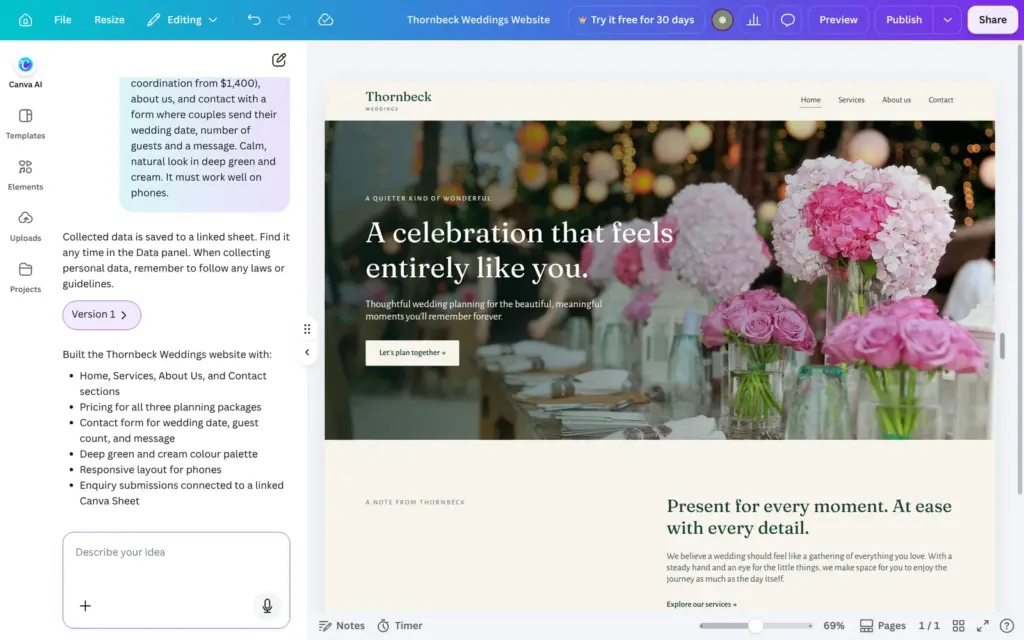
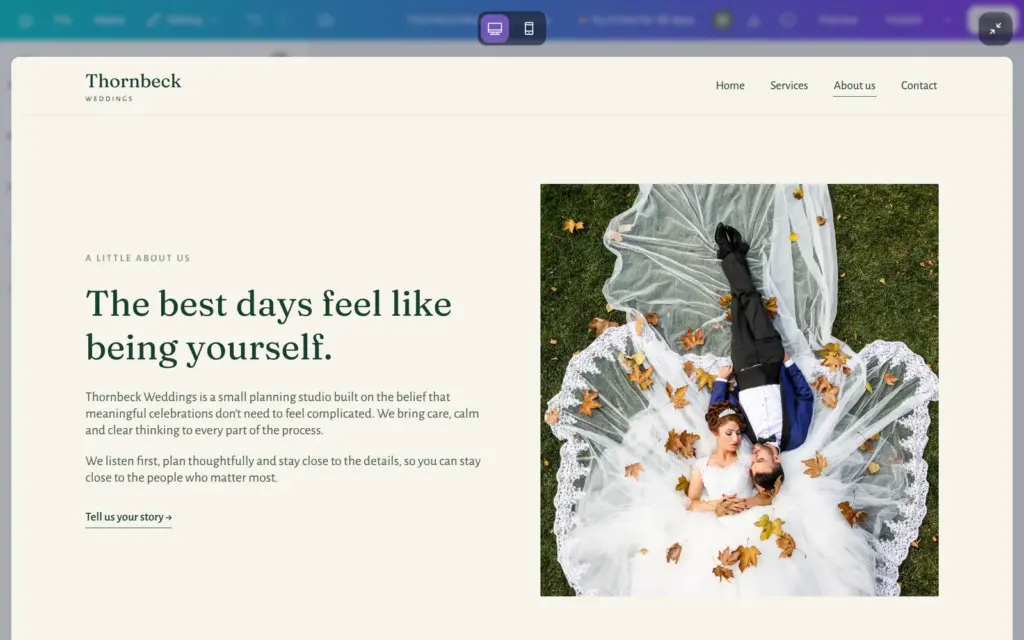
After about 45 seconds, version one was ready. It has four pages with a menu, and it uses the deep green and cream I asked for. The services page shows the three prices from my description. The about page has a photo and a short text without made-up team names or reviews. On phones, the menu becomes a button.
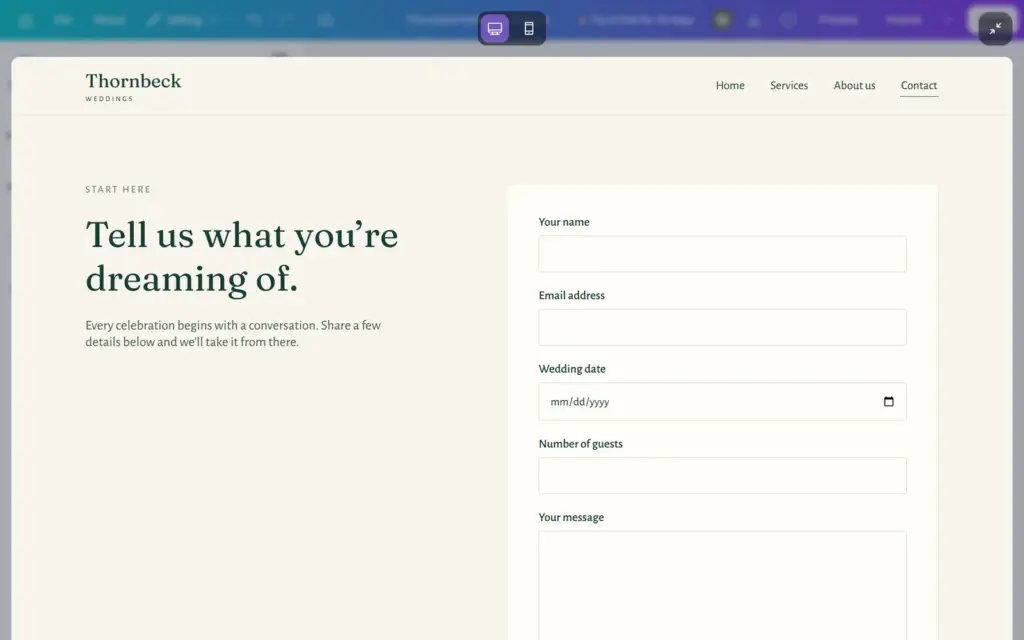
The contact form had fields for the wedding details, but none for a name or an email address. A planner couldn't reply to anyone. My first request for a fix failed with an error. A minute later I sent it again, and after about 25 seconds the form had both fields at the top.
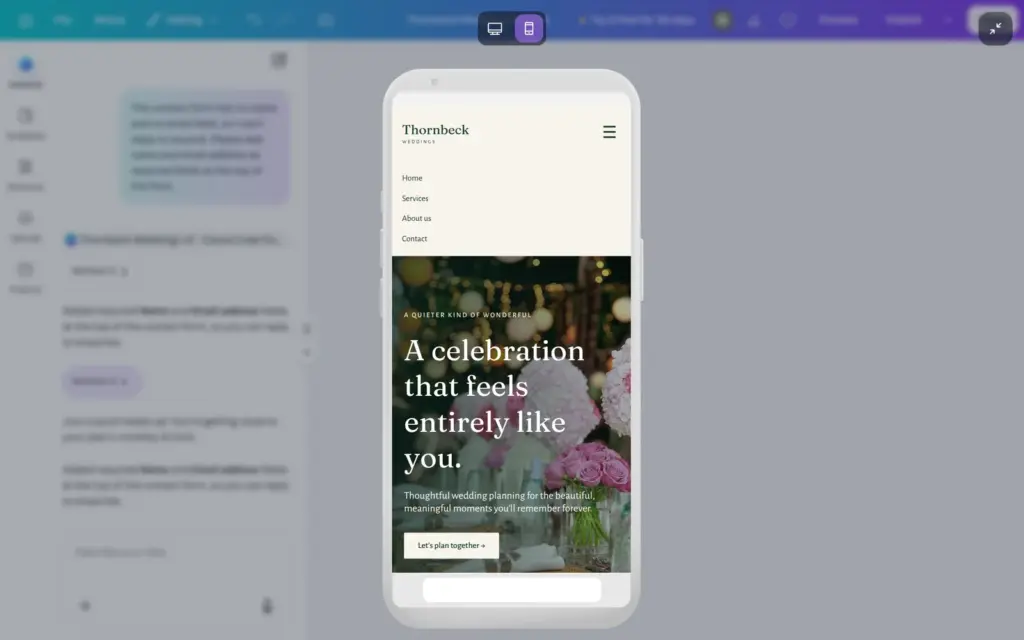
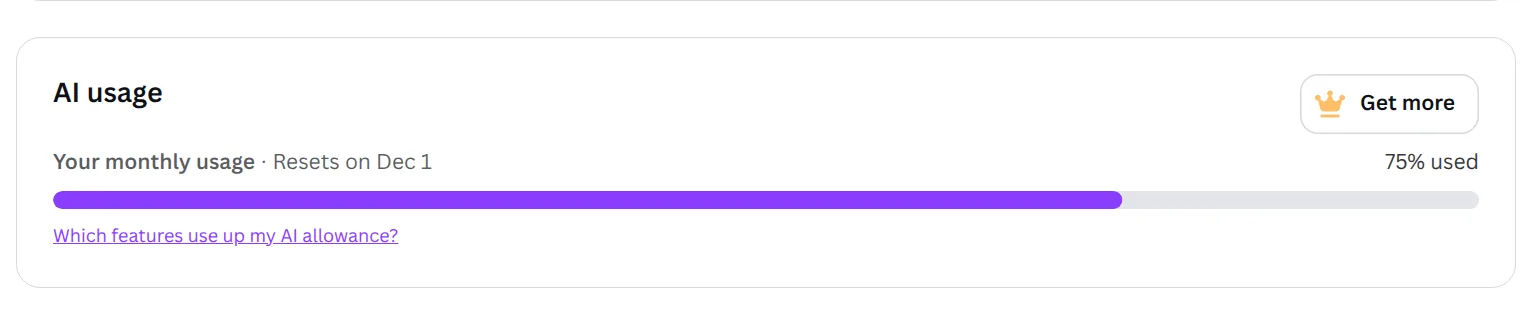
After the fix, Canva warned me that I was close to my plan's monthly AI limit. The billing page showed 0% before this test and 75% after it. The allowance resets each month, and Pro gets ten times as much, according to the pricing page.
I didn't publish this site, because it would have used a second of the five free sites.
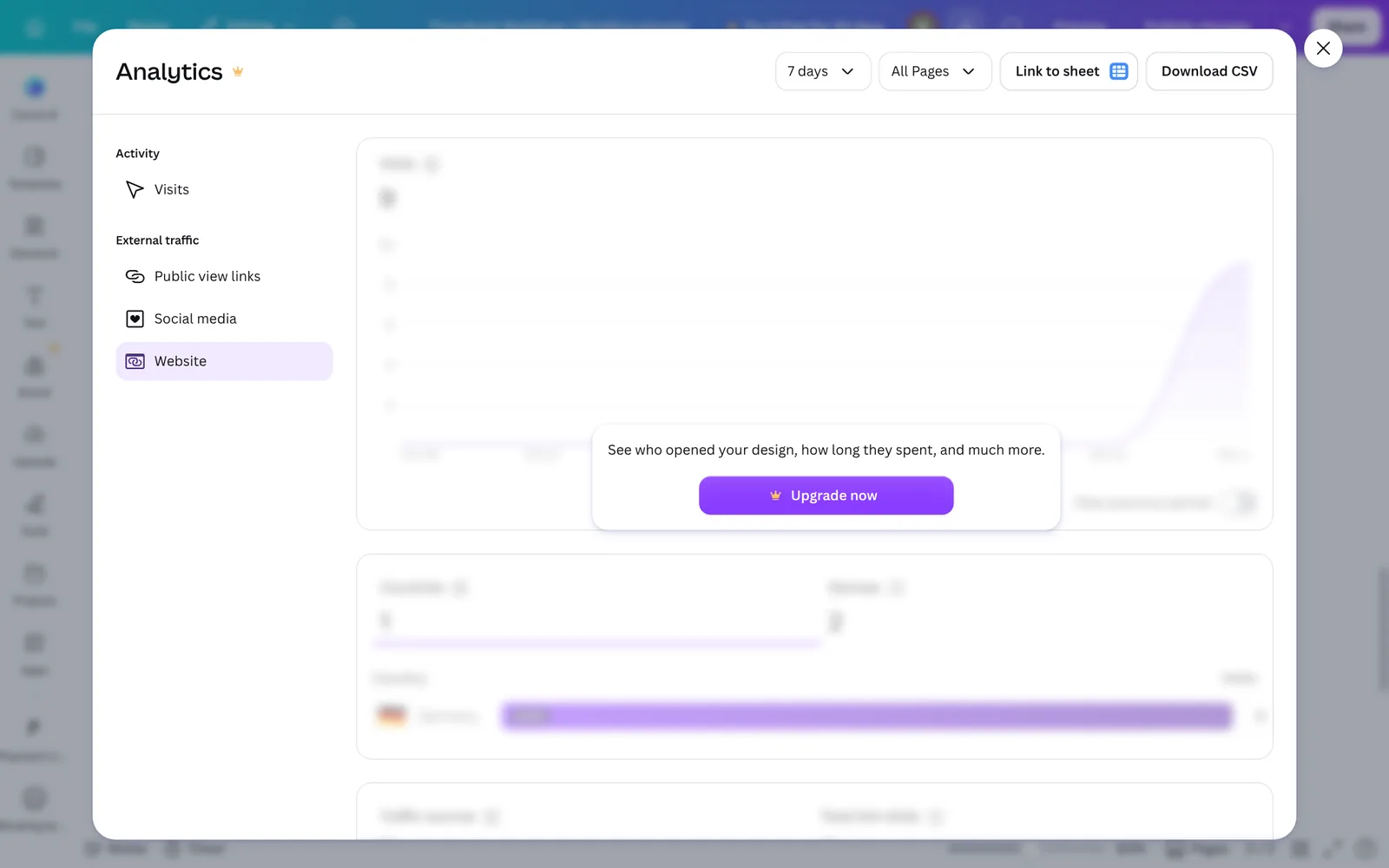
Visitor statistics for the website are in the editor, but on the free plan they are blurred with an upgrade button. Canva's help center lists them for Pro and team plans.
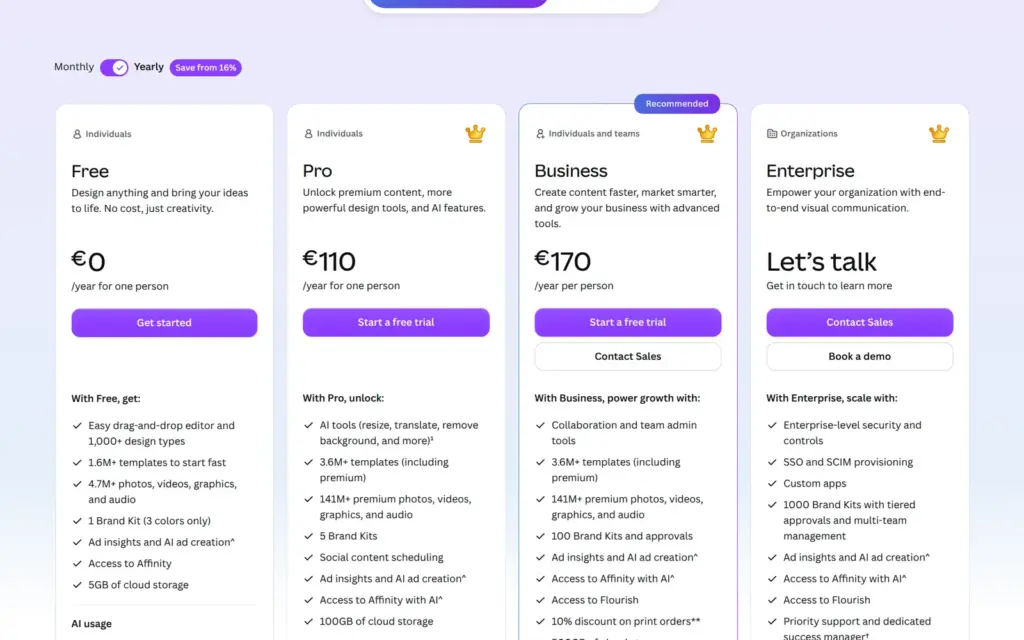
I checked Canva's pricing page on November 1, 2026 from Germany, where it showed prices in euros. Websites are included in every plan.
| Free | Pro | Business | |
|---|---|---|---|
| Billed yearly | €0 | €110a year for one person | €170a year per person |
| Billed monthly | €0 | €12a month for one person | €17a month per person |
| Live websites on my.canva.site | 5 | Unlimited | Unlimited |
| Your own domain | No | Yes, up to 5 domains you already own | Yes |
| "Designed with Canva" bar | Yes | No | No |
| Sections per page you can publish | 10 | 20 | 20 |
| Visitor statistics | No | Yes | Yes |
| Premium photos and templates | €1 per photo when you publish | Included | Included |
| AI allowance a month | Limited | 10 times Free | 20 times Free |
| Storage | 5 GB | 100 GB | 500 GB |
For the wedding planner, Pro on yearly billing costs €110 a year. A .com domain through Canva adds €19.99 a year. If two people should edit the site, Business costs €170 a year for each of them.
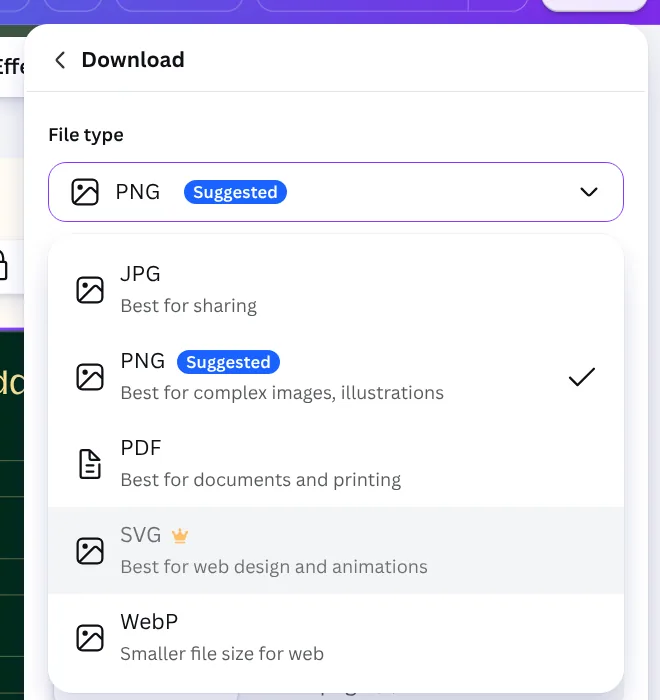
Canva hosts the site, and you can't download it as a website. The website design only downloads as images or as a PDF. If you move to another builder, you take your text and photos and rebuild the pages. Canva Code is different, because you can copy the code it wrote, according to Canva's help center.
Canva fits a small business that wants a simple site with one or two pages and a contact form, and that already designs in Canva. For the wedding planner, a free template gave me a site that looks finished on a computer and on a phone. The free plan covers the form and up to five sites.
It fits less well if you want to sell or take bookings, because both need other services. It also fits less well if many of your visitors come from phones and you care about speed. And I found no blog or news feature for a site that should grow.
If you try it, use Preview until the site is finished, and open the published site on your phone before you share the address.
 What I'm building
Give Vroni a GitHub issue, bug report, spec, or rough idea. It reads the repo, plans the change, writes code, runs checks, and works toward a review-ready pull request.
Take a look at vroni.com