
Is Shopify’s barcode generator free?
Yes. Shopify's barcode generator is free, and it works without a Shopify account or a shop. You enter an email address and…
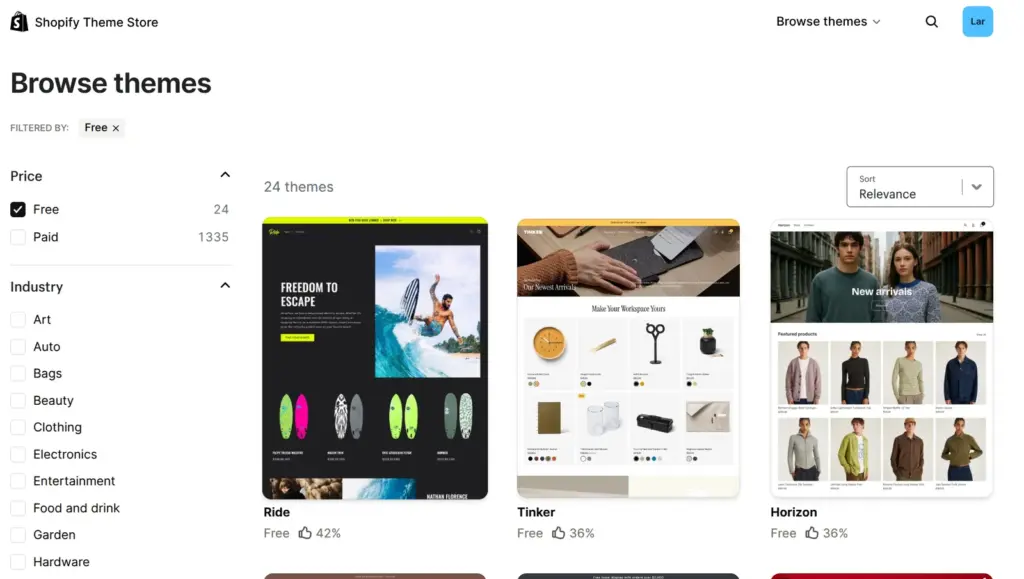
Some are. A new Shopify store starts with Horizon, a free theme made by Shopify. When I checked the Shopify Theme Store on November 3, 2026, it had 24 free themes. All other themes cost between $100 and $500. You pay once, and the license is for one store.
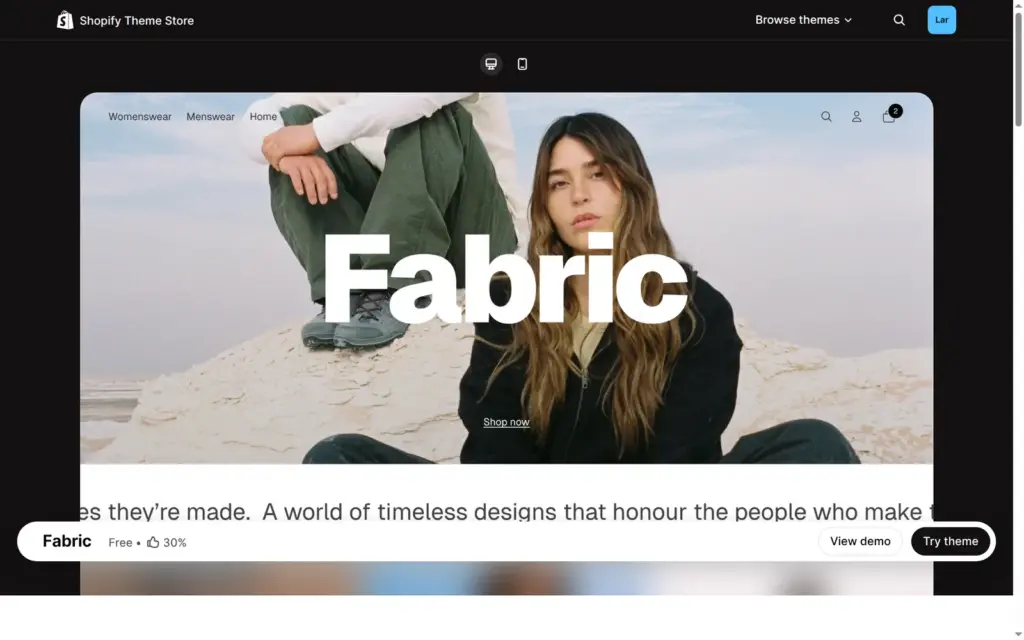
For my Shopify review in October, I built a shop for a made-up outdoor clothing brand with Fabric, one of the free themes. This time I went through the free themes and the prices of the paid ones. I also tried a $500 theme in my store without buying it.
All 24 free themes are made by Shopify, and Shopify's support helps you customize them. Ten of them belong to the Horizon collection, which includes Horizon itself. The other 14 are older designs. Dawn is one of them, and it's still free. All 24 had an update from November 2 or 3, so the older ones still get updates.
| Theme | How Shopify describes it | Positive reviews |
|---|---|---|
| Horizon collection | ||
| Atelier | A luxurious, handcrafted shopping experience with calming elegance. | 29%of 78 reviews |
| Dwell | Create a warm, inviting space where customers love to dwell. | 28%of 47 reviews |
| Fabric | A versatile, modern storefront with bold, casual appeal. | 30%of 67 reviews |
| Heritage | Tell an authentic story with rich visuals and immersive experiences. | 50%of 14 reviews |
| Horizon | Polished design meets a clean setup: launch faster without sacrificing style. | 36%of 212 reviews |
| Pitch | Make your bold pitch with bright, beautiful, enticing layouts. | 33%of 33 reviews |
| Ritual | Elevate your brand with bold luxury and designer-inspired aesthetics. | 32%of 28 reviews |
| Savor | A tasteful theme that brings spice and brightness to any brand. | 24%of 62 reviews |
| Tinker | Craft a smart, modern storefront that showcases your creative vision. | 36%of 87 reviews |
| Vessel | Sophisticated warmth that transforms shoppers into loyal customers. | 29%of 31 reviews |
| Older free themes | ||
| Colorblock | A striking theme ideal for high-end fashion. | 43%of 7 reviews |
| Craft | A refined theme that celebrates craftsmanship. | 56%of 50 reviews |
| Crave | An eye-catching theme optimized for shopping on the go. | 33%of 15 reviews |
| Dawn | A minimalist theme that lets product images take center stage. | 36%of 291 reviews |
| Origin | A stylish theme designed for makers selling unique pieces. | 45%of 22 reviews |
| Publisher | An avant-garde theme inspired by independent studios and publishers. | 50%of 6 reviews |
| Refresh | A bold theme that elevates product quality and brand storytelling. | 38%of 60 reviews |
| Ride | A distinct, dynamic theme that champions the world of sports. | 42%of 24 reviews |
| Rise | A flexible theme with detail-focused layouts for catalogs of any size. | 39%of 18 reviews |
| Sense | An energizing theme featuring extensive product detail layouts. | 36%of 74 reviews |
| Spotlight | A streamlined theme designed to quickly start selling. | 38%of 40 reviews |
| Studio | A stylish theme with special attention to artists and collections. | 44%of 39 reviews |
| Taste | Ideal for speciality products and bold branding. | 50%of 14 reviews |
| Trade | A professional theme specifically designed for wholesale. | 32%of 41 reviews |
The Theme Store shows the share of positive reviews next to each theme. For the free themes it was between 24 and 56 percent. The well-known paid themes I looked at, like Impulse and Prestige, had more than 90 percent. Fabric, the theme I used in my review, had 30 percent, and some recent reviews said that updates broke things. I had no problems with it, but it put demo text on each product page that I had to remove.
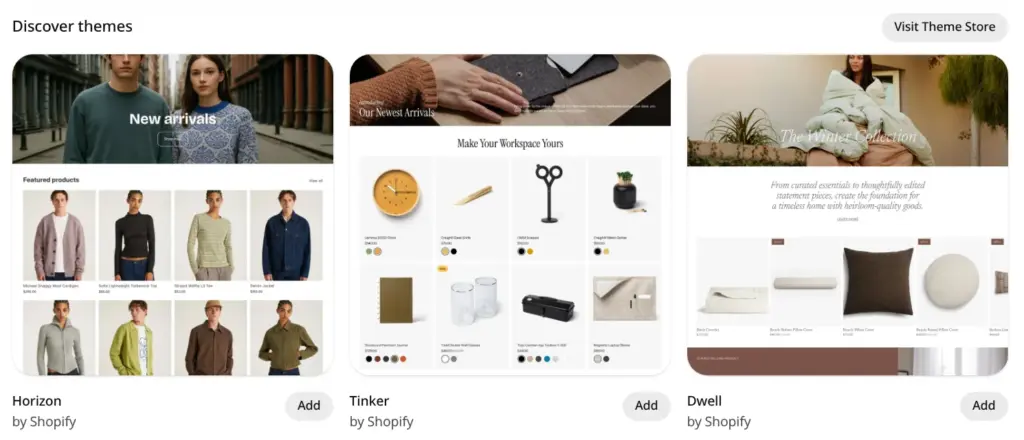
You add a free theme with Try theme in the Theme Store. In your admin, Online Store also shows a few free themes with an Add button. Either way, the theme shows up in your store under Draft themes. In my review, Publish then made Fabric the store's design, and Shopify said "This will replace Horizon as your current theme. Your store will remain private."
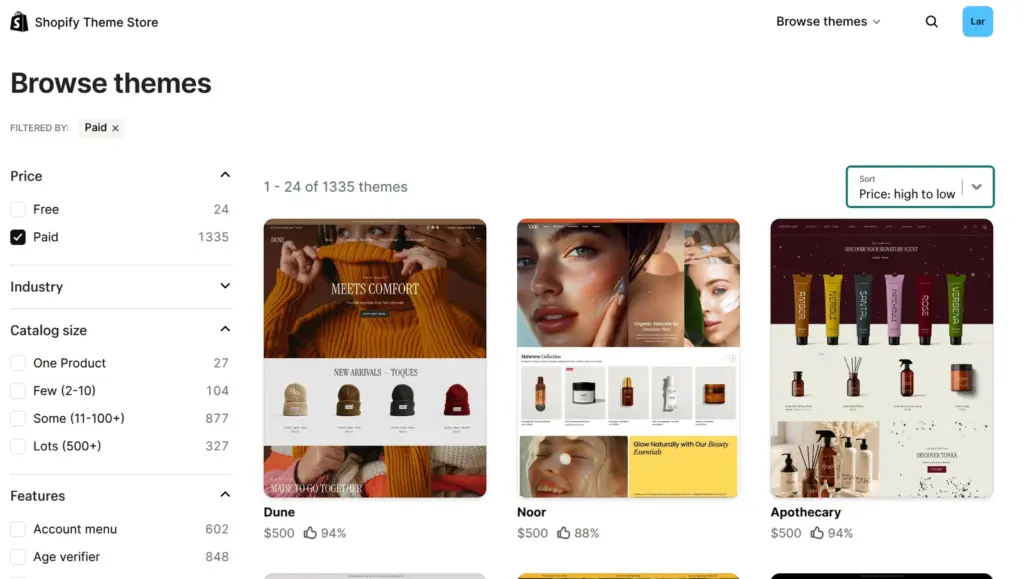
The paid themes come from other companies. Impulse, for example, is made by Archetype Themes. When I sorted them by price, the cheapest cost $100 and the most expensive $500. The Theme Store showed the prices in US dollars, also when I opened it from Germany.
The Theme Store listed 1,335 paid themes, but that number counts designs. Most paid themes come with several ready-made designs, which Shopify calls presets. Each preset shows up in the list as a theme of its own. Impulse costs $500 and has four presets. Dune and Apothecary are two of them, and both appear in the list as $500 themes. I counted 354 different themes, 24 free and 330 paid.
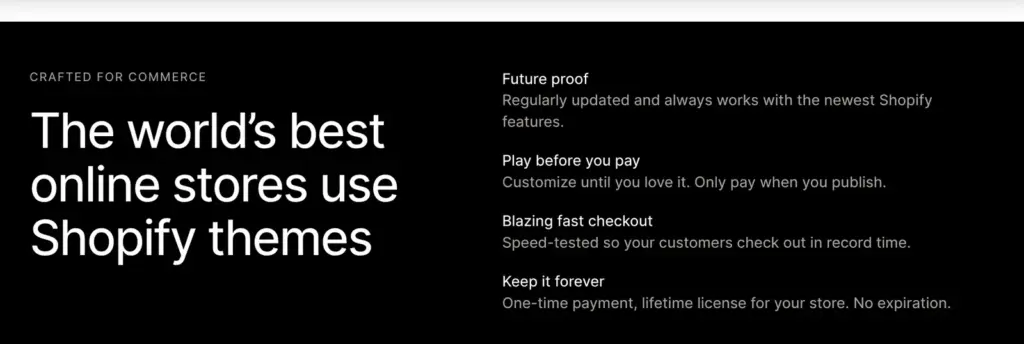
You pay once. The theme page calls it a "One-time payment, lifetime license for your store." Shopify's help center says that a theme is licensed only to the store you bought it for. The purchase is final, and the developer can't refund it. Updates and support come from the developer.
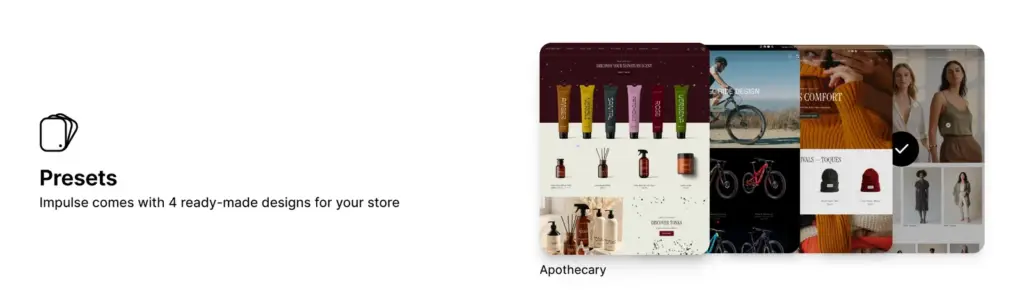
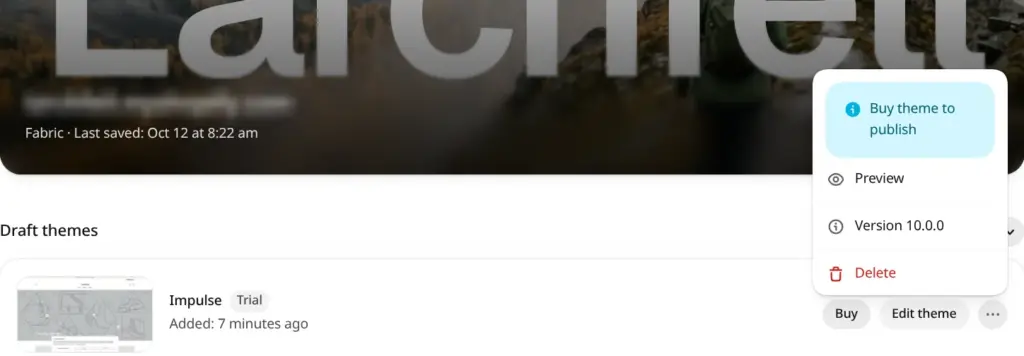
Paid themes have a Try theme button. On Impulse, it added the theme to my store with a Trial label. That cost nothing. Instead of Publish, the theme had a Buy button, and its menu said "Buy theme to publish".
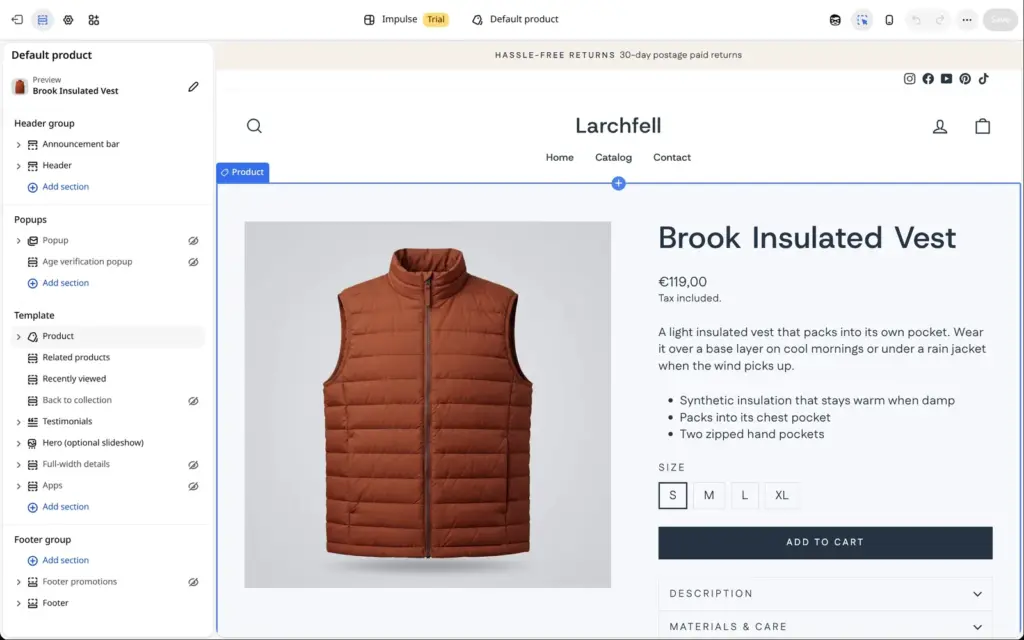
You can open the trial in the theme editor. I picked a product page, and Impulse showed one of my own products with its photo and price. According to Shopify's help center, you can try up to 19 paid themes at the same time, but you can't edit a trial theme's code. When I deleted the trial, Shopify warned that it can't be recovered.
I tried this in the free development store from my review. It showed the same Trial label and Buy button that the help center describes for normal stores.
When you publish another theme, your products and pages stay as they are. The settings you made in the theme editor belong to the old theme, so you set up colours and sections again in the new one. A store can hold up to 20 themes, or 100 on Shopify Plus. On the Starter plan, you only get Spotlight.
A free theme doesn't make the store free. Shopify has no free plan, and the store only opens to customers once you pay for one.
You can also upload a theme as a ZIP file, with the Import button on the theme page. If you find a Theme Store theme as a free ZIP download somewhere, it's a copy without a license. Shopify's help center says that unlicensed themes don't get support or updates.
Shopify can also make a free theme with AI from a description of your business. Its help center says that this now only works in the Shopify app or in the admin on a phone, so I didn't try it.
Start with a free theme. I built my whole review shop with Fabric, and it did everything the shop needed. A paid theme makes sense when it has a feature your shop needs that the free ones lack. Try it in your store with your own products first, because you can't get the money back.
 What I'm building
Give Vroni a GitHub issue, bug report, spec, or rough idea. It reads the repo, plans the change, writes code, runs checks, and works toward a review-ready pull request.
Take a look at vroni.com