
How much does Squarespace cost?
Squarespace has four plans. With yearly billing they cost €12 to €69 a month plus VAT, or $14 to $80 in the…
You start on squarespace.com with the Get Started button. Squarespace asks what your site is about and what it should do. Then you let its AI, Blueprint, build a first version, or you pick one of its templates. Each new site starts with a 14-day free trial, and you don't need a card for it. In the editor you change the texts and photos on the page itself and add the pages you need. The site only goes public once you pay for a plan.
For my Squarespace review, I built a website for a made-up pottery studio. I started from Ventura, a free template, and made the whole site on the trial without paying anything.
I built the pottery site on October 11 and 12, 2026, and went through Squarespace's Get Started questions on November 3, 2026.
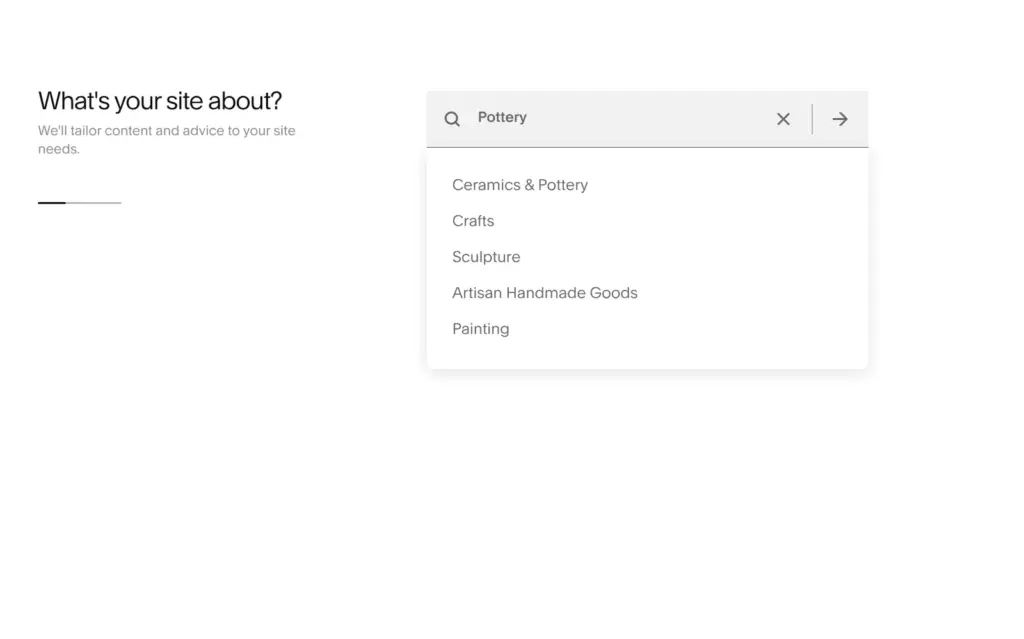
The Get Started button on Squarespace's home page doesn't open the templates right away. It asks what your site is about. You type a topic and pick one of the suggestions. I typed pottery and picked Ceramics & Pottery.
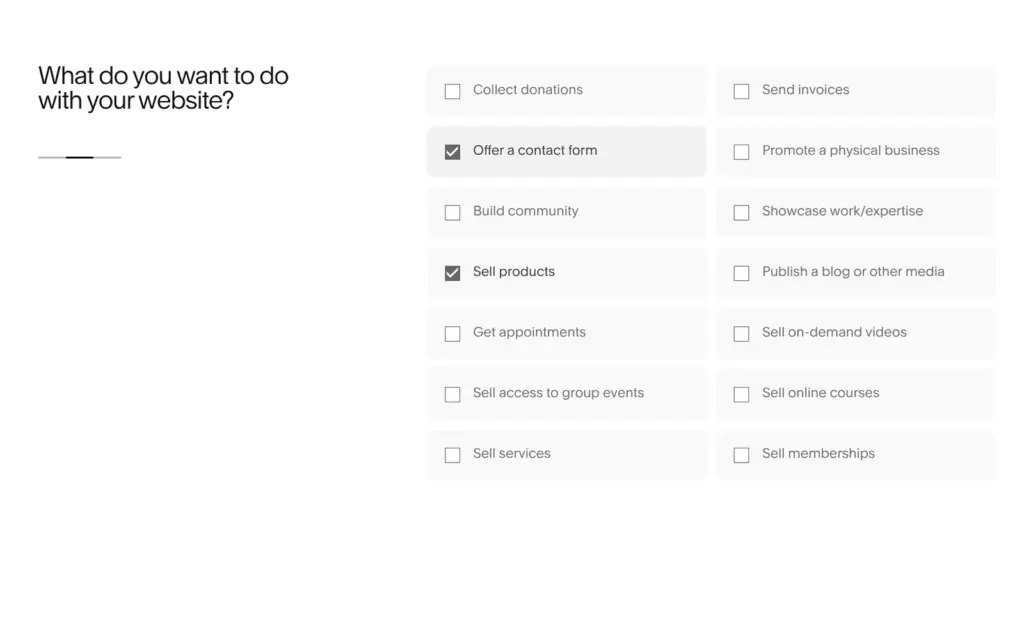
The second question is what you want to do with your website. There are 14 goals to tick. For the pottery studio I ticked Sell products and Offer a contact form.
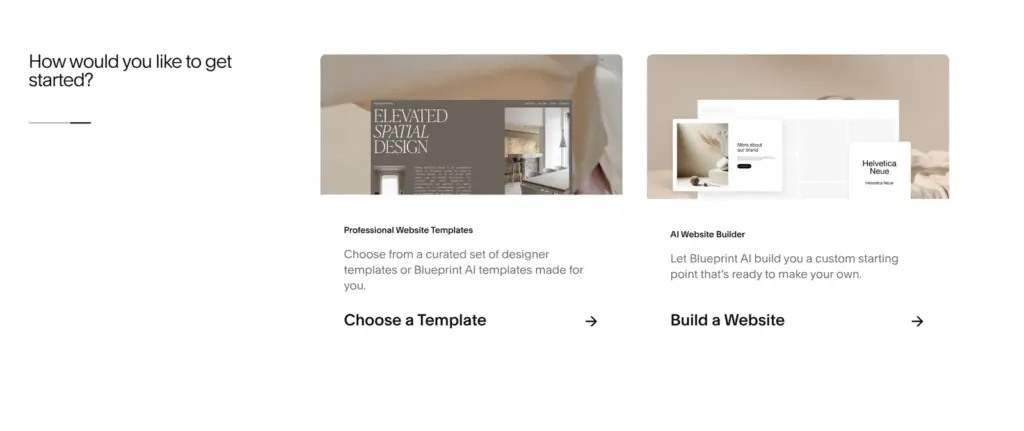
If you're not logged in, the Finish button then asks you to create an account. Logged in, I got a third screen with two ways to start. Choose a Template opens the template gallery, and Build a Website lets Blueprint AI build the site for you. If you'd rather look around first, "I'm just browsing" goes straight to the templates.
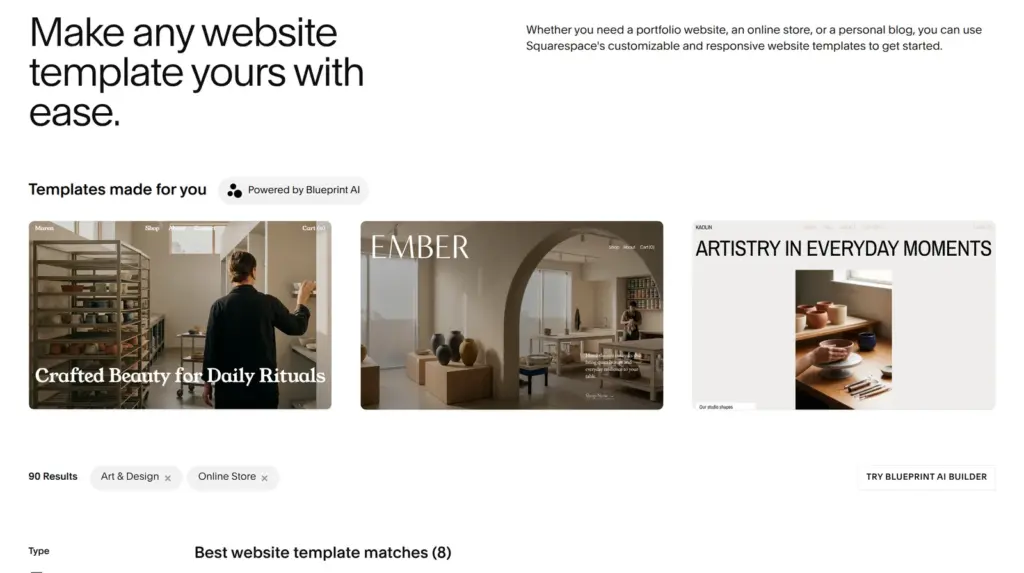
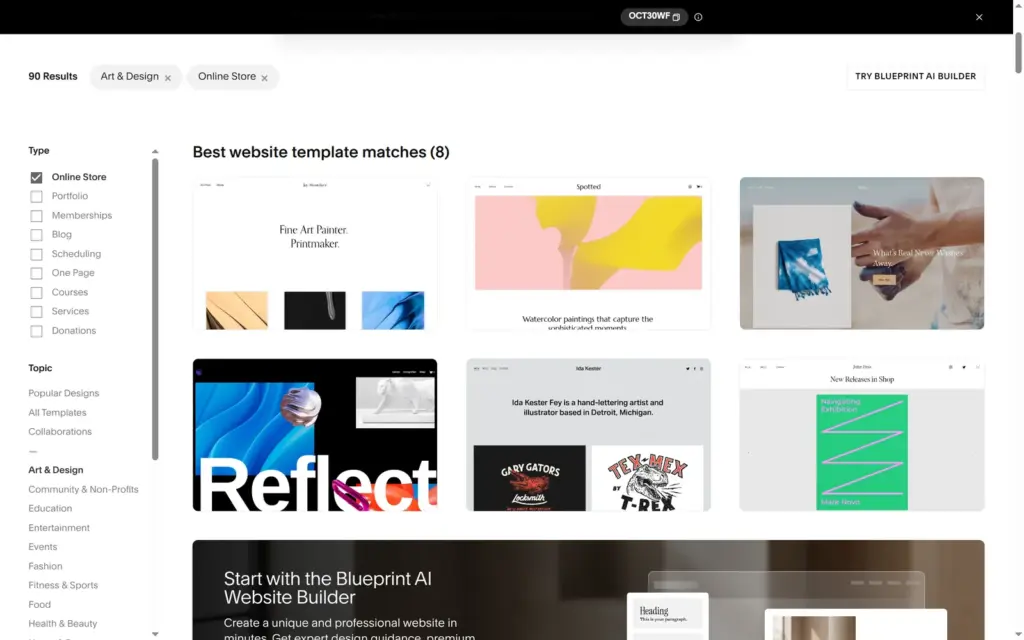
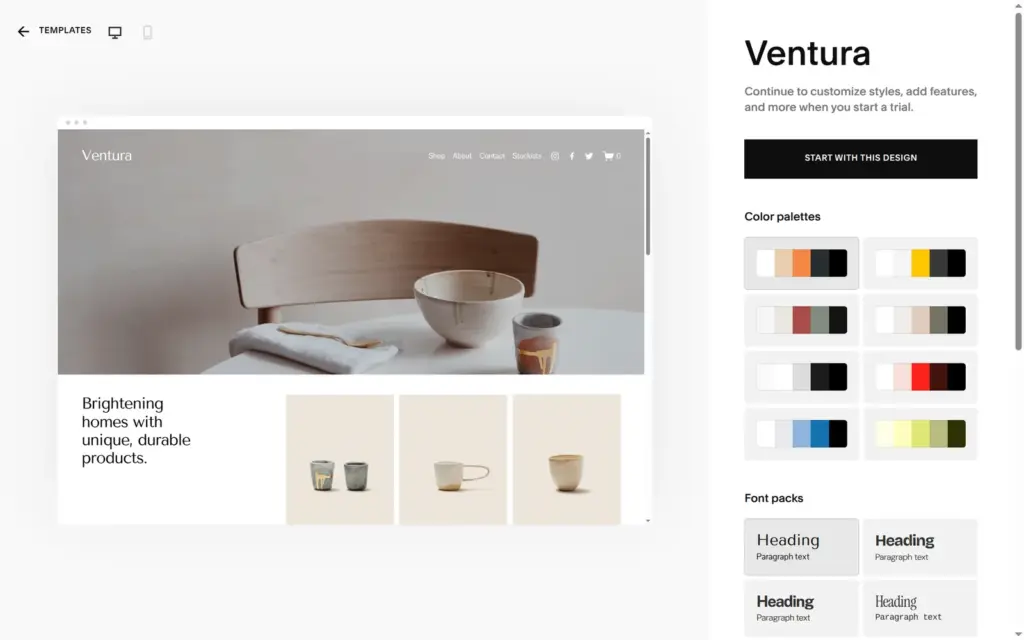
Choose a Template opened the gallery with my answers as filters, so it showed templates for online stores in art and design. On top were three "Templates made for you", which Blueprint AI had made for my topic. Below them were the eight designer templates that matched best. They were the same eight as in October, when I picked Ventura for my review. Ventura already looked like a ceramics shop.
Before you sign up, a template's page lets you try its color palettes and font packs.
The other way is Blueprint AI. For my review I let it build a site for a made-up bike repair shop. Blueprint asked six short rounds of questions and had the site ready about ten seconds after the last one. It looked finished, but the content was made up. The home page sold sample bike parts, and a section showed generated people who looked like staff.
"Start with this design" asks for an account. You can sign up with an email address and a password or with Google. Squarespace didn't ask for a phone number.
The site was ready in under twenty seconds, at a random address like saffron-avocado-39sa.squarespace.com. A bar at the bottom of the dashboard counts down the 14 days of the trial. During the trial you can build the whole site, but nobody can buy anything.
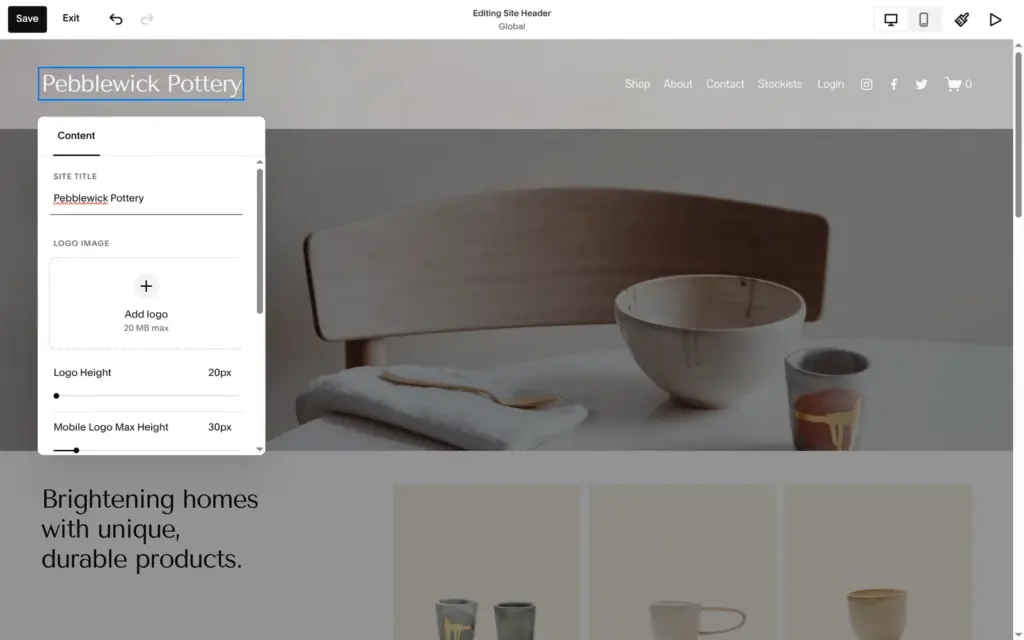
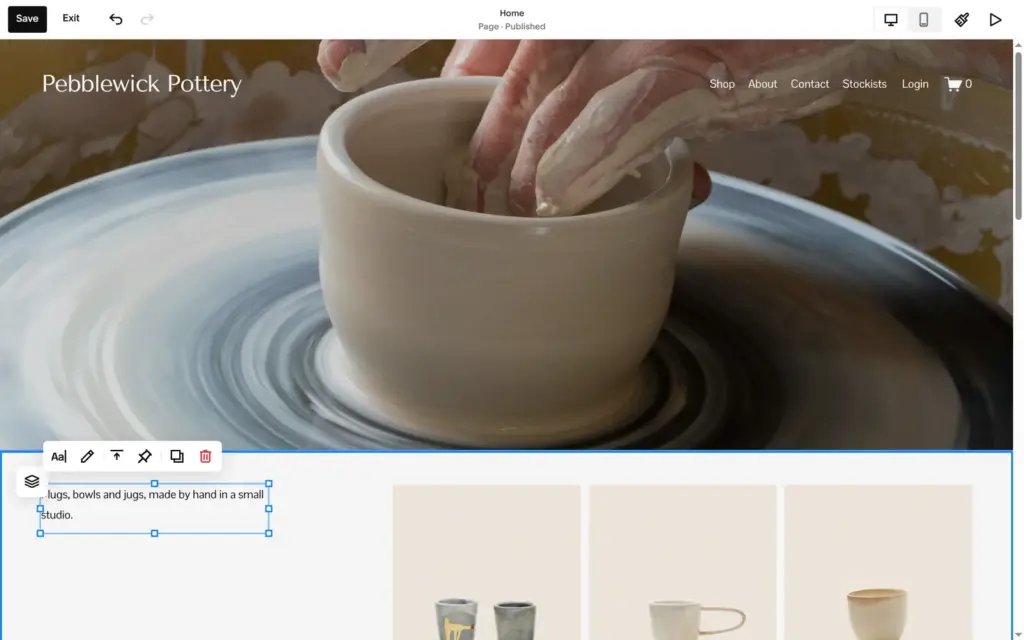
Edit site opens the editor. You click on the page itself to change something. The header and footer are the same on all pages, so I typed the studio name only once.
A page is made of sections. Add Section puts a new section on the page, and Add Block adds content like a text or a photo to a section. You drag a block to move it and pull its edges to resize it.
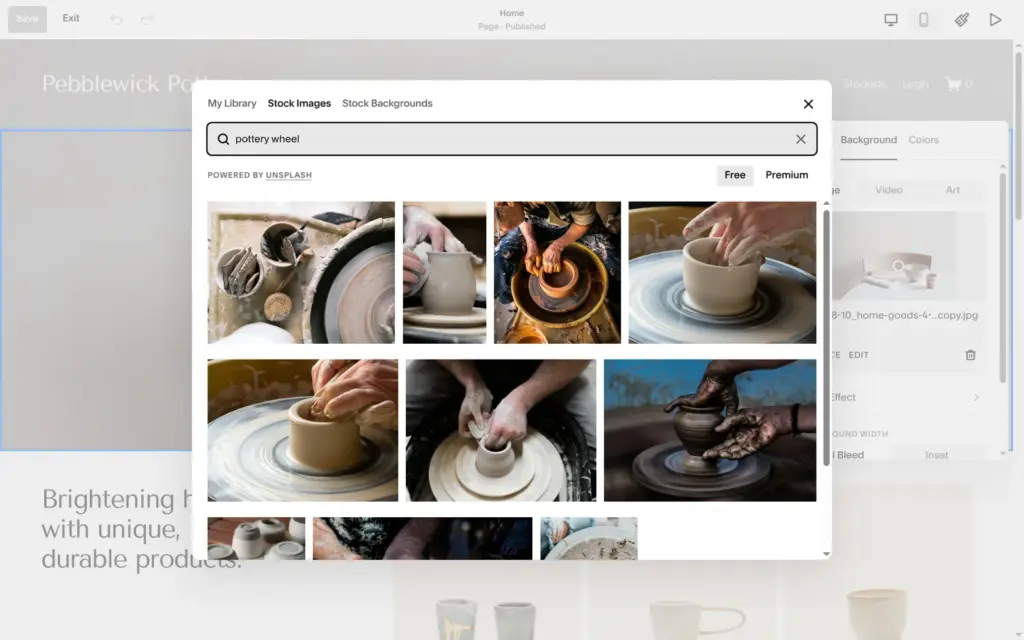
The big photo on the home page is the background of a section, so you change it in the section's settings. You can upload your own photo or search Unsplash's free photos without leaving the editor. I picked a photo of hands at a pottery wheel.
When I selected the whole main heading and typed over it, the heading turned into small body text. The style menu set it back to Heading 2.
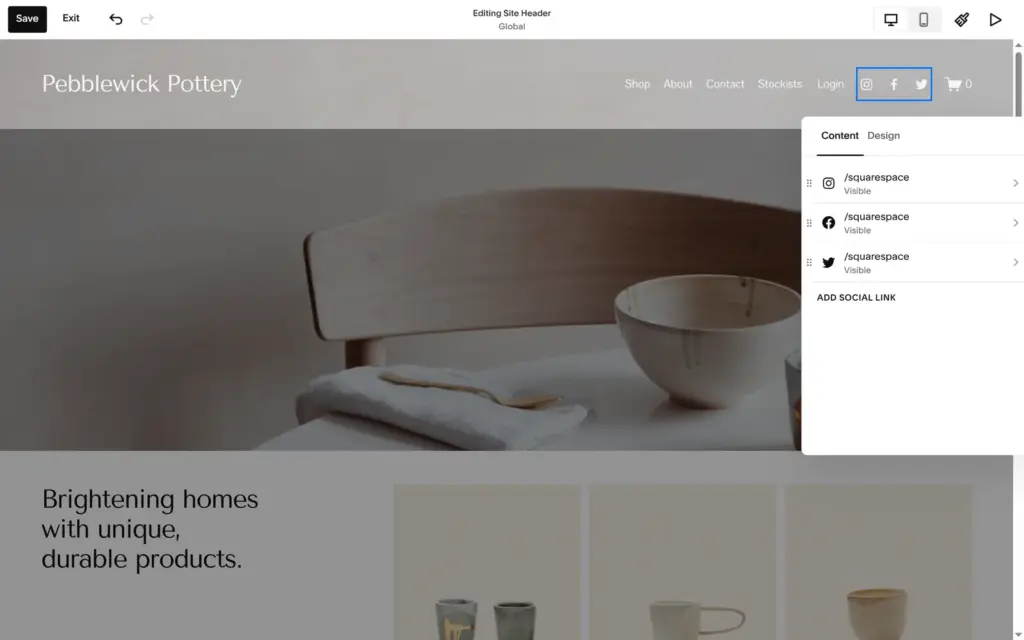
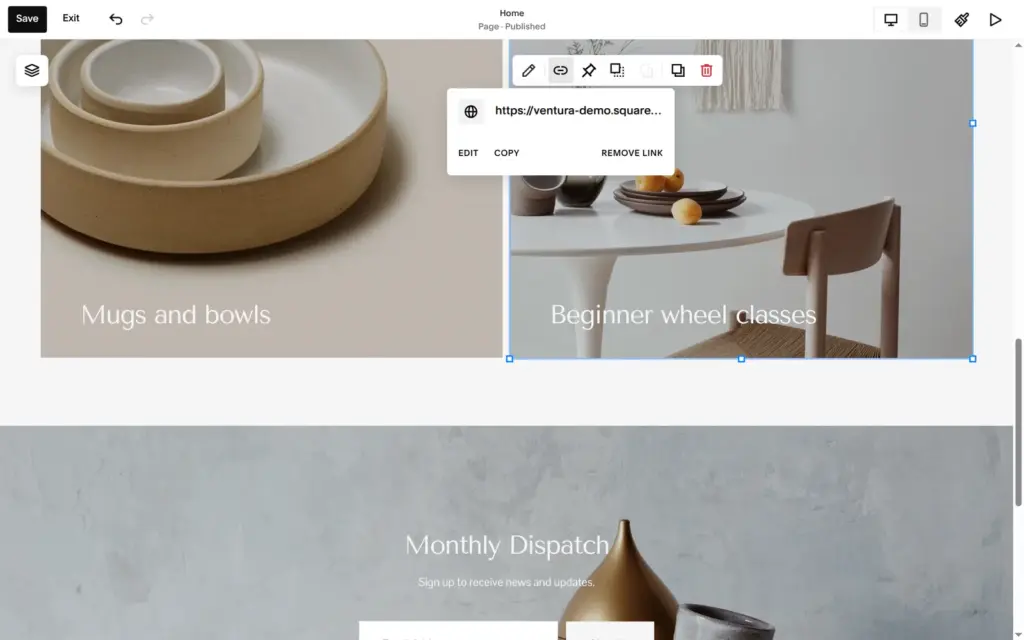
The template also left things behind that you have to find yourself. Its social icons linked to Squarespace's own Instagram and Facebook accounts, and the footer said "Made with Squarespace". One card on the home page linked to the template's demo shop on another website. I only saw that in the card's link settings.
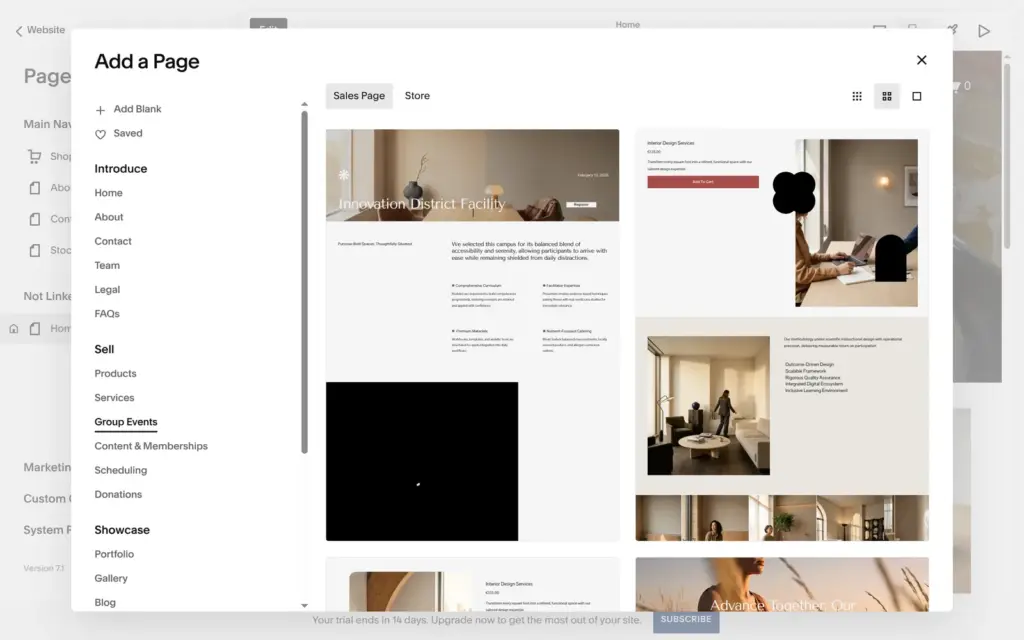
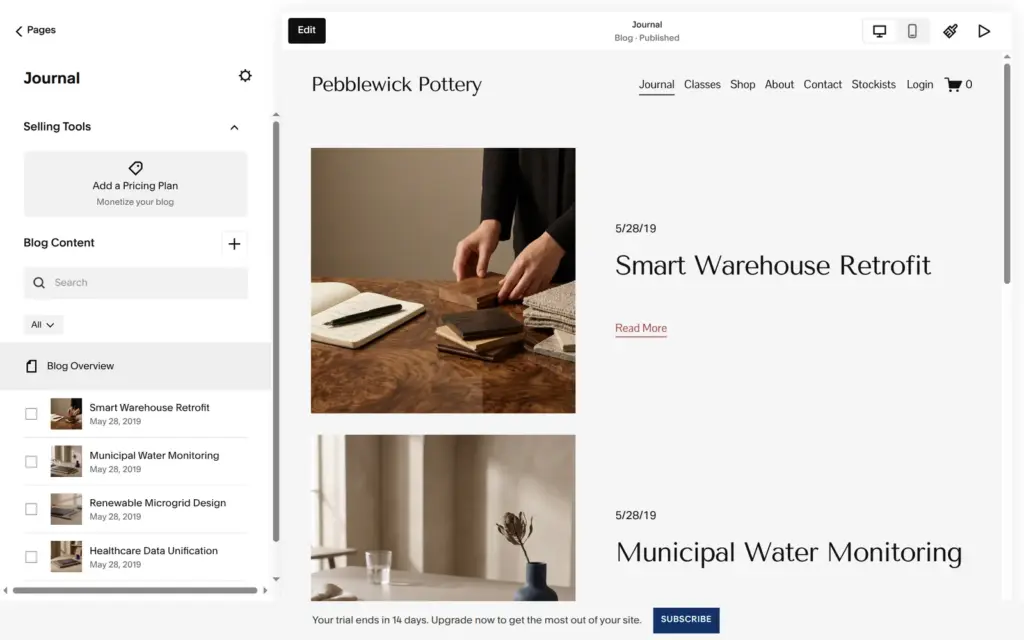
New pages come from the Pages panel. Its plus button opens "Add a Page", where Squarespace has layouts for each kind of page. I added a blog and called it Journal. The blog layout came with four demo posts from 2019 about warehouses and water monitoring, so I deleted them.
For the class page I took a layout for group events. It was full of placeholder content from another kind of business, like a staff section with a chief executive officer and a quote from a "Valued Client".
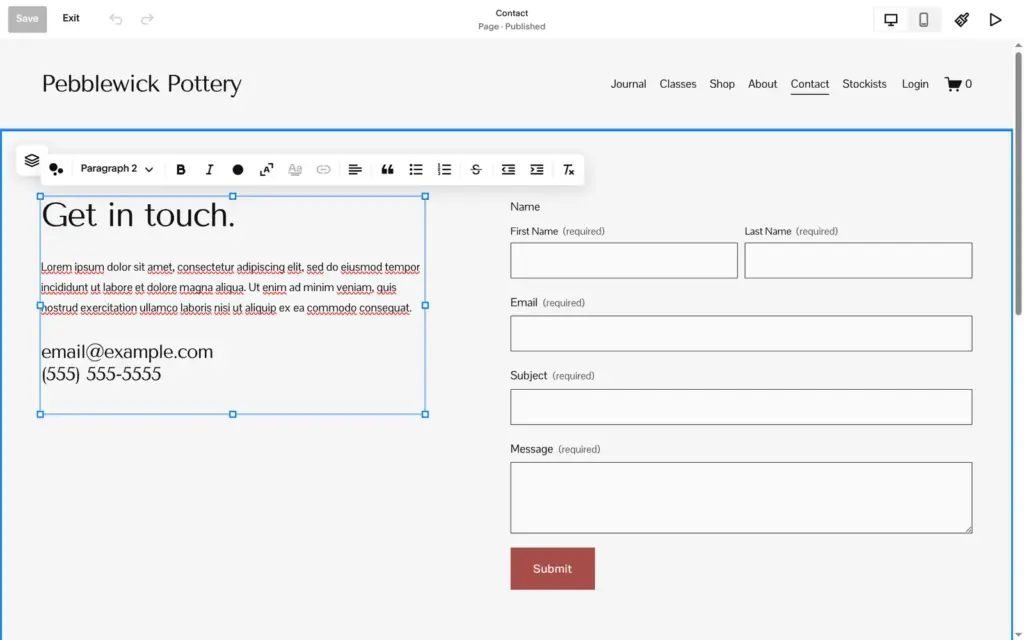
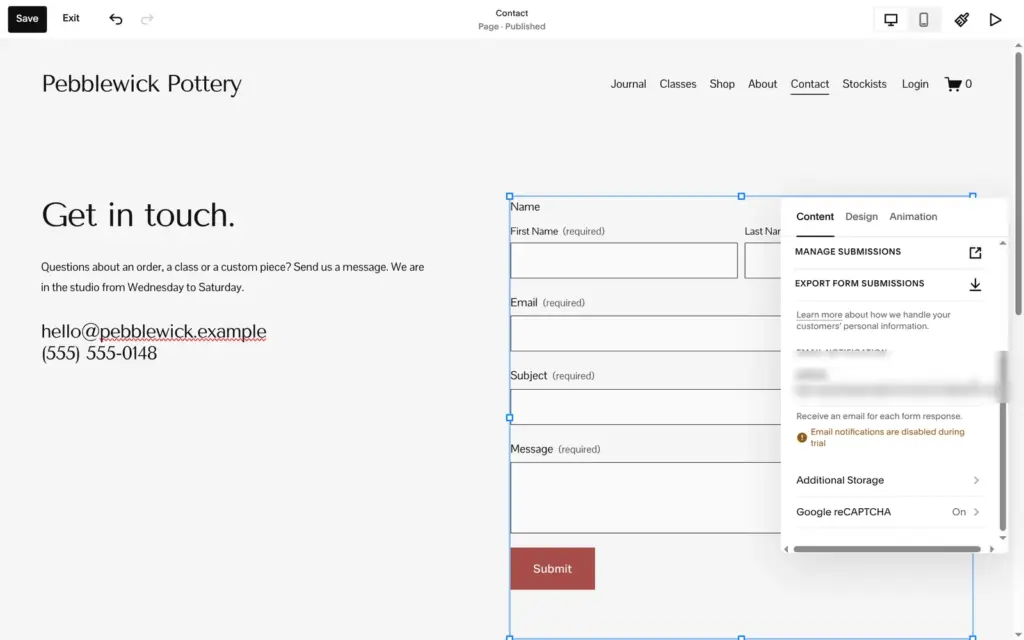
The template's own contact page still had Lorem ipsum and a sample email address. Its form saves messages in Squarespace. During the trial, Squarespace doesn't send them to your inbox.
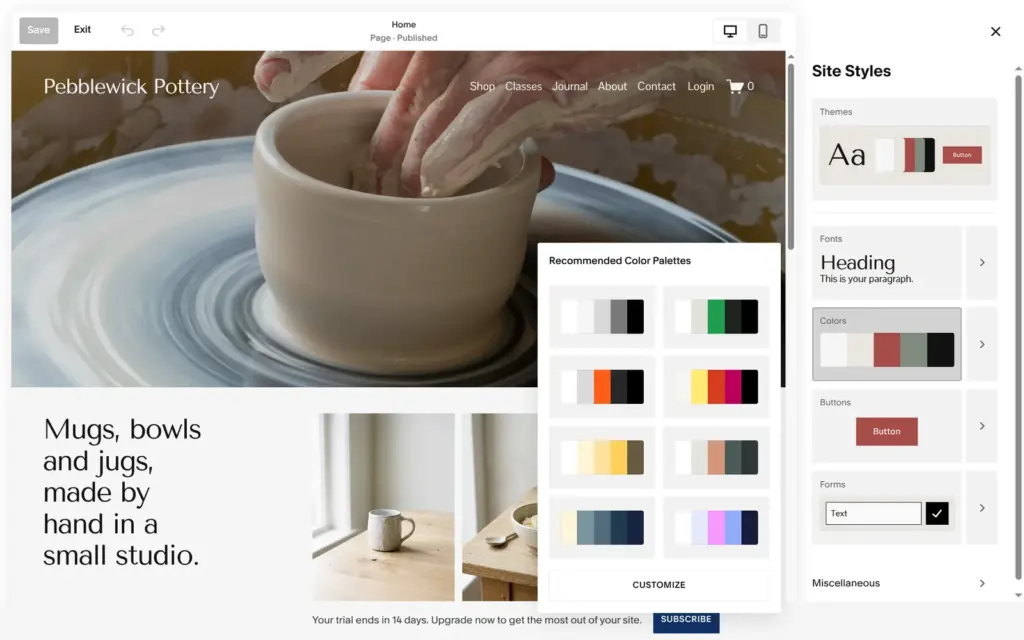
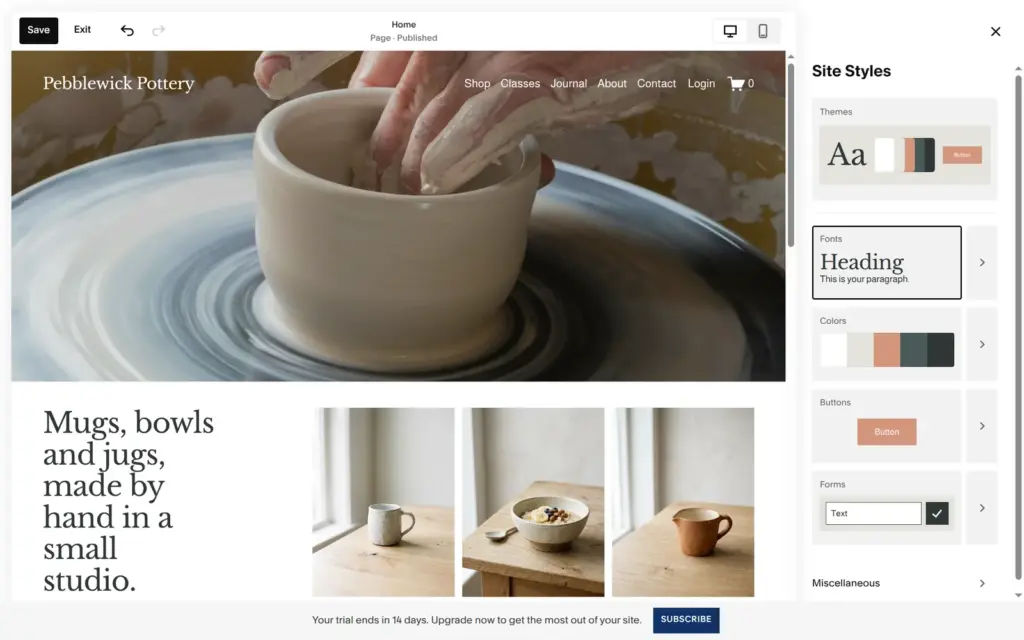
Fonts and colors live in Site Styles, and changes there apply to the whole site. There are eight suggested color palettes and eight font packs, and you can customize both. After I switched to a font pack with a serif heading, the home heading broke over six short lines.
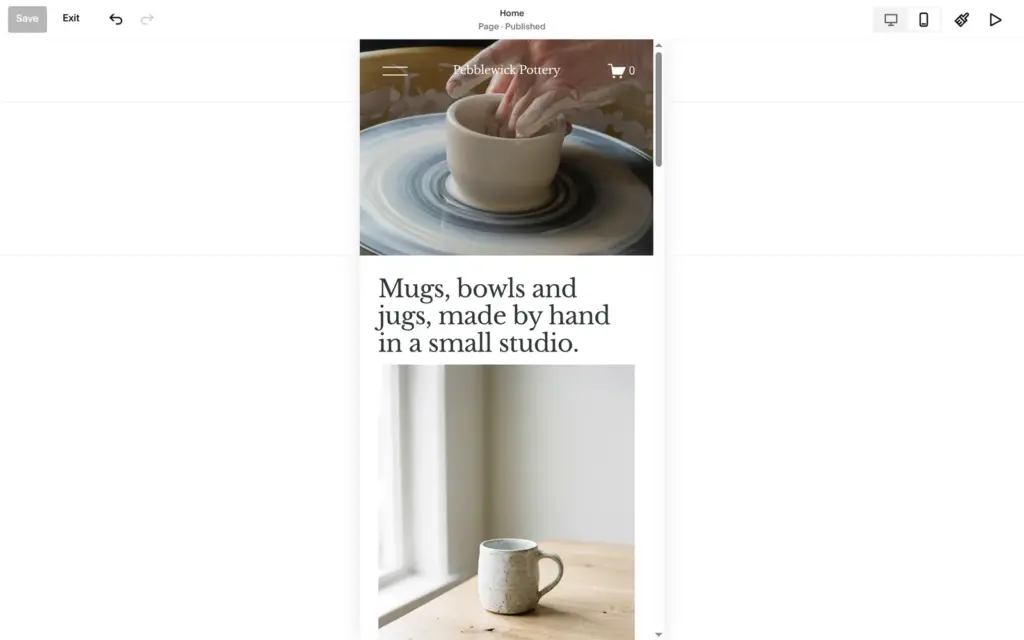
The editor has a phone view next to the desktop view. On the phone, texts and photos stack in one column. My site needed no fixes there. Only the products on the home page came in a different order than on the computer.
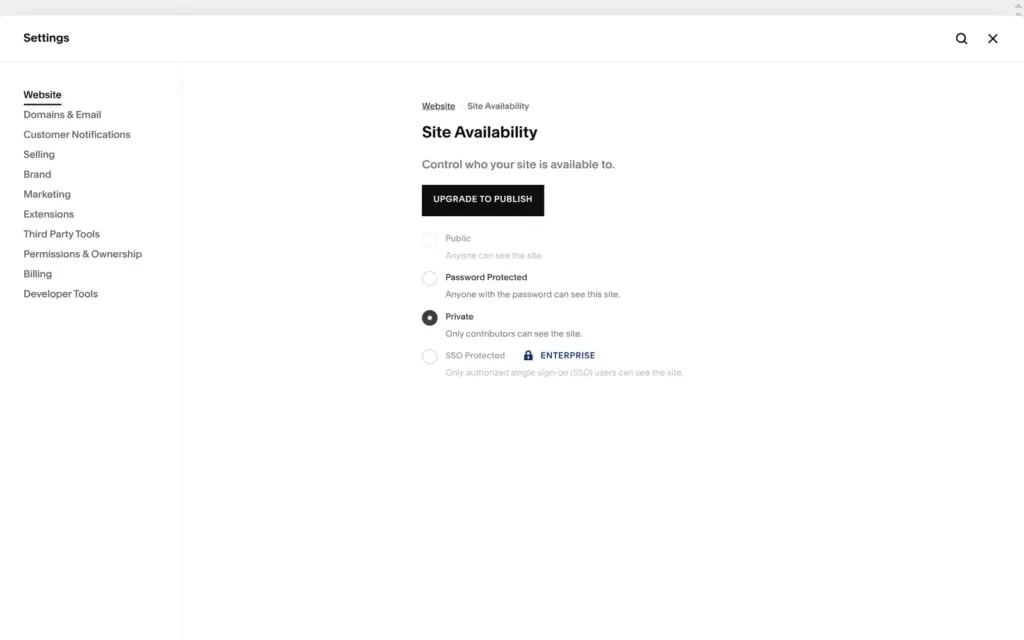
During the trial, the site can only be private or locked with a password. In Site Availability, Public is greyed out under a button that says "Upgrade to publish". I set a password so I could test the site like a customer.
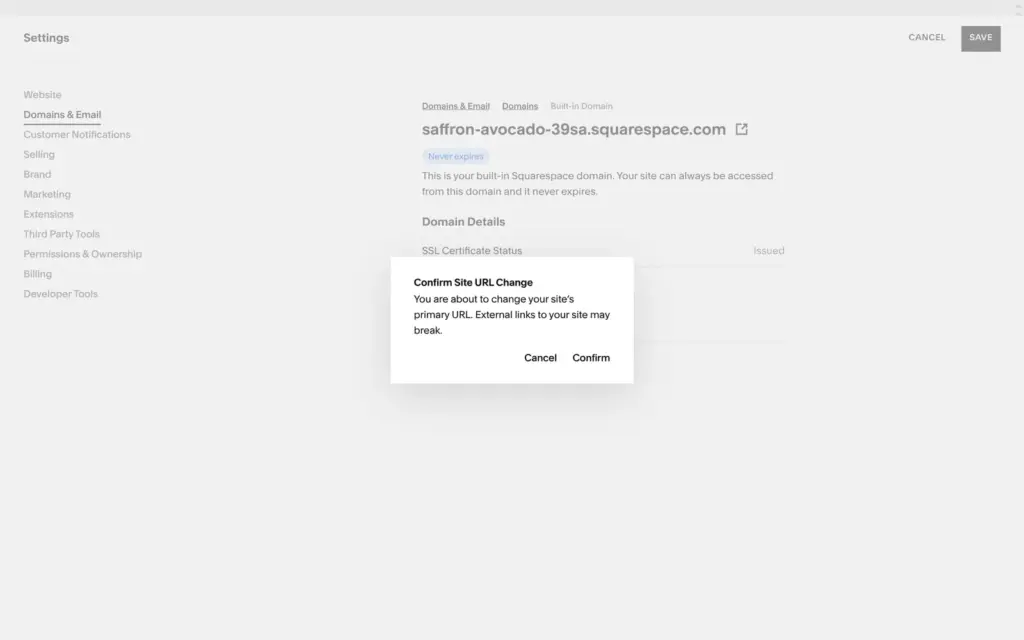
You can change the random address to another free one on squarespace.com. I renamed mine to pebblewick-pottery.squarespace.com. A domain of your own needs a paid plan, and yearly plans include one for free in the first year.
Before you publish, look at the search titles and descriptions under SEO. Squarespace's AI can fill them in, but for my site it wrote sales slogans and promised "artist insights" the site didn't have. I fixed them by hand.
If you don't subscribe, the site goes offline when the trial ends. My pottery site's trial ended on October 25, and since then visitors only get a page that says "Website Expired".
Building the site on the trial costs nothing, and Squarespace has four plans for going public. When I checked from Germany on November 3, 2026, Basic cost €12 a month with yearly billing or €17 with monthly billing, plus VAT. In the US it costs $14 or $20. Basic takes 2% of your shop sales. Core costs €18 or $21 a month with yearly billing and takes no fee. I compared all four plans and what the trial can't do when I checked whether Squarespace is free.
If your site should sell things, my Squarespace review shows how I set up the shop for the pottery studio.
 What I'm building
Give Vroni a GitHub issue, bug report, spec, or rough idea. It reads the repo, plans the change, writes code, runs checks, and works toward a review-ready pull request.
Take a look at vroni.com