
How much does Squarespace cost?
Squarespace has four plans. With yearly billing they cost €12 to €69 a month plus VAT, or $14 to $80 in the…
Yes. Squarespace's templates are free, and none of them has a price. When I checked on November 3, 2026, the template gallery had 201 templates. You only pay for a website plan, and the site needs one to go public. Each new site starts with a 14-day free trial, and you don't need a card for it.
For my Squarespace review, I built a website for a made-up pottery studio from Ventura, one of these free templates. This time I went through the gallery and looked up the old templates that people still search for, like Brine.
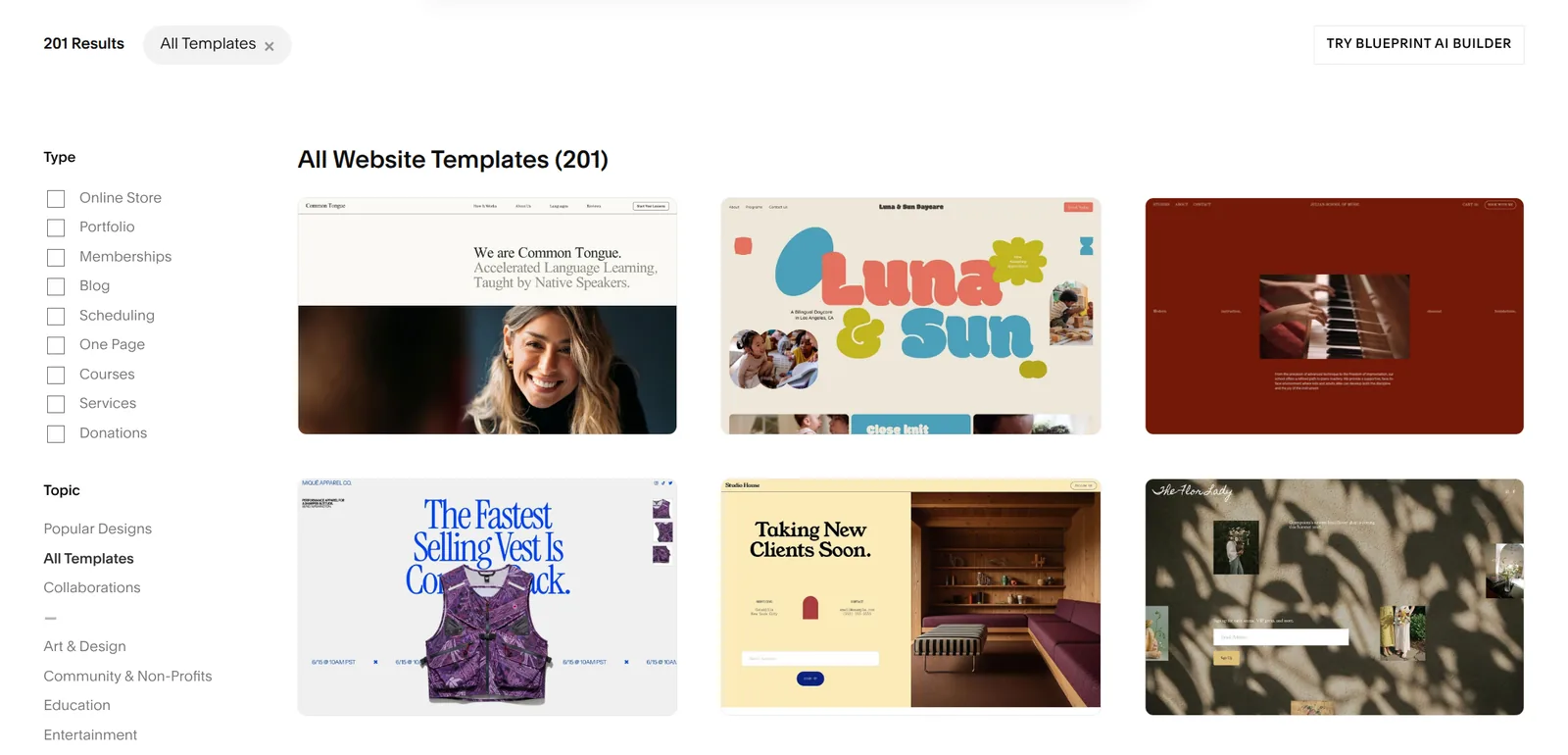
The gallery opens with 28 popular designs, and All Templates shows all 201. You can filter them by what the site should do, for example an online store or a blog. You can also pick a topic, like Photography or Restaurants. A template can be in several groups, so the numbers add up to more than 201.
| Filter | Templates |
|---|---|
| What the site should do | |
| Online Store | 47 |
| Portfolio | 42 |
| Memberships | 7 |
| Blog | 50 |
| Scheduling | 31 |
| One Page | 31 |
| Courses | 10 |
| Services | 61 |
| Donations | 8 |
| Topic | |
| Art & Design | 35 |
| Community & Non-Profits | 10 |
| Education | 10 |
| Entertainment | 13 |
| Events | 13 |
| Fashion | 17 |
| Fitness & Sports | 14 |
| Food | 11 |
| Health & Beauty | 22 |
| Home & Decor | 15 |
| Local Business | 63 |
| Media & Podcasts | 8 |
| Nature & Animals | 20 |
| Personal & CV | 22 |
| Photography | 28 |
| Professional Services | 55 |
| Real Estate & Properties | 11 |
| Restaurants | 16 |
| Travel | 6 |
| Weddings | 11 |
The search box only finds topics. It doesn't know template names. According to Squarespace's help center, its AI builder then adds three templates made for the topic you pick. You also get them after the Get Started questions on Squarespace's home page. I went through those in how to make a website with Squarespace.
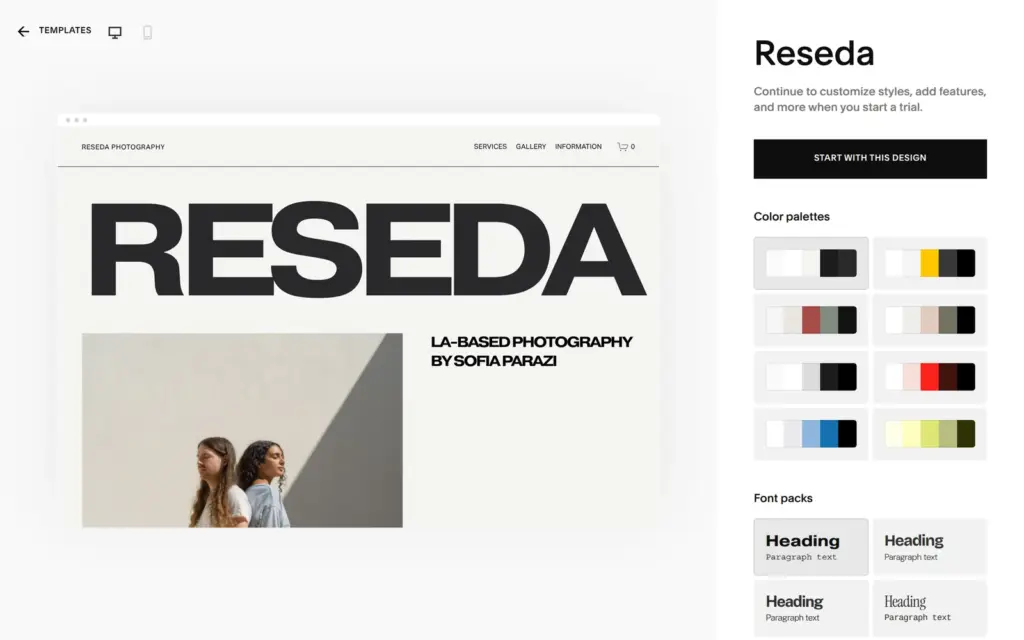
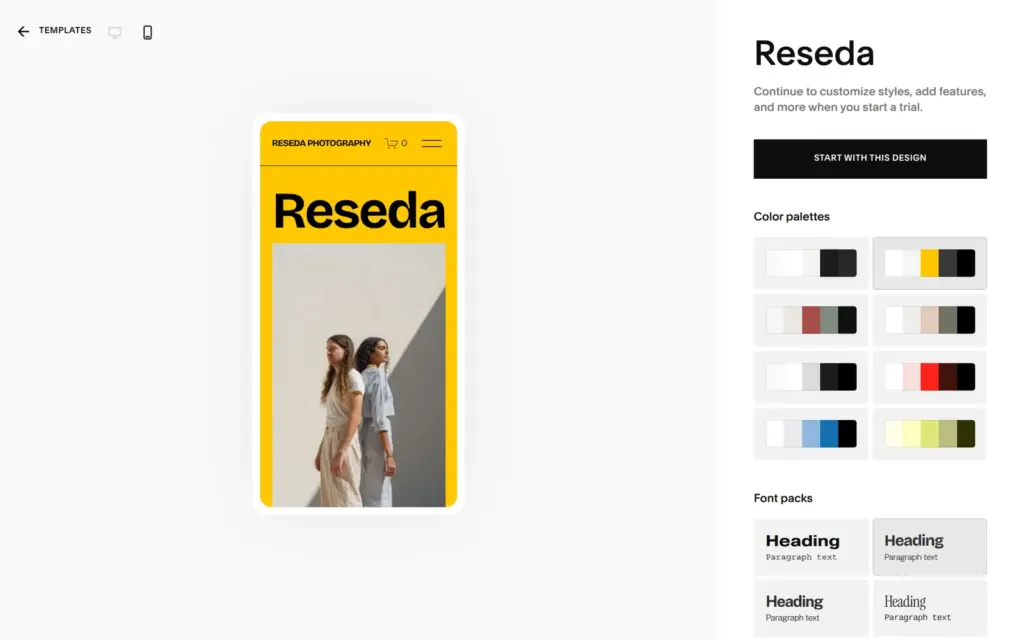
Each template has its own page with a preview. You can look at the template on a computer screen or on a phone, and you can try its color palettes and font packs before you sign up. Reseda is a template for a photographer. It had eight palettes, and the preview changed as soon as I clicked one.
Under the template's name it says "Continue to customize styles, add features, and more when you start a trial." The button Start with this design turns the template into your own site, and View Demo Site opens its demo website.
If you're not logged in, Start with this design asks you to create an account. When I signed up for my review, Squarespace didn't ask for a card or a phone number. The site was ready in under twenty seconds, and a bar at the bottom of the dashboard counted down the 14 days of the trial.
The template becomes your site, with all of its demo content. Ventura came with nine demo products. Its footer still said "Made with Squarespace", and its social icons linked to Squarespace's own accounts. You replace all of that yourself, and my review shows each step.
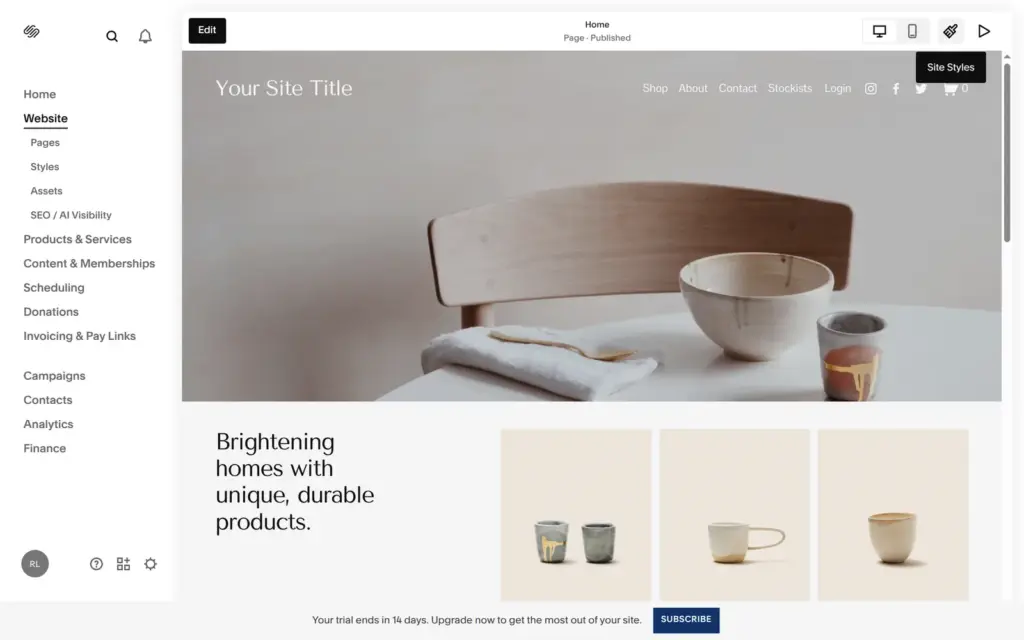
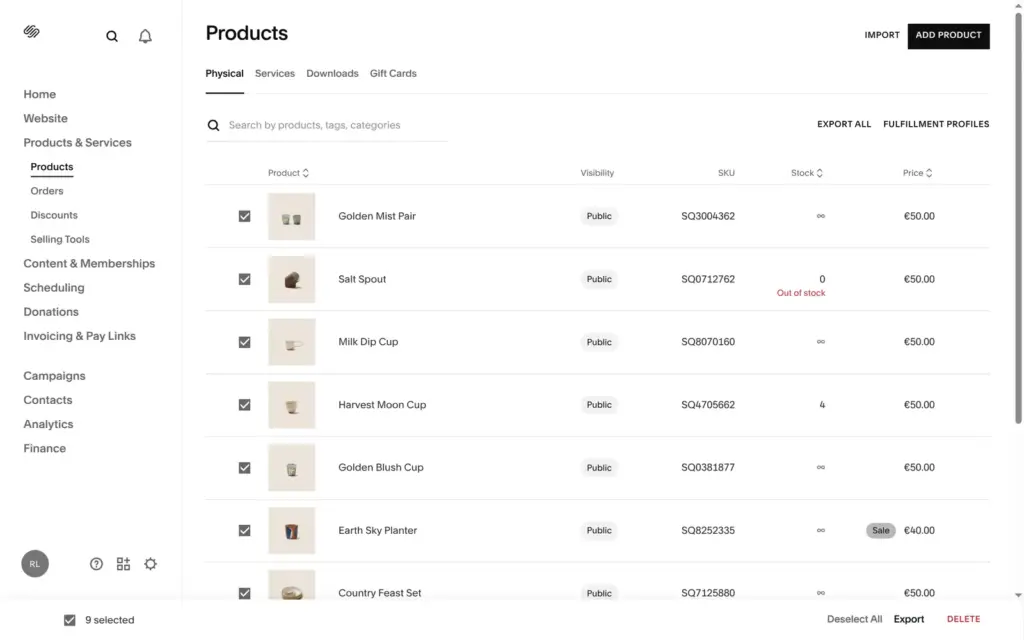
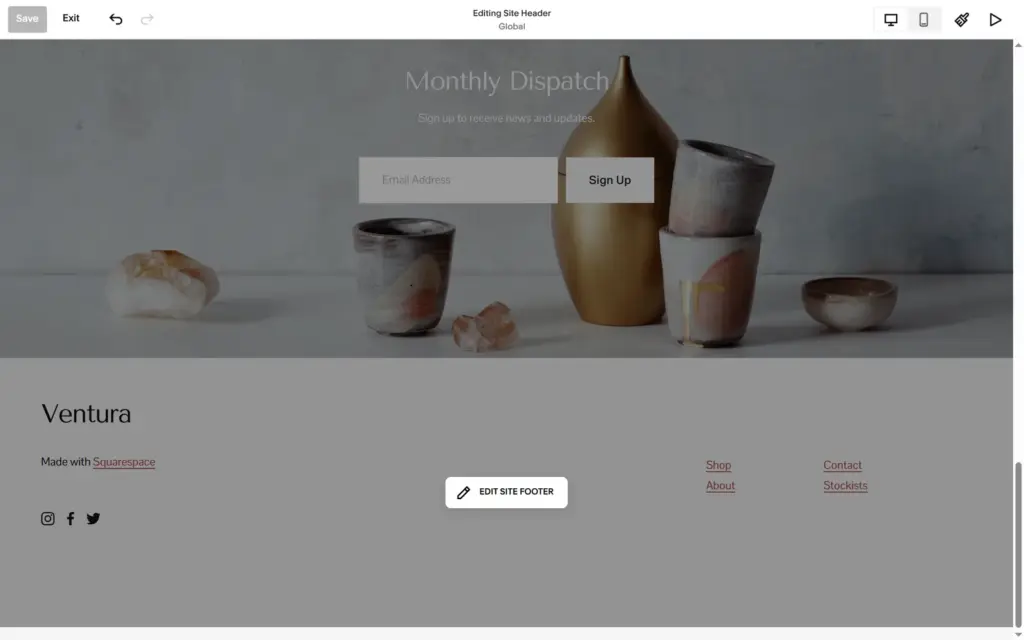
On version 7.1, the current version of Squarespace, all templates have the same features. The template only decides how the site looks at the start and which demo pages it brings. You can change colors and fonts later in Site Styles. But you can't switch to another template. The help center says you would have to start a new trial site, and you lose your content and style settings. Squarespace's own advice is to start with a design that's already close to how your site should look.
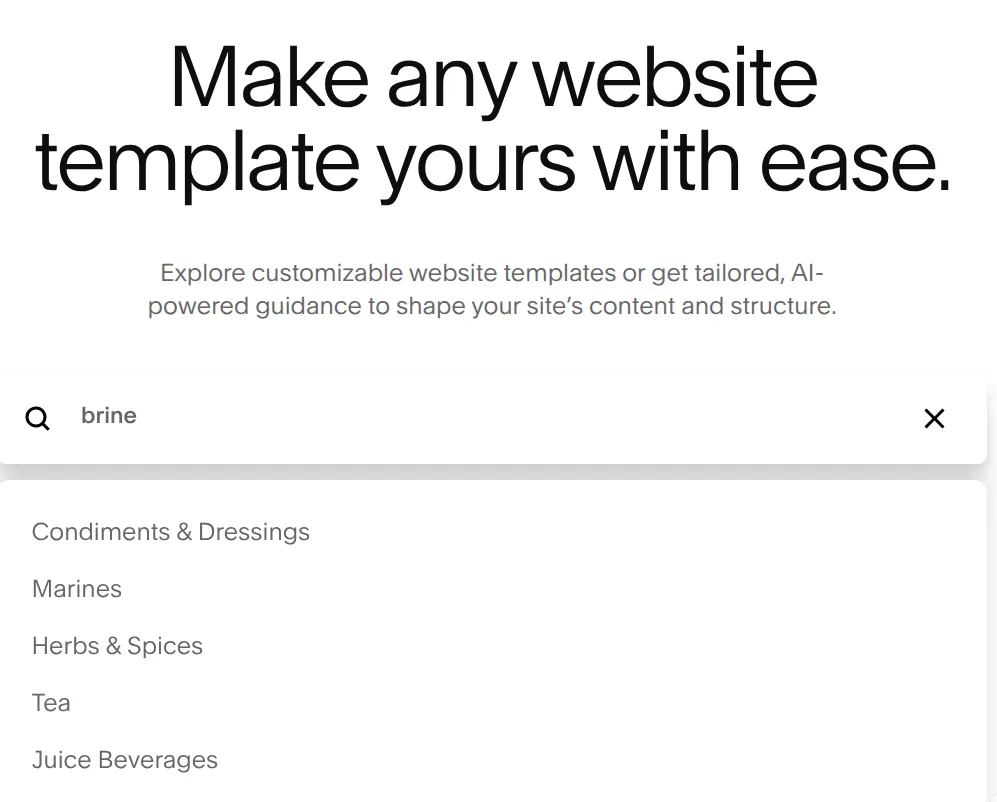
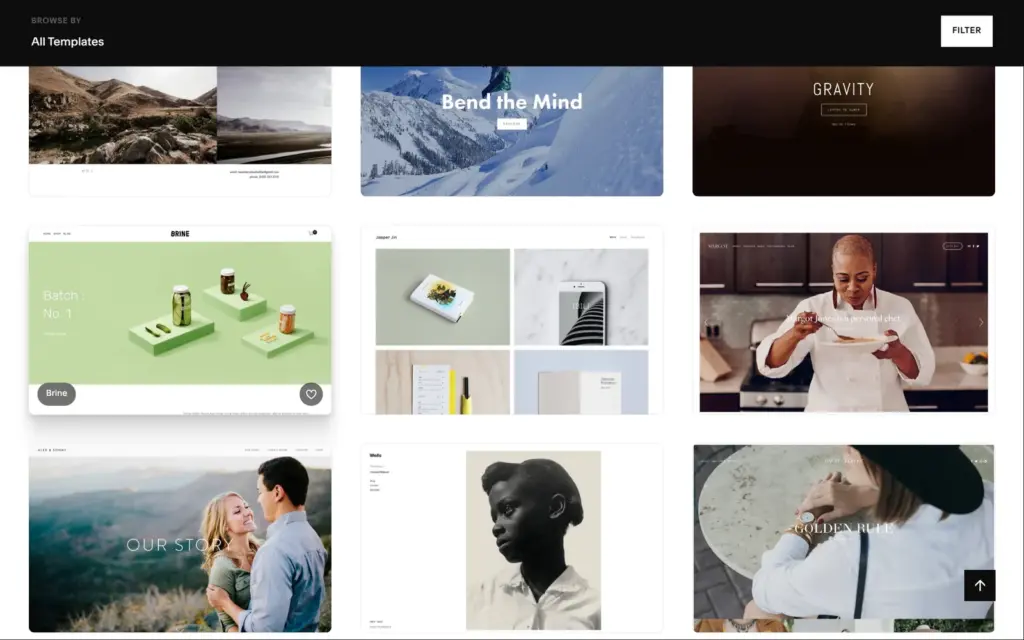
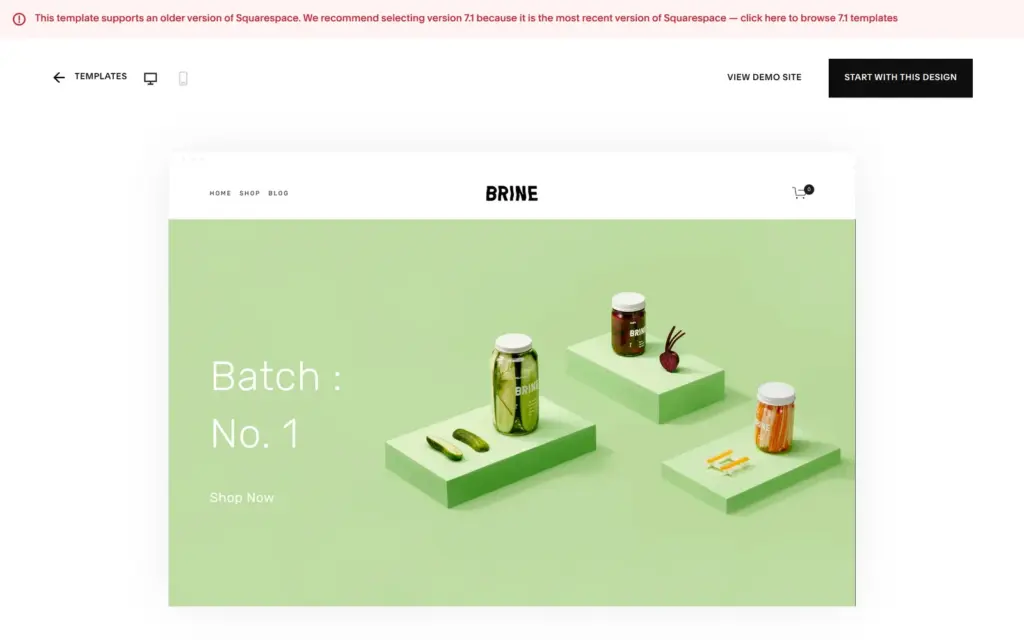
People still search for old template names like Brine or Bedford. These templates come from version 7.0, the older version of Squarespace. The gallery doesn't list them. When I typed Brine into its search, it suggested topics like Condiments & Dressings.
Squarespace keeps them in a separate store for version 7.0 with 89 templates. The main gallery doesn't link to it, but Squarespace's help center does. Brine is there, and its demo is a pickle shop. Its page warns that the template "supports an older version of Squarespace" and recommends version 7.1.
On version 7.0, each template family has its own features, and you can switch to another template without losing your content. The help center says you can still start a new trial with a 7.0 template. I didn't try that.
Some names people look for, like Paloma or Hester, are 7.1 templates. They're in the main gallery.
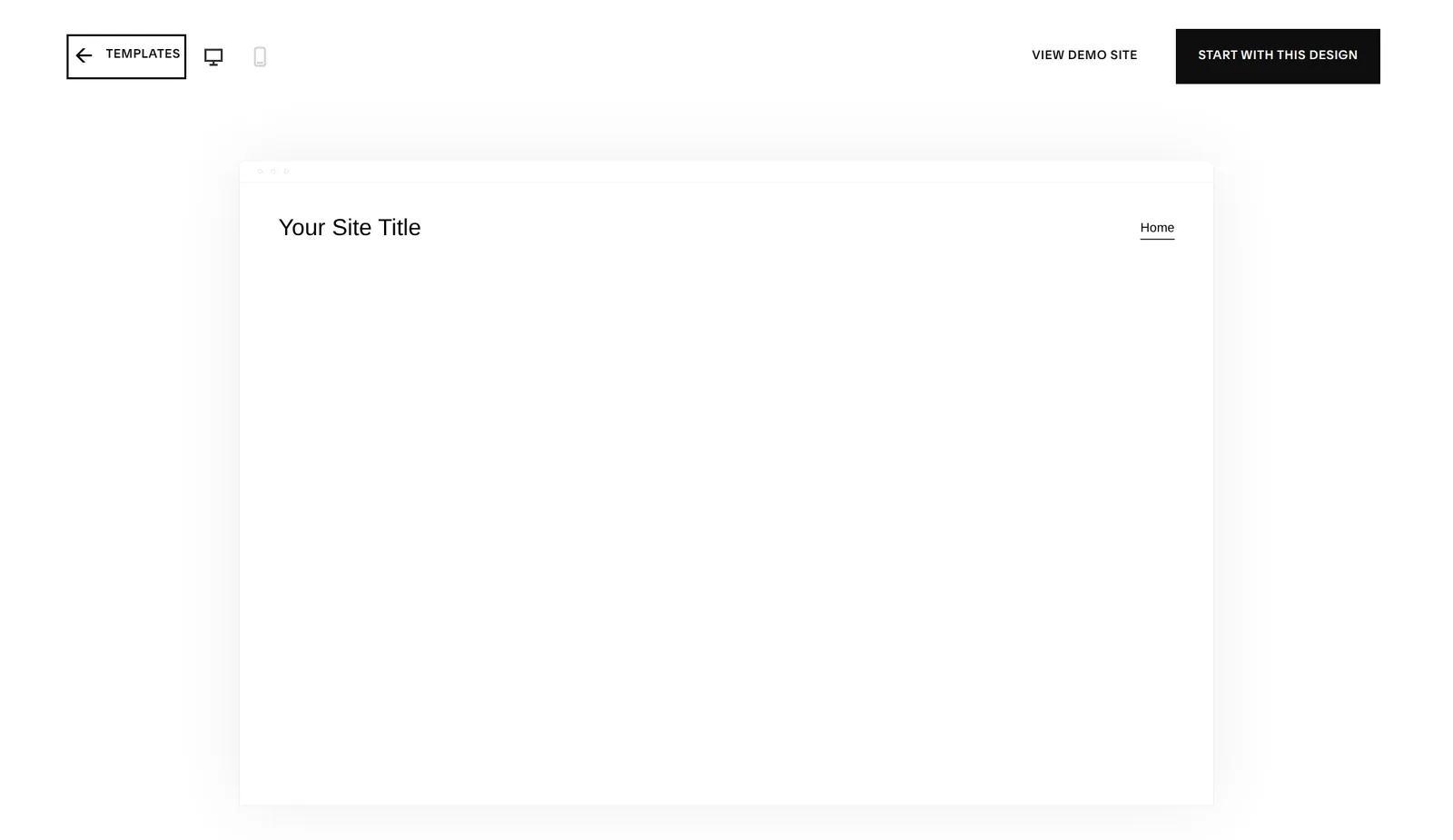
Yes, but the gallery doesn't show it. Squarespace's help center links to Blank, a template with an empty page and "Your Site Title" in the header. It's free like the others.
Basic is the cheapest plan. When I checked from Germany on November 3, 2026, it cost €12 a month with yearly billing or €17 with monthly billing, plus VAT. In the US it costs $14 or $20. The template doesn't change the price. I compared all four plans and what the trial can't do in Is Squarespace free?
Squarespace doesn't sell templates. Its help center says outside designers can't sell templates for Squarespace sites. You'll find design shops that sell their own Squarespace templates. They aren't in the gallery, and I didn't buy one.
 What I'm building
Give Vroni a GitHub issue, bug report, spec, or rough idea. It reads the repo, plans the change, writes code, runs checks, and works toward a review-ready pull request.
Take a look at vroni.com